Identity provider screen examples
Identity provider screen design examples from SaaS apps. Browse examples from Ona, Okta, Kinsta.
Explore the examples
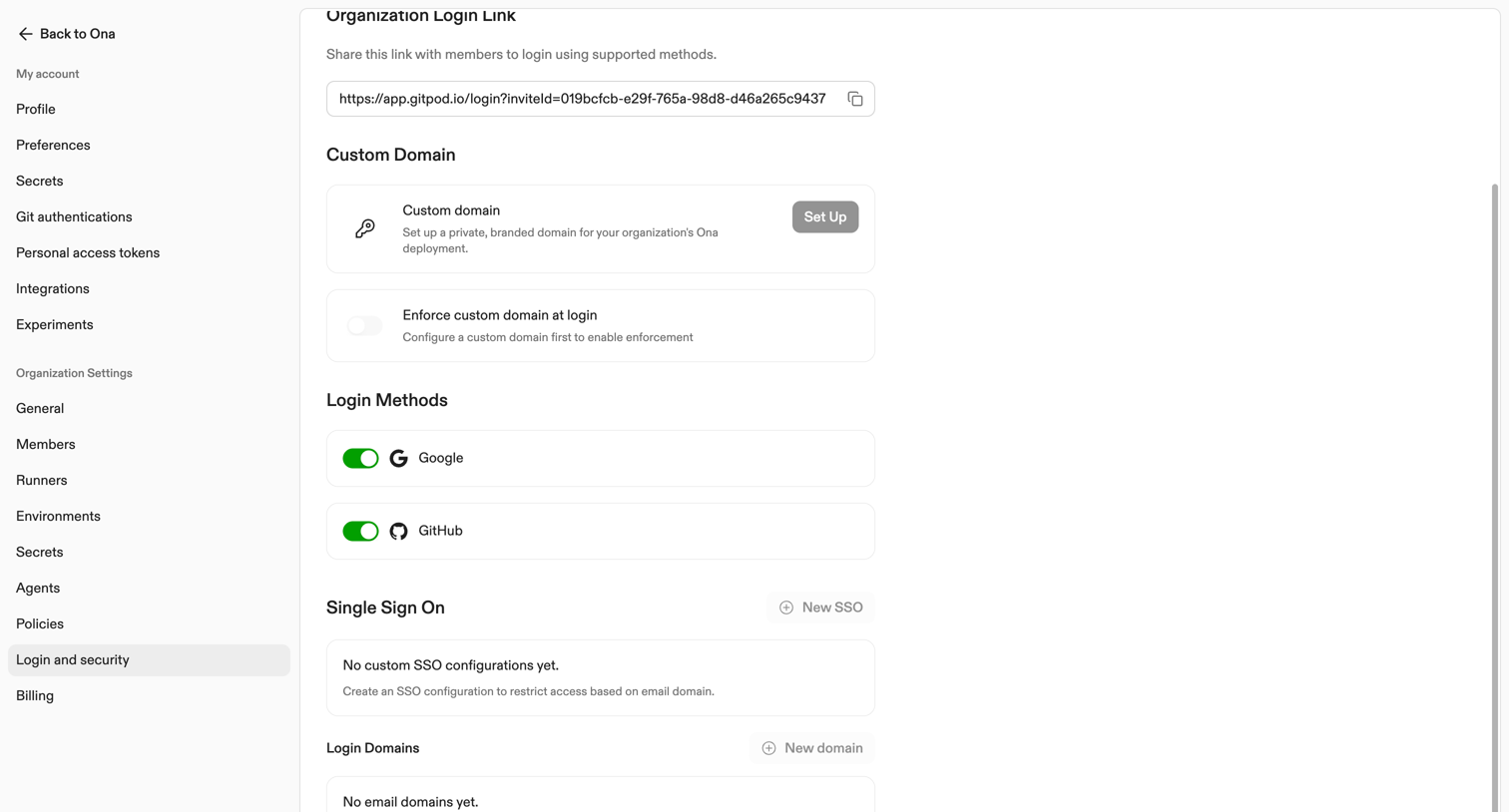

Settings page where the user configures organization login links, custom domains, supported login methods like Google and GitHub, and single sign-on configurations.
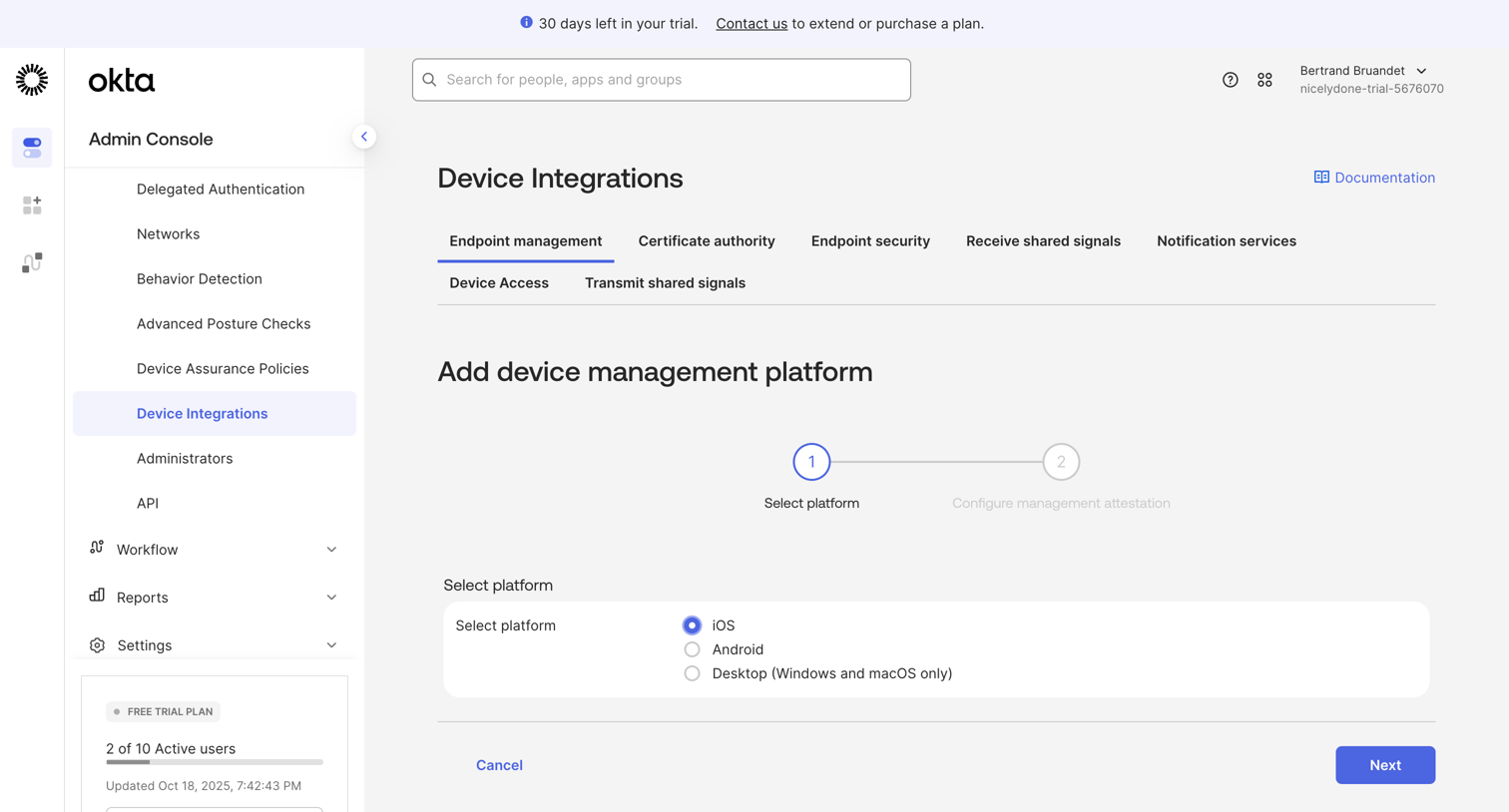

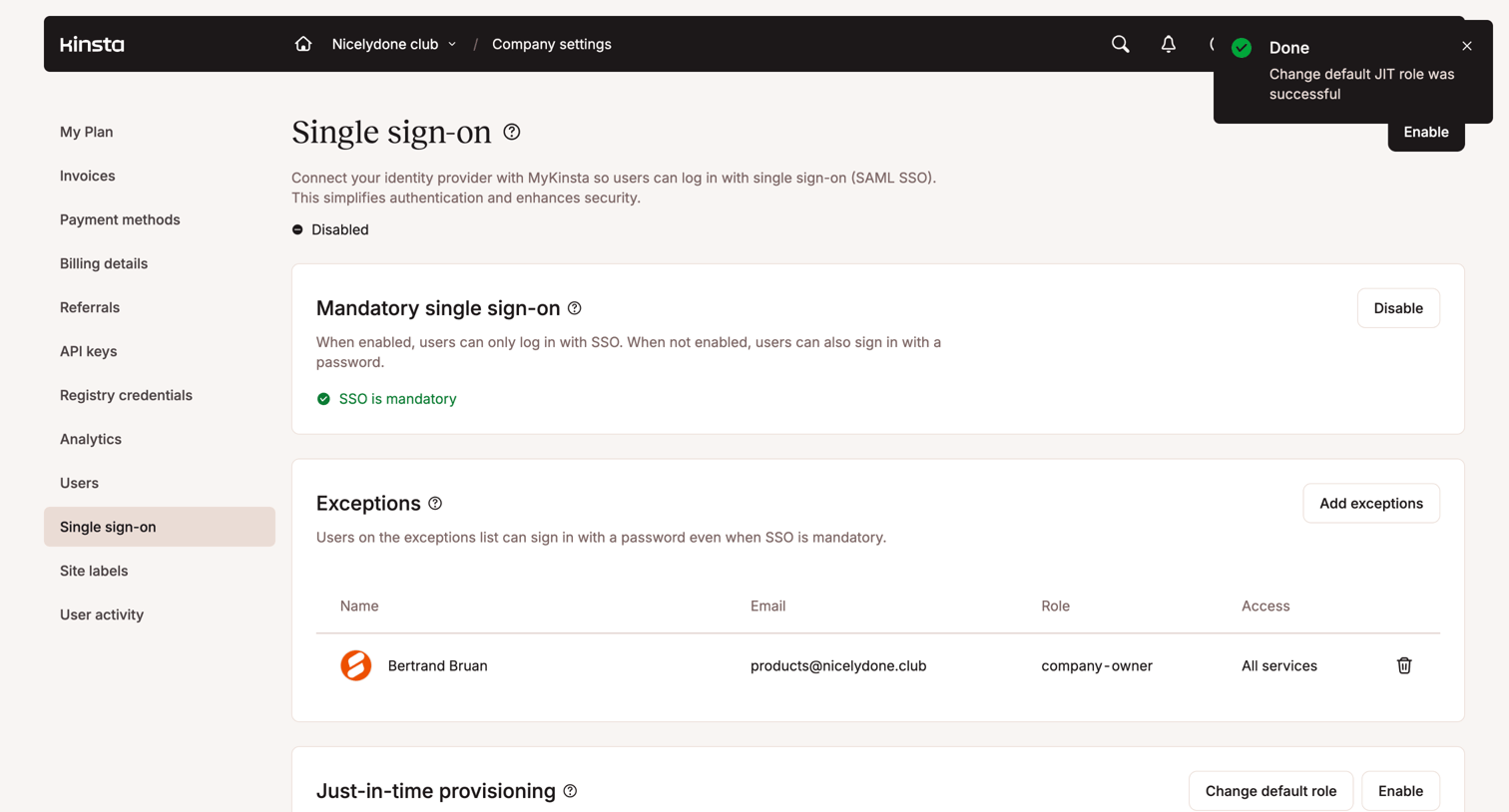

Settings page where the user configures single sign-on (SSO), mandatory SSO, exceptions, and just-in-time provisioning.
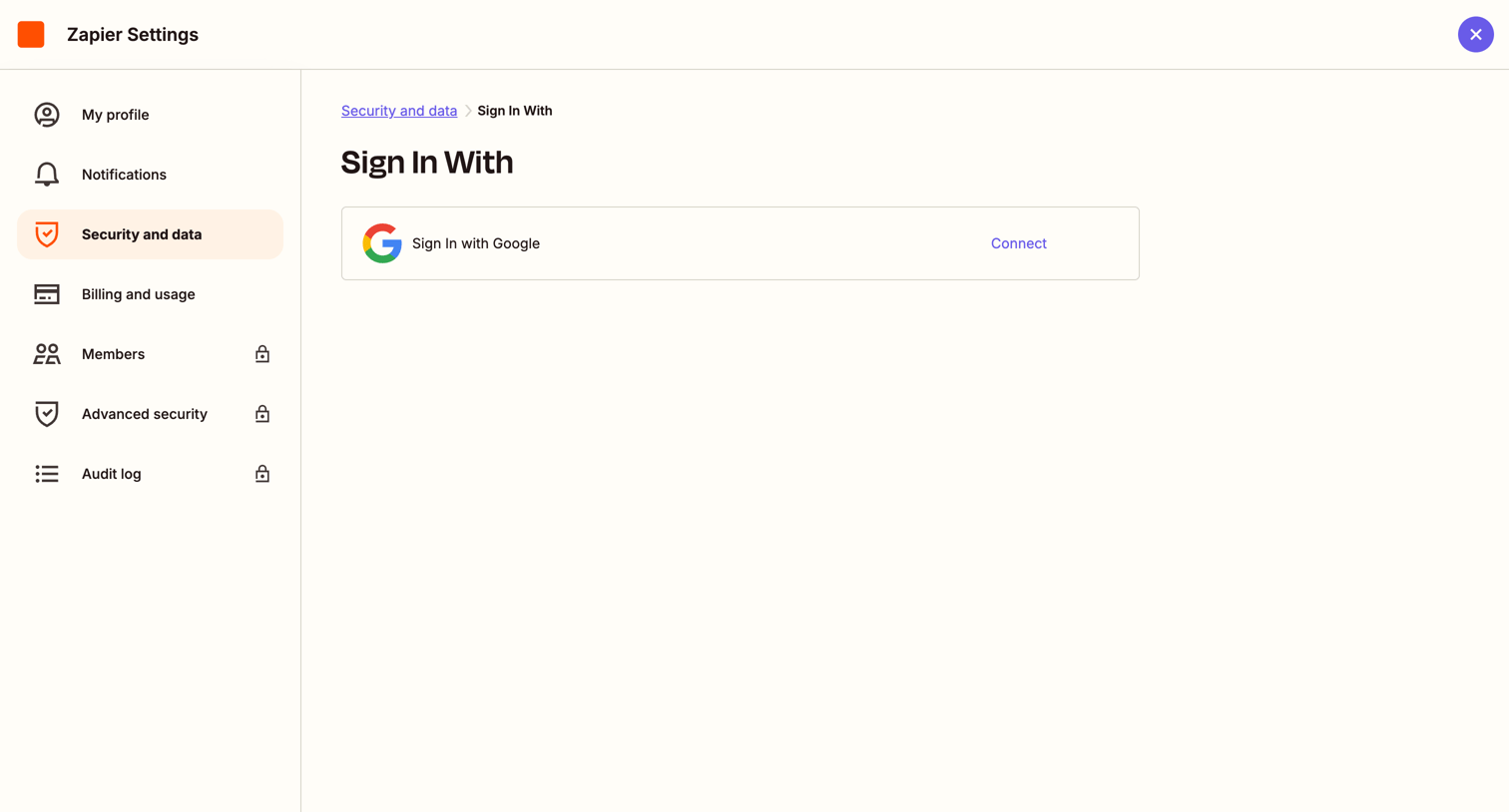

Settings page where the user can connect their Google account to enable single sign-on.
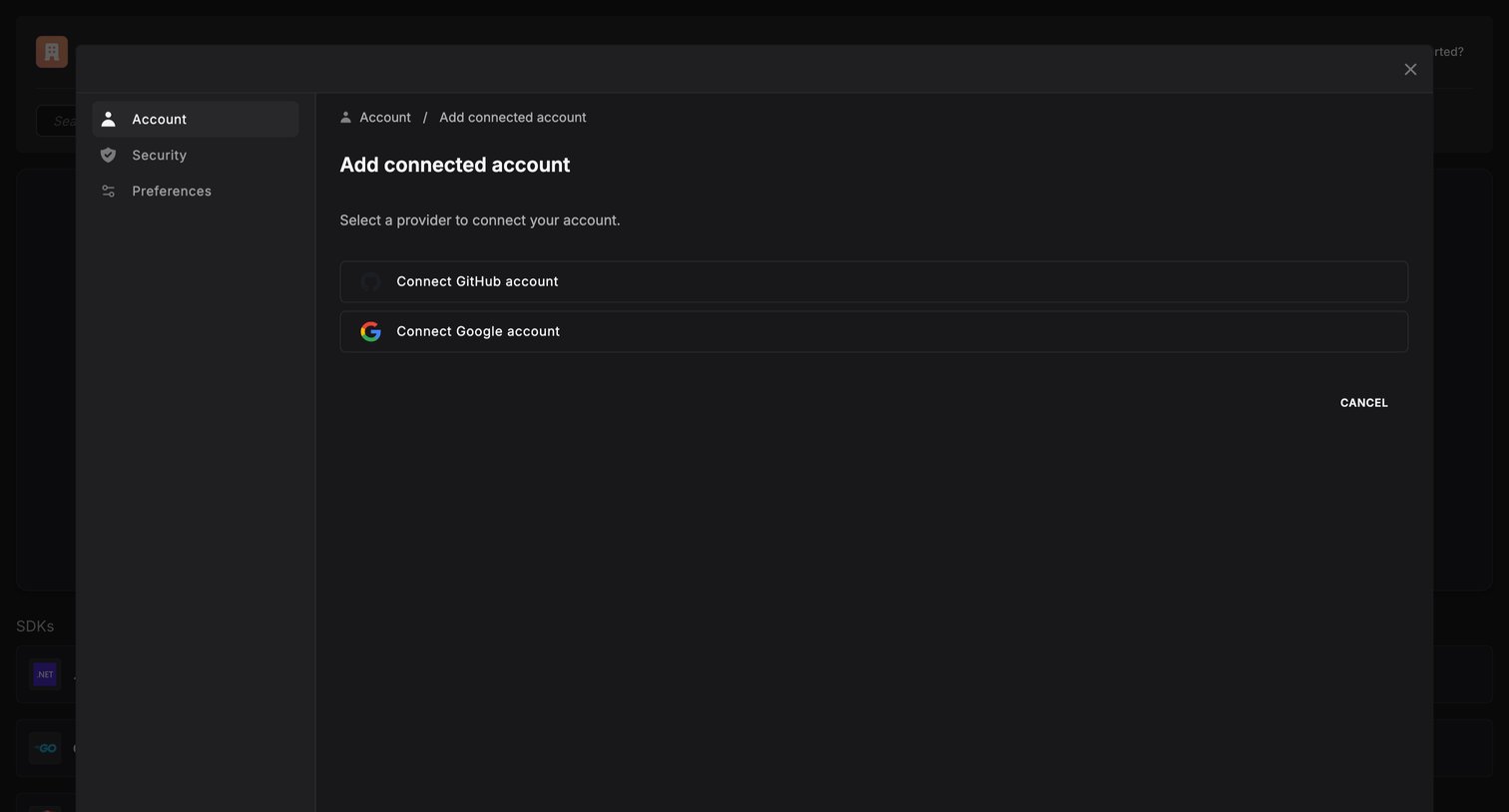

Settings modal where the user selects an identity provider like GitHub or Google to connect to their account.
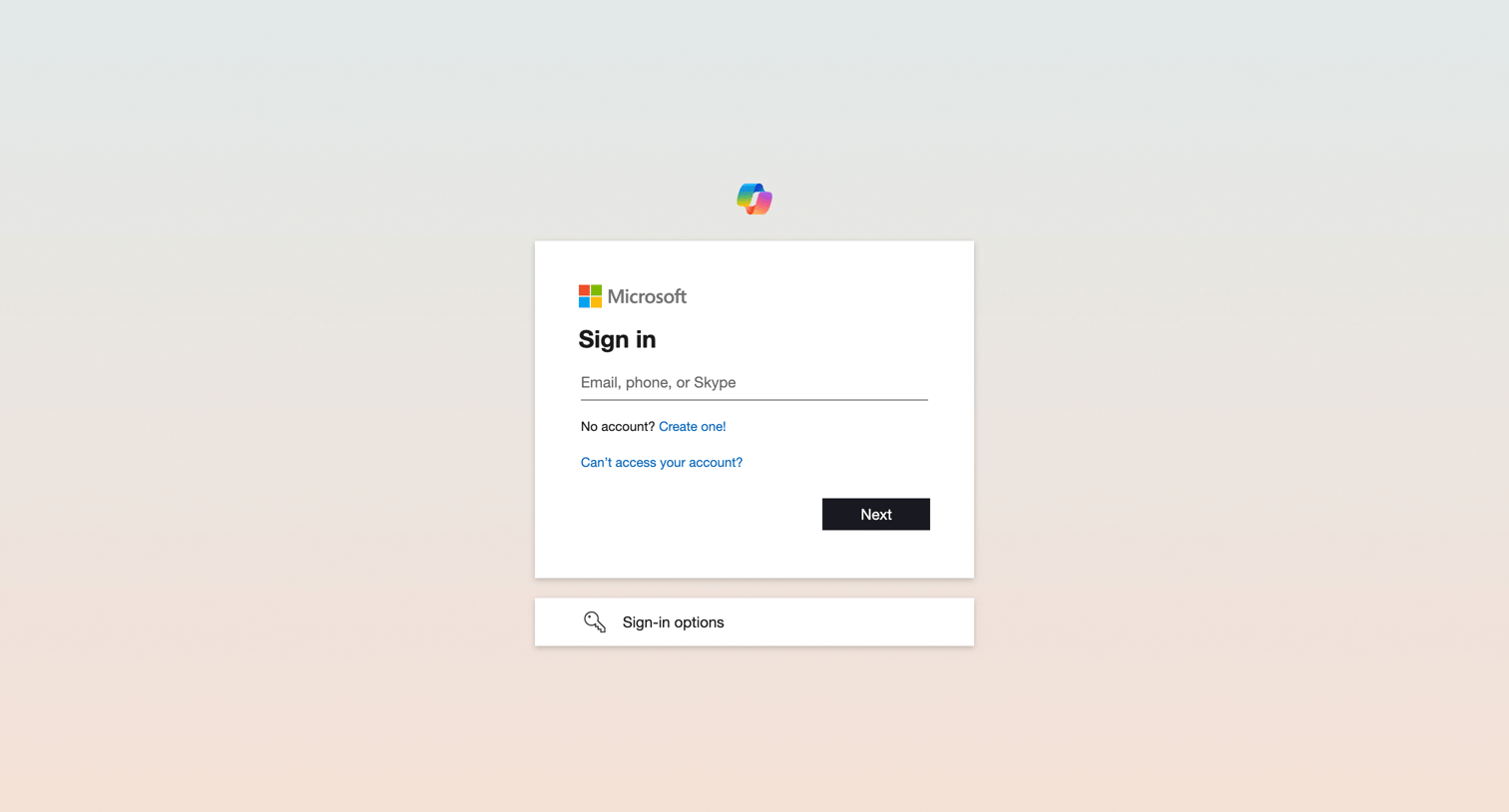

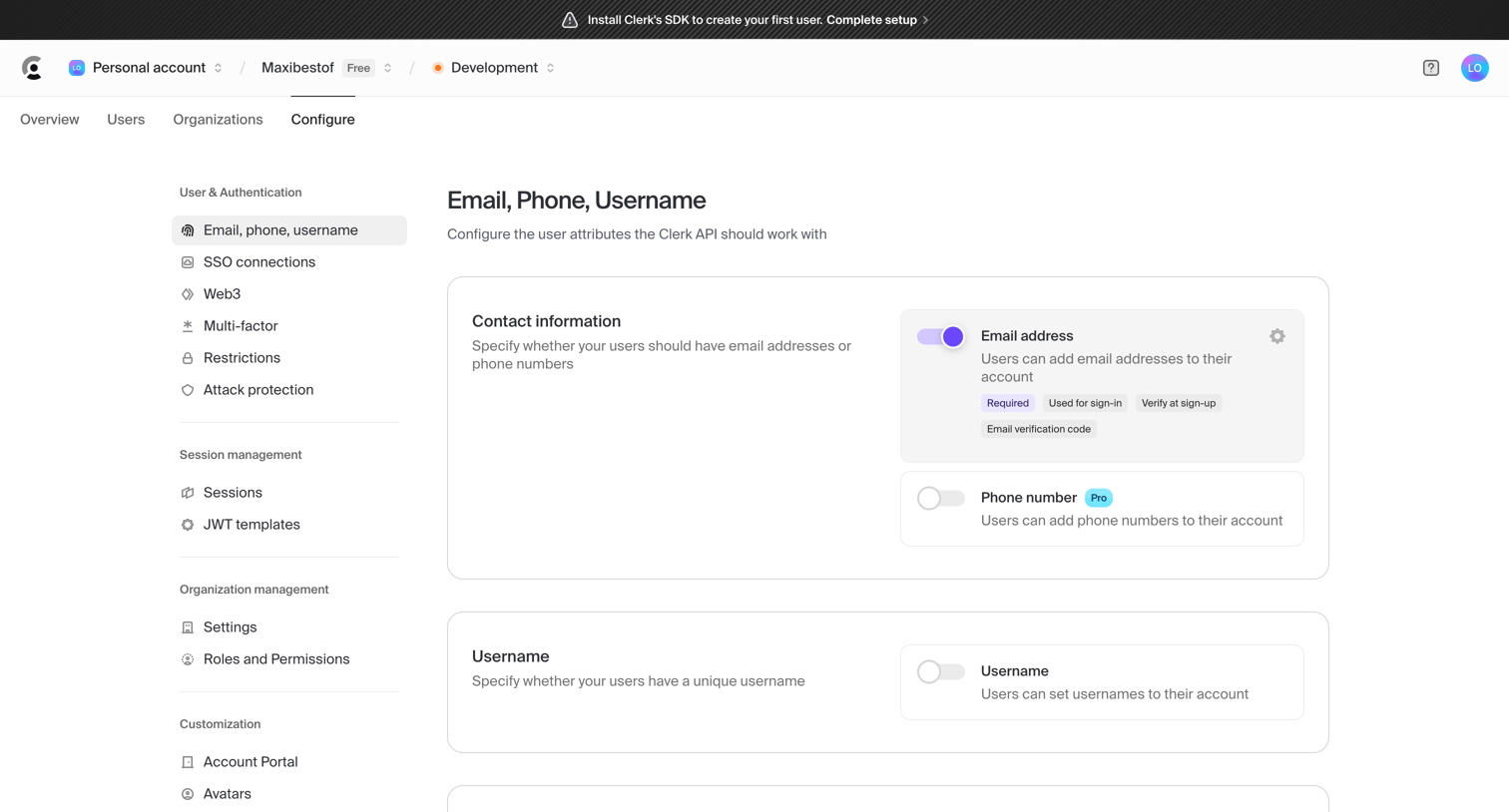

Settings page where the user configures authentication methods like email, phone, username, and password strategies.
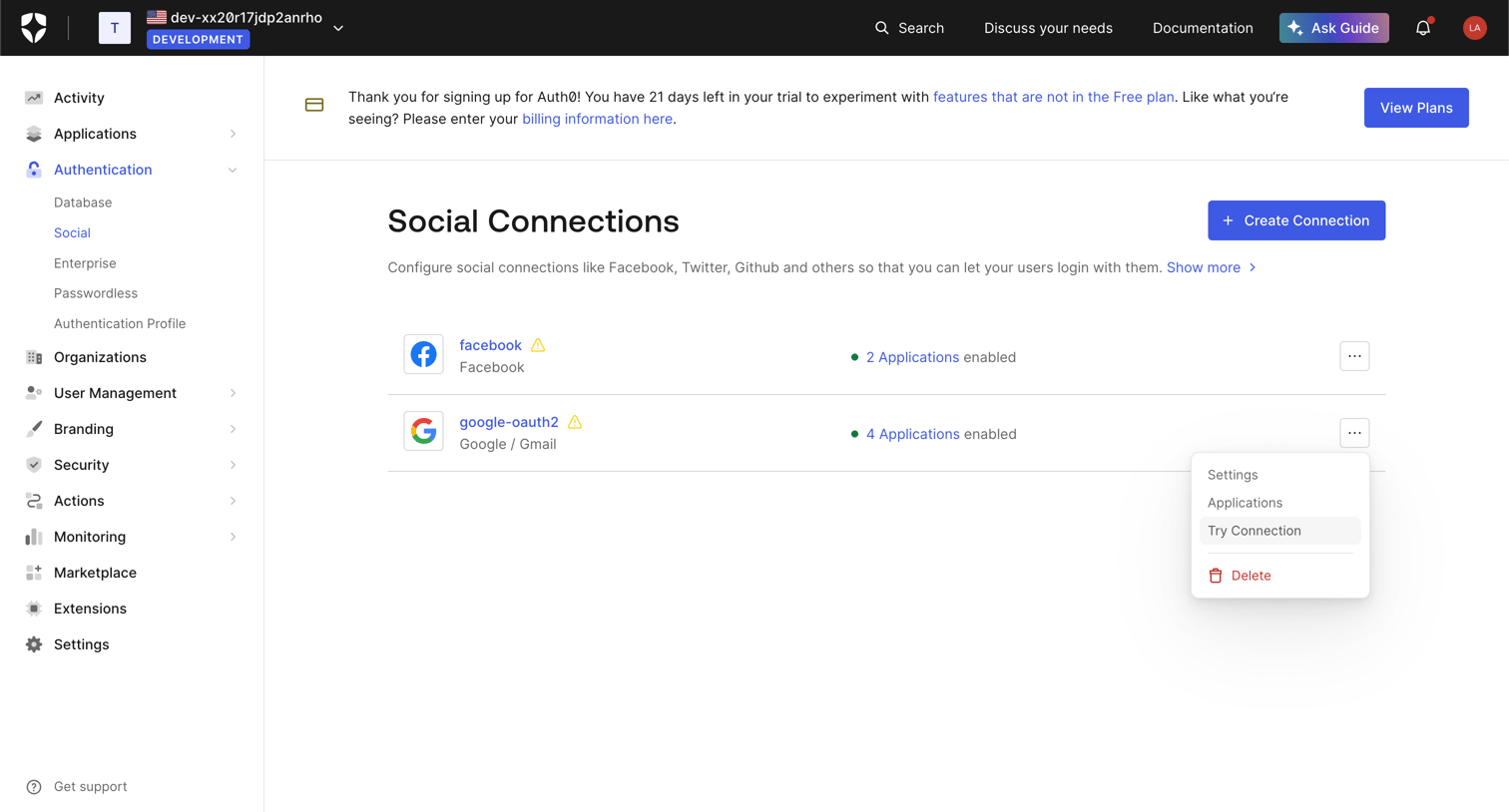

Settings page where the user configures social login providers like Facebook and Google for their Auth0 tenant.
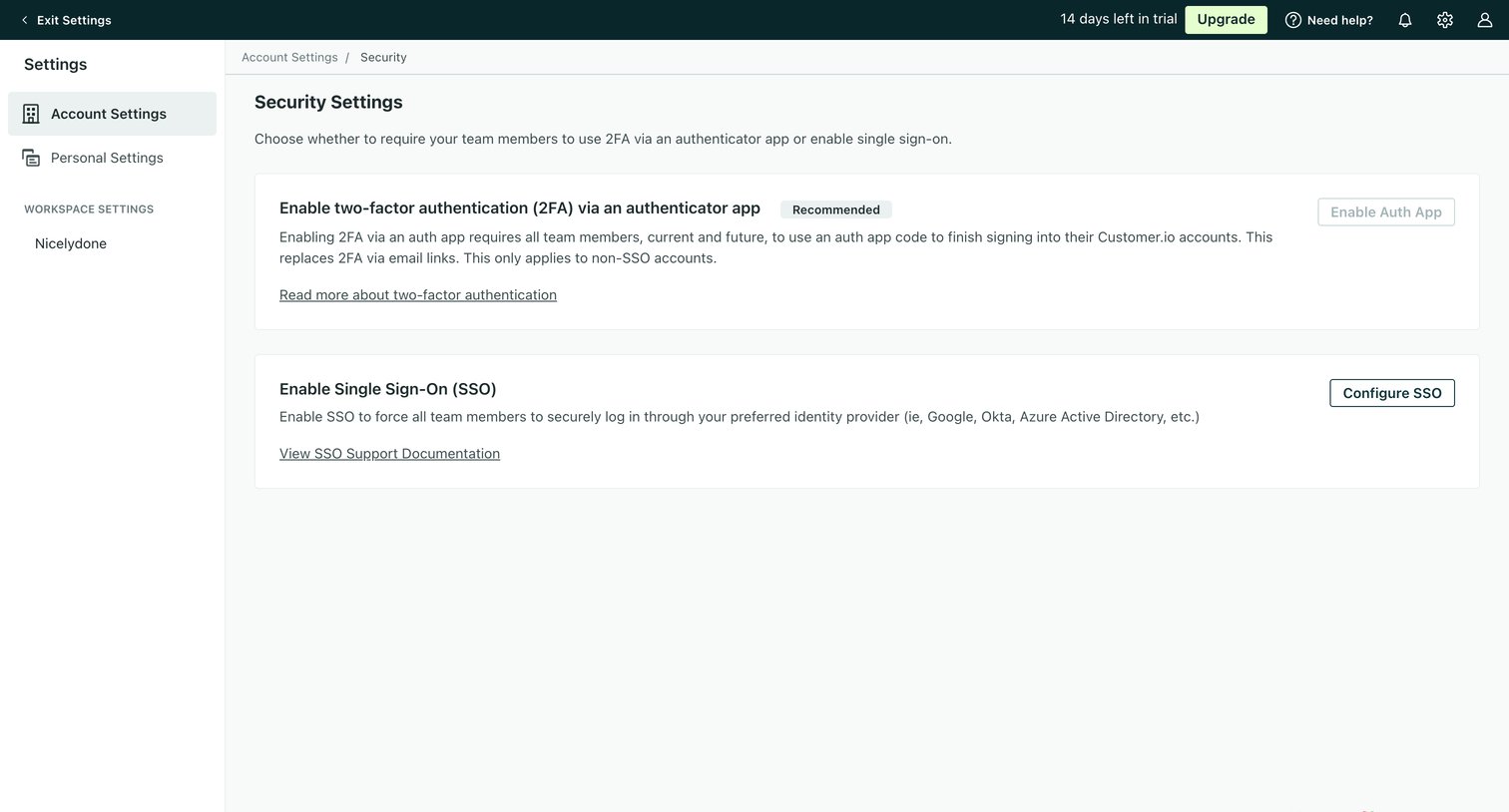

Settings page where the user configures workspace security by enabling two-factor authentication via an authenticator app or setting up single sign-on.
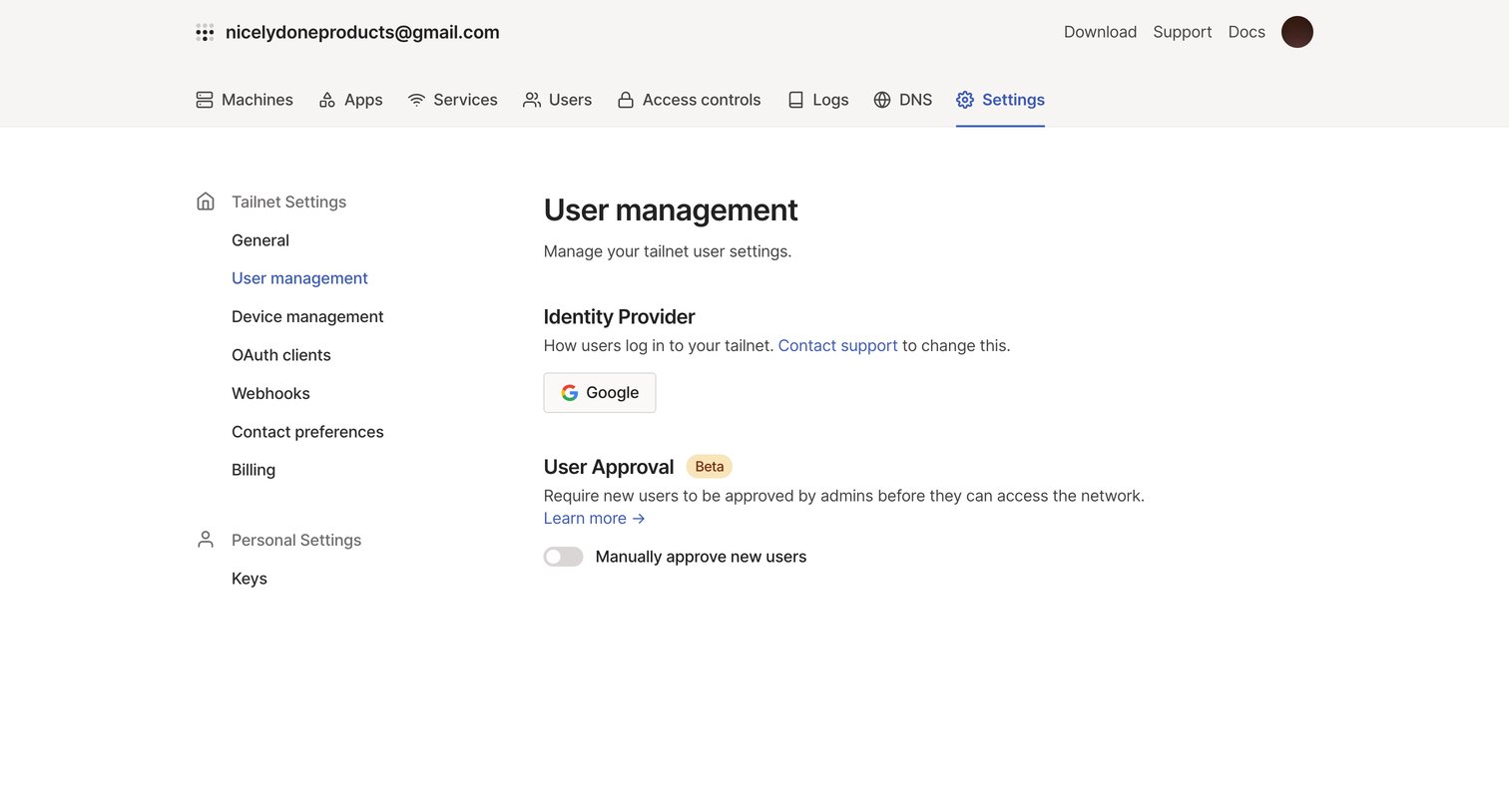

Settings page where the user configures the identity provider and manual user approval for their tailnet.
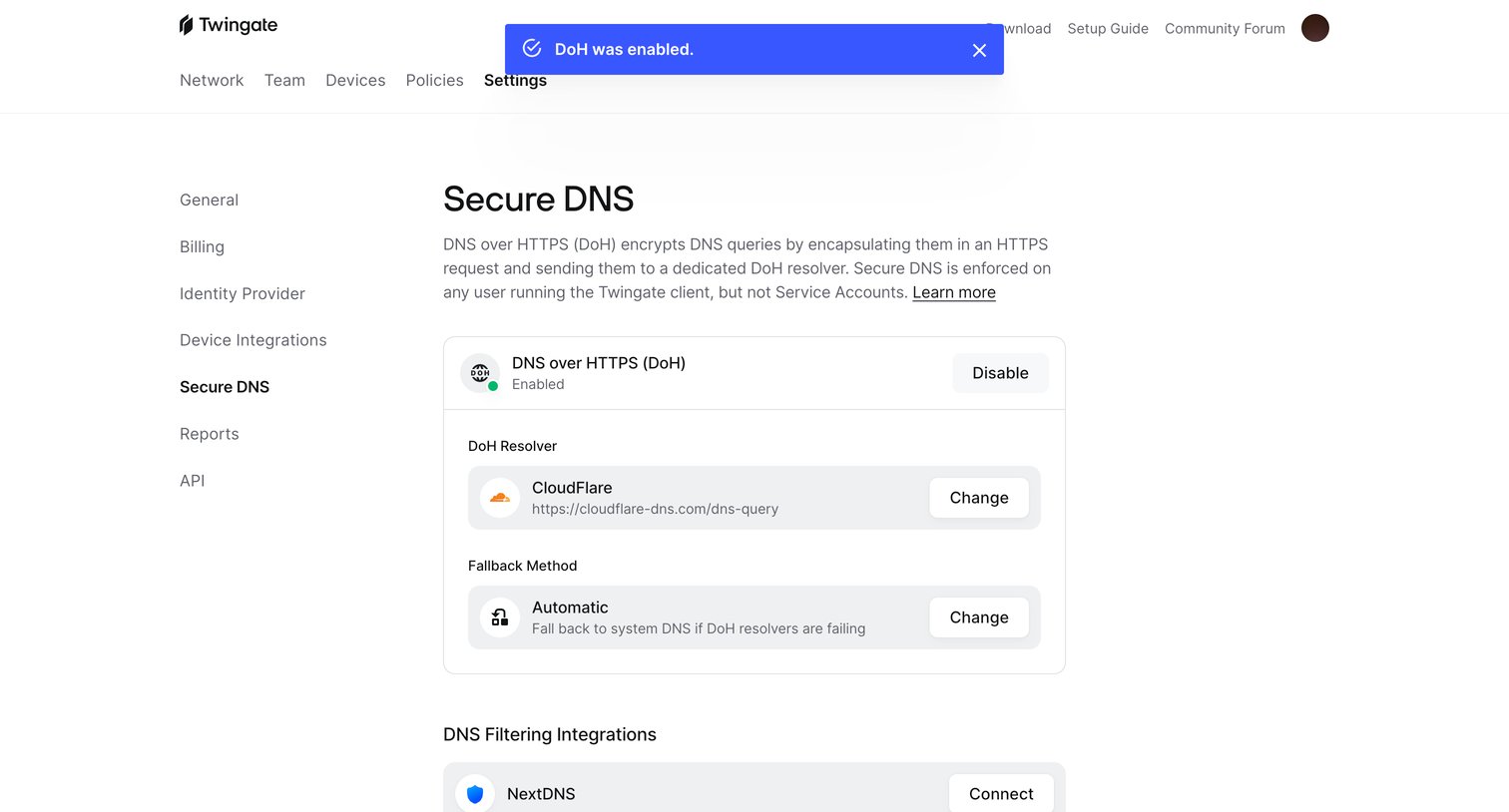

Settings page where the user configures Secure DNS via DNS over HTTPS (DoH), sets the resolver, fallback method, and connects filtering integrations like NextDNS.
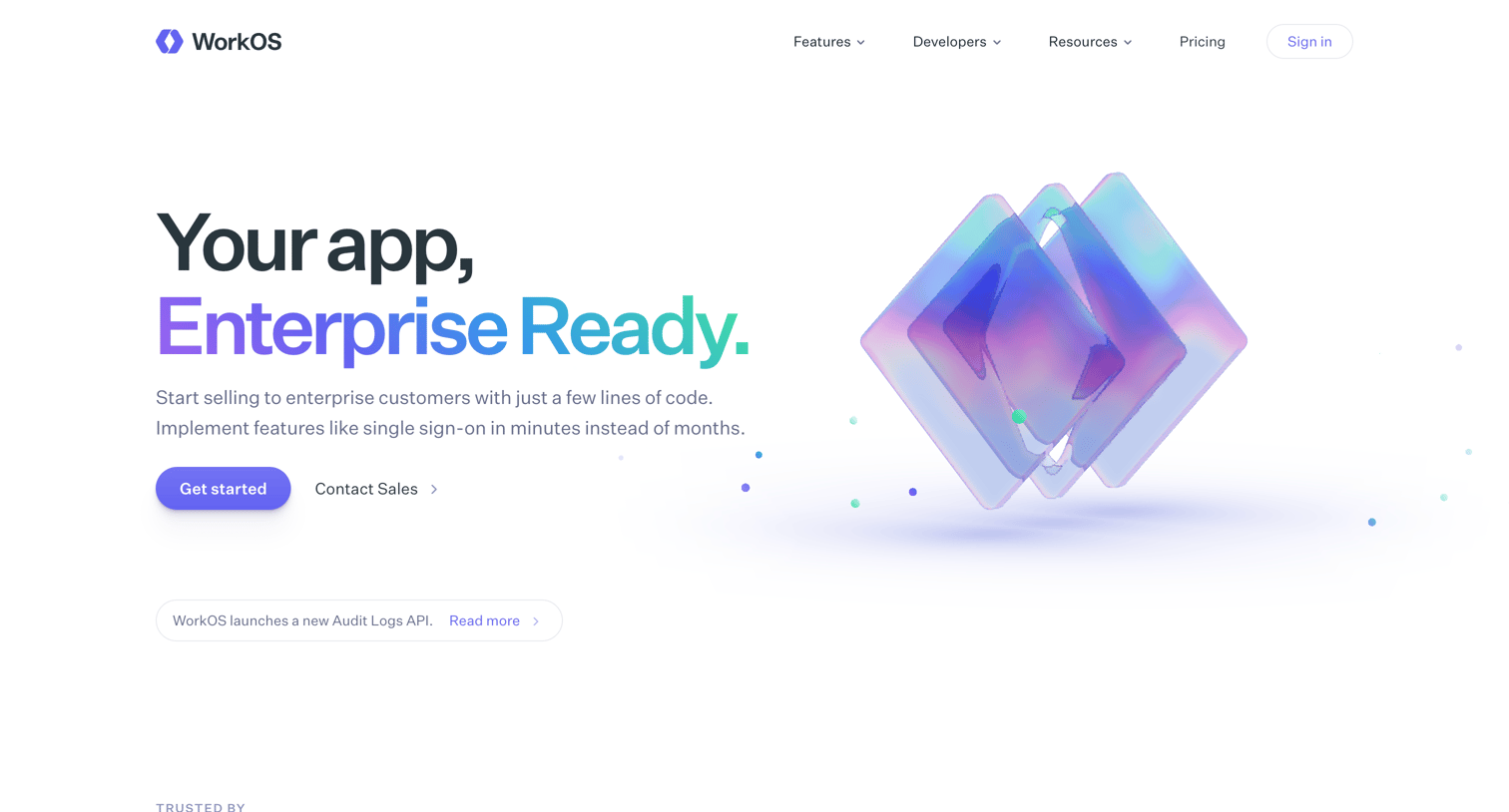

Landing page where the user explores enterprise SSO, directory sync, and IT admin features, with code snippets and customer testimonials.
Explore the full SaaS screen library
Upgrade to unlock the full library.
Trusted by the best teams







