Tailscale design examples
Explore Tailscale UI design examples. Best VPN service for secure networks
Product screens
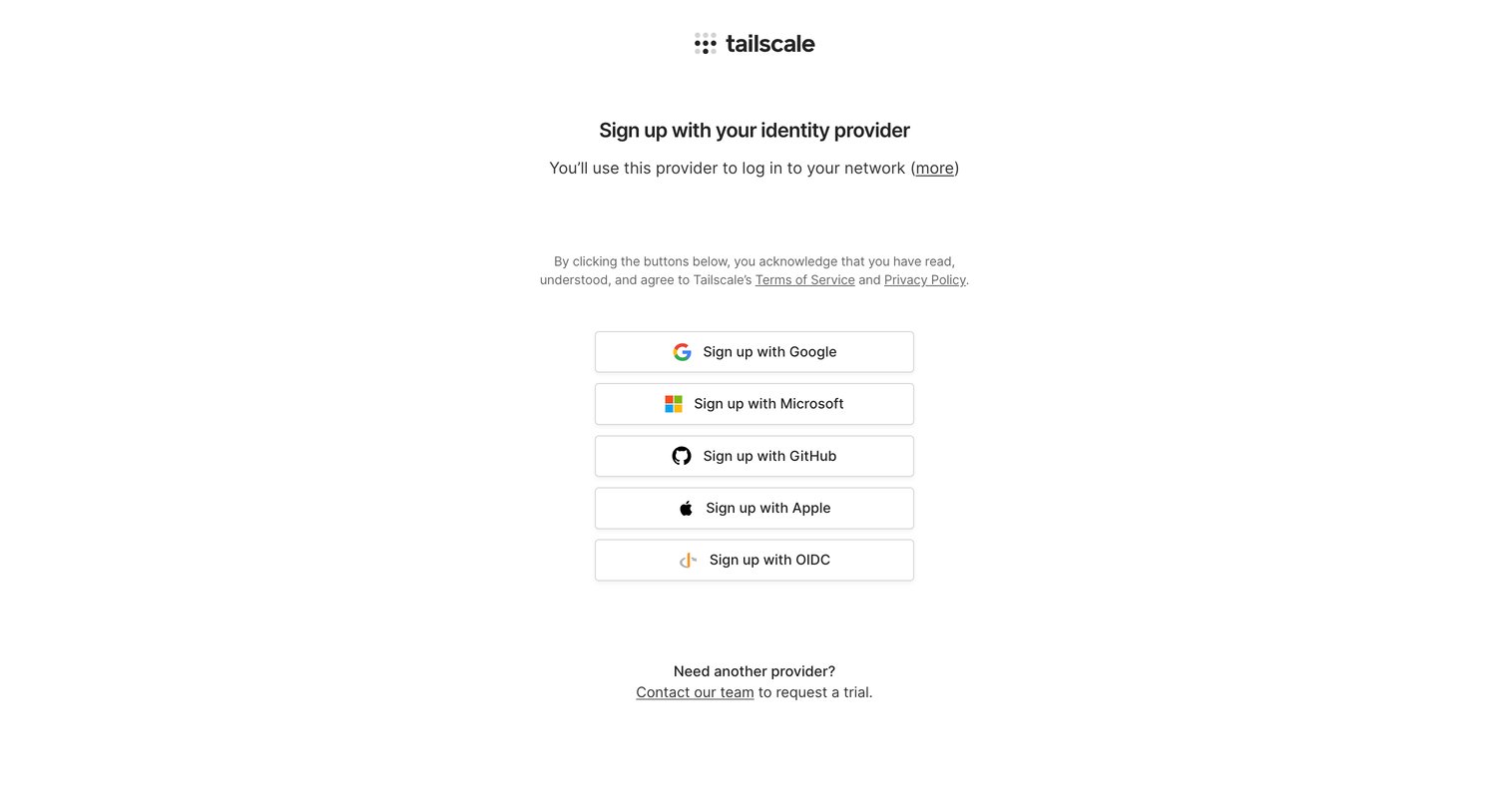

Signup screen where the user selects an identity provider like Google, Microsoft, GitHub, Apple, or OIDC to create their network.
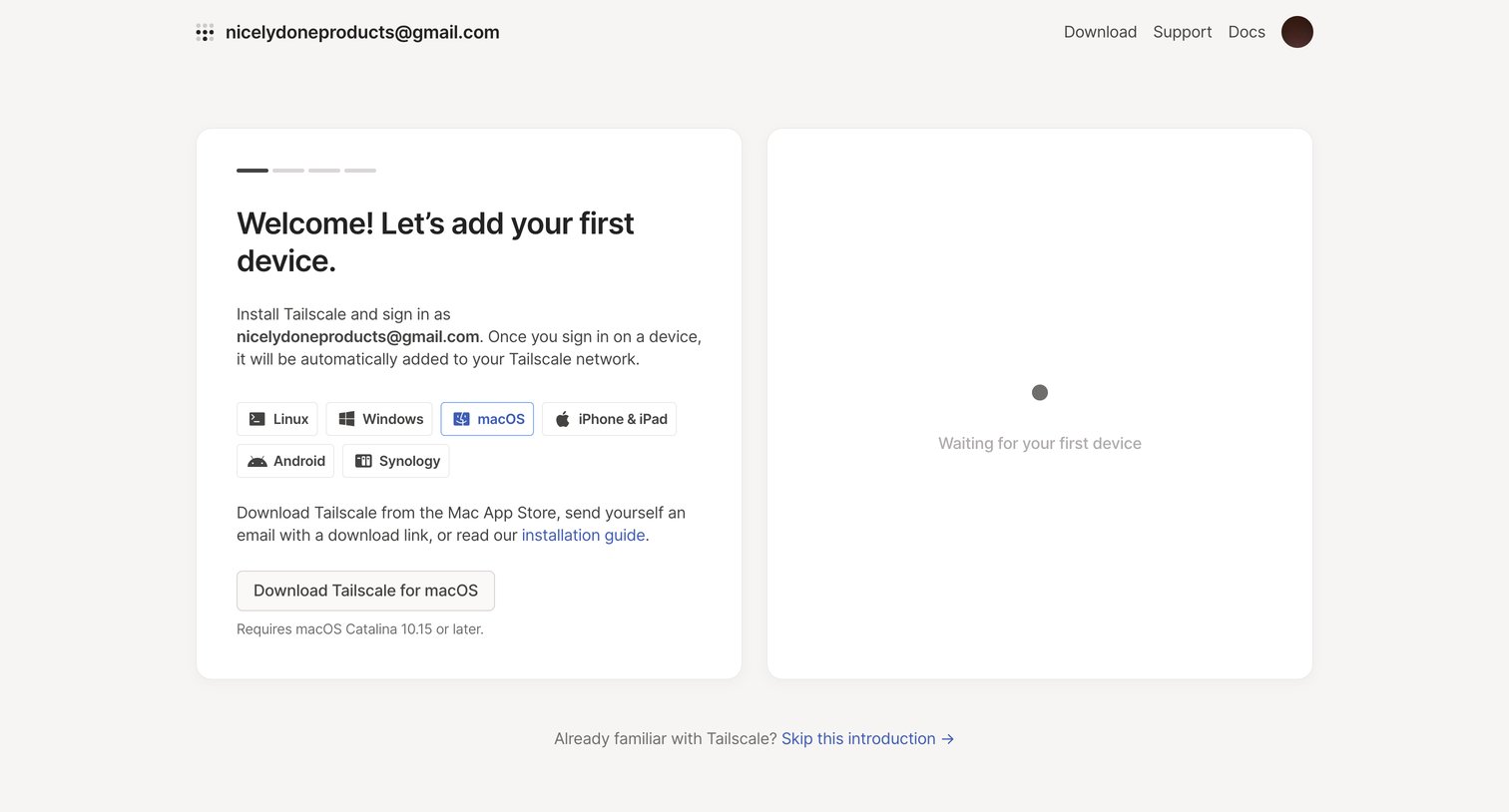
Onboarding screen where the user selects their operating system to download the Tailscale app, while a secondary panel waits for the first device to connect.
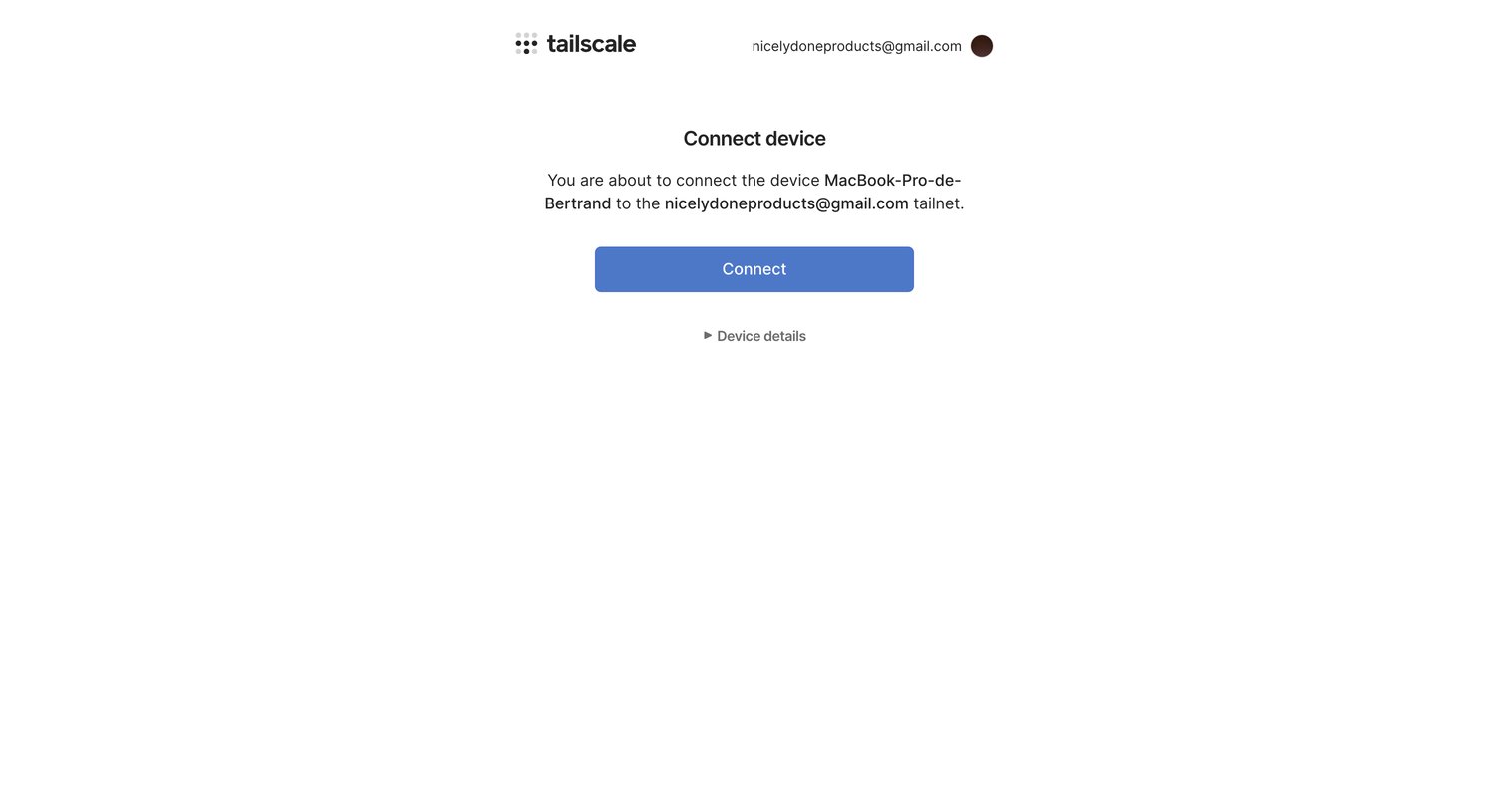
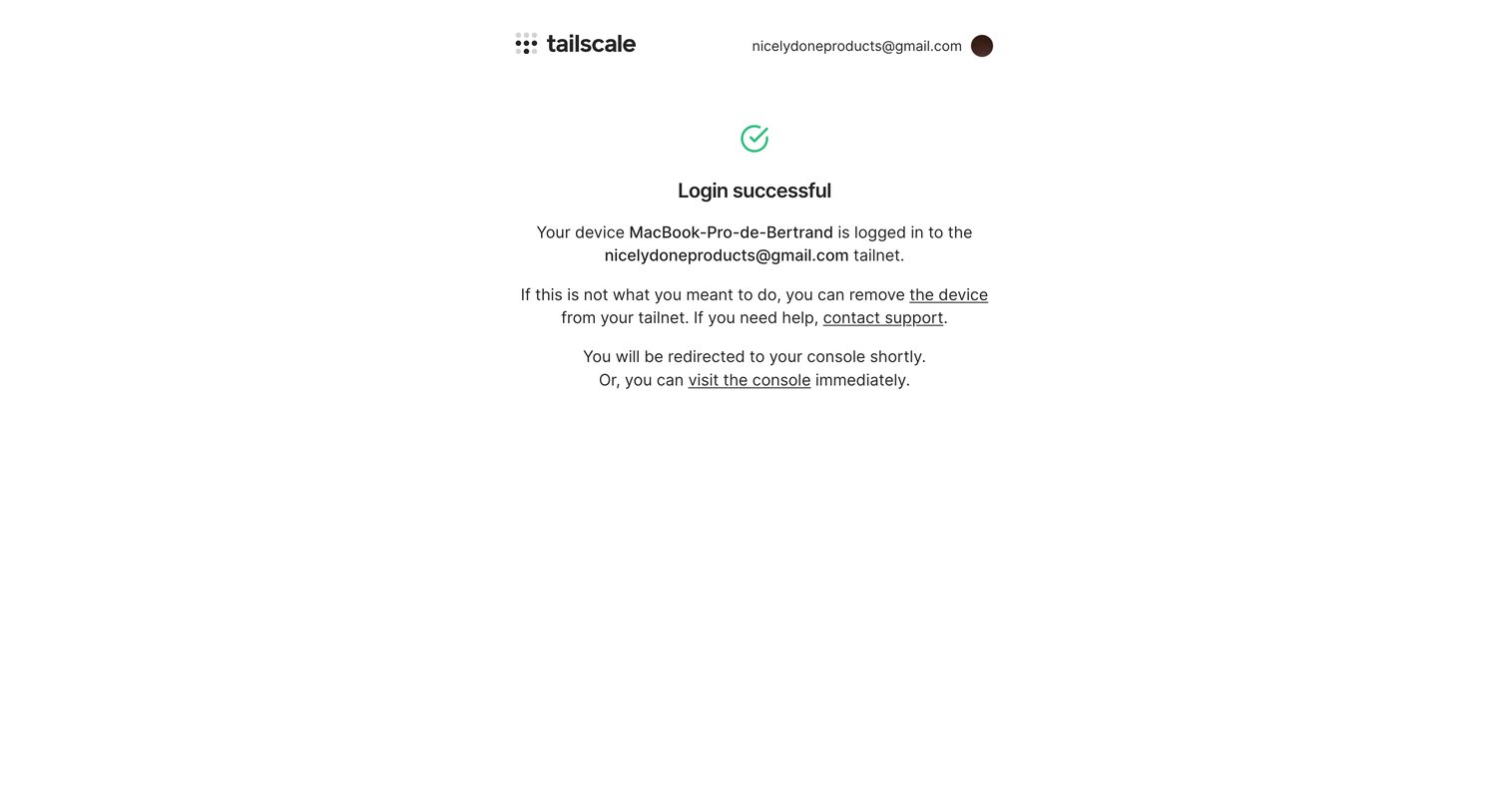
Authorization screen where the user confirms connecting their MacBook Pro to their tailnet.
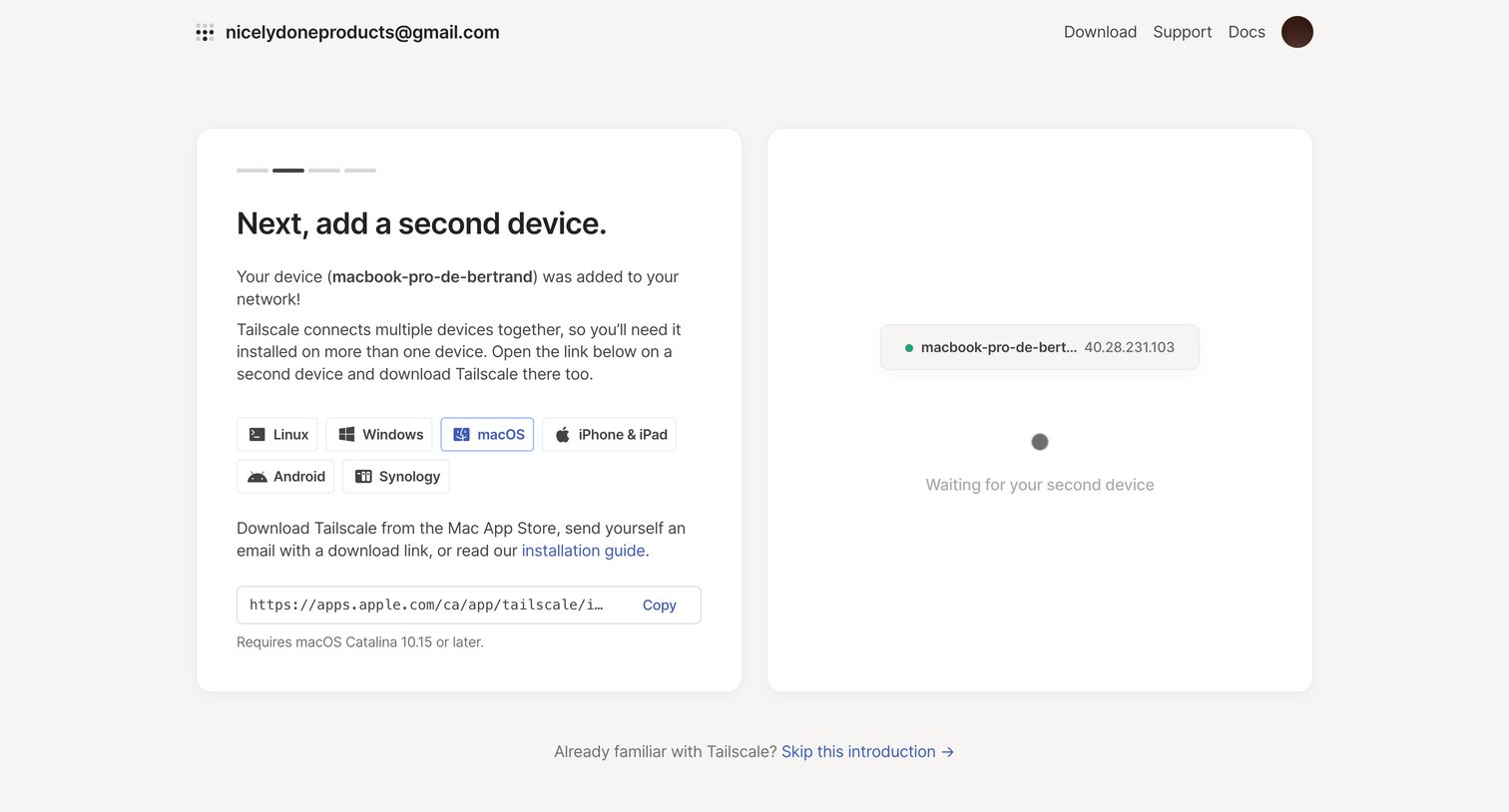
Onboarding step where the user is prompted to add a second device to their network by selecting an operating system and copying a download link.
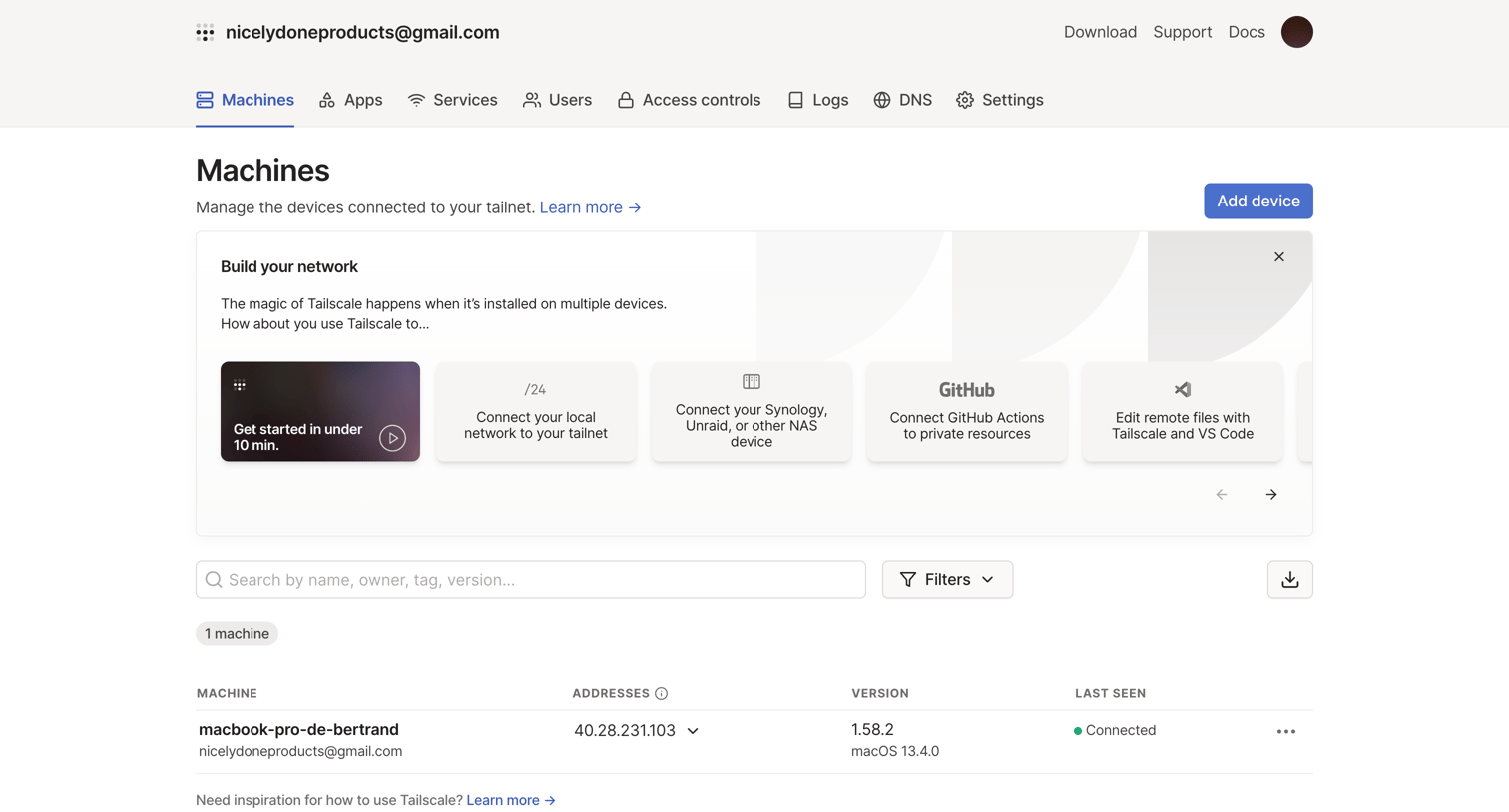
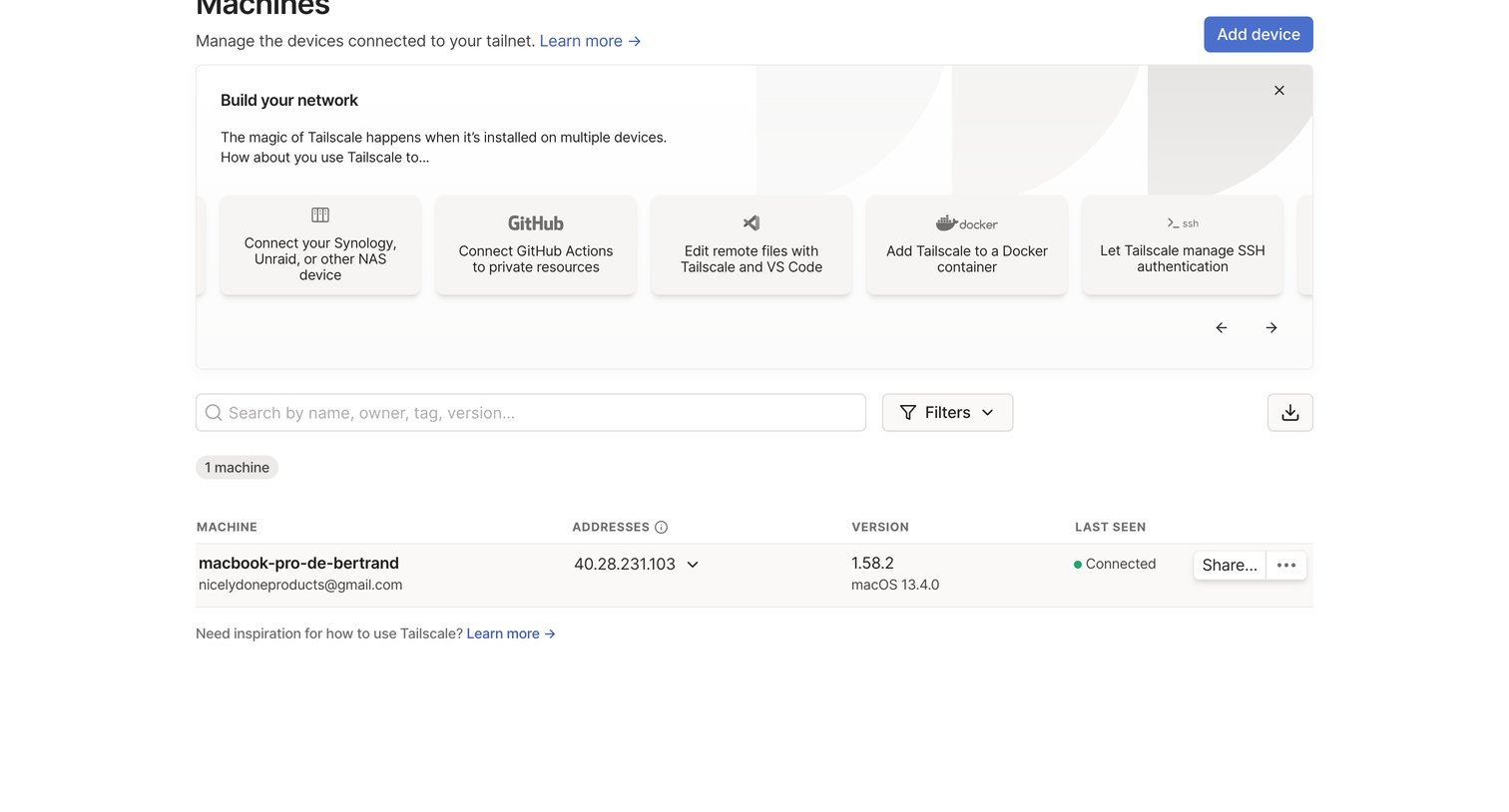
List view where the user manages connected devices, searches by attributes, and explores setup options via an onboarding banner.
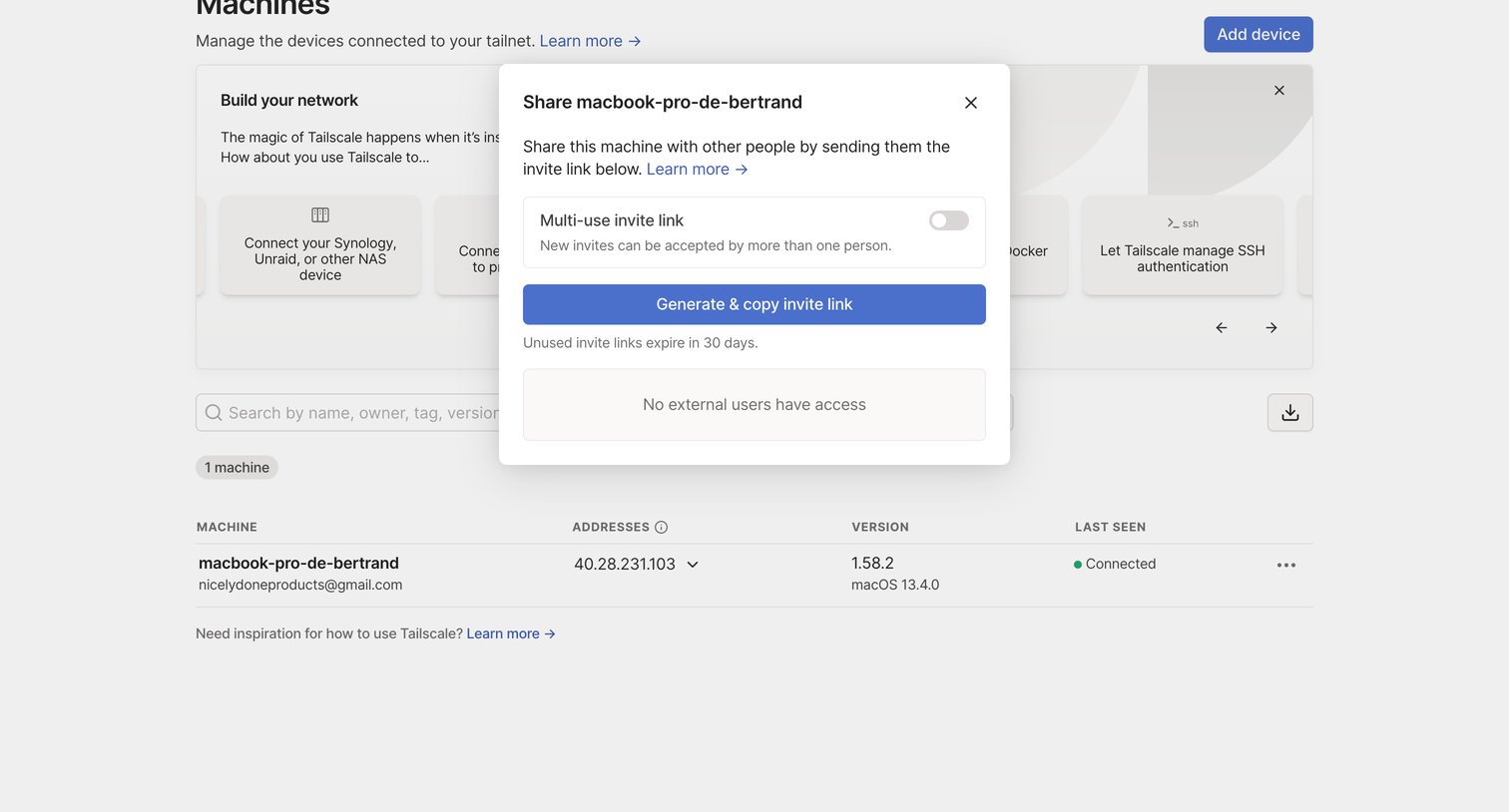
List view where the user can generate a multi-use invite link to share a specific machine with external users via a modal overlay.
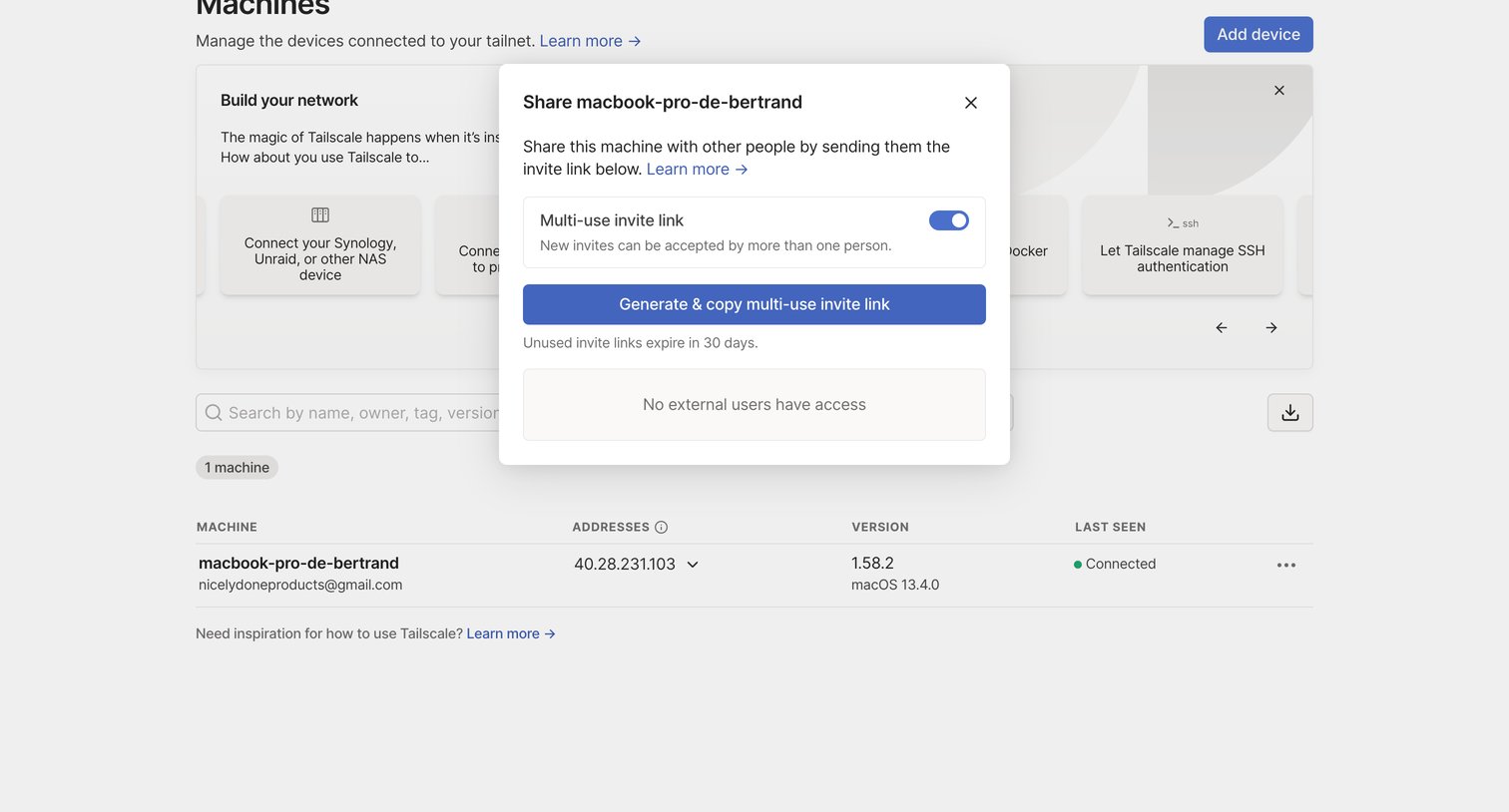
List view of connected network devices where the user is generating a multi-use invite link to share a specific machine.
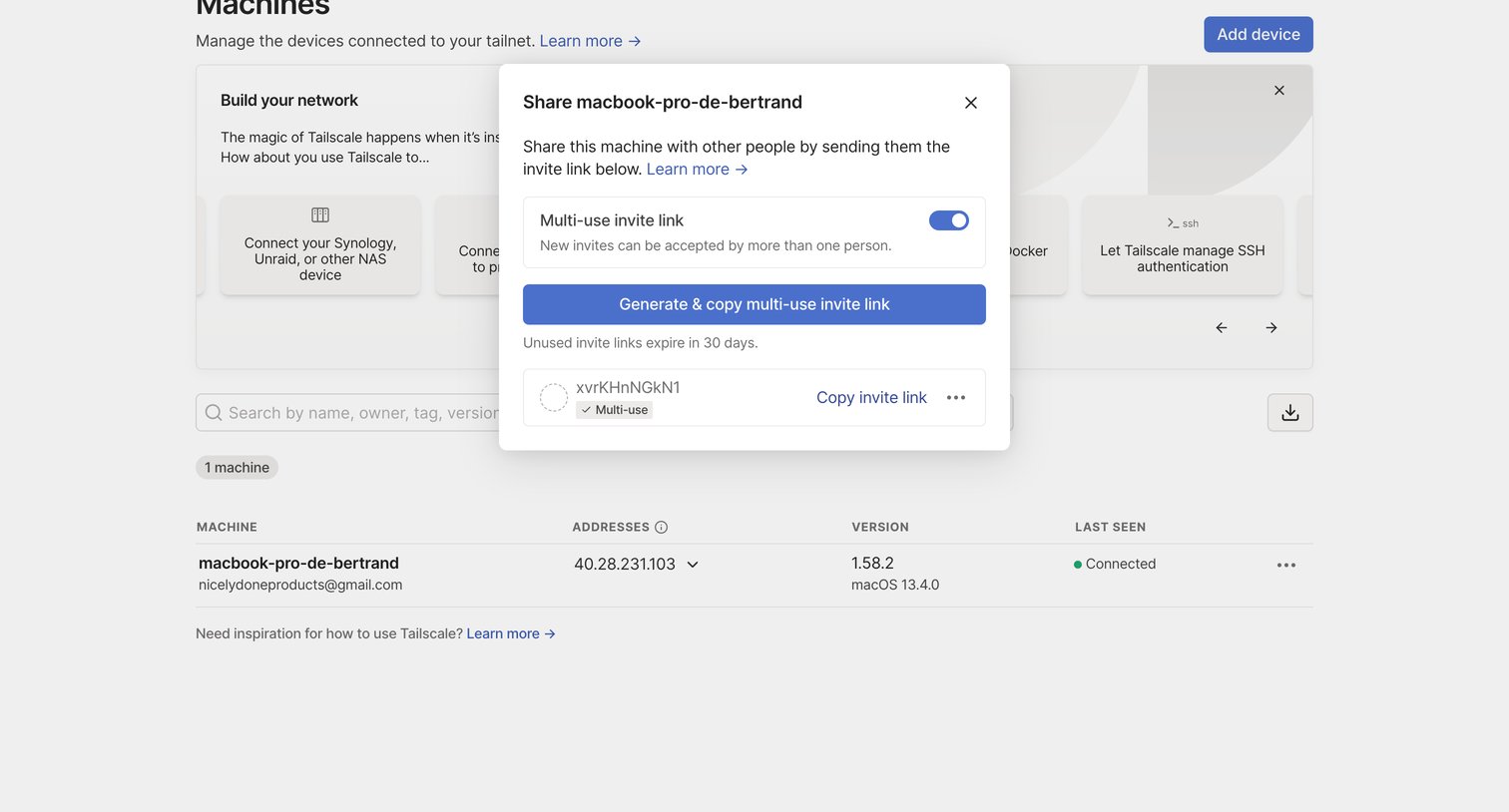
Modal where the user generates and copies a multi-use invite link to share a specific machine on their network.
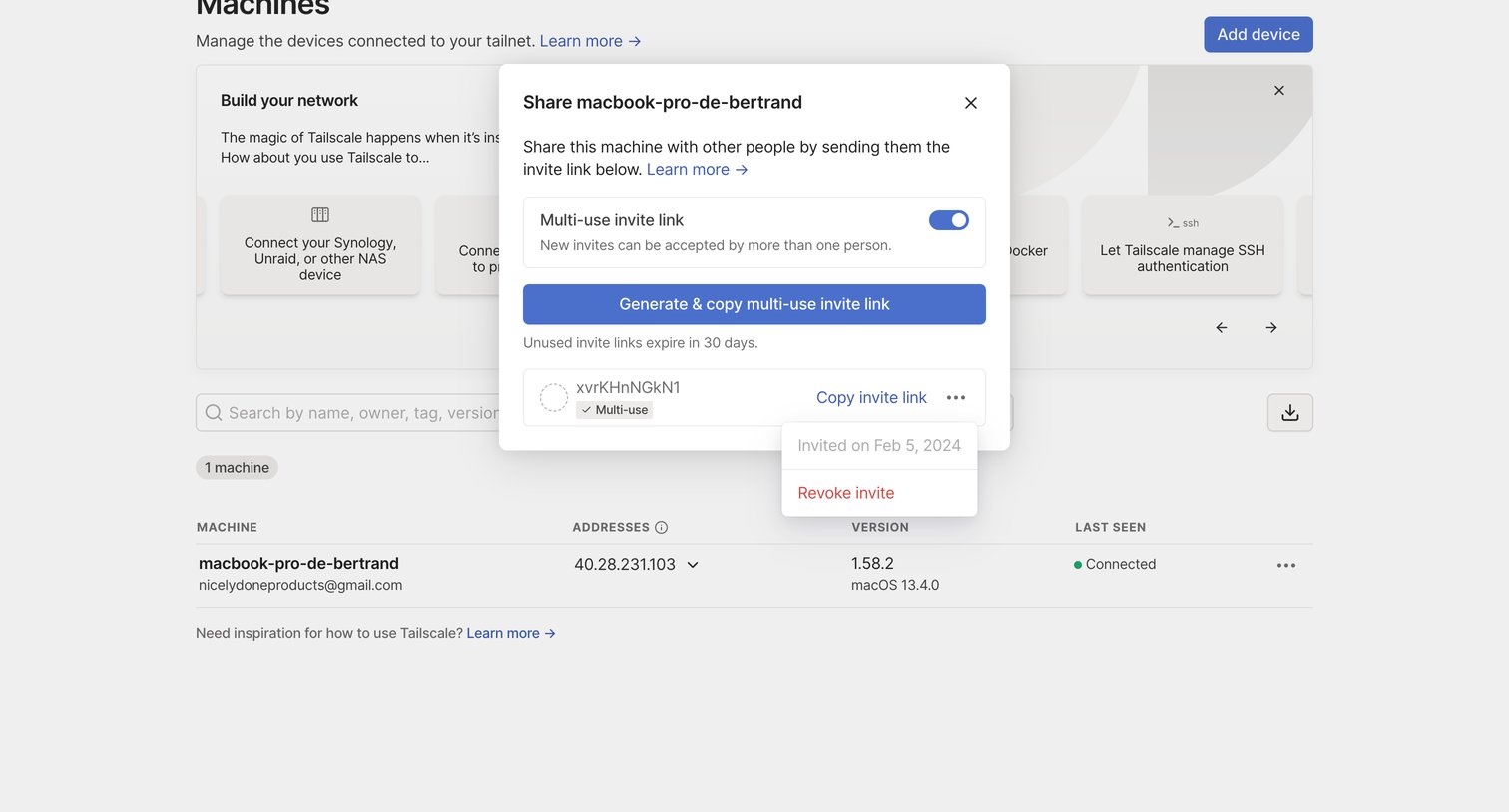
List view of connected machines where the user has opened a modal to generate a multi-use invite link to share a specific device.
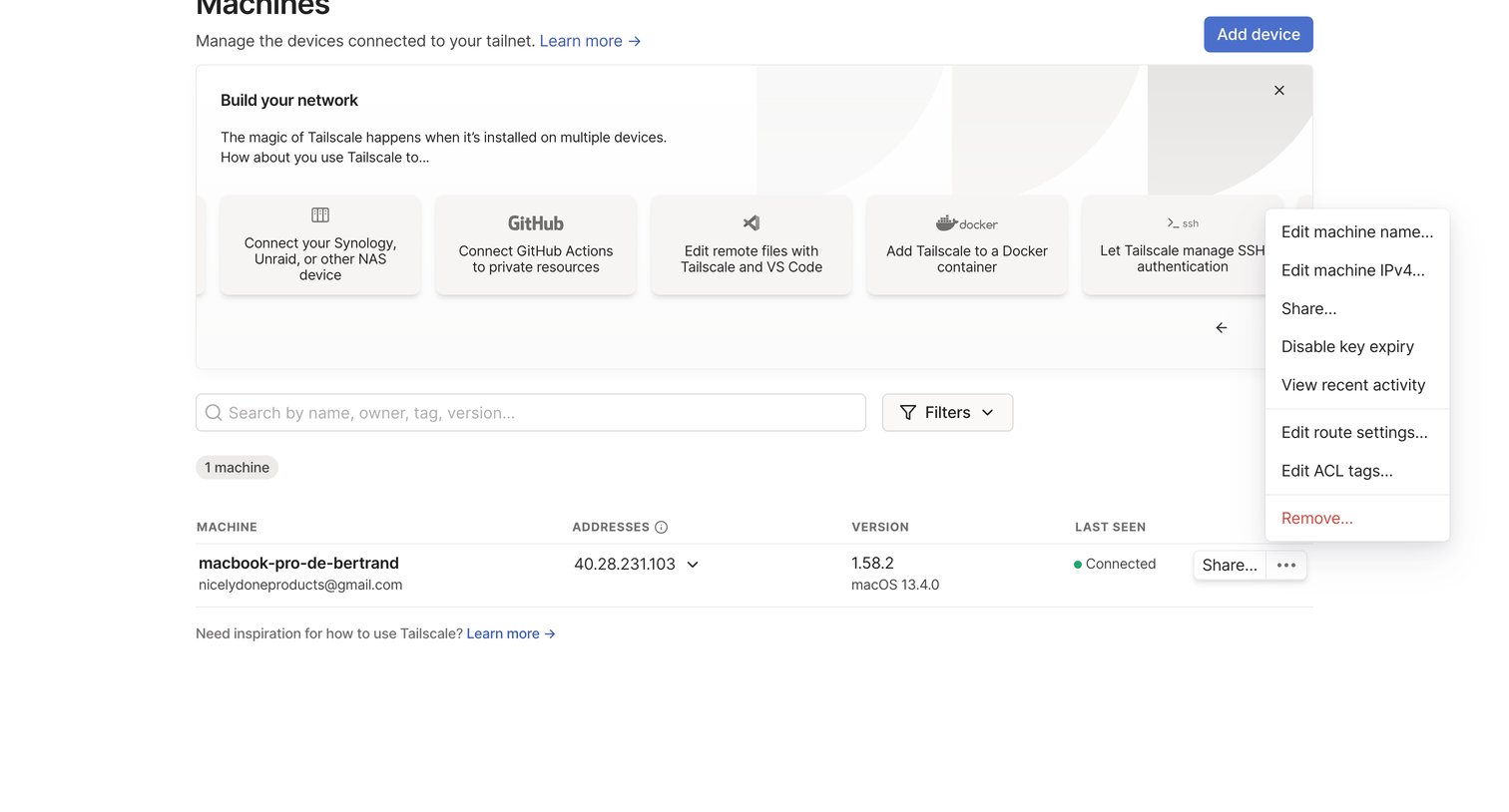
Browse the full SaaS app library
Explore real SaaS apps with their product screens, marketing screens, flows, and components.
Trusted by the best teams







