Skip to content

Tailscale UI components examples

Browse Tailscale UI component design examples. Preview individual interface elements and explore related component categories. Best VPN service for secure networks

Explore the examples
Tailscale — Progress indicator component
Tailscale logo
Tailscale

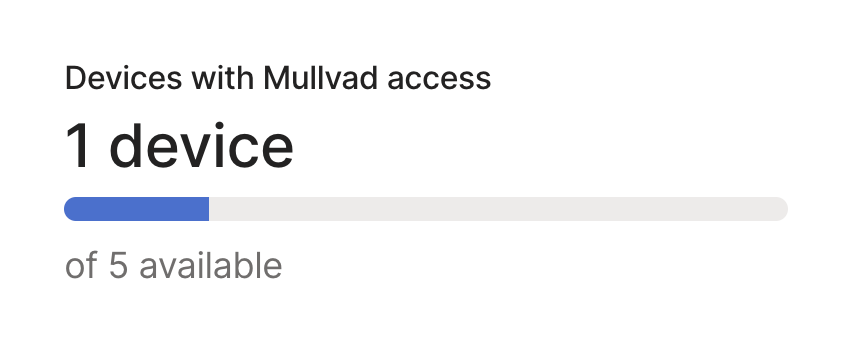
A progress bar showing the number of devices with access out of a total available limit.

Tailscale — Stepper component
Tailscale logo
Tailscale

A horizontal stepper showing three stages of a checkout process, with the first step currently active.

Tailscale — Input number component
Tailscale logo
Tailscale

A numeric input field with inline minus and plus buttons to adjust the quantity of devices.
Tailscale — Progress indicator component
Tailscale logo
Tailscale

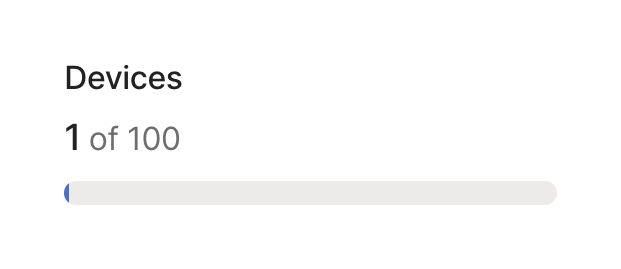
A progress bar showing current device usage against a total limit, with a title and numeric count.
Tailscale — Input number component
Tailscale logo
Tailscale

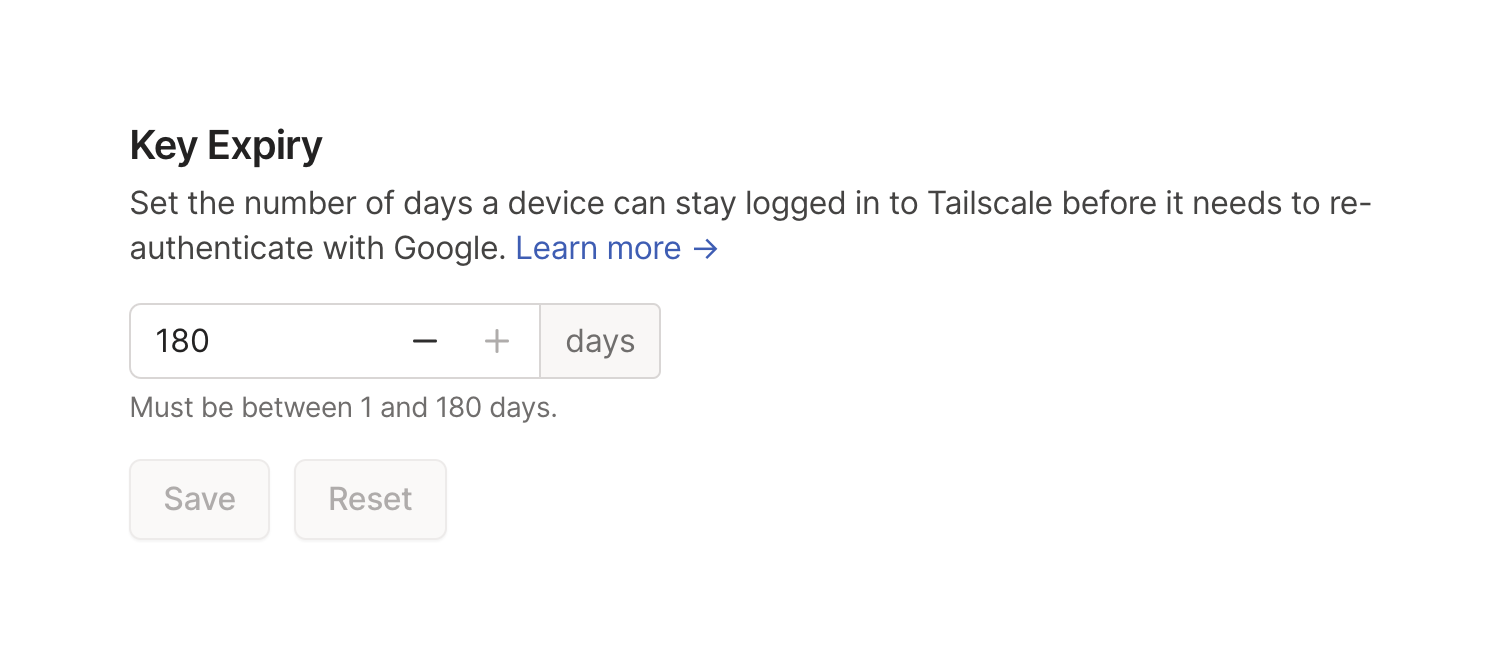
A settings section for configuring key expiry duration, featuring a title, description with a link, a number input with stepper controls and a unit label, helper text, and disabled Save and Reset buttons.
Tailscale — Toggle/Switch component
Tailscale logo
Tailscale

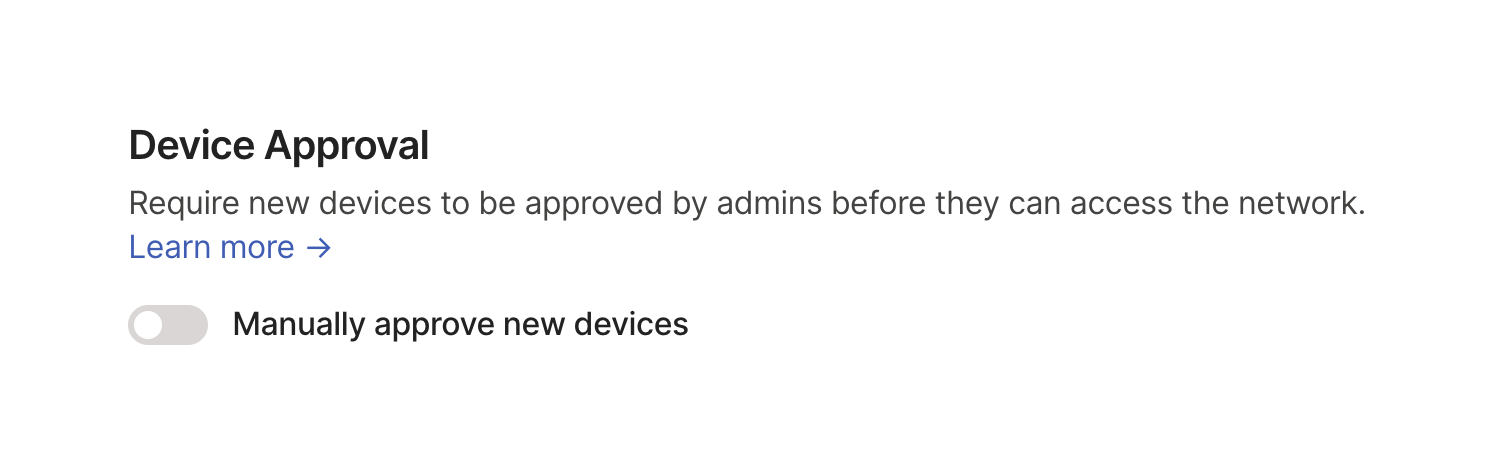
A settings section with a title, description, a 'Learn more' link, and a toggle switch to enable or disable a specific feature.

Tailscale — Tooltip component
Tailscale logo
Tailscale

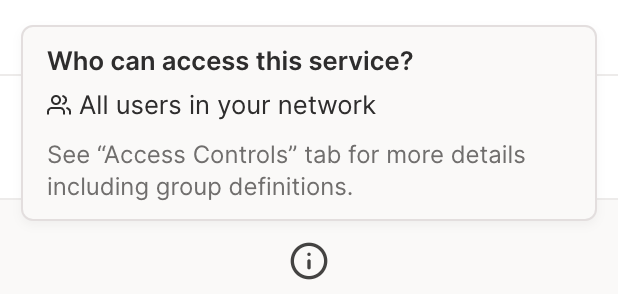
A tooltip displaying access control information for a service, triggered by an info icon.

Tailscale — Sorting & filtering component
Tailscale logo
Tailscale

A horizontal toolbar containing a wide search input with active query text and a clear button, followed by two dropdown filter buttons for Type and User.
Tailscale — Table component
Tailscale logo
Tailscale

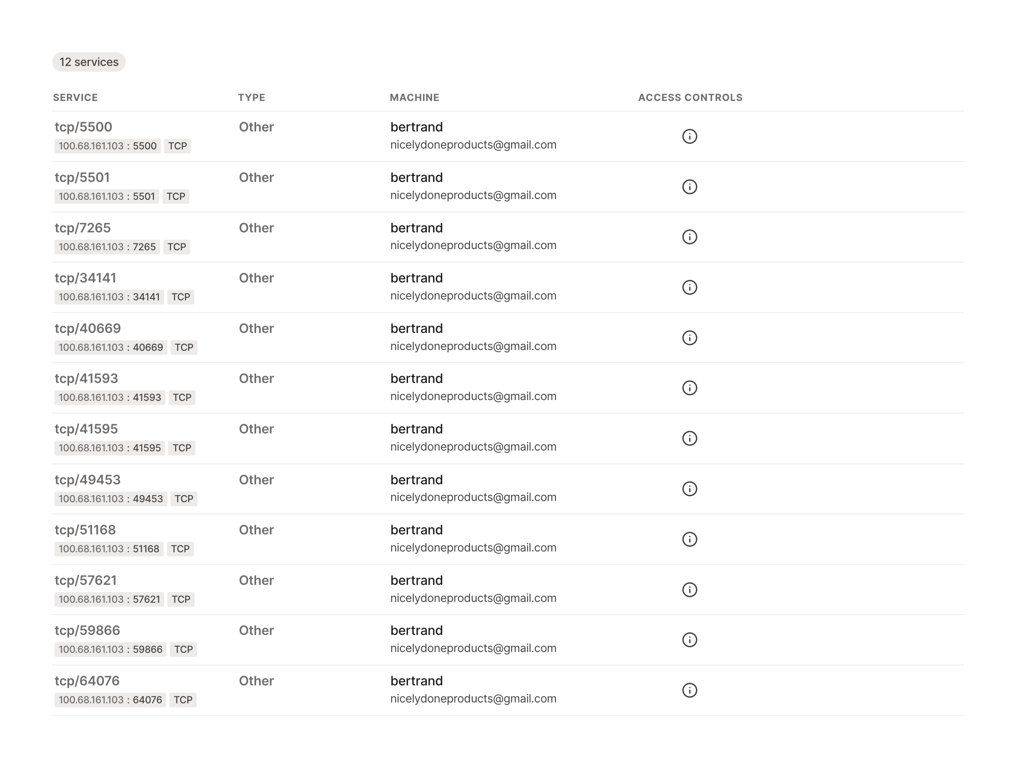
A data table displaying a list of network services, including their port, type, machine name, and access controls.

Tailscale — Tabs component
Tailscale logo
Tailscale

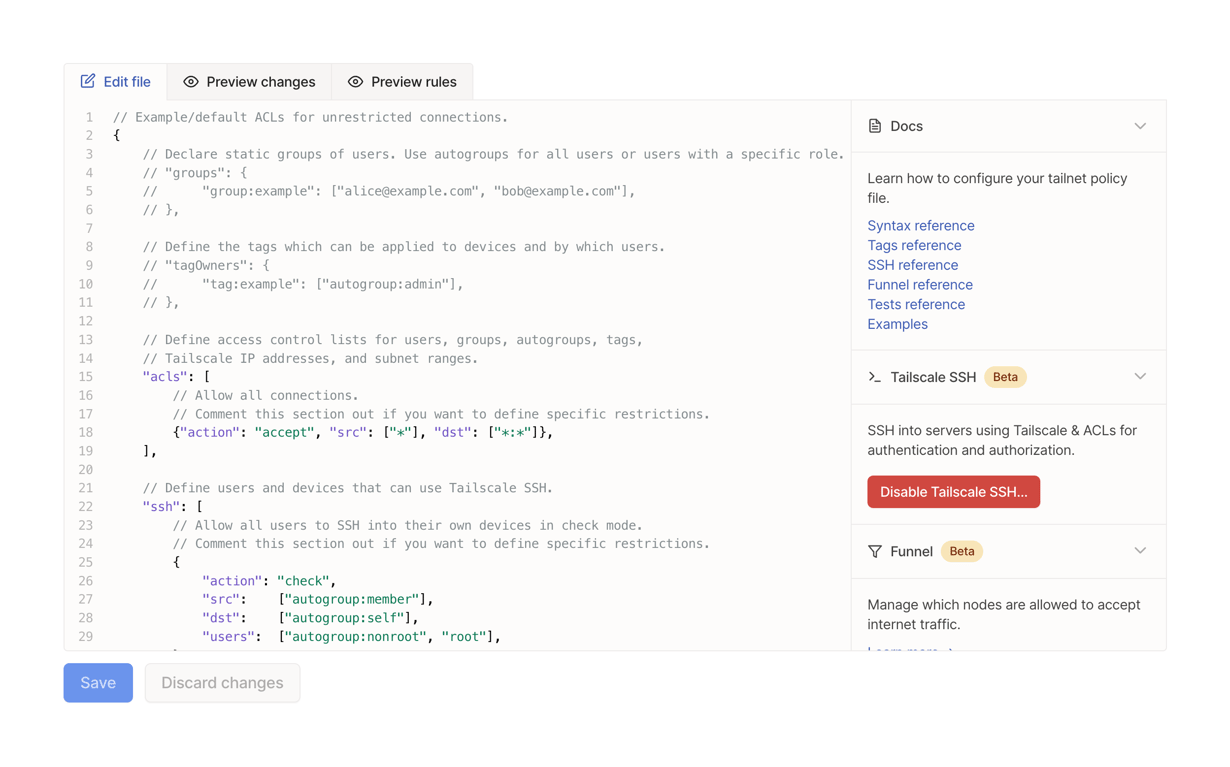
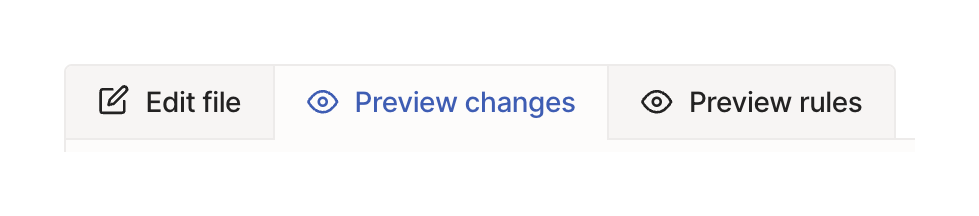
A horizontal tab group with three options: Edit file, Preview changes, and Preview rules. The middle tab is currently selected, indicated by blue text and icon on a white background, while the others have a light gray background.

Tailscale — Code block component
Tailscale logo
Tailscale

A code editor interface for editing JSON configuration files, featuring a main editor area with line numbers and syntax highlighting, a top toolbar with tabs, a side panel with collapsible documentation and feature sections, and bottom action buttons.
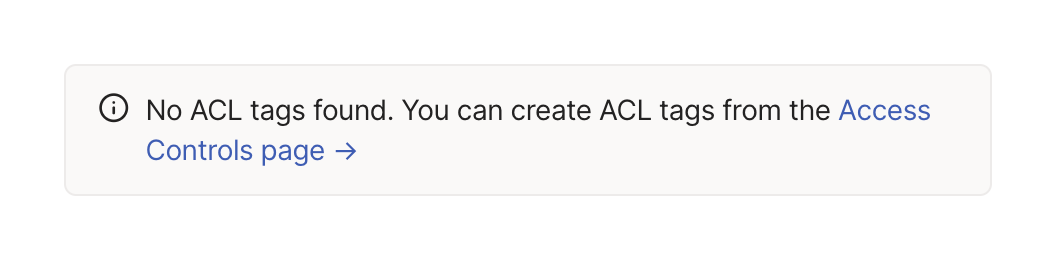
Tailscale — Alert component
Tailscale logo
Tailscale

An informational alert box indicating that no ACL tags were found, with a link to create them.

Browse the full component library

Browse the full UI component library.

Trusted by the best teams