Free tier screen examples
Free tier screen design examples from SaaS apps. Browse examples from Polar, Magnific, Flask.
Explore the examples
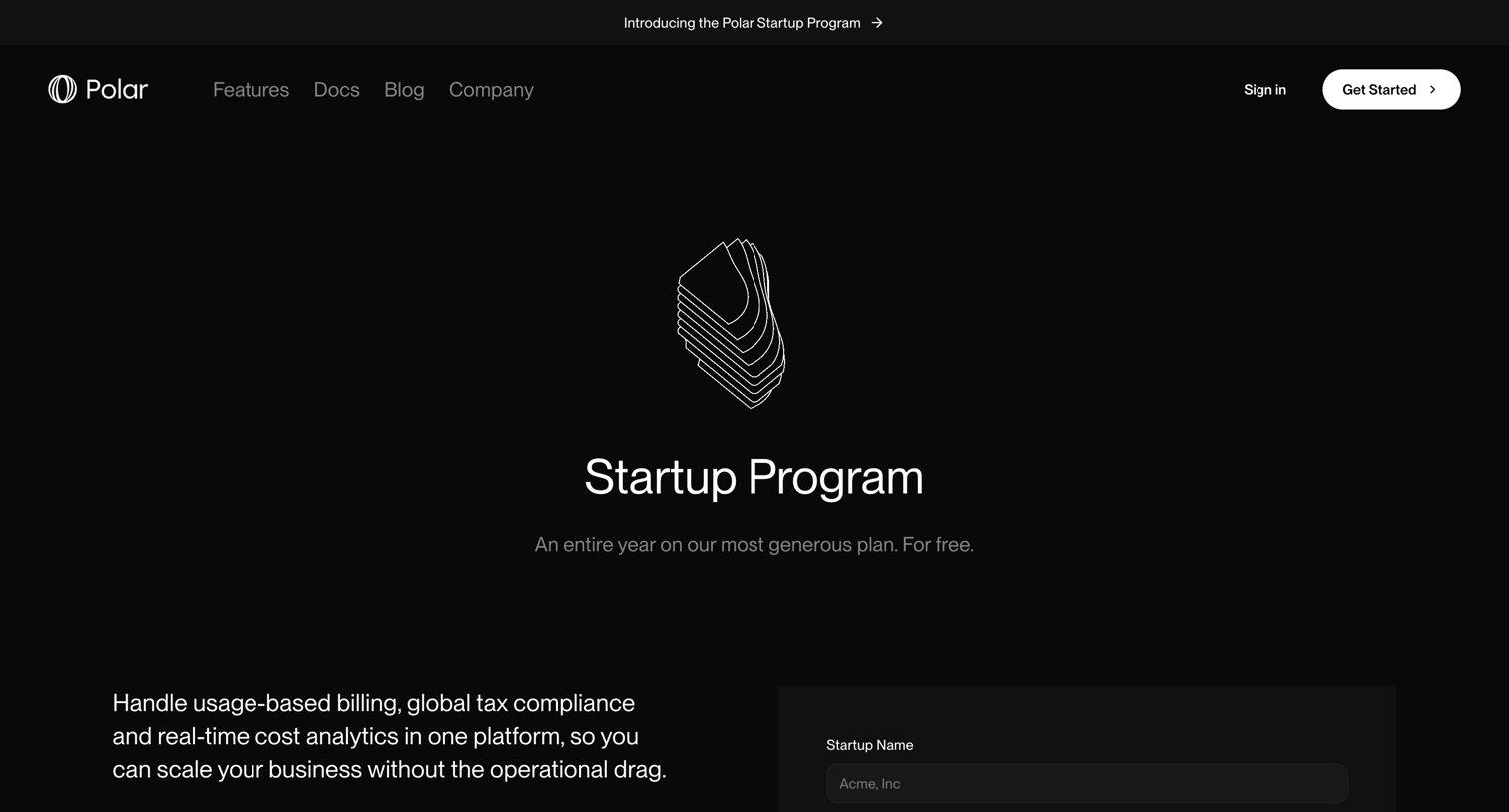

Landing page for a startup program featuring program details, a plan summary card, and a comprehensive application form.
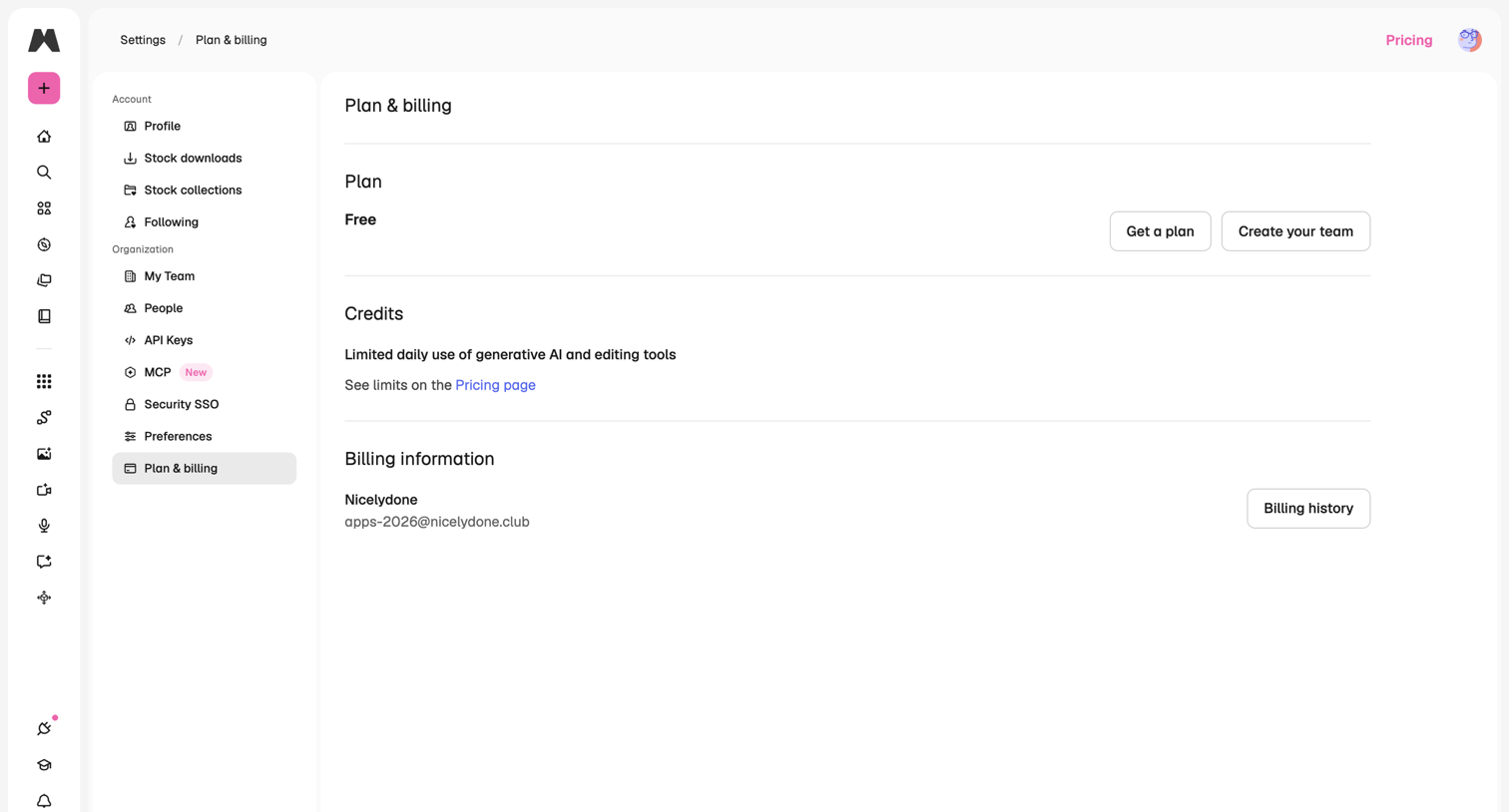

Settings page where the user views their current free plan tier, checks credit limits, and accesses billing history.
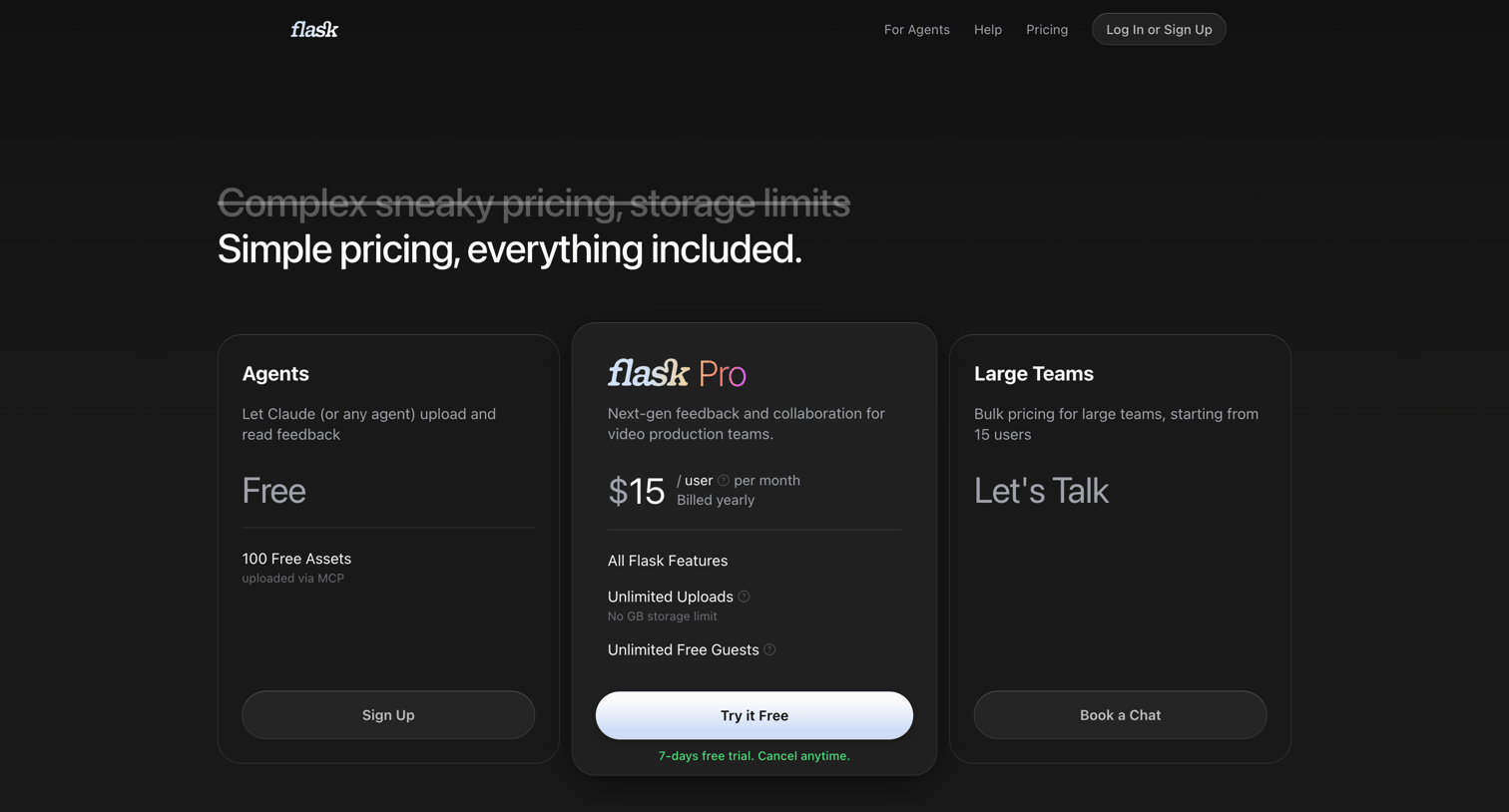

Pricing page featuring three tiers—a free agent plan, a pro plan with a 7-day free trial, and a custom enterprise plan—followed by an FAQ section.
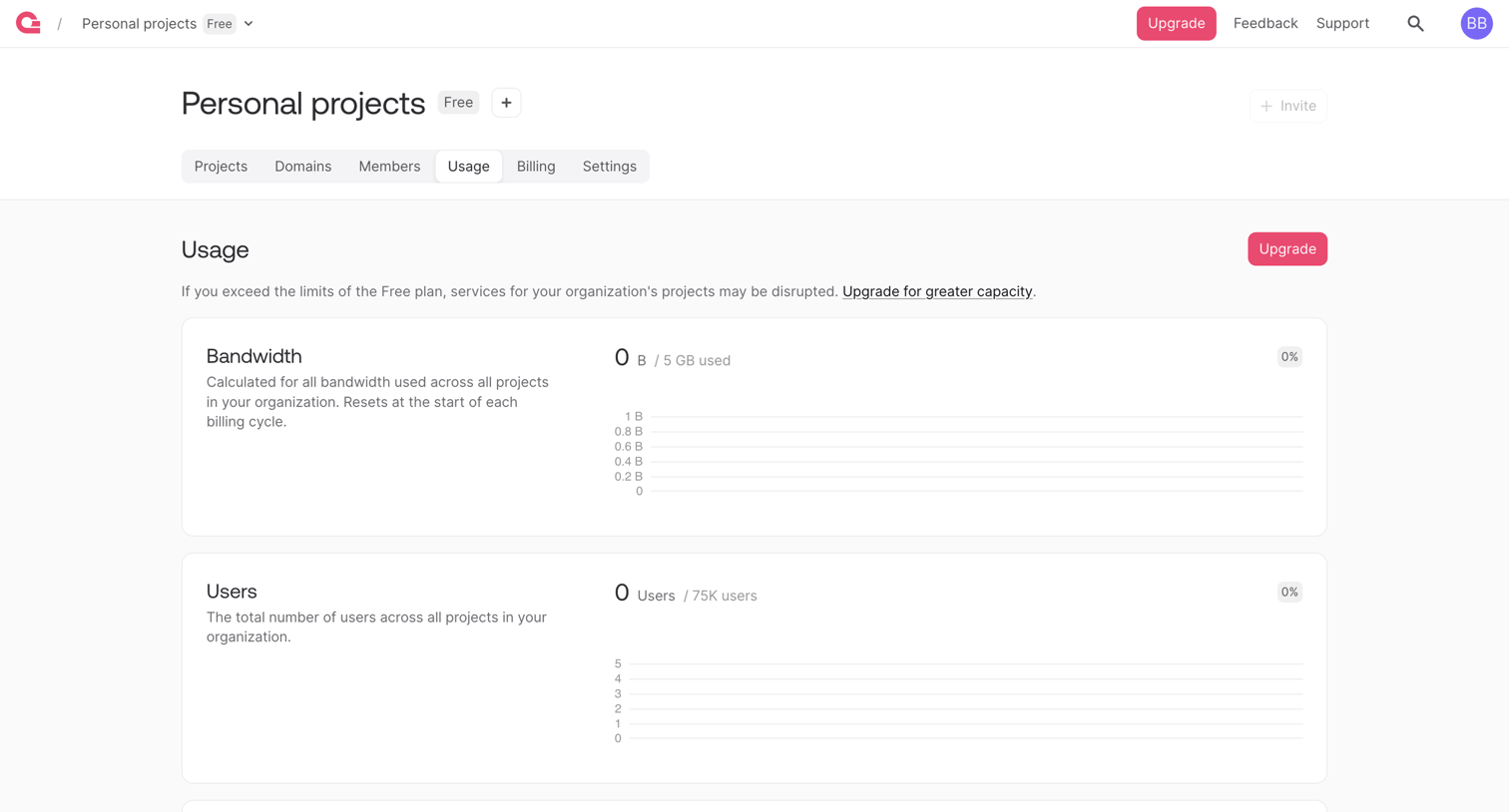

Settings page where the user monitors their organization's bandwidth, users, and database usage against free plan limits.
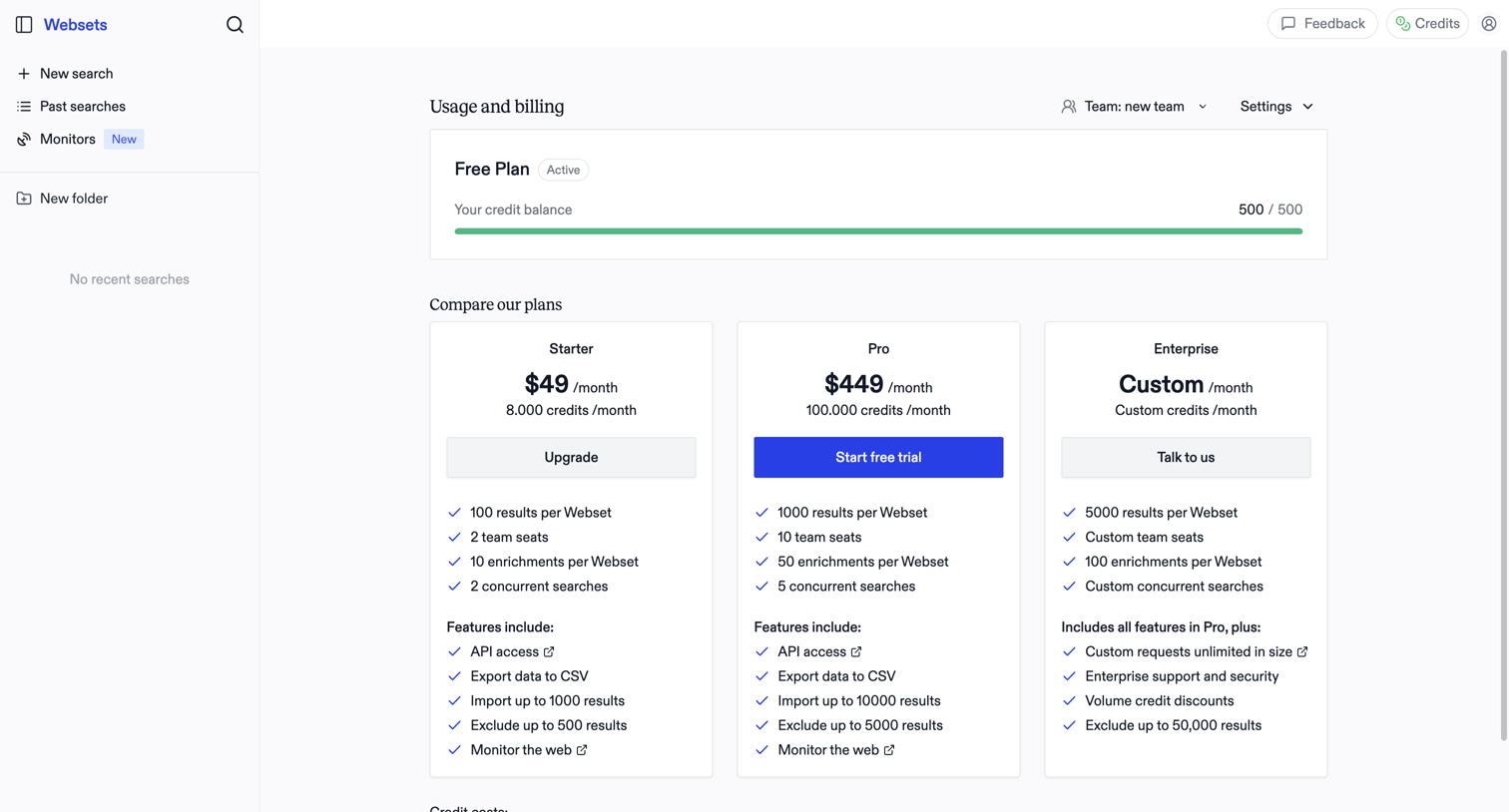

Billing settings page where the user monitors their free plan credit balance and compares paid subscription tiers to upgrade.
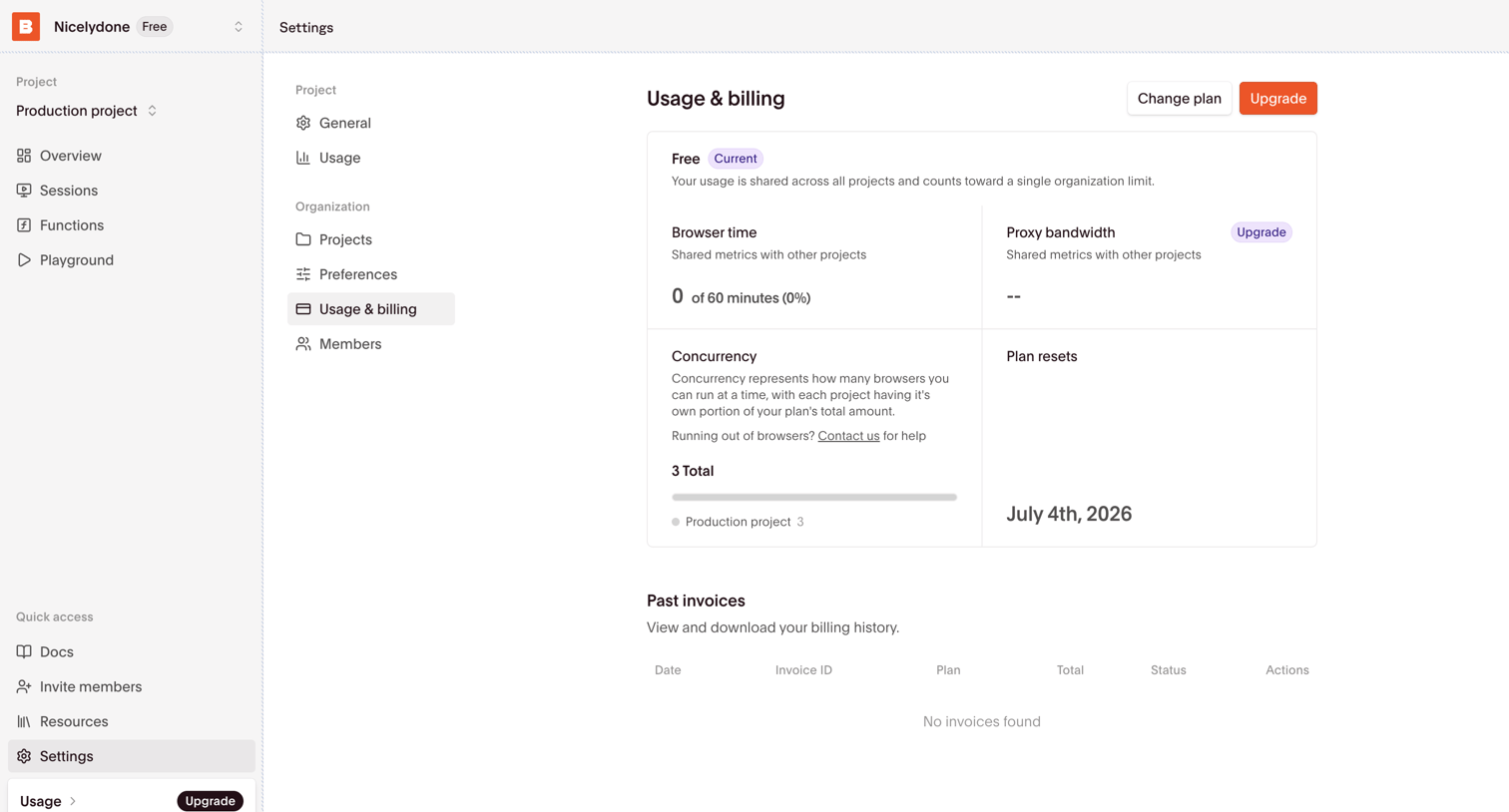

Settings page where the user views their current free plan usage limits, concurrency metrics, and past invoices with options to upgrade or change plans.
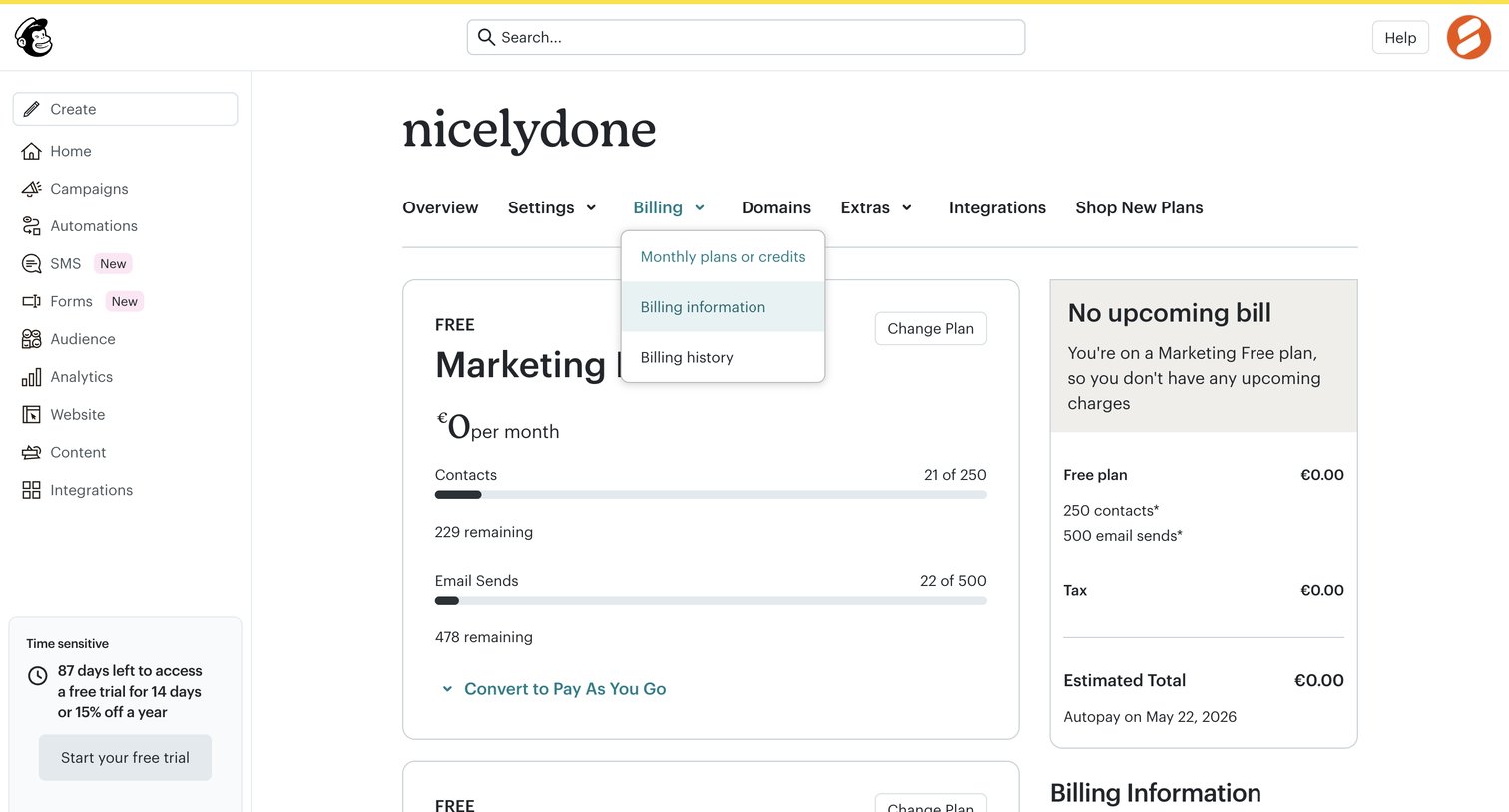

Settings page where the user views their current free marketing and website plans, checks usage limits for contacts and emails, and sees upcoming bill estimates.
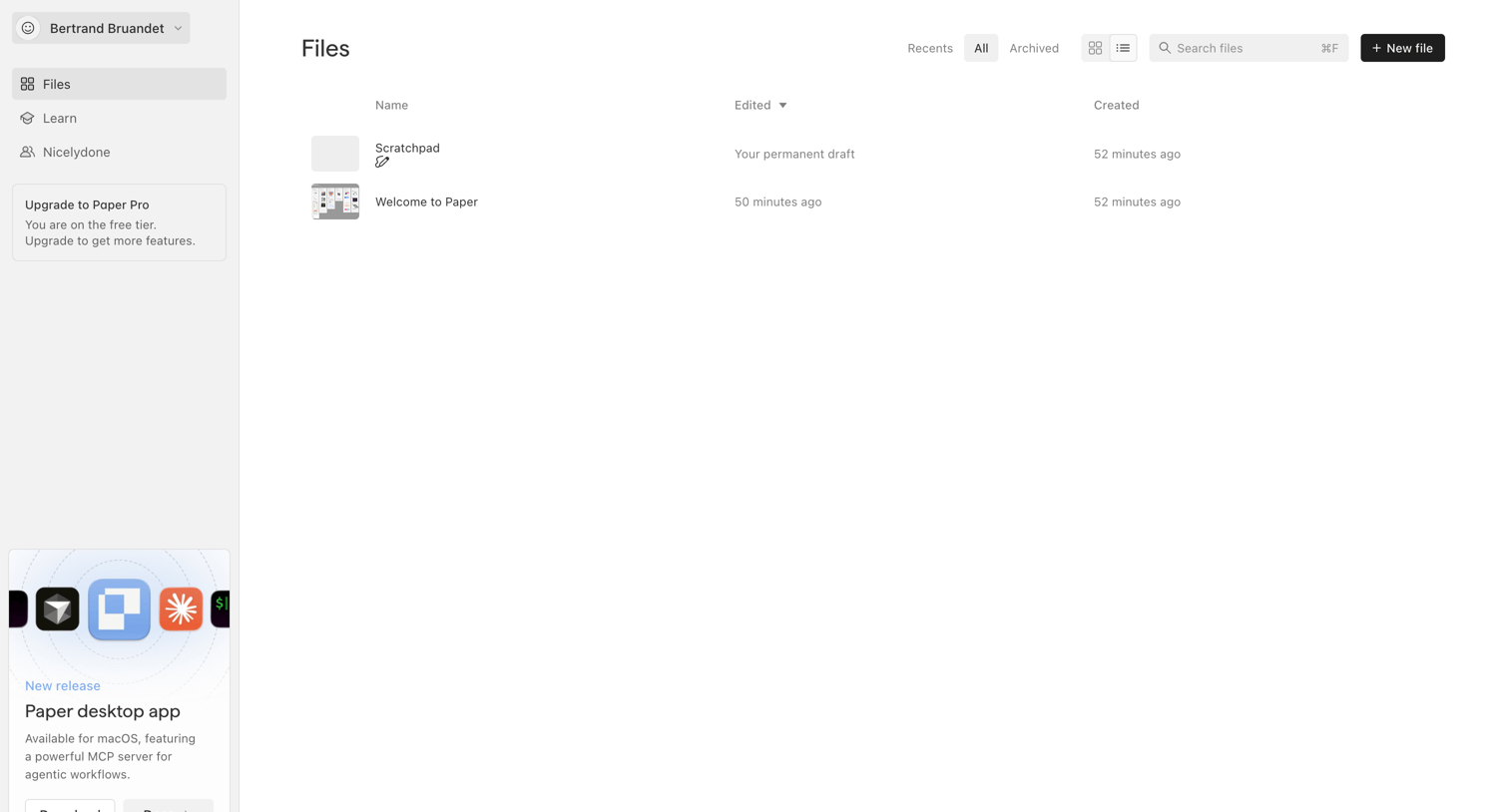

List view where the user manages their files, with options to filter by recent or archived, search, and create a new file, alongside a prompt to download the desktop app.
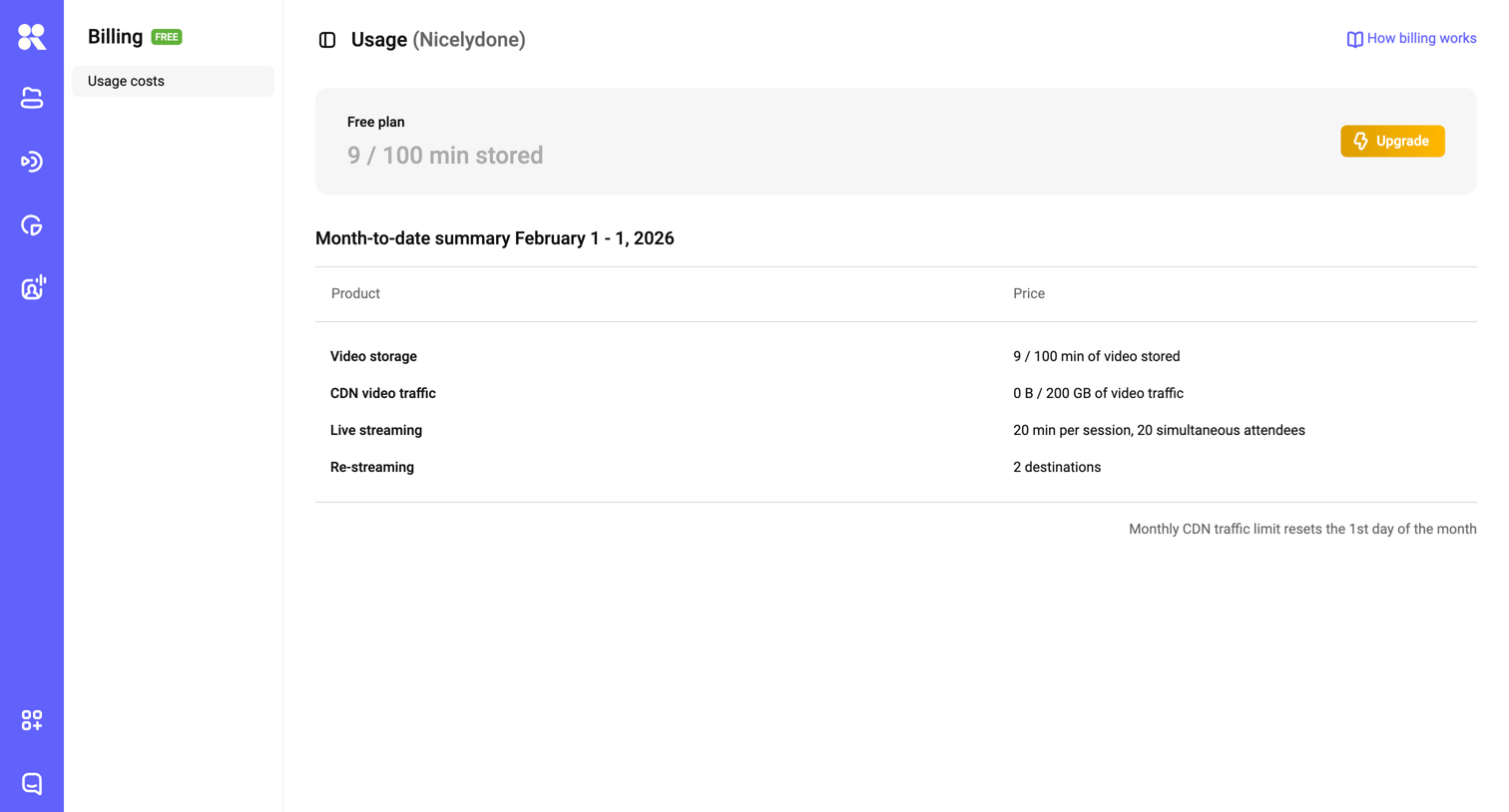

Settings page where the user views their current free plan usage, limits, and a month-to-date summary of video storage and streaming.
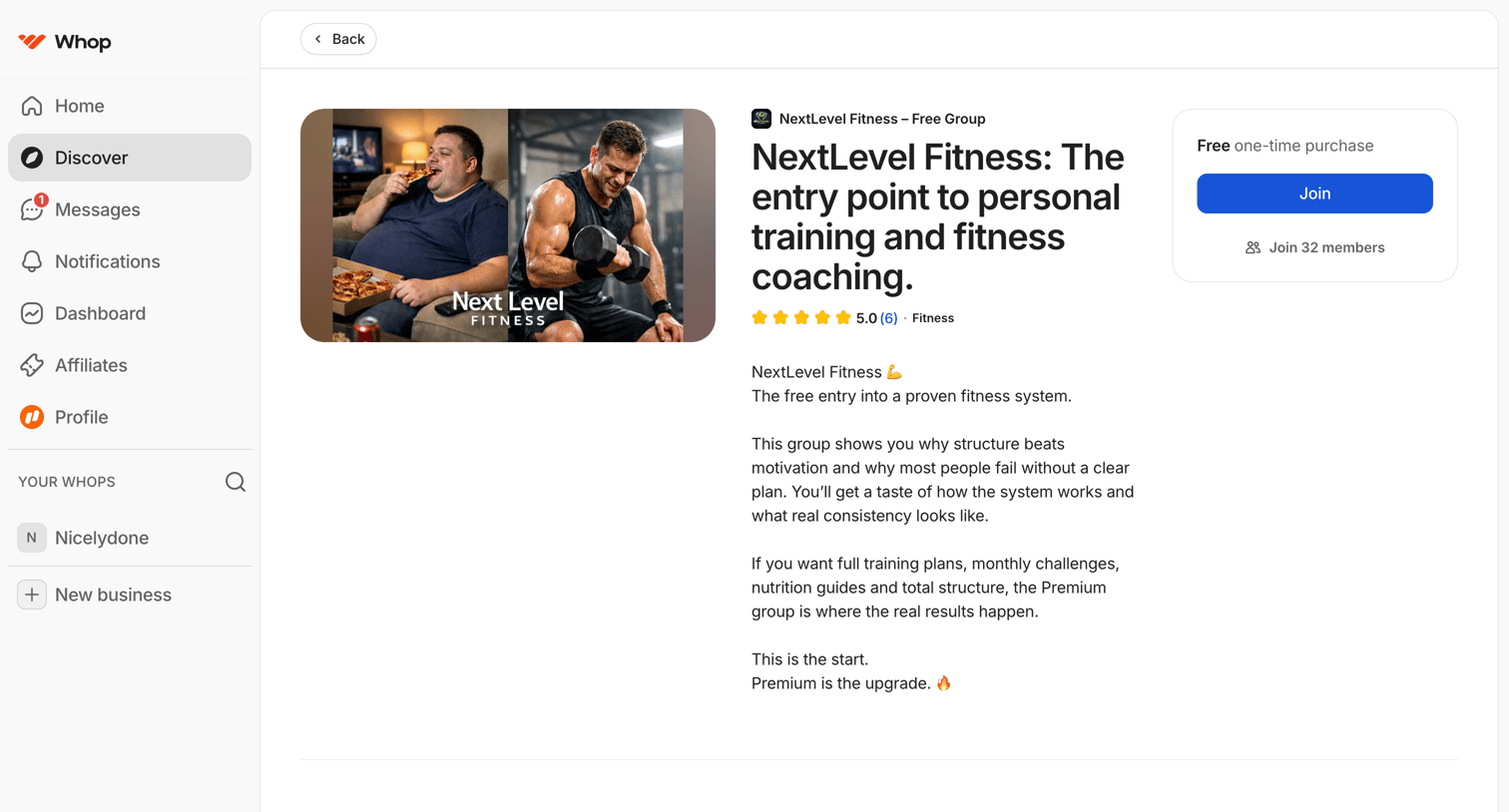

Detail page where the user views a fitness group's description, features, and rating before joining for free.
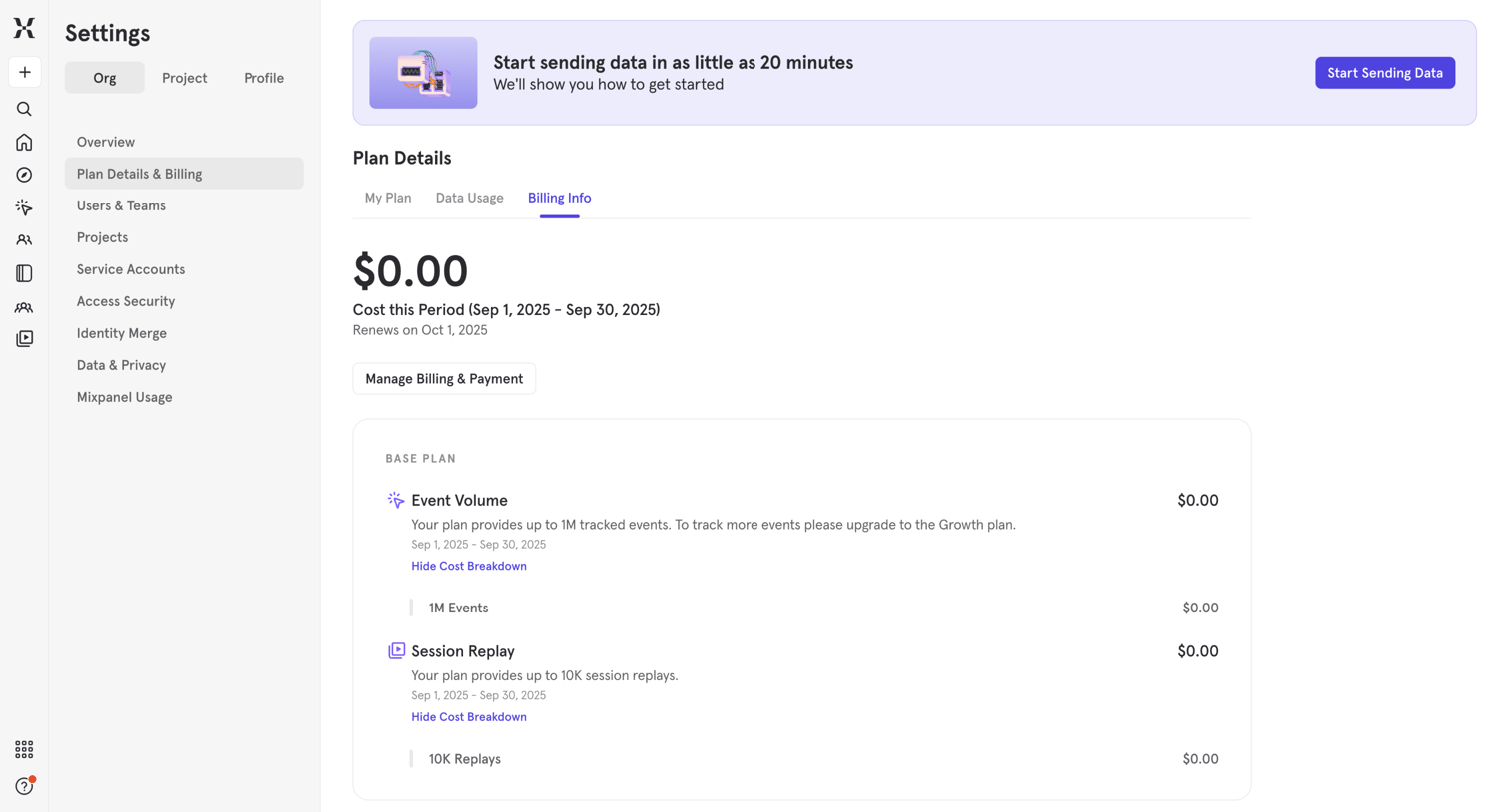

Settings page where the user views their current billing period cost and base plan breakdowns for event volume and session replay.
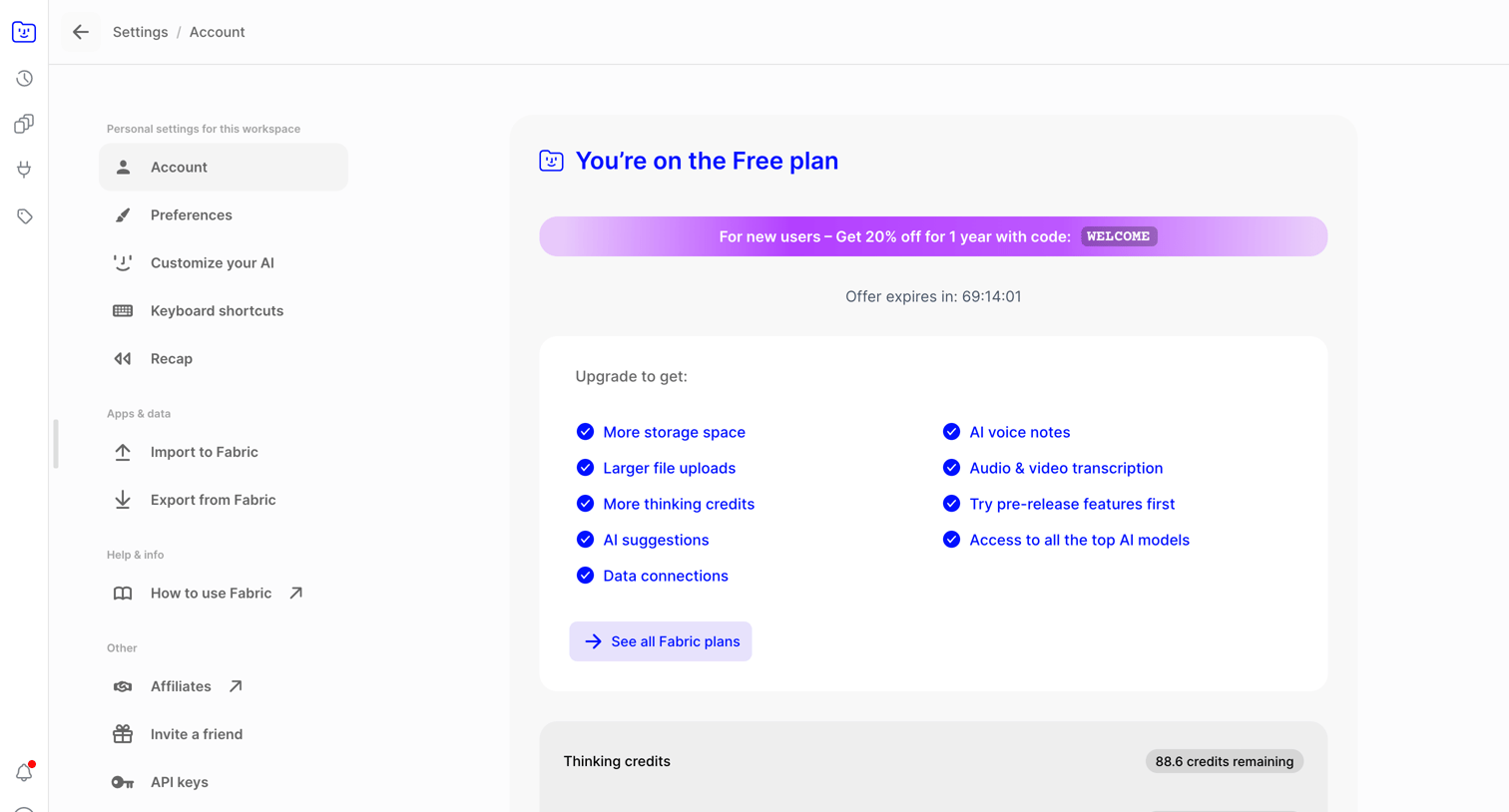

Settings page where the user views their current free plan limits, storage usage, and a promotional offer to upgrade to a paid tier.
Explore the full SaaS screen library
Upgrade to unlock the full library.
Trusted by the best teams







