Data pipeline screen examples
Data pipeline screen design examples from SaaS apps. Browse examples from Inference, Axiom, Bird.
Explore the examples
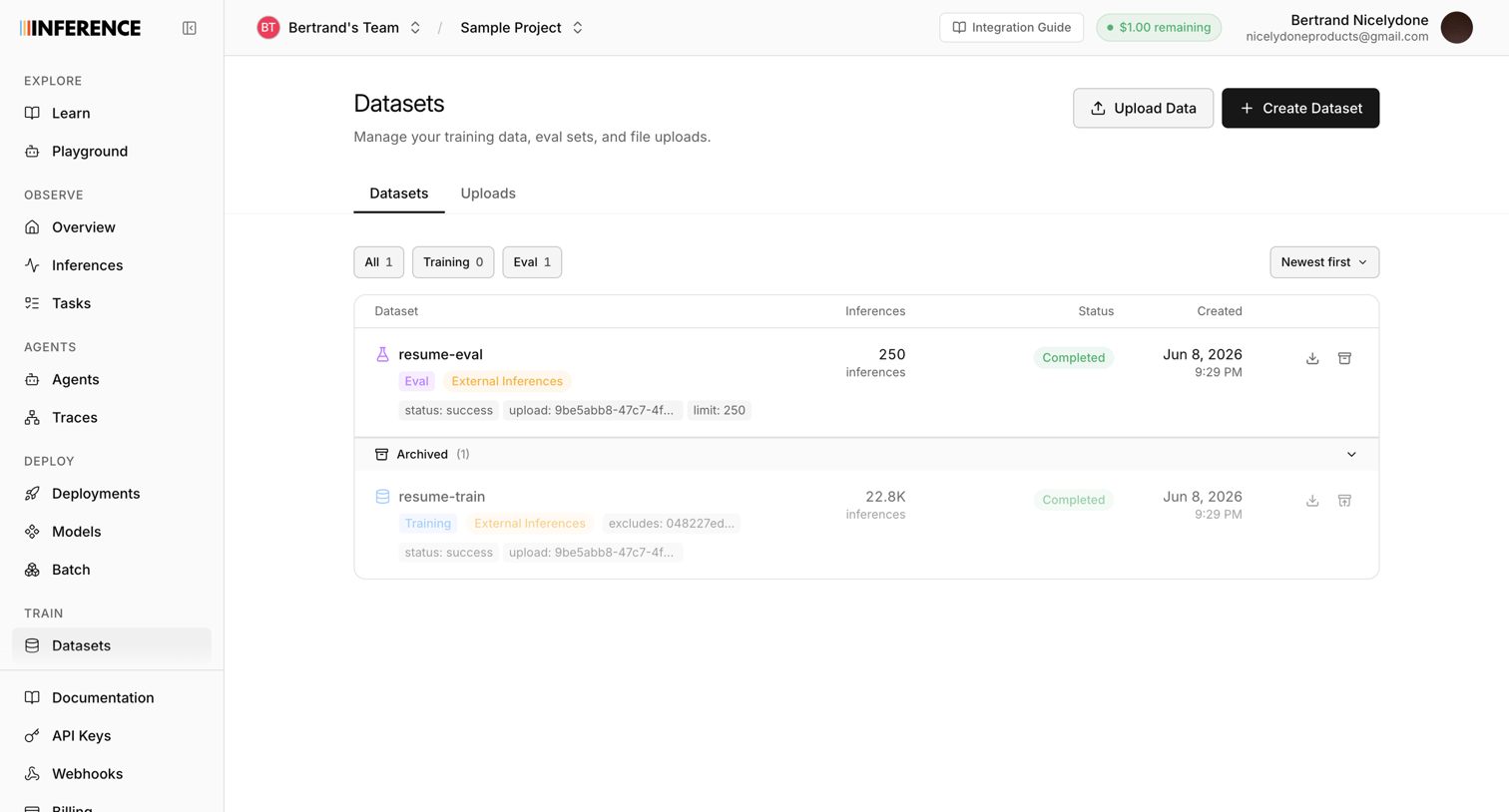

List view where the user manages training data, evaluation sets, and file uploads for their AI models.
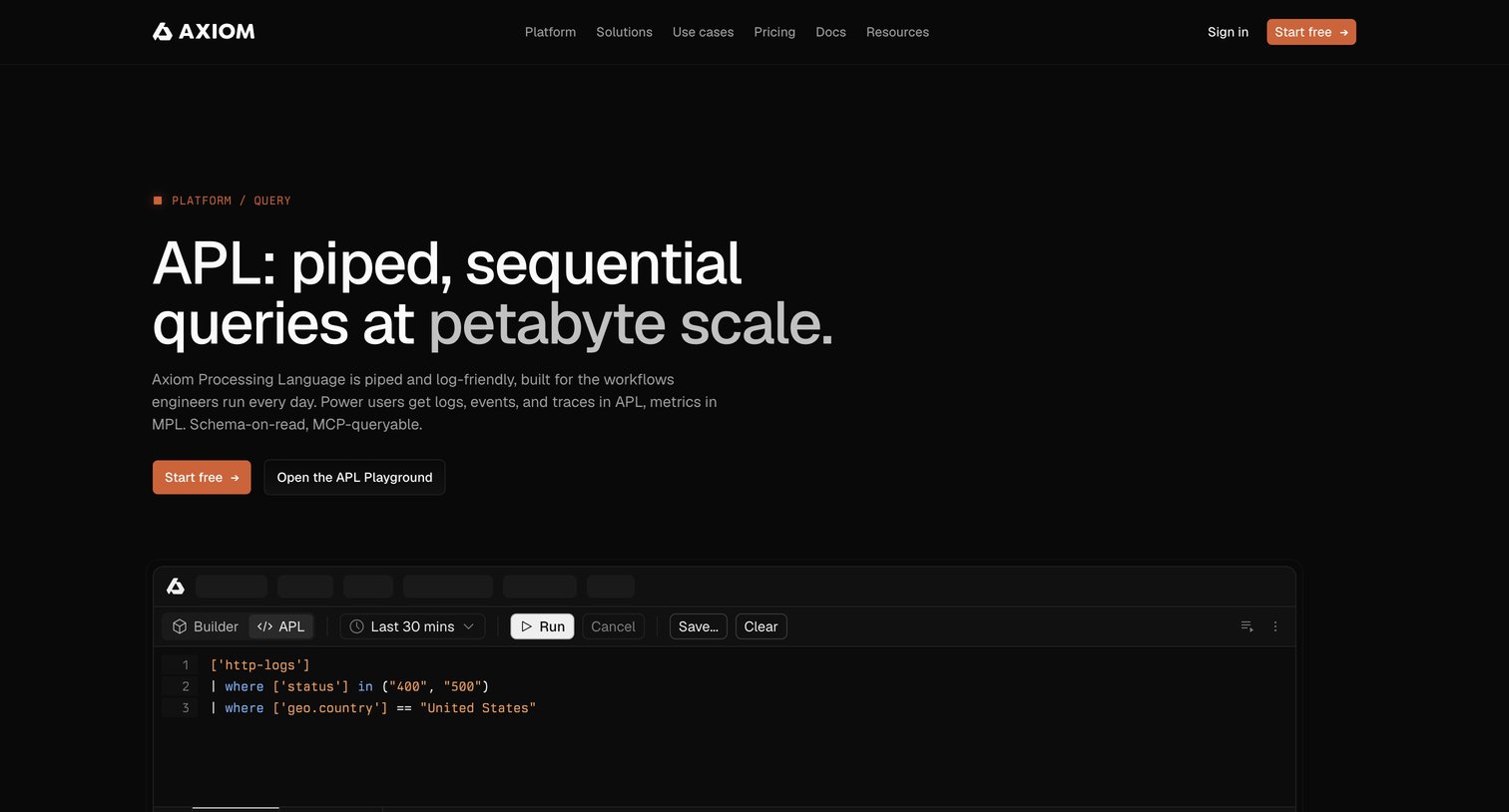

Feature page for Axiom's APL query language highlighting its petabyte-scale capabilities, customer success stories, technical deep dives, and an FAQ.
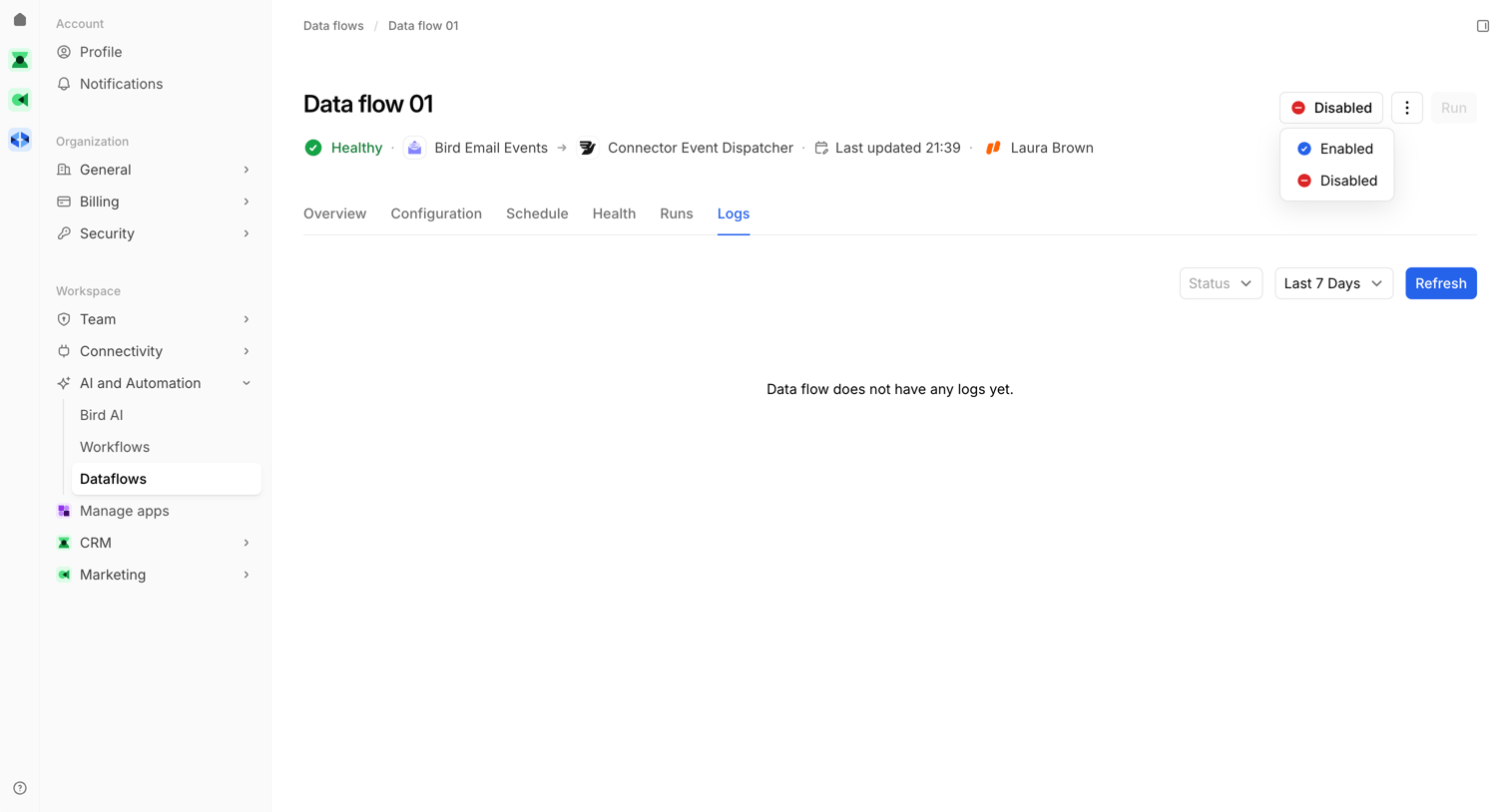

Detail page for a specific data flow showing an empty logs tab with status indicators and filtering controls.
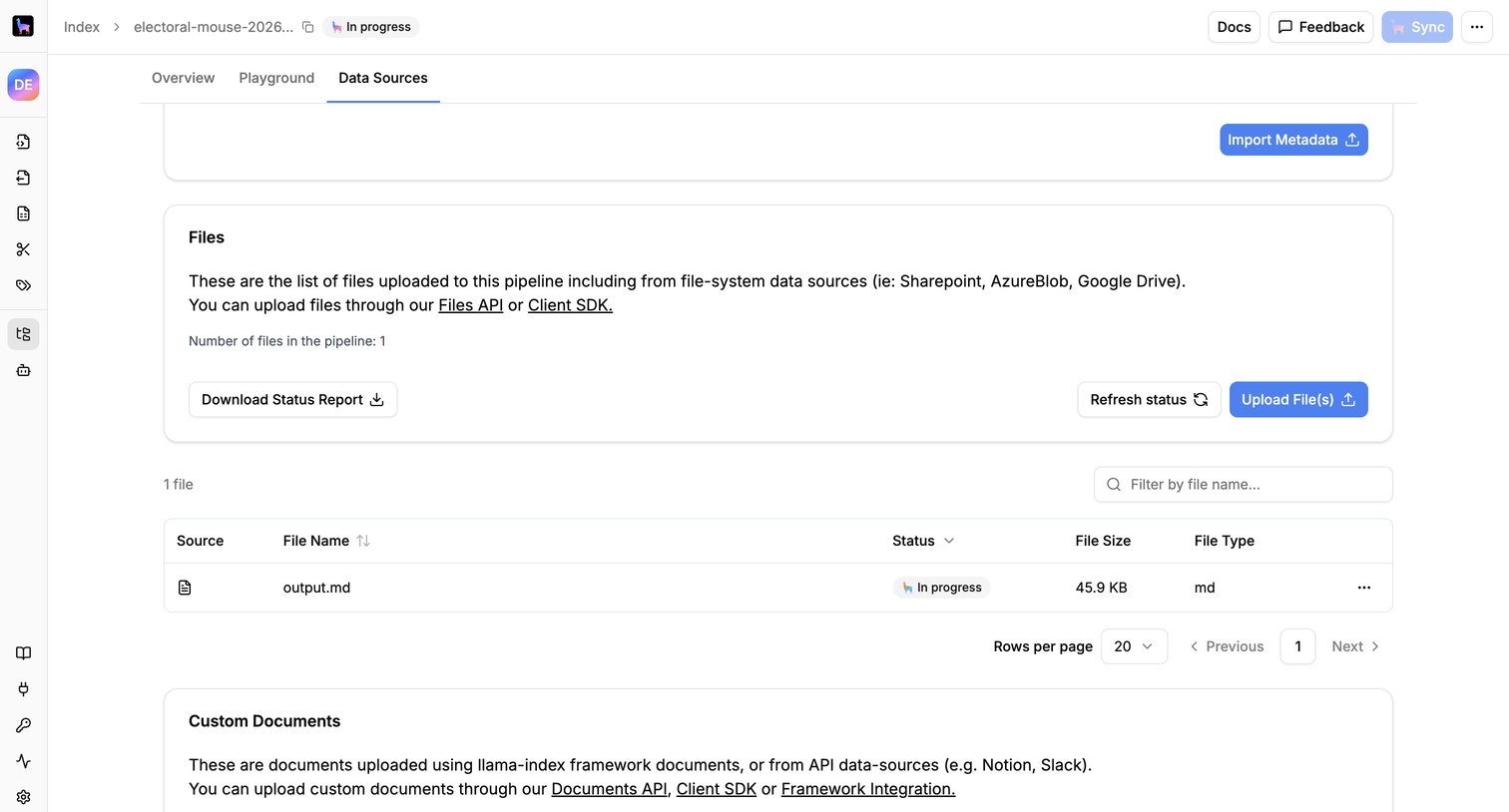

List view where the user manages files and custom documents uploaded to a specific data pipeline, with options to upload, filter, and check sync status.
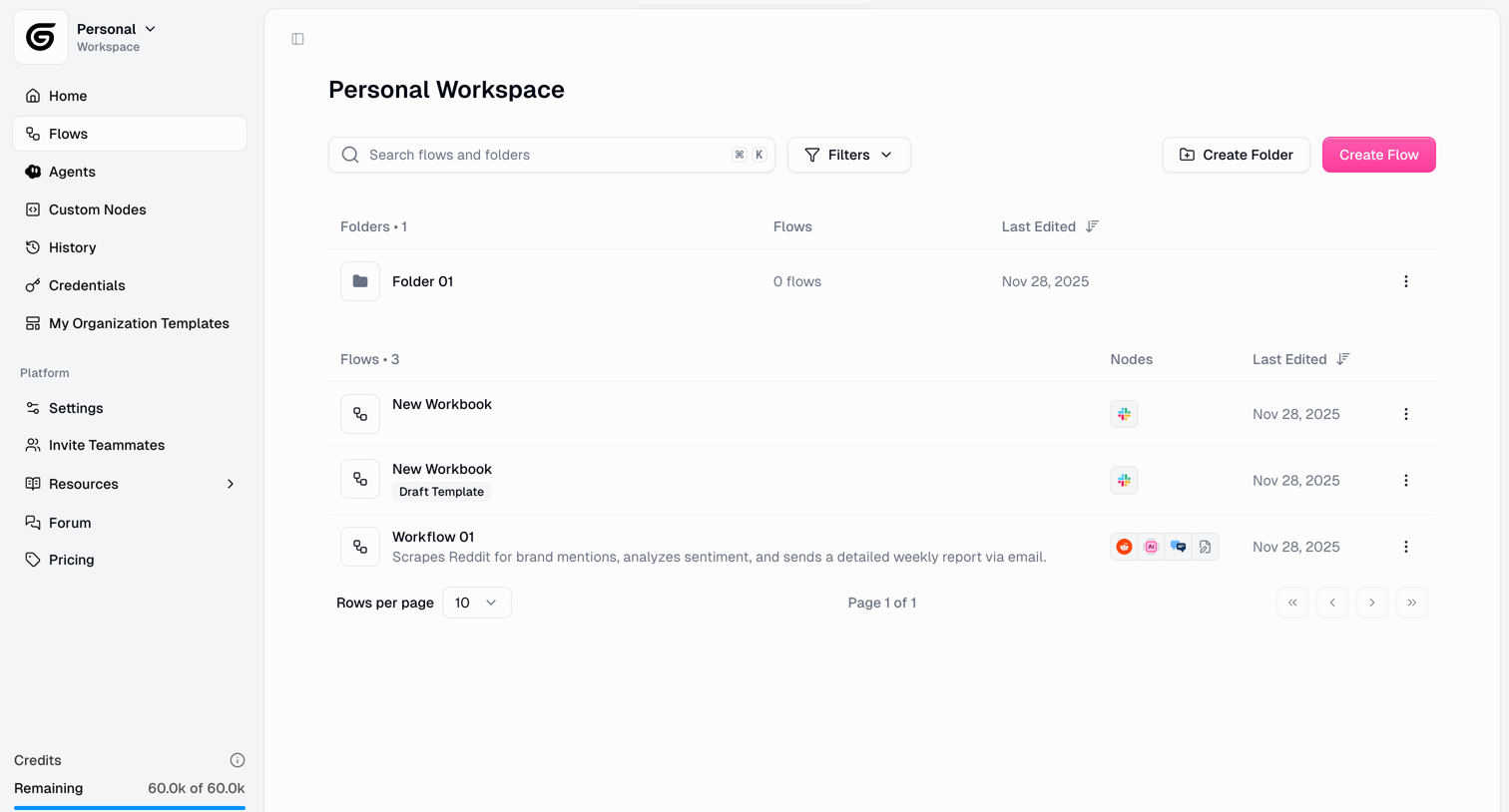

List view where the user manages their automation flows and folders within a personal workspace.
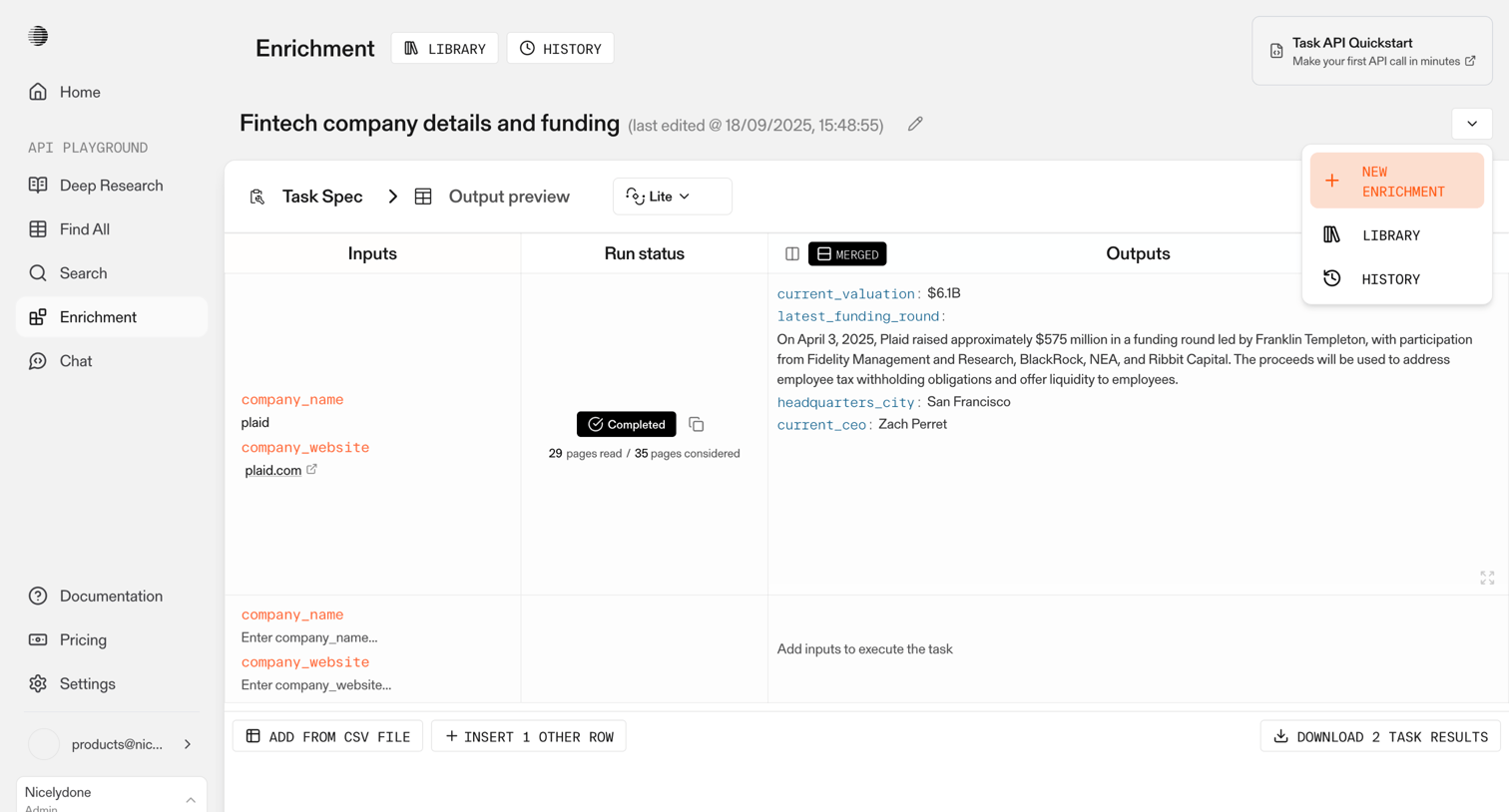

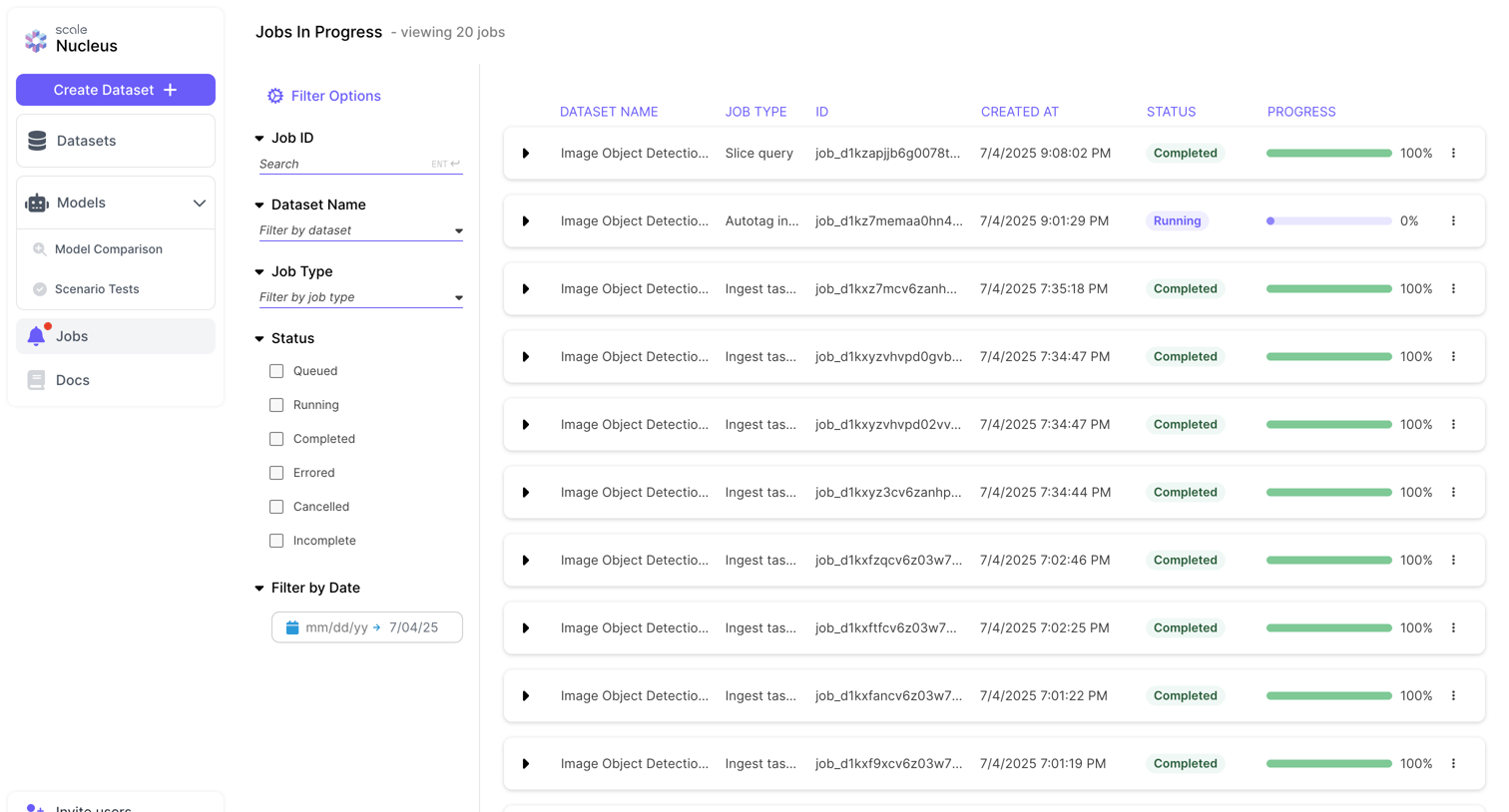

List view where the user monitors the progress and status of dataset processing jobs, with a sidebar for filtering by dataset name, job type, status, and date.
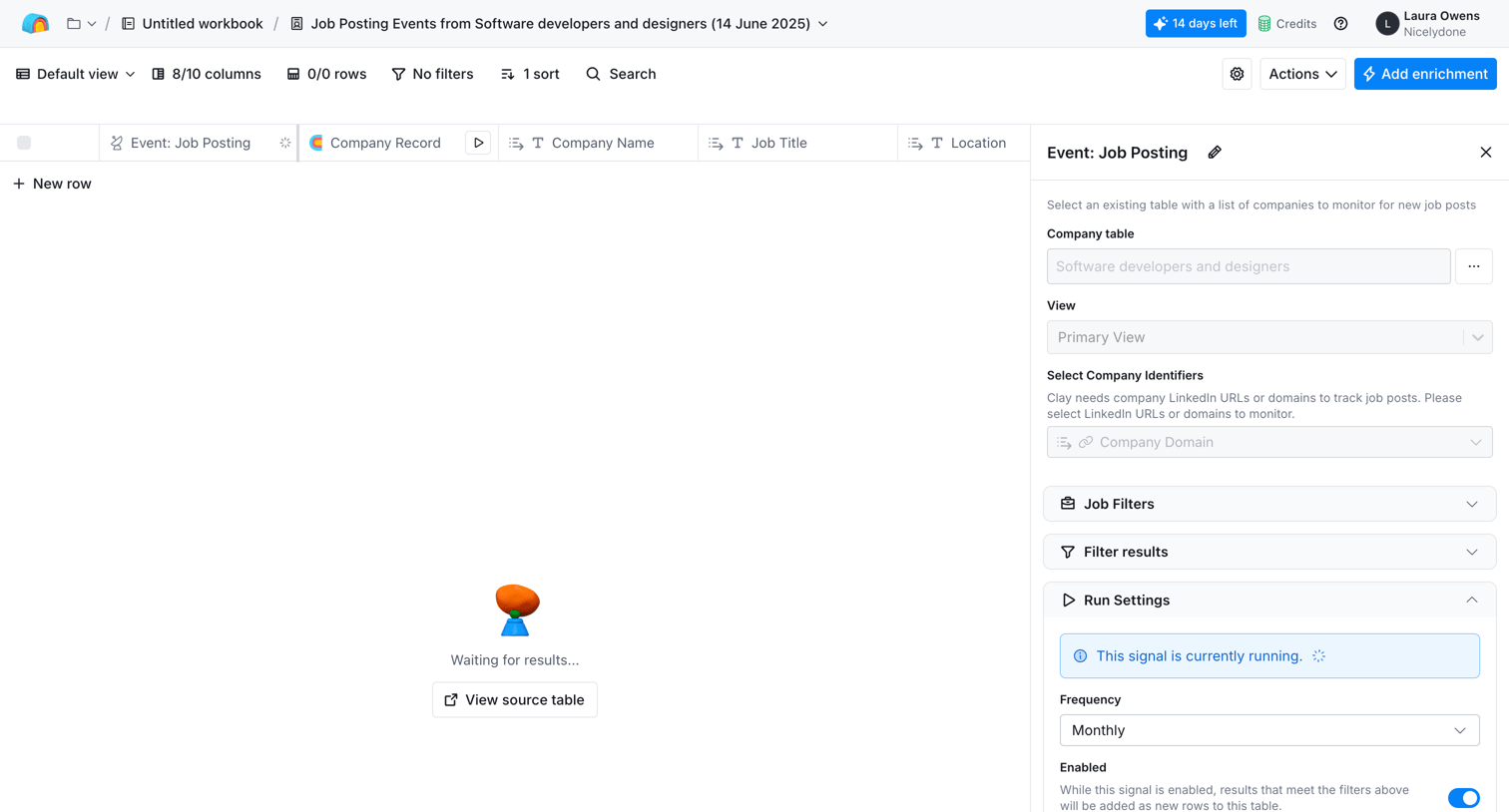

List view where the user configures a recurring job posting enrichment signal for a data table via a side panel.
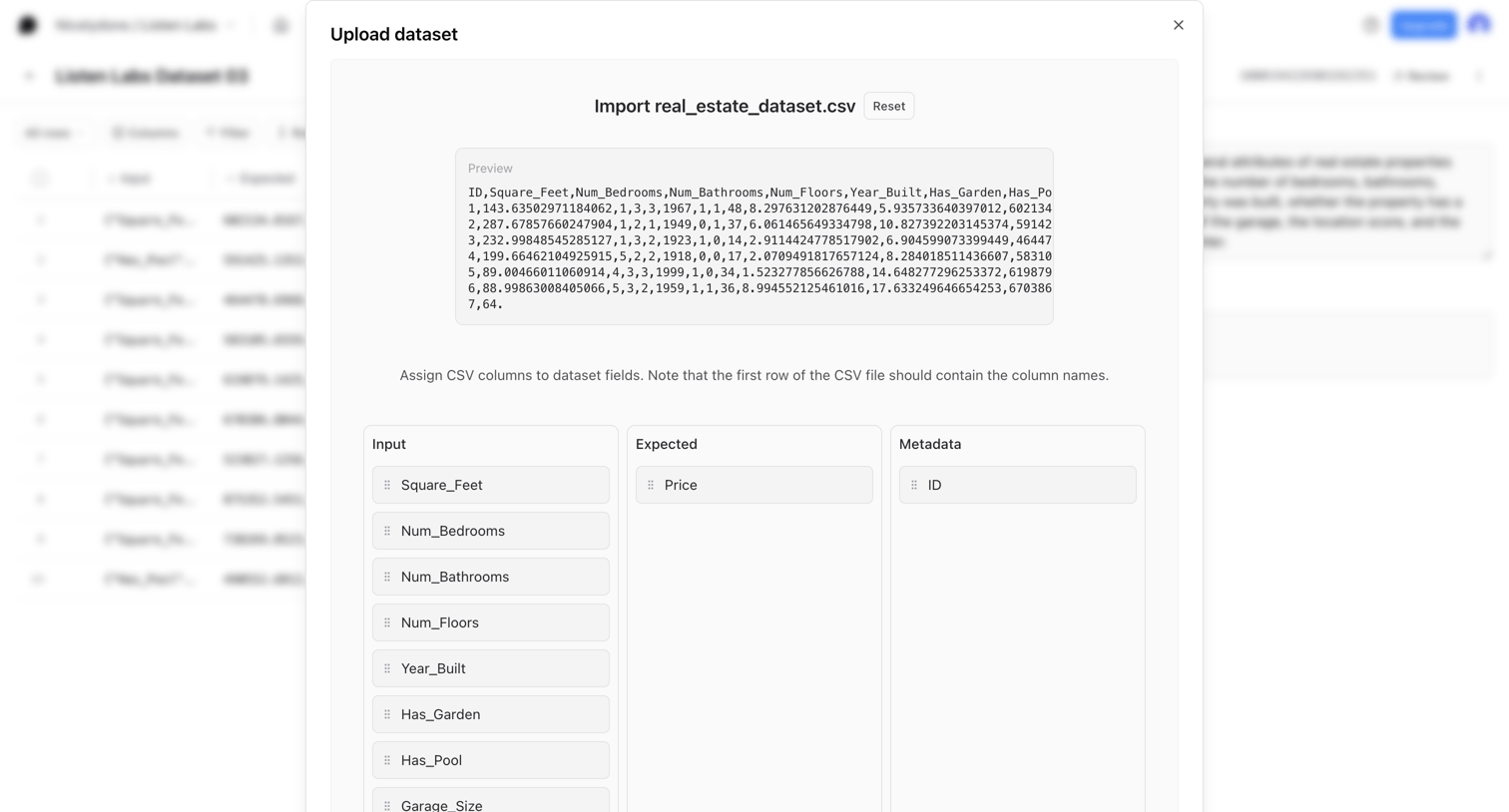

Modal where the user maps CSV columns to input, expected, and metadata fields before importing a real estate dataset.
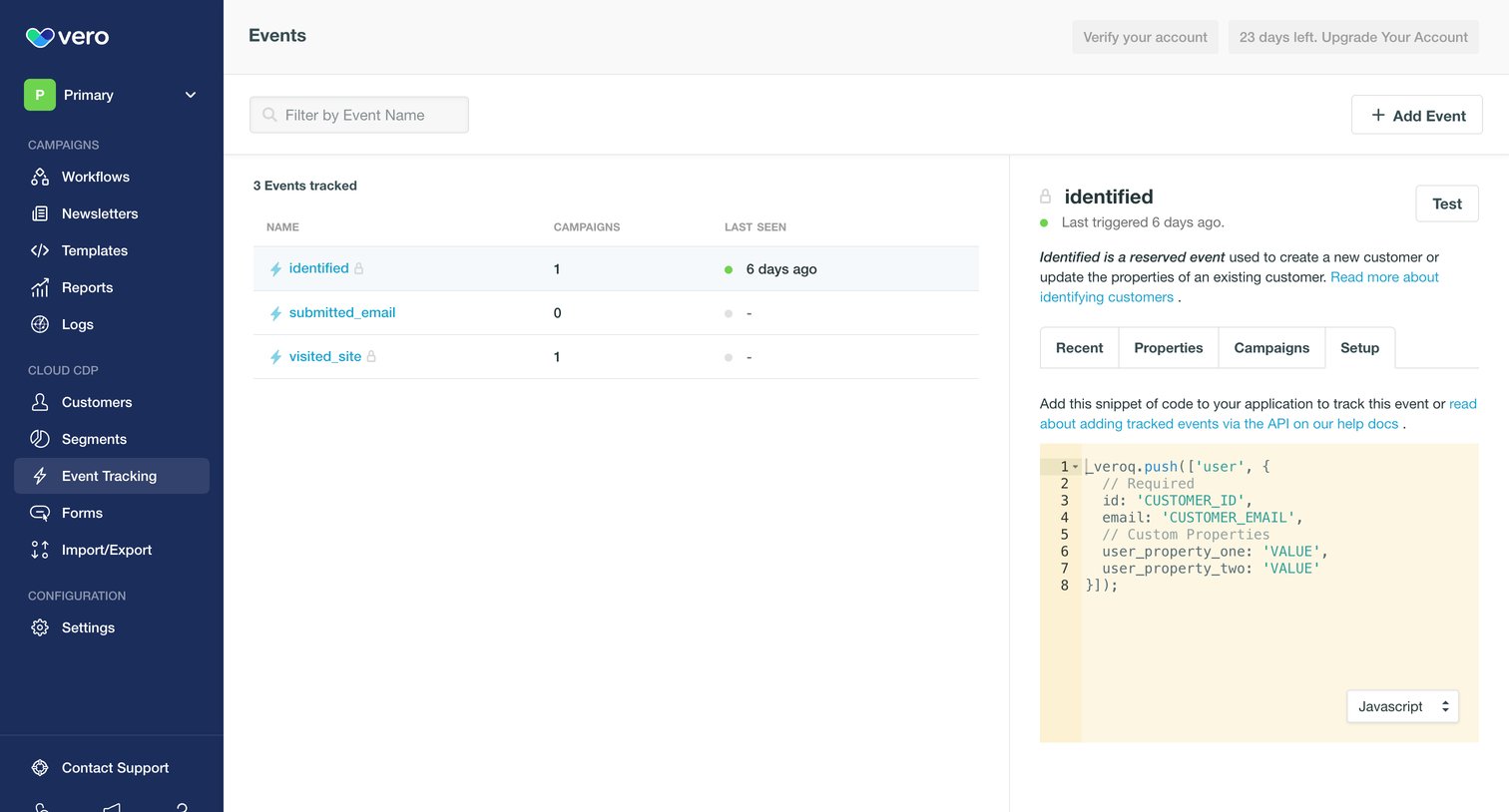

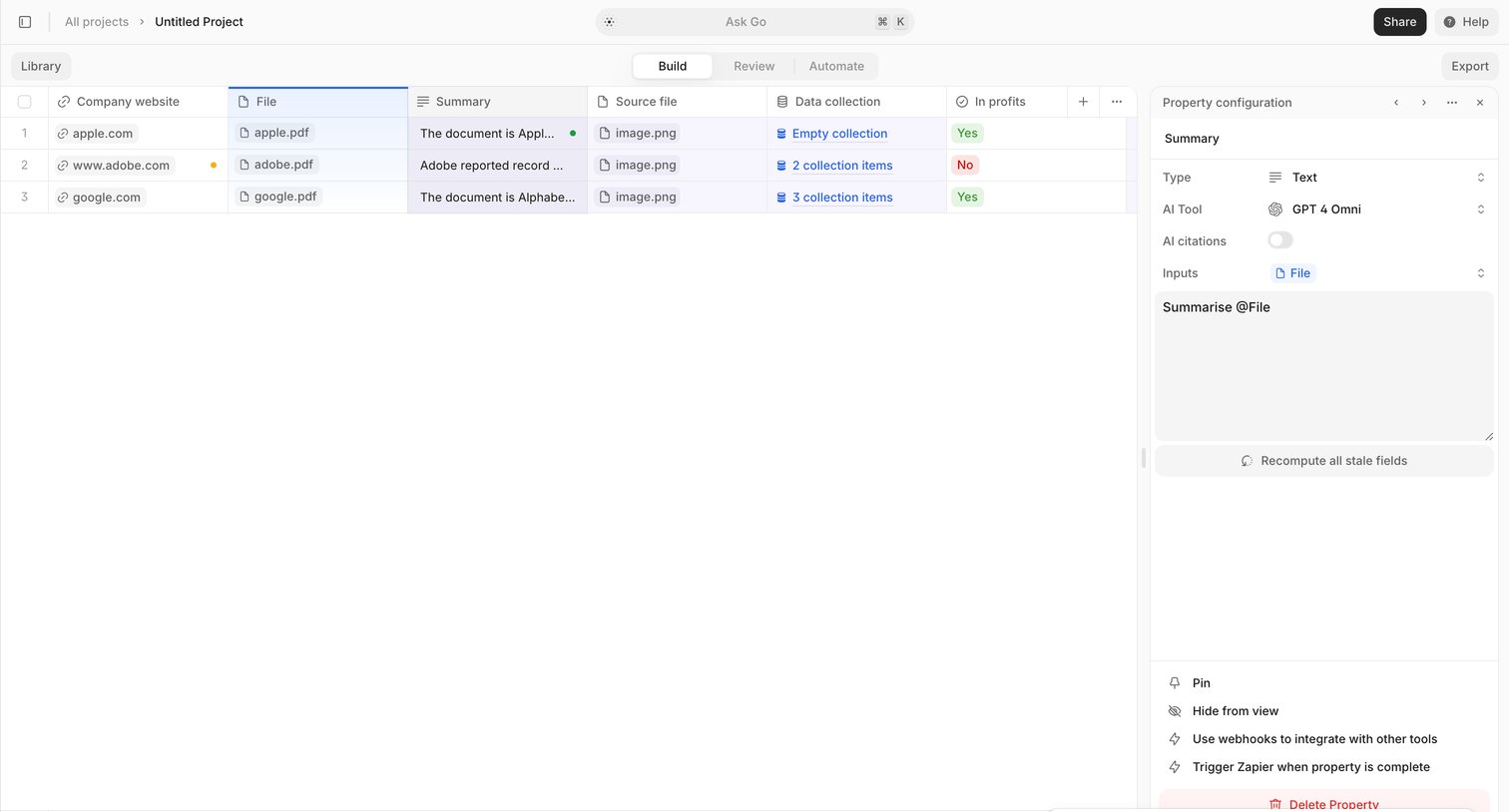

Project builder view where the user configures an AI summary property for a data table column via a side panel.
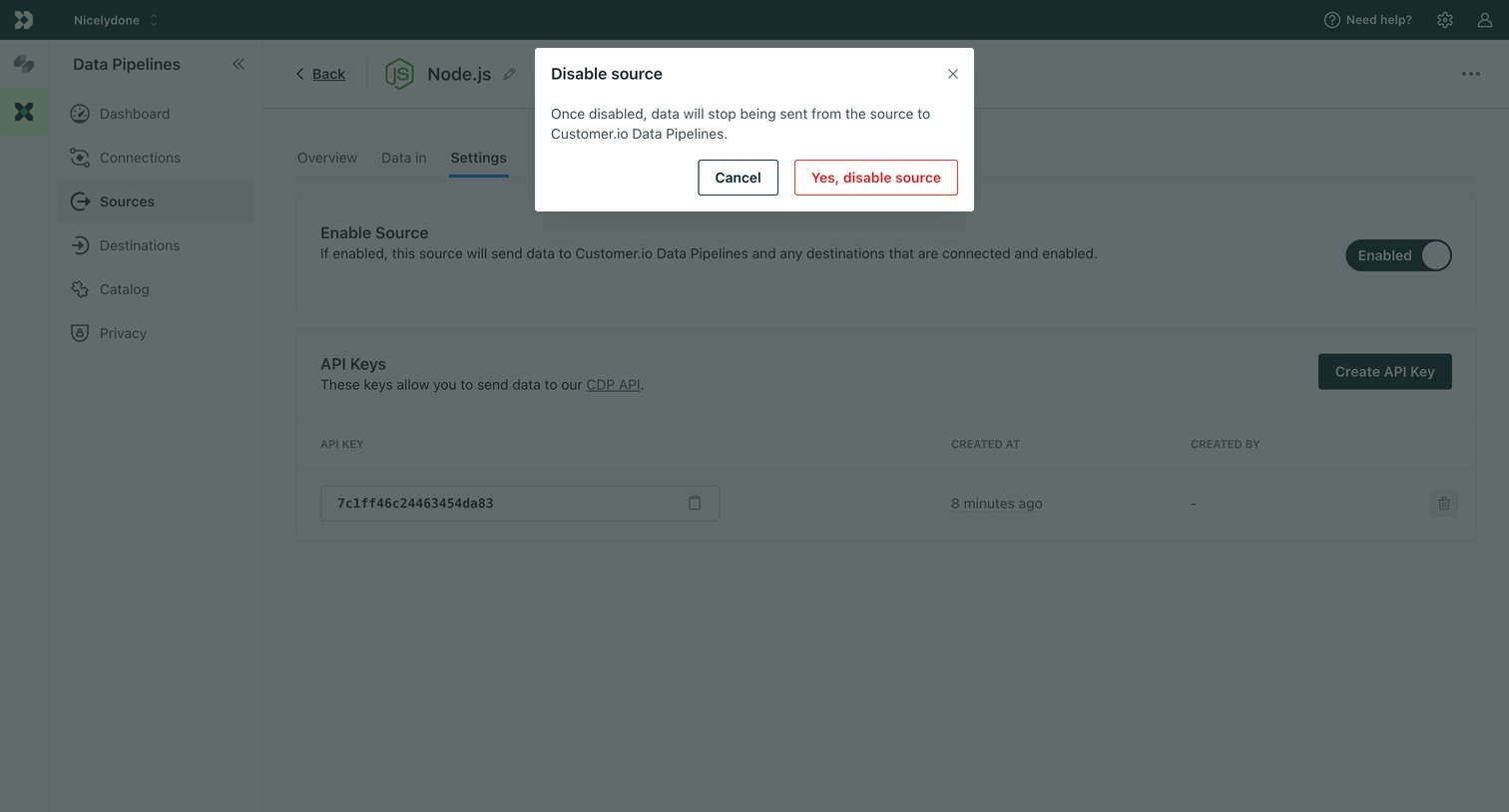

Settings page for a Node.js data source where the user is prompted by a modal to confirm disabling the integration.
Explore the full SaaS screen library
Upgrade to unlock the full library.
Trusted by the best teams







