Data export screen examples
Data export screen design examples from SaaS apps. Explore how apps make stored information available outside the workspace. Look at how content selection, output settings, and the export action are arranged.
Explore the examples
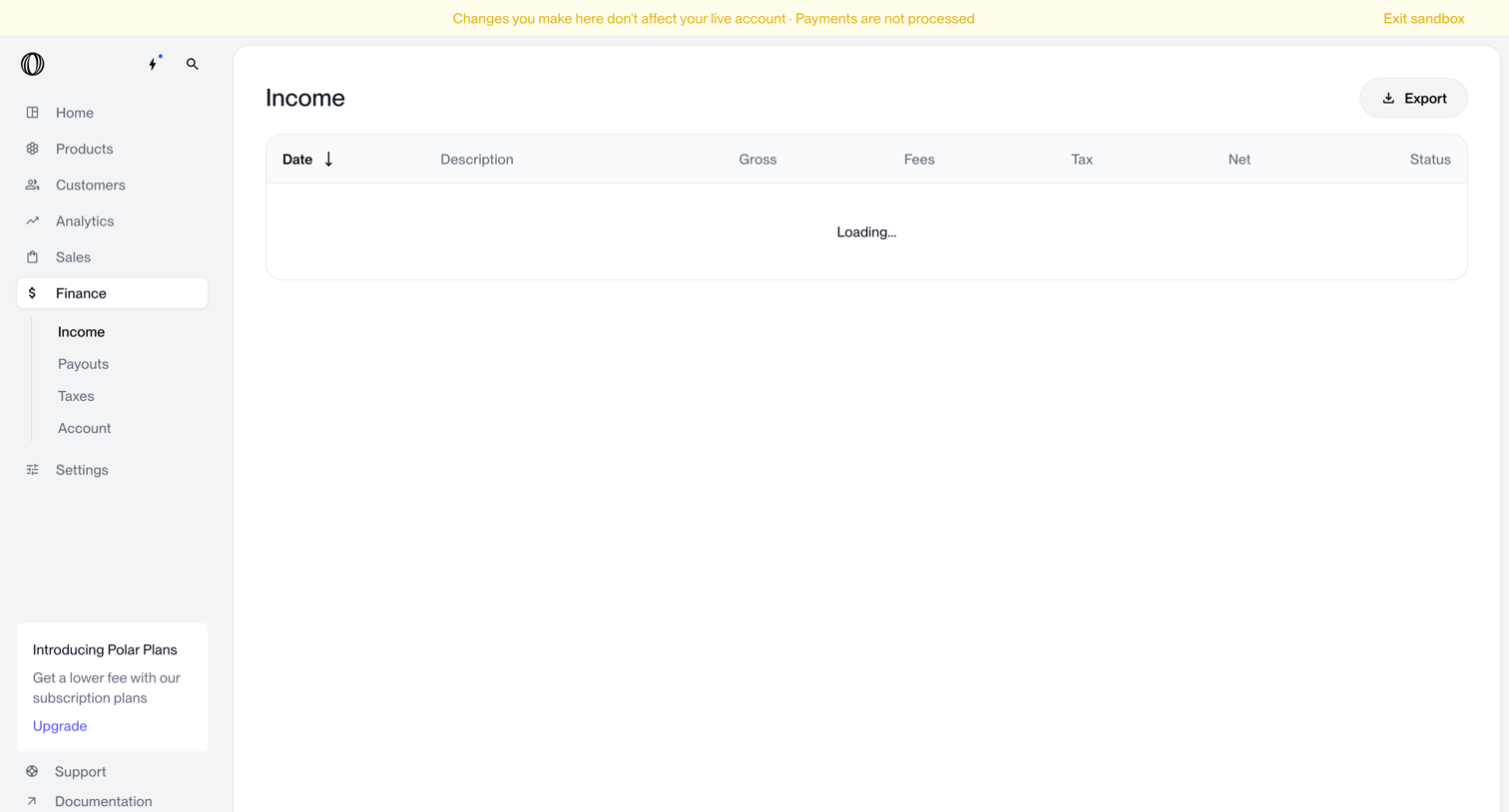

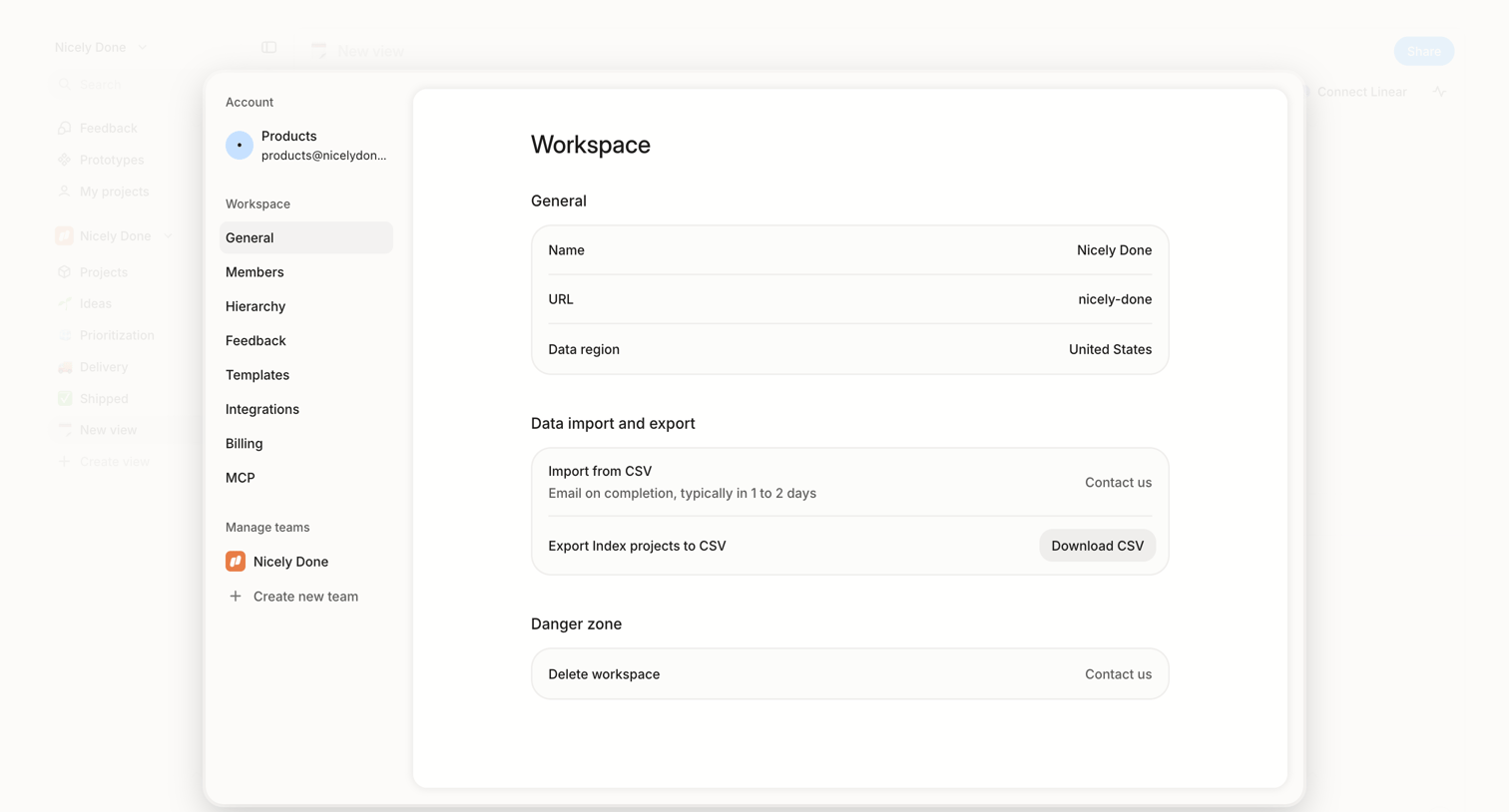

Settings modal where the user views general workspace details, manages data imports and exports via CSV, and can request workspace deletion.
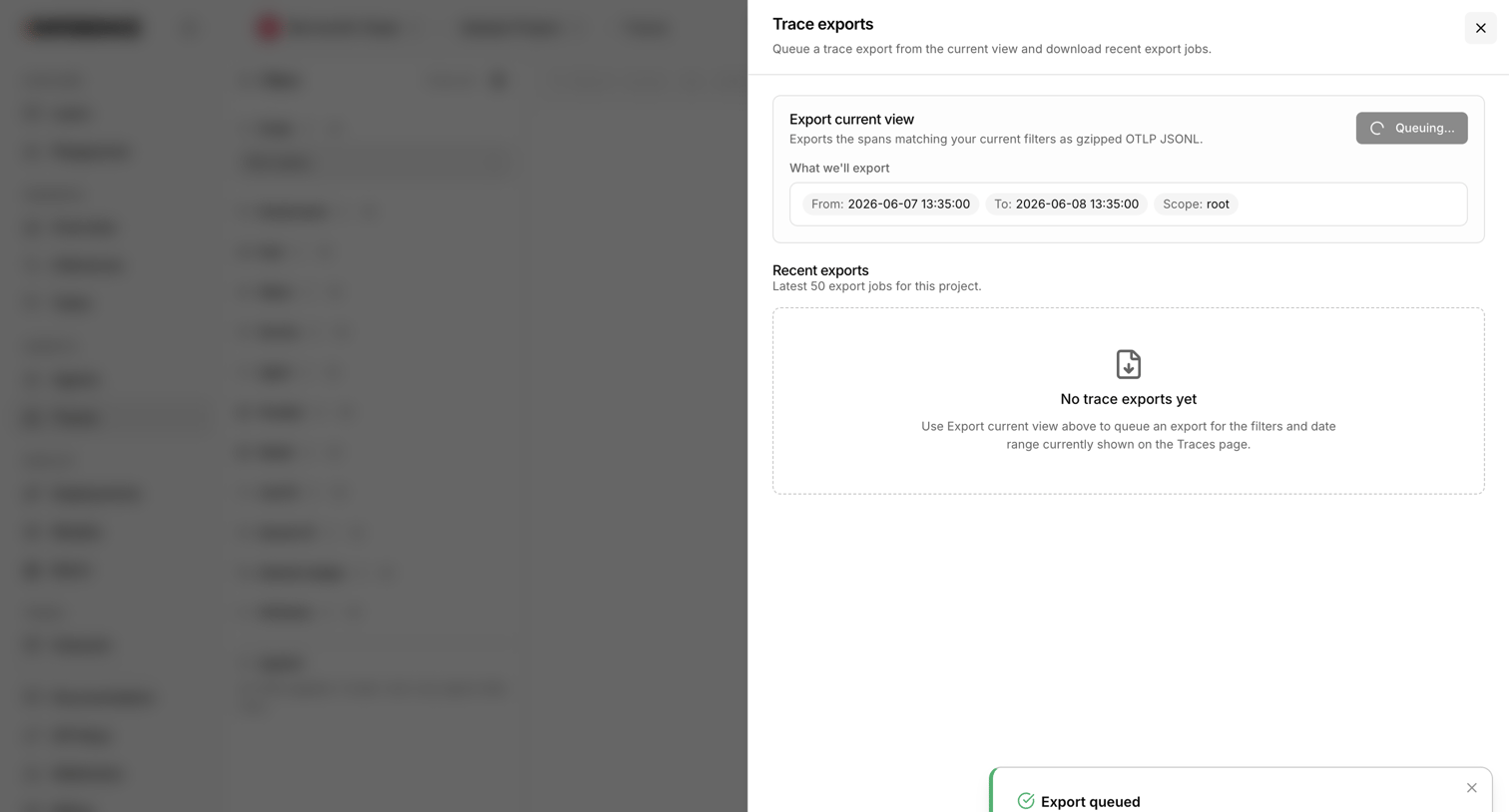

Drawer where the user queues an export of their current trace view and views recent export jobs.
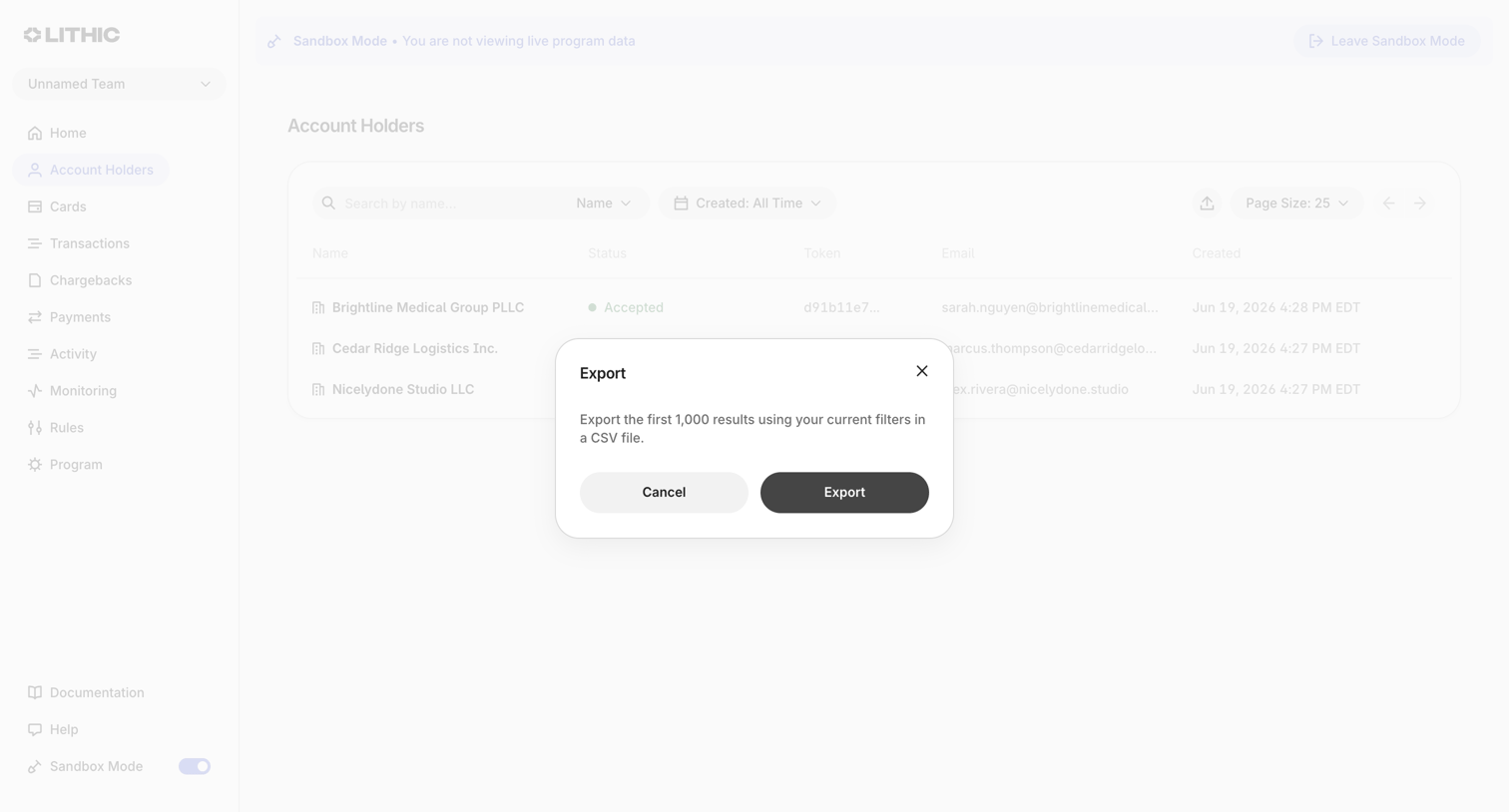

List view of account holders where the user is prompted to confirm exporting the first 1,000 filtered results to a CSV file.
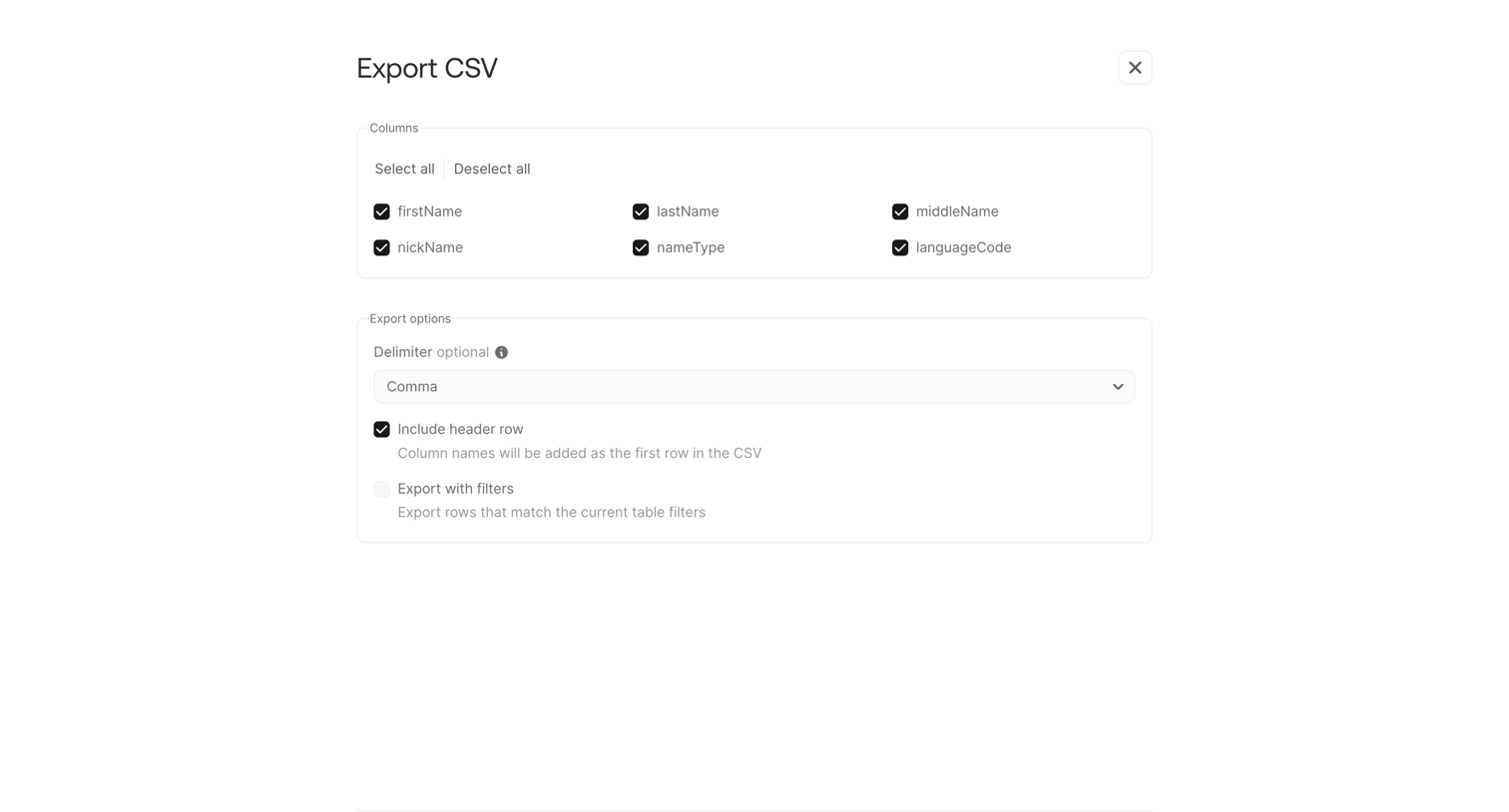

Form where the user configures a CSV export by selecting specific columns, delimiter type, and header options.
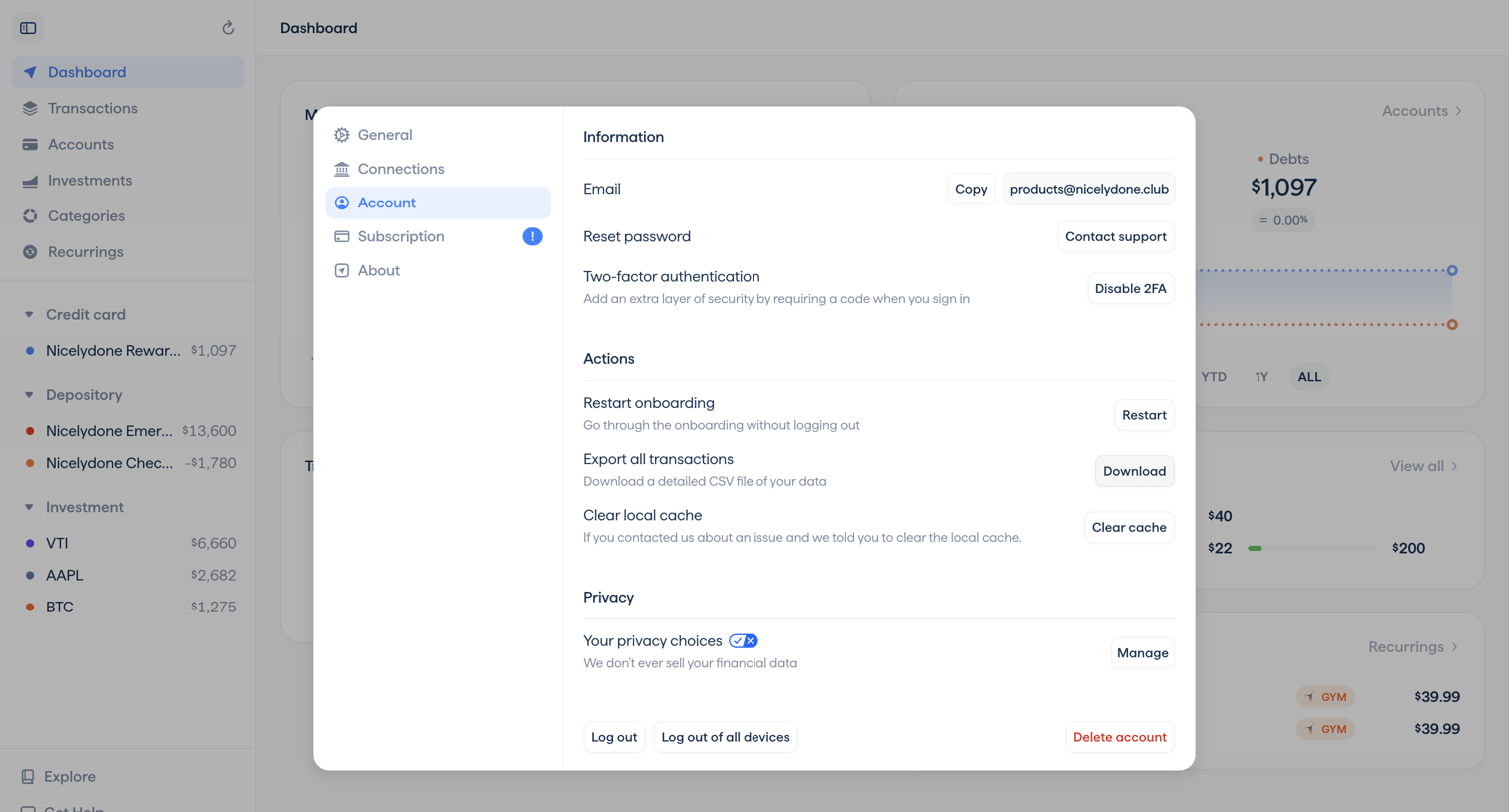

Settings modal where the user manages their account email, two-factor authentication, data export, and privacy options over a financial dashboard.

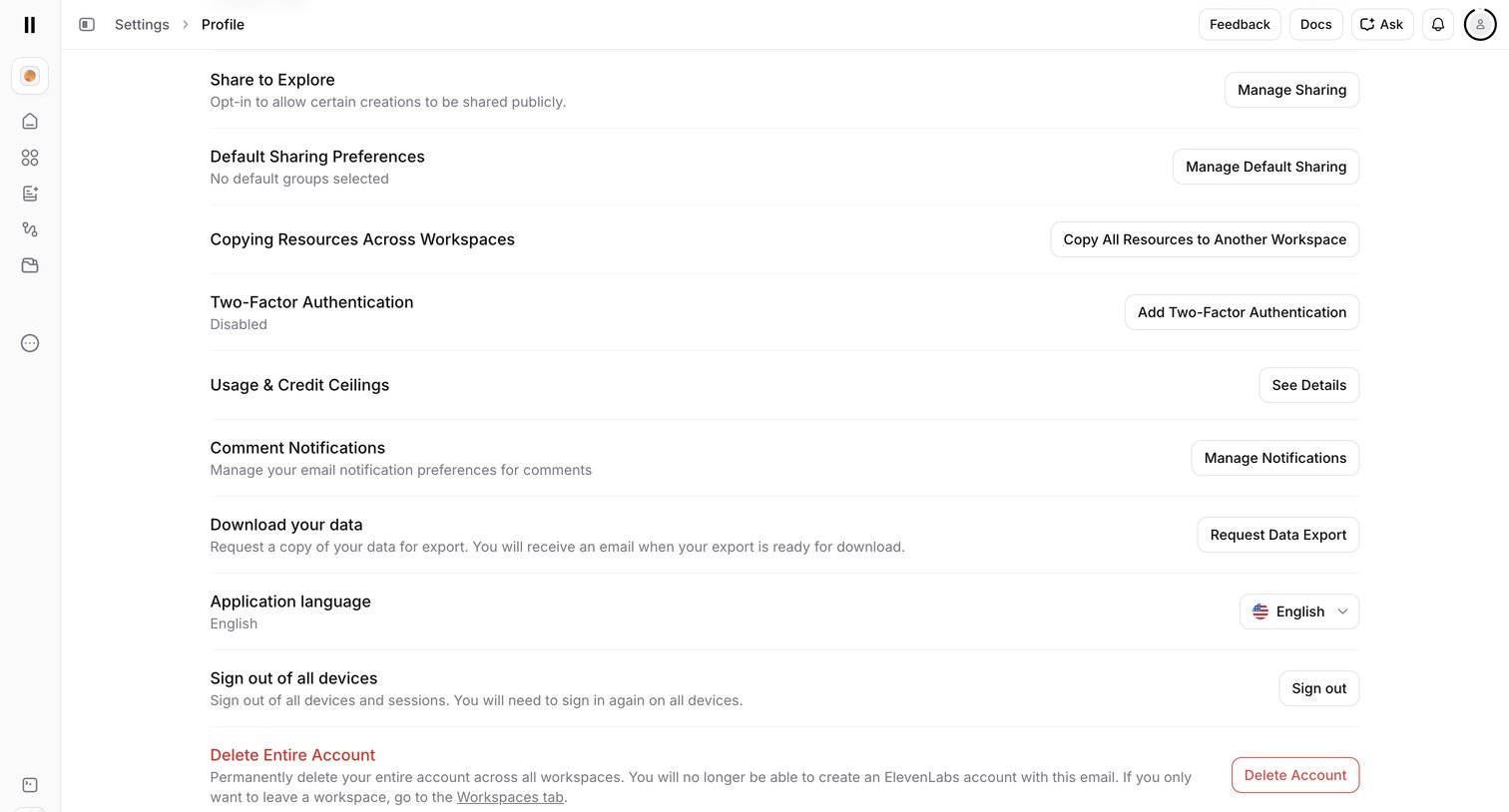

Settings page where the user manages profile preferences including sharing, two-factor authentication, notifications, data export, and account deletion.
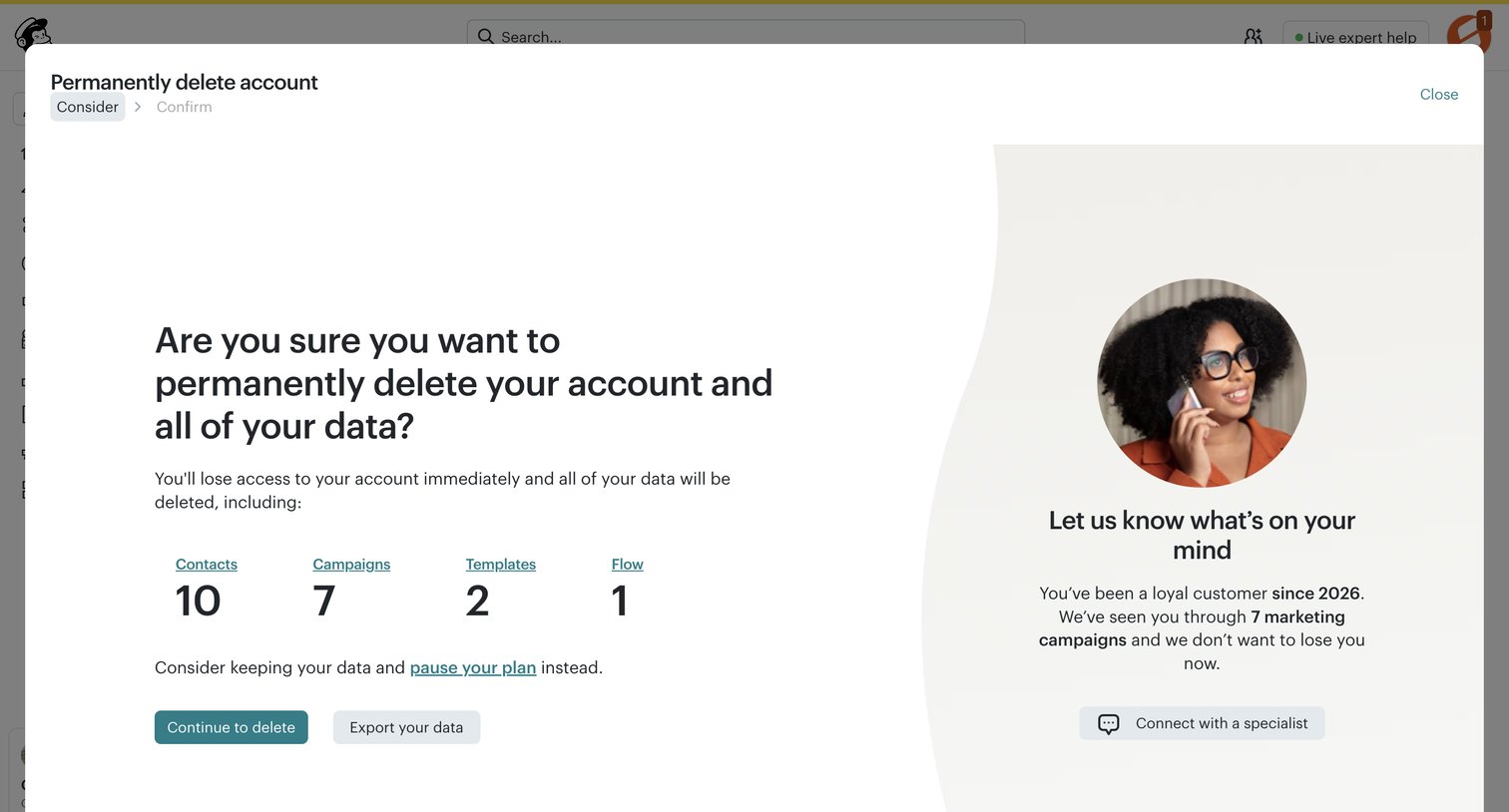

Settings modal where the user is asked to confirm permanent account deletion, reviewing their data summary and a retention offer before proceeding.
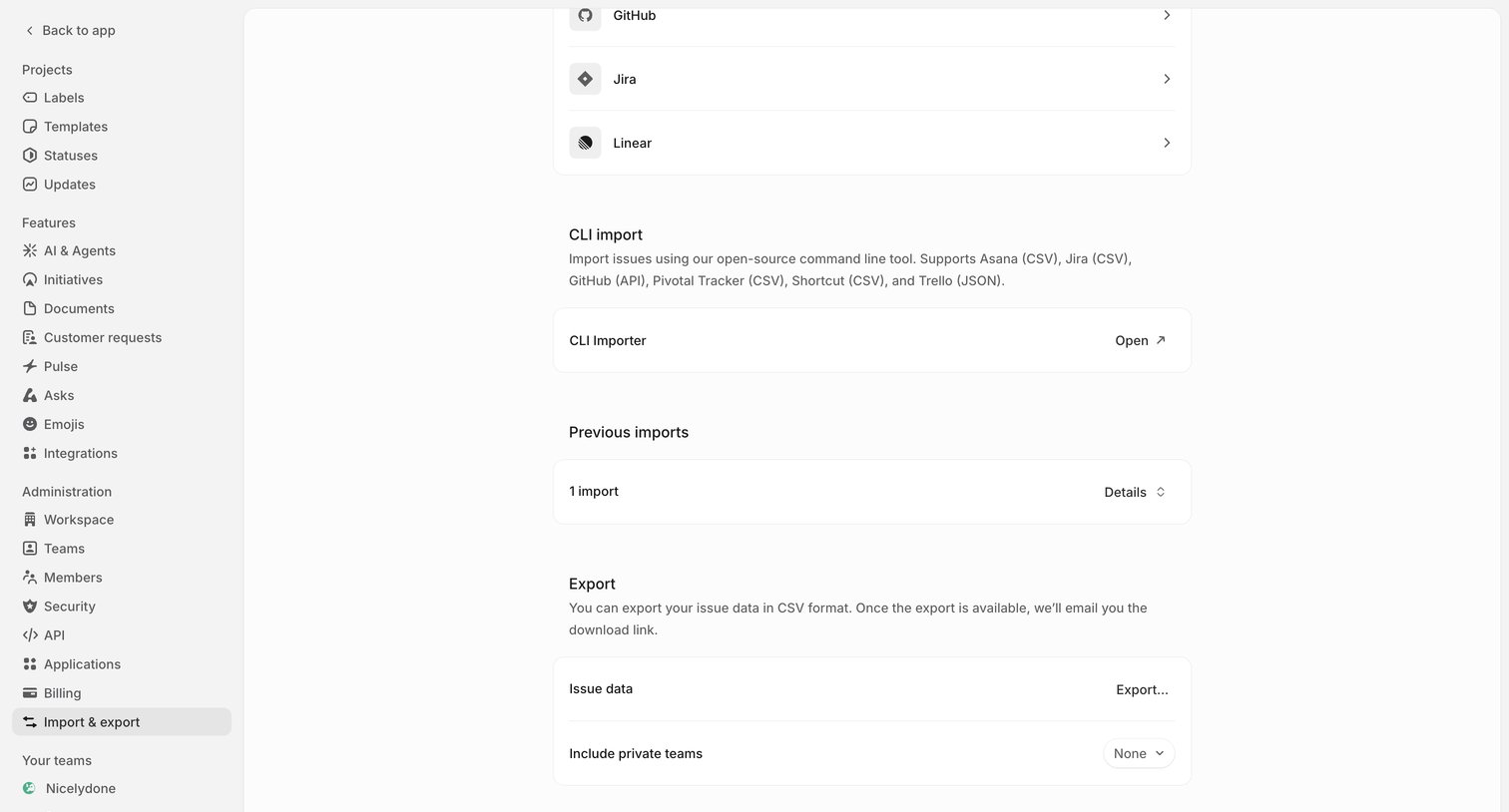

Settings page where the user configures data migration by importing from tools like GitHub or Jira, managing previous imports, or exporting issue data to CSV.
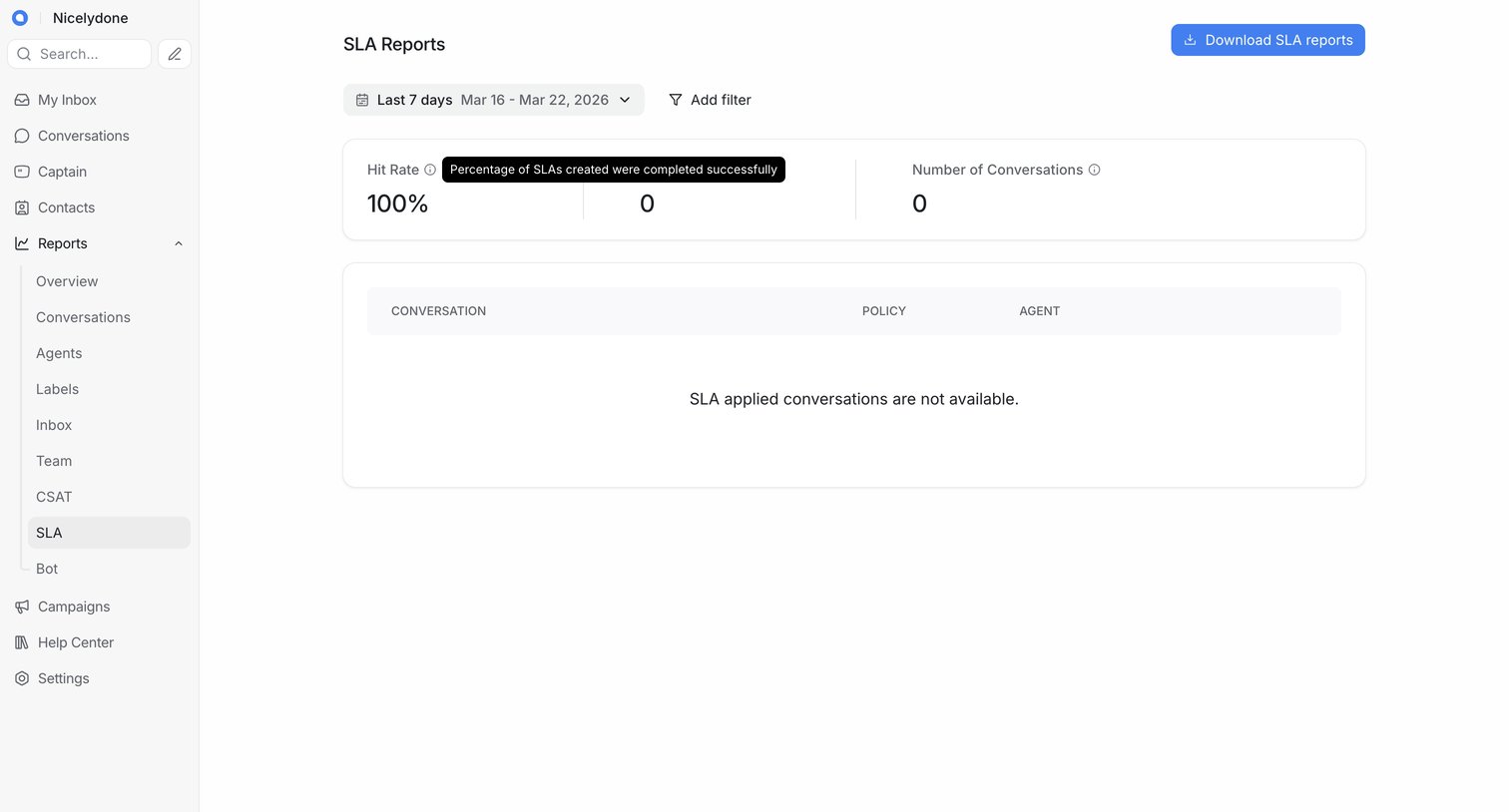

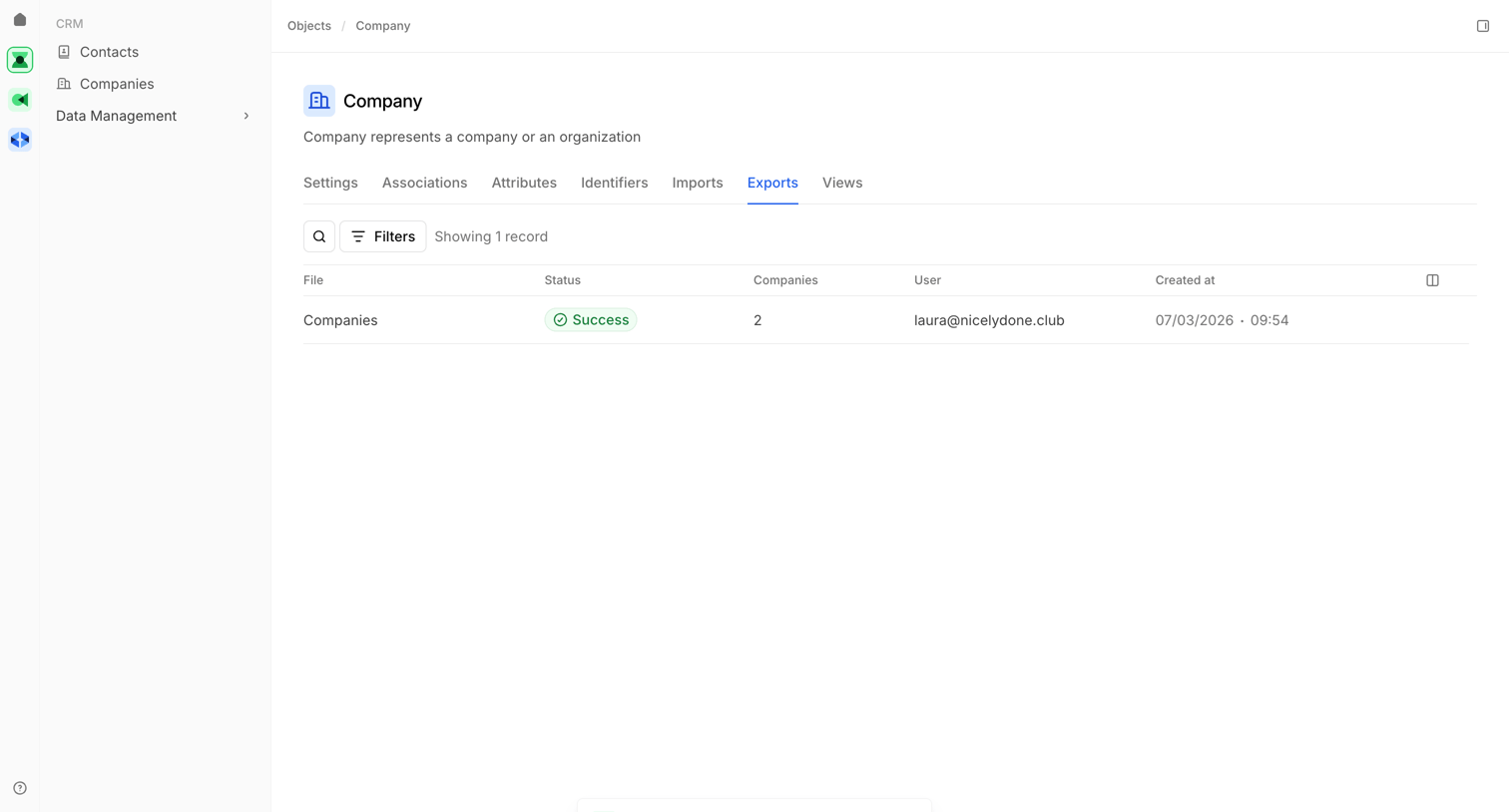

Settings page where the user views a history of data exports for the Company object, with a success toast confirming a new export has started.
Explore the full SaaS screen library
Upgrade to unlock the full library.
Trusted by the best teams








About Data export
Explore how apps make stored information available outside the workspace. Look at how content selection, output settings, and the export action are arranged.