Customer support chat screen examples
Customer support chat screen design examples from SaaS apps. Browse examples from Latitude.sh, Whop, Orchestra.
Explore the examples
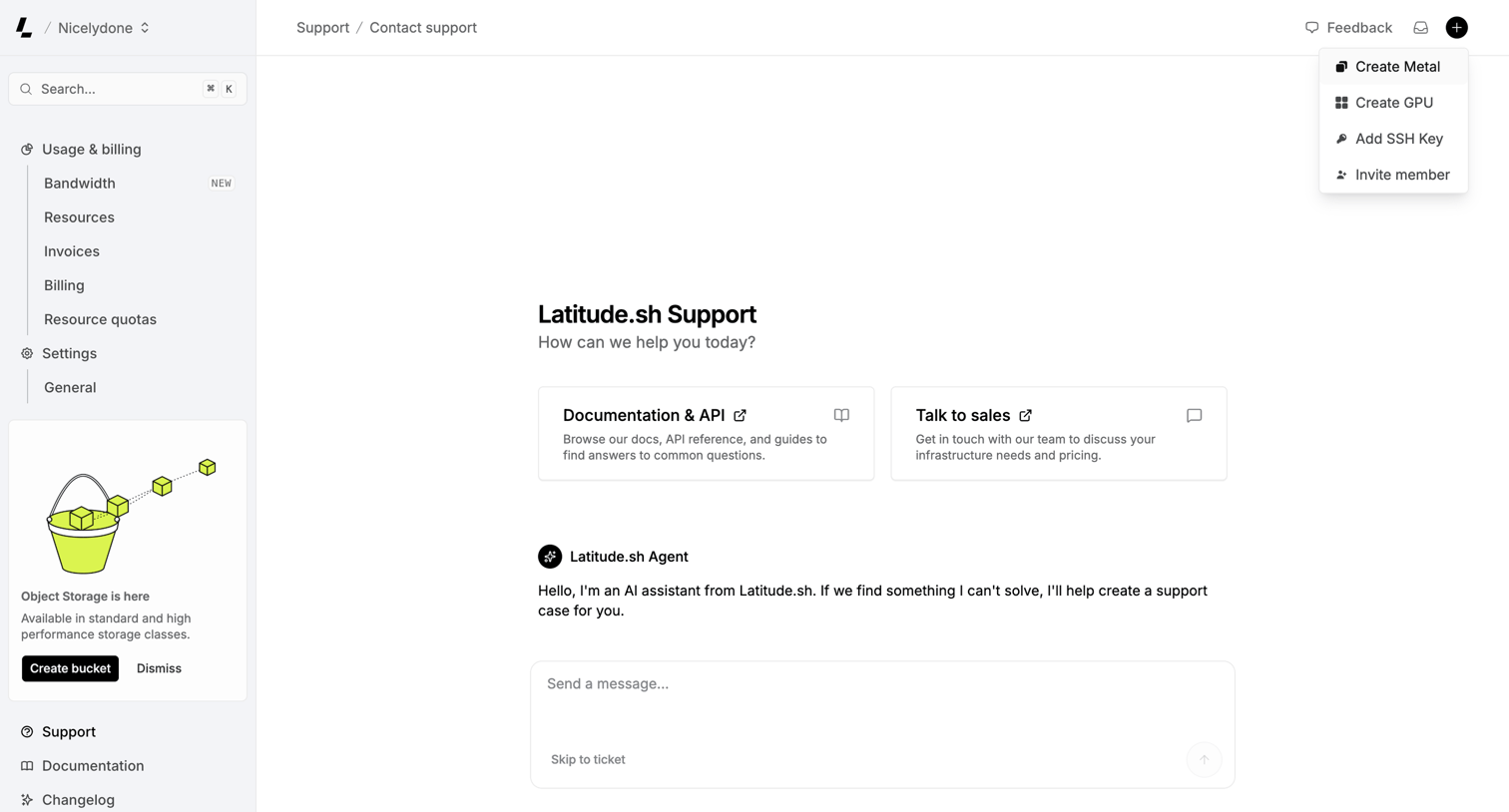

Support page where the user can chat with an AI assistant, browse API documentation, or contact sales.
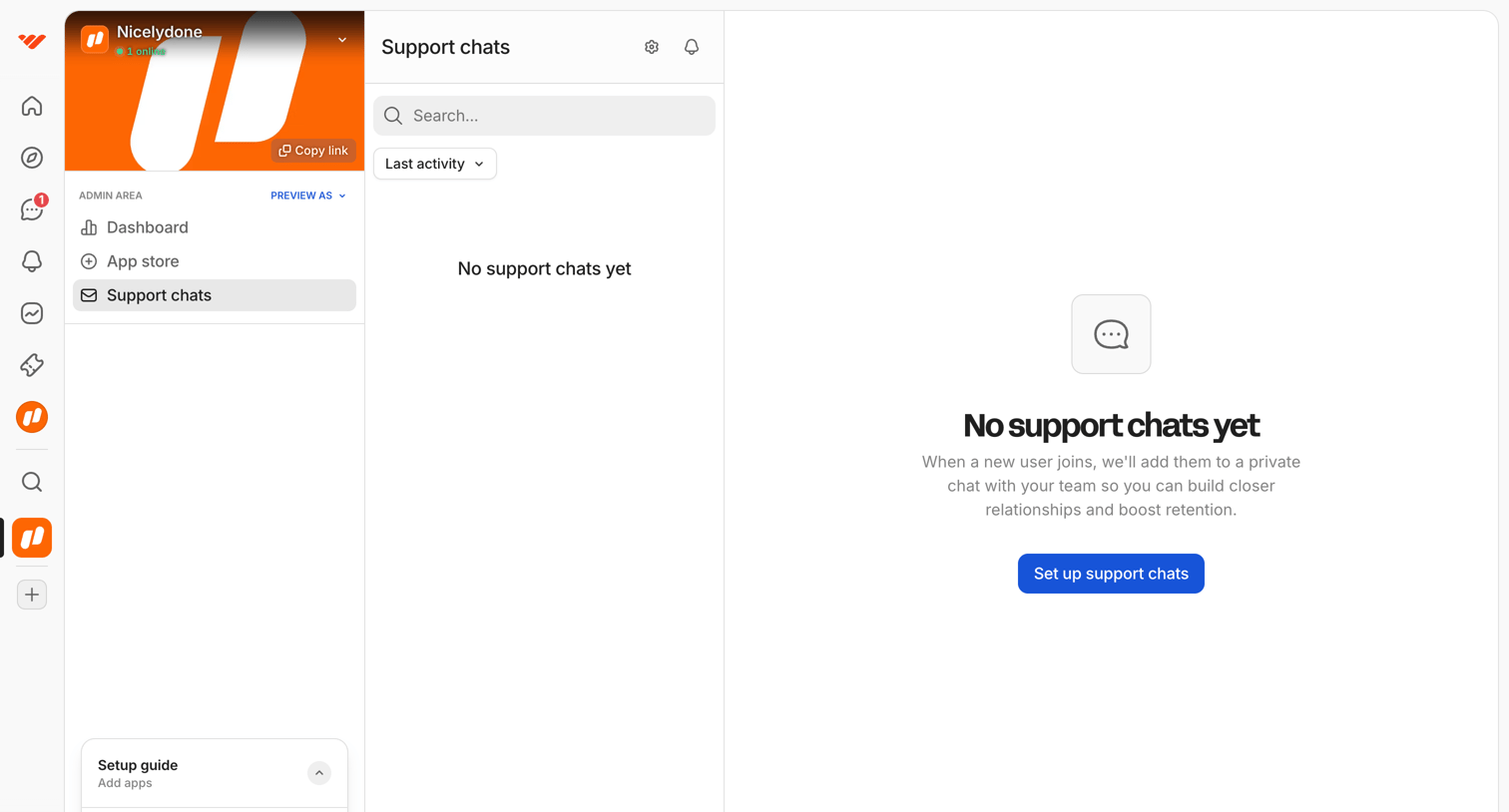

Inbox view for support chats where the admin sees an empty state prompting them to set up the feature.
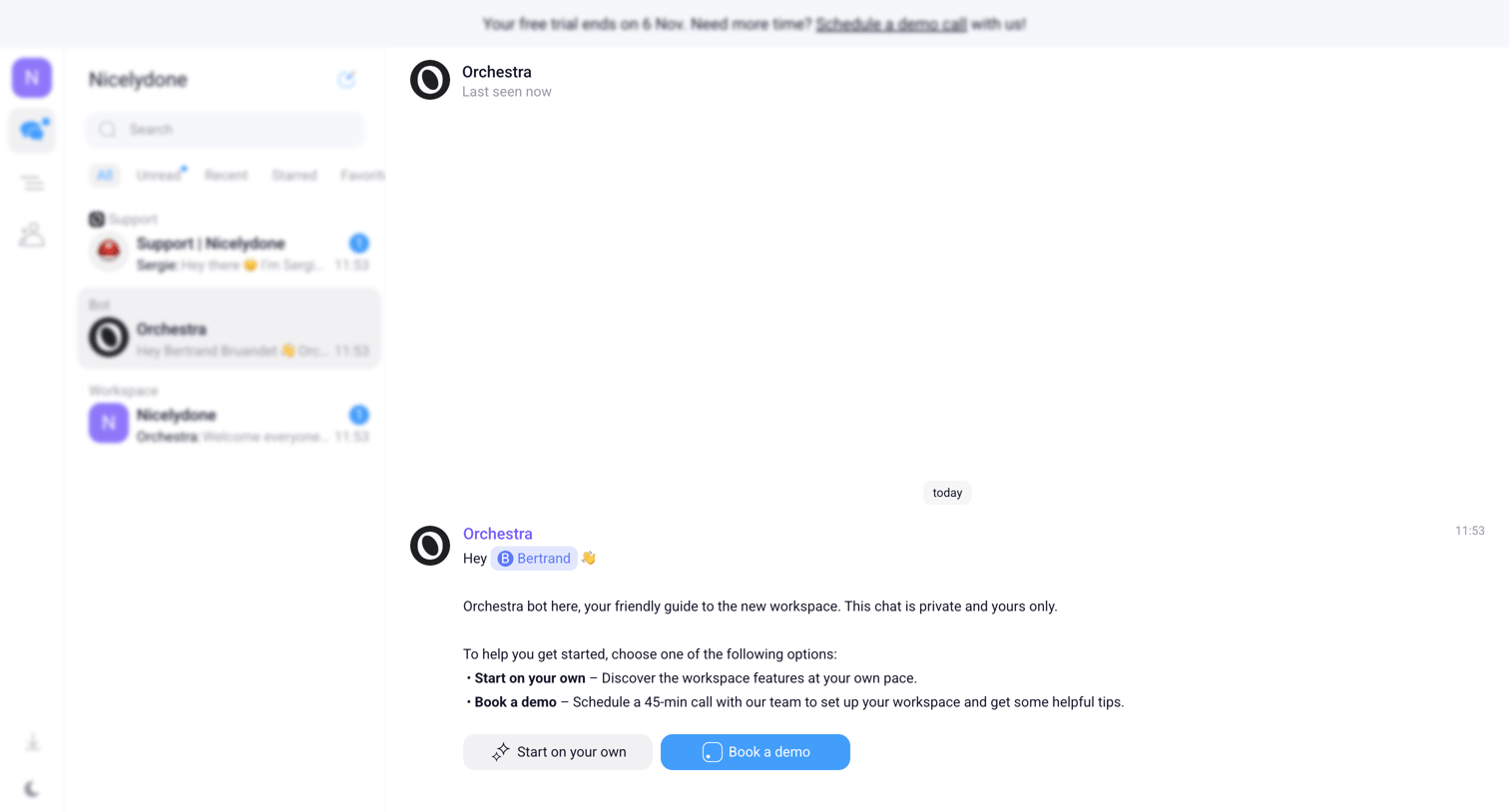

Inbox view where the user is chatting with an onboarding bot that offers options to start on their own or book a demo.
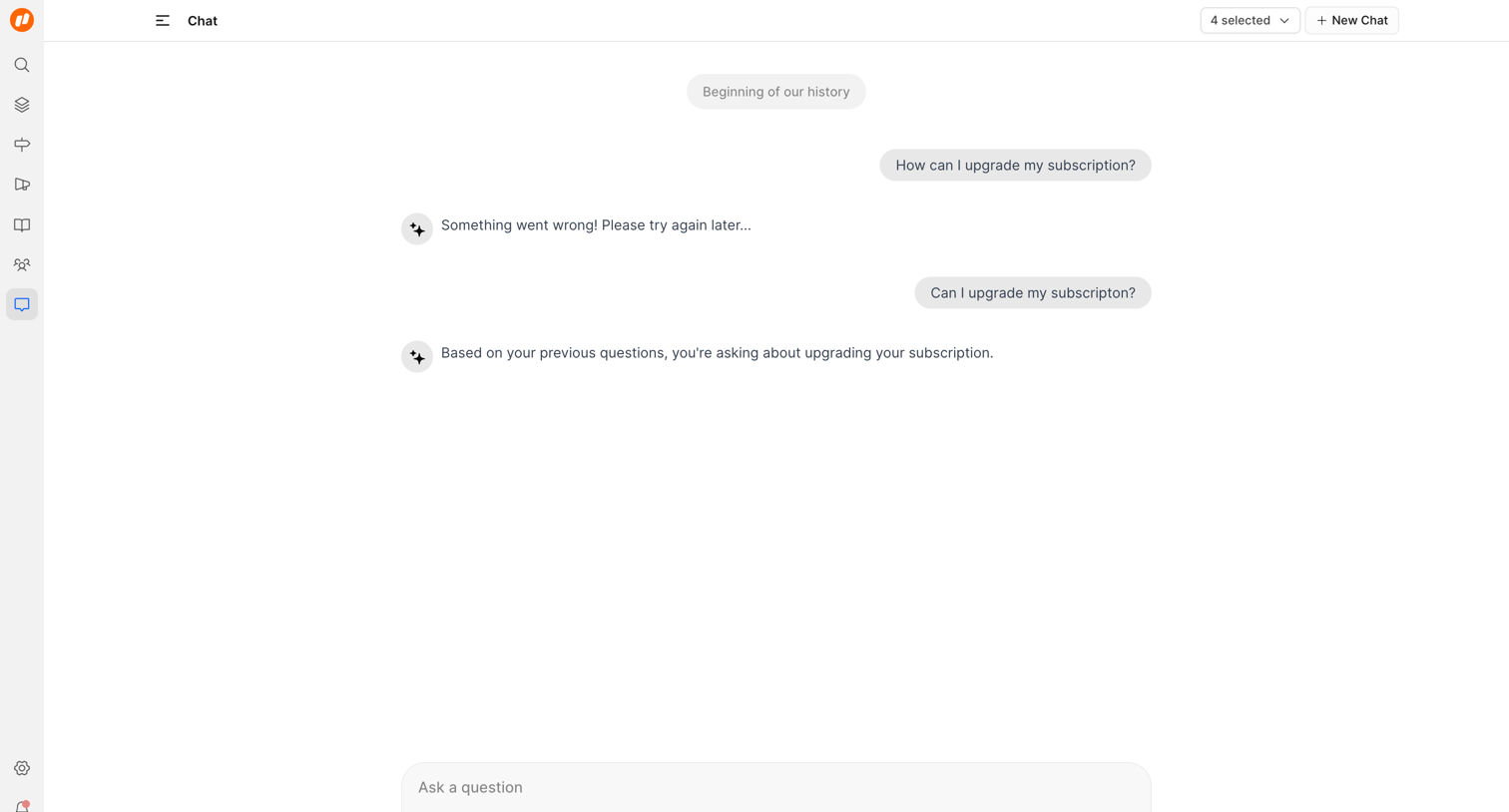

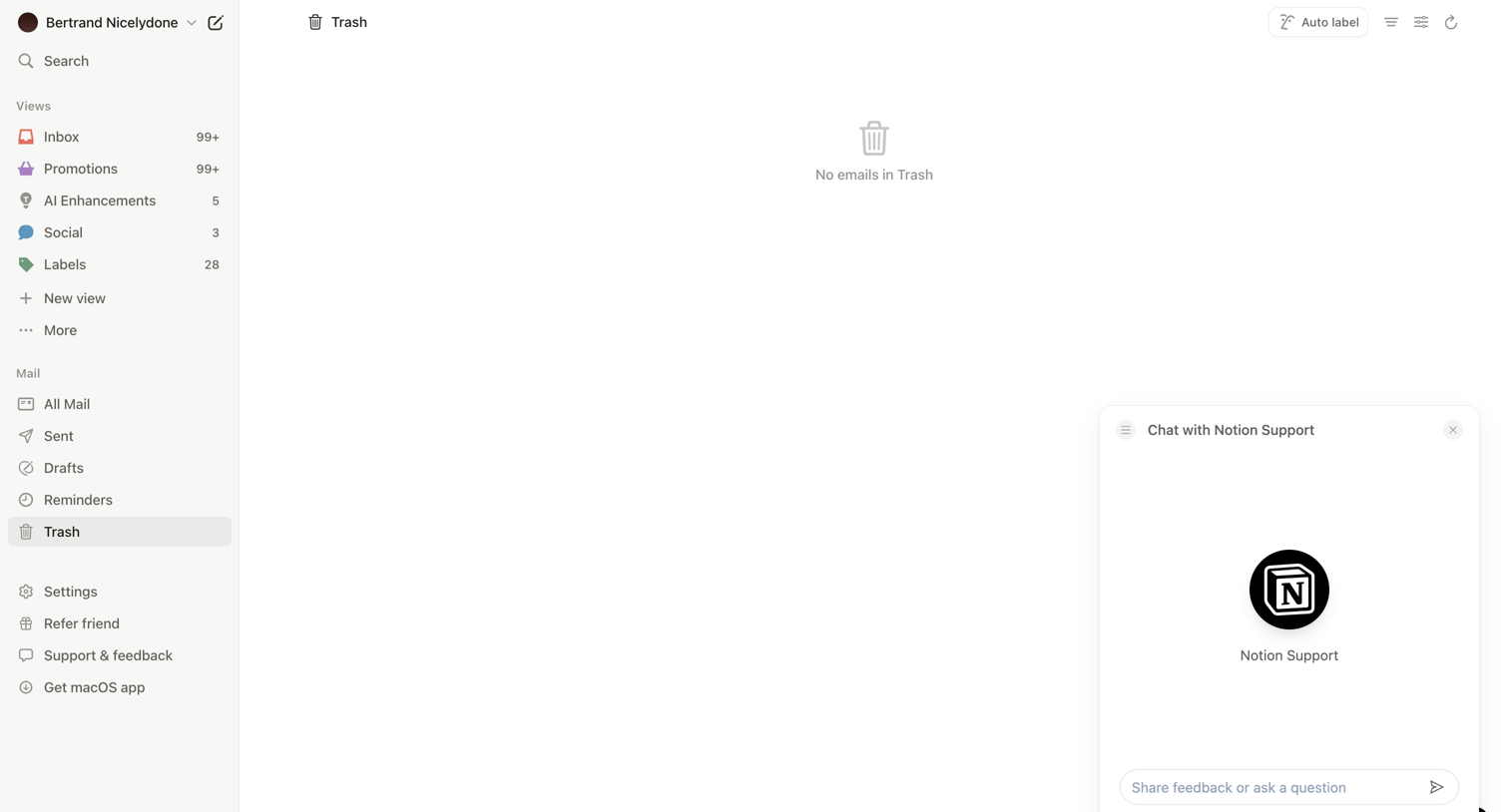

Email client inbox showing an empty trash folder with a support chat widget open for user assistance.
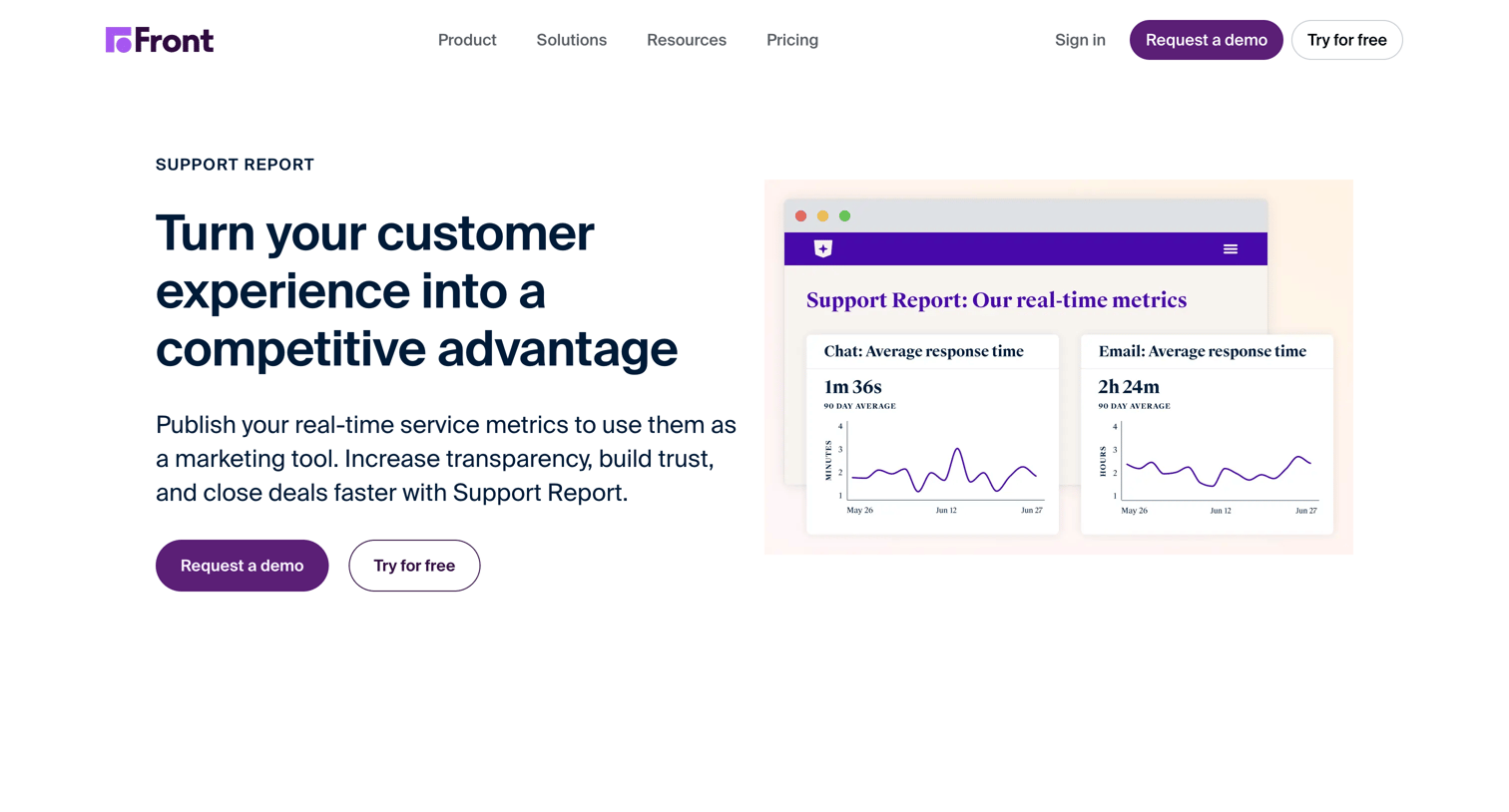

Feature page explaining how to publish real-time customer service metrics like CSAT and response time using Support Report to build trust and close deals.
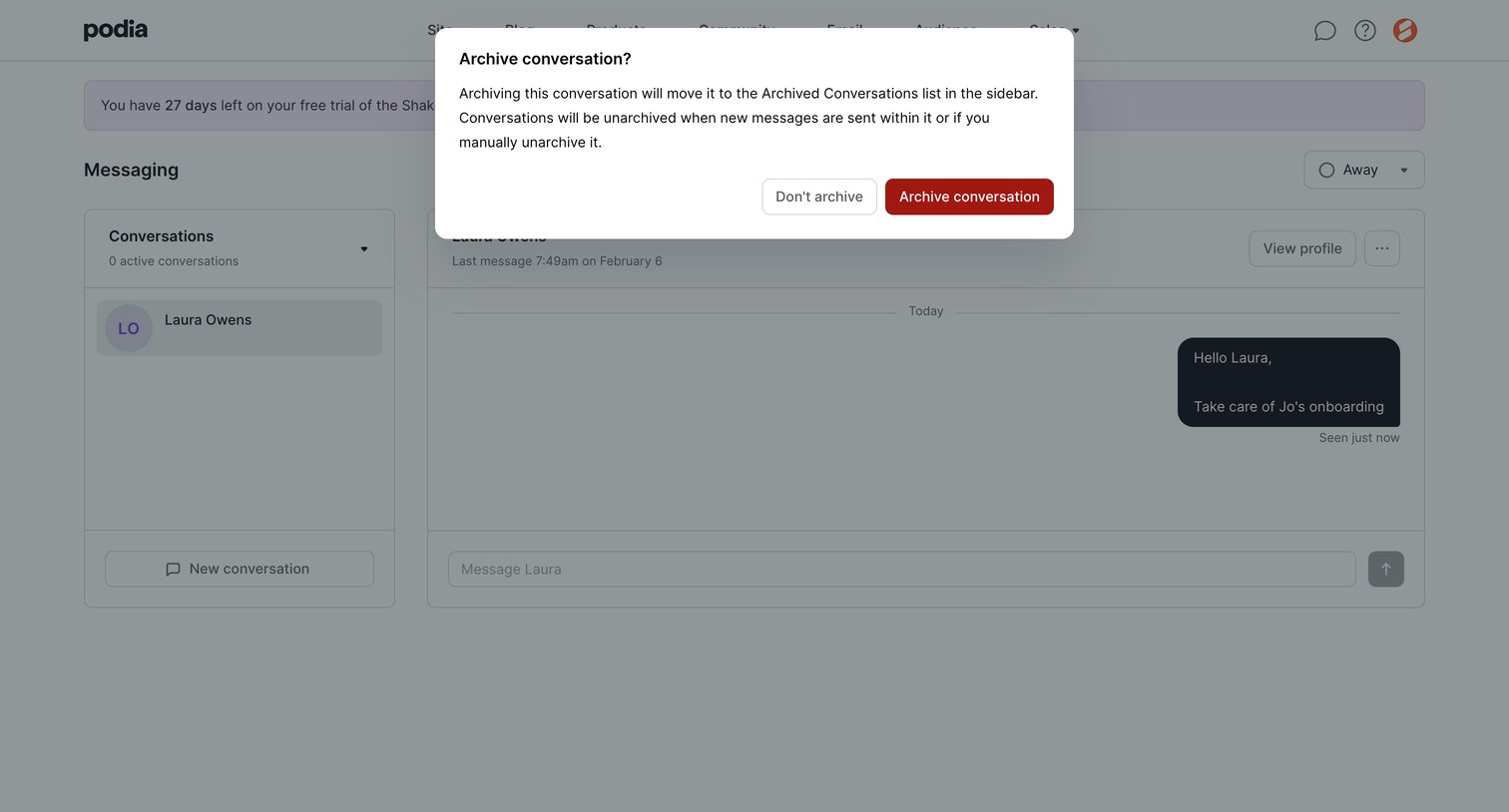

Messaging inbox where the user is prompted to confirm archiving a conversation with a specific contact.
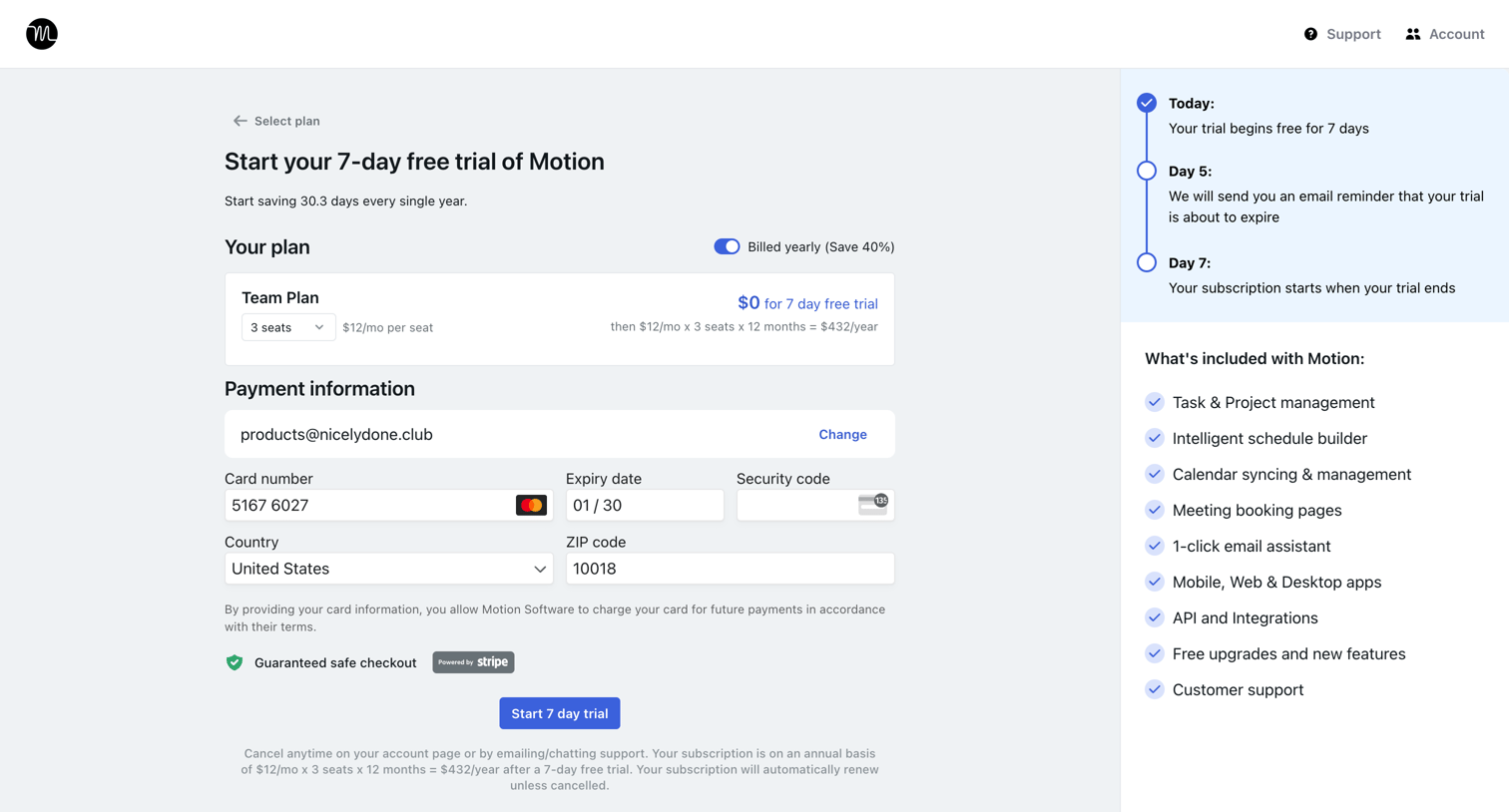

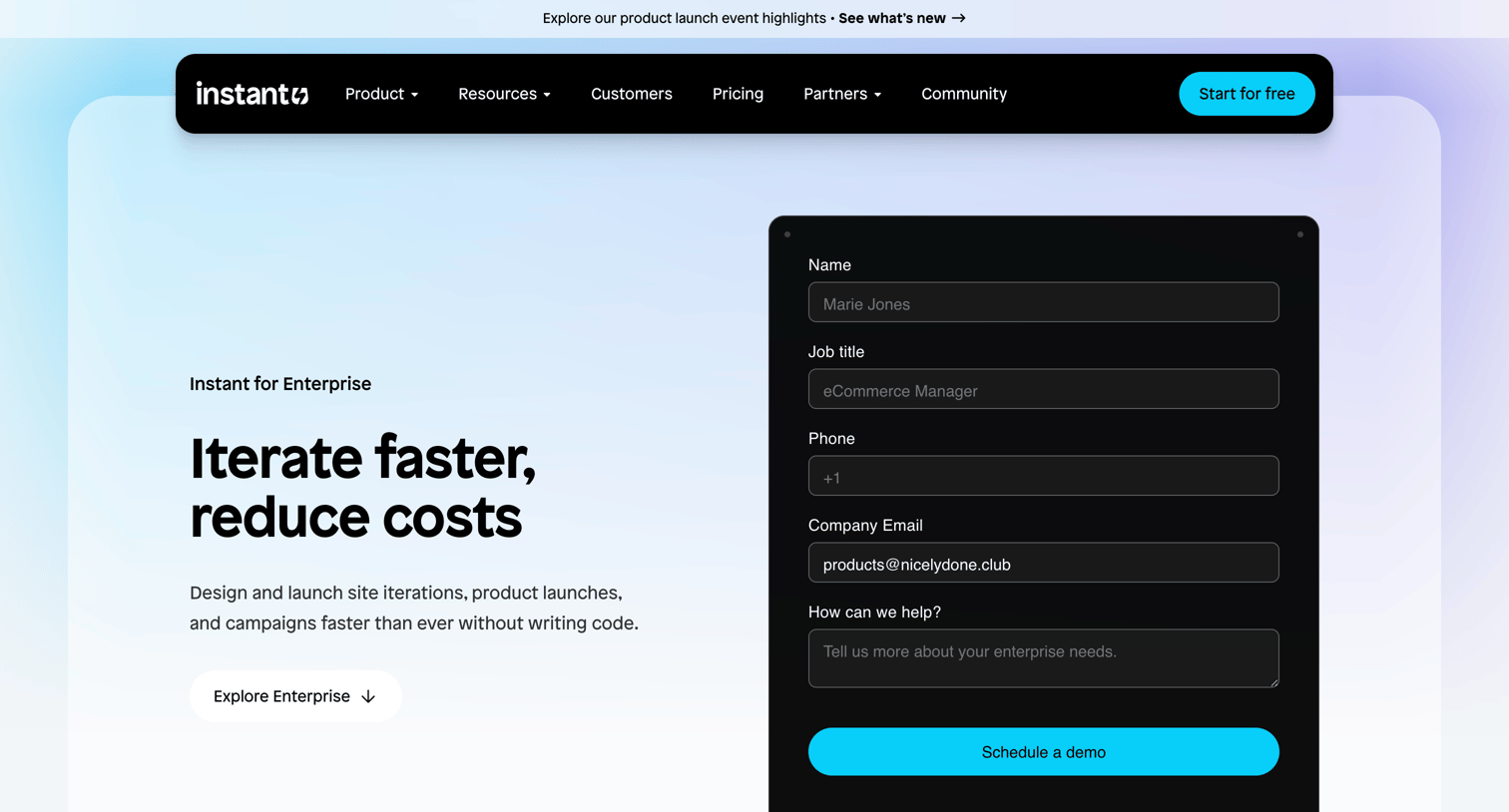

Enterprise marketing page detailing Shopify design platform capabilities, featuring a bento grid of features and multiple lead capture forms to schedule a demo.

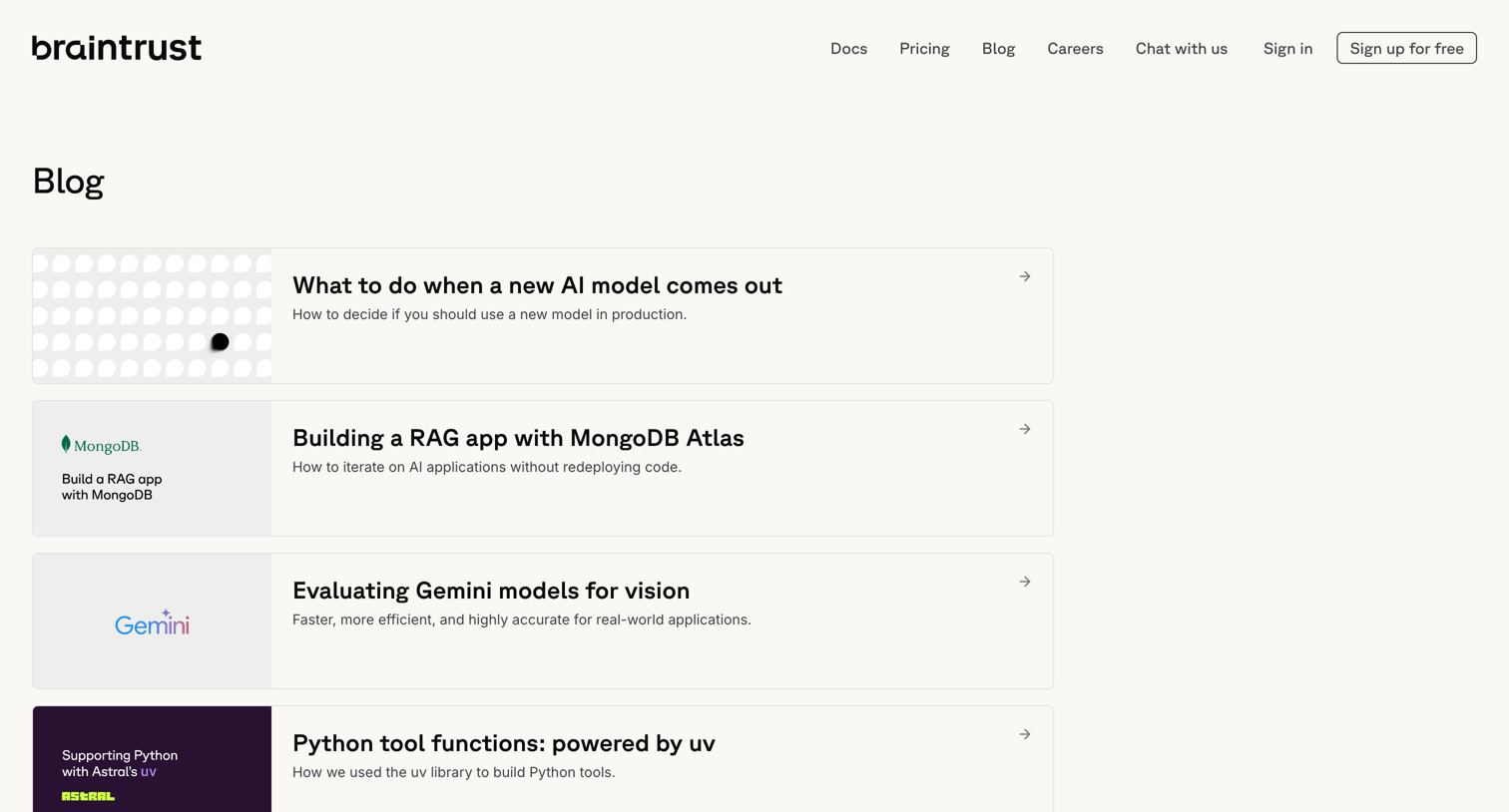

Blog index page listing articles about AI engineering, product updates, and company news in a vertical card layout.
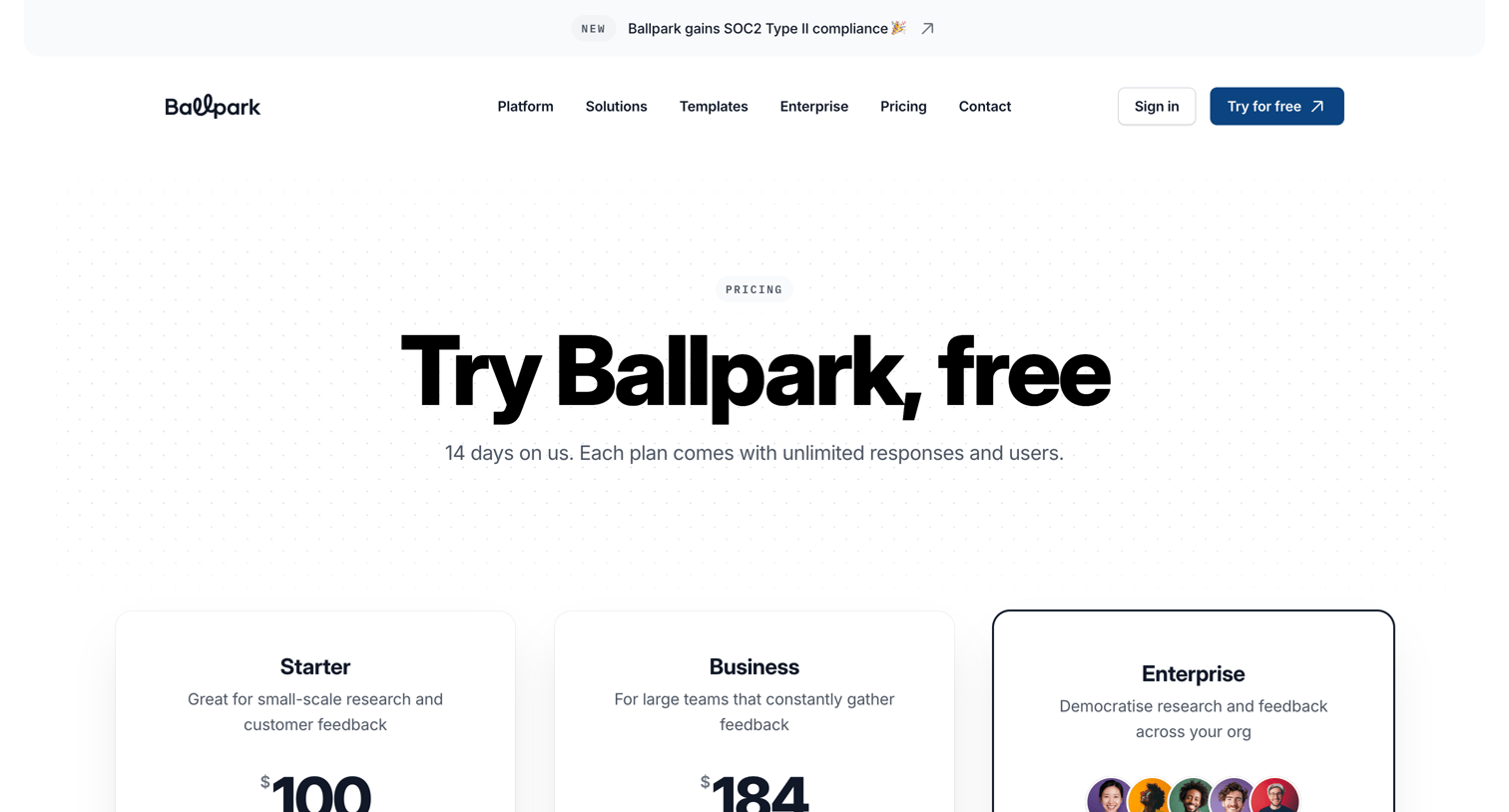

Pricing page where the user compares Starter, Business, and Enterprise plans with a detailed feature comparison table and an add-on for participant recruitment.
Explore the full SaaS screen library
Upgrade to unlock the full library.
Trusted by the best teams







