Conversational interface screen examples
Conversational interface screen design examples from SaaS apps. Explore interfaces that organize a task as an exchange of messages. Look at how prompts, replies, and response controls establish the sequence of interaction.
Explore the examples
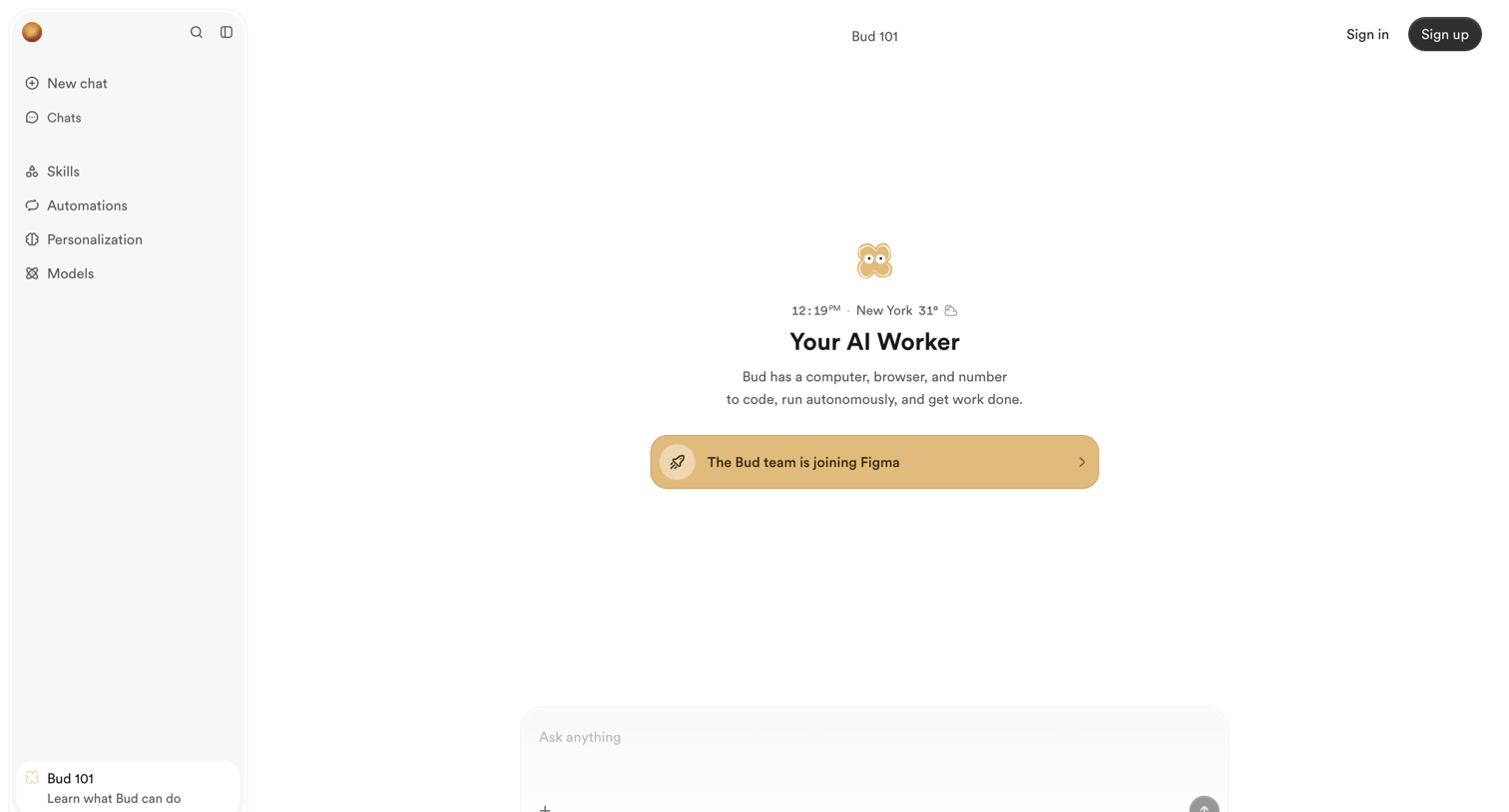

Landing page designed as an interactive AI chat interface, featuring a sidebar with skills and automations, a central prompt composer, and a standard marketing footer.
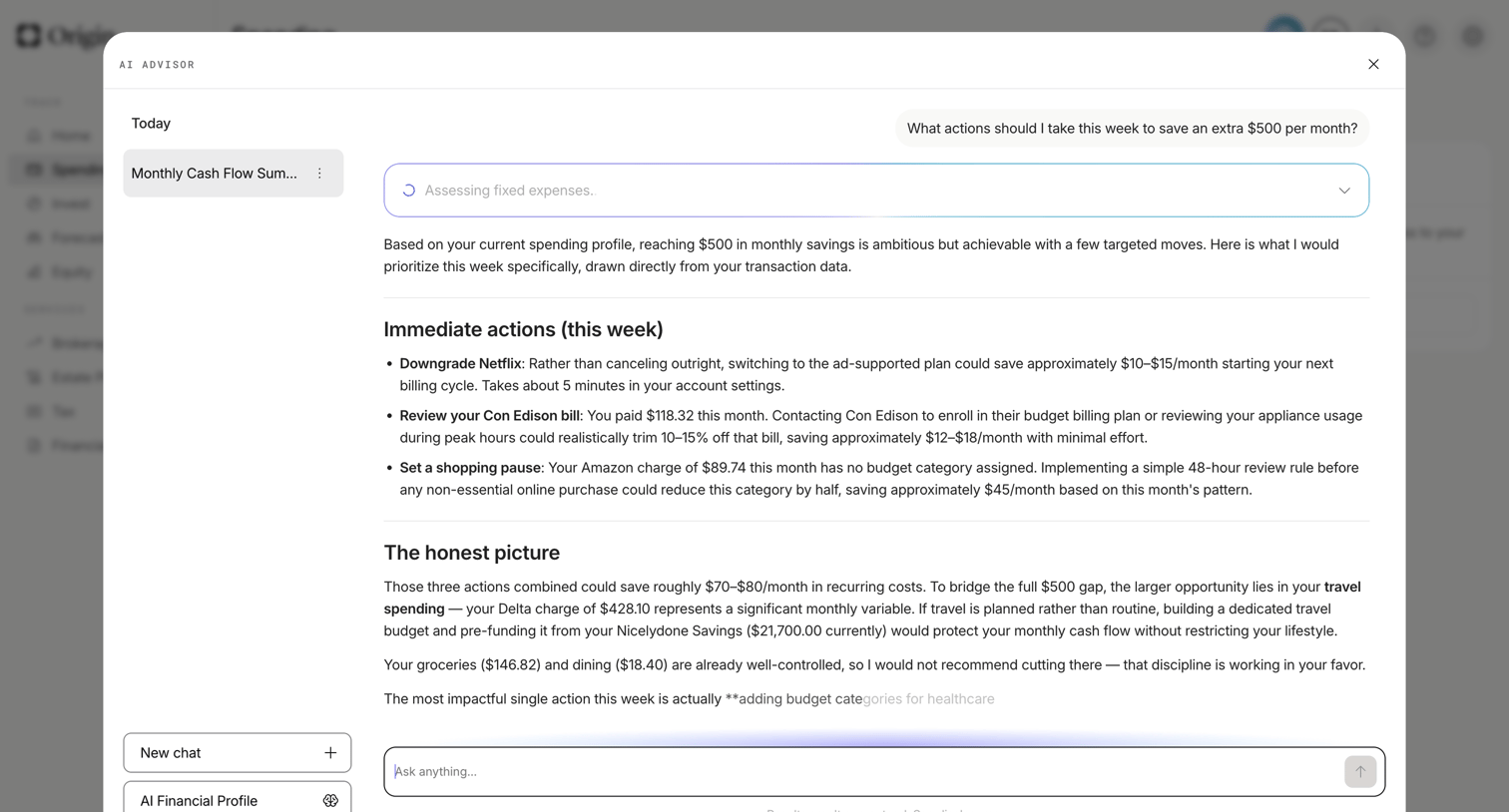

Dashboard with an open AI advisor modal where the user is asking for specific actions to save money this week based on their transaction data.
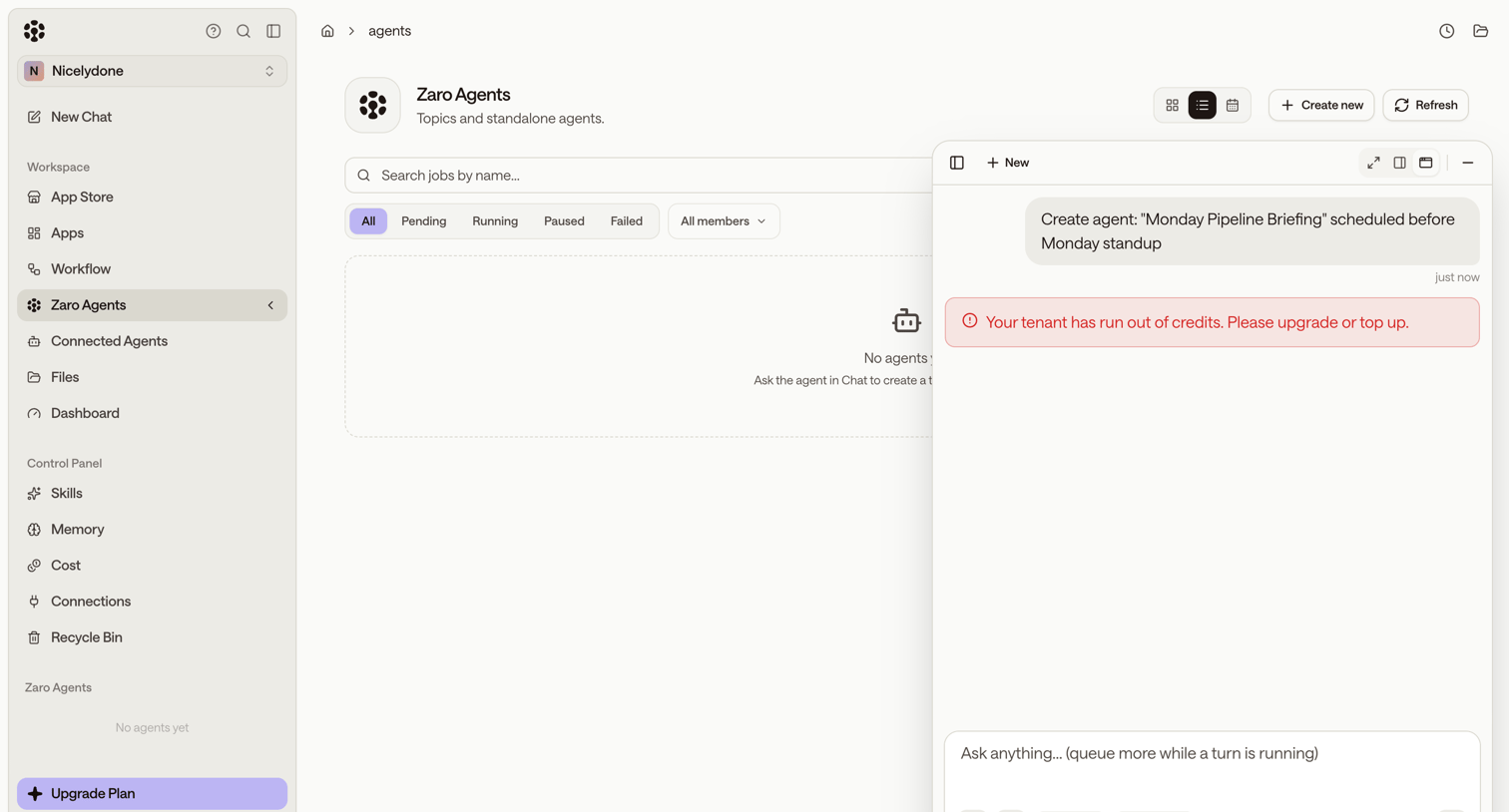

List view for managing agents showing an empty state, with a floating AI assistant panel displaying an out-of-credits error after a generation attempt.
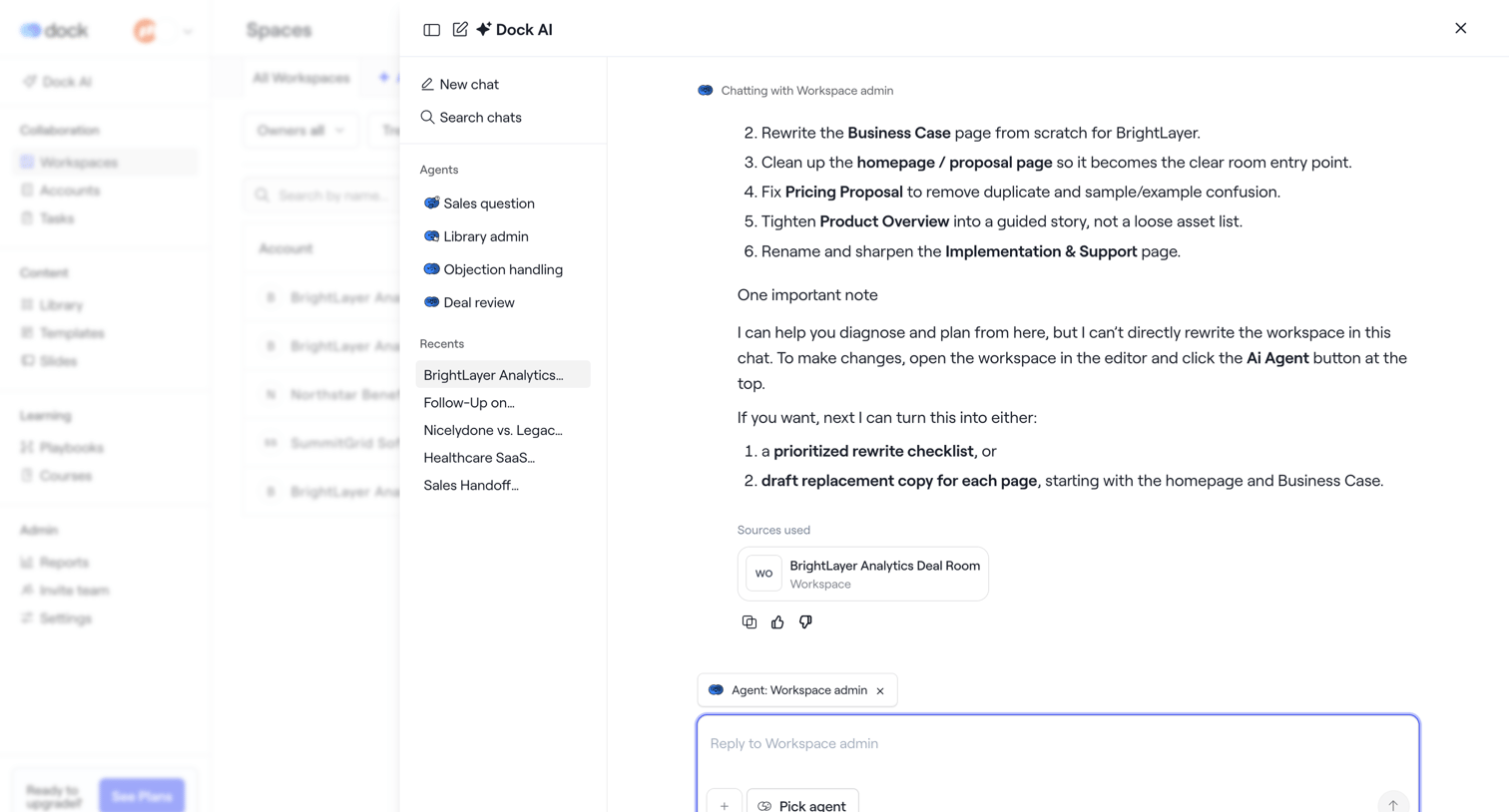

AI chat drawer where the user interacts with a workspace agent to rewrite documents and plan deal room content.
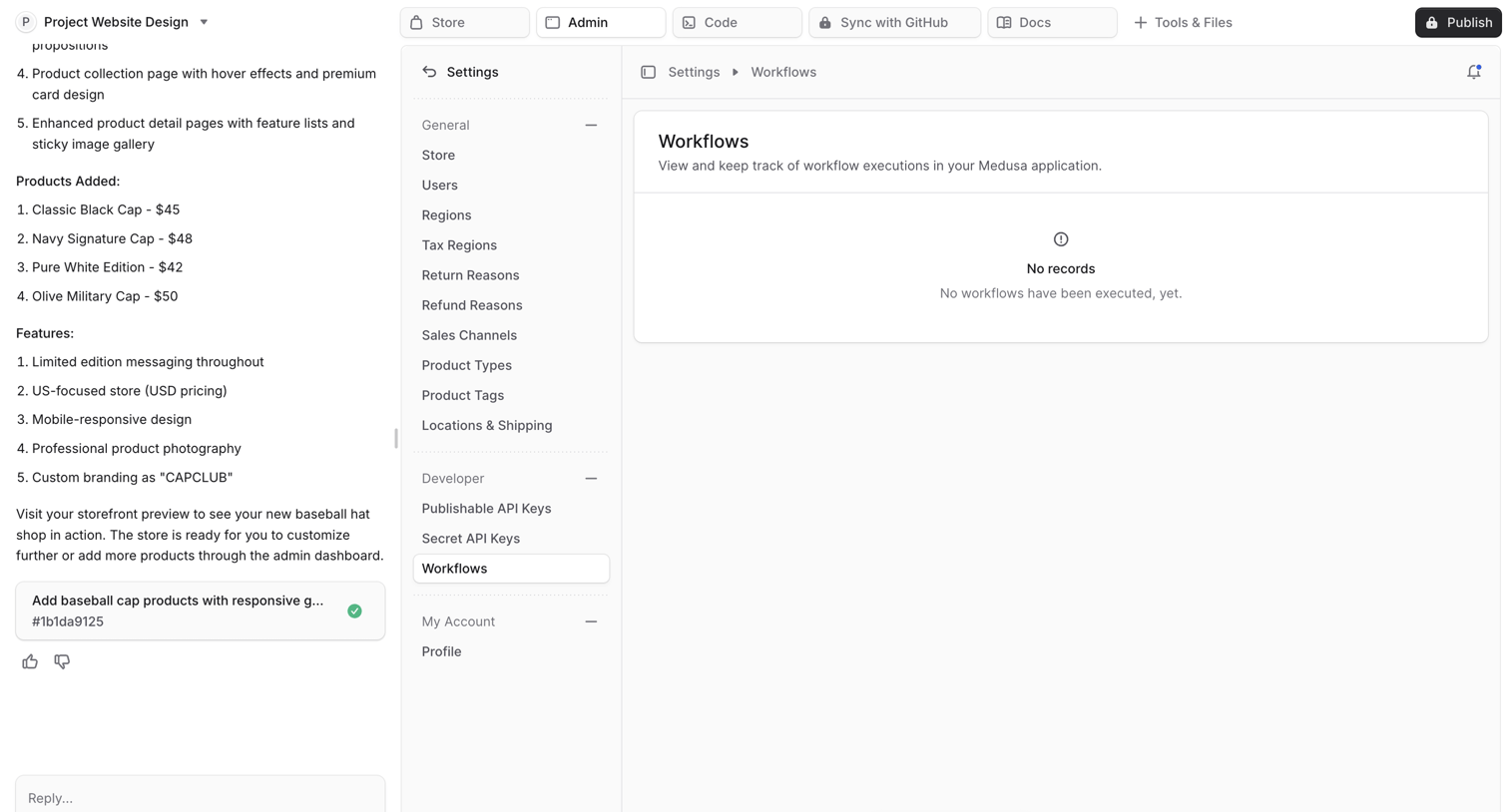

Settings page within an AI app builder where the user views the workflows for their generated Medusa admin application alongside the AI chat.
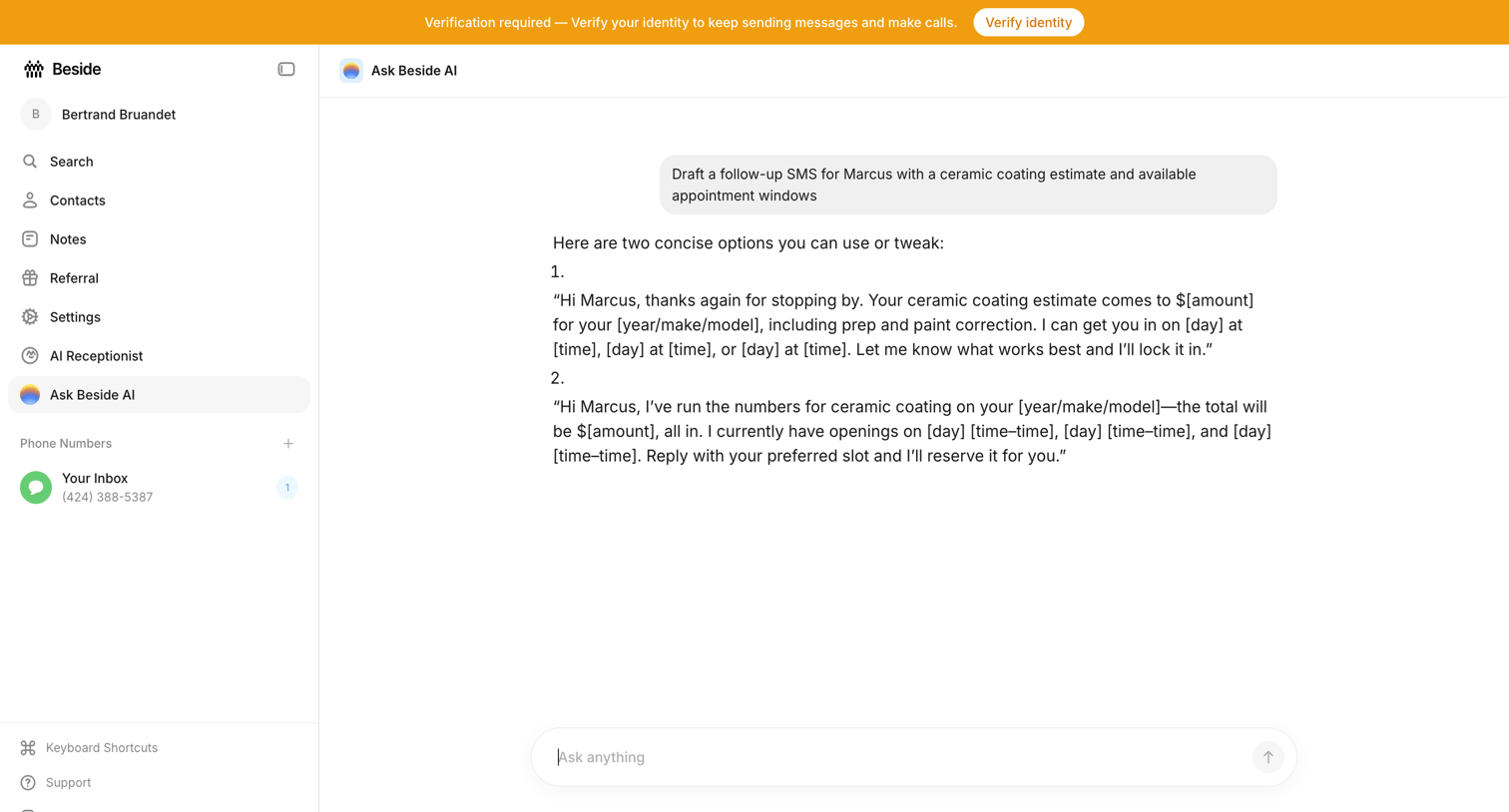

AI chat interface where the user asks the assistant to draft a follow-up SMS with a ceramic coating estimate.
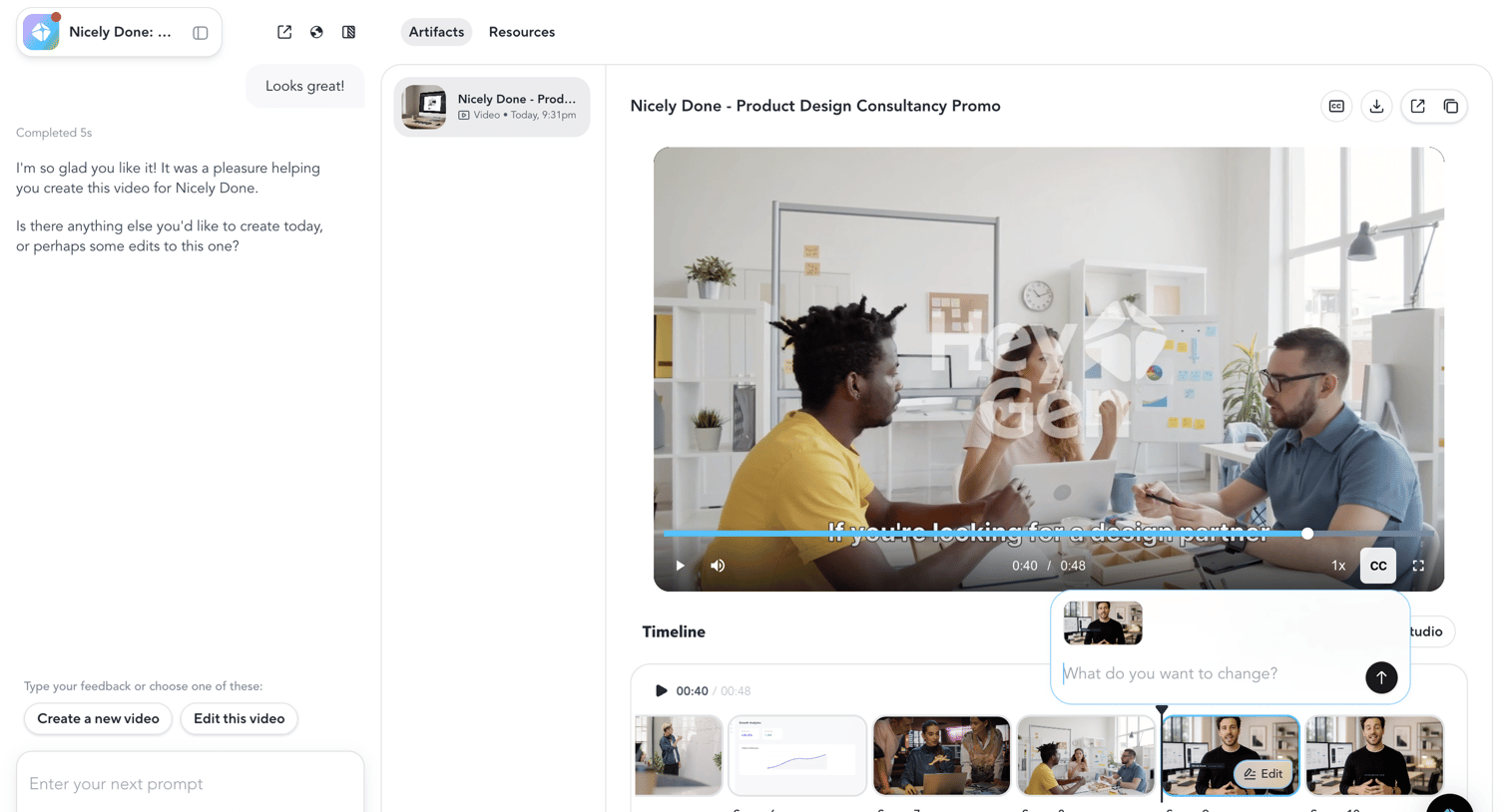

AI generation workspace where the user reviews a generated video promo and uses an inline prompt popover on the timeline to request specific scene edits.
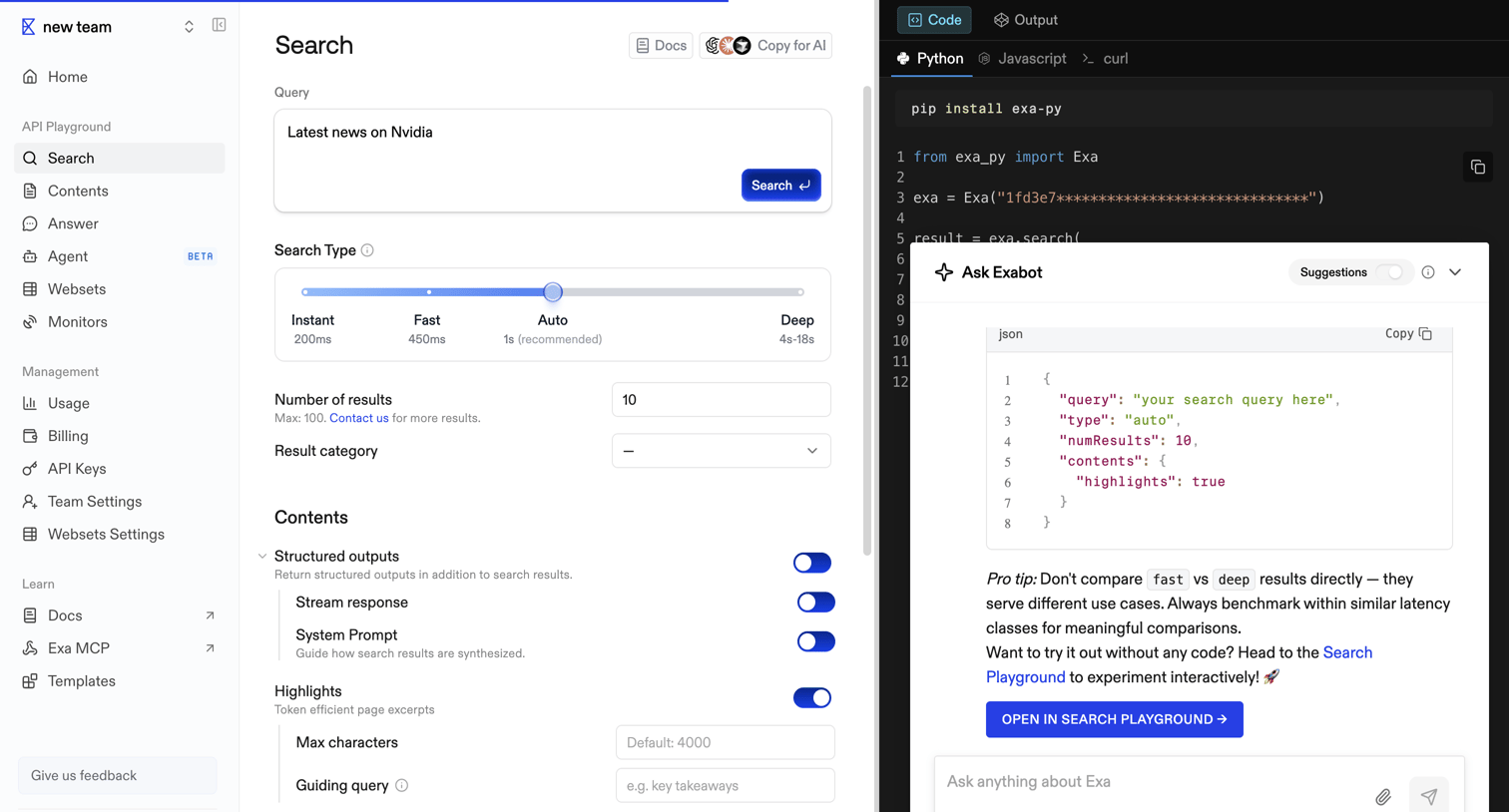

API playground where the user configures a search query with parameters like search type, number of results, and structured outputs, while viewing the corresponding Python code and interacting with an AI assistant.
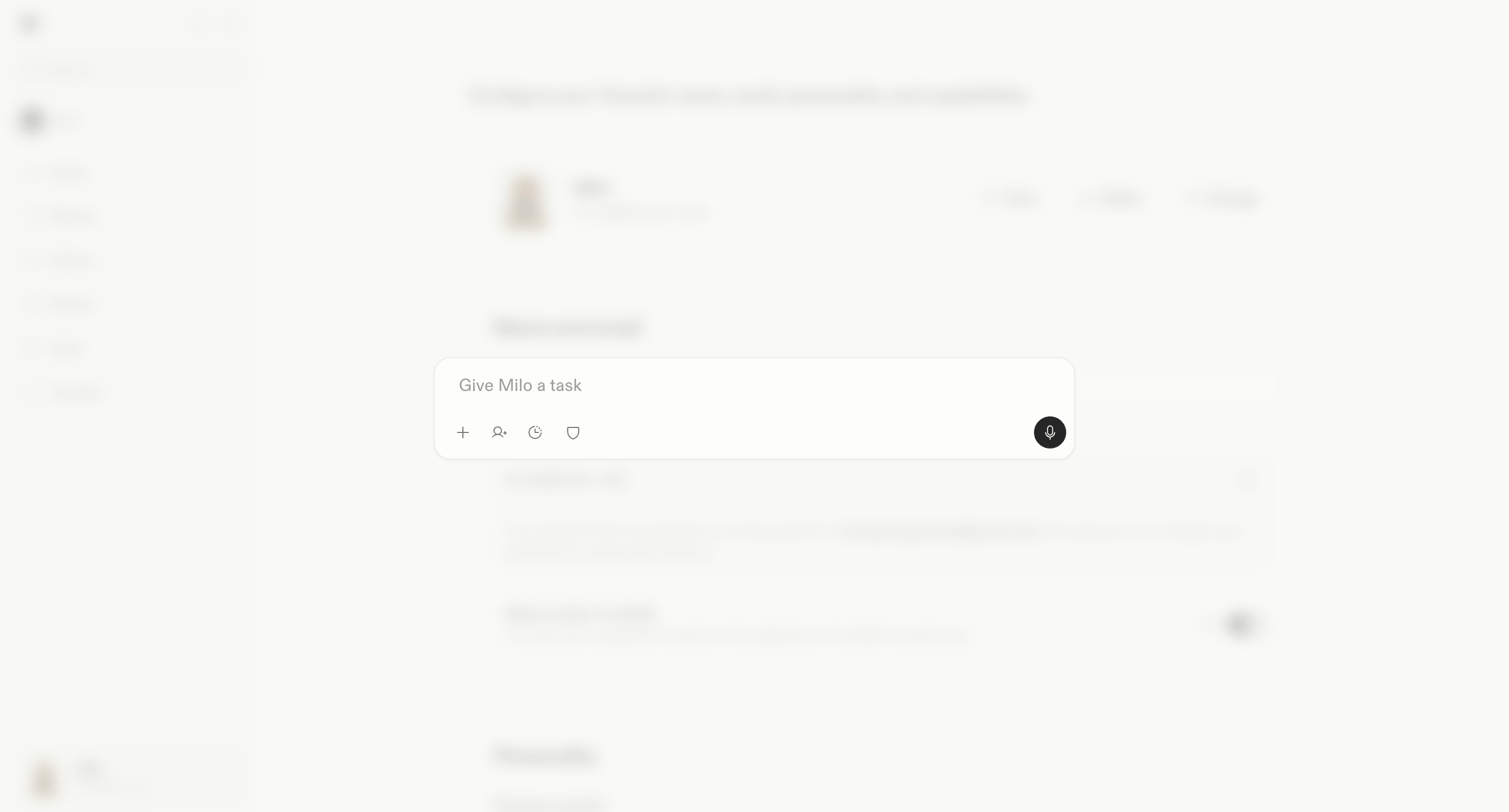

Settings page where the user configures their AI assistant's voice, personality, and capabilities, with a floating AI command bar open.
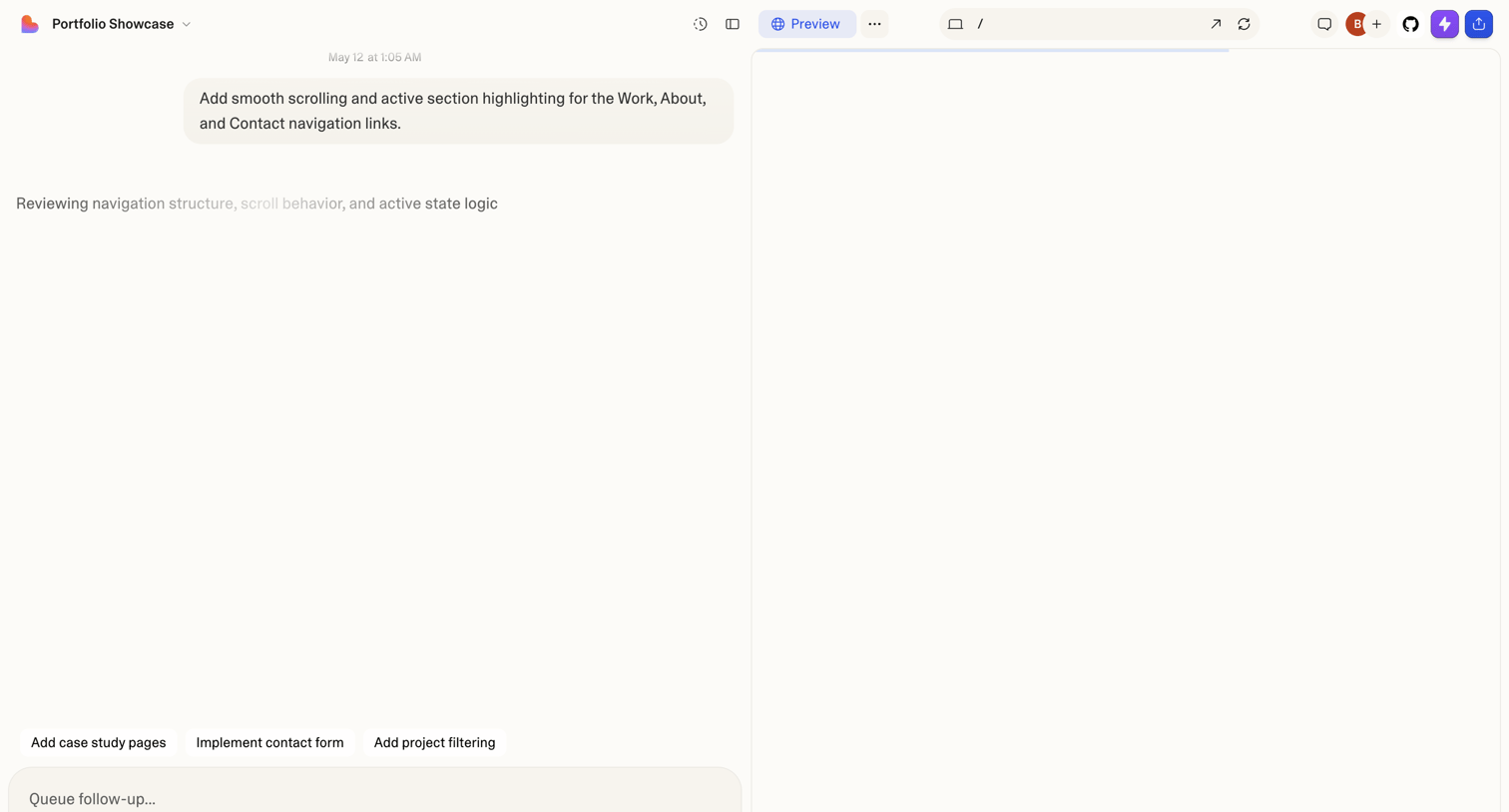

AI workspace where the user prompts the assistant to add smooth scrolling to a portfolio showcase, with a live preview pane on the right.
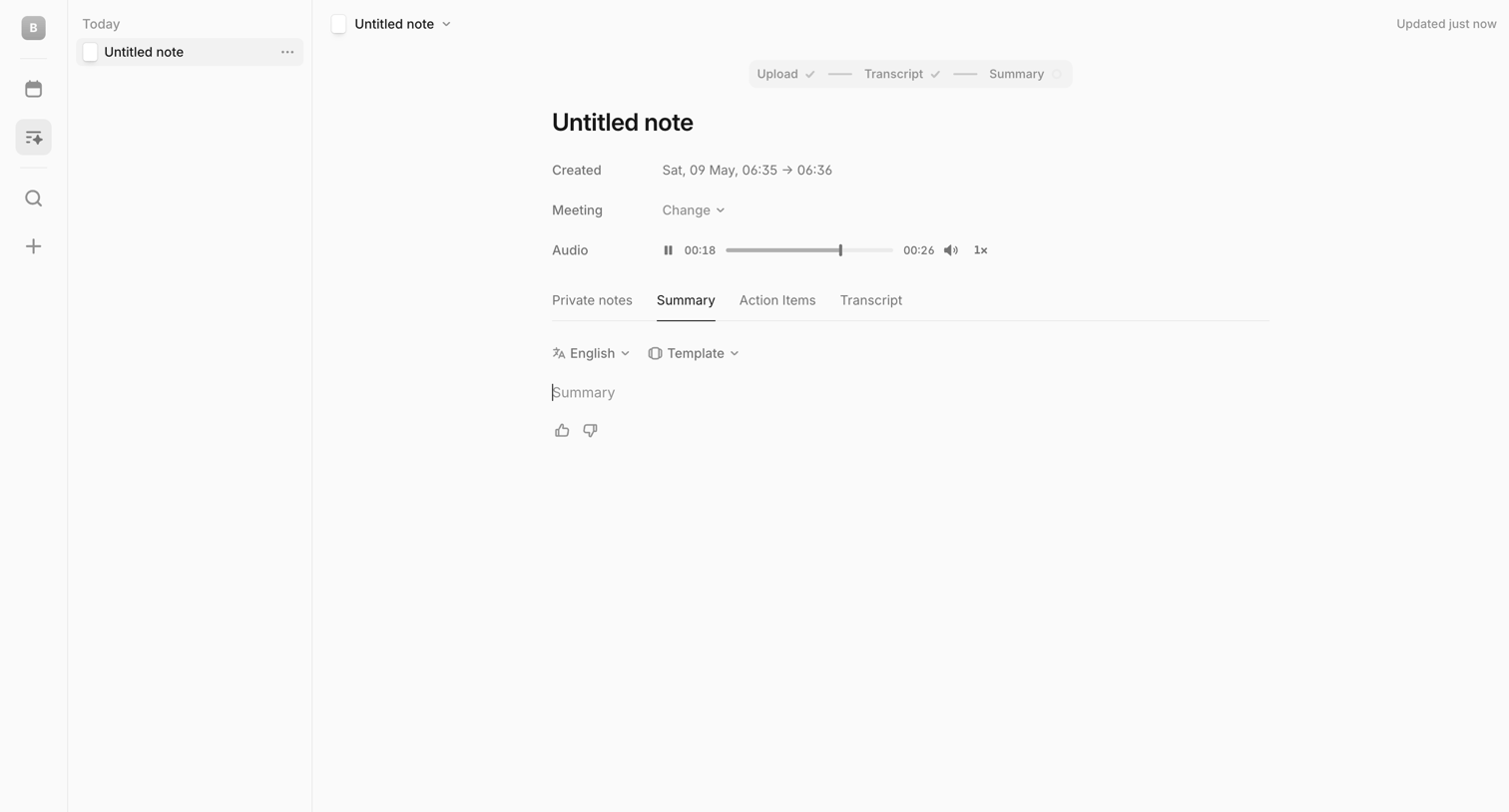

Detail page for a recorded meeting note where the user can play back the audio, view the AI-generated transcript and summary, and chat with an AI assistant about past meetings.
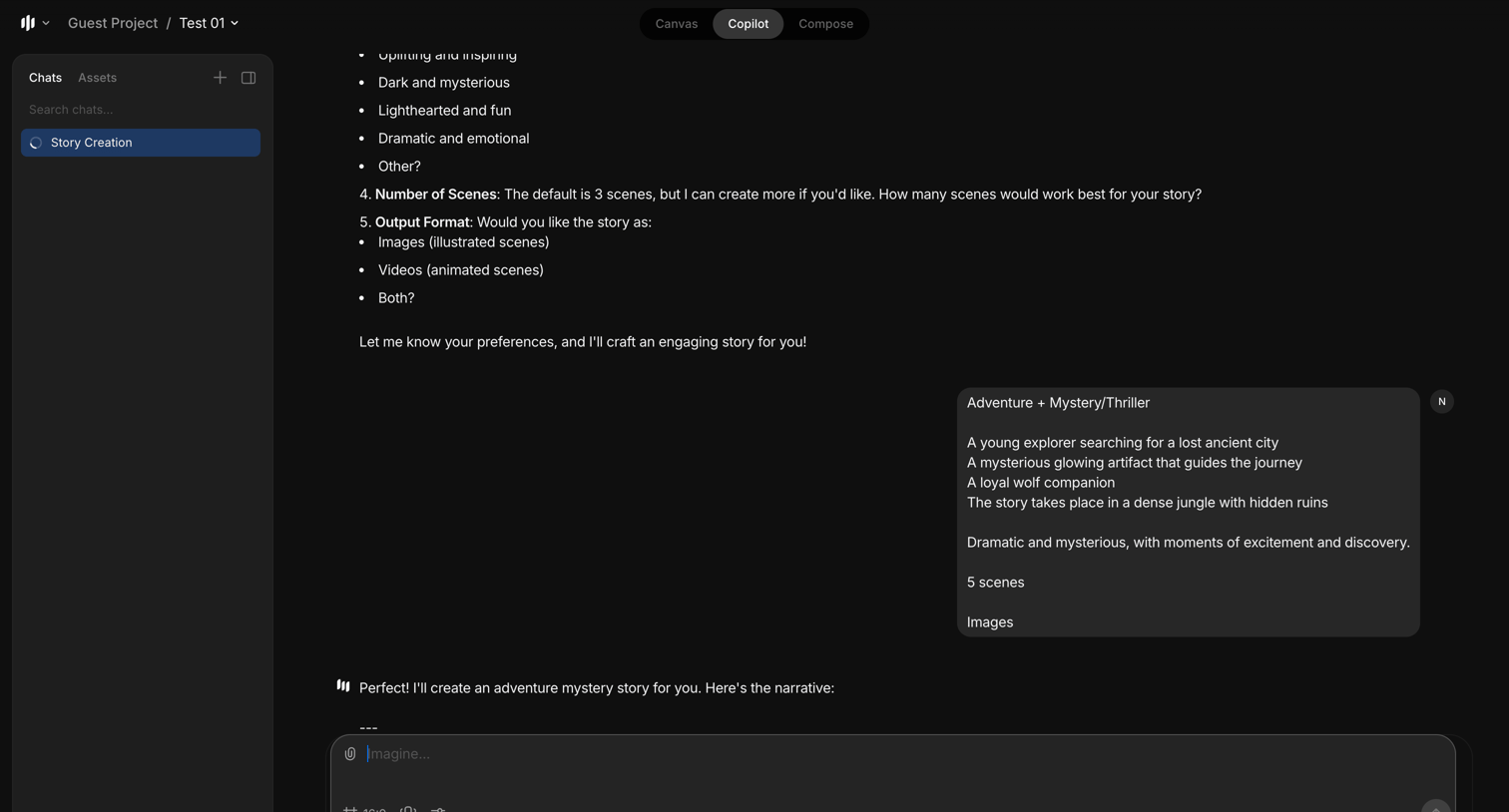

AI chat interface where the user is providing narrative preferences to generate an adventure mystery story with 5 illustrated scenes.
Explore the full SaaS screen library
Upgrade to unlock the full library.
Trusted by the best teams








About Conversational interface
Explore interfaces that organize a task as an exchange of messages. Look at how prompts, replies, and response controls establish the sequence of interaction.