Conditional logic screen examples
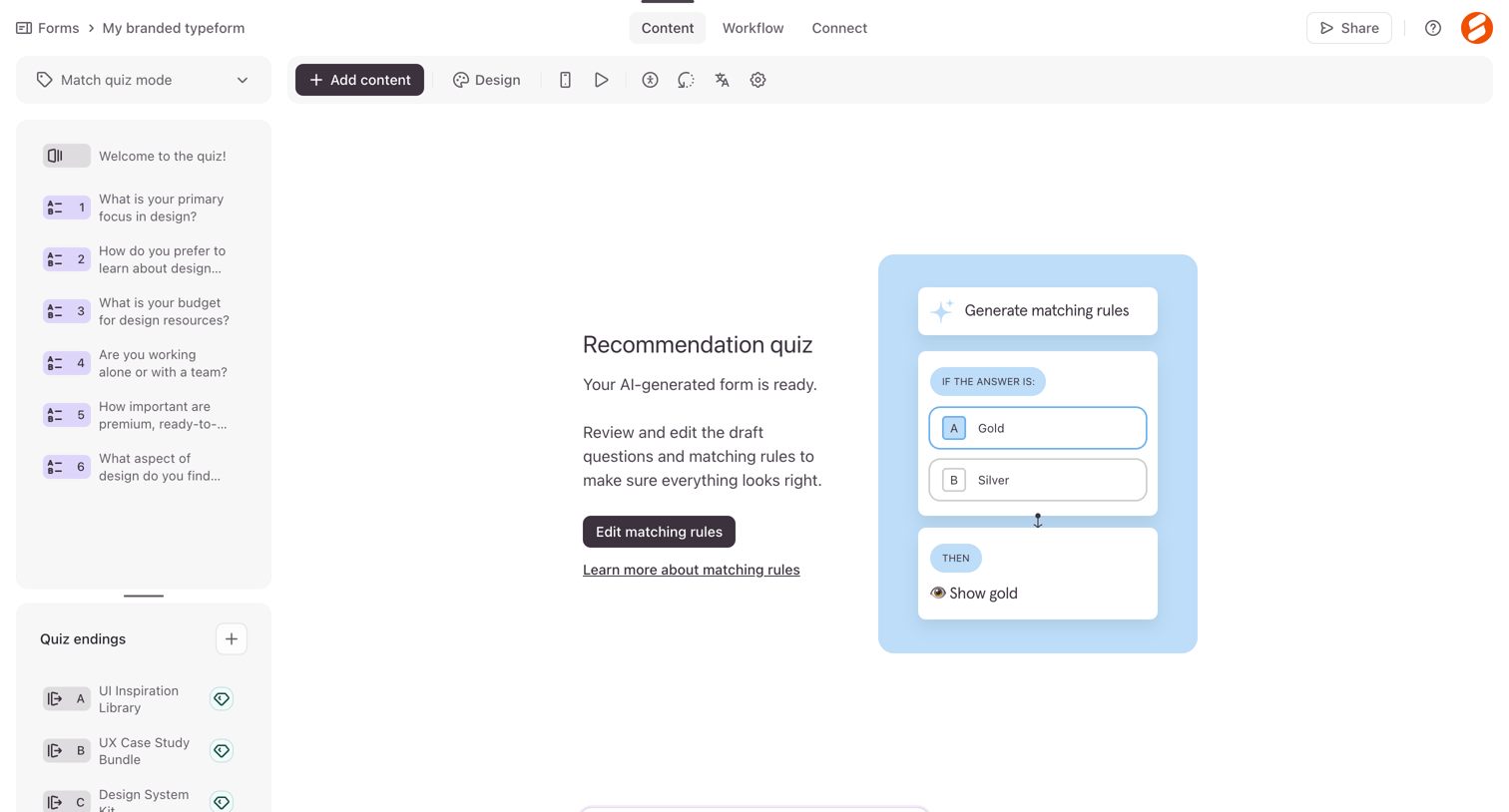
Conditional logic screen design examples from SaaS apps. Browse examples from Lithic, Dock, Maze.
Explore the examples
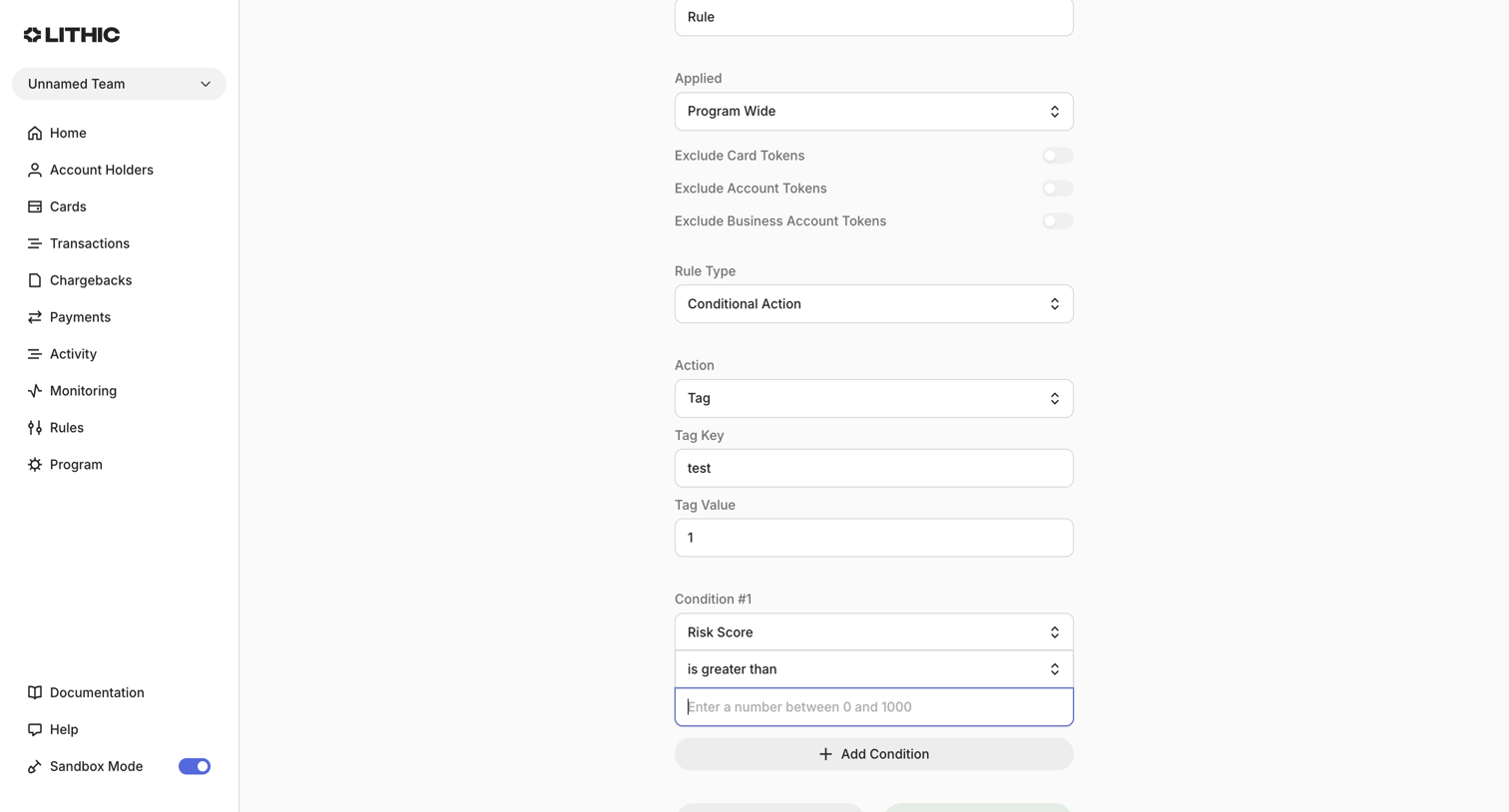

Create page where the user defines a new monitoring rule with conditional actions based on risk scores.
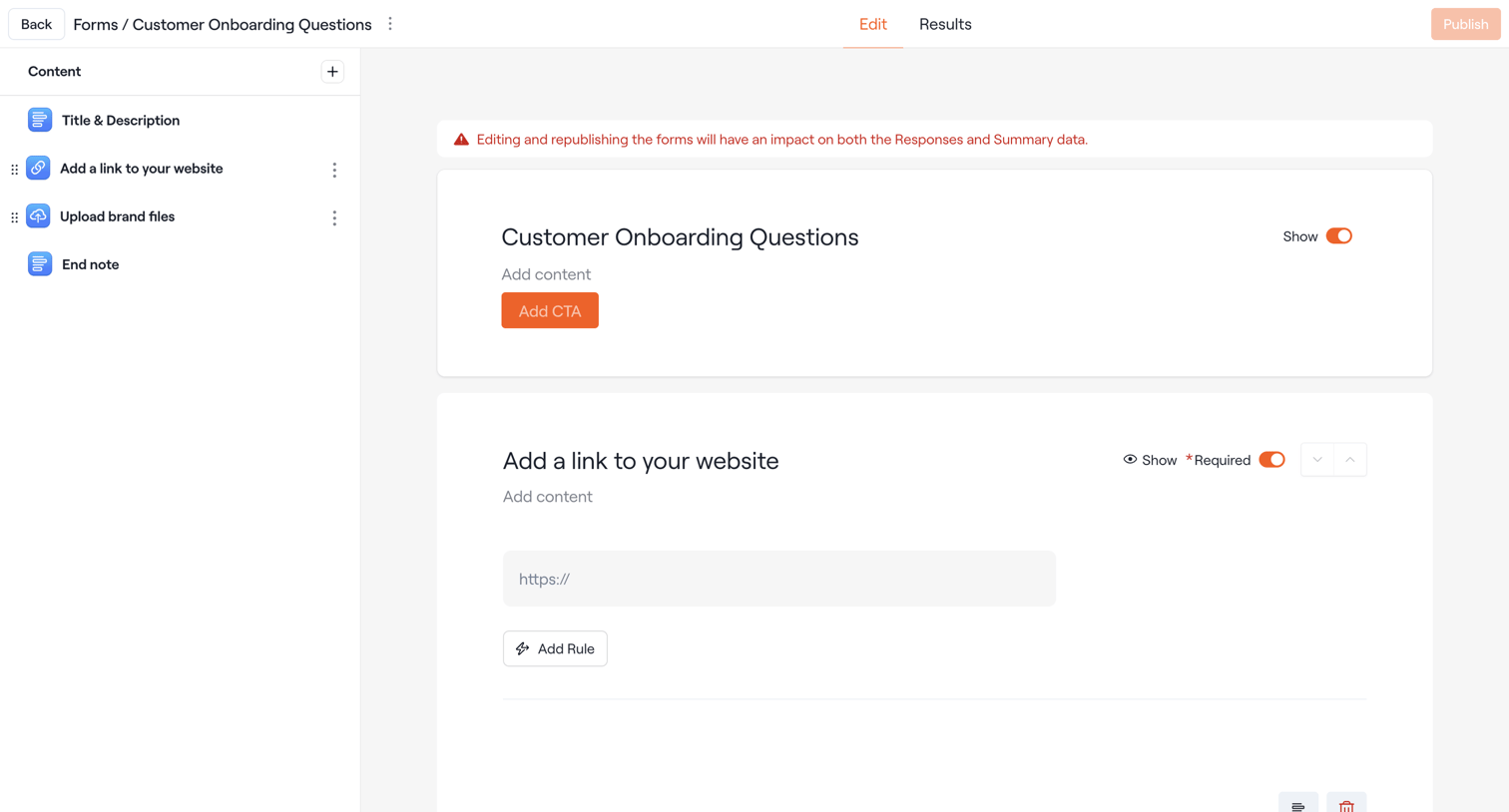

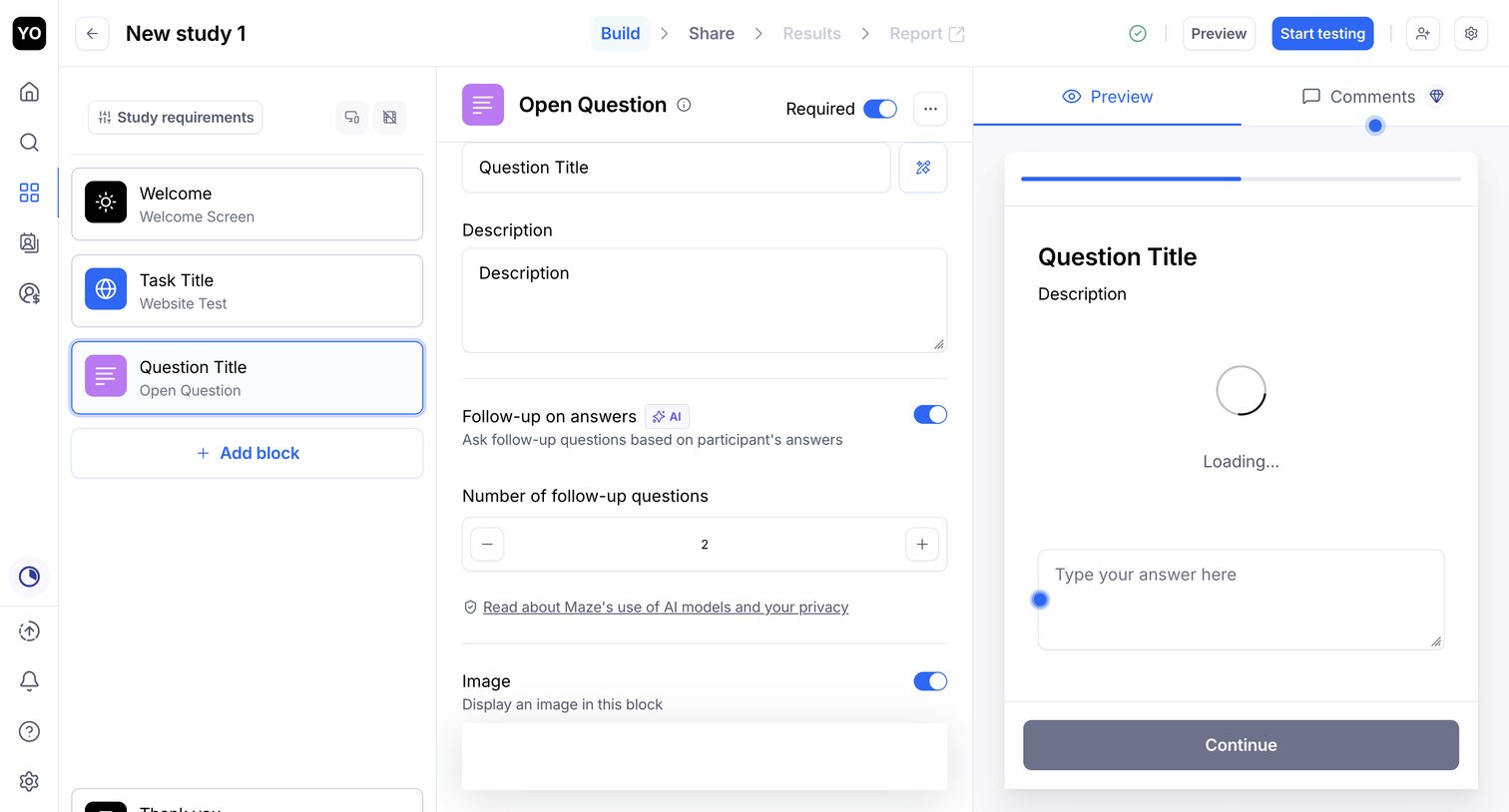

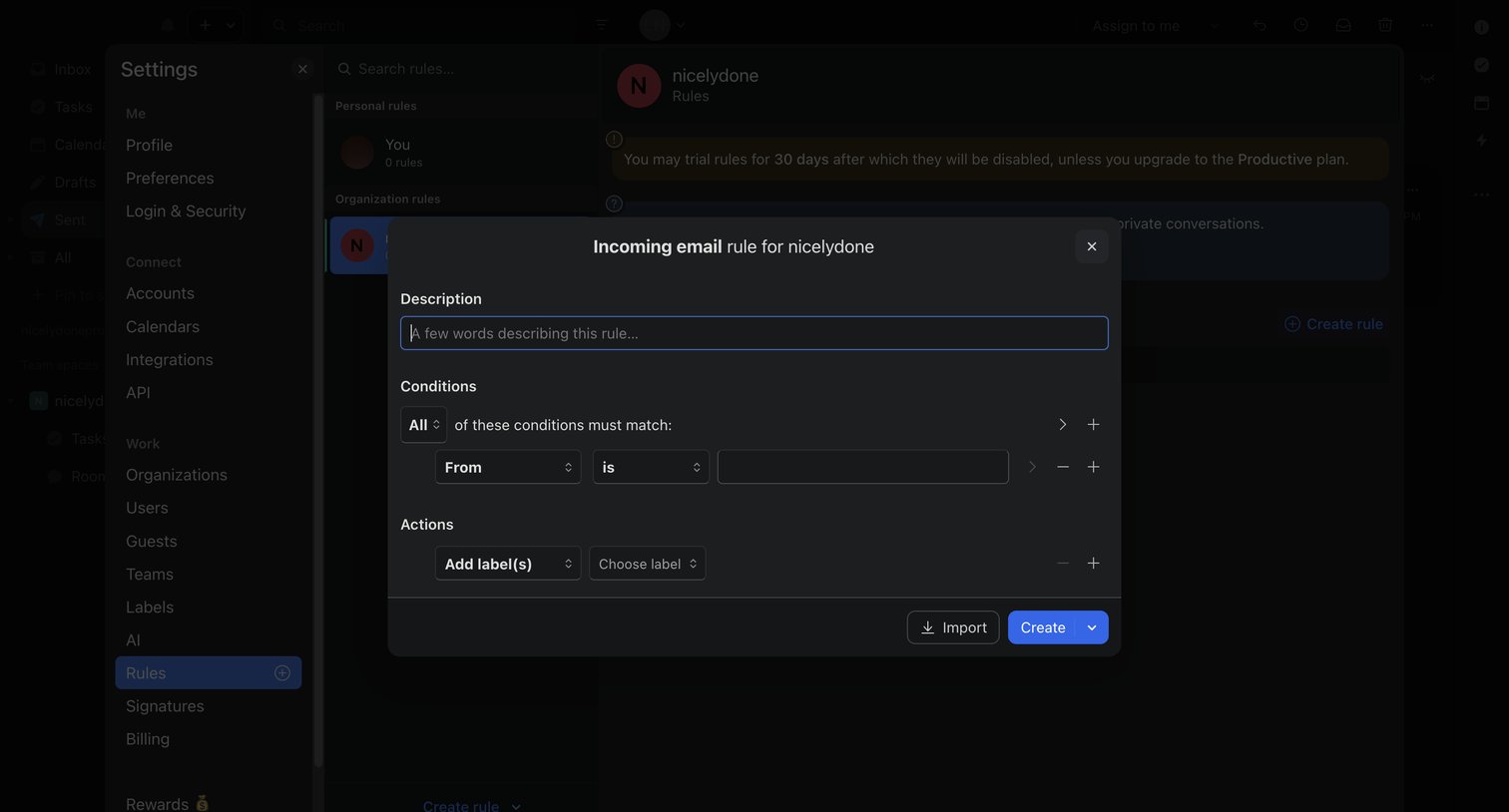

Settings page where the user builds an incoming email rule with conditions and actions via a modal overlay.
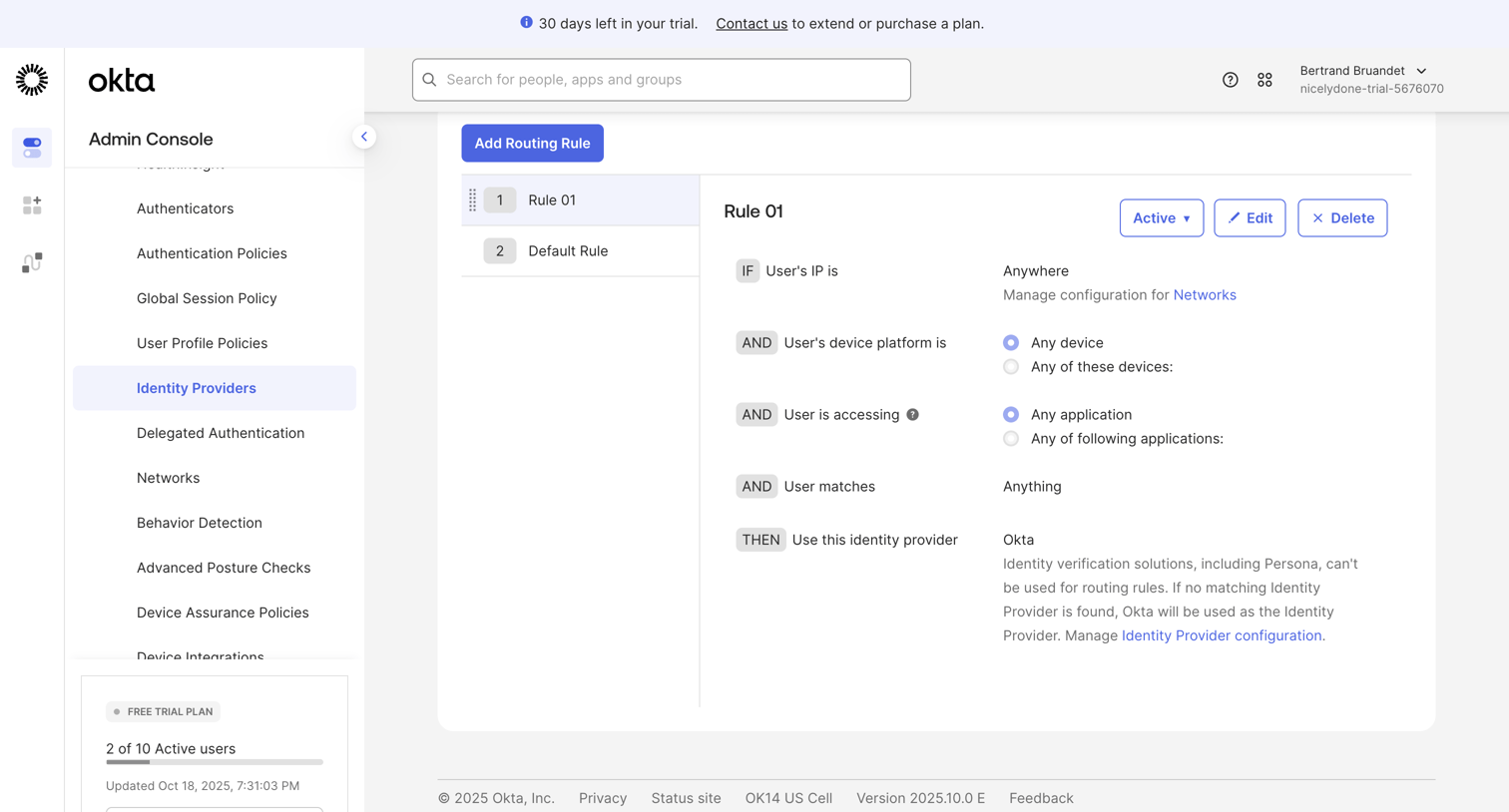

Settings page where the admin configures routing rules for identity providers based on IP, device, and application conditions.

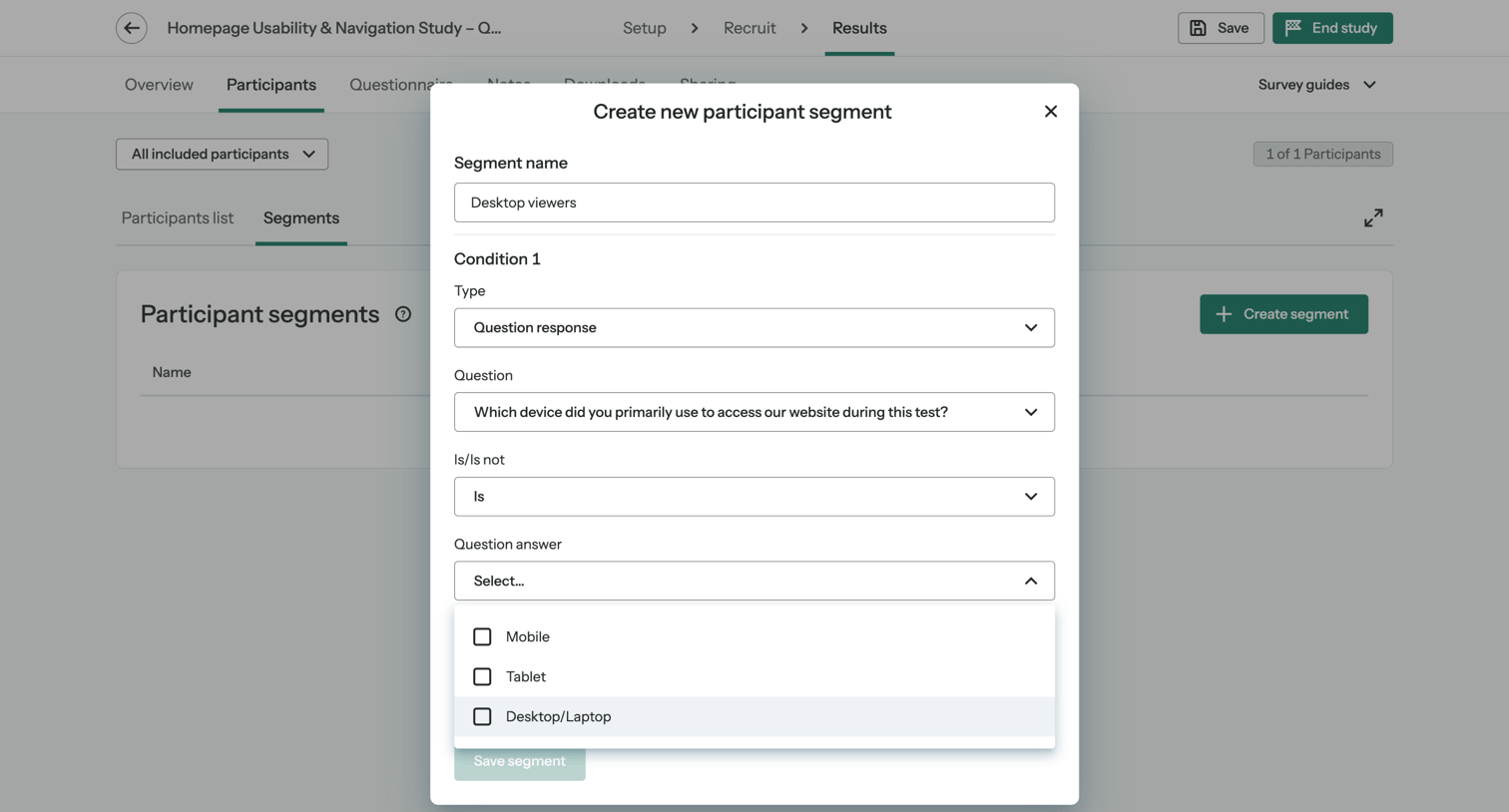

List view of participant segments where the user is creating a new segment by defining a filter condition based on a survey question response.
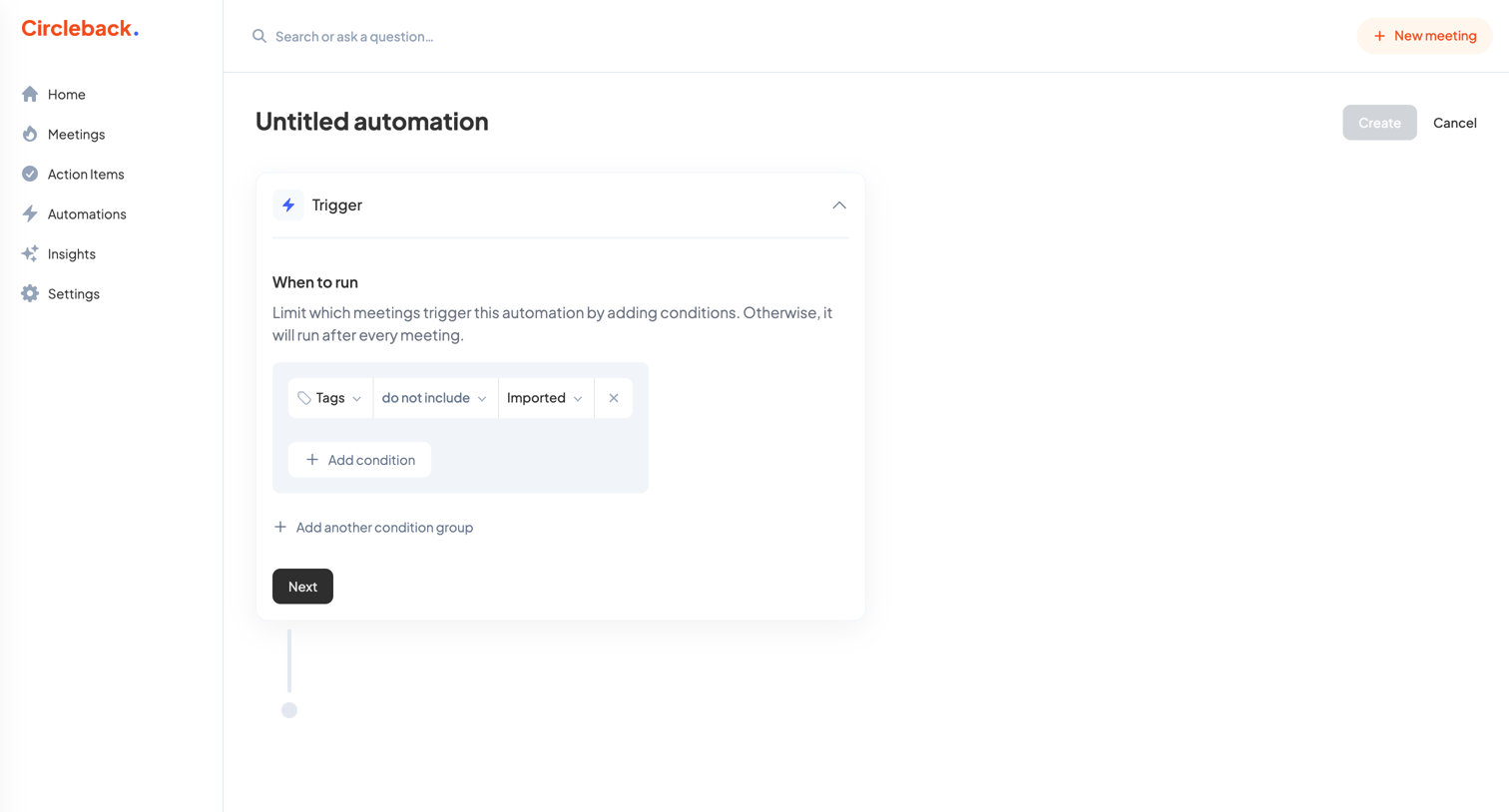

Creation flow where the user configures the trigger conditions for a new automation, such as excluding imported meetings.
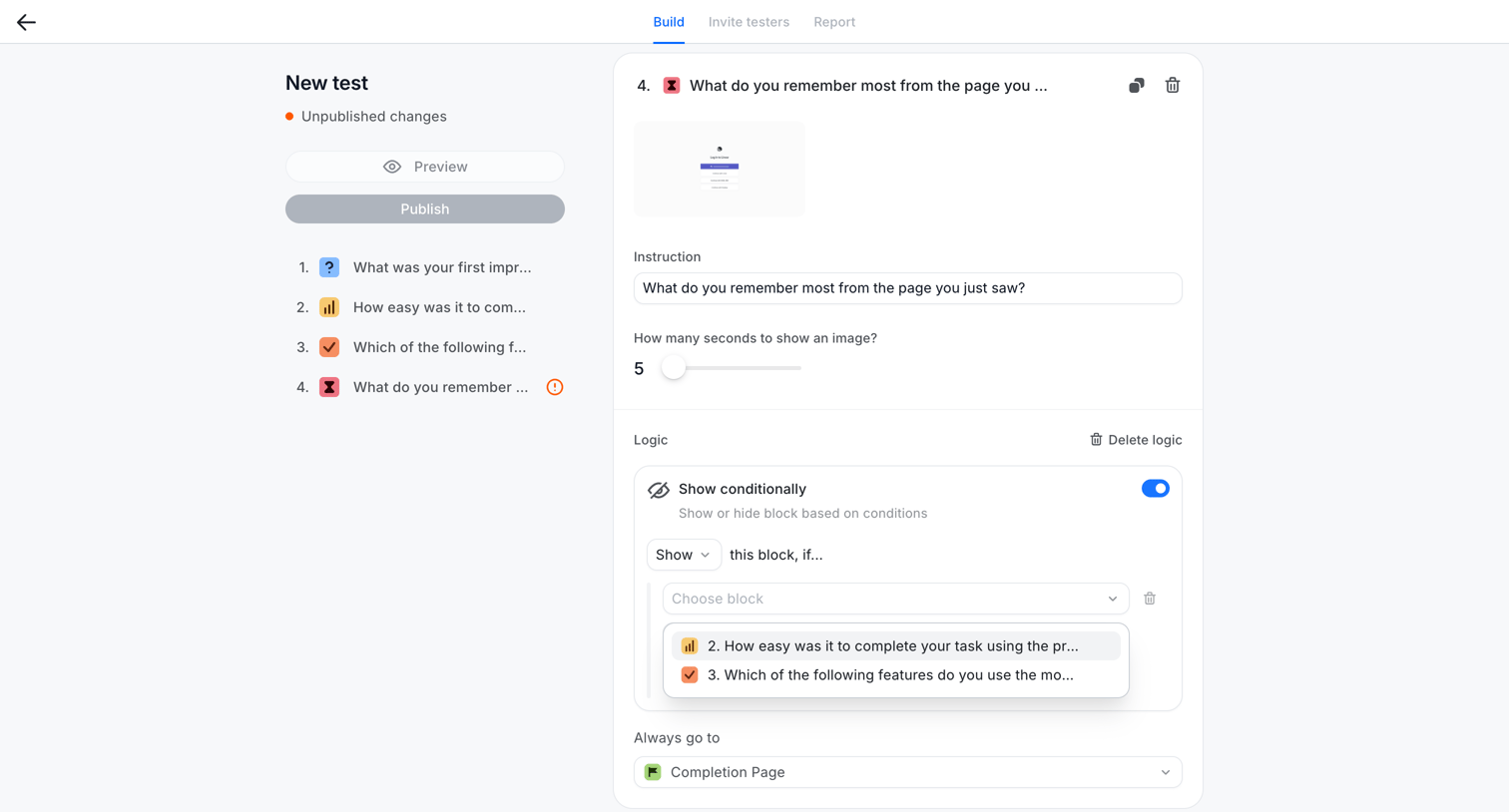

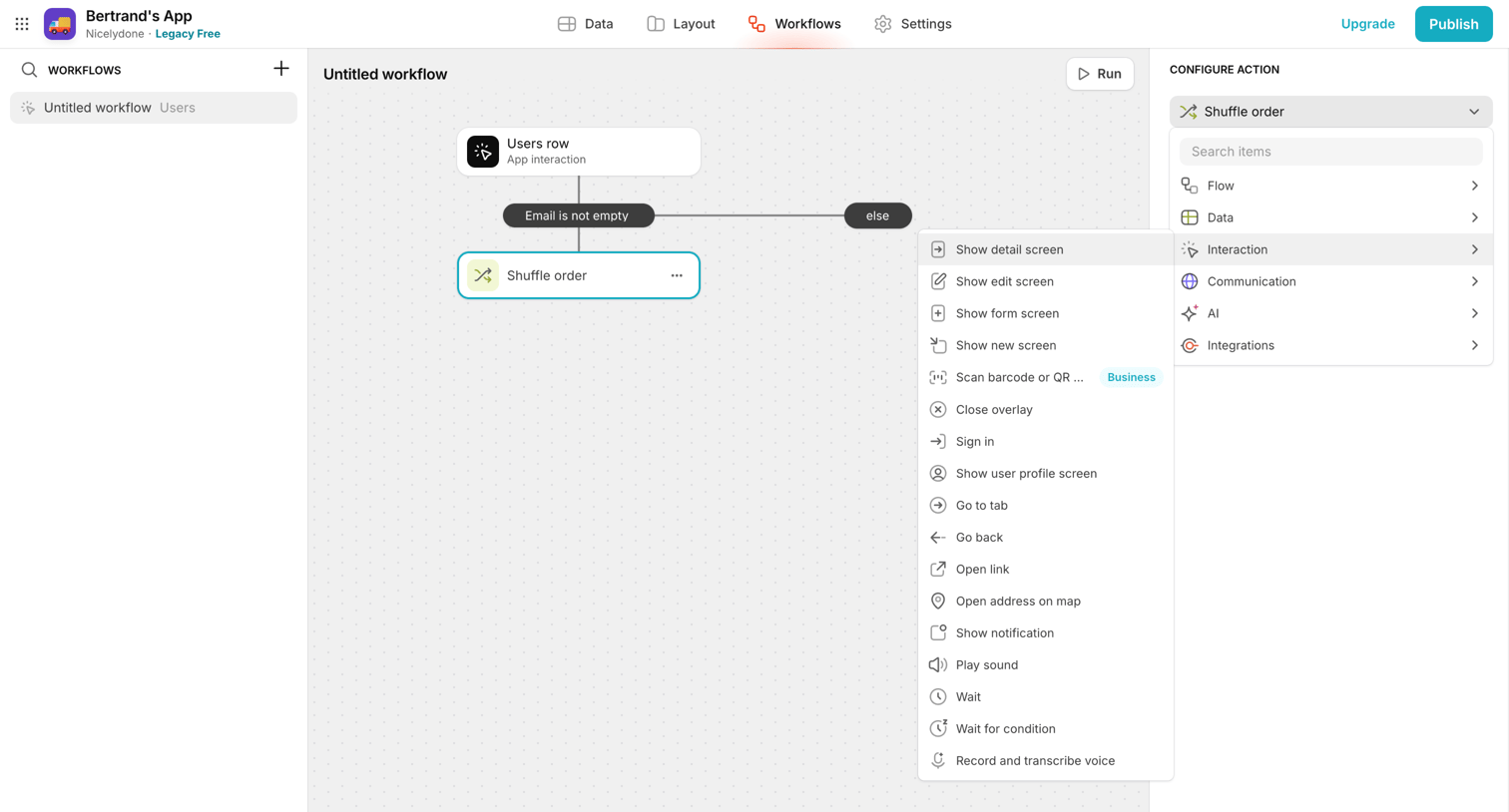

Workflow editor where the user configures an app interaction by selecting actions like 'Show detail screen' from a popover menu within a node-based canvas.
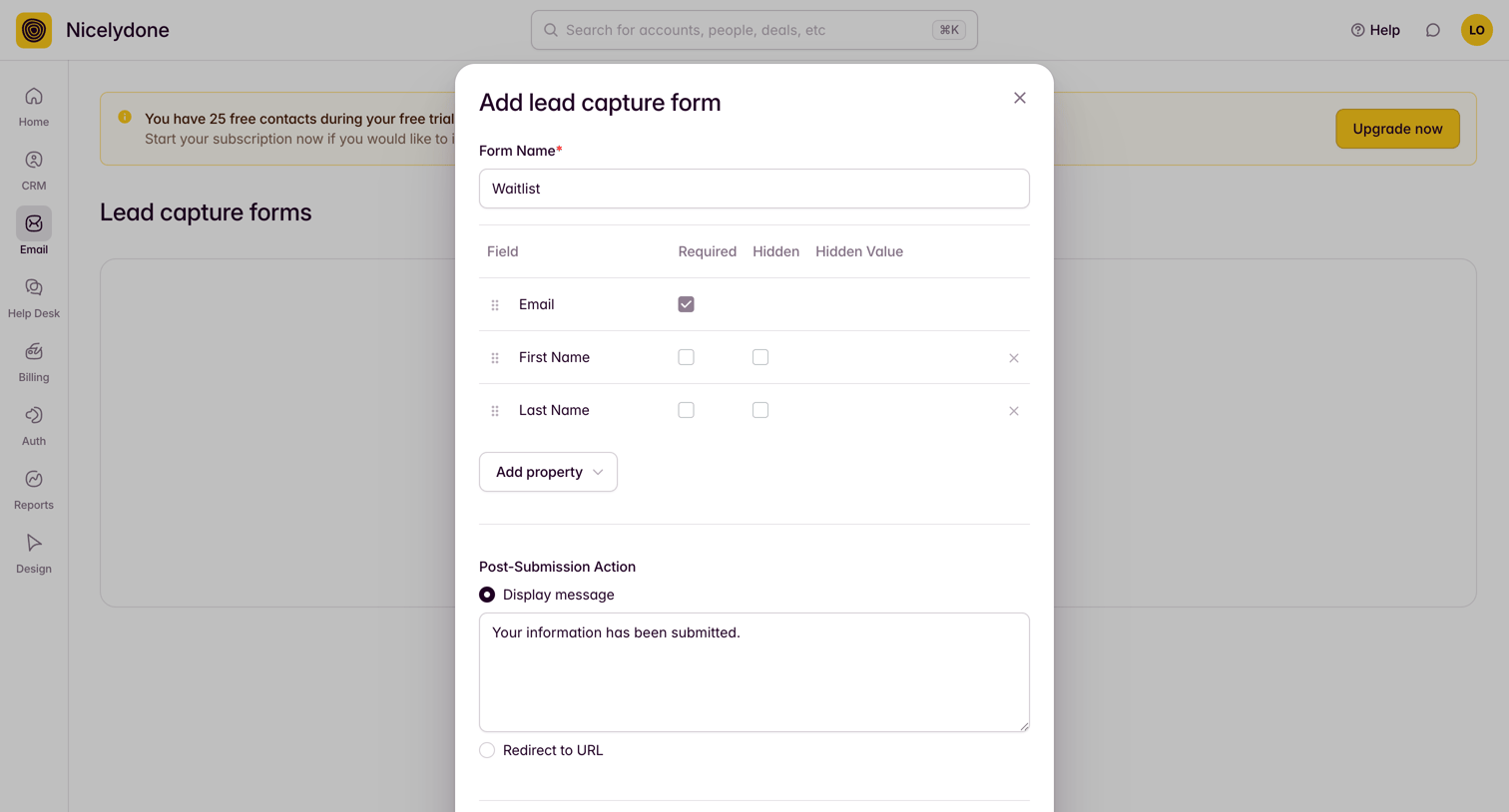

Modal where the user creates a new lead capture form by naming it, selecting and reordering fields, and configuring the post-submission behavior.
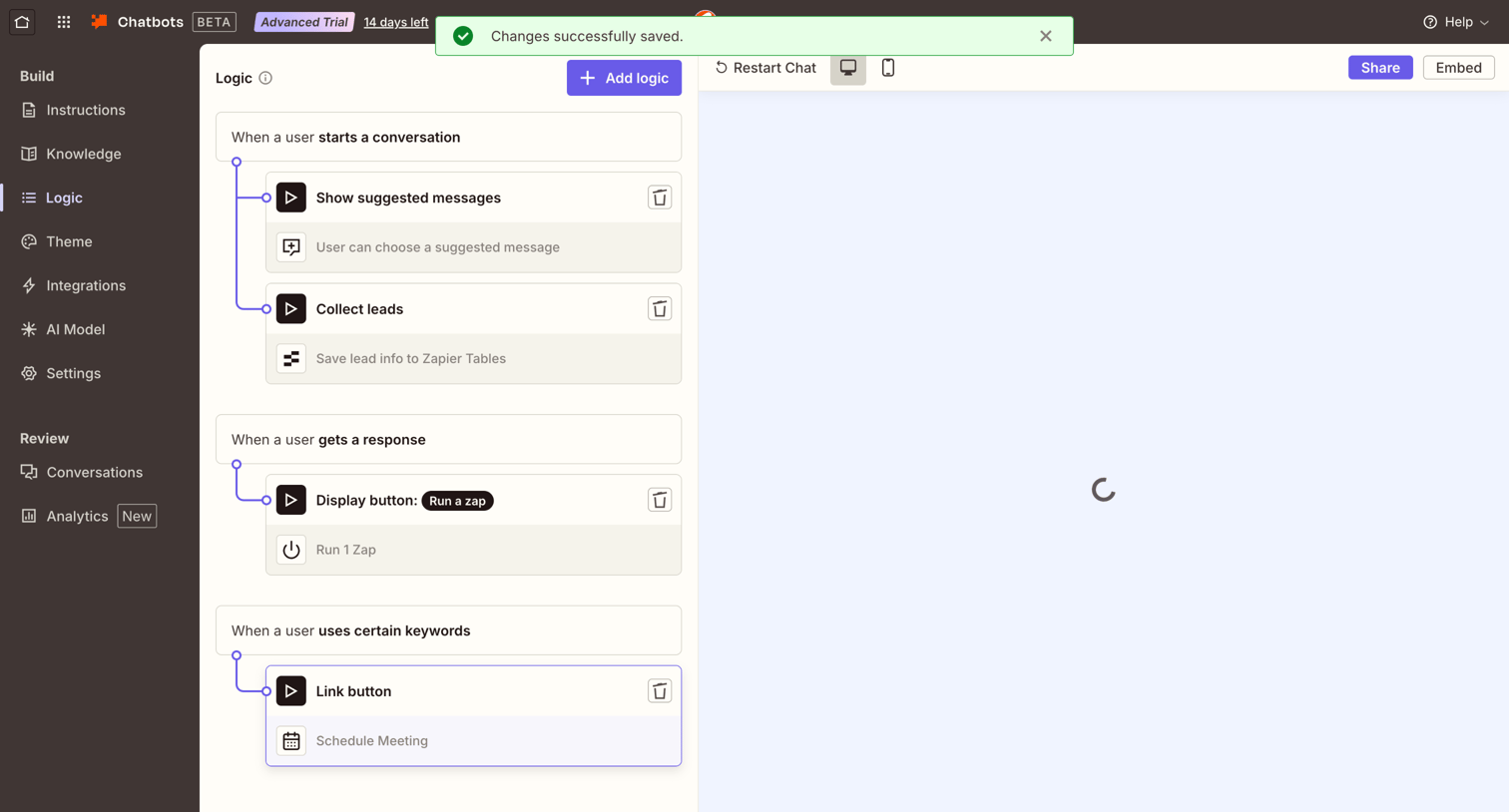

Workflow editor where the user configures trigger and action logic for an AI chatbot, currently showing a successful save toast and a loading preview pane.
Explore the full SaaS screen library
Upgrade to unlock the full library.
Trusted by the best teams







