Command k screen examples
Command k screen design examples from SaaS apps. Browse examples from Evervault, Notion Mail, Sora.
Explore the examples
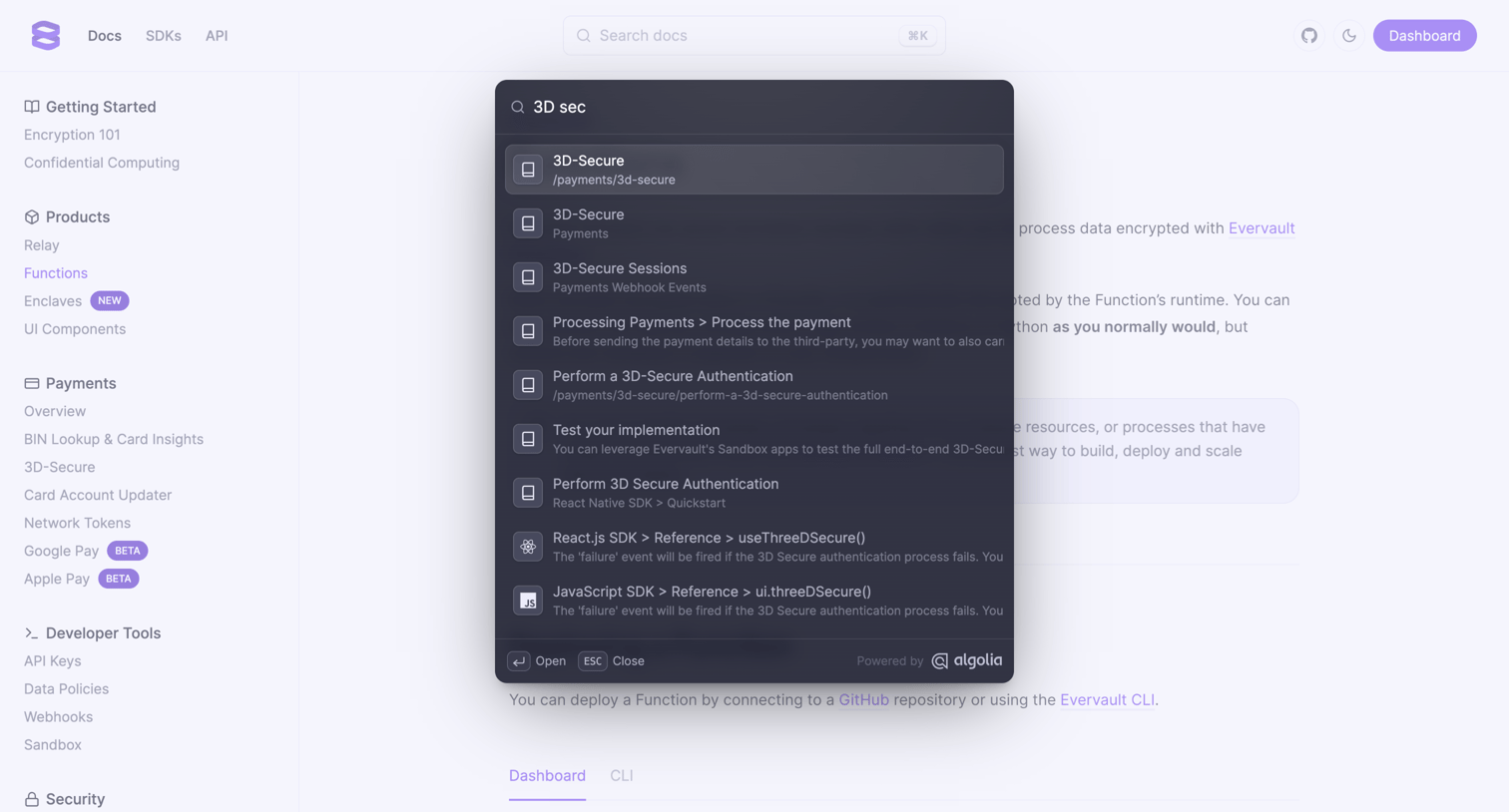

Search overlay where the user looks up documentation for 3D Secure related topics using an Algolia-powered command palette.
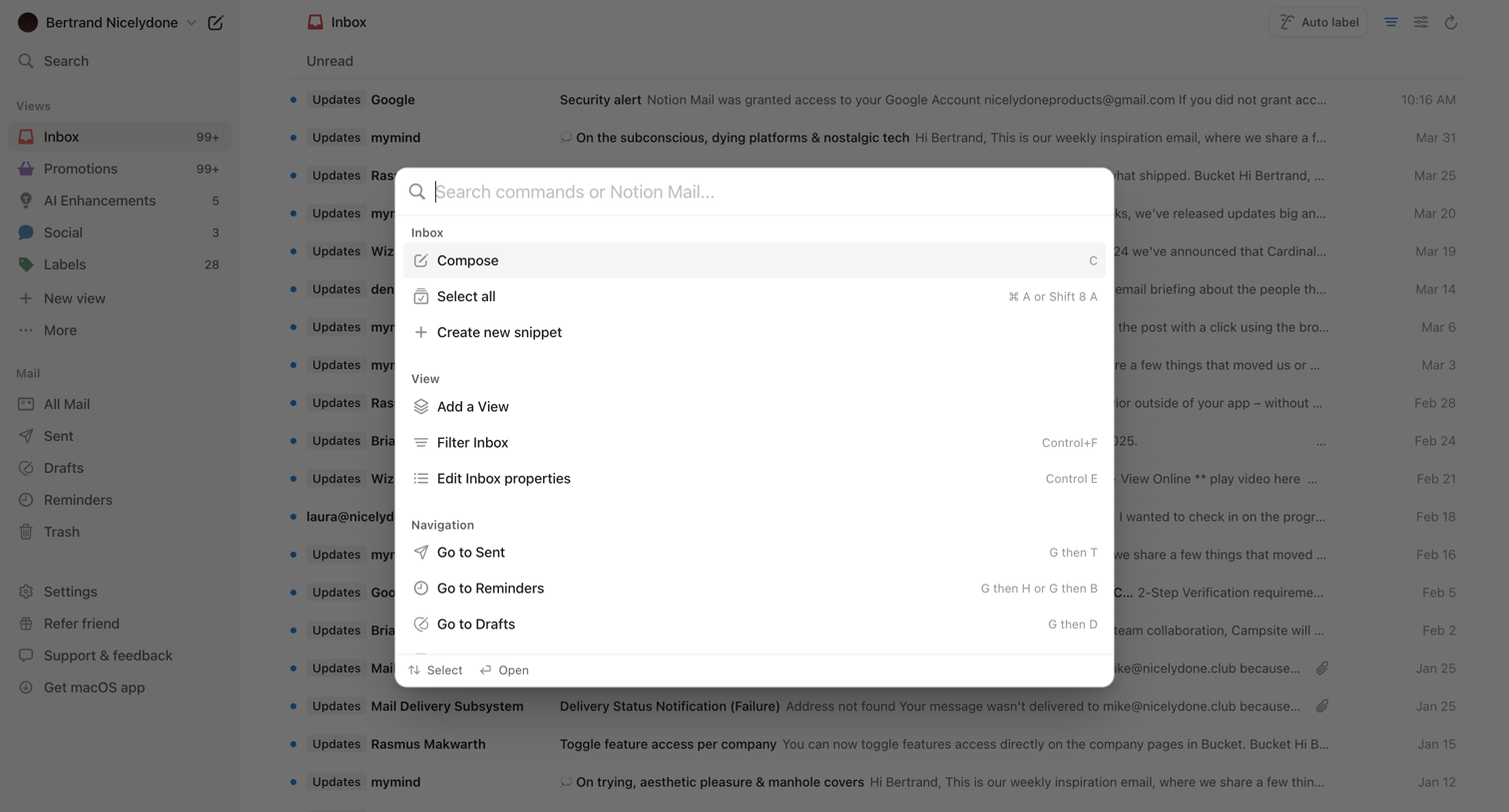

Email inbox where the user has opened a command palette to search for actions like composing a message, filtering the inbox, or navigating to other views.
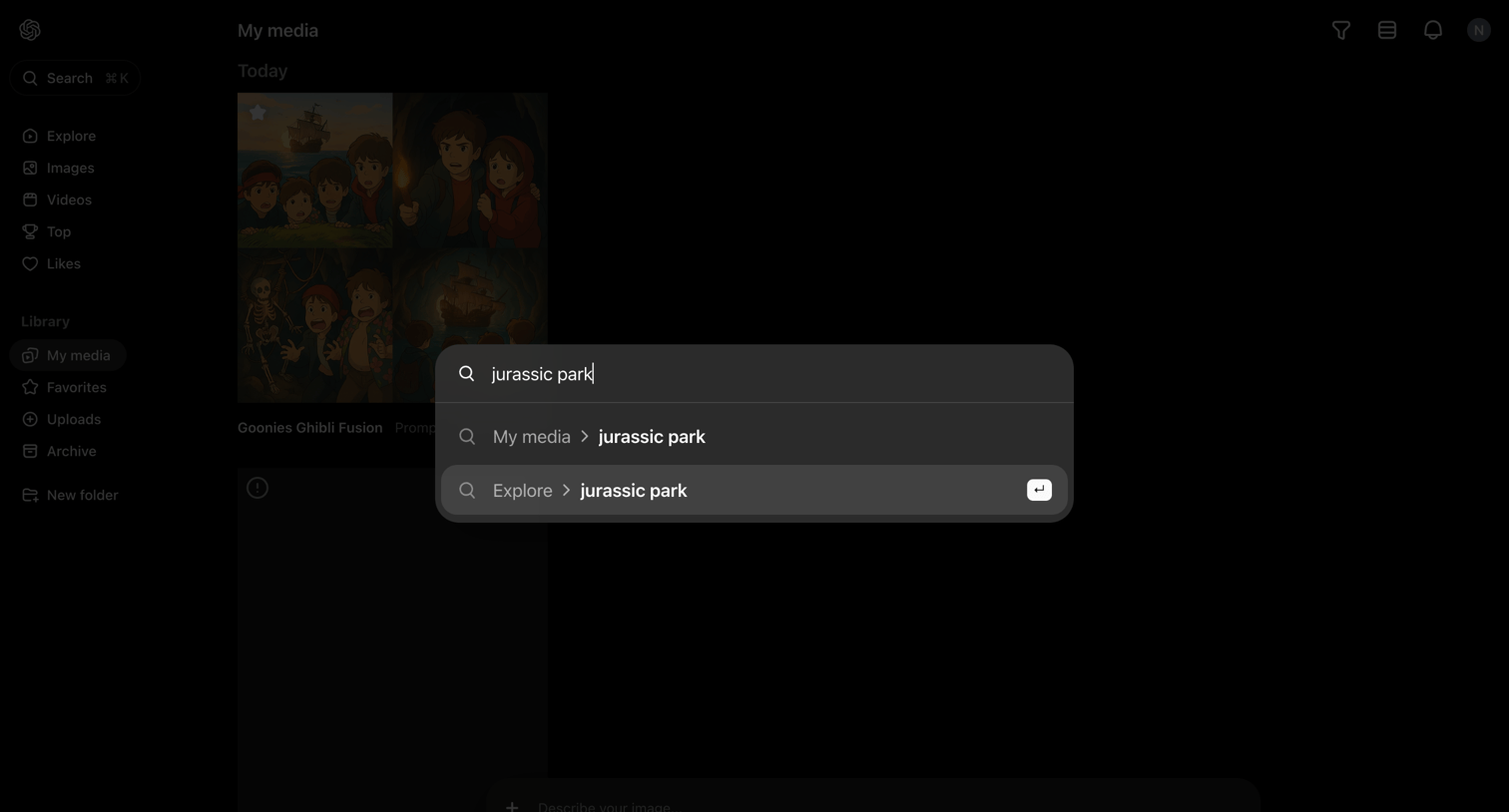

Search overlay where the user types a query to find media across their library and explore sections.
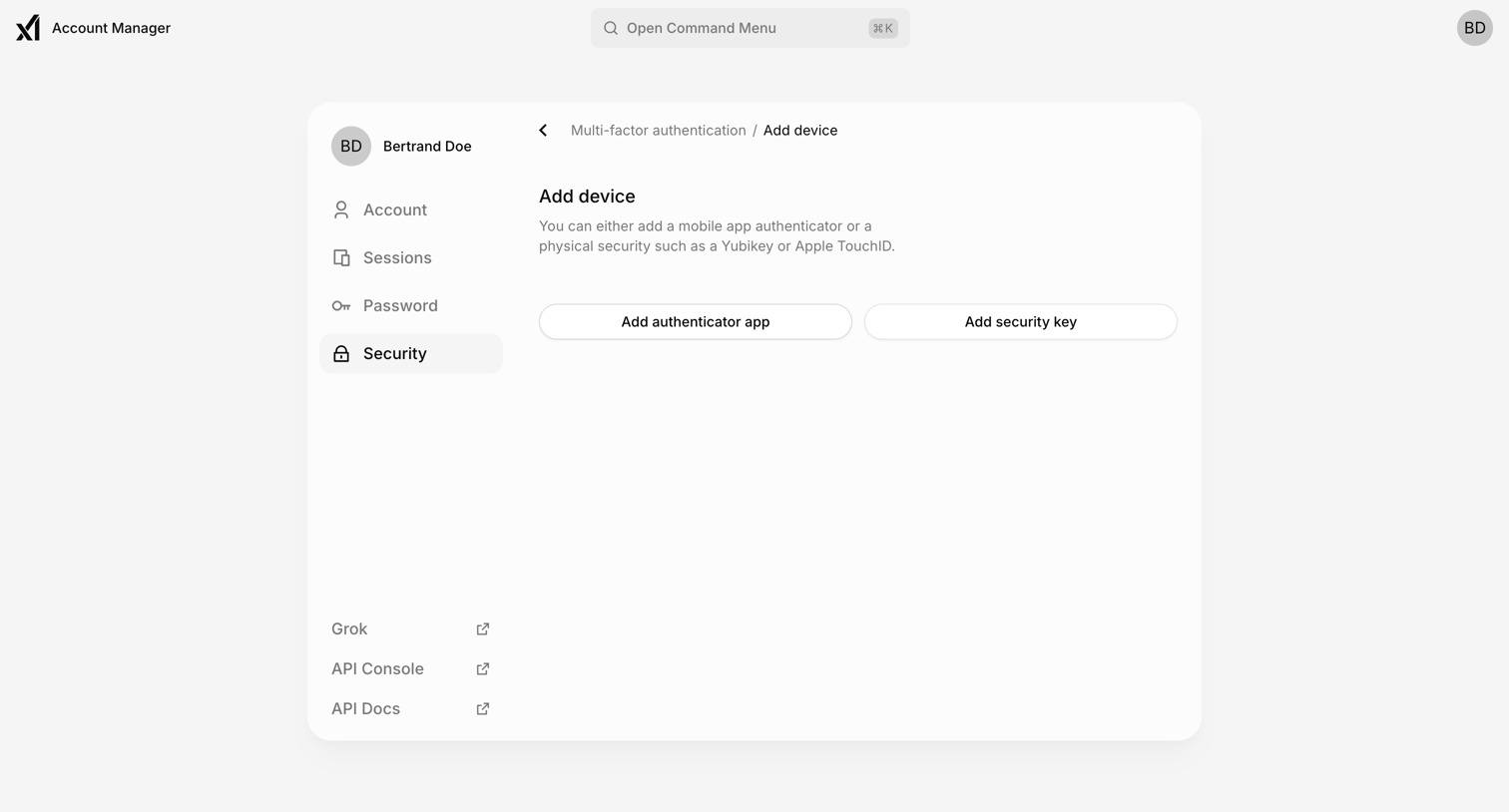

Settings page where the user can choose to add an authenticator app or a physical security key for multi-factor authentication.
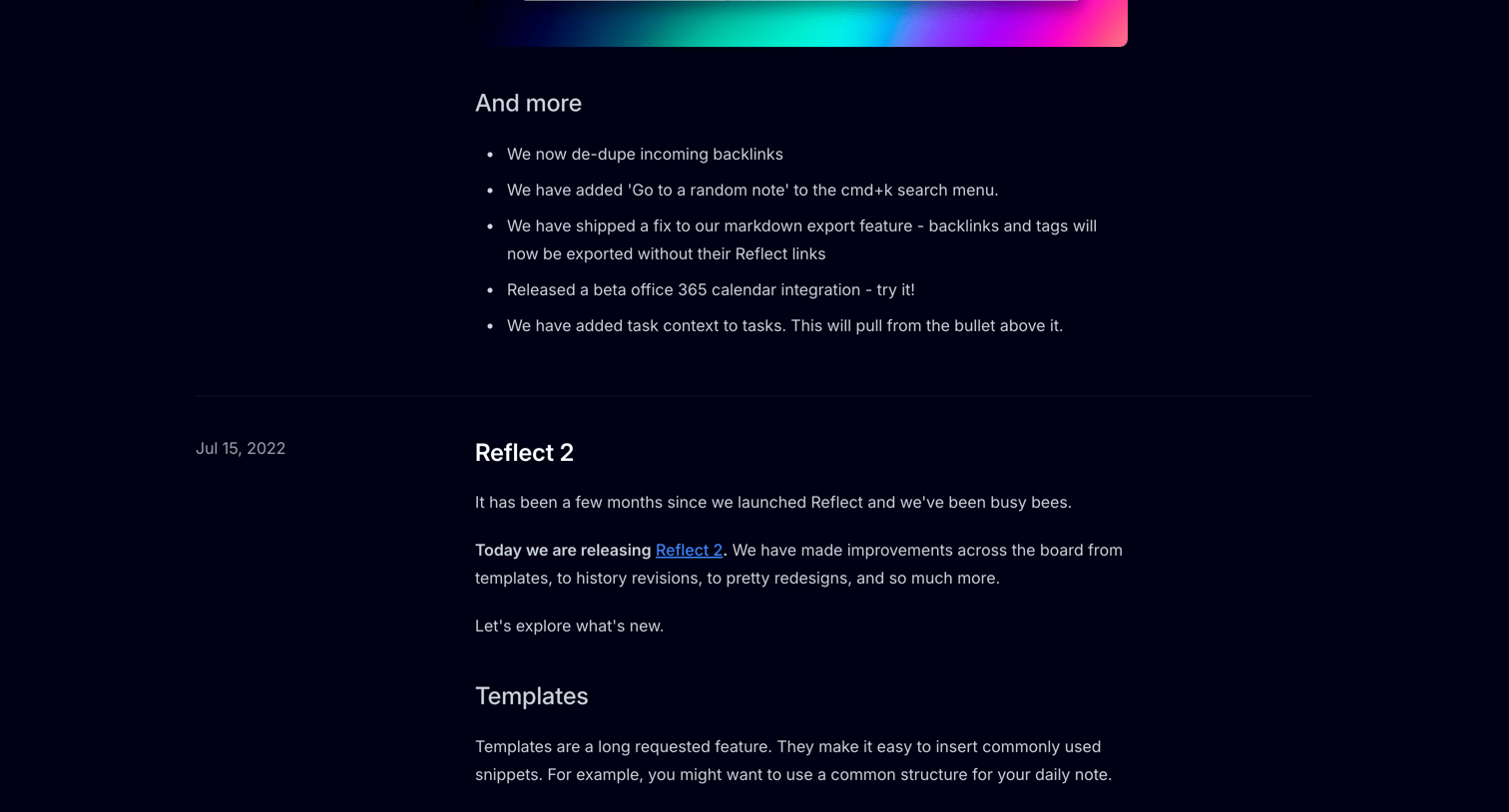

Changelog page detailing new features, editor improvements, and bug fixes for the Reflect app, organized by release date in a timeline format.
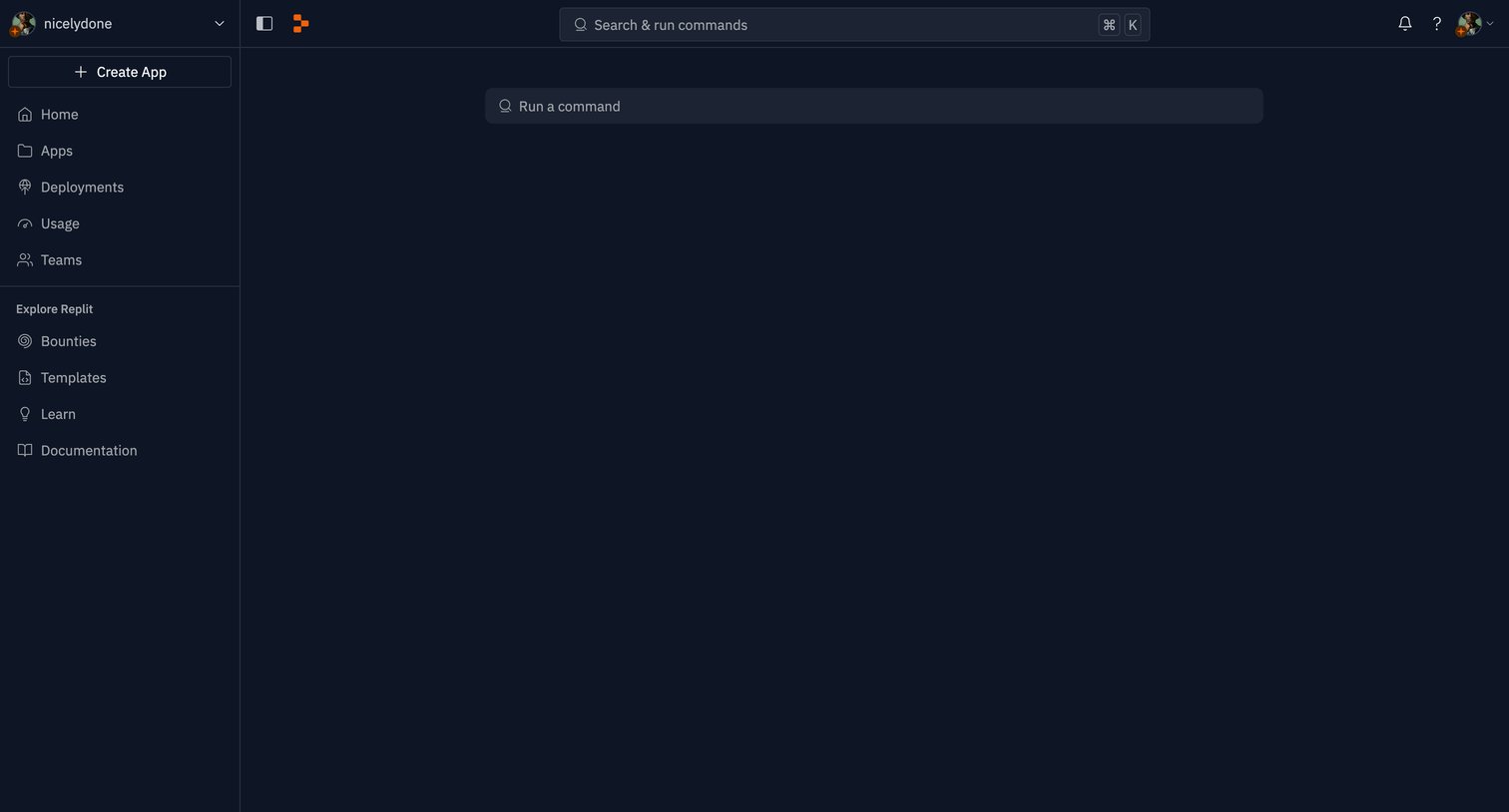

Home screen for a developer environment featuring a central input for running commands directly in the browser.
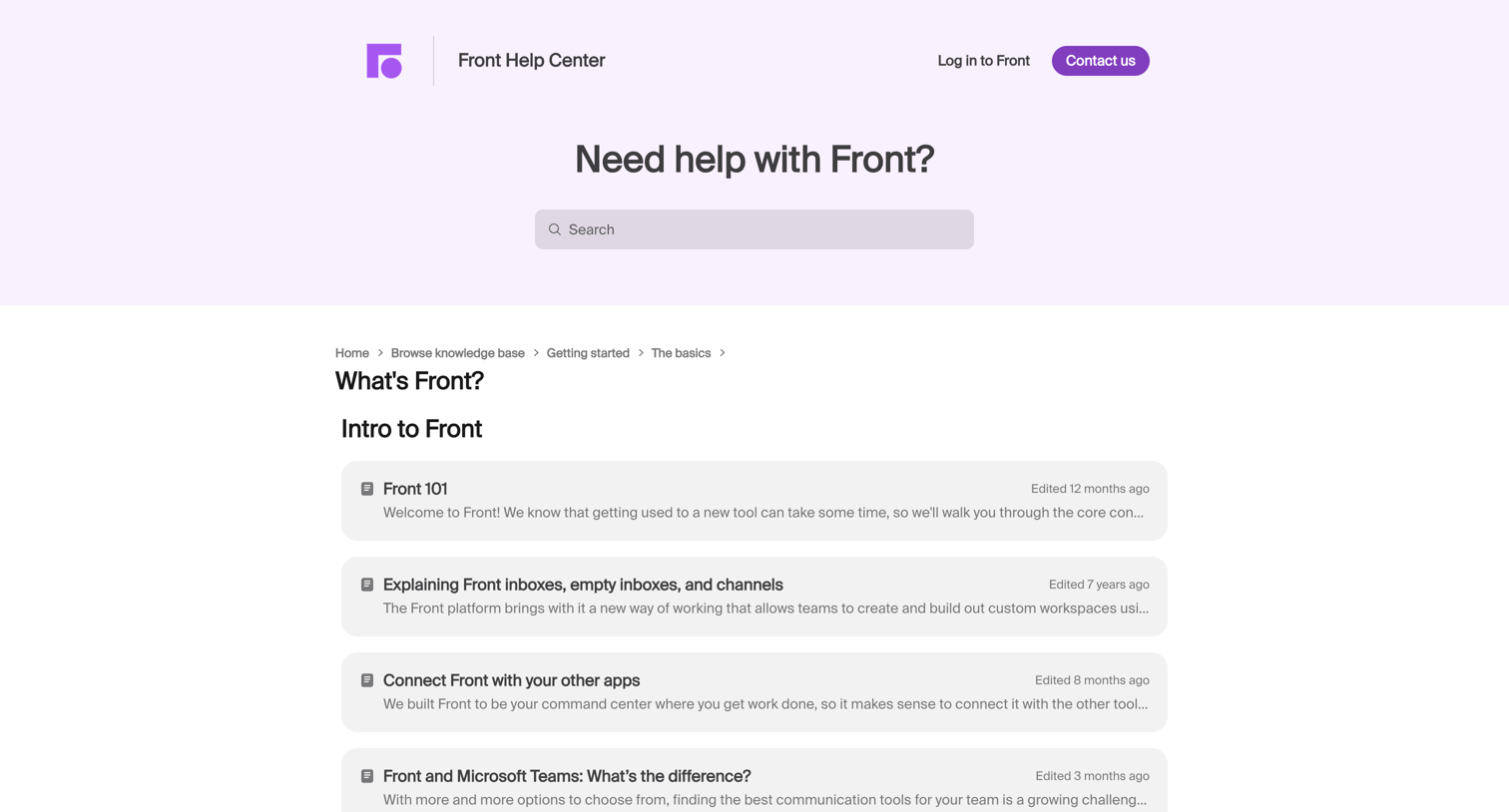

Help center category page where the user browses articles about getting started with Front and its various applications.
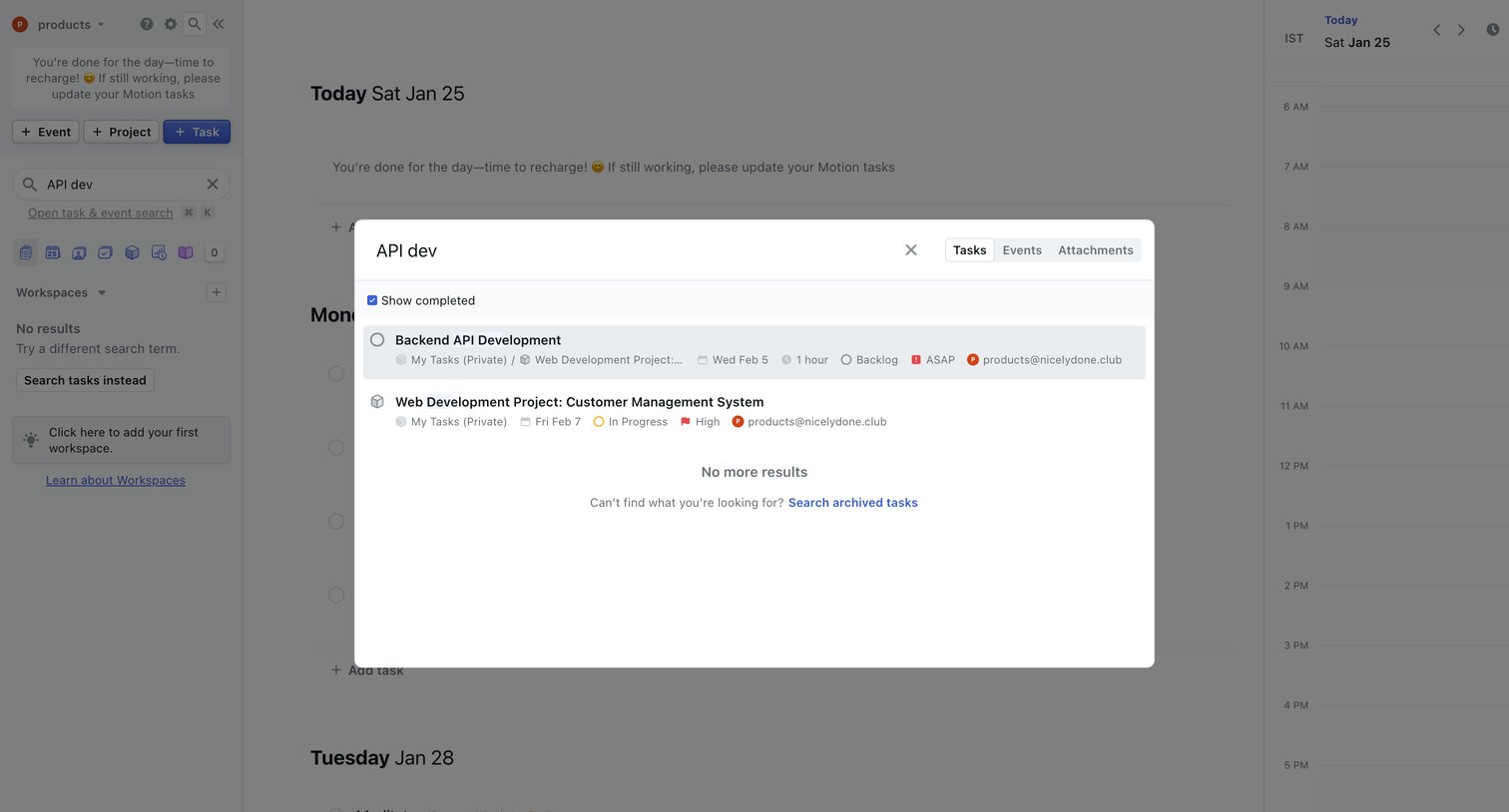

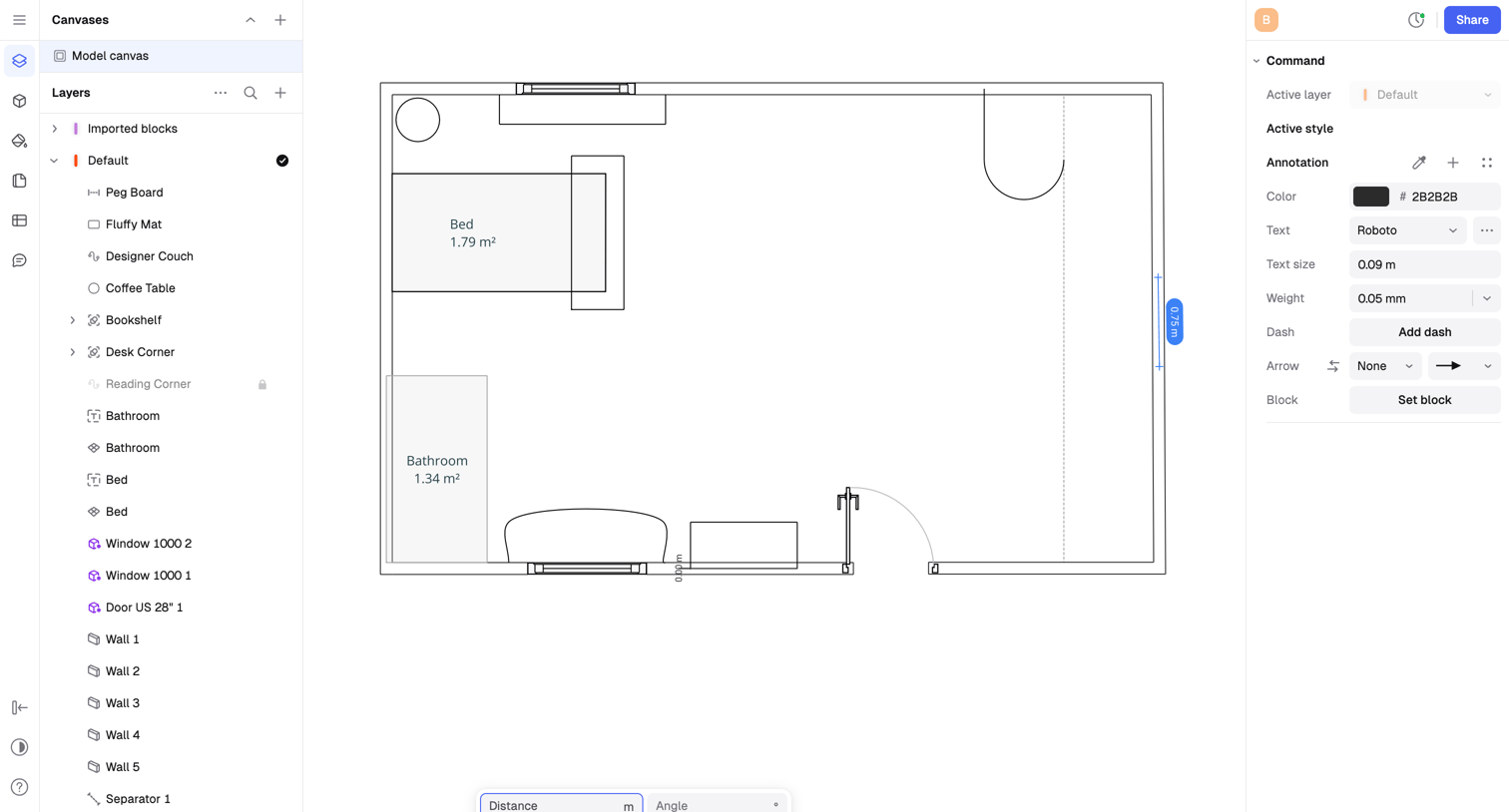

Design editor where the user draws and annotates a 2D floor plan, utilizing a layers panel on the left and a properties inspector on the right.
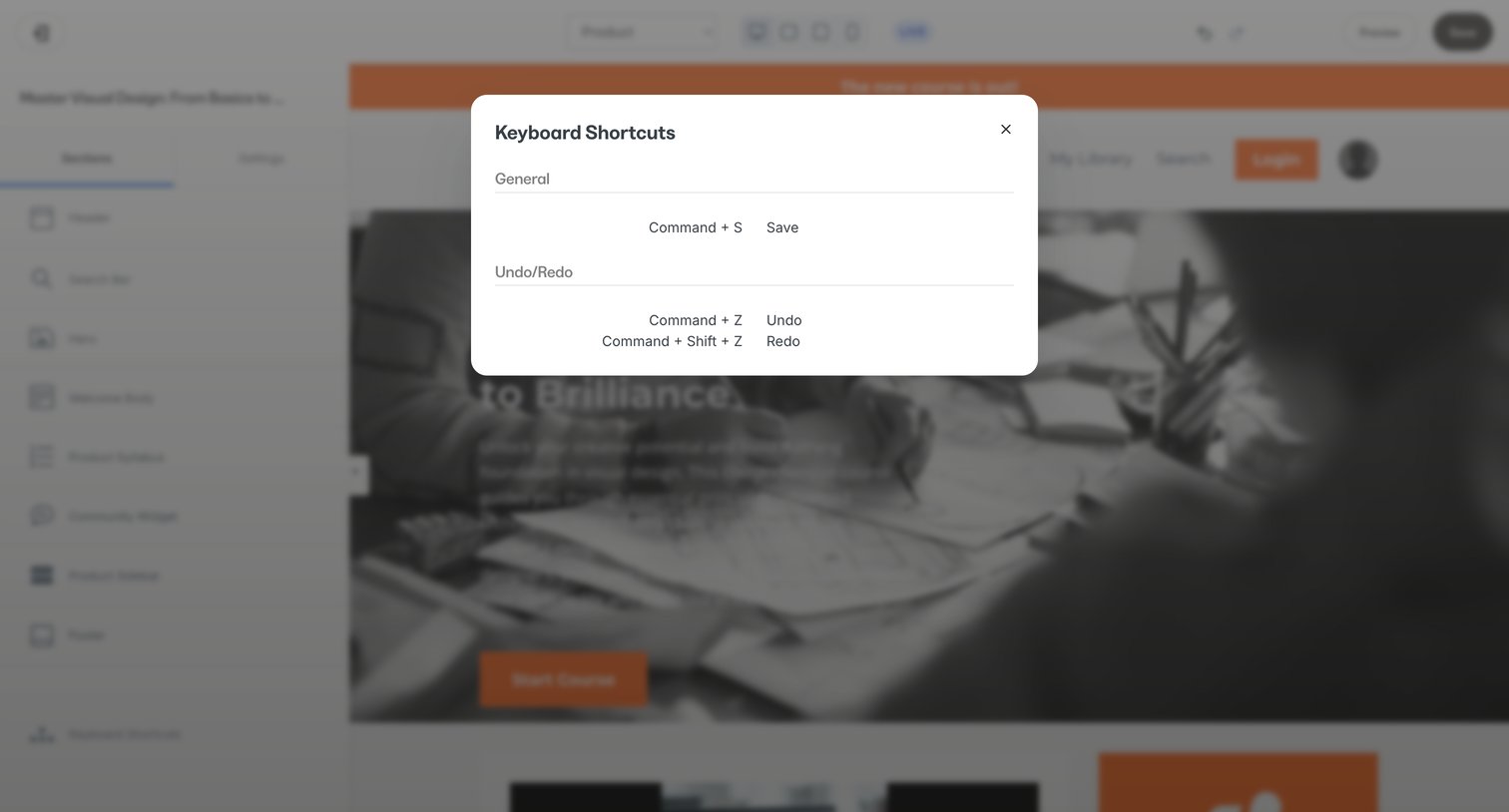

Design editor where the user views keyboard shortcuts for saving and undoing actions over a course page builder.
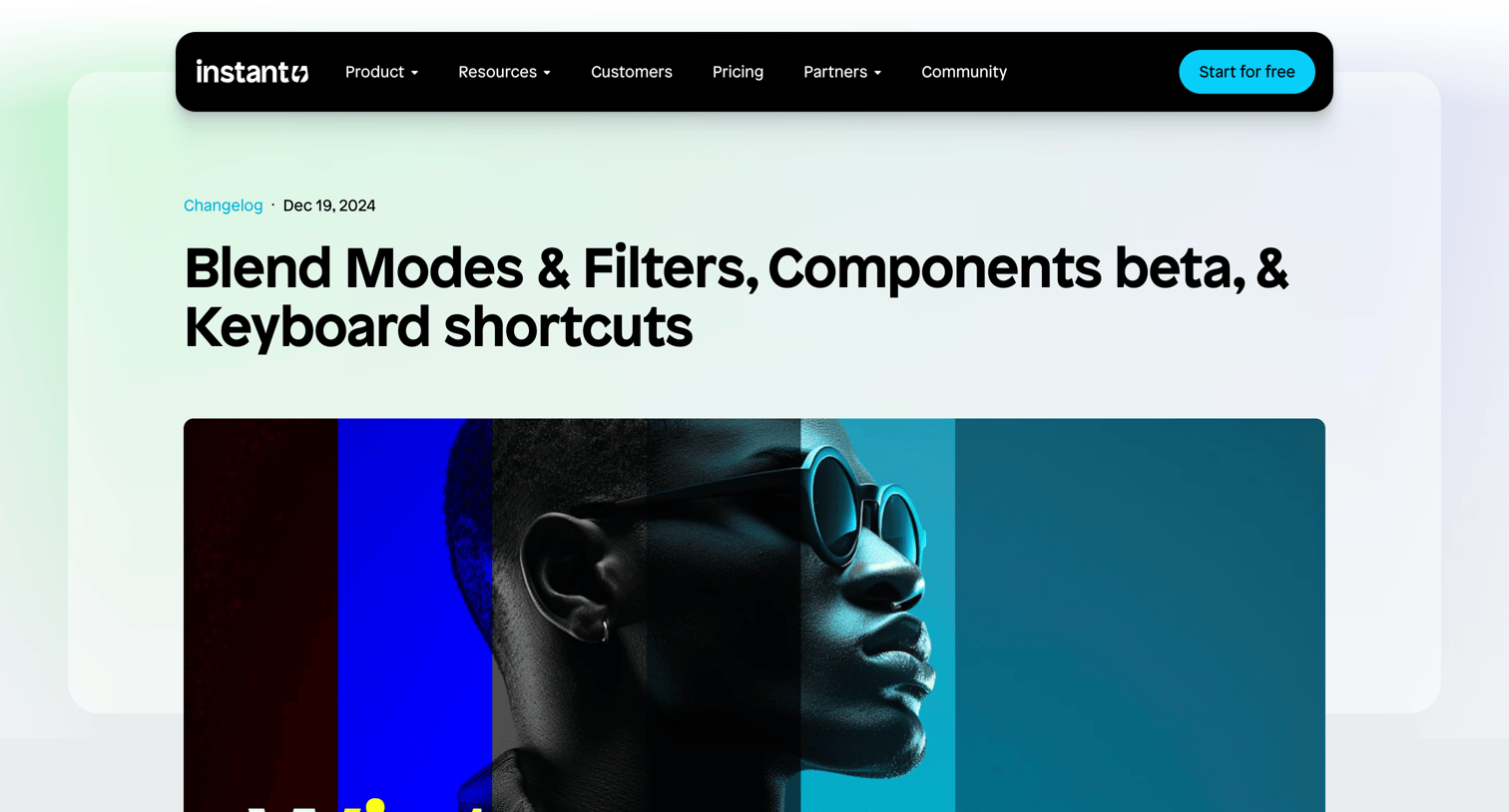

Changelog article detailing new blend modes, components beta, and keyboard shortcuts, followed by a newsletter subscription form and related updates.
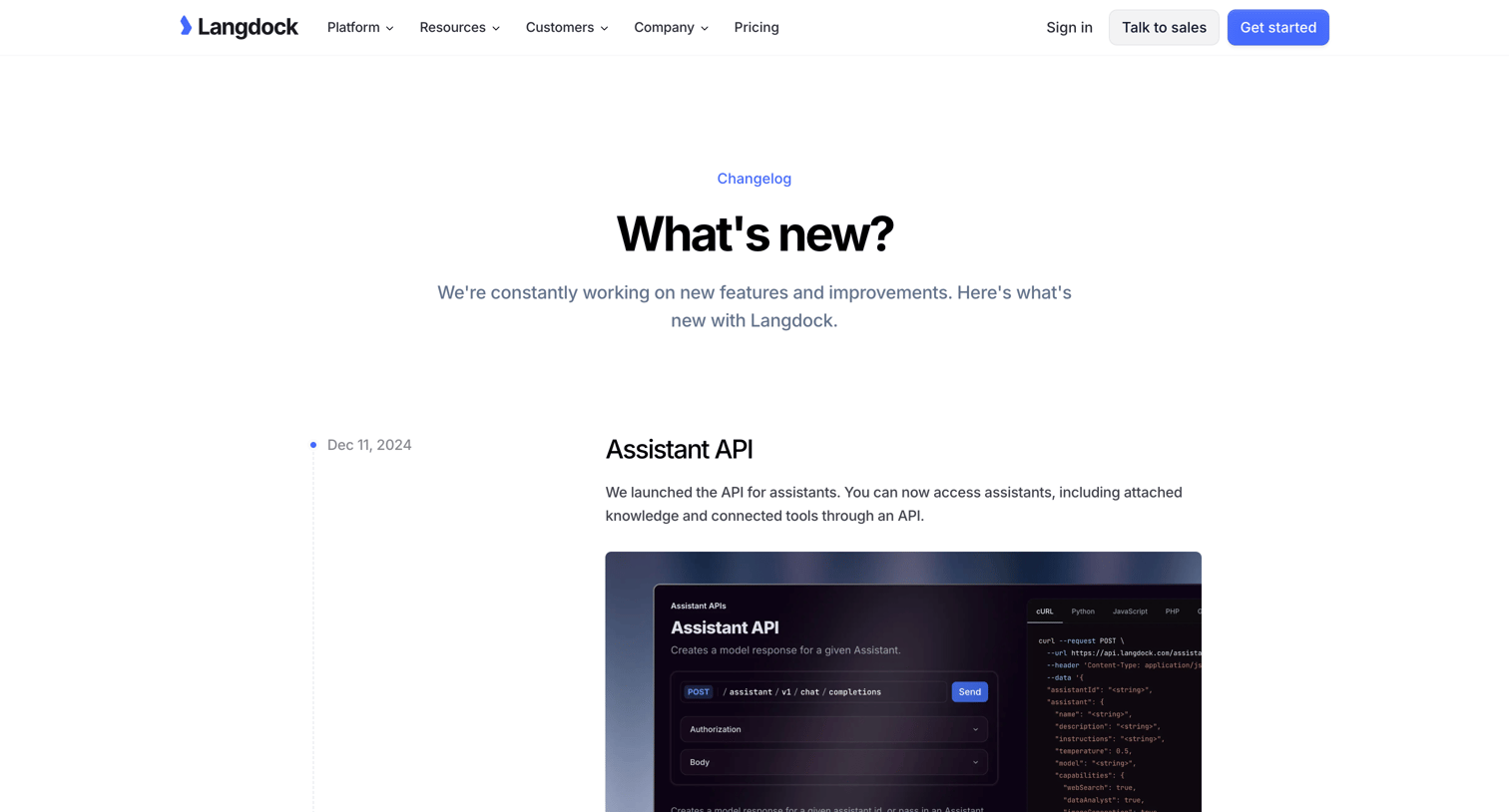

Changelog page where the user reads a timeline of product updates including the Assistant API, Share Chats, and Command Bar.
Explore the full SaaS screen library
Upgrade to unlock the full library.
Trusted by the best teams







