Circular progress screen examples
Circular progress screen design examples from SaaS apps. Browse examples from Mighty, Jimo, Linear.
Explore the examples
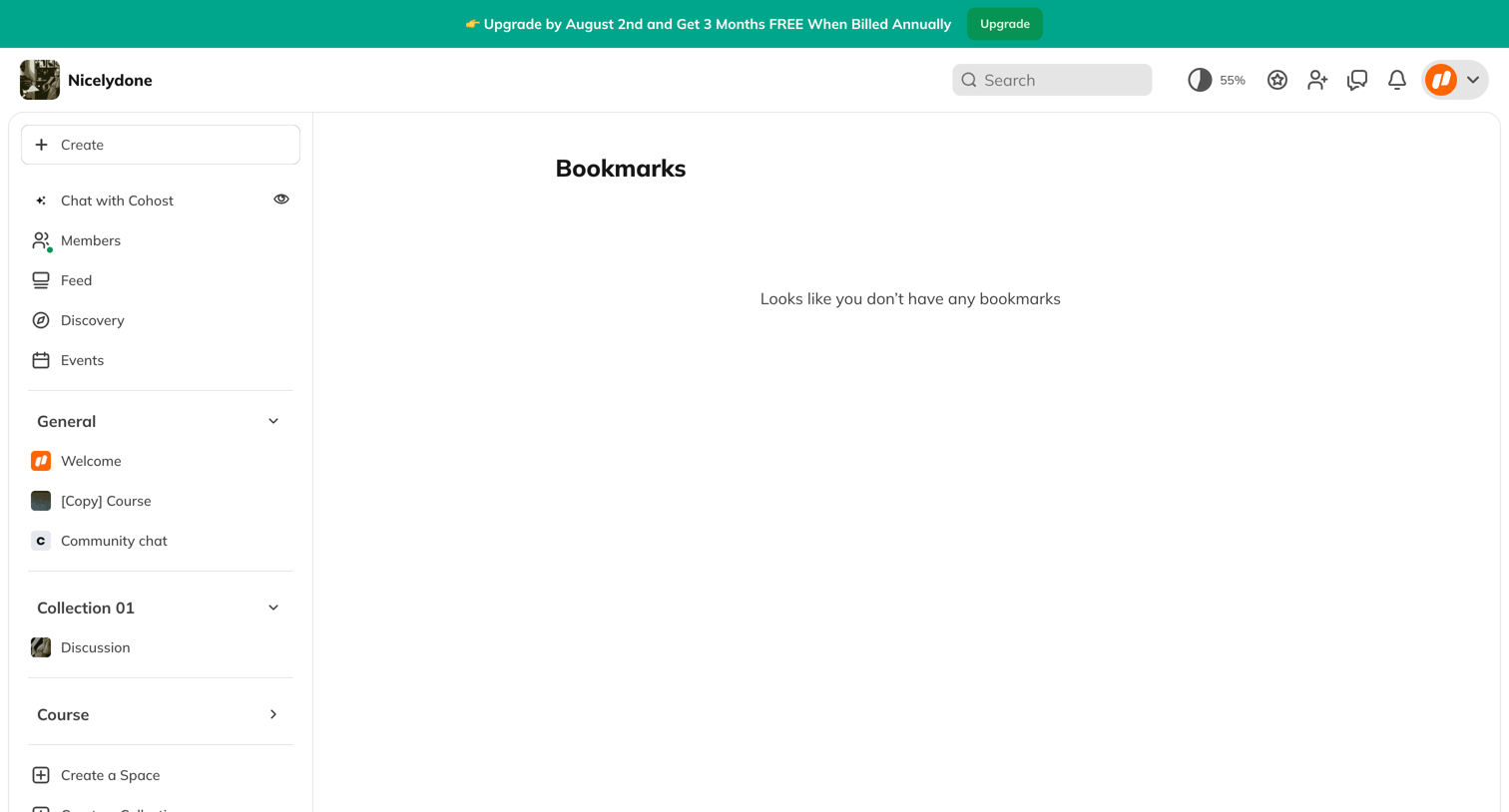

List view where the user's saved bookmarks would appear, currently displaying an empty state message.
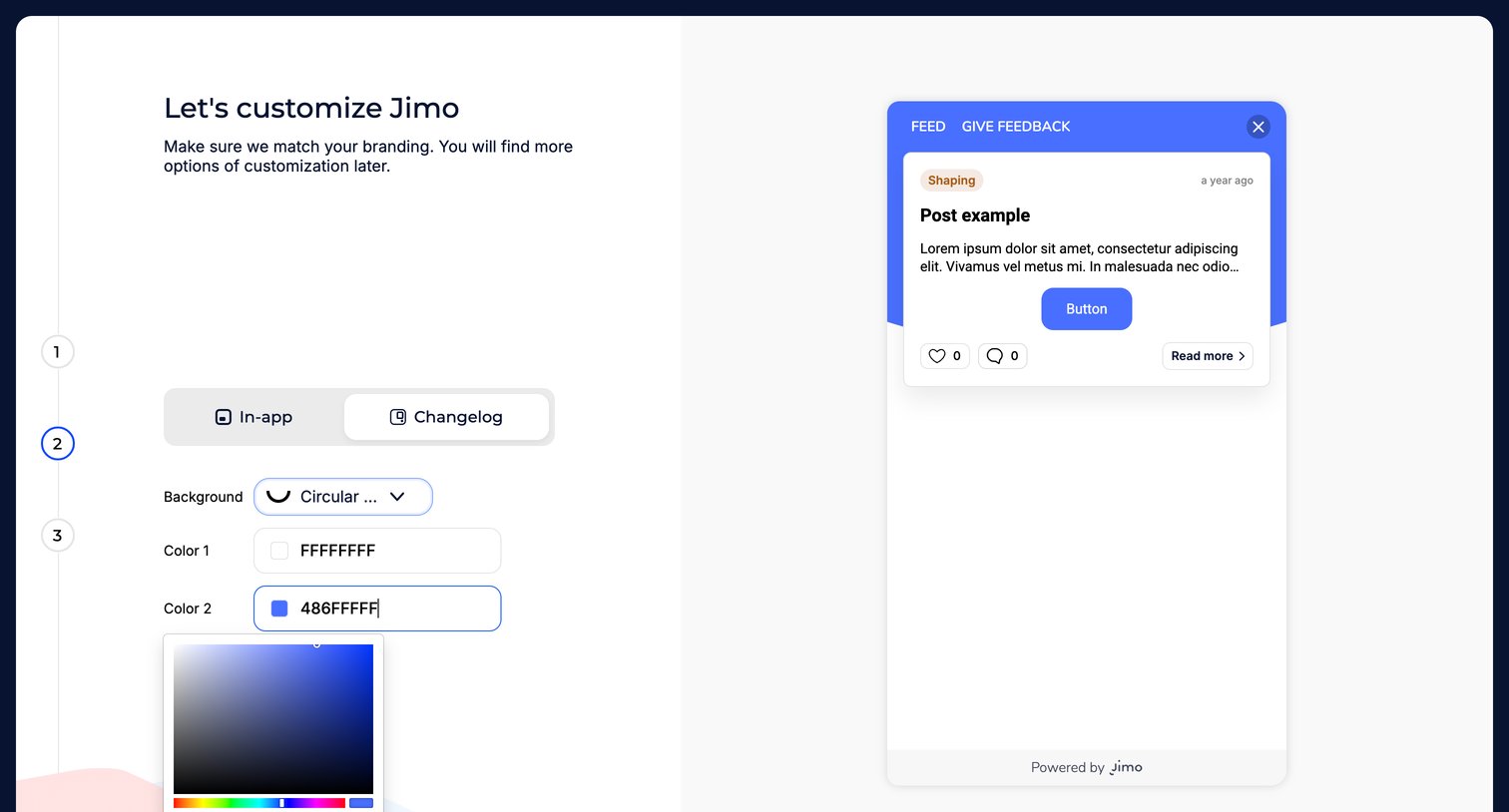

Onboarding step where the user customizes their branding colors and background style, with a live preview of a feedback widget.

Onboarding step where the user waits while the system initializes their new workspace.


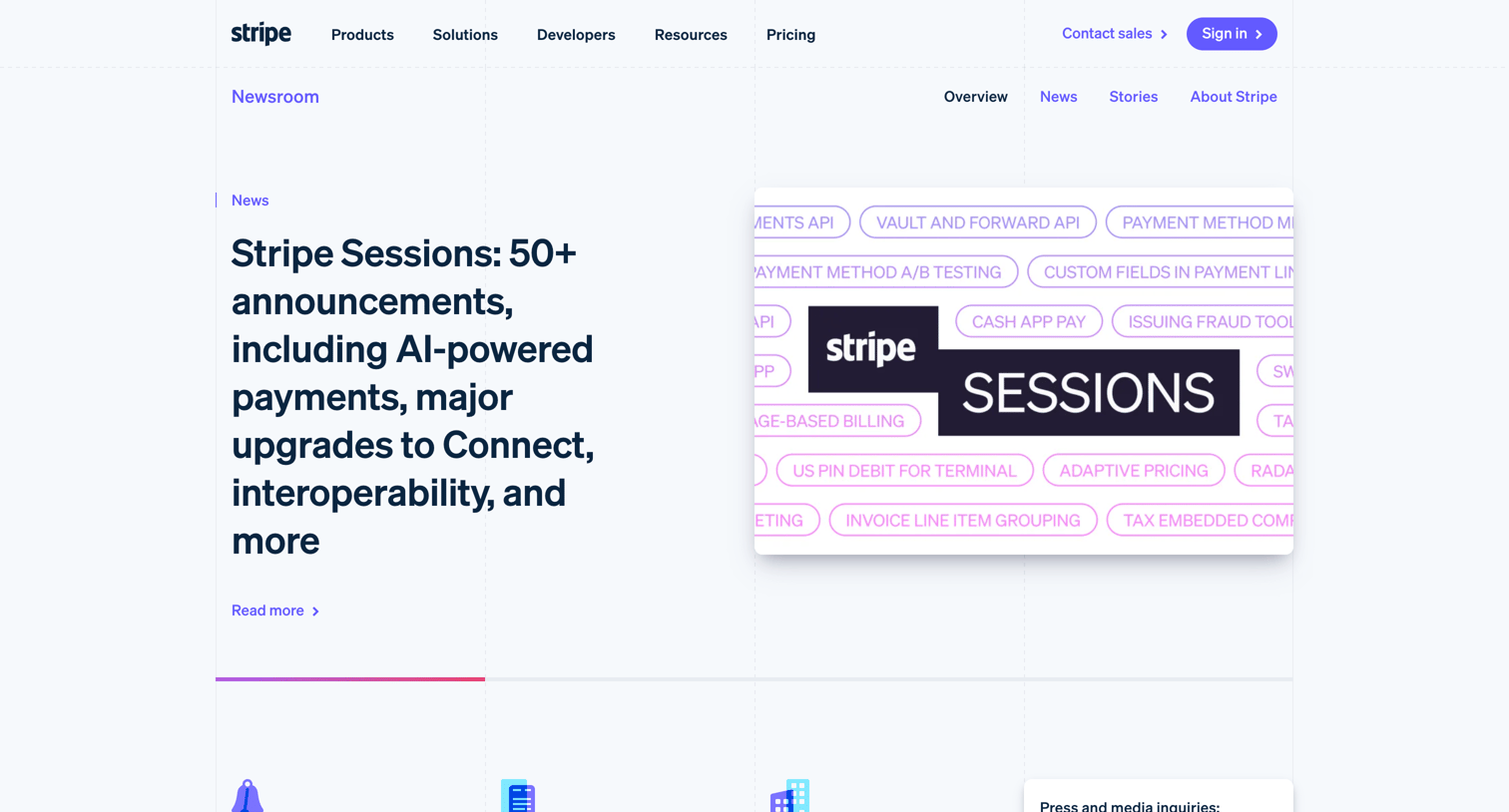

Newsroom page where the user can browse recent product announcements, read customer stories, and find press contact information.
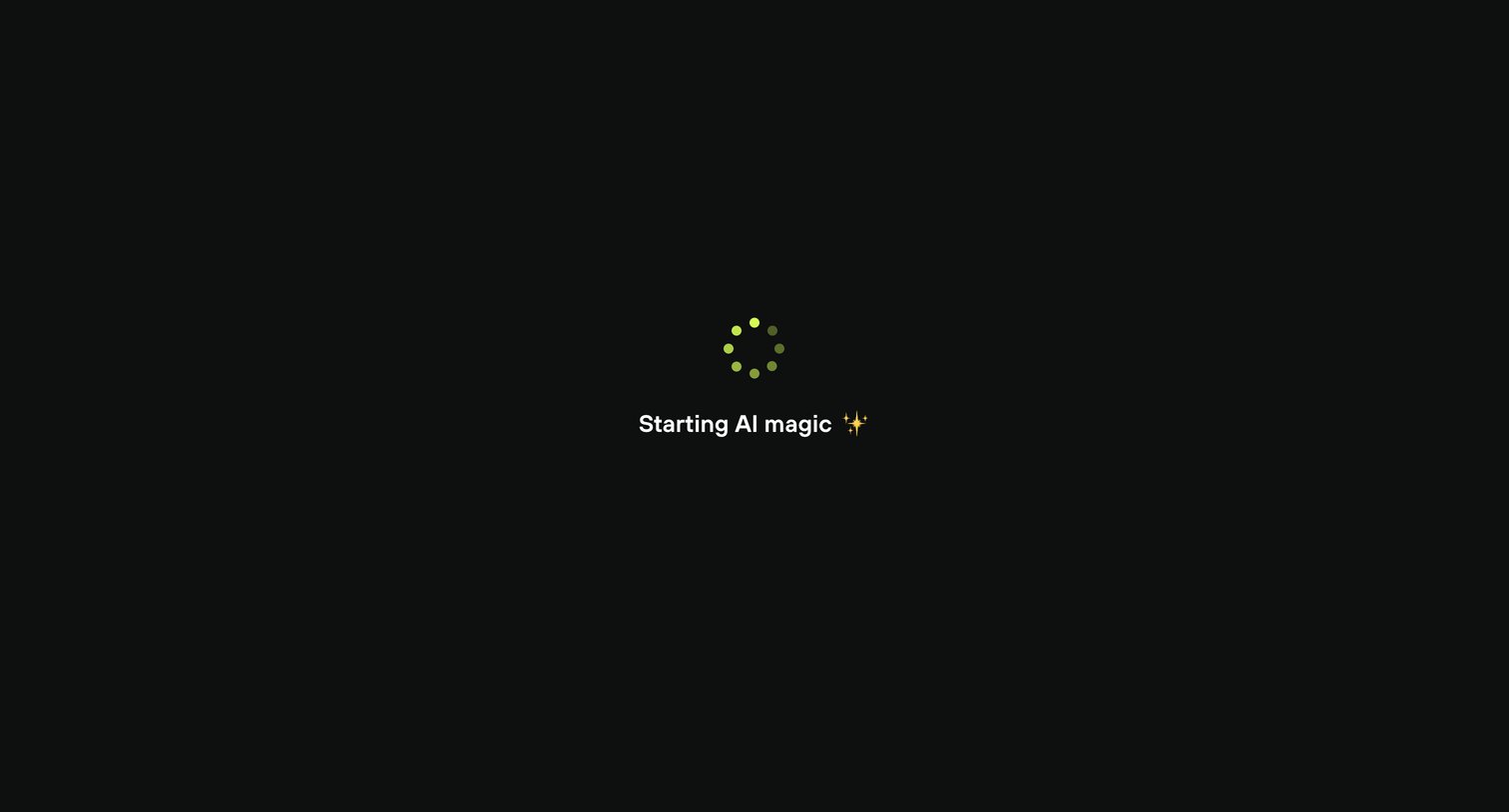

Full-screen loading state where the app indicates it is preparing to generate content with AI.
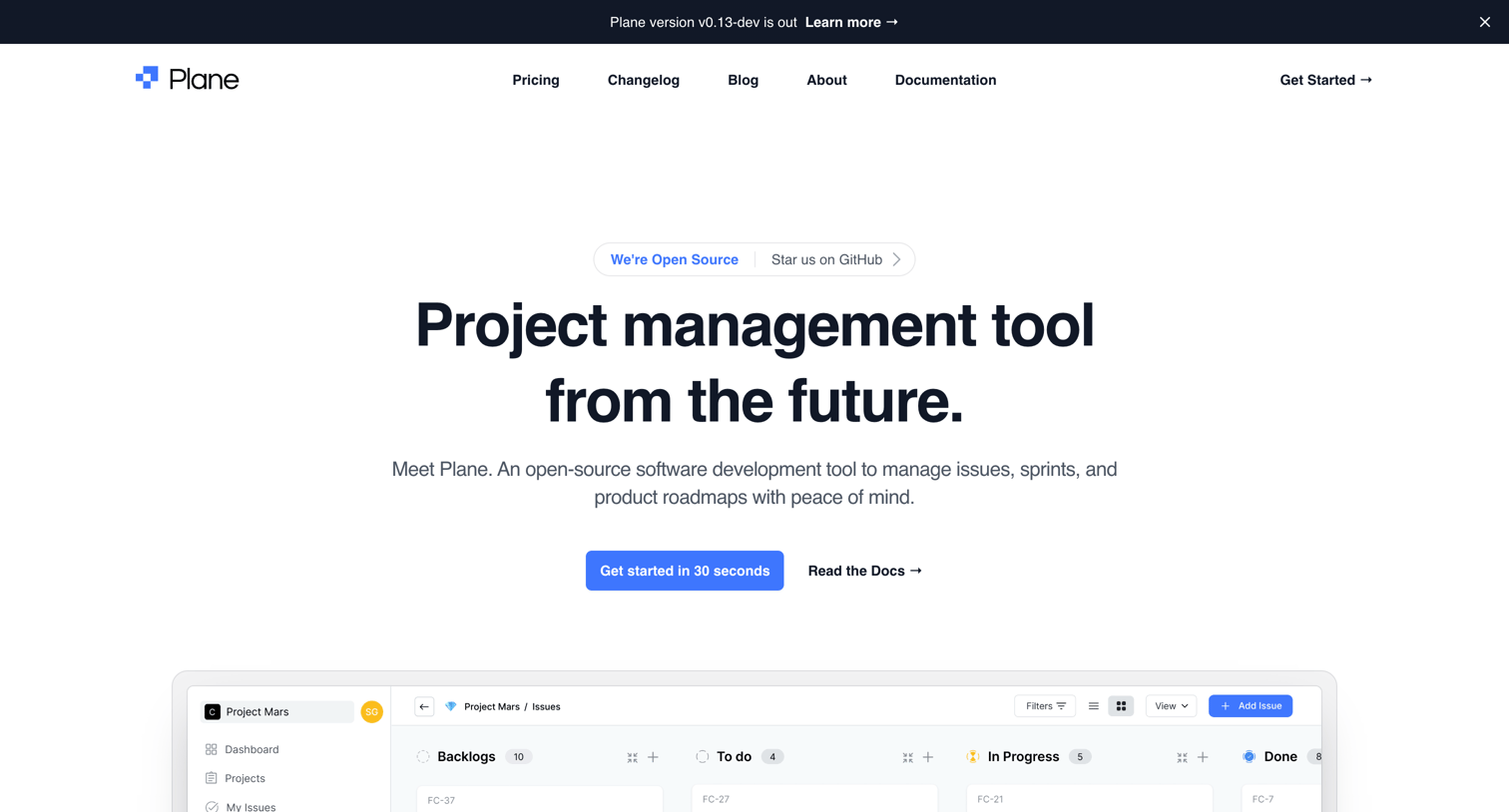

Landing page for an open-source project management tool highlighting features like custom workflows, cycles, and integrations, alongside GitHub community metrics.
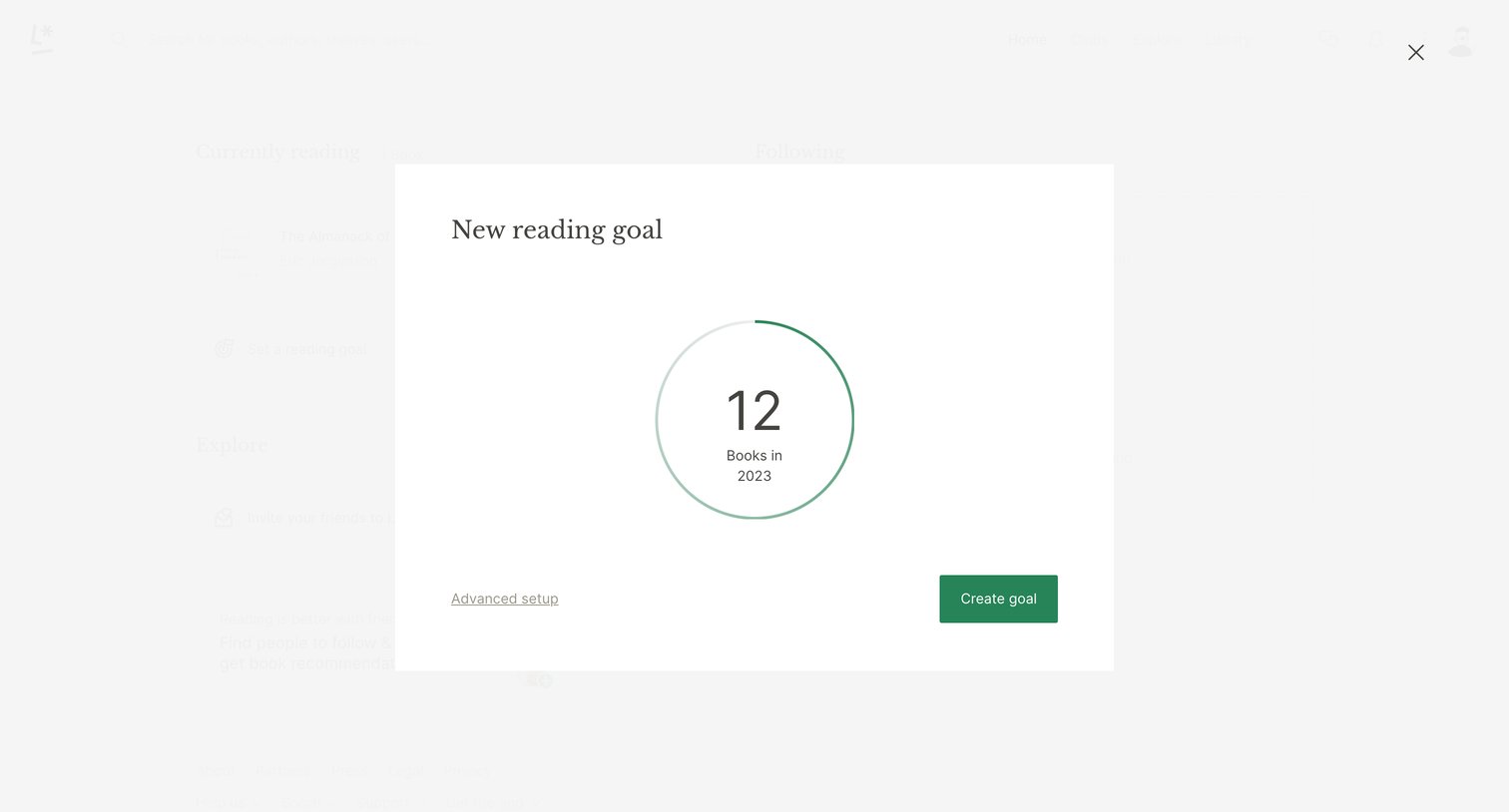

Home screen with a modal overlay where the user sets a new reading goal for the year.
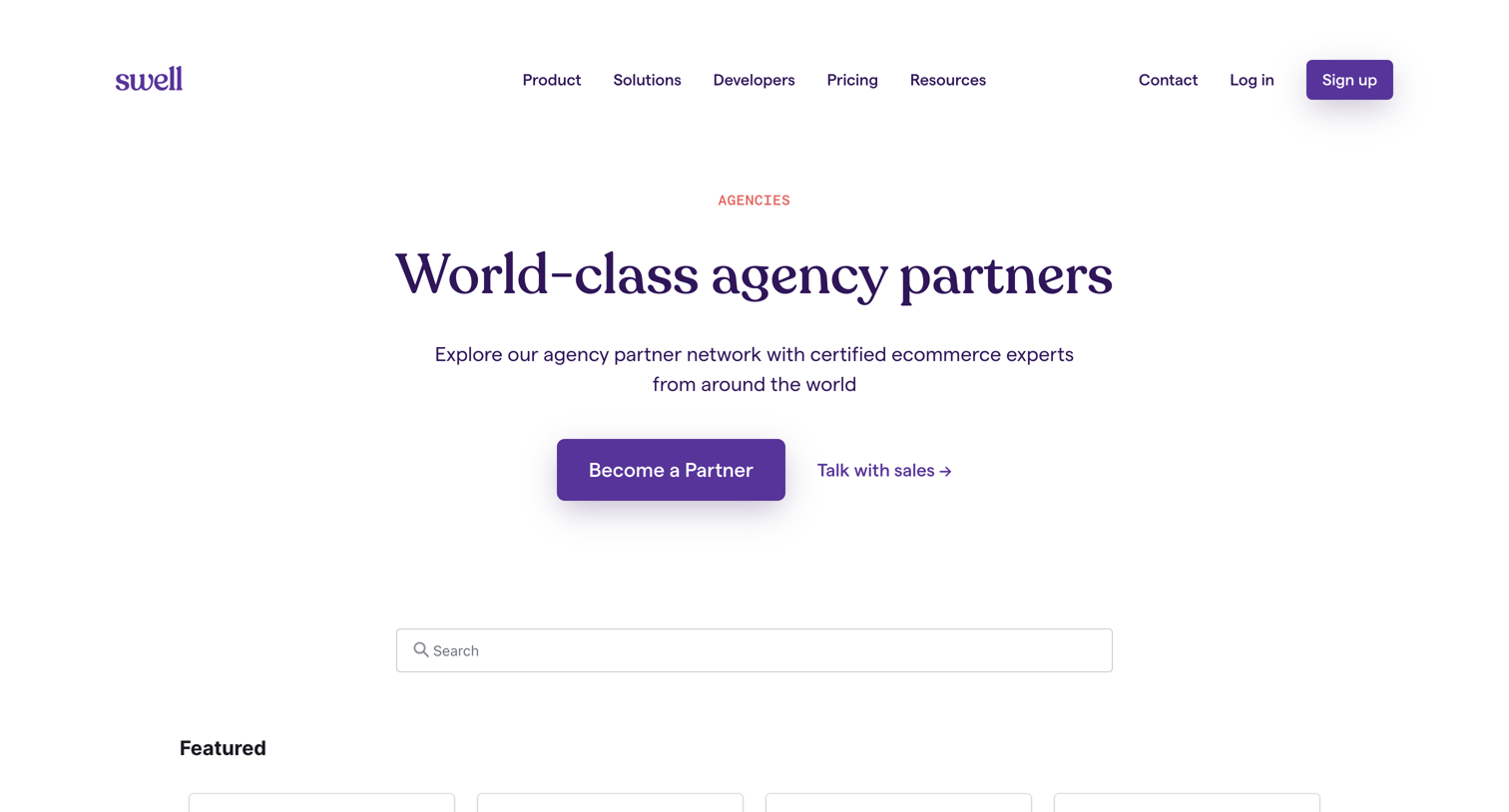

Partner directory page where the user can search, filter by region and expertise, and browse certified ecommerce agency partners to find a match.
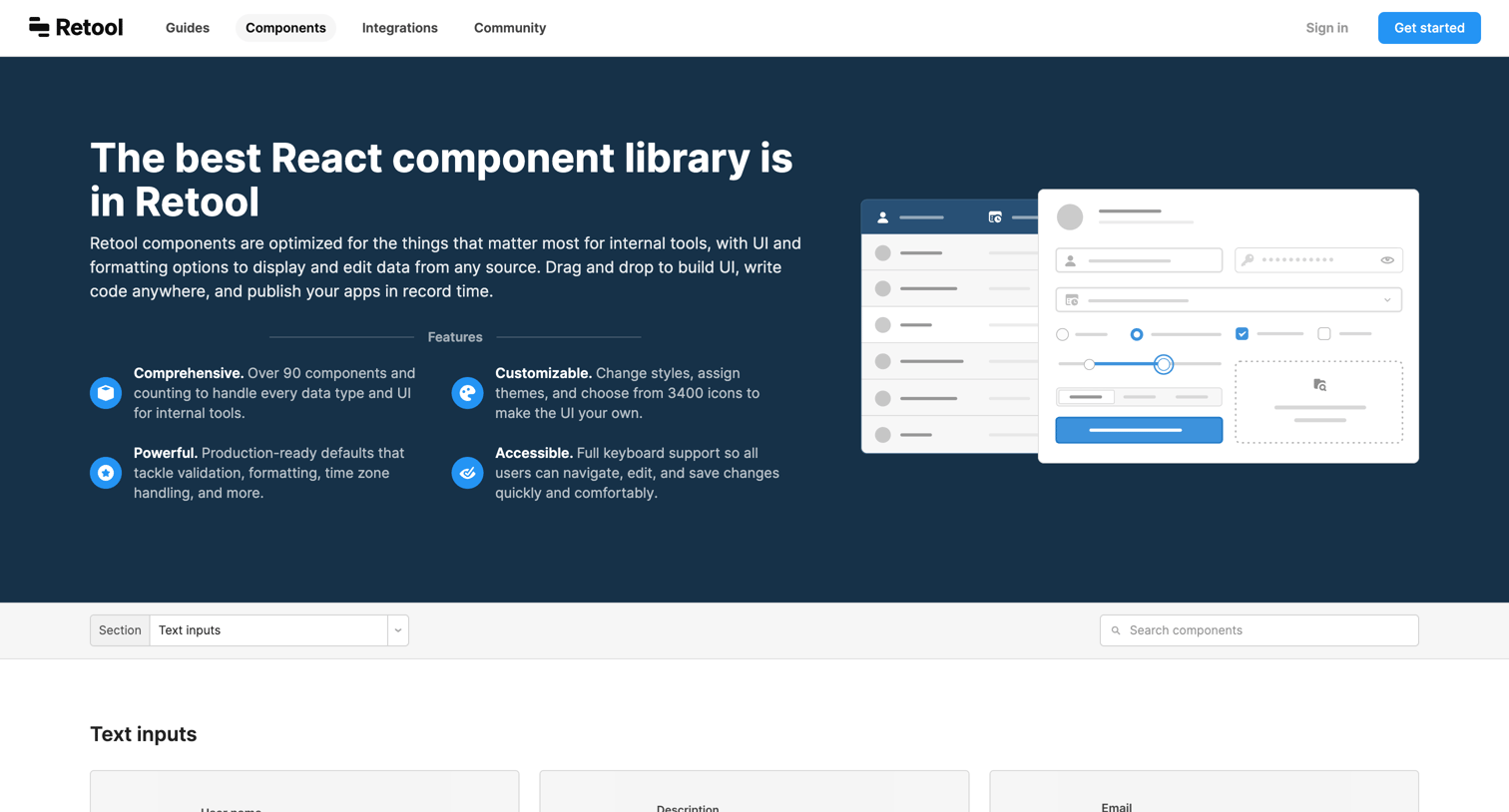

Feature page showcasing the extensive catalog of pre-built React components available in Retool, organized by categories like inputs, data, and presentation.
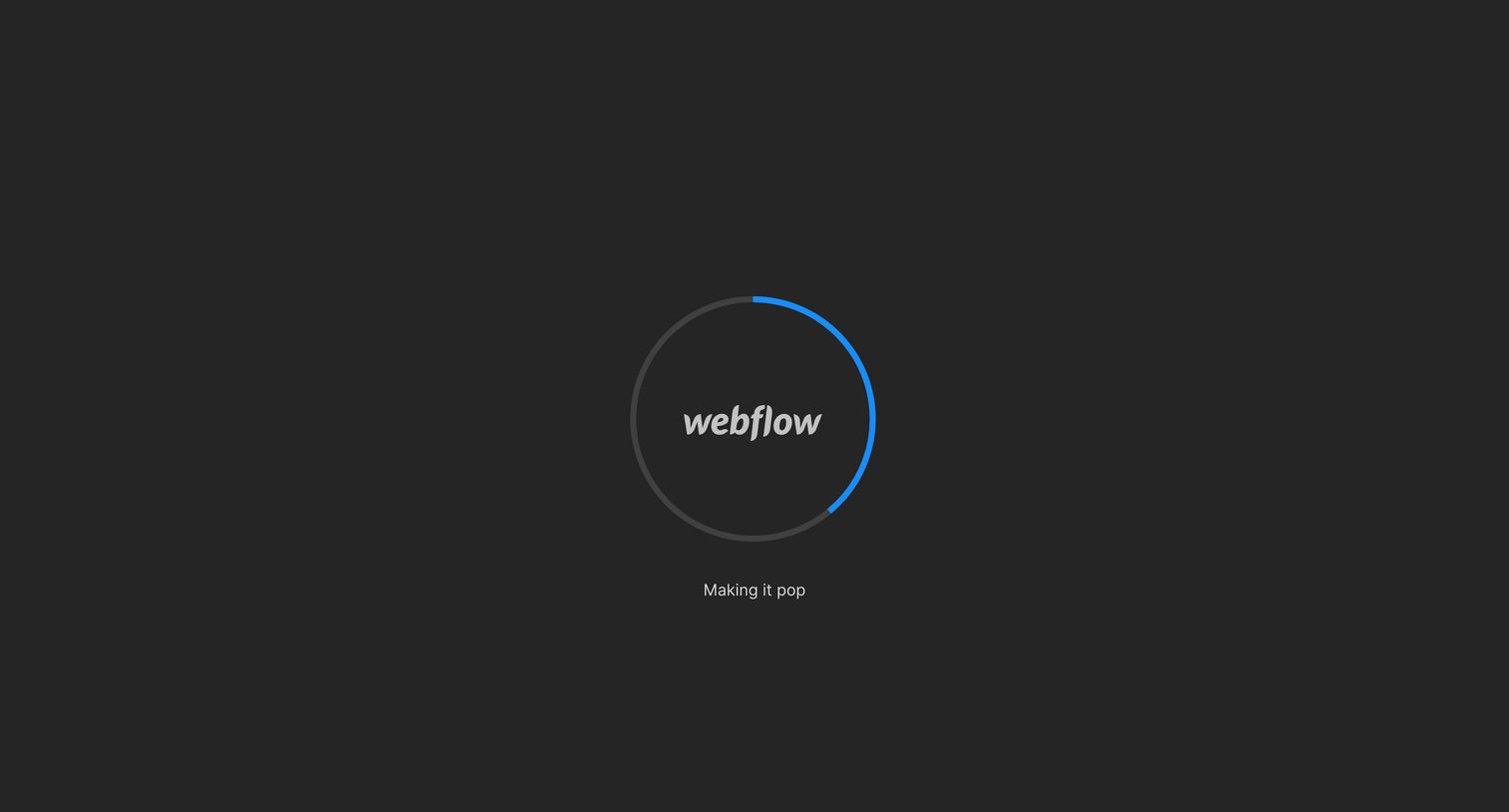

App loading screen where a circular progress indicator displays the initialization status before entering the design editor.
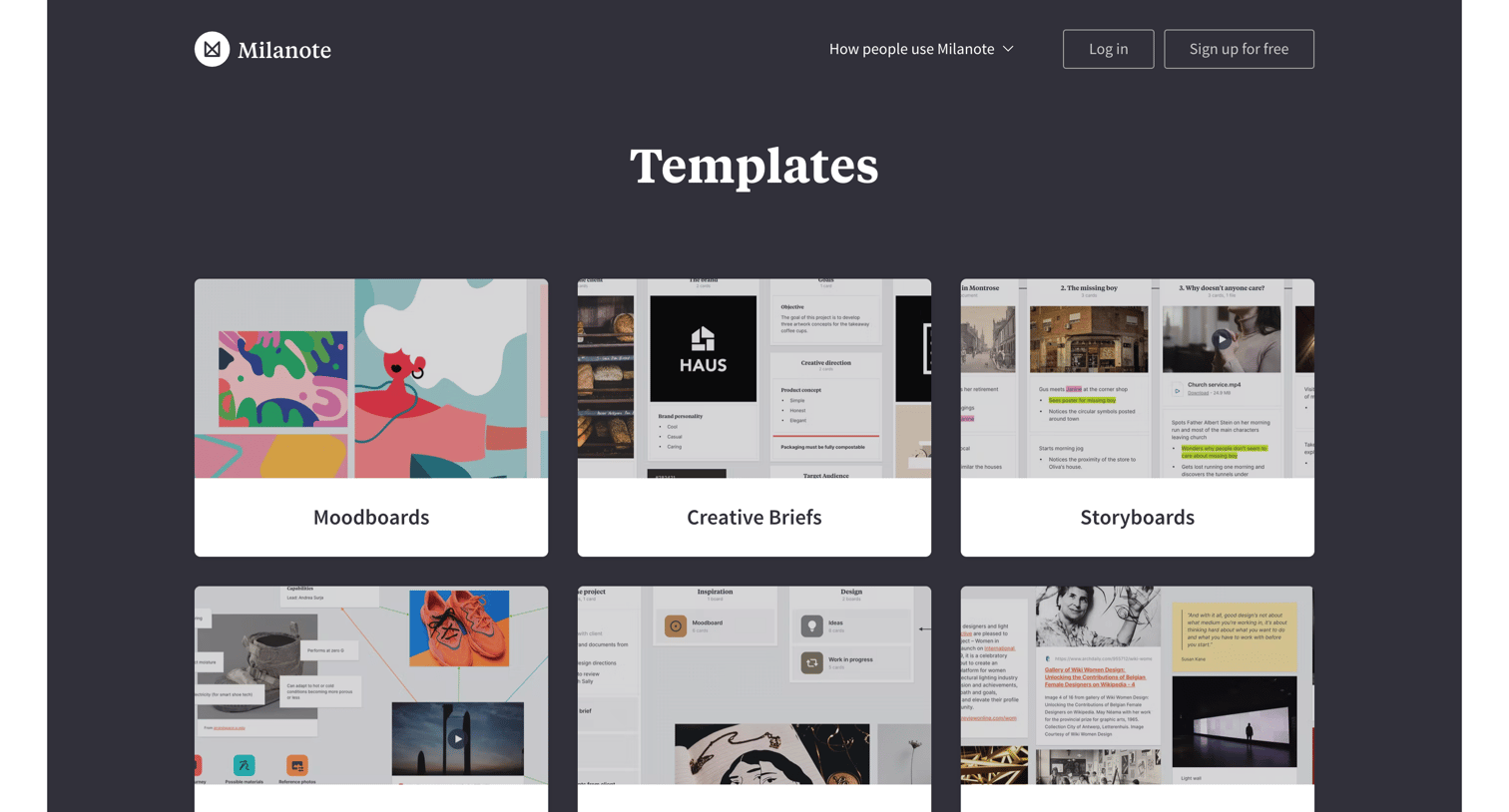

Marketing page where the user can browse a directory of templates for moodboards, creative briefs, storyboards, and other design tasks.
Explore the full SaaS screen library
Upgrade to unlock the full library.
Trusted by the best teams







