Retool design examples
Explore Retool UI design examples. Build internal tools, remarkably fast.
Product screens
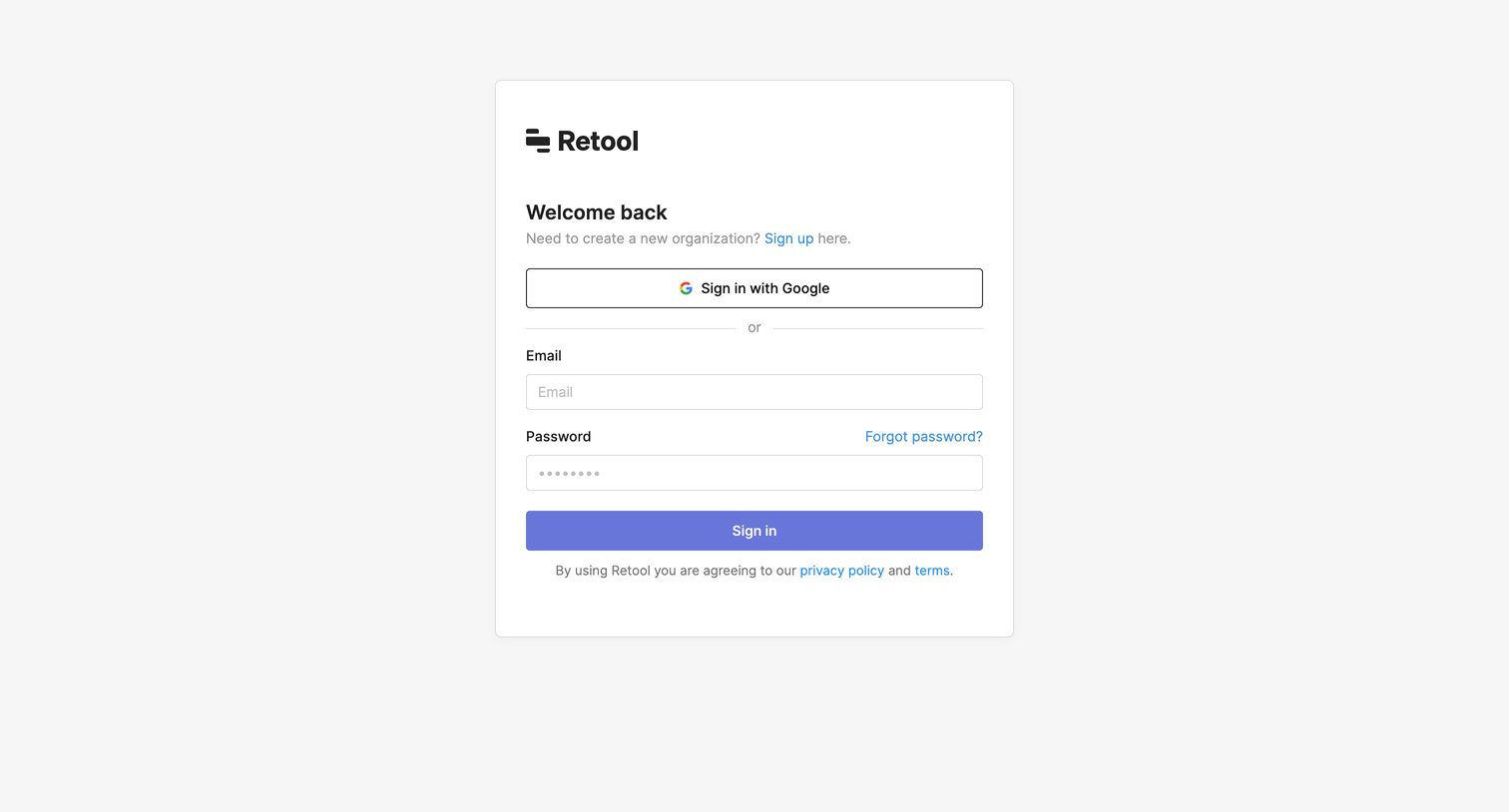
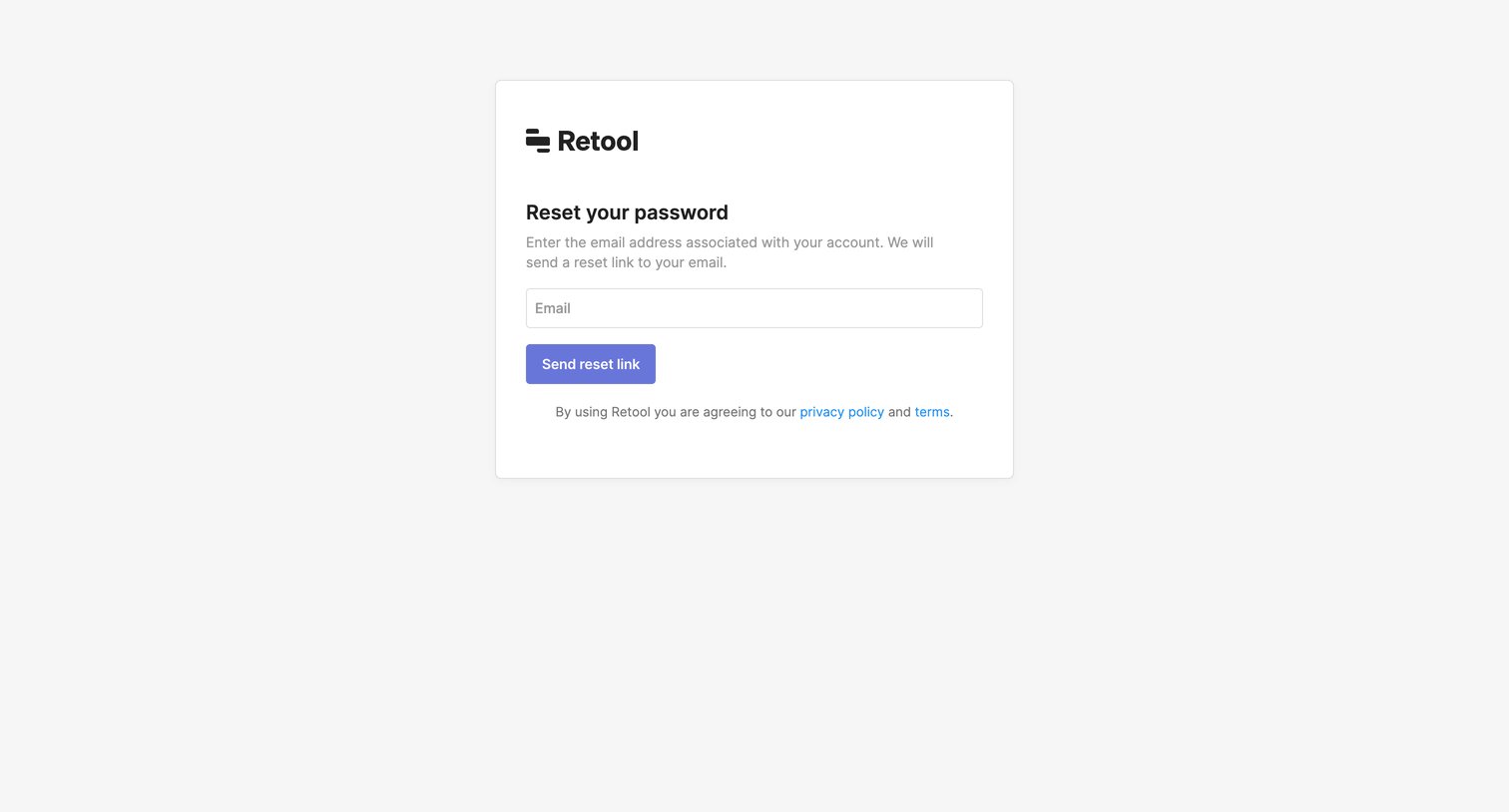

Password recovery screen where the user enters their email address to request a reset link.
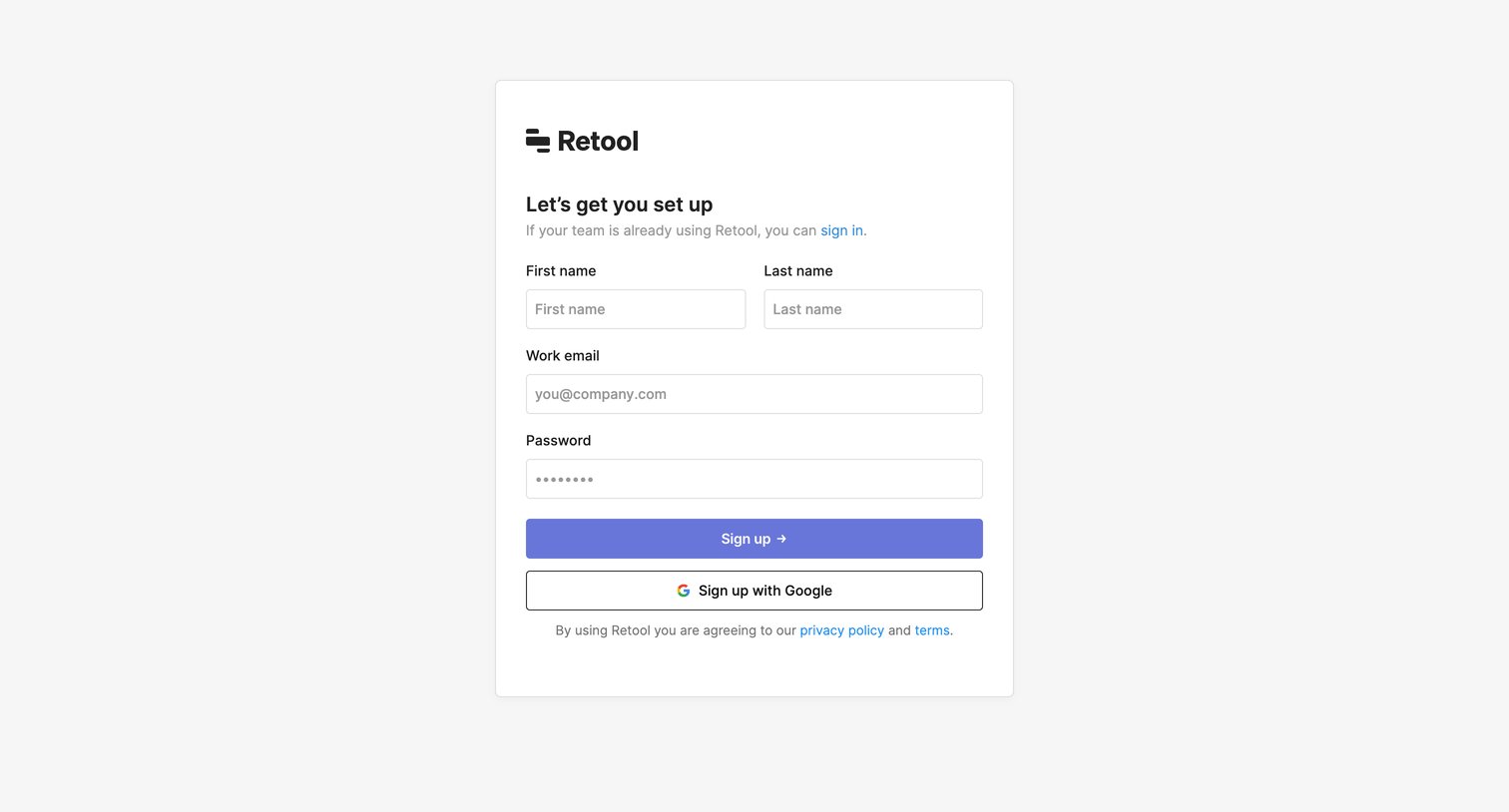
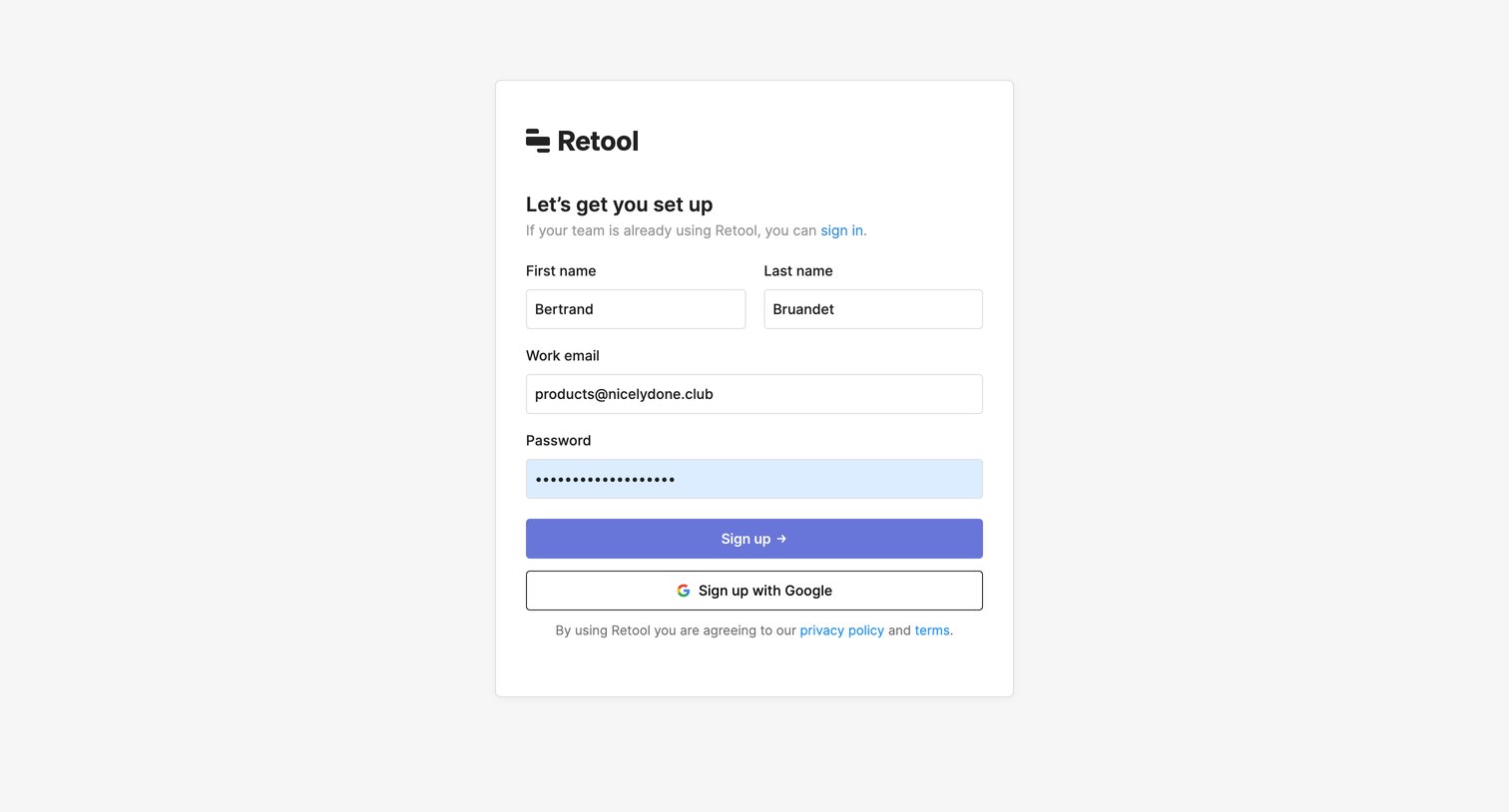
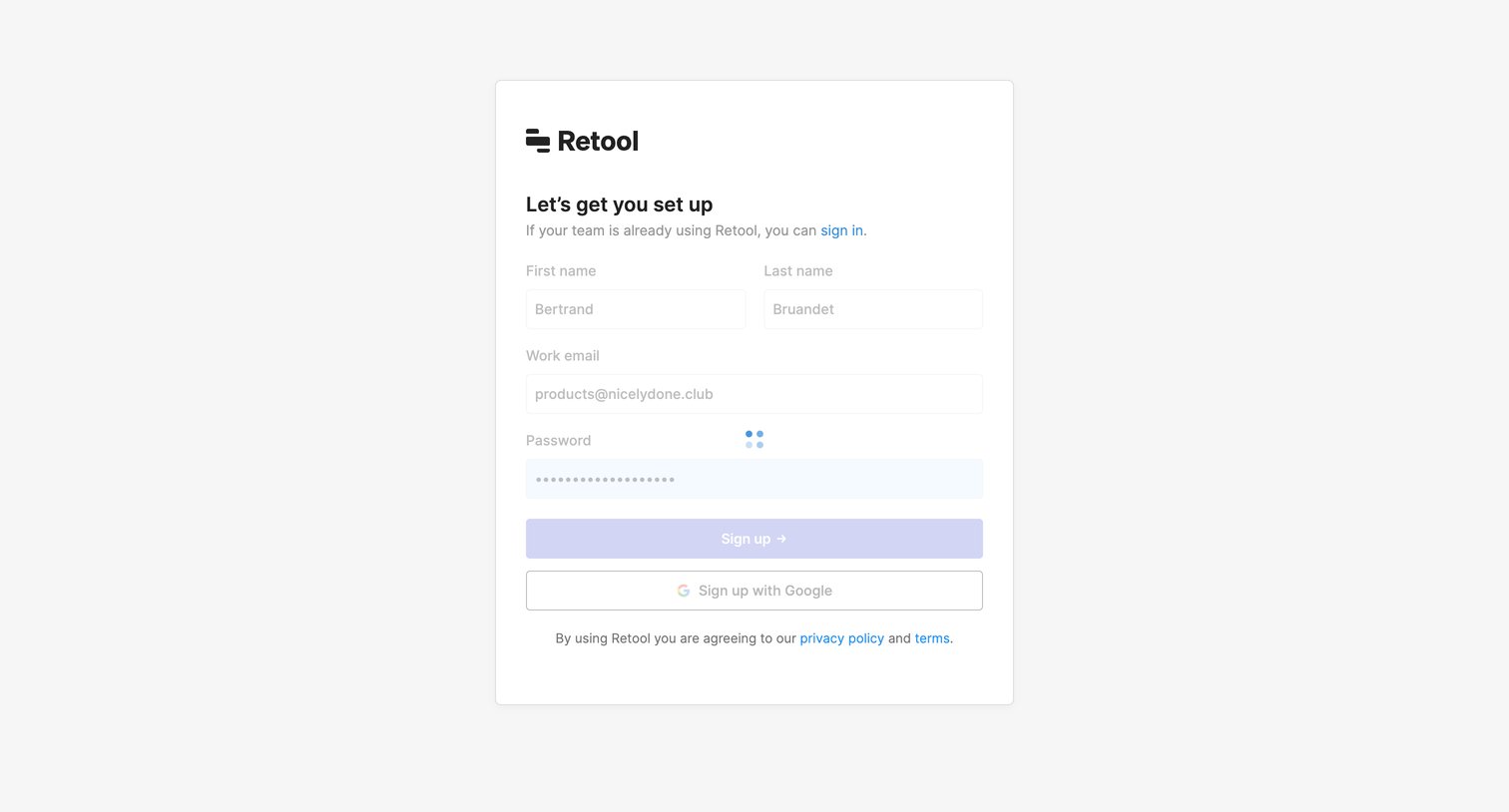
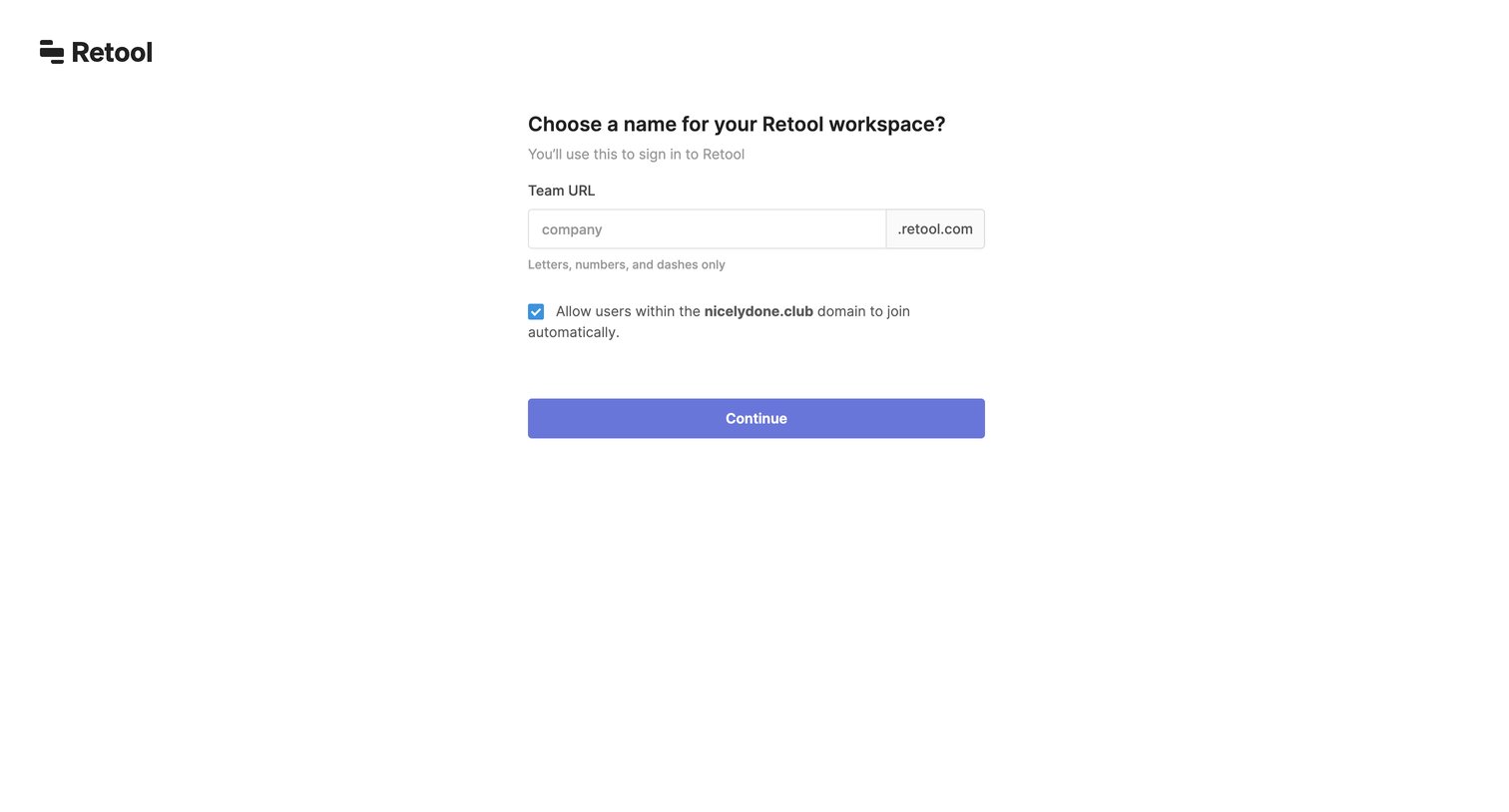
Onboarding step where the user chooses a team URL for their new workspace and configures domain auto-join.
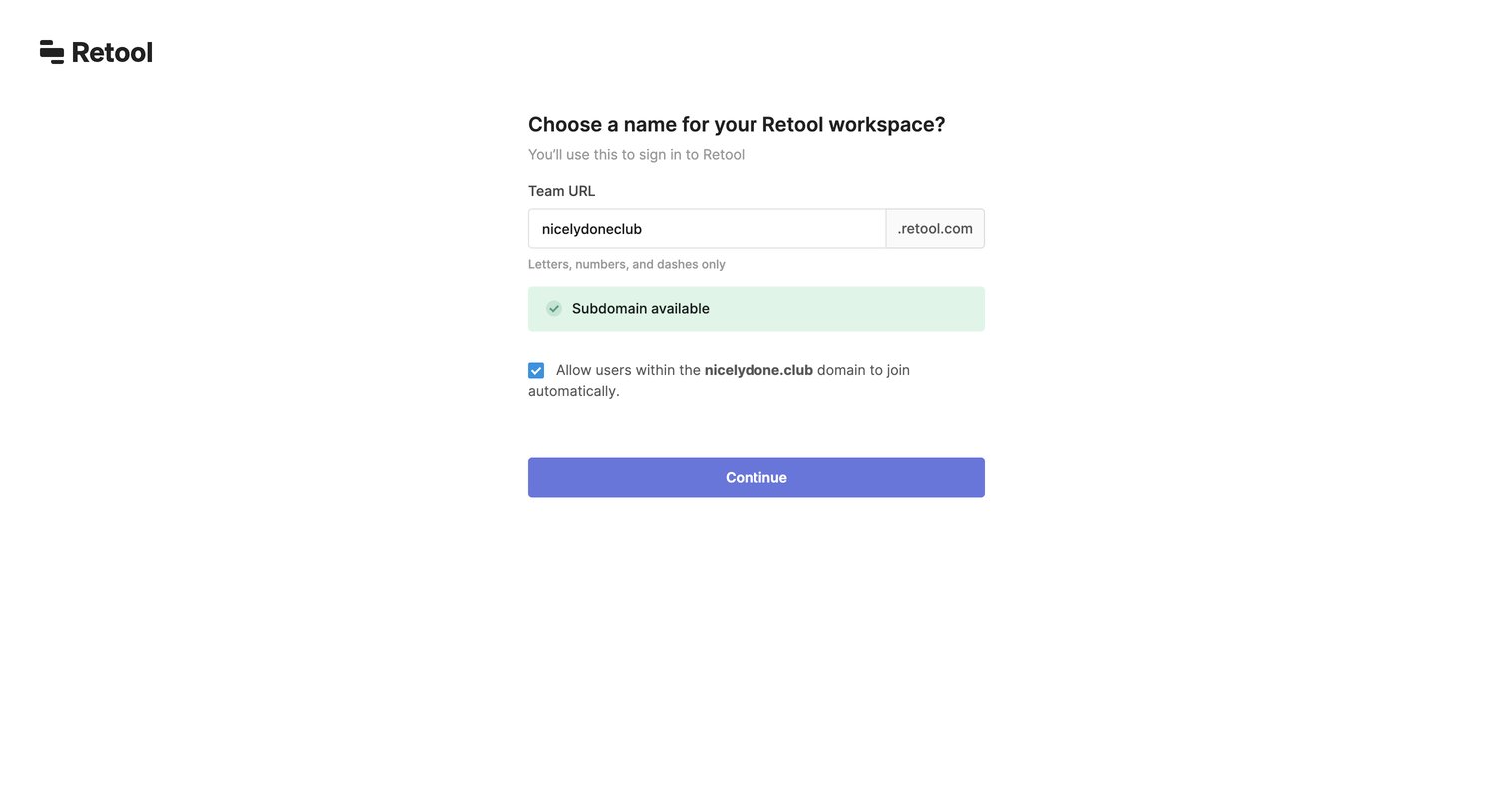
Onboarding step where the user chooses a subdomain for their Retool workspace and configures domain-based auto-join.

Design editor where the user is prompted to connect a database or API resource like PostgreSQL, MongoDB, or REST API during onboarding.
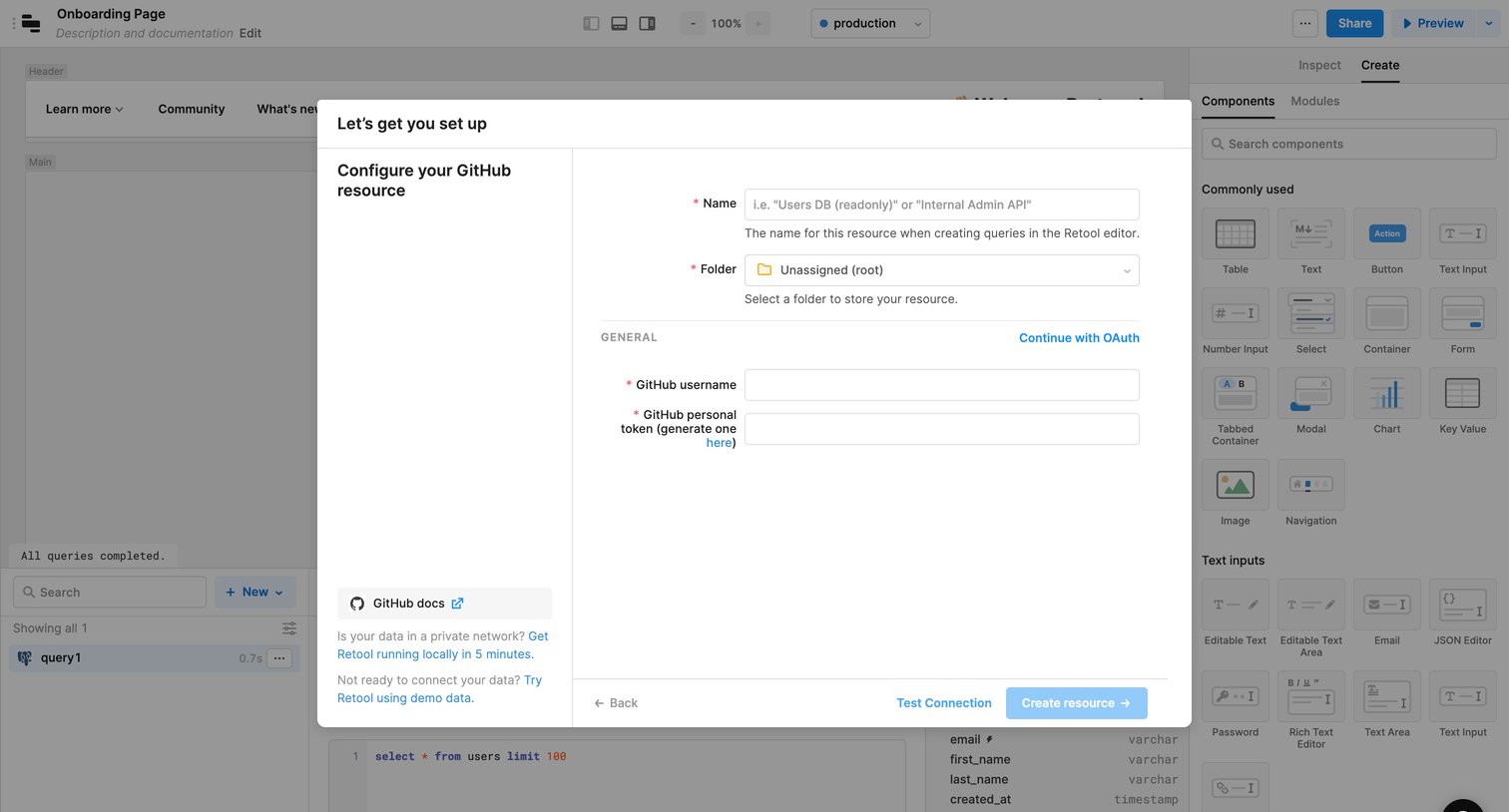
Design editor where the user is configuring a new GitHub resource integration via a modal form, requiring a username and personal token.
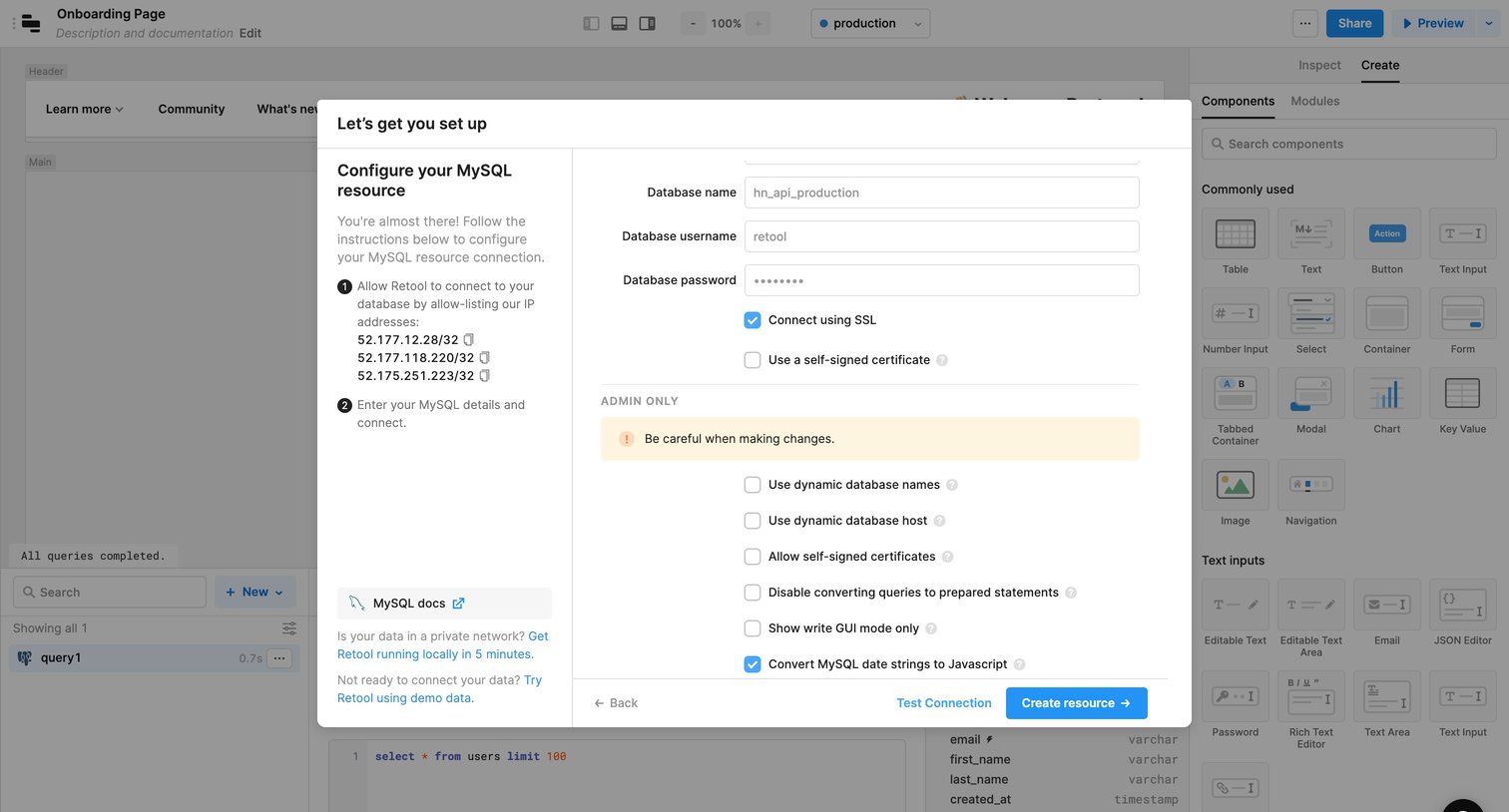
App builder interface where the user configures a new MySQL database connection by entering credentials and SSL settings in a setup modal.
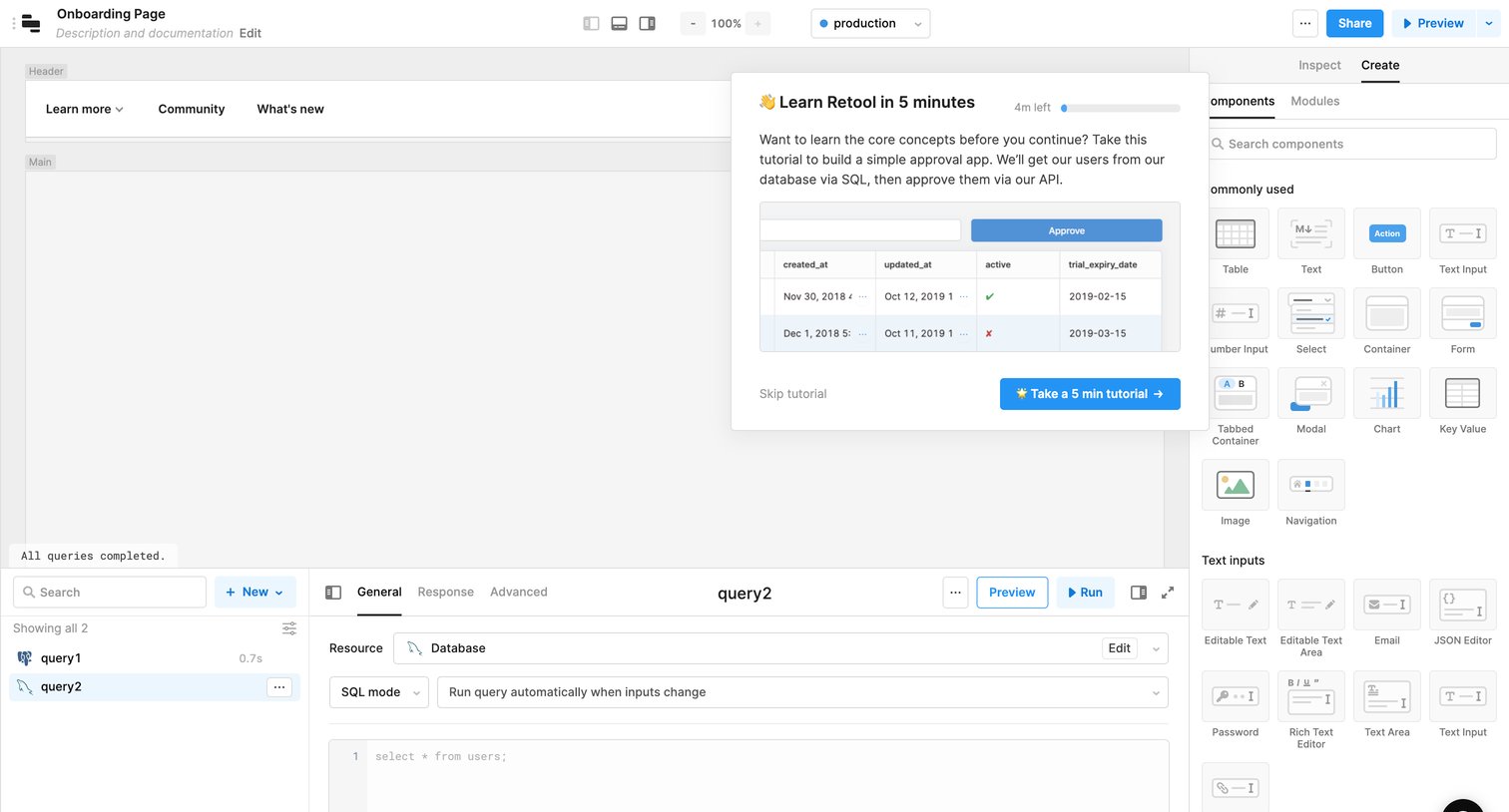
Page builder interface displaying an onboarding modal that prompts the user to take a quick tutorial on core concepts.
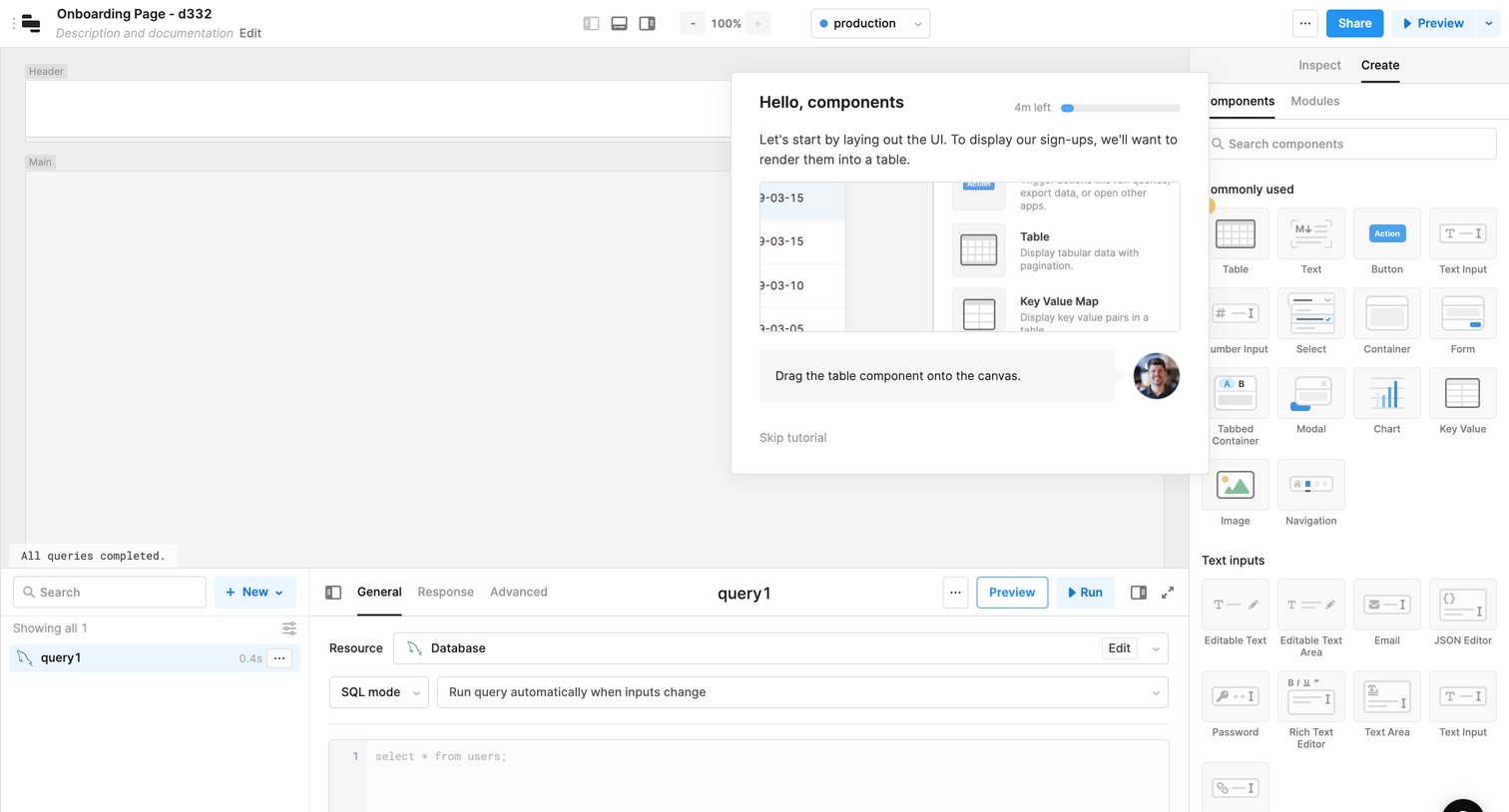
Design editor where the user is guided by a product tour popover to drag a table component onto the canvas, with a component library on the right and a SQL query editor at the bottom.
Browse the full SaaS app library
Explore real SaaS apps with their product screens, marketing screens, flows, and components.
Trusted by the best teams







