Retool product screens examples
Browse Retool screen design examples. Preview the interface screenshots and explore related UI patterns. Build internal tools, remarkably fast.
Explore the examples
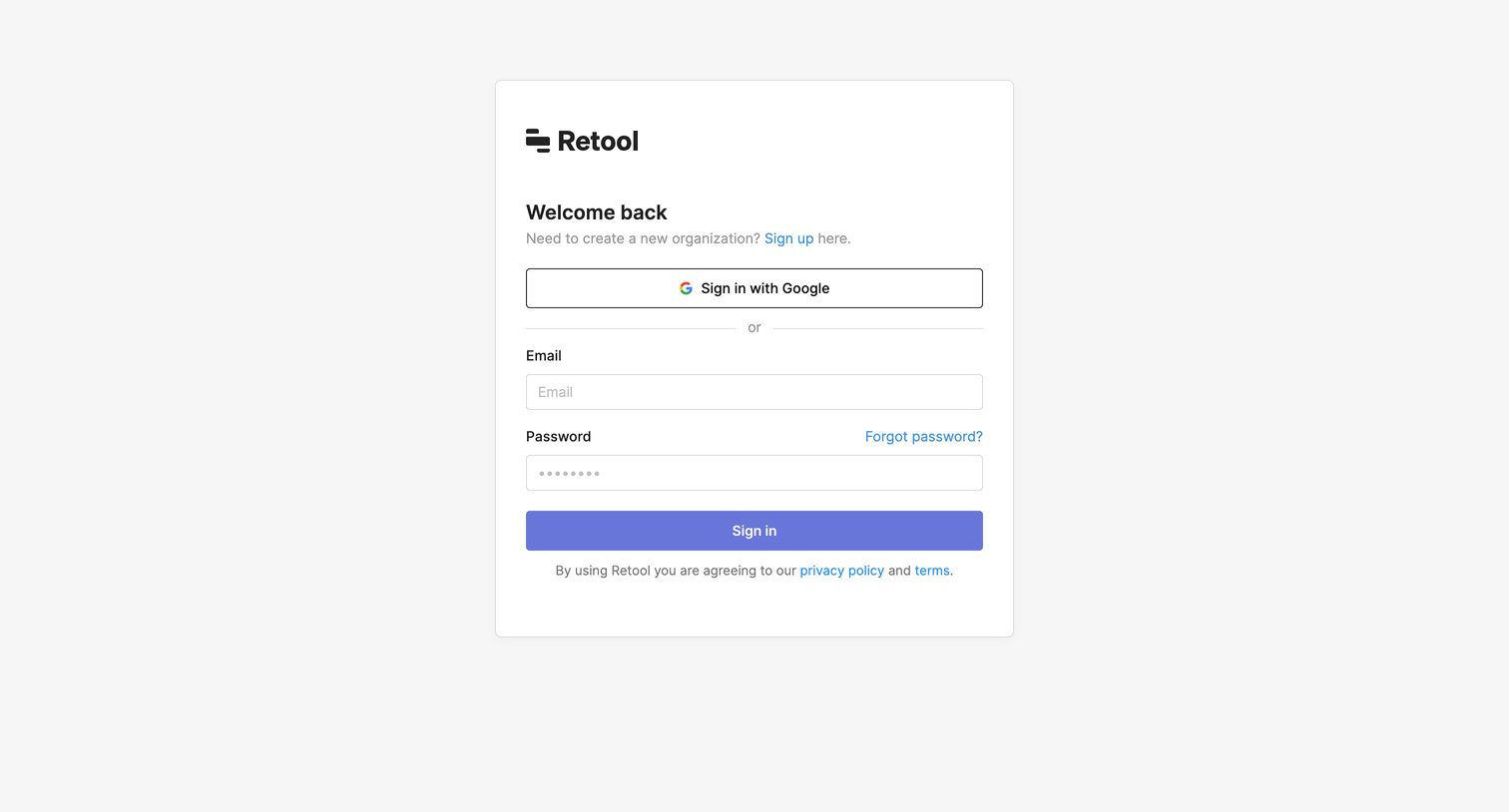
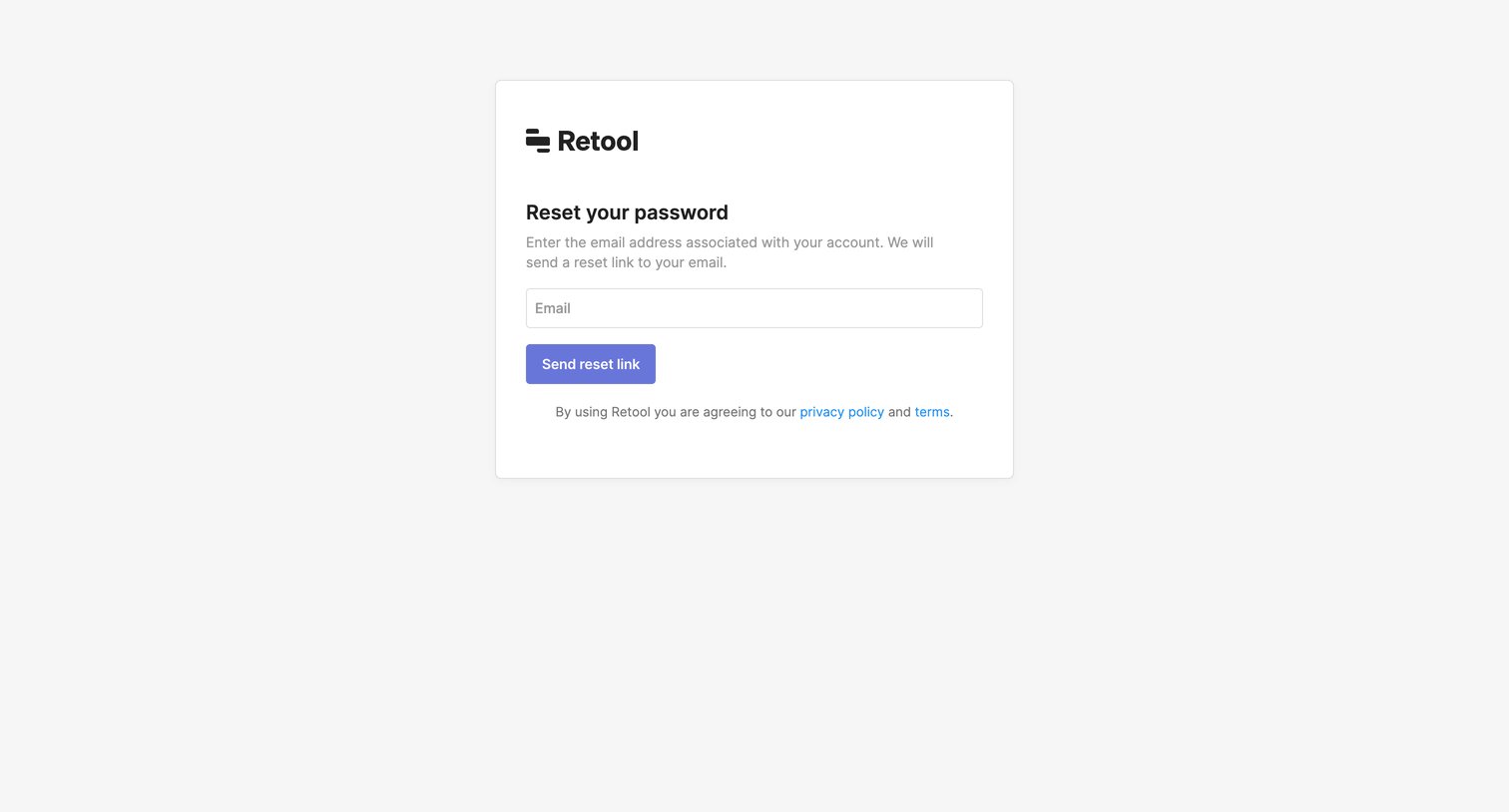

Password recovery screen where the user enters their email address to request a reset link.
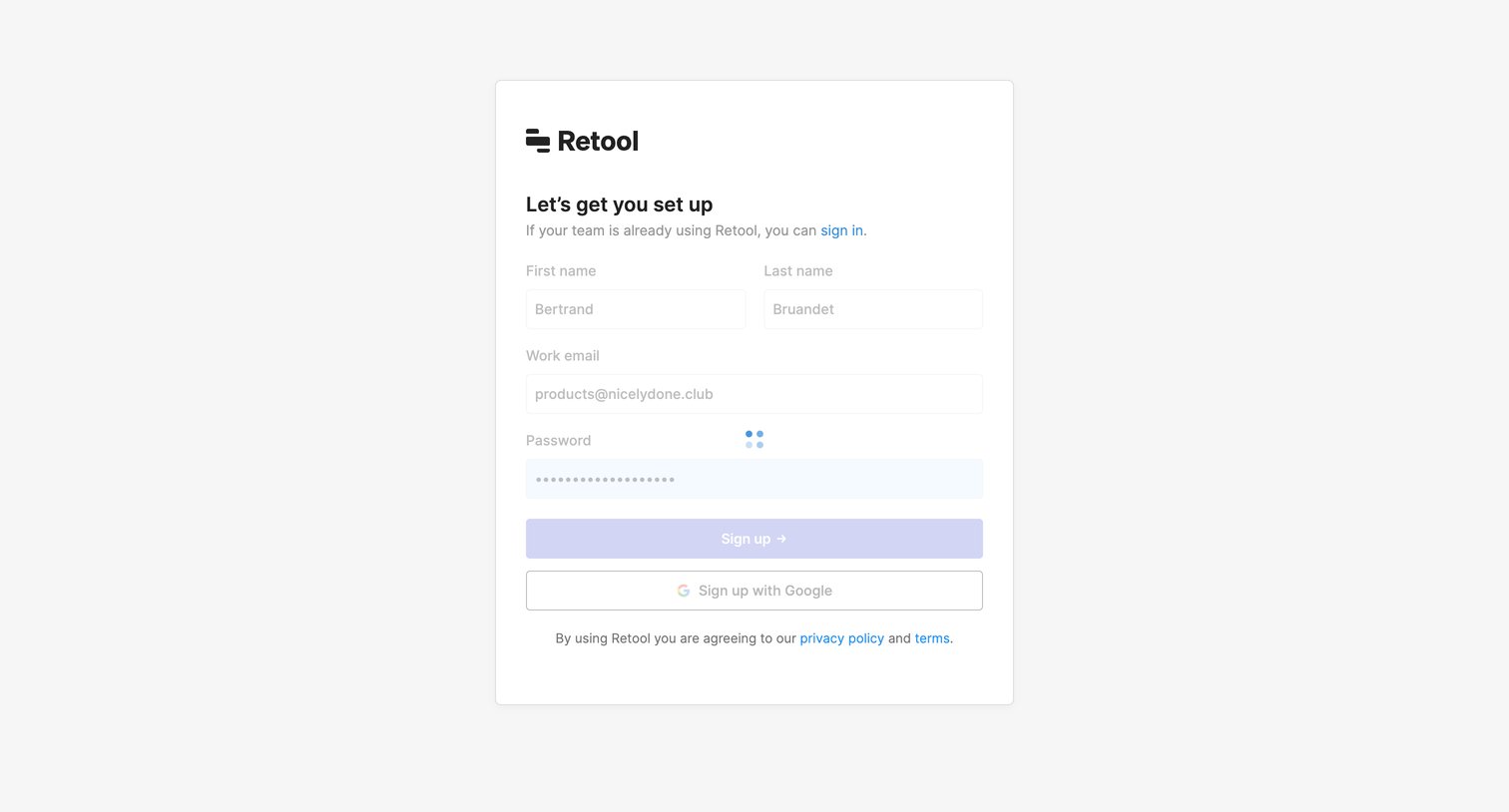
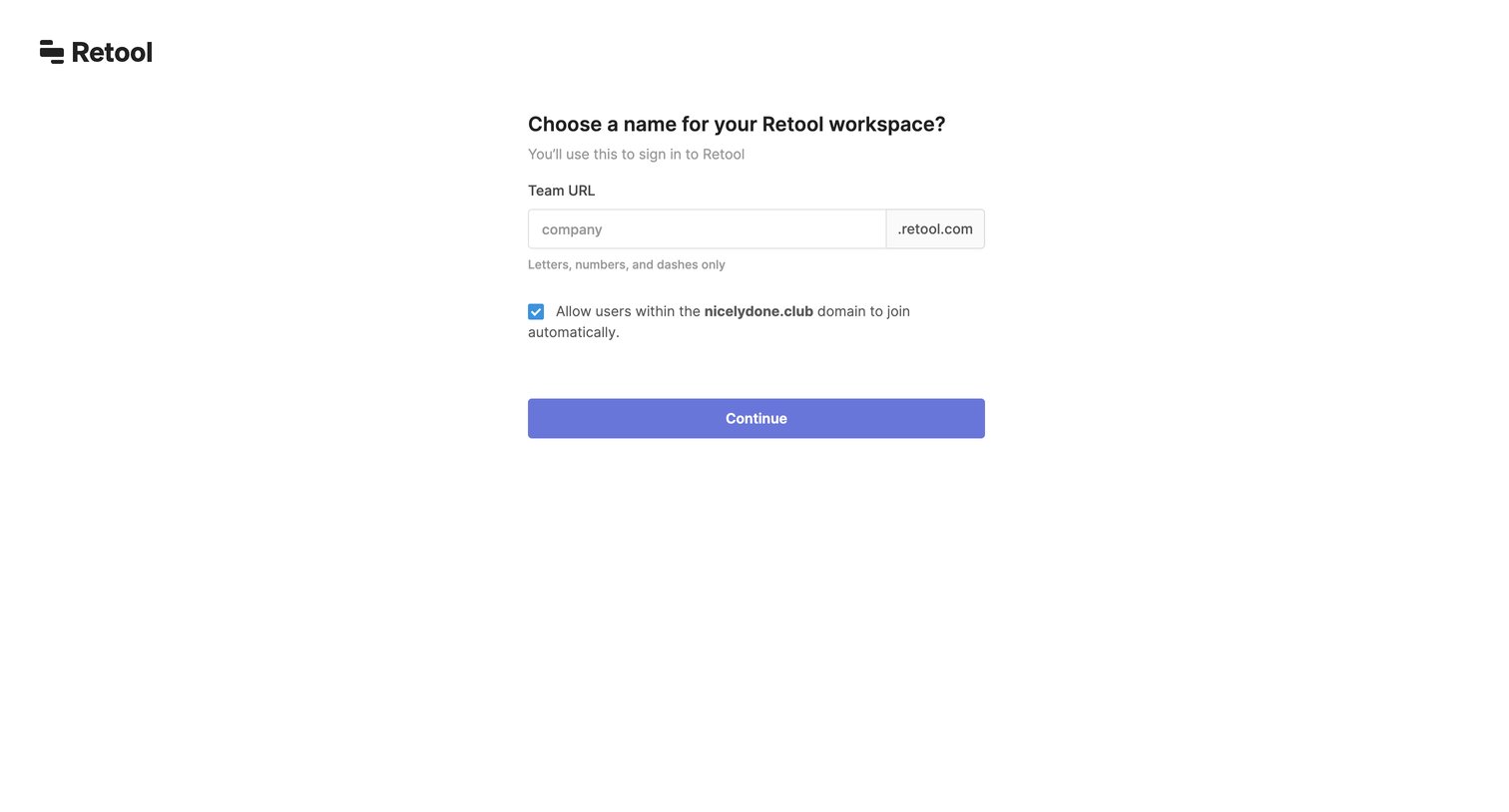
Onboarding step where the user chooses a team URL for their new workspace and configures domain auto-join.
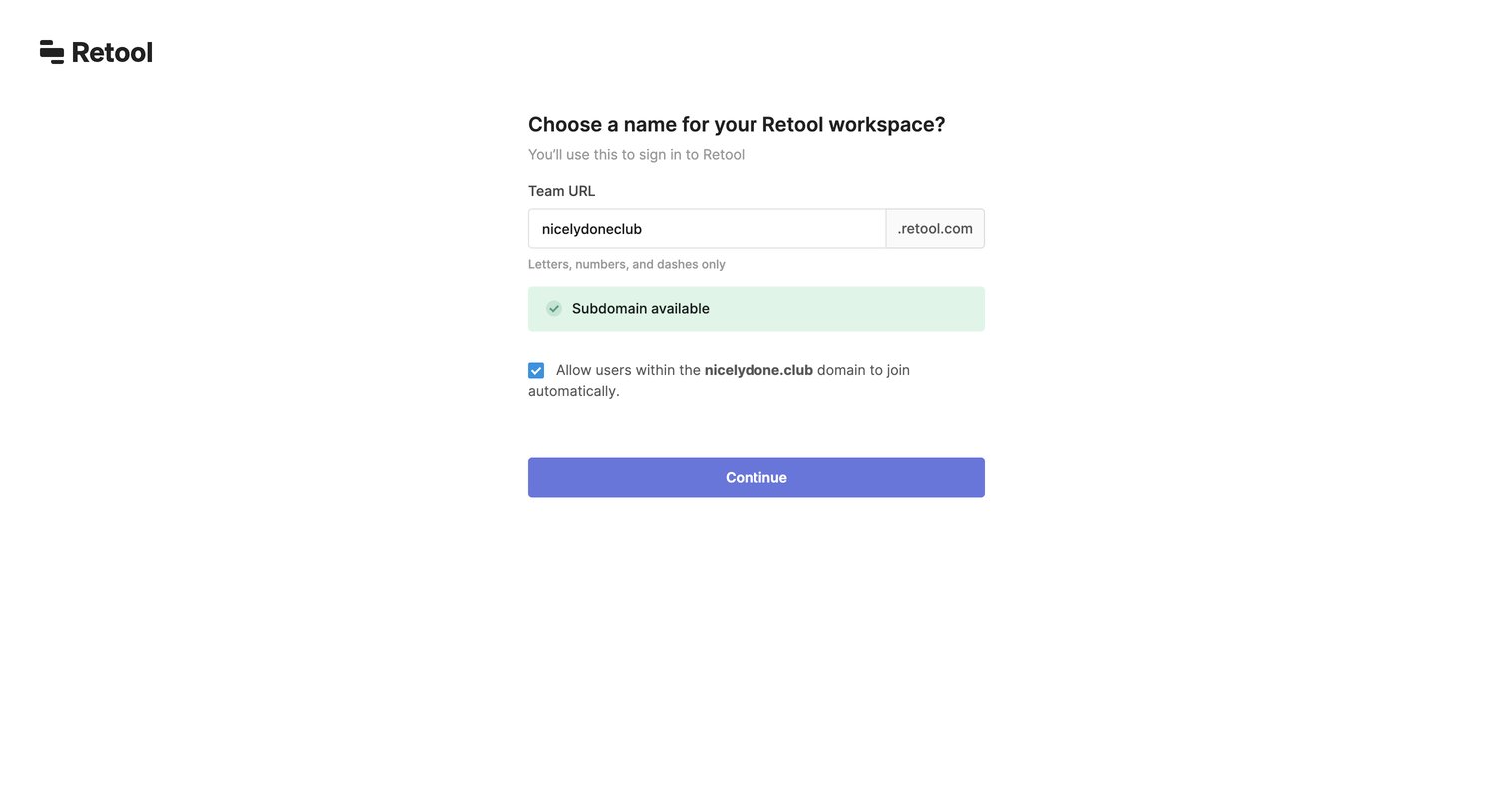
Onboarding step where the user chooses a subdomain for their Retool workspace and configures domain-based auto-join.

Design editor where the user is prompted to connect a database or API resource like PostgreSQL, MongoDB, or REST API during onboarding.
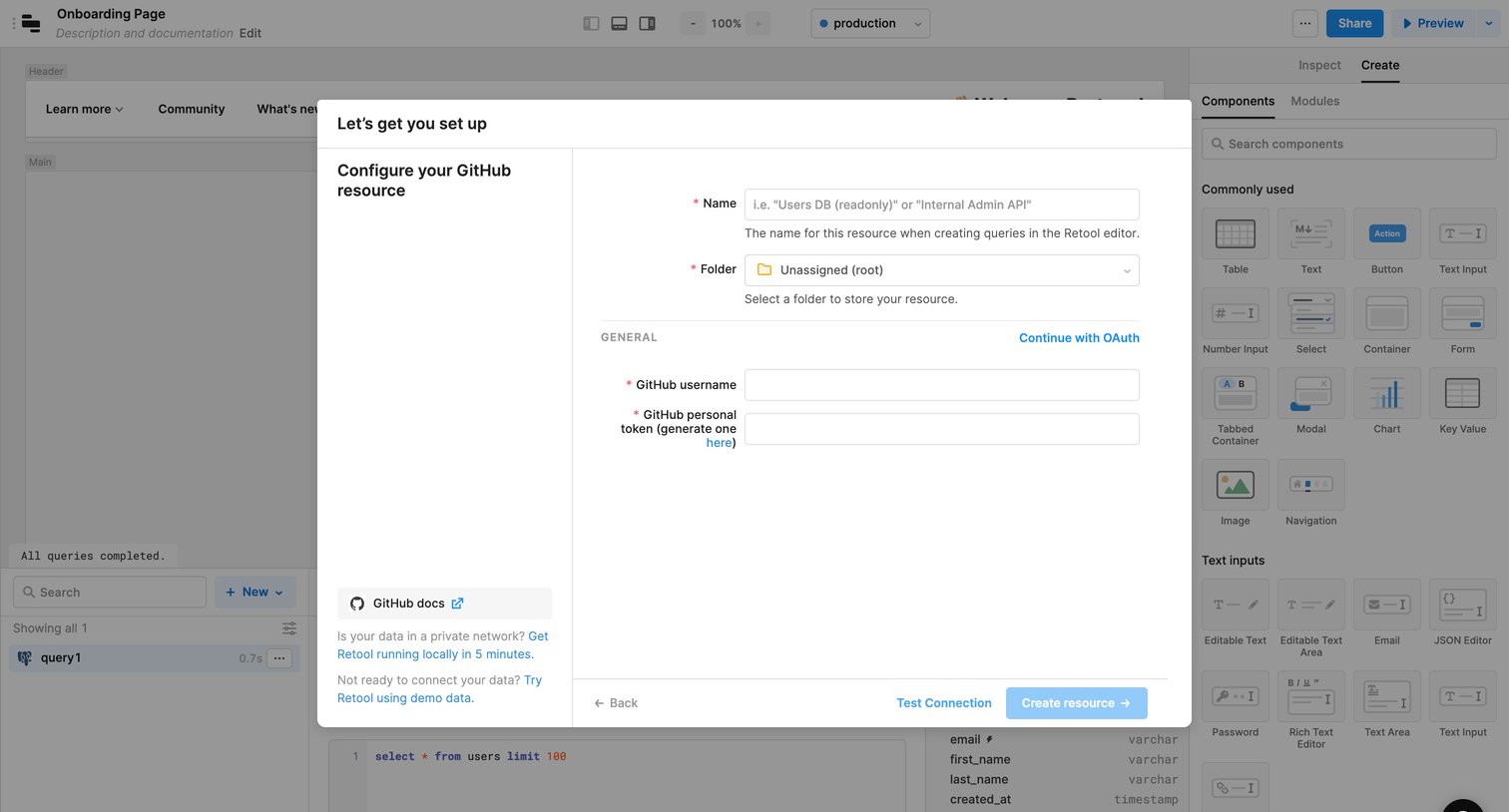
Design editor where the user is configuring a new GitHub resource integration via a modal form, requiring a username and personal token.
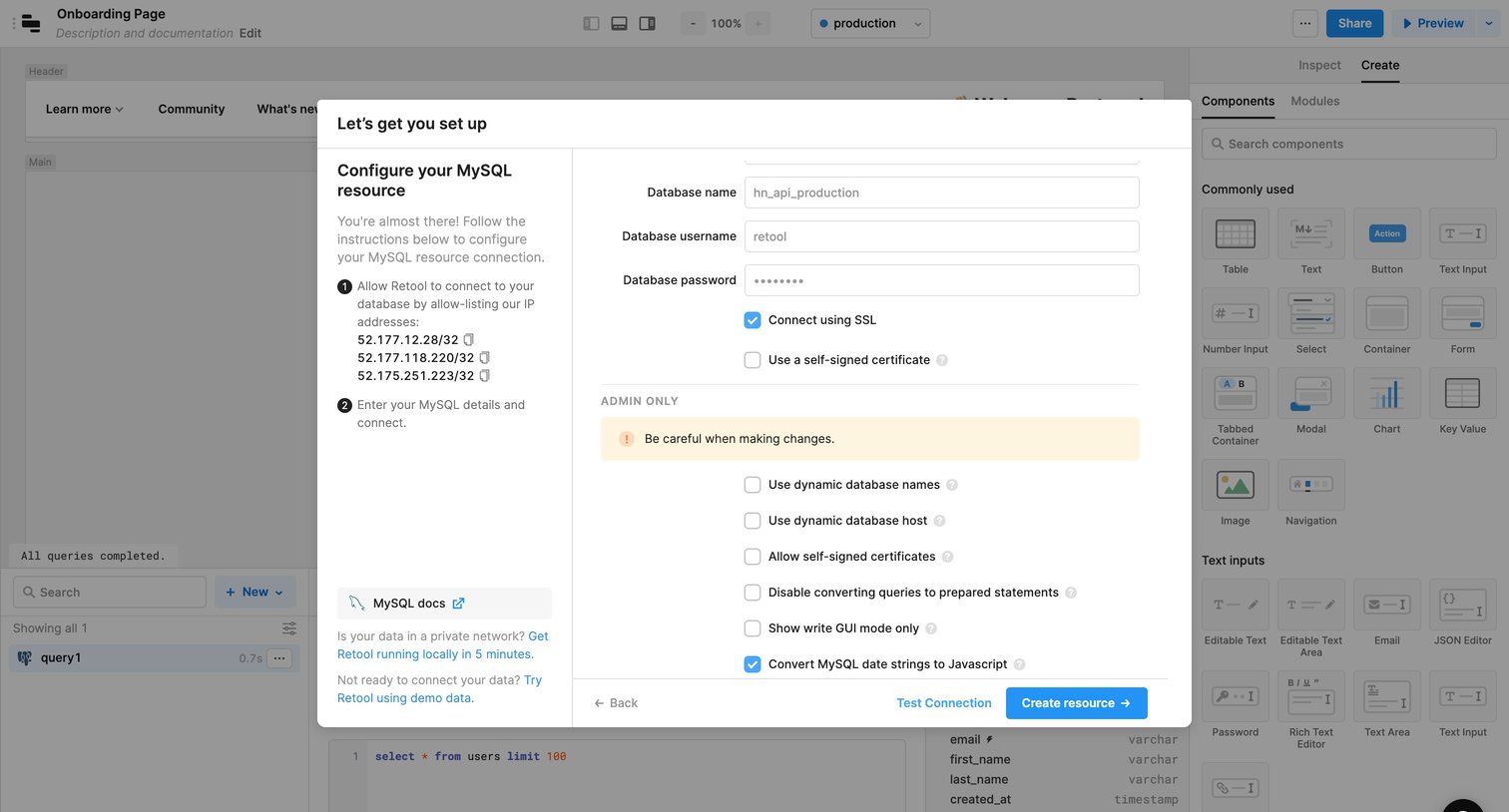
App builder interface where the user configures a new MySQL database connection by entering credentials and SSL settings in a setup modal.
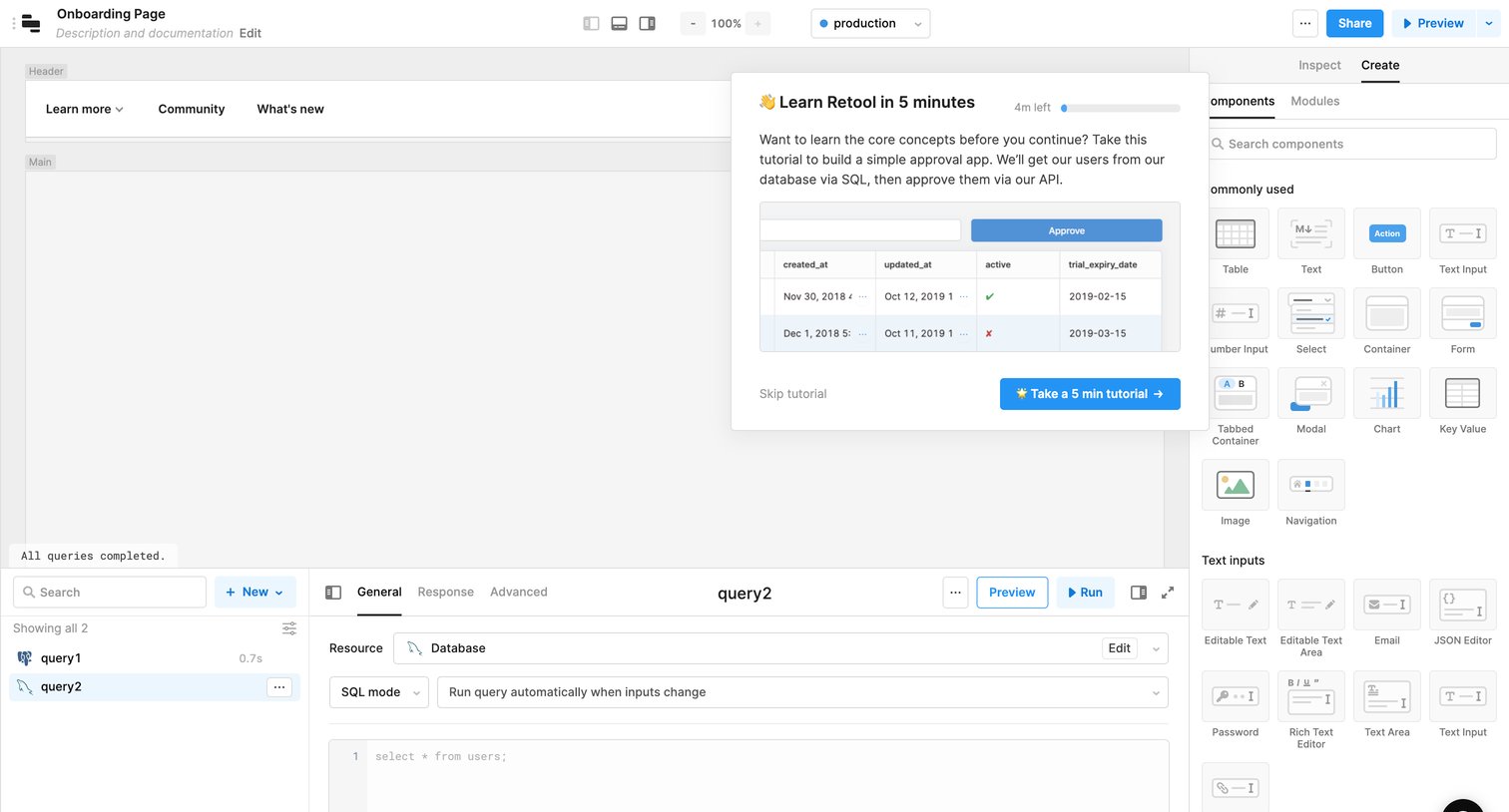
Page builder interface displaying an onboarding modal that prompts the user to take a quick tutorial on core concepts.
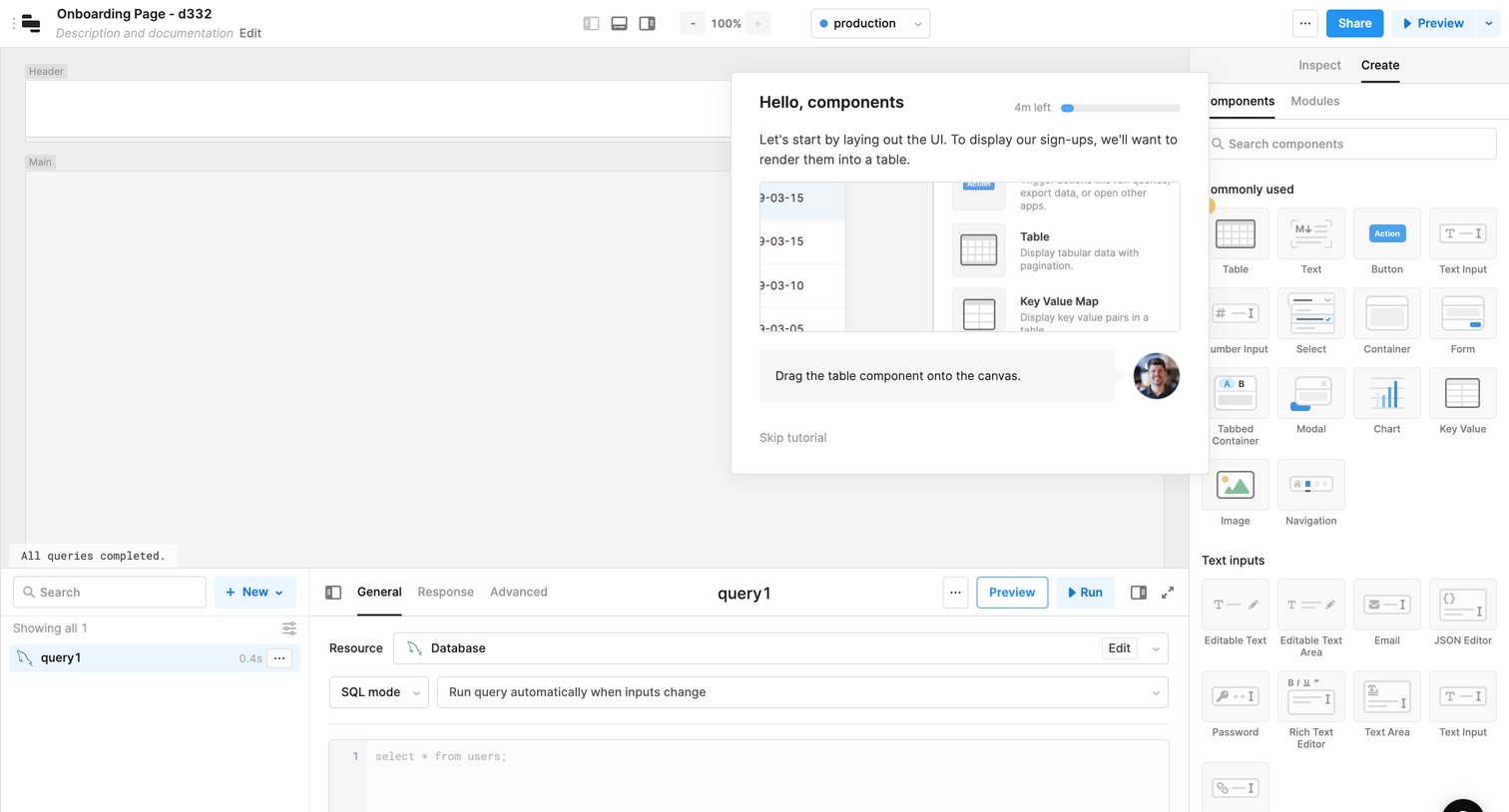
Design editor where the user is guided by a product tour popover to drag a table component onto the canvas, with a component library on the right and a SQL query editor at the bottom.
Explore the full SaaS screen library
Upgrade to unlock the full library.
Trusted by the best teams







