Calendar management screen examples
Calendar management screen design examples from SaaS apps. Browse examples from Beside, Town, Aboard.
Explore the examples
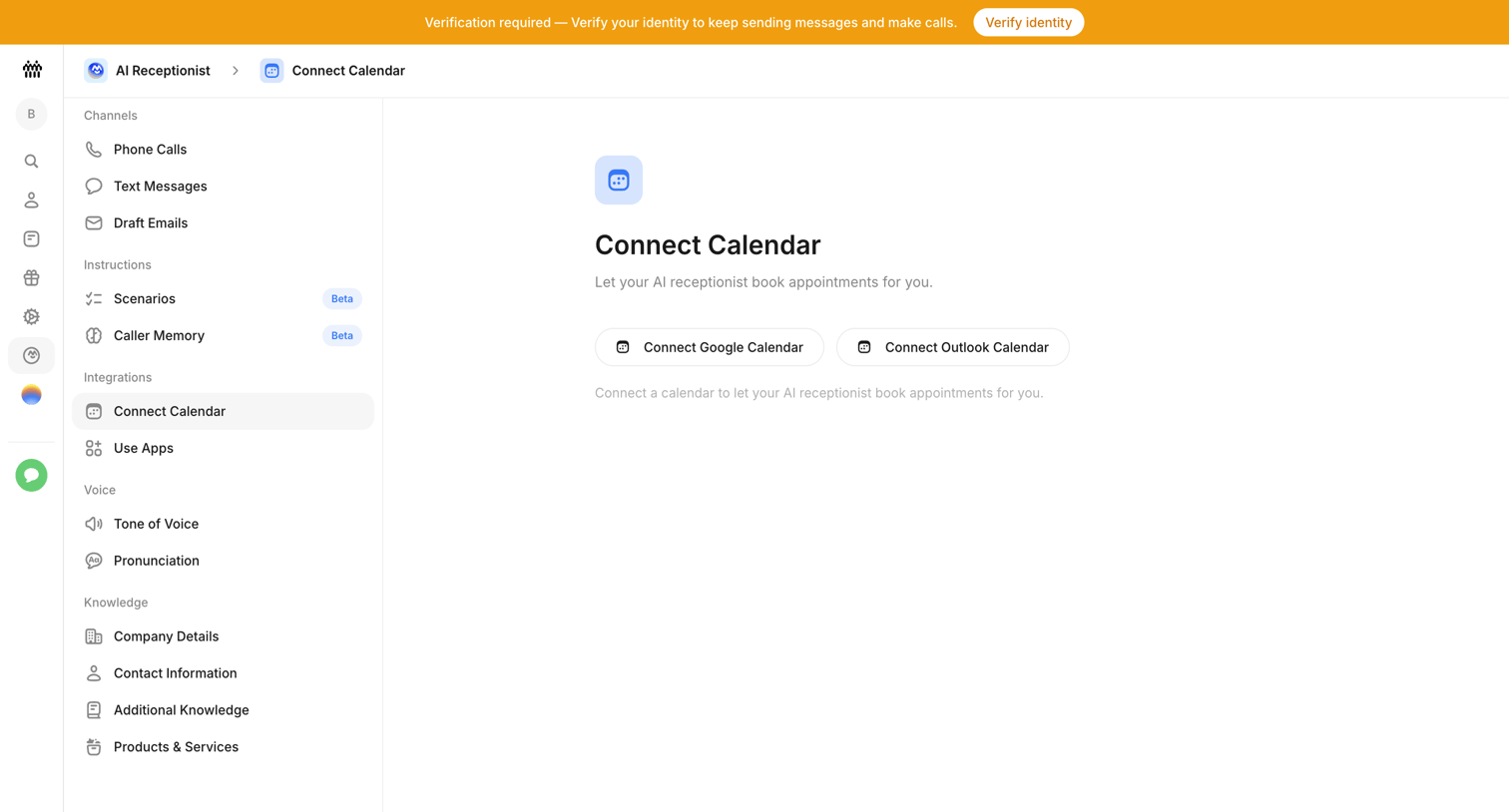

Settings page where the user connects their Google or Outlook calendar to allow the AI receptionist to book appointments.
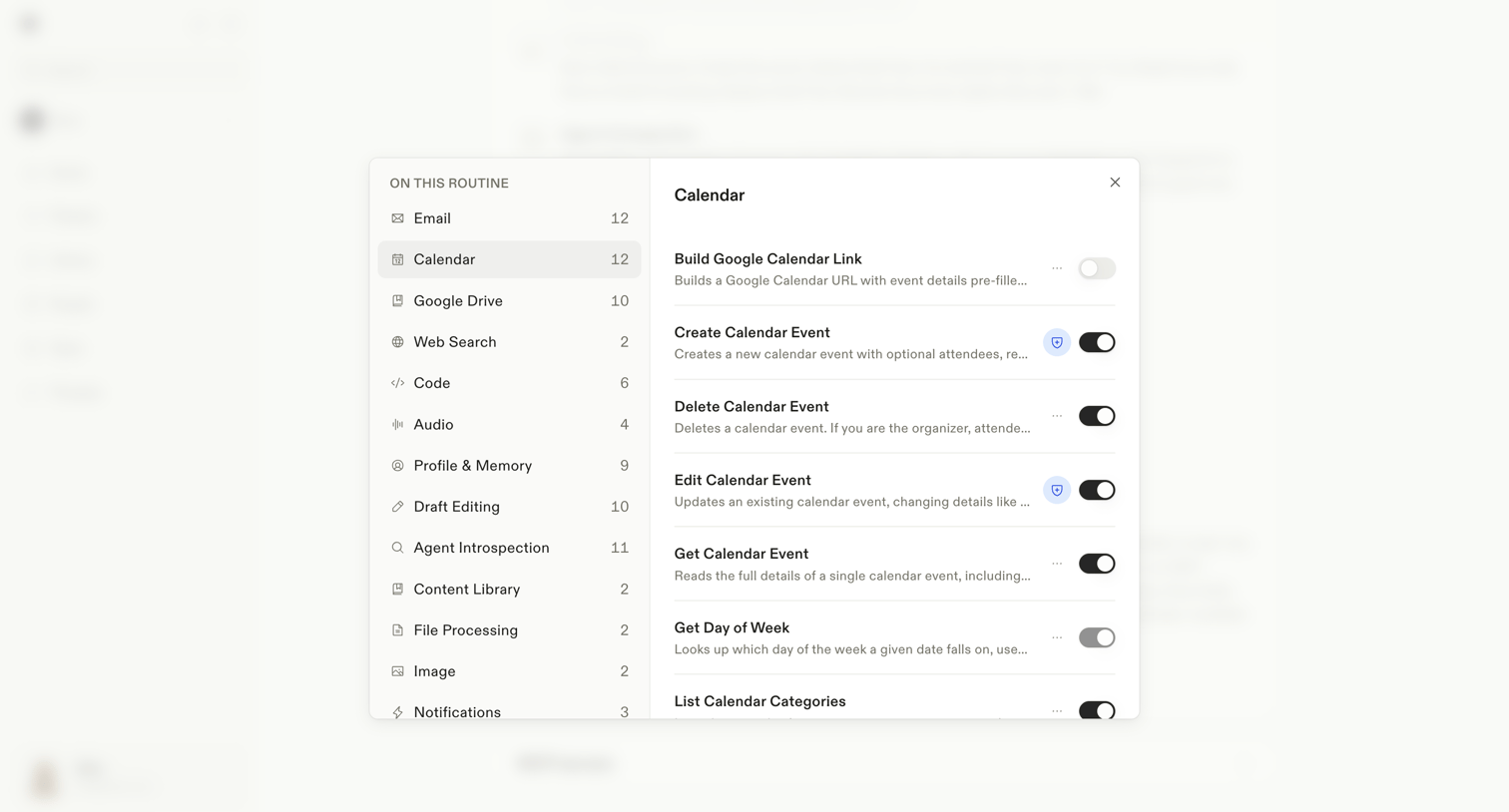

Settings modal where the user configures specific integration actions like creating or editing calendar events for an AI routine.
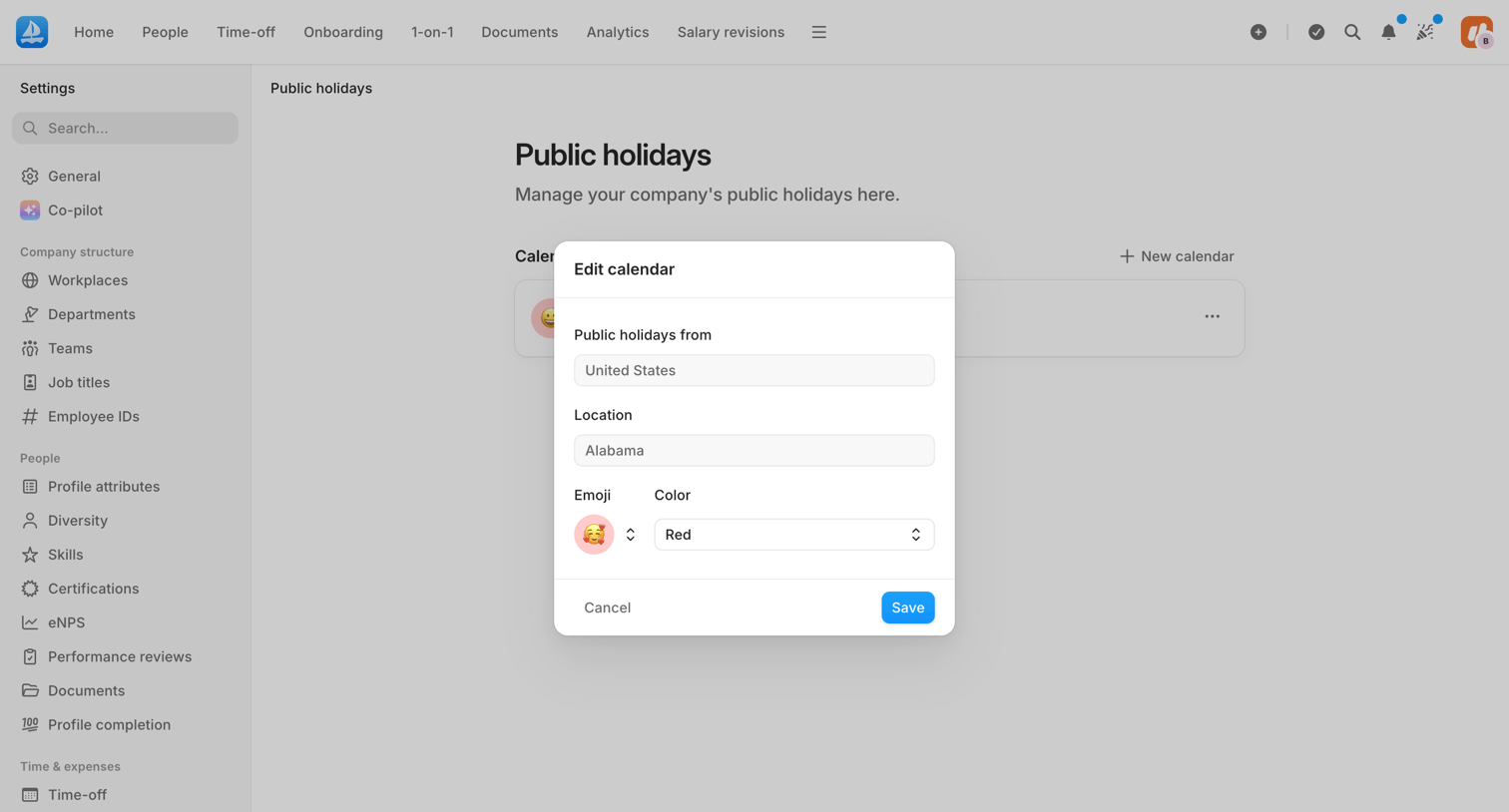

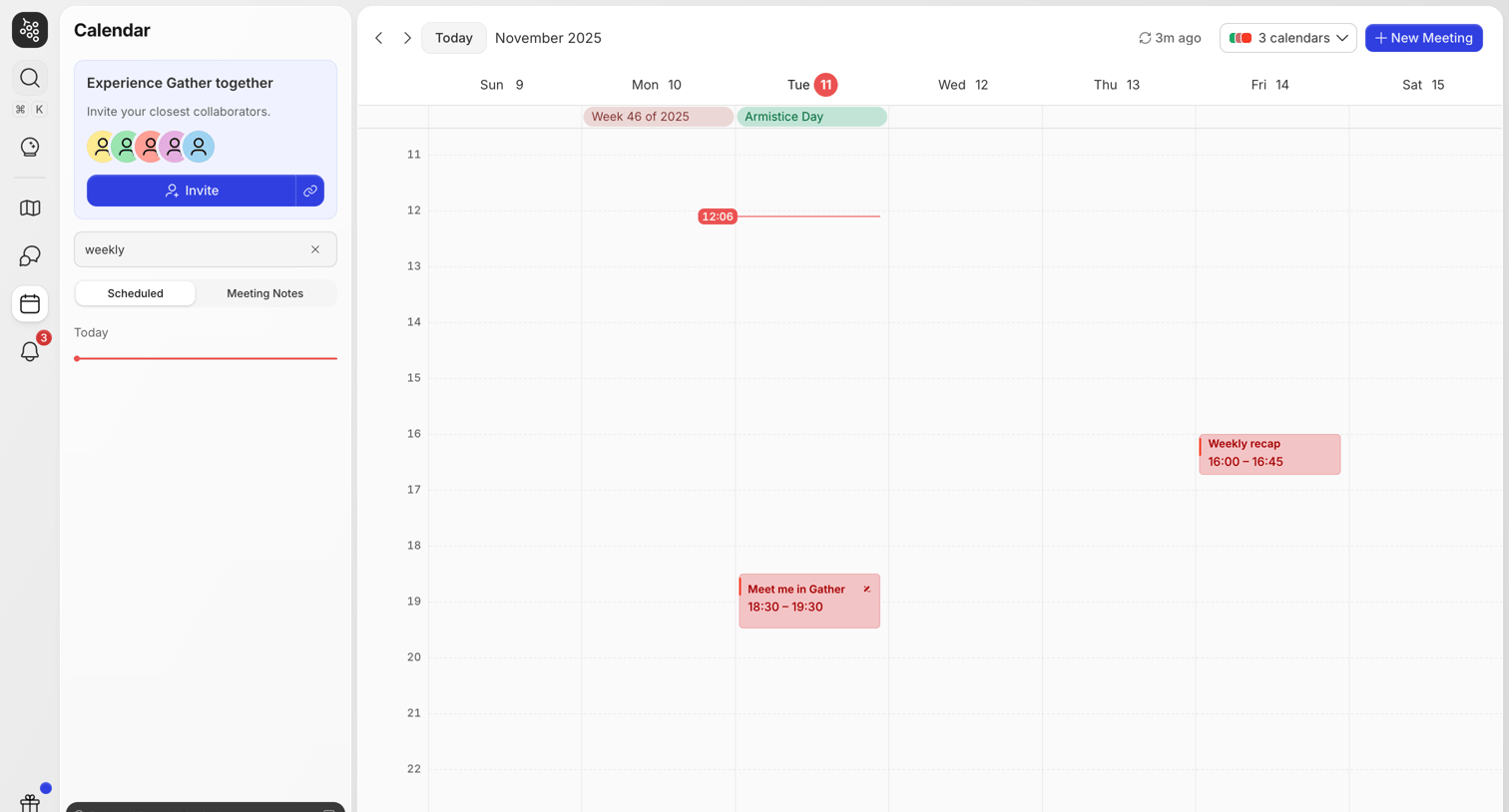

Calendar view where the user manages their schedule, creates new meetings, and views events across multiple selected calendars.
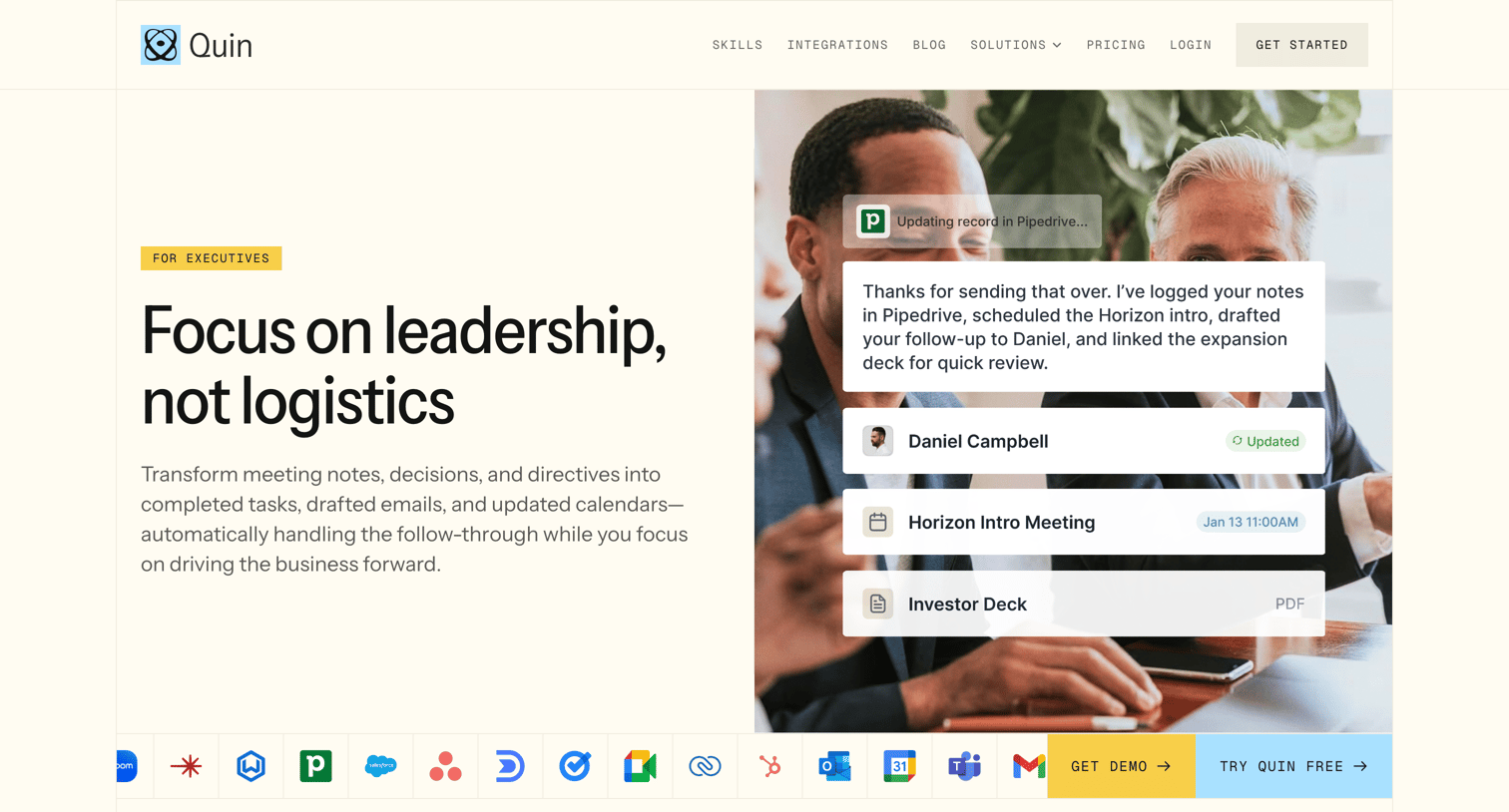

Marketing page detailing how the Quin AI assistant helps executives manage meetings, follow-ups, and calendar logistics.
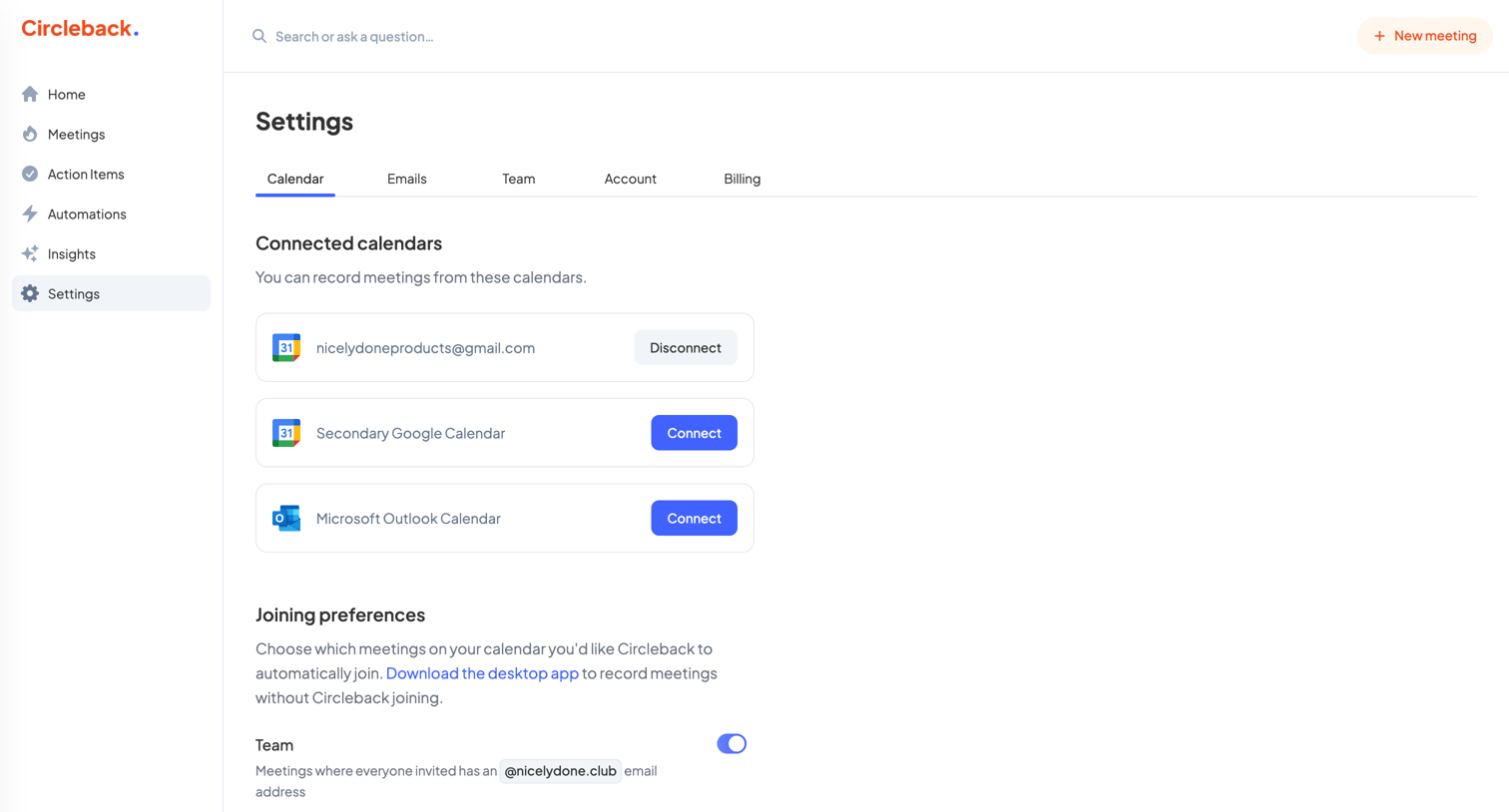

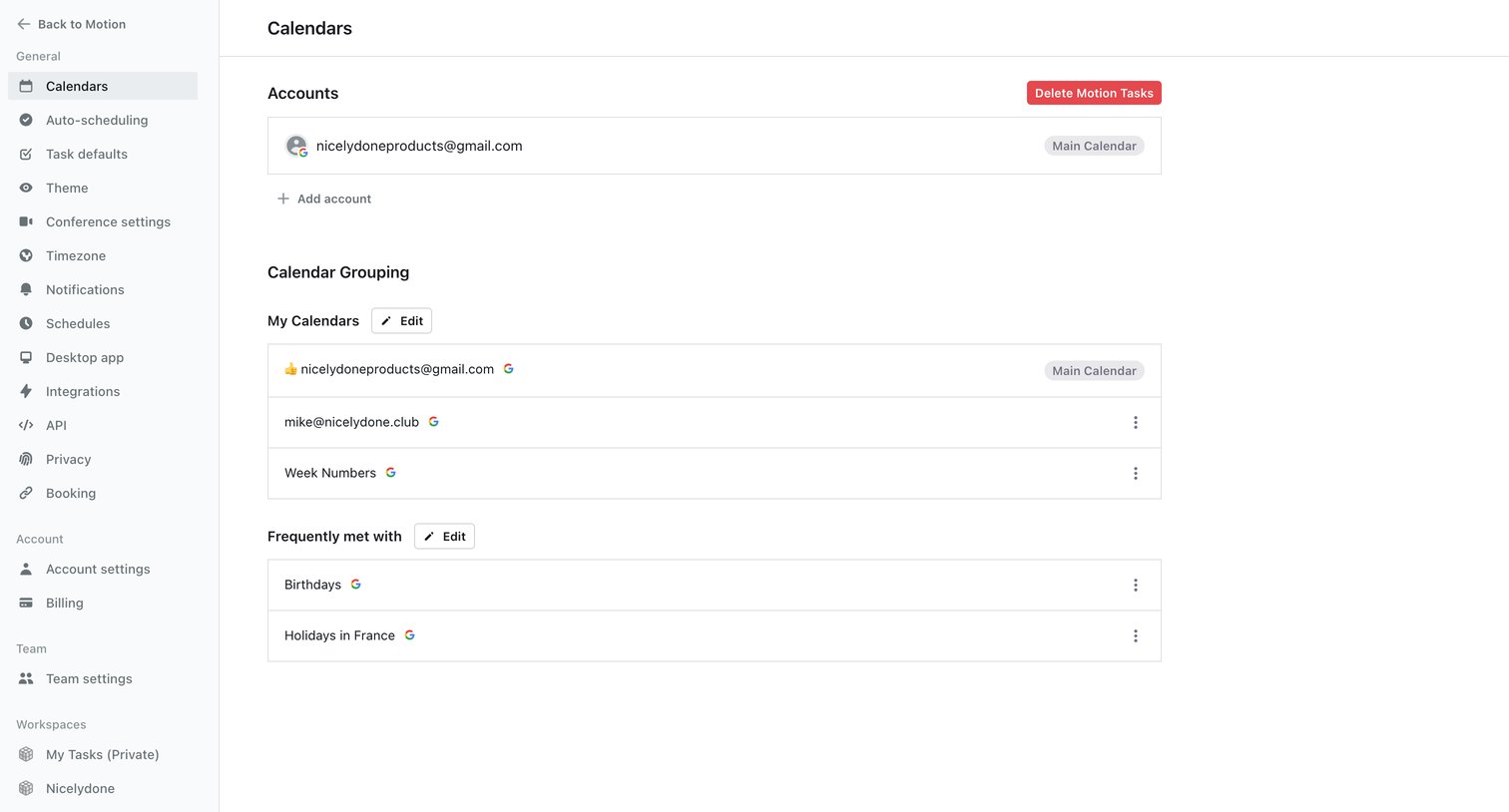
Settings page where the user manages connected Google and Outlook calendars and configures automatic meeting joining preferences.
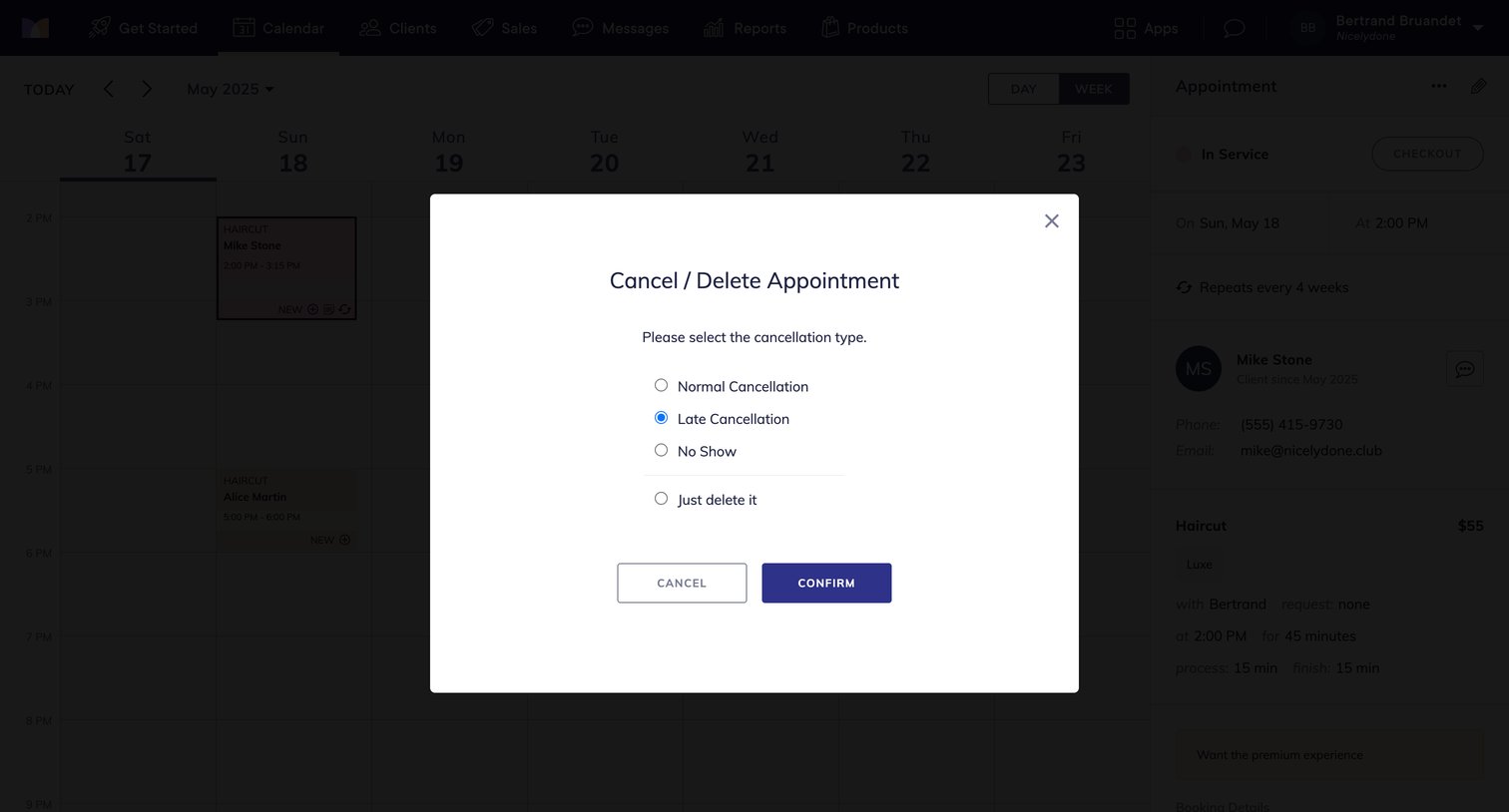

Calendar view where the user is prompted to select a cancellation type before deleting an appointment.
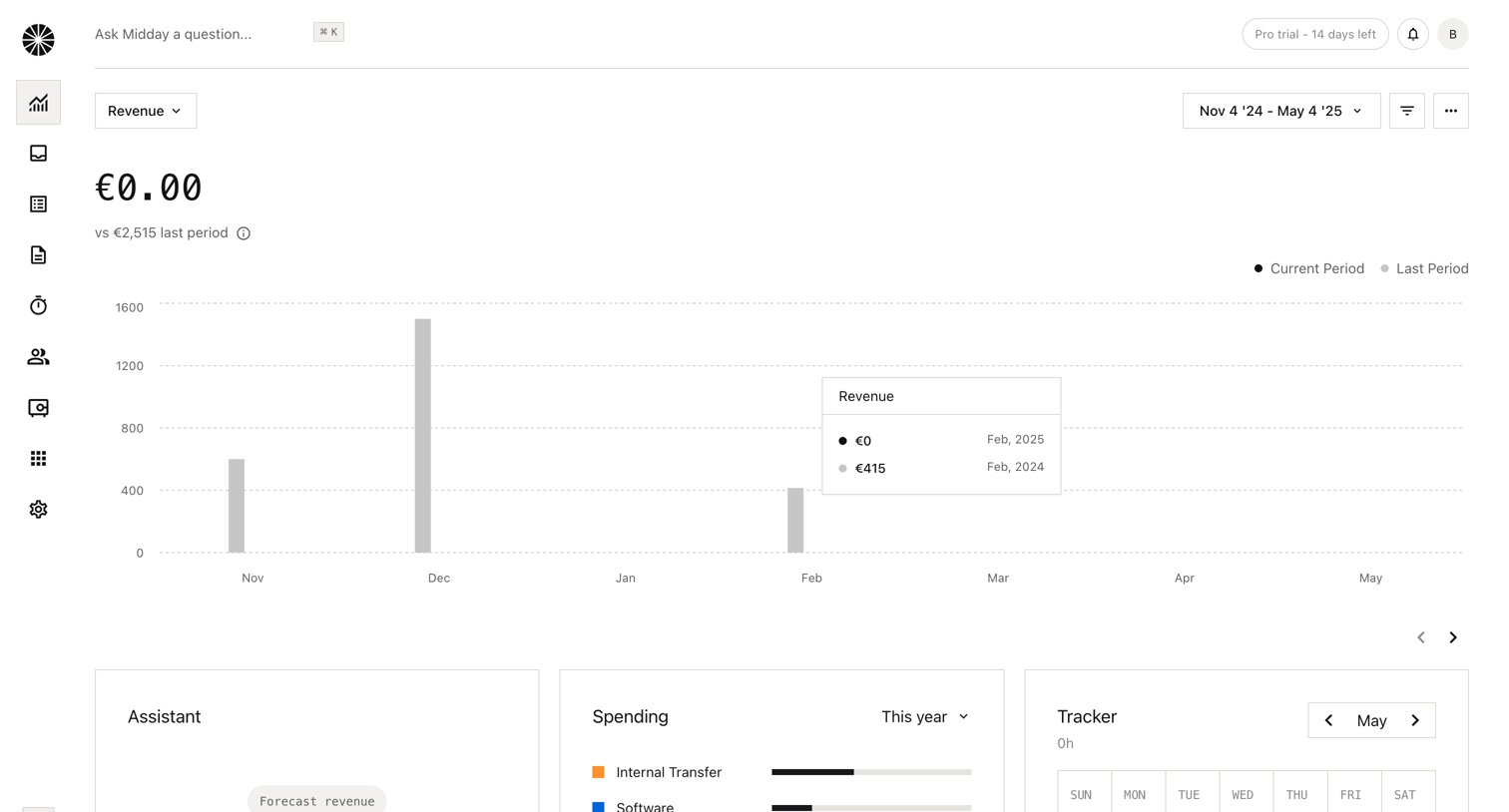

Dashboard showing revenue comparison over time, categorized spending bars, a time tracker calendar, and AI assistant prompts.
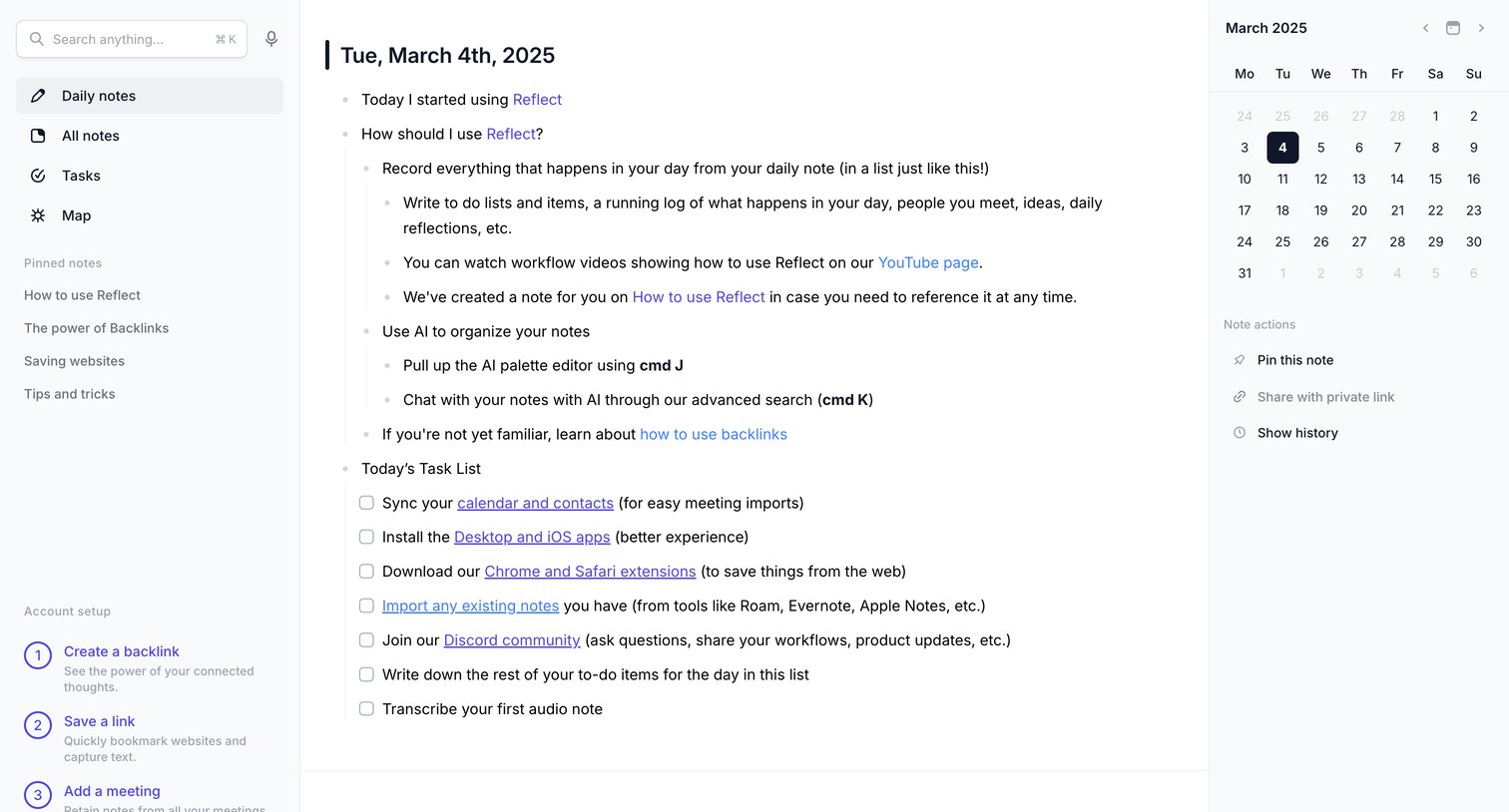

Content editor where the user writes daily notes in an outliner format, accompanied by a calendar and an onboarding setup checklist.
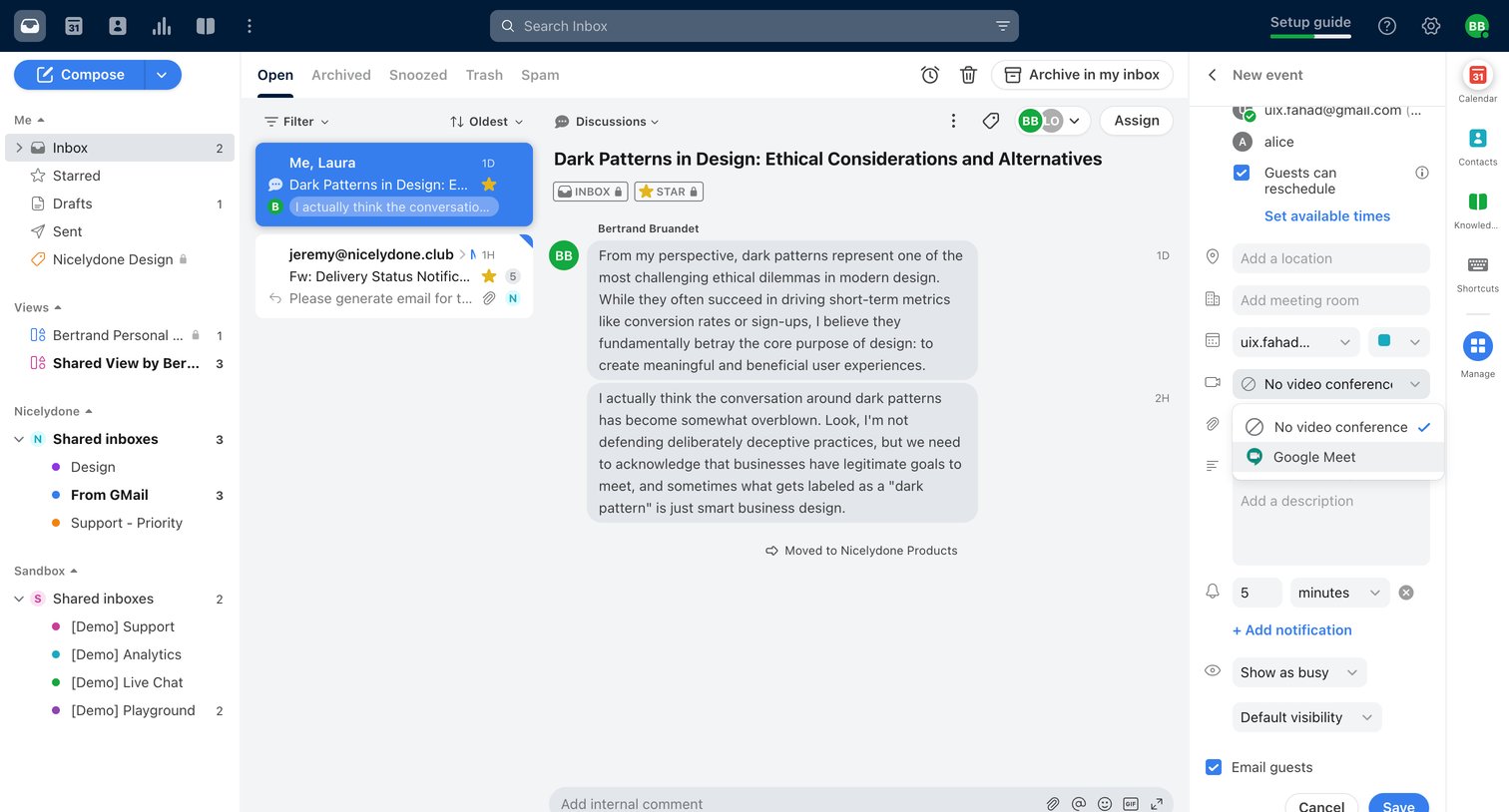


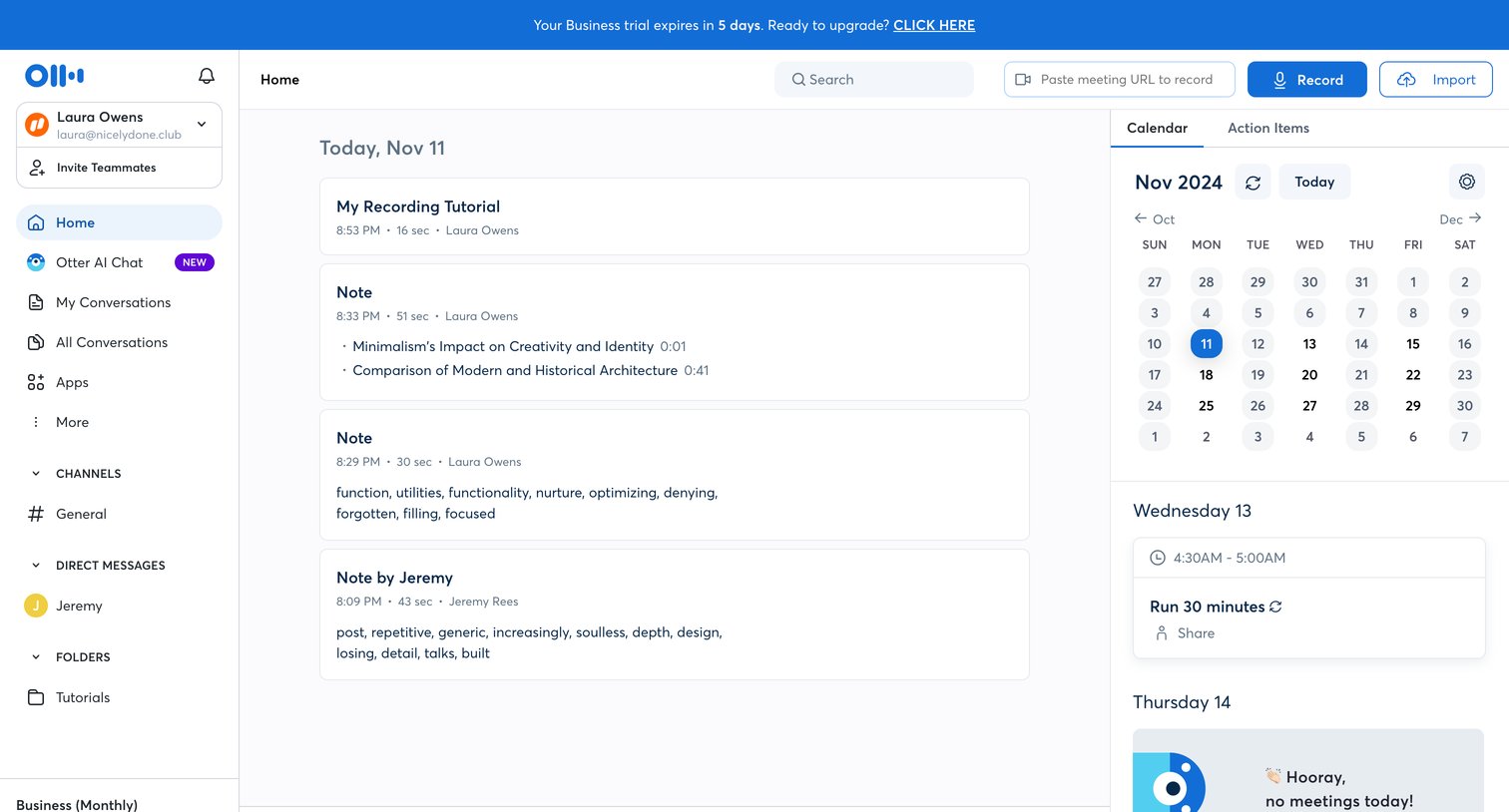

Home page where the user can view recent audio notes, check upcoming calendar events, and quickly start a new recording or chat with the AI assistant.
Explore the full SaaS screen library
Upgrade to unlock the full library.
Trusted by the best teams







