Alert screen examples
Alert screen design examples from SaaS apps. Browse examples from Dock, Beside, Flora.
Explore the examples
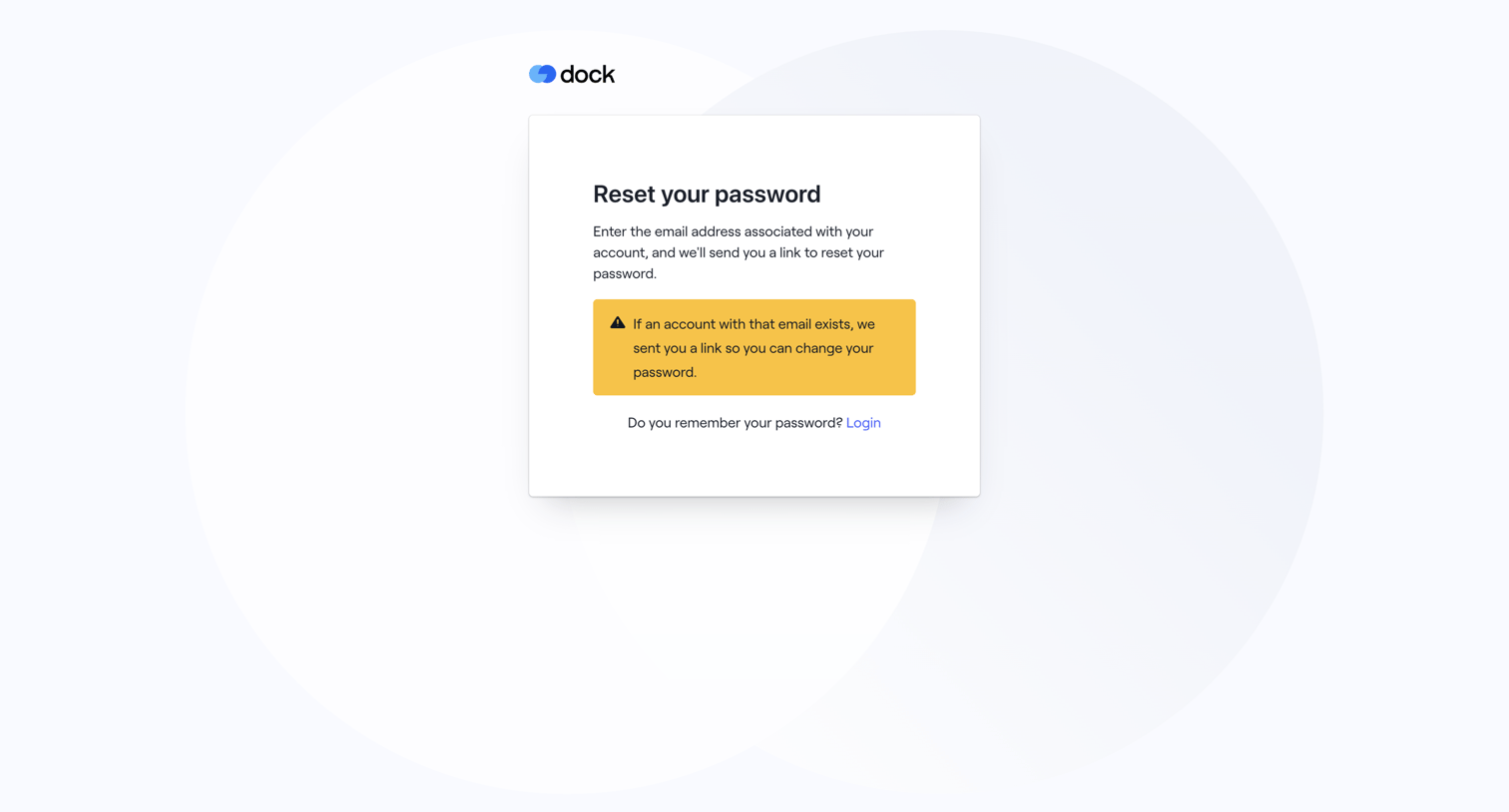

Password recovery screen displaying a confirmation alert that a reset link has been sent if the email exists, along with a link to return to login.
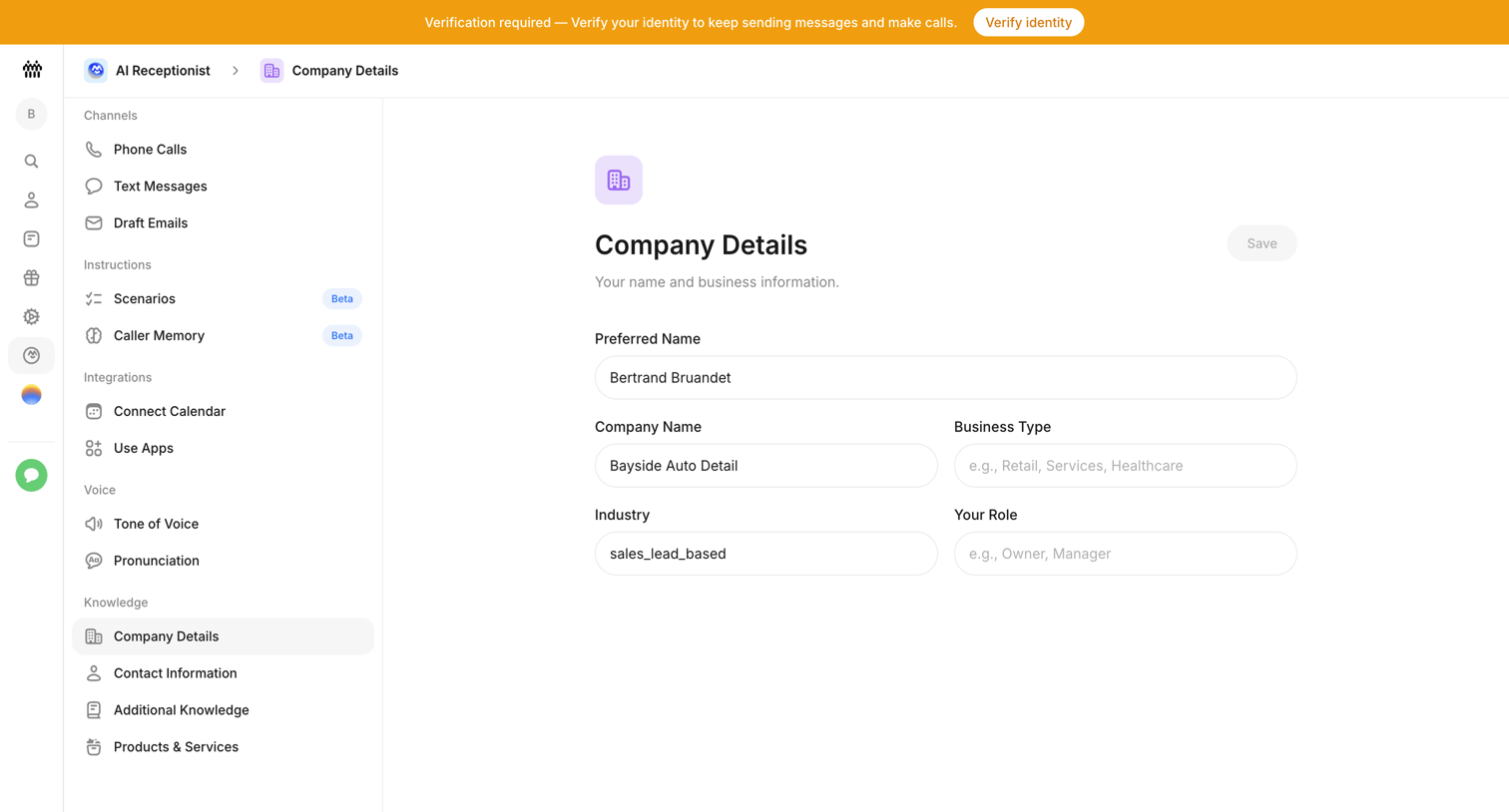

Settings page where the user configures company details like preferred name, business type, and industry for their AI receptionist.
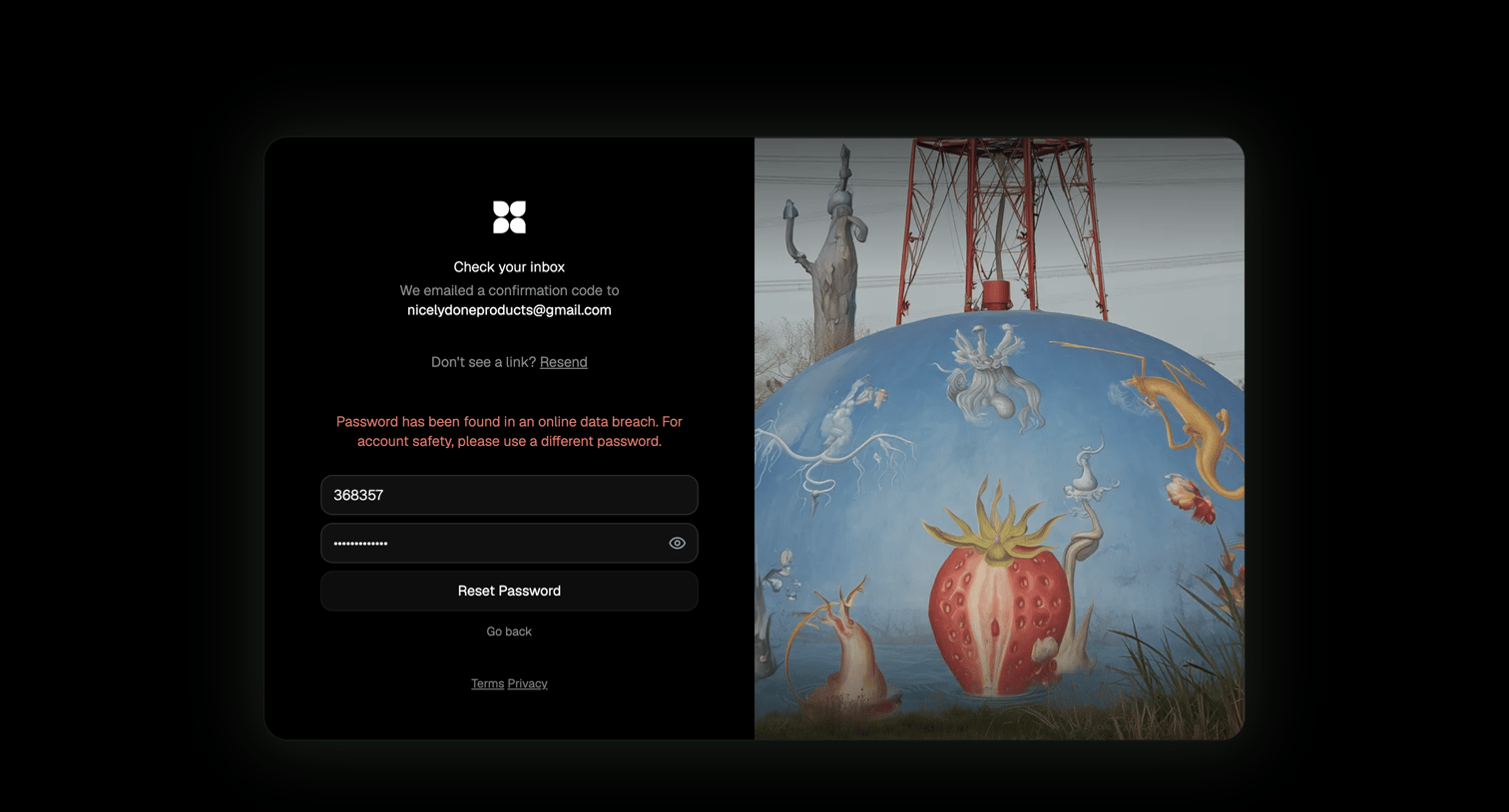

Password recovery screen where the user must enter an emailed confirmation code and a new password, currently displaying a data breach warning.
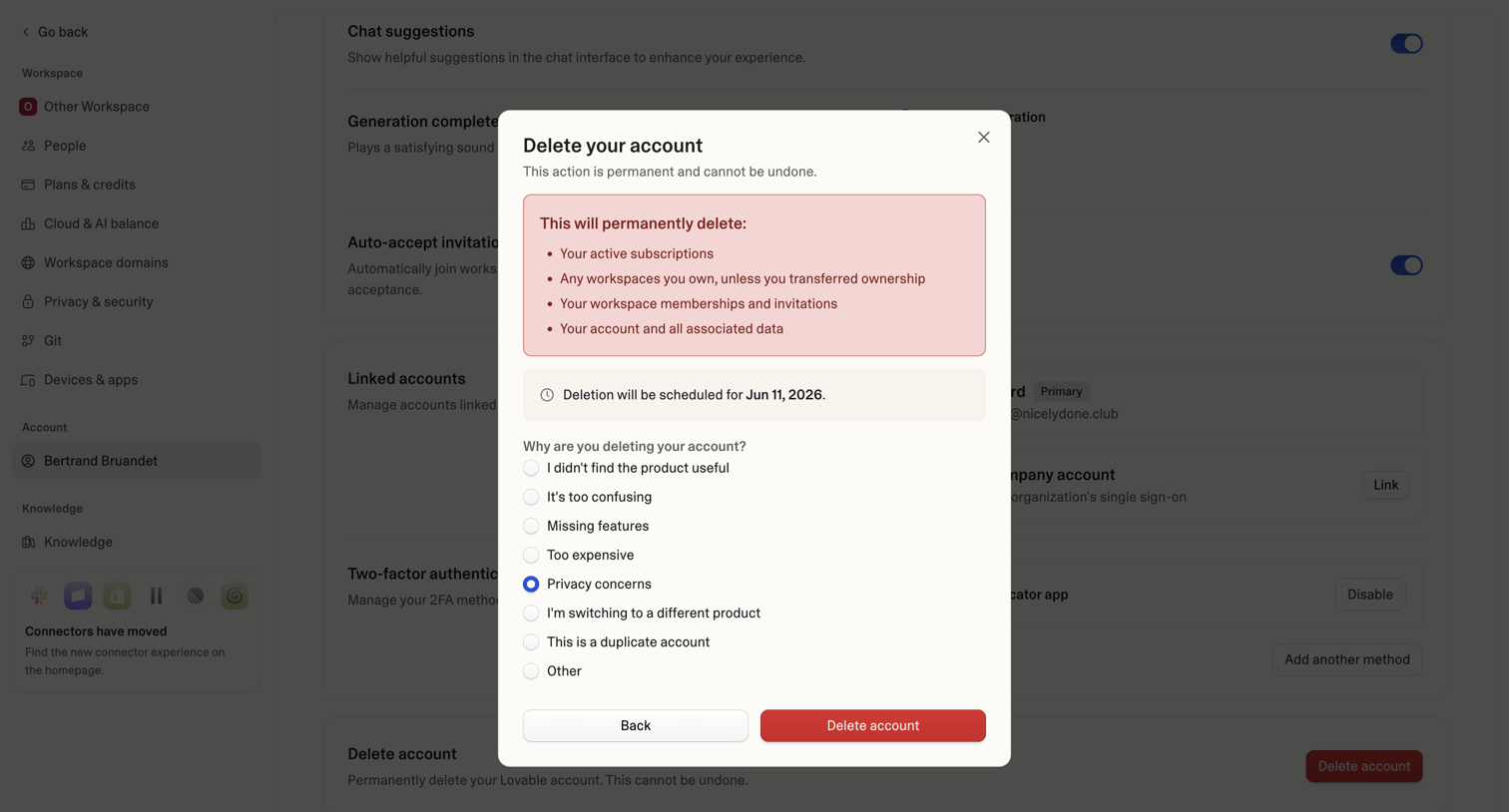

Settings page where the user confirms permanent account deletion and provides a reason for leaving via a radio button survey.
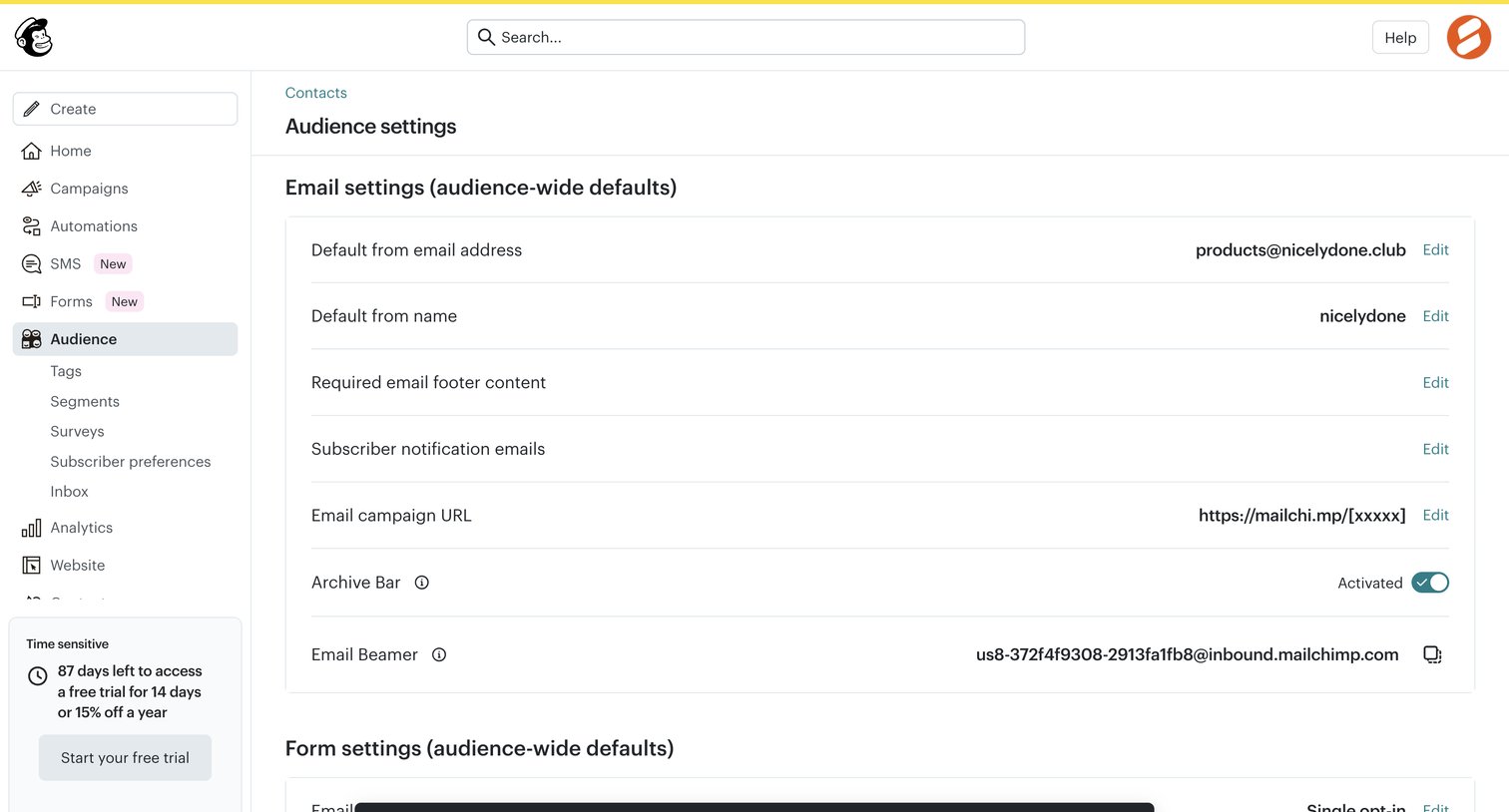

Settings page where the user configures audience-wide defaults for email and form settings, featuring a success toast confirming domain verification.
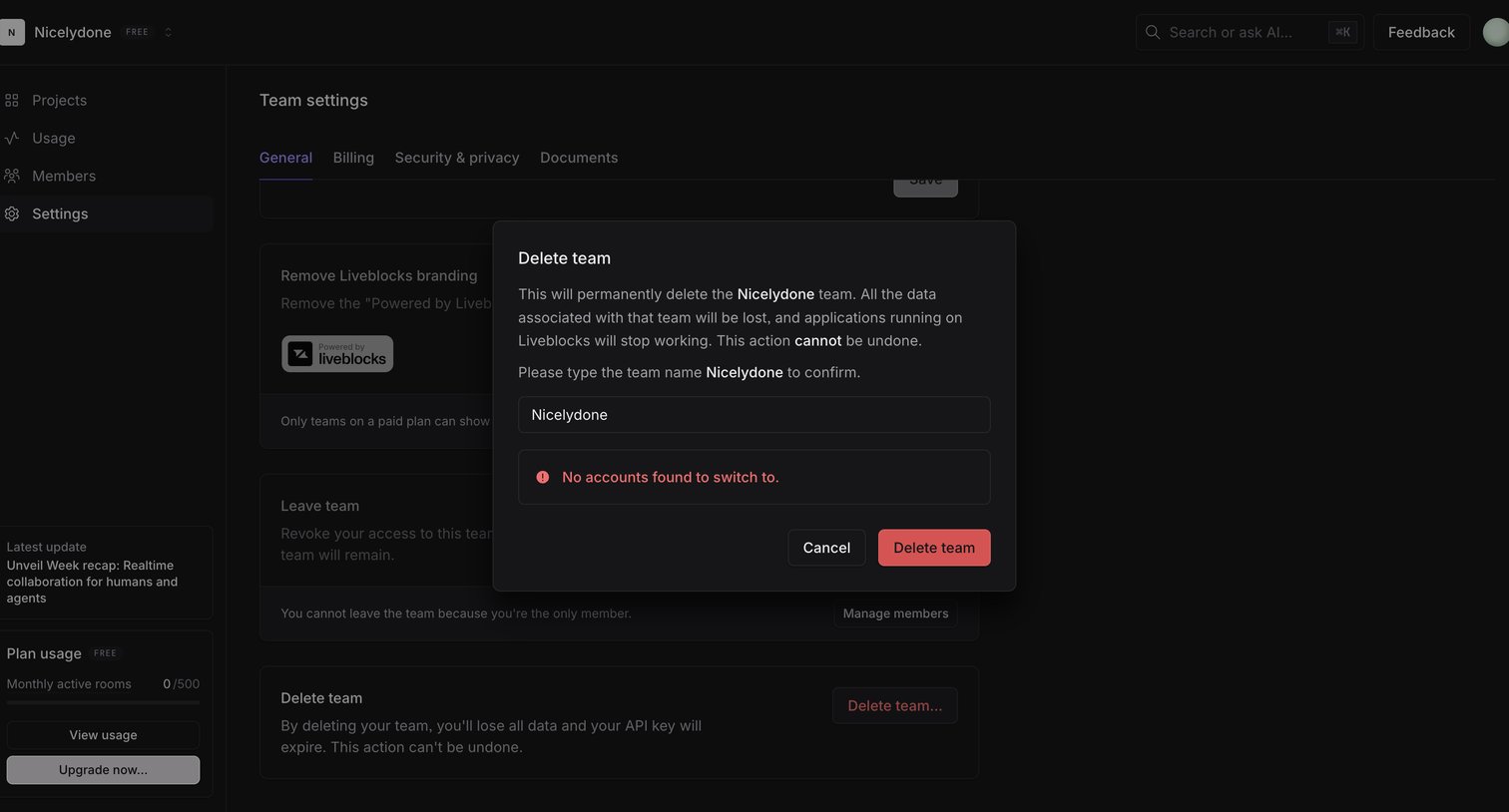

Settings page where the user must type their team name into a modal to confirm permanent deletion.
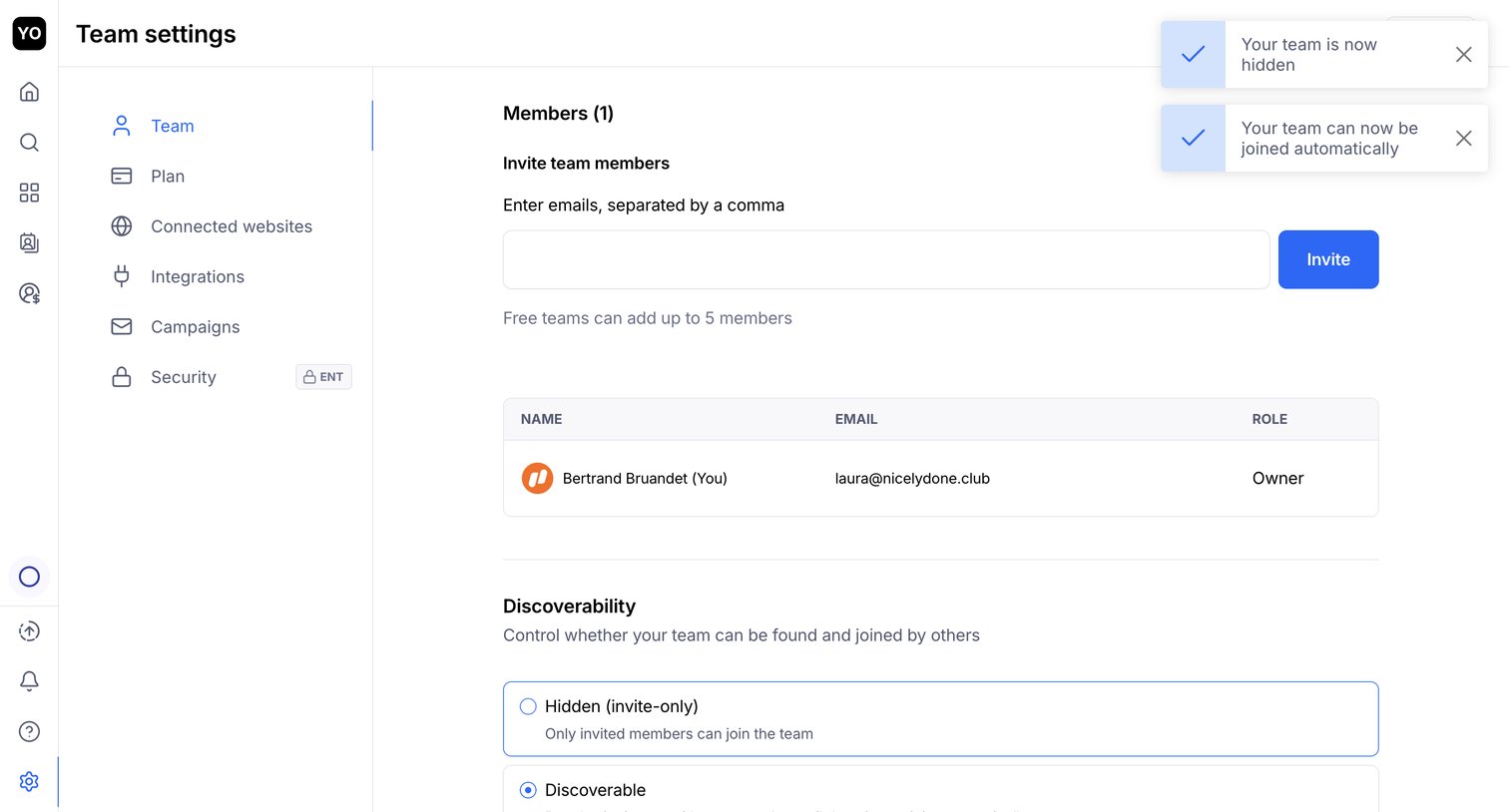

Settings page where the user invites new team members by email, views the current member list, and configures team discoverability.
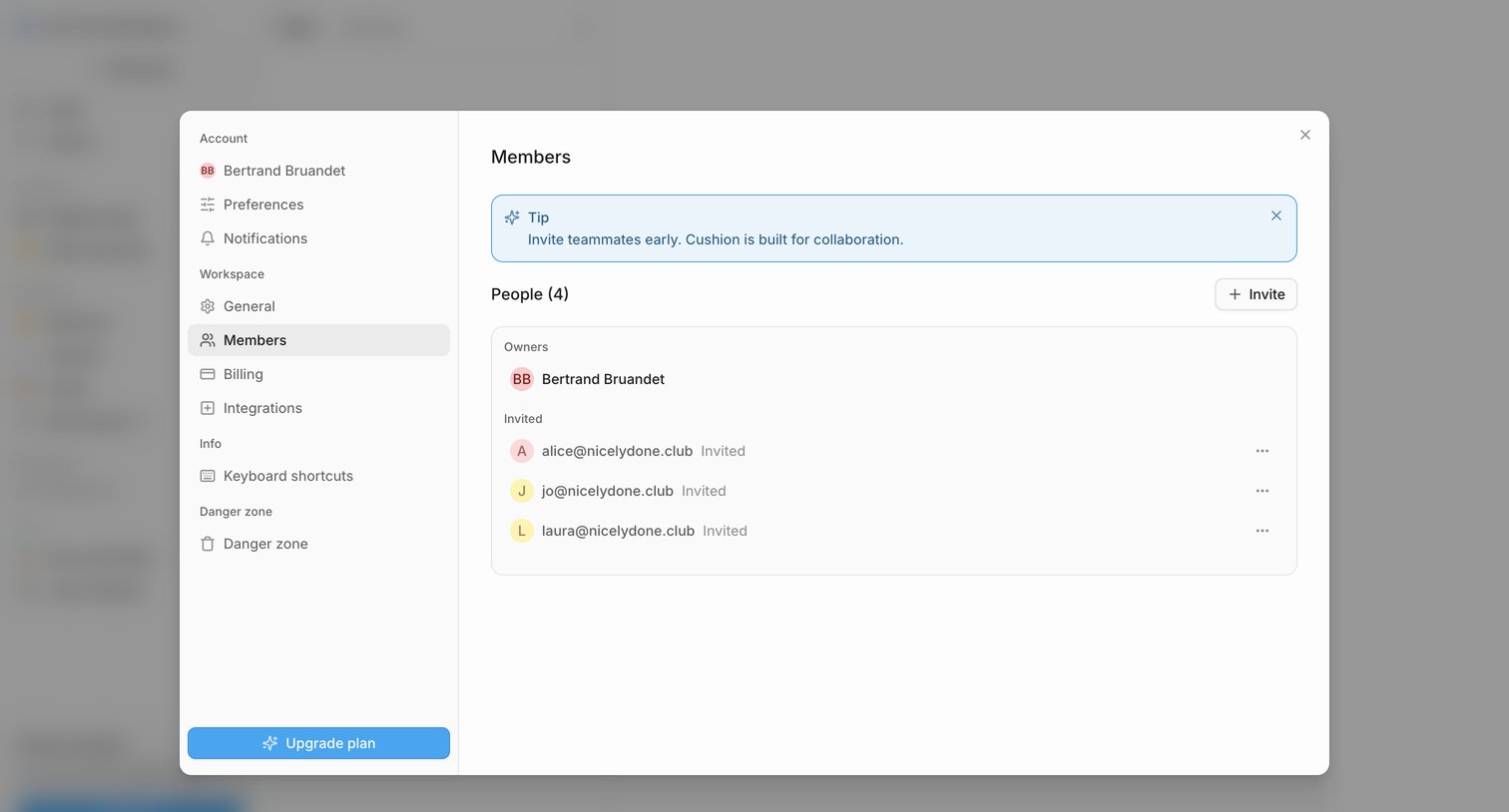

Settings modal where the user manages workspace members, views invited teammates, and can invite new people or upgrade their plan.
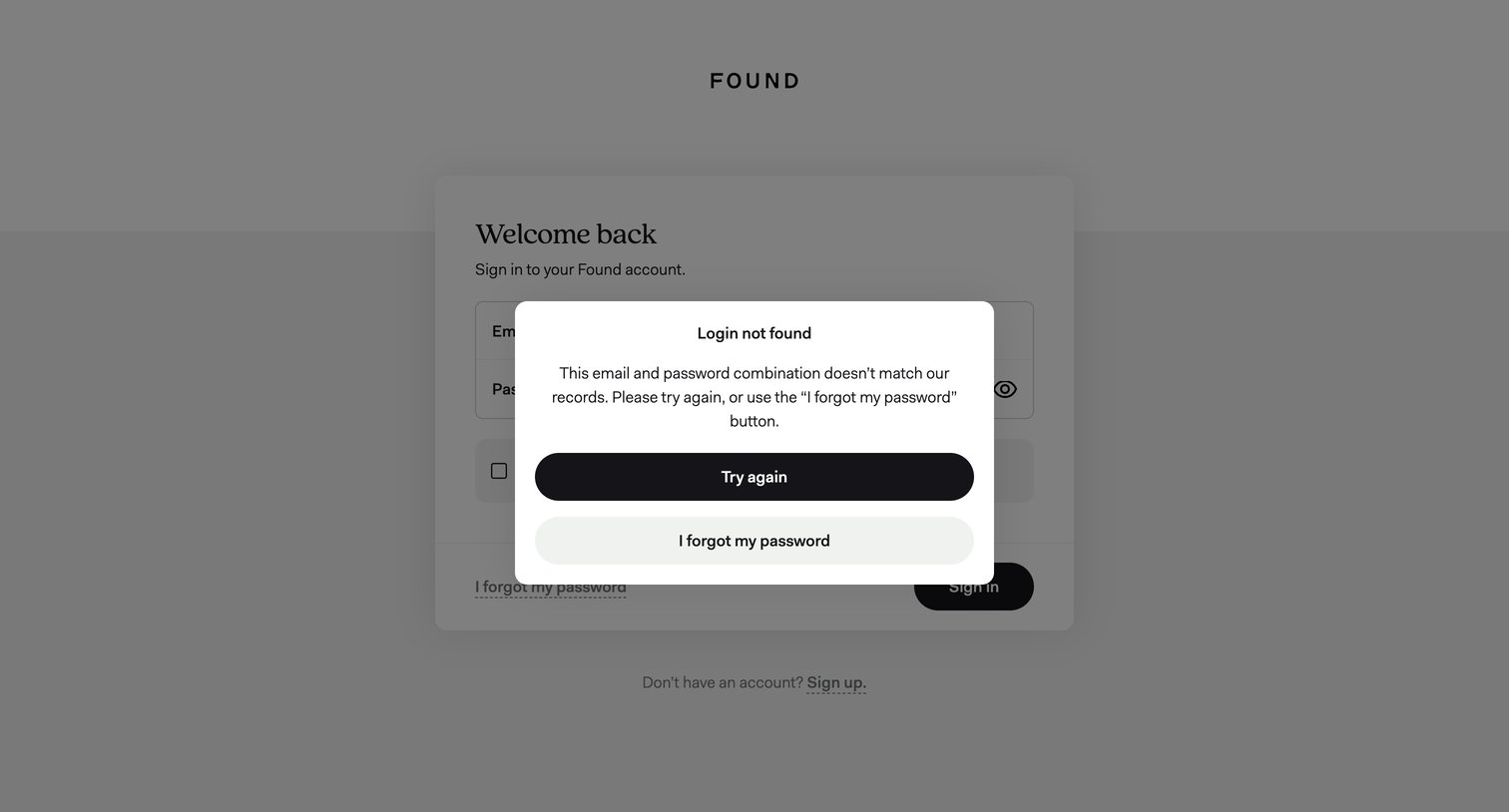

Sign-in screen displaying an error modal after an unsuccessful login attempt, prompting the user to try again or reset their password.
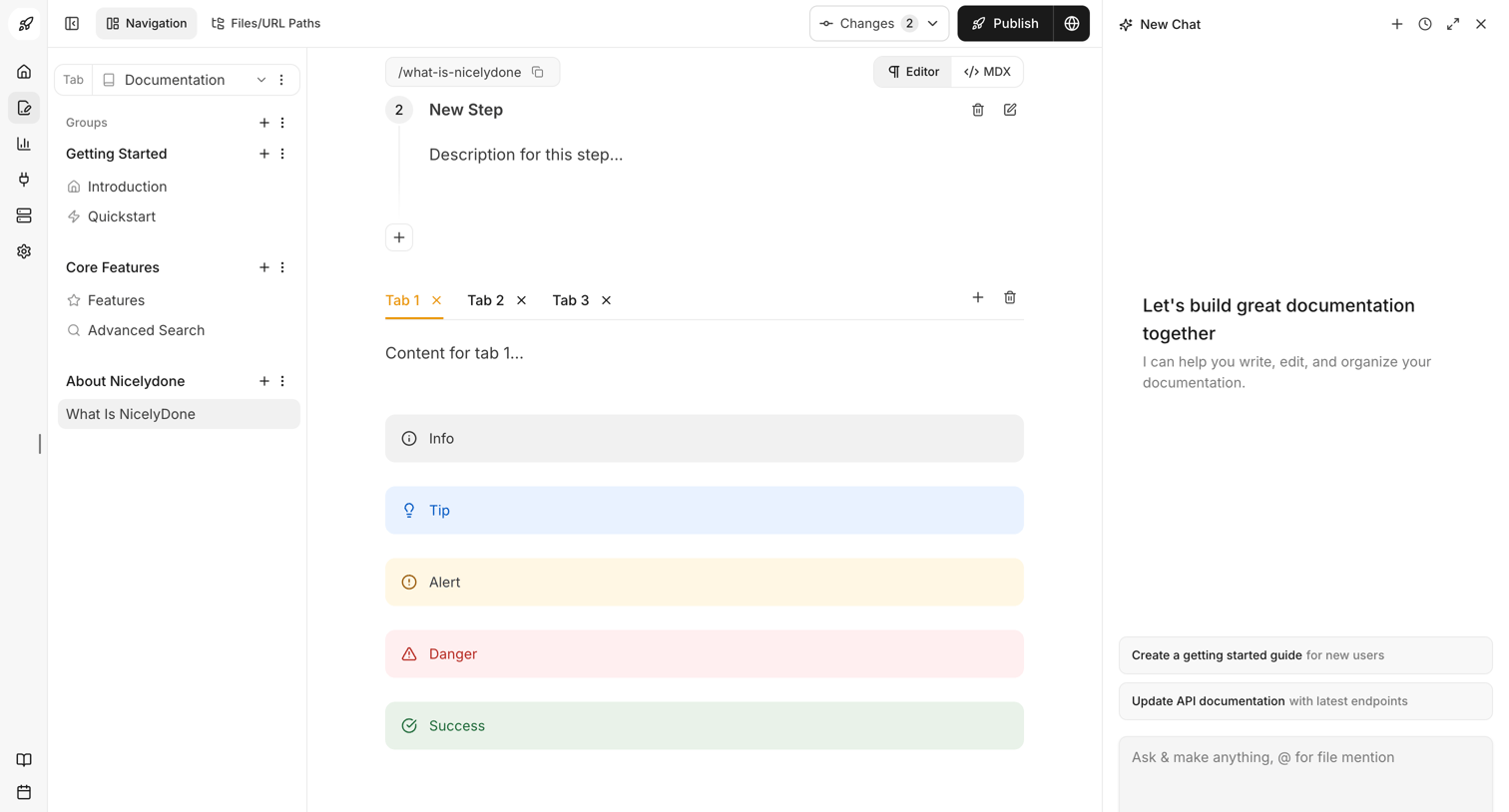

Content editor where the user builds documentation using blocks like steps, tabs, and callouts, with an AI assistant in a right panel to help write and organize.
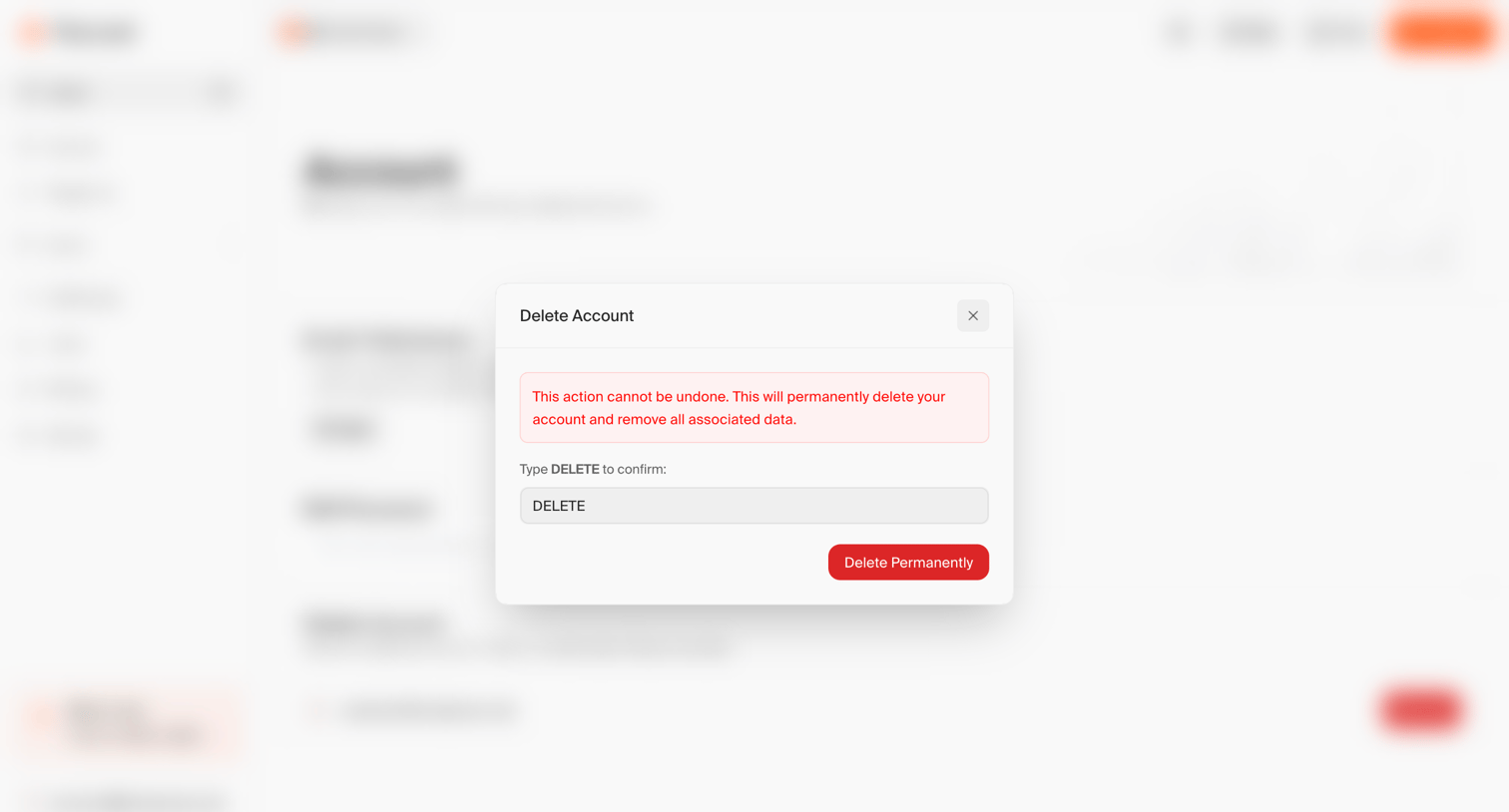

Account settings page where the user is prompted to confirm permanent account deletion by typing a confirmation word.
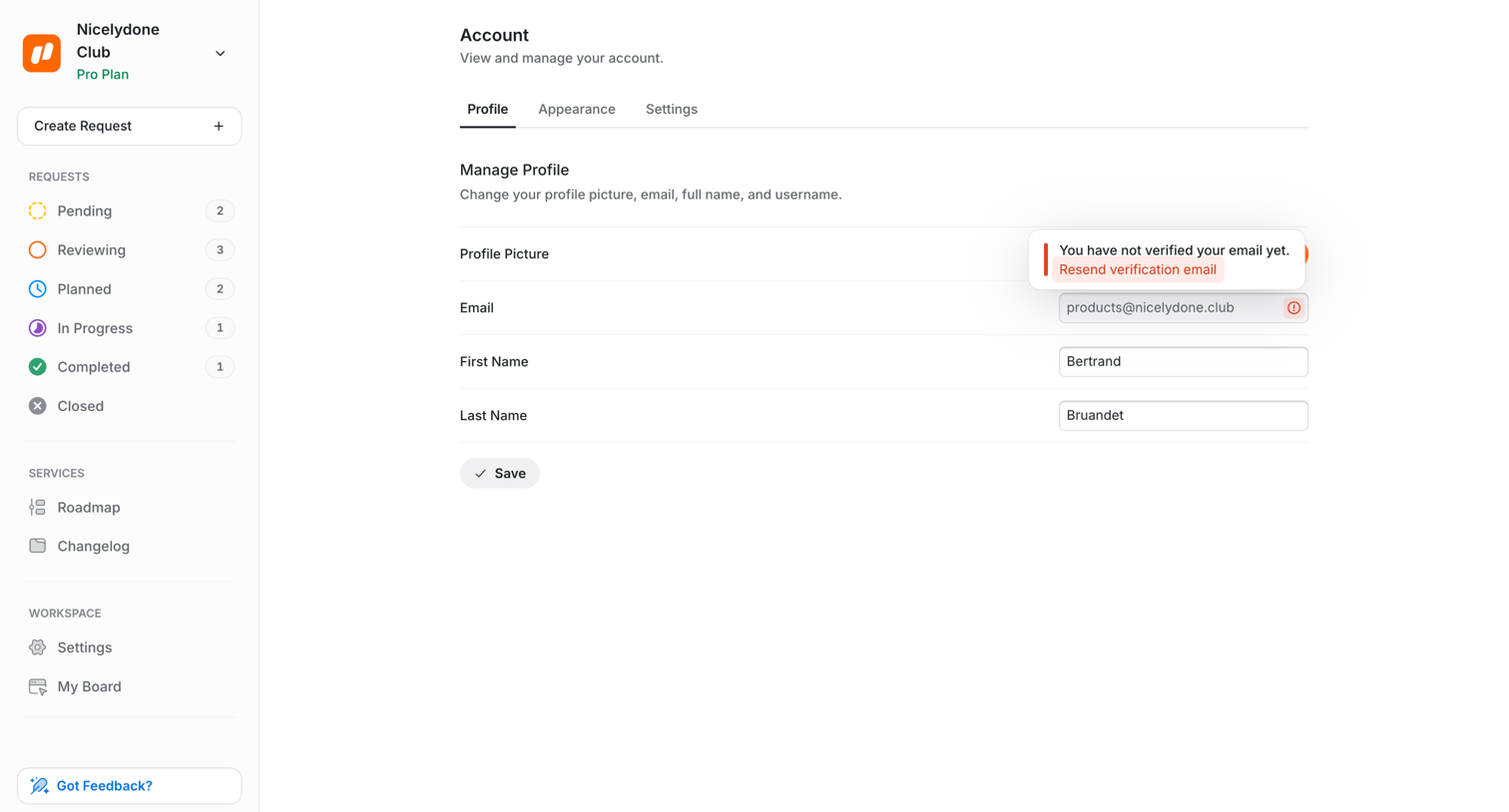

Settings page where the user manages their profile details like name and email, featuring an inline prompt to verify their email address.
Explore the full SaaS screen library
Upgrade to unlock the full library.
Trusted by the best teams







