Advanced search screen examples
Advanced search screen design examples from SaaS apps. Browse examples from Mailchimp, Missive, Cushion.
Explore the examples
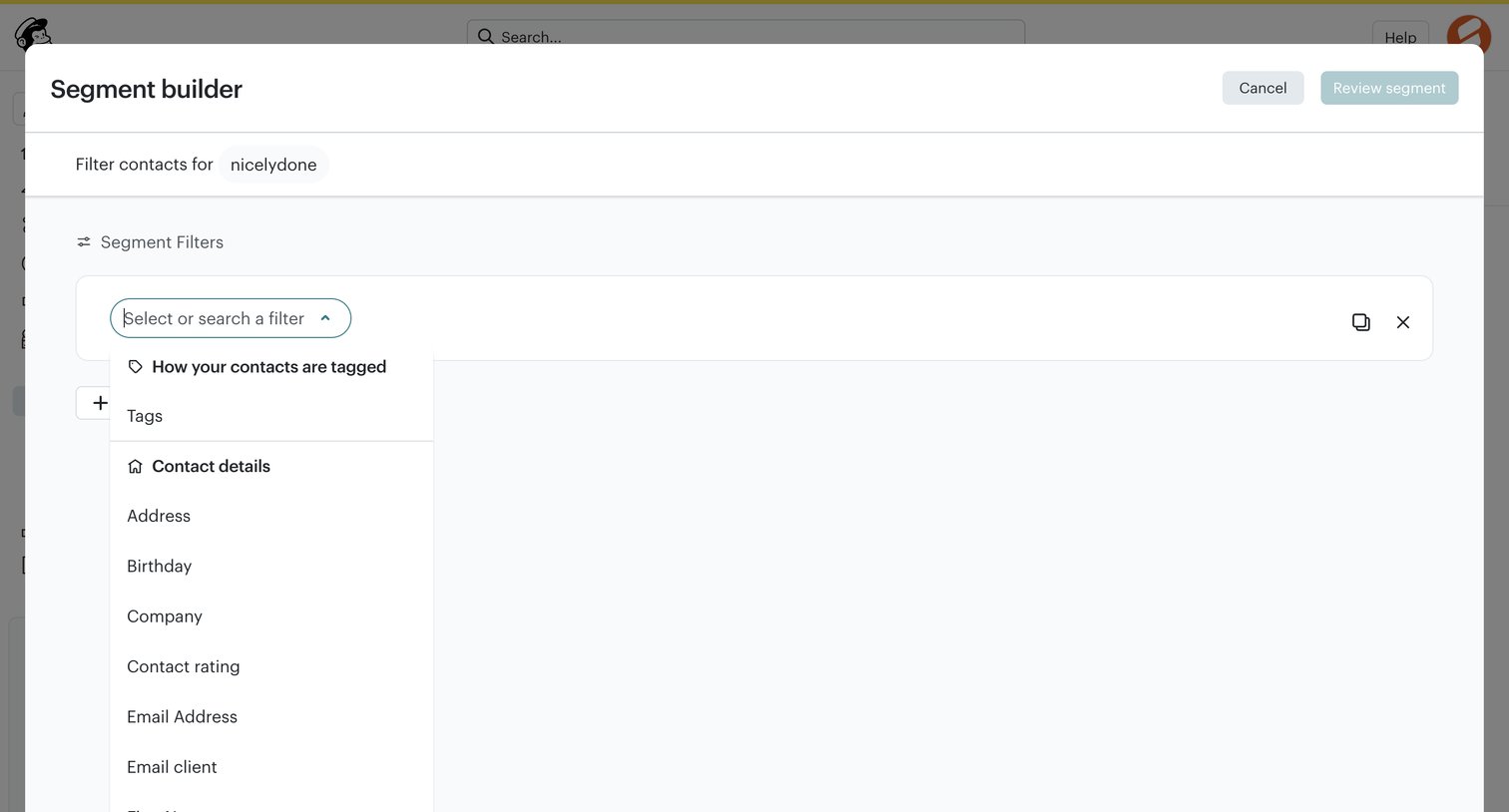

Modal where the user builds an audience segment by selecting filters like tags and contact details from a dropdown.
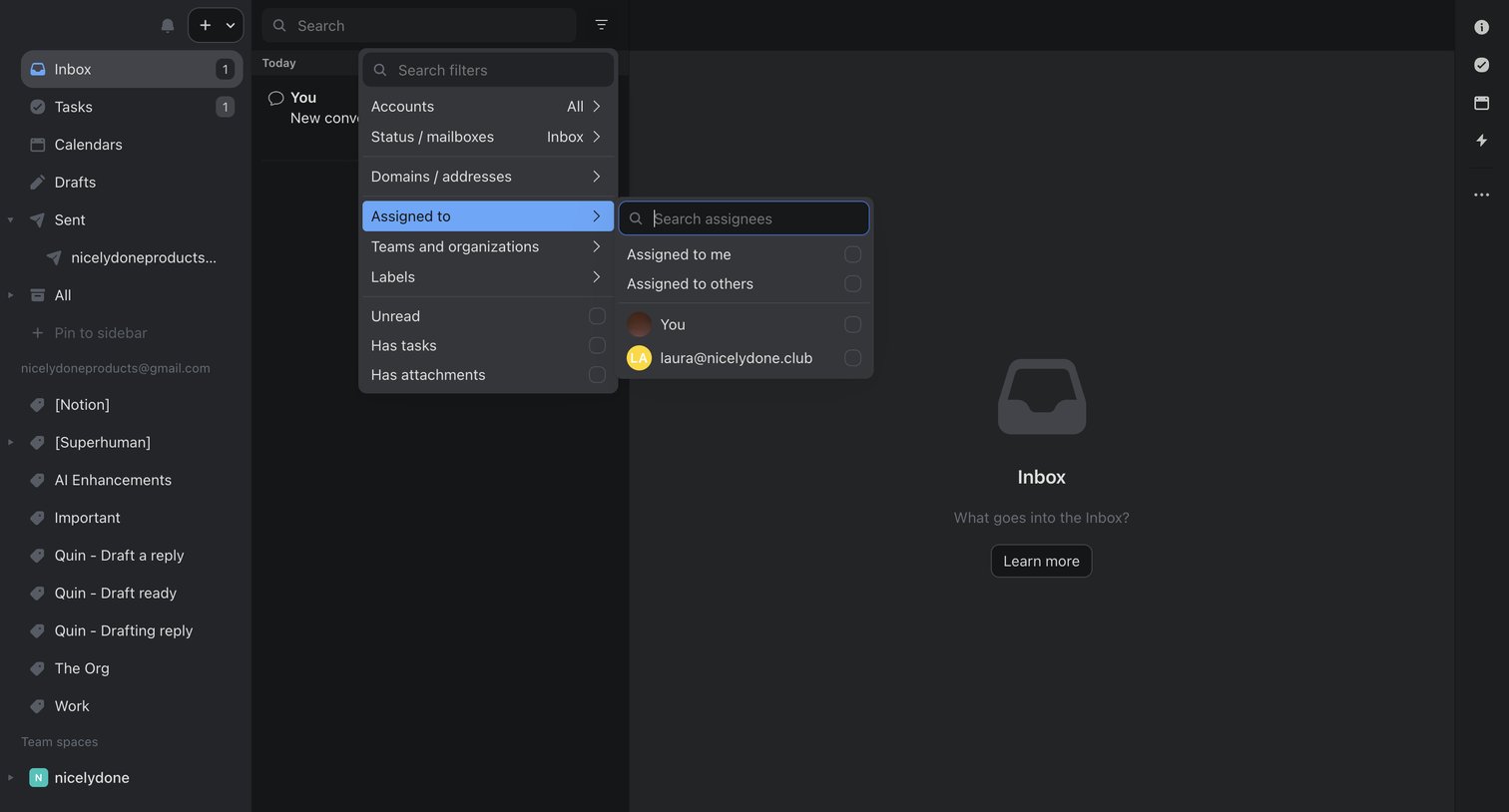

Combined inbox view where the user is navigating a nested filter menu to find conversations assigned to specific teammates.
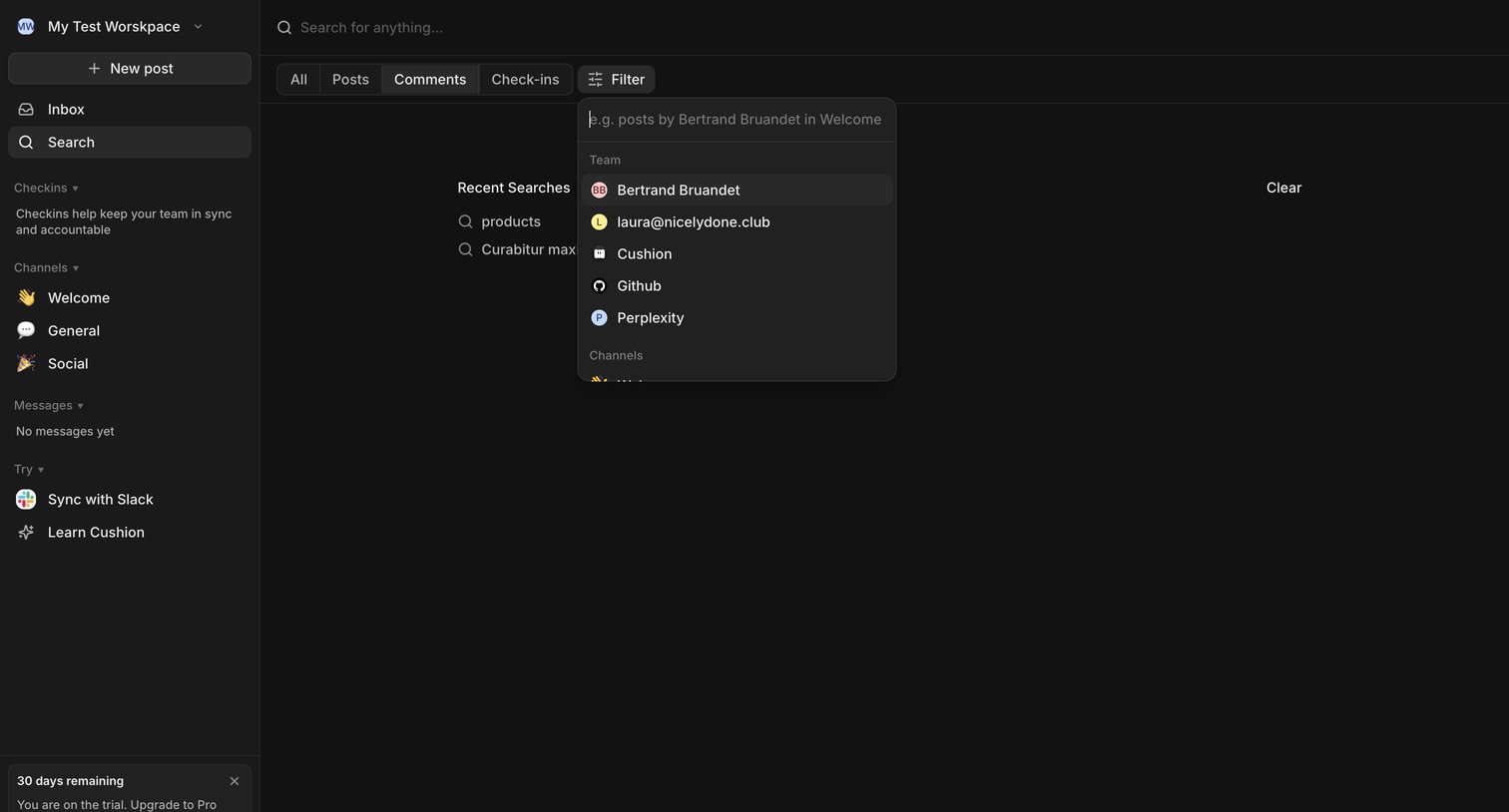

Search page where the user can find posts, comments, and check-ins, currently showing an open filter menu for specific team members and channels.
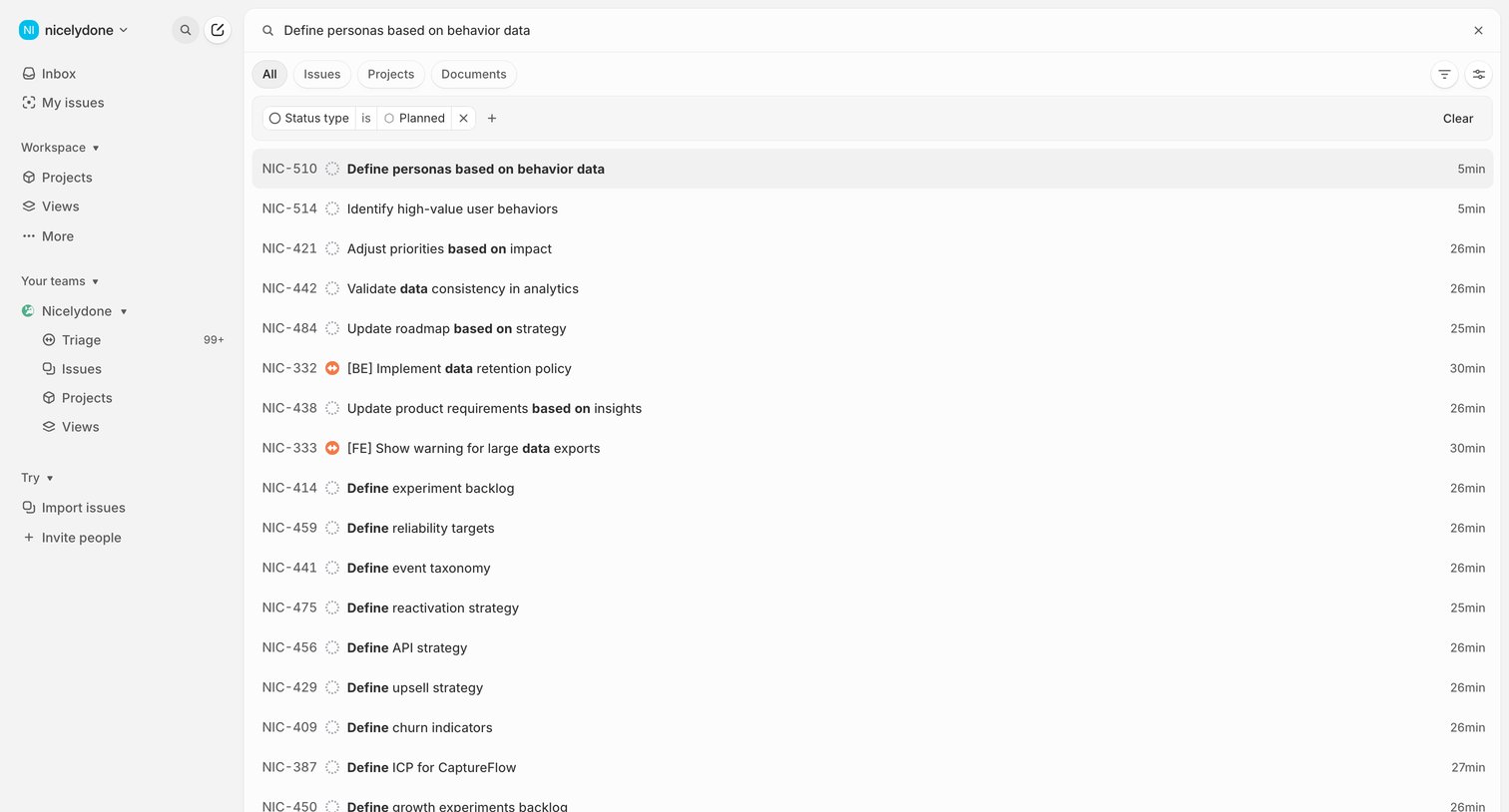

Search results page where the user views a list of issues matching their query, with pill tabs to scope by category and a row-based filter for status type.
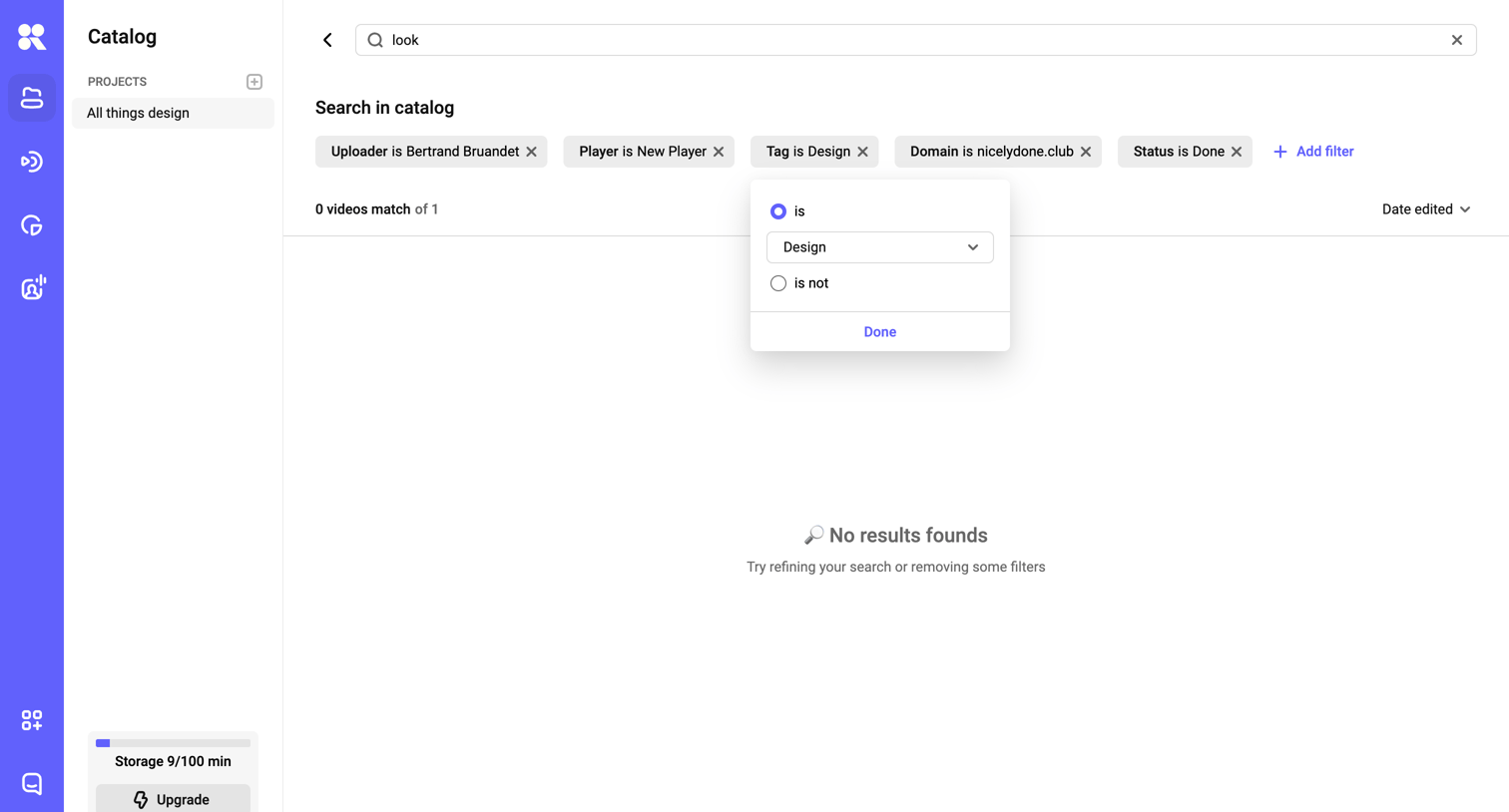

Search page in a video catalog where the user has applied multiple filters but found no matching results.
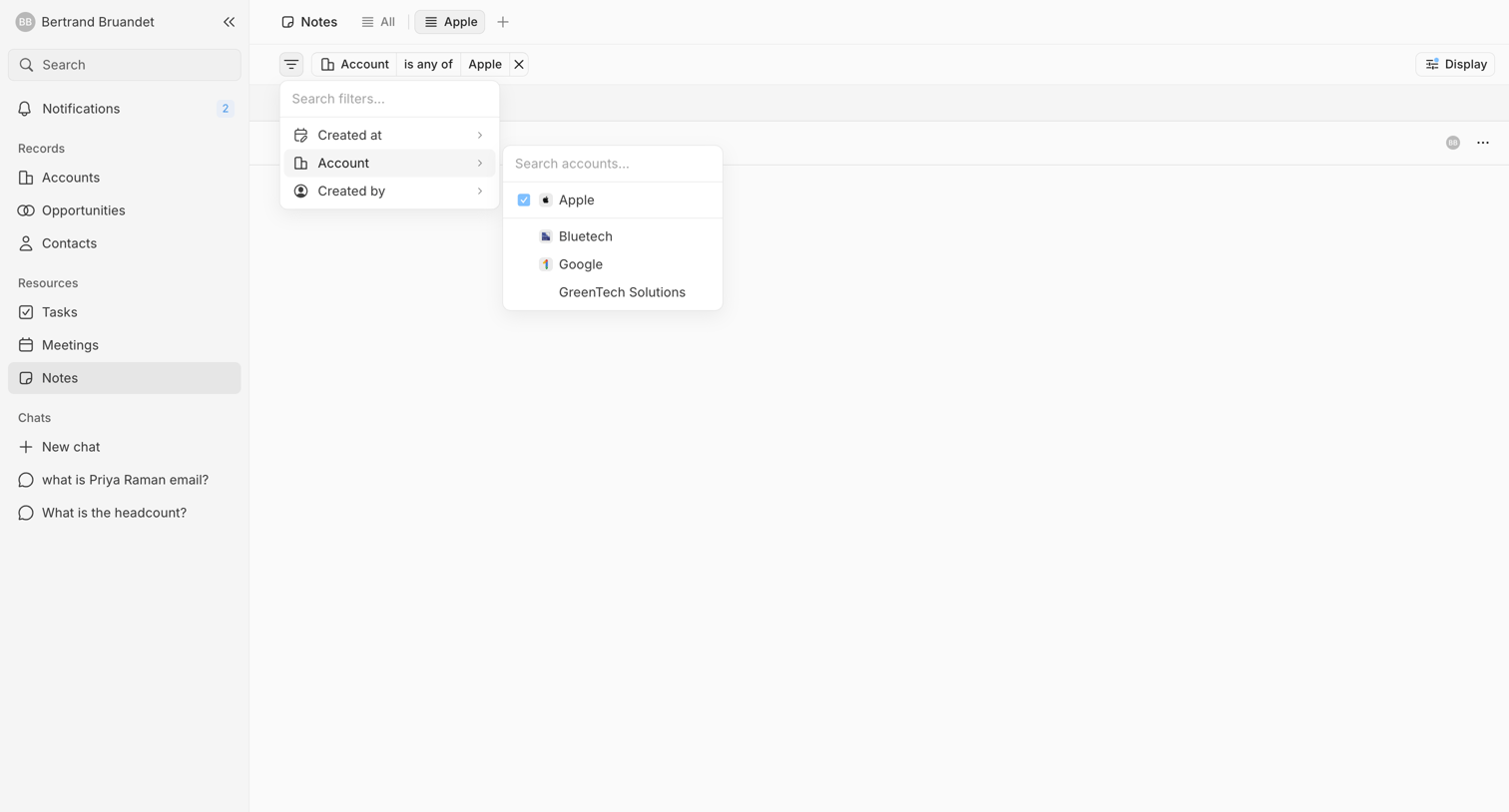

List view of notes where the user is actively configuring a filter for specific accounts using cascading comboboxes.
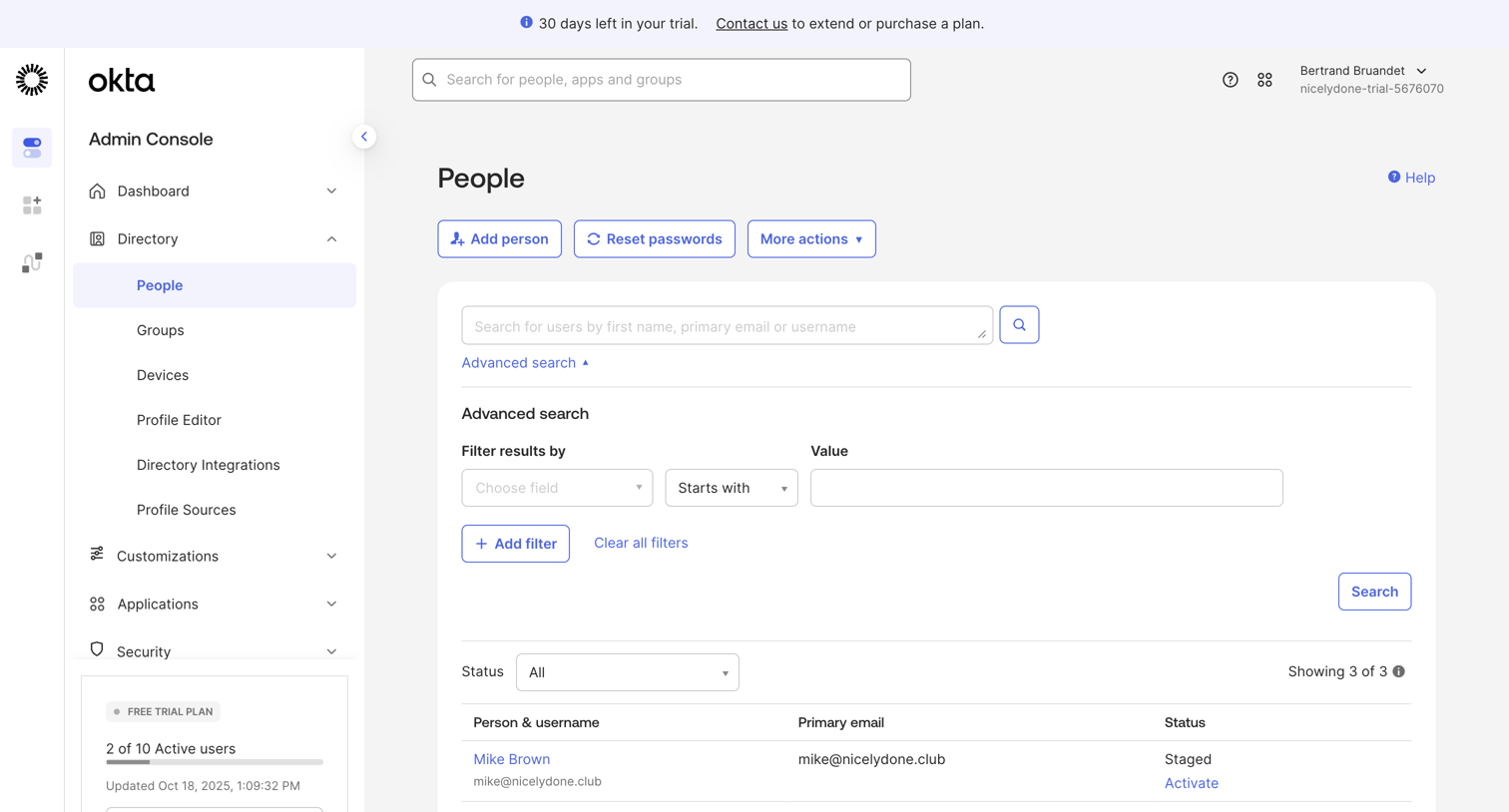

List view where an admin manages people in the directory, featuring an advanced search filter builder and a trial usage quota.
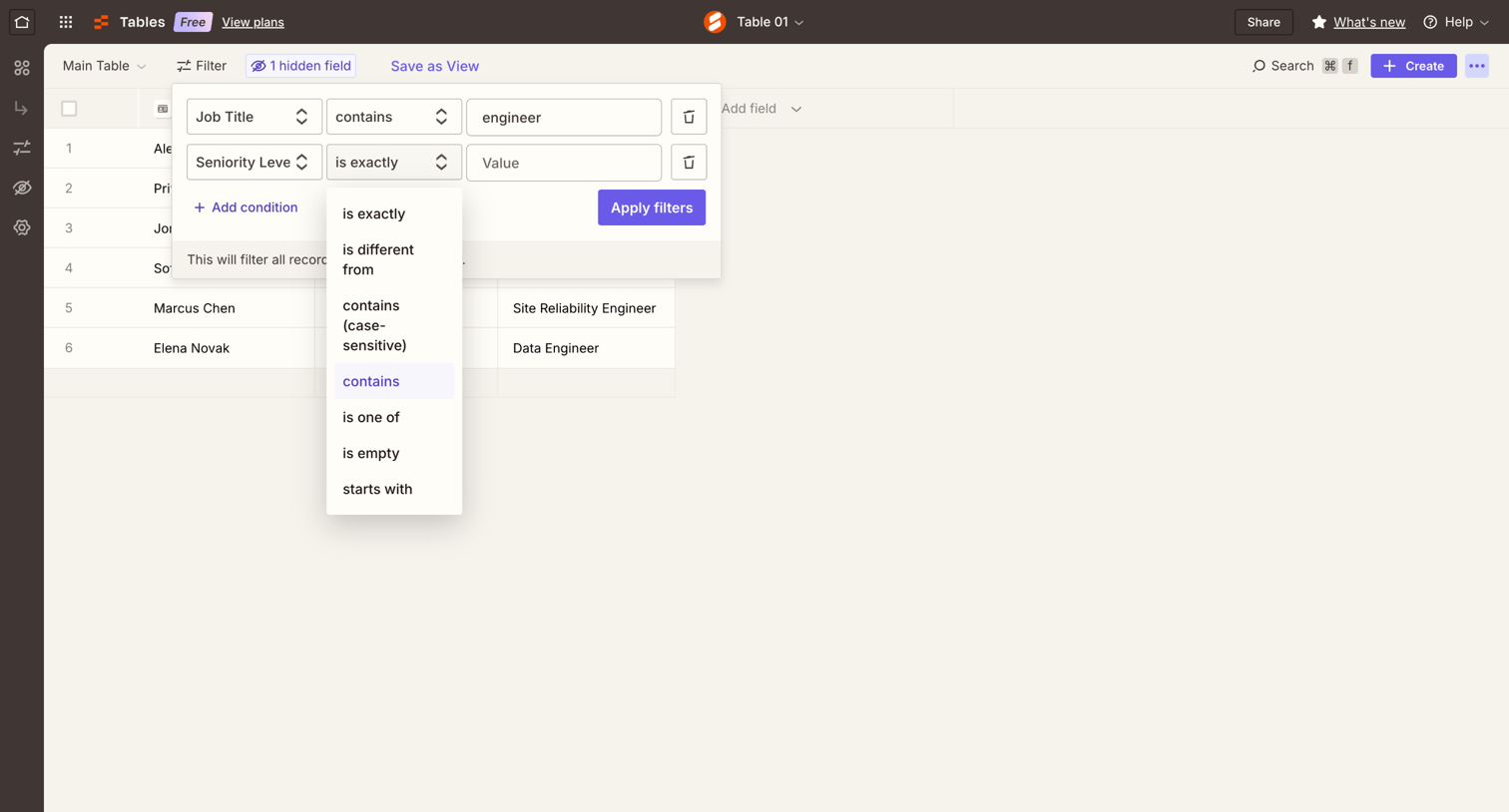

Data table view where the user is configuring a multi-condition filter to find records where the job title contains 'engineer'.
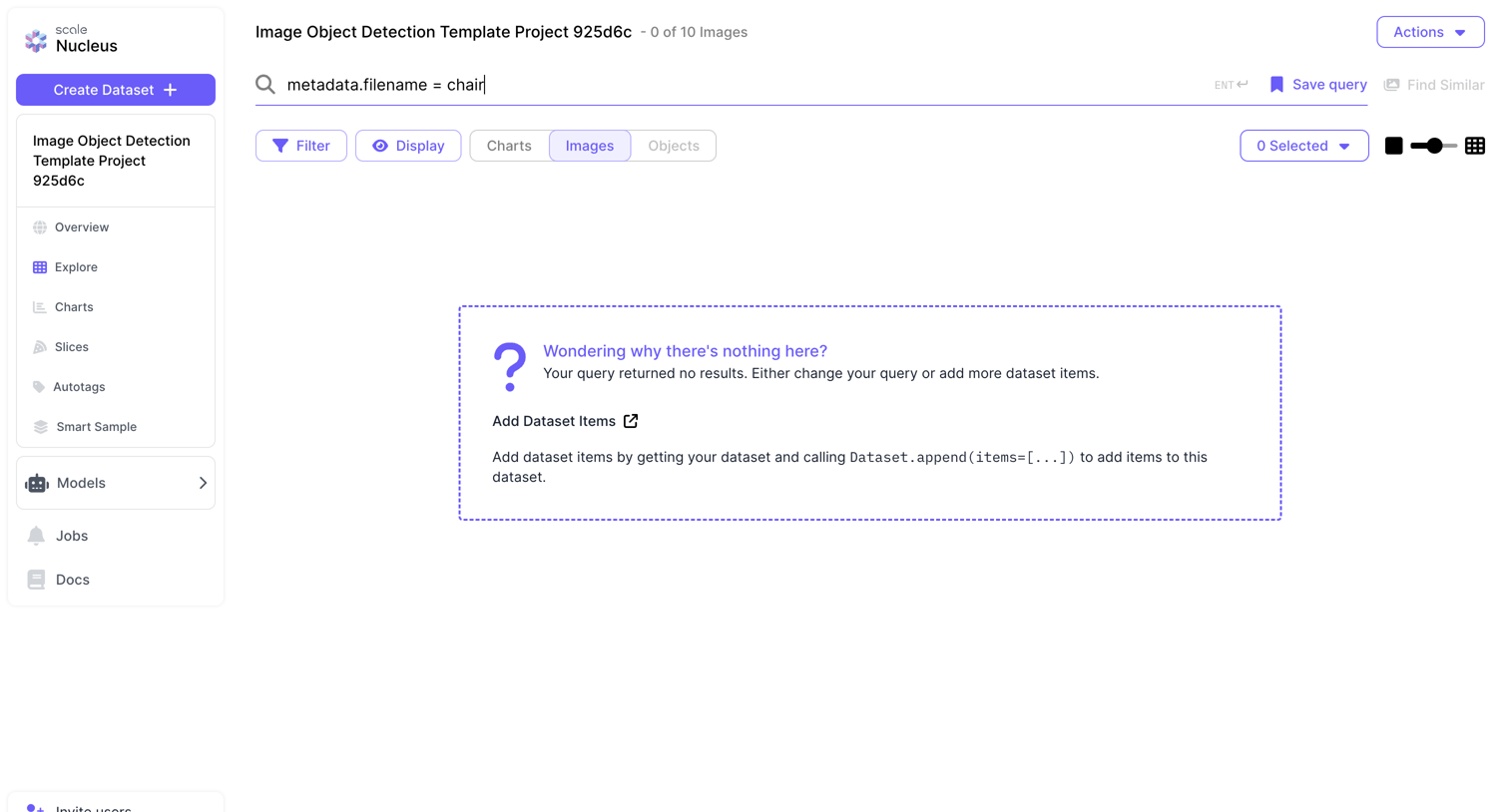

Search interface where the user queries an image dataset and sees an empty state because no results match.
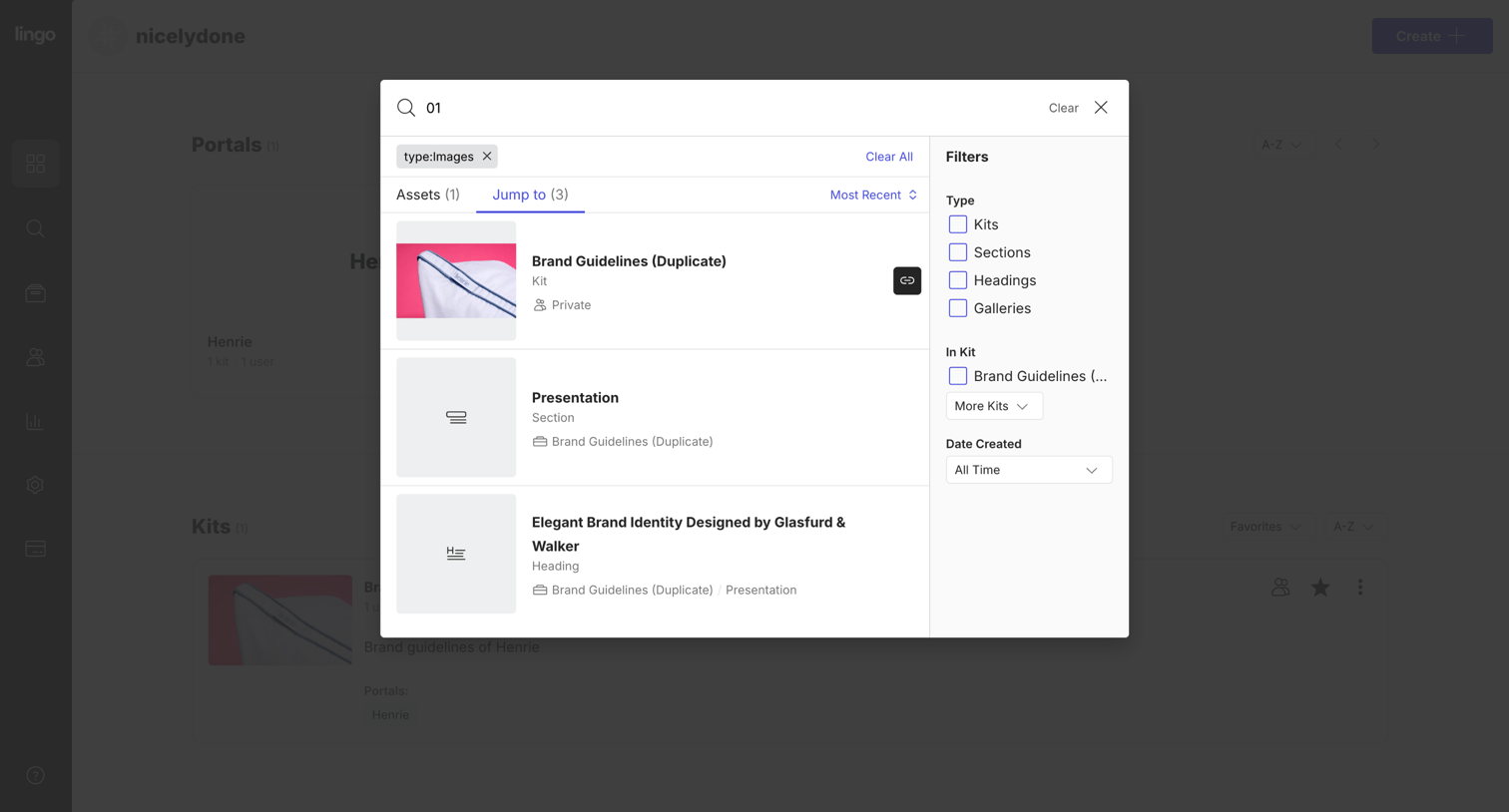

Search overlay where the user filters results by type, kit, and date created to find specific assets or sections.
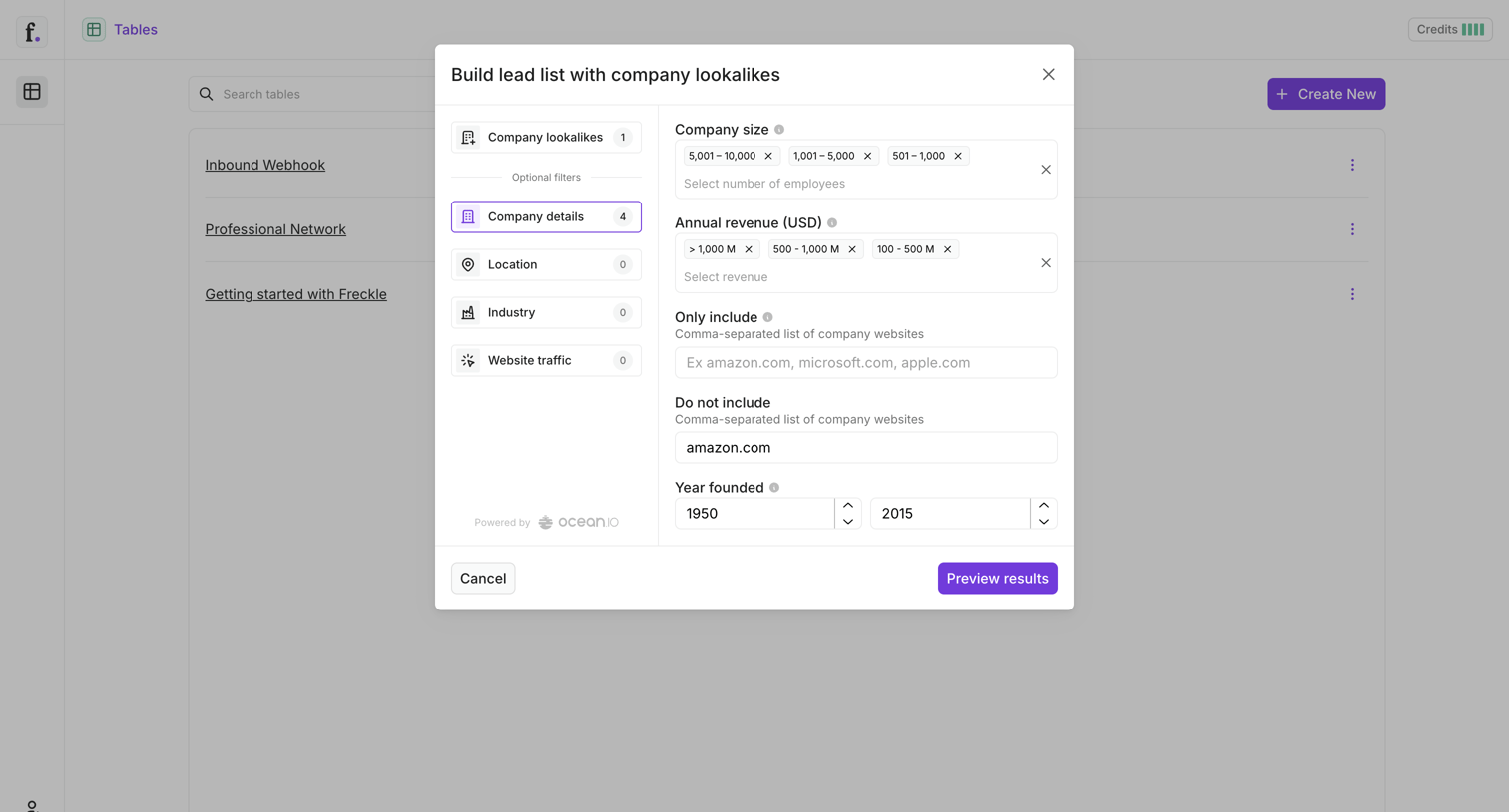

List view of tables with an active modal for building a lead list using company lookalike filters like size, revenue, and location.
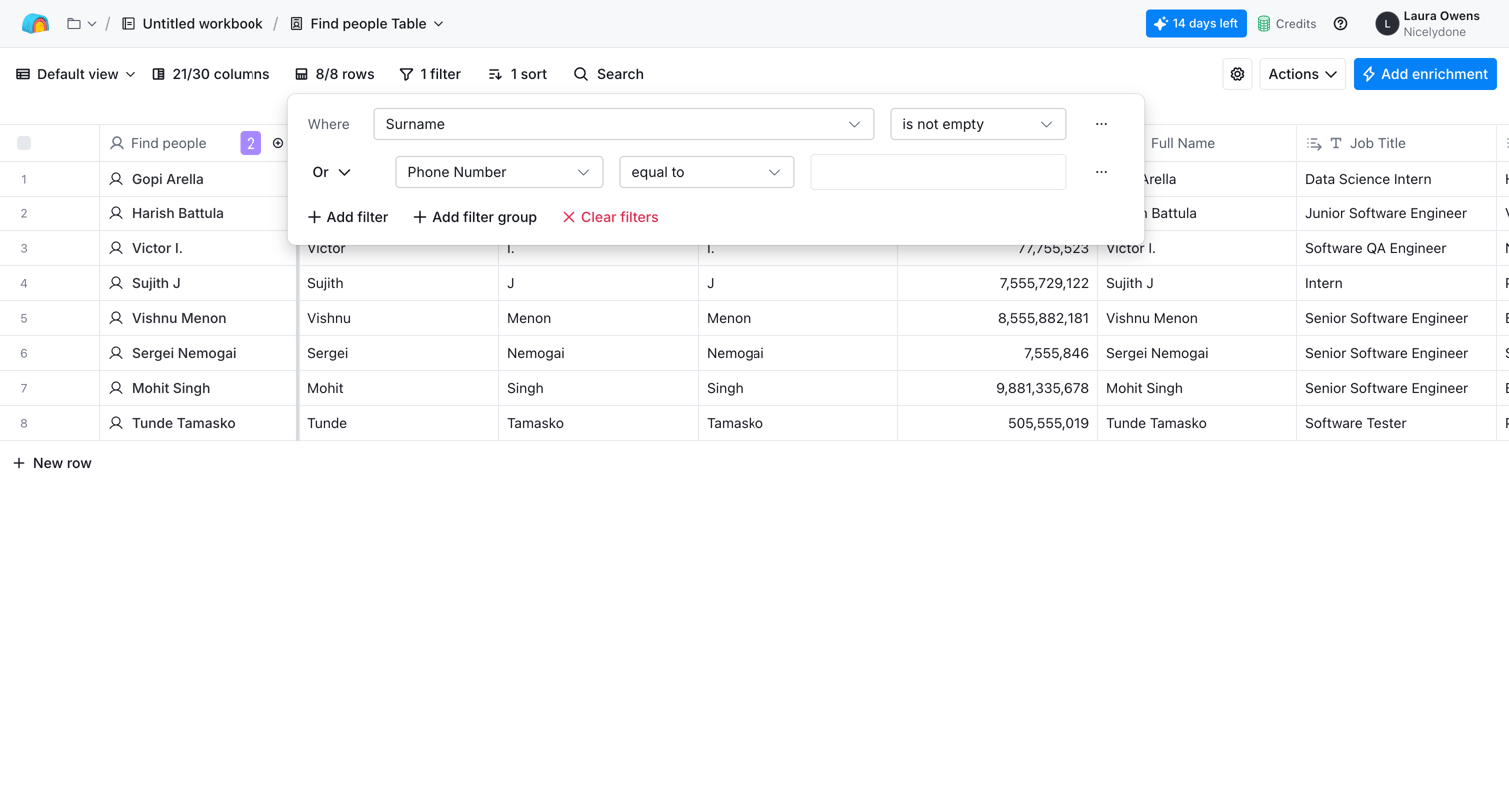

Data table view where the user is configuring a filter to find people whose surname is not empty or whose phone number equals a specific value.
Explore the full SaaS screen library
Upgrade to unlock the full library.
Trusted by the best teams







