Skip to content

Whereby product screens examples

Browse Whereby screen design examples. Preview the interface screenshots and explore related UI patterns. Freedom to work from anywhere

Explore the examples
Whereby - Sign in screen
Whereby logo
Whereby

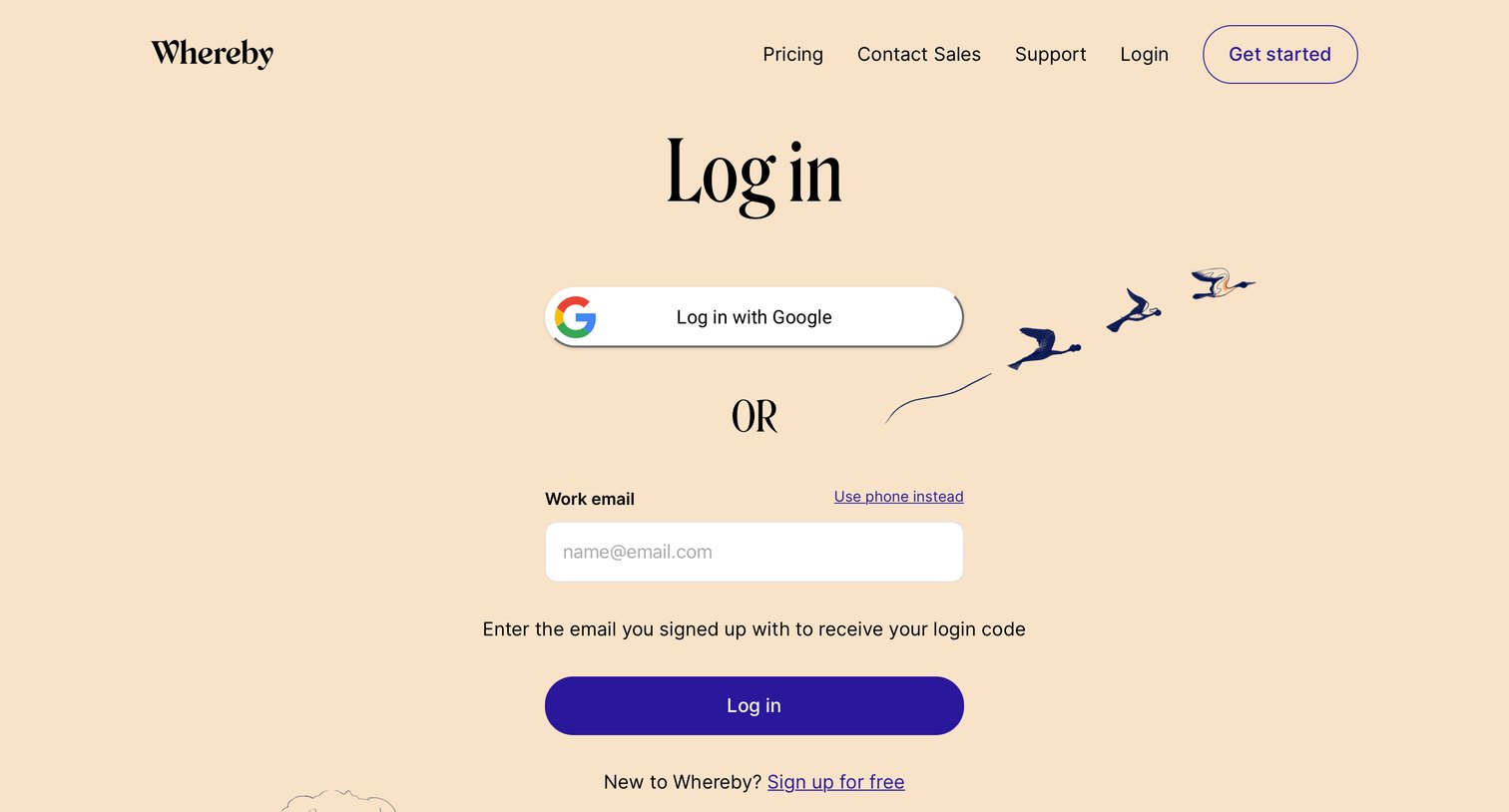
Sign-in screen where the user authenticates via Google SSO or by entering their work email to receive a login code.

Whereby - Sign up screen
Whereby logo
Whereby

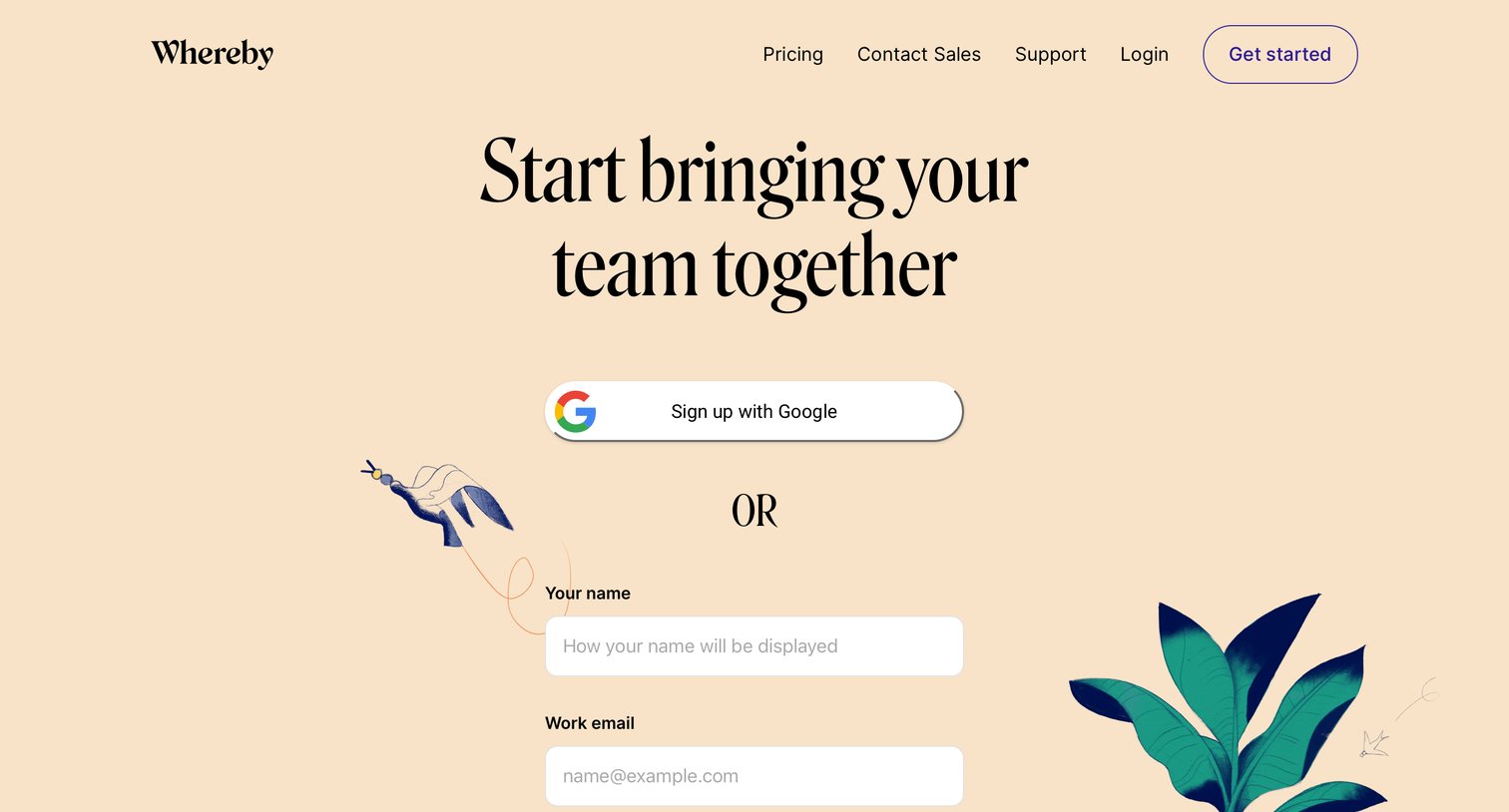
Signup screen where the user creates an account using Google OAuth or by entering their name and work email.

Whereby - Email verification screen
Whereby logo
Whereby

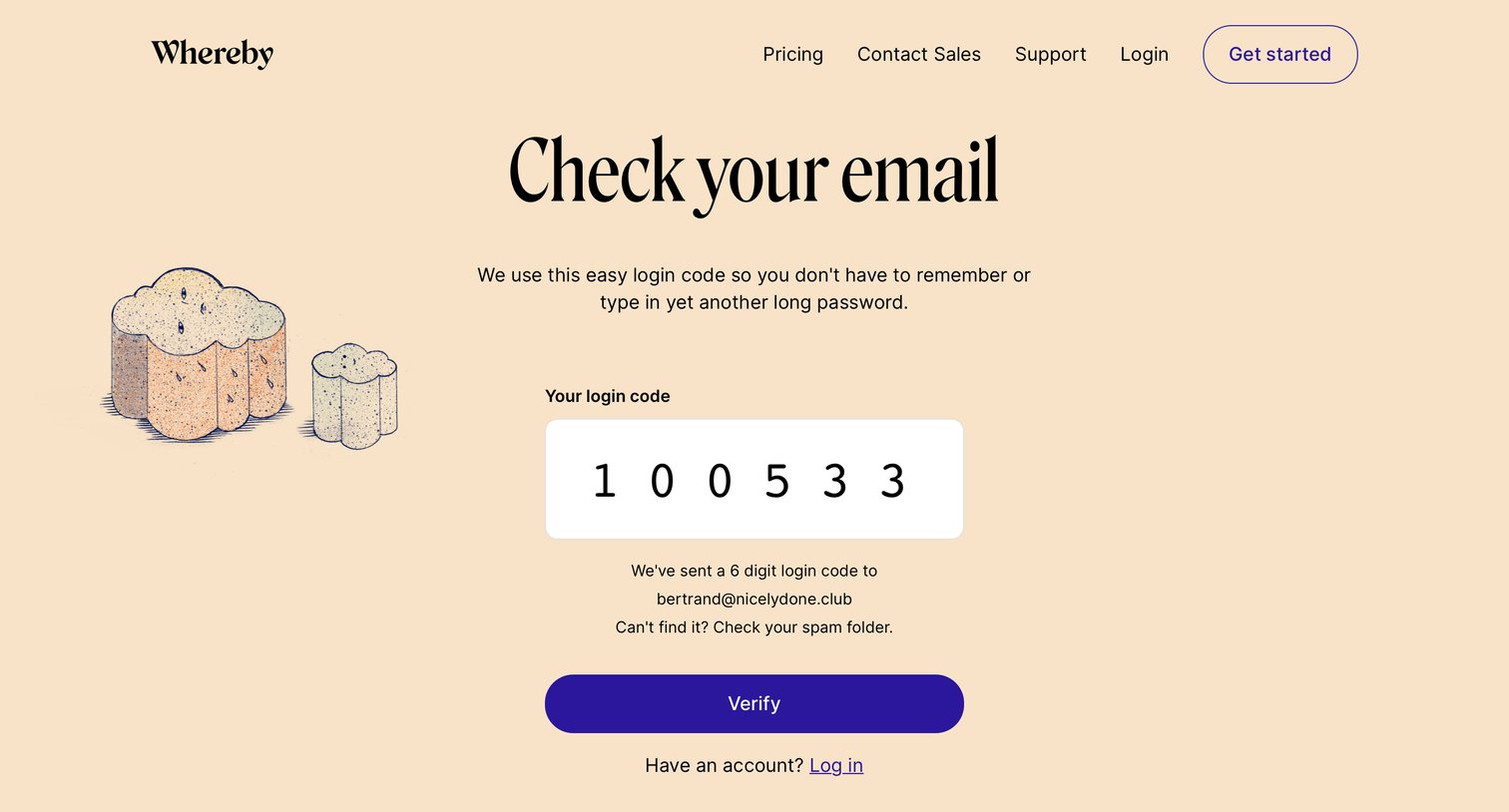
Authentication screen where the user enters a 6-digit login code sent to their email to sign in passwordless.
Whereby - Plans screen
Whereby logo
Whereby

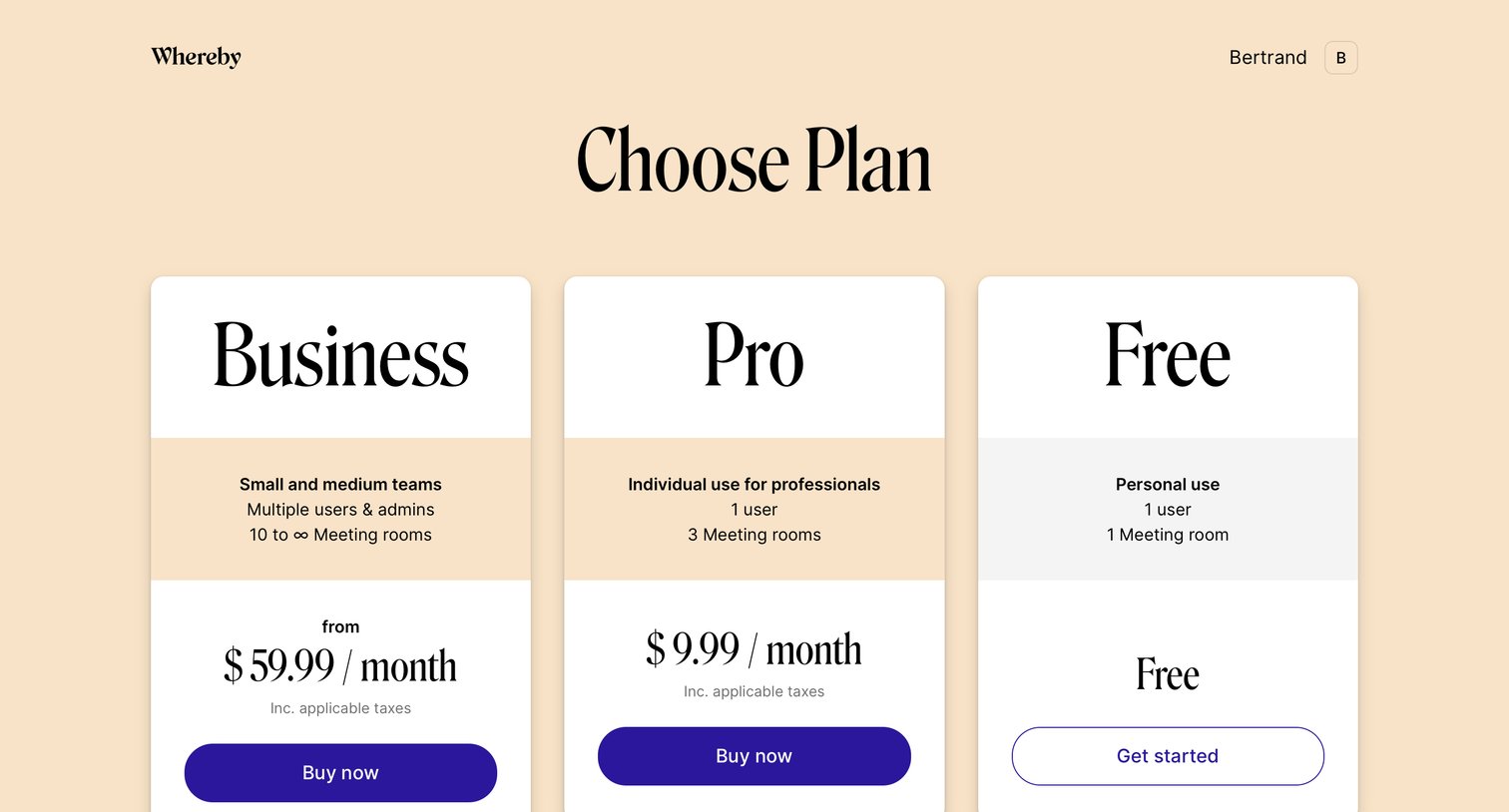
Pricing page where the user chooses between Business, Pro, and Free subscription tiers.

Whereby - Create room screen
Whereby logo
Whereby

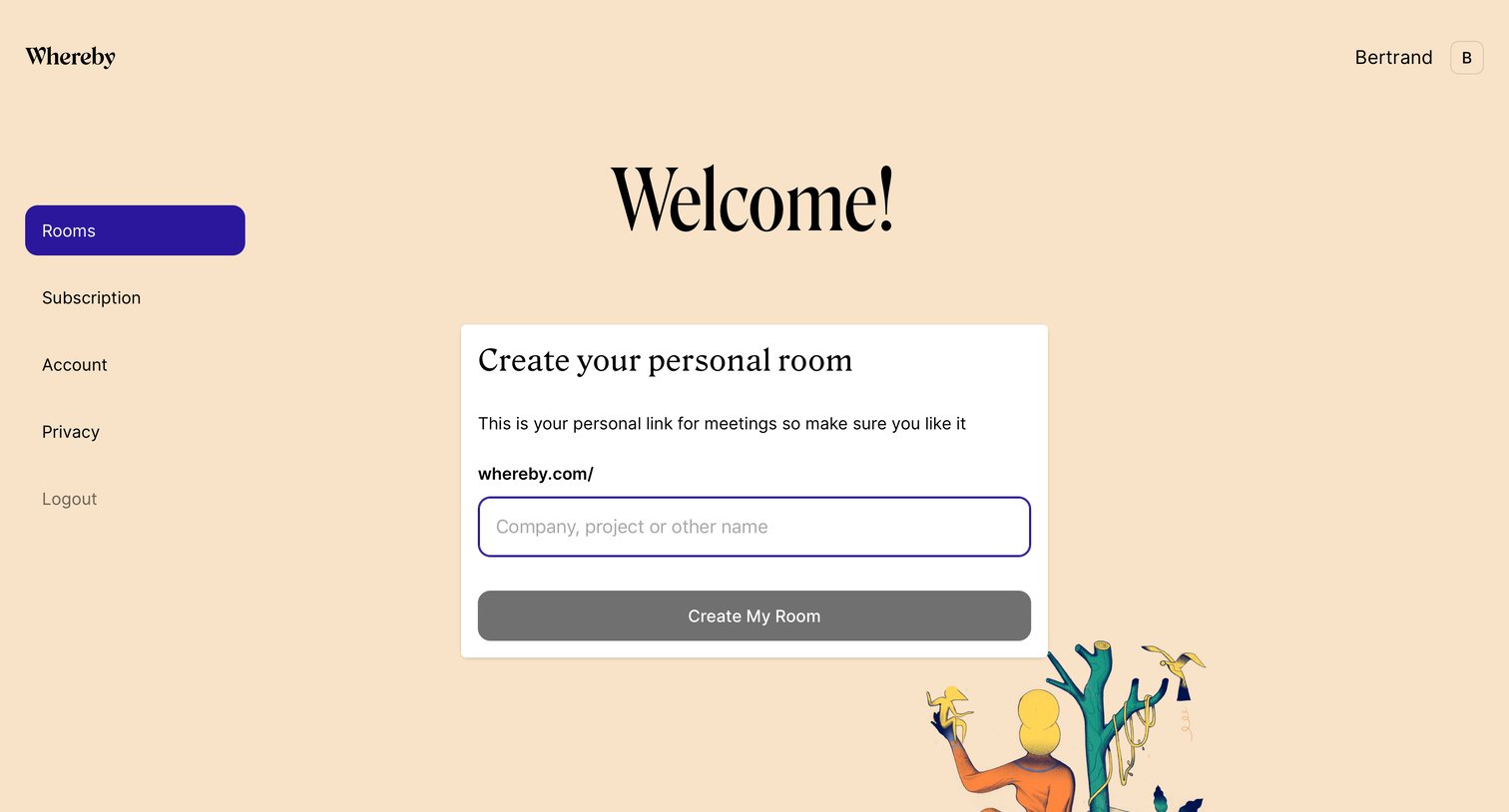
Onboarding screen where a new user is welcomed and prompted to create their first personal meeting room by entering a custom URL name.
Whereby - Home screen
Whereby logo
Whereby

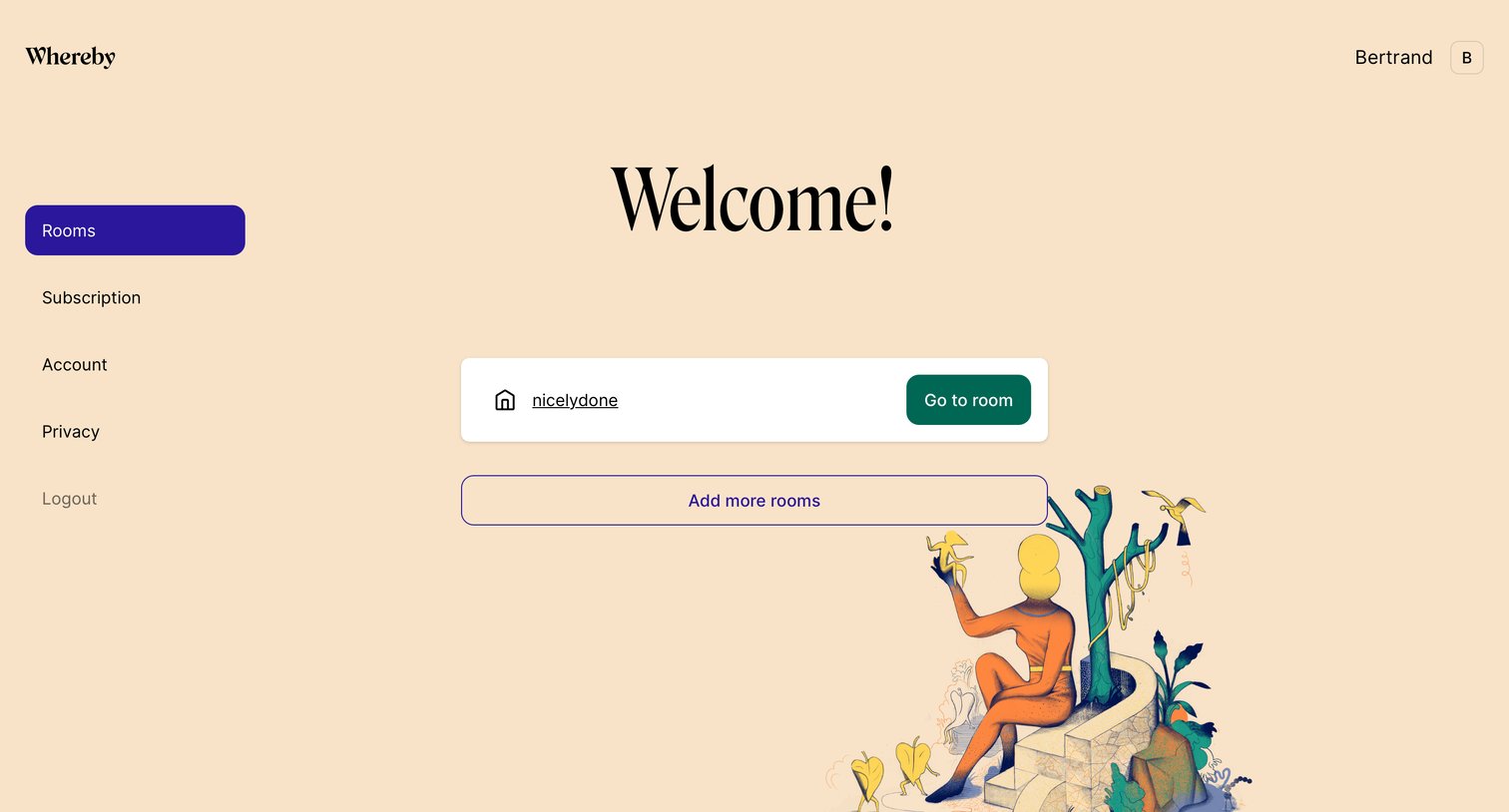
Dashboard home where the user is welcomed and can jump into their existing meeting room or create new ones.

Whereby - Profile settings screen
Whereby logo
Whereby

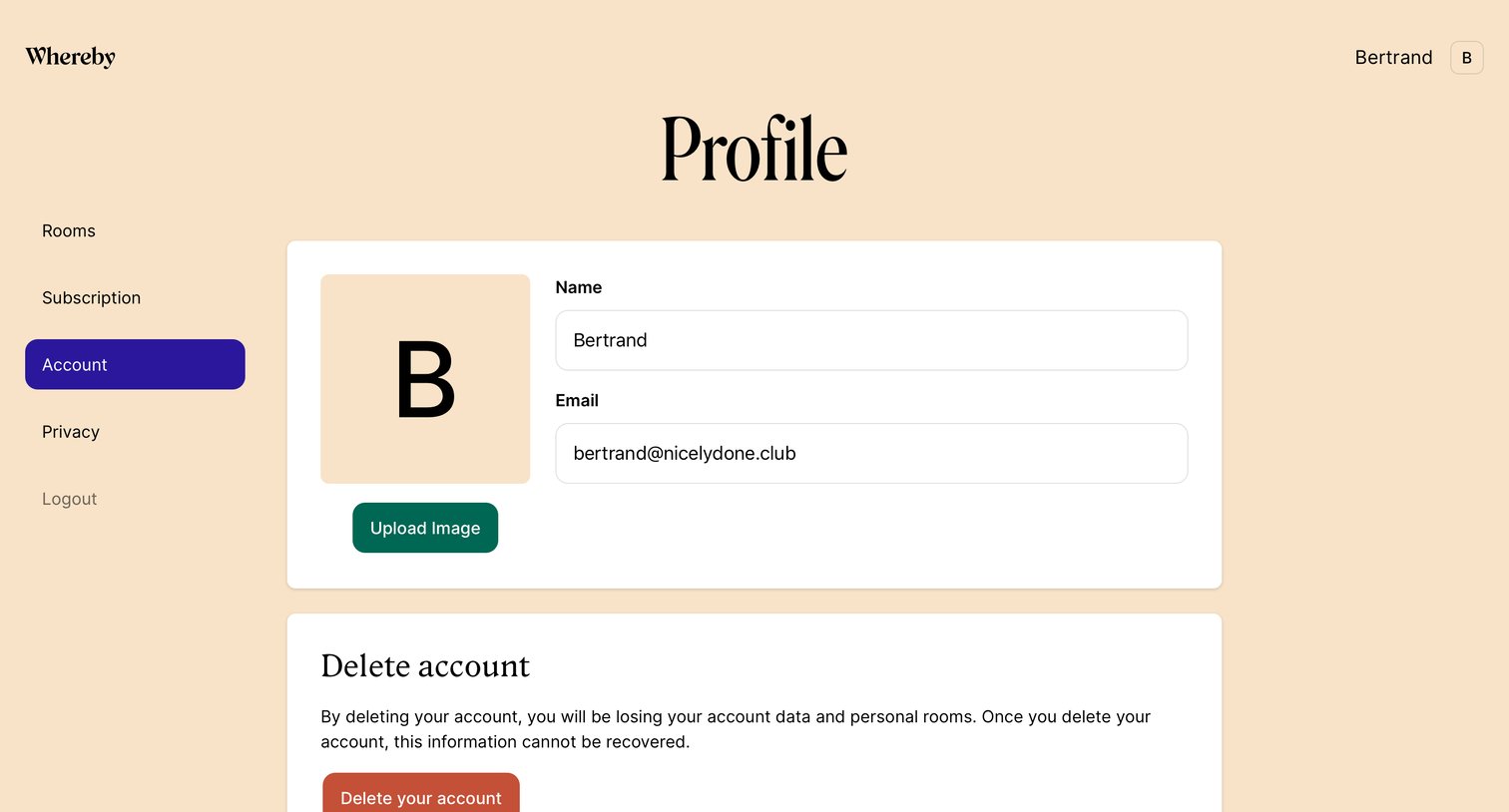
Account settings page where the user can update their name, email, upload a profile image, or permanently delete their account.
Whereby - Room screen
Whereby logo
Whereby

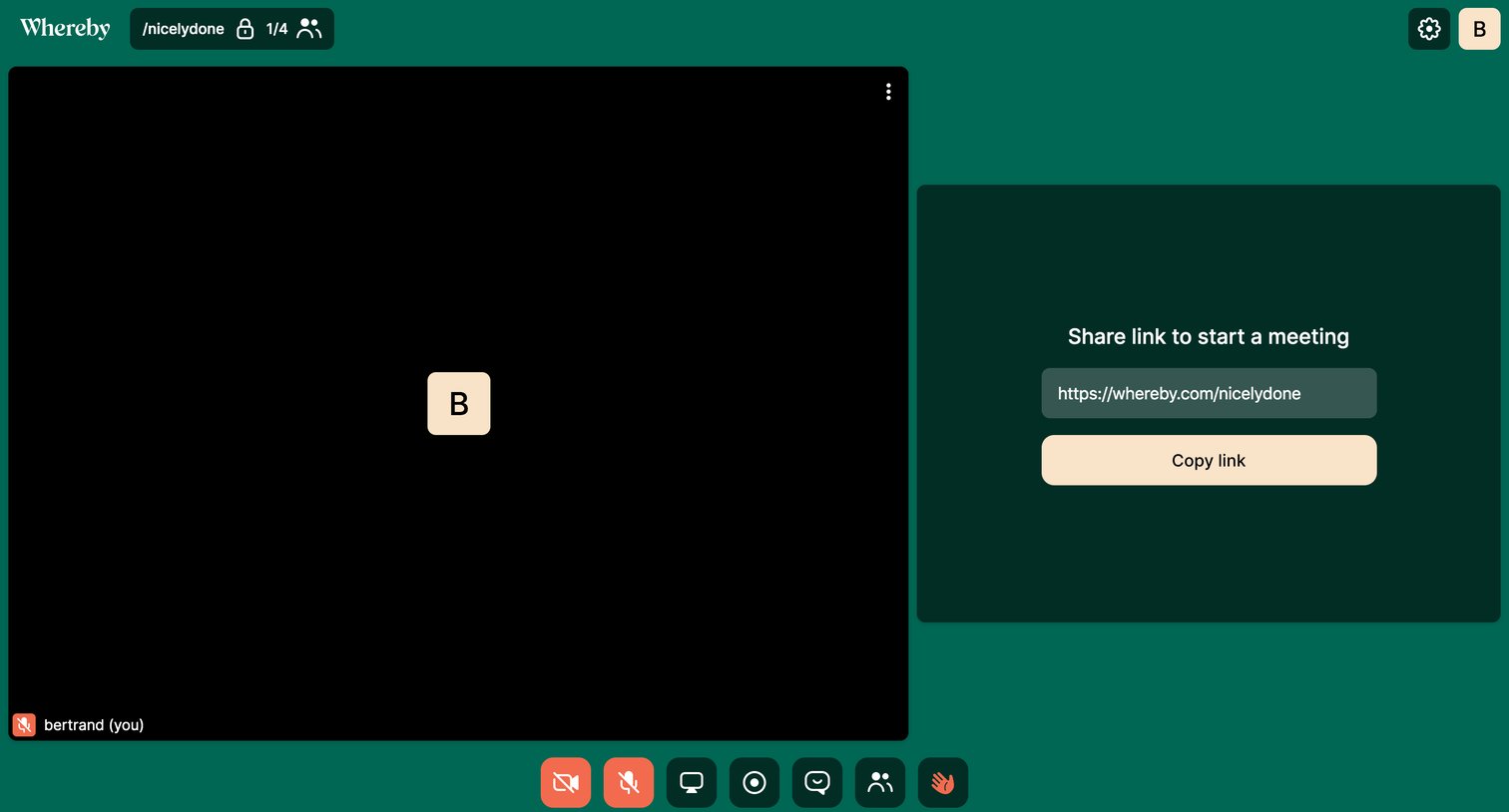
Detail page where a user waits alone in a video meeting room and can copy the link to invite others.
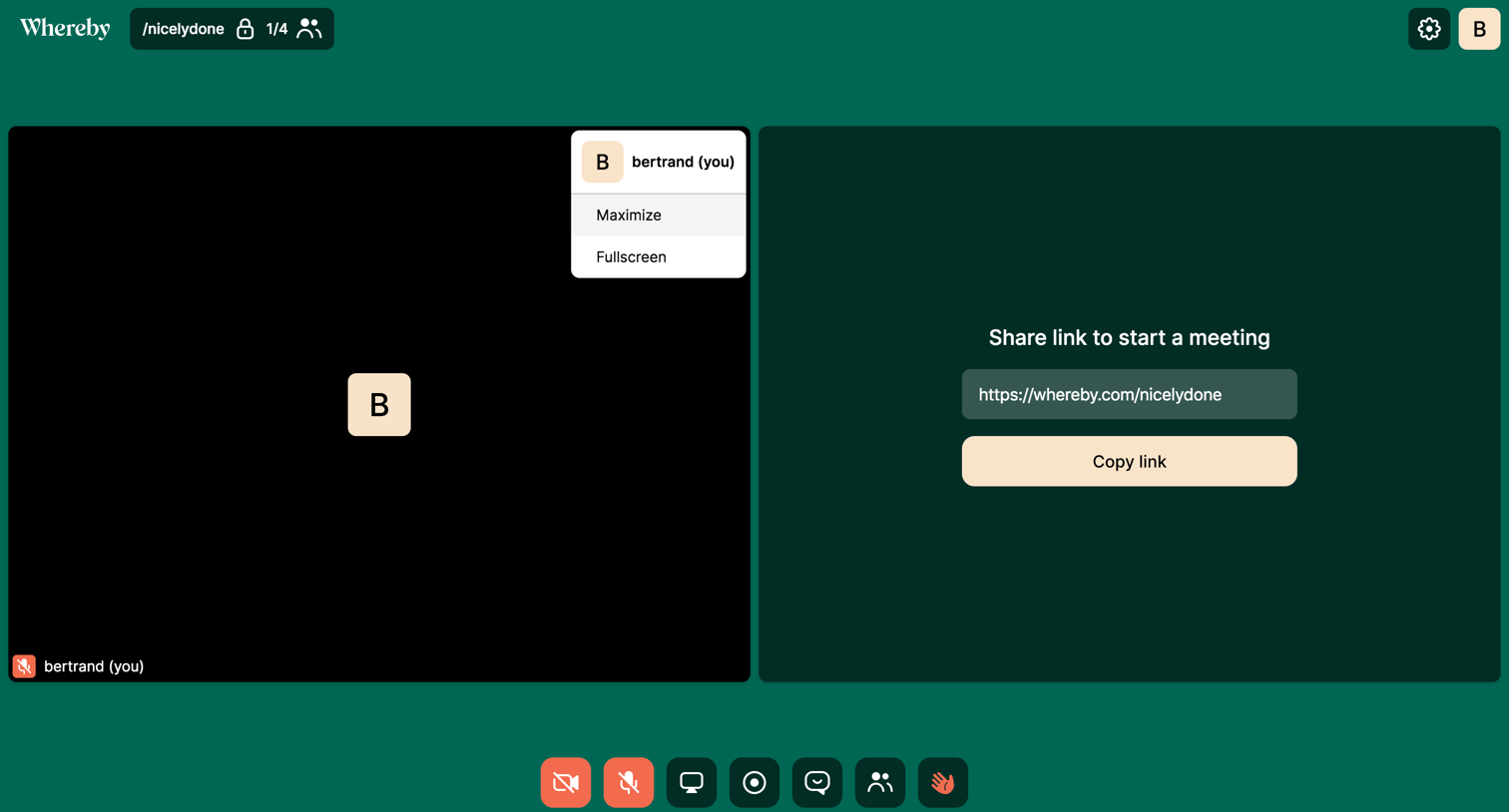
Whereby - Dropdown screen
Whereby logo
Whereby

Detail page where the user is alone in a video meeting room and is prompted to share the link to invite others.
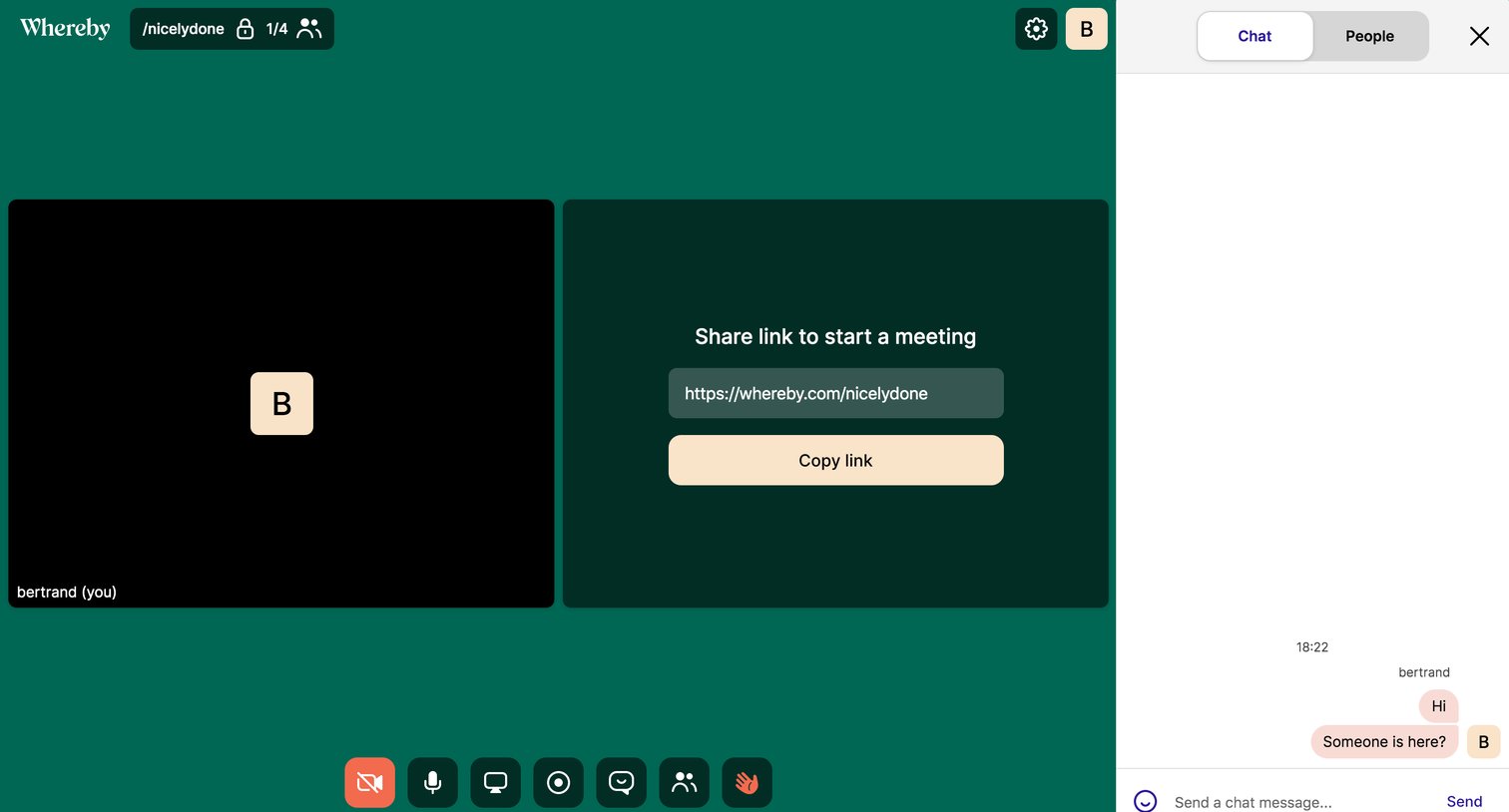
Whereby - Room chat screen
Whereby logo
Whereby

Video meeting room where the user is alone and prompted to share the link to invite others, with a chat sidebar open.

Whereby - Premium feature screen
Whereby logo
Whereby

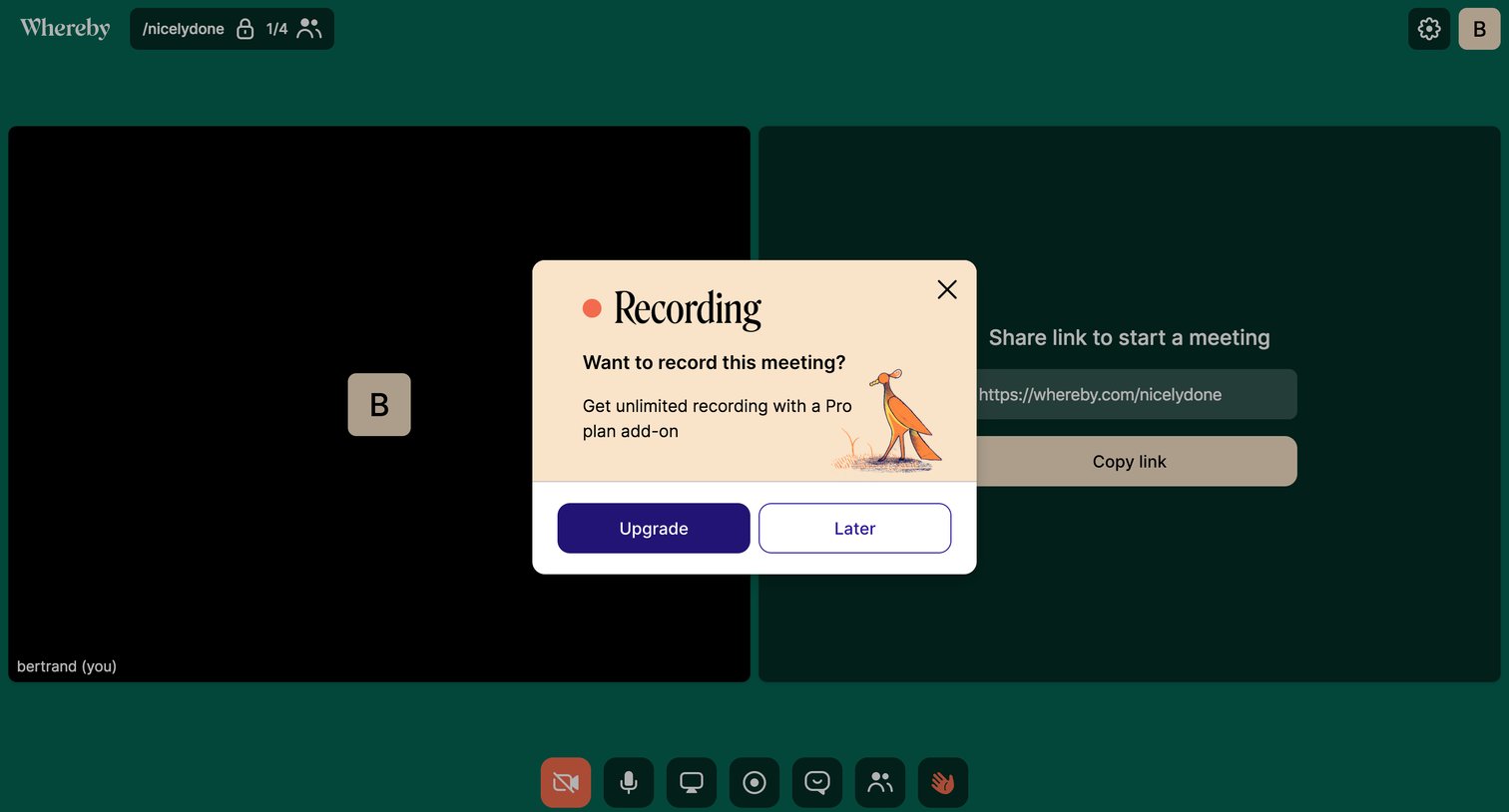
Paywall modal where the user is prompted to upgrade to a Pro plan to unlock unlimited meeting recording.
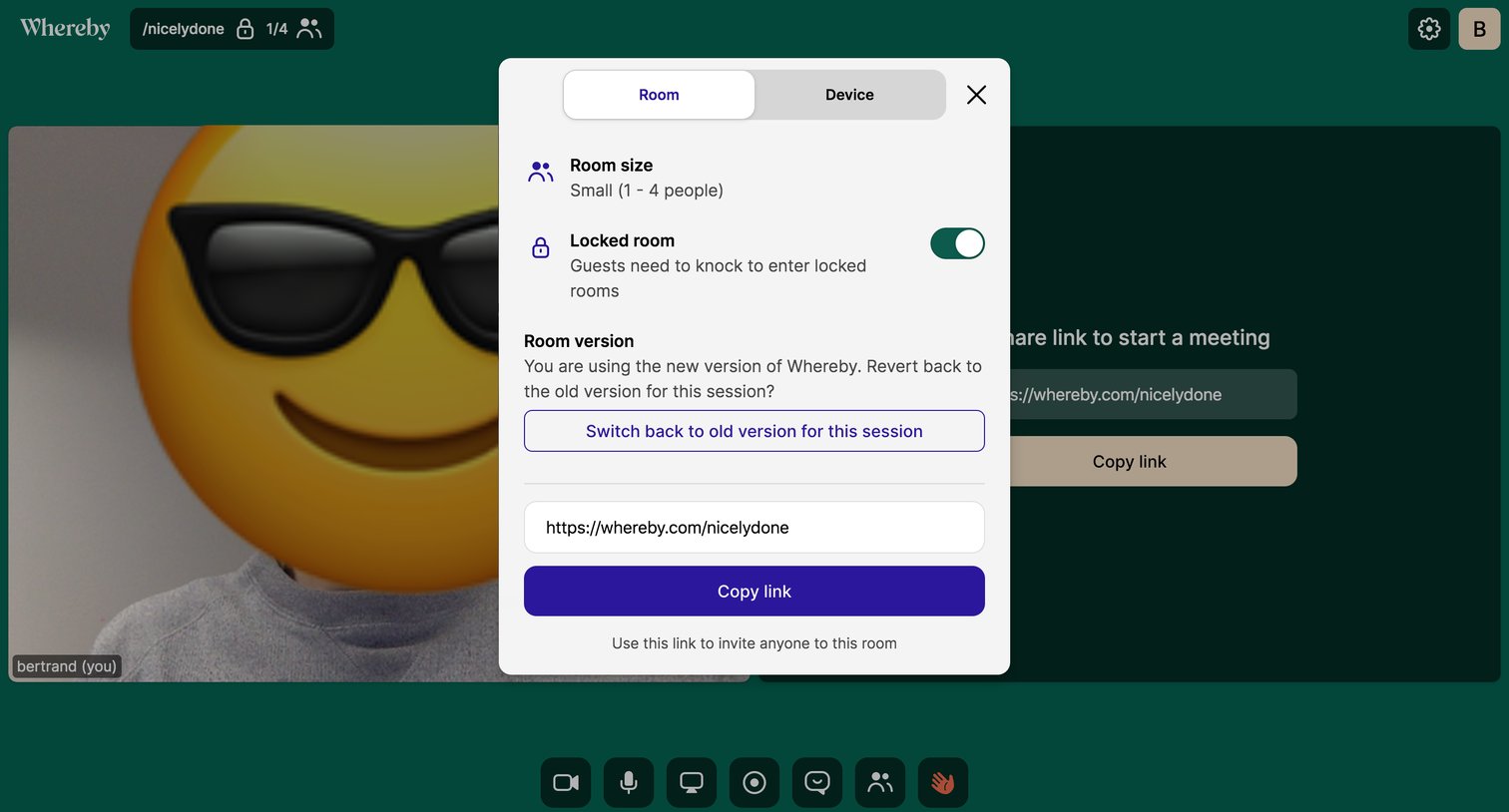
Whereby - Room settings screen
Whereby logo
Whereby

Video conferencing room settings modal where the user can toggle the room lock, revert to an older app version, and copy the invite link.

Explore the full SaaS screen library

Upgrade to unlock the full library.

Trusted by the best teams