Wealthfront product screens examples
Browse Wealthfront screen design examples. Preview the interface screenshots and explore related UI patterns. Invest for the long term on your terms
Explore the examples
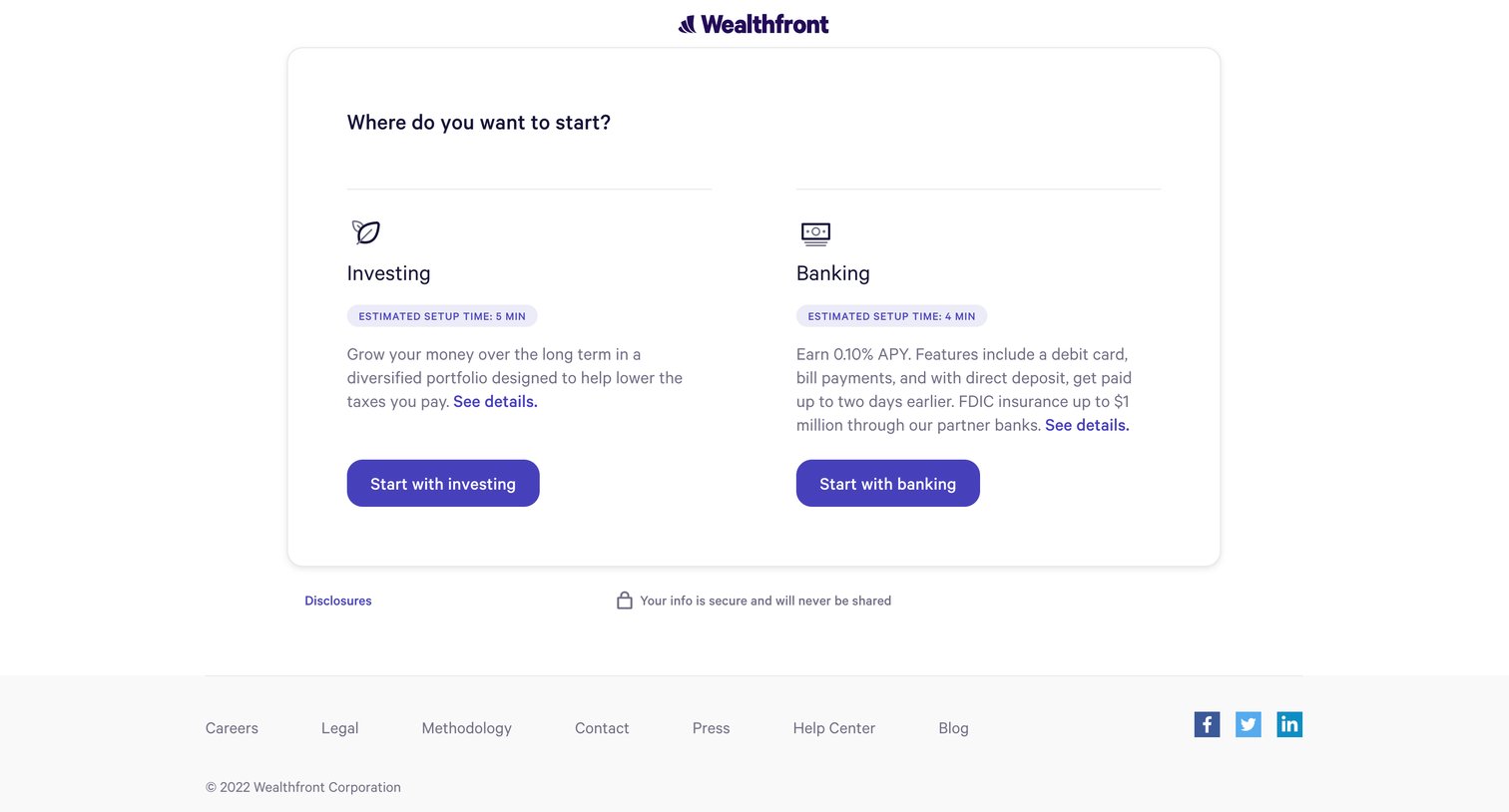

Onboarding step where the user chooses to start with either an investing or banking account, complete with setup time estimates.
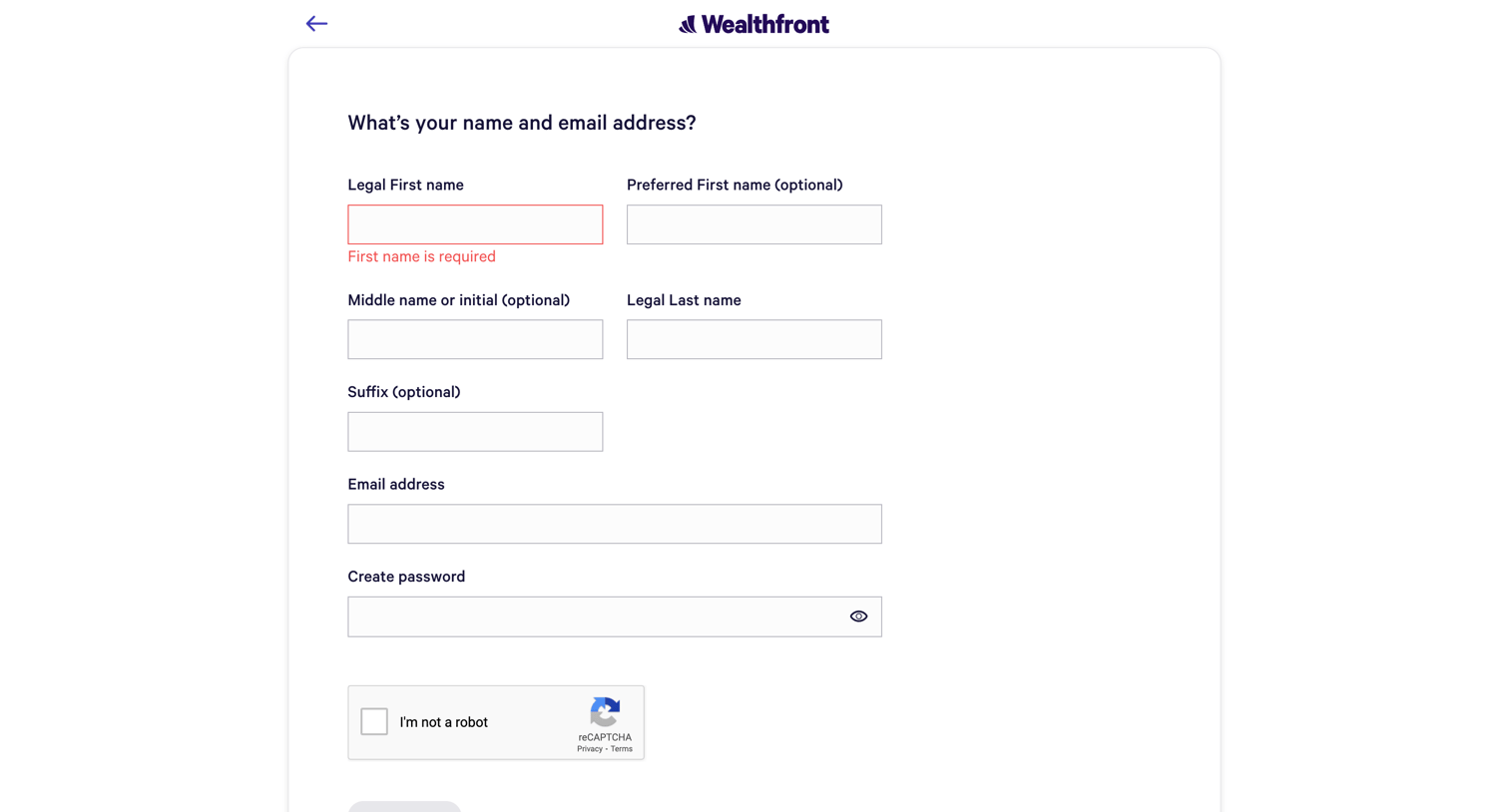
Signup page where the user enters their personal details and email to create an account, currently showing a validation error for a missing first name.
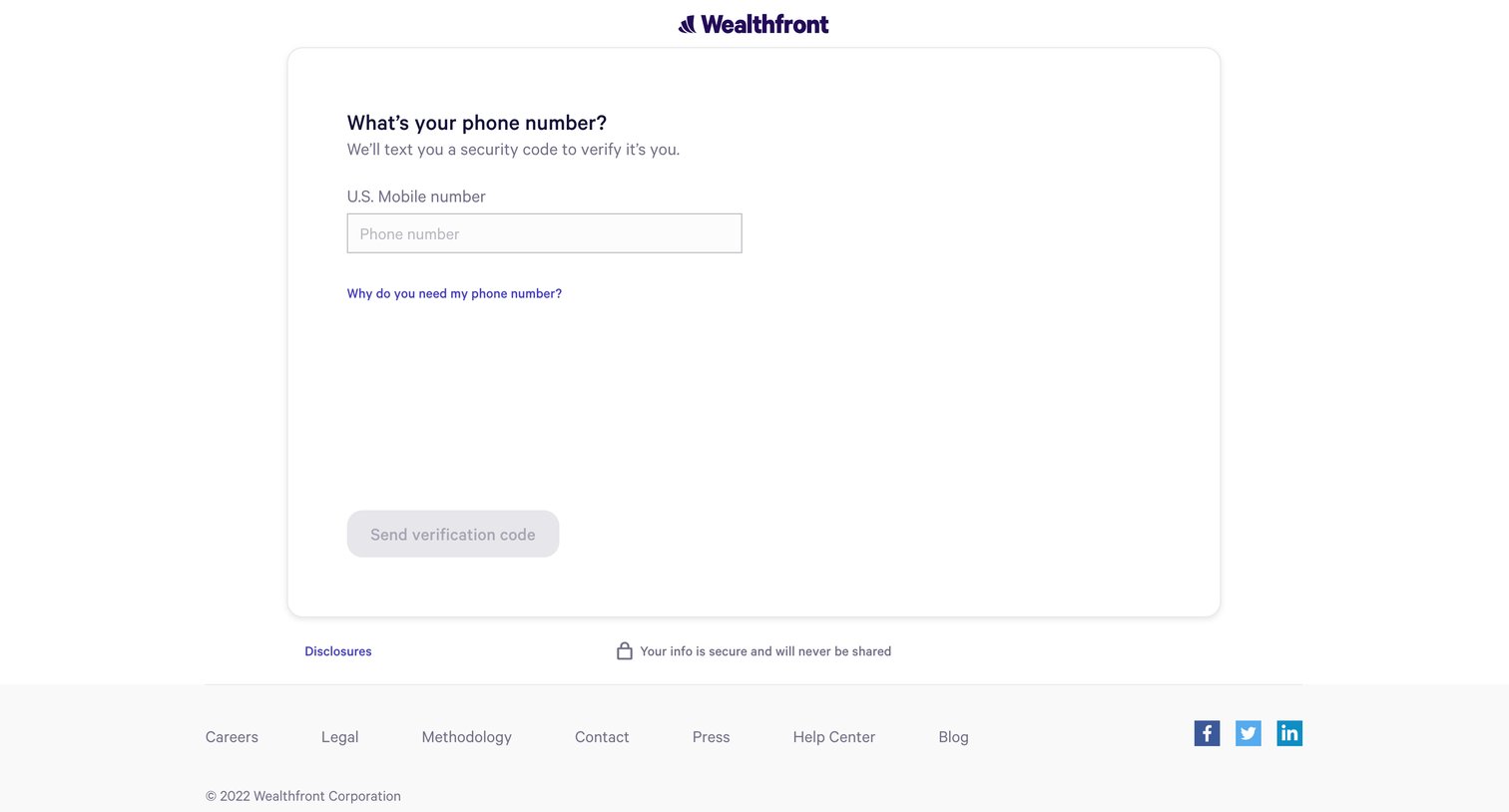
Verification screen where the user enters their U.S. mobile number to receive a security code via text message.
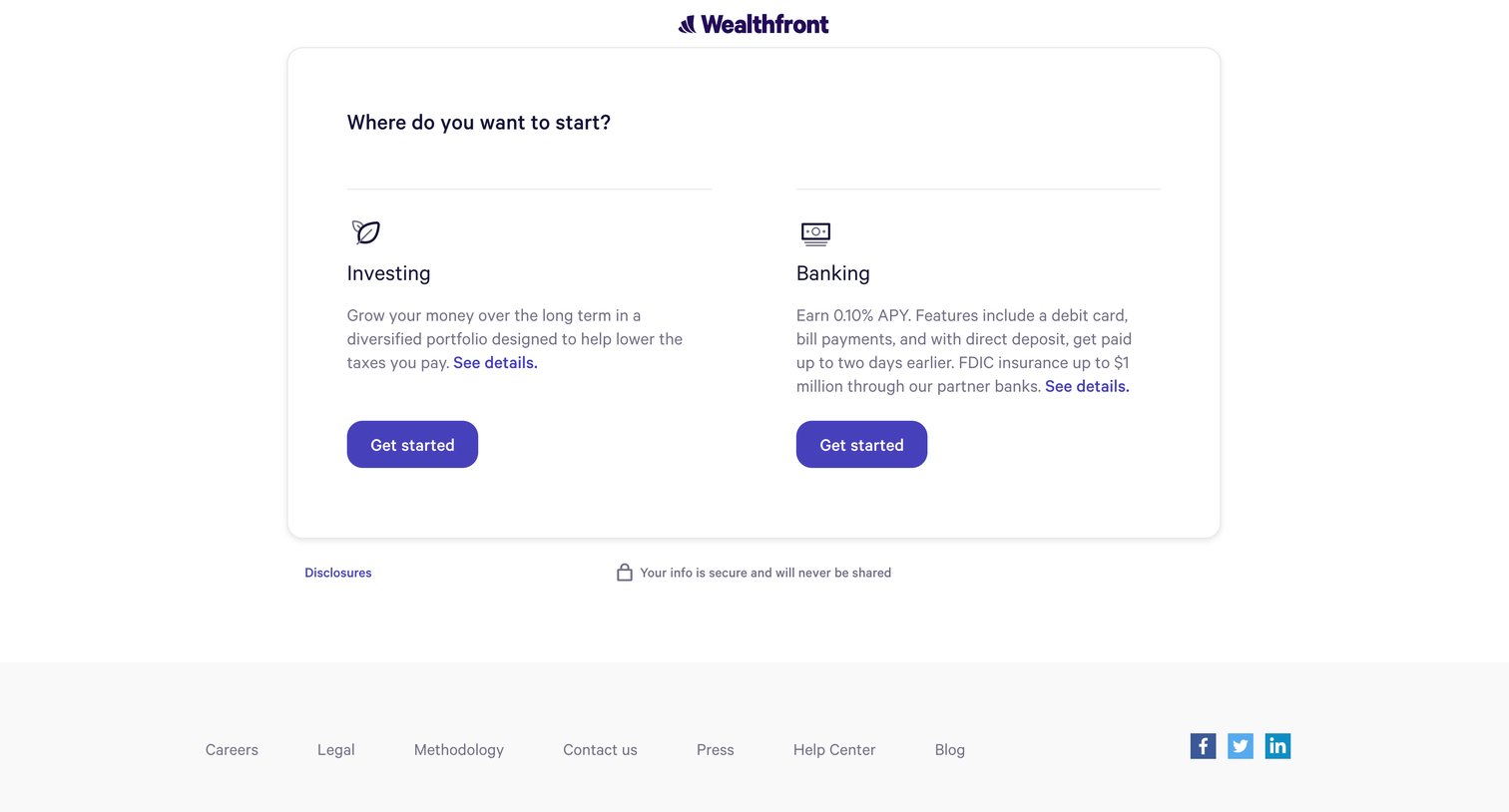
Onboarding step where the user chooses to start with either an investing or banking account.
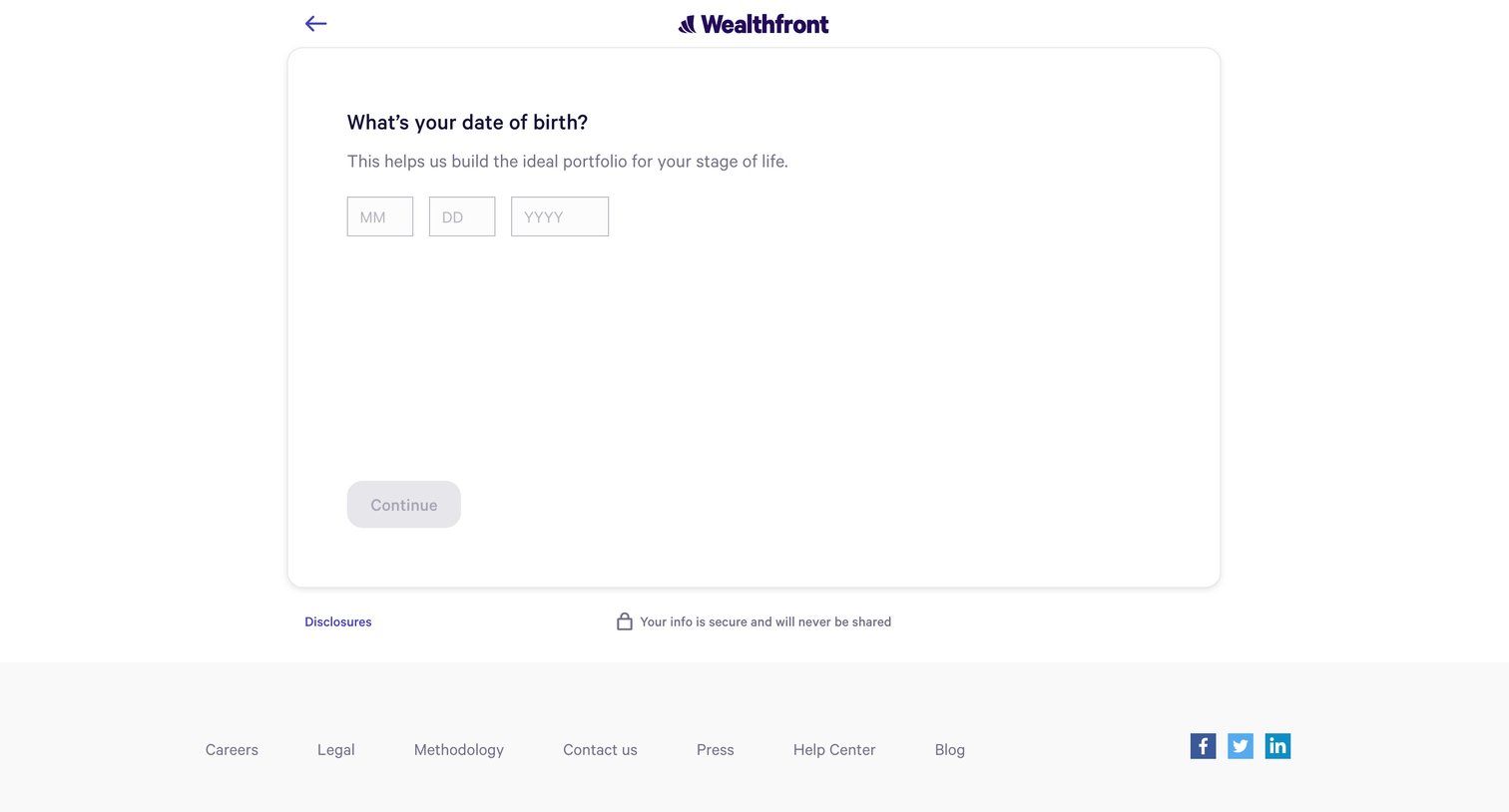
Onboarding step where the user enters their date of birth into three text fields to help build their investment portfolio.
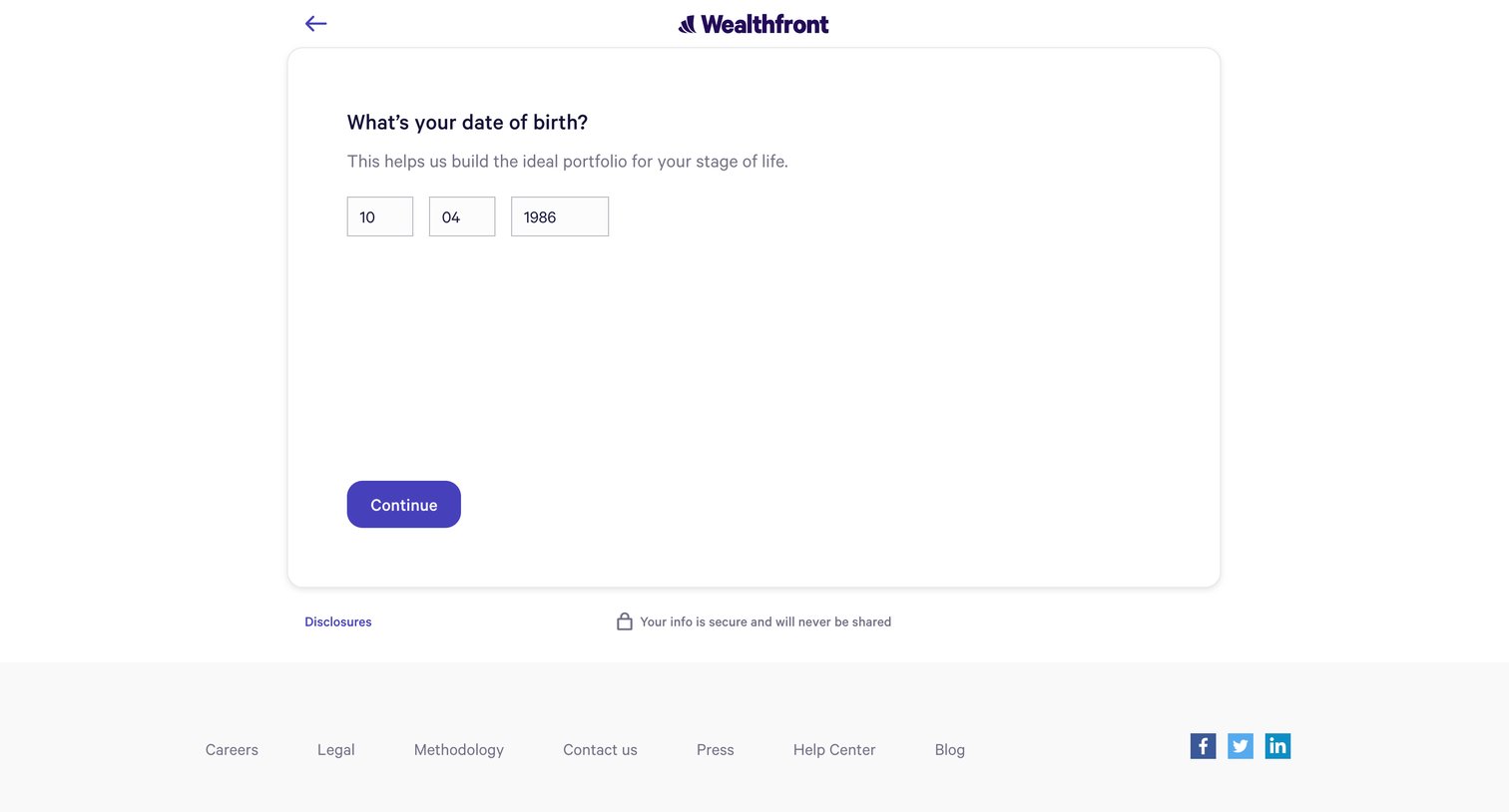
Onboarding step where the user enters their date of birth to help build their investment portfolio.
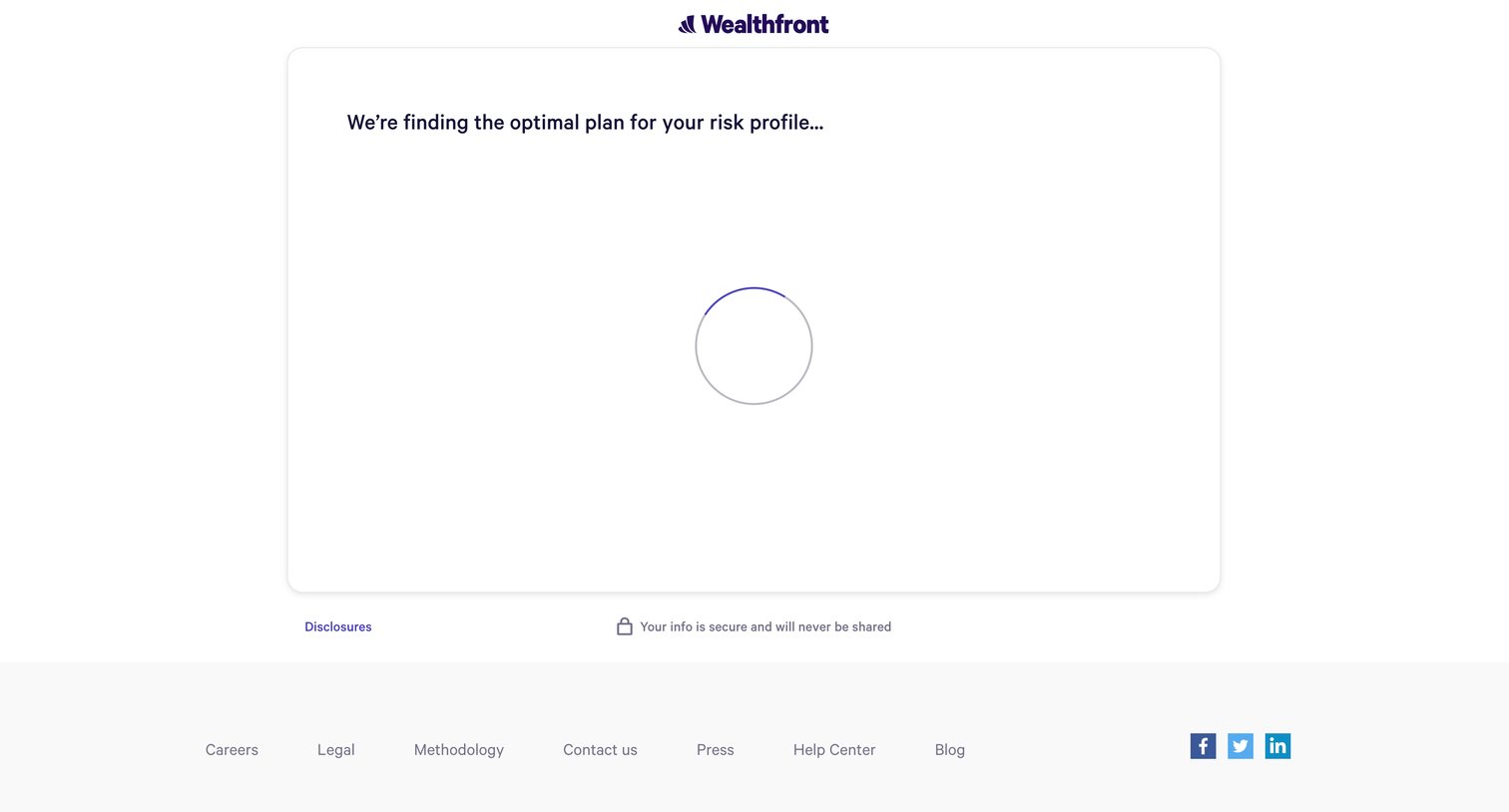
Onboarding transition screen where the app calculates the optimal investment plan based on the user's questionnaire answers while displaying a prominent loading spinner.
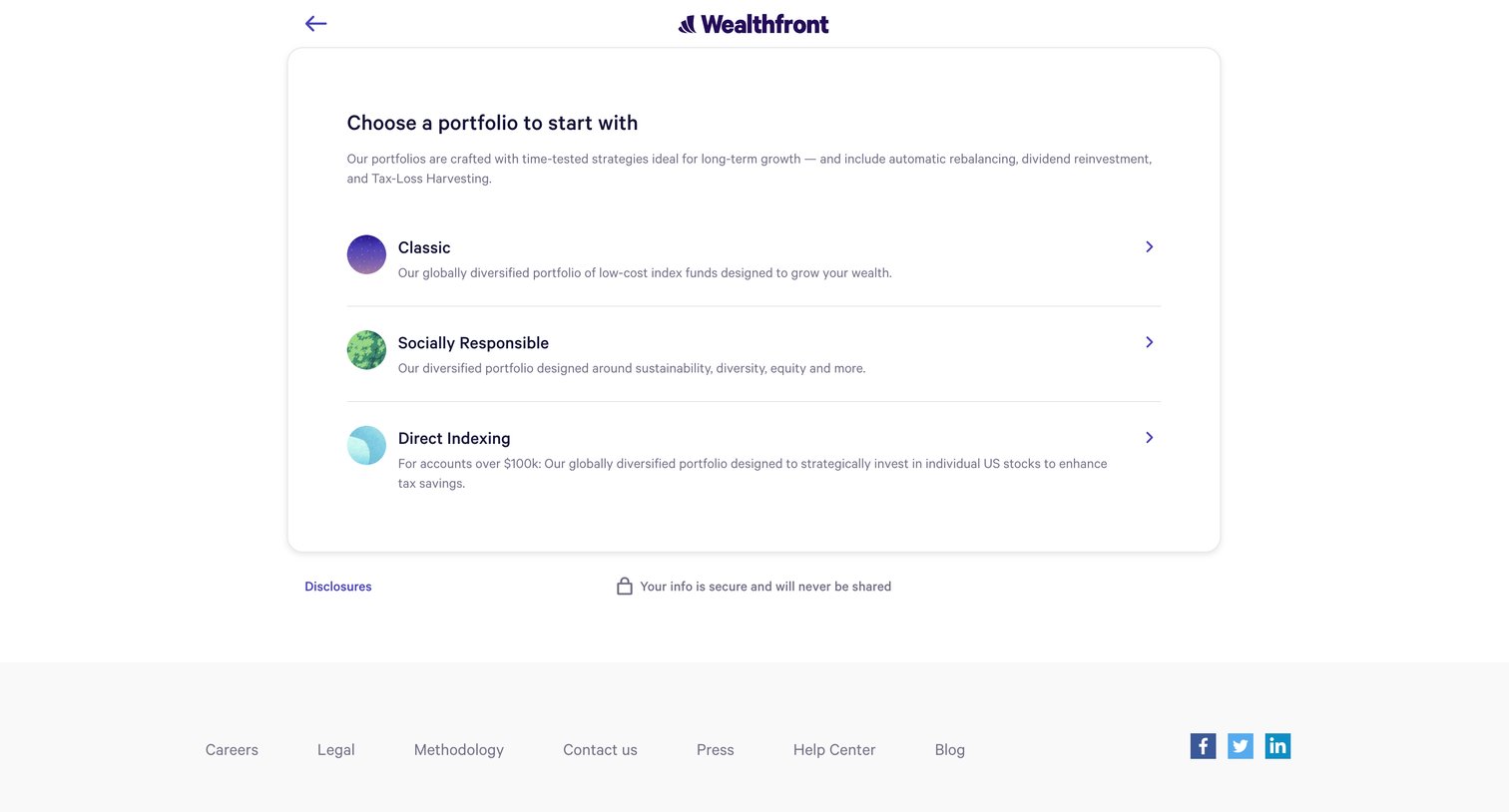
Onboarding step where the user chooses between Classic, Socially Responsible, and Direct Indexing portfolio strategies.
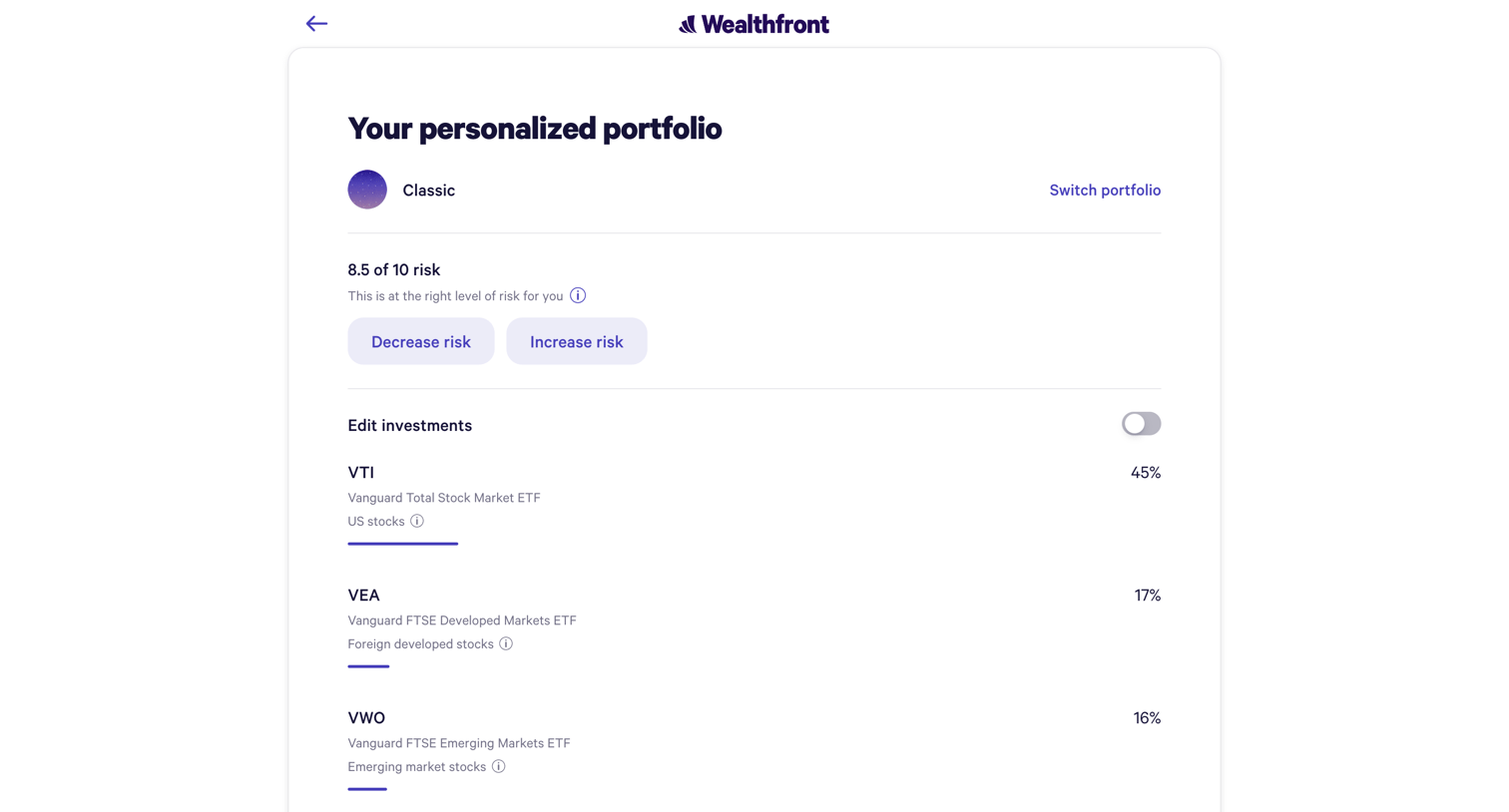
Onboarding step where the user reviews their recommended portfolio allocation, adjusts their risk tolerance, and views the specific ETF breakdown before continuing.
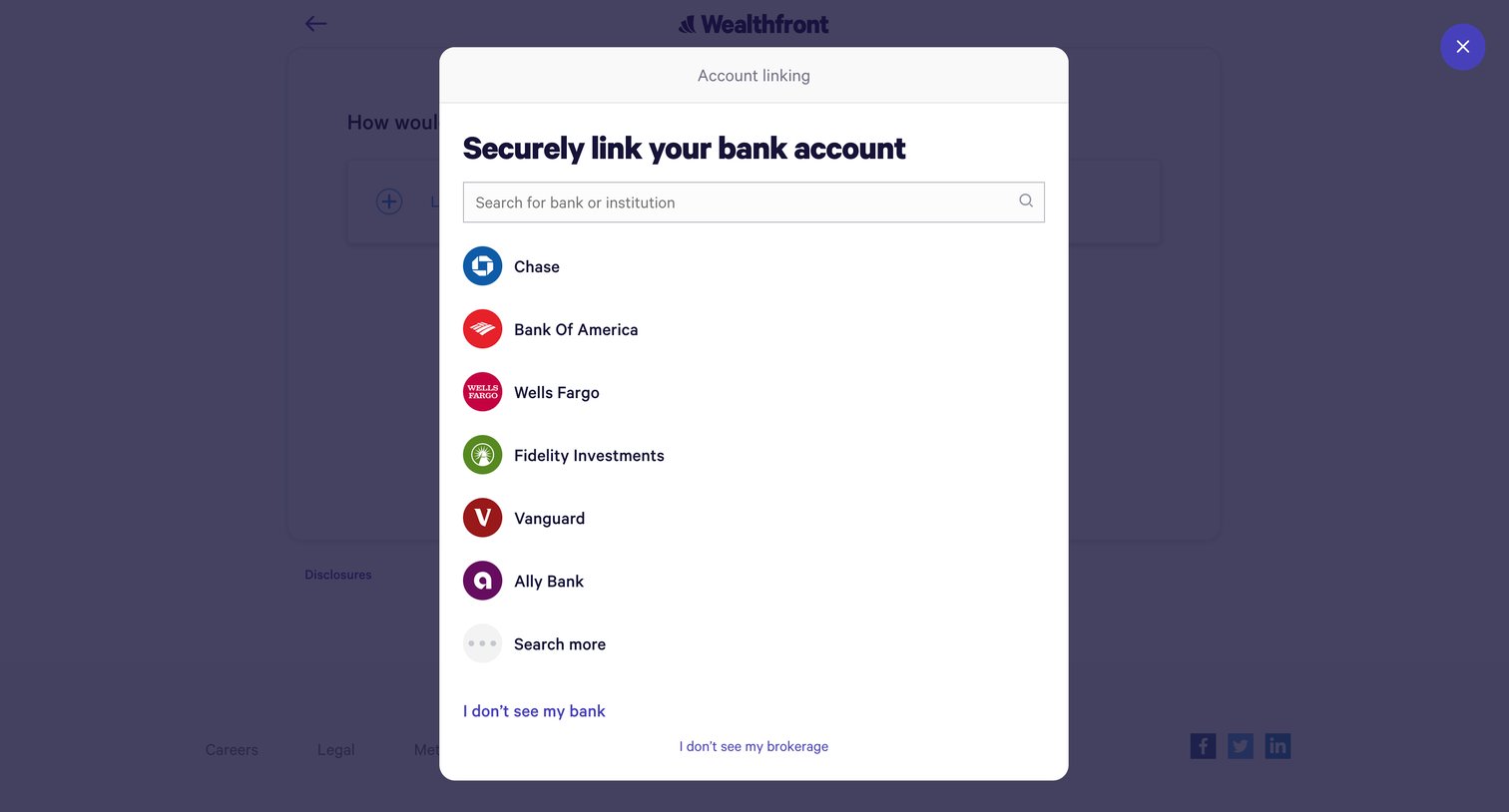
Onboarding step where the user searches for and selects their bank or institution from a list to securely link their account.
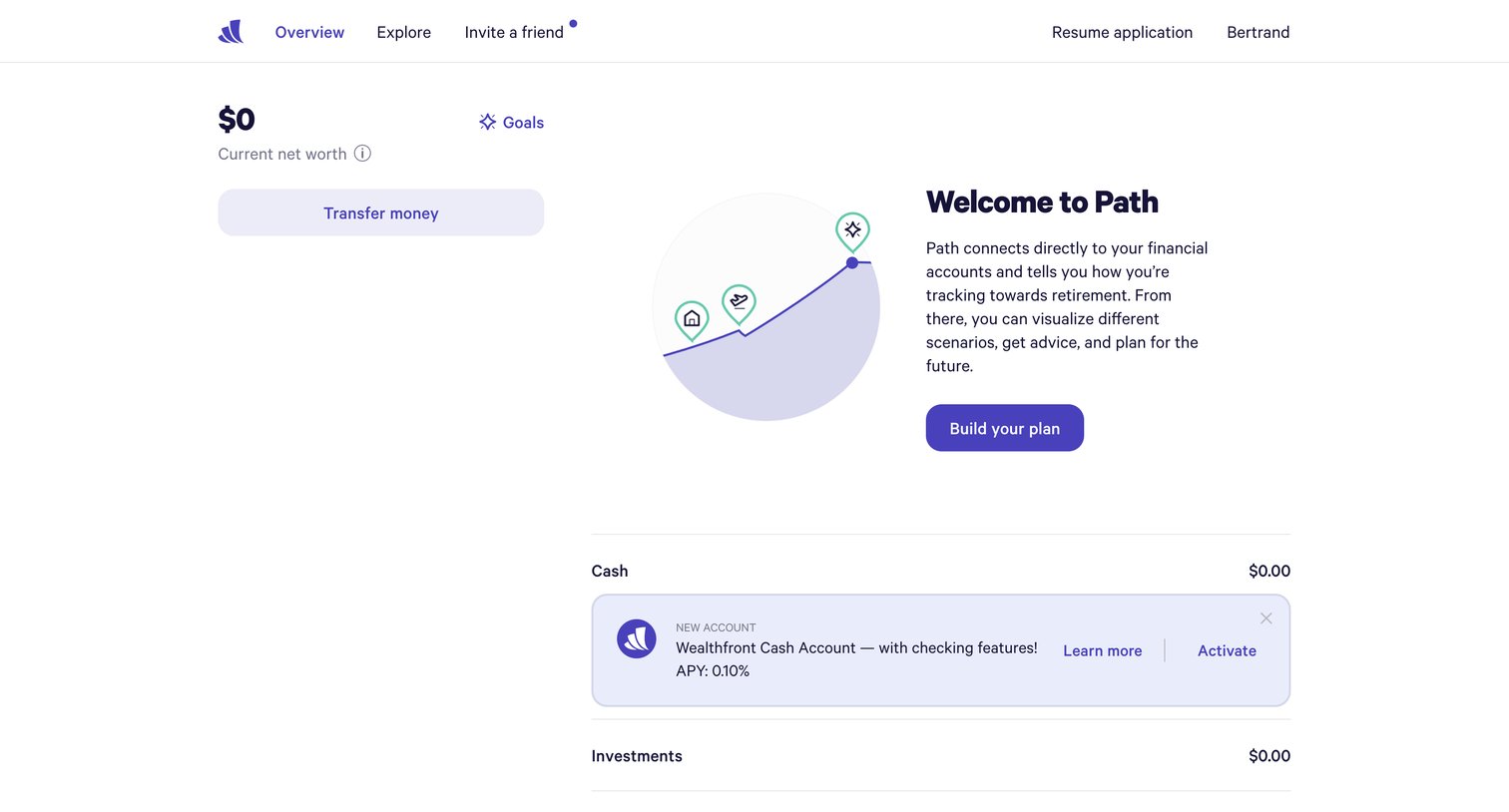
Dashboard overview in an empty state where the user is prompted to build a financial plan, link external accounts, and open a cash account.
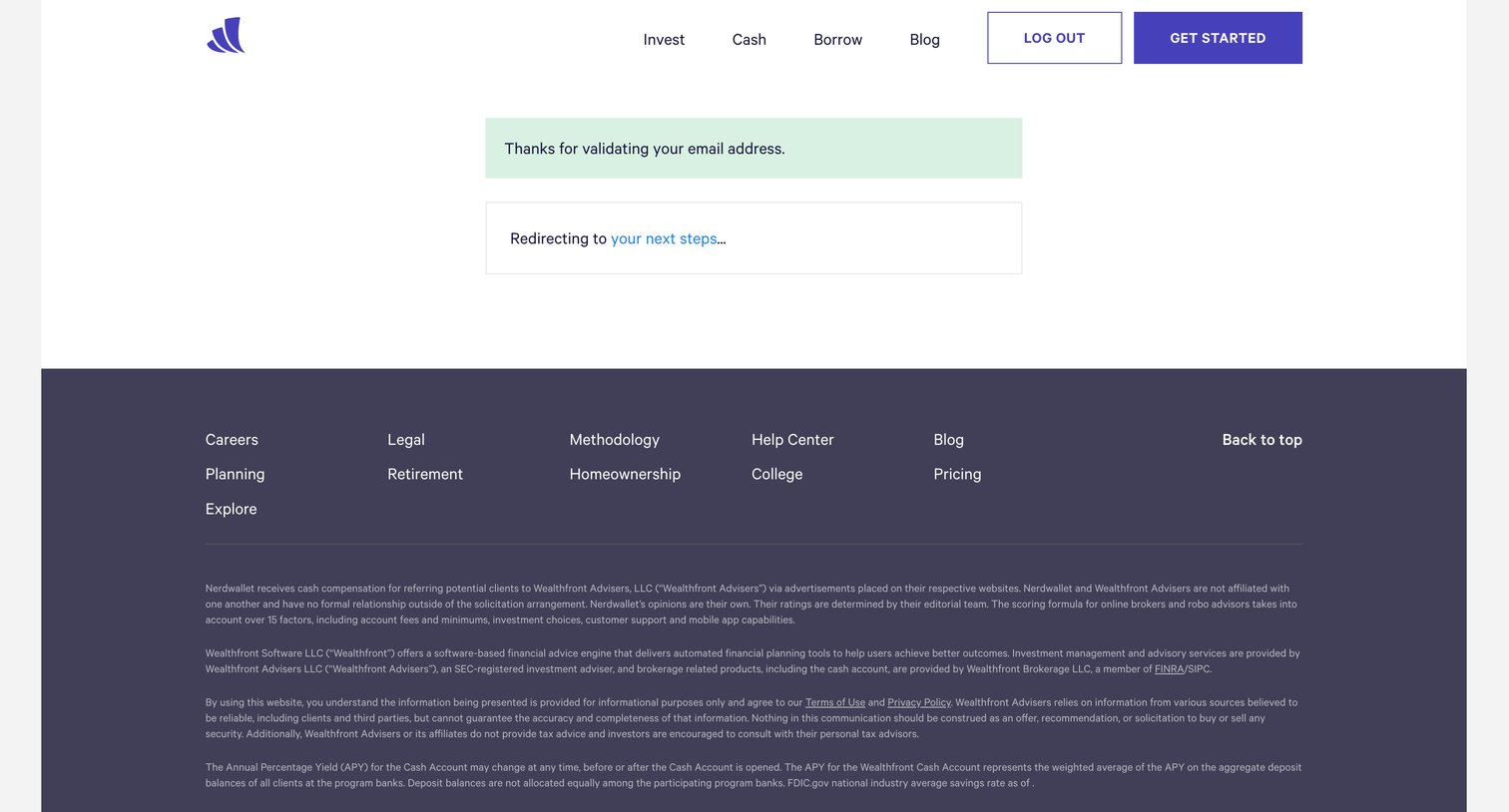
Verification screen confirming successful email validation and indicating an automatic redirect to the next onboarding step.
Explore the full SaaS screen library
Upgrade to unlock the full library.
Trusted by the best teams







