Volta product screens examples
Browse Volta screen design examples. Preview the interface screenshots and explore related UI patterns. Supercharged GitHub experience
Explore the examples
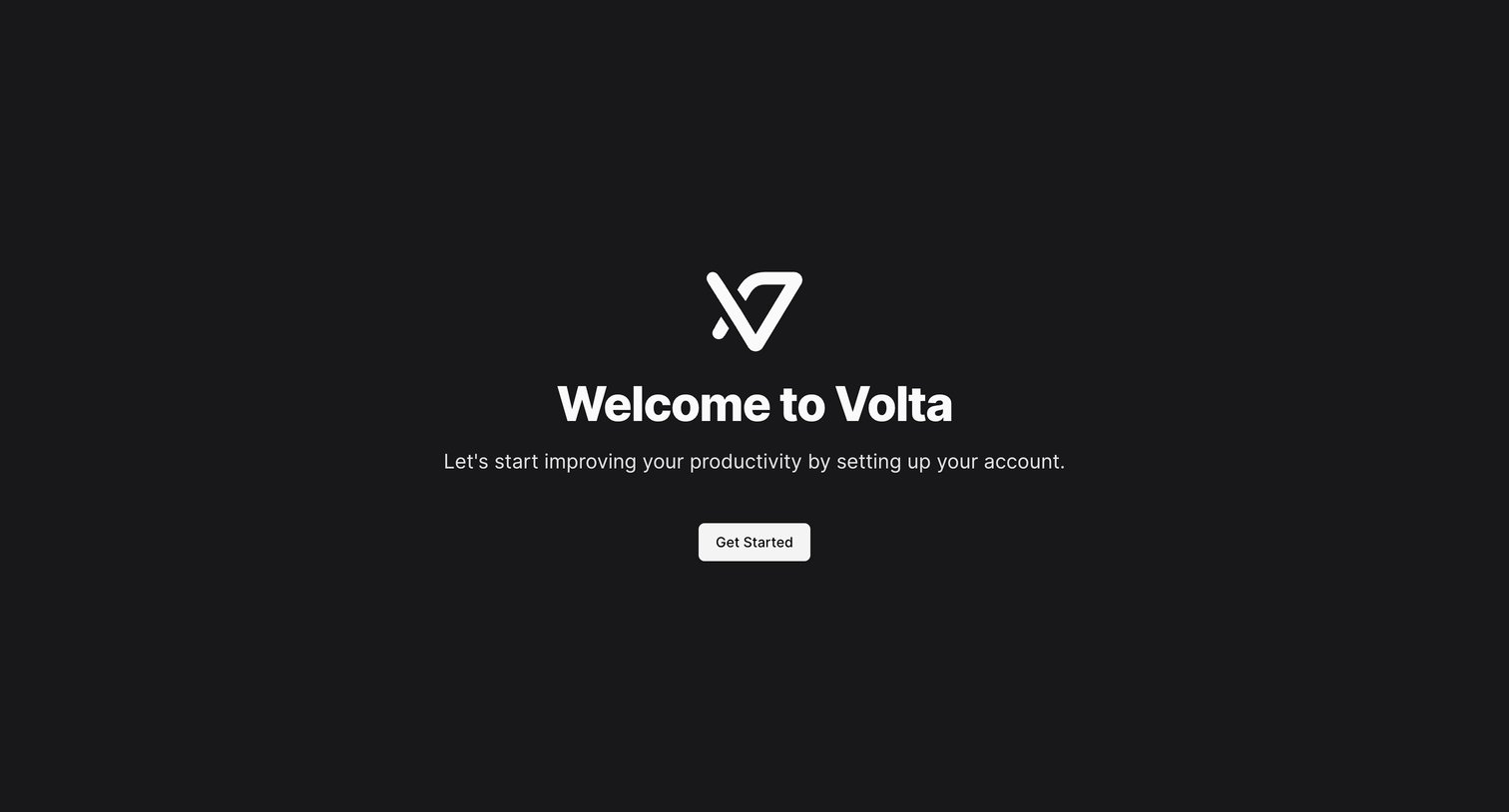

Onboarding step where the user is welcomed to Volta and prompted to begin setting up their account.
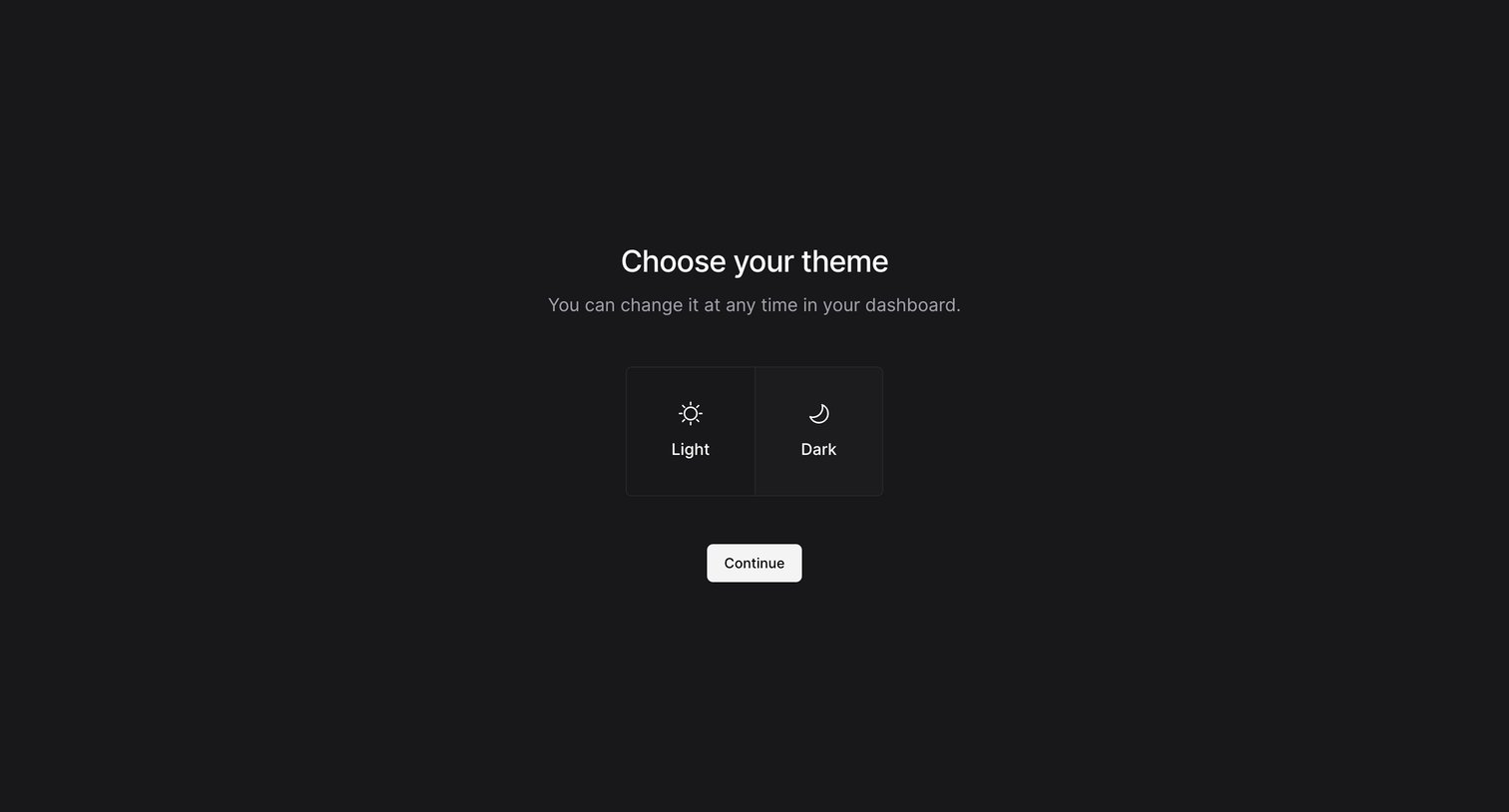
Onboarding step where the user chooses between a light and dark theme for their dashboard.
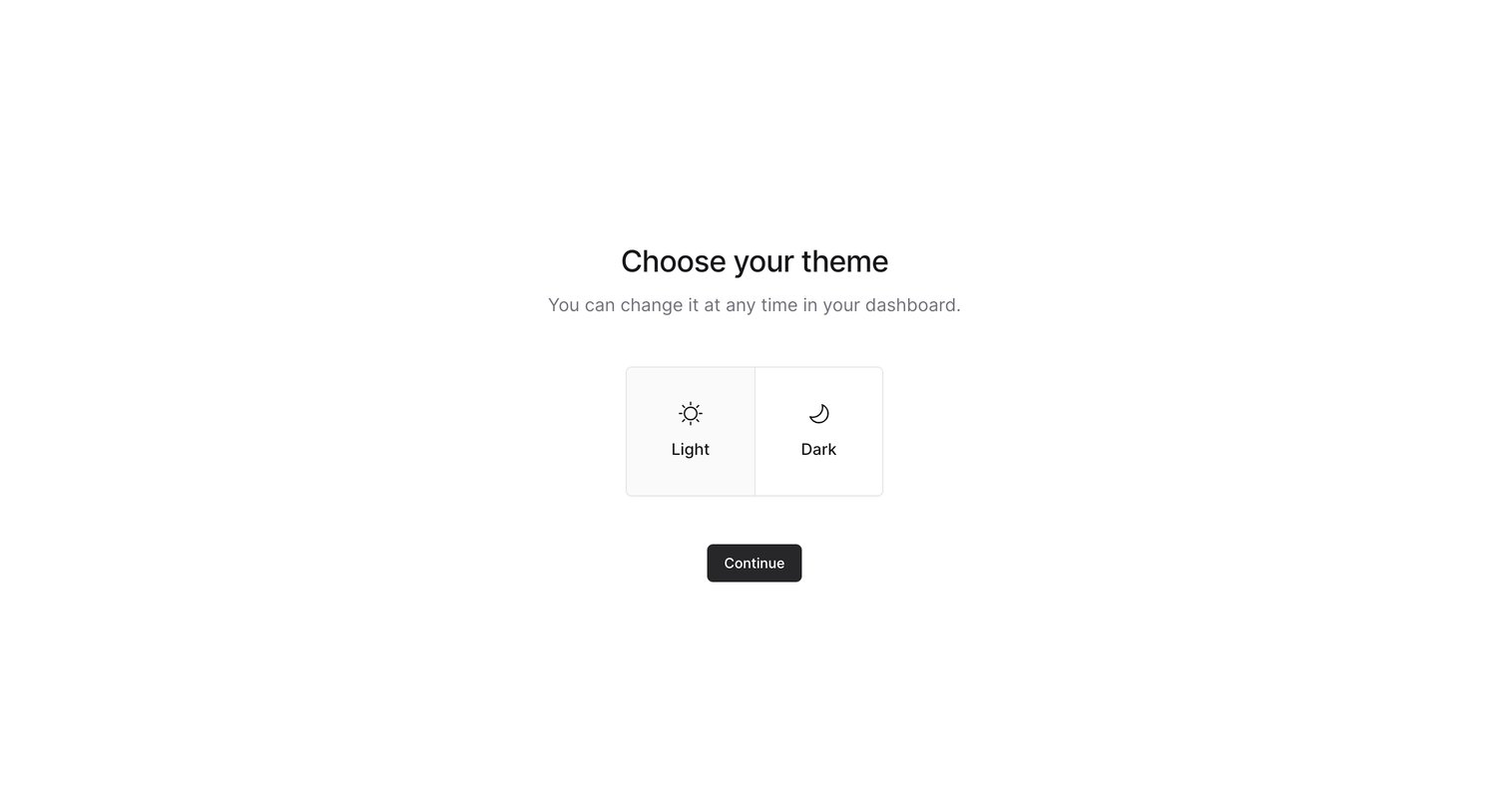
Onboarding step where the user chooses between a light and dark theme for their dashboard.
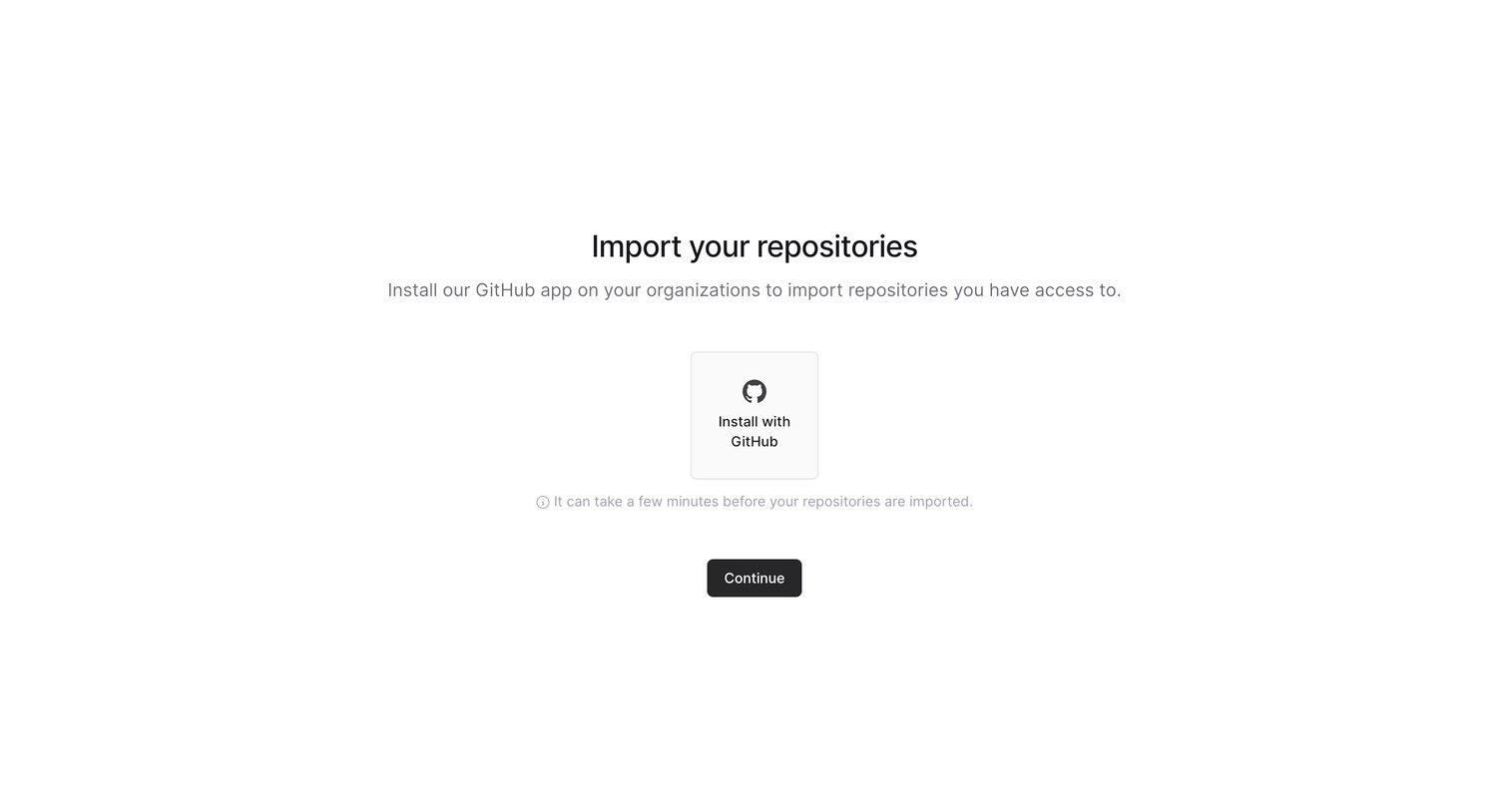
Onboarding step where the user installs a GitHub app to import repositories into their workspace.
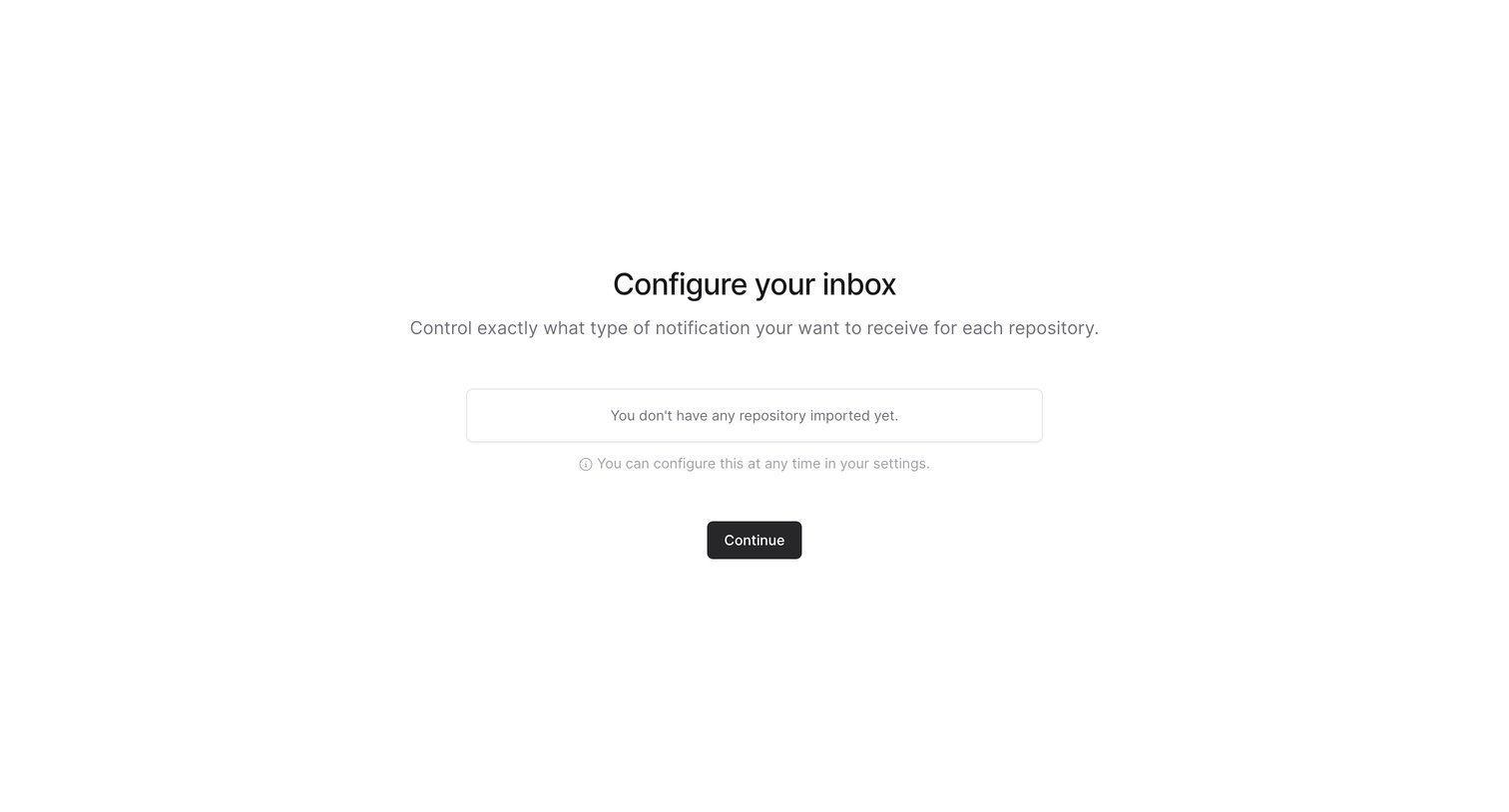
Onboarding step where the user configures notification preferences for their repositories, currently showing an empty state because no repositories are imported.
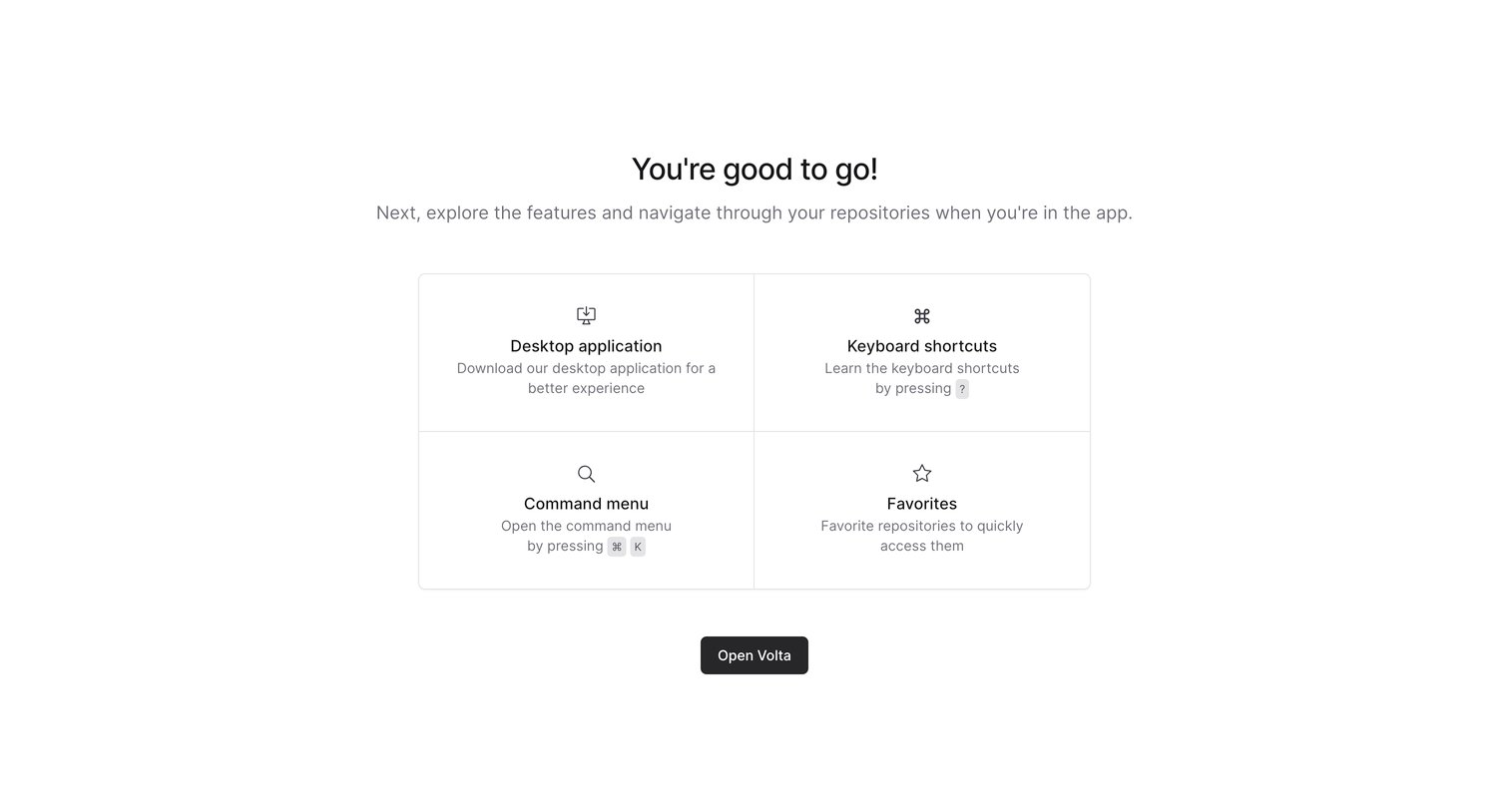
Onboarding step where the user finishes setup and is introduced to key features like the command menu and keyboard shortcuts before opening the app.
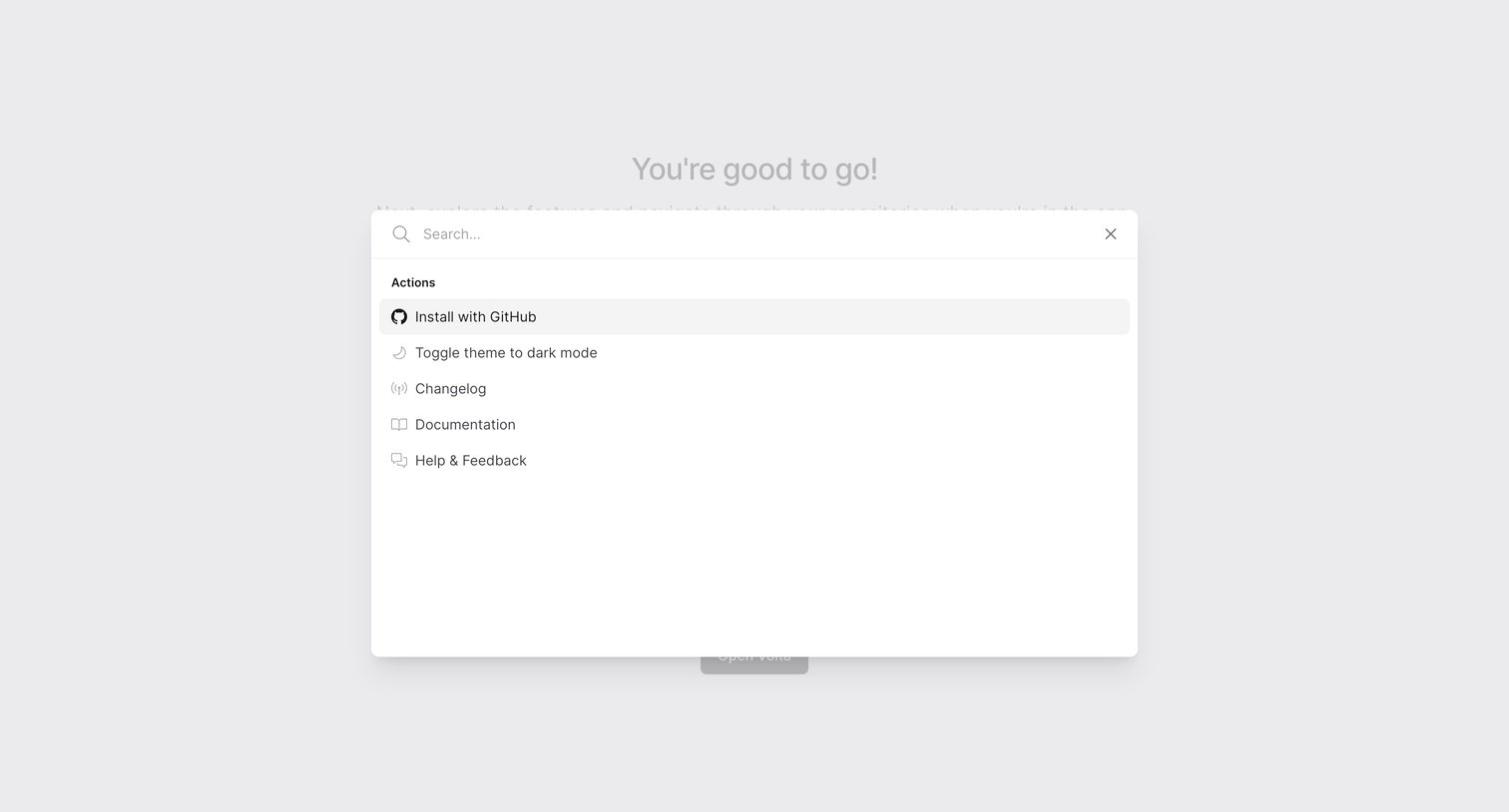
Onboarding step where the user is presented with a command palette to search for actions like installing with GitHub, toggling the theme, or viewing documentation.
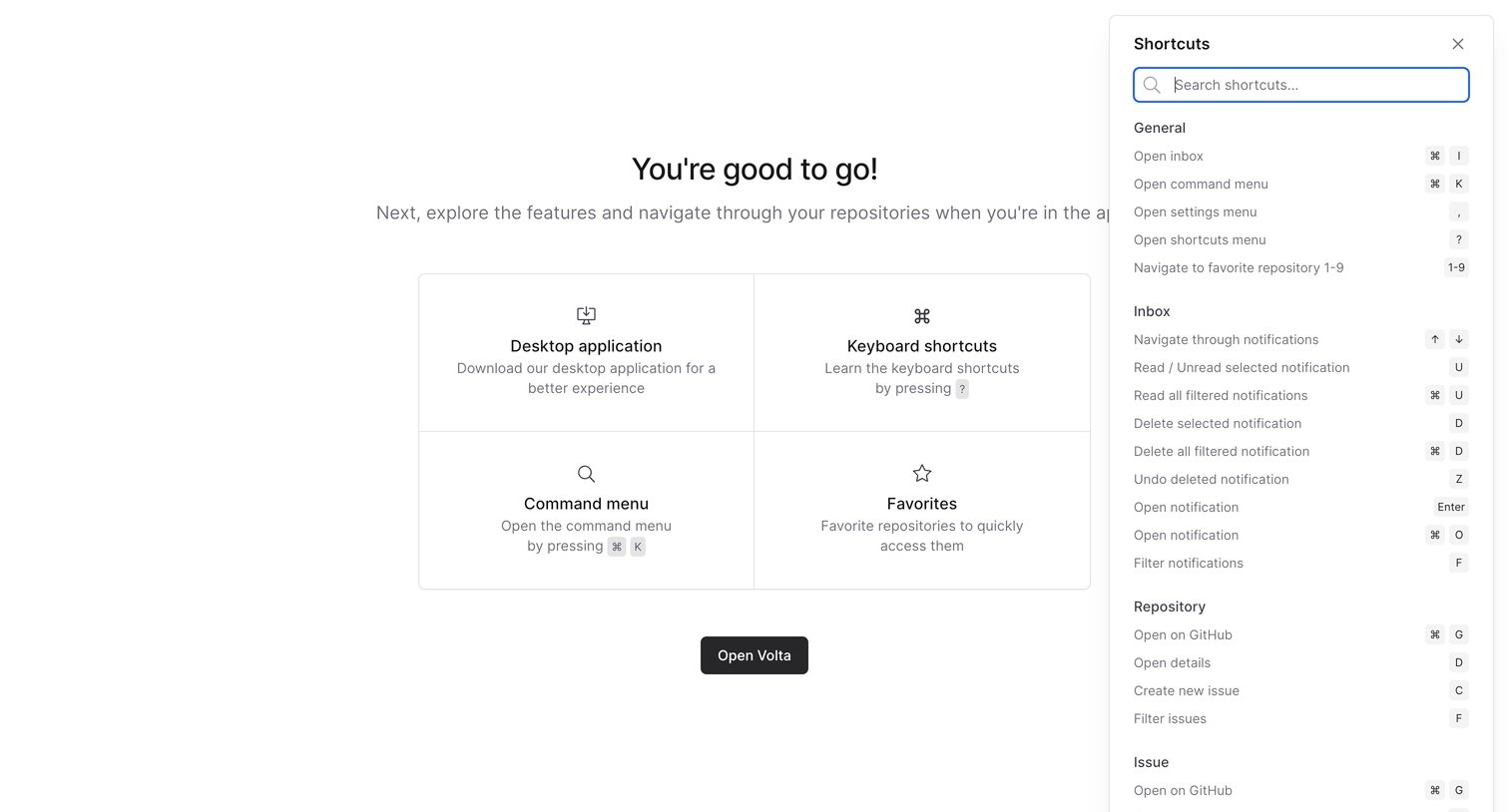
Onboarding completion screen where the user is welcomed, shown a grid of feature highlights like the desktop app and command menu, and can search a drawer of keyboard shortcuts before opening the app.
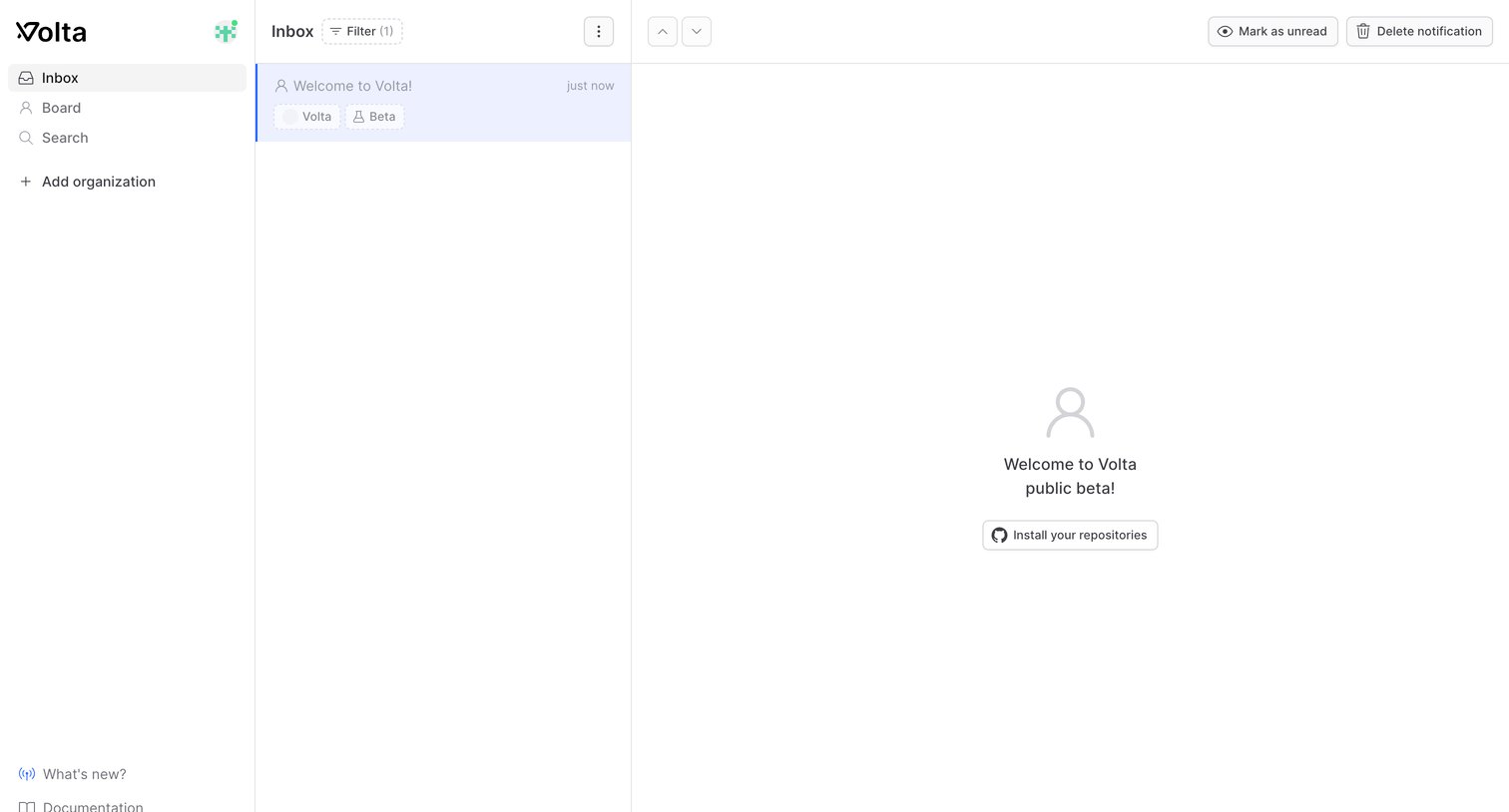
Inbox view where the user reads a welcome notification and is prompted to connect their GitHub repositories.
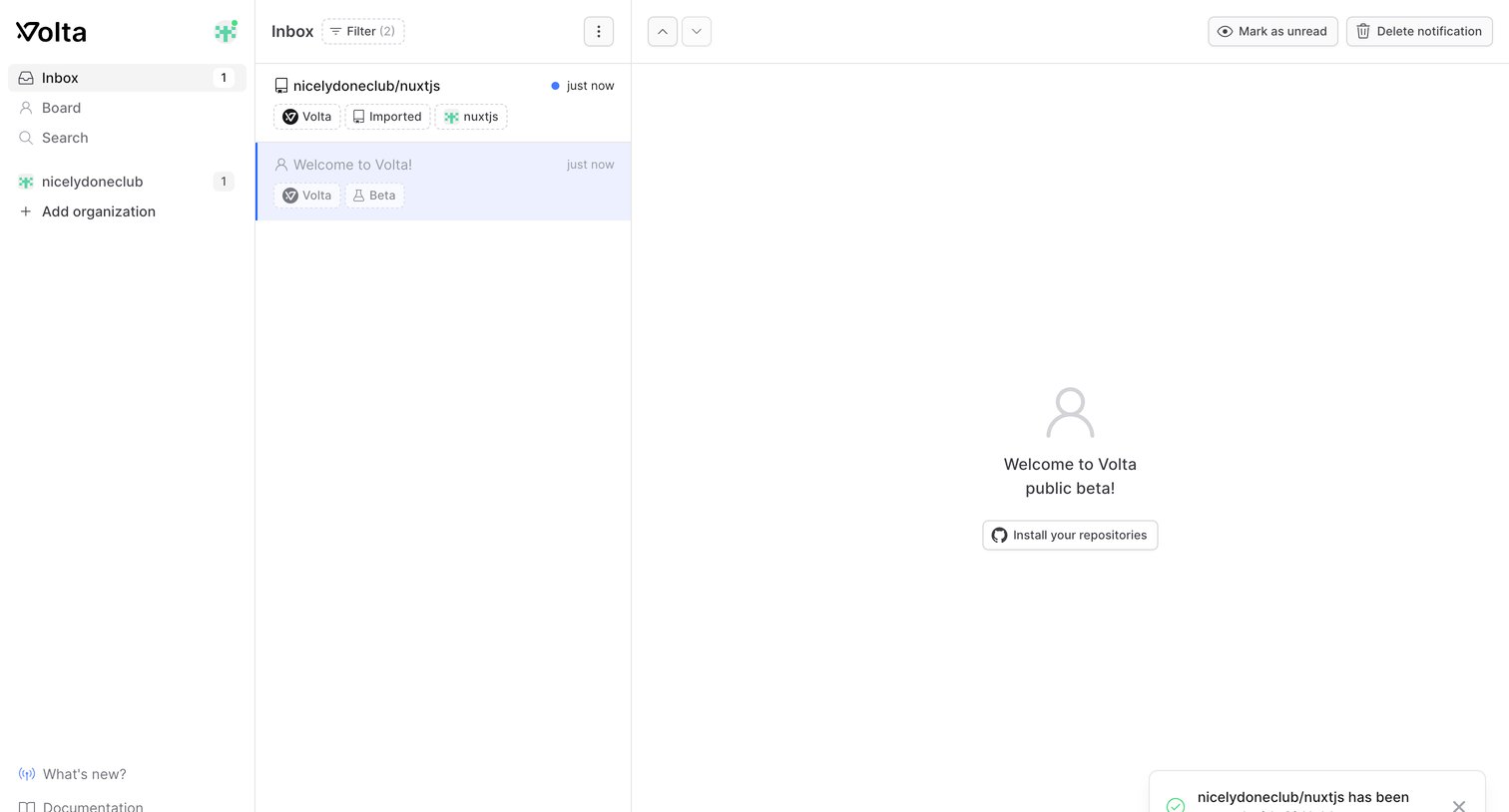
Notification inbox where the user views recent alerts, with a detail pane showing a welcome message and a prompt to connect GitHub repositories.
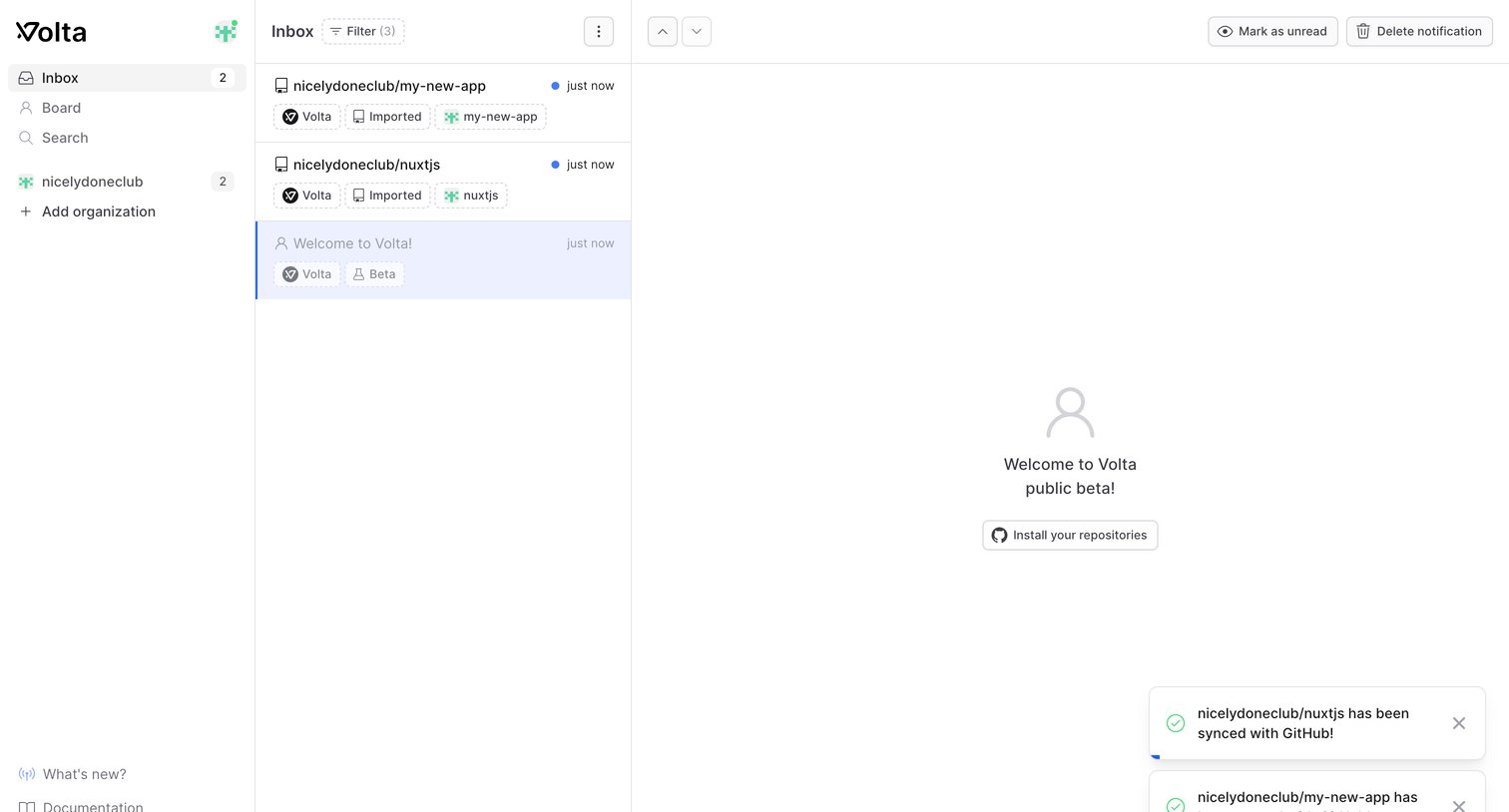
Inbox view where the user manages notifications and is prompted to install GitHub repositories in the detail pane.
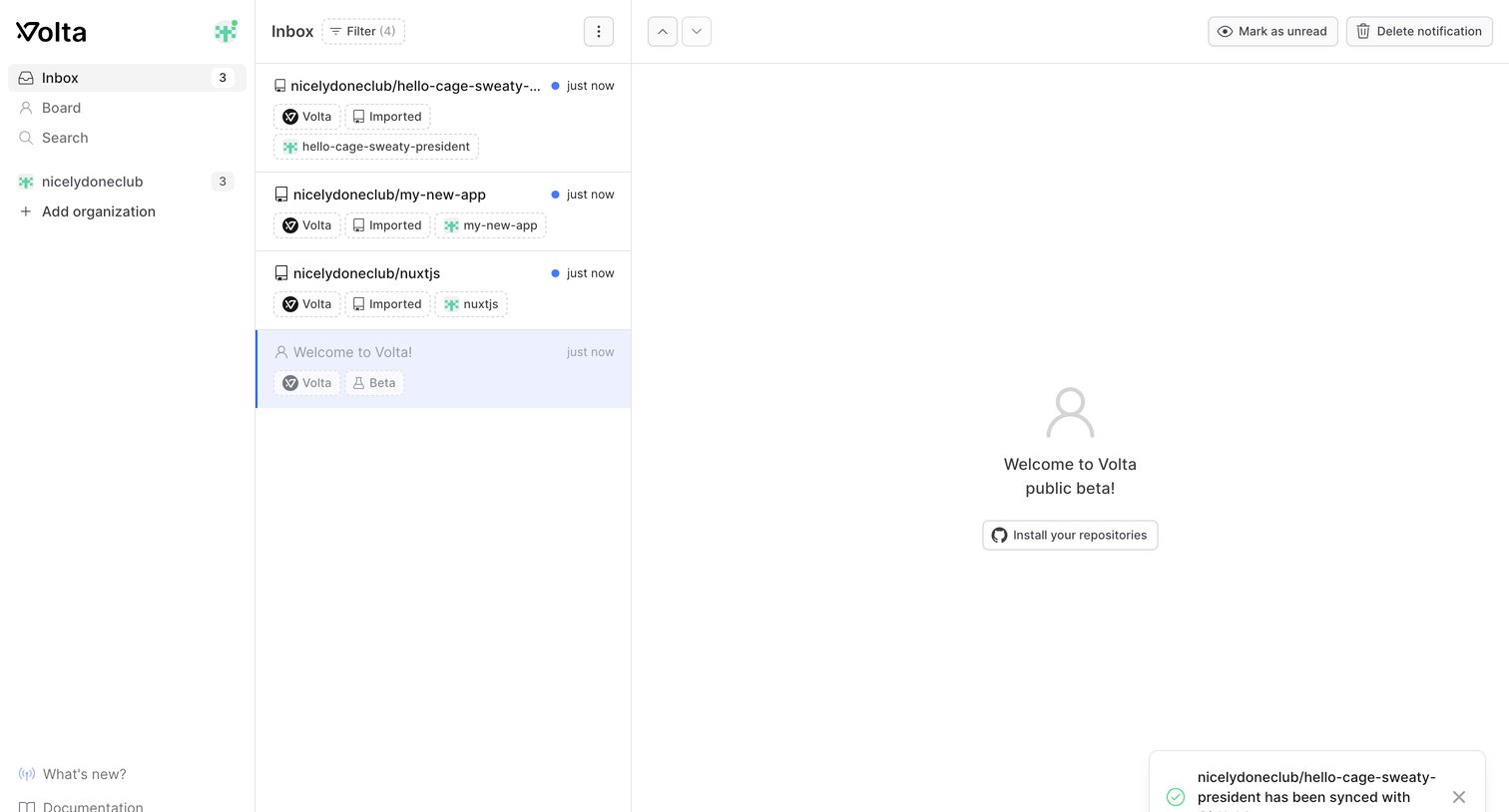
Inbox view where the user manages GitHub repository notifications, featuring a master list of events and a detail pane prompting to install repositories.
Explore the full SaaS screen library
Upgrade to unlock the full library.
Trusted by the best teams







