Volta UI components examples
Browse Volta UI component design examples. Preview individual interface elements and explore related component categories. Supercharged GitHub experience
Explore the examples


A dark-themed code block displaying a short TypeScript snippet with syntax highlighting.

A settings row for selecting the interface theme, featuring an icon, title, description, and a dropdown select menu.

A settings row for selecting the interface theme, featuring an icon, title, description, and a dropdown select menu.

A settings row containing an icon, a title, a description, and a toggle switch in the active state.

A settings row with an icon, title, description, and a toggle switch to enable or disable a feature.
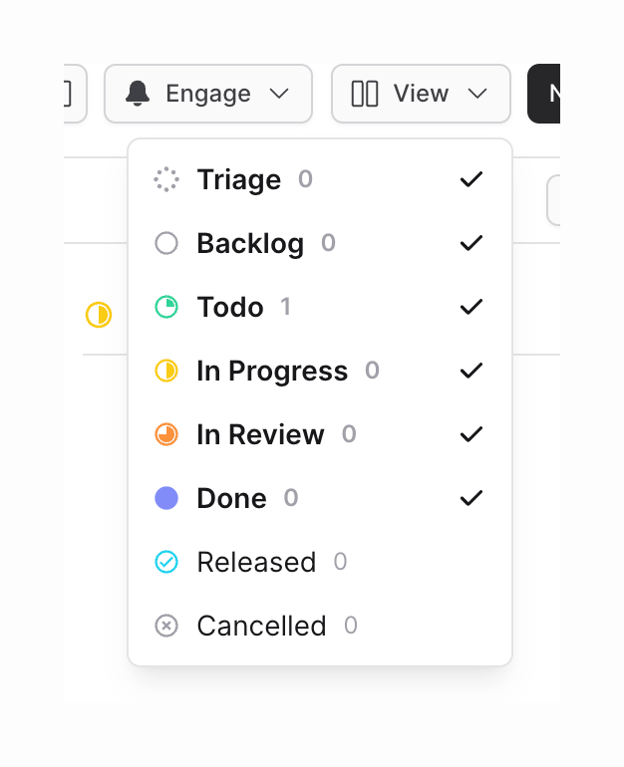
A dropdown menu allowing users to toggle the visibility of different columns on a Kanban board. It lists various issue statuses with corresponding icons, counts, and checkmarks indicating active columns.
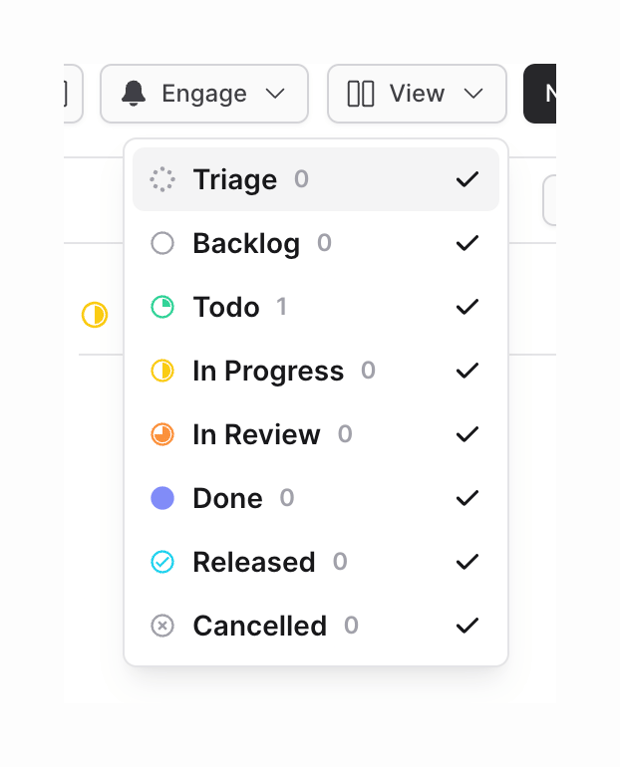
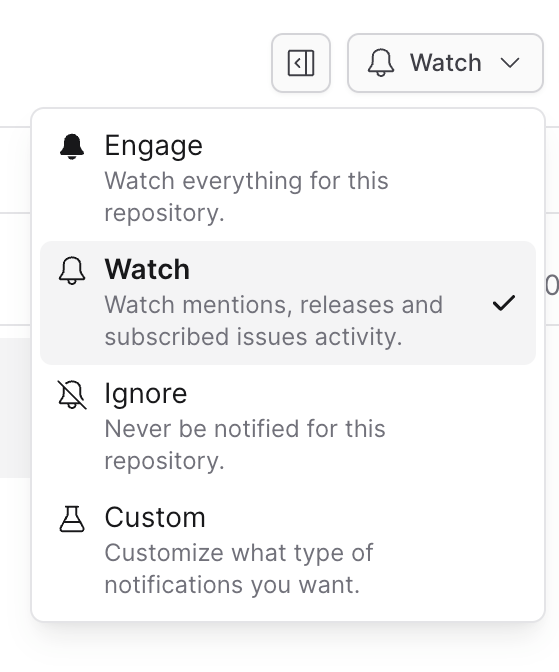
A dropdown menu for selecting notification preferences, showing options like Engage, Watch, Ignore, and Custom, with 'Watch' currently selected.
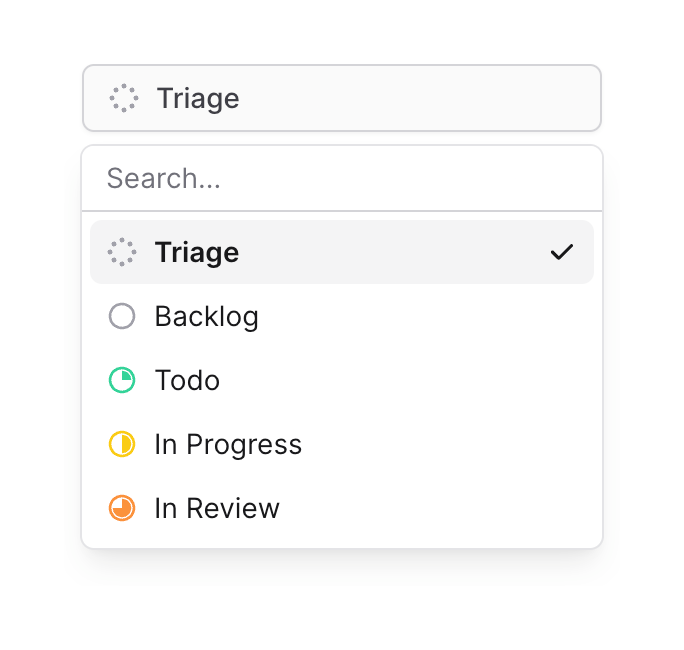
An open dropdown menu for selecting an issue status. It includes a search input and a list of status options with corresponding icons.
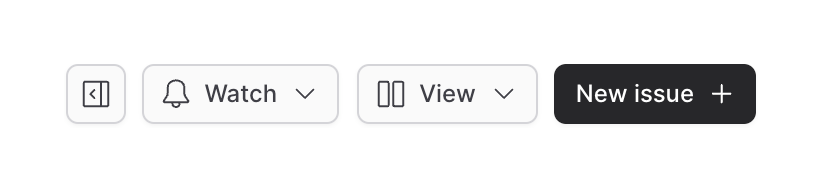
A horizontal row of action buttons, including a sidebar toggle, watch settings, view options, and a primary button to create a new issue.
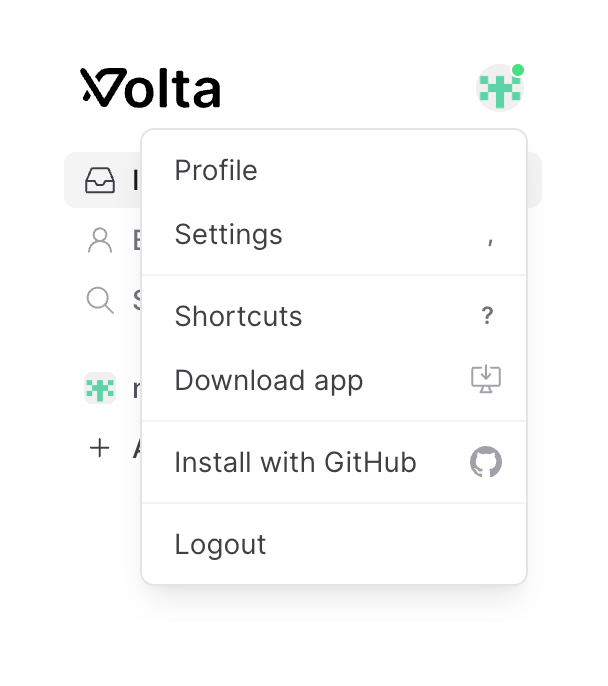
A dropdown menu triggered by a user avatar, displaying options for profile, settings, shortcuts, downloading the app, installing with GitHub, and logging out.
Browse the full component library
Browse the full UI component library.
Trusted by the best teams







