Skip to content

Upflow design examples

Explore Upflow UI design examples. Put an end to unpaid invoices

Product screens
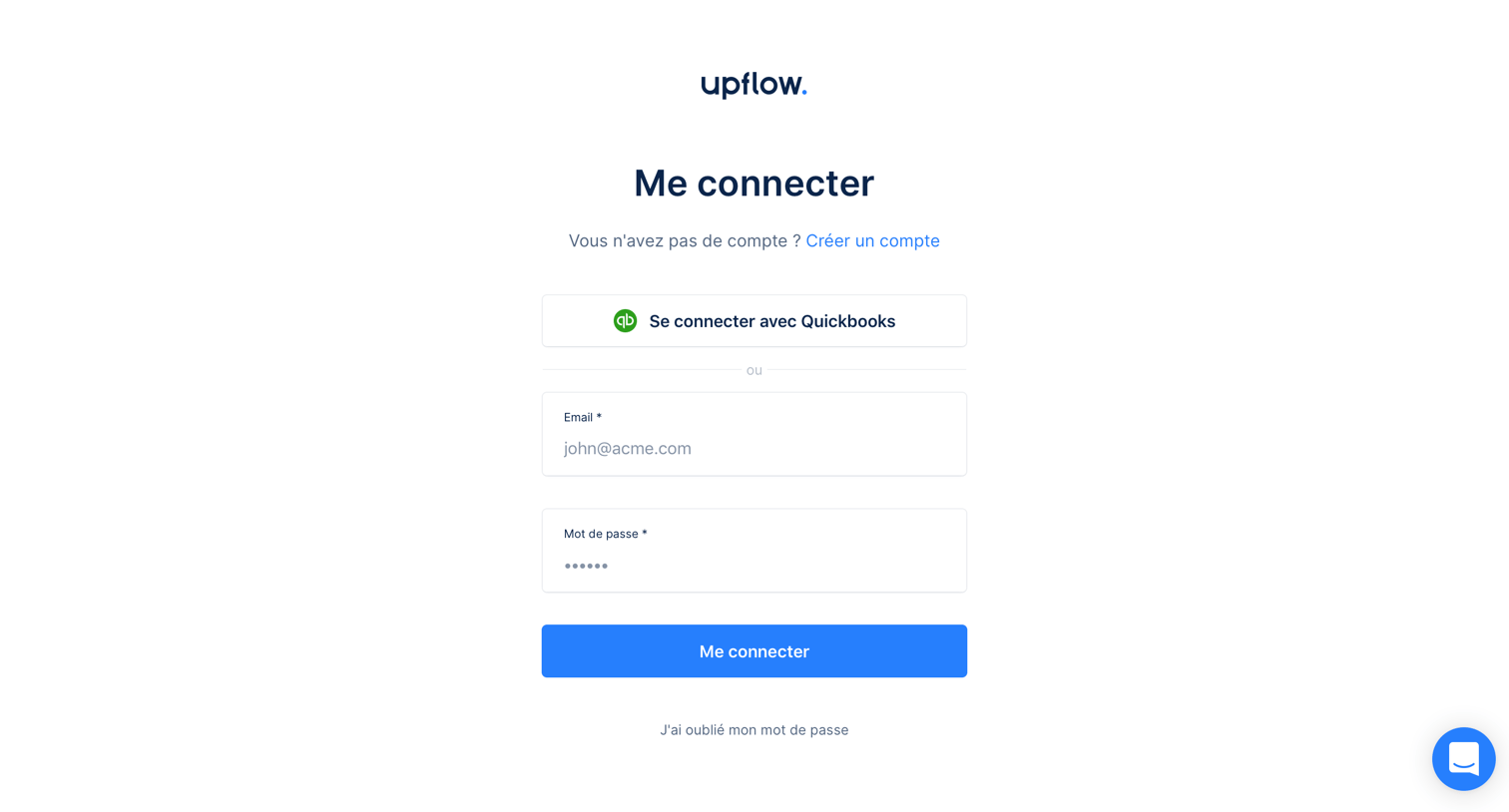
Upflow - Sign in screen
Upflow logo
Upflow

Sign-in screen where the user authenticates via email and password or a Quickbooks integration.

Upflow - Password reset screen
Upflow logo
Upflow

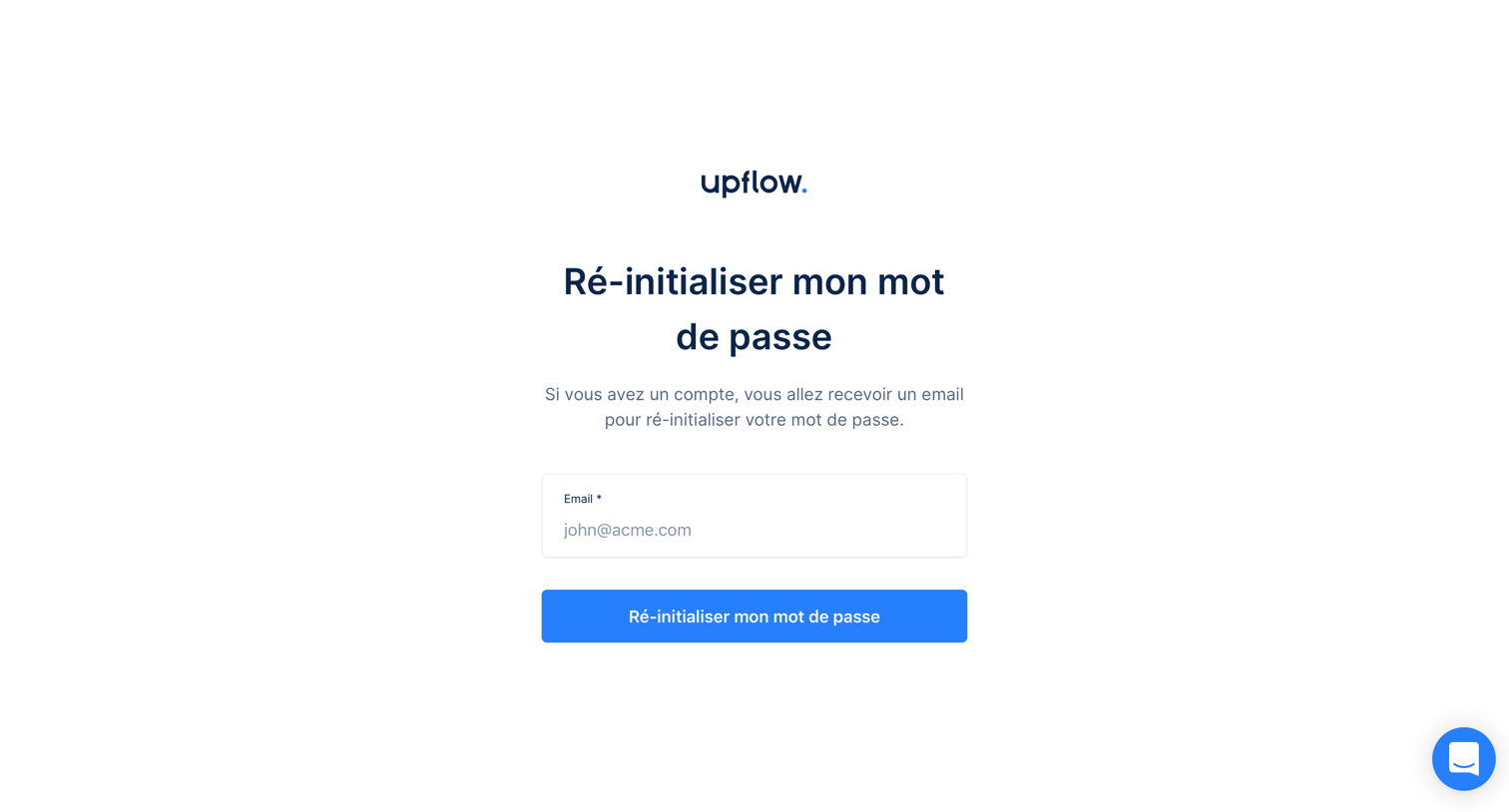
Password recovery screen where the user enters their email address to receive a reset link.
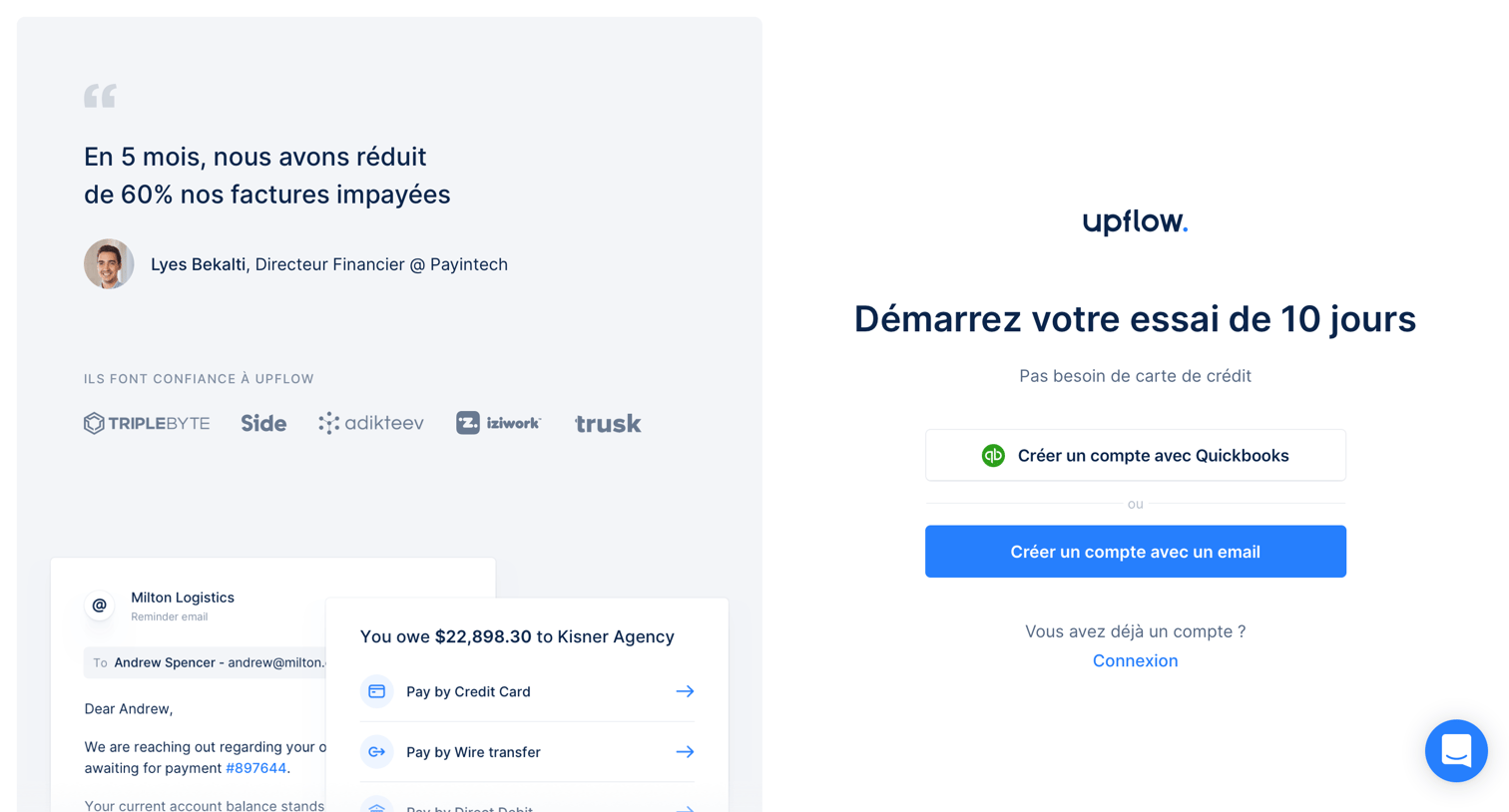
Upflow - Sign up screen
Upflow logo
Upflow

Signup page for a 10-day trial where the user can create an account using Quickbooks or an email address, featuring a customer testimonial and product preview on the left.

Upflow - Sign up with email screen
Upflow logo
Upflow

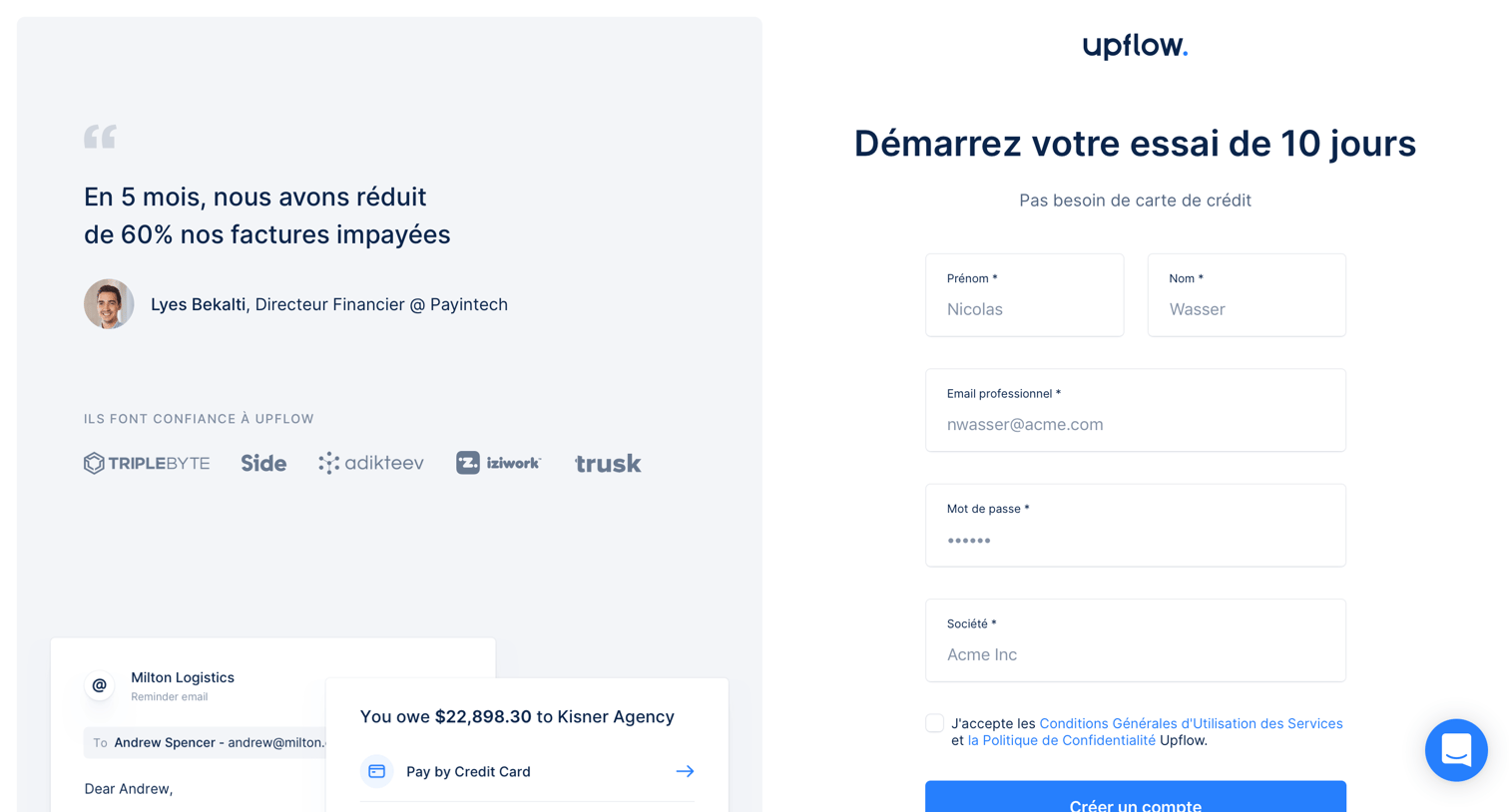
Signup page for a 10-day free trial where the user enters their name, work email, password, and company name alongside a customer testimonial.

Upflow - Integration list screen
Upflow logo
Upflow

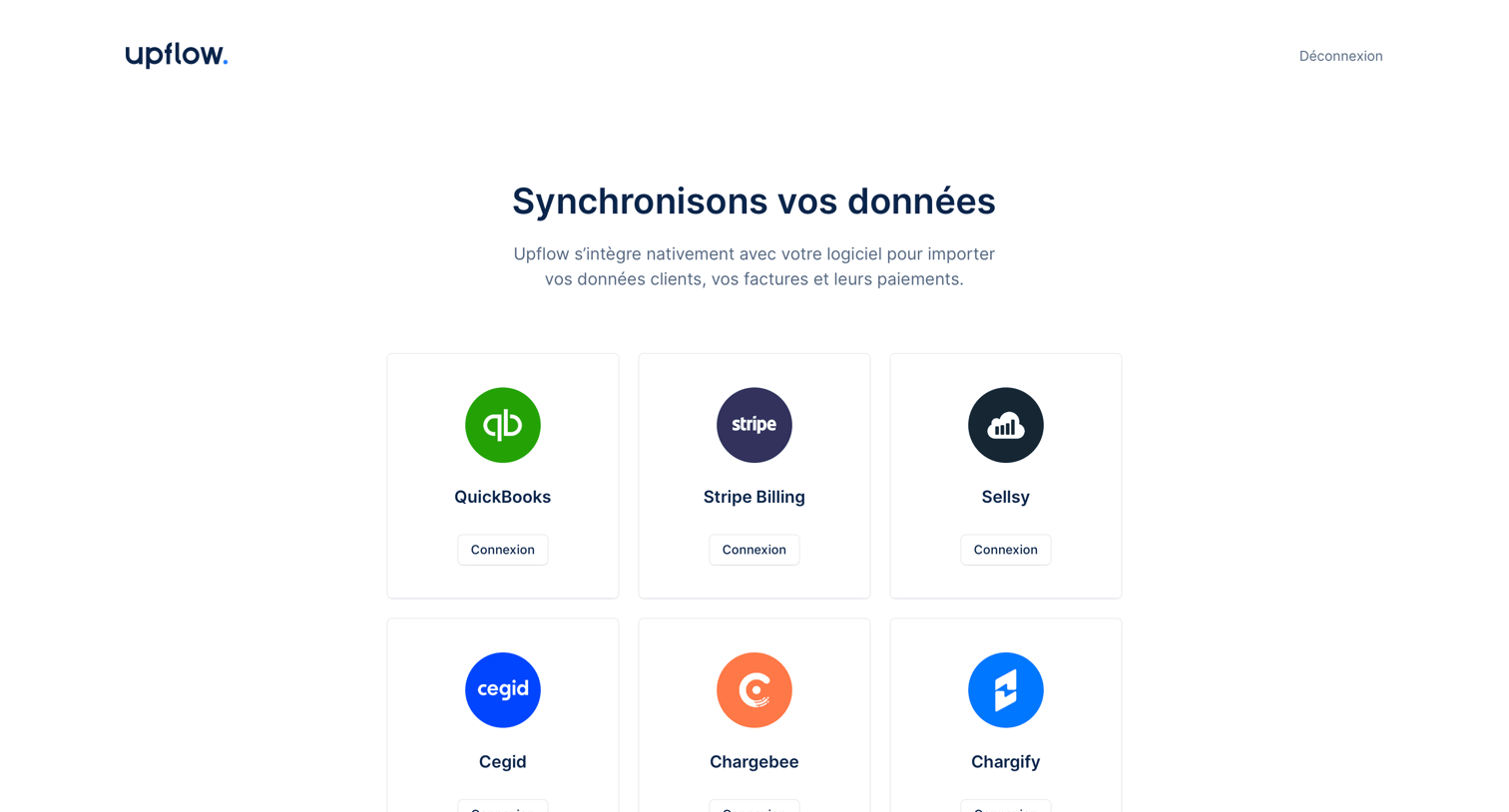
Onboarding step where the user selects their accounting or billing software like QuickBooks, Stripe, or Odoo to synchronize their data.
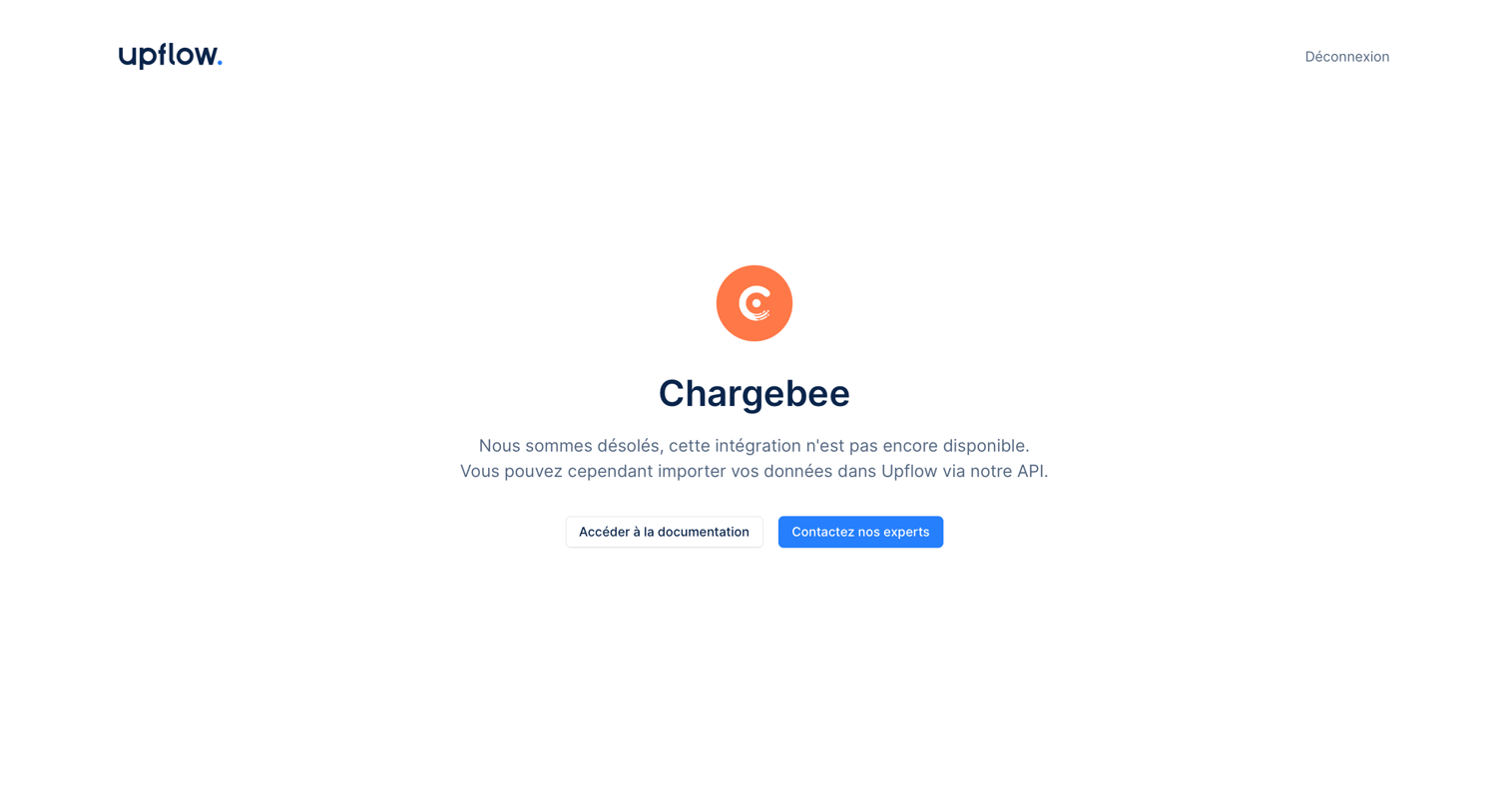
Upflow - Connect integration screen
Upflow logo
Upflow

Settings page showing an empty state for the Chargebee integration, informing the user that it is not yet available and offering documentation or expert contact.
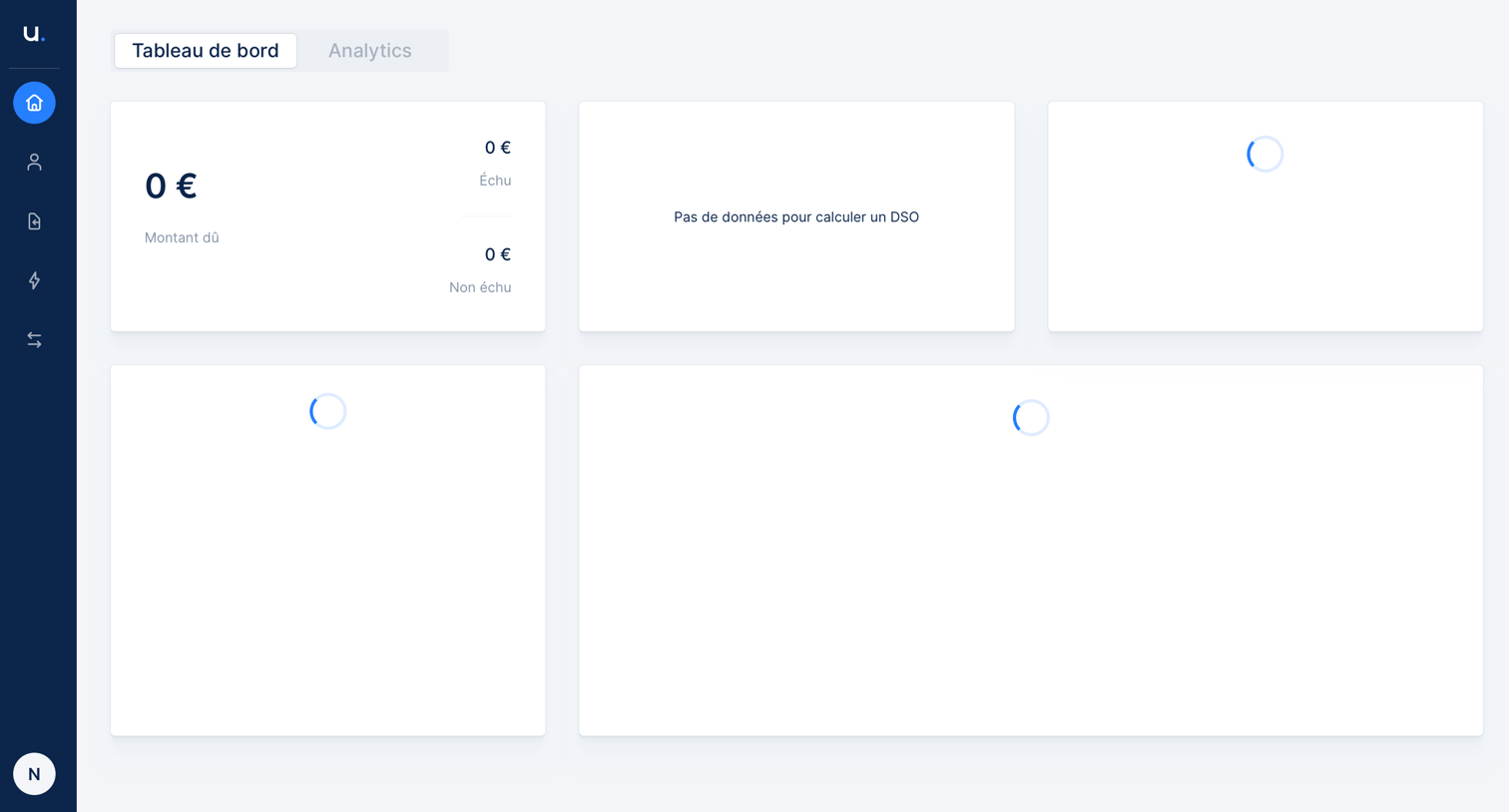
Upflow - Loading state screen
Upflow logo
Upflow

Dashboard showing financial metrics like amount due and DSO, with several widgets currently fetching data.

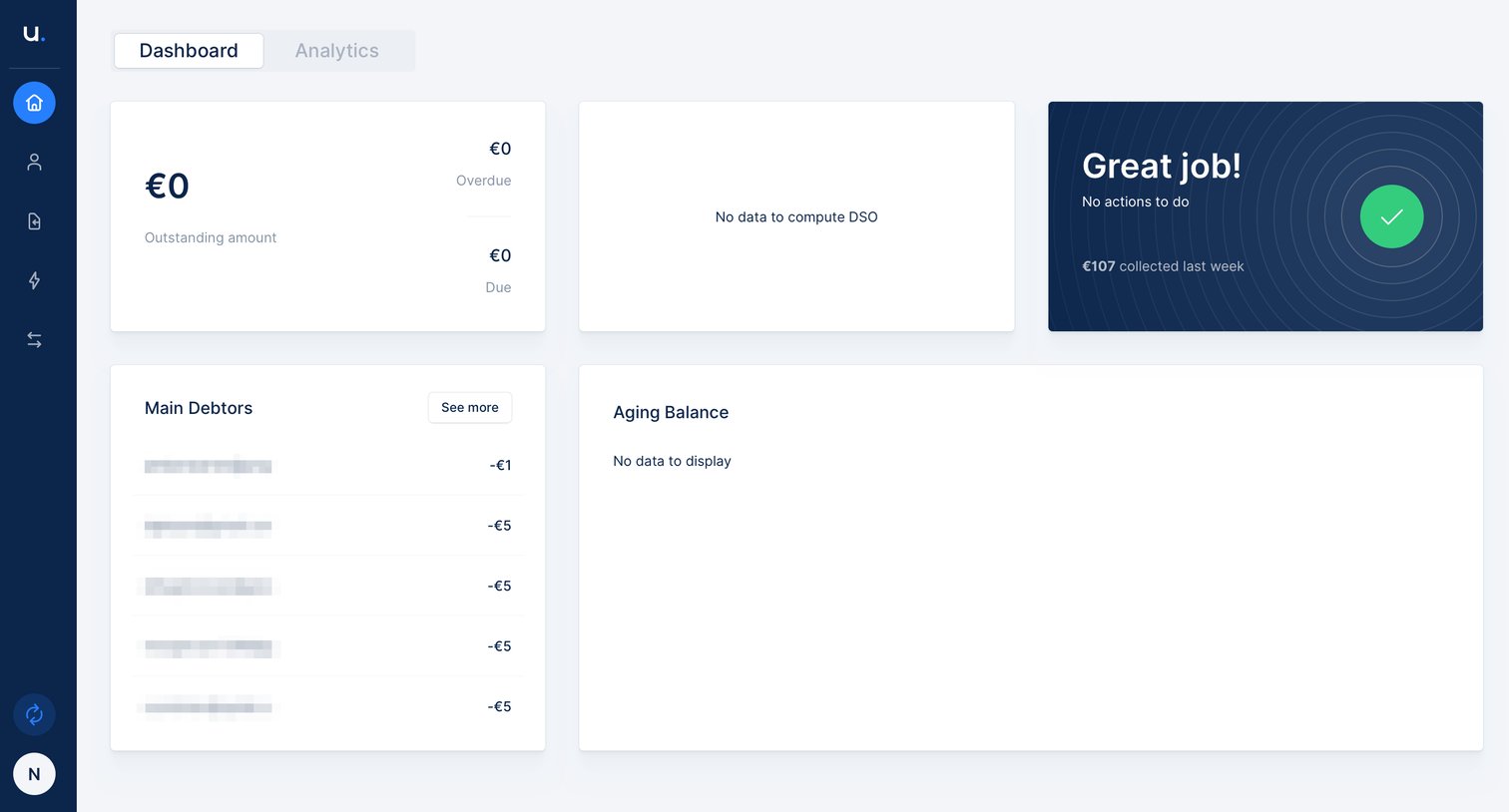
Upflow - Dashboard screen
Upflow logo
Upflow

Dashboard showing outstanding amounts, main debtors, and empty states for DSO and aging balance metrics.
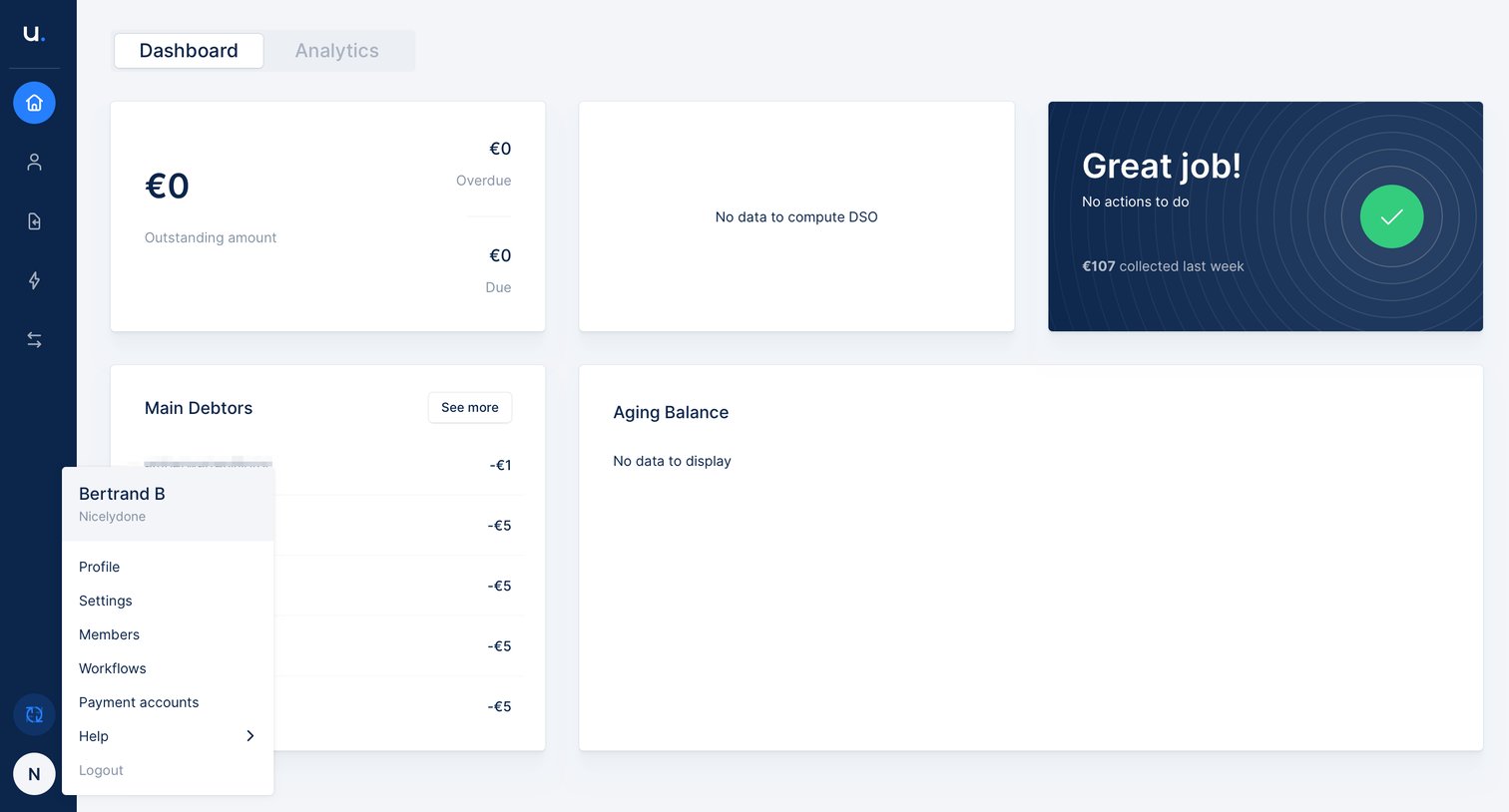
Upflow - Navigation menu screen
Upflow logo
Upflow

Dashboard showing outstanding amounts, main debtors, and aging balance with the user profile menu open.

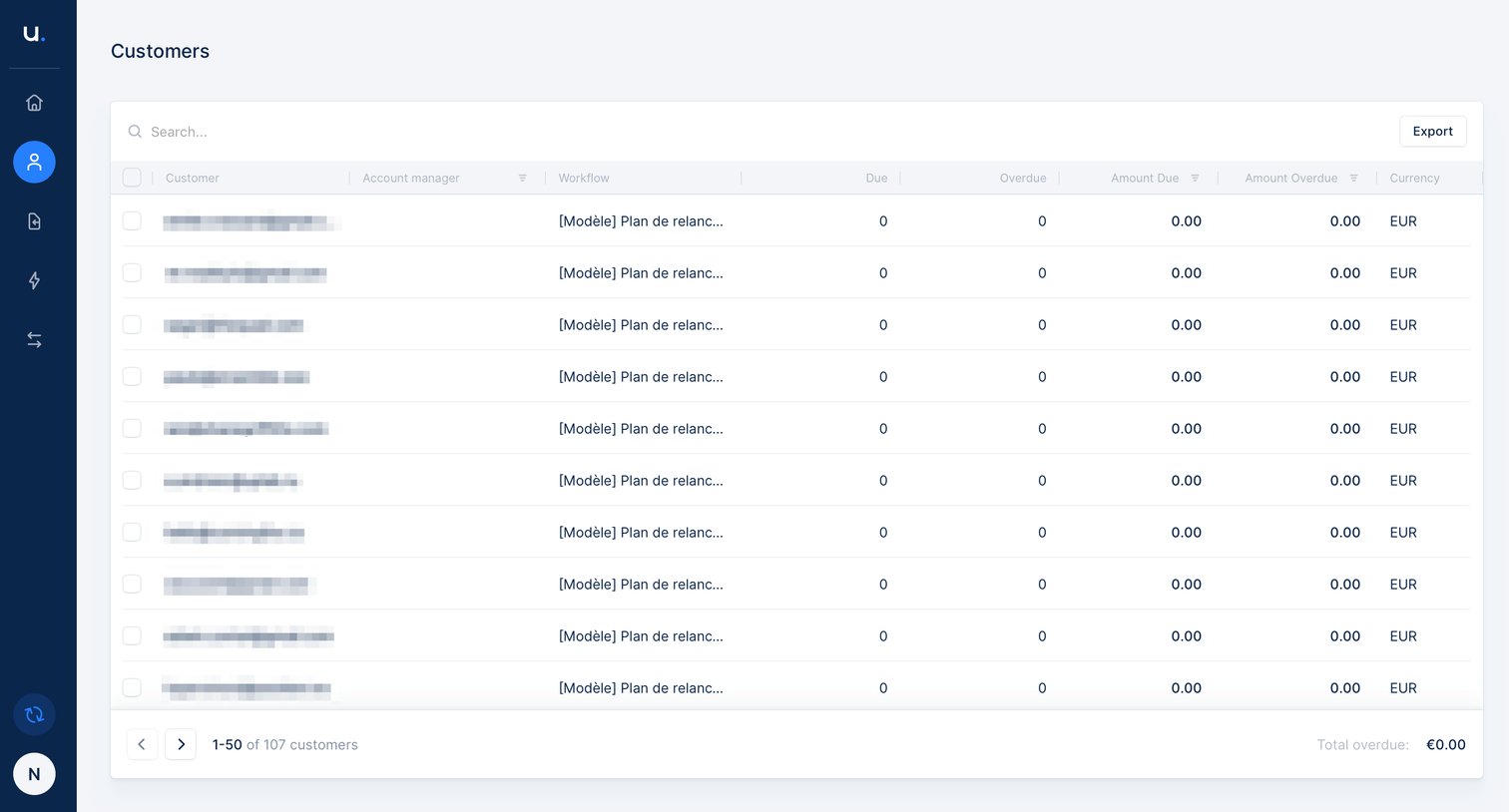
Upflow - Customer list screen
Upflow logo
Upflow

List view displaying customer accounts with their assigned workflows, due amounts, and overdue balances.

Upflow - Empty table screen
Upflow logo
Upflow

List view showing an empty state for invoices with a search bar, column filters, and an export option.
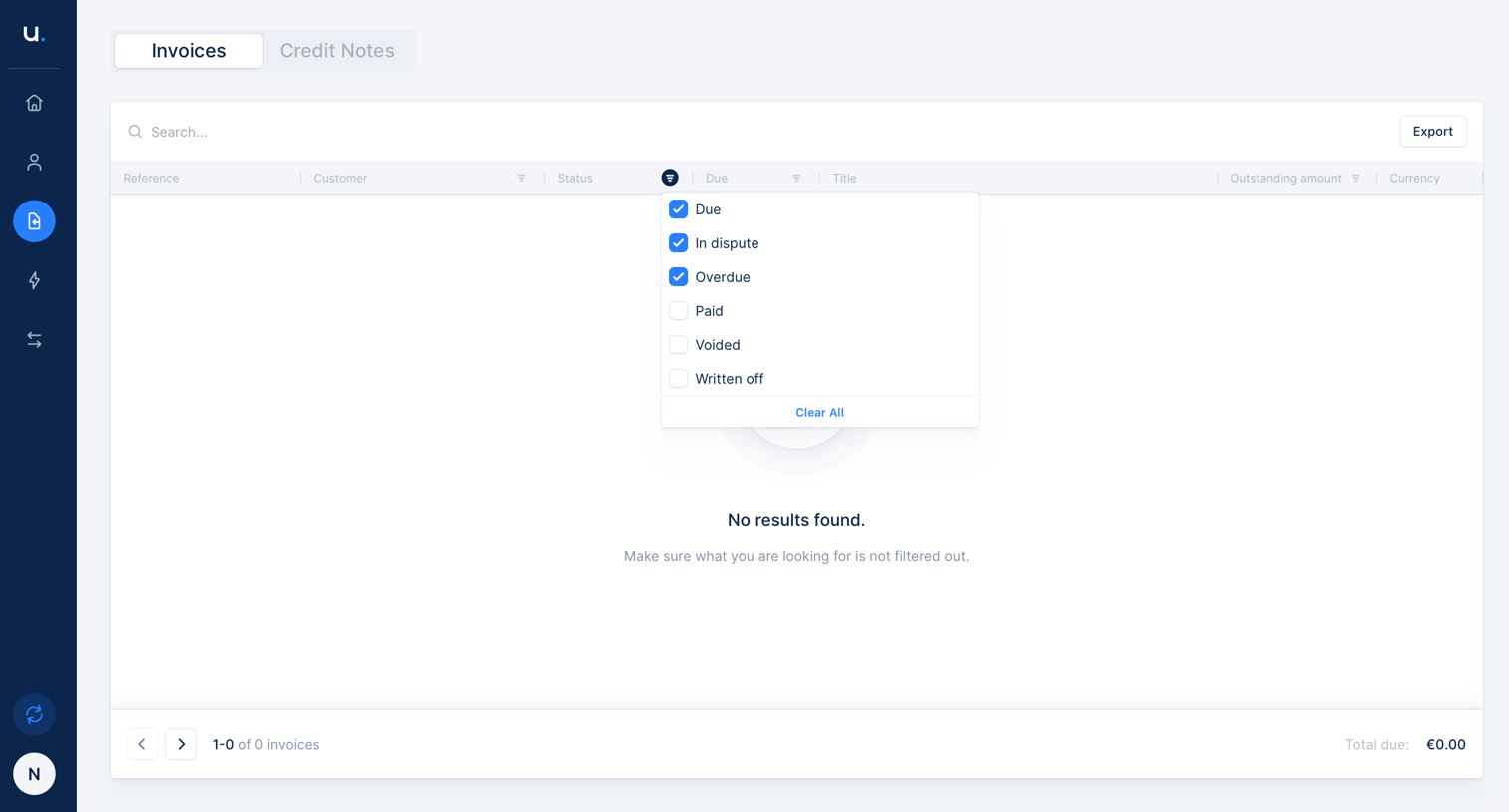
Upflow - Table filter screen
Upflow logo
Upflow

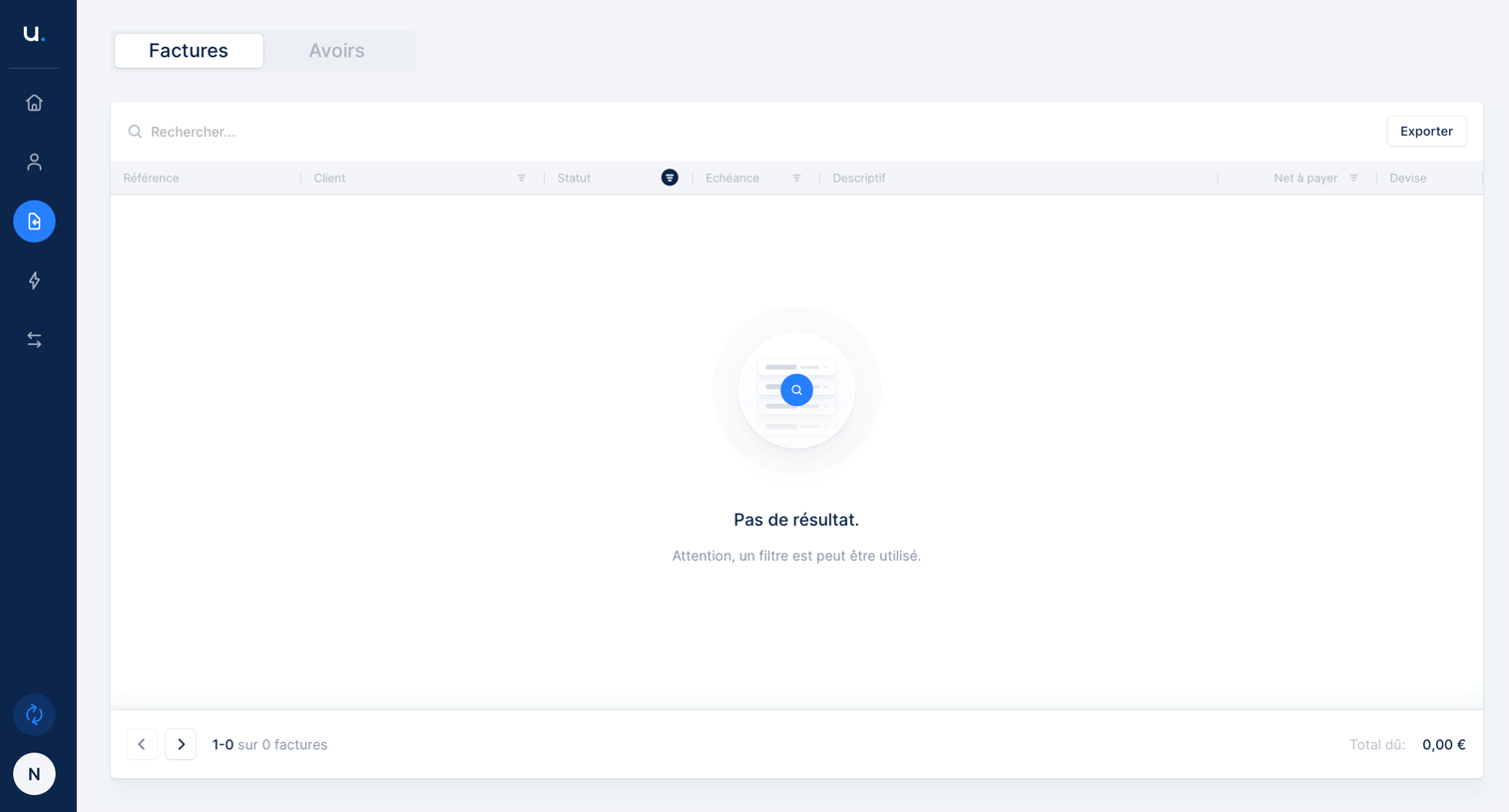
List view of invoices showing an empty state because the active status filter yielded no results.

Browse the full SaaS app library

Explore real SaaS apps with their product screens, marketing screens, flows, and components.

Trusted by the best teams

More from Upflow