Stampsy design examples
Explore Stampsy UI design examples. Share, curate and discover visual content that tells a story
Product screens
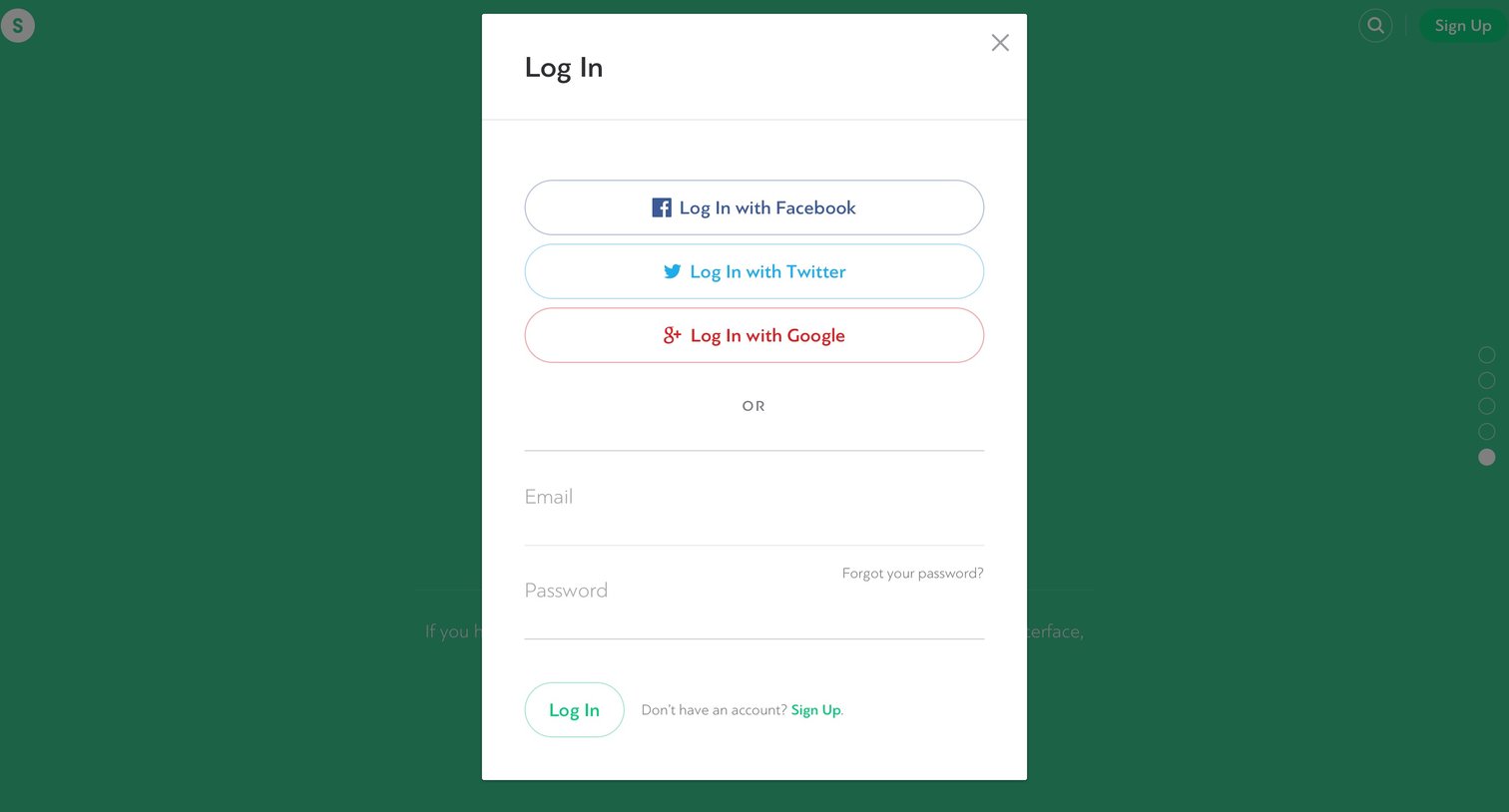

Sign-in screen where the user authenticates with Facebook, Twitter, Google, or email and password.

Password recovery screen where the user enters their email address in a modal to receive a reset link.
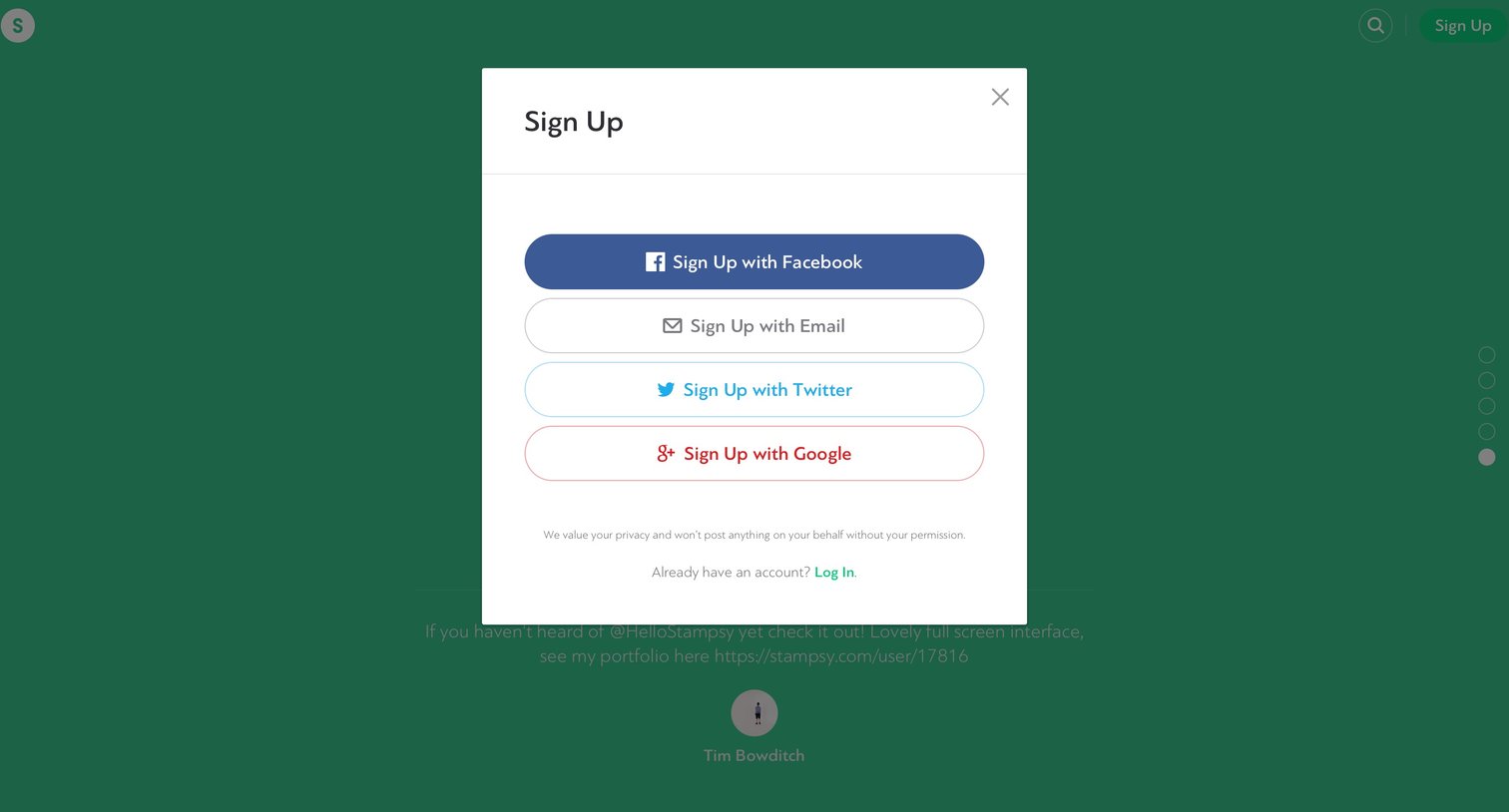
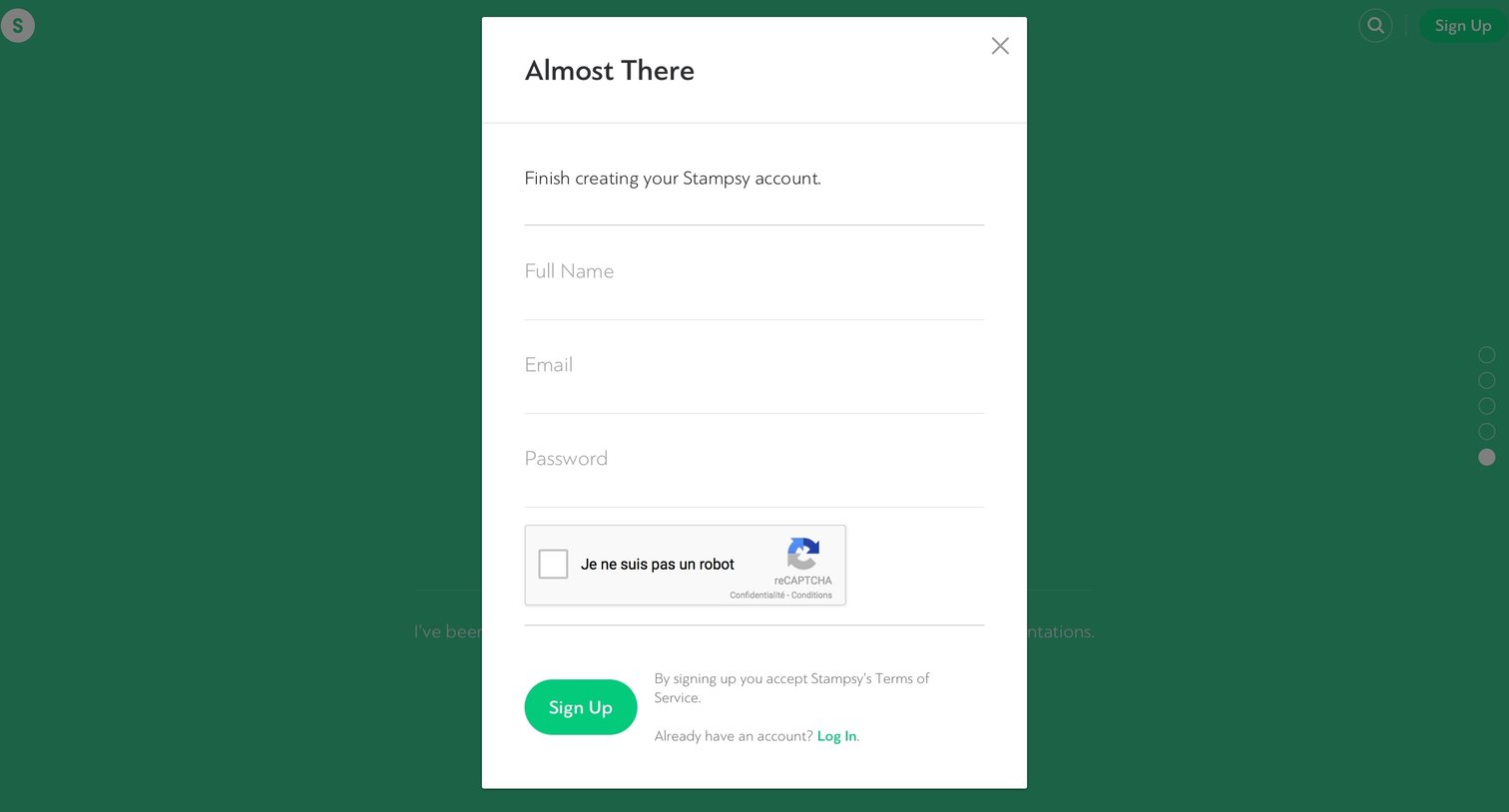
Signup screen where the user enters their full name, email, and password to finish creating a Stampsy account.
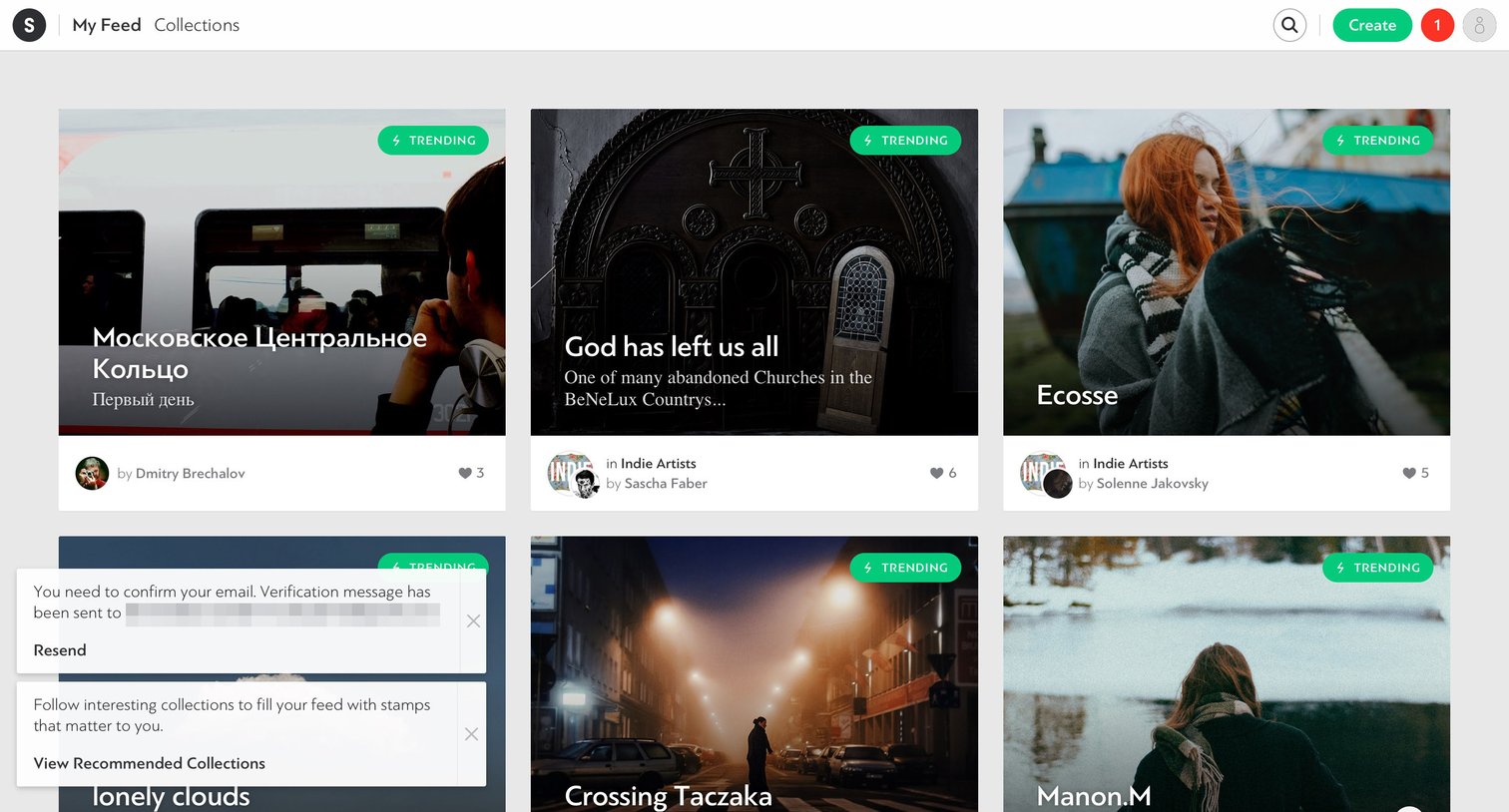
Social feed where the user browses trending photography collections, with persistent prompts to confirm their email and follow more creators.

Feed page where the user browses trending visual collections and has opened their profile dropdown menu to access drafts, settings, or log out.

Feed page with a right-side notifications drawer open, showing a welcome message and a prompt to follow a collection.

Detail page where the user views a gallery of production stills, with options to like, share, and follow the author or collection.

Detail page where the user is prompted to create their first collection to save a movie still stamp.

Creation screen where the user names a new collection, adds a description, and sets a cover image or background color.

Detail page where a user browses a photographer's published stamps, curated collections, and liked content.

Browse the full SaaS app library
Explore real SaaS apps with their product screens, marketing screens, flows, and components.
Trusted by the best teams







