Readng design examples
Explore Readng UI design examples. The new home for your reading list.
Product screens
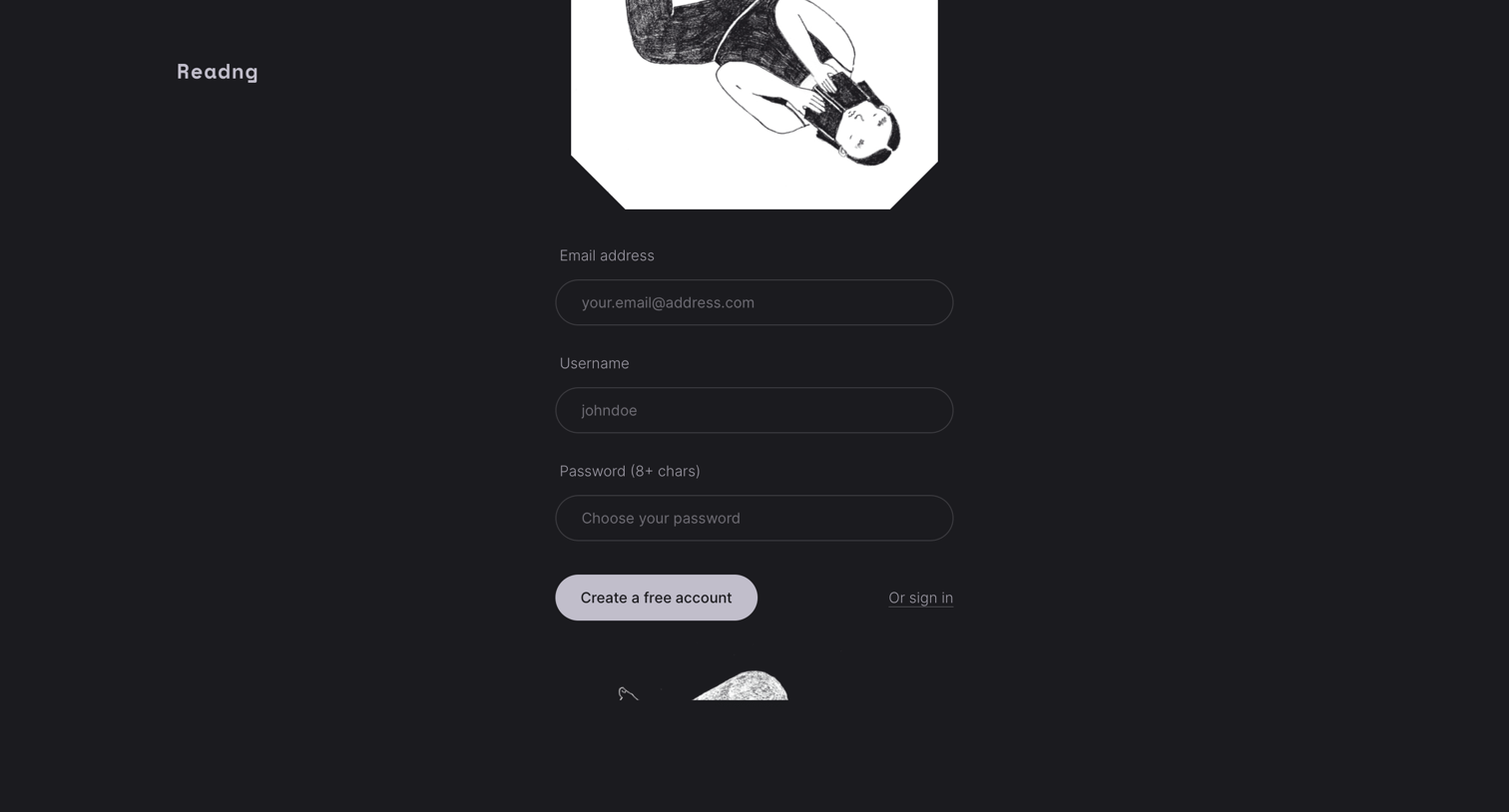

Signup screen where the user creates a new account by providing an email address, username, and password.

Sign-in screen where the user authenticates with their email address and password, with options to reset their password or request access.

Password recovery screen where the user enters their email address to receive a reset link.

Home screen for a reading tracking app greeting the user and displaying the cover of the single book they are currently reading.
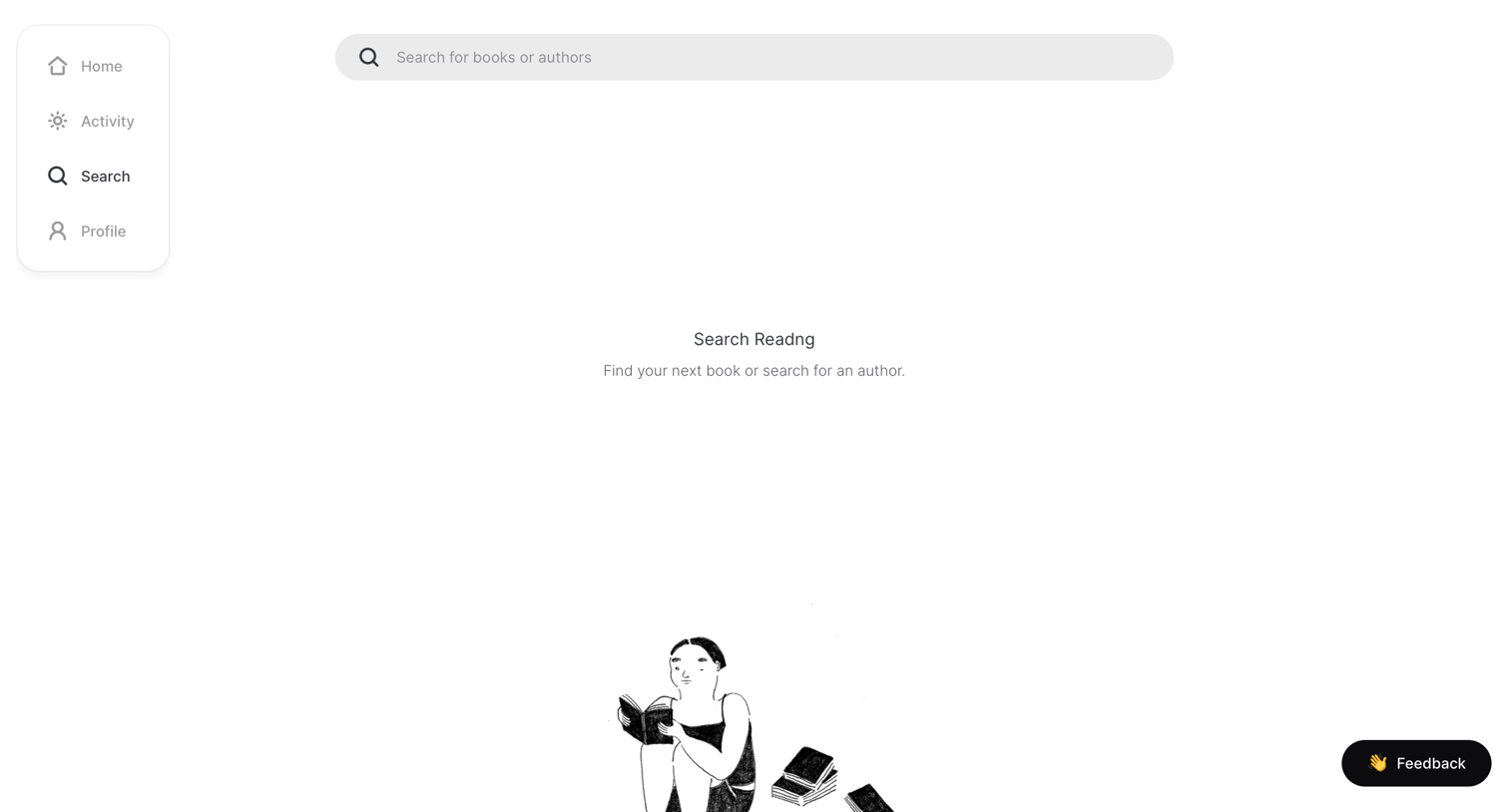
Search page where the user can find books or authors, currently showing an empty state with an illustration and a feedback prompt.
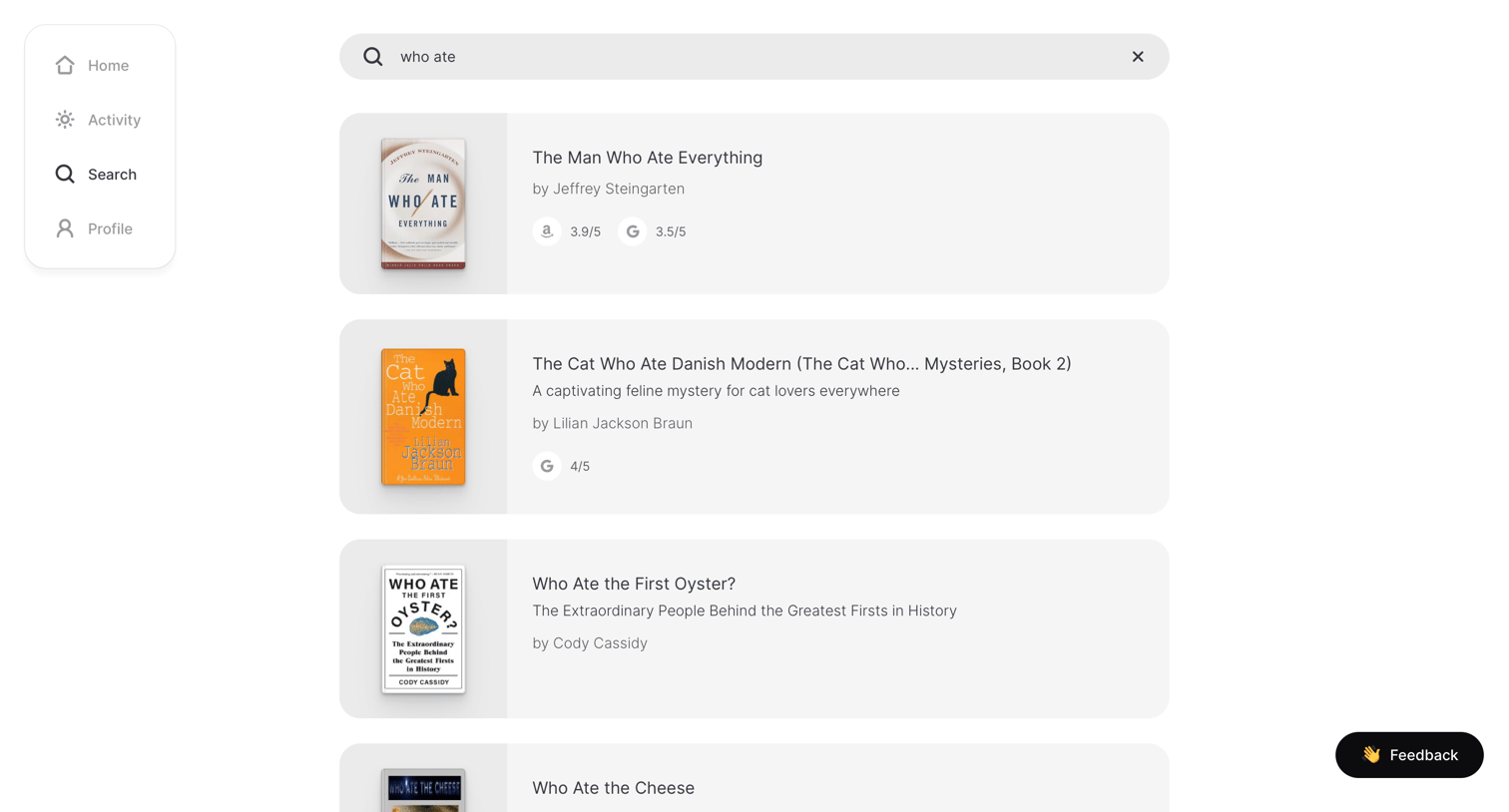
Search page where the user views a list of book results matching their query, displaying covers, titles, authors, and aggregated ratings.
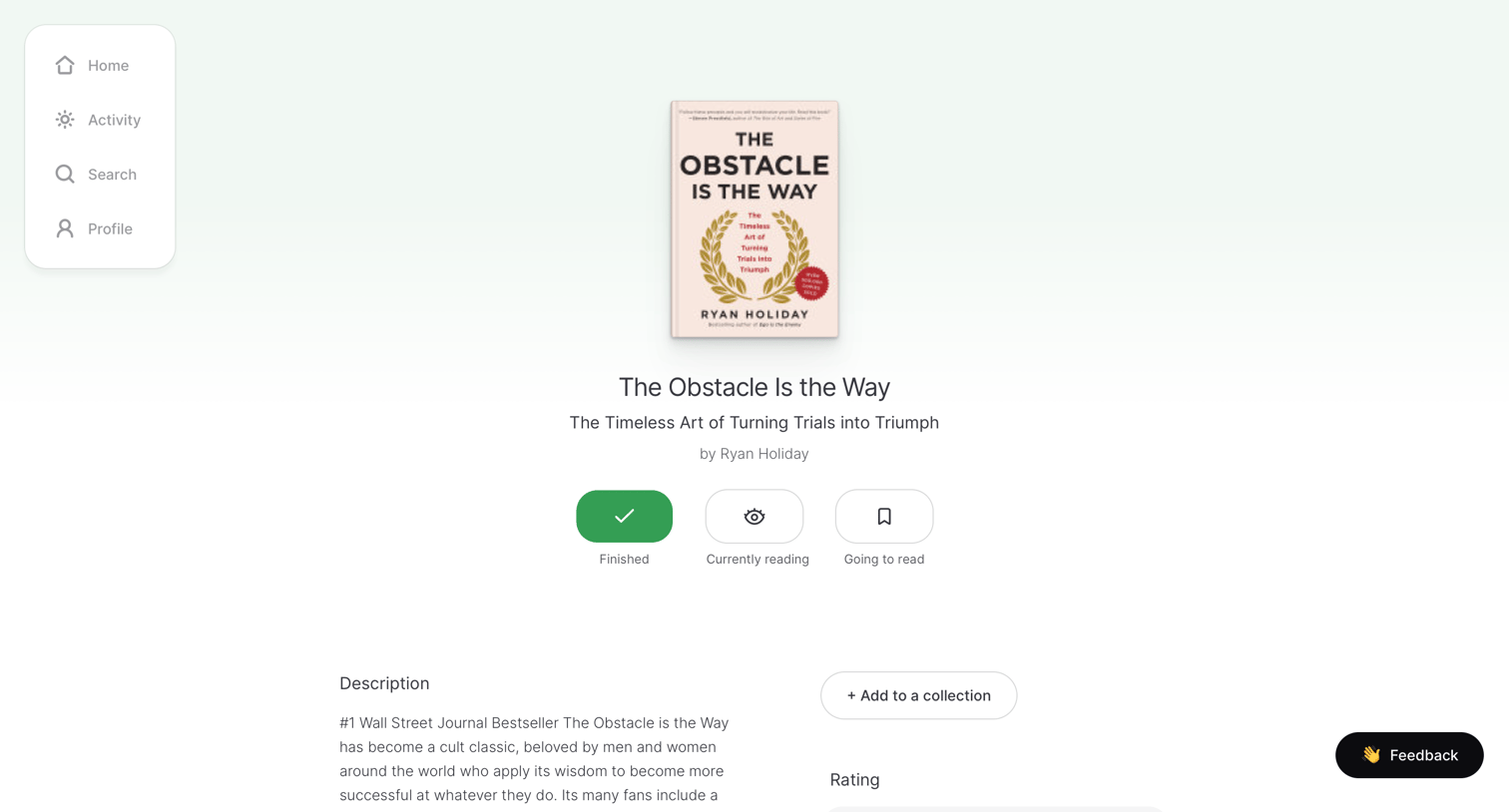
Detail page for a book where the user can update their reading status, view publication details, and invite friends to track activity.
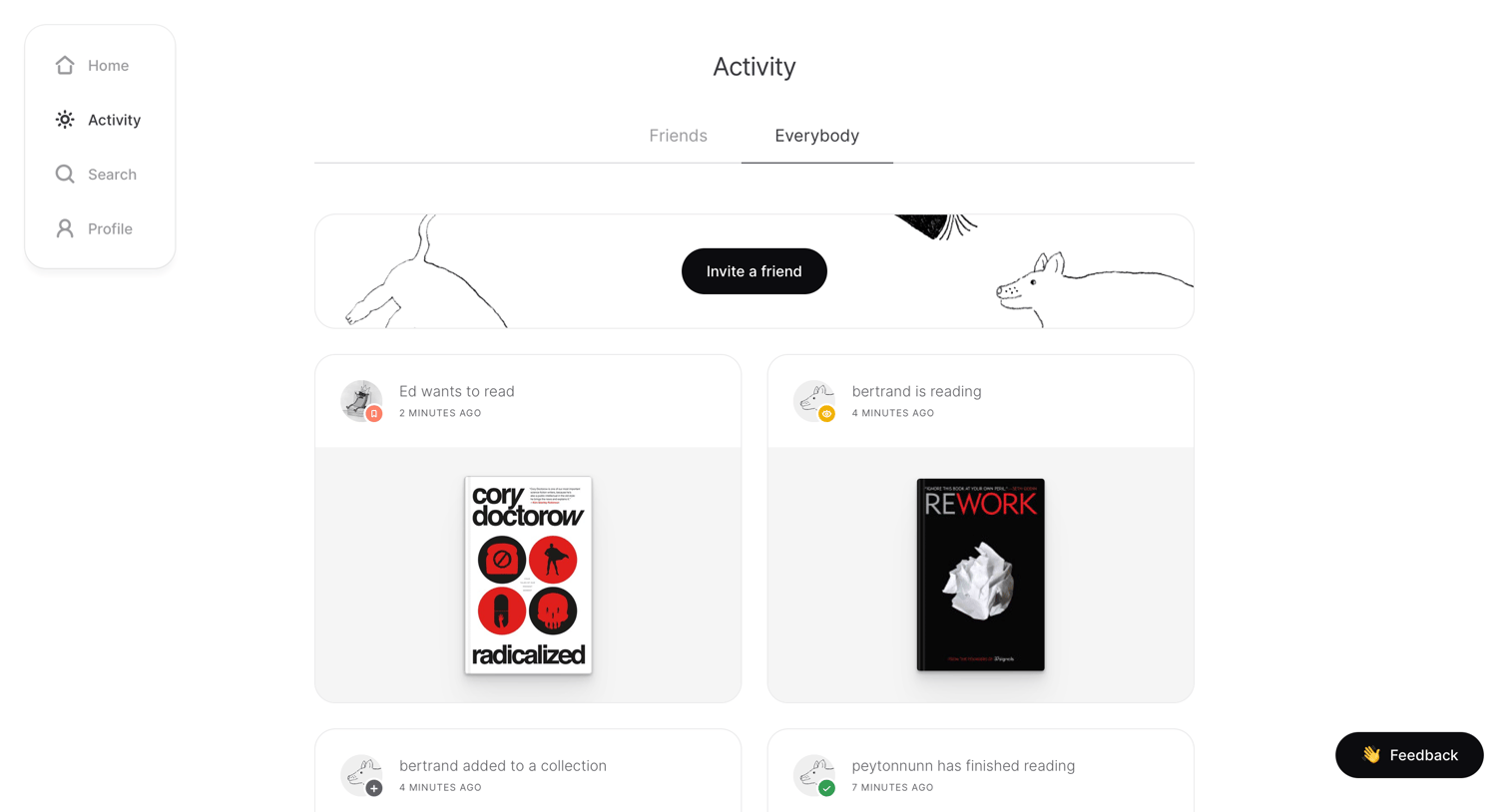
Activity feed showing recent reading updates from the community, with a toggle to switch between friends and everybody.

Detail page where a user views their public reading profile, including currently reading and finished books with ratings.


Settings page where the user updates their profile details, connects a Goodreads integration, and chooses an appearance theme.
Browse the full SaaS app library
Explore real SaaS apps with their product screens, marketing screens, flows, and components.
Trusted by the best teams







