Onfleet product screens examples
Browse Onfleet screen design examples. Preview the interface screenshots and explore related UI patterns. Power your deliveries
Explore the examples

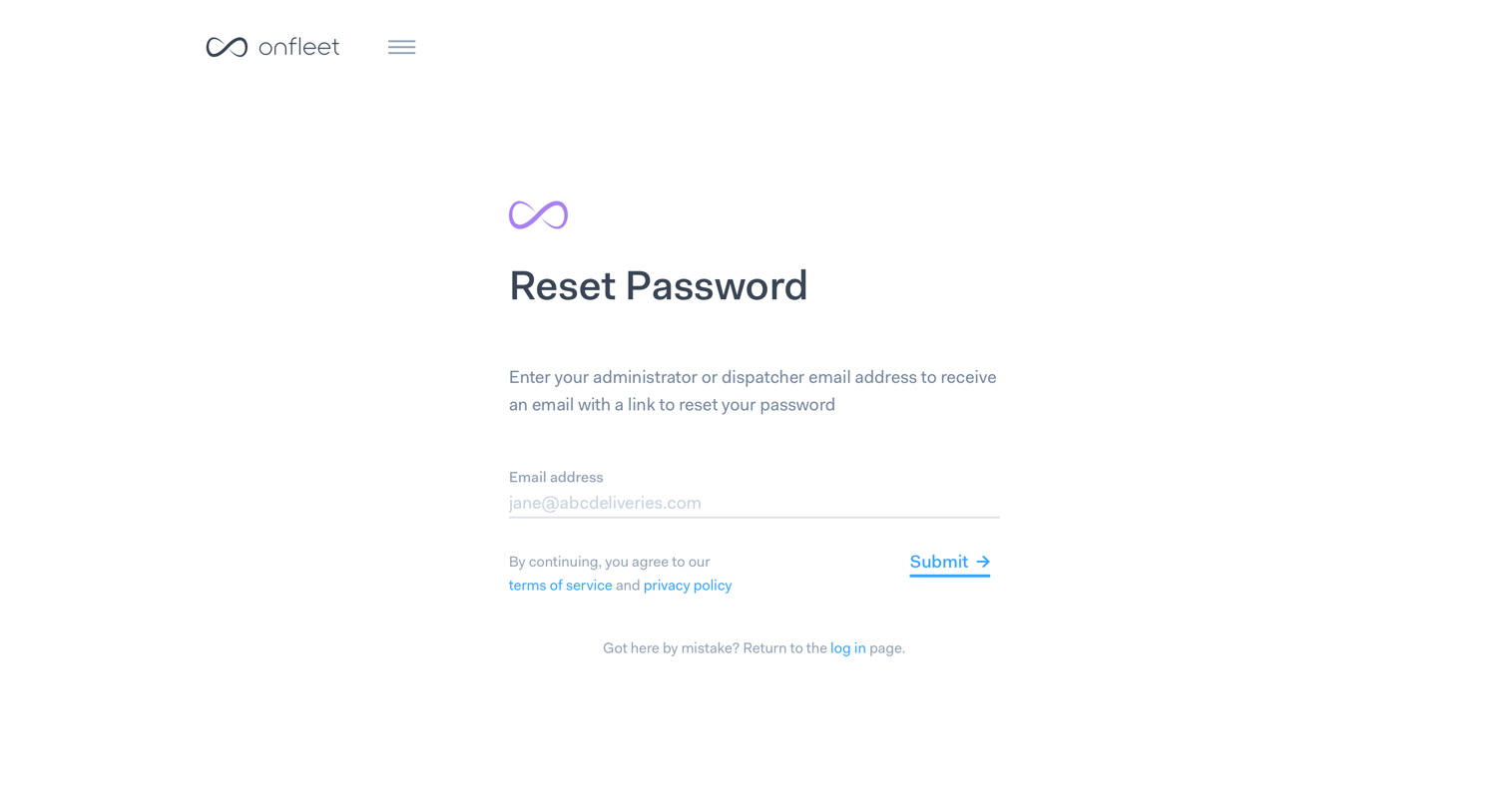

Password recovery screen where the user enters their administrator or dispatcher email address to receive a reset link.

Signup page where the user provides personal info like name, email, and password in the first step of account creation, alongside marketing copy promoting route optimization.

Signup step where the user provides their country, industry, and monthly delivery volume to create an account.


Signup step where the user enters their credit card details to start a 14-day free trial.
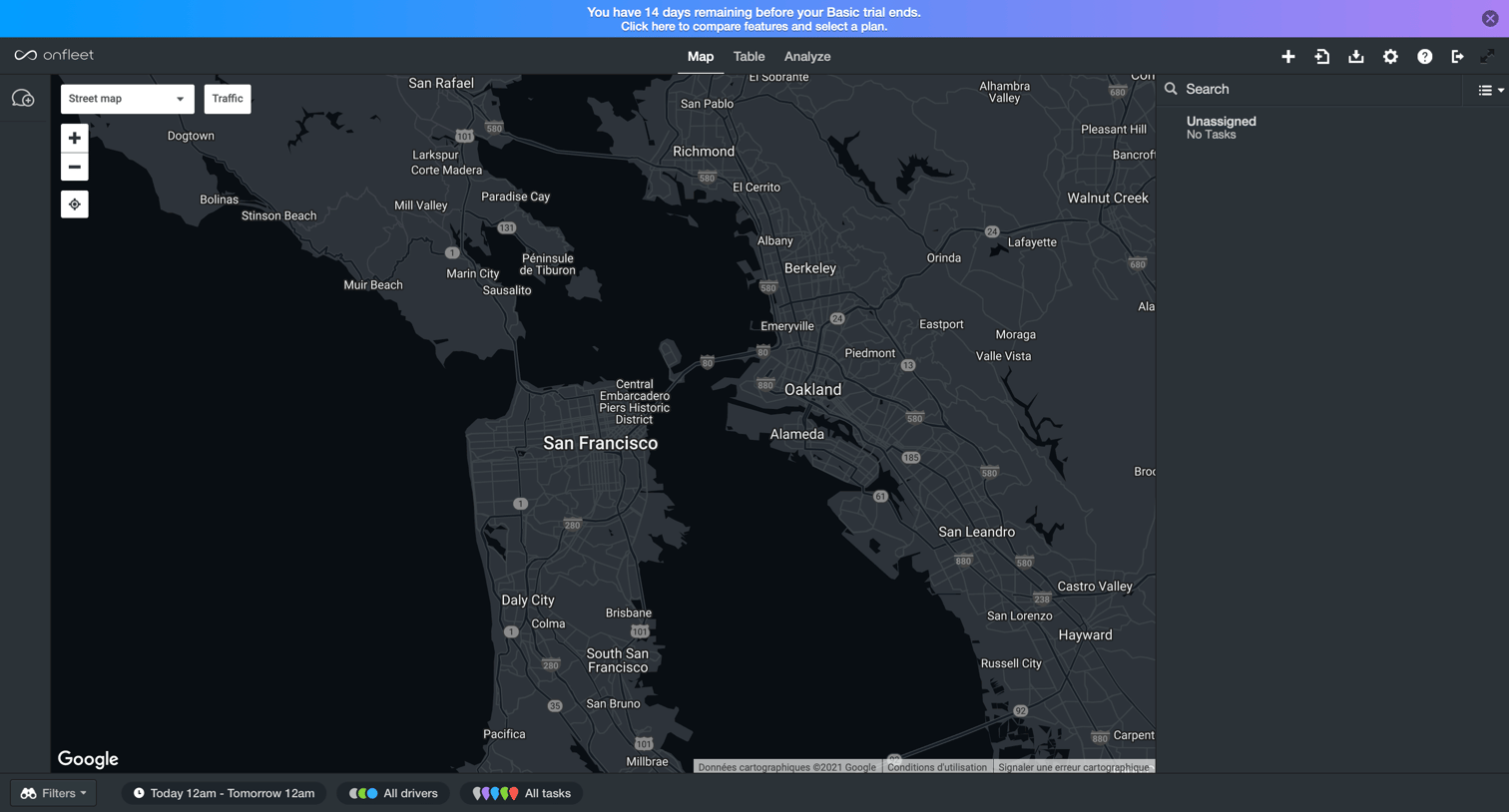

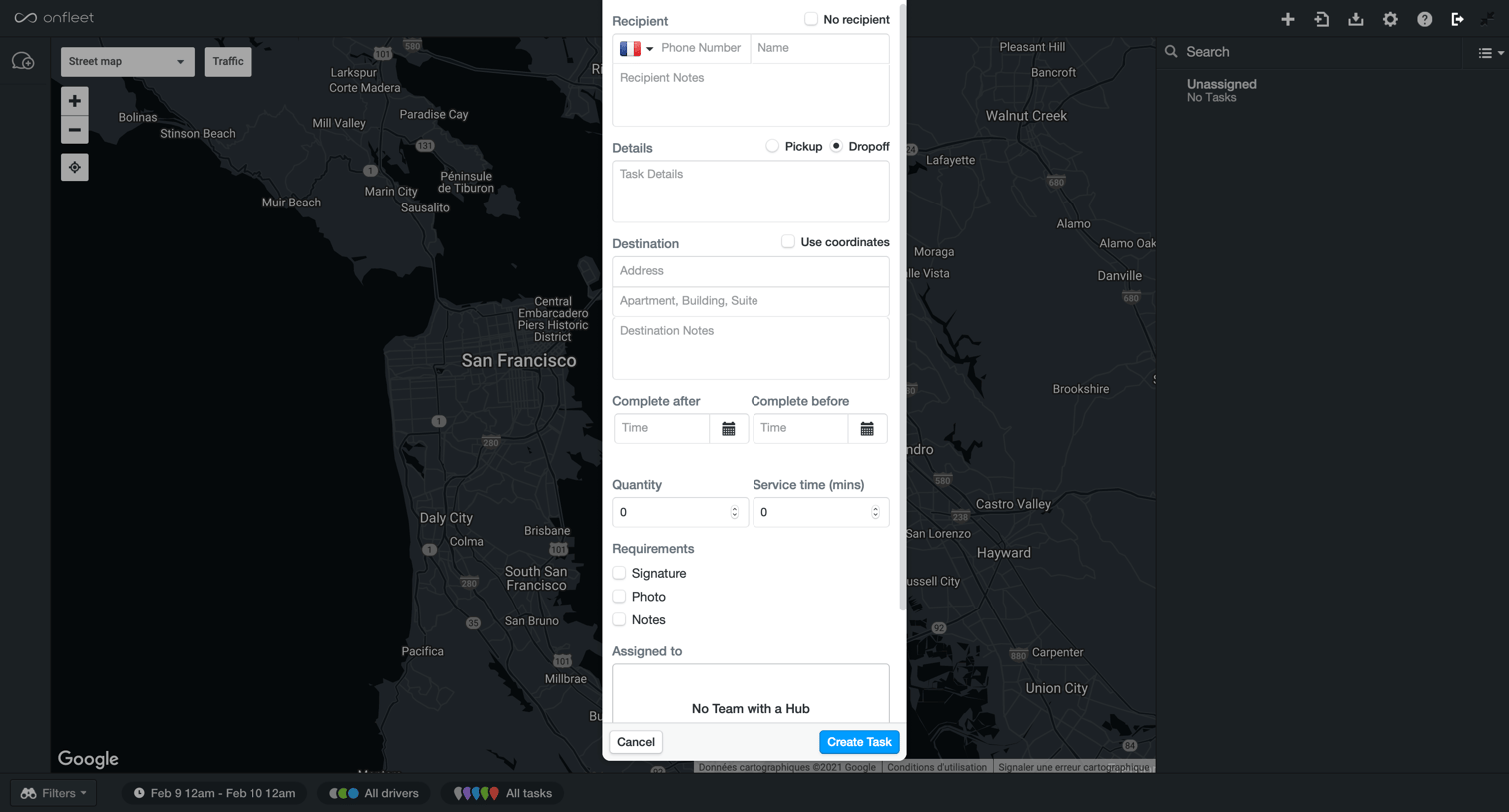
List view for fleet management showing a map of tasks with a central modal open to create a new task, including recipient details, destination, and requirements.
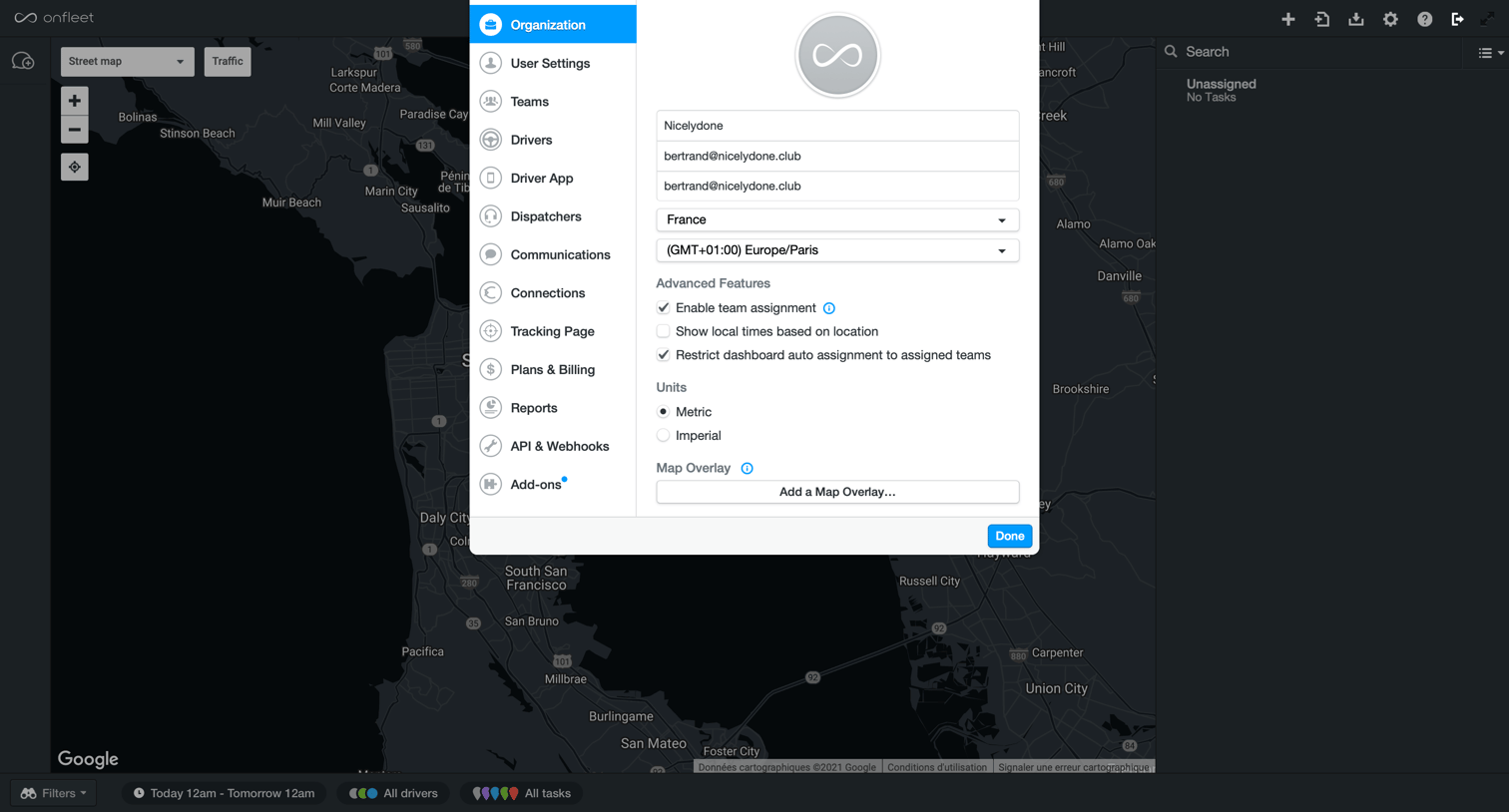
Settings modal where the user configures organization details like name, email, timezone, and advanced features over a map dashboard.

Settings modal where the user updates their name, contact information, and accessibility preferences over a map dashboard.

Settings modal where the user manages teams and hubs, currently showing empty states for both.
Explore the full SaaS screen library
Upgrade to unlock the full library.
Trusted by the best teams







