Skip to content

Leapsome product screens examples

Browse Leapsome screen design examples. Preview the interface screenshots and explore related UI patterns. People enablement platform

Explore the examples
Leapsome - Leapsome | Leapsome screen
Leapsome logo
Leapsome

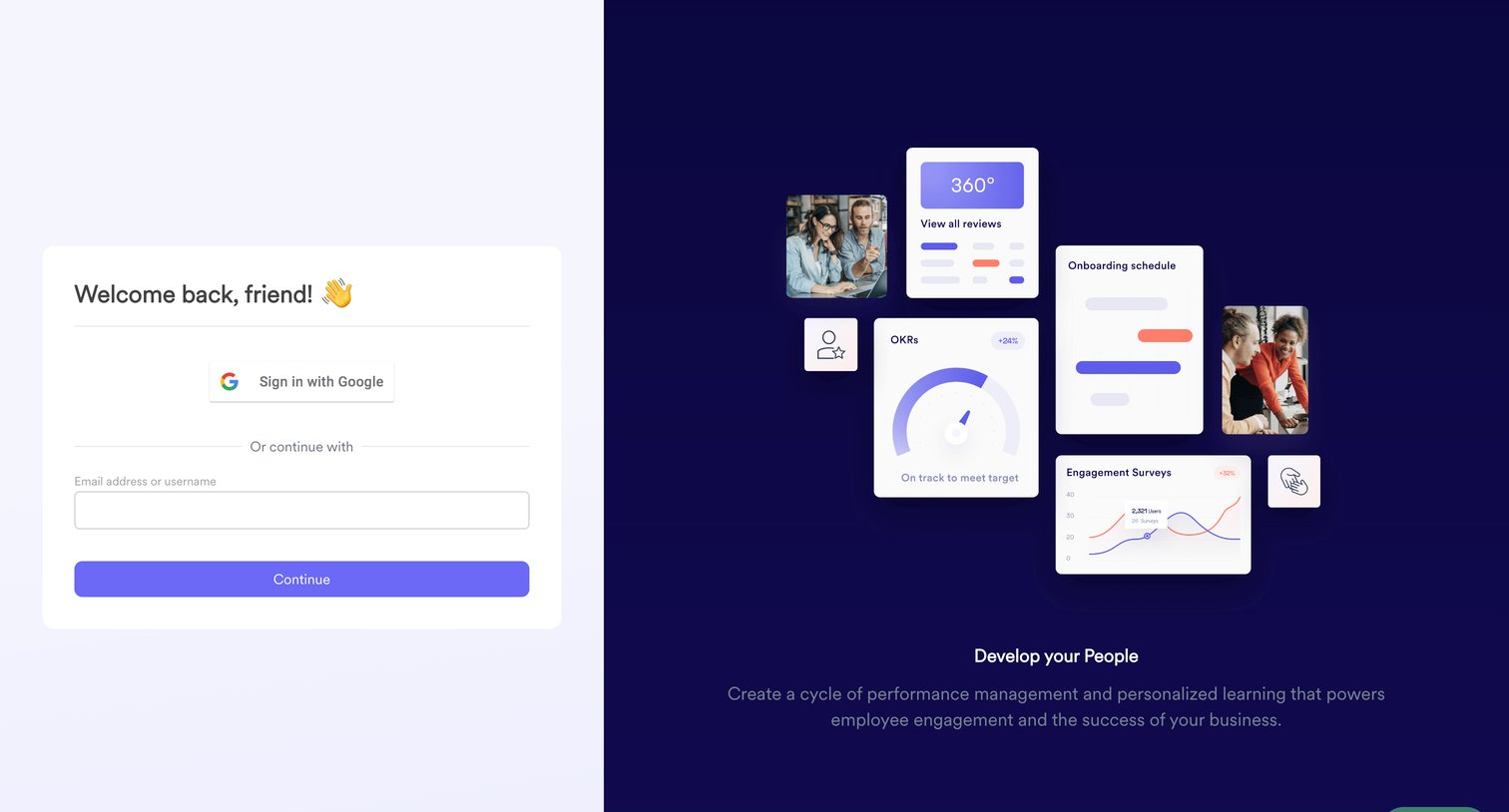
Sign-in screen where the user authenticates with Google or their email address, alongside a product illustration highlighting performance management features.

Leapsome - Leapsome | Leapsome screen
Leapsome logo
Leapsome

Sign-in screen where the user authenticates with Google or their email and password, featuring product illustrations on the right panel.

Leapsome - Leapsome | Leapsome screen
Leapsome logo
Leapsome

Password recovery screen where the user requests a reset link by confirming their pre-filled email address.
Leapsome - Leapsome | Leapsome screen
Leapsome logo
Leapsome

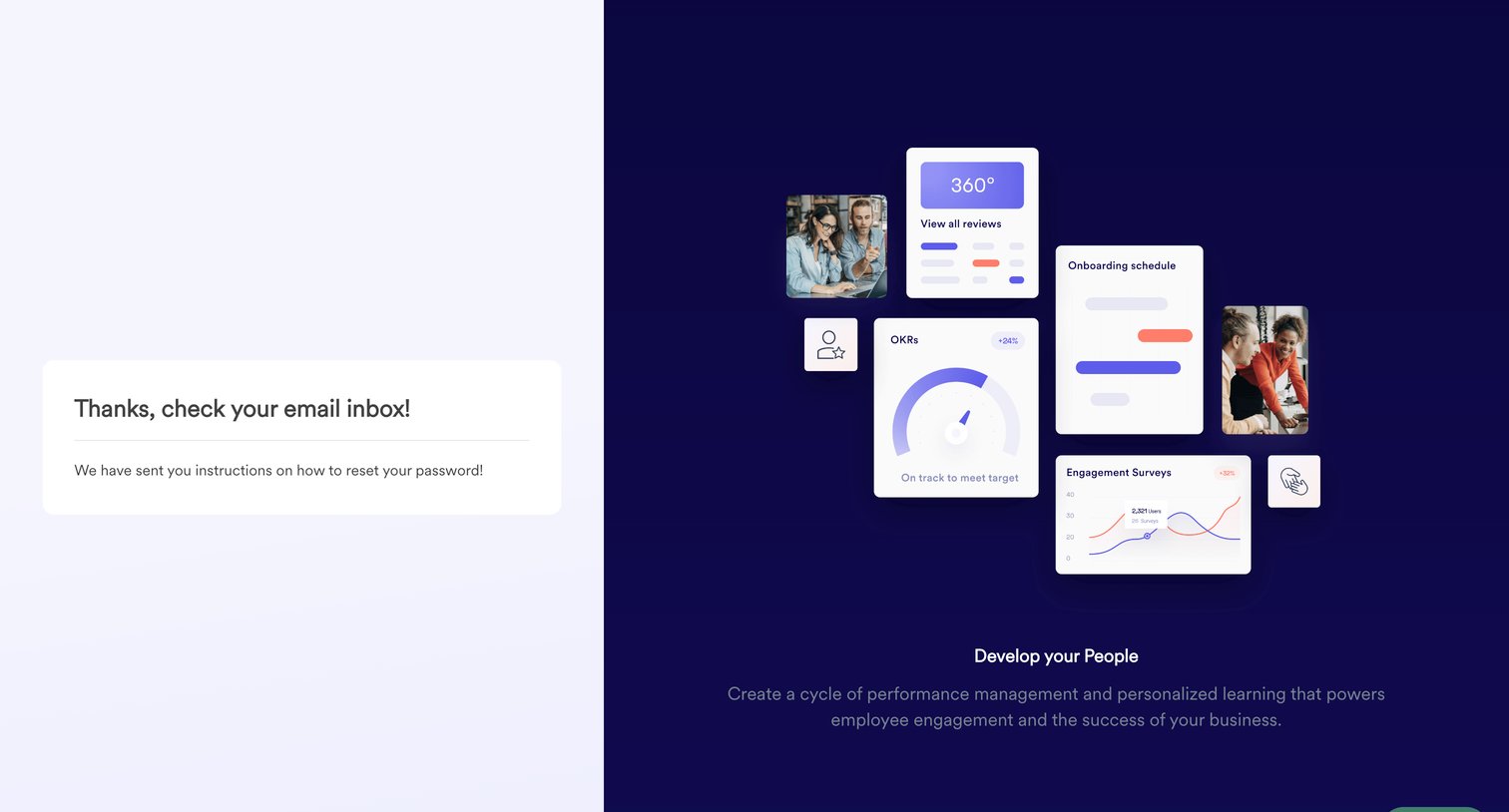
Authentication screen confirming that password reset instructions have been sent to the user's email inbox, featuring a product marketing panel on the right.
Leapsome - Leapsome | Platform Sandbox screen
Leapsome logo
Leapsome

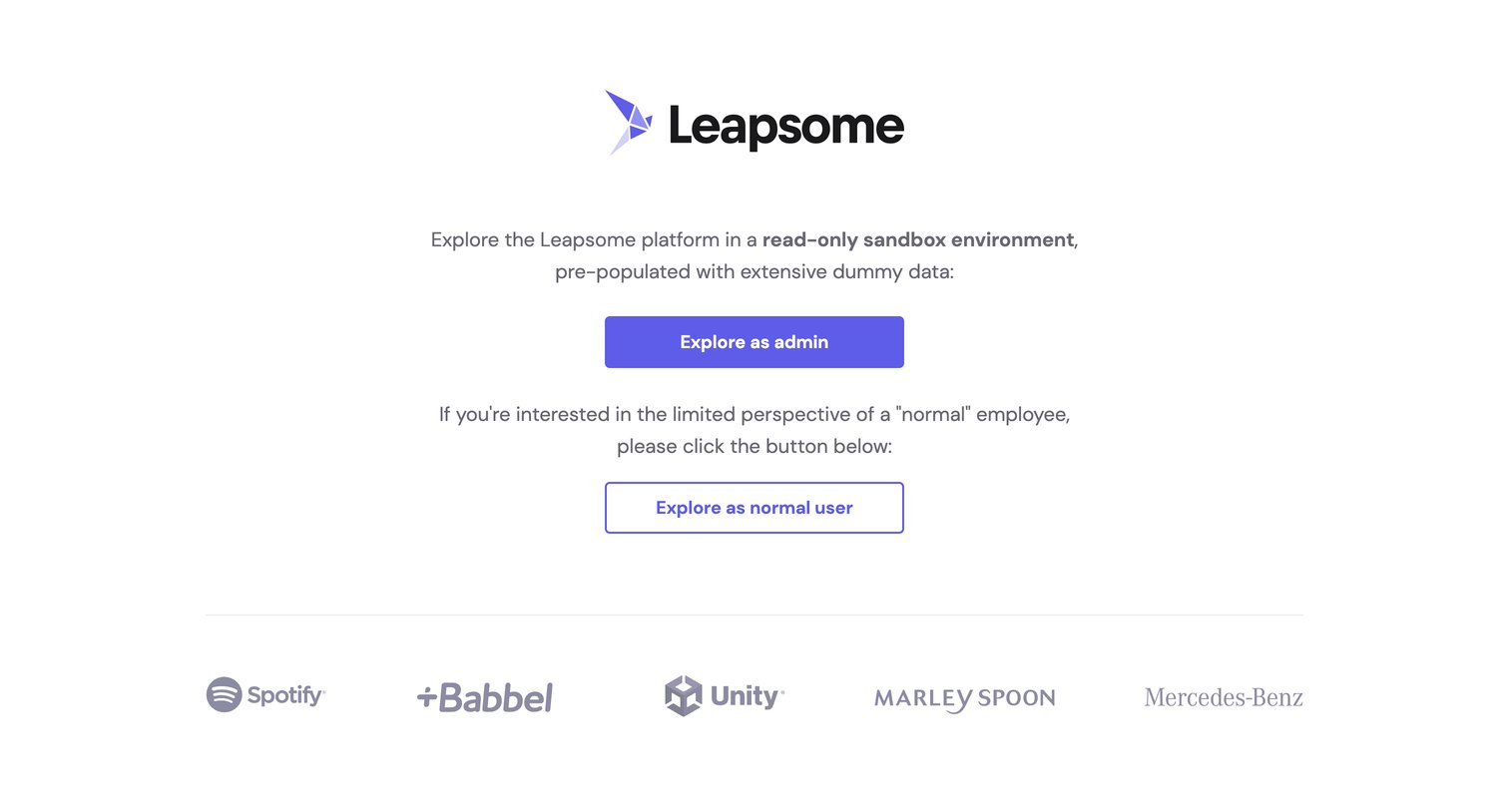
Demo entry page where the user chooses to explore a read-only sandbox environment as either an admin or a normal employee, followed by a customer logo wall.
Leapsome - Home | My Leapsome  Leapsome screen
Leapsome logo
Leapsome

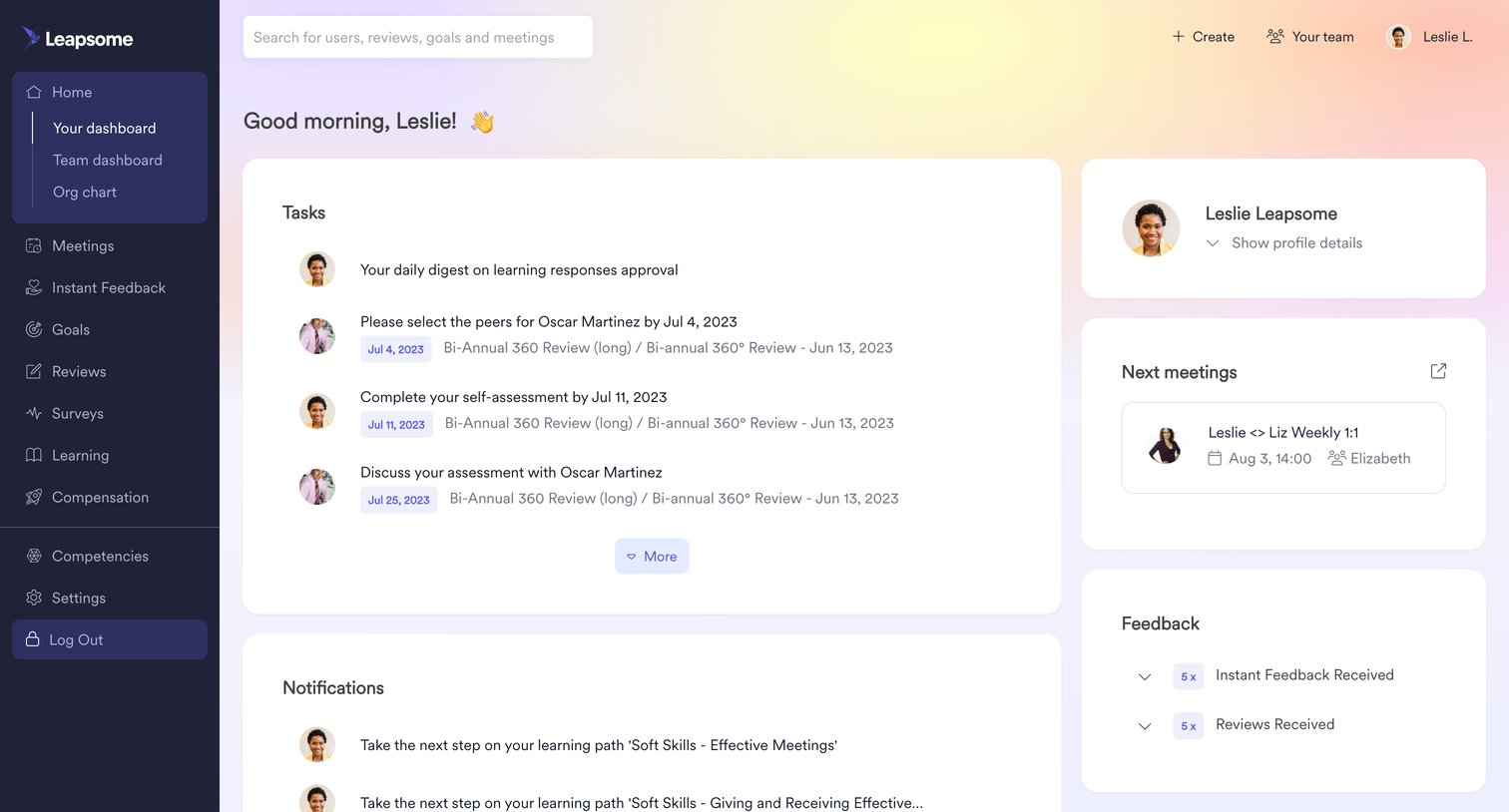
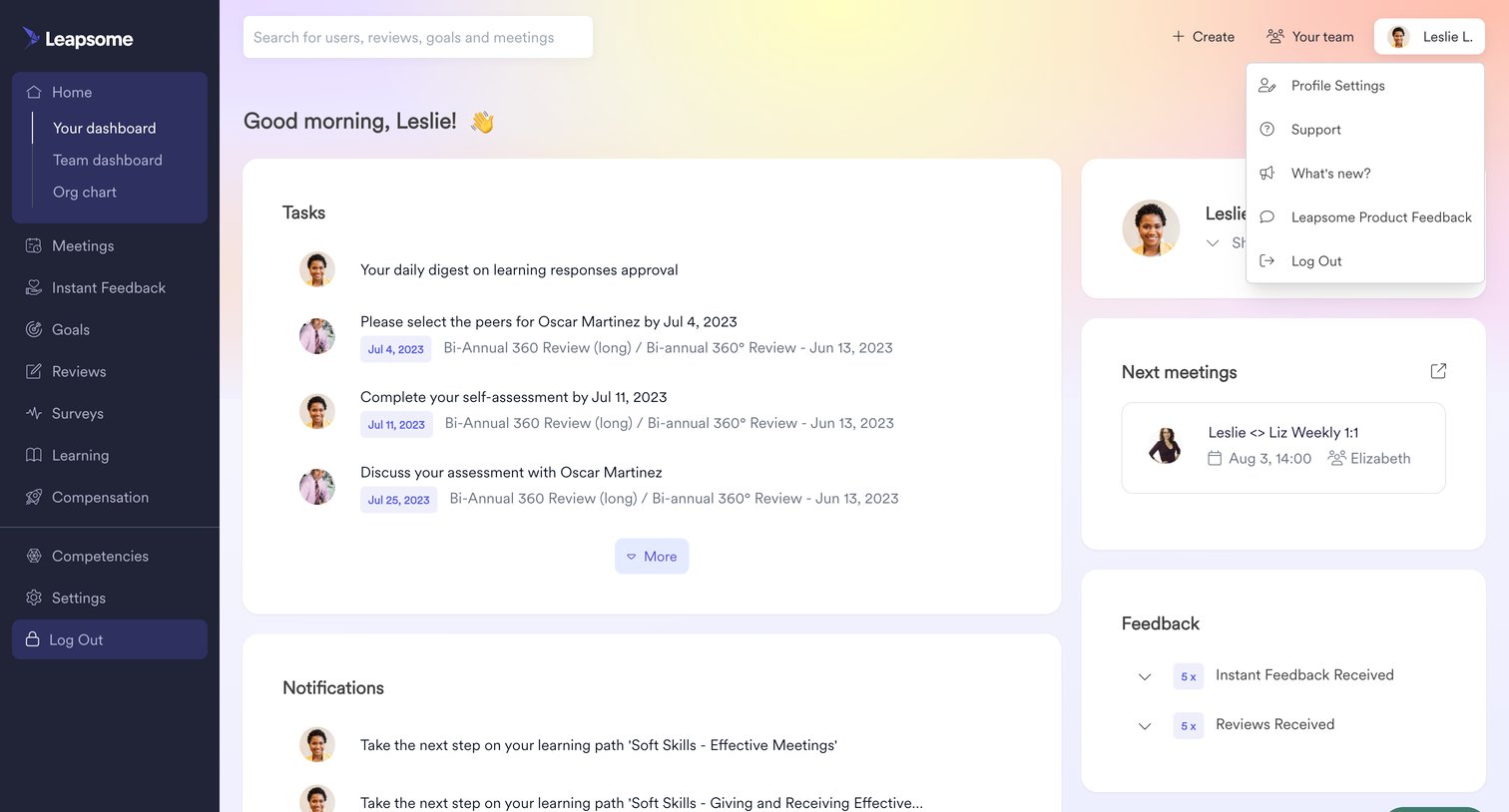
Dashboard providing a personalized overview of pending tasks, notifications, upcoming meetings, feedback summaries, goal progress, and a radar chart of competency assessments.

Leapsome - Home | My Leapsome  Leapsome screen
Leapsome logo
Leapsome

Home screen where the user views their pending tasks, recent notifications, upcoming meetings, and a summary of received feedback.

Leapsome - Home | Team Leapsome  Leapsome screen
Leapsome logo
Leapsome

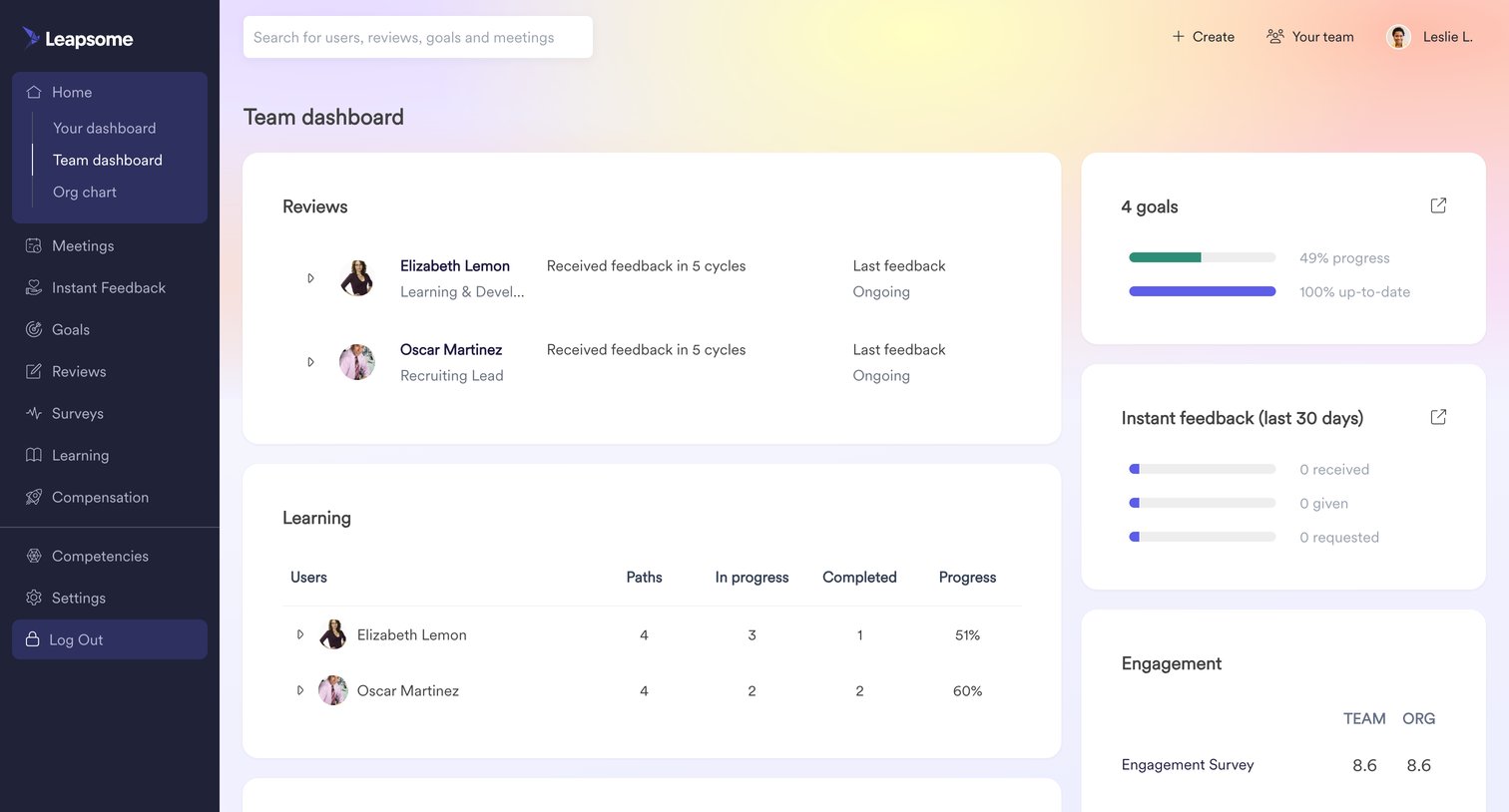
Dashboard showing team performance metrics including reviews, learning progress, goals, instant feedback, engagement scores, and a competency distribution radar chart.
Leapsome - Home | Team Leapsome  Leapsome screen
Leapsome logo
Leapsome

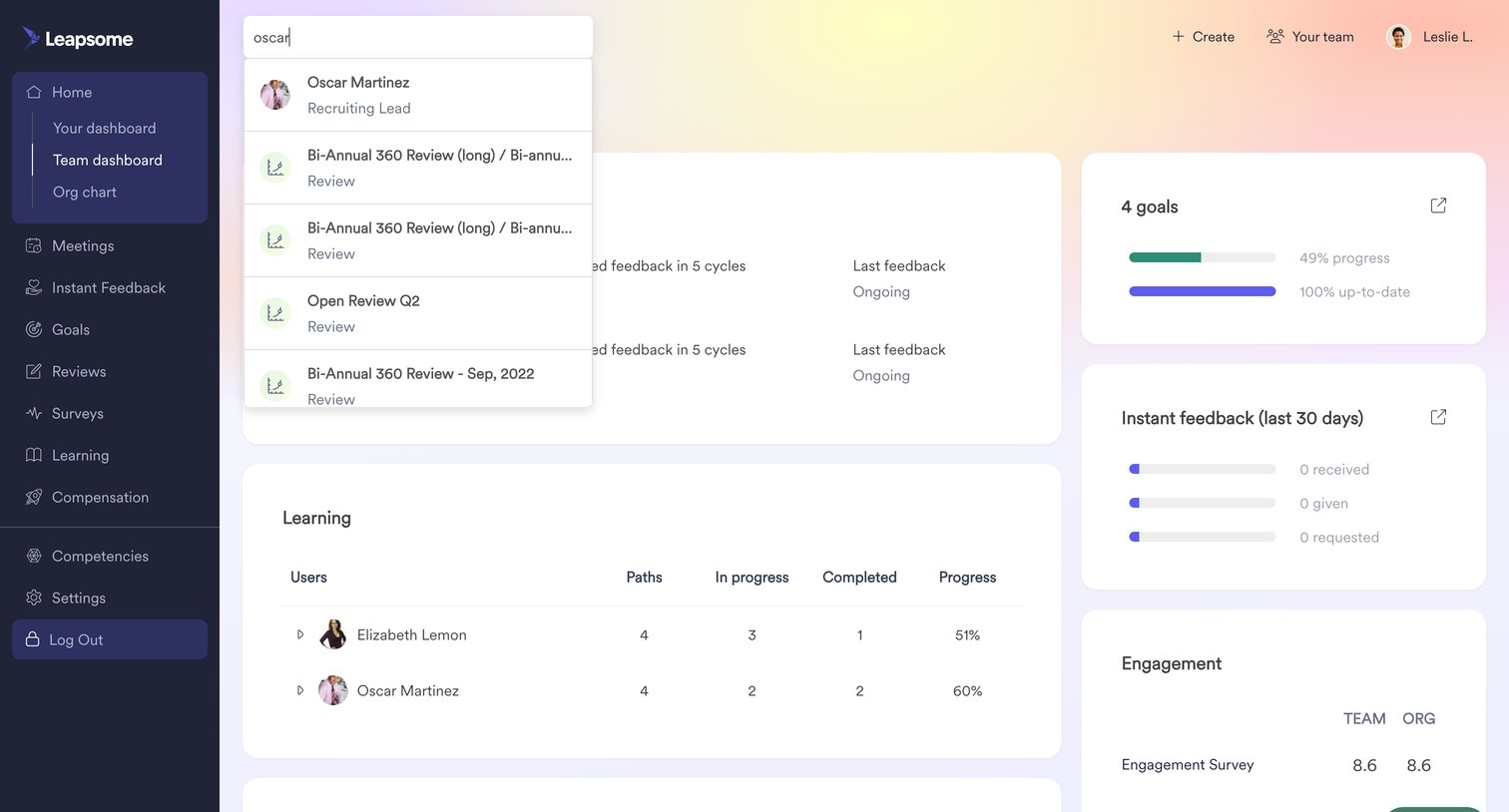
Team dashboard where a manager views aggregated metrics for goals, learning progress, engagement surveys, and searches for specific employees via a global combobox.

Leapsome - Home | Org-Chart  Leapsome screen
Leapsome logo
Leapsome

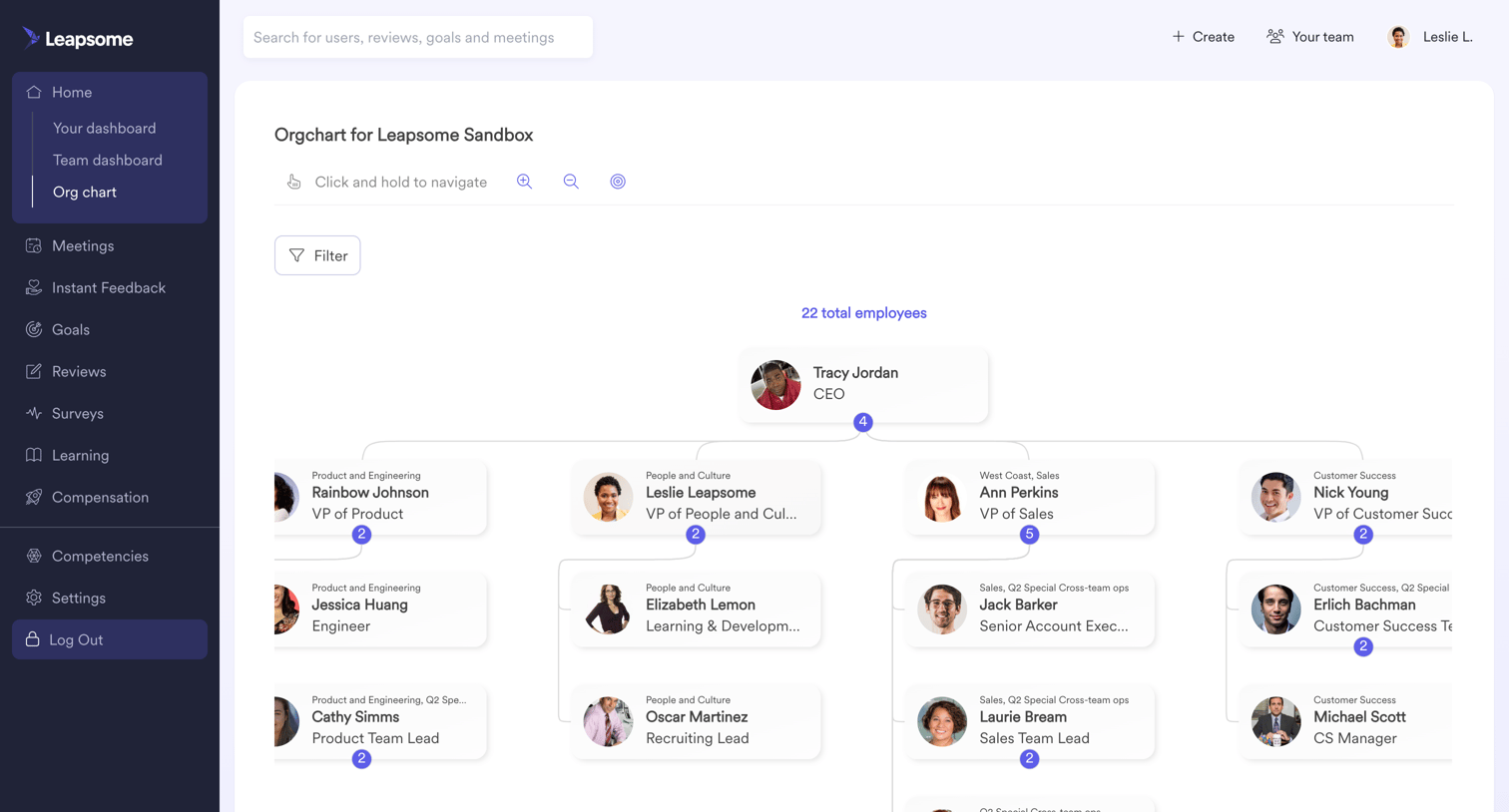
Directory view displaying the company's reporting structure as an interactive organizational chart with zoom controls and employee detail cards.
Leapsome - Home | Org-Chart  Leapsome screen
Leapsome logo
Leapsome

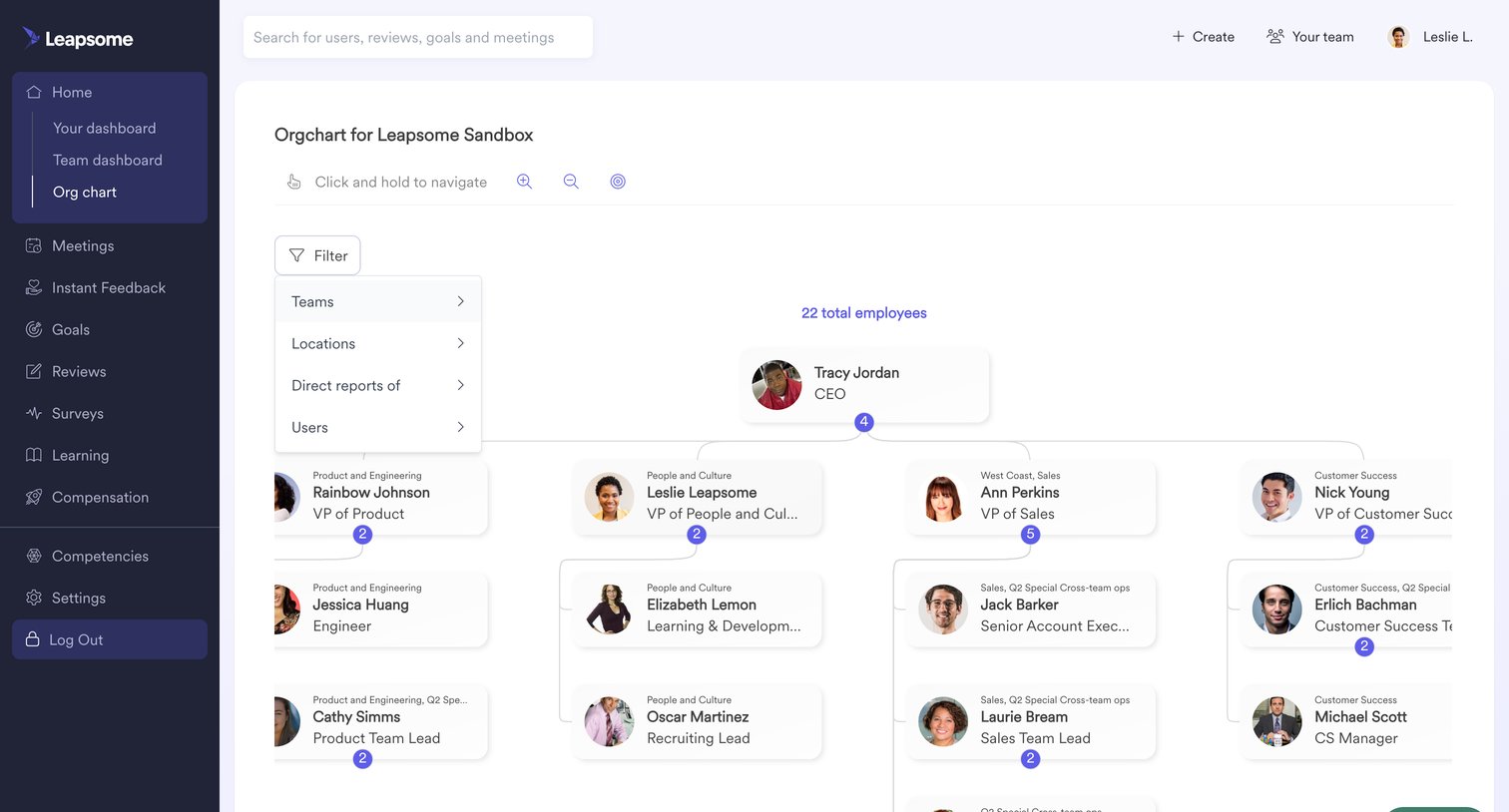
Organization chart showing the company hierarchy with a filter menu open to refine the view by teams or locations.
Leapsome - Home | Org-Chart  Leapsome screen
Leapsome logo
Leapsome

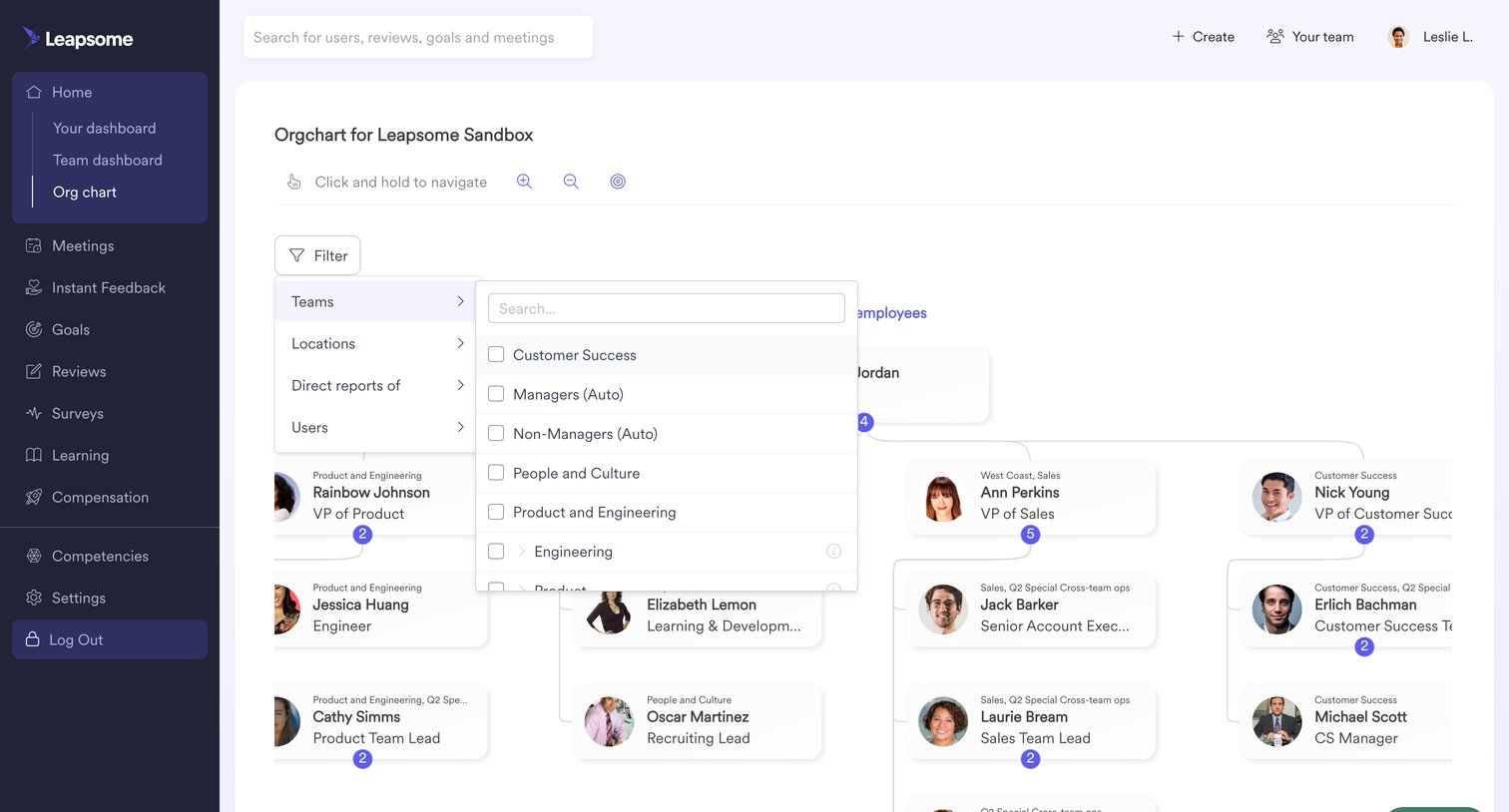
List view displaying the company's organizational chart as an interactive tree diagram with an open cascading filter menu for teams and locations.

Explore the full SaaS screen library

Upgrade to unlock the full library.

Trusted by the best teams