Google One product screens examples
Browse Google One screen design examples. Preview the interface screenshots and explore related UI patterns. Cloud Storage, automatic phone backup, VPN and more
Explore the examples
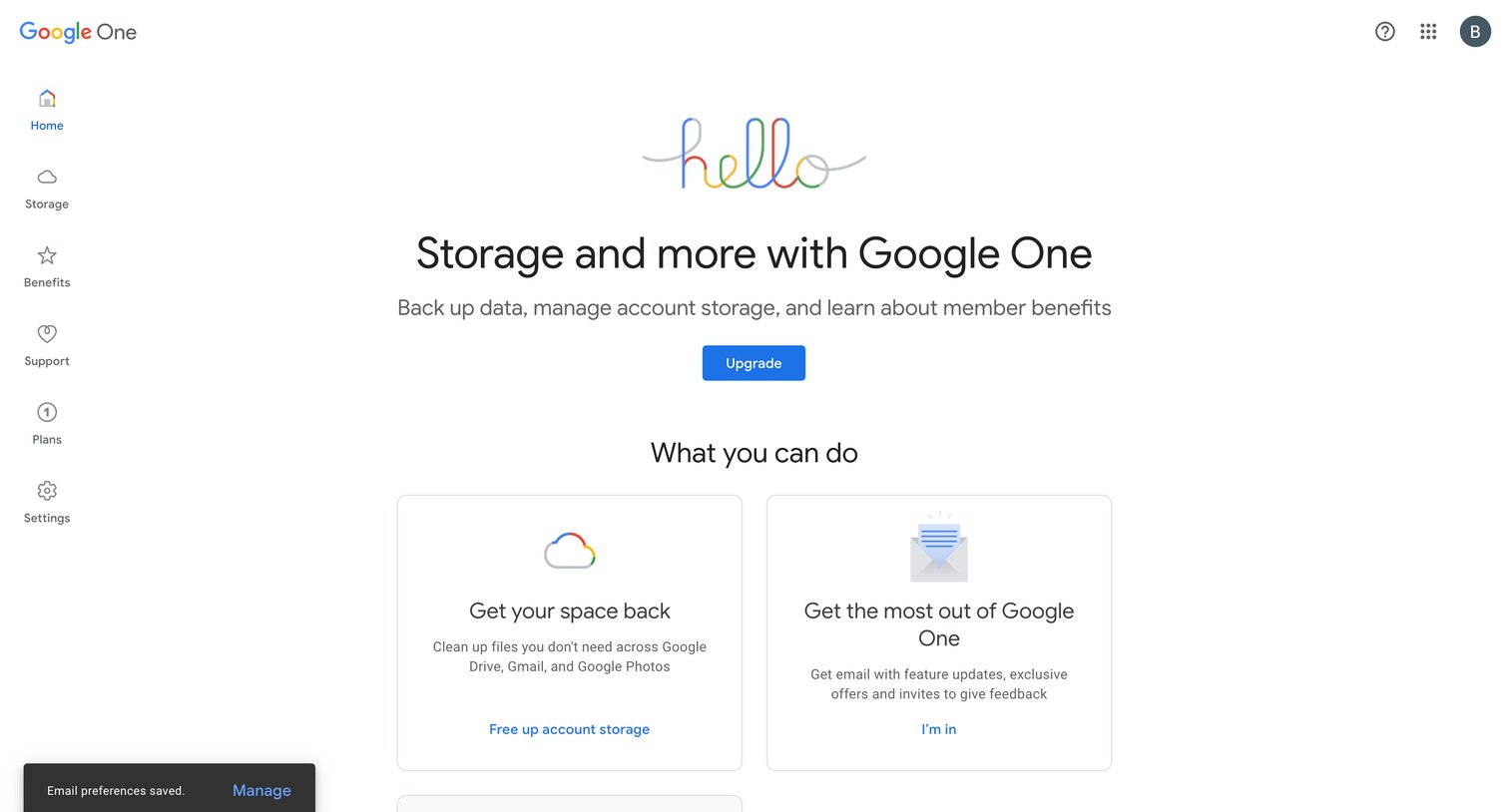

App home screen welcoming the user and prompting them to upgrade their storage plan or explore account management features.
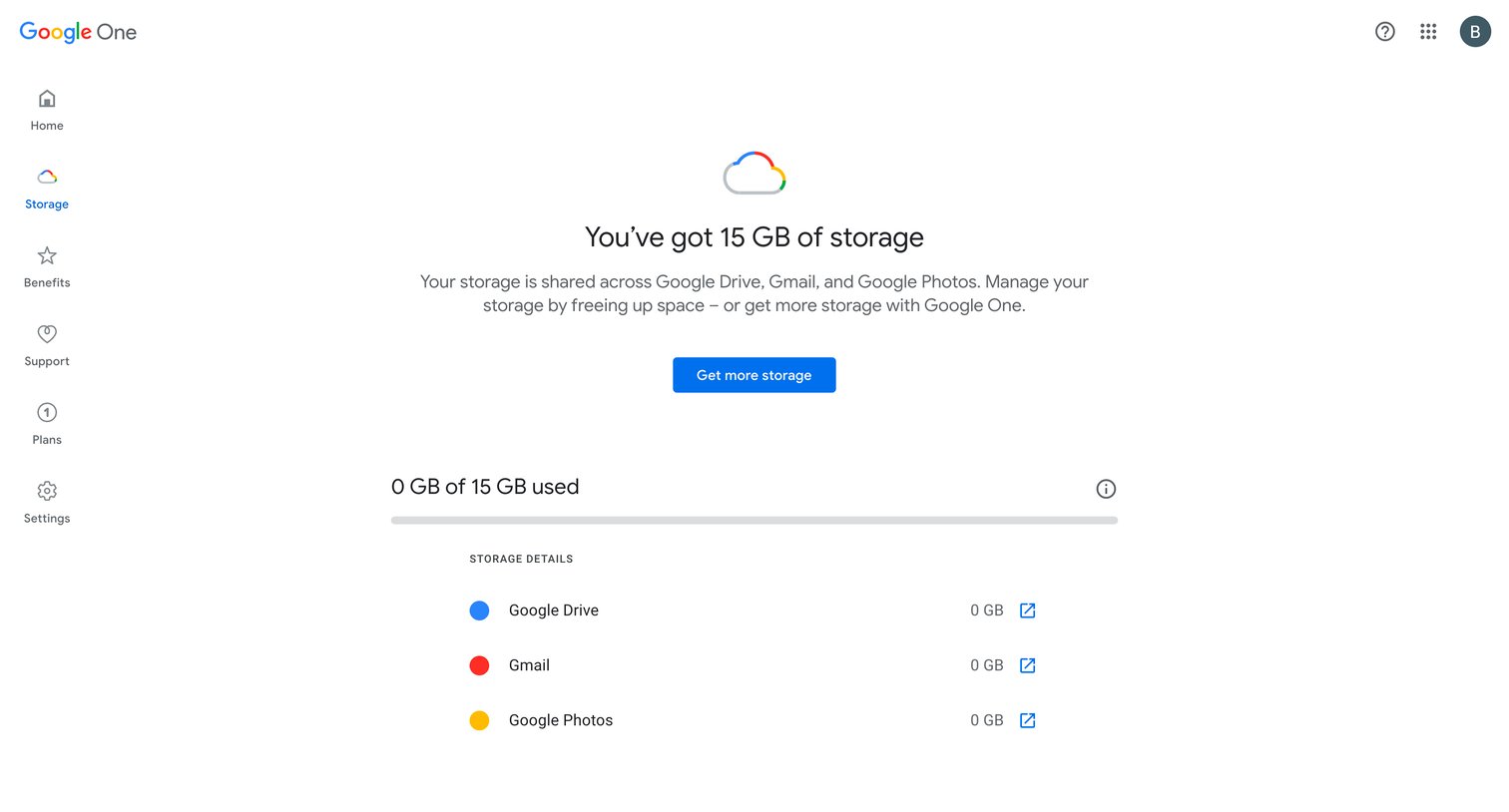
Settings page where the user views their current storage usage across Google services and can choose to upgrade to a paid Google One plan.
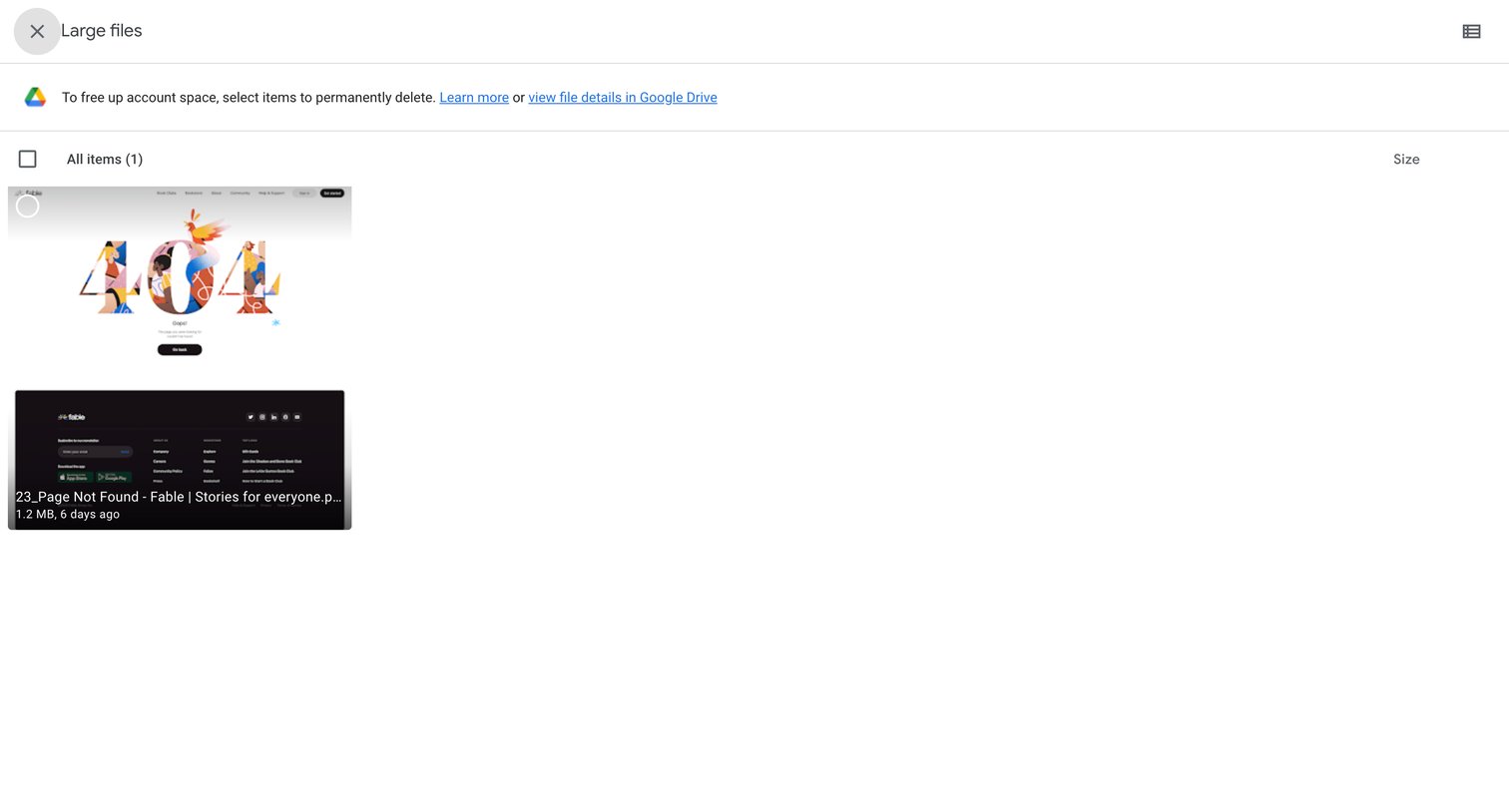
List view where the user selects large files from Google Drive to permanently delete and free up account space.
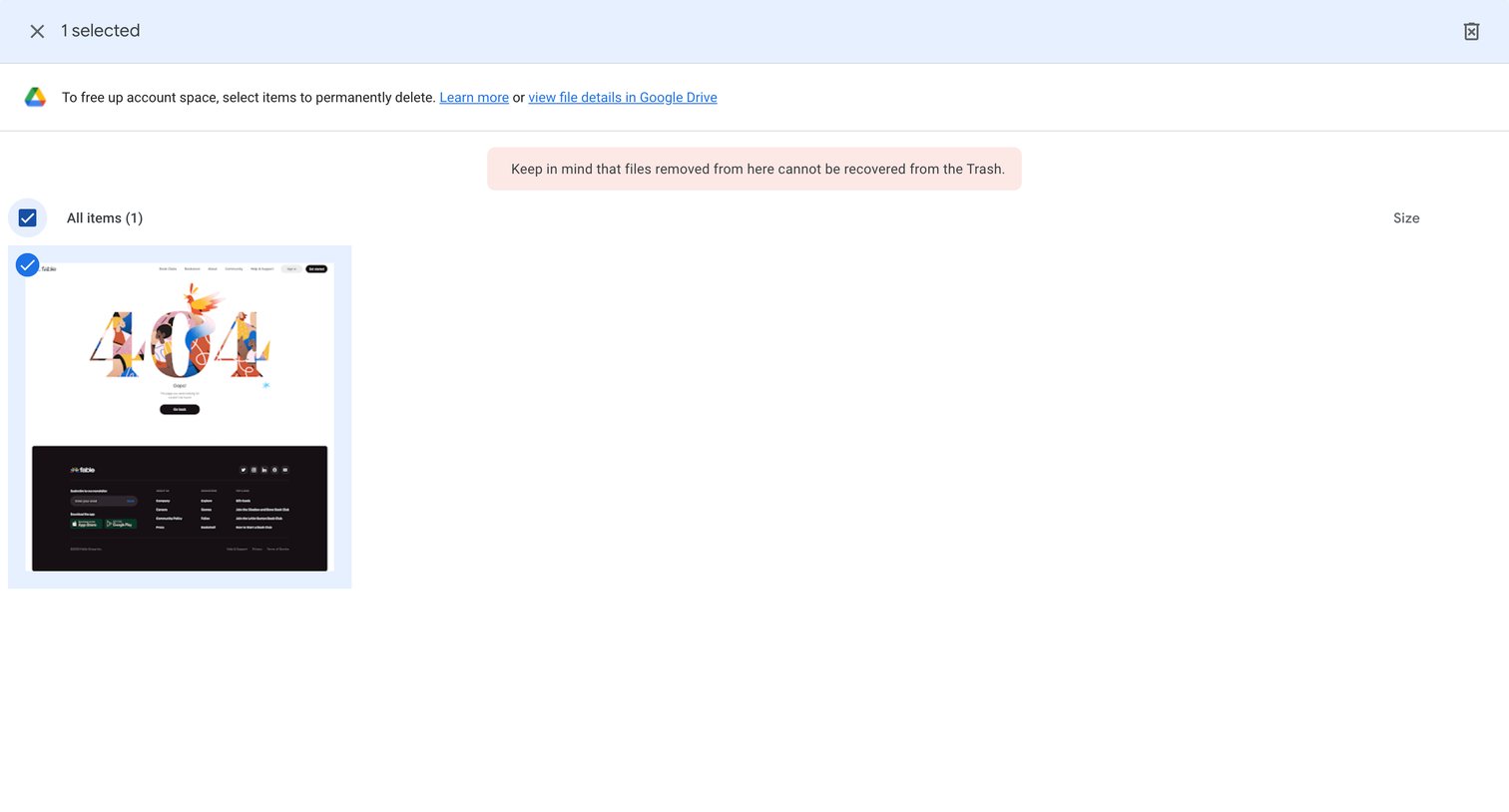
Storage management page where the user selects files to permanently delete to free up account space.
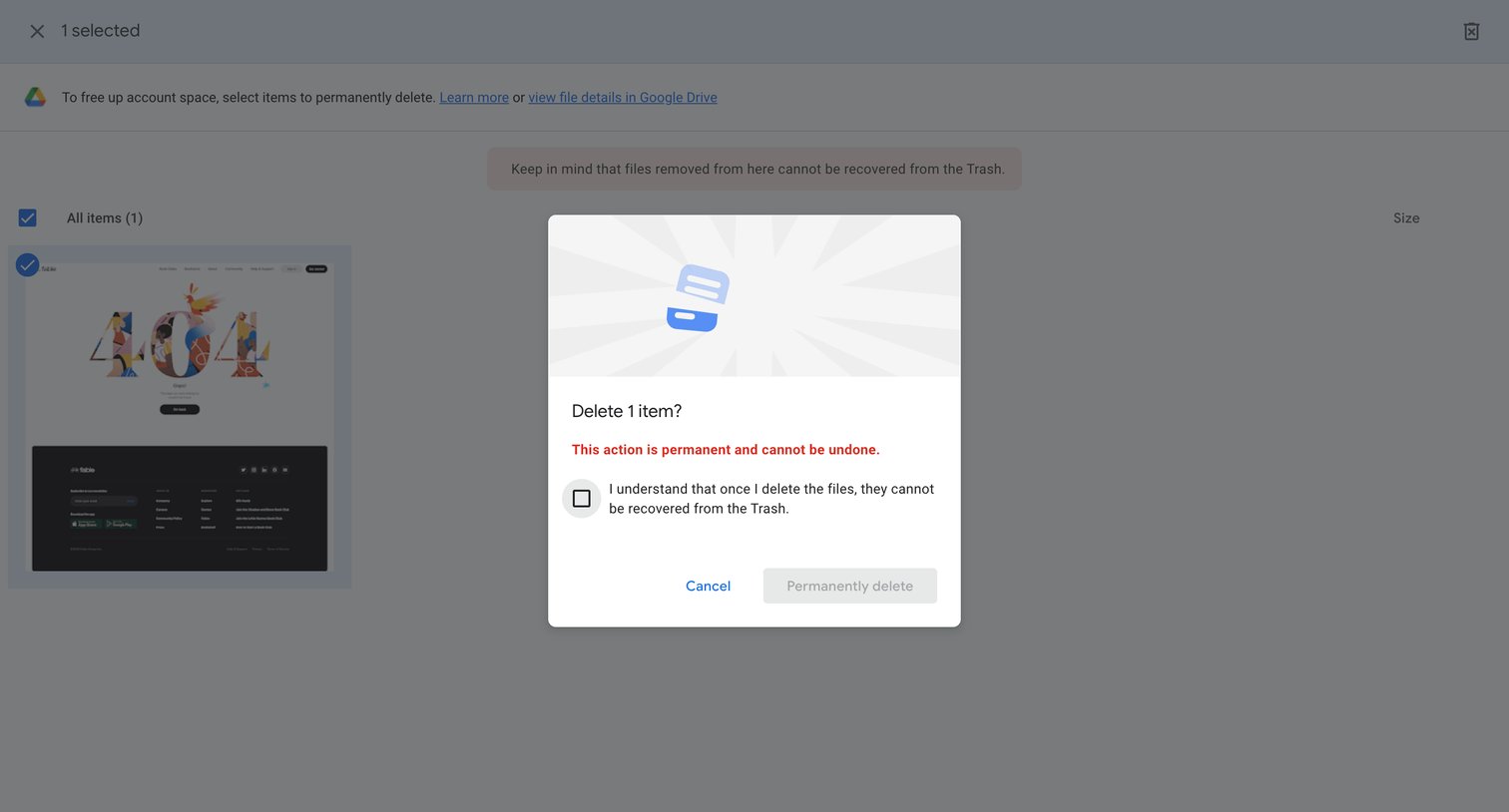
Storage management list view where the user must check a confirmation box to enable the permanent deletion of a selected file.
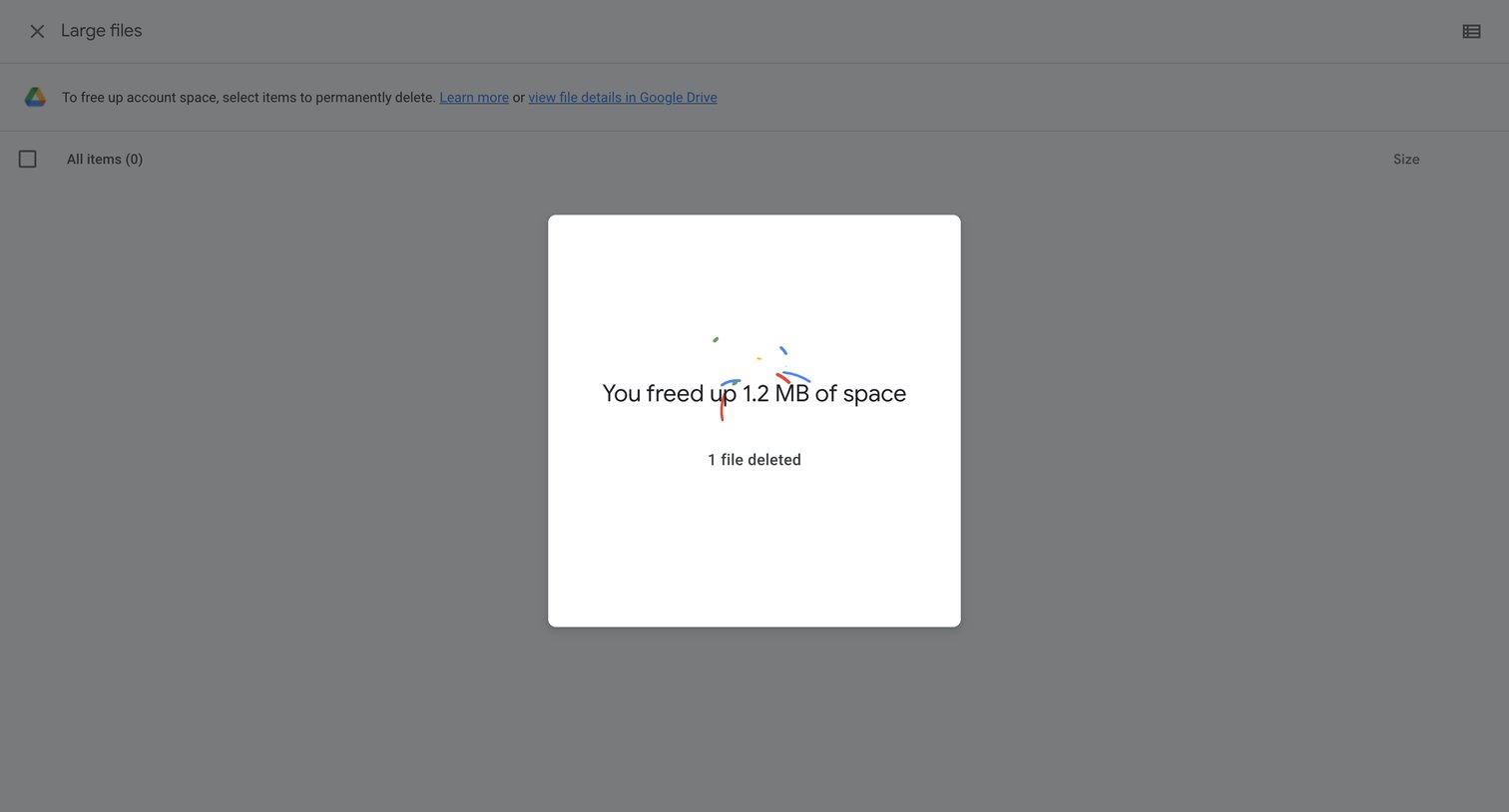
Storage management list view showing a success modal after the user permanently deleted a large file to free up space.
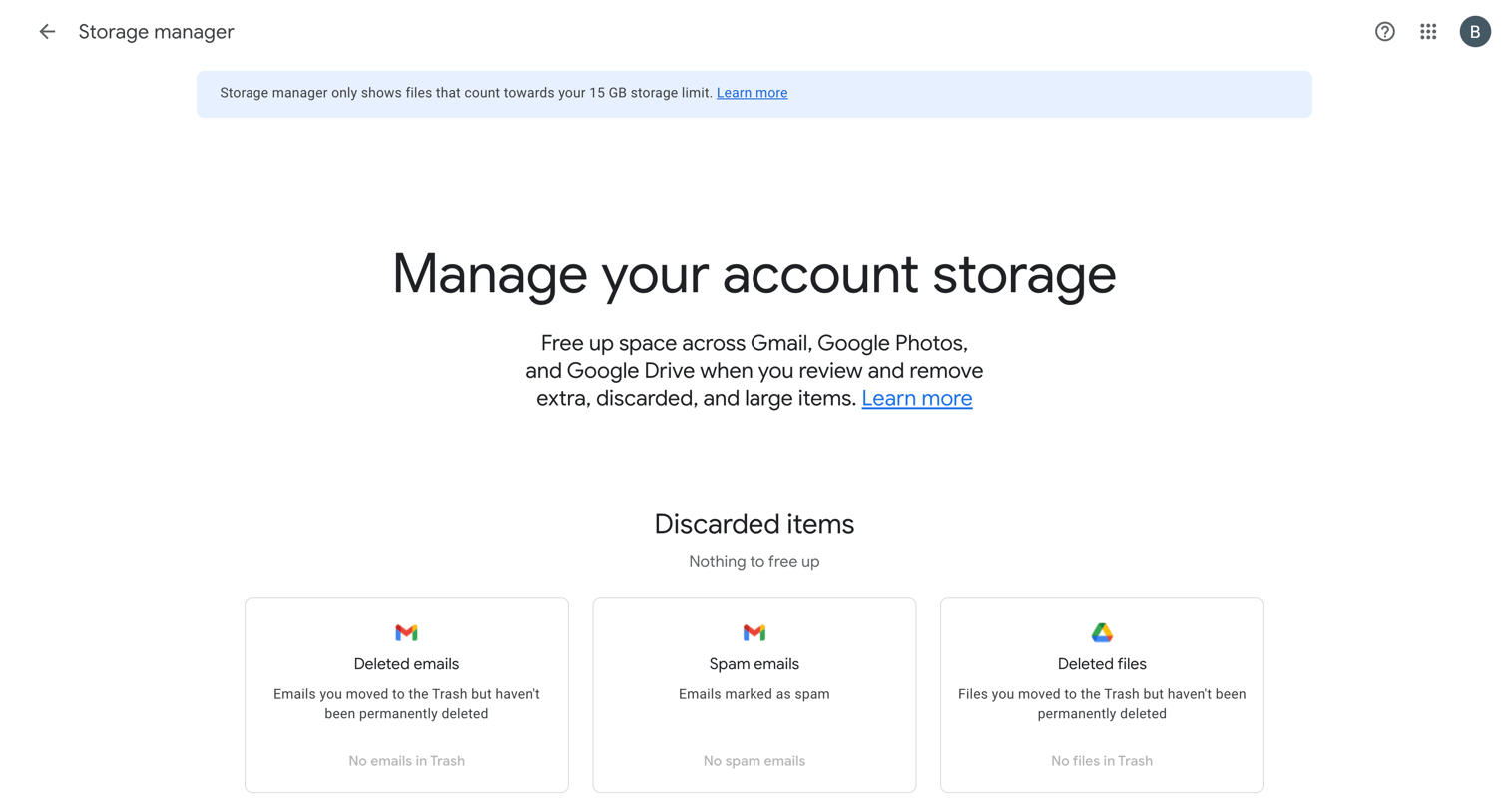
Settings page where the user reviews their account storage to clear discarded, large, or unsupported items across Gmail, Drive, and Photos, currently showing an empty state with nothing to free up.
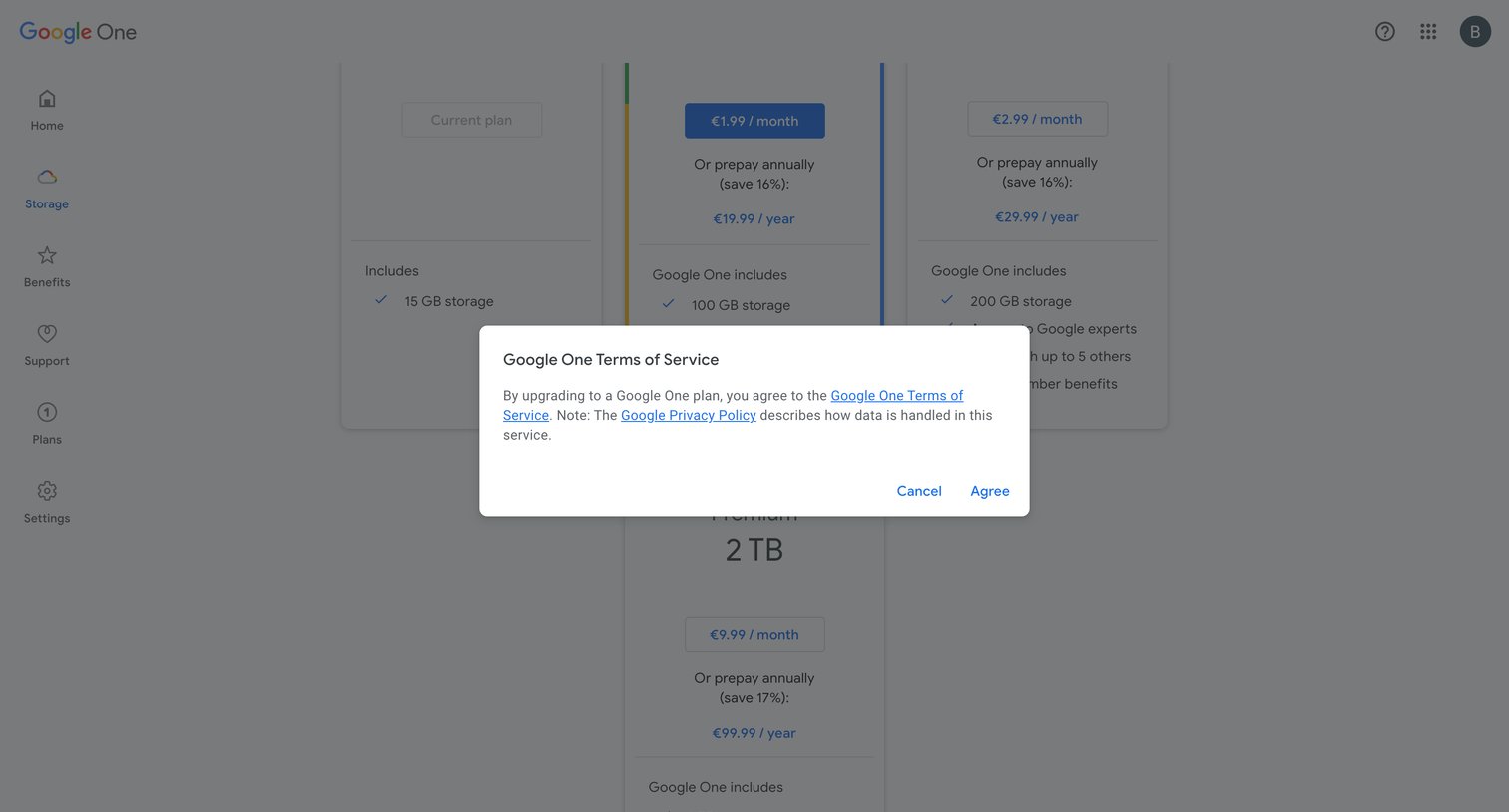
Upgrade flow where the user must agree to the Google One terms of service before finalizing a new storage plan.
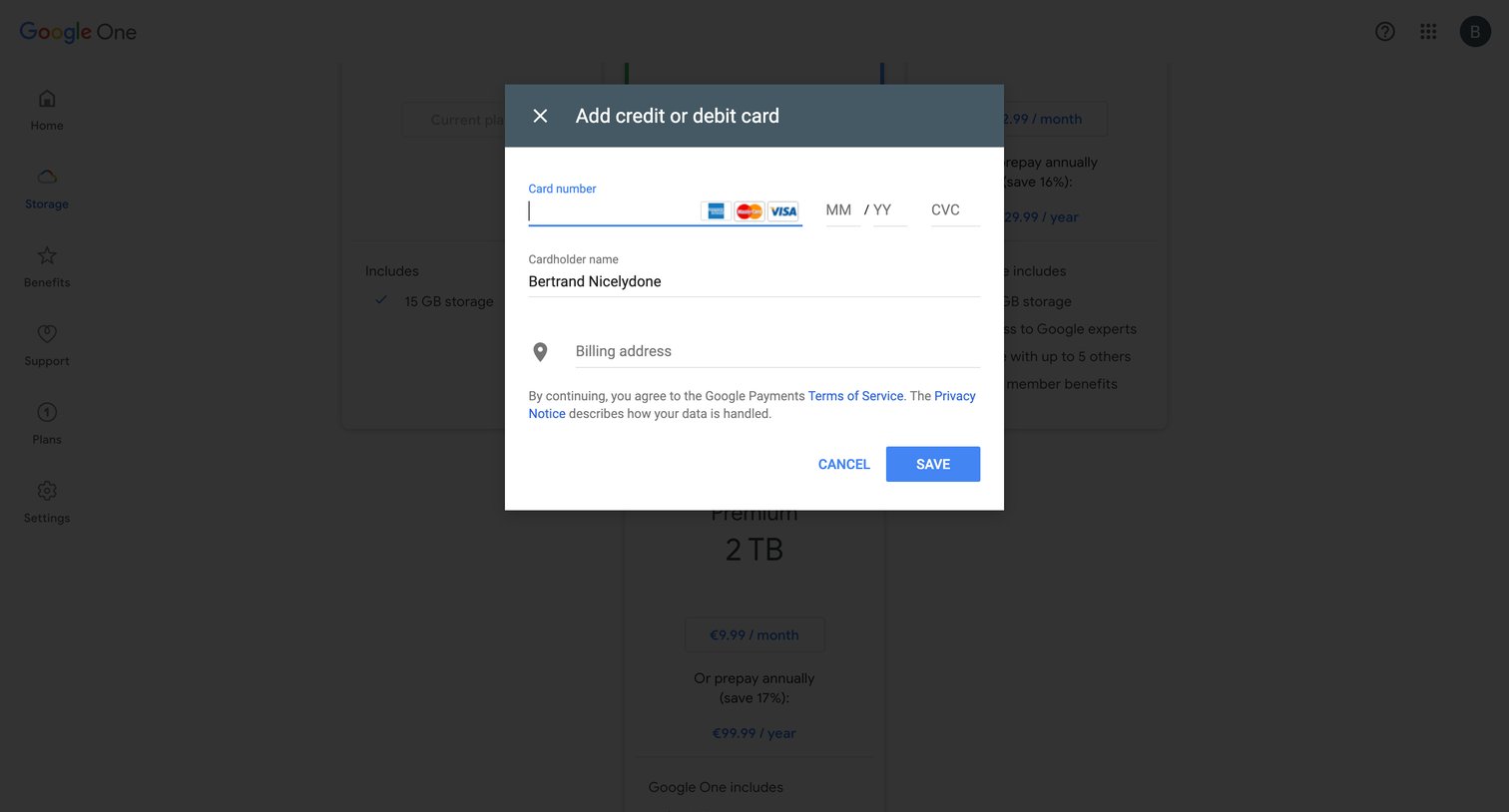
Billing settings page where the user adds a credit or debit card to upgrade their storage plan.
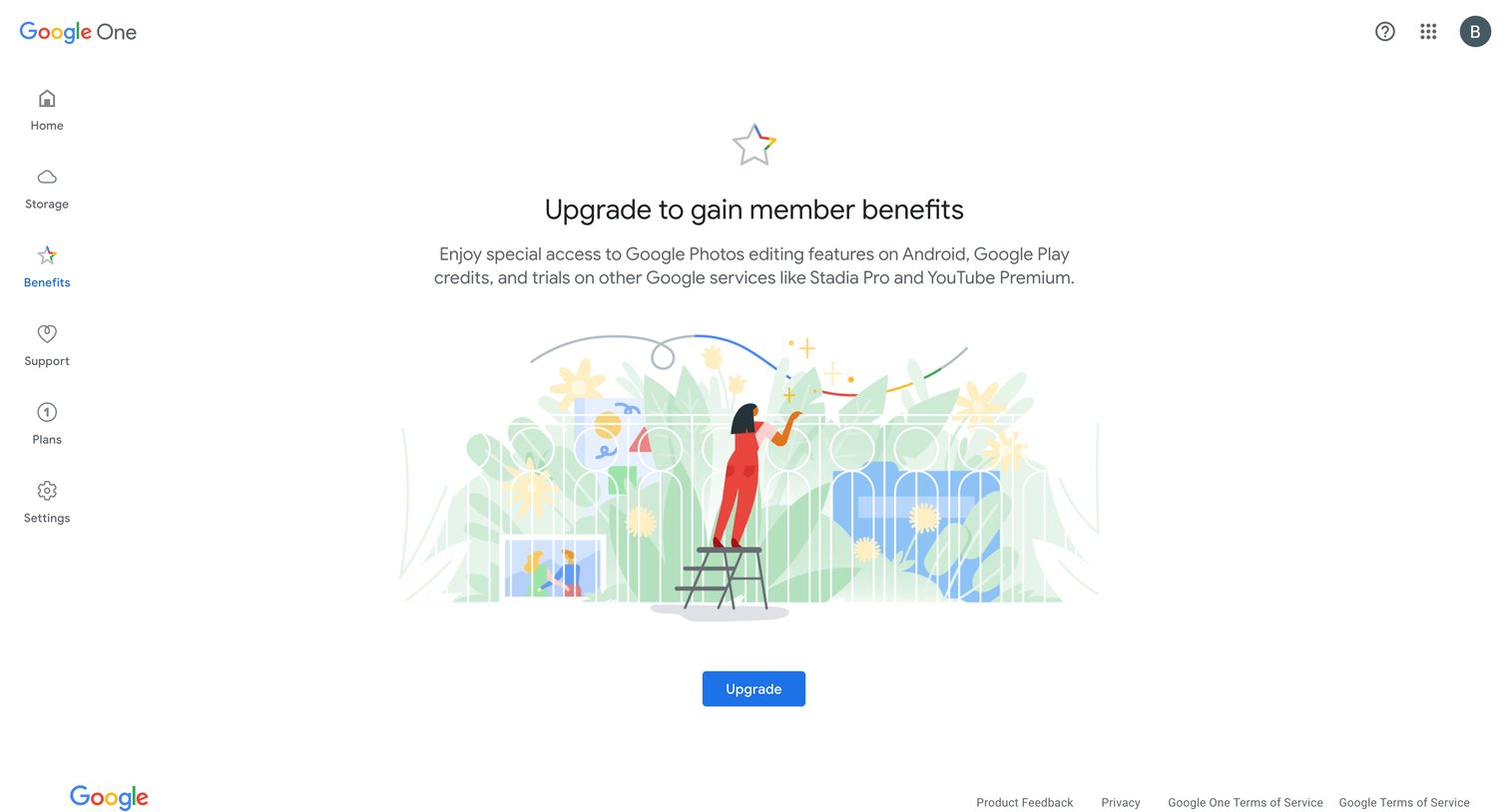
Paywall screen where the user is prompted to upgrade their Google One plan to access member benefits like photo editing features and Google Play credits.
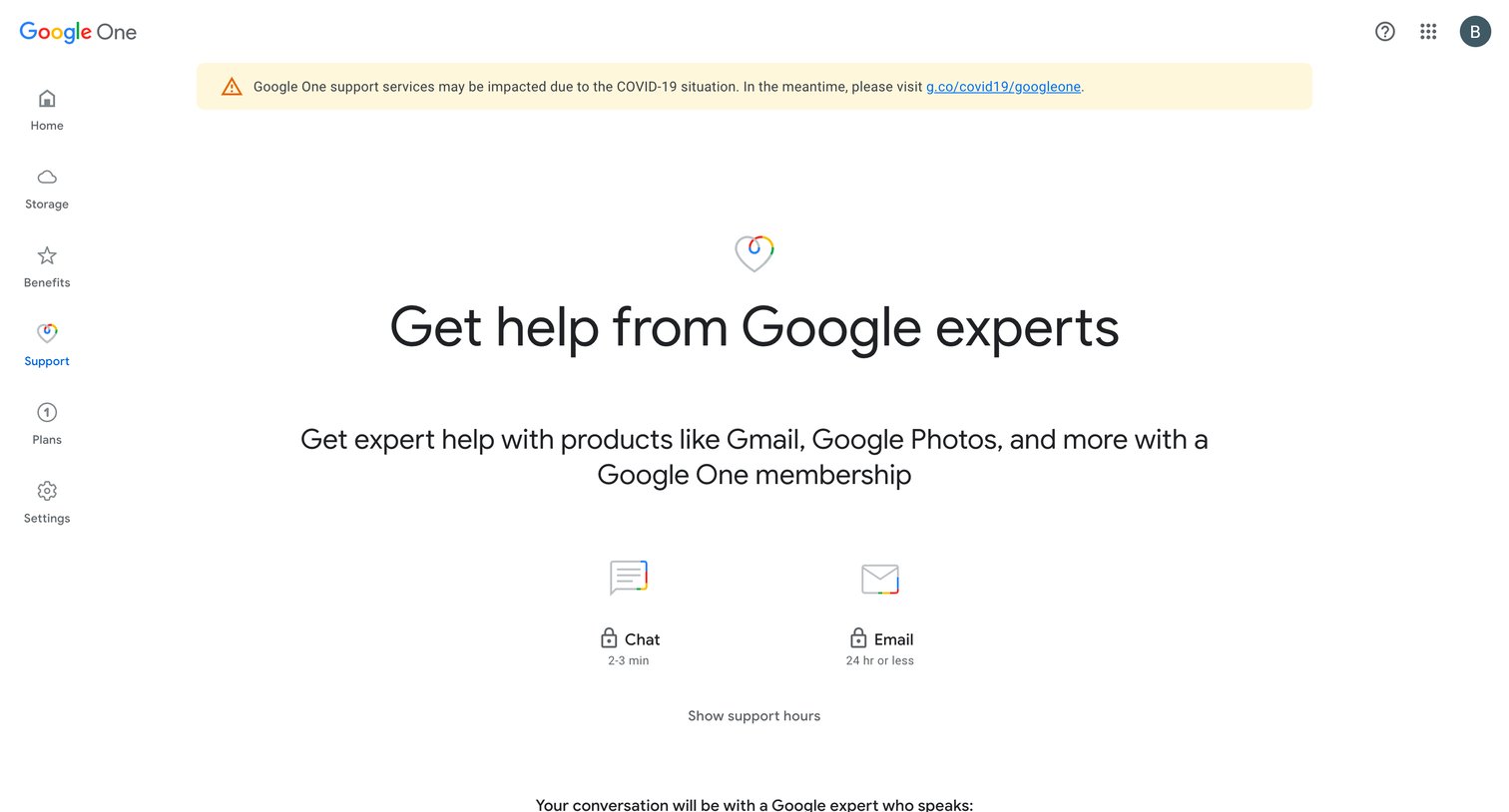
Support hub where the user is prompted to upgrade to a Google One membership to unlock expert chat and email support, and to view their support history.
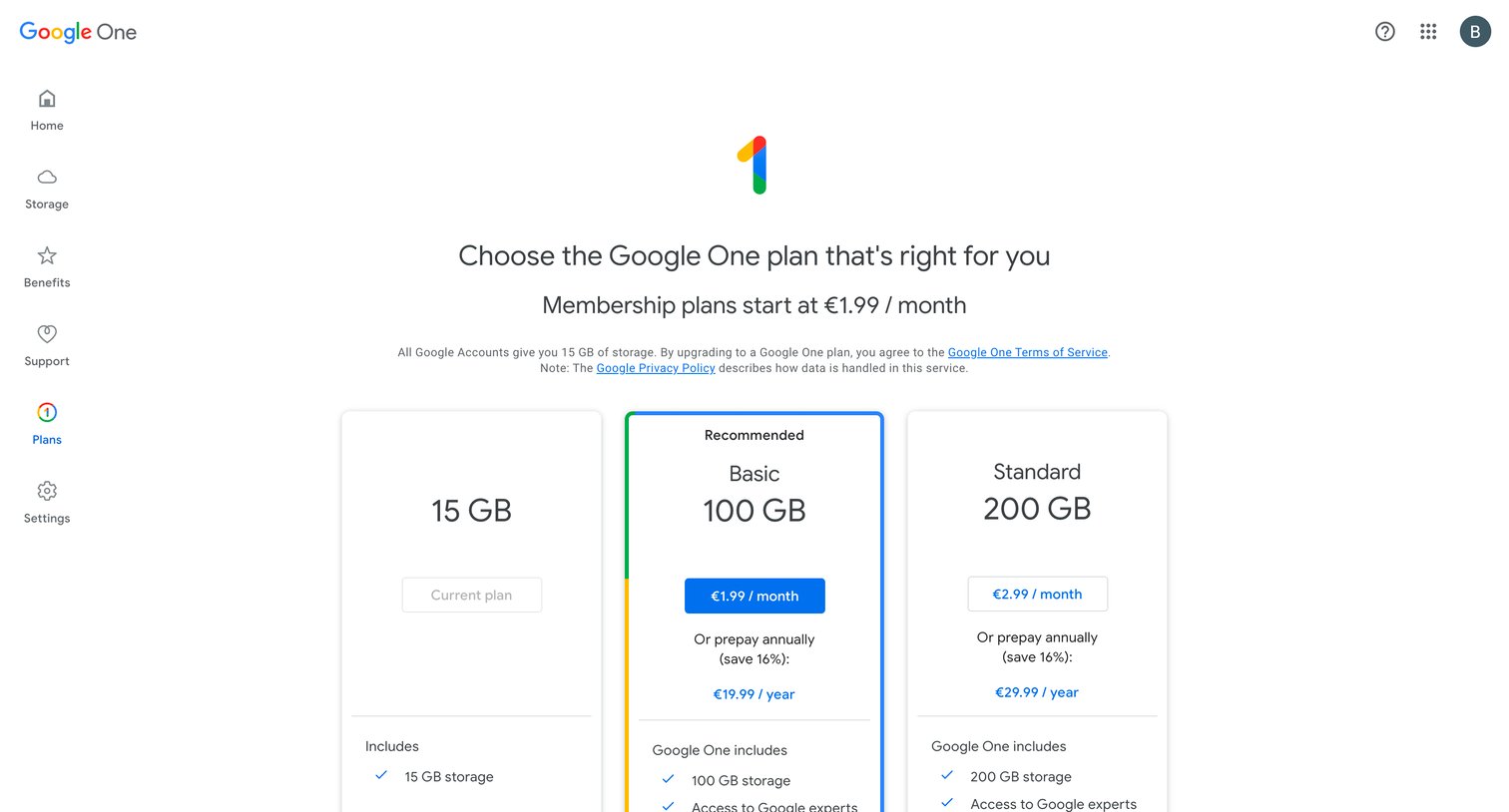
In-app billing page where the user compares and selects a Google One storage plan from 15GB to 2TB options.
Explore the full SaaS screen library
Upgrade to unlock the full library.
Trusted by the best teams







