Getlog design examples
Explore Getlog UI design examples. The next changelog for your product
Product screens
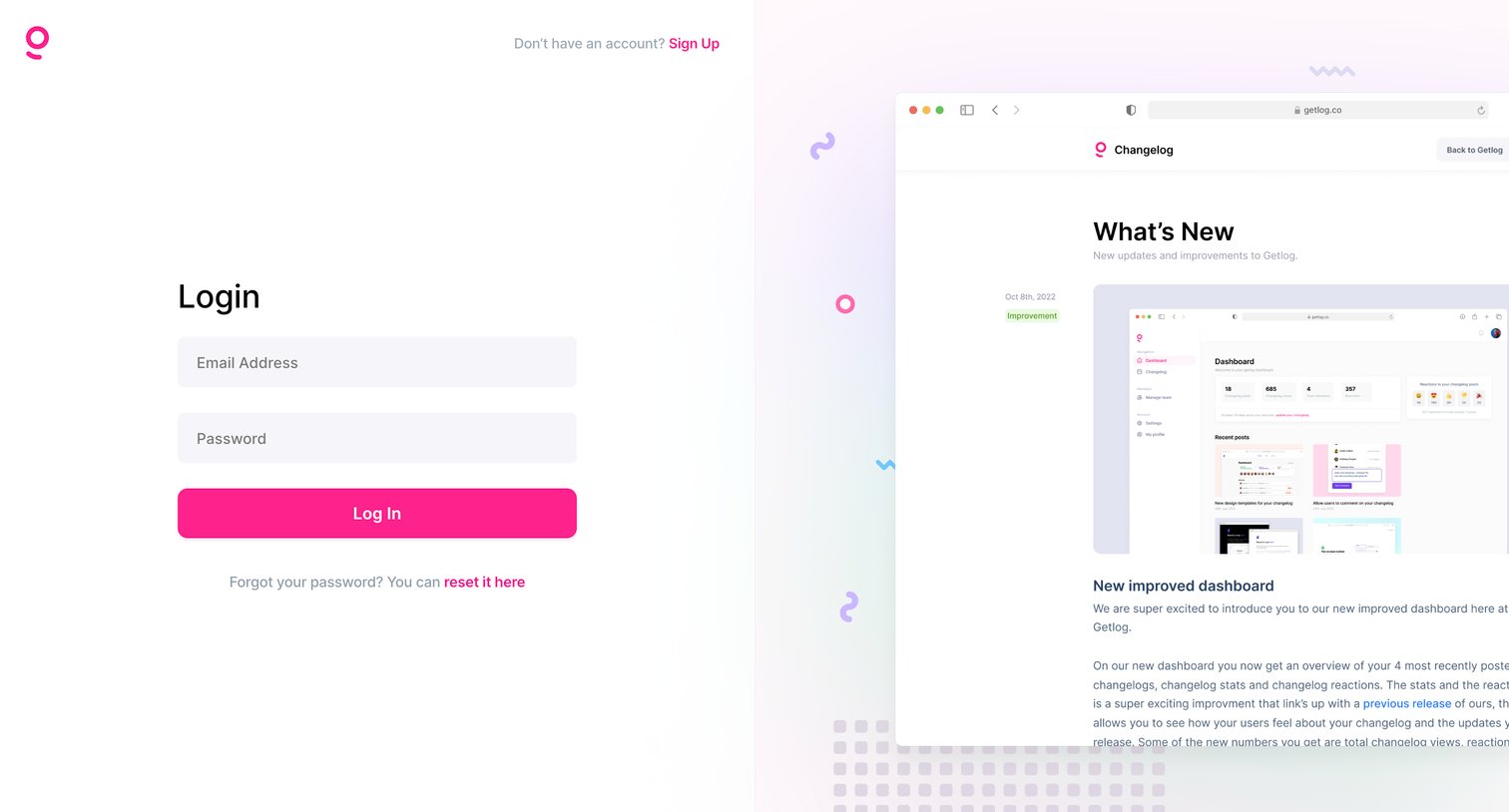
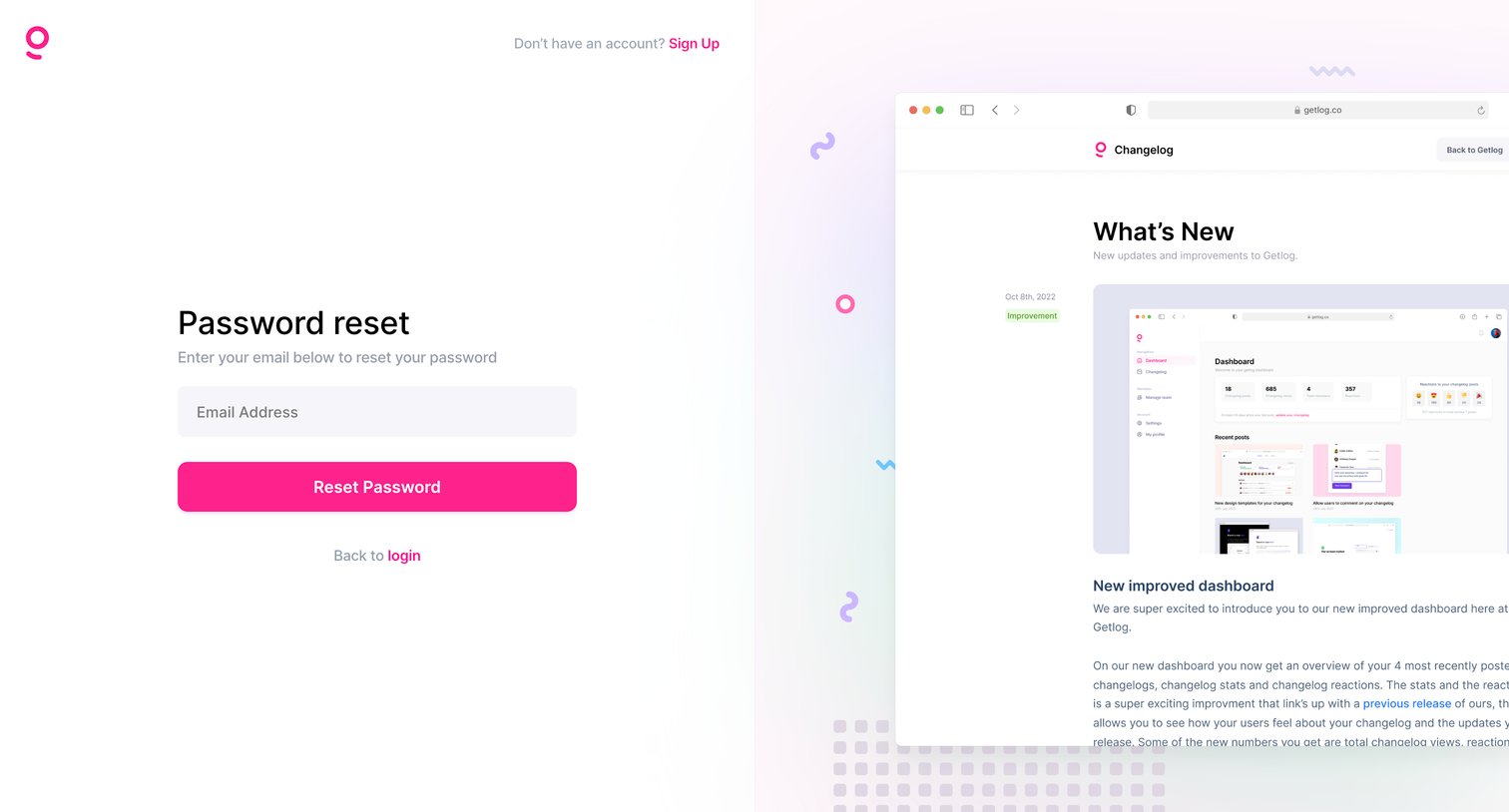

Password recovery screen where the user enters their email address to receive a reset link, presented in a split-screen layout alongside a product preview.
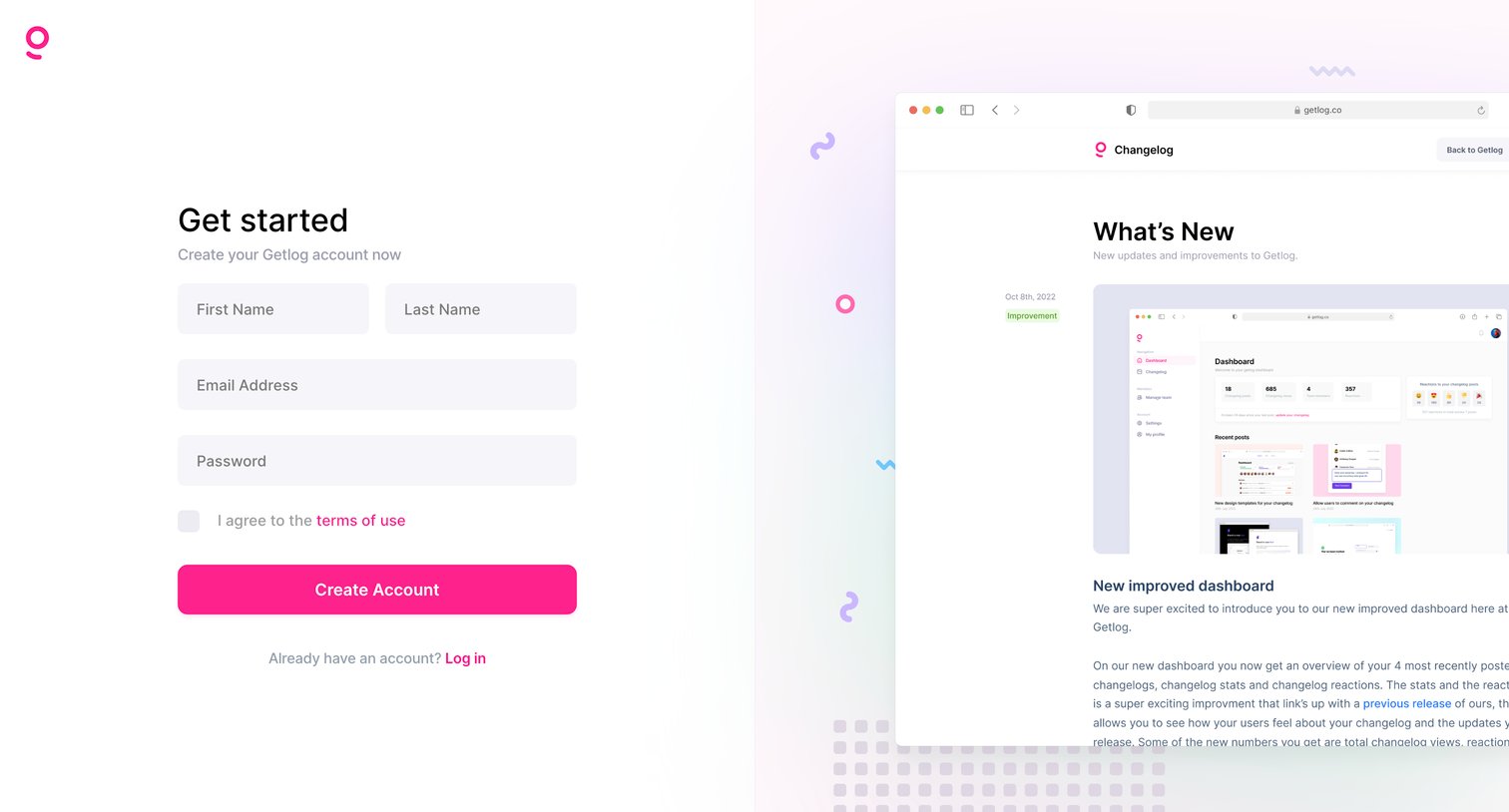
Sign-up page where the user creates an account with their name, email, and password, alongside a preview of the product's changelog dashboard.
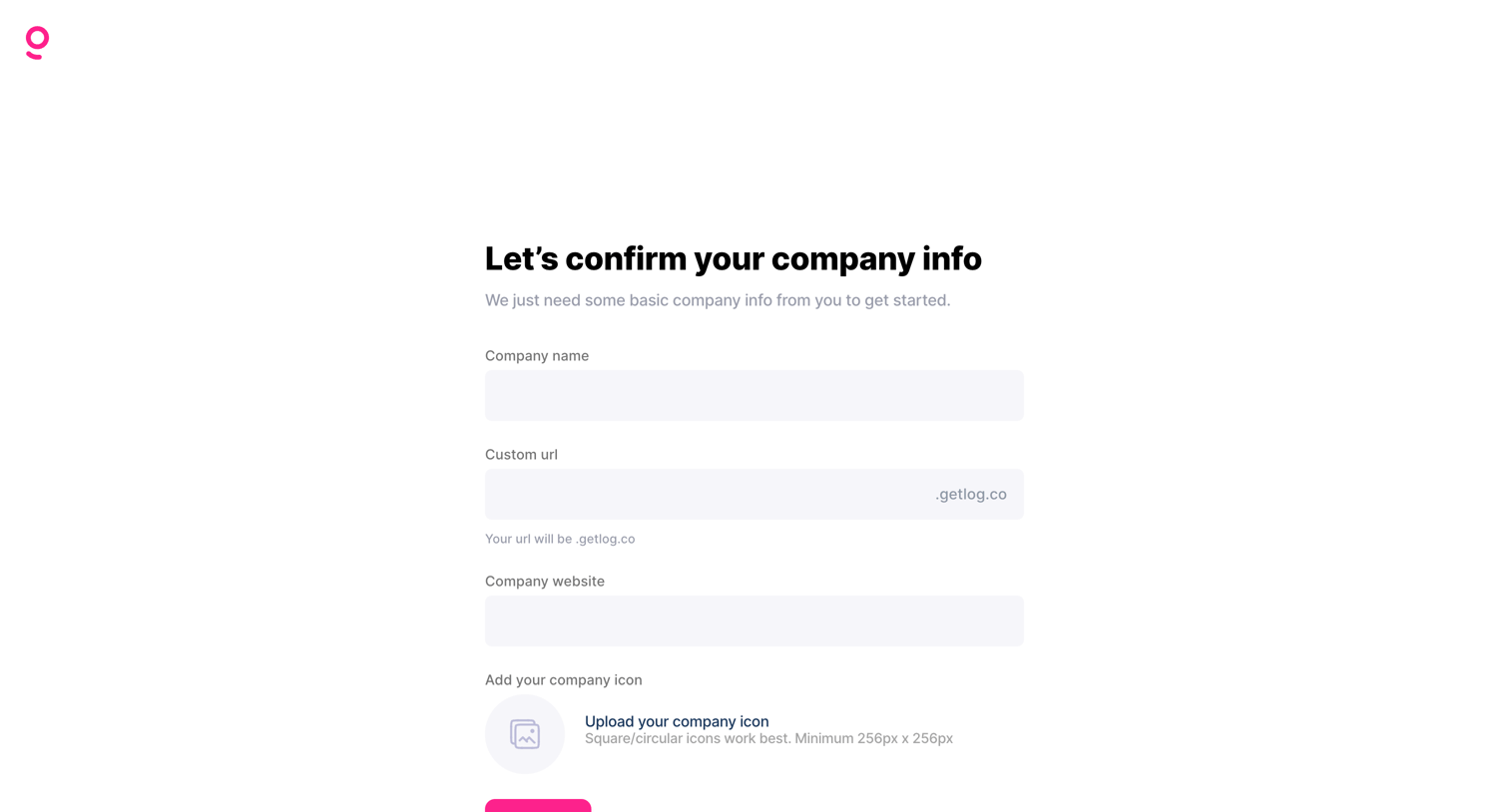
Onboarding step where the user provides their company name, custom URL, website, and logo to set up their workspace.
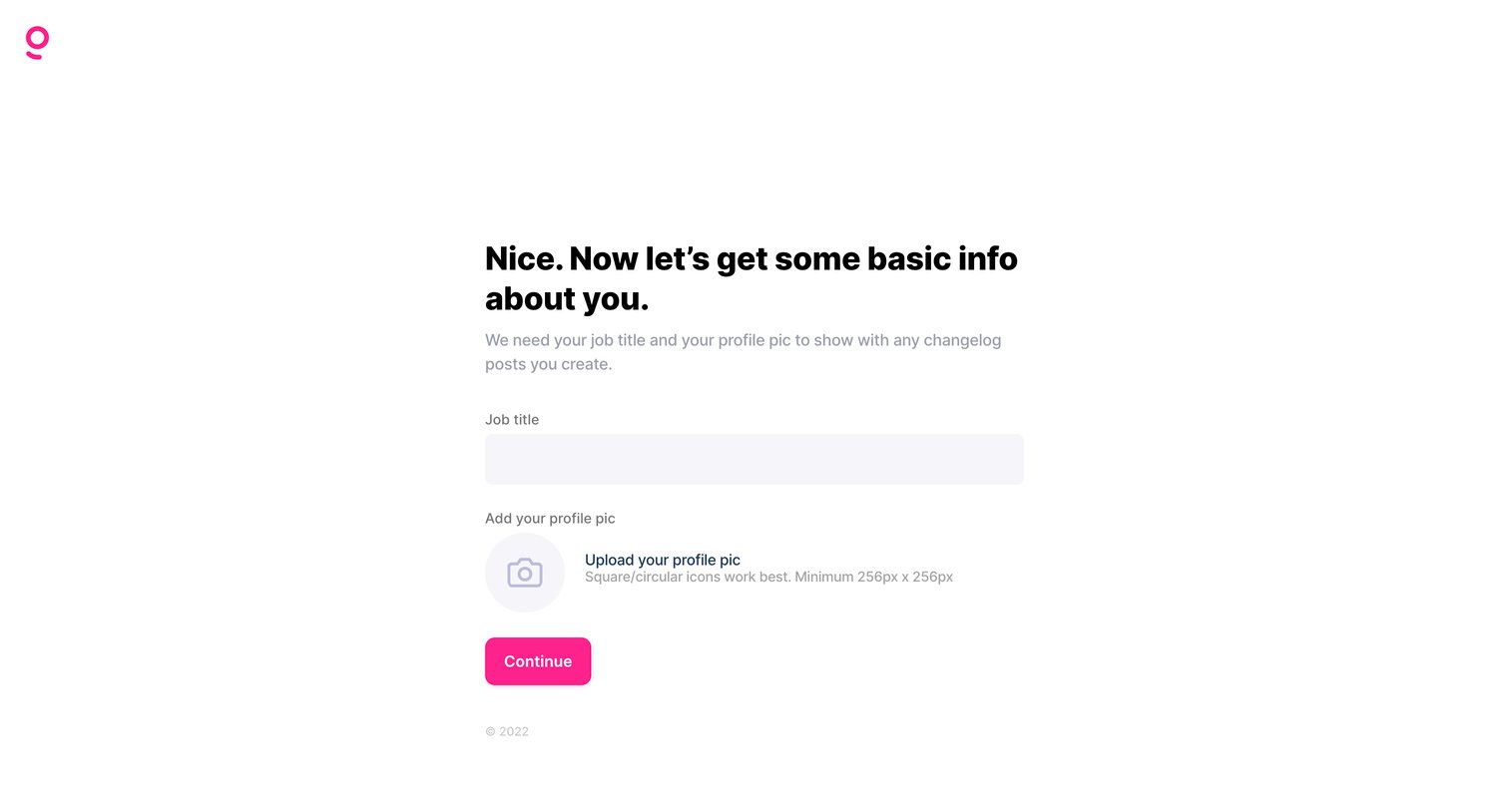
Onboarding step where the user provides their job title and uploads a profile picture for their changelog posts.
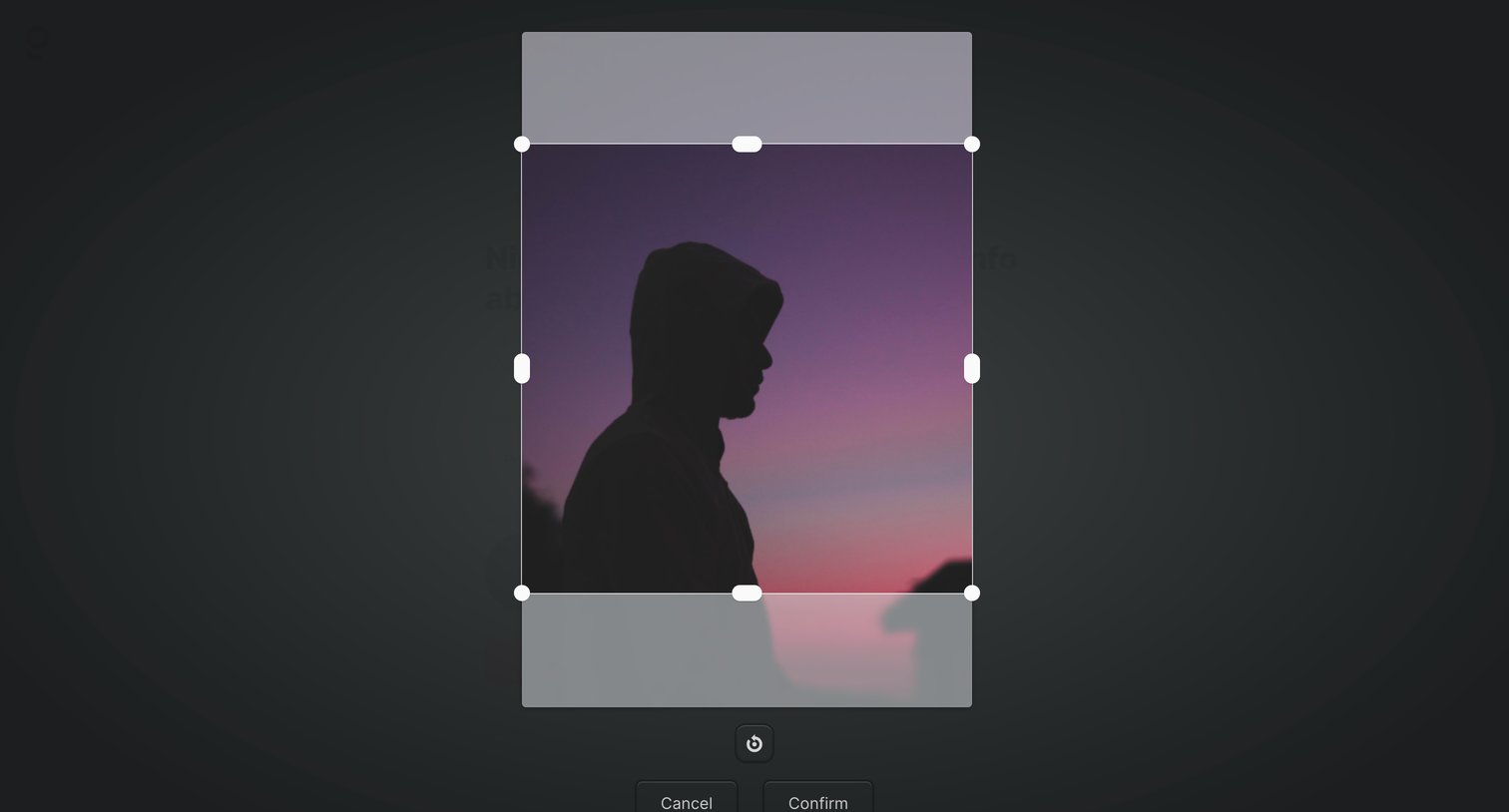
Onboarding step where the user crops and rotates their uploaded profile picture before confirming.
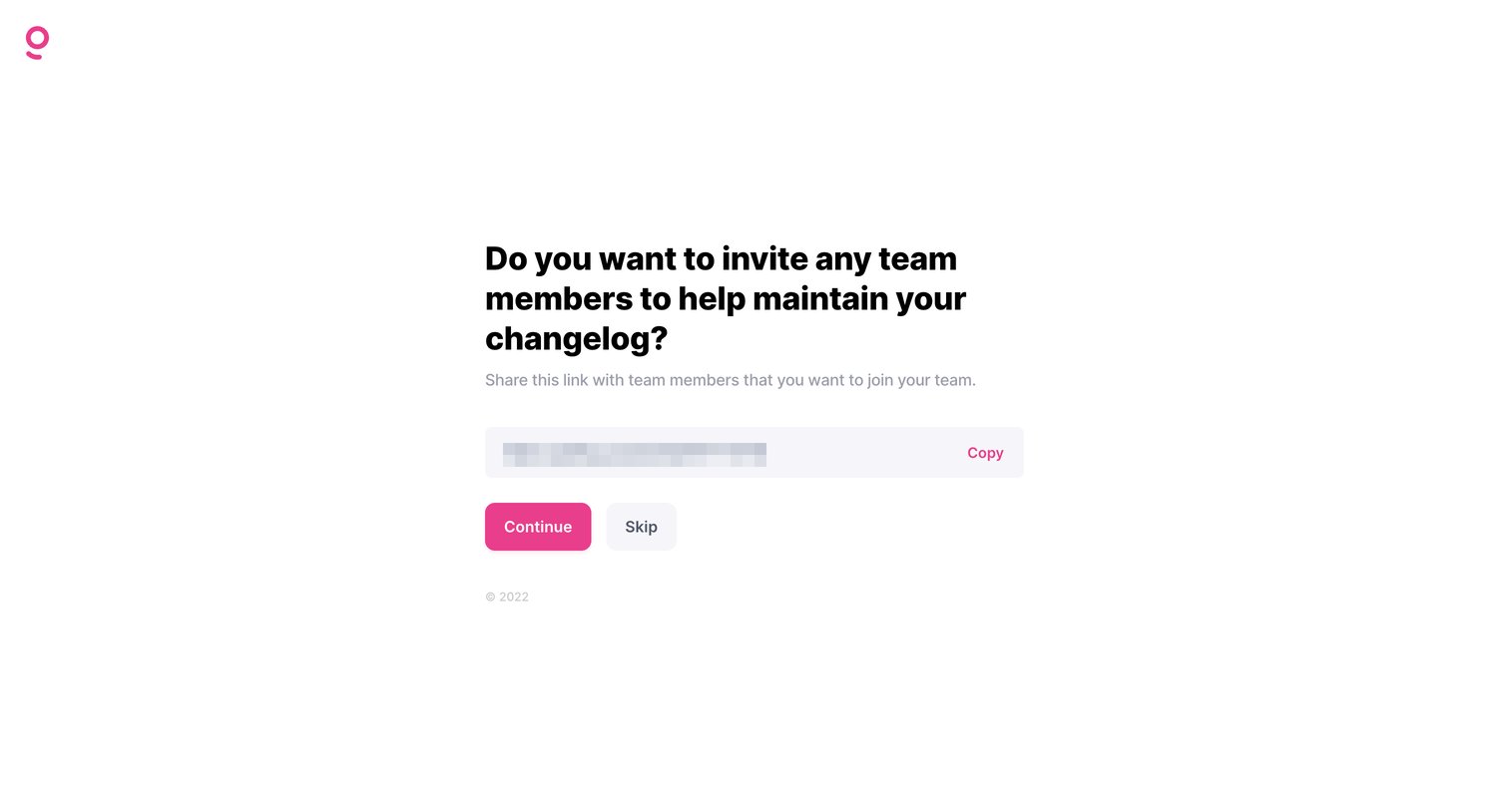
Onboarding step where the user can copy a shareable link to invite team members to maintain their changelog, with options to continue or skip.
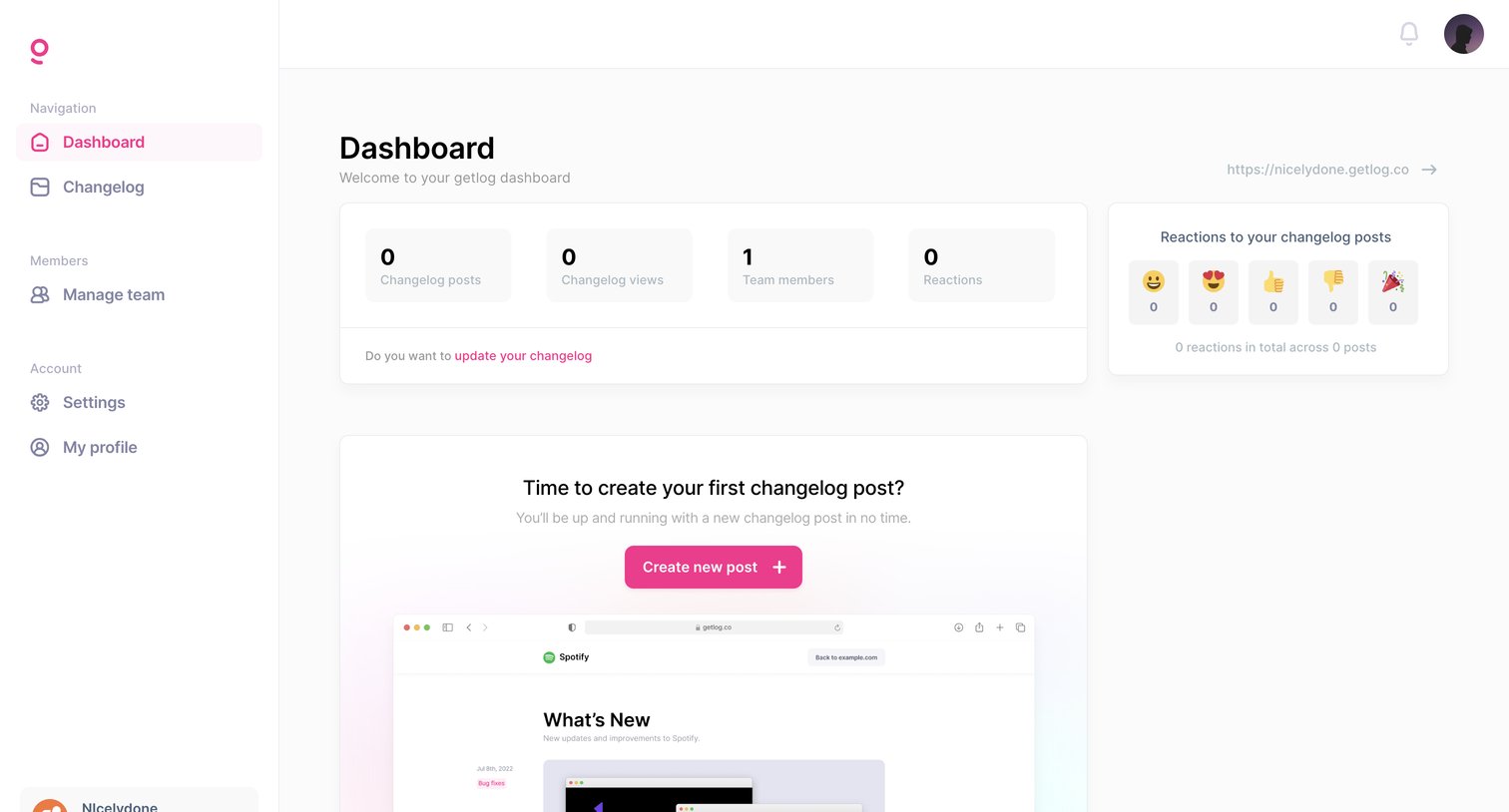
Dashboard for a changelog tool showing zero metrics and prompting the user to create their first post or set up a custom domain.
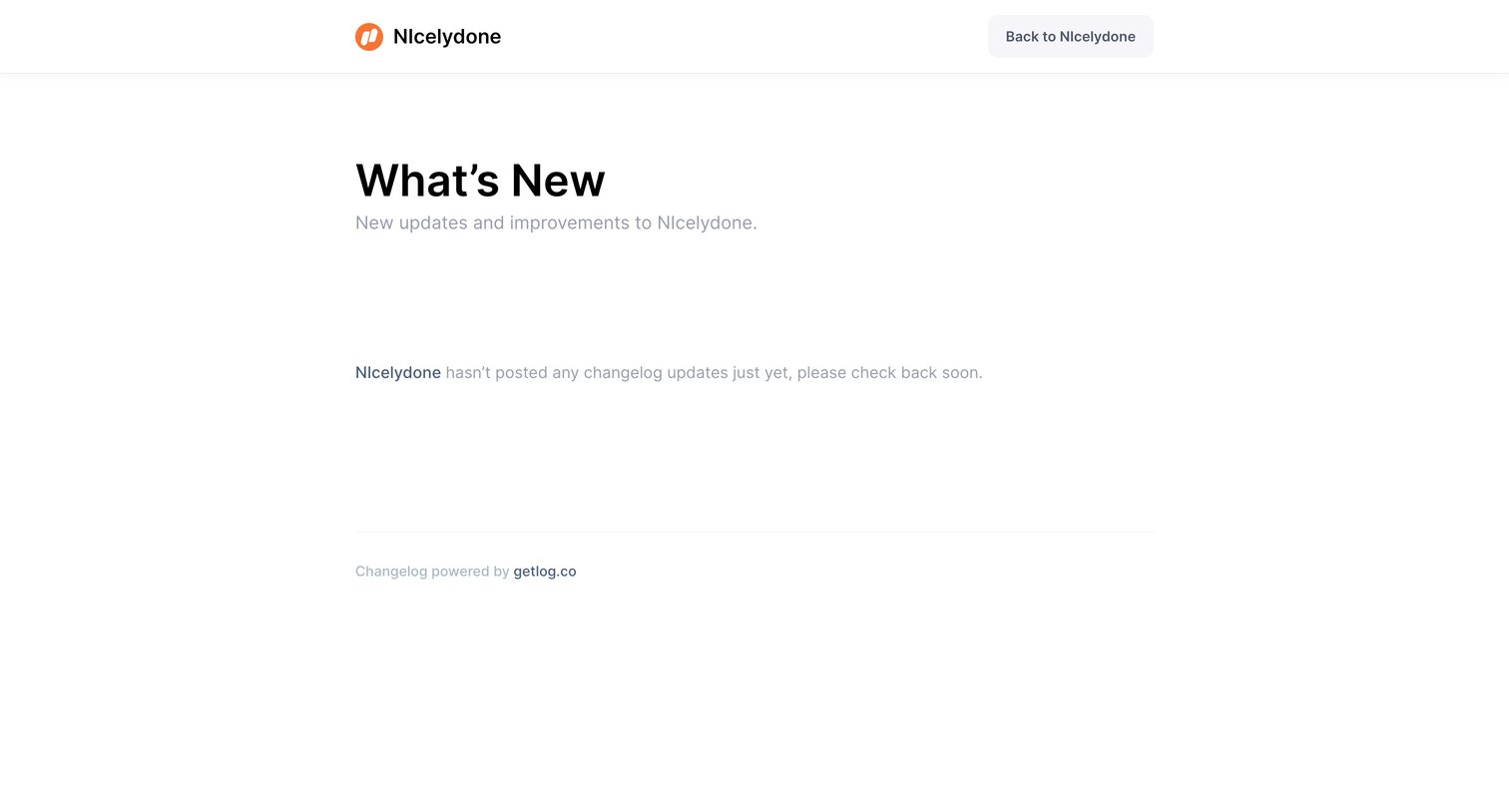
Changelog page showing an empty state message because no product updates have been posted yet.
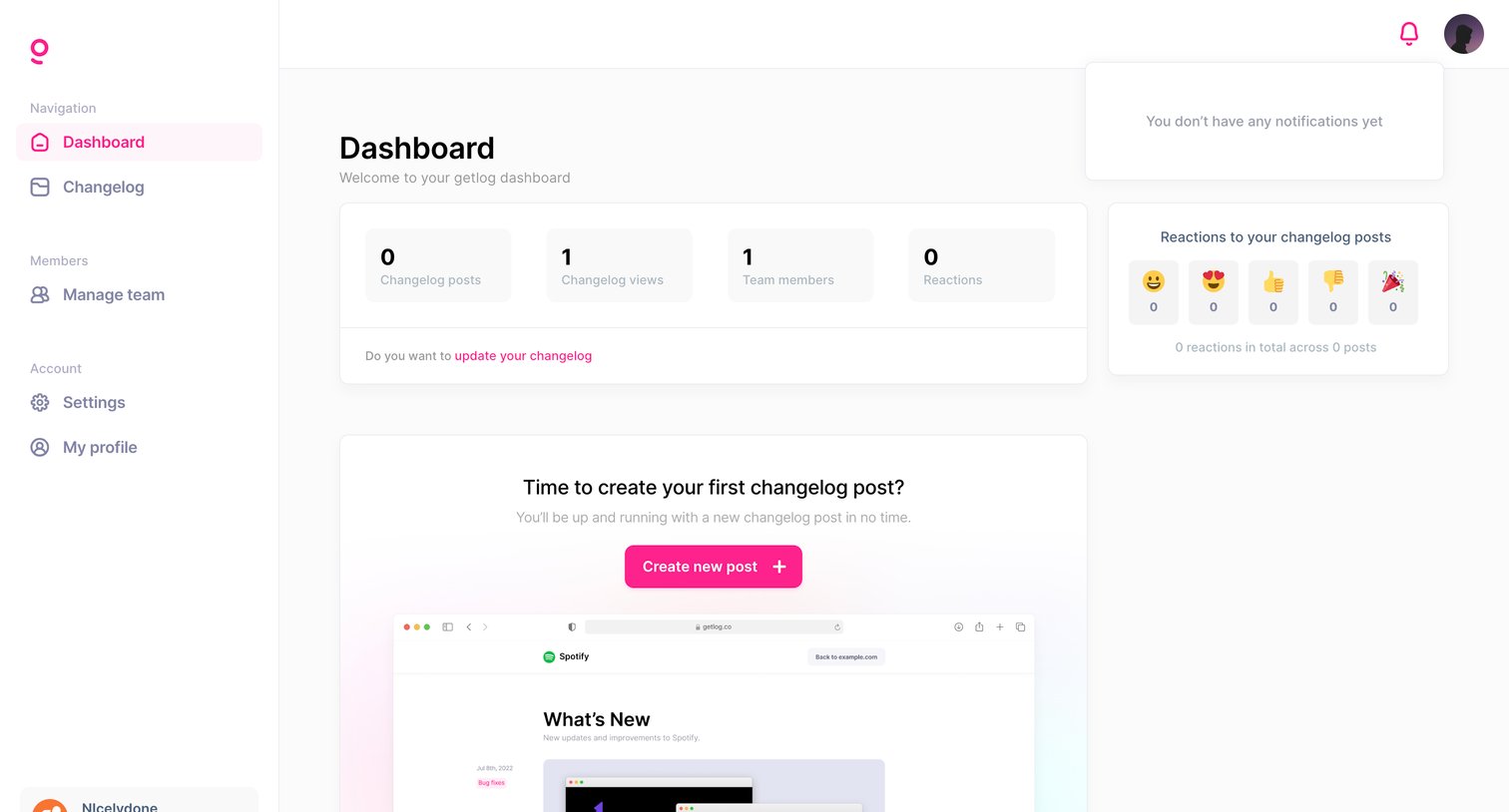
Dashboard showing changelog performance metrics, reaction summaries, and a prominent prompt to create the first post.
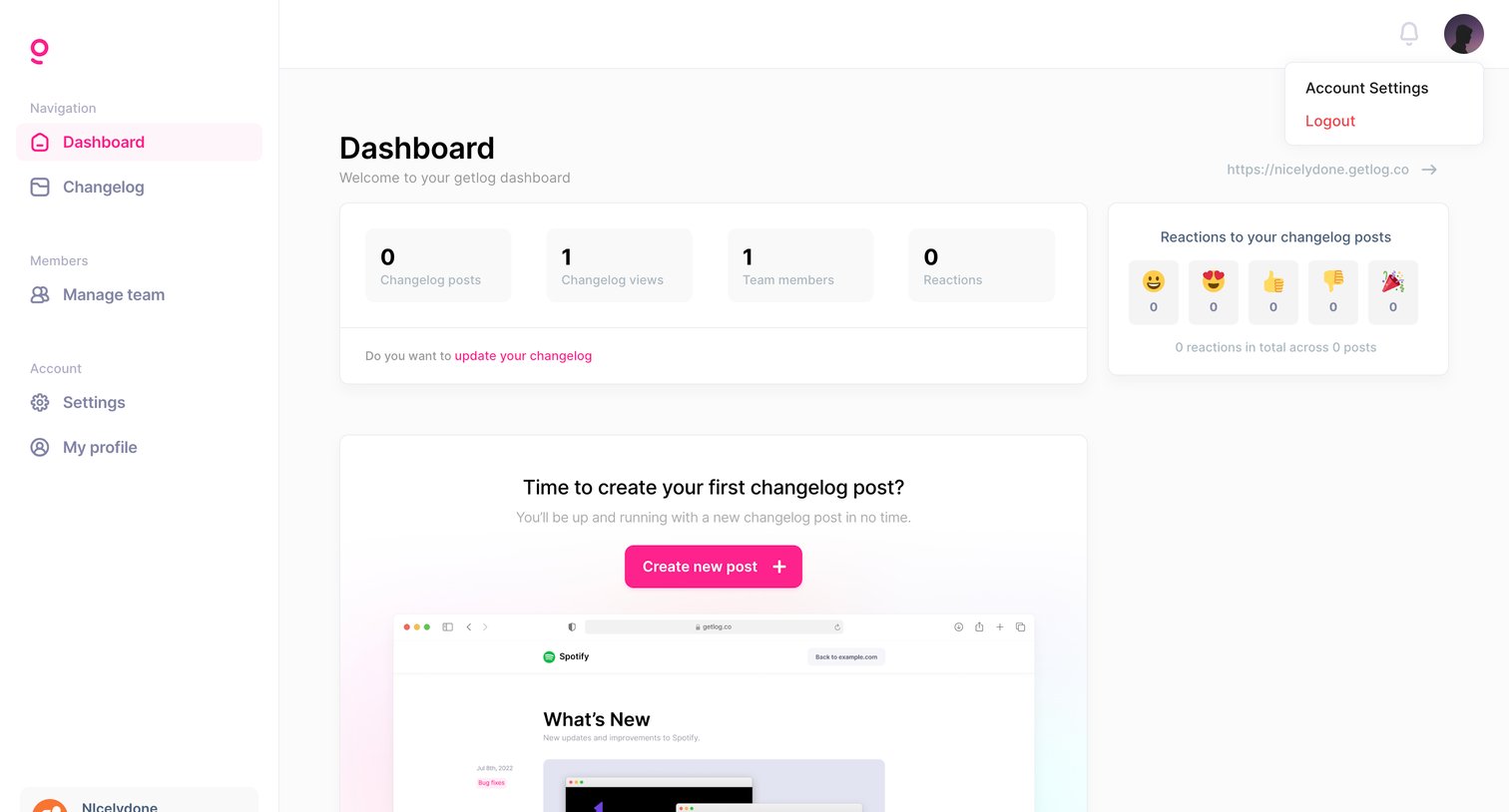
Dashboard overview where the user views high-level metrics like views and reactions, with a prominent prompt to create their first changelog post.
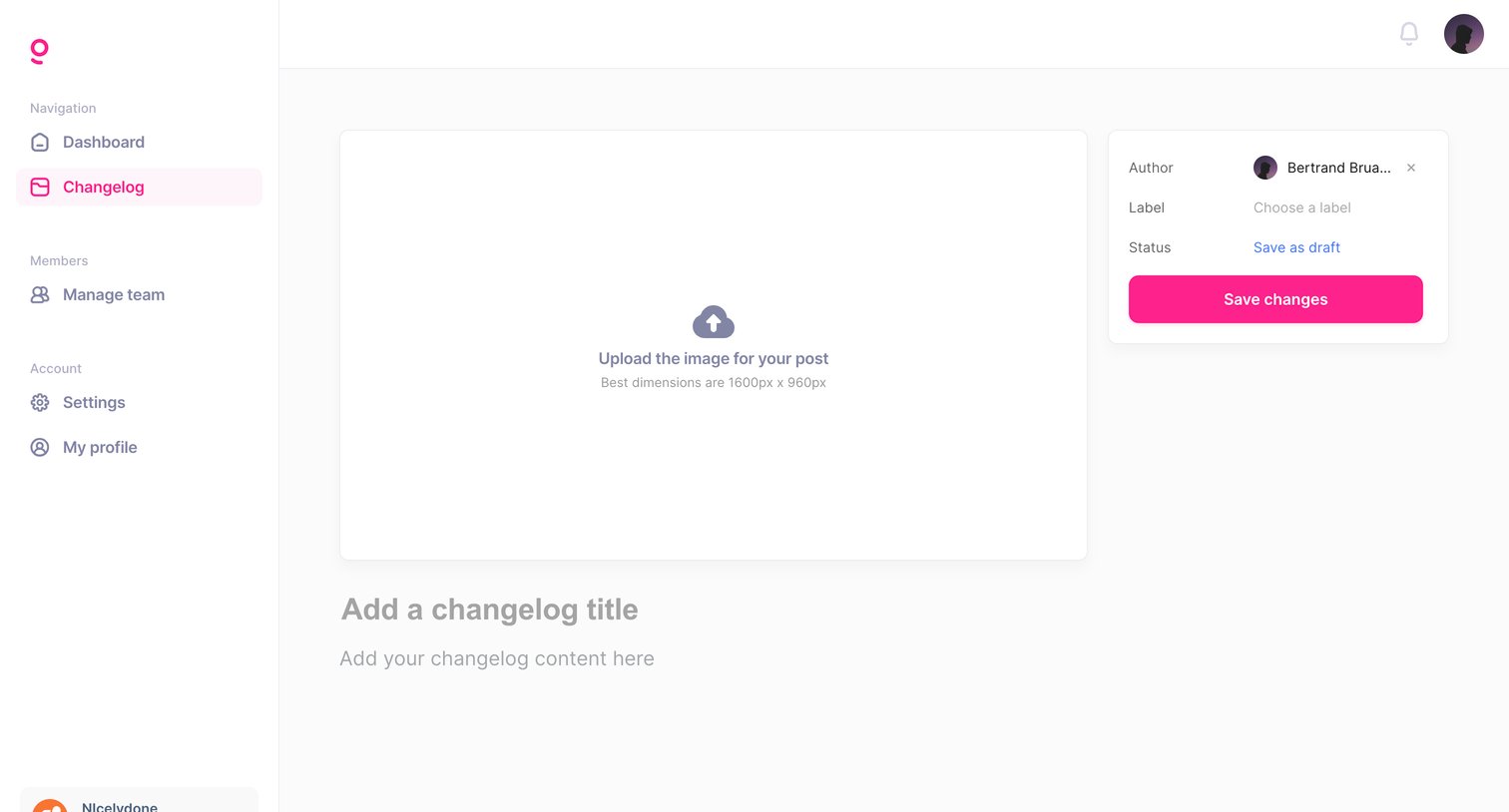
Content editor where the user drafts a new changelog post, uploads a cover image, and sets metadata like author and label.
Browse the full SaaS app library
Explore real SaaS apps with their product screens, marketing screens, flows, and components.
Trusted by the best teams







