Getlog UI components examples
Browse Getlog UI component design examples. Preview individual interface elements and explore related component categories. The next changelog for your product
Explore the examples


A toggle switch control accompanied by a descriptive text label, currently in the off state.

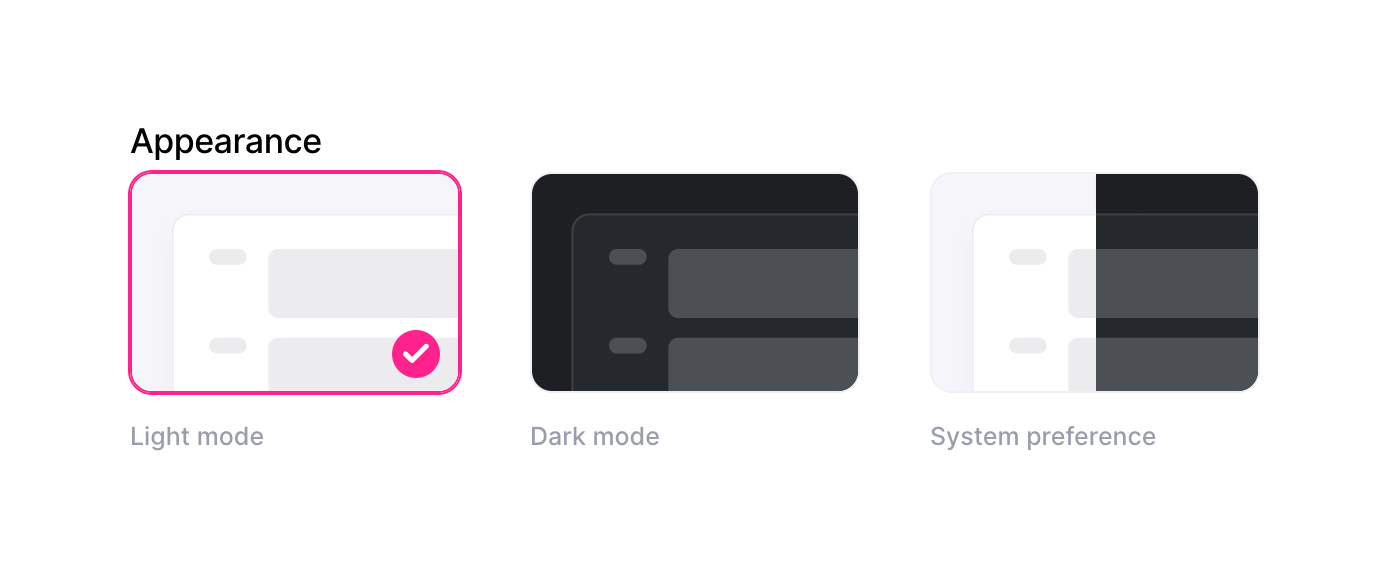
A visual radio group for selecting the appearance theme, featuring thumbnail previews for light, dark, and system preference modes.
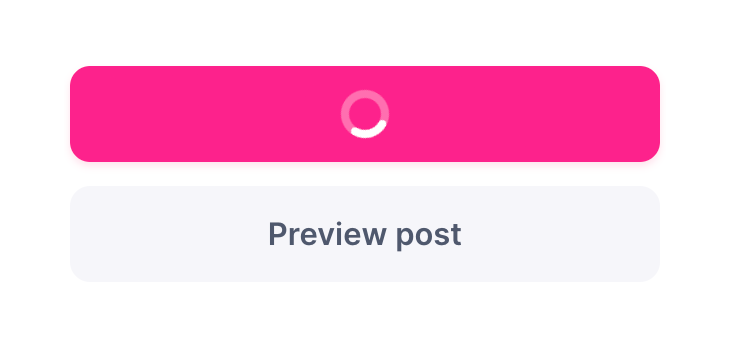
A vertical stack of two buttons. The top button is a primary action in a loading state, displaying a spinner instead of text. The bottom button is a secondary action labeled 'Preview post'.
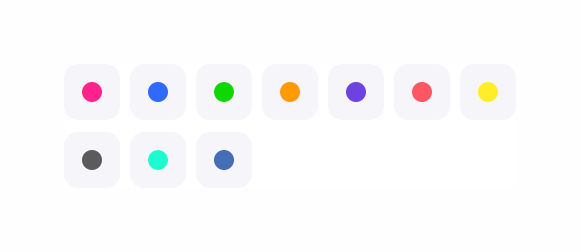
A grid of ten color swatches, each displayed as a colored circle within a rounded square container.


A file upload dropzone for adding an image to a post, featuring a cloud upload icon and instructional text.
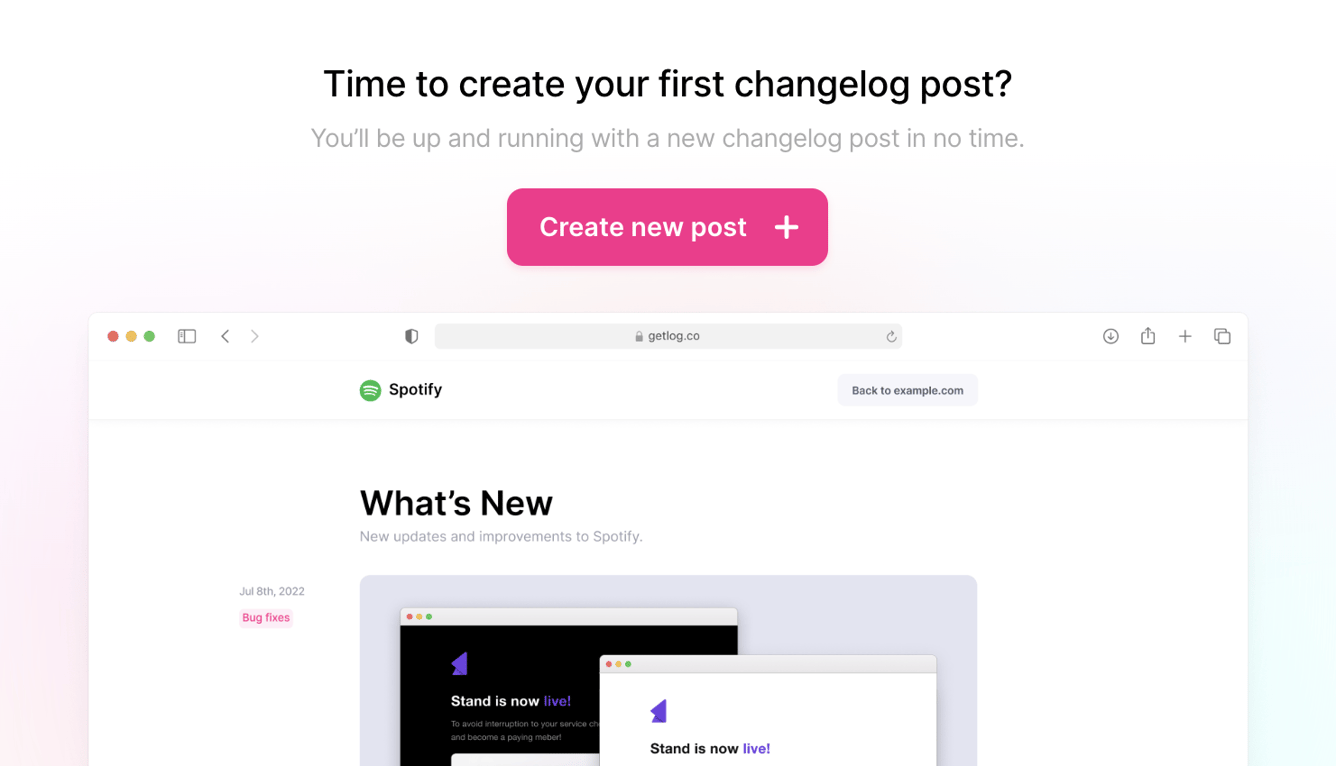
An empty state prompting the user to create their first changelog post, featuring a prominent call-to-action button and an illustrative mockup of the product.


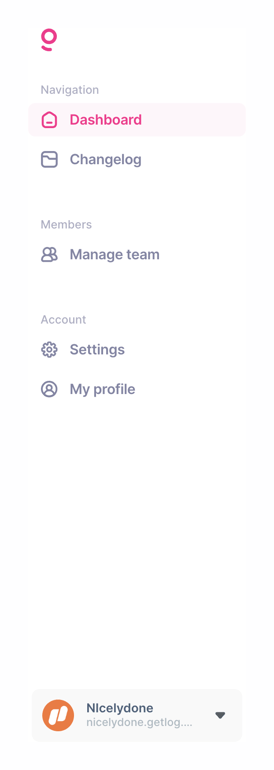
A vertical sidebar navigation menu with grouped links and a workspace switcher at the bottom.
Browse the full component library
Browse the full UI component library.
Trusted by the best teams







