Getlog marketing pages examples
Explore Getlog website design examples. Preview marketing pages and browse related SaaS page designs. The next changelog for your product
Explore the examples


Landing page for a changelog tool featuring a hero section, a feature list highlighting design and custom domains, and a bottom call to action.
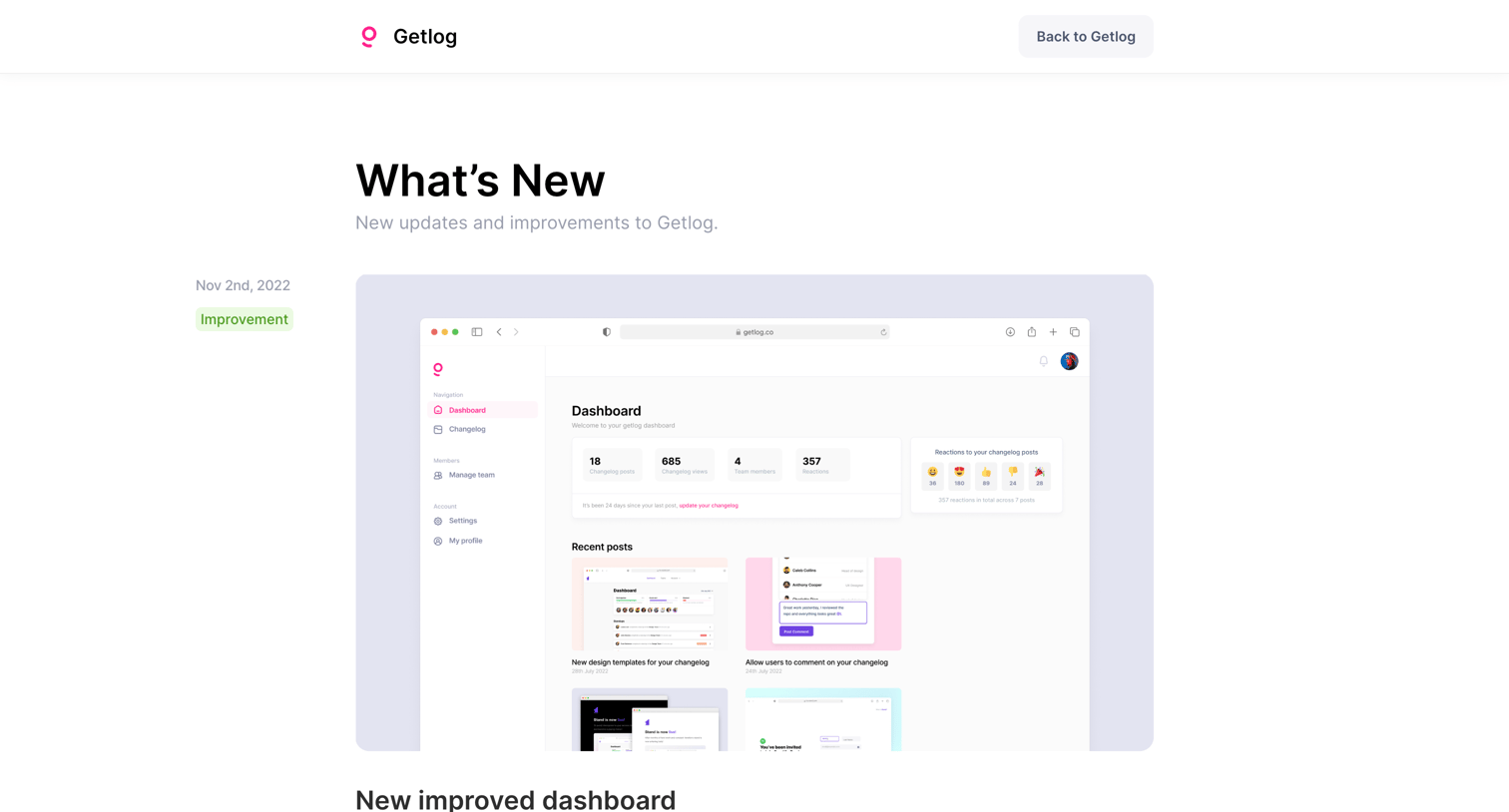
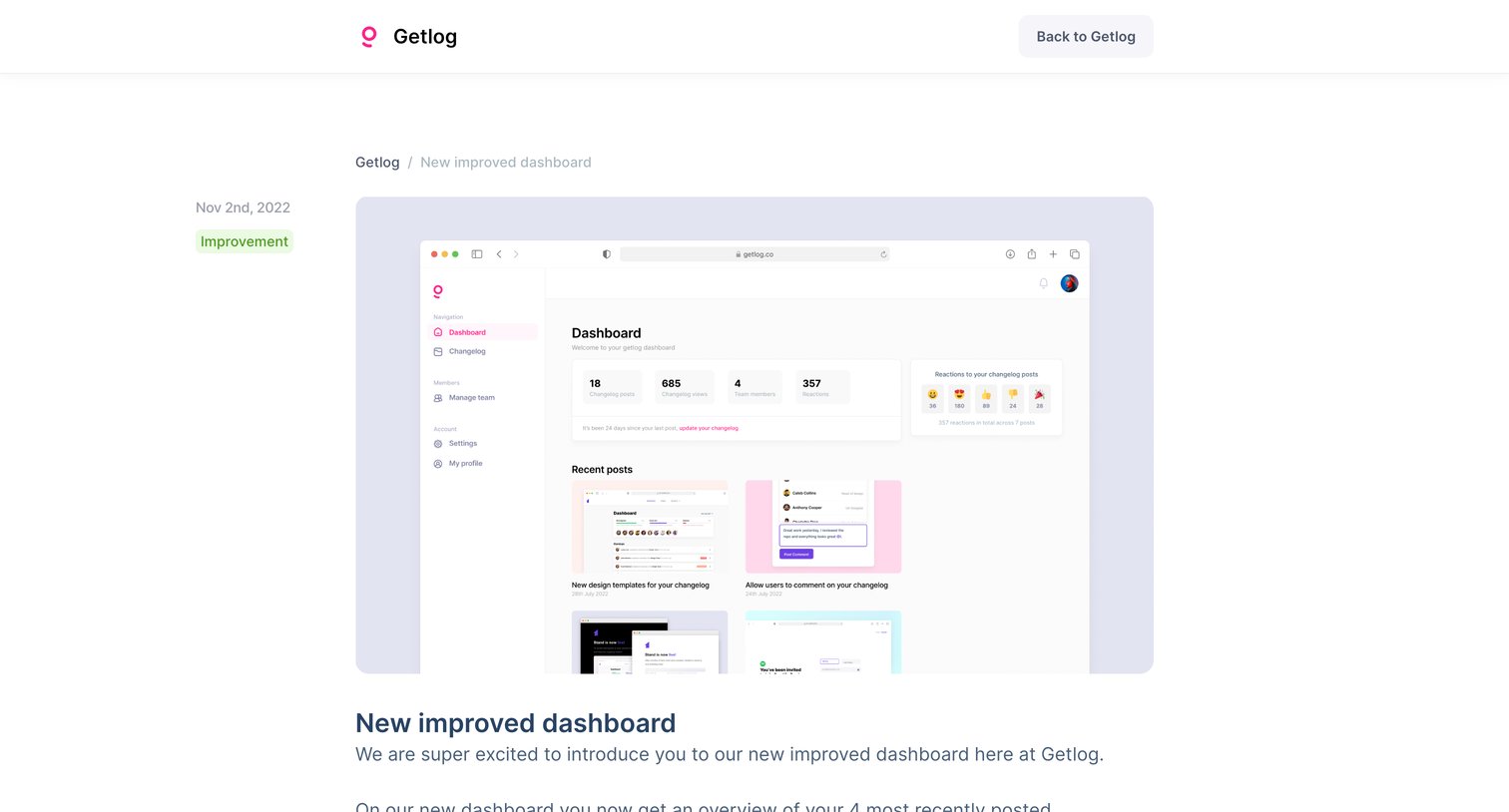
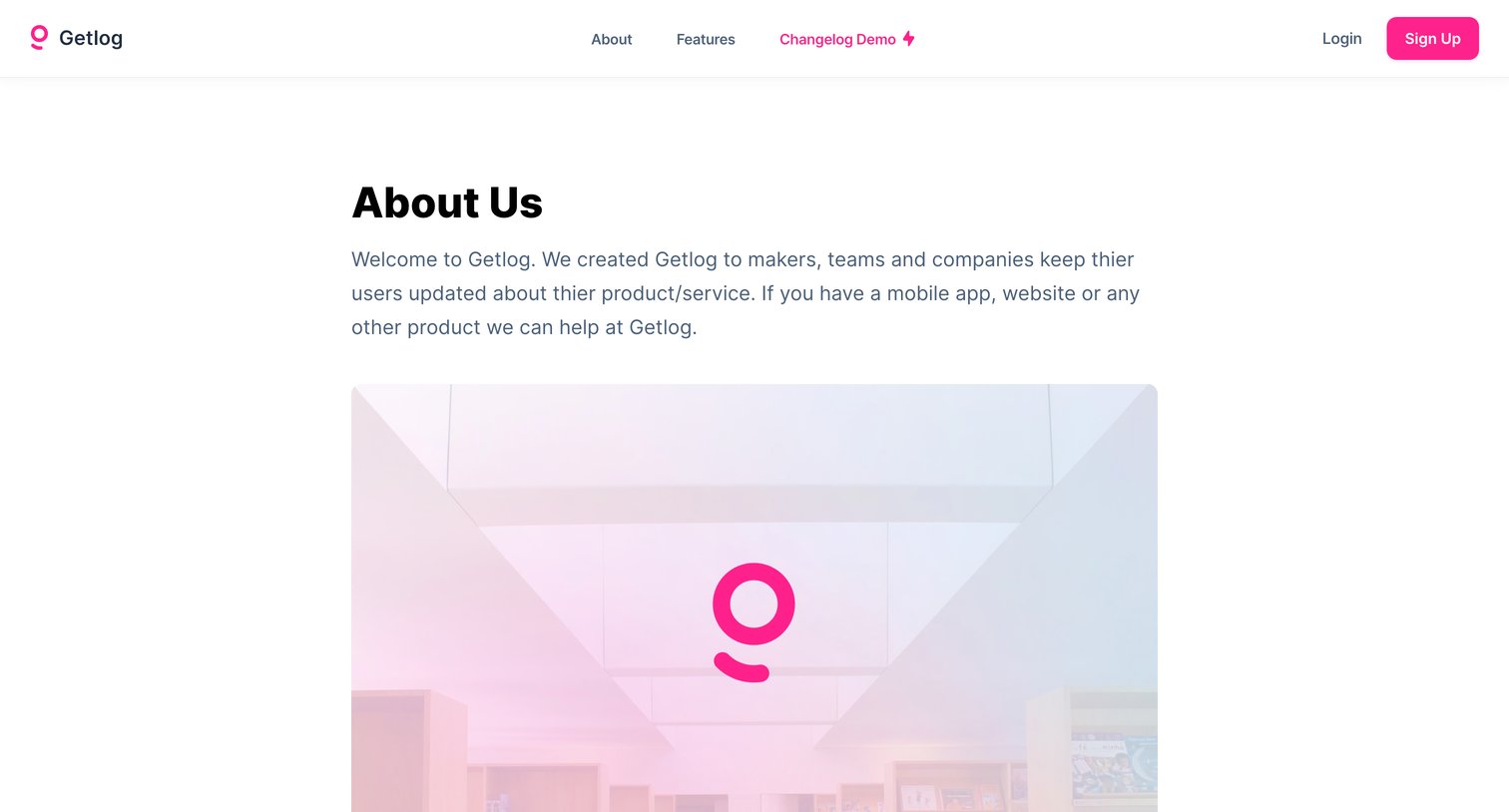
About page where the user reads the company story, mission, and a brief introduction to the founder.
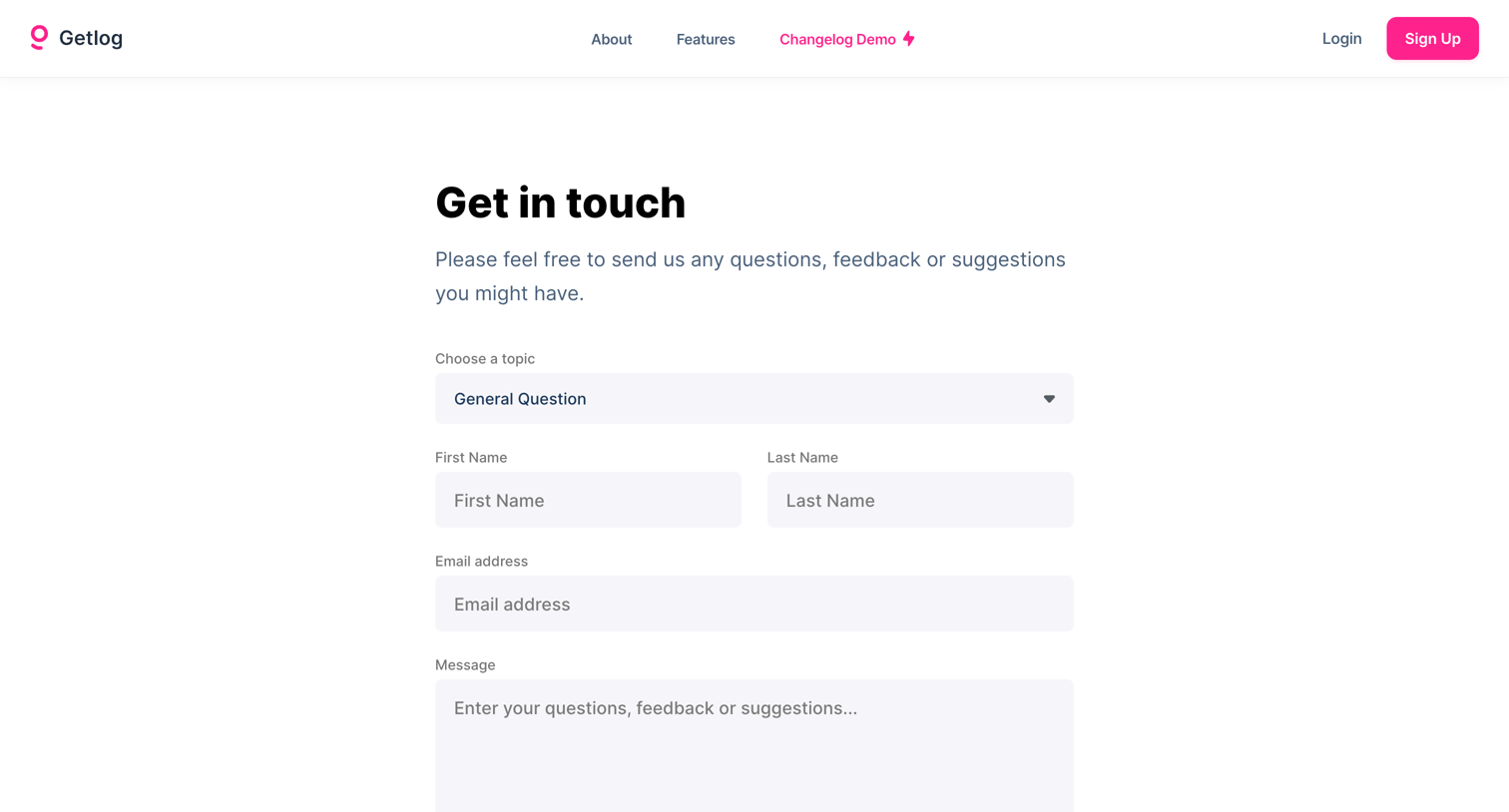
Contact page where the user can send questions, feedback, or suggestions by filling out a form with their name, email, and a topic selector.
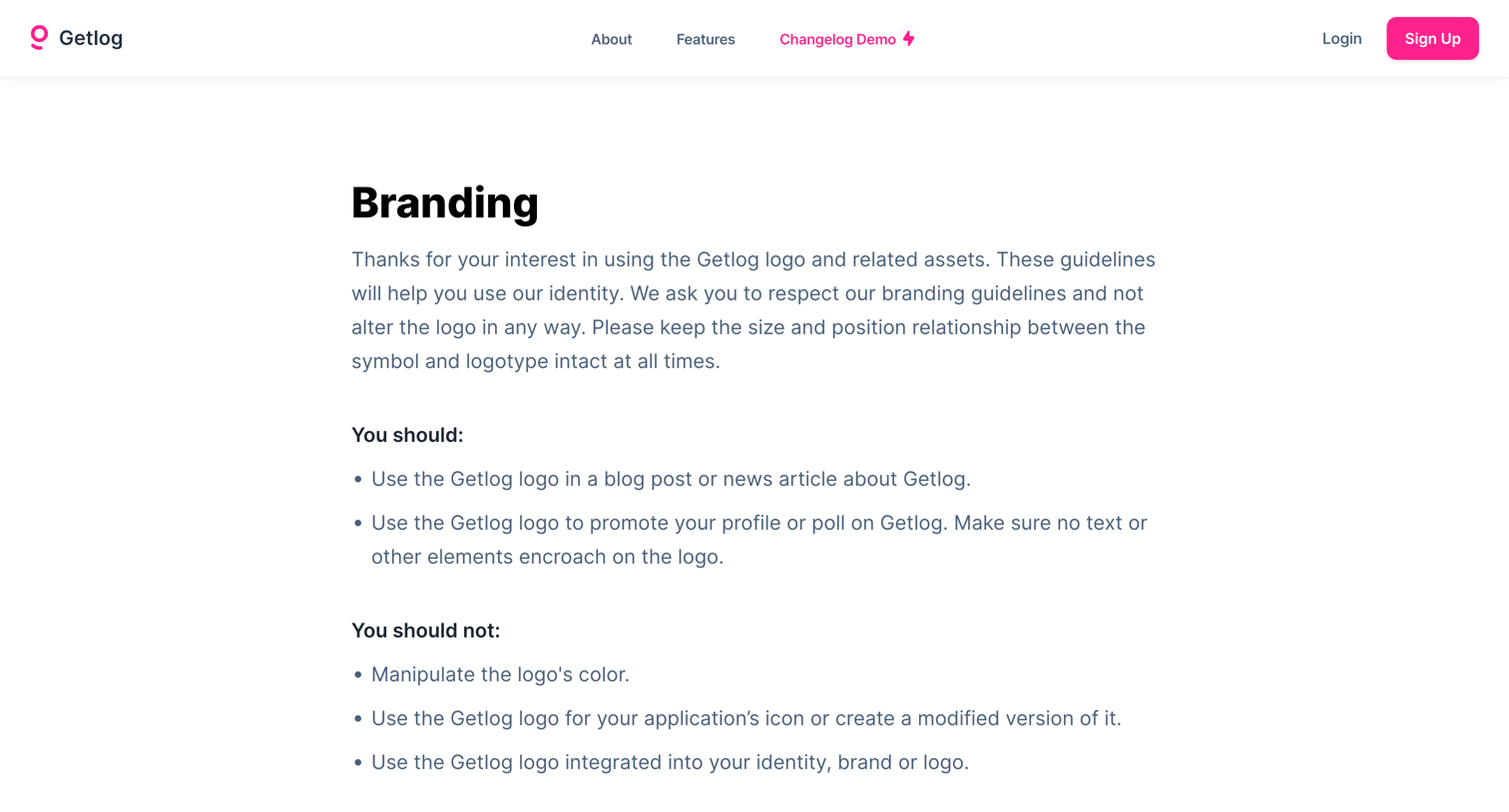
Brand resources page where the user can read logo usage guidelines and download official logos and product screenshots.
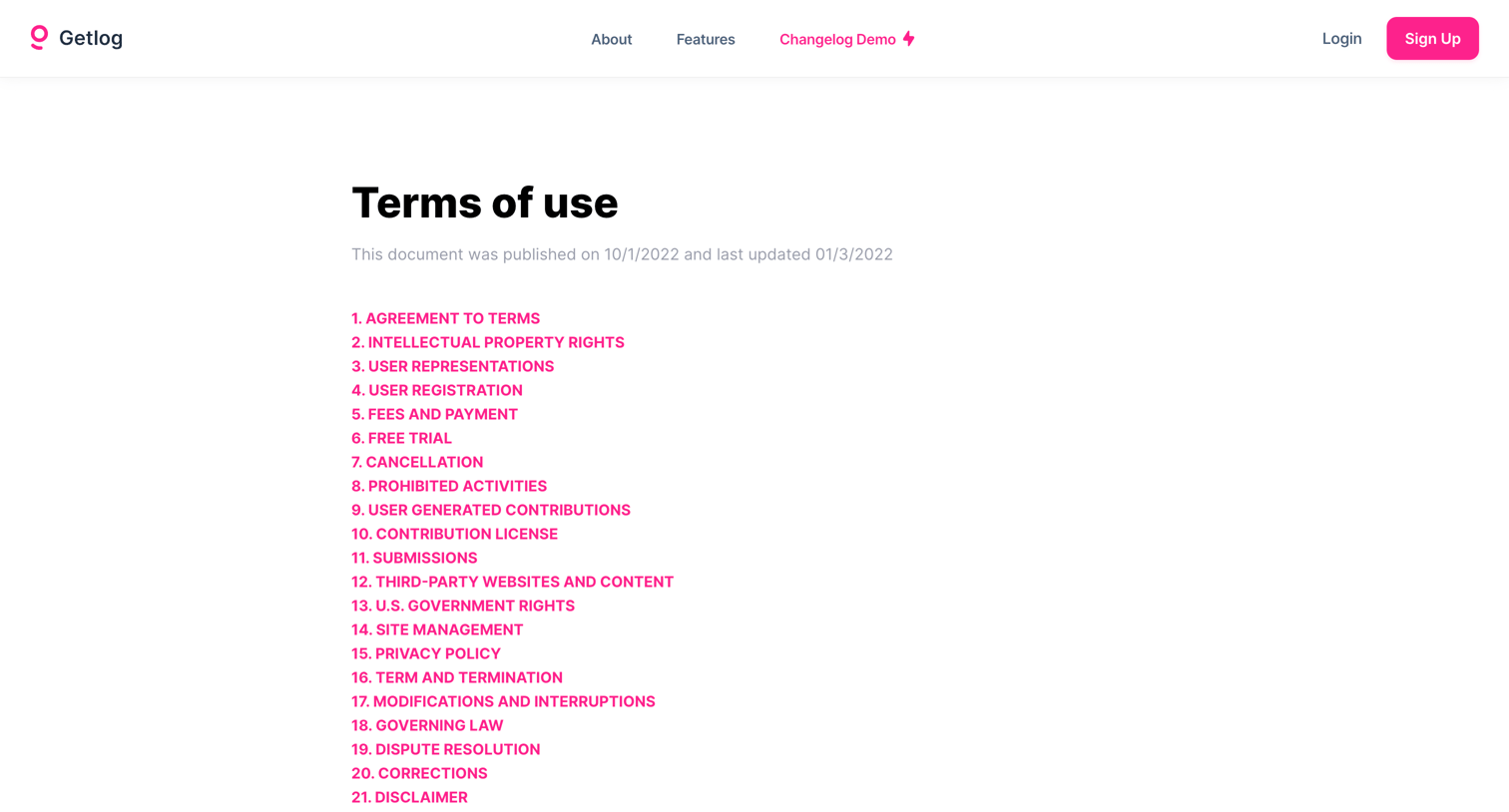
Terms and conditions page presenting a long-form legal agreement with a numbered table of contents for easy navigation.
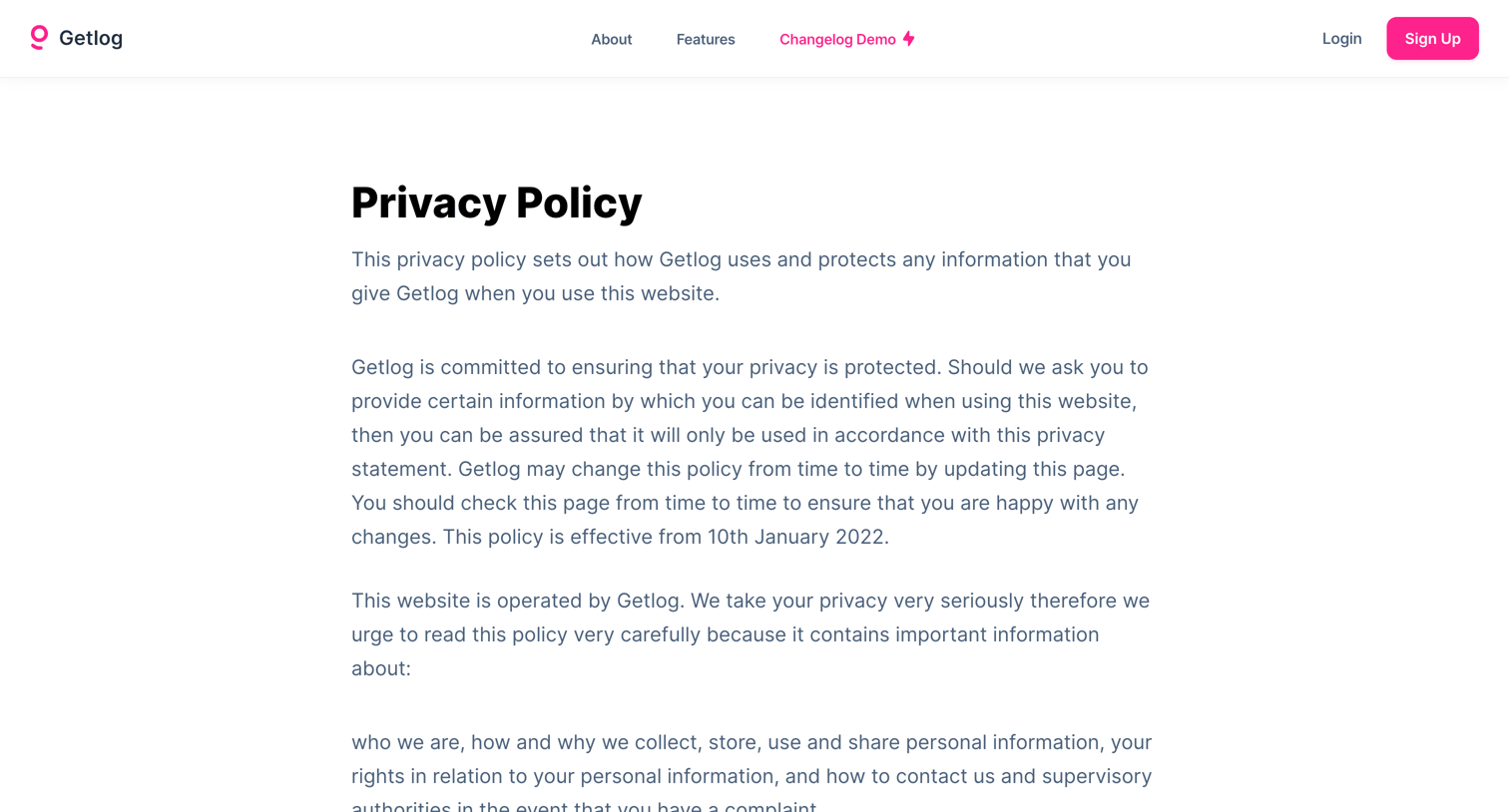
Privacy policy page detailing how the company collects, uses, and protects personal information, including sections on cookies, user rights, and contact methods.
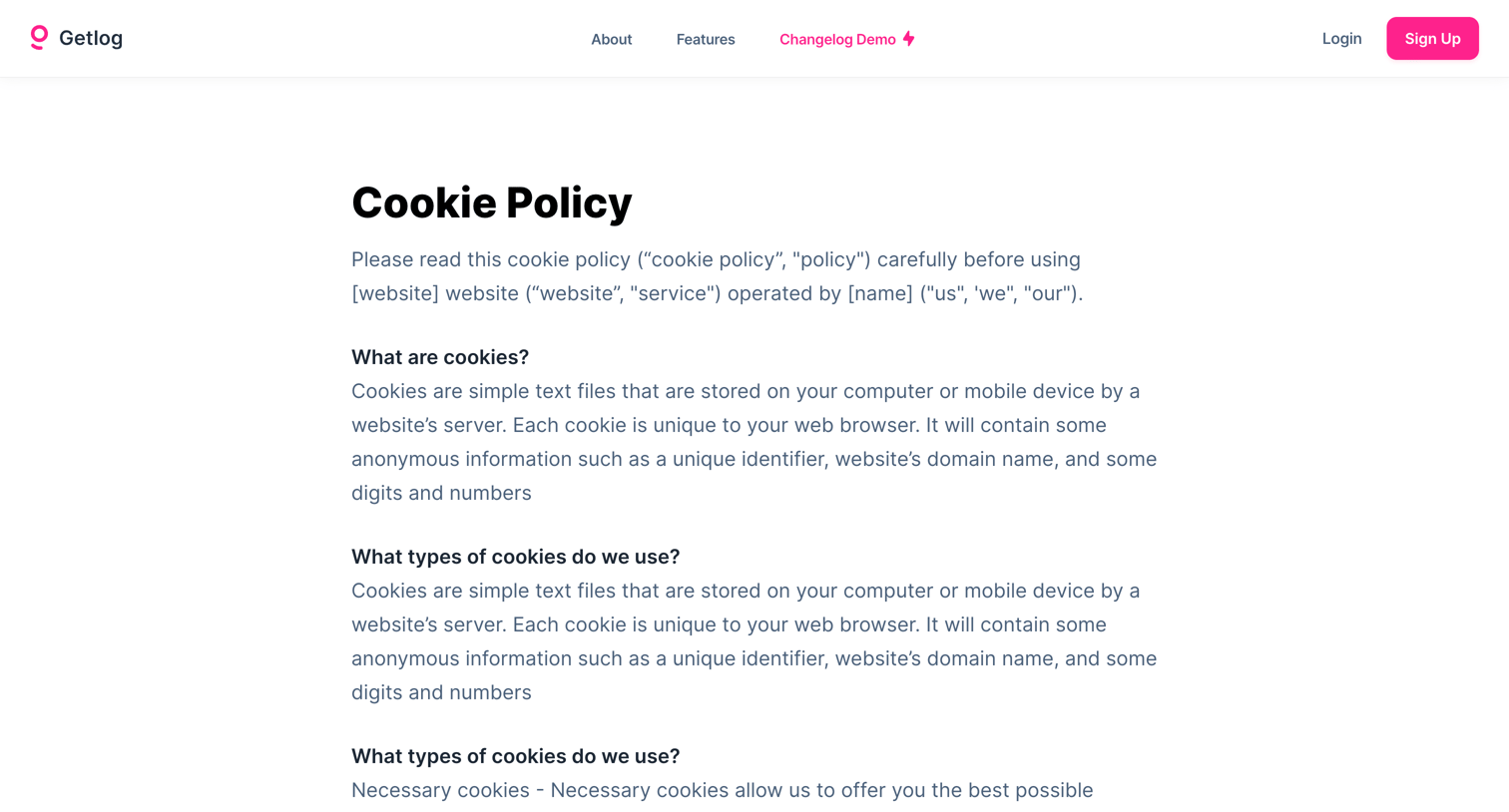
Legal page outlining the company's cookie policy, detailing what cookies are, the types used, and how users can delete them.
Explore the full SaaS screen library
Upgrade to unlock the full library.
Trusted by the best teams







