Flora product screens examples
Browse Flora screen design examples. Preview the interface screenshots and explore related UI patterns. Your creative environement
Explore the examples

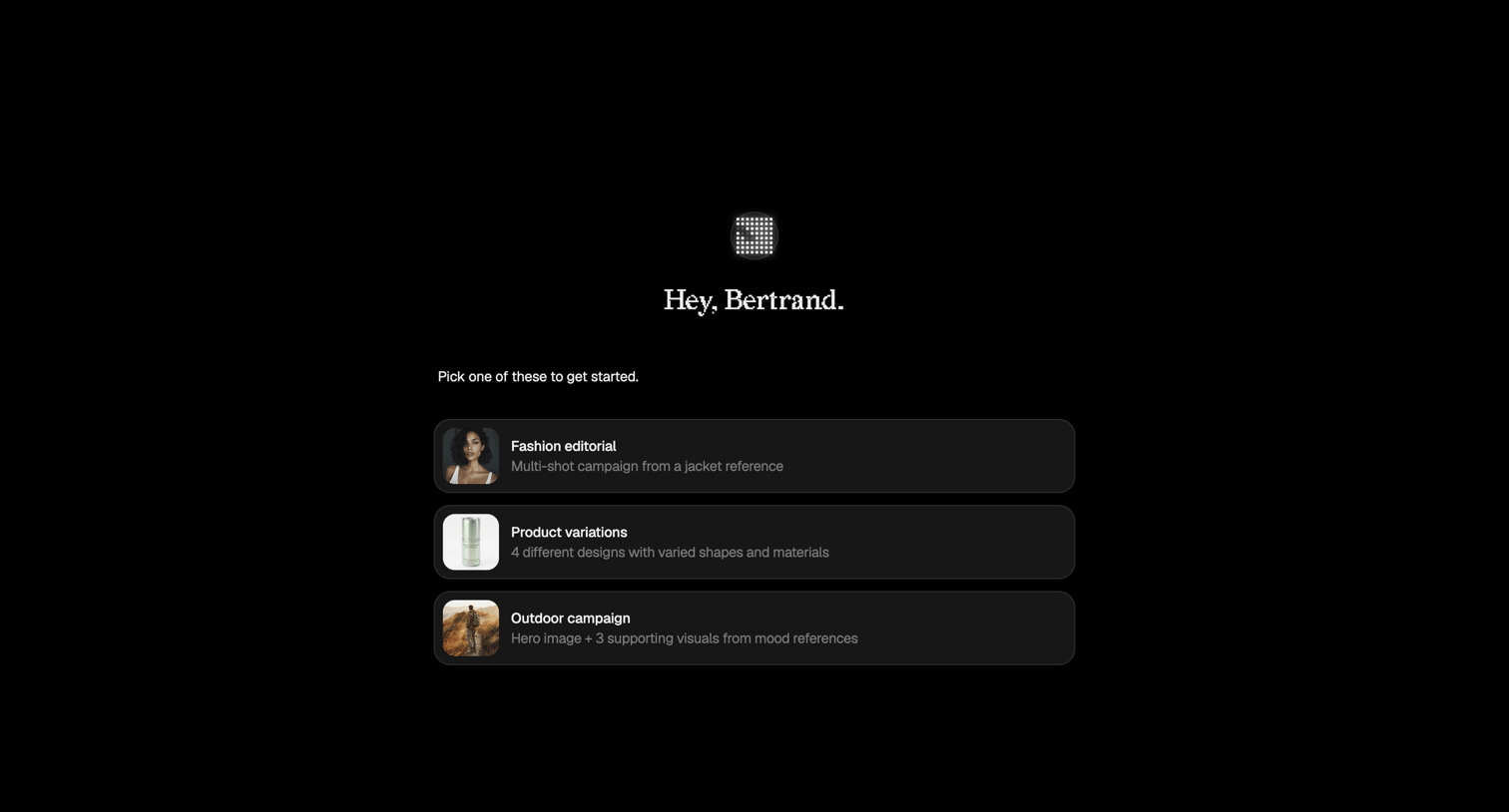

Creation screen where the user selects a starting template for an AI generation project, such as a fashion editorial or product variations.
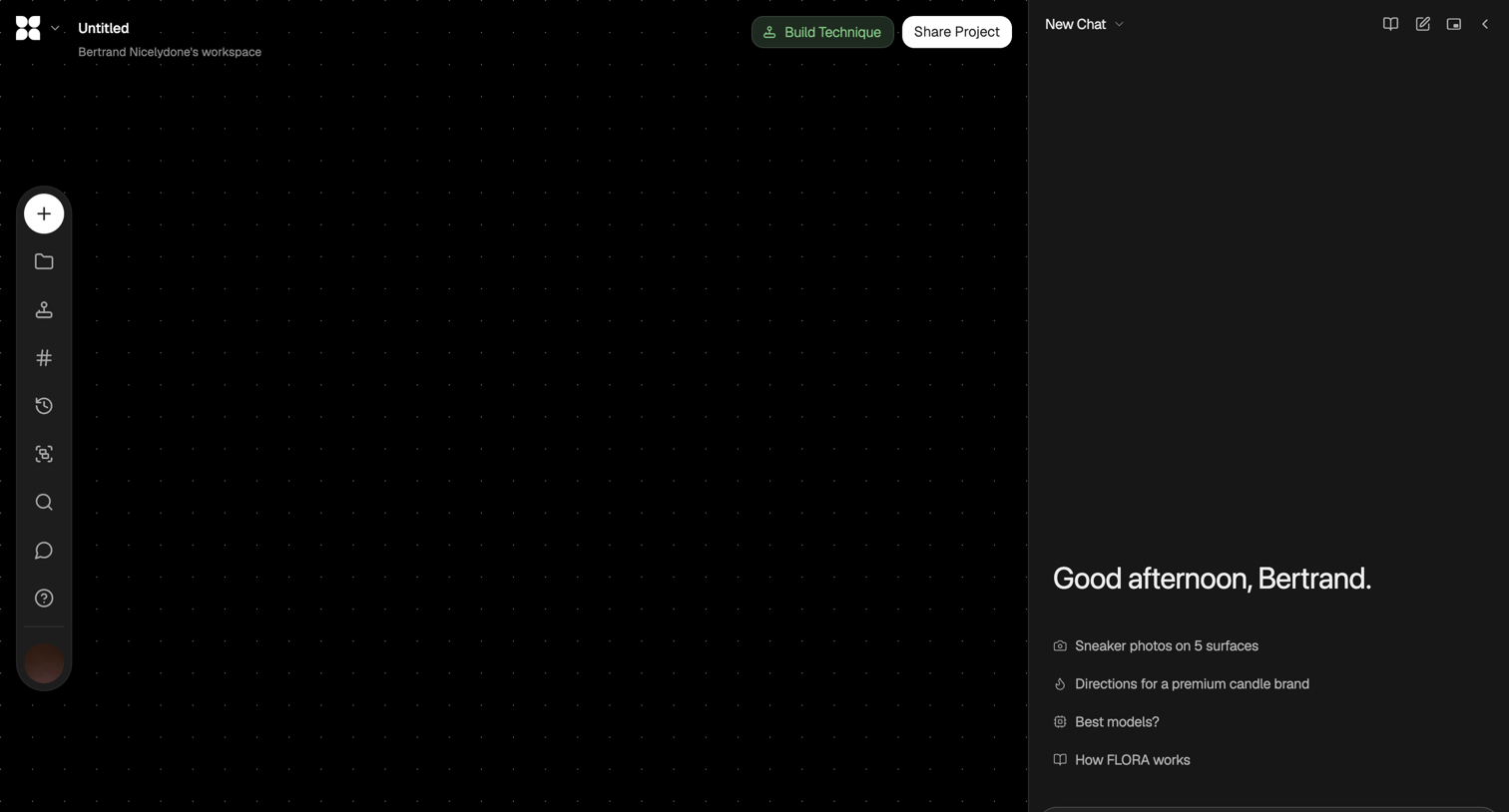
Design editor canvas where the user can build techniques on a dot grid or use the right-hand AI assistant to start a new chat with suggested prompts.
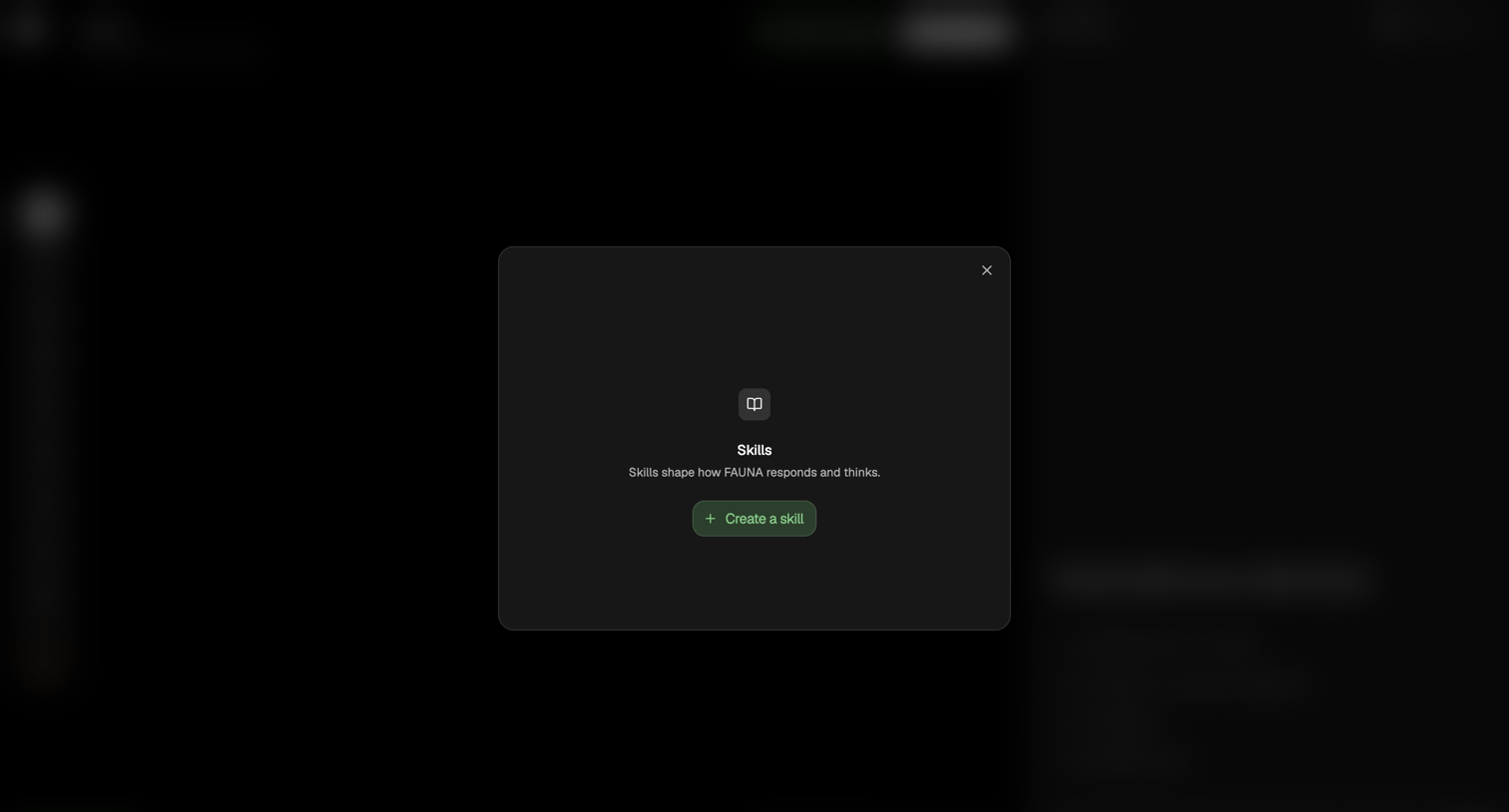
Settings modal where the user is prompted to create their first skill to shape how the AI agent responds.
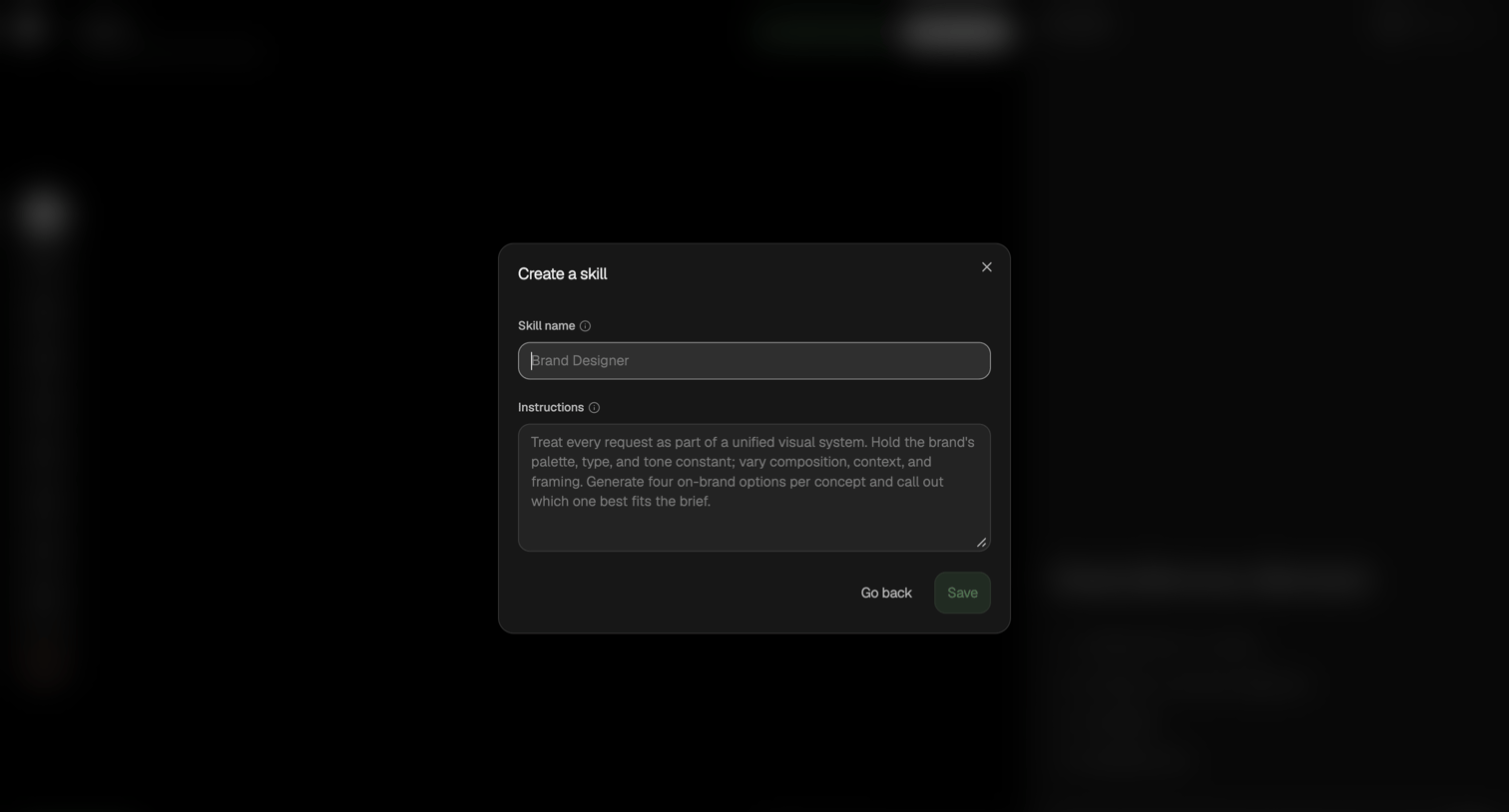
Modal where the user creates a new AI skill by defining its name and specific behavioral instructions.
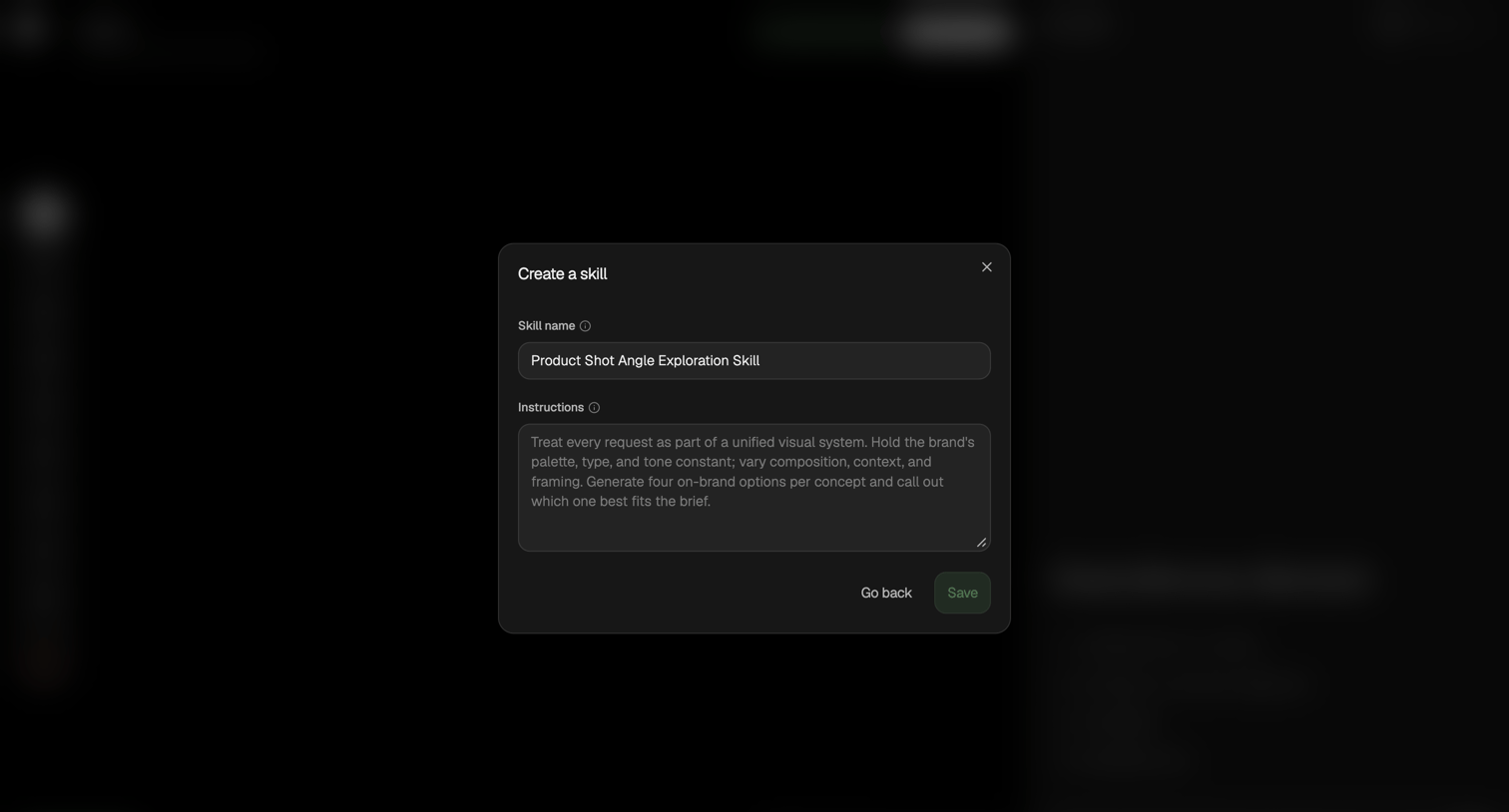
Creation modal where the user configures a new AI skill by setting its name and custom instructions.
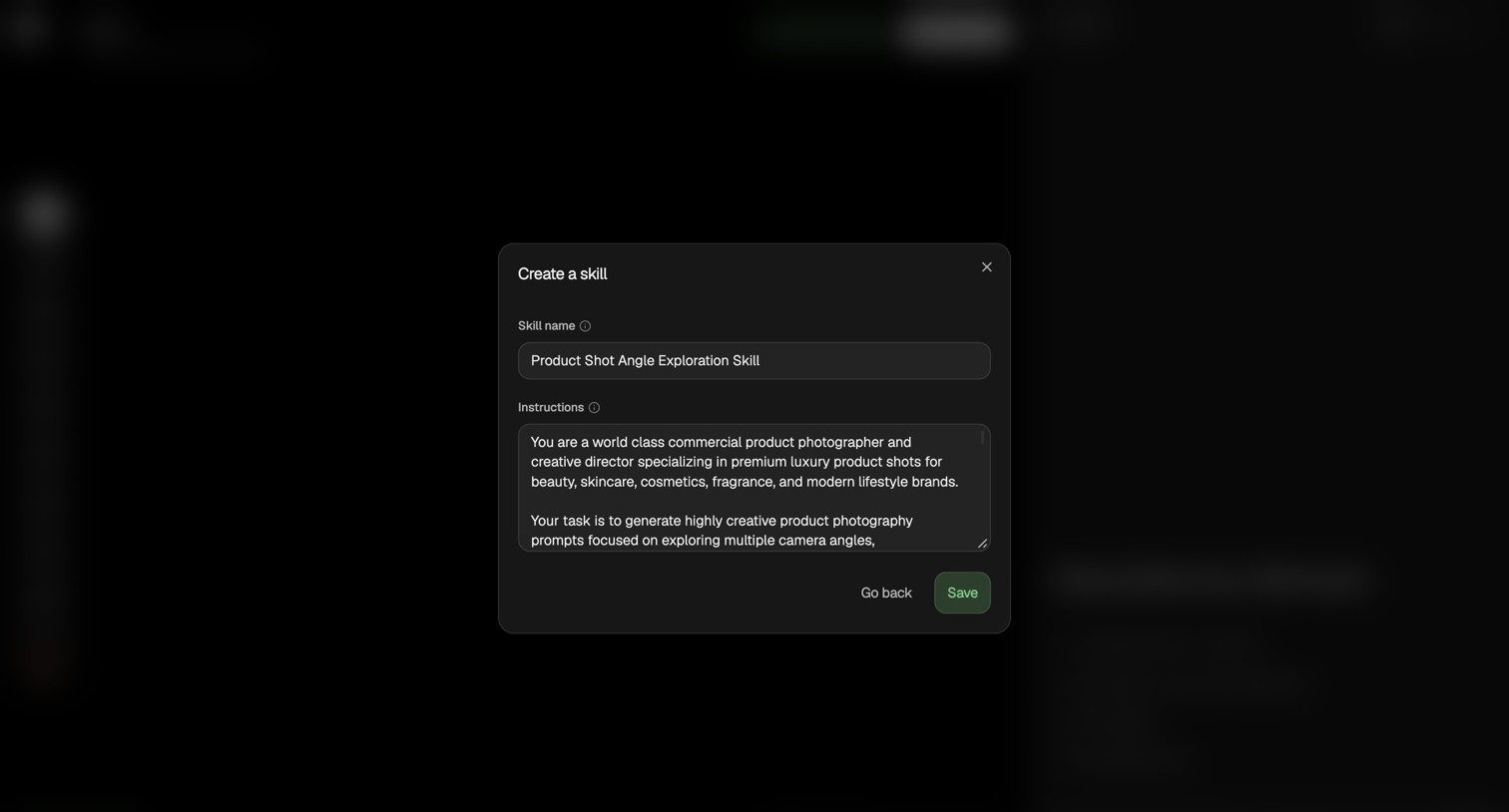
Creation modal where the user names a new AI skill and writes its system instructions.
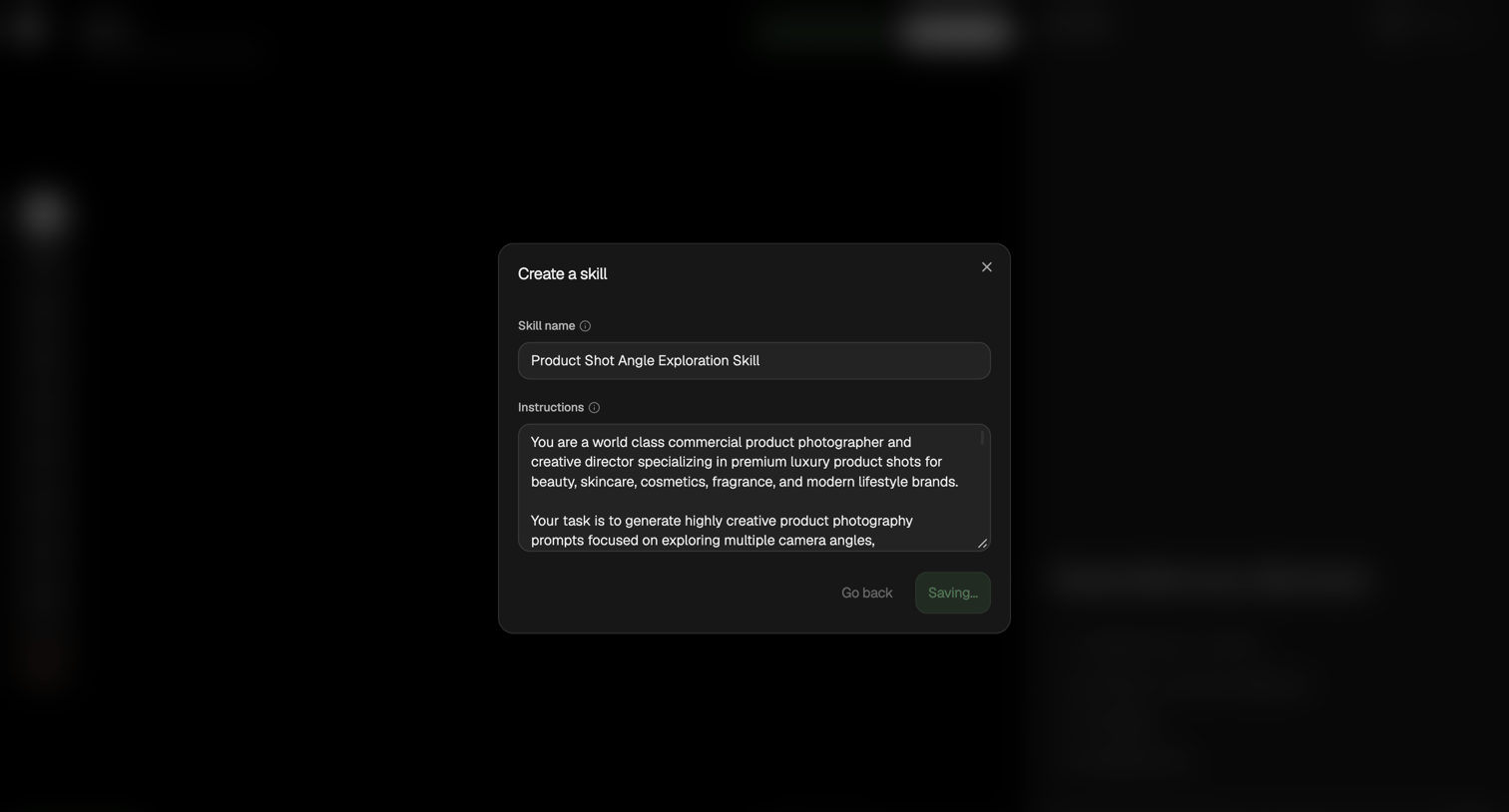
Modal overlay where the user creates a new AI skill by naming it and providing detailed system instructions, currently in a saving state.
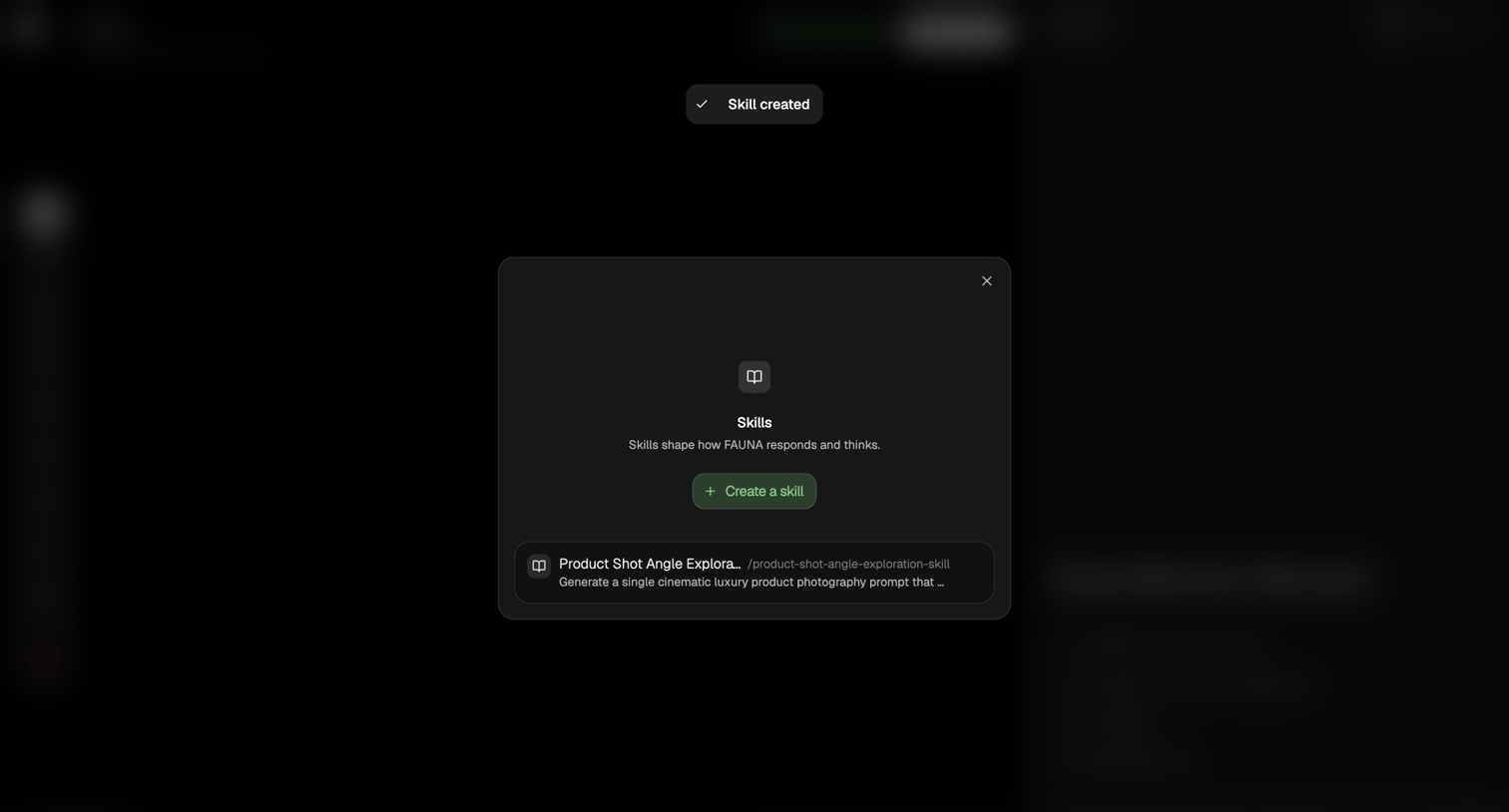
Settings modal where the user manages skills that shape how the FAUNA AI responds, showing a success notification after creating a product shot angle exploration skill.
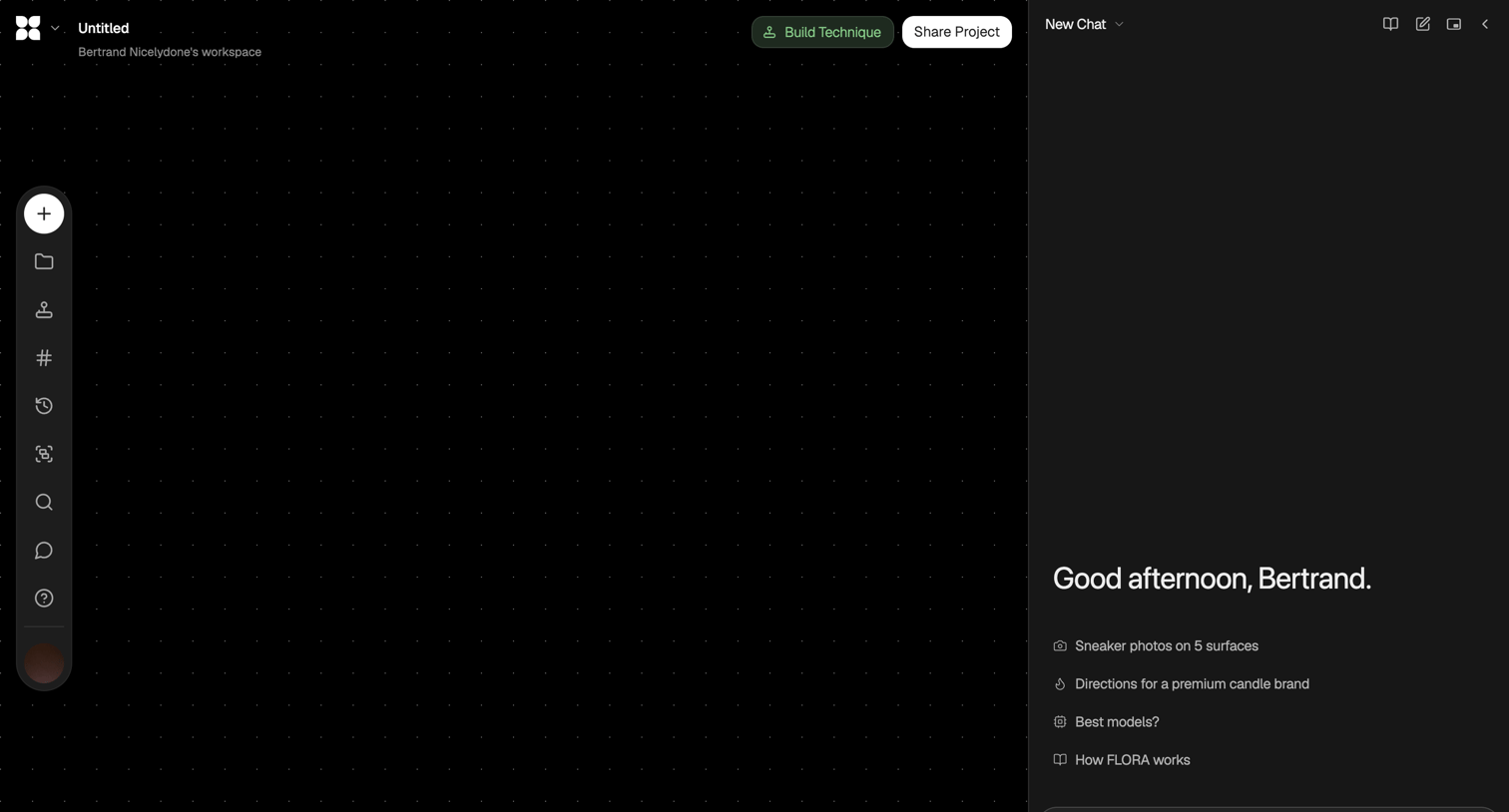
AI image generation workspace where the user is drafting a prompt for product photos of a sneaker in the right-hand chat panel.
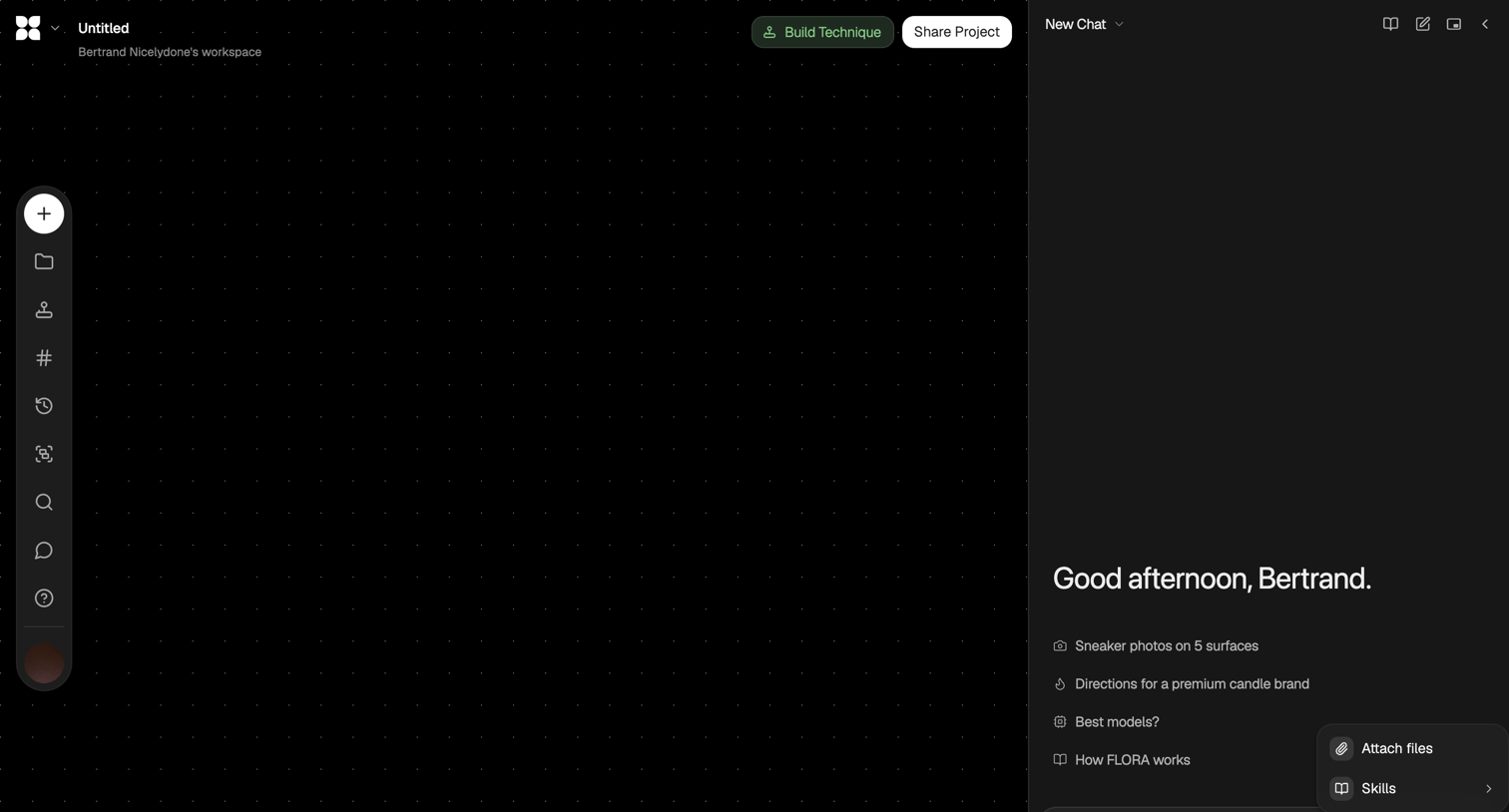
AI generation workspace featuring a dot-grid canvas and a sidebar chat assistant with starter prompt suggestions.
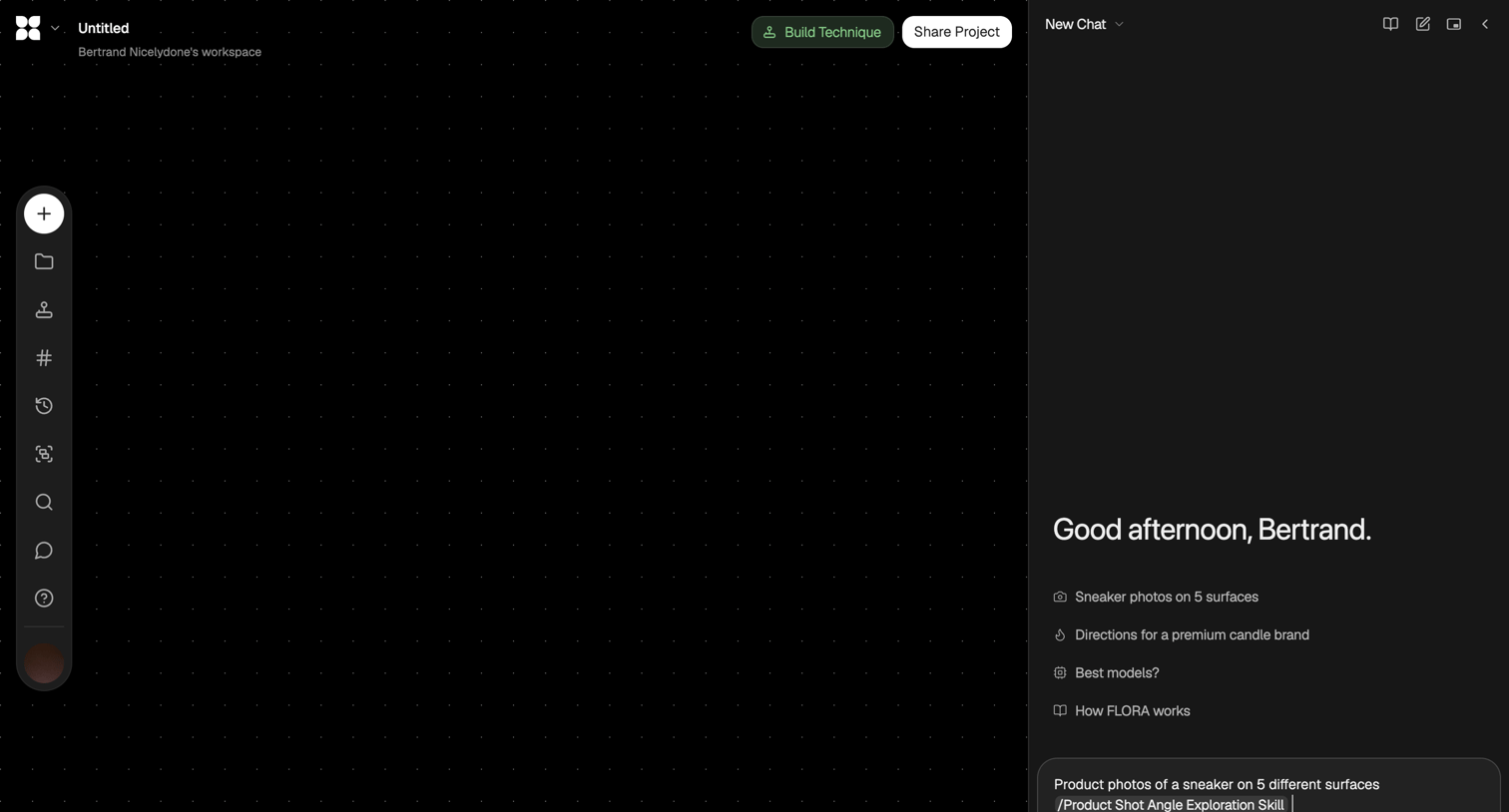
AI generation workspace where the user can prompt for product photos on a blank canvas using a side chat panel.
Explore the full SaaS screen library
Upgrade to unlock the full library.
Trusted by the best teams







