Exa product screens examples
Browse Exa screen design examples. Preview the interface screenshots and explore related UI patterns. Real-time AI search engine with structured web search API and deep research tools
Explore the examples

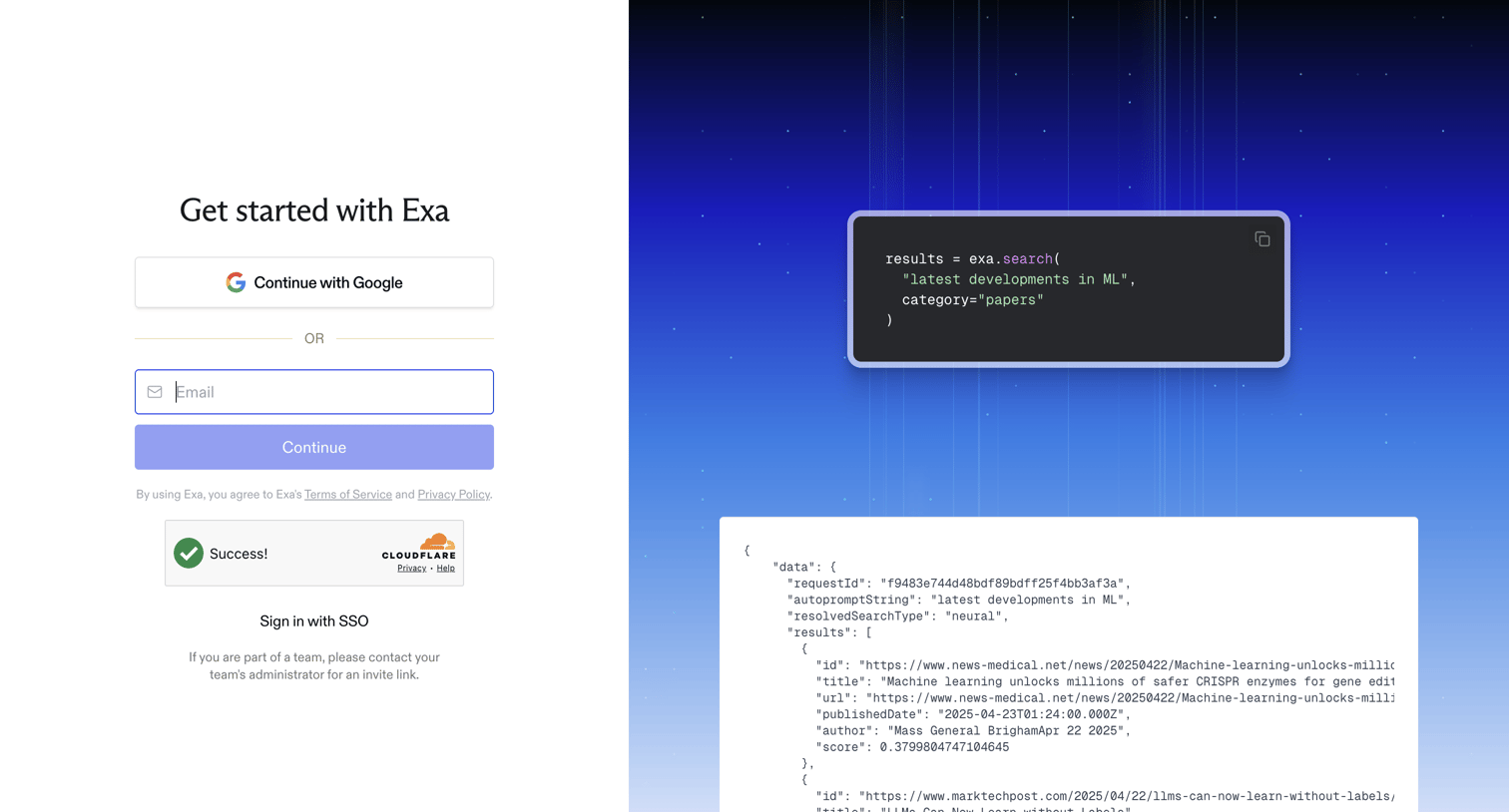

Signup page where the user can authenticate via Google, email, or SSO, alongside a preview of the API search request and JSON response.
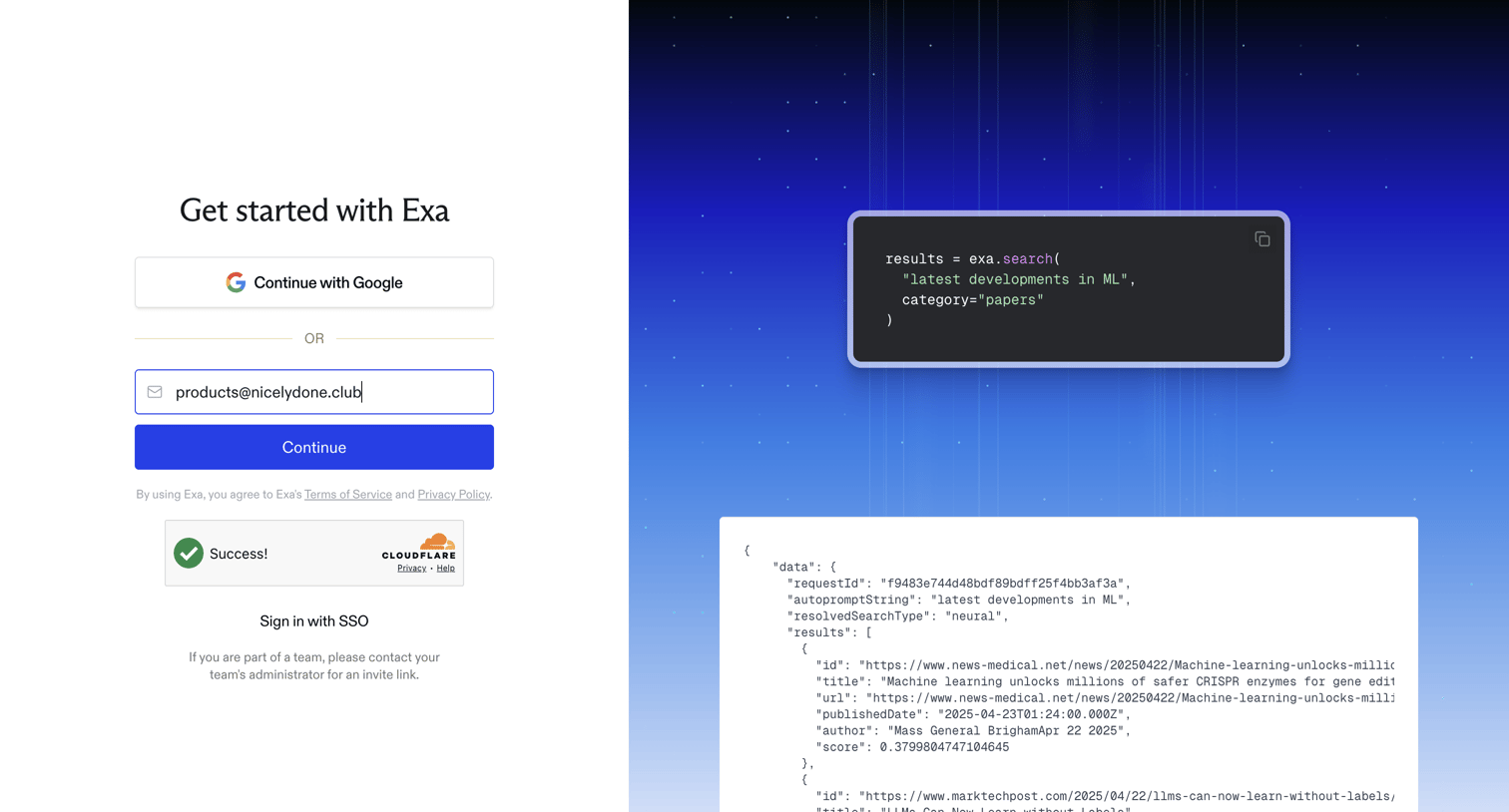
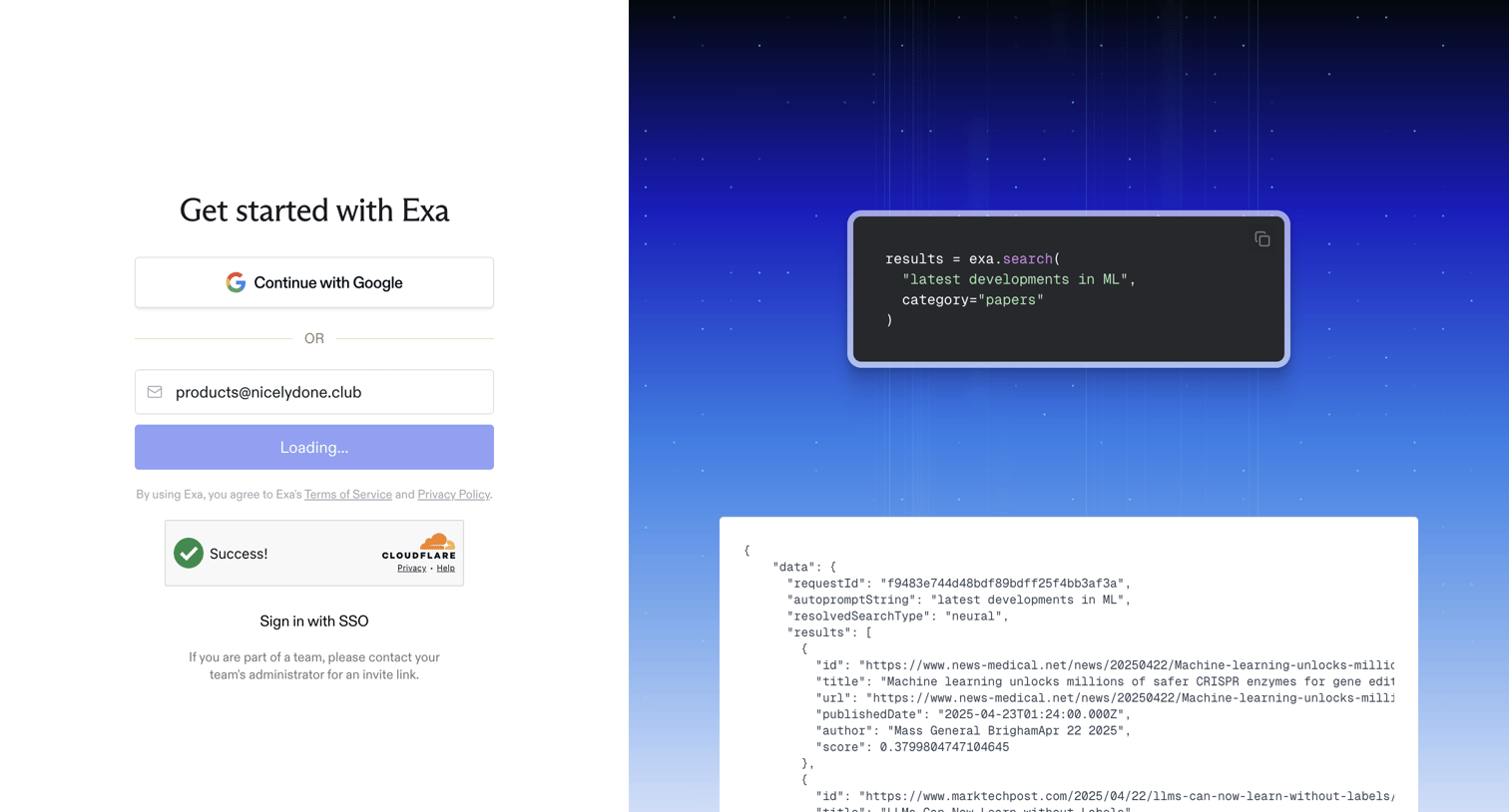
Signup screen where the user can authenticate with Google or email, featuring a Python code snippet and JSON response preview on the right.
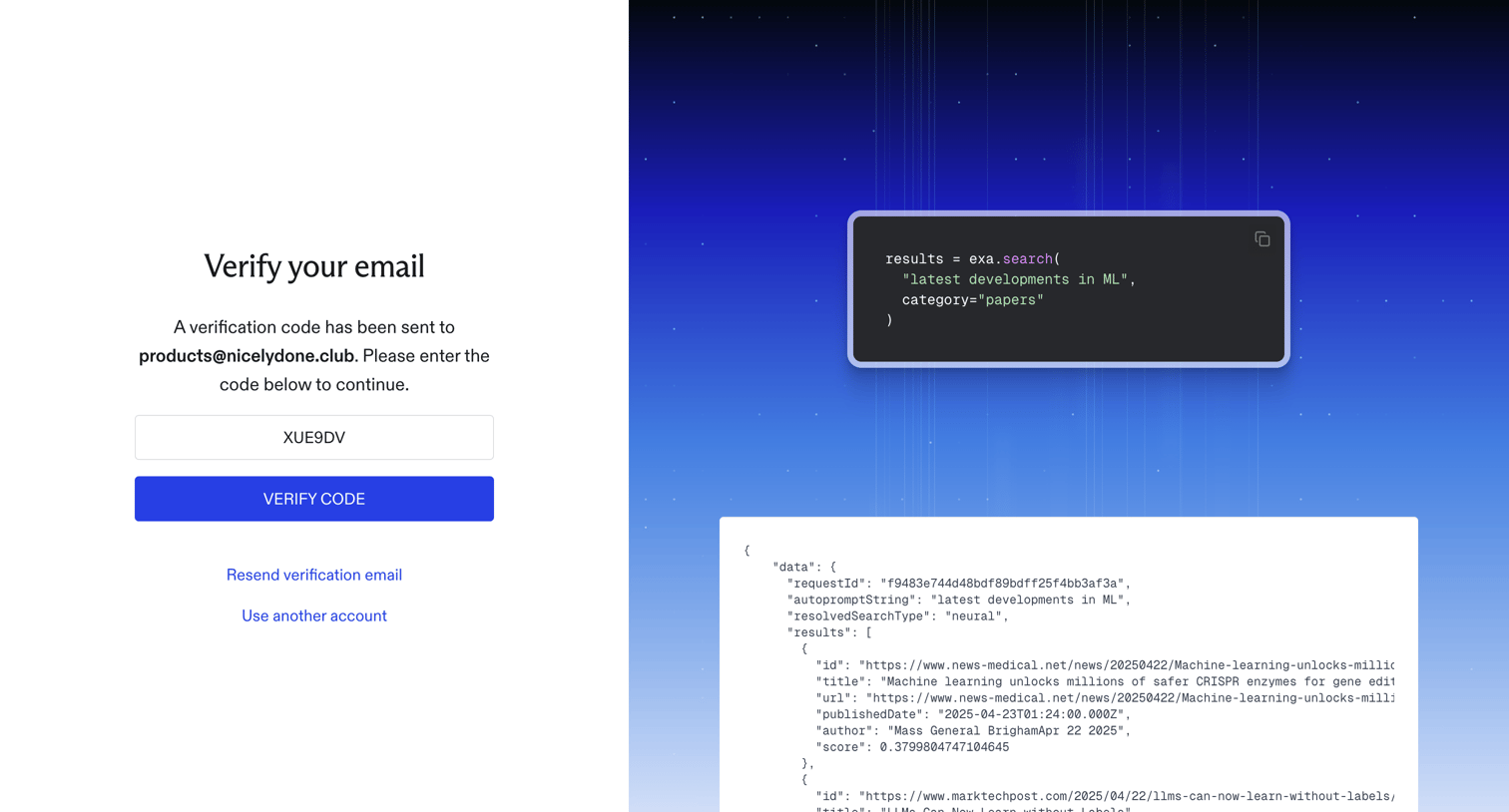
Verification screen where the user enters a code sent to their email to authenticate and access the developer dashboard.
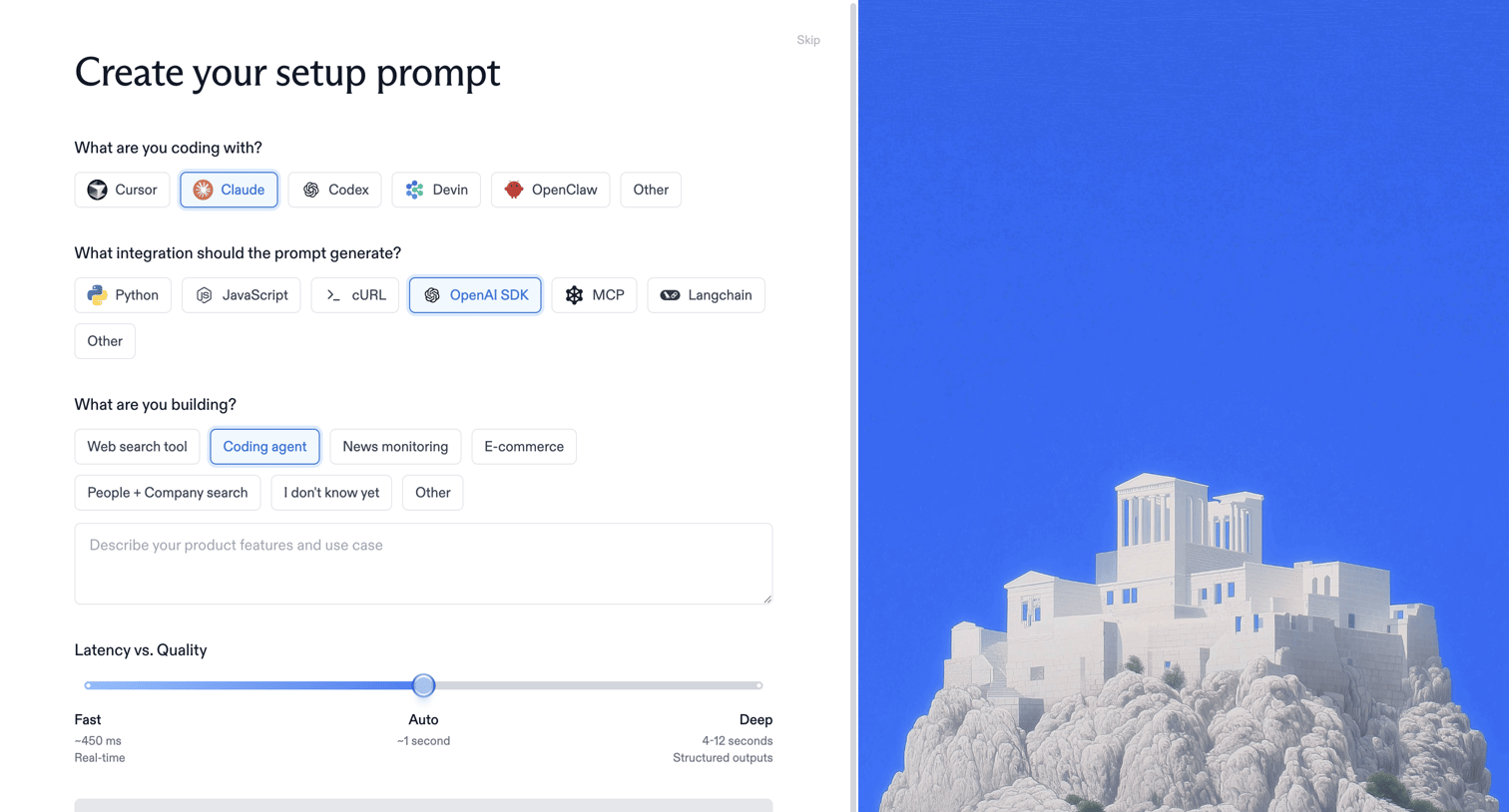
Onboarding step where the user configures their setup prompt by selecting their coding environment, integration type, and project goals.
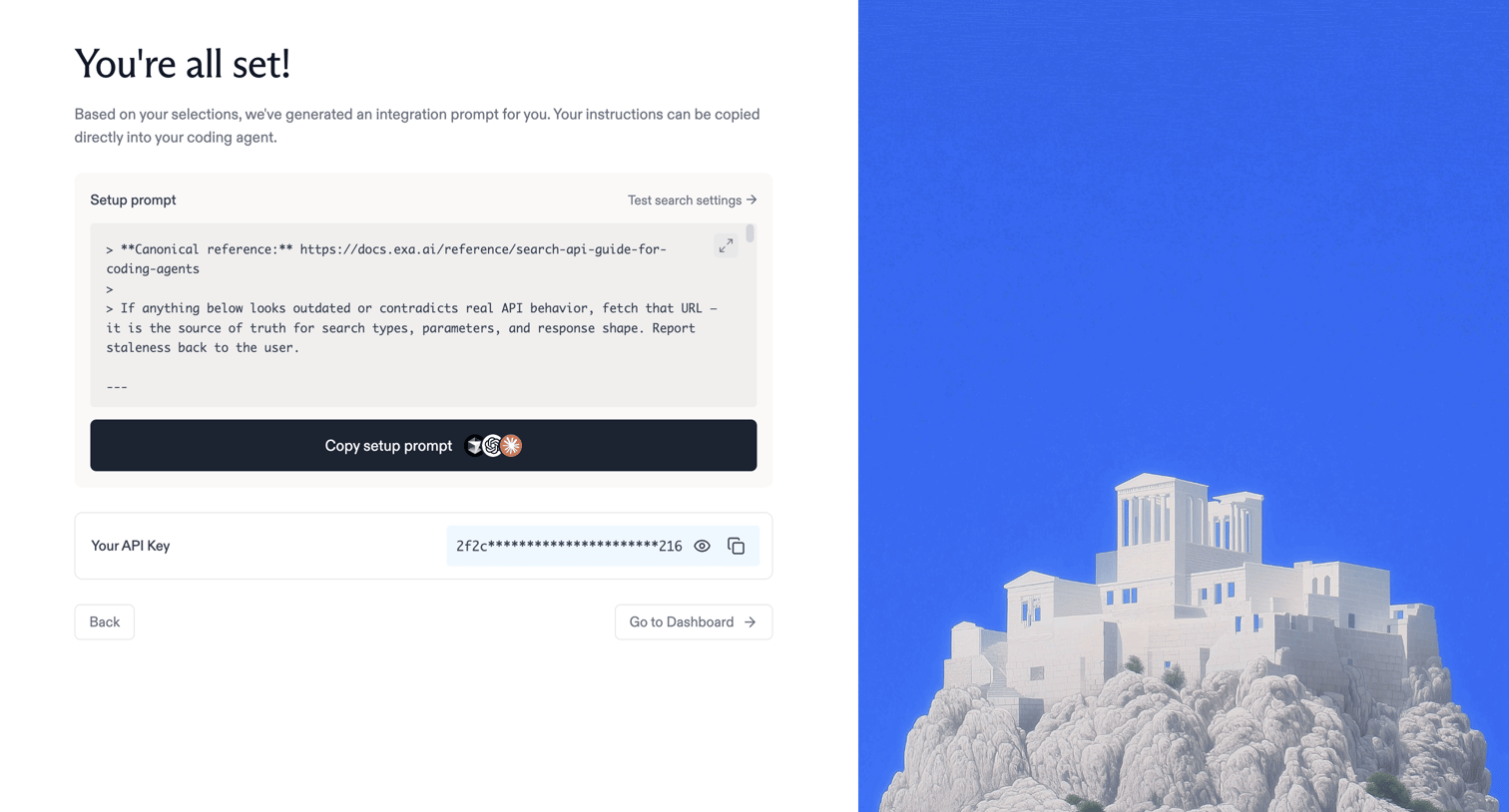
Onboarding step where the user receives a generated integration prompt for their coding agent and their API key before proceeding to the dashboard.
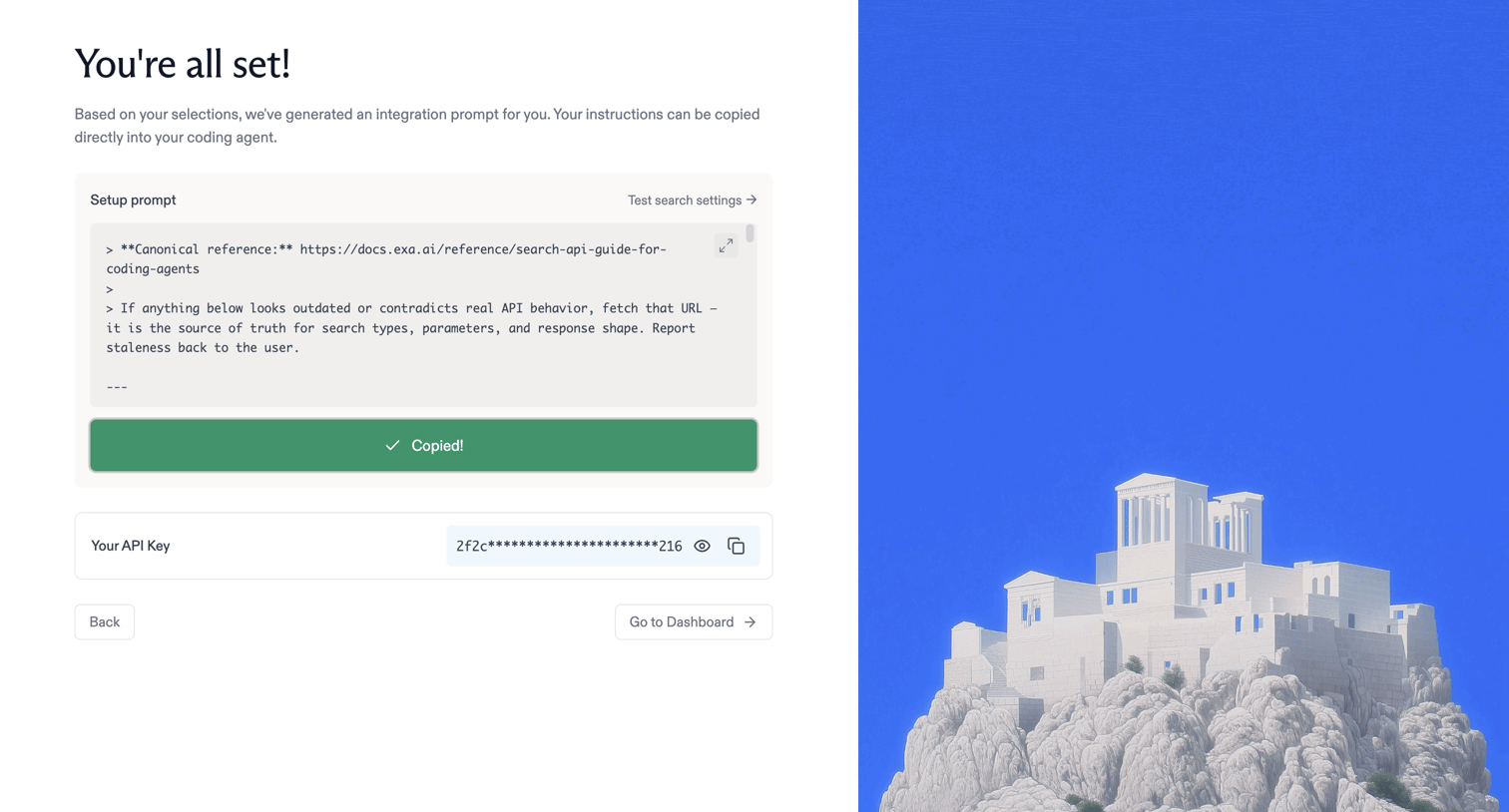
Onboarding step where the user receives their generated integration prompt and API key before proceeding to the dashboard.
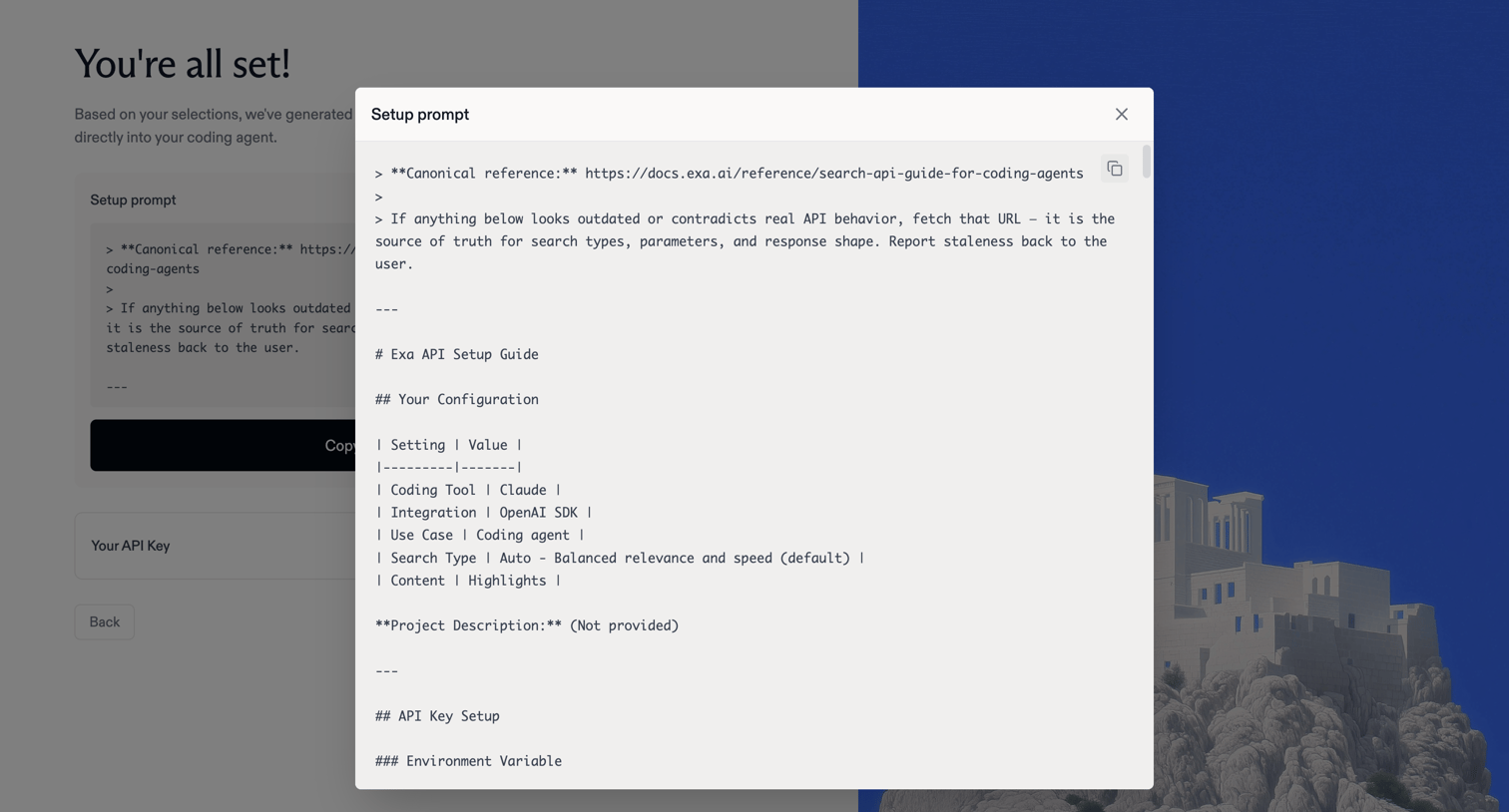
Onboarding step where the user reviews and copies a generated setup prompt containing their API configuration and instructions for a coding agent.
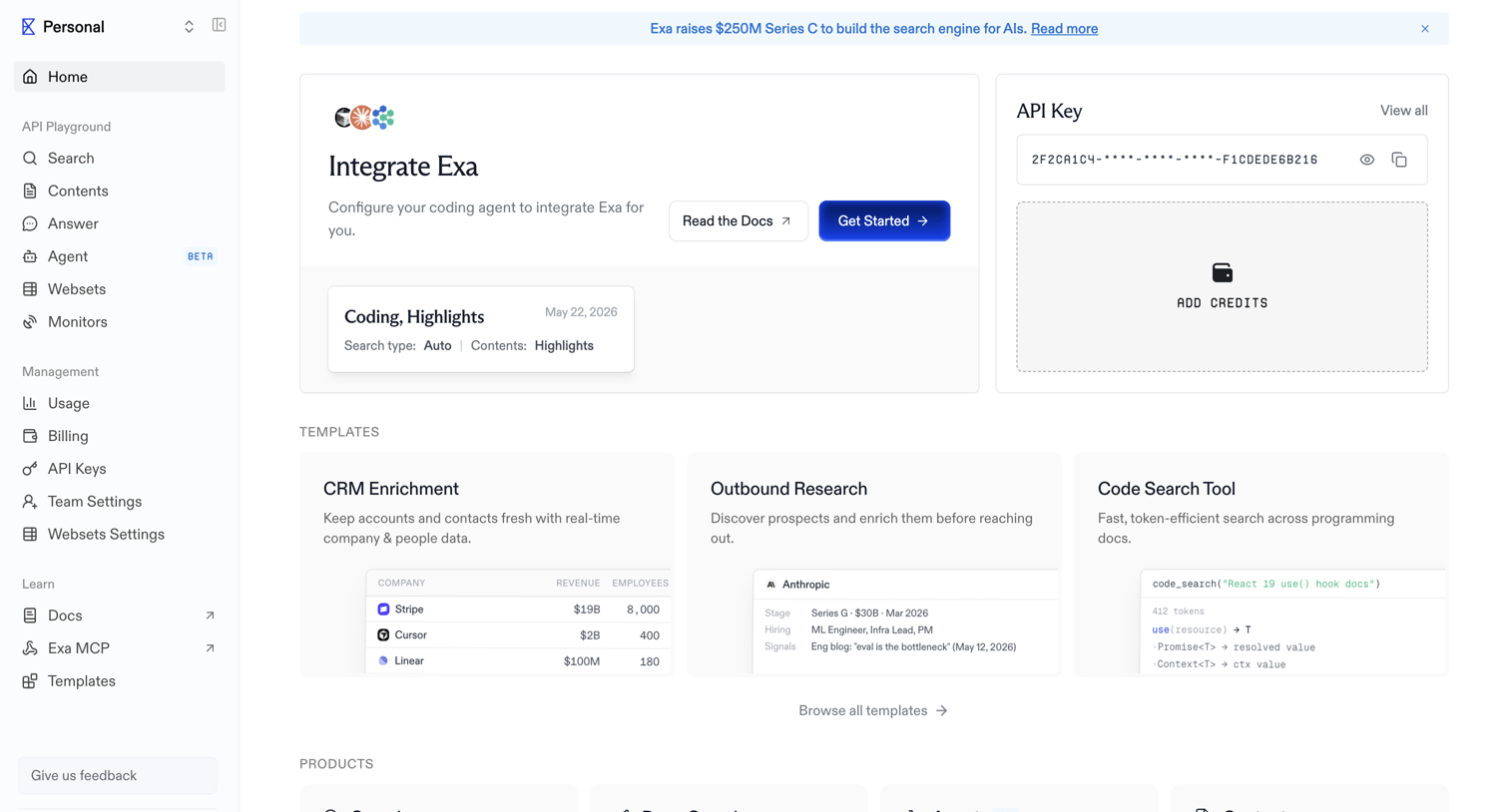
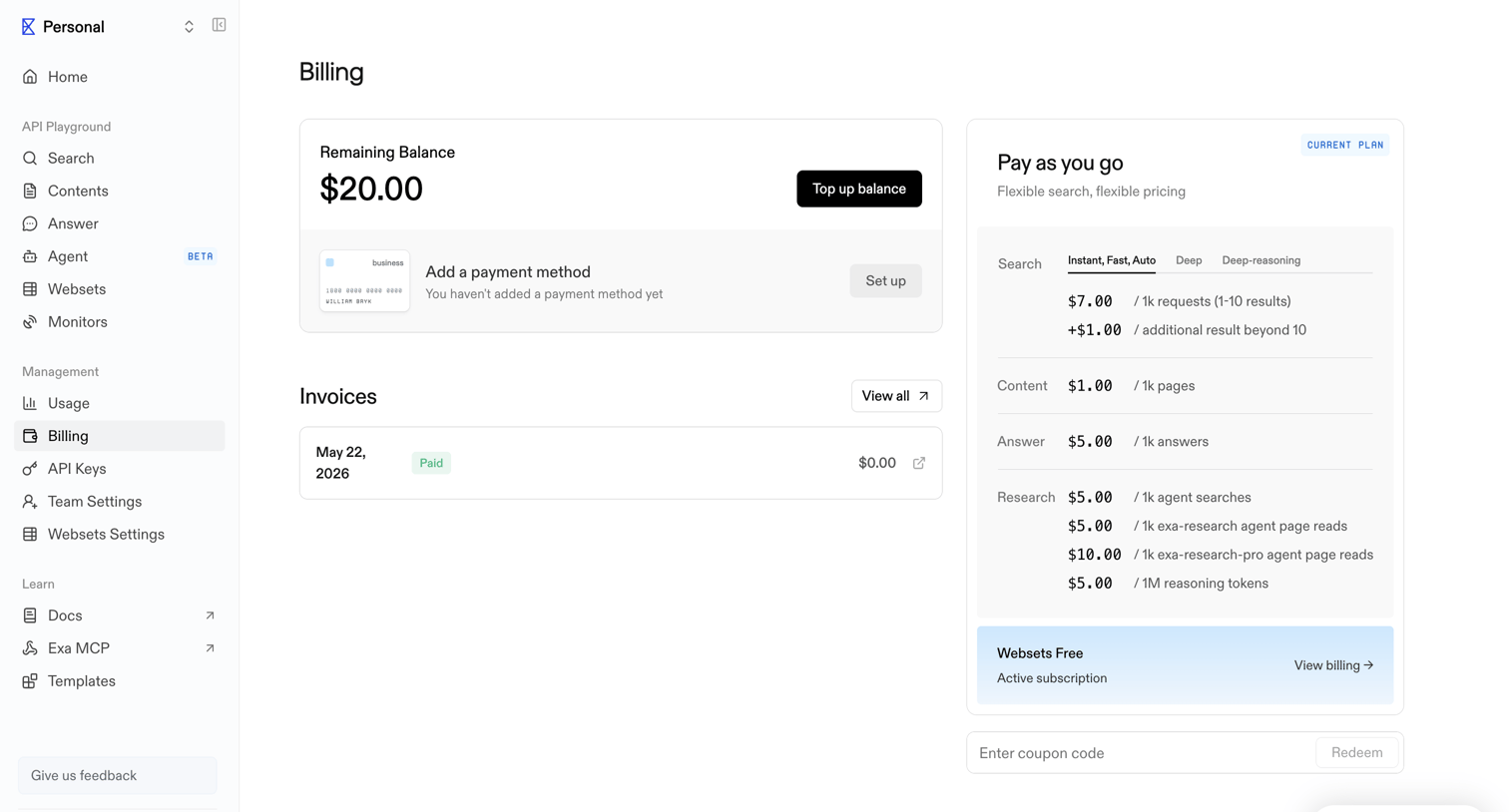
Billing settings page where the user manages their account balance, payment methods, views past invoices, and reviews detailed pay-as-you-go pricing.
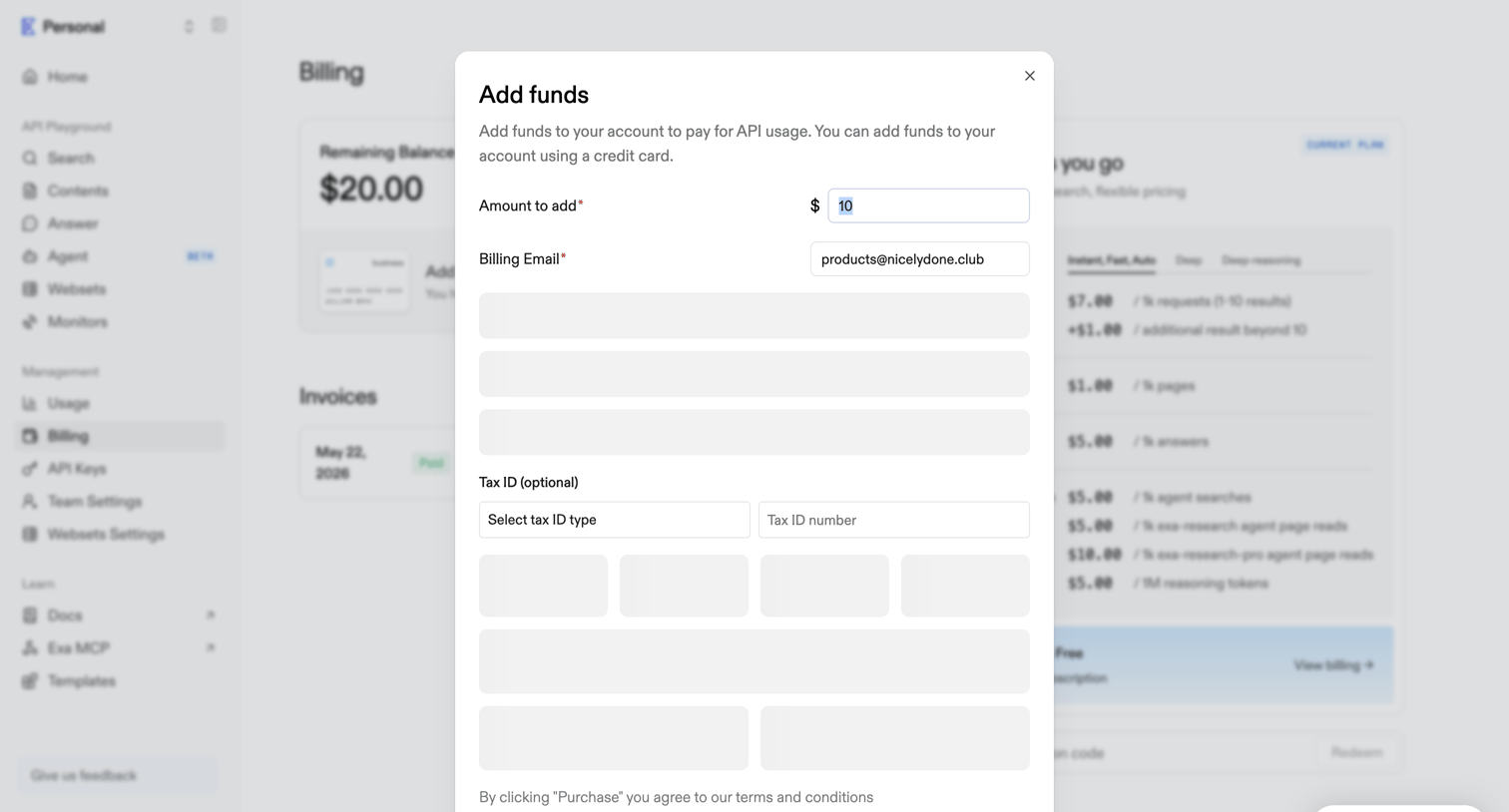
Billing settings page where the user adds funds to their account balance via a credit card form modal.
Explore the full SaaS screen library
Upgrade to unlock the full library.
Trusted by the best teams







