Eraser product screens examples
Browse Eraser screen design examples. Preview the interface screenshots and explore related UI patterns. Documents & diagrams for engineering teams
Explore the examples
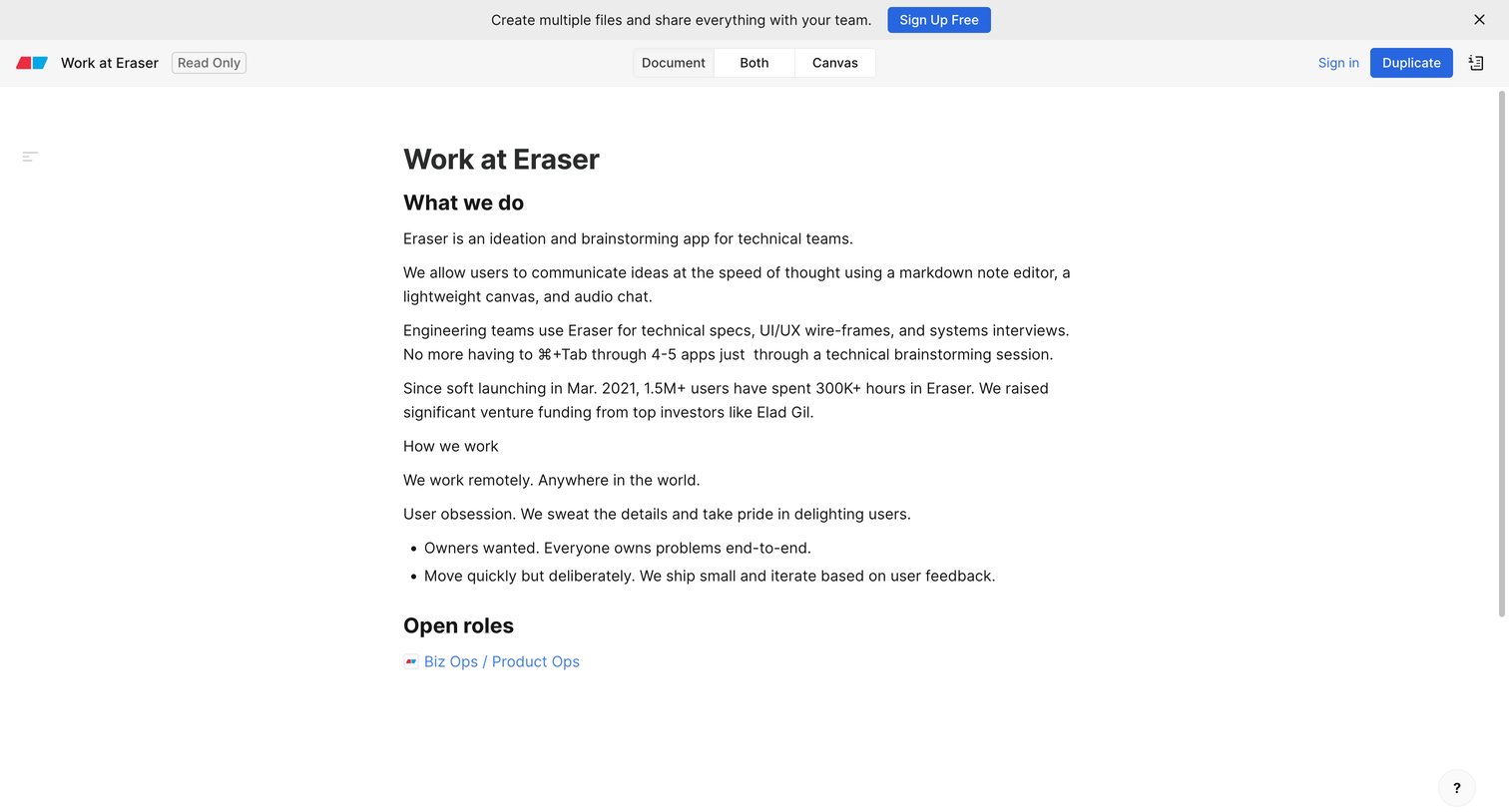
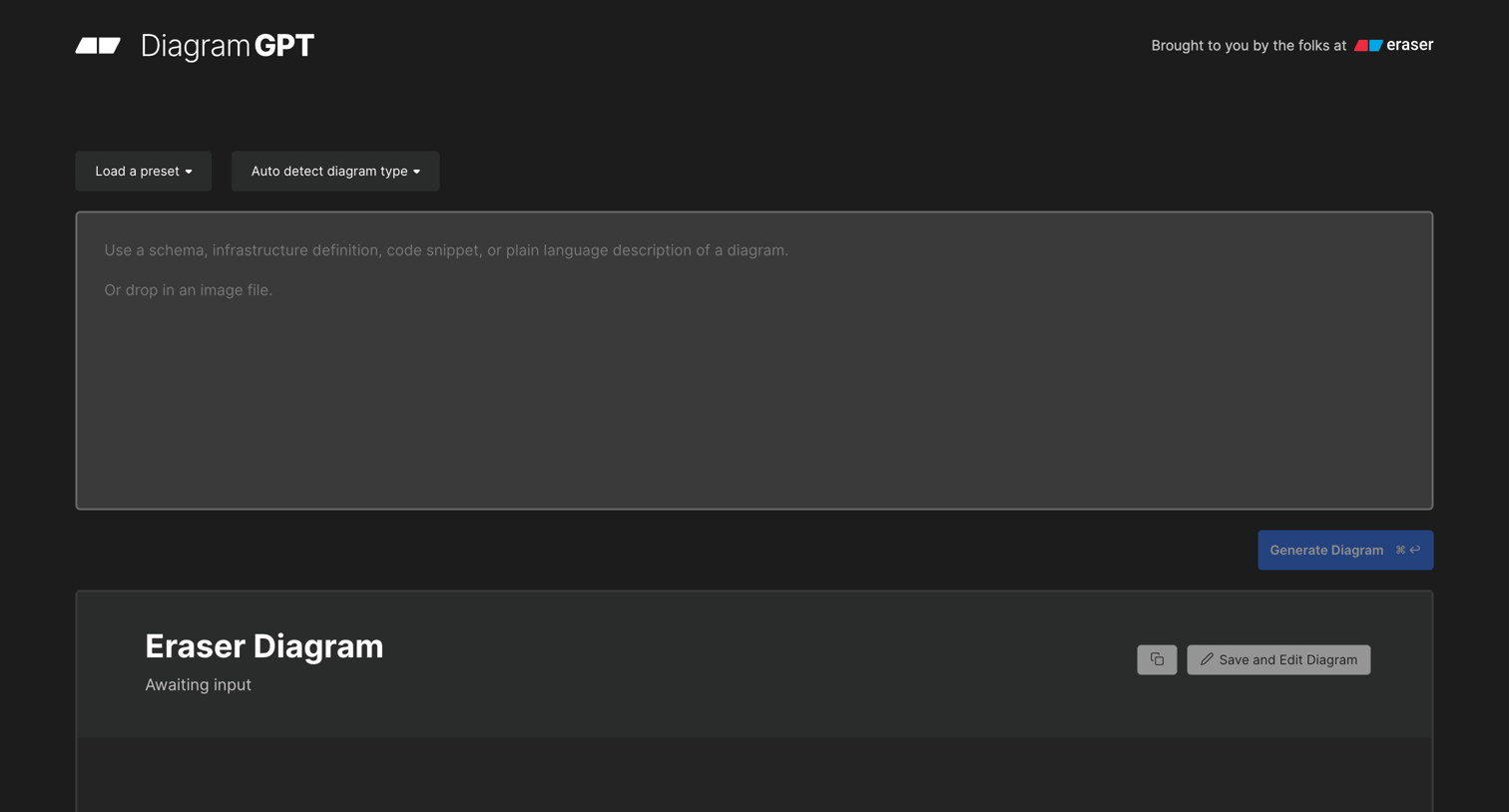

Demo page where the user can generate architecture and flow diagrams from text descriptions or code snippets using AI.
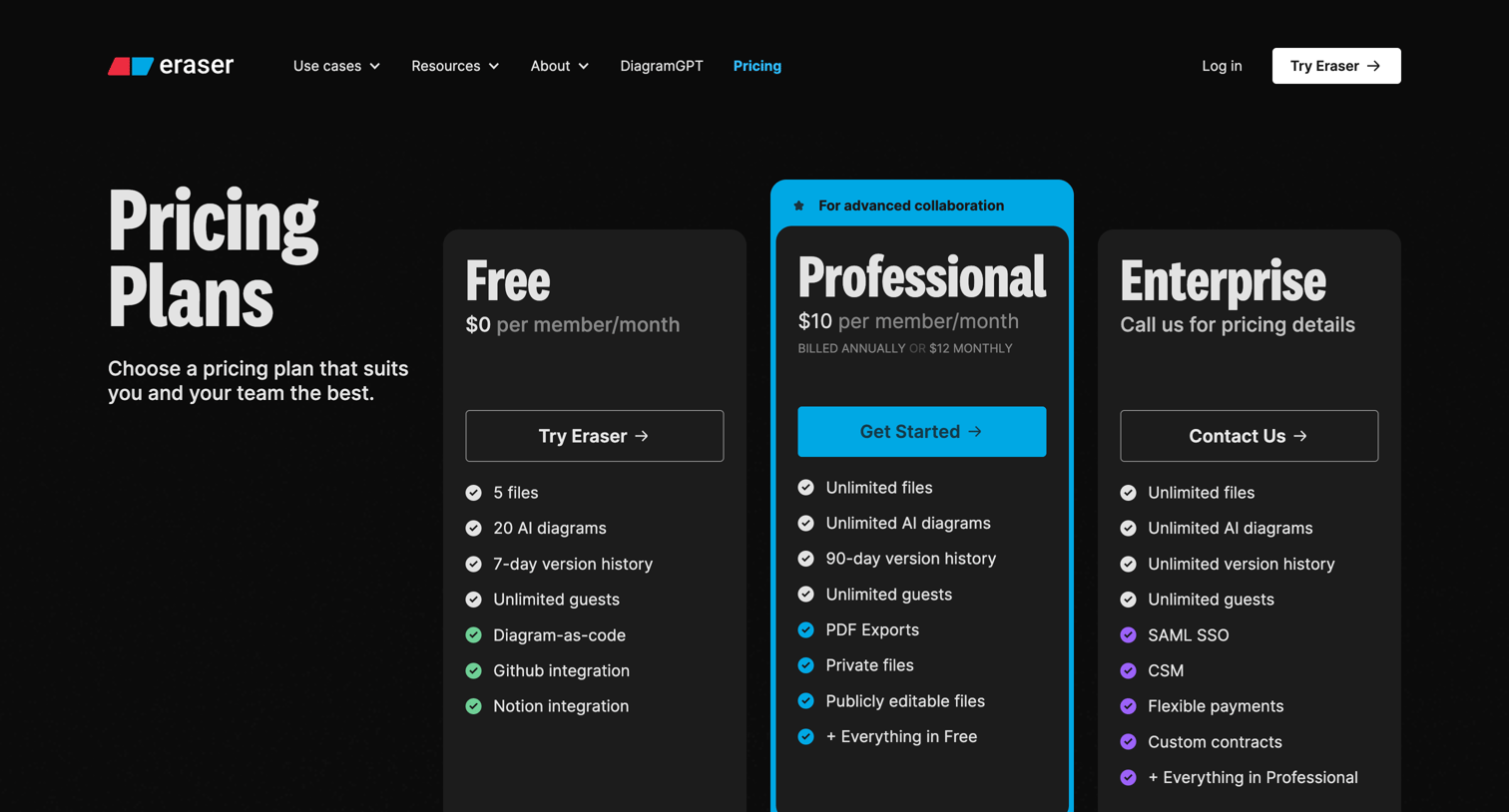
Pricing page where the user compares Free, Professional, and Enterprise plans across usage, canvas features, notes features, collaboration, integrations, access, and billing.
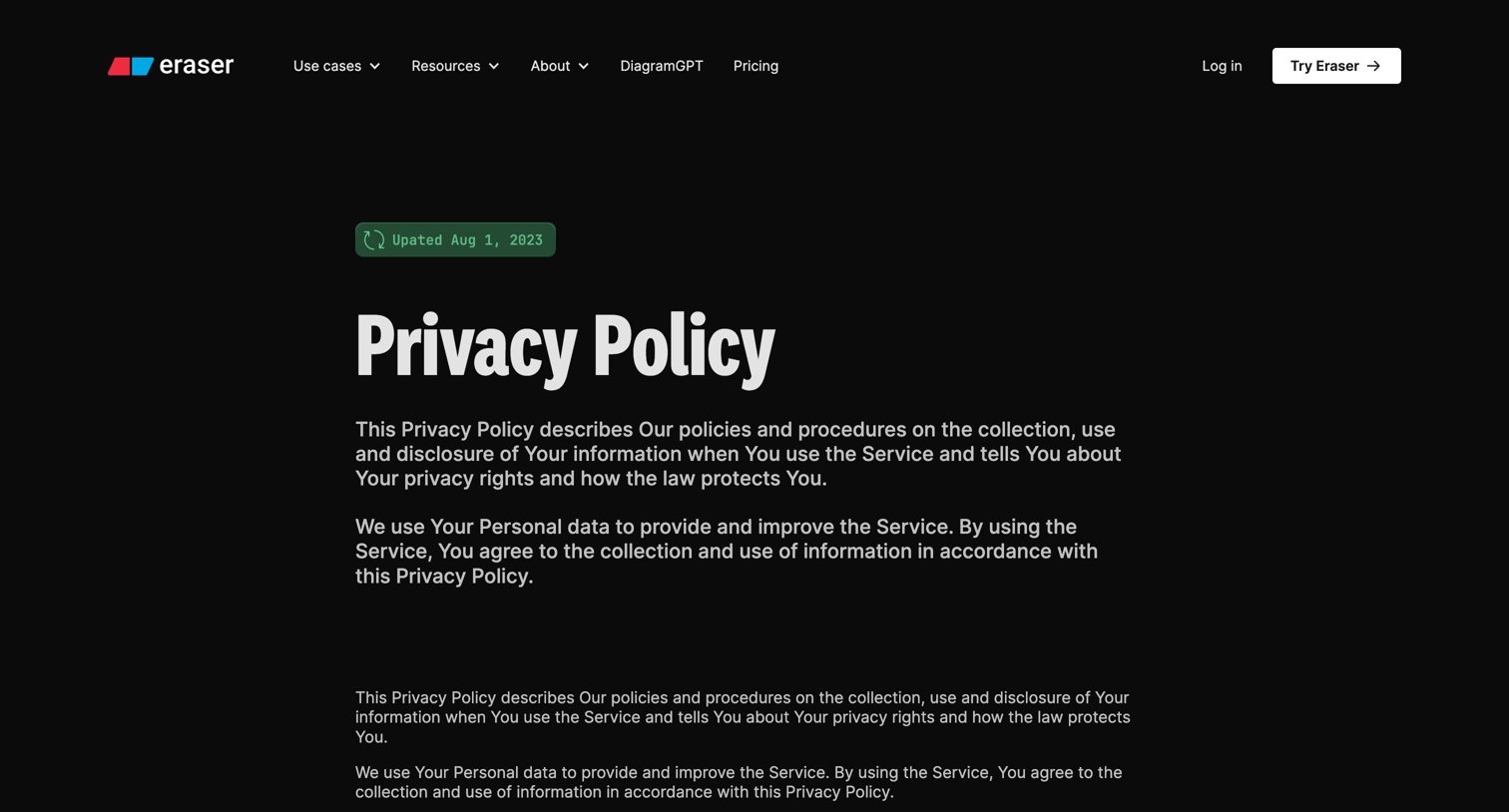
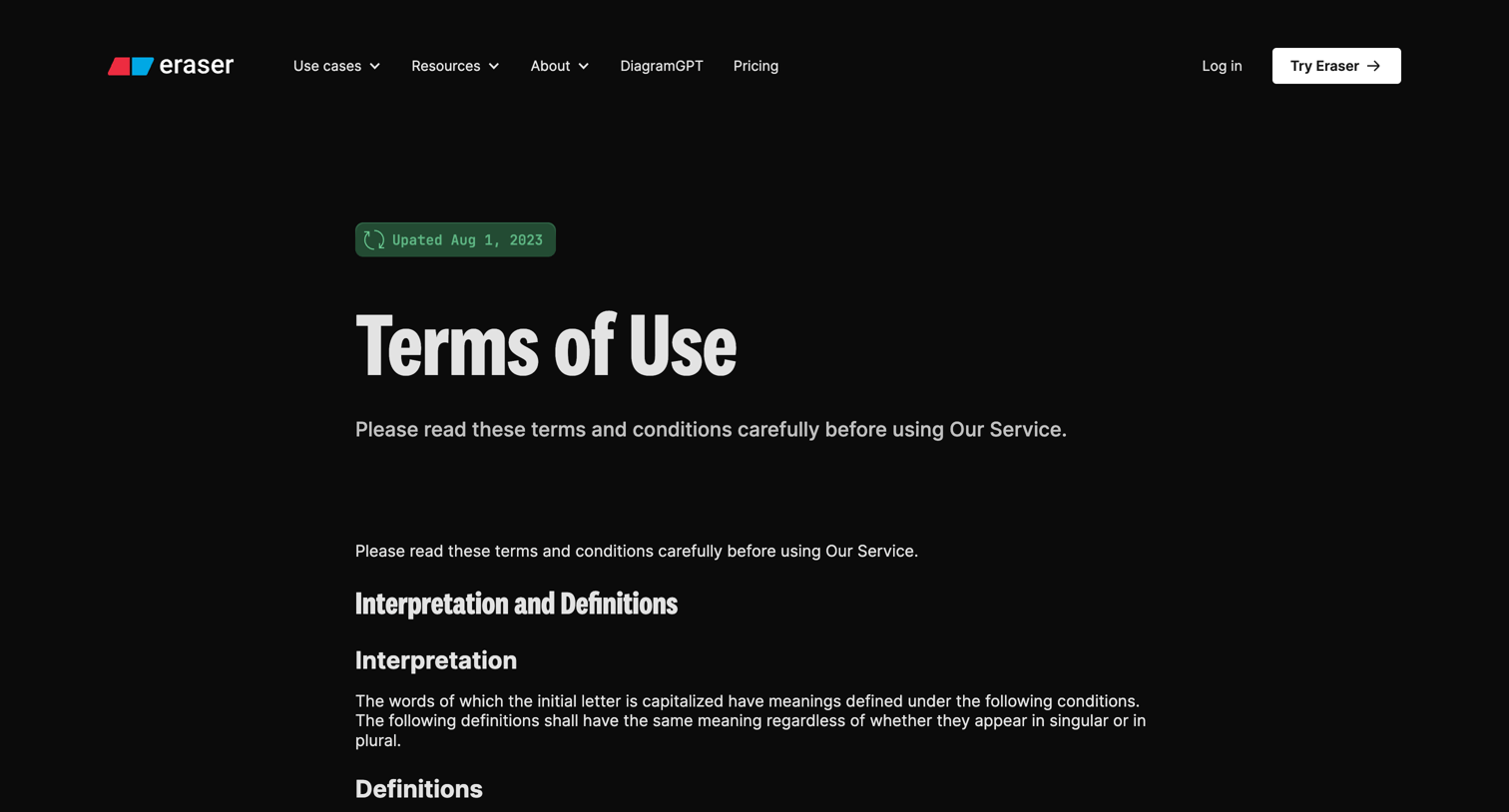
Legal page outlining the terms and conditions for using the service, including definitions, subscription rules, content rights, and copyright policies.
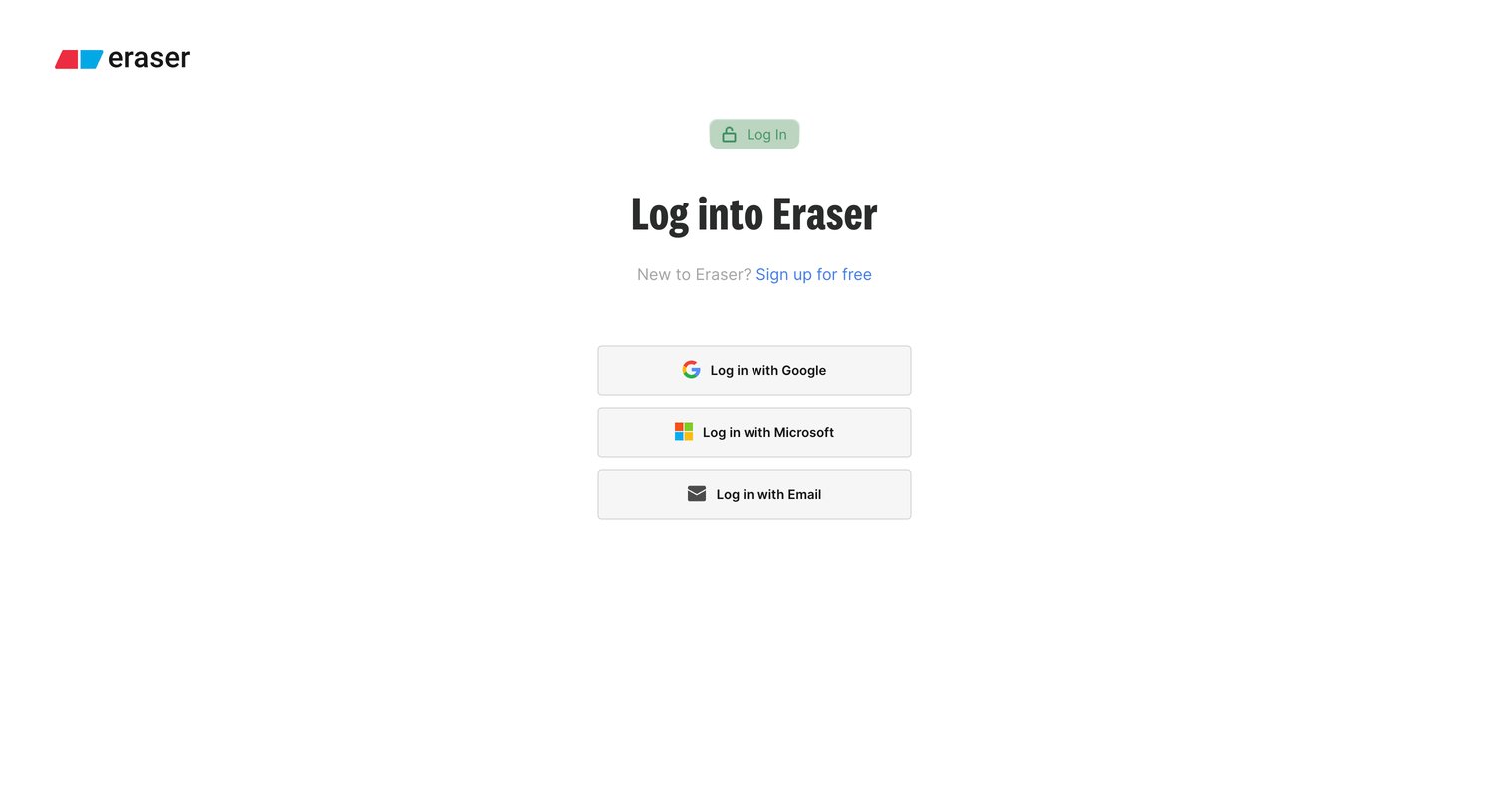
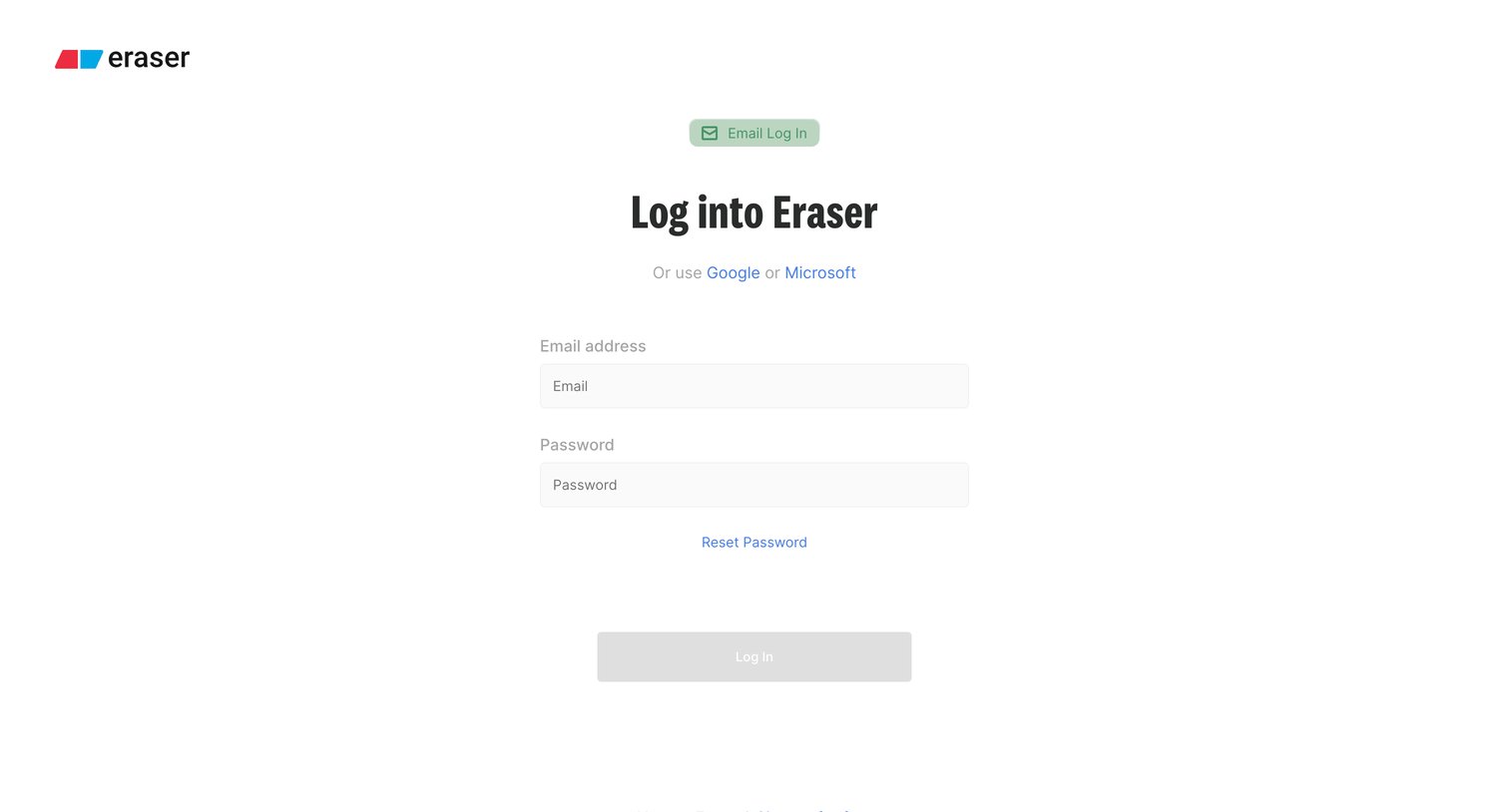
Sign-in screen where the user authenticates into Eraser using their email and password, with alternative options to use Google or Microsoft.
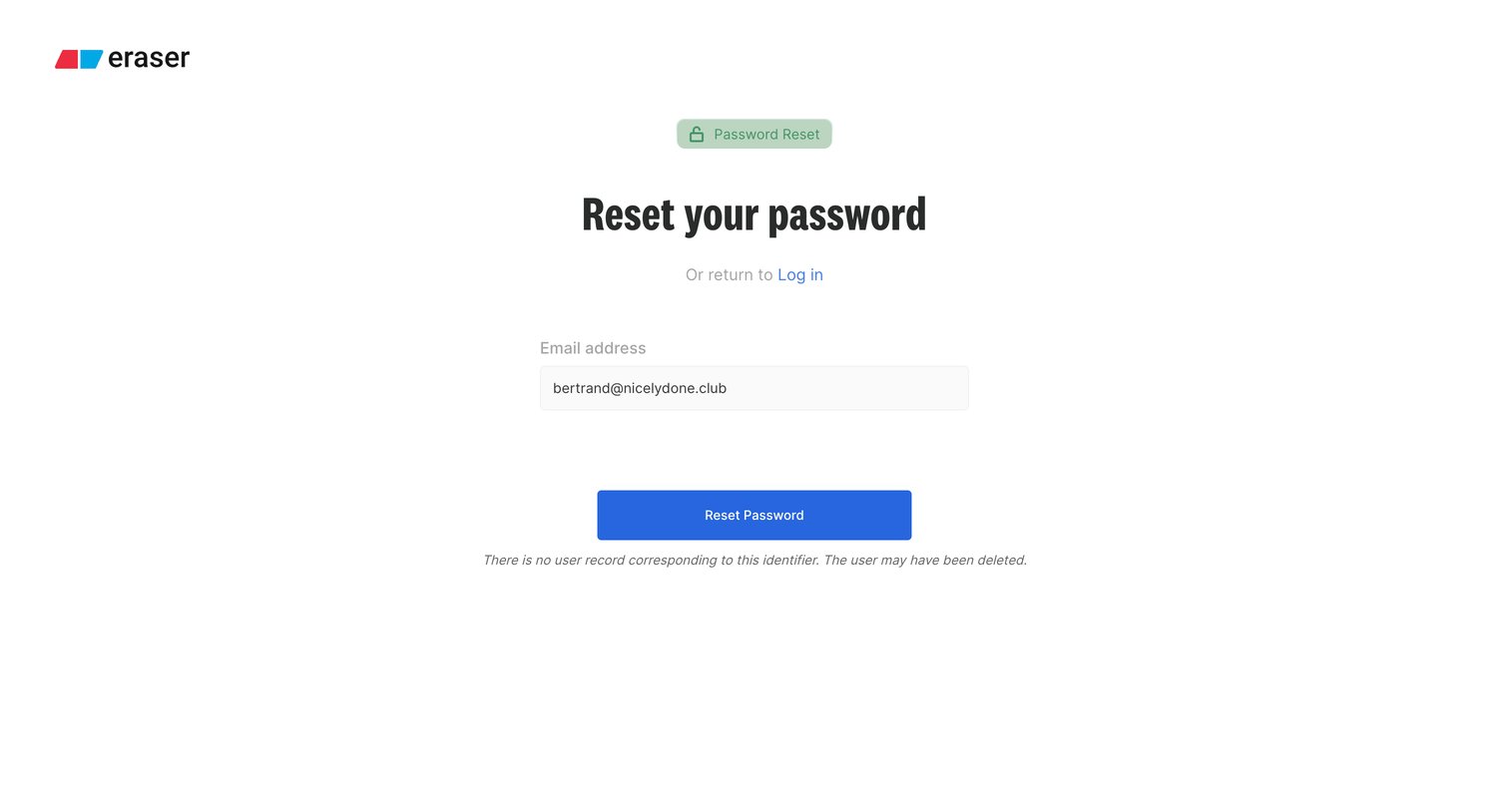
Password recovery screen showing an error message indicating no user record exists for the provided email address.
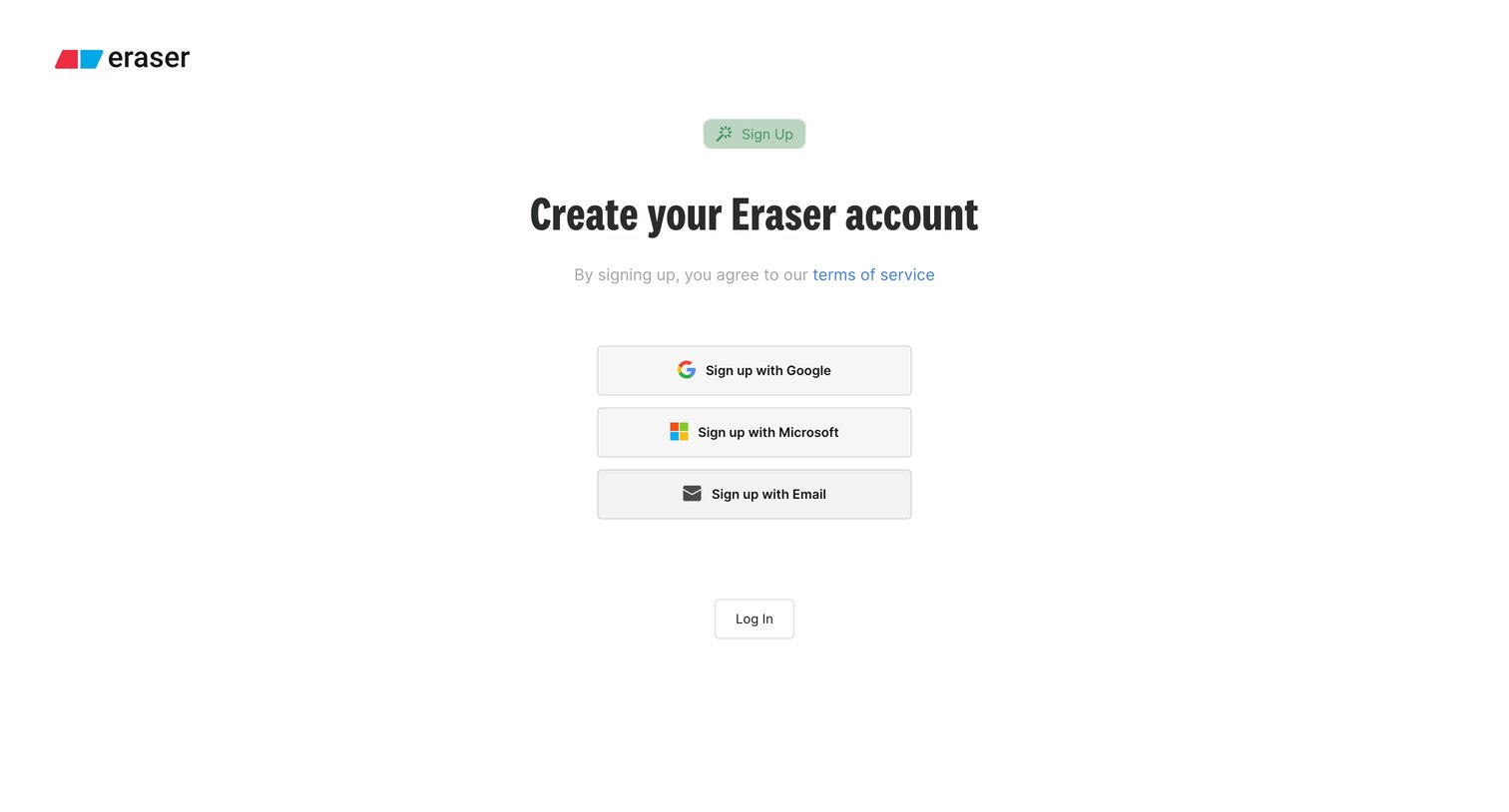
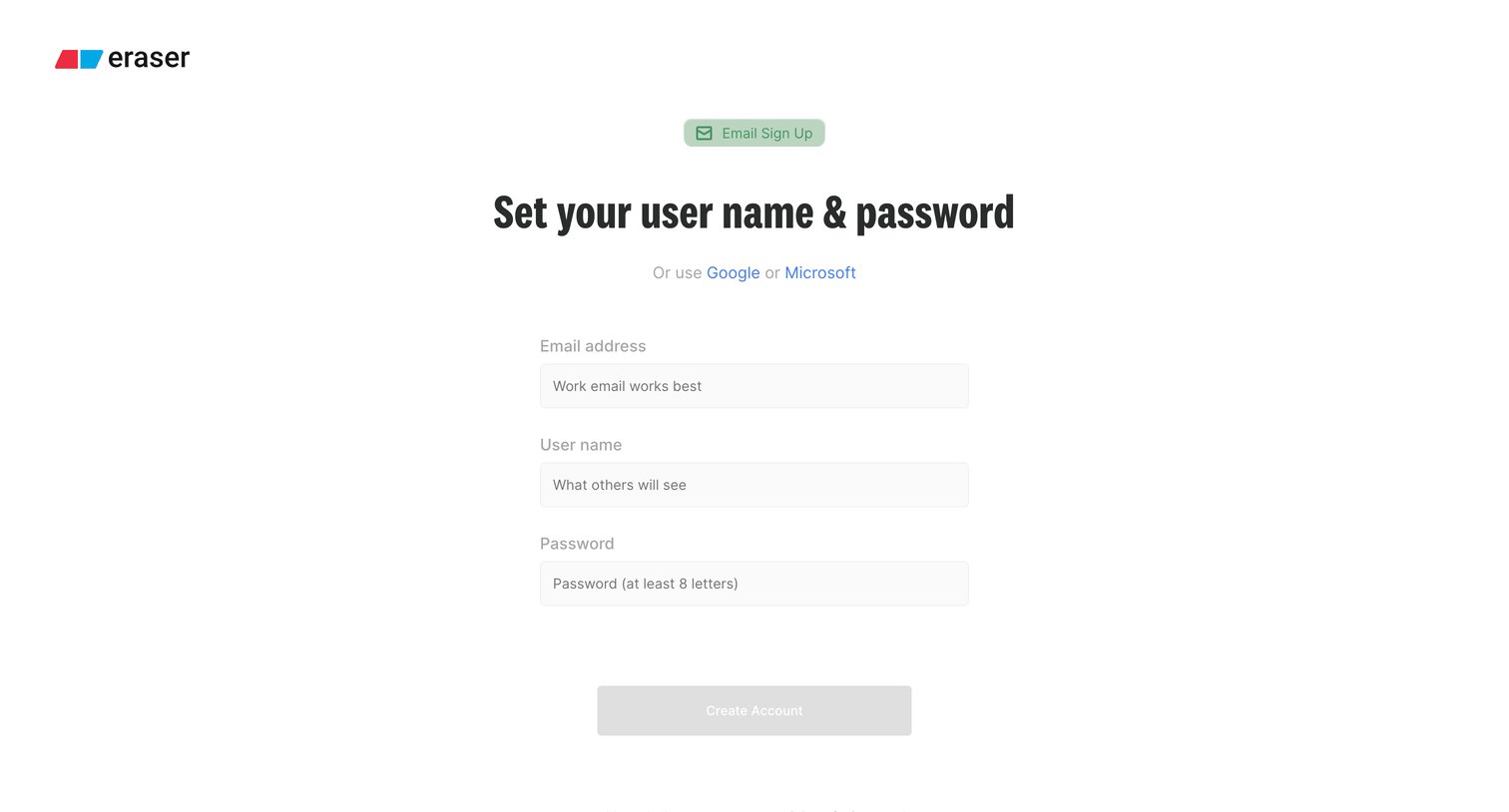
Signup screen where the user creates an account by entering their email address, user name, and password, with alternative options to use Google or Microsoft.
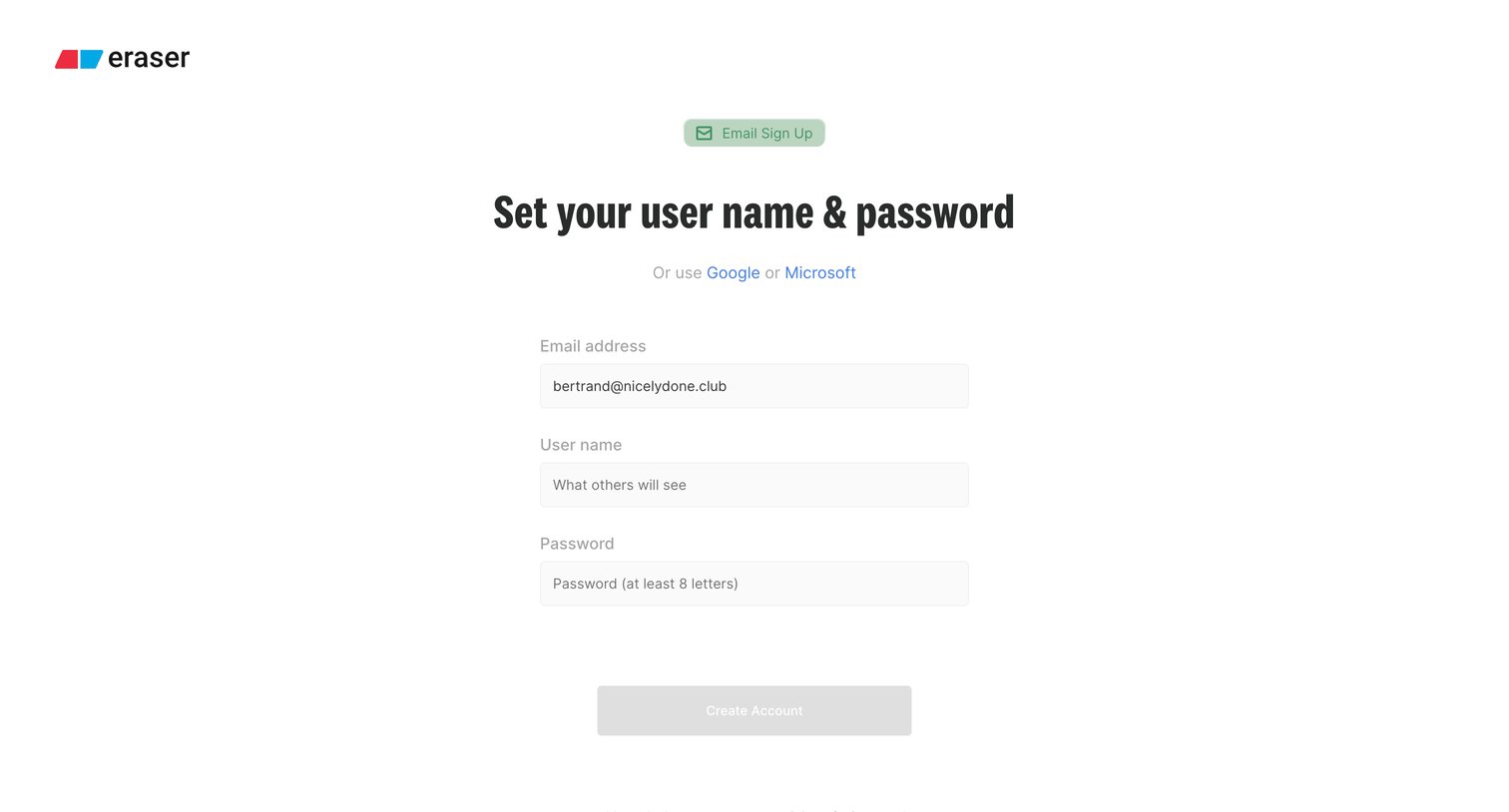
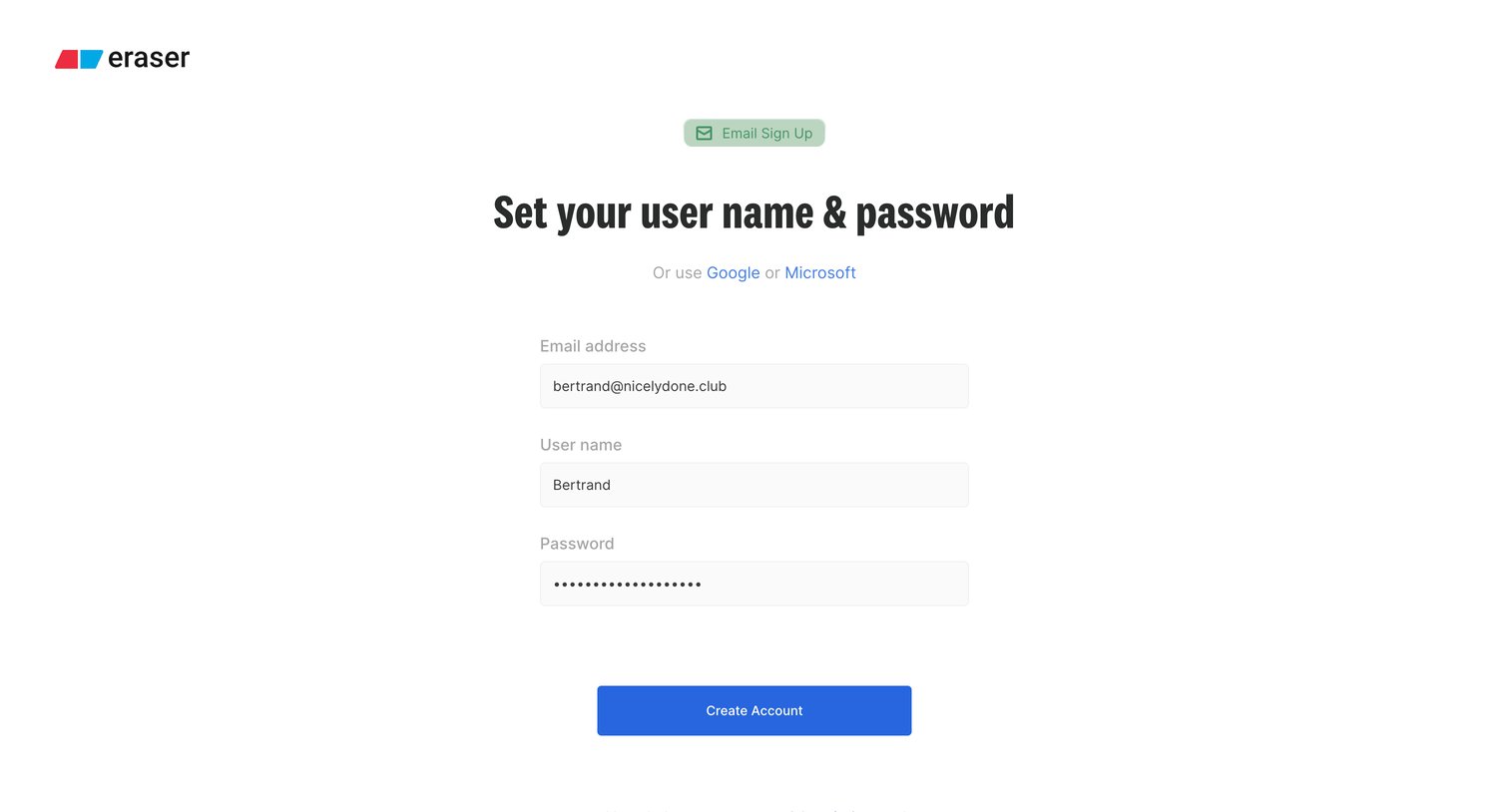
Signup screen where the user sets their username and password to finalize account creation, with options to use Google or Microsoft instead.
Explore the full SaaS screen library
Upgrade to unlock the full library.
Trusted by the best teams







