Eraser user flows examples
Explore Eraser user flow examples. Preview the opening screens and steps for each task. Documents & diagrams for engineering teams
Preview these flows

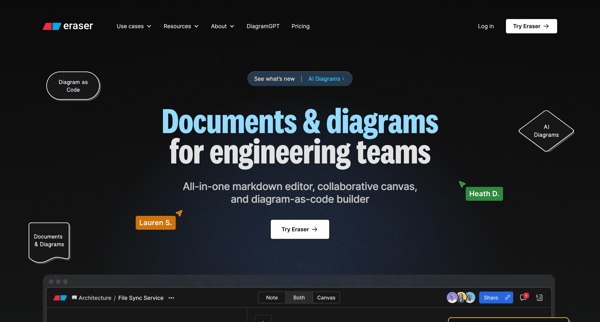
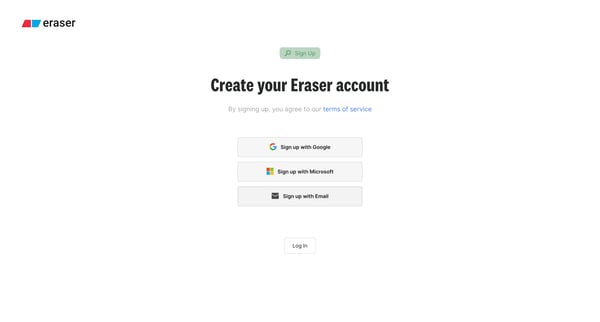
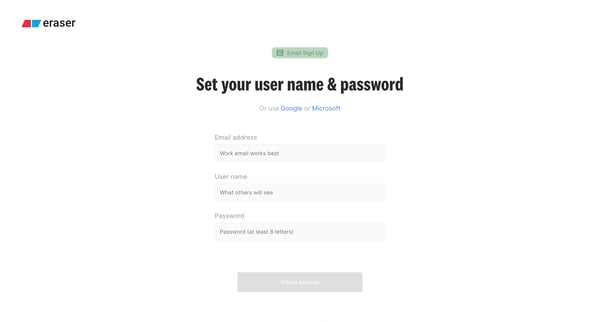
This flow guides a new user through the process of setting up an Eraser account, configuring team settings, inviting teammates, personalizing the experience, identifying use cases, integratin
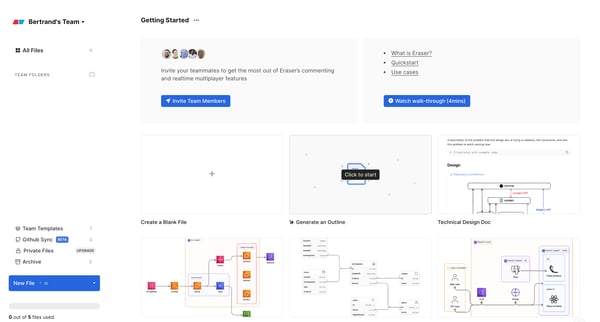
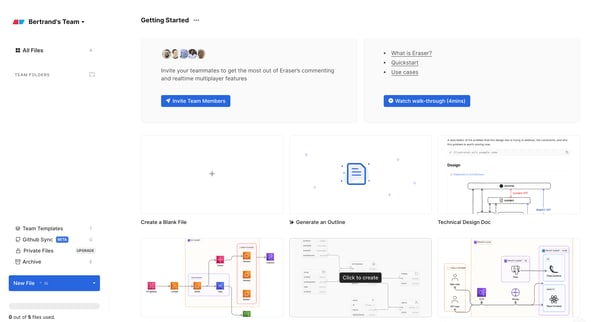

This flow guides a user through the process of starting with an empty template in Eraser, creating a new file, navigating through documentation pages, editing content, and finally showcasing
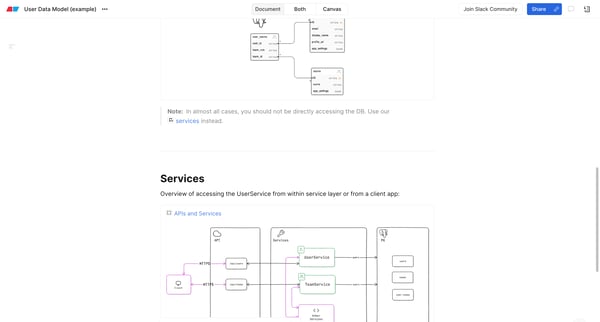
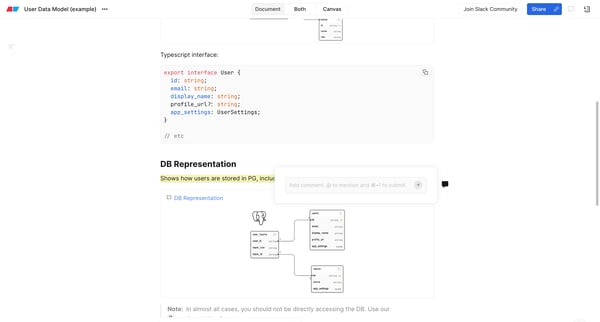
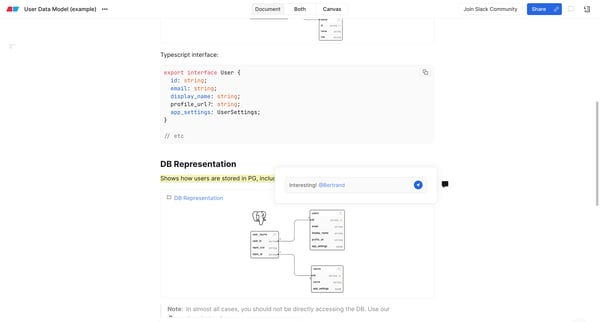
This flow enables users to interact with documentation by commenting, reacting, and managing comments within a detailed page.
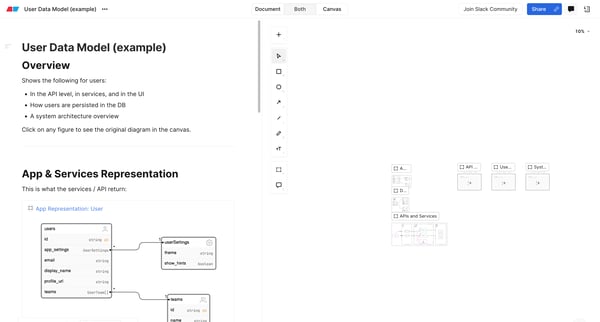
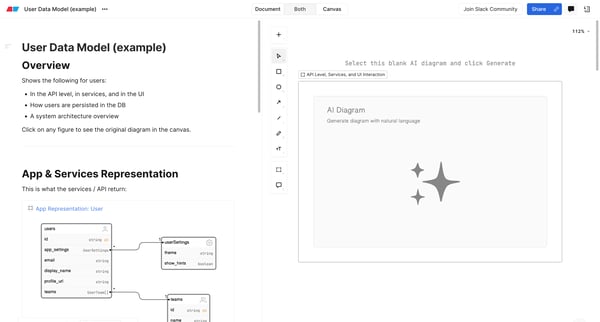
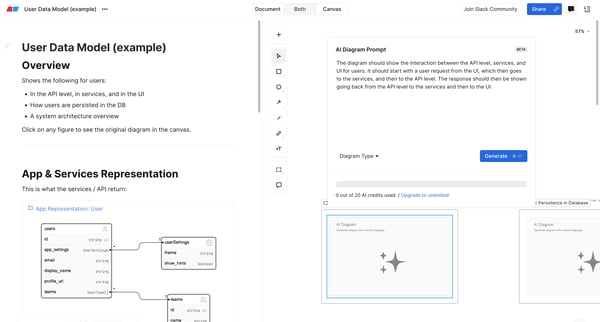
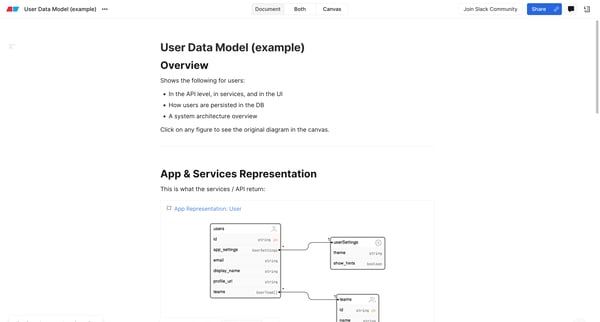
This flow enables users to generate diagrams illustrating user data models, showcasing how users interact with APIs, services, UI, and are persisted within a database, utilizing AI to constru
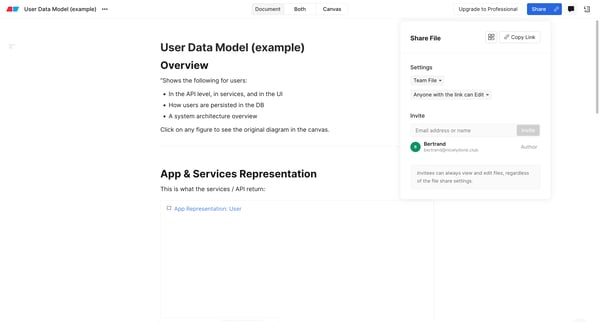
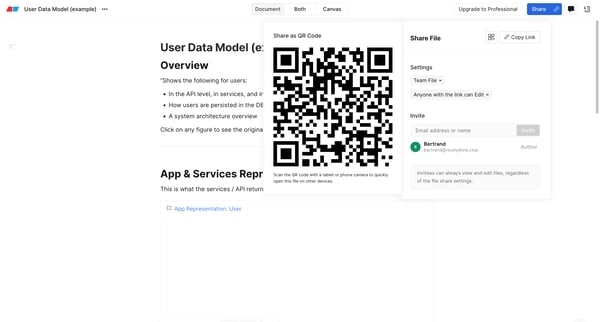
This flow facilitates the user in sharing a document by providing various sharing options and settings, including link sharing and QR code scanning.
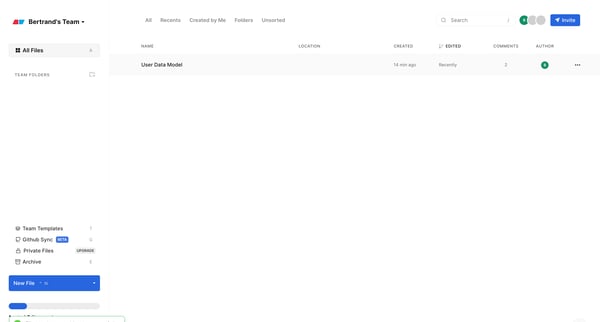
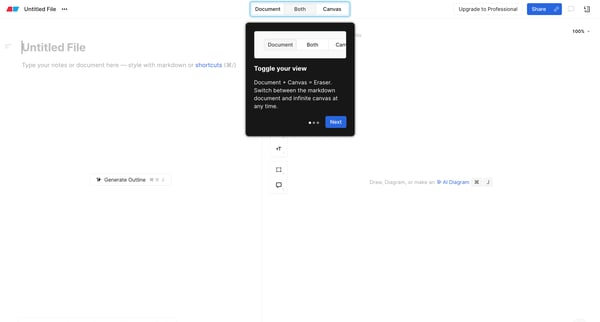
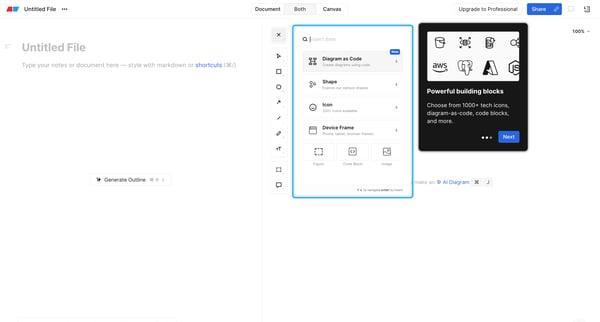
This product tour user flow guides users through the process of archiving a file, exploring document and canvas views, inserting items, selecting icons, and creating a document with markdown
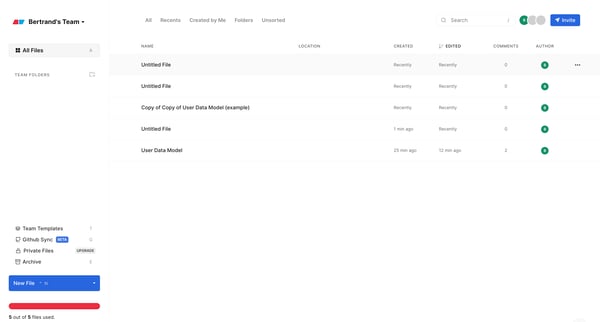
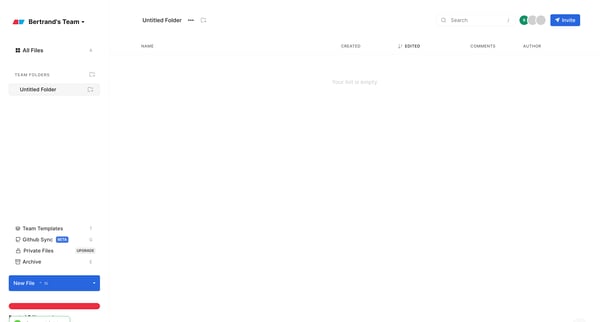
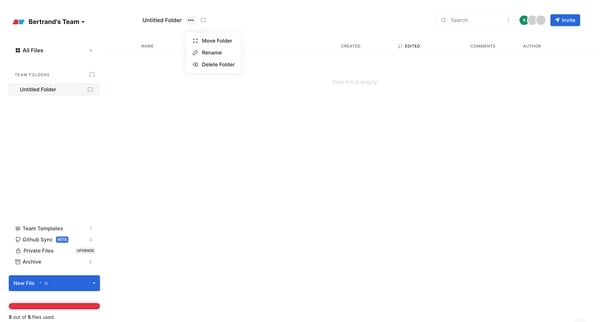
This user flow guides a user through the process of organizing files into a newly created collection within a team environment, including creating folders, subfolders, and managing folder set
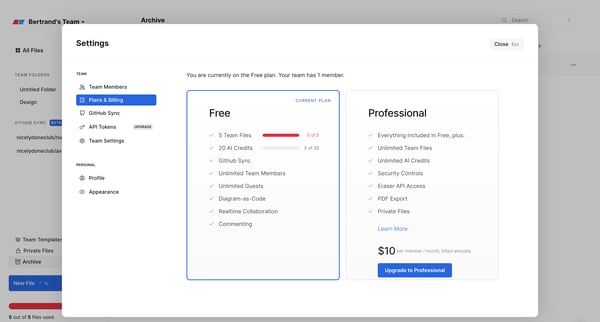
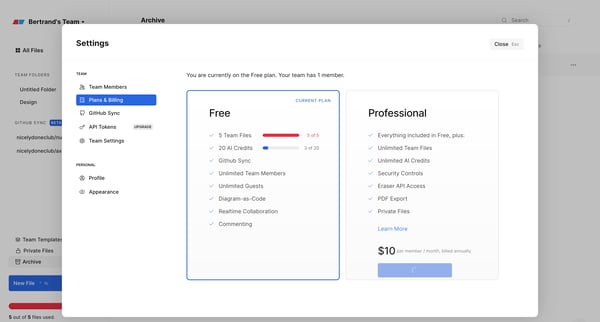
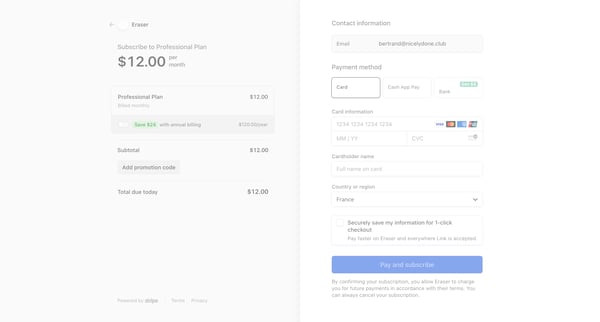
This flow guides a user through the process of upgrading their subscription from a free to a professional plan, including selecting the plan, entering payment information, and confirmation.
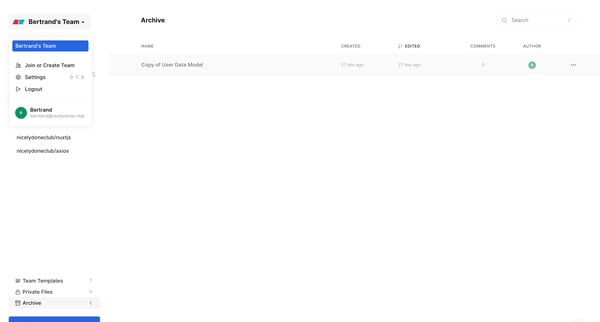
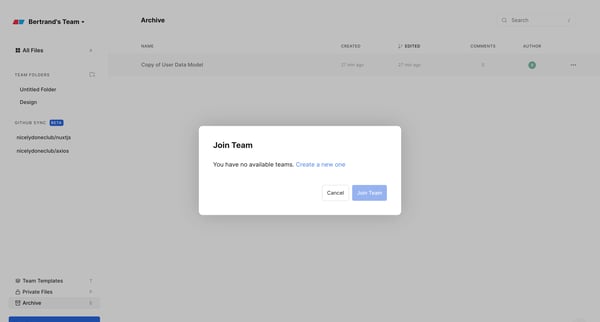
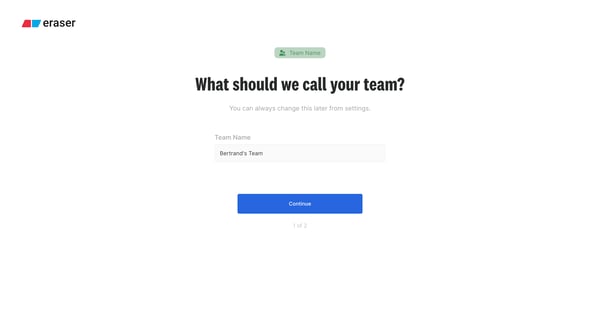
This flow enables a user to navigate through the process of creating a new team, naming it, inviting teammates, and eventually leading to a launch screen where the team can begin collaboratin
Explore the full SaaS flow library
Browse the full SaaS flow library.
Trusted by the best teams







