Elicit product screens examples
Browse Elicit screen design examples. Preview the interface screenshots and explore related UI patterns. Analyze research papers at superhuman speed
Explore the examples
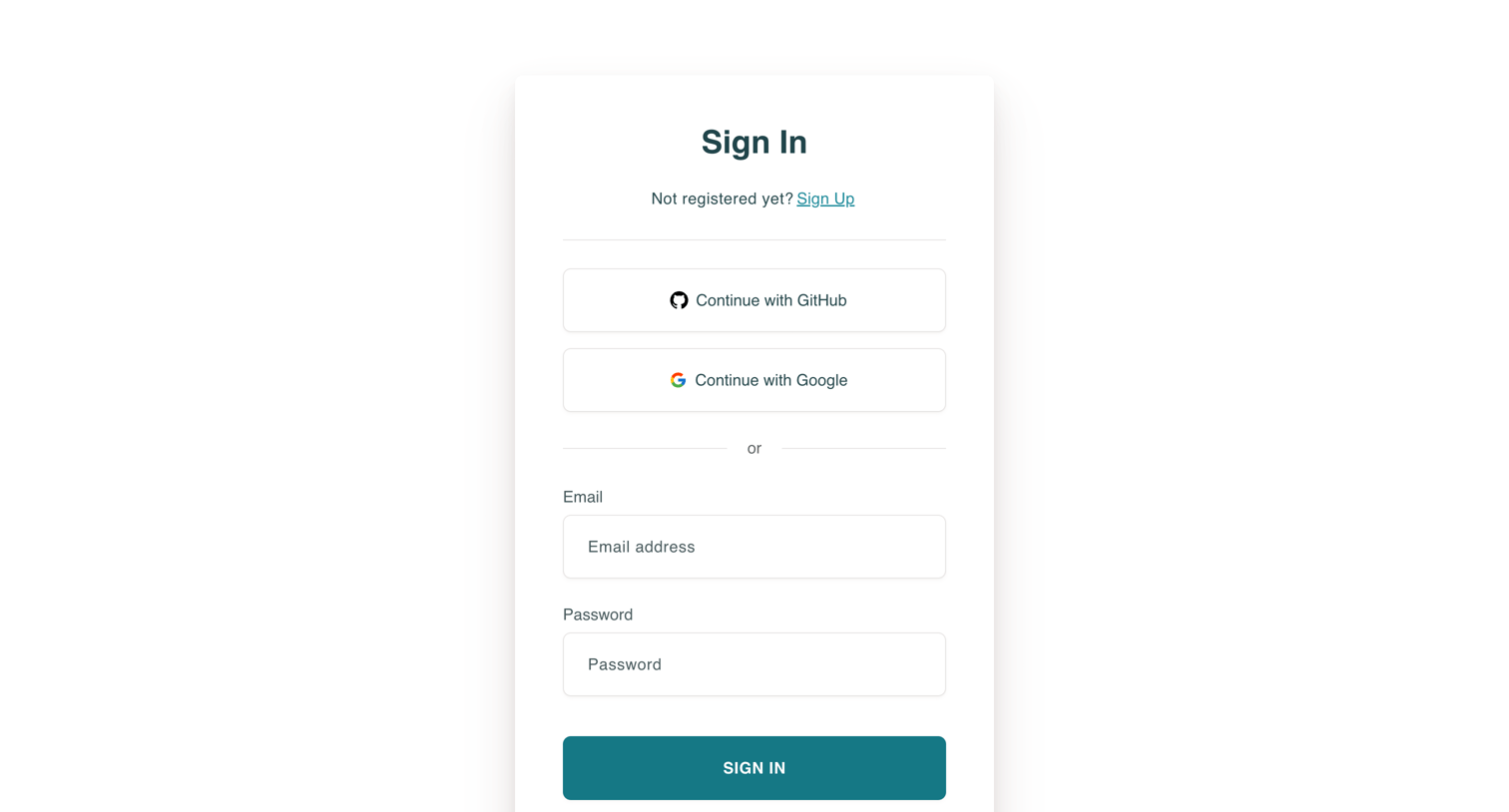

Sign-in screen where the user authenticates with GitHub, Google, or email and password.
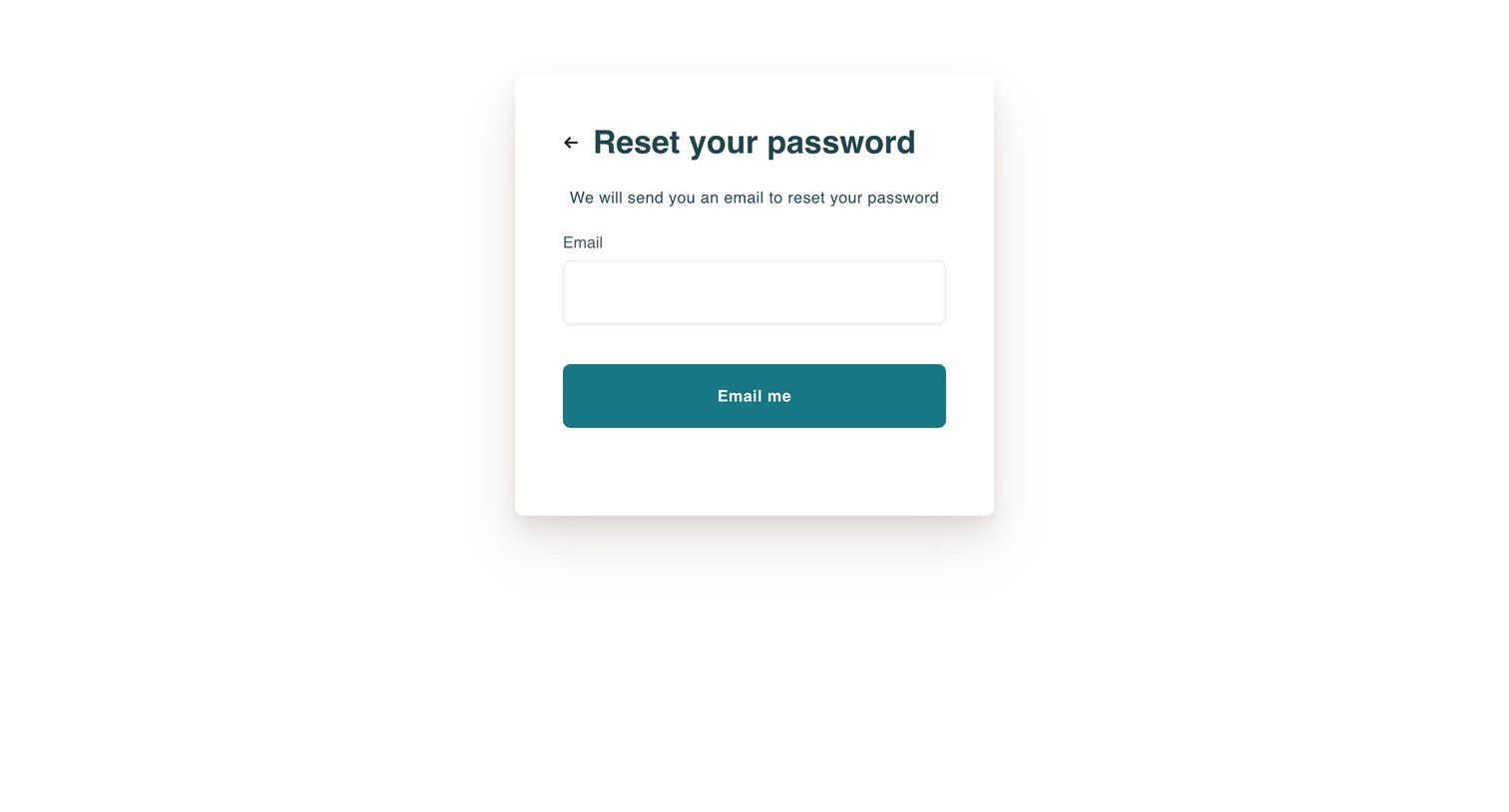
Password recovery screen where the user enters their email address to receive a reset link.
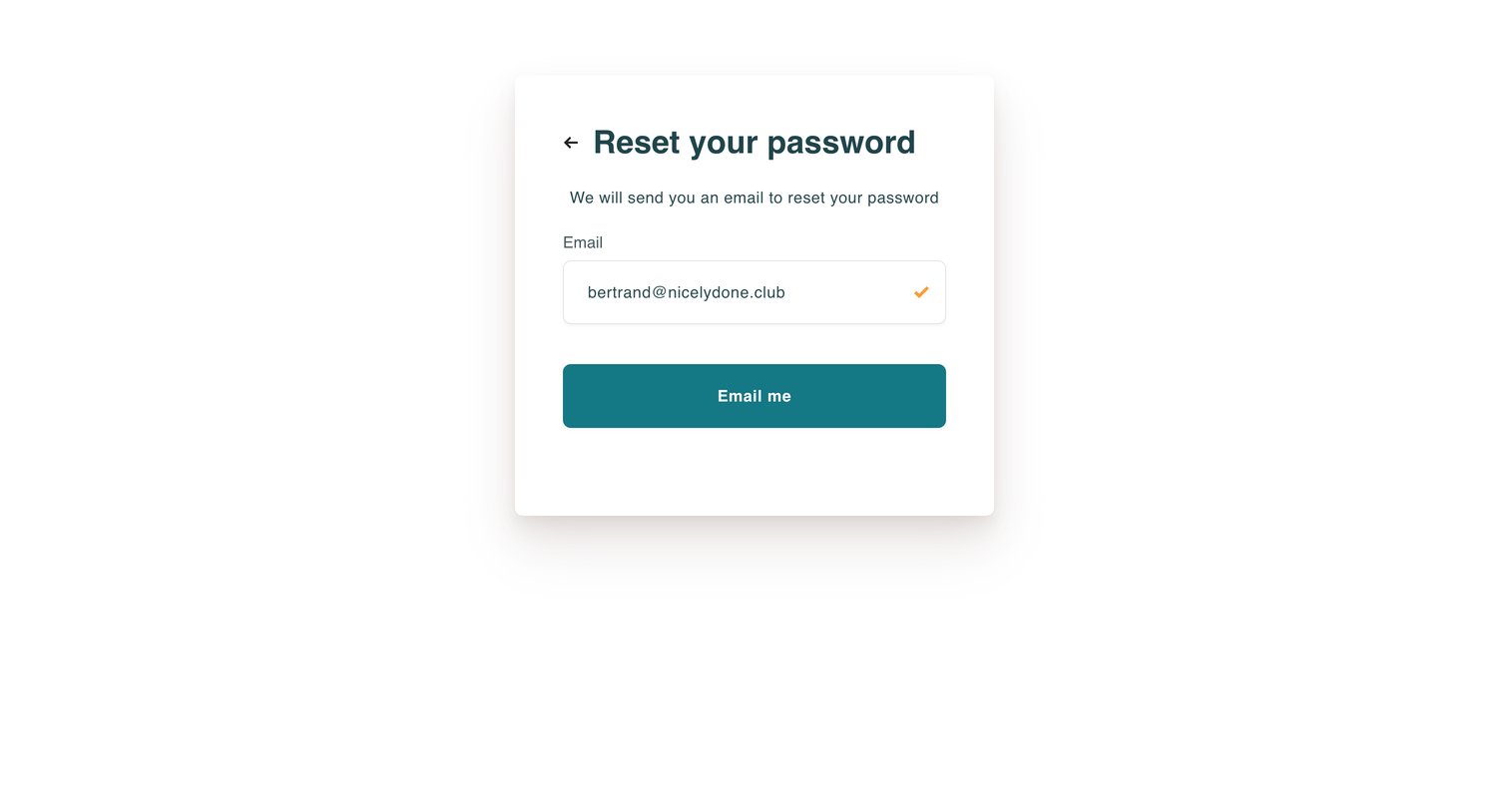
Password recovery screen where the user enters their email address to receive a reset link.
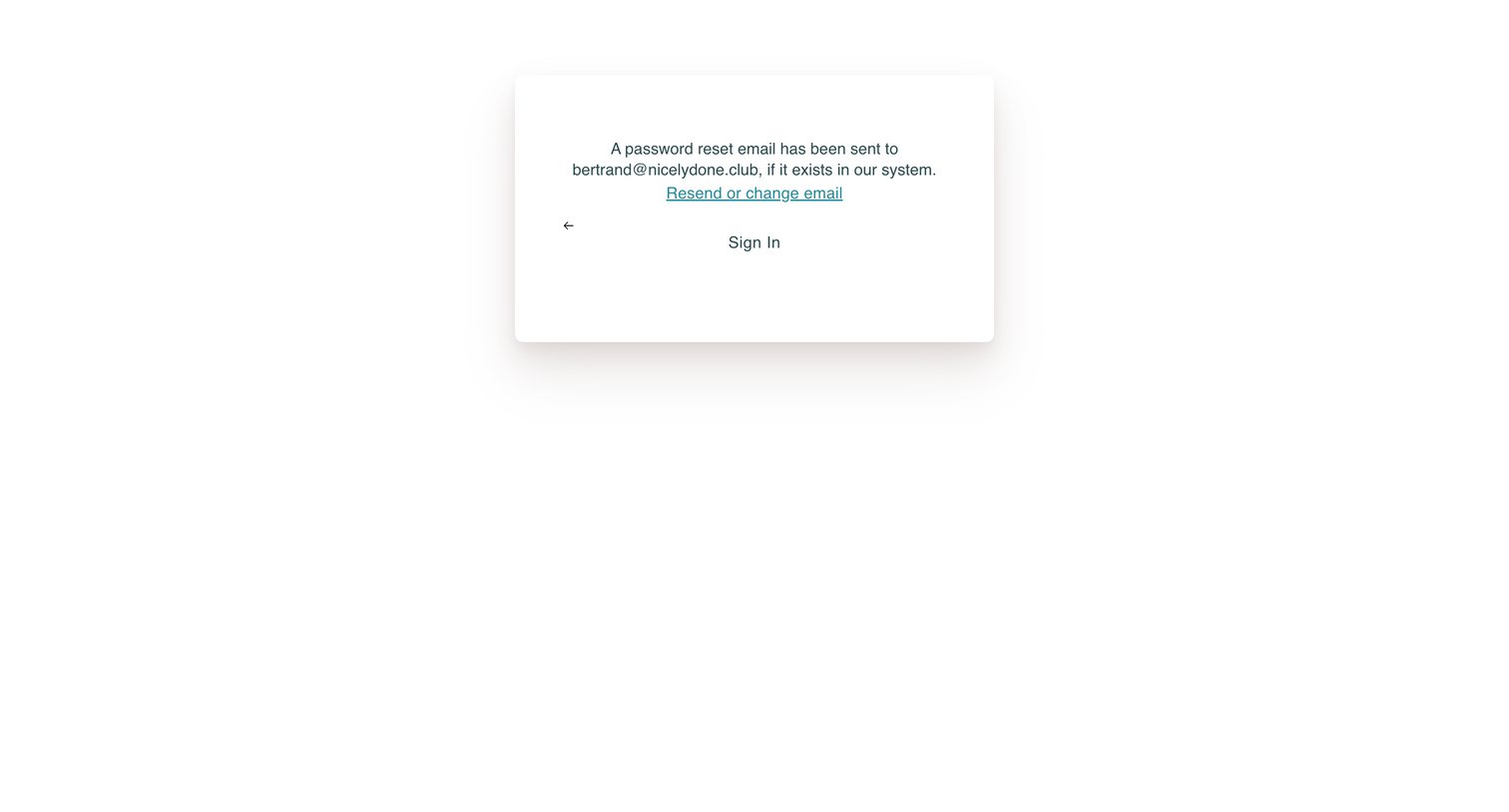
Password recovery screen confirming that a reset link has been sent to the user's email, with options to resend or return to sign in.
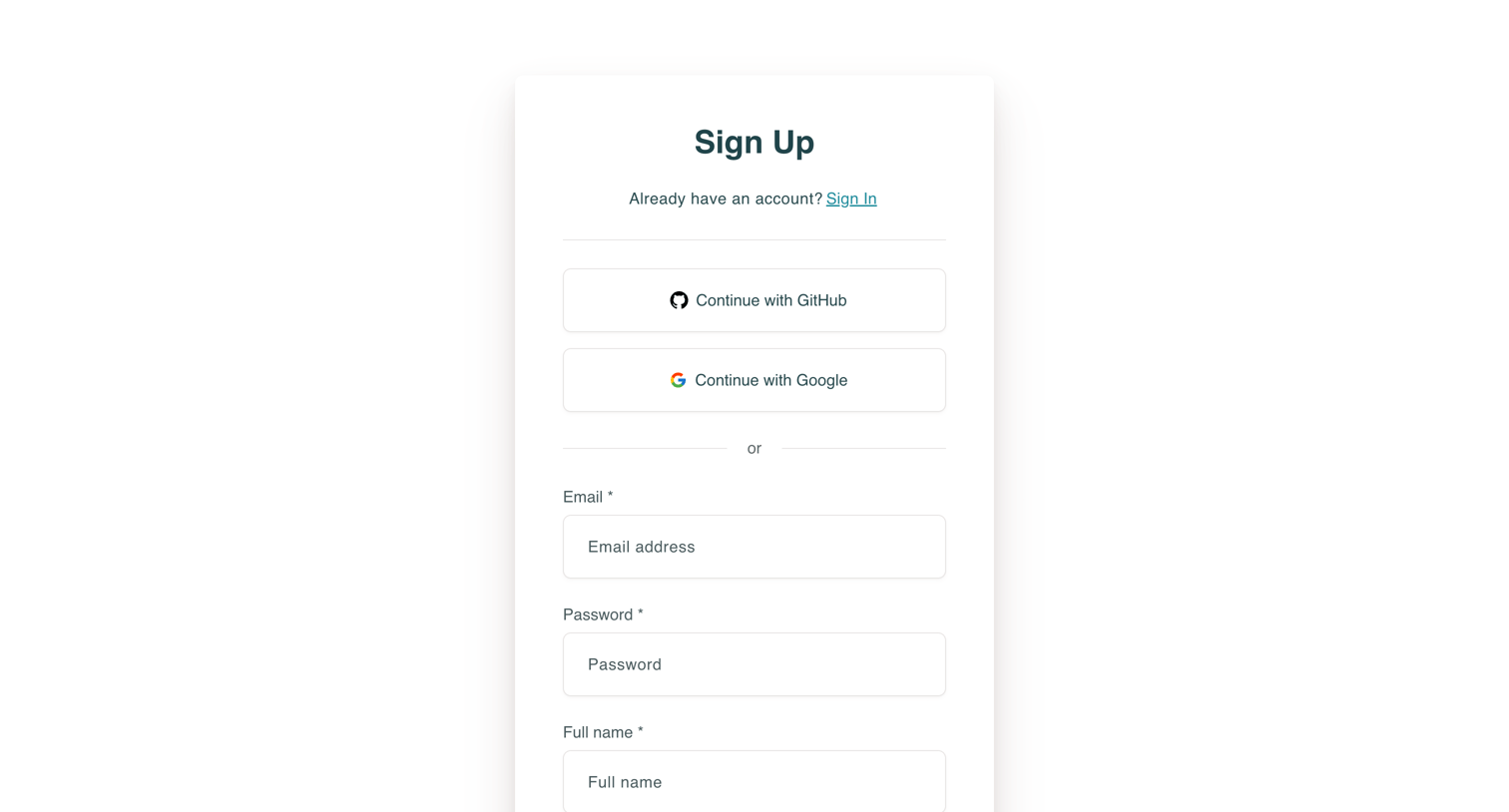
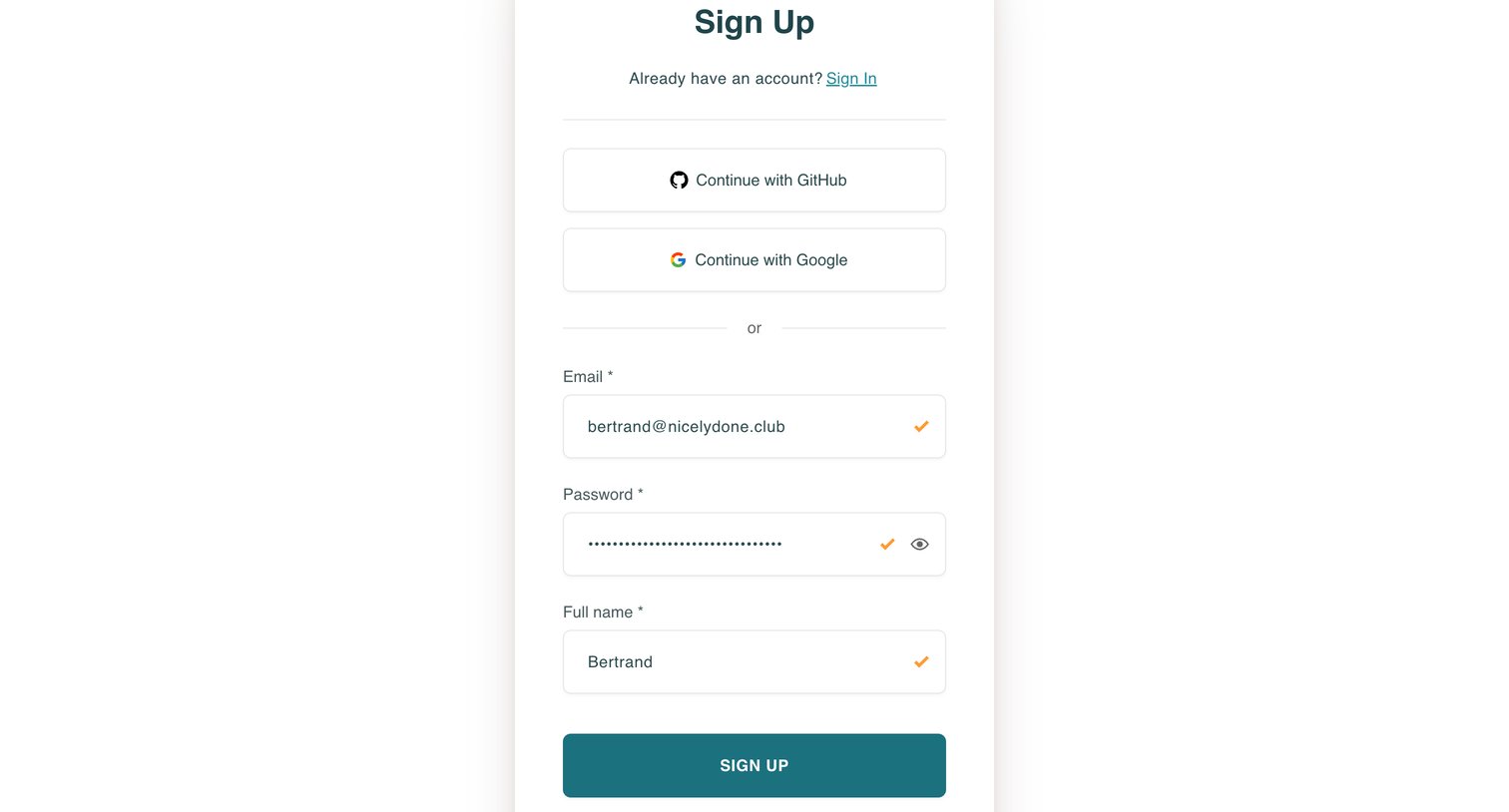
Sign-up screen where the user creates an account using GitHub, Google, or an email and password.
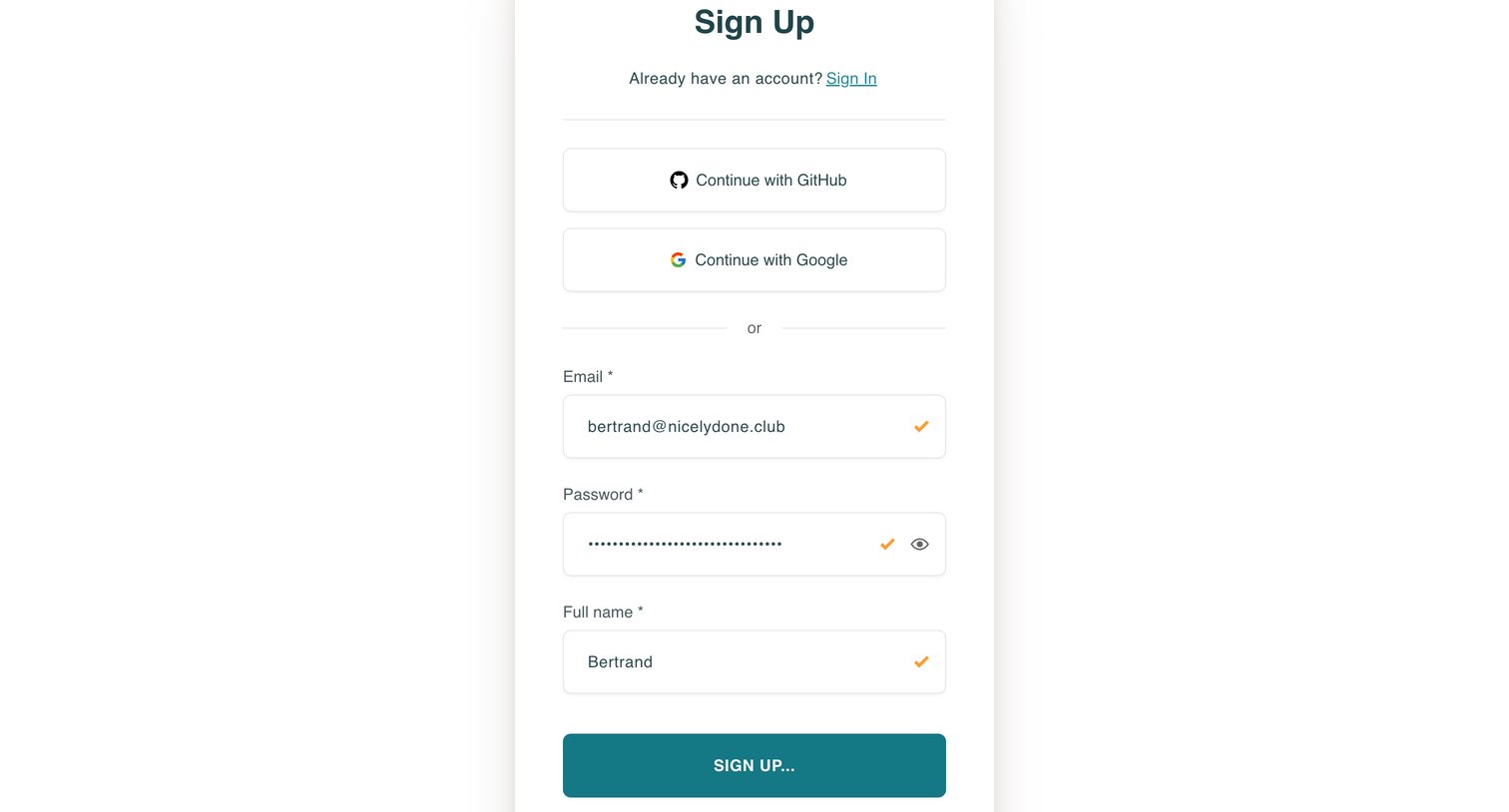
Sign up screen where the user creates an account using GitHub, Google, or by providing their email, password, and full name.
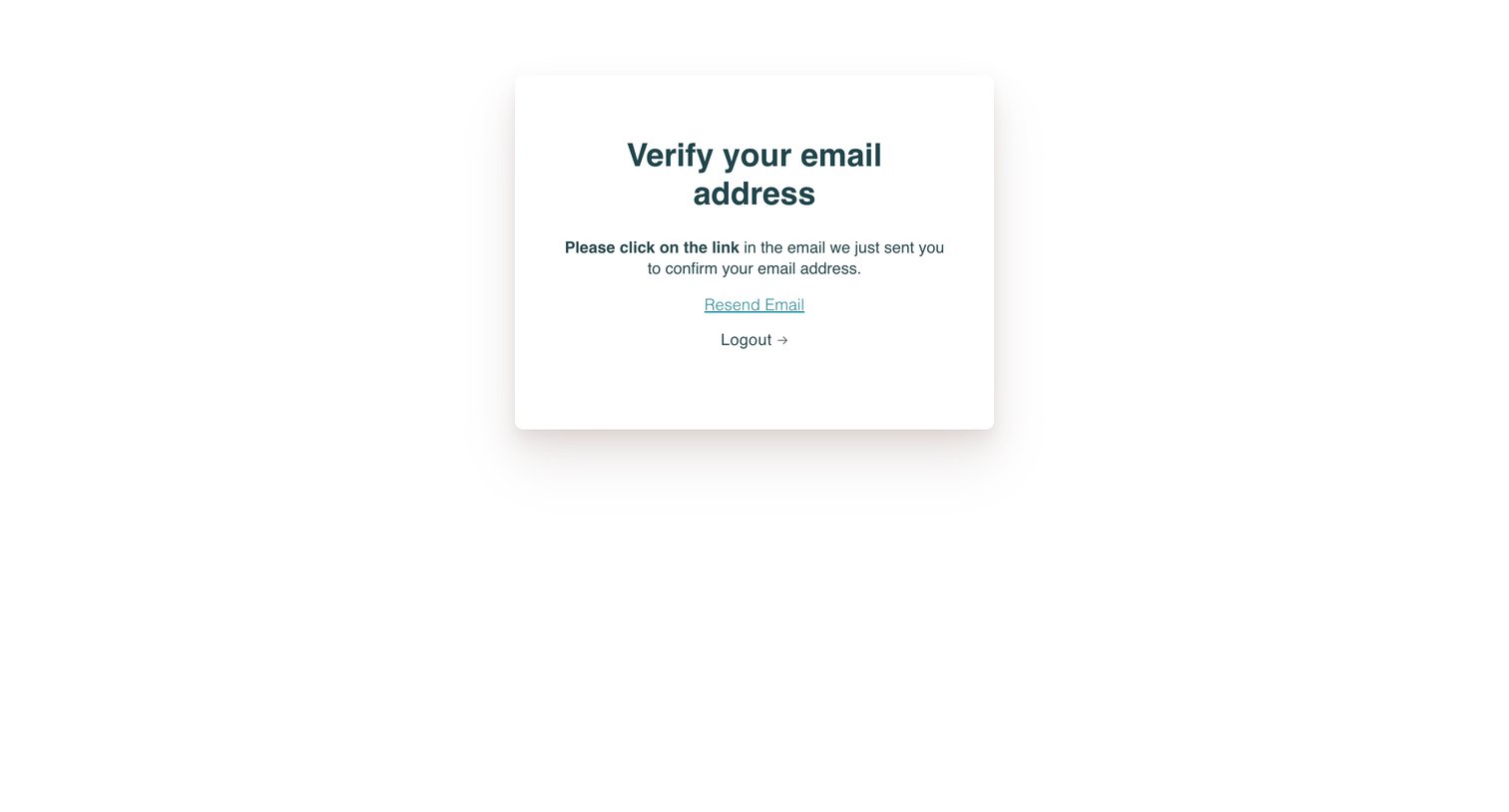
Verification screen where the user is instructed to check their inbox for a confirmation link, with options to resend the email or log out.
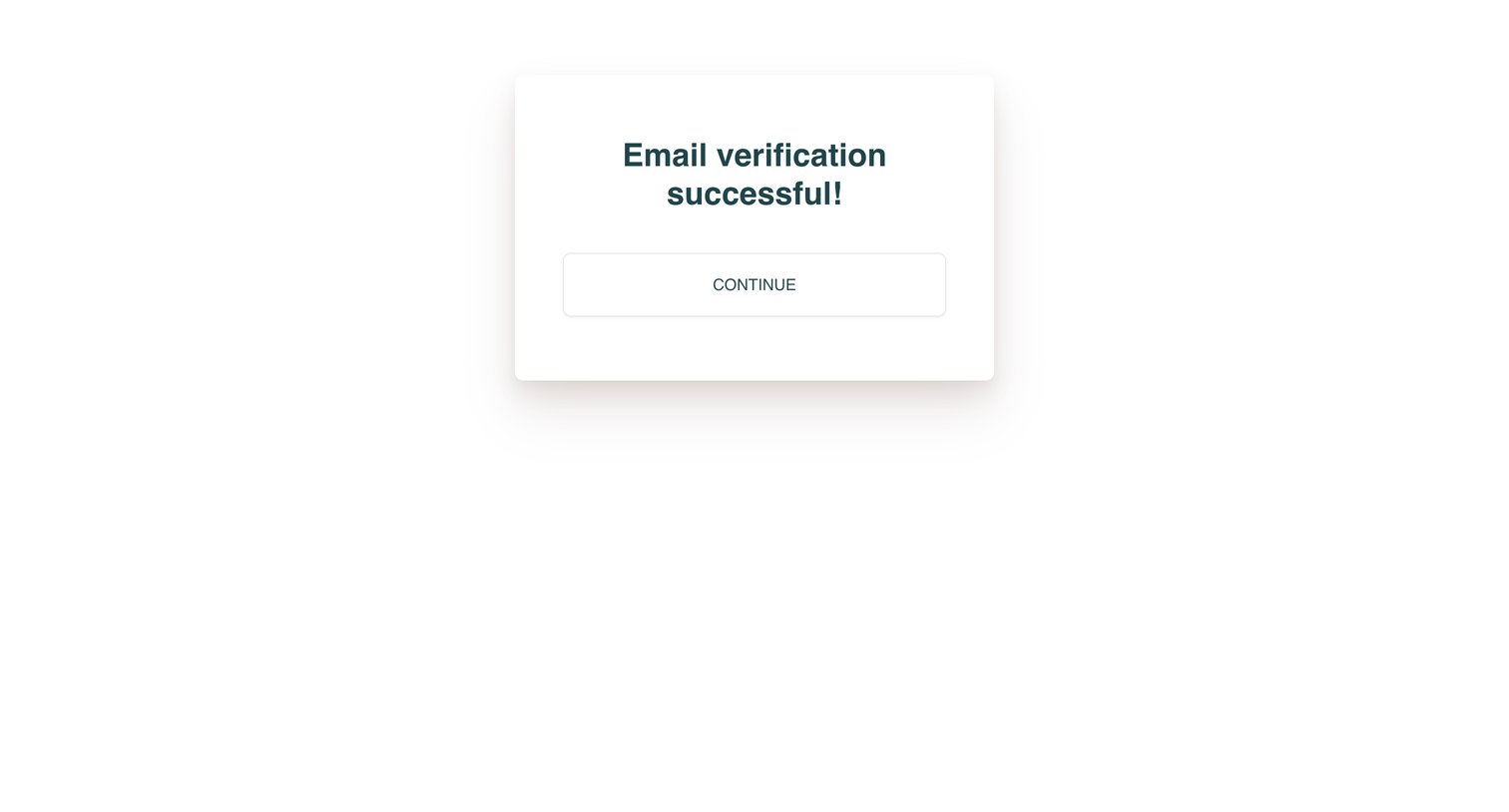
Verification screen confirming that the user's email has been successfully verified, with a prompt to continue.
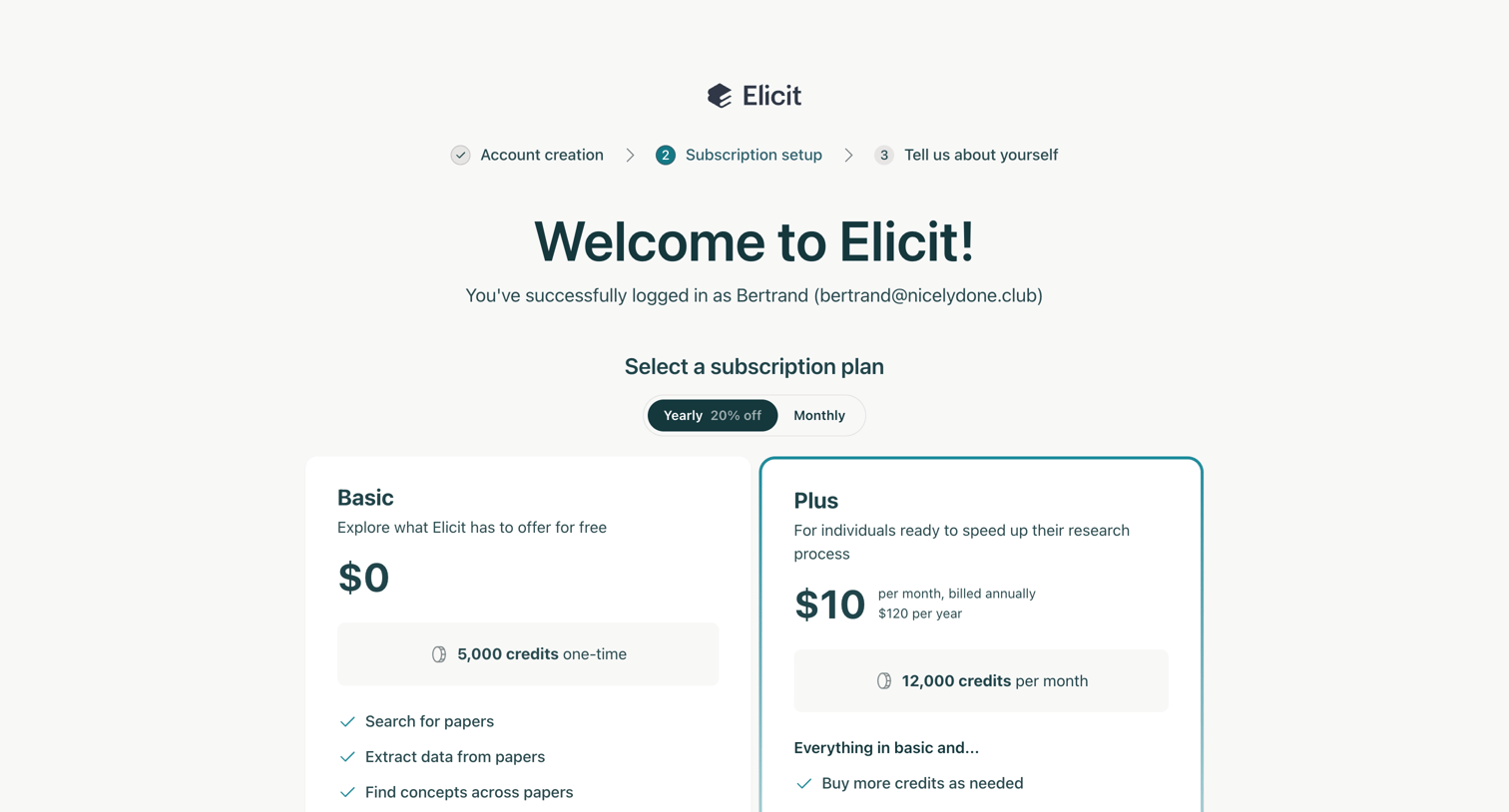
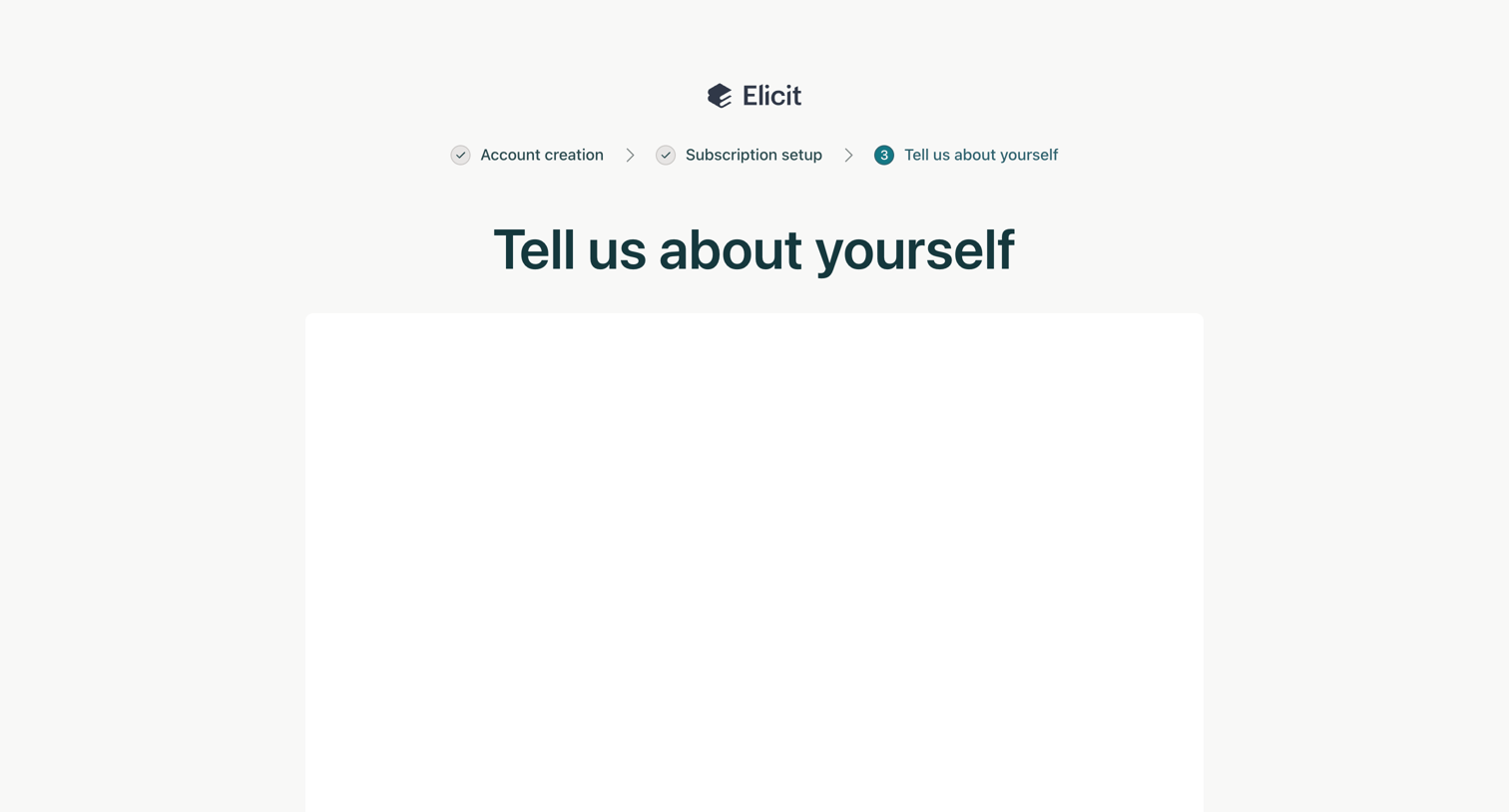
Onboarding step where the user reaches the 'Tell us about yourself' stage after account and subscription setup, featuring a progress stepper and a skip button below a blank content card.
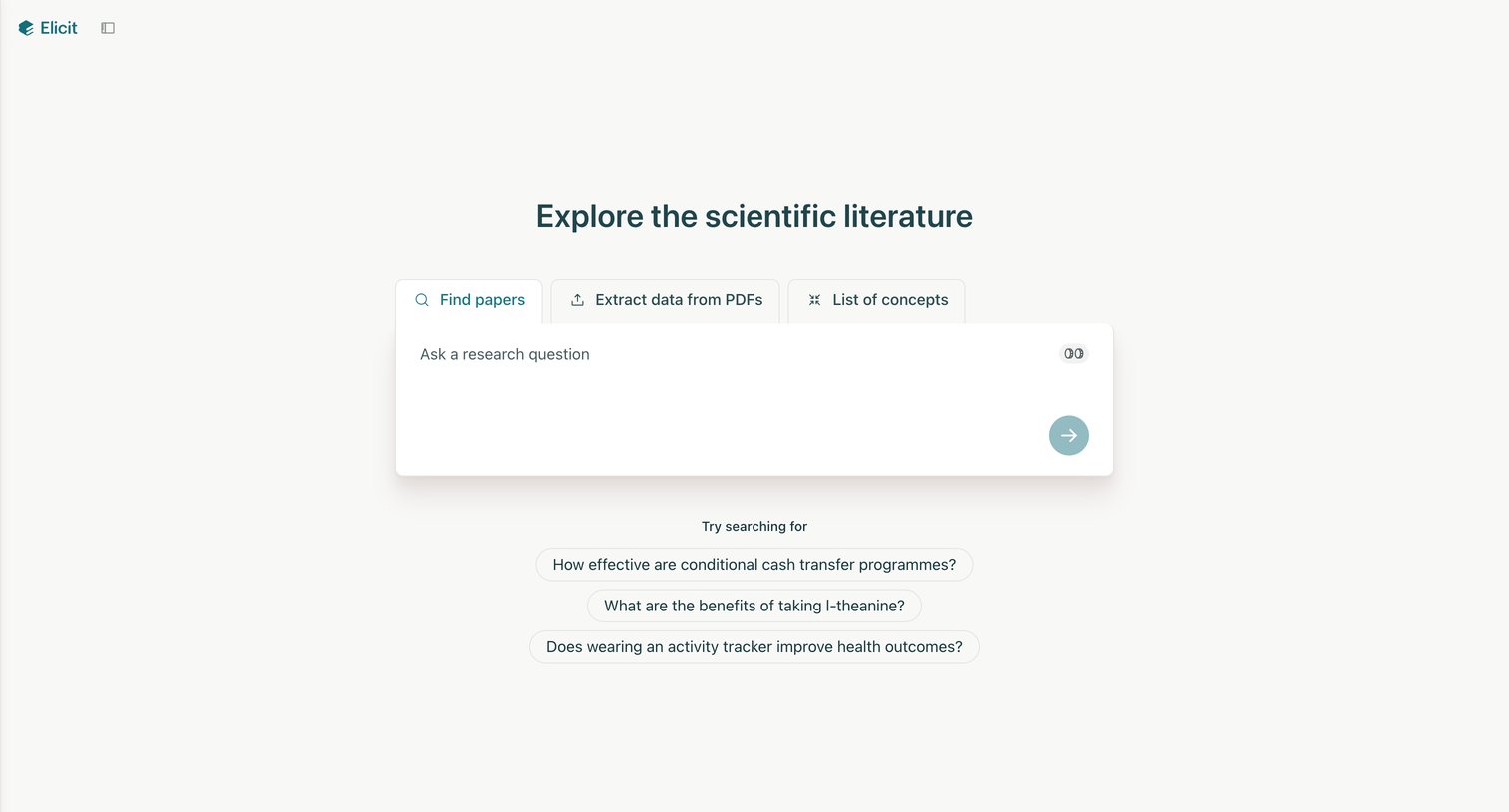
Explore the full SaaS screen library
Upgrade to unlock the full library.
Trusted by the best teams







