Elicit UI components examples
Browse Elicit UI component design examples. Preview individual interface elements and explore related component categories. Analyze research papers at superhuman speed
Explore the examples
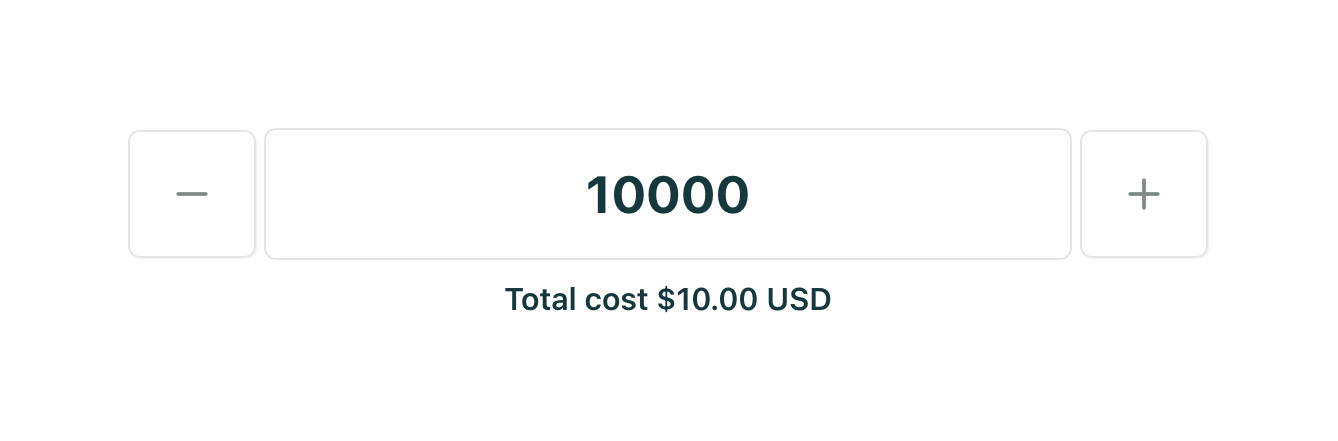

A numeric input field with minus and plus buttons to adjust the value, accompanied by a helper text showing the total cost.
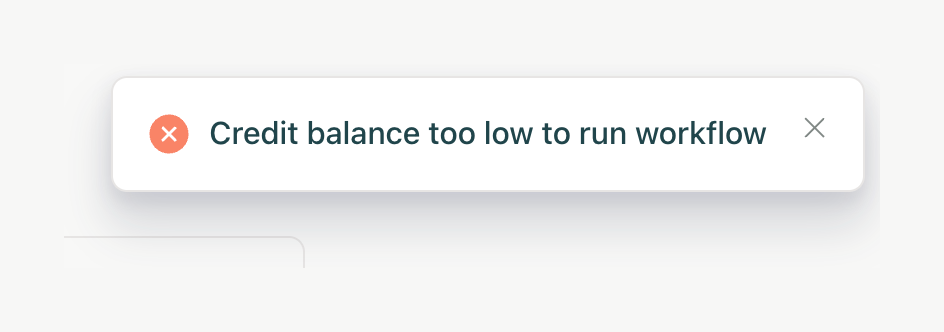
A floating toast notification displaying an error message about insufficient credits to run a workflow.
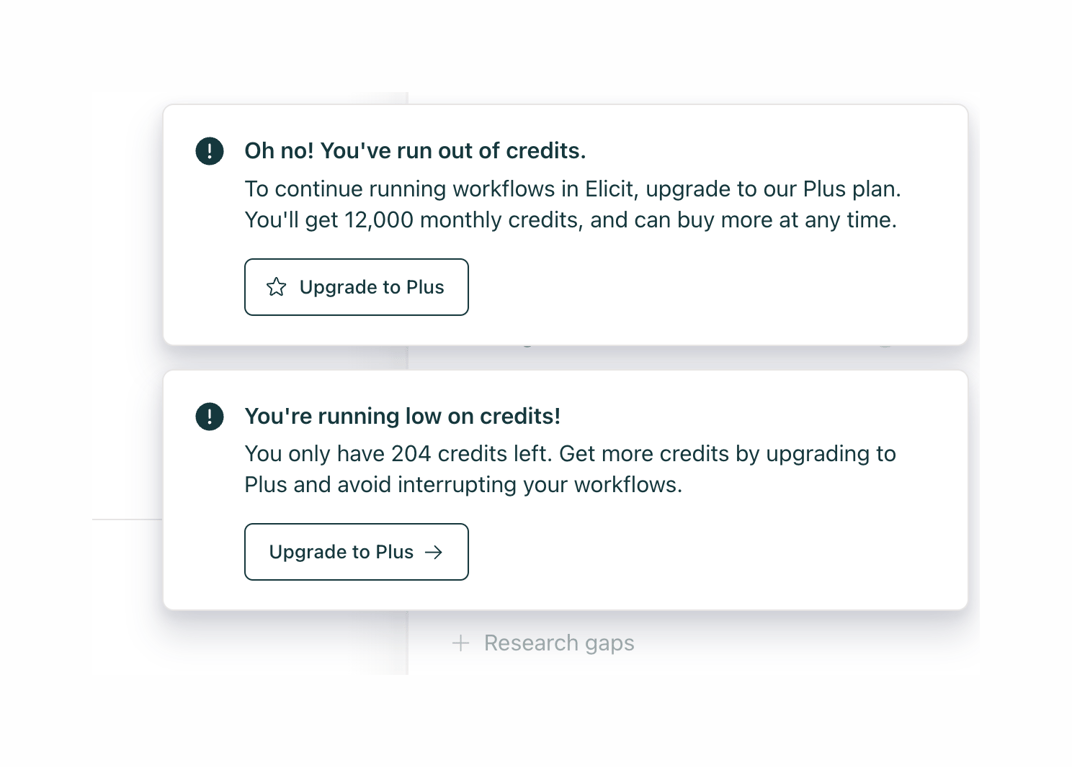
Two stacked toast notifications alerting the user about their credit balance. The top toast indicates zero credits, and the bottom indicates low credits. Both include an upgrade call to action.
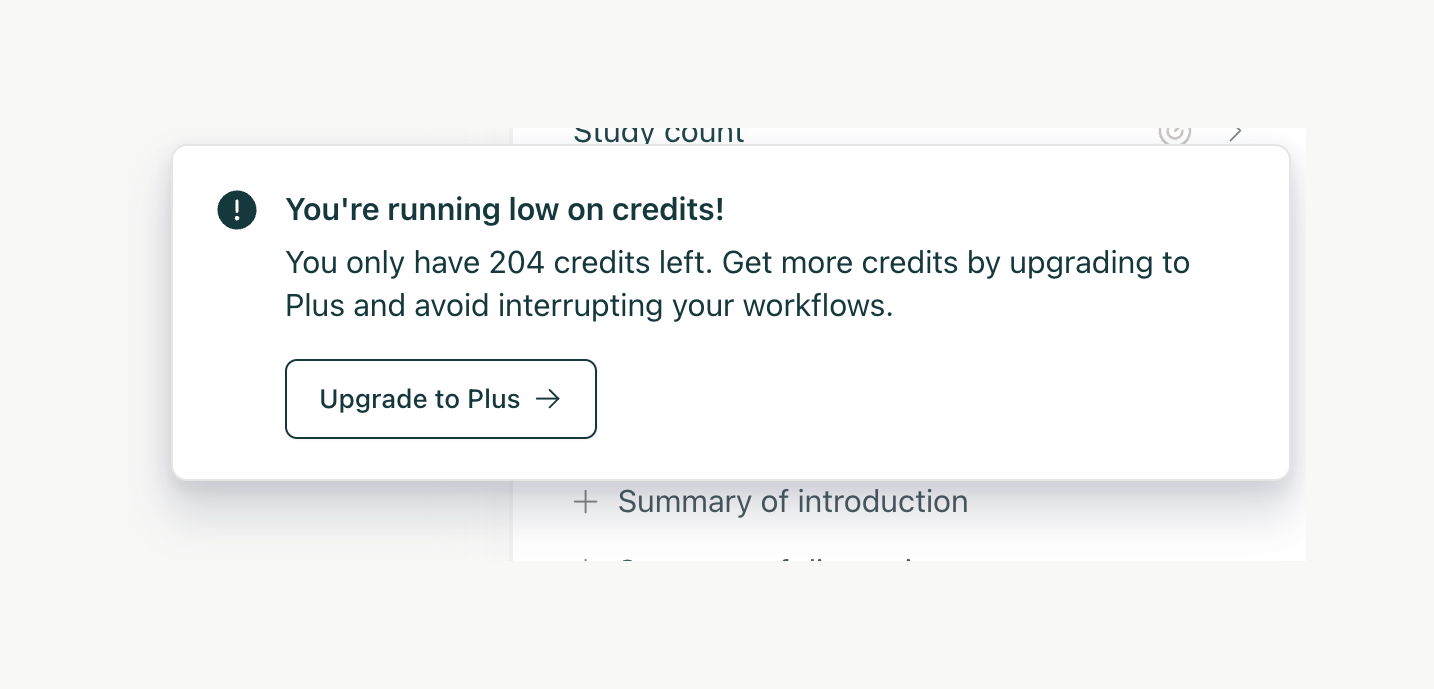
A toast notification warning the user that they are running low on credits, with a call to action to upgrade their account.
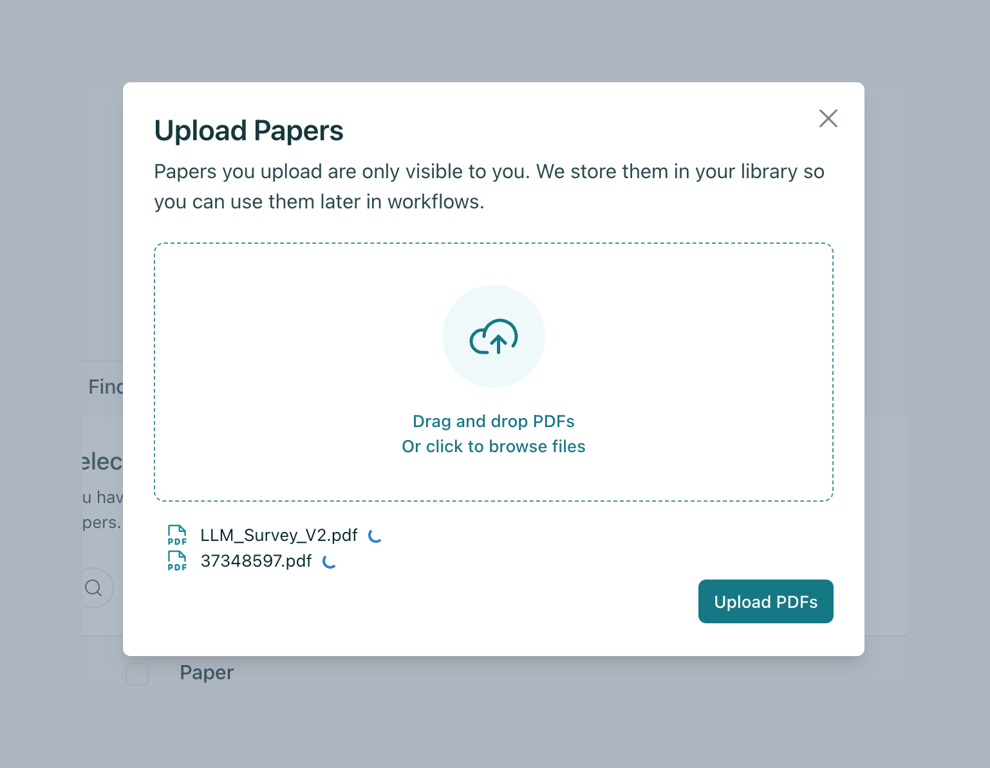
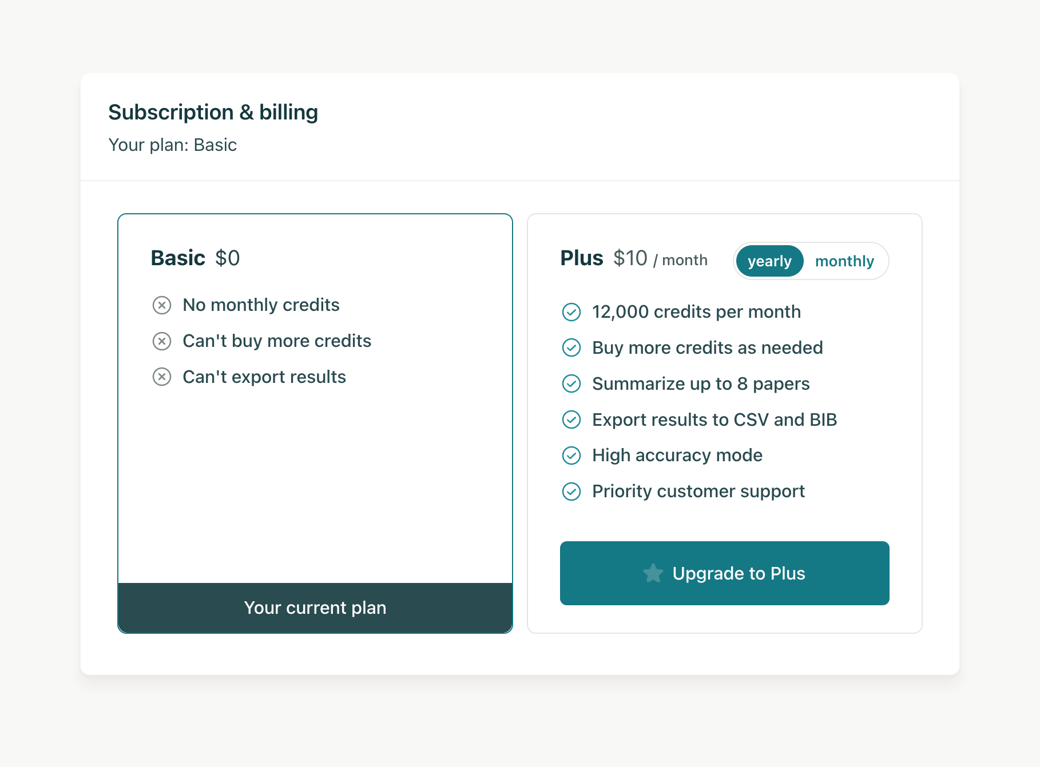
A pricing comparison card showing the user's current Basic plan and an option to upgrade to a Plus plan, with a toggle for yearly or monthly billing.

A progress bar indicating the remaining credits for a user, with an icon and text label above it.
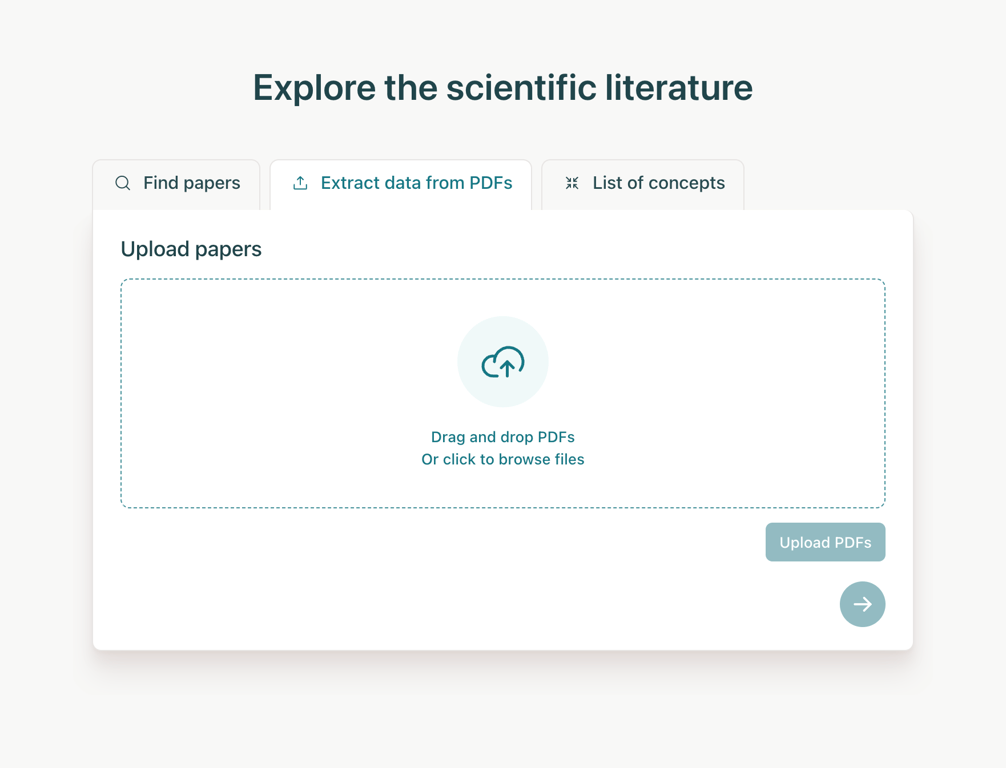
A tabbed interface showing a file upload area for PDFs. The active tab is 'Extract data from PDFs'. The upload area features a drag-and-drop zone with a cloud icon and a button to browse files.
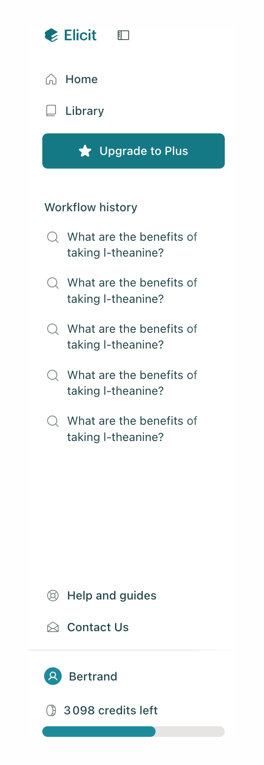
A vertical sidebar navigation menu featuring a logo, primary links, an upgrade call-to-action, a history list, utility links, and user profile information with a credit balance.

Browse the full component library
Browse the full UI component library.
Trusted by the best teams







