
Coach product screens examples
Browse Coach screen design examples. Preview the interface screenshots and explore related UI patterns. Build your business with Coach
Explore the examples
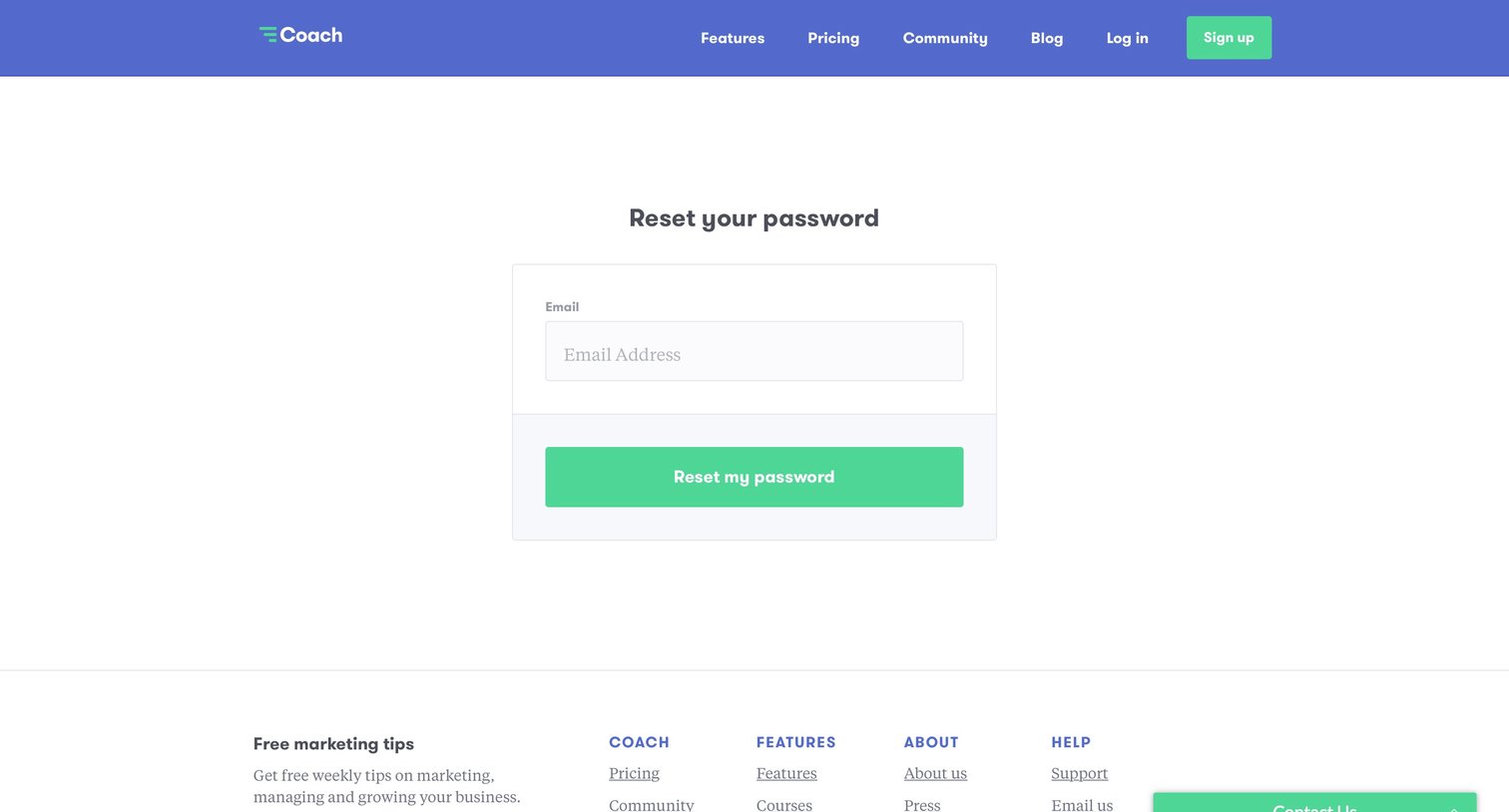
Password recovery screen where the user enters their email address to receive a reset link, featuring a secondary newsletter signup in the footer.
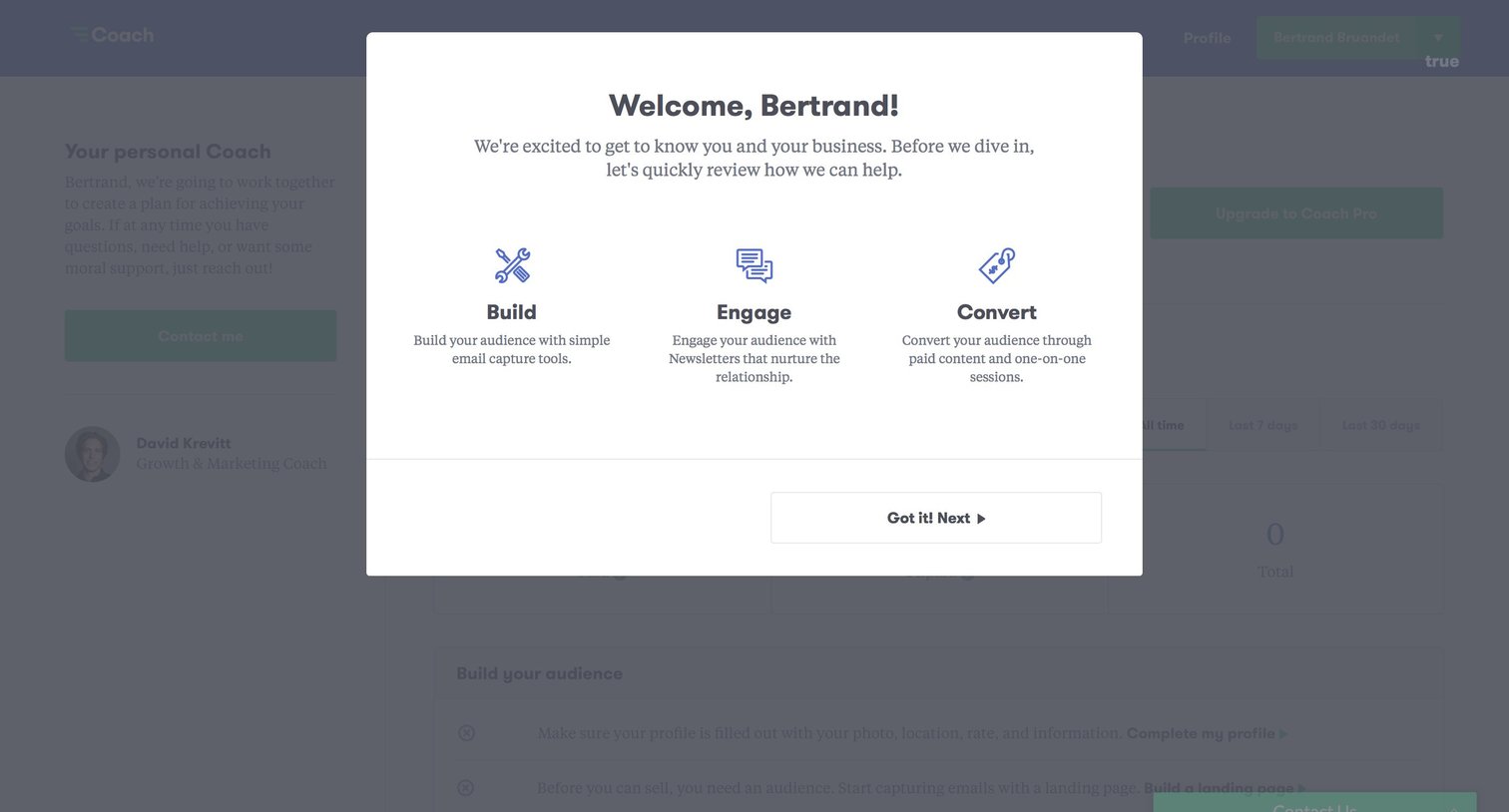
Onboarding modal welcoming the user and introducing core concepts like Build, Engage, and Convert before diving into the app.
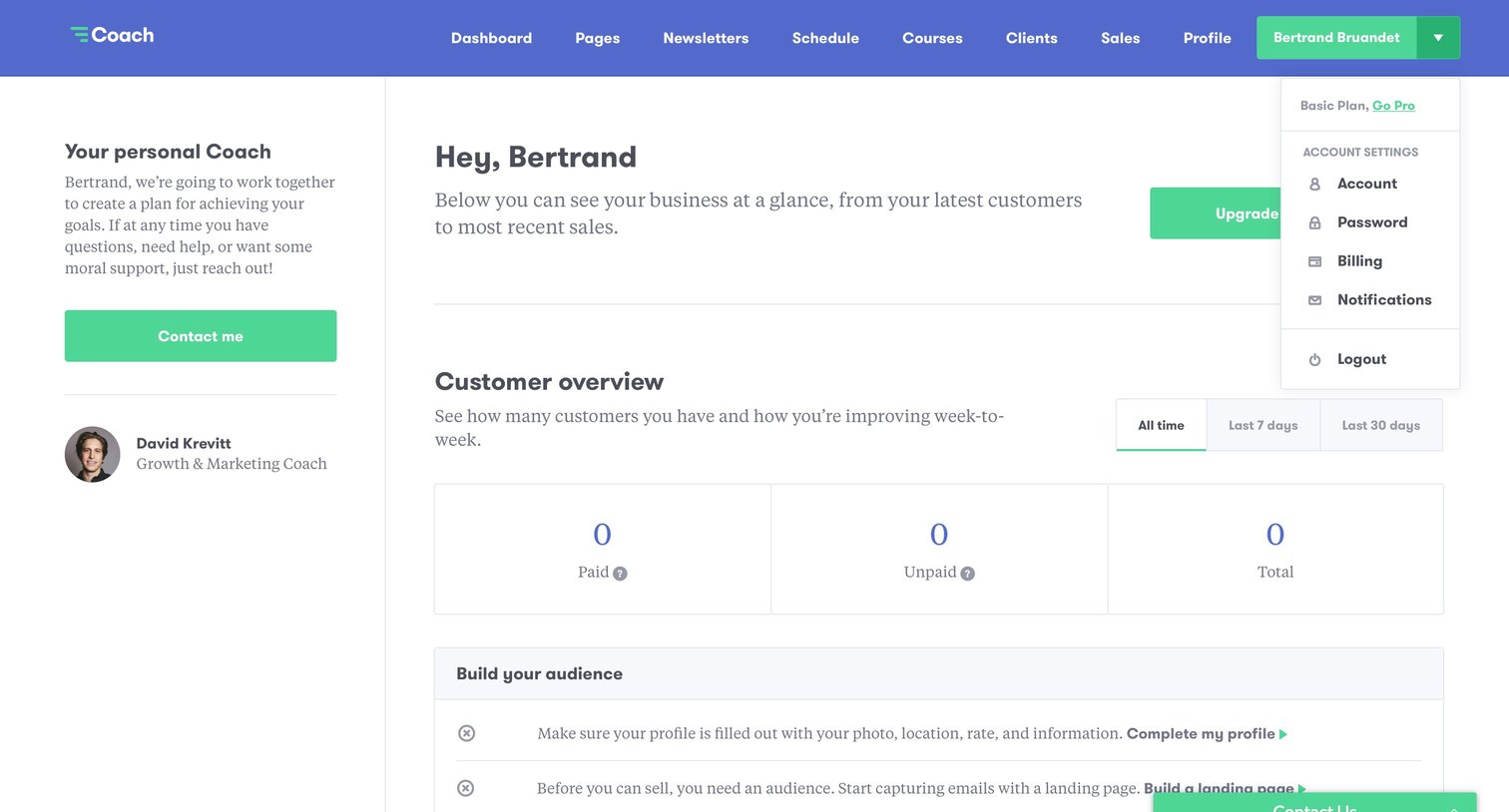
Dashboard where a new user is prompted to complete their profile, build an audience, and connect a payment service to start generating revenue, with empty metrics for customers and sales.
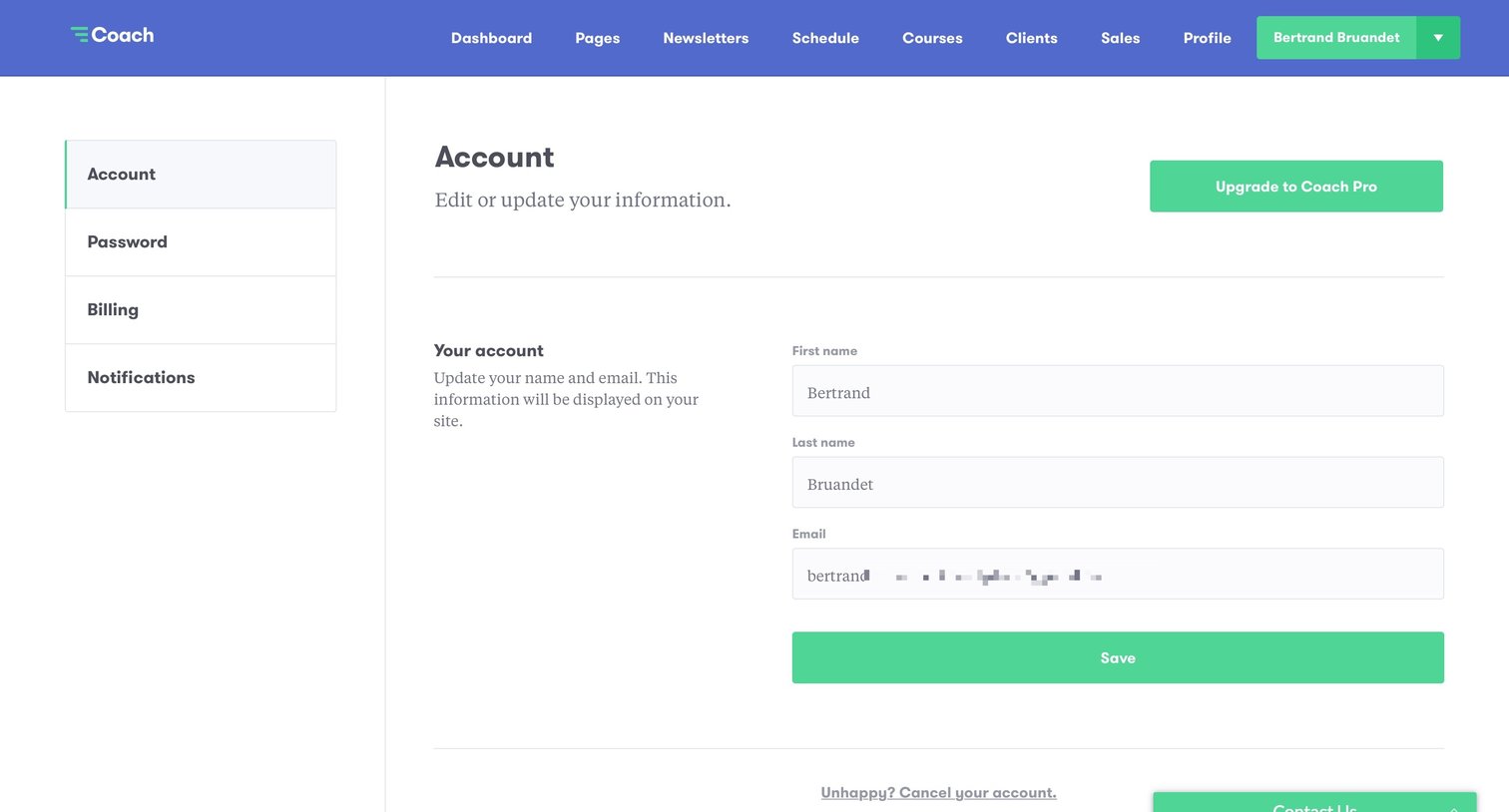
Settings page where the user updates their account profile information, including their first name, last name, and email address.
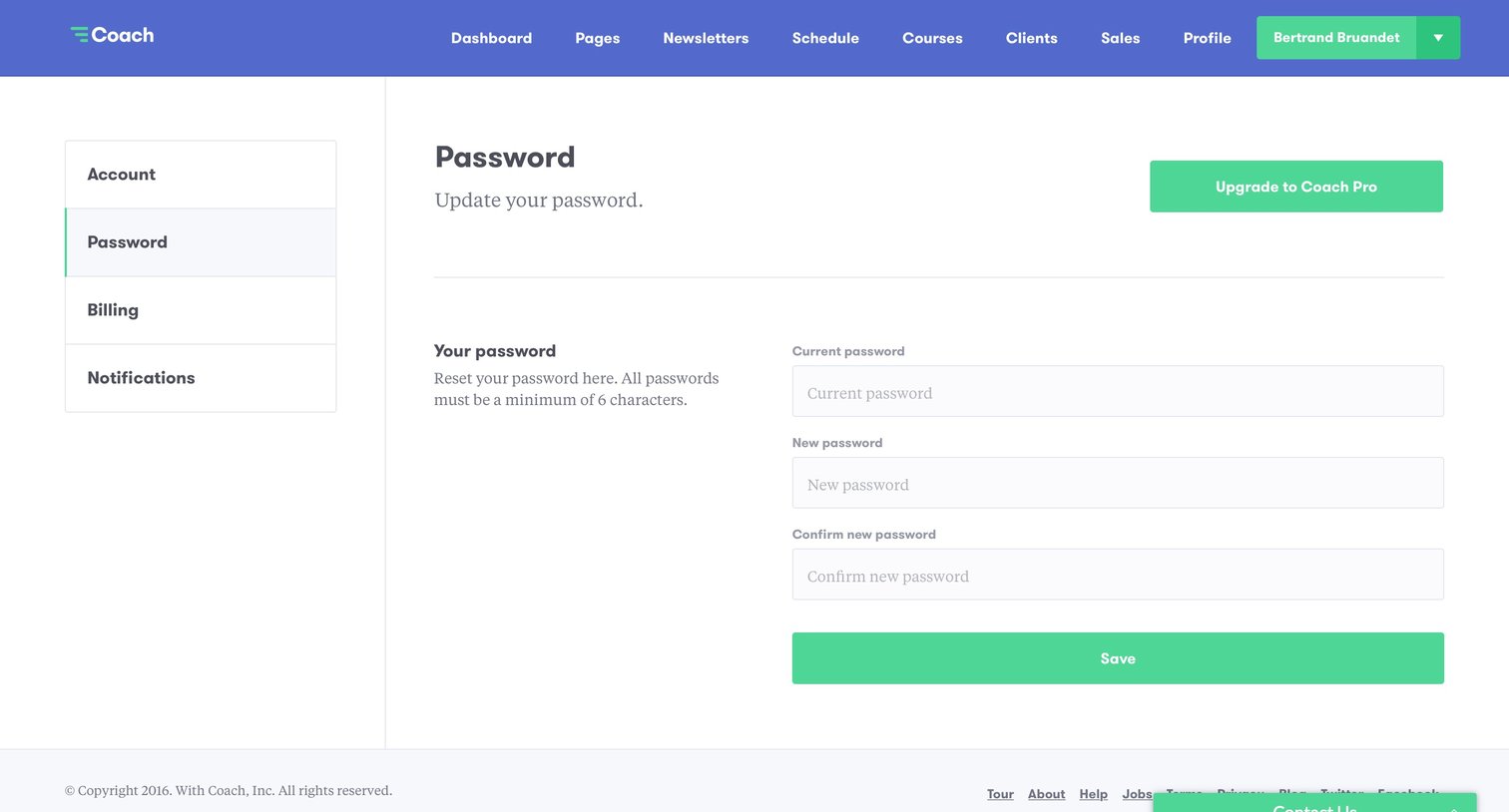
Settings page where the user updates their account password by providing their current and new passwords.
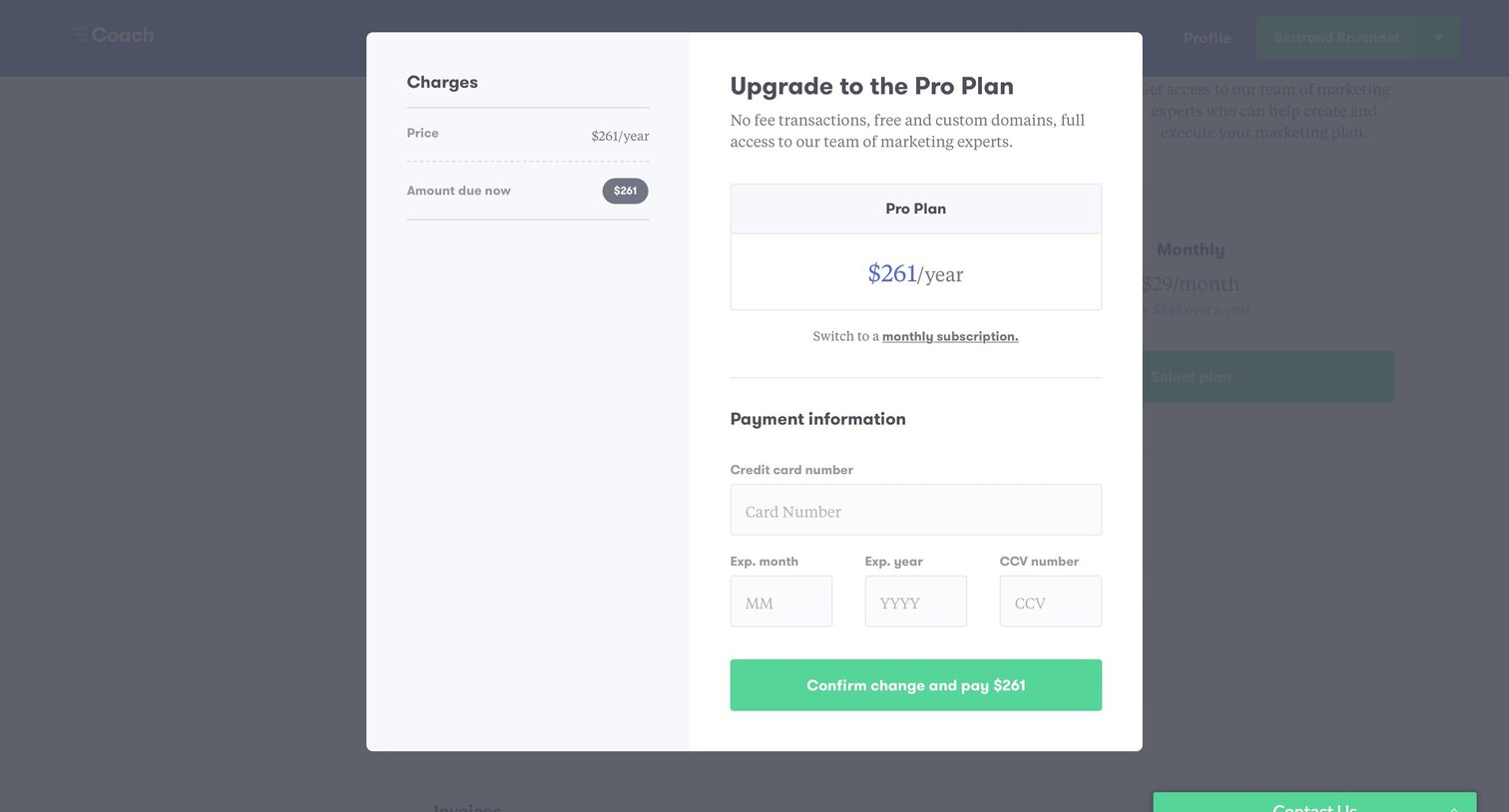
Checkout modal where the user enters their credit card information to upgrade to the annual Pro Plan.
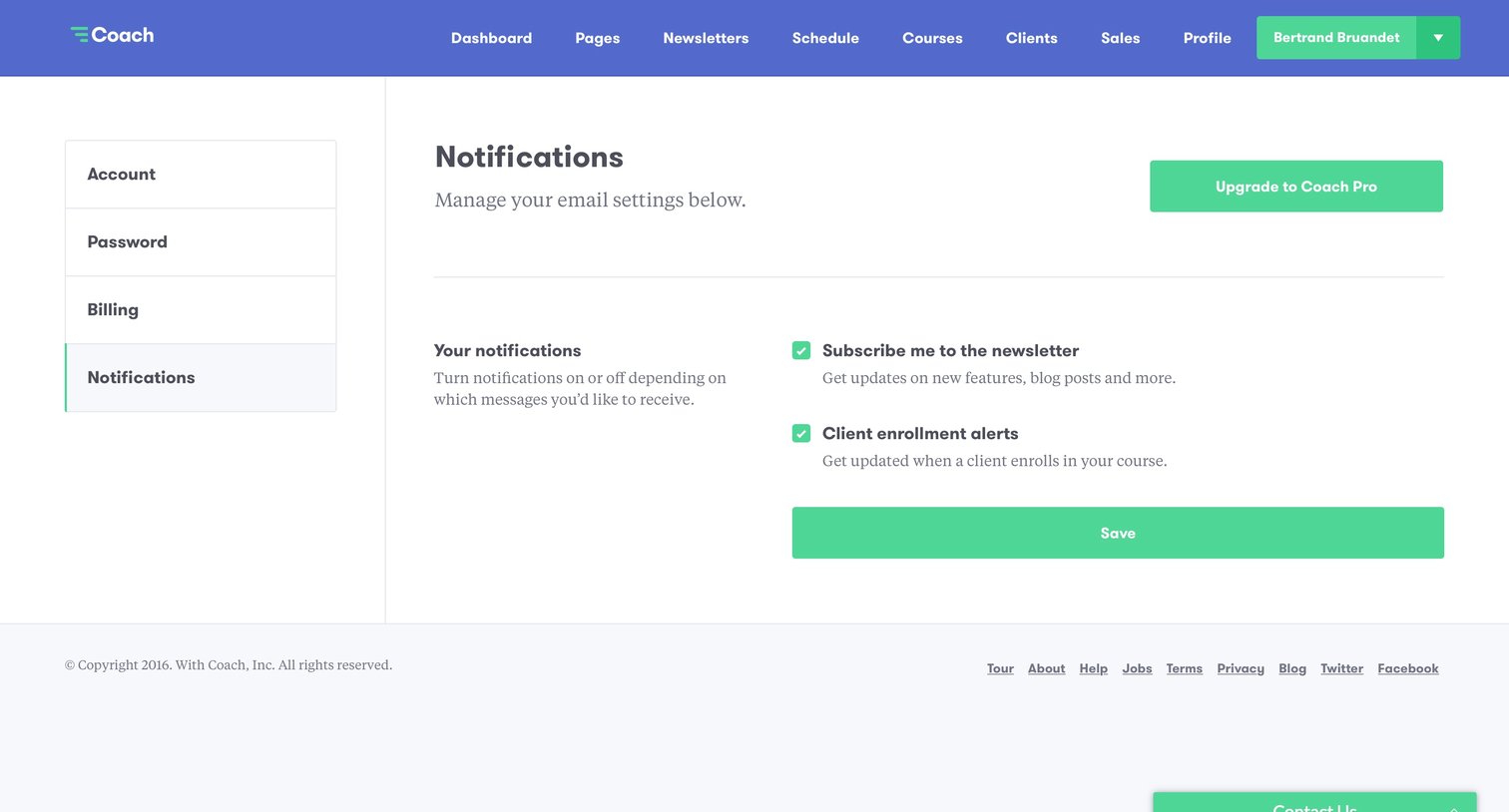
Settings page where the user configures email preferences for newsletters and client enrollment alerts.
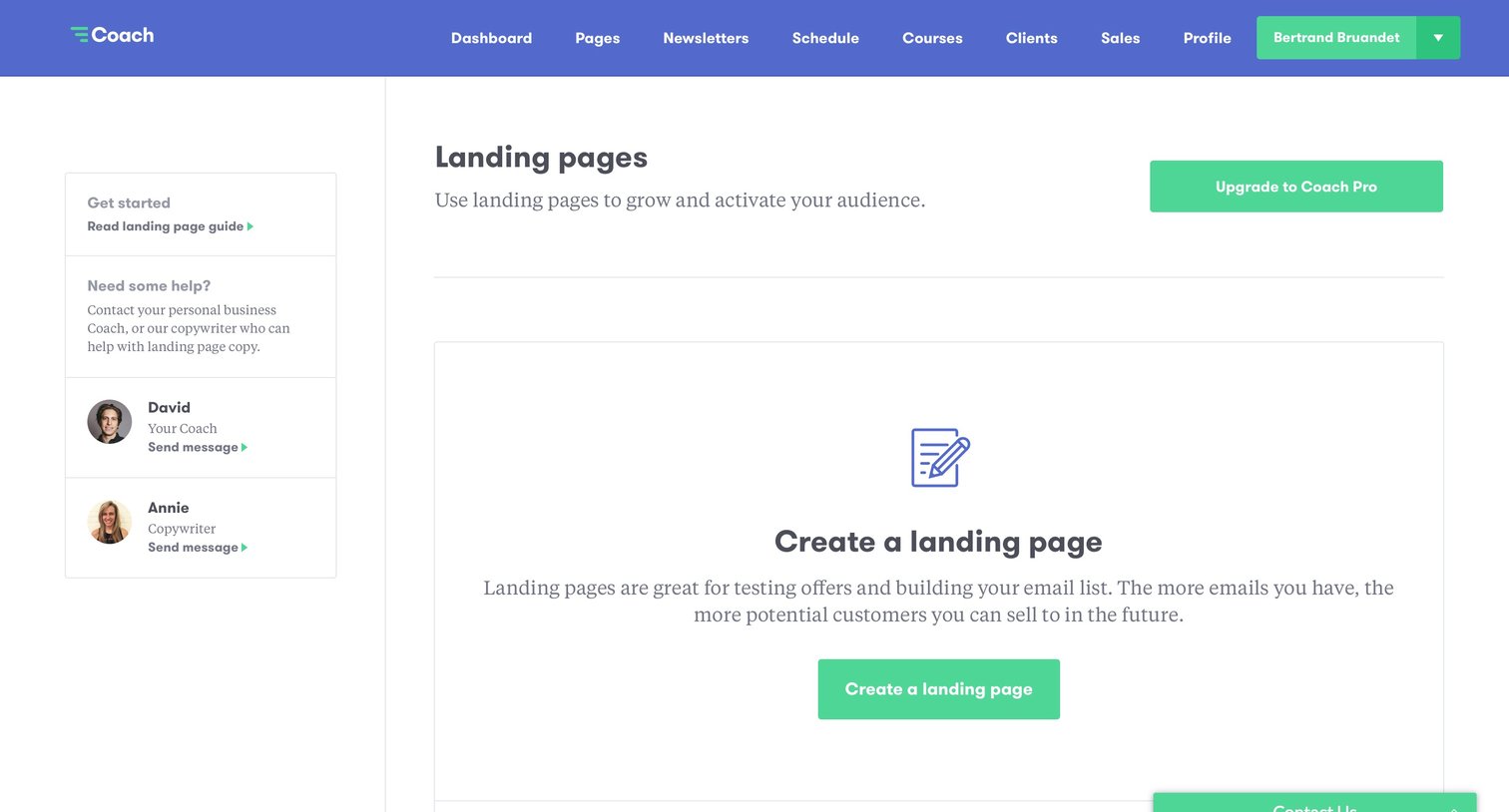
List view for landing pages in an empty state, featuring an activation prompt to create the first page and a sidebar with coach and copywriter contacts.
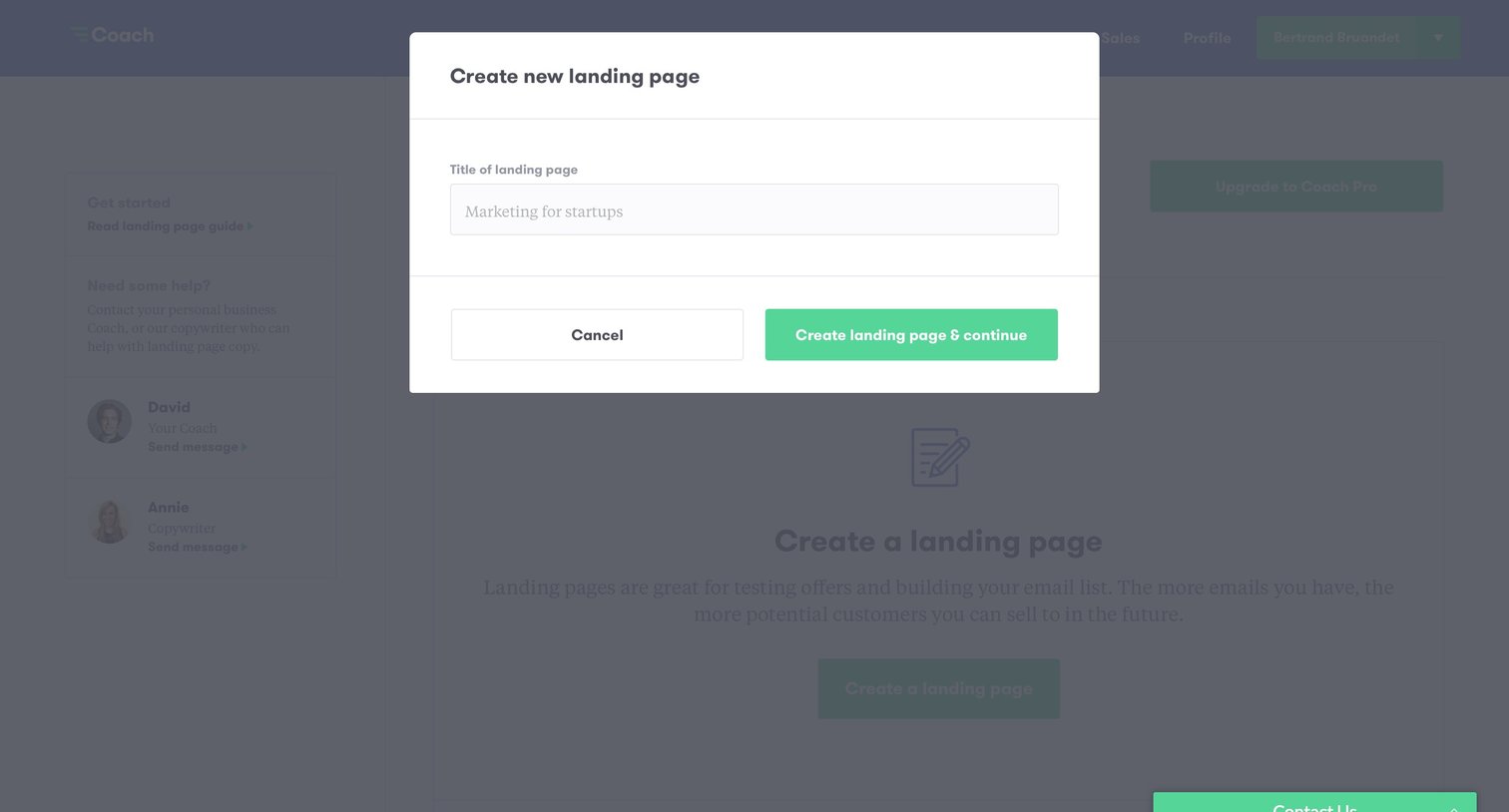
Creation modal where the user provides a title for a new landing page before proceeding to the builder.
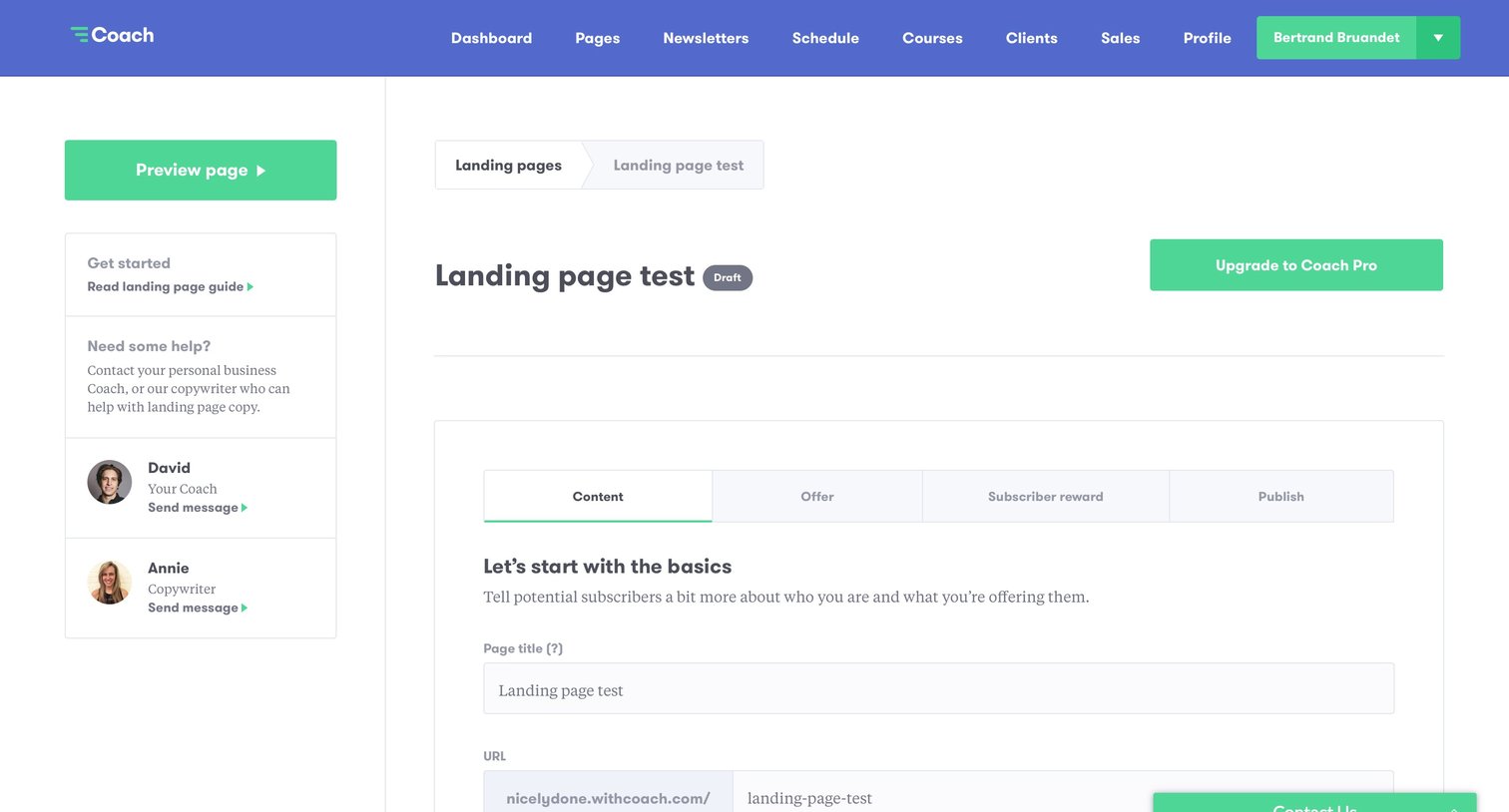
Content editor where the user configures the basics of a landing page, including title, URL, headline, subheadline, body text, and accent color.
Explore the full SaaS screen library
Upgrade to unlock the full library.
Trusted by the best teams







