Bucket design examples
Explore Bucket UI design examples. Get automated insights so you can iterate faster and delight your customers
Product screens
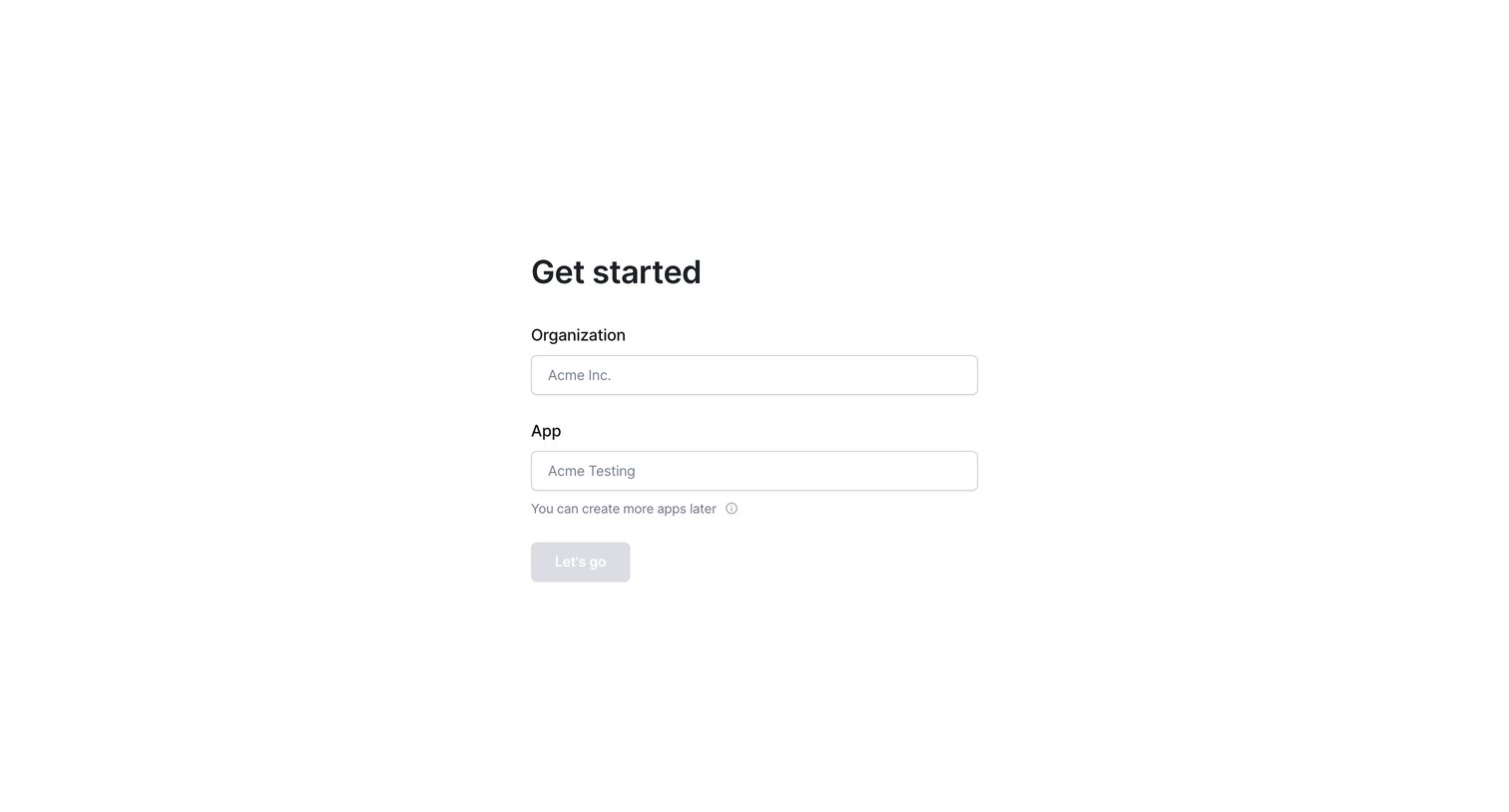

Onboarding step where the user names their first organization and app to initialize their workspace.
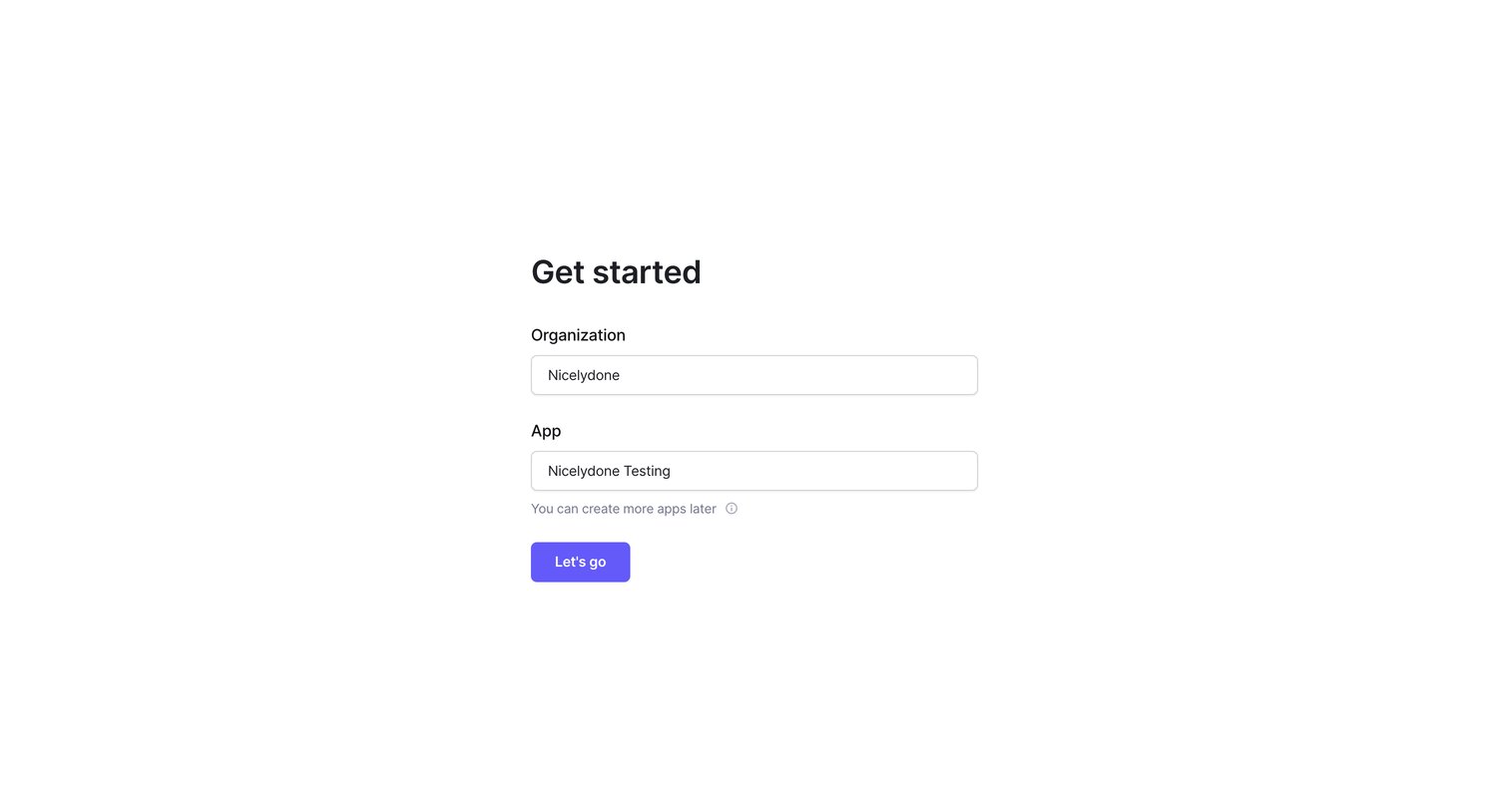
Onboarding step where the user names their organization and first app to get started.
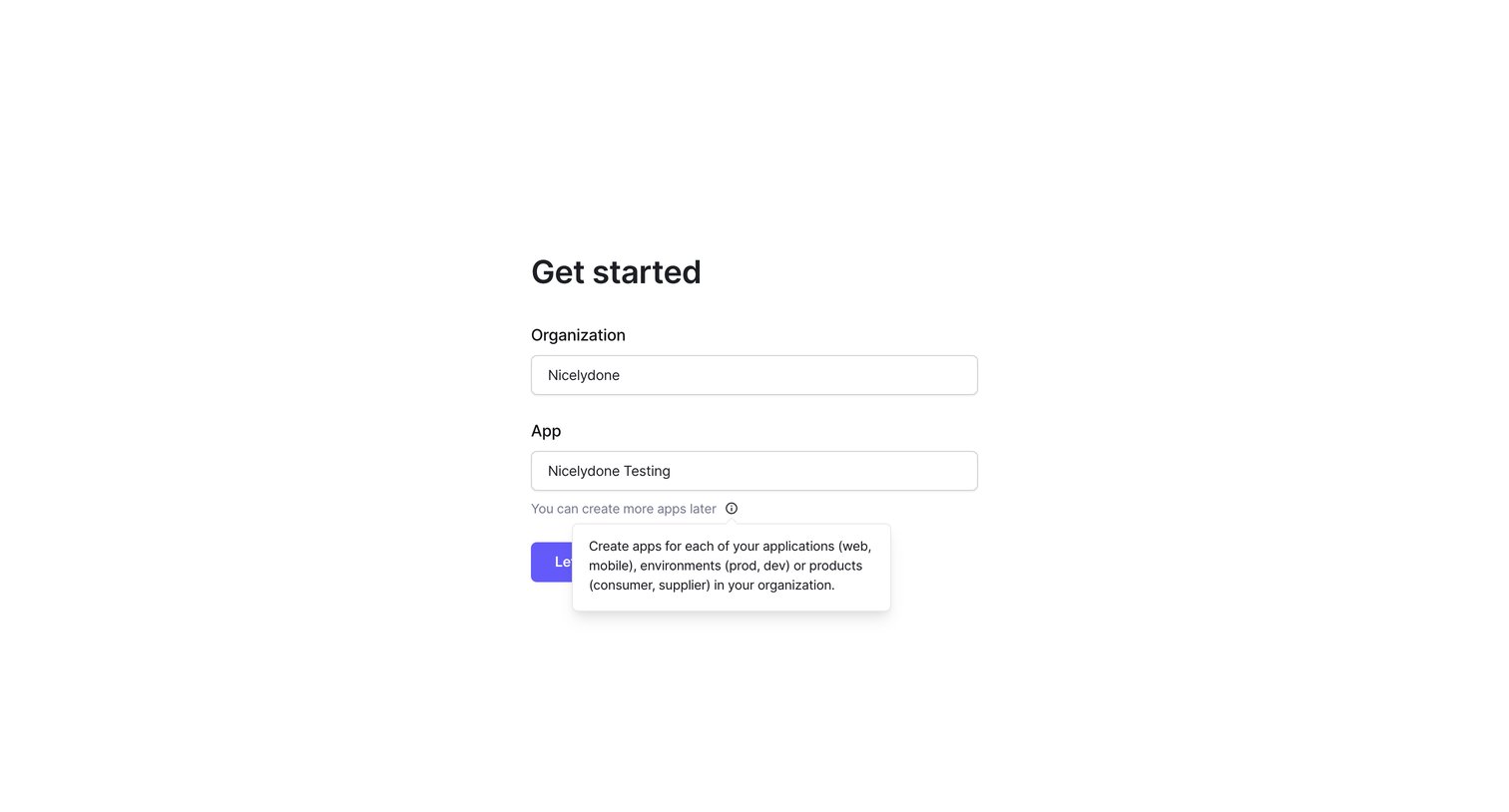
Onboarding step where the user names their organization and first app, with a tooltip explaining the app hierarchy.
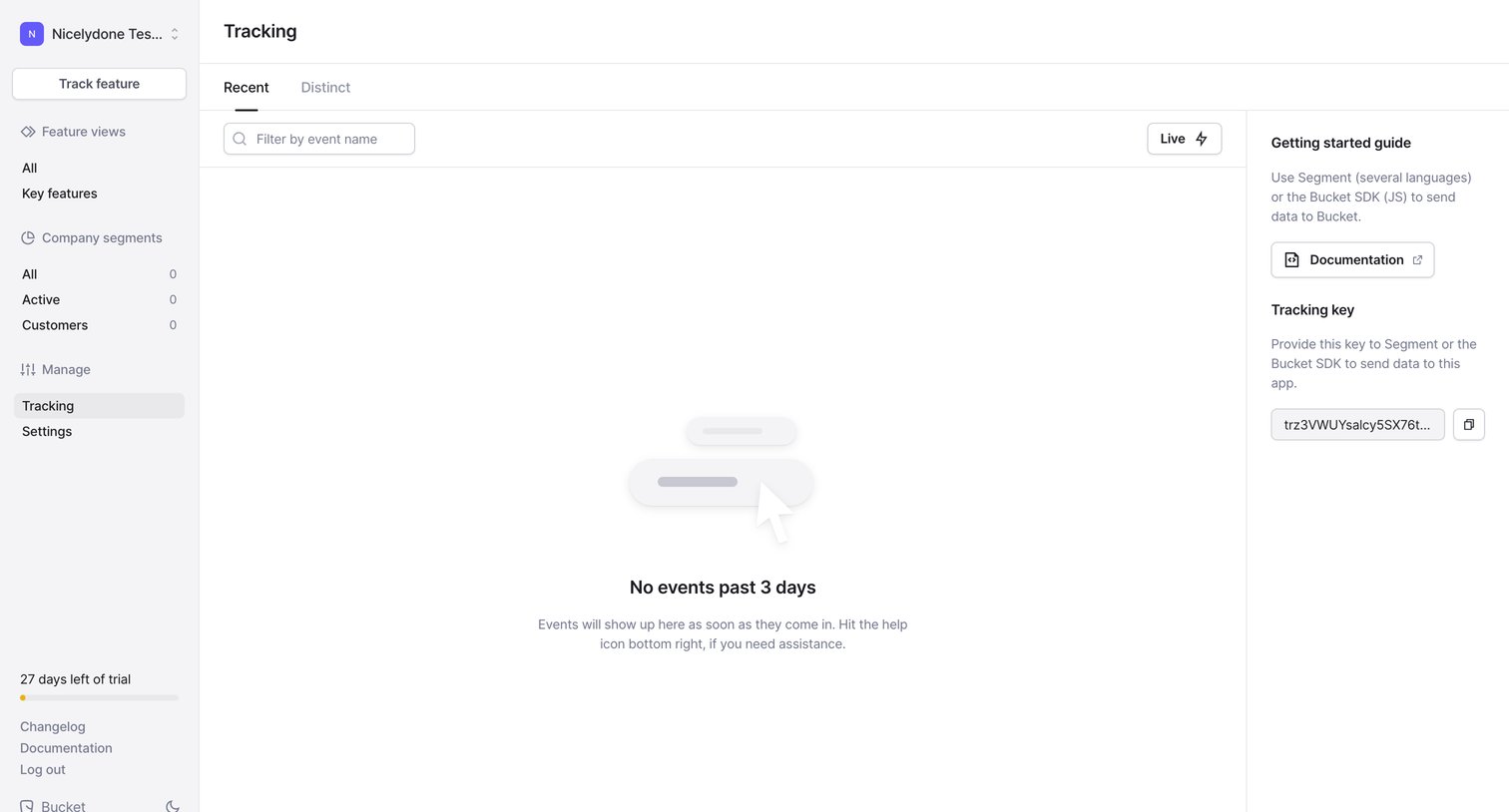
List view showing an empty state for recent tracking events, with a getting started guide and tracking key provided in the right sidebar.
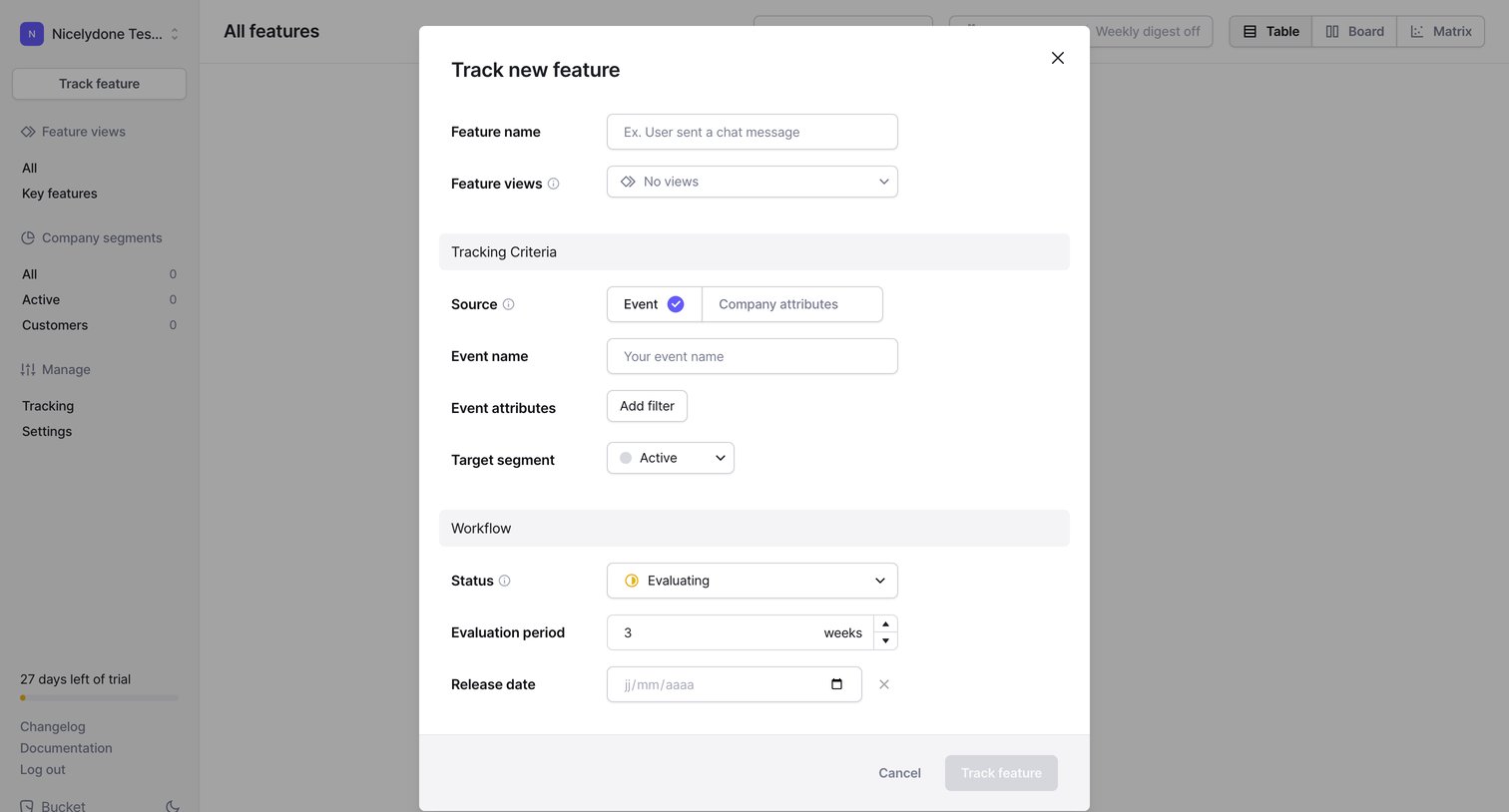
App overlay where the user configures a new feature to track by setting its source, event name, target segment, and evaluation period.
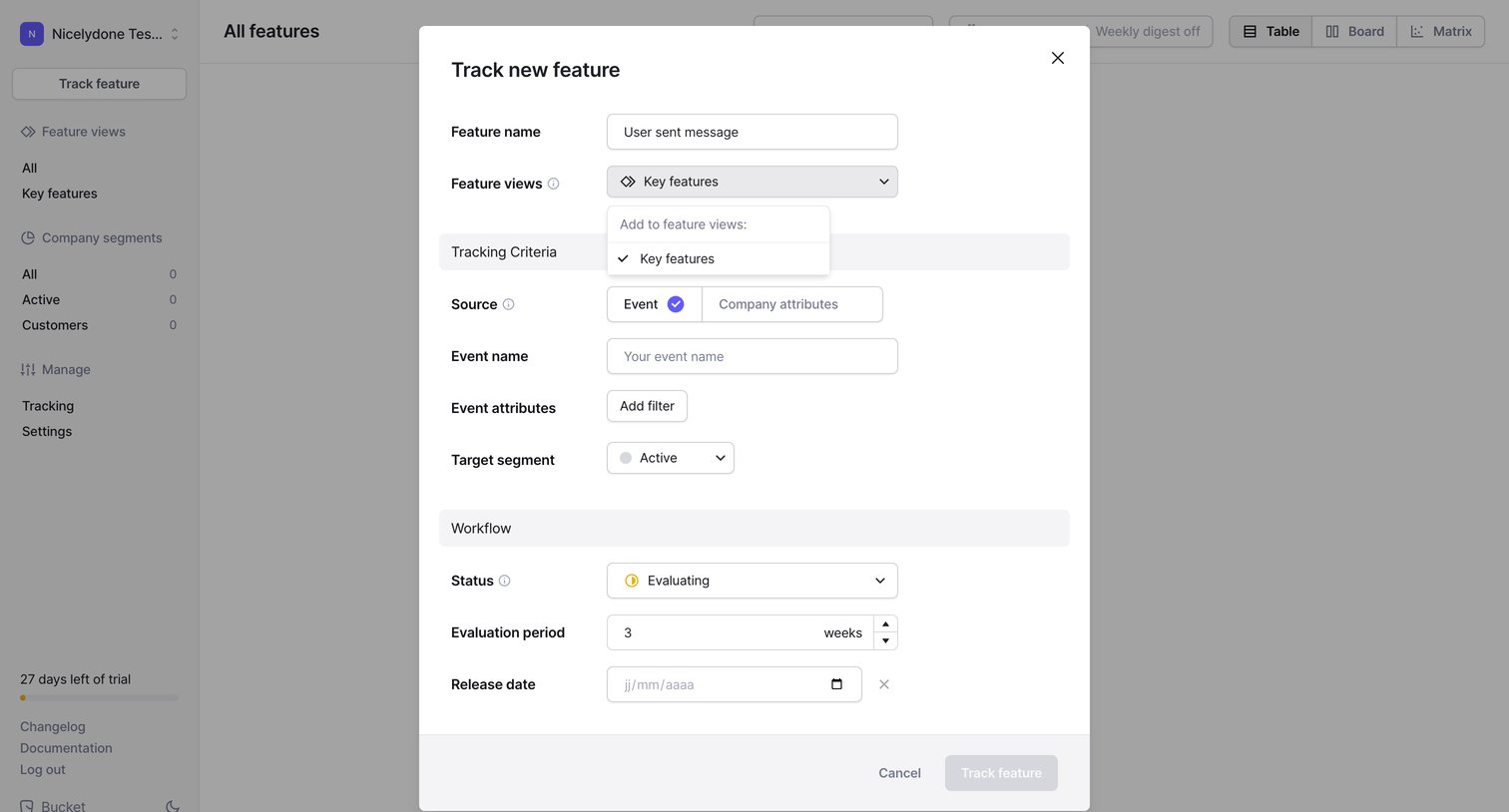
Modal where the user defines tracking criteria, source events, and workflow status to track a new product feature.
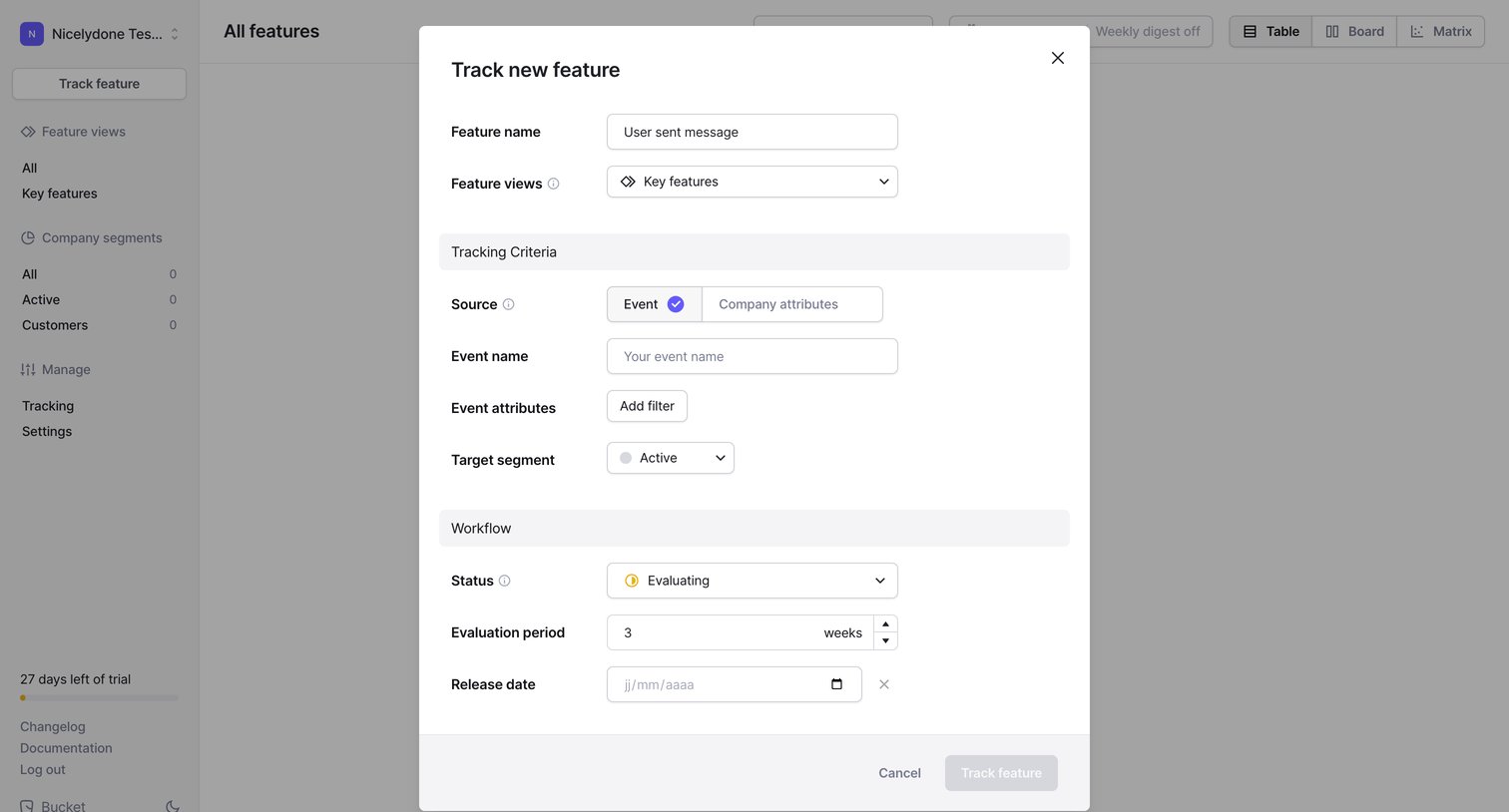
Creation modal where the user configures tracking criteria, event attributes, and workflow status for a new product feature.
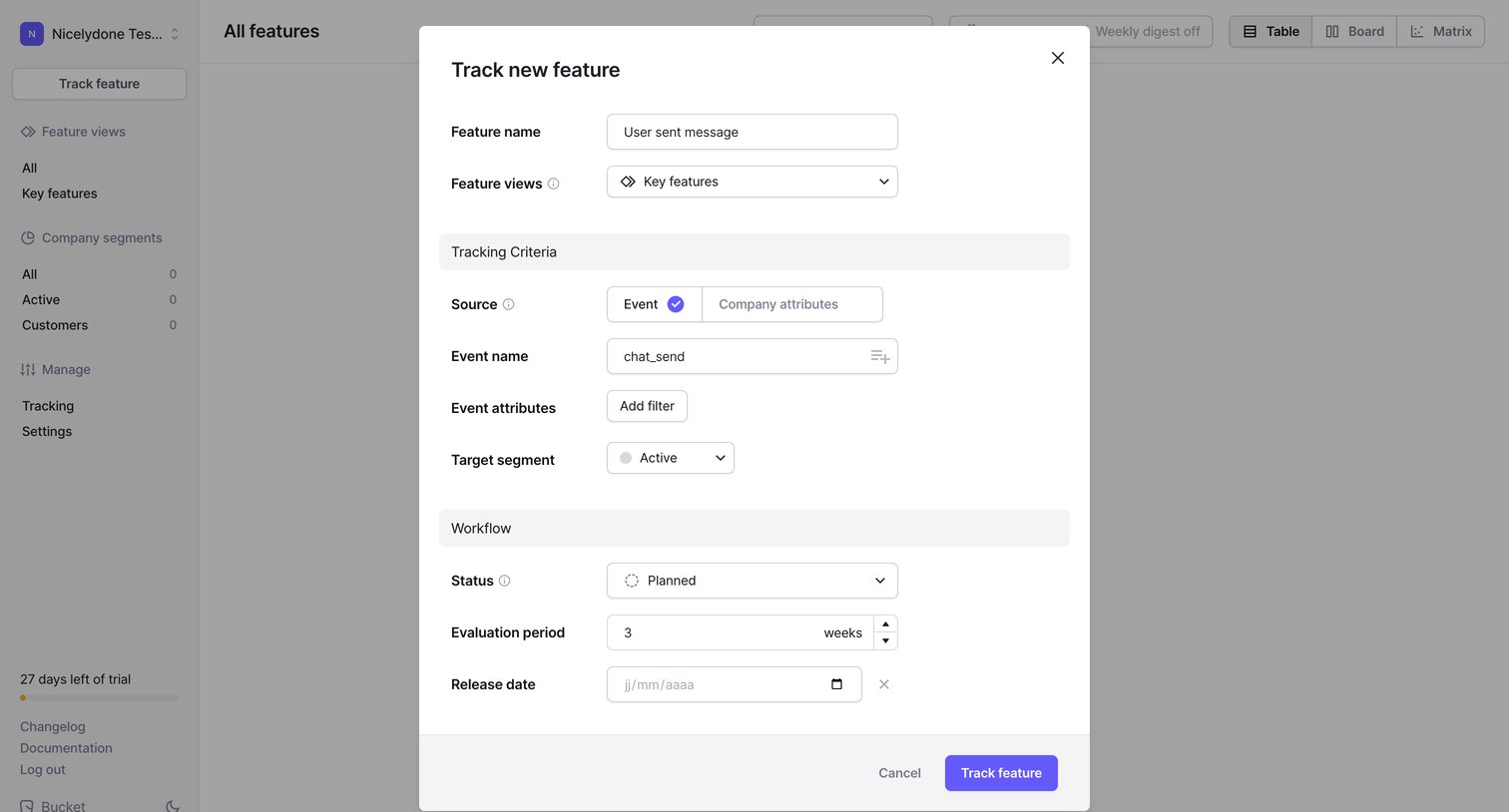
Creation modal where the user configures a new feature to track by defining its name, source events, and workflow status.
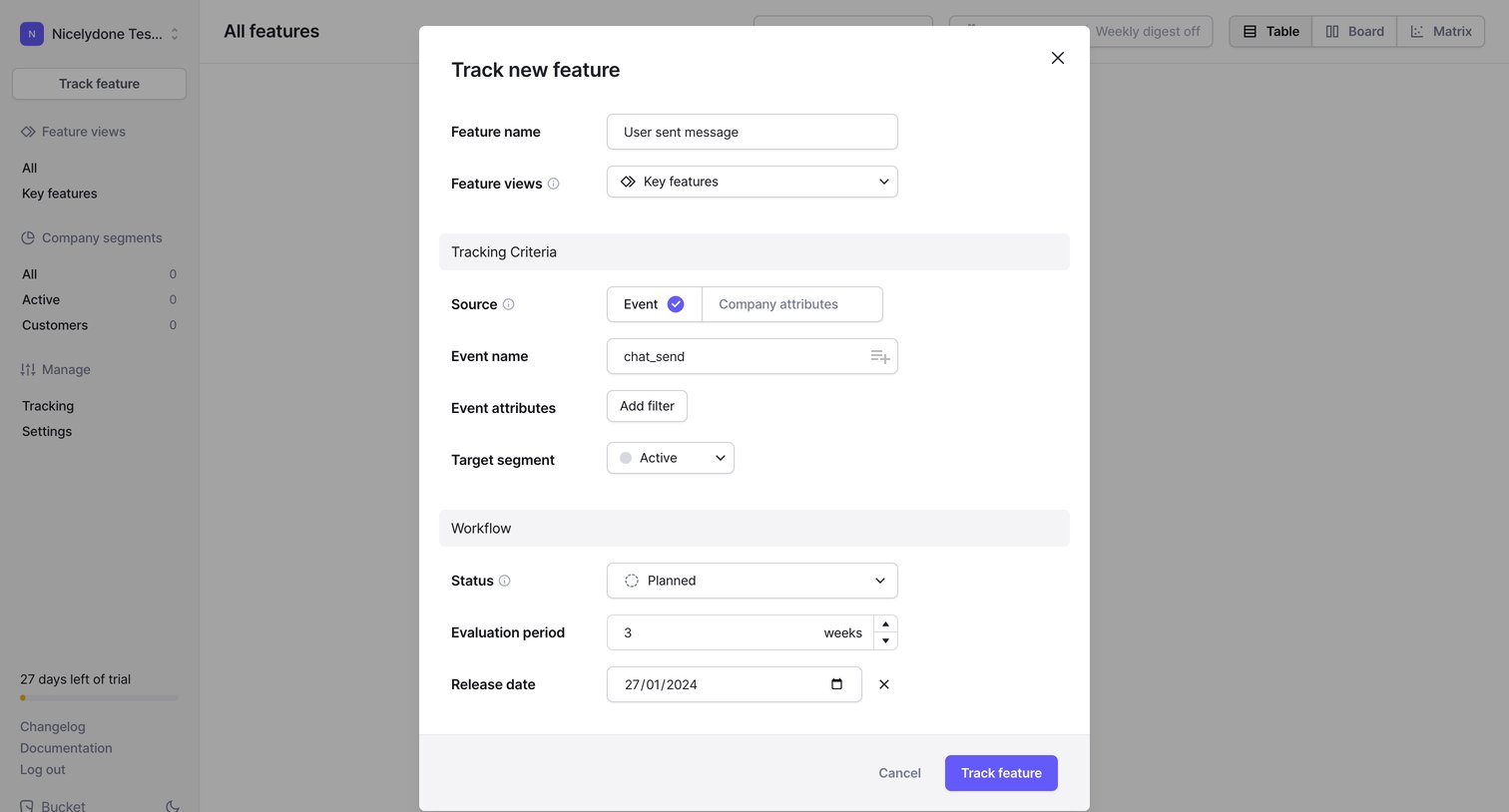
Modal for creating a new feature tracking record where the user defines tracking criteria like source event, target segment, and evaluation period.
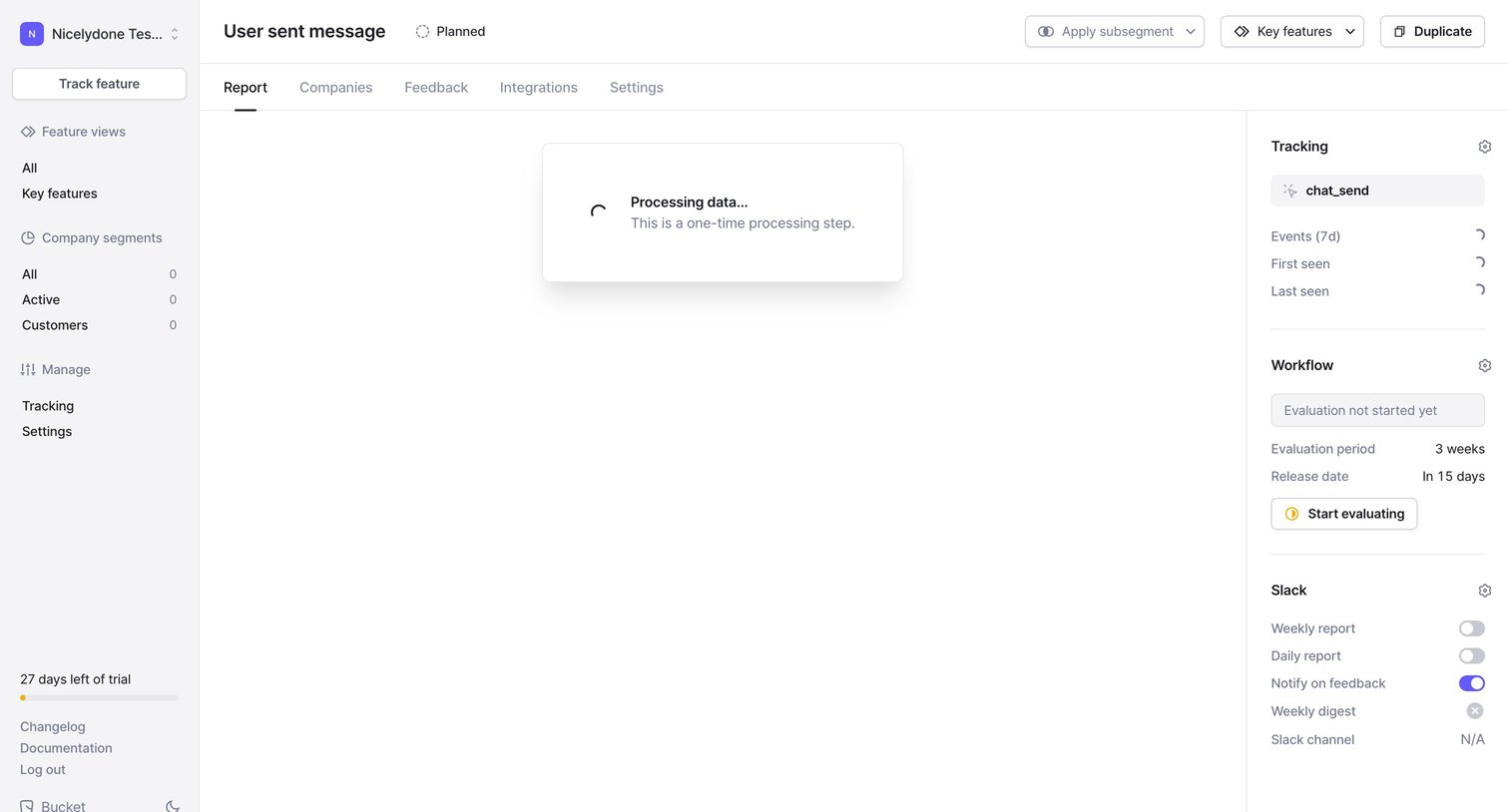
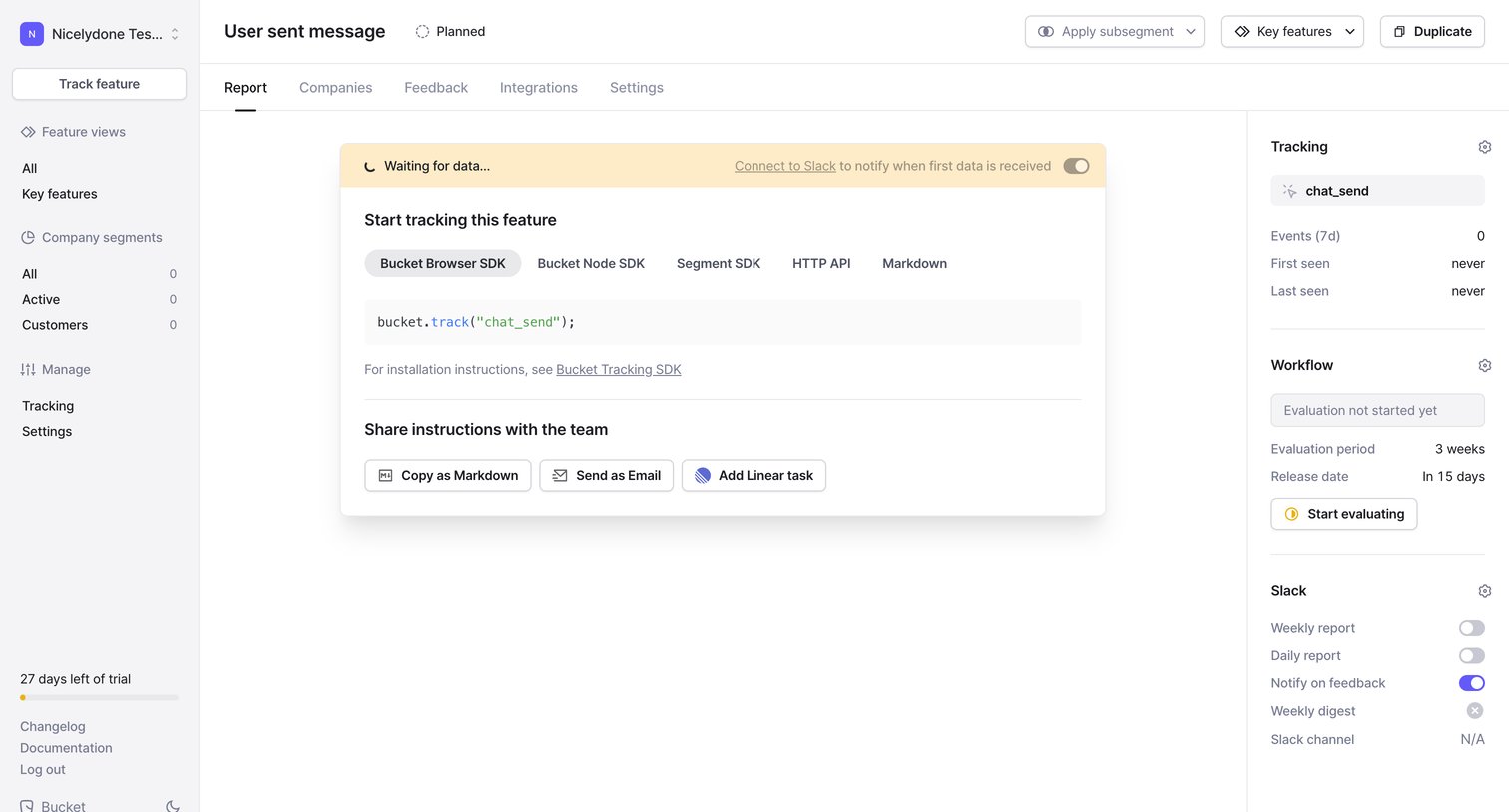
Detail page for a planned feature where the user views SDK tracking snippets, shares installation instructions with their team, and configures Slack notifications.
Browse the full SaaS app library
Explore real SaaS apps with their product screens, marketing screens, flows, and components.
Trusted by the best teams







