Skip to content

Bucket UI components examples

Browse Bucket UI component design examples. Preview individual interface elements and explore related component categories. Get automated insights so you can iterate faster and delight your customers

Explore the examples
Bucket — Charts component
Bucket logo
Bucket

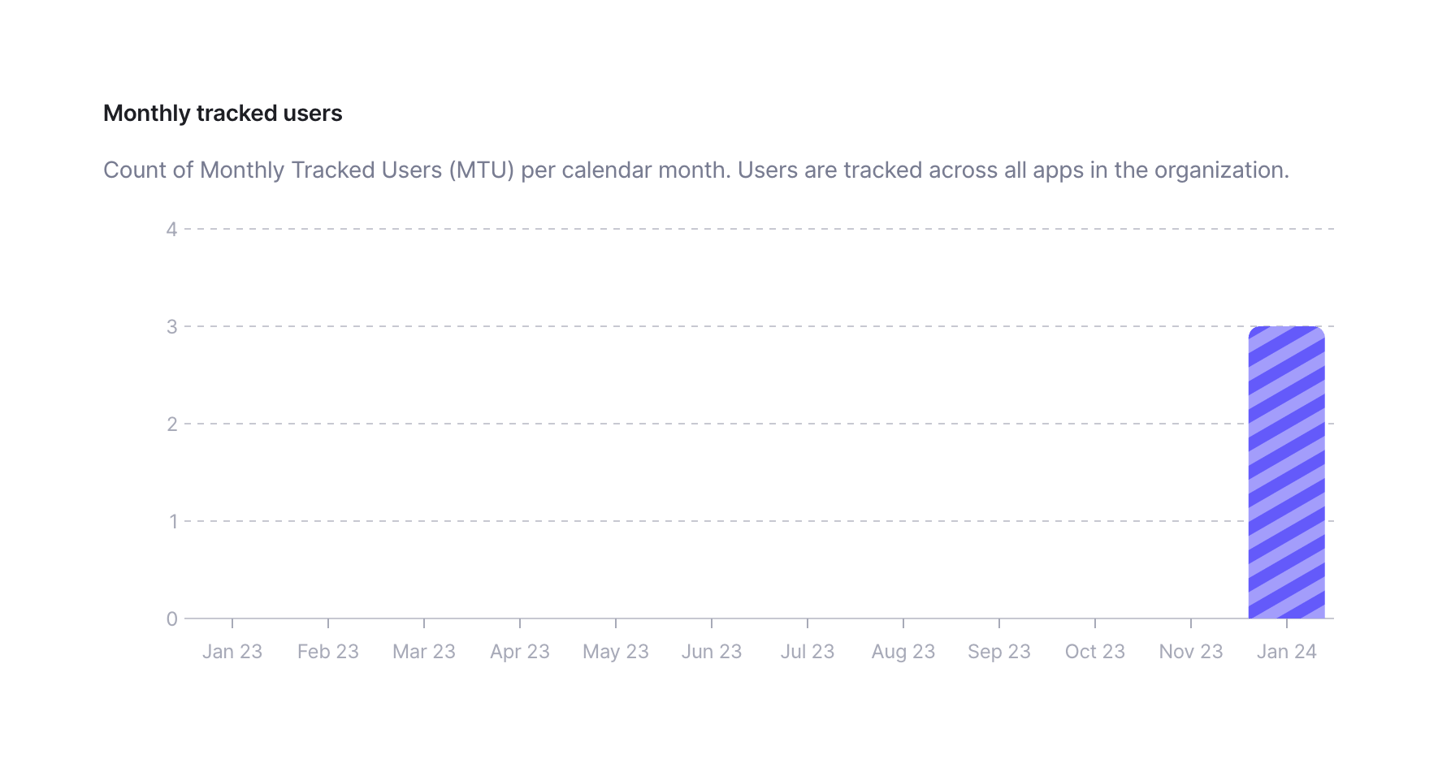
A bar chart displaying the count of monthly tracked users over a 12-month period. It includes a title, a descriptive subtitle, and a single bar for the most recent month.

Bucket — Charts component
Bucket logo
Bucket

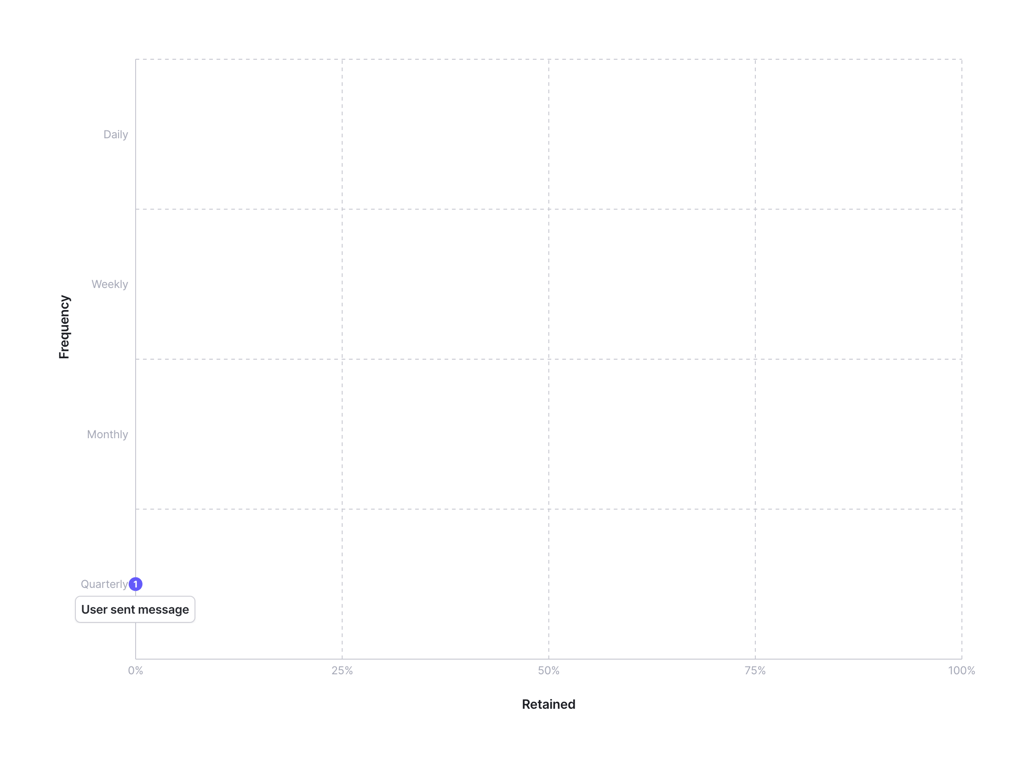
A scatter plot or matrix chart visualizing feature usage frequency against retention. The y-axis represents frequency (Quarterly, Monthly, Weekly, Daily) and the x-axis represents retention percentage (0% to 100%). A single data point is visible, labeled 'User sent message'…

Bucket — Card component
Bucket logo
Bucket

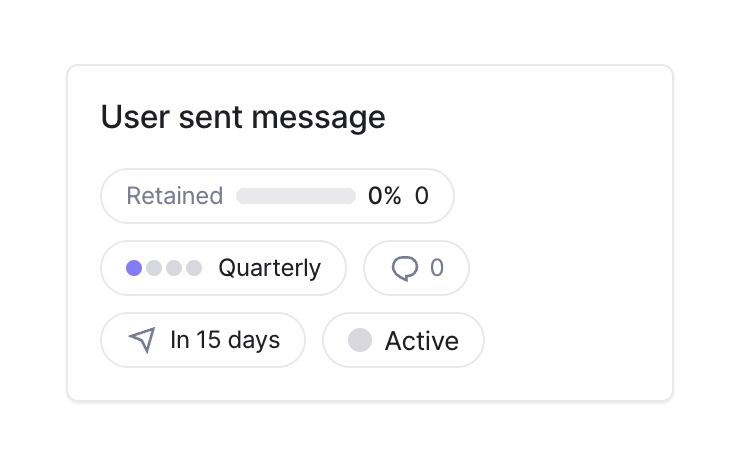
A card displaying details about a specific feature, including its name, retention rate, frequency, comment count, timeline, and status.

Bucket — Dropdown menu component
Bucket logo
Bucket

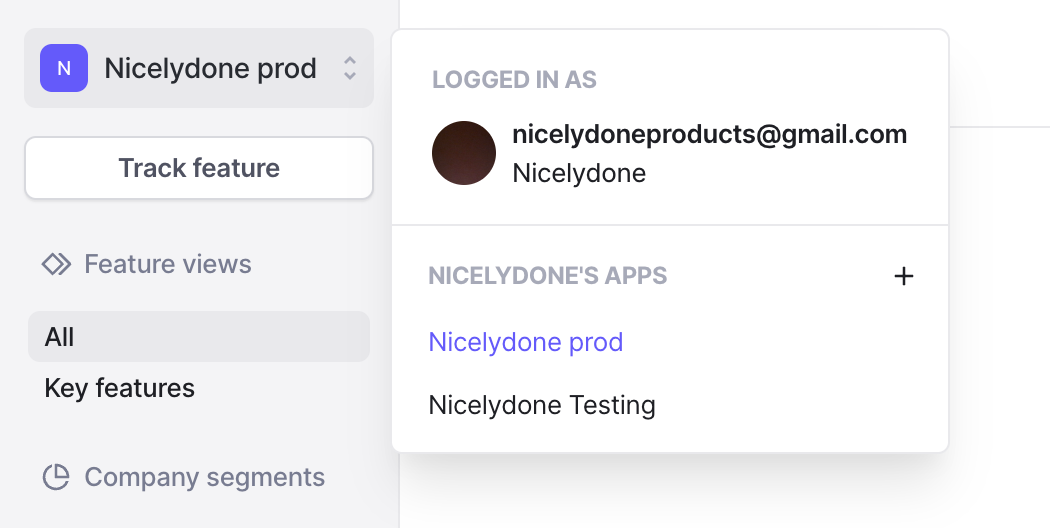
A dropdown menu for switching between workspaces or apps, showing the currently logged-in user and a list of available apps with an option to add a new one.
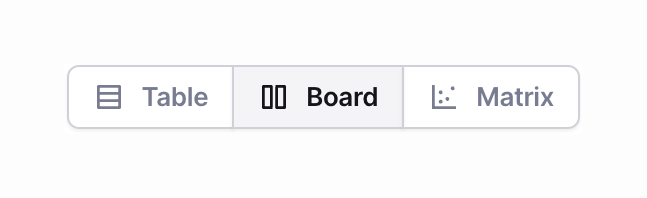
Bucket — Segmented control component
Bucket logo
Bucket

A segmented control allowing the user to switch between Table, Board, and Matrix views.
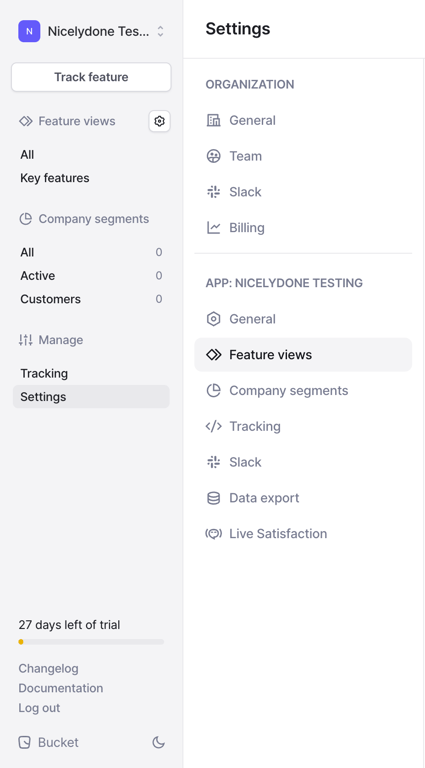
Bucket — Vertical navigation component
Bucket logo
Bucket

A dual-pane vertical navigation sidebar for app settings. The left pane contains global app navigation and a trial status indicator, while the right pane contains detailed settings categories for the organization and the specific app.
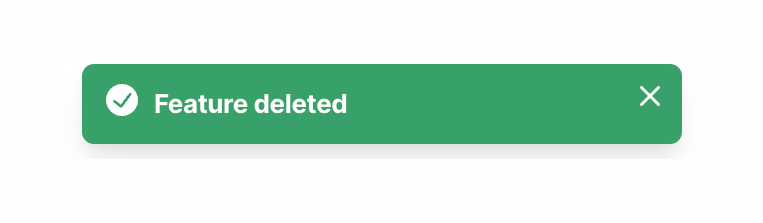
Bucket — Notification Toast component
Bucket logo
Bucket

A green success toast notification confirming a feature has been deleted, featuring a checkmark icon and a close button.
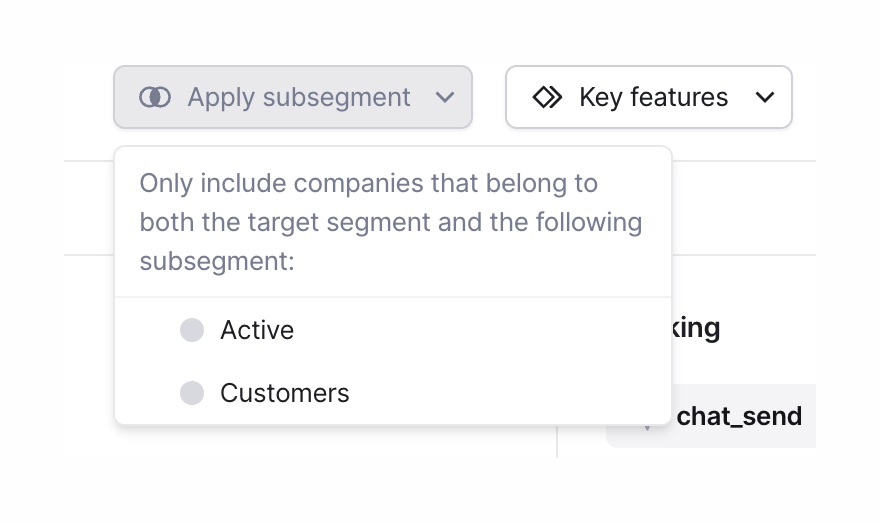
Bucket — Dropdown menu component
Bucket logo
Bucket

An open dropdown menu for applying a subsegment filter, displaying a descriptive text block and two radio button options.
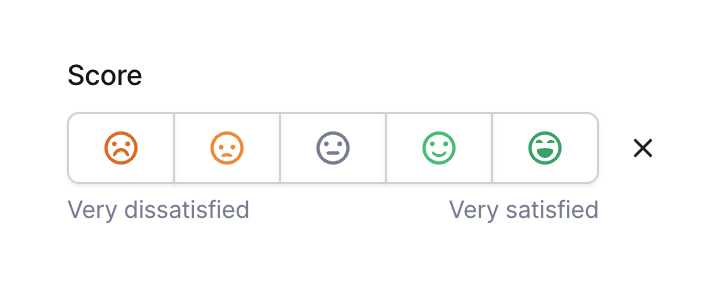
Bucket — Segmented control component
Bucket logo
Bucket

A segmented control for selecting a satisfaction score, featuring five emoji icons ranging from very dissatisfied to very satisfied.
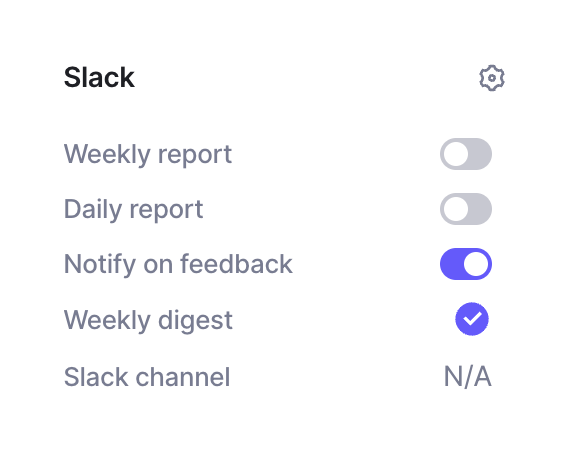
Bucket — Toggle/Switch component
Bucket logo
Bucket

A settings panel for configuring Slack notifications, featuring a list of report types and feedback alerts with toggle switches and status indicators.
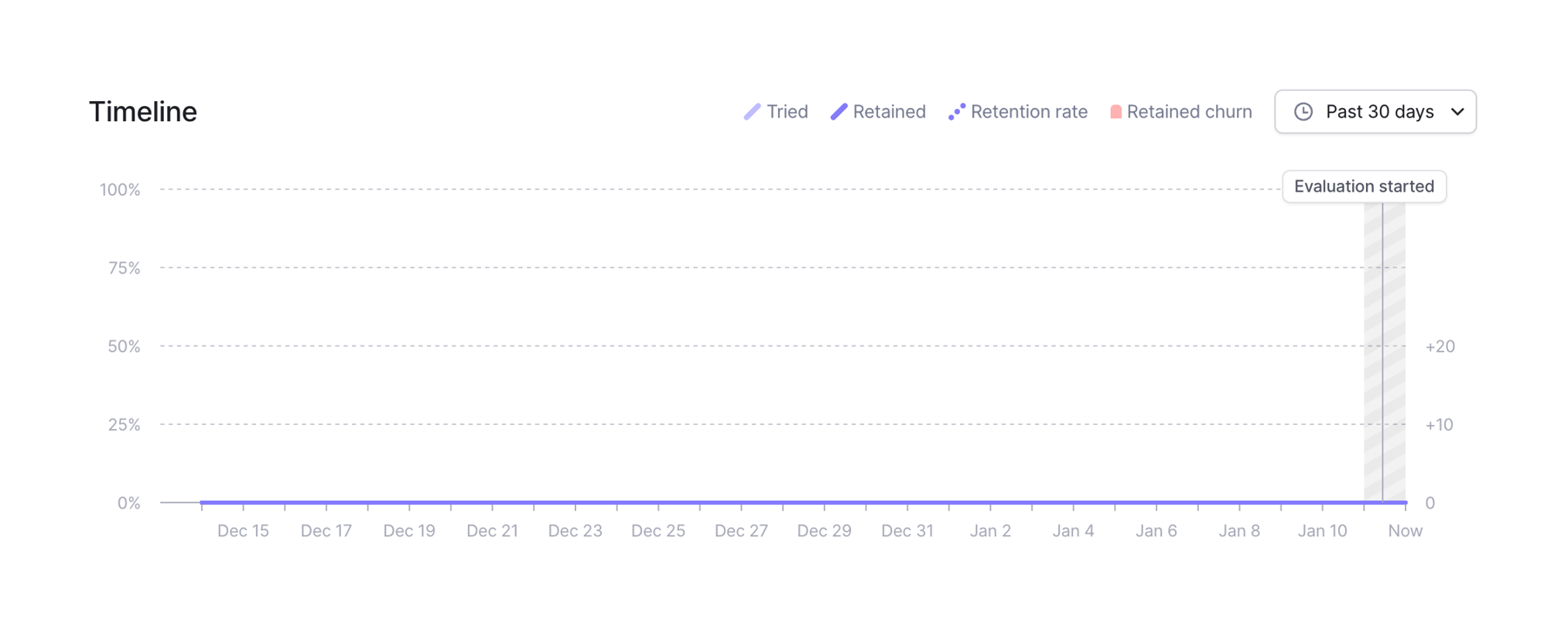
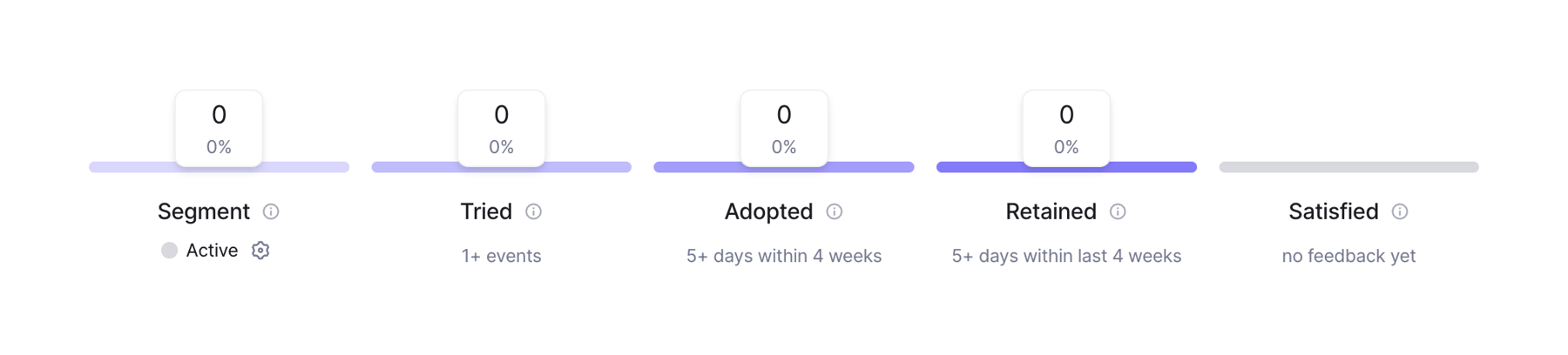
Bucket — Charts component
Bucket logo
Bucket

A line chart displaying timeline metrics over a 30-day period. It includes a legend for different data points, a date range selector, and an annotation for when an evaluation started.

Bucket — Charts component
Bucket logo
Bucket

A horizontal row of five metric stages showing a funnel progression. Each stage has a colored top border, a card with a zero count and percentage, a title with an info icon, and a subtitle describing the criteria.

Browse the full component library

Browse the full UI component library.

Trusted by the best teams