Better Stack product screens examples
Browse Better Stack screen design examples. Preview the interface screenshots and explore related UI patterns. Radically Better Observability Stack
Explore the examples
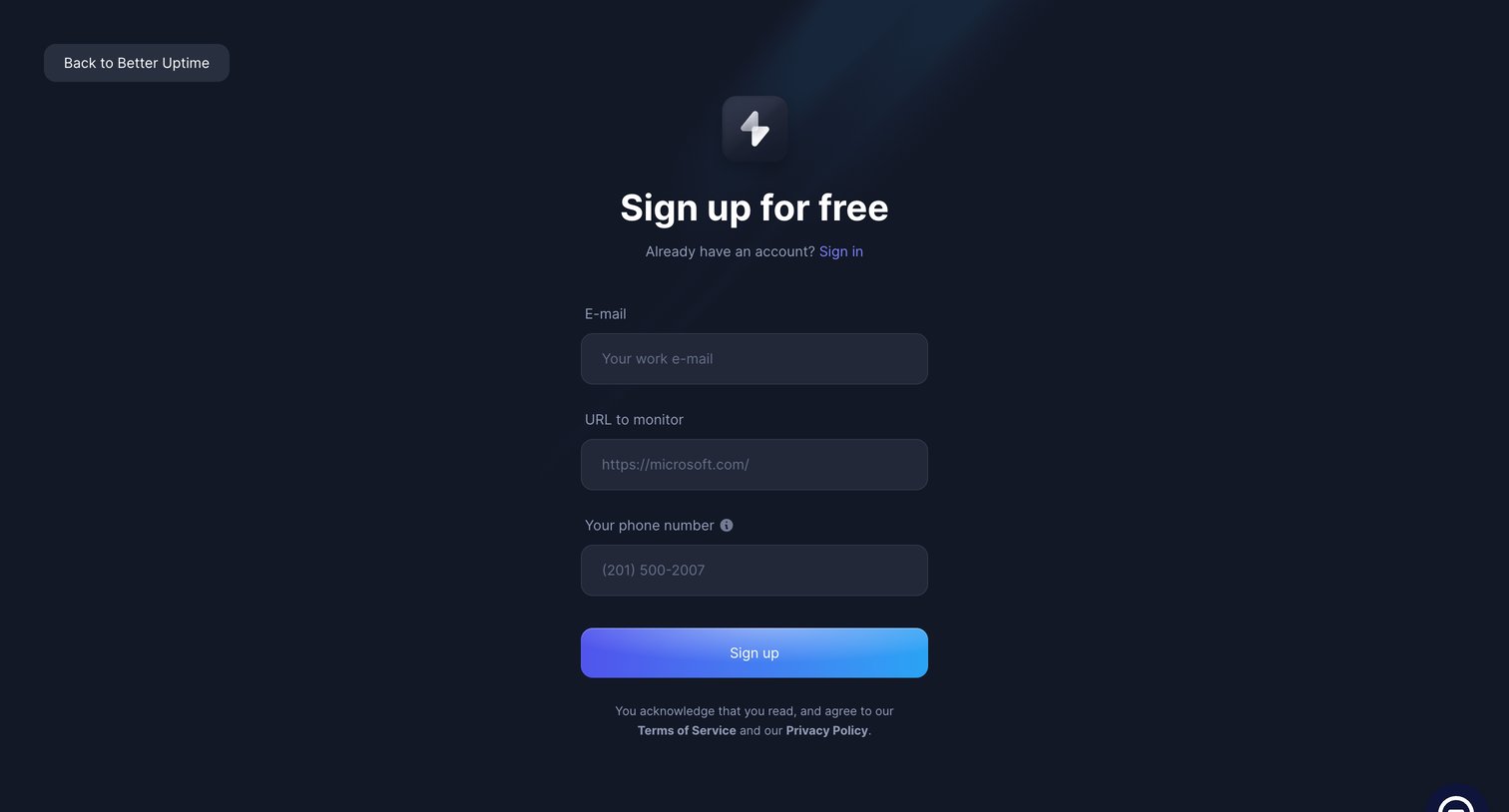

Sign-up screen where the user creates an account by providing their work email, a target URL to monitor, and a phone number.
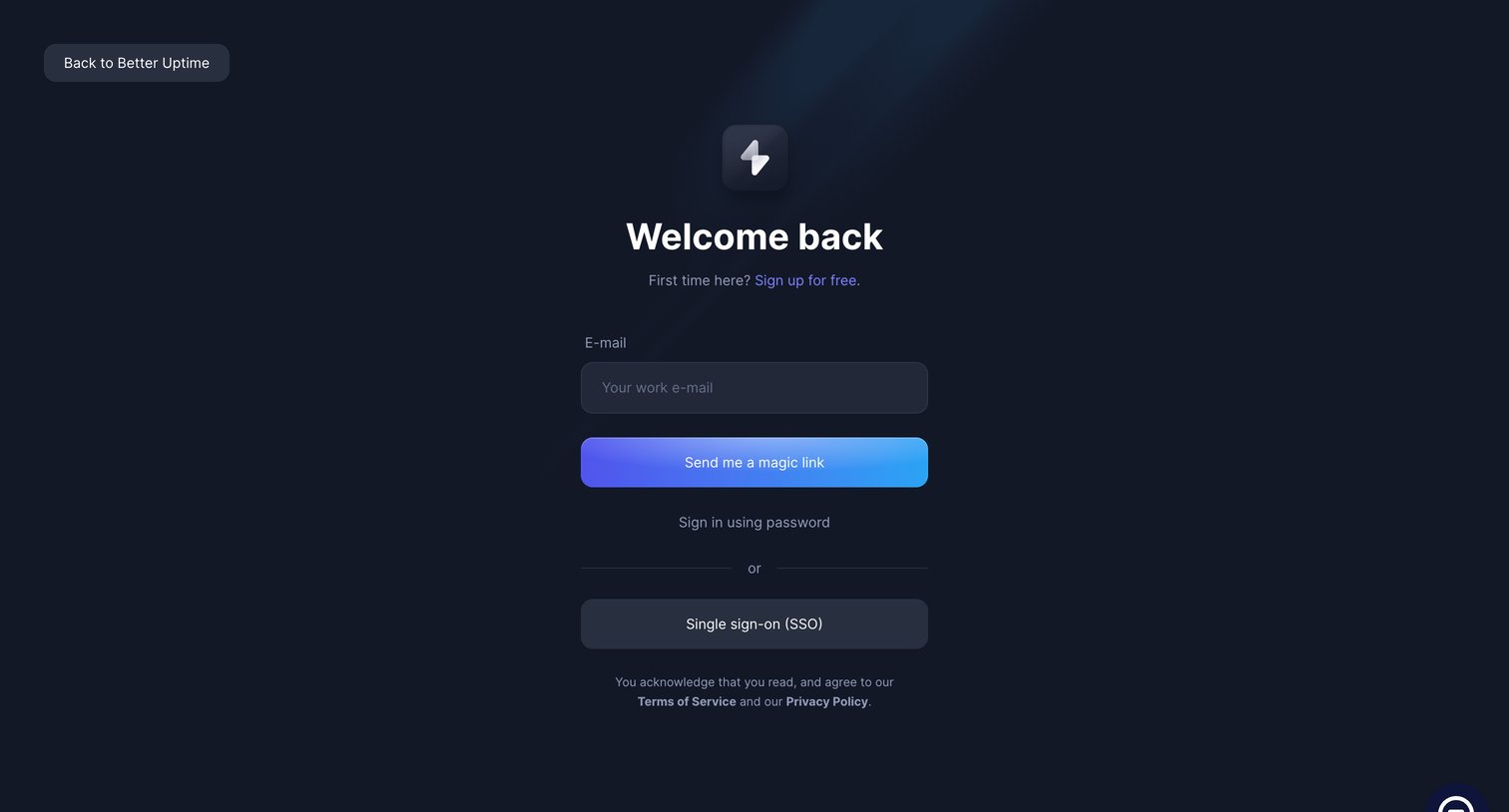
Sign-in screen where the user authenticates via a magic link sent to their work email, with secondary options to use a password or SSO.
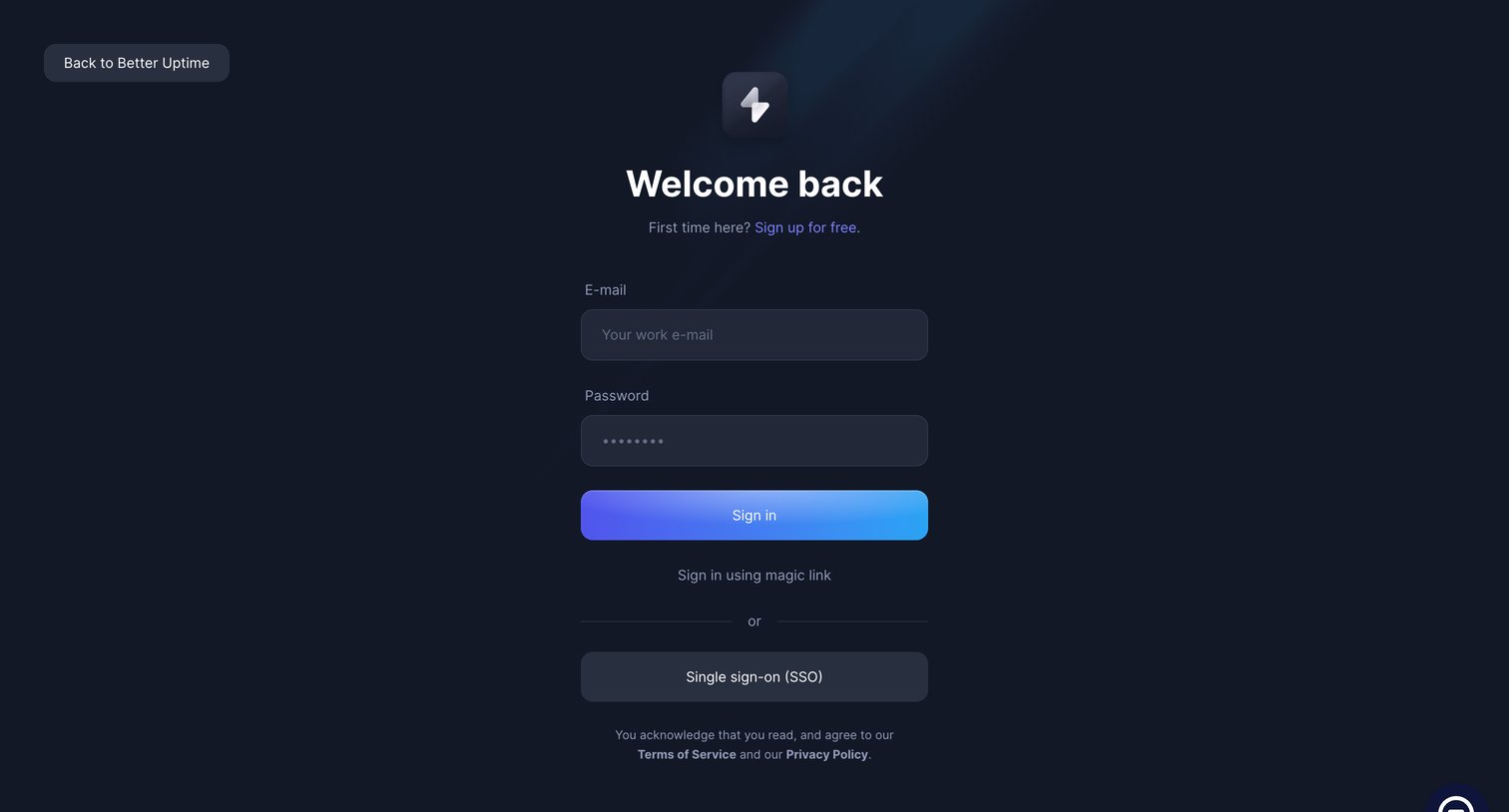
Sign-in screen where the user authenticates with an email and password, a magic link, or single sign-on.
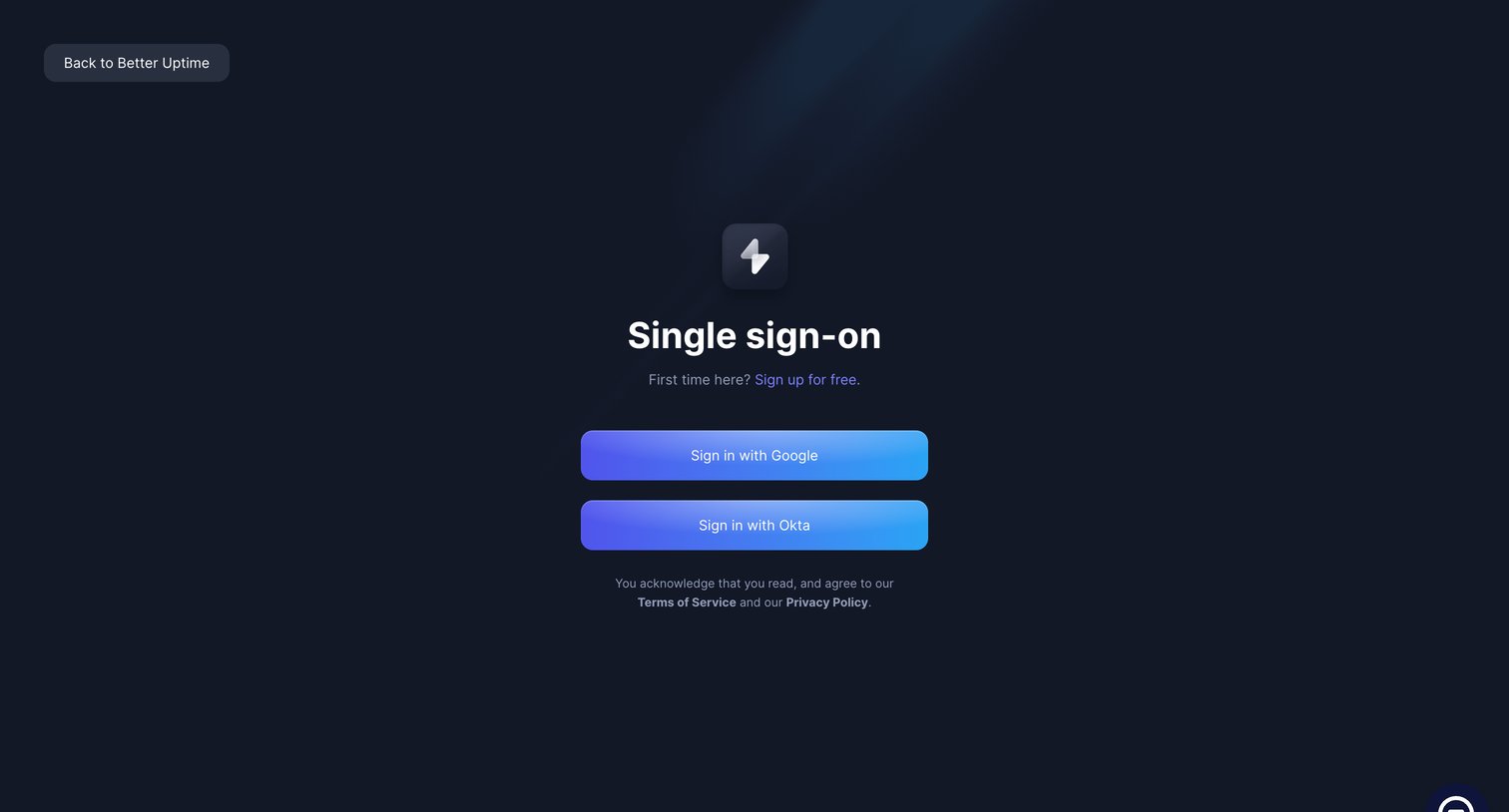
Sign-in screen where the user authenticates via Single Sign-On using Google or Okta.
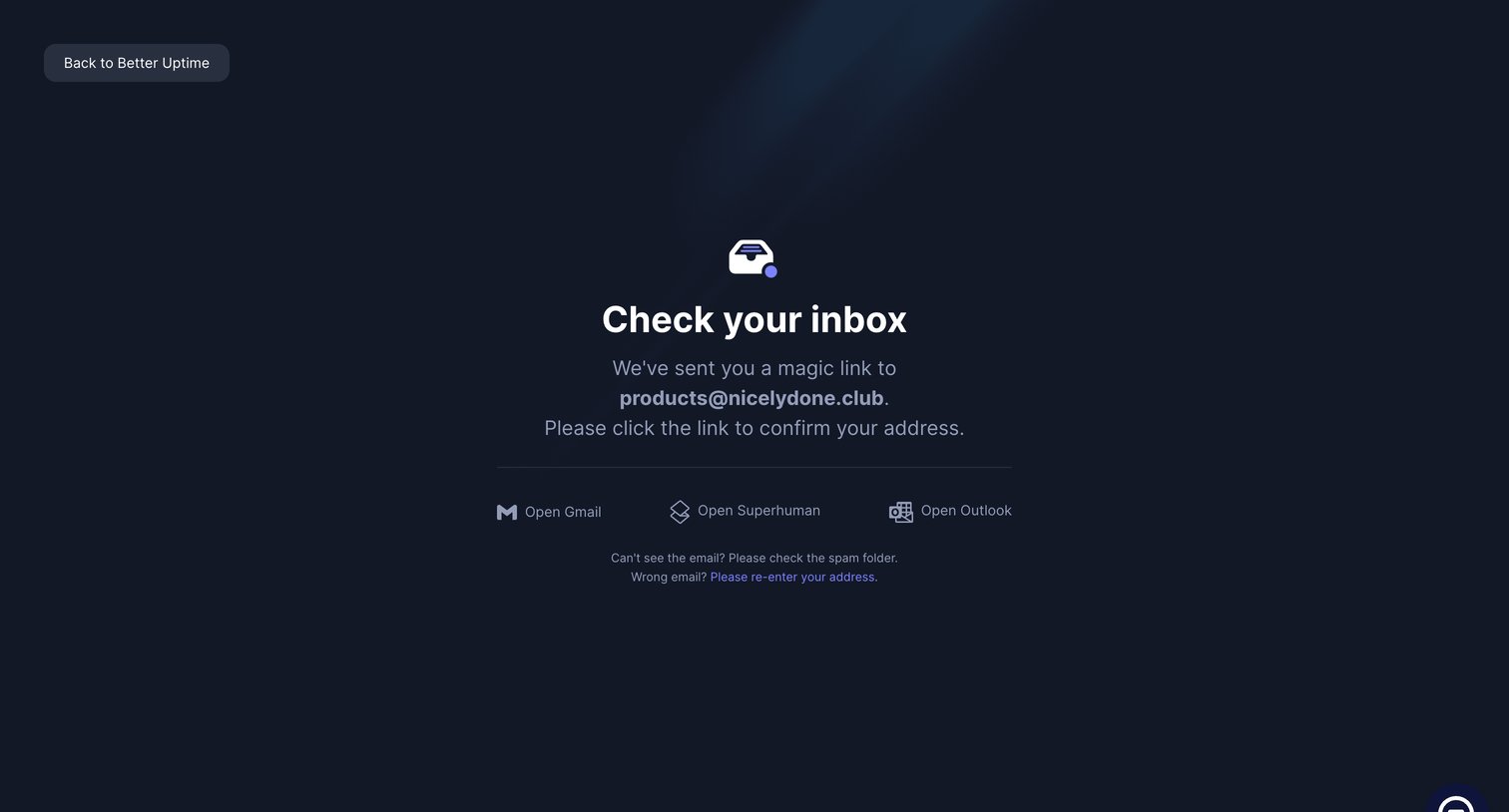
Verification screen prompting the user to check their inbox for a magic link, providing quick shortcuts to common email clients.
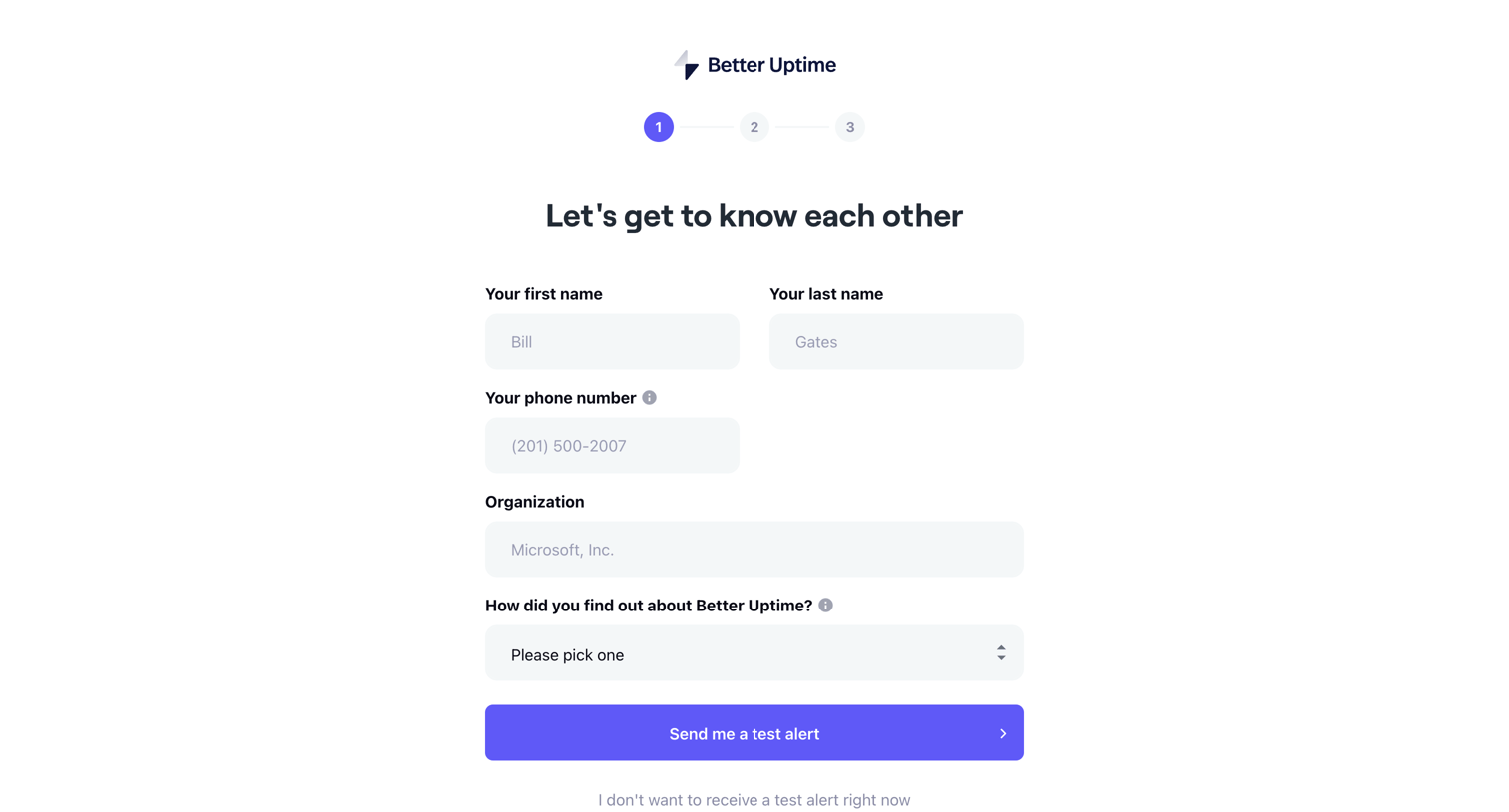
Onboarding step where the user provides their name, phone number, and organization, and chooses whether to receive a test alert.
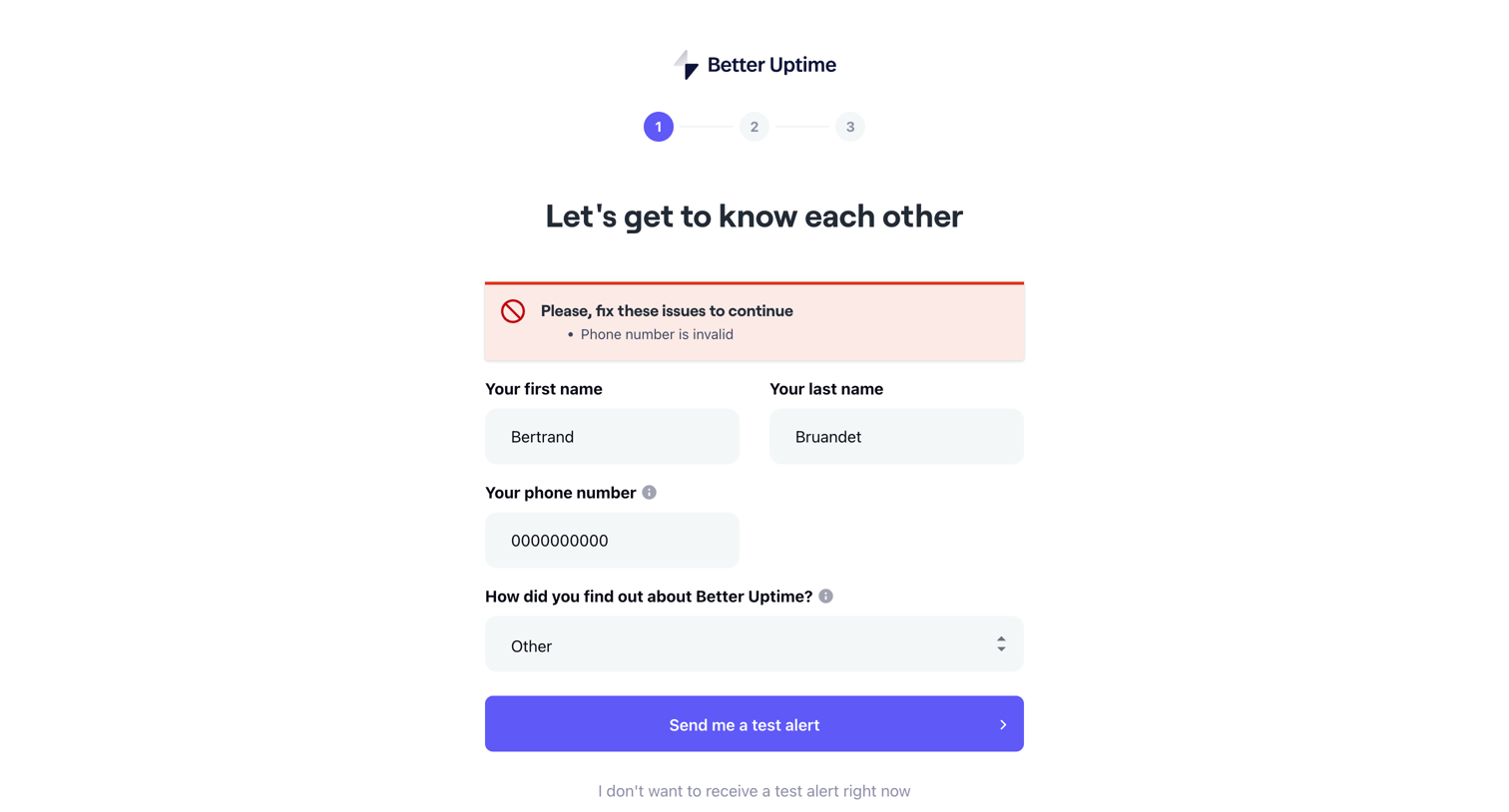
Onboarding step where the user provides their name and phone number to receive a test alert, currently blocked by a validation error on the phone number field.
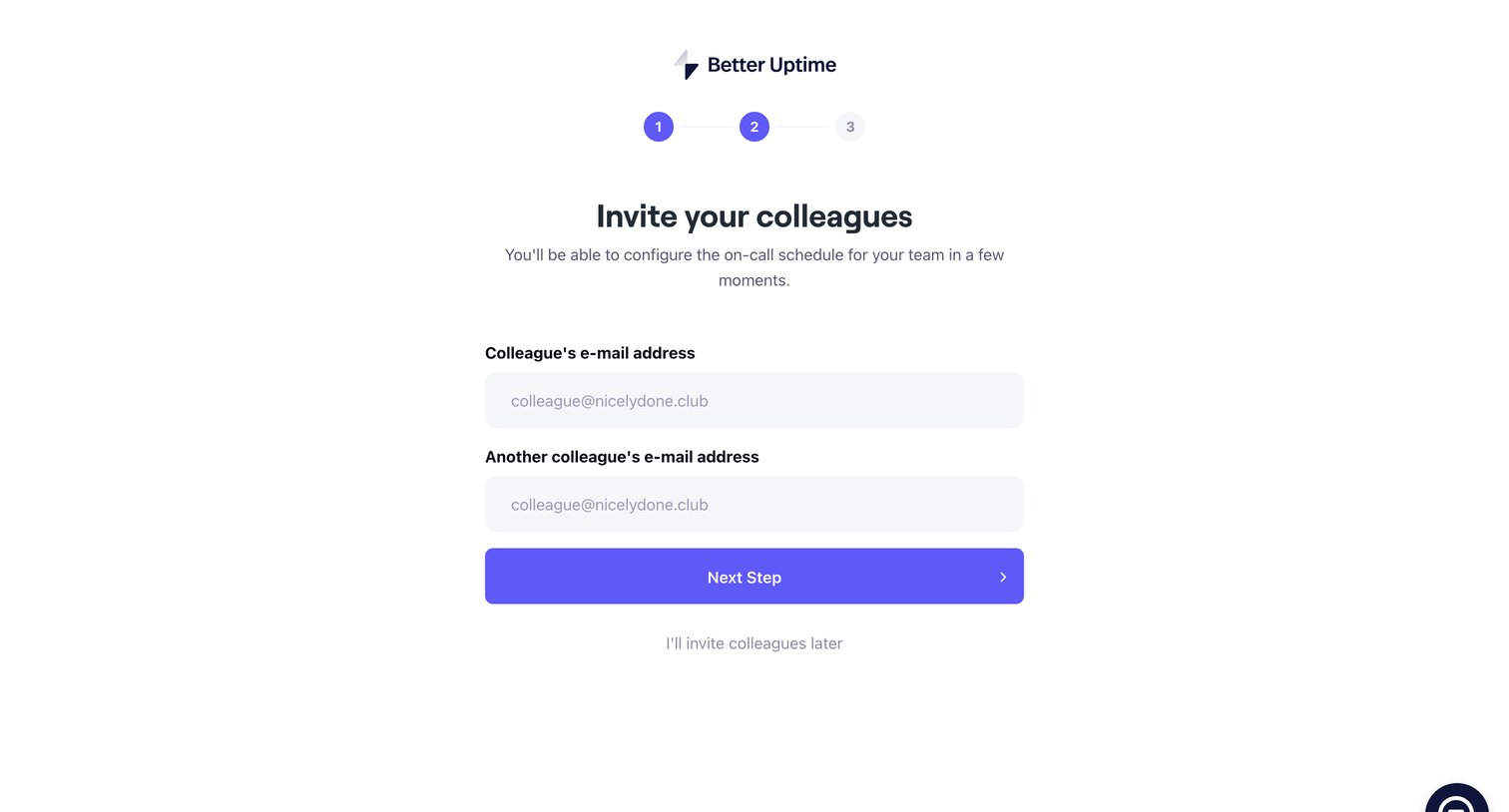
Onboarding step where the user invites colleagues by email to configure their on-call schedule.
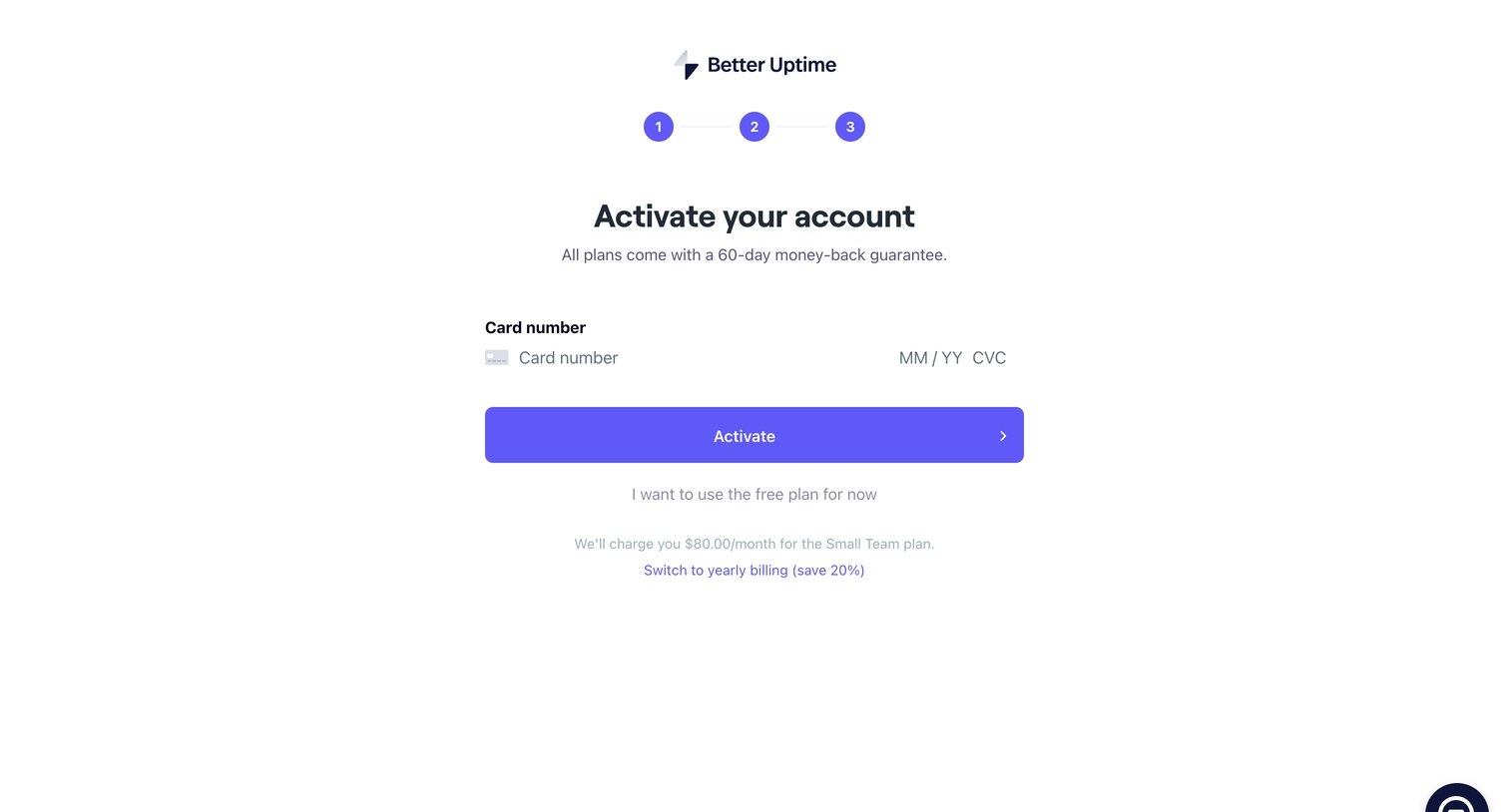
Checkout screen where the user enters their credit card details to activate a paid plan, with options to switch to yearly billing or fall back to a free plan.
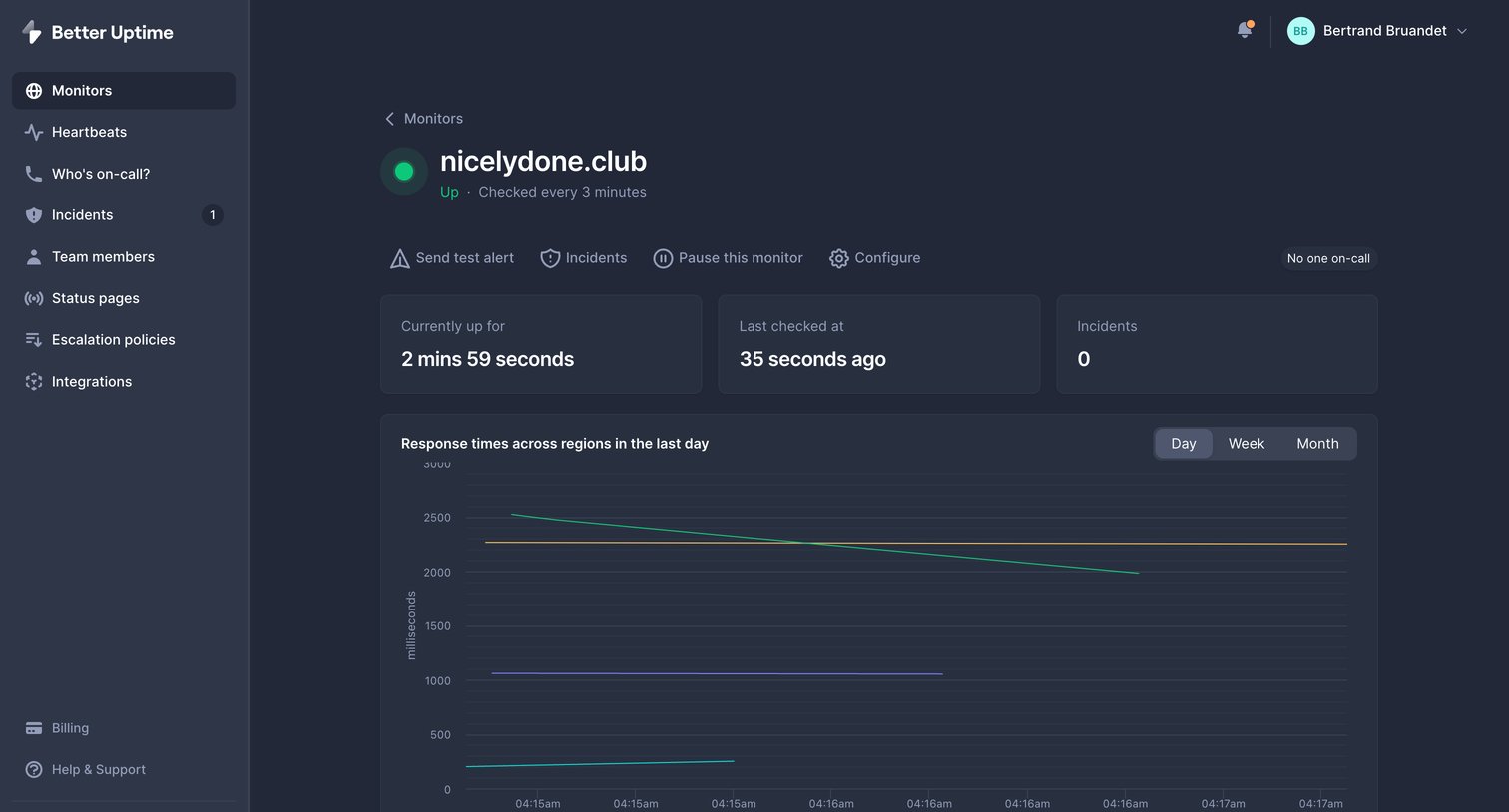
Detail page where the user views uptime metrics, response time charts, and historical availability for a specific monitor.
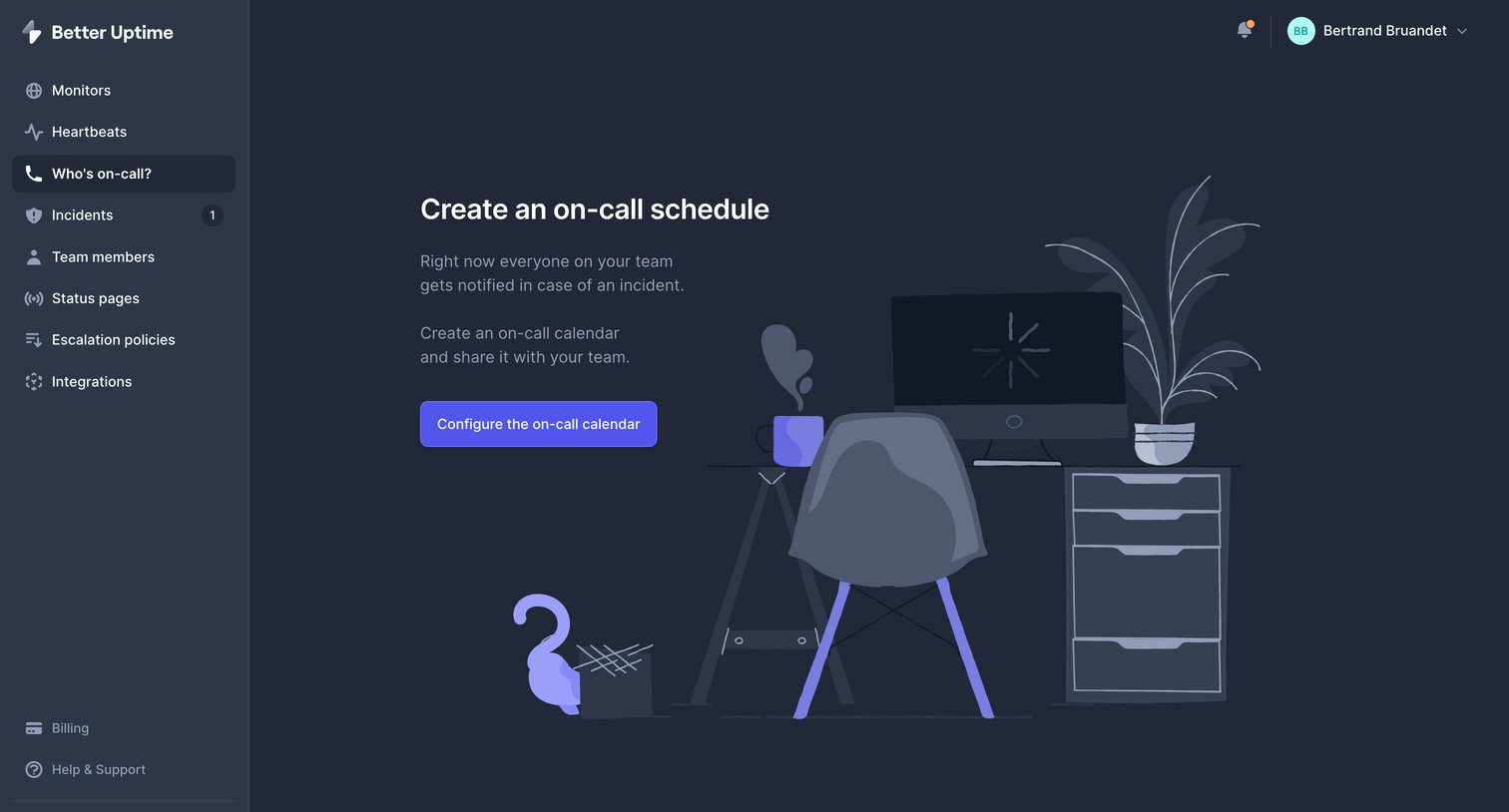
Empty state for the on-call feature where the user is prompted to configure their first schedule to notify the team during incidents.
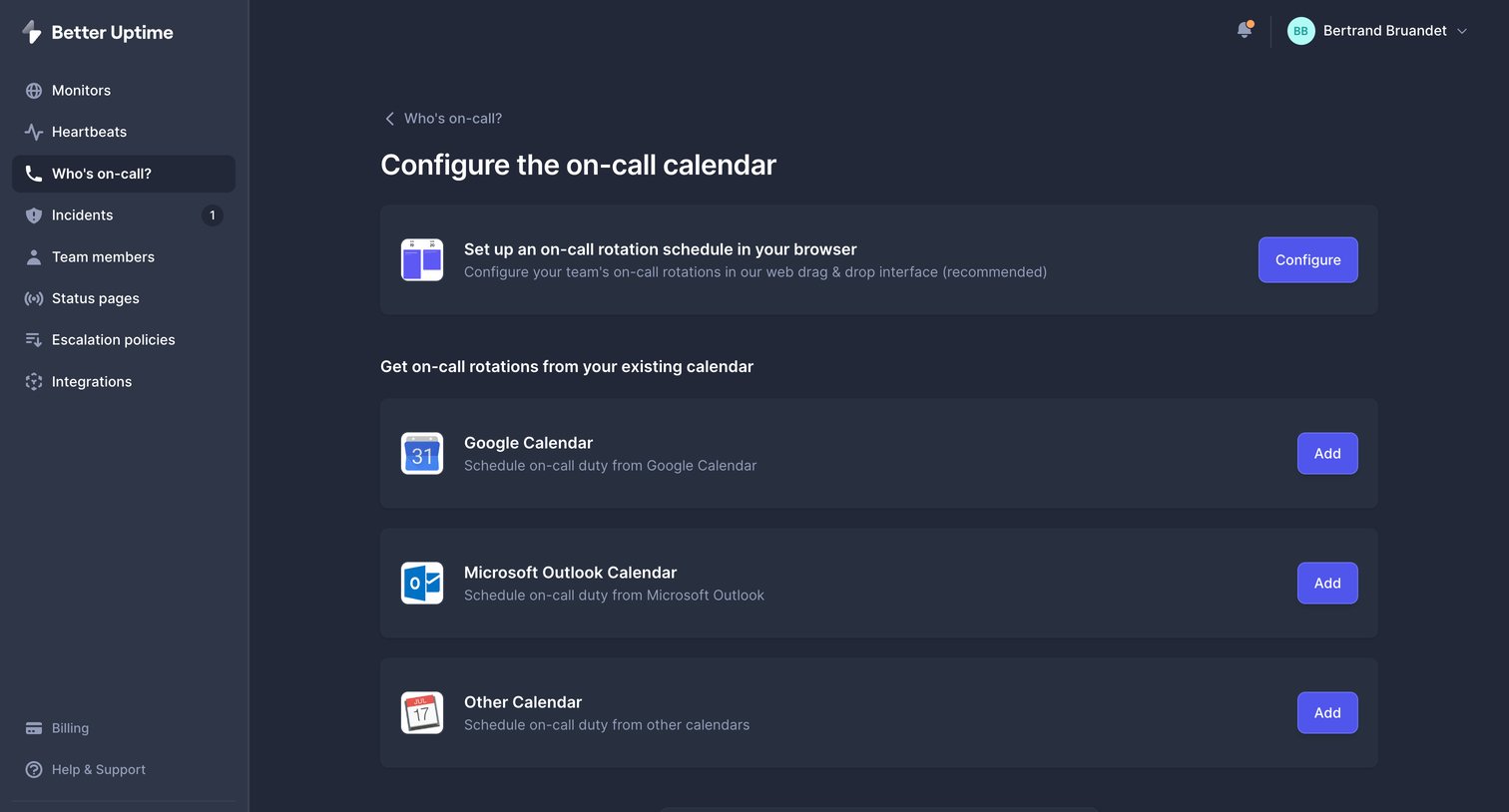
Settings page where the user configures their on-call rotation by choosing between a native browser schedule or connecting an existing Google, Outlook, or other calendar.
Explore the full SaaS screen library
Upgrade to unlock the full library.
Trusted by the best teams







