
Squarespace design examples
Explore Squarespace UI design examples. Build a website
Product screens
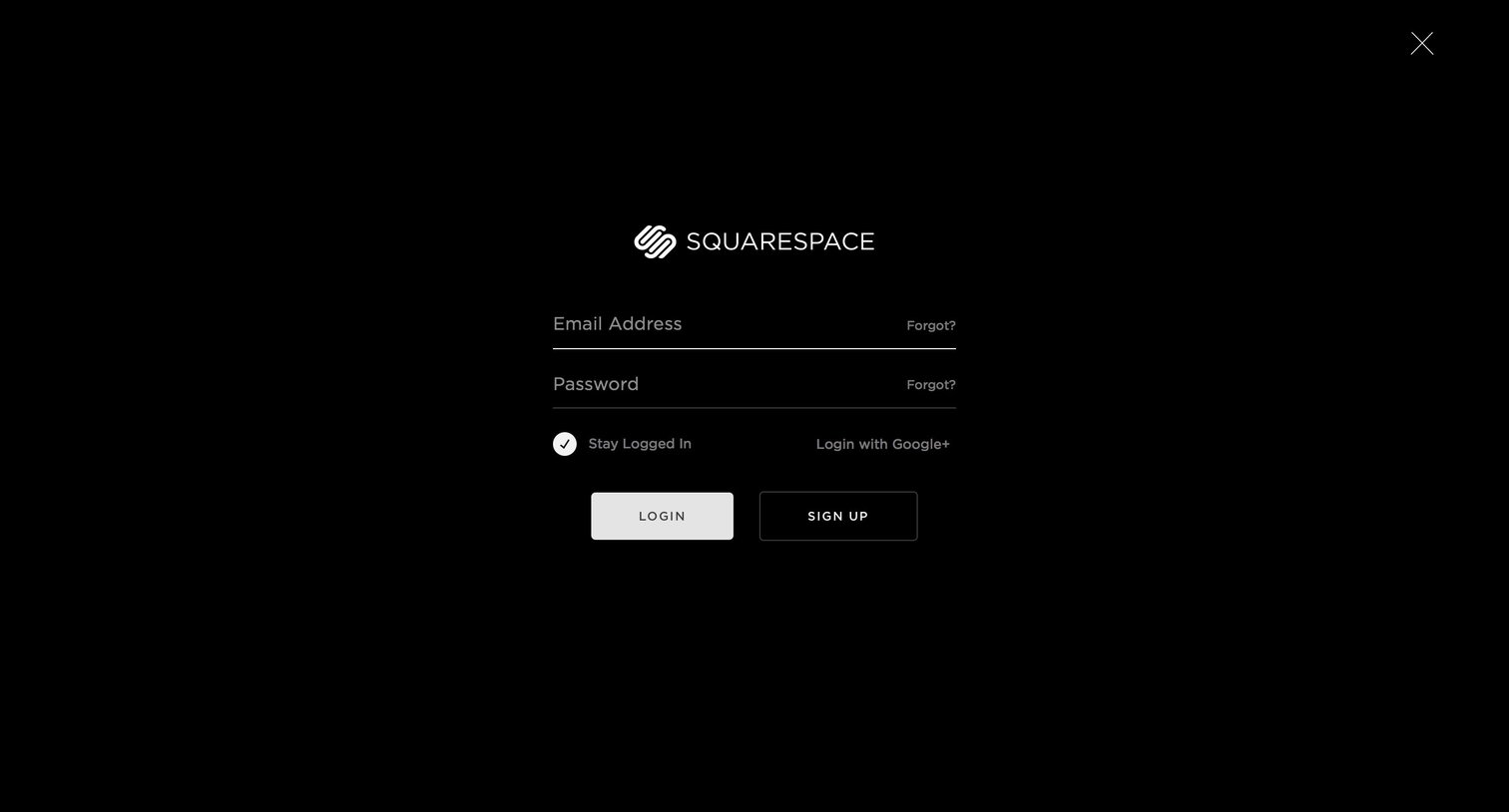
Sign-in screen where the user authenticates with their email and password or via Google, featuring a minimalist dark-themed full-bleed layout.
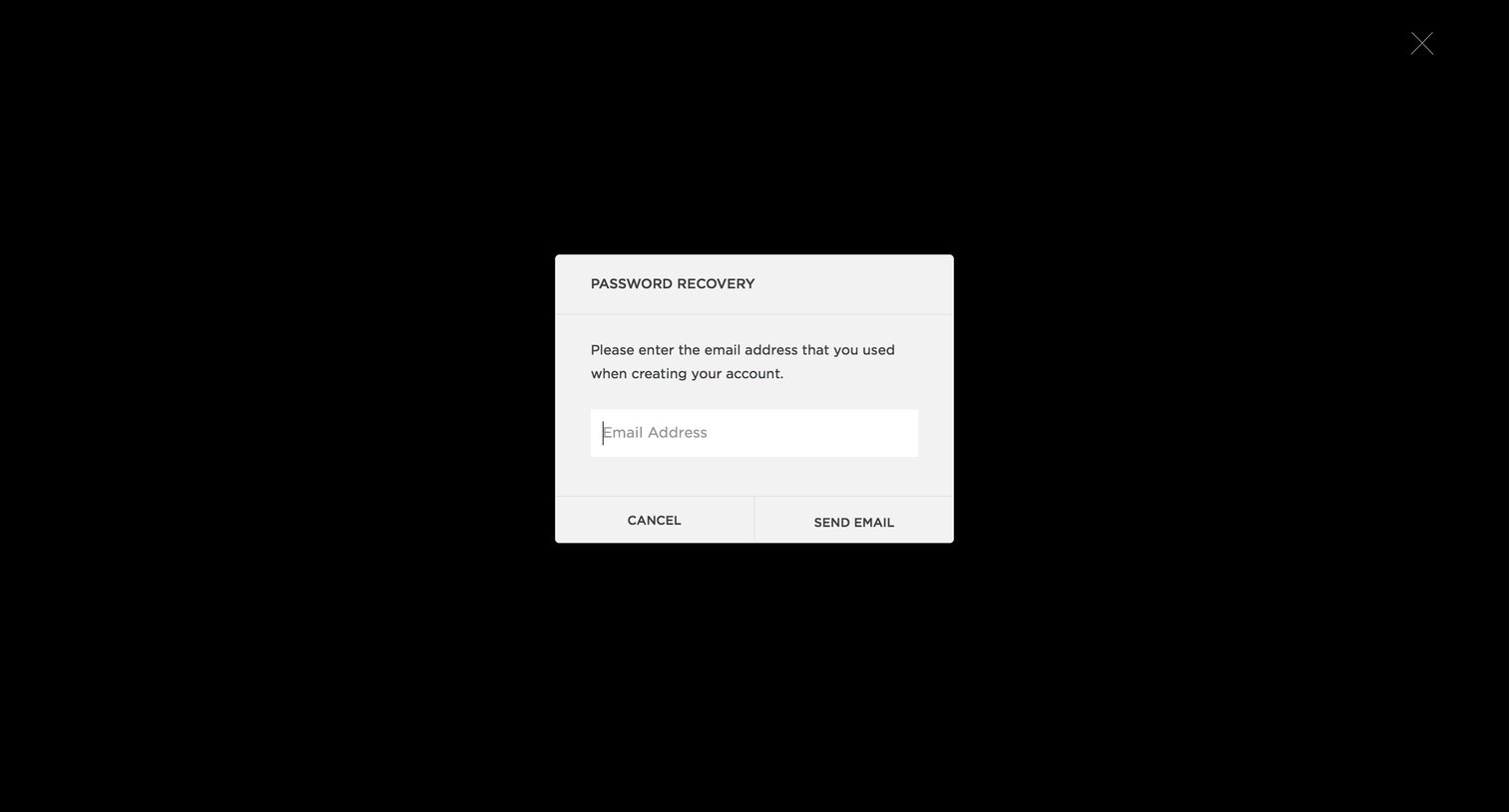
Password recovery screen where the user enters their email address to request a reset link.
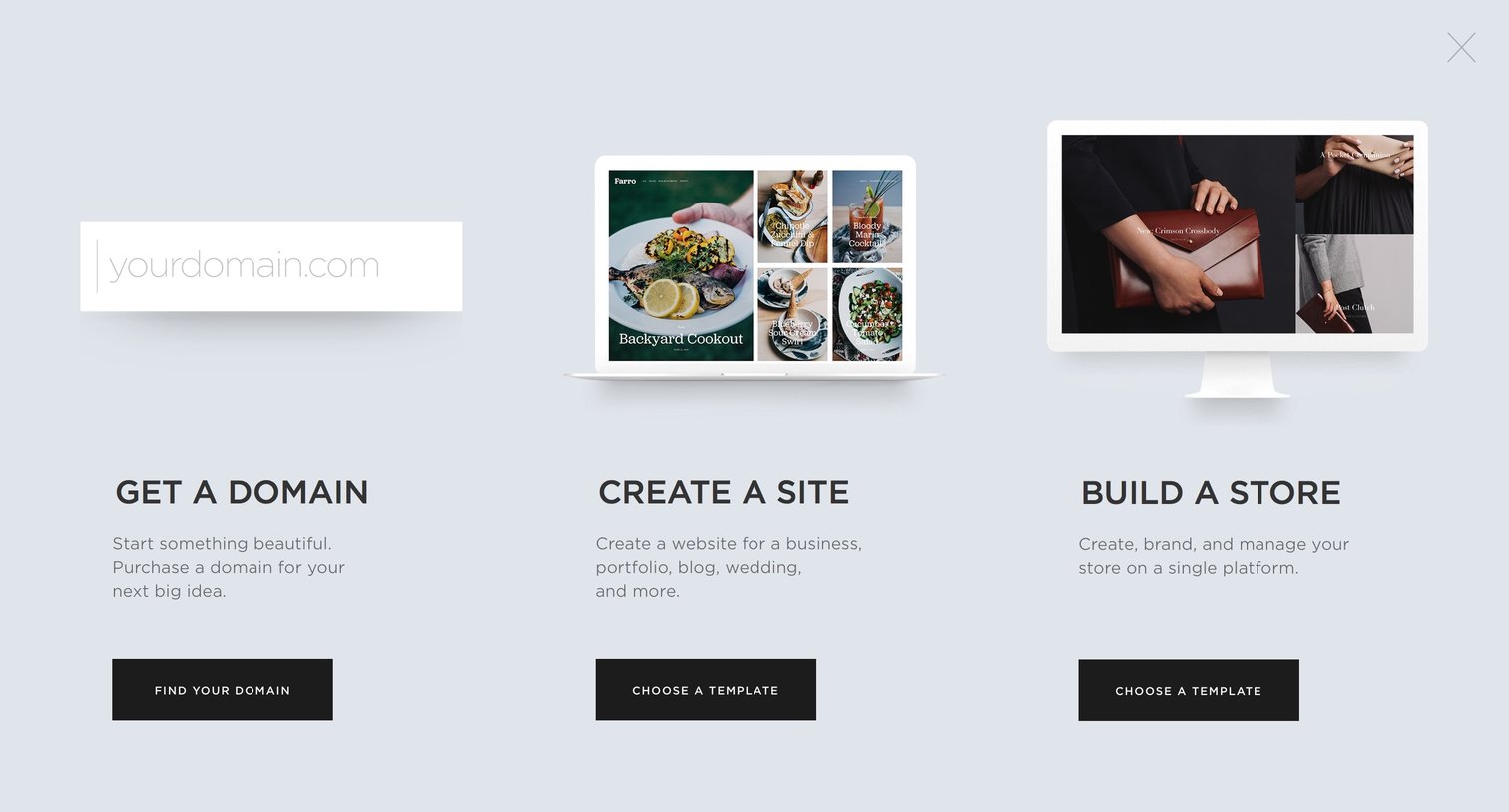
Full-screen onboarding overlay where the user chooses to start by getting a domain, creating a site, or building a store.

Product page showcasing a gallery of website templates filterable by category, followed by personal and business pricing plans.

Onboarding screen where a welcome modal prompts the user to start setting up their new site, displayed over a preview of the site and a trial upgrade banner.
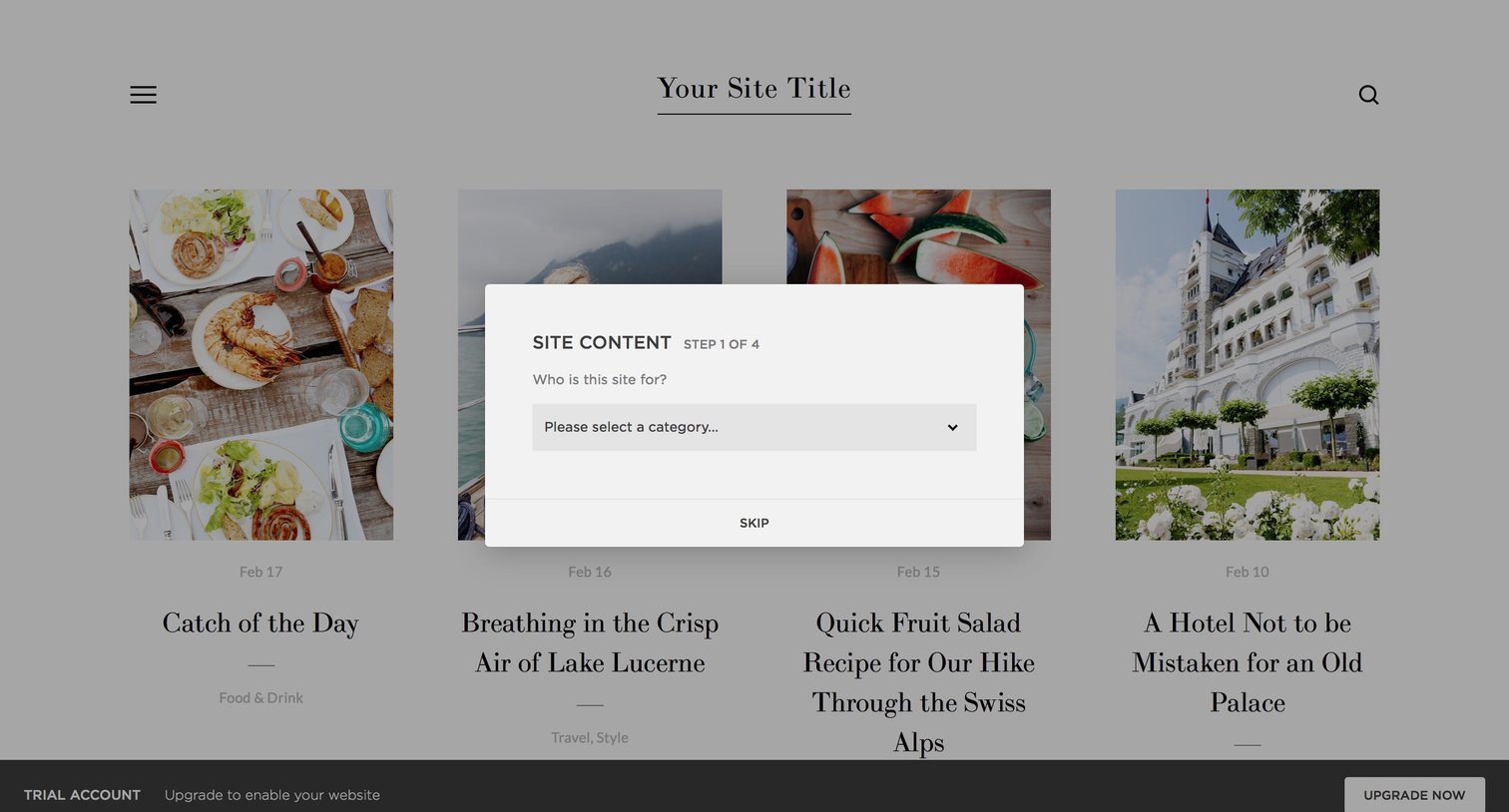
Onboarding step where the user selects a category for their new website, overlaid on a preview of the site template.

List view displaying a grid of portfolio entries with large cover images, alongside a left sidebar and a bottom trial upgrade banner.
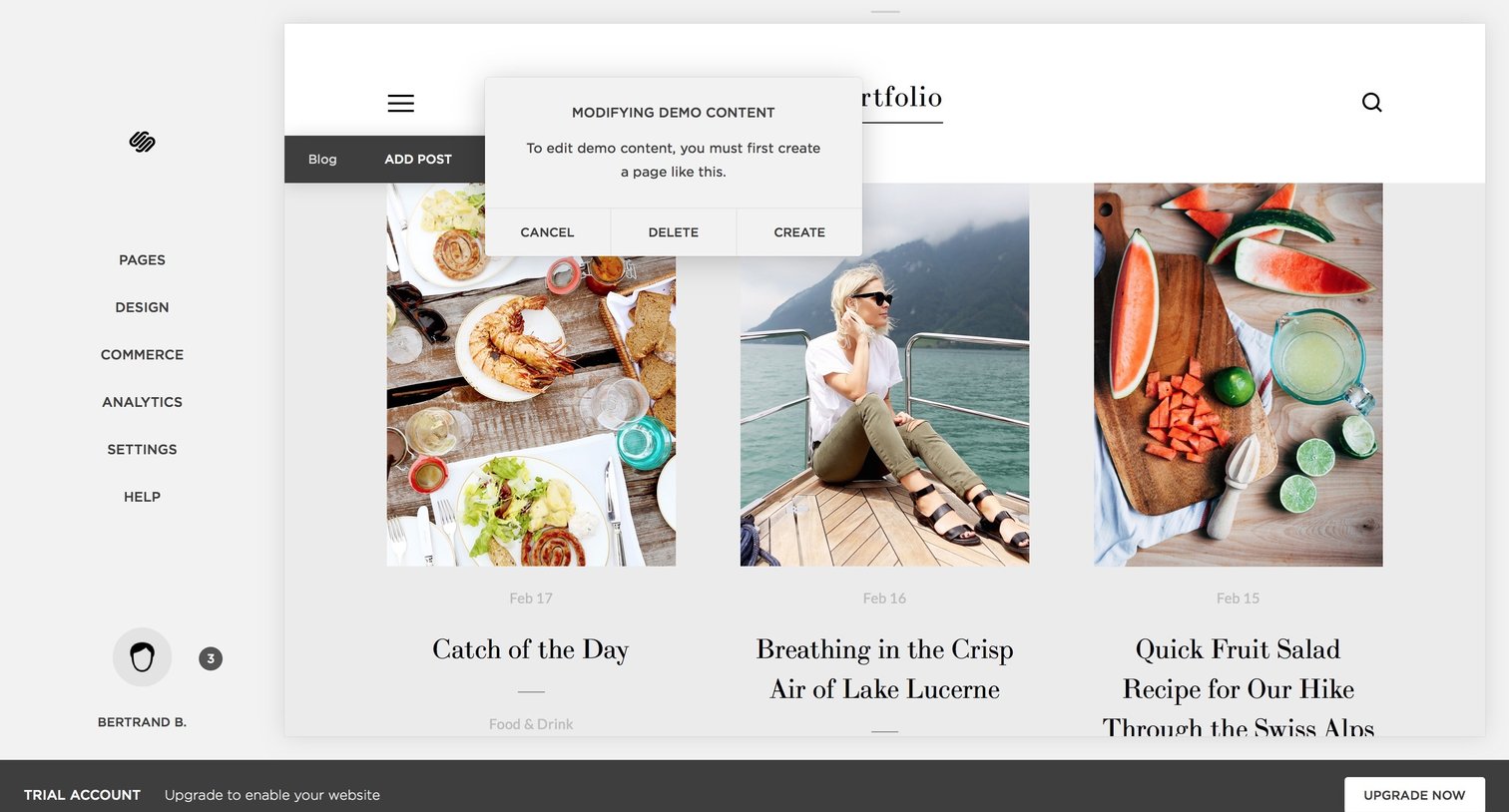
List view of a portfolio or blog where a modal prompts the user to create a new page before modifying demo content, while a bottom banner urges them to upgrade their trial account.
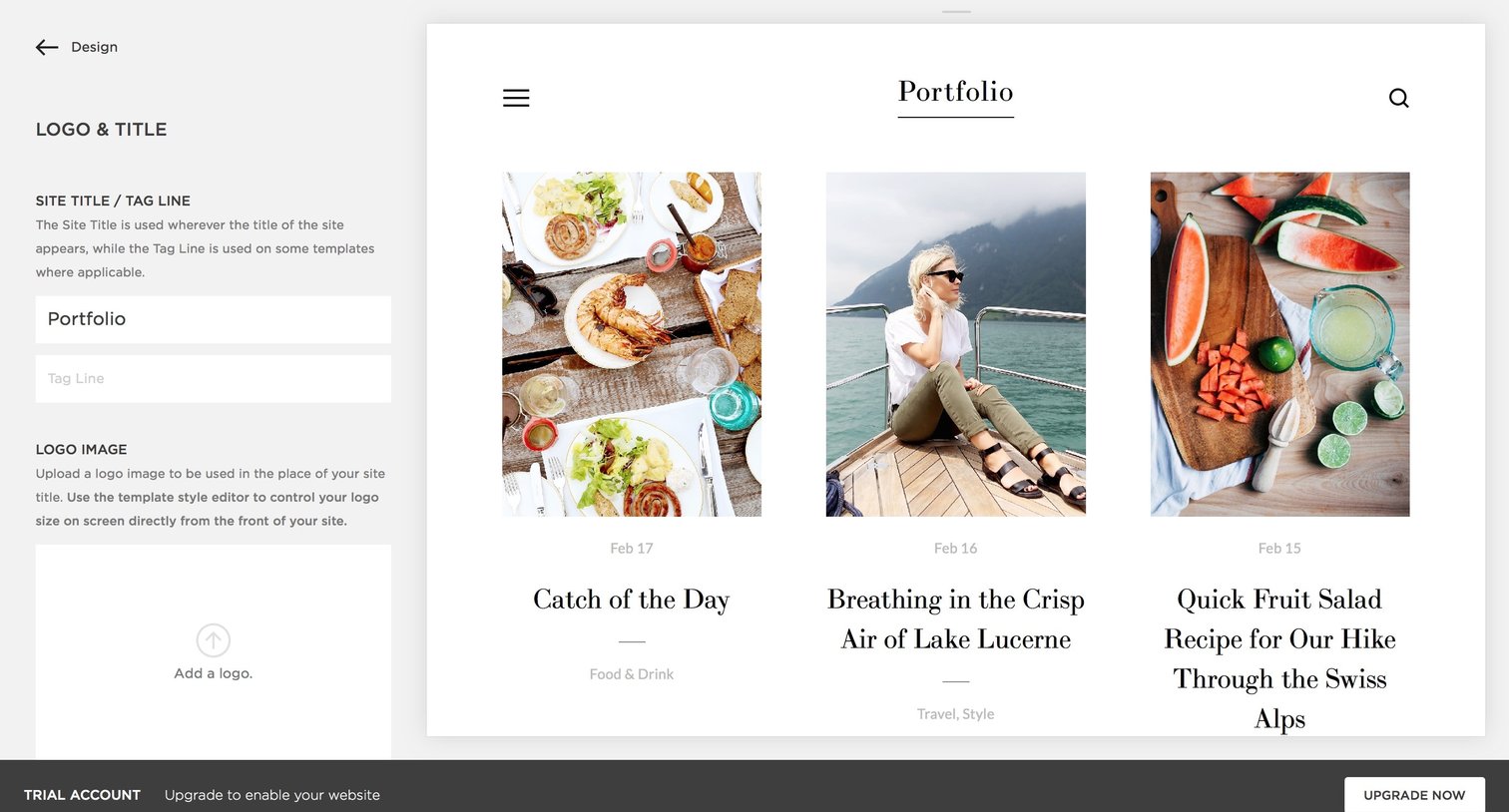
Design editor where the user configures the site title, tagline, and logo while previewing the portfolio layout.
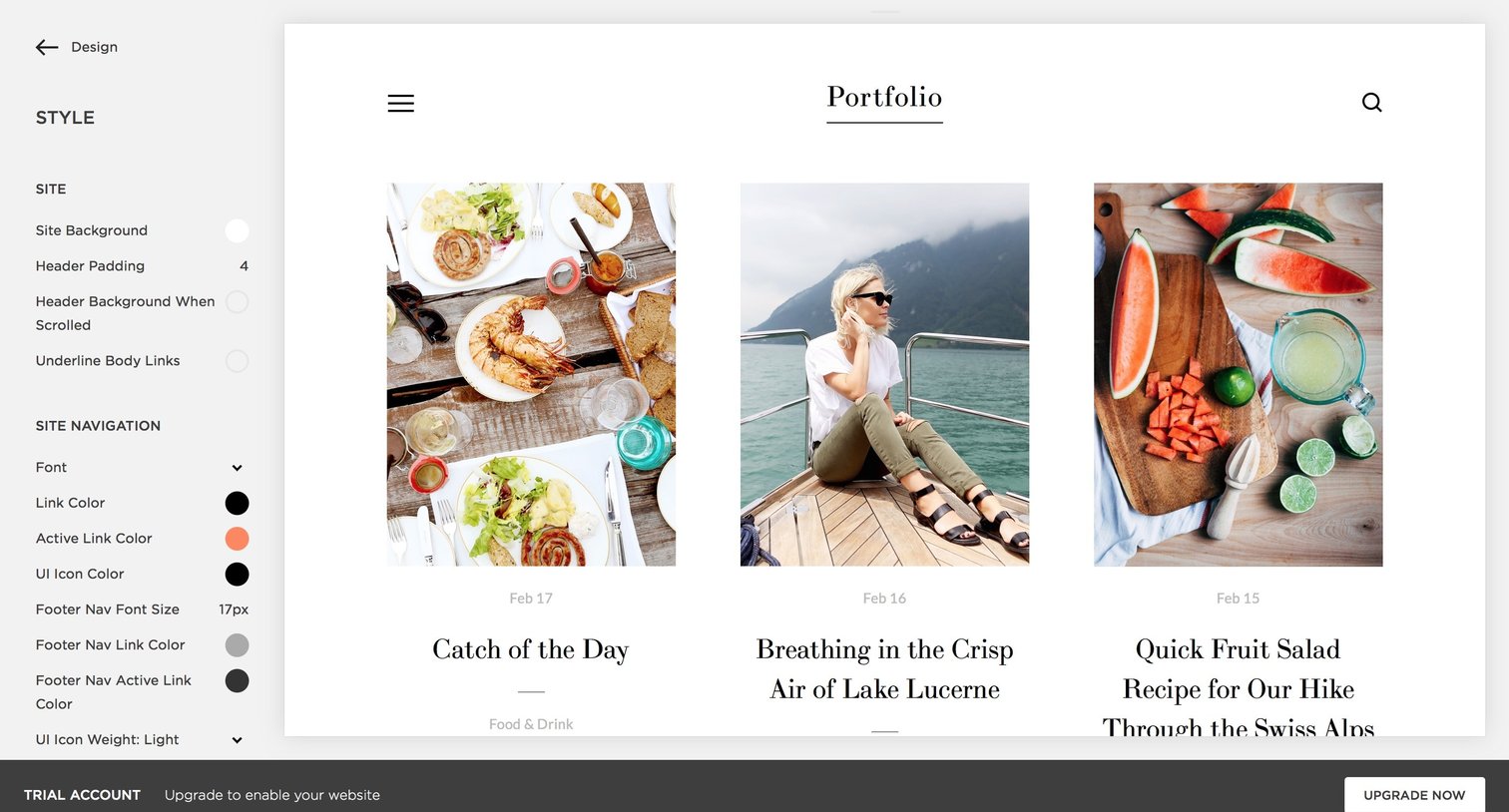
Design editor where the user configures global site styles like colors, fonts, and padding while previewing a portfolio layout.
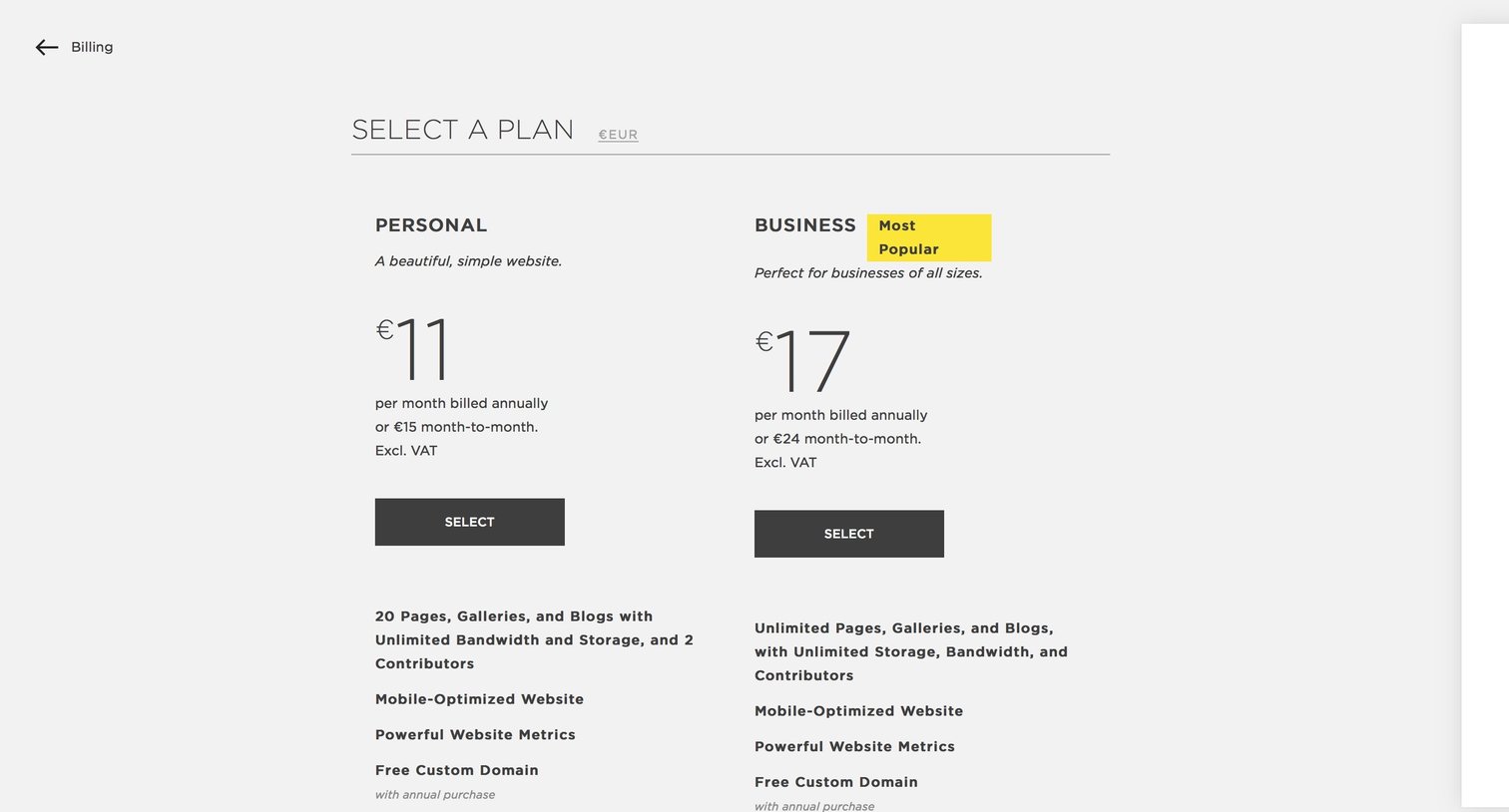
Billing settings page where the user selects between a Personal and Business subscription plan.
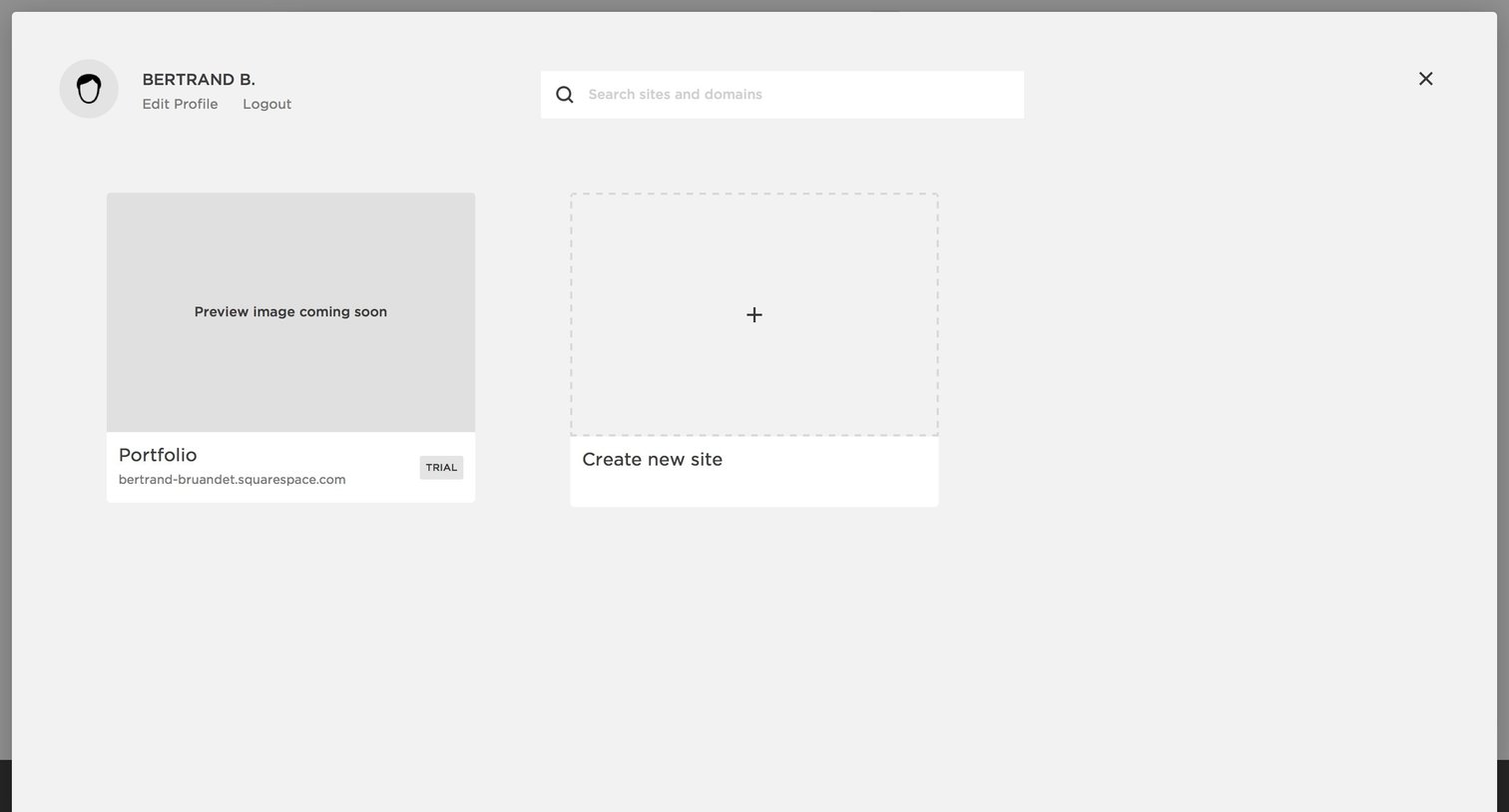
Full-screen overlay where the user selects an existing site portfolio or creates a new site.
Browse the full SaaS app library
Explore real SaaS apps with their product screens, marketing screens, flows, and components.
Trusted by the best teams







