Squarespace design examples
Explore Squarespace UI design examples. Build a website
Product screens
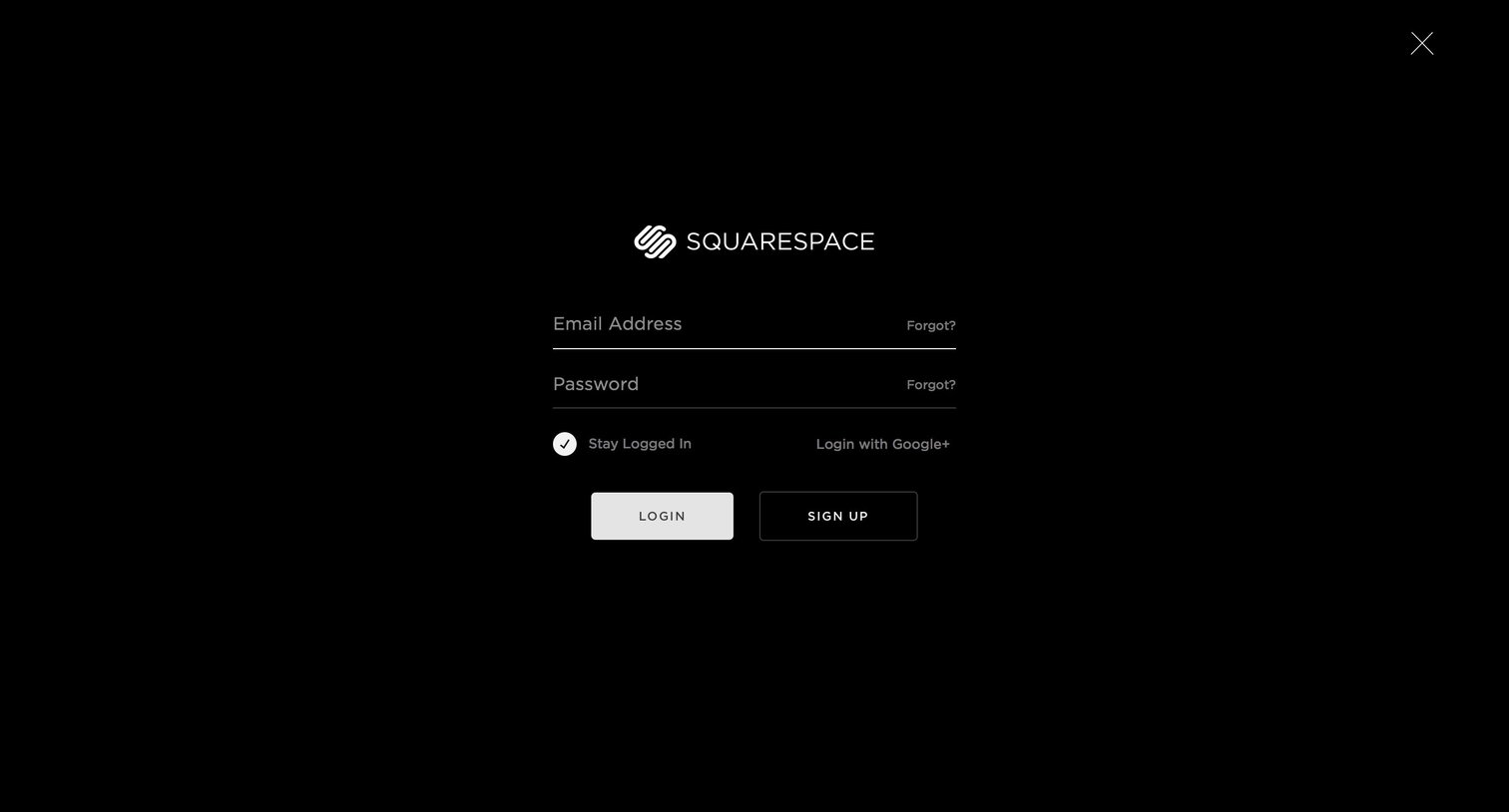

Sign-in screen where the user authenticates with their email and password or via Google, featuring a minimalist dark-themed full-bleed layout.
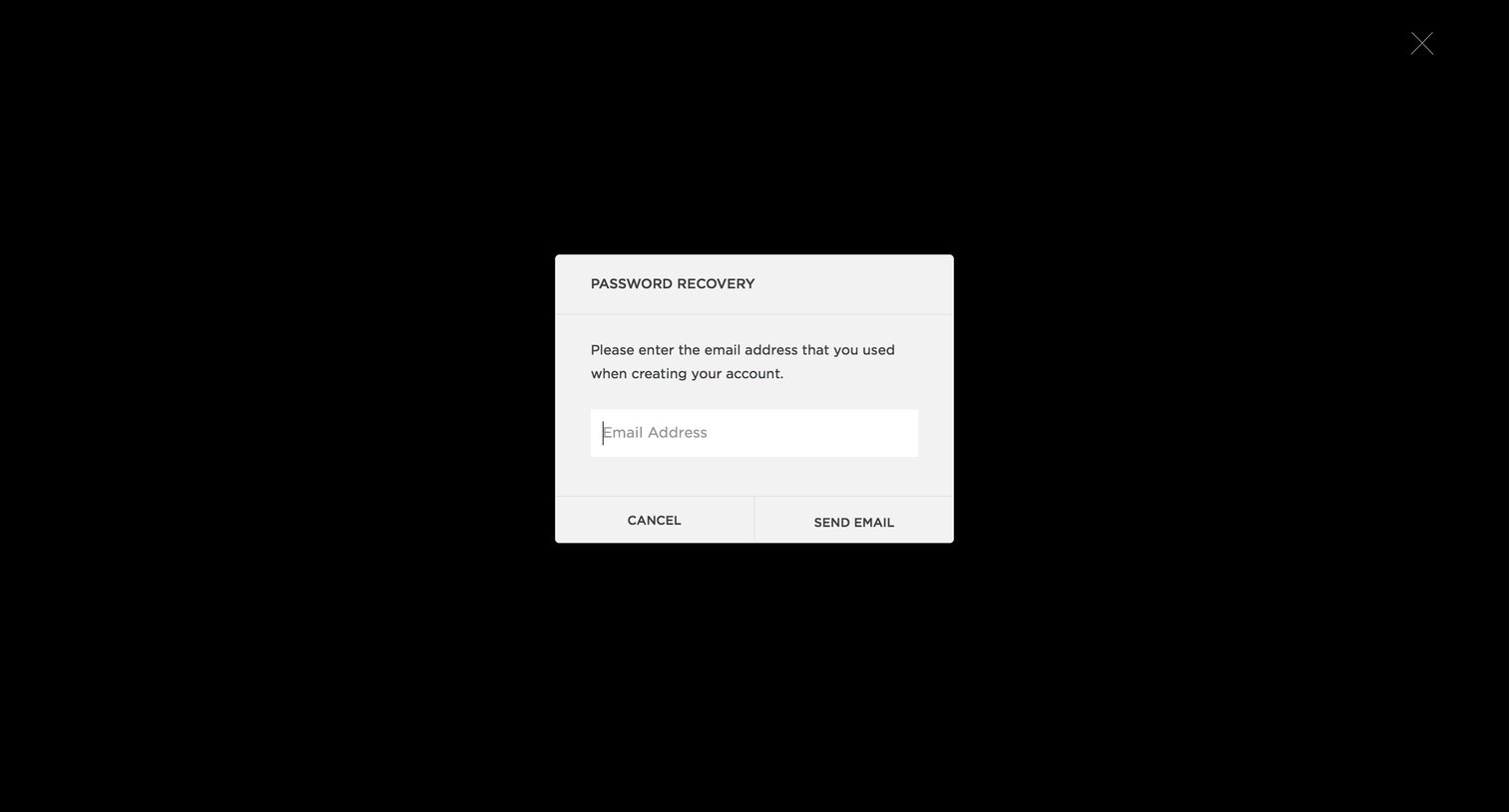
Password recovery screen where the user enters their email address to request a reset link.
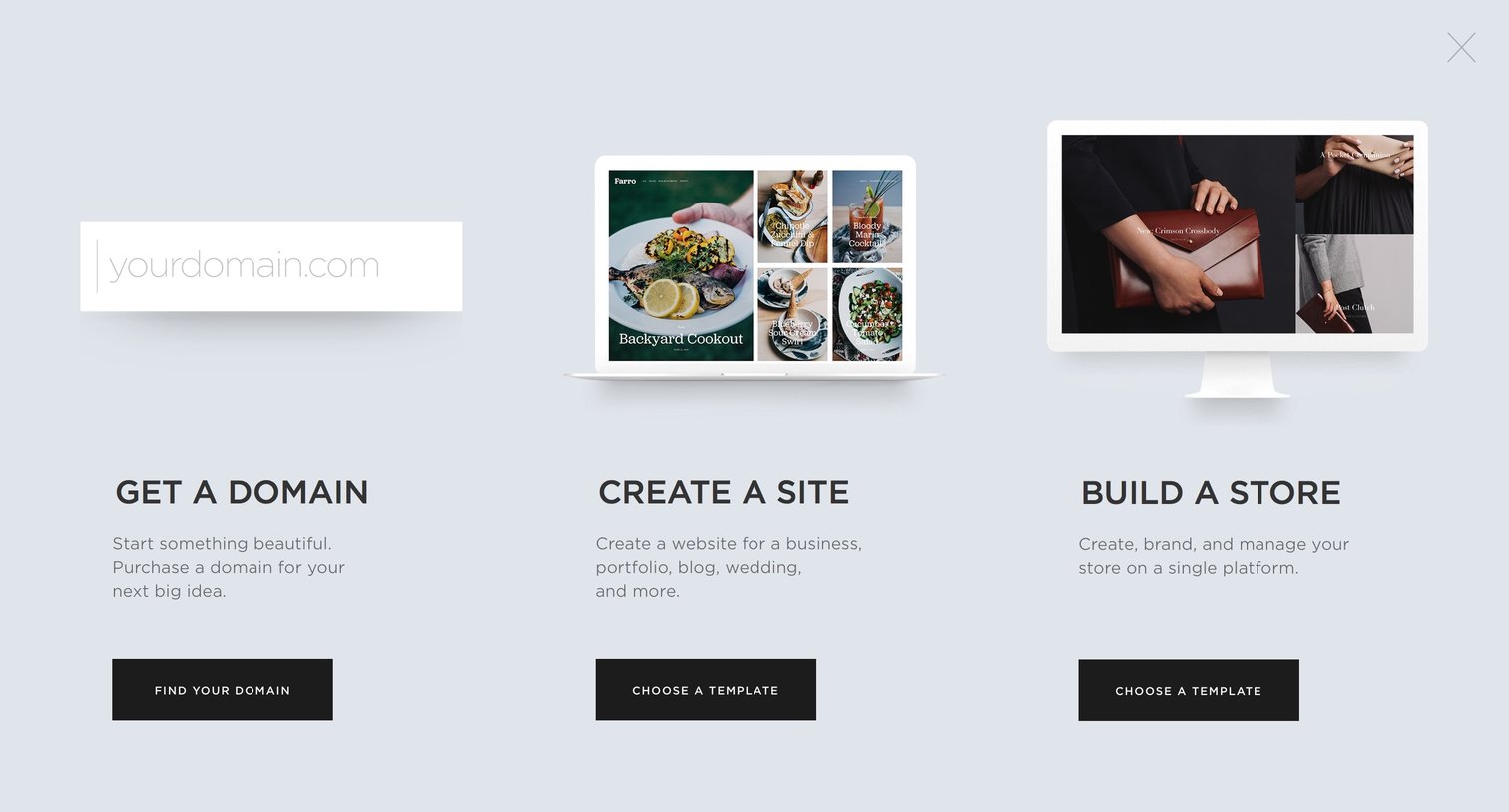
Full-screen onboarding overlay where the user chooses to start by getting a domain, creating a site, or building a store.

Product page showcasing a gallery of website templates filterable by category, followed by personal and business pricing plans.

Product page showcasing the Skye template with desktop and mobile previews, a description of its magazine-style layout, and prompts to start building or preview the design.

Signup overlay where the user creates an account by entering their name, email, and password to start building a site with their selected template.

Onboarding screen where a welcome modal prompts the user to start setting up their new site, displayed over a preview of the site and a trial upgrade banner.
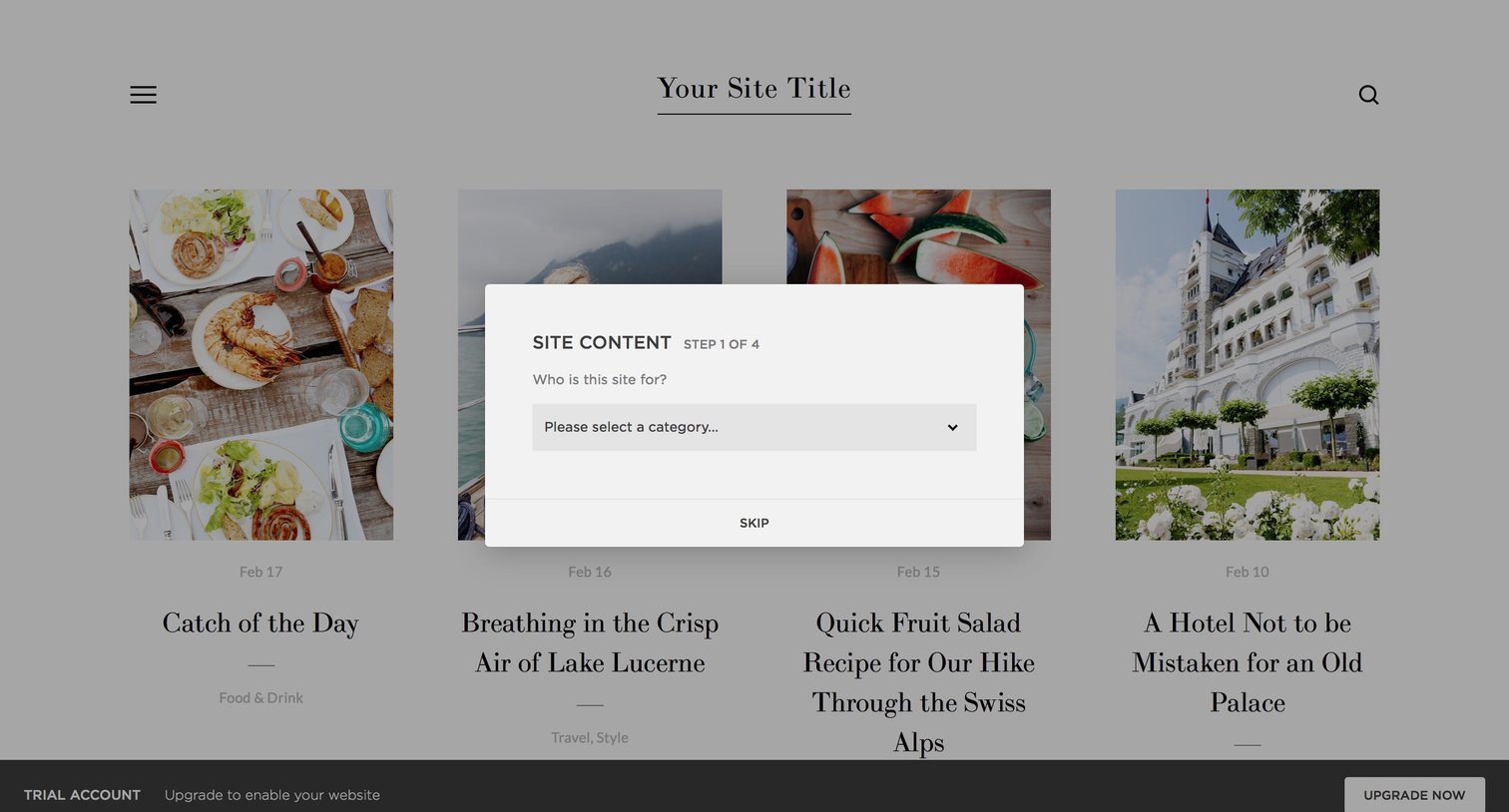
Onboarding step where the user selects a category for their new website, overlaid on a preview of the site template.

Onboarding step where the user selects their website's primary content category from a list of options like Food & Drink, Fashion, or Photography.
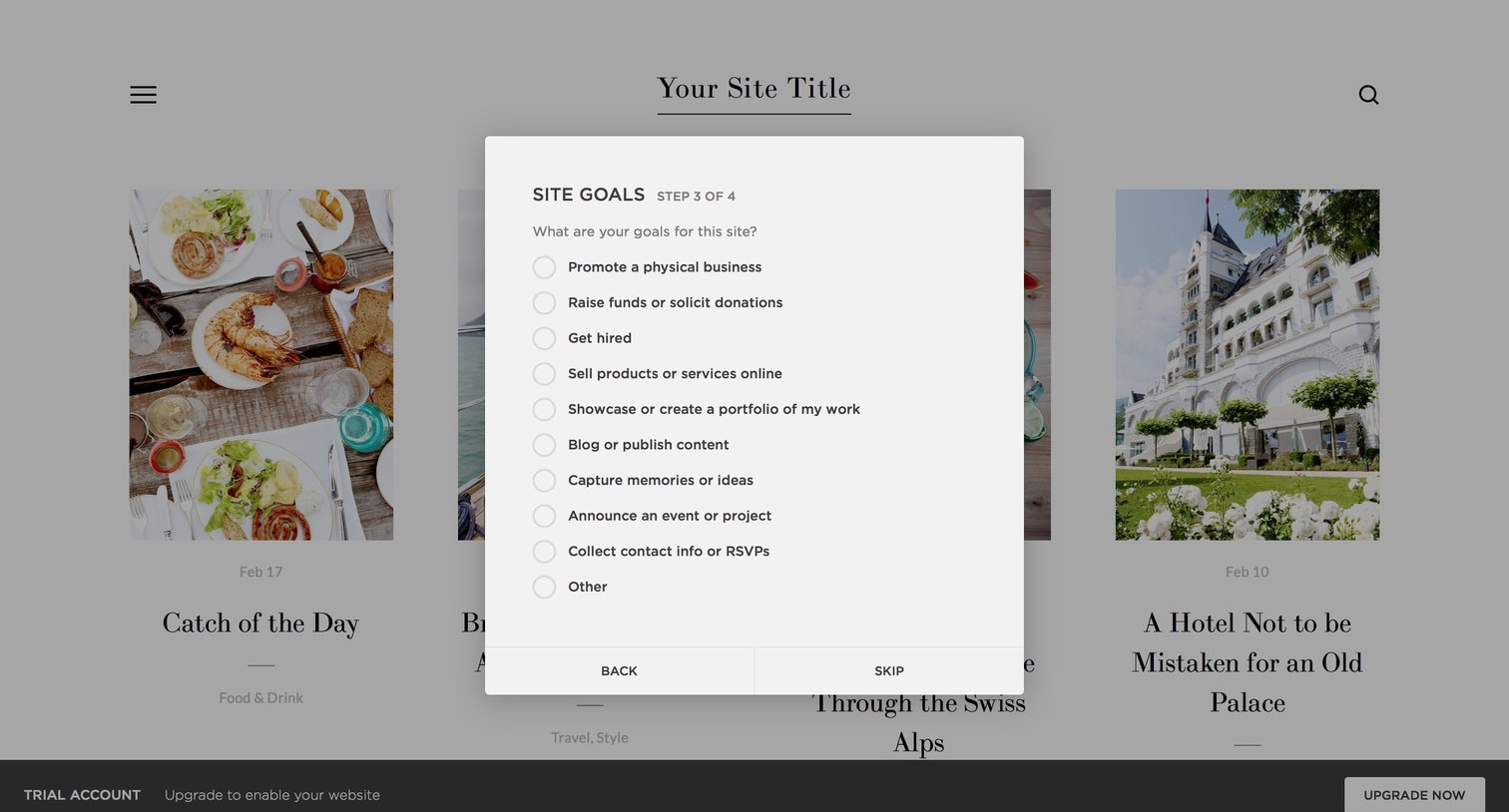
Onboarding step where the user selects their primary goals for the site from a list of radio options.

Onboarding step where the user fills in a title for their website in a modal overlay, with a trial account upgrade banner visible at the bottom.

List view displaying a grid of portfolio entries with large cover images, alongside a left sidebar and a bottom trial upgrade banner.
Browse the full SaaS app library
Explore real SaaS apps with their product screens, marketing screens, flows, and components.
Trusted by the best teams







