
Magic Beans design examples
Explore Magic Beans UI design examples. Run your startup finances from Notion
Product screens
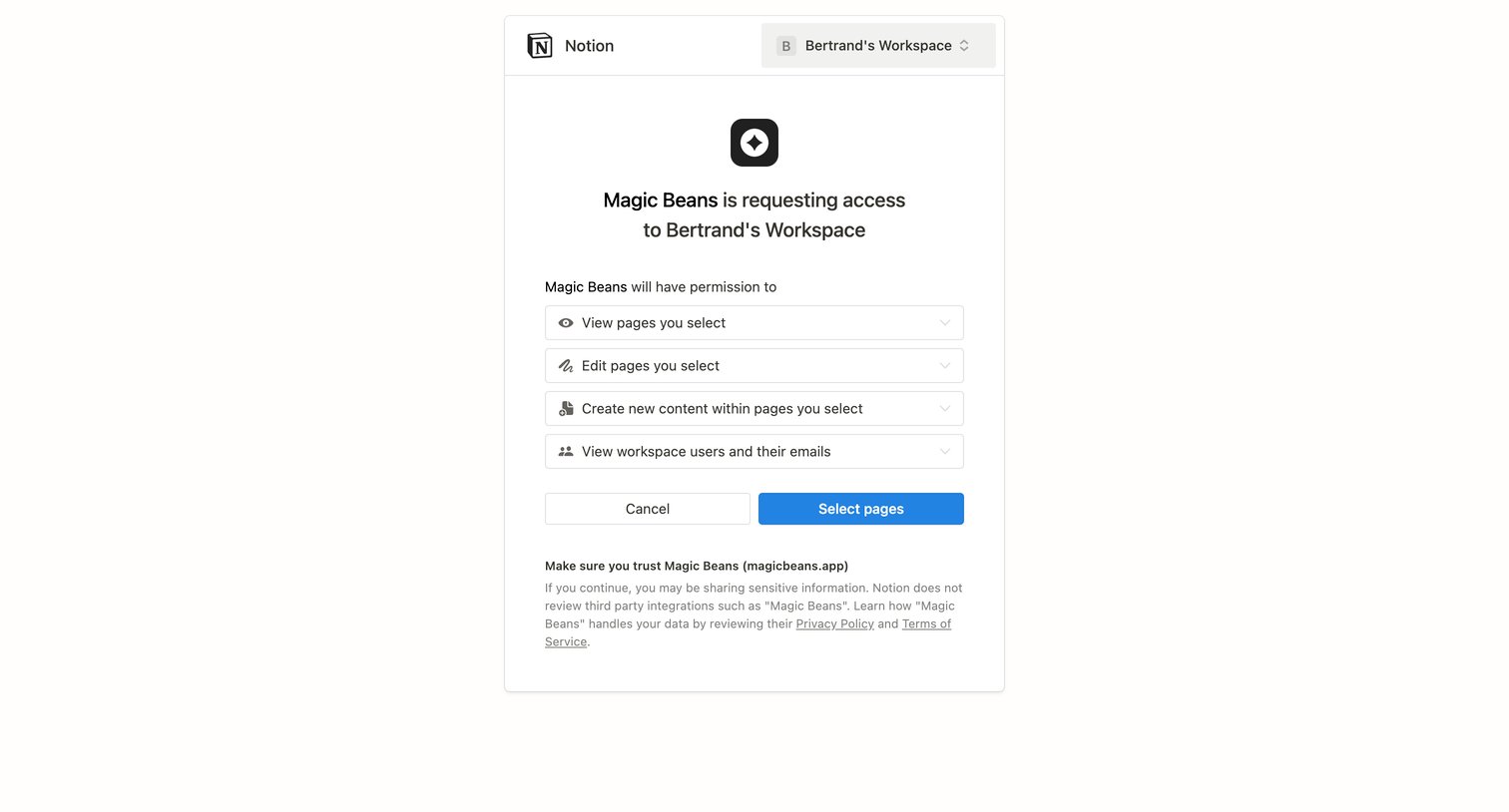
OAuth consent screen where the user reviews requested permissions and selects pages to grant Magic Beans access to their Notion workspace.
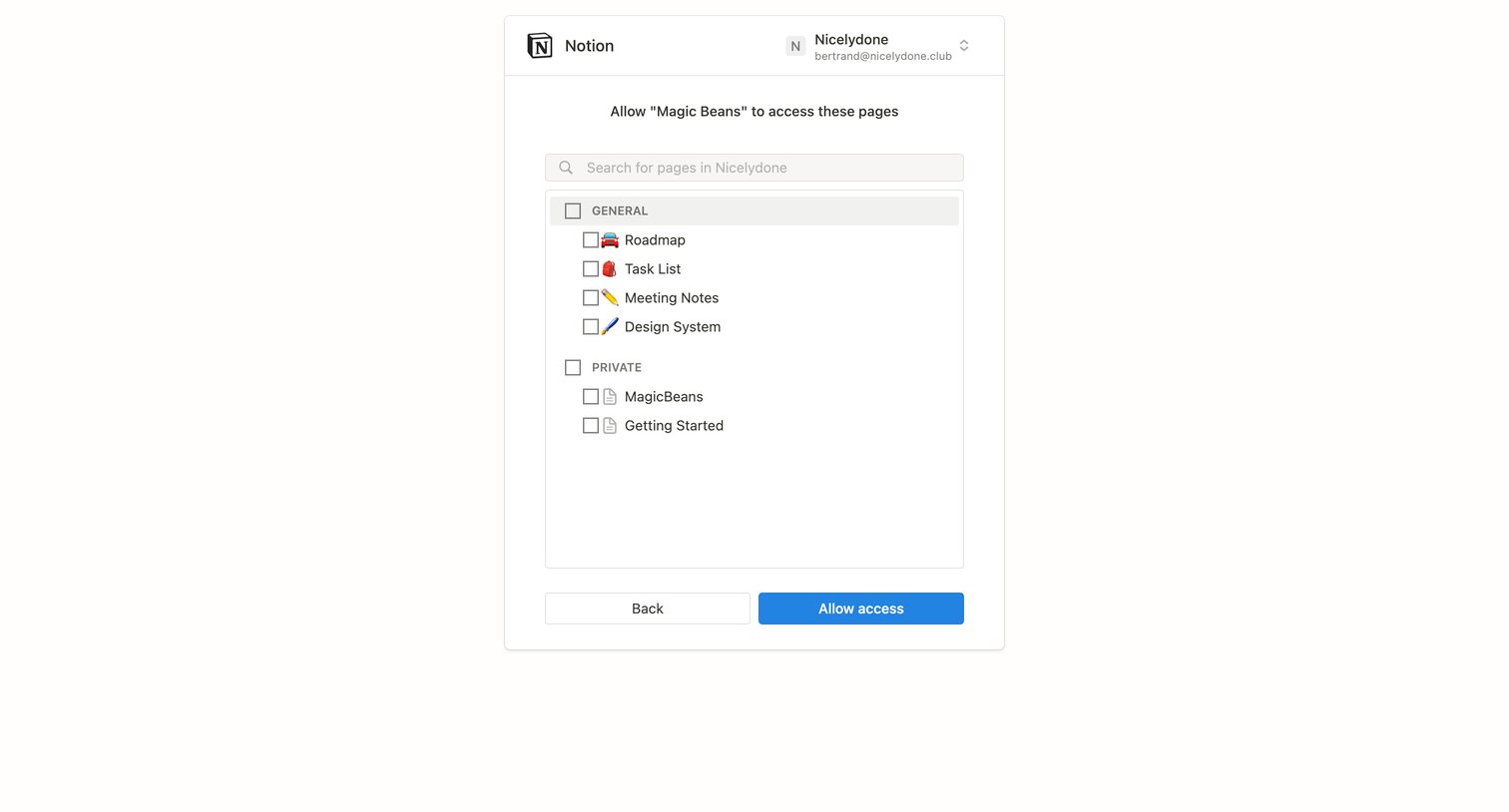
OAuth consent screen where the user selects specific Notion pages to share with the Magic Beans integration.
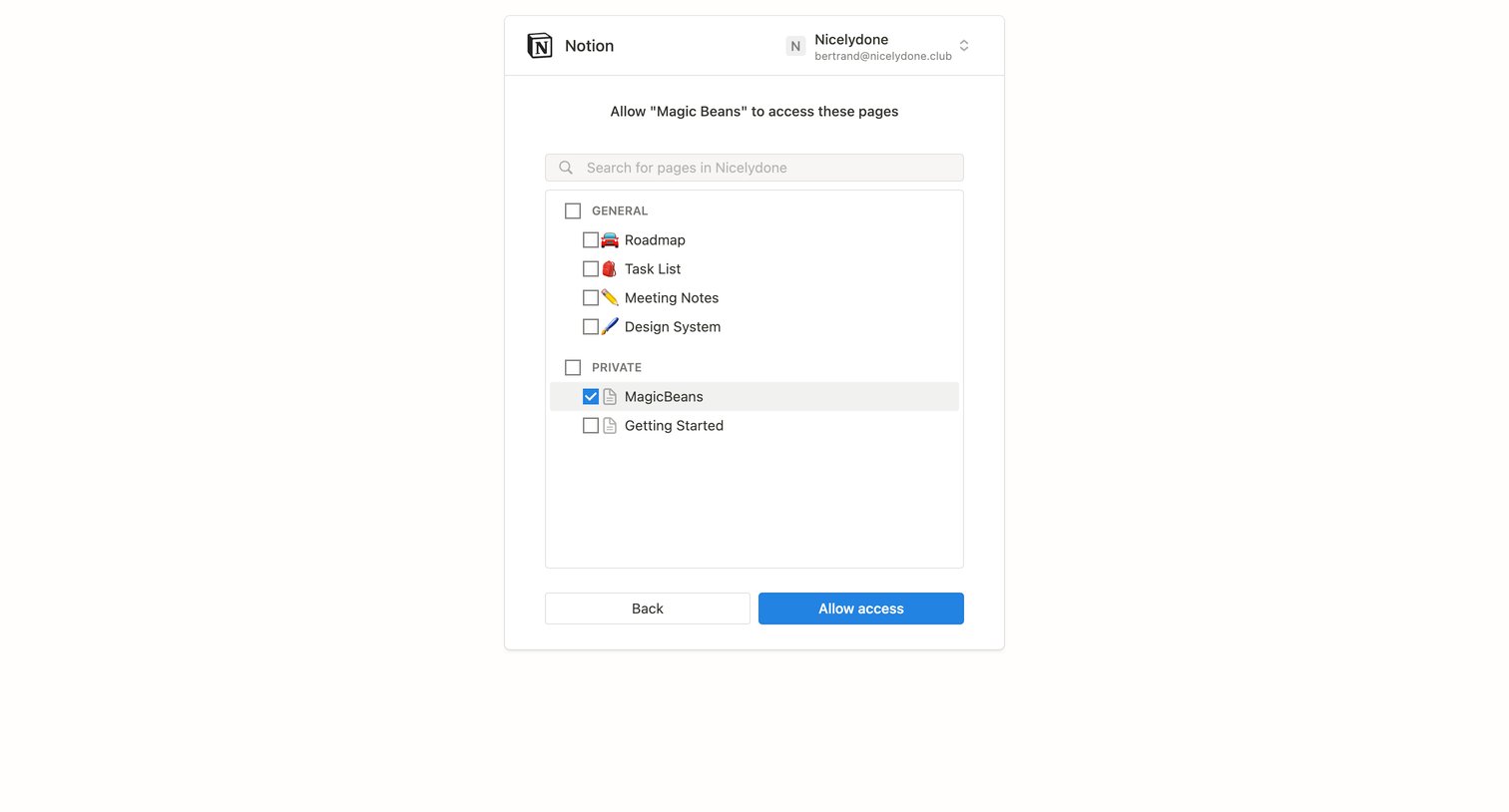
OAuth consent screen where the user selects specific Notion pages to grant access to the Magic Beans integration.
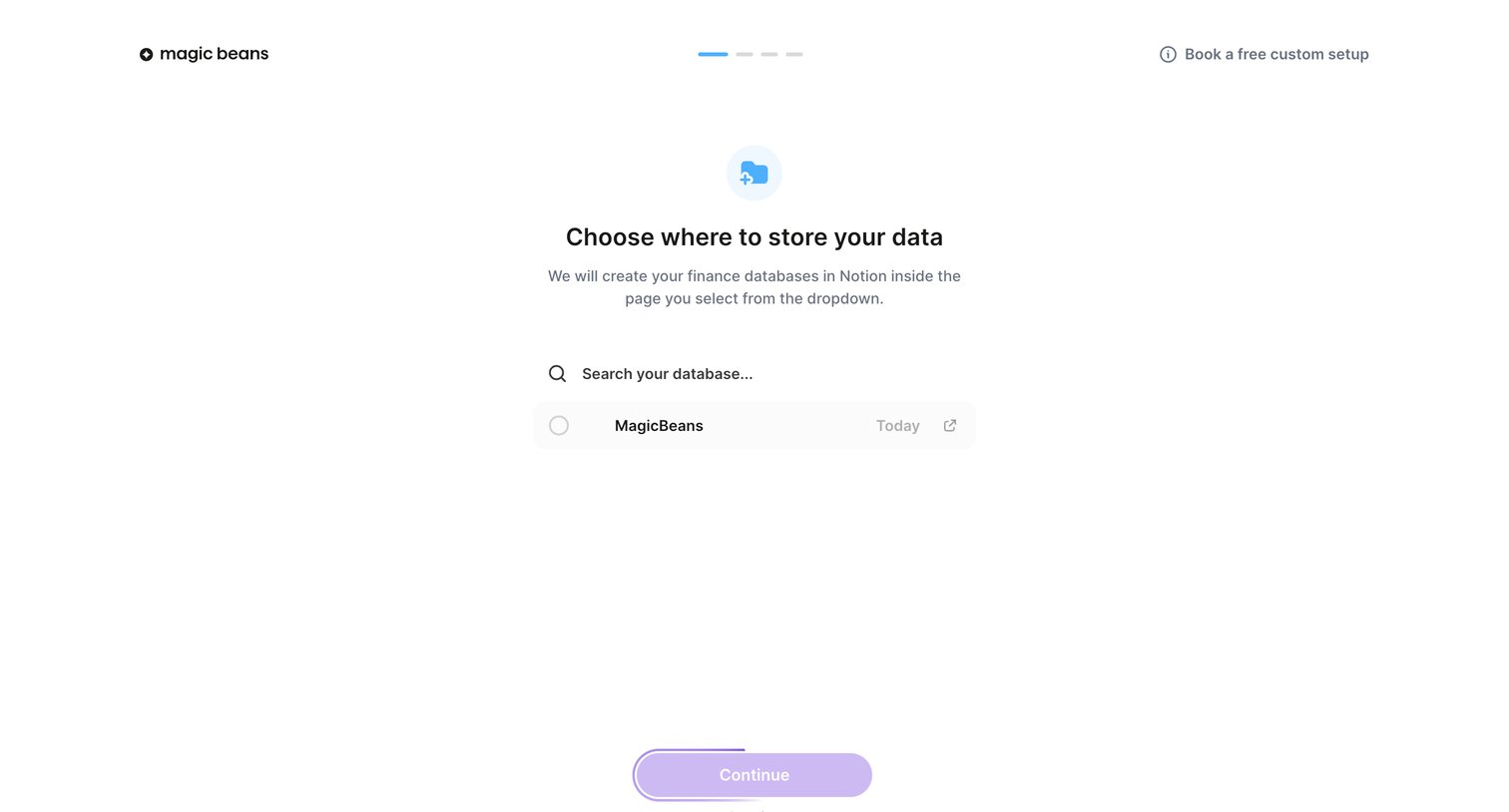
Onboarding step where the user selects a Notion database to store their finance data.
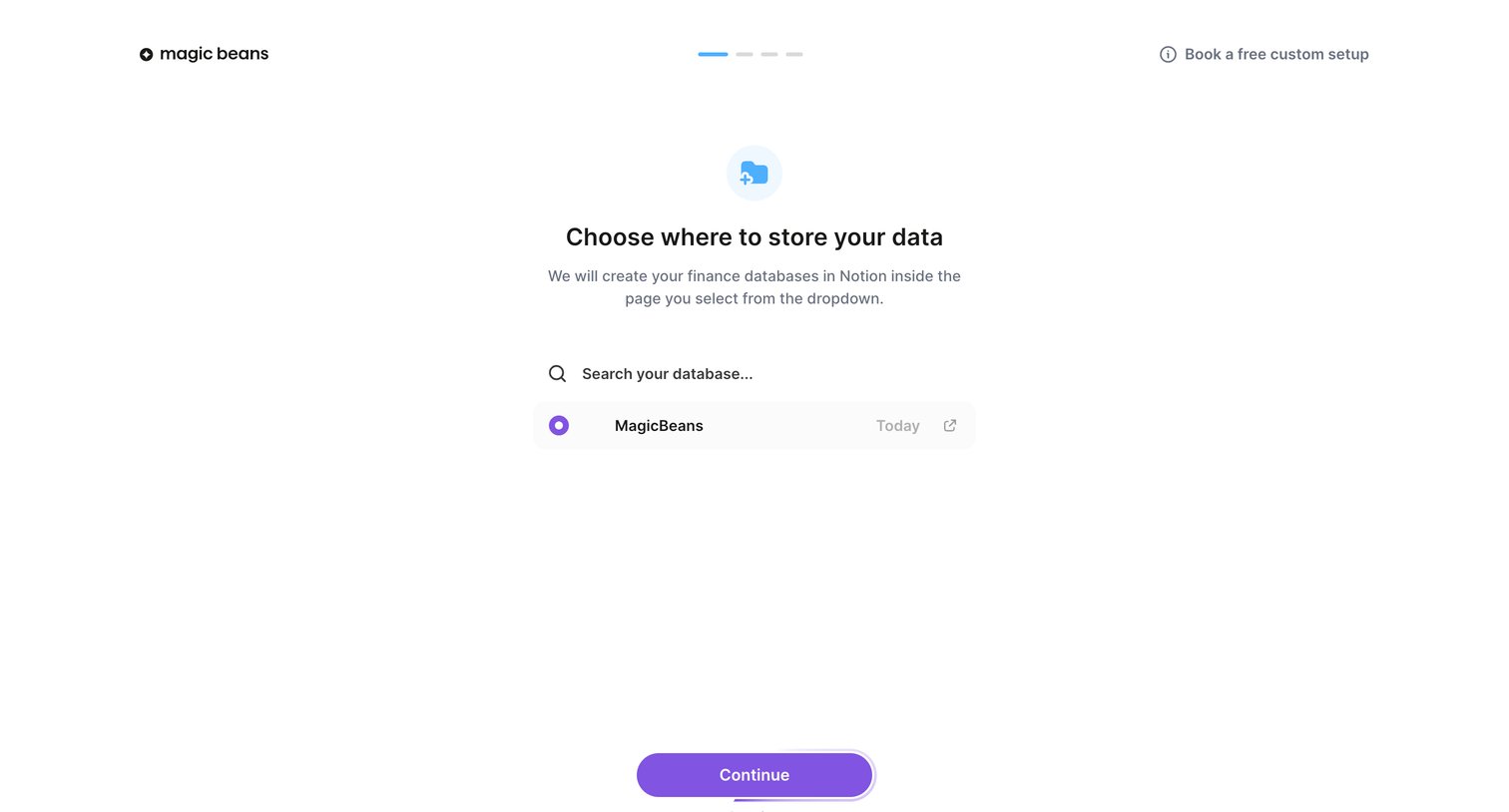
Onboarding step where the user searches for and selects a Notion database to store their finance data.
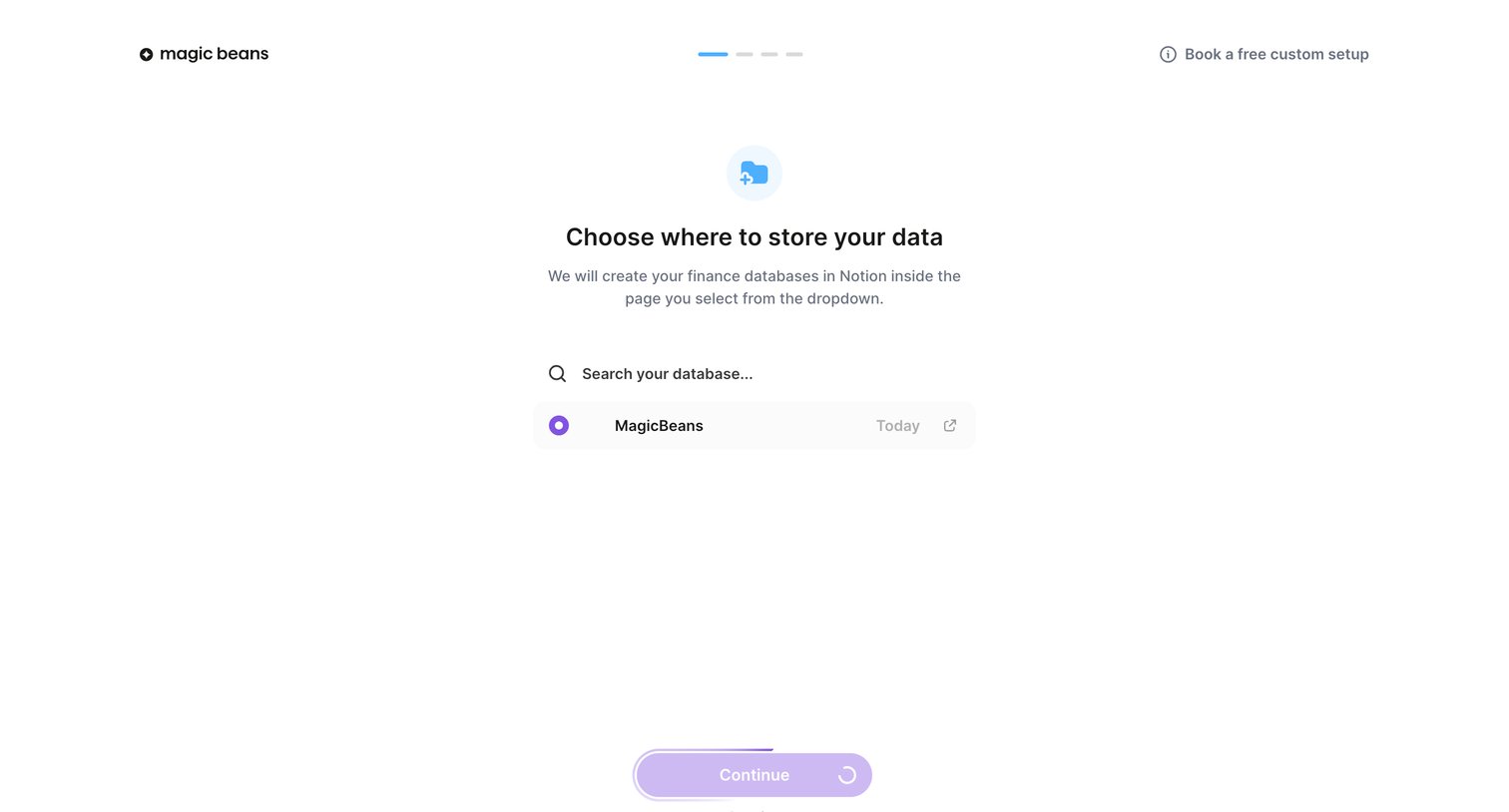
Onboarding step where the user searches for and selects a Notion database to store their finance data, currently showing a syncing state.
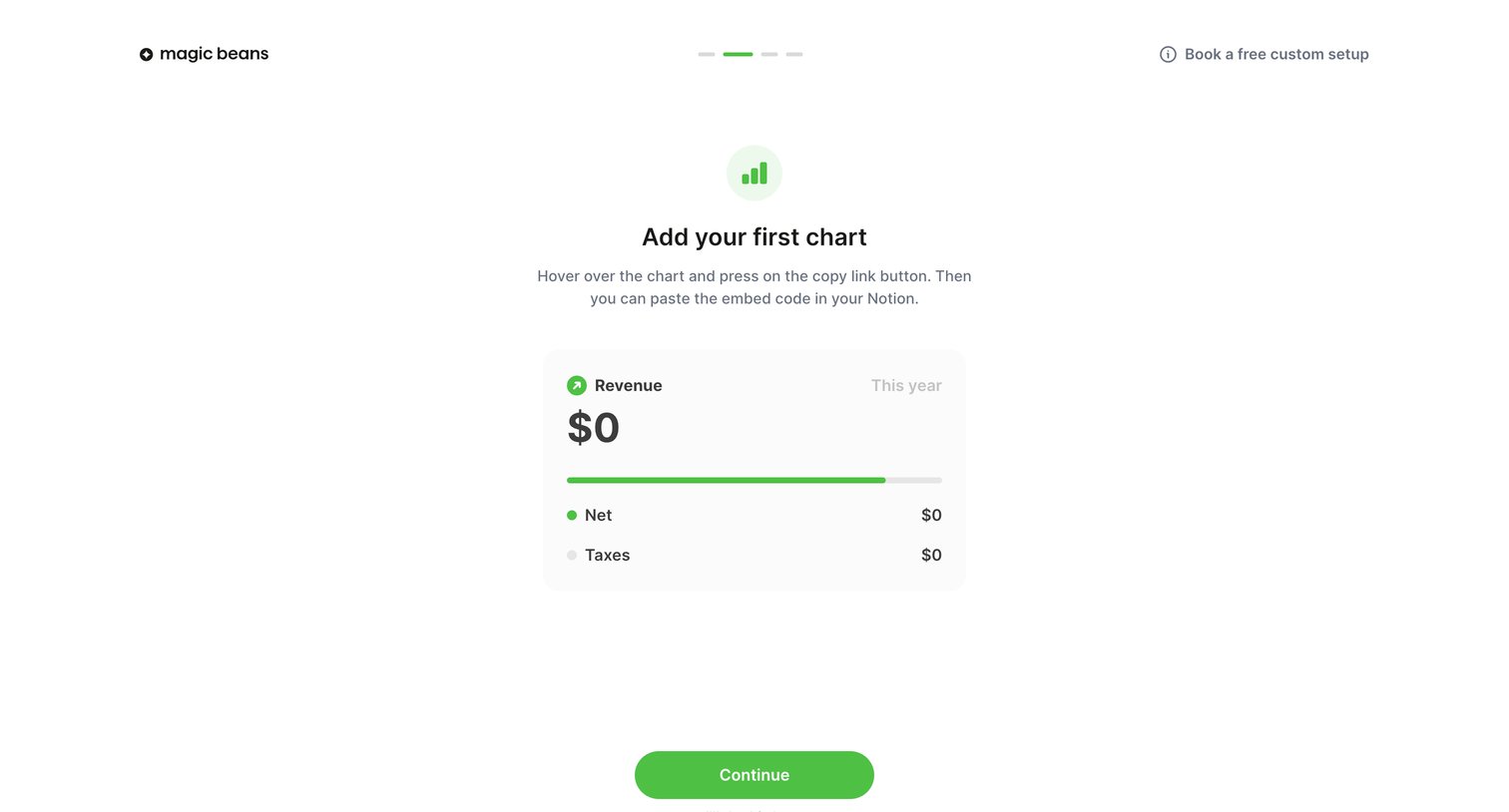
Onboarding step where the user is instructed to copy an embed code for their first chart and paste it into Notion.
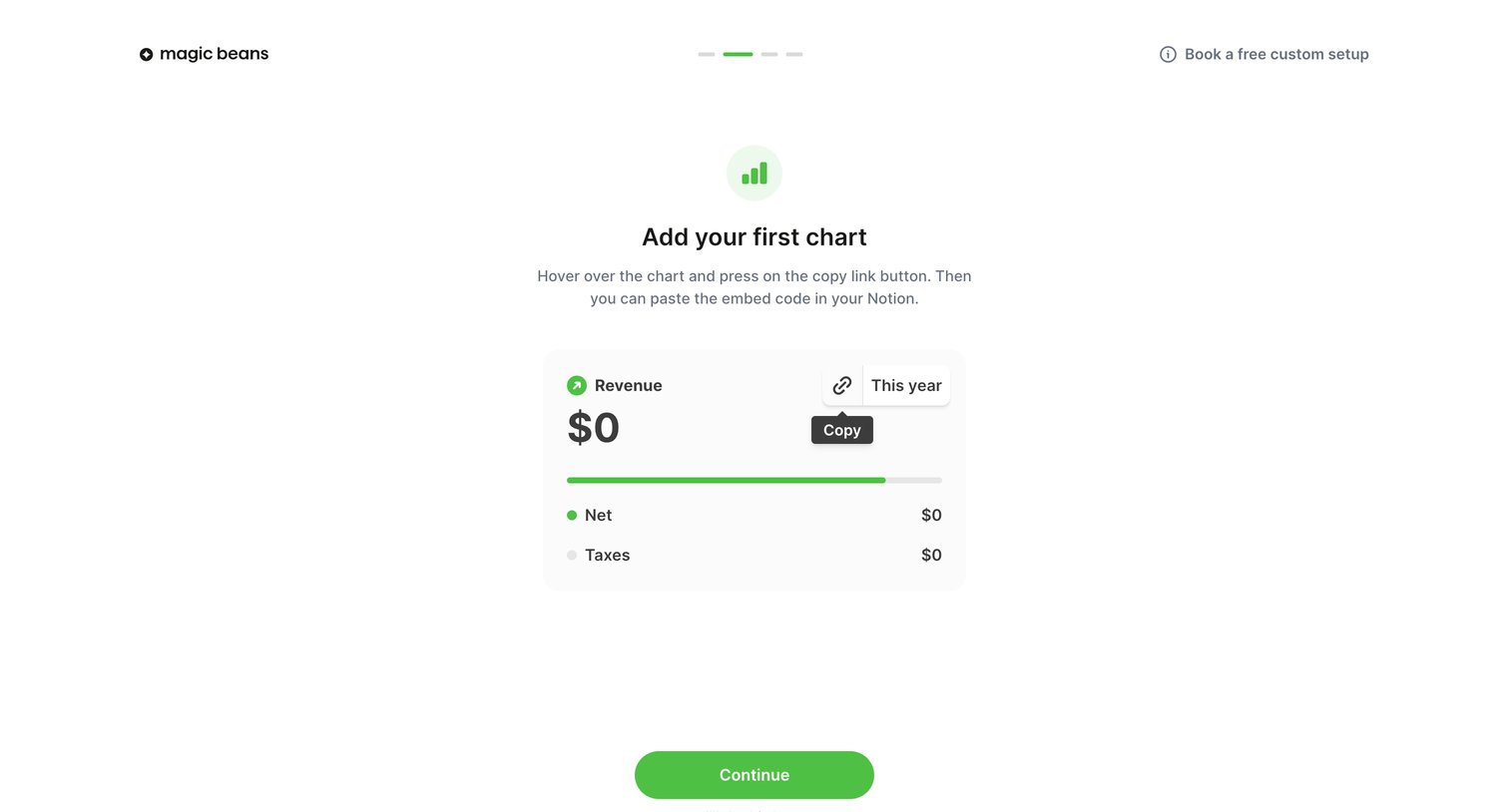
Onboarding step where the user is instructed to copy an embed link for their first revenue chart to paste into Notion.
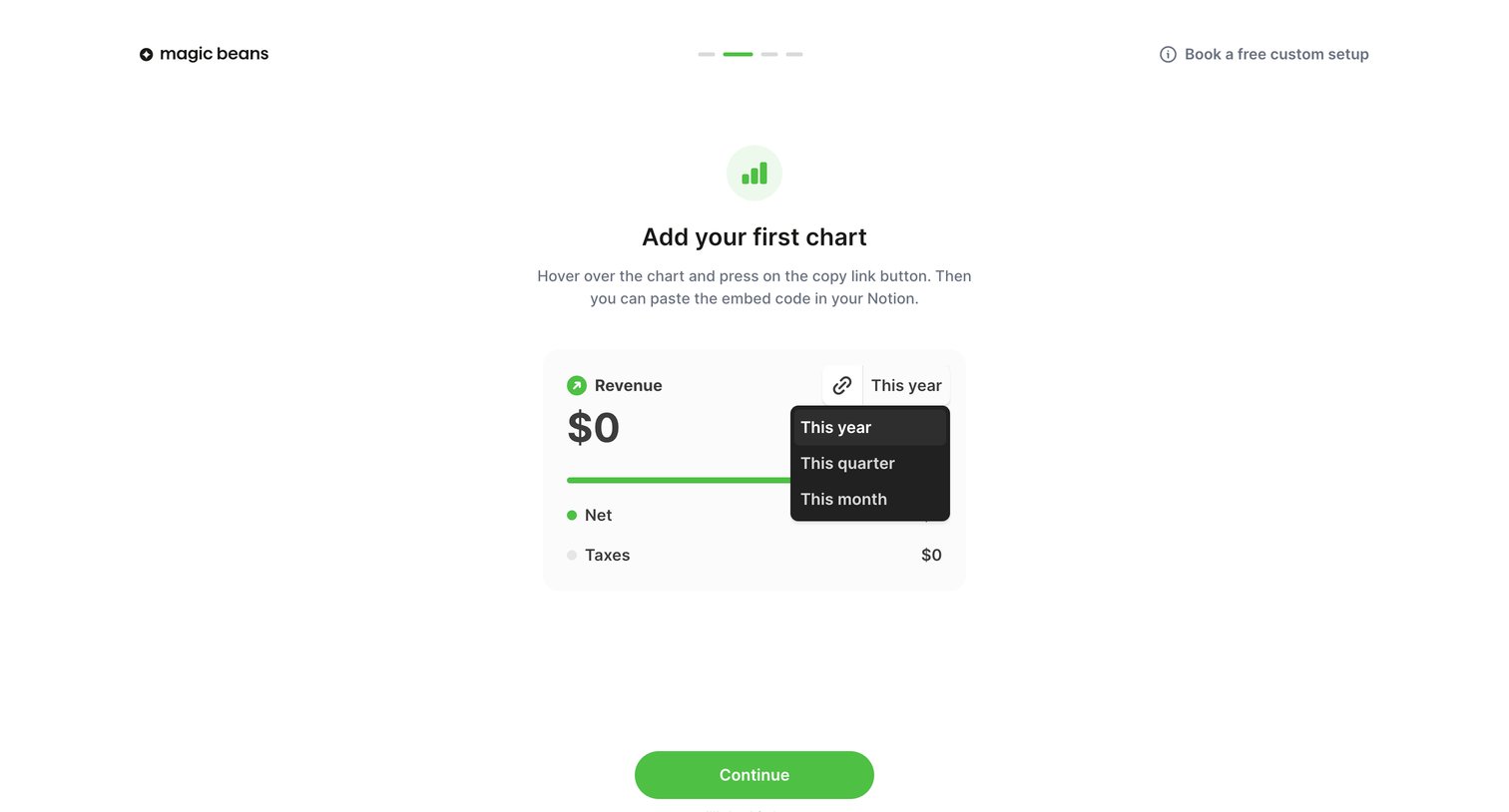
Onboarding step where the user previews their first revenue chart, interacts with a time-range dropdown, and can copy an embed code for Notion.
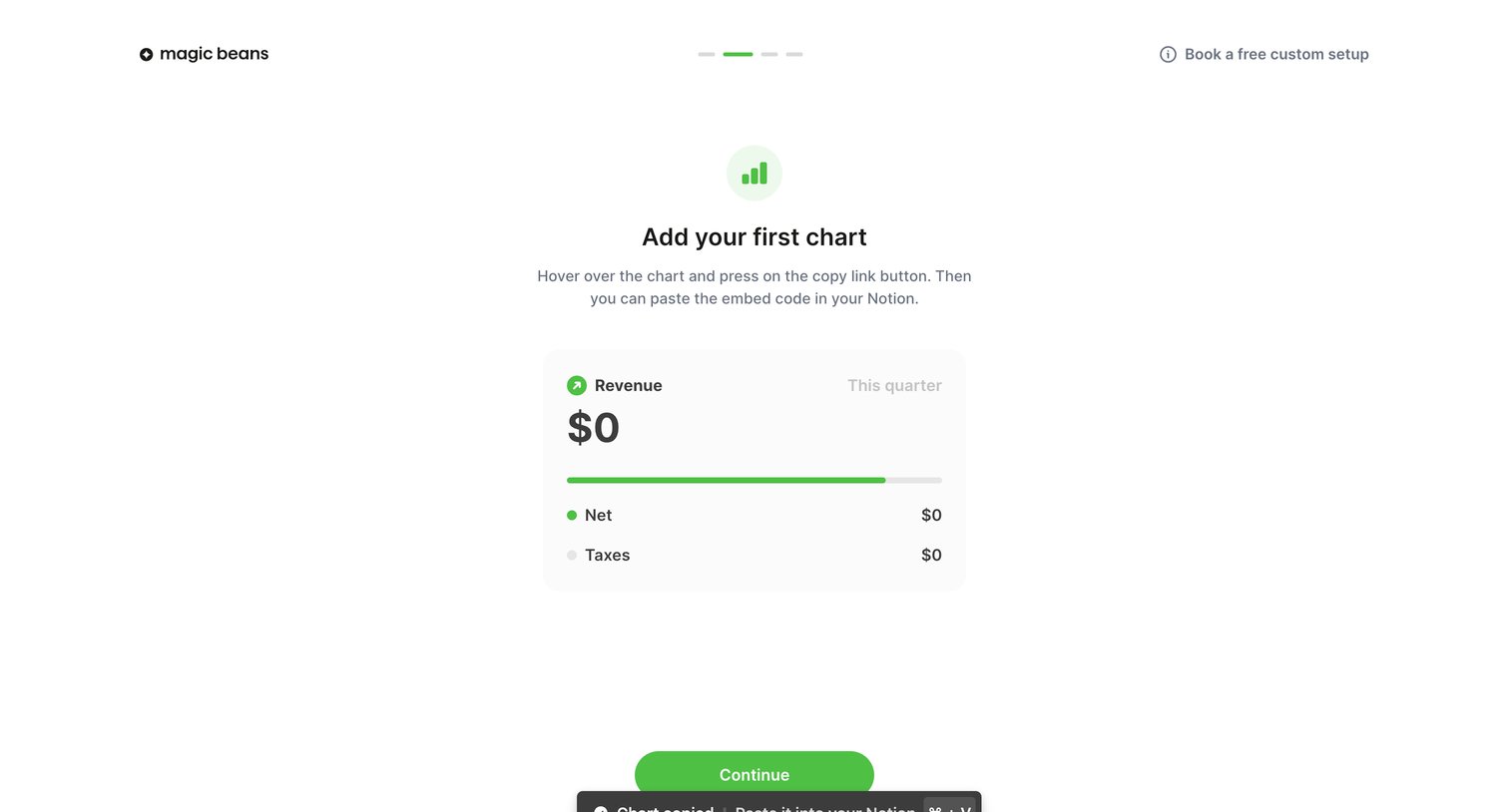
Onboarding step where the user copies their first chart to embed in Notion.
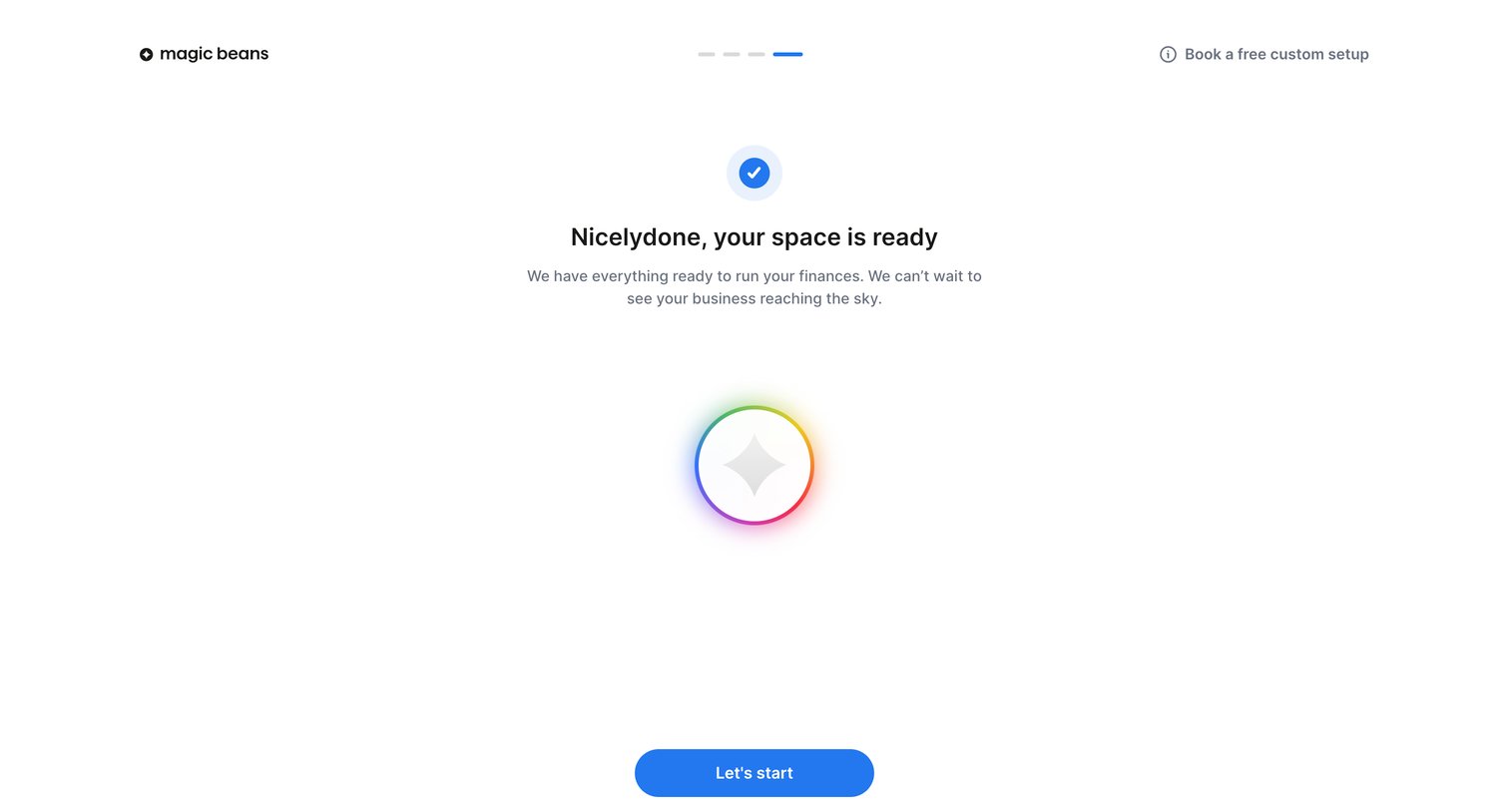
Onboarding step where the user is welcomed to their newly created space and prompted to start running their finances.
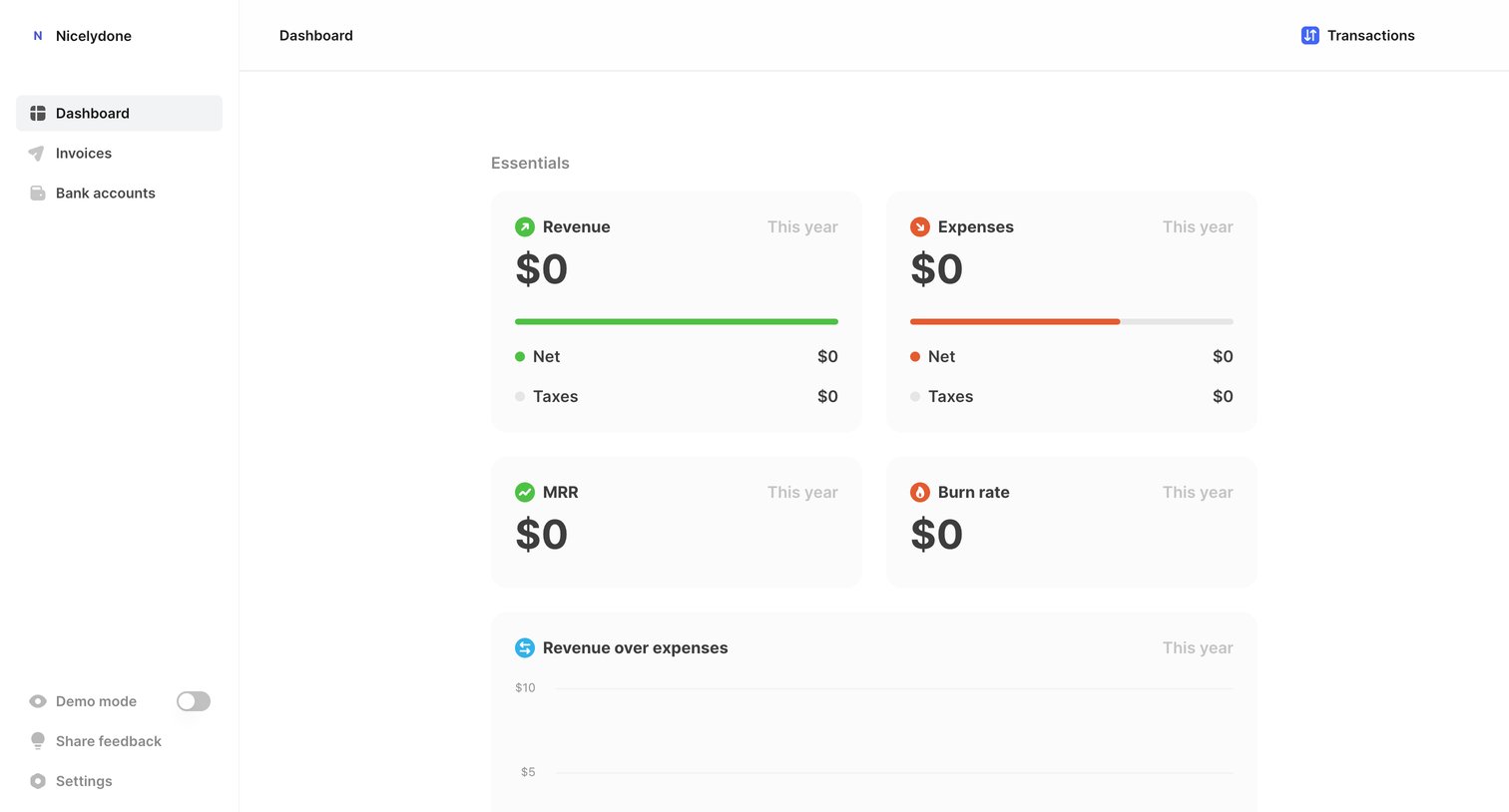
Dashboard showing financial essentials like revenue, expenses, and MRR, with locked advanced features for health and insights.
Browse the full SaaS app library
Explore real SaaS apps with their product screens, marketing screens, flows, and components.
Trusted by the best teams







