Dunked design examples
Explore Dunked UI design examples. Build your online portfolio without any technical know-how
Product screens
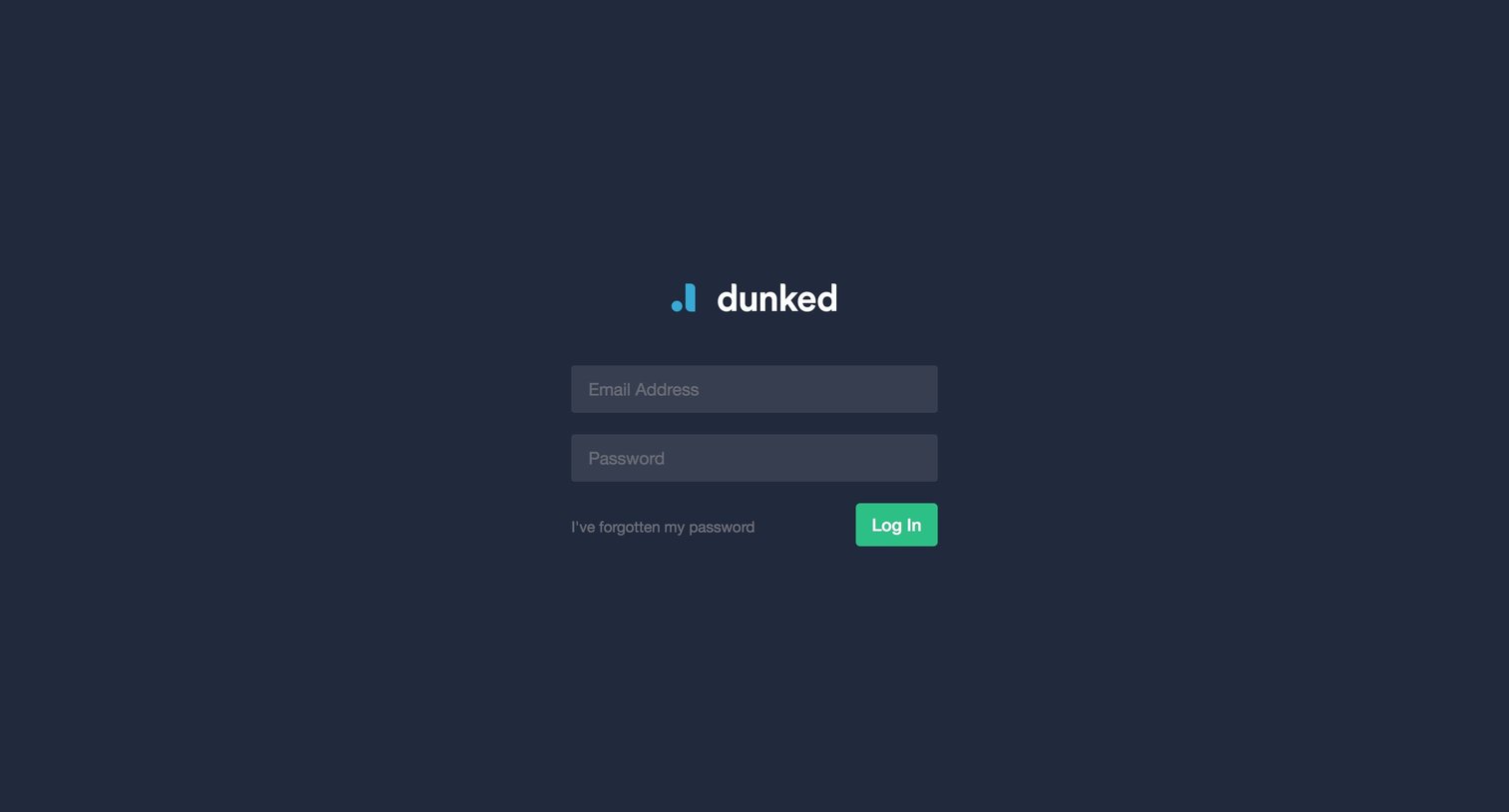

Sign-in screen where the user authenticates with their email address and password or requests a password reset.
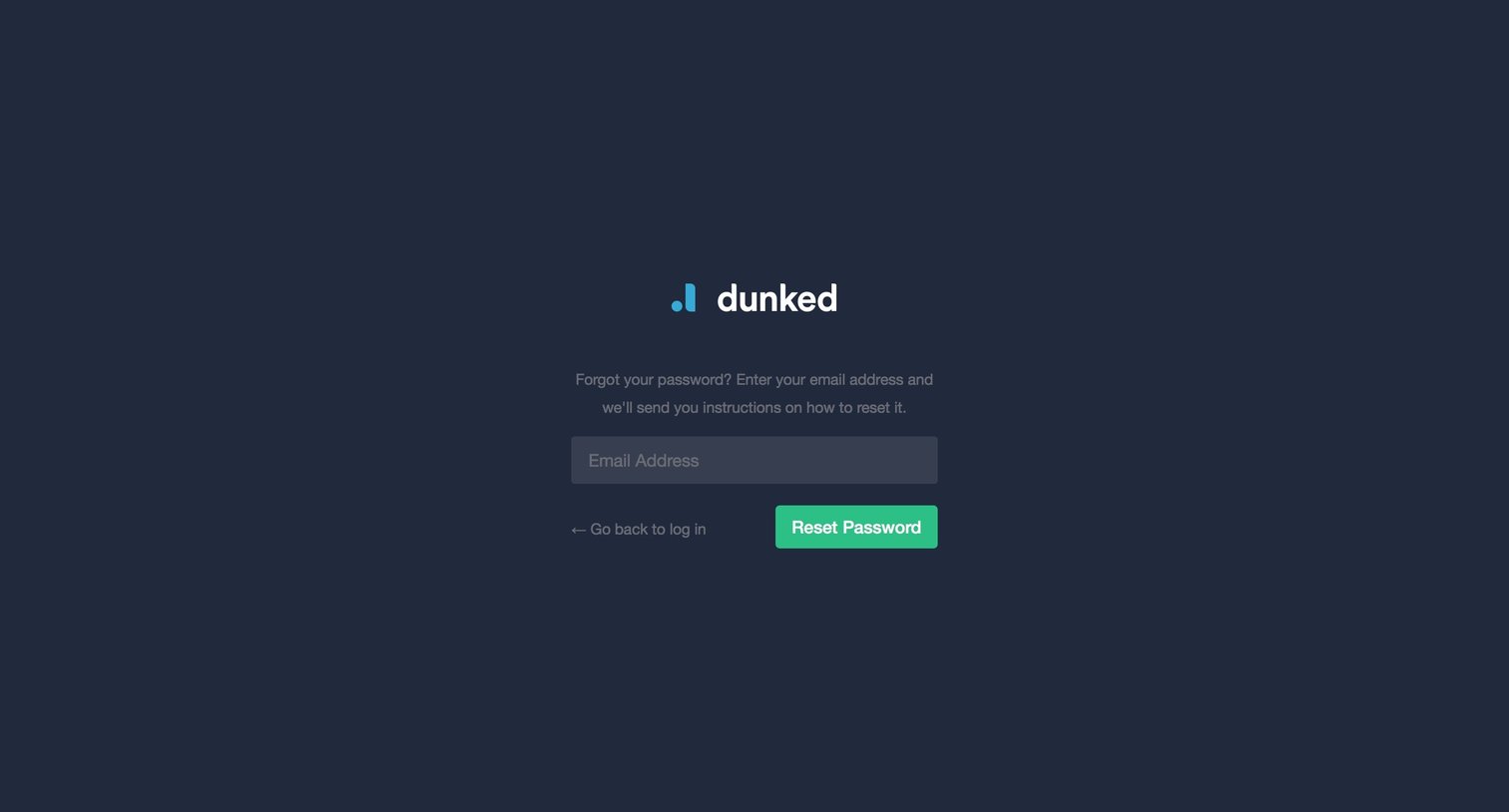
Password recovery screen where the user enters their email address to receive reset instructions.
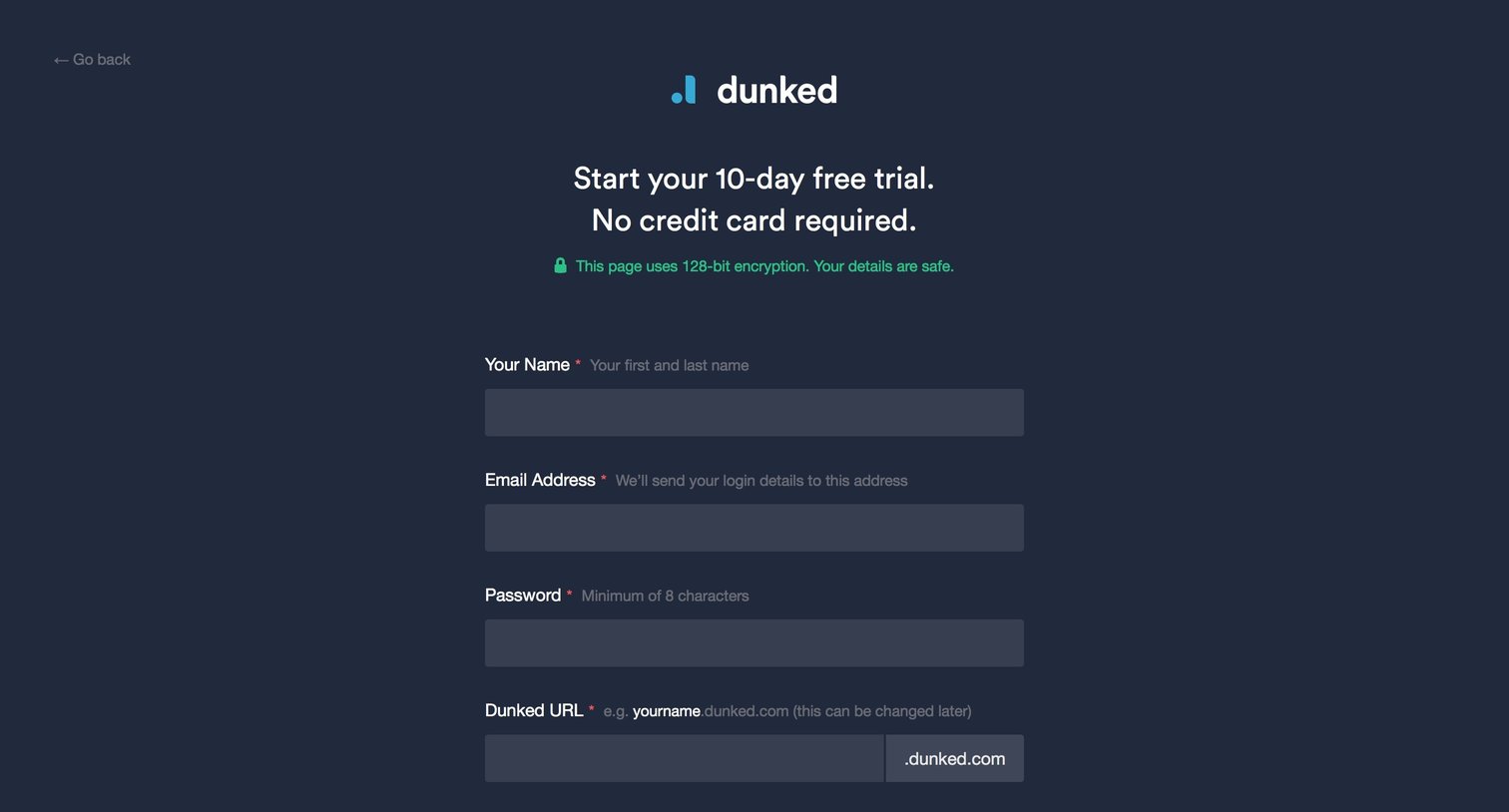
Signup page where the user creates an account for a 10-day free trial, chooses a custom URL, and completes a word-selection spam check.
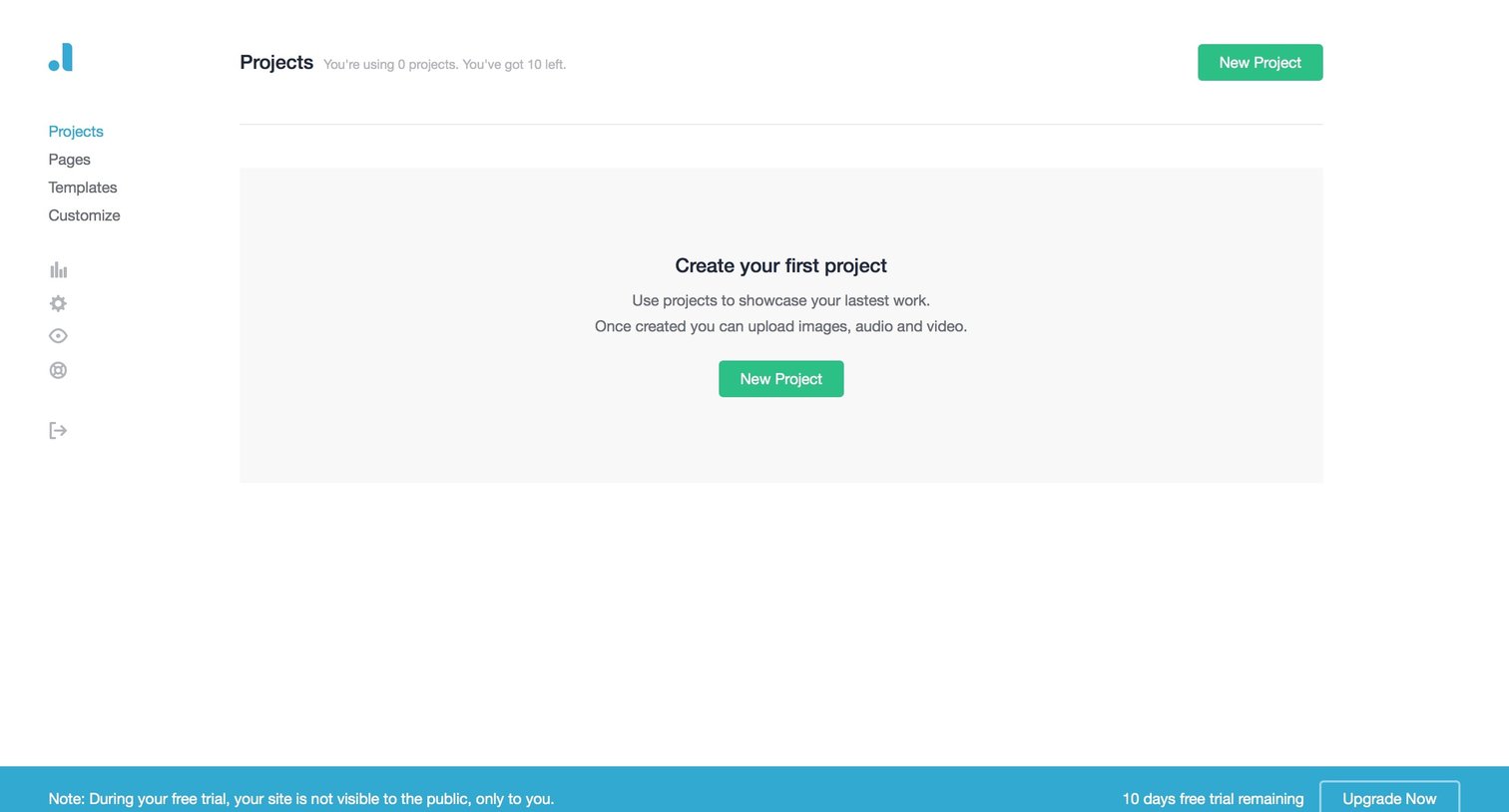
Projects list view in an empty state prompting the user to create their first project, with a persistent bottom banner showing trial days remaining.
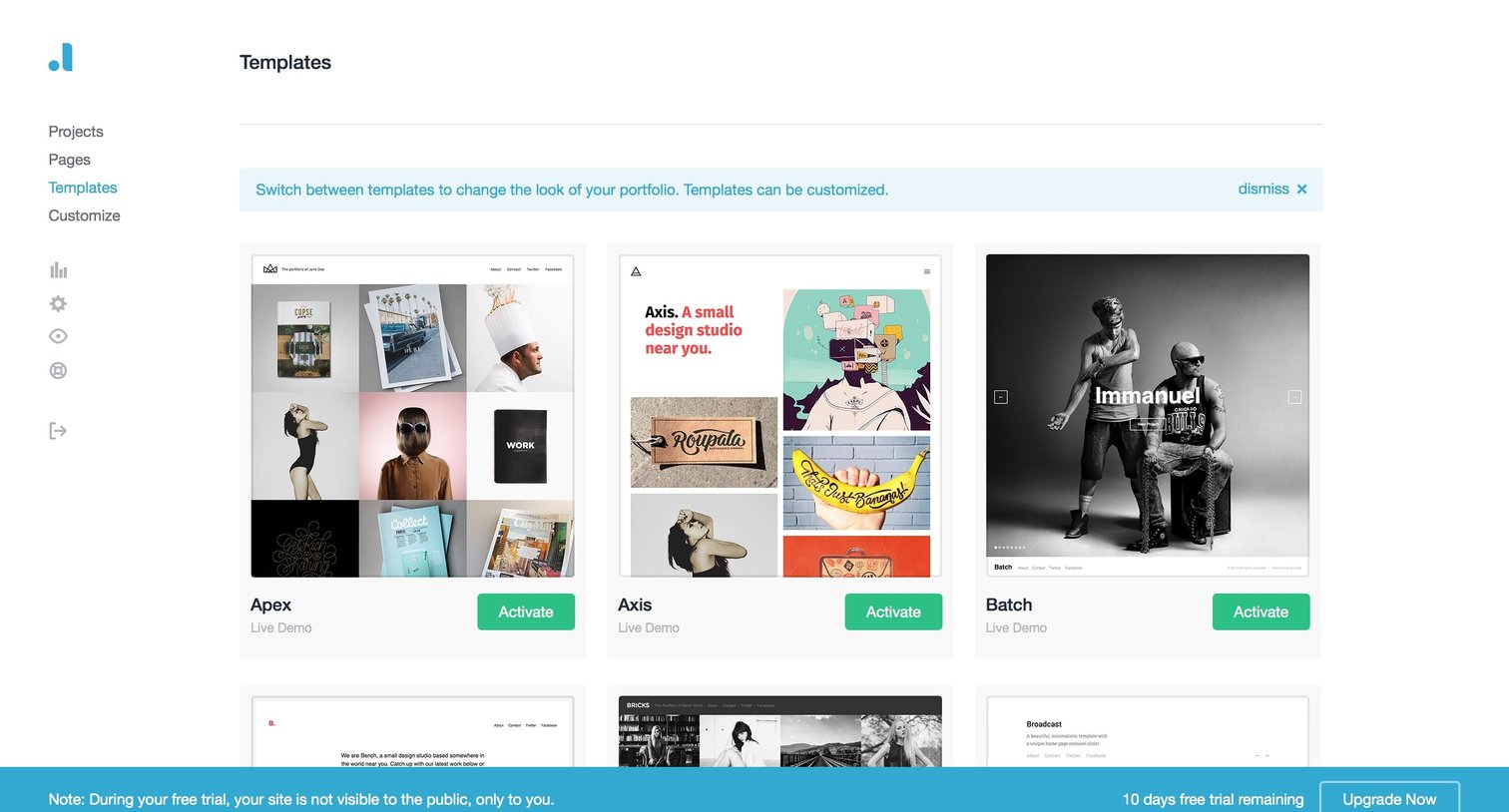
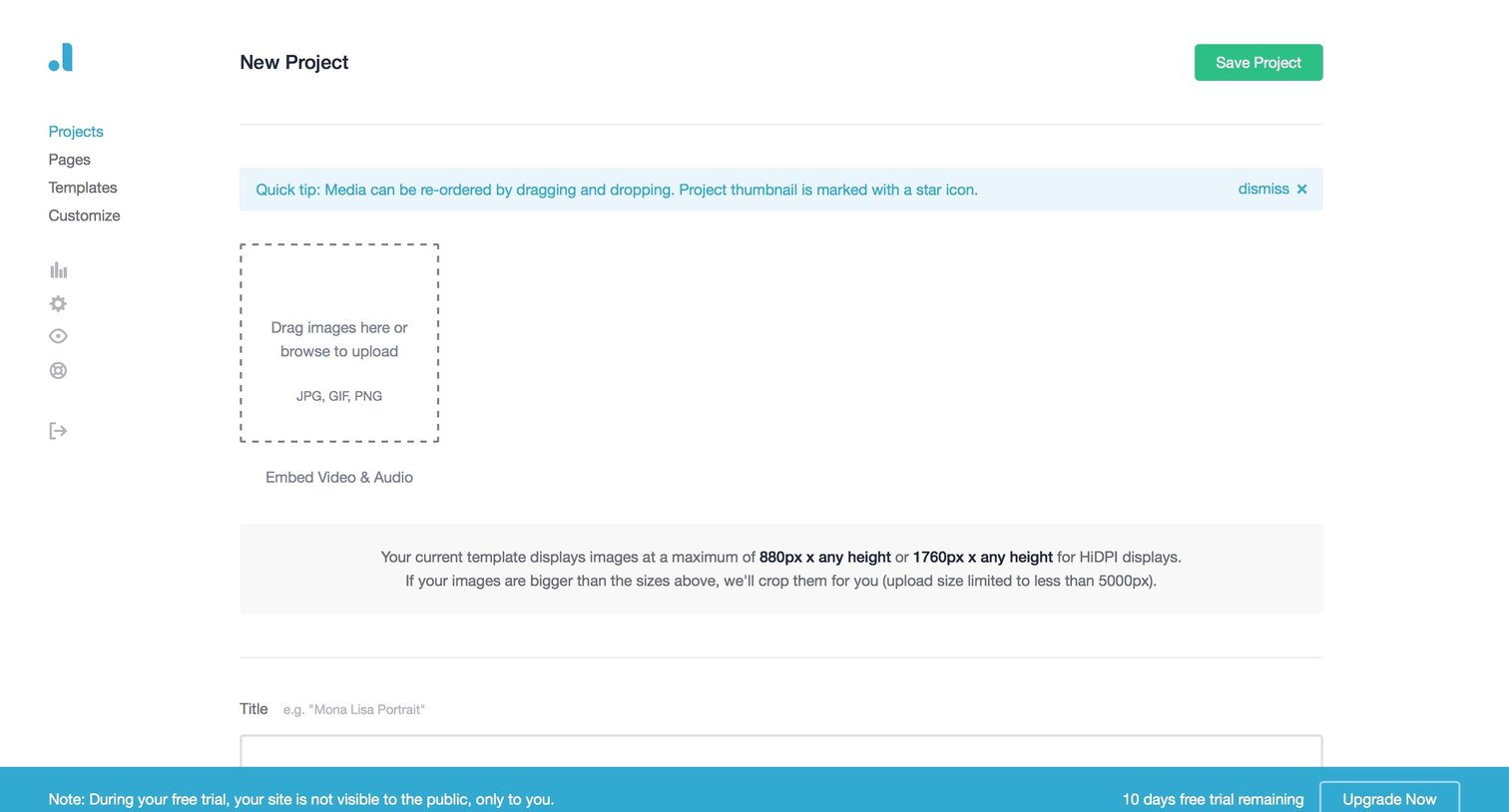
Creation page where the user sets up a new project by uploading media, writing a description via a rich text editor, and filling out metadata like client, role, and tags.
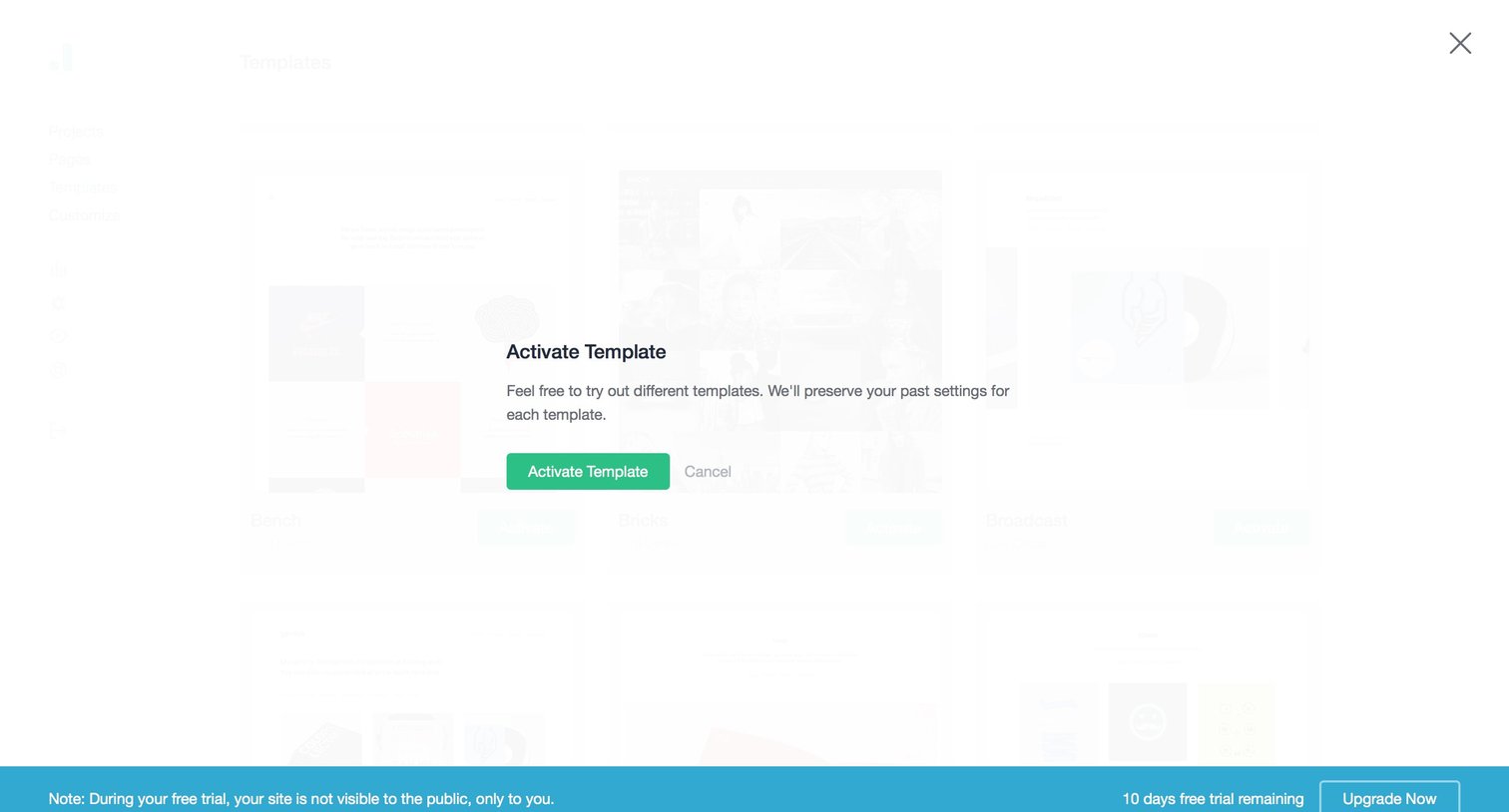
Modal overlay where the user confirms the activation of a selected template, accompanied by a persistent bottom banner showing remaining free trial days and an upgrade prompt.
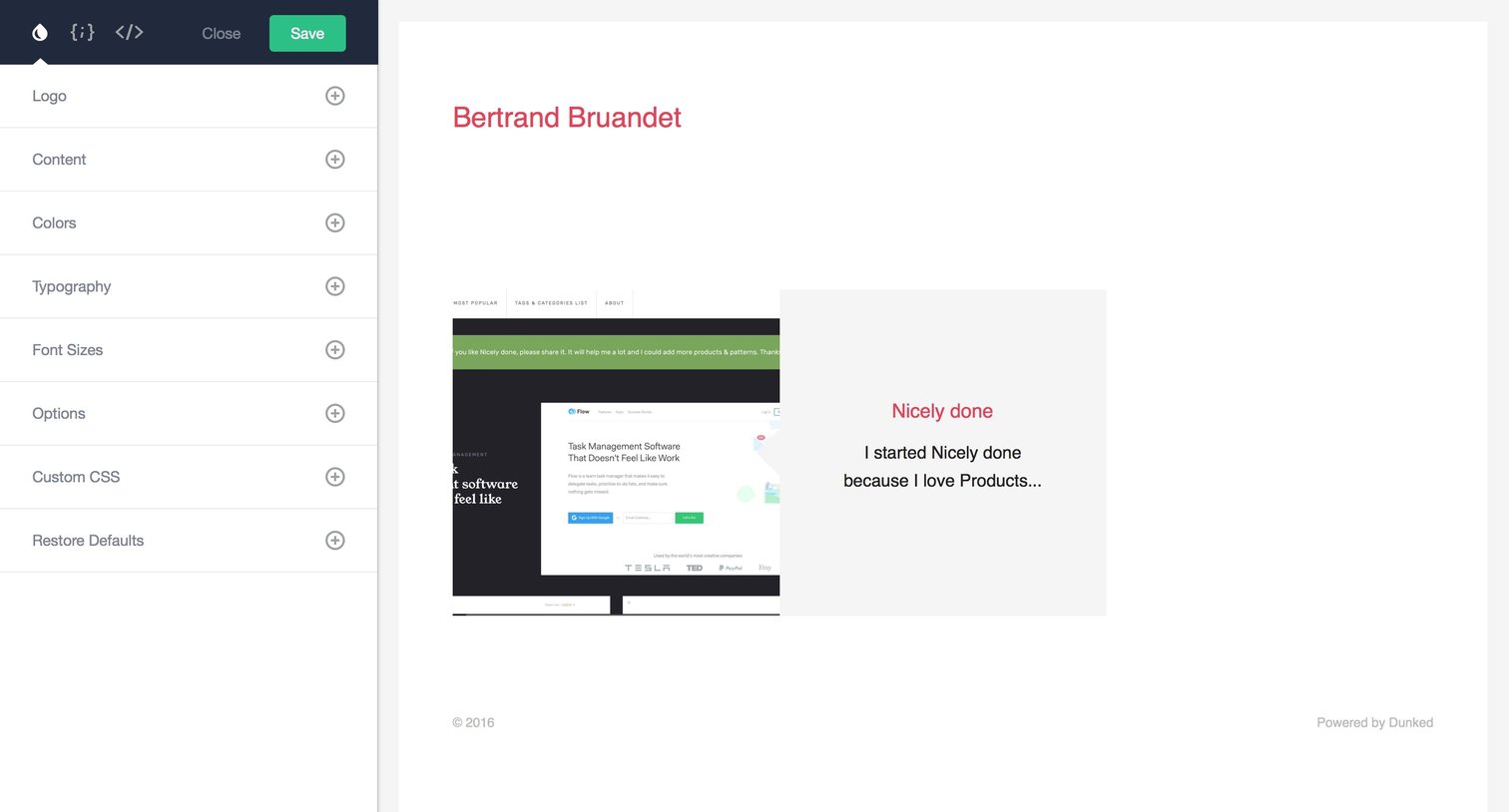
Design editor where the user customizes their portfolio theme, including logo, typography, and colors, with a live preview on the right.
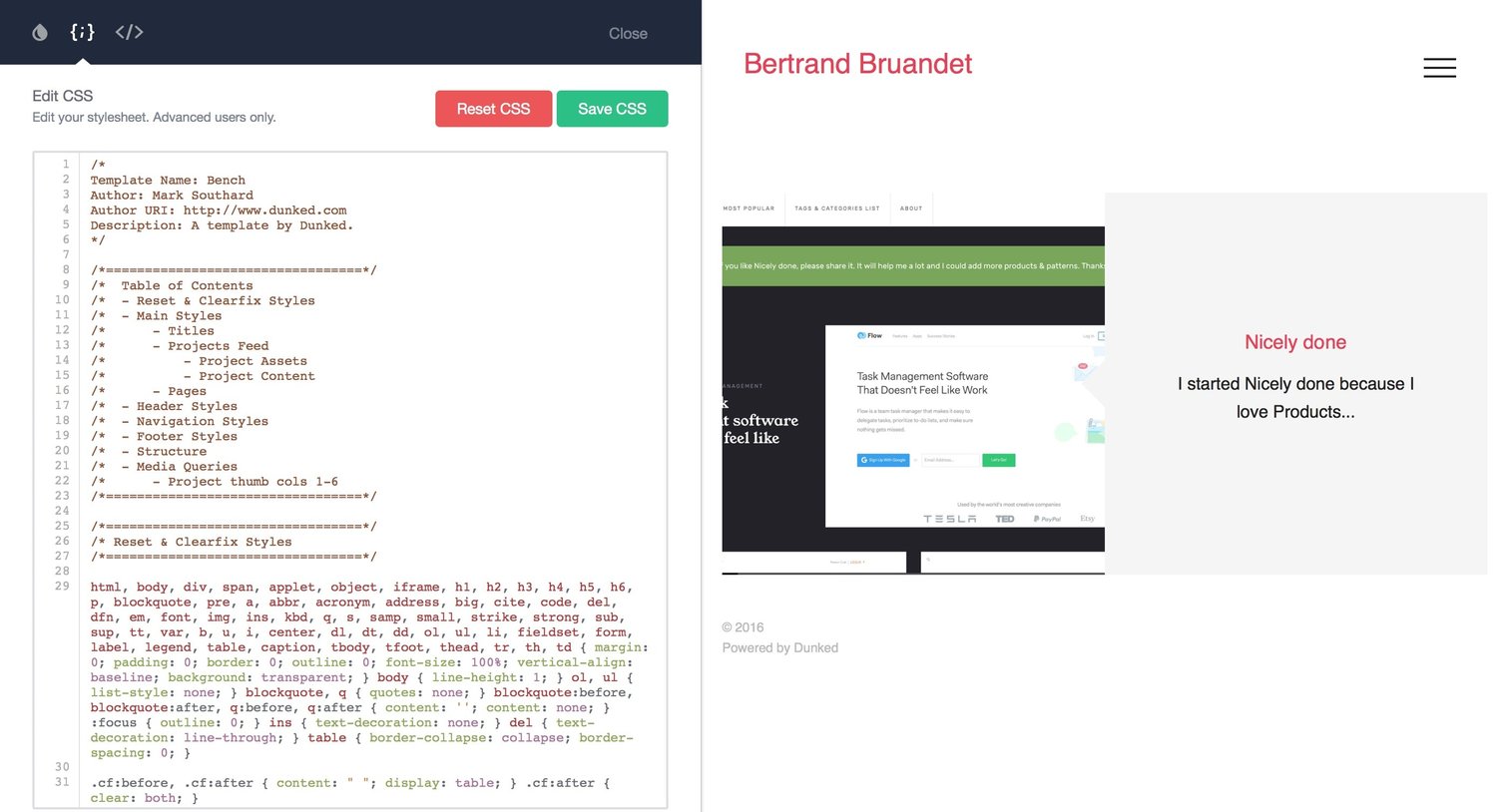
Code editor where the user customizes the CSS stylesheet for their Dunked template with a live preview on the right.
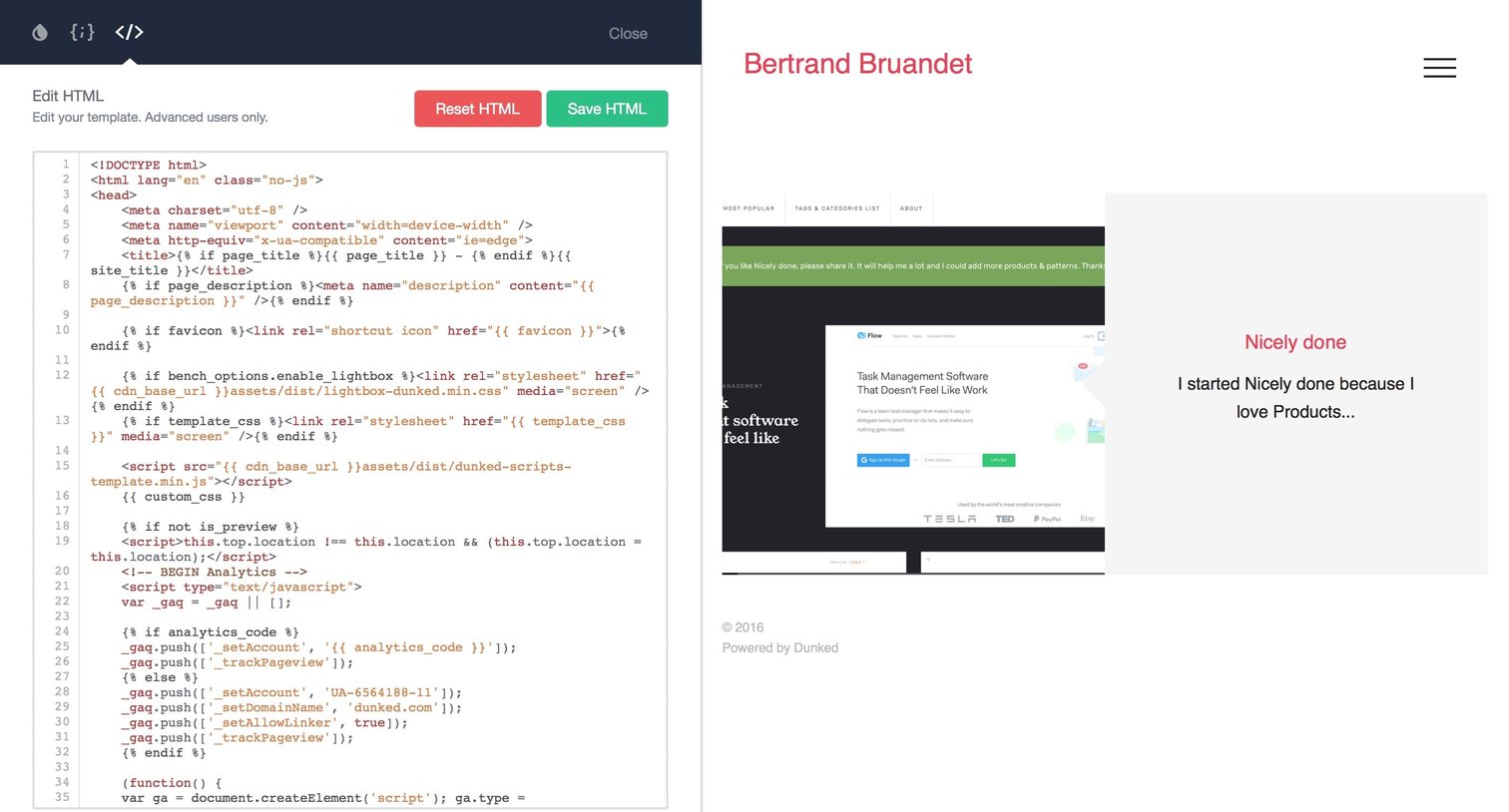
Code editor where the user modifies the HTML template of their site alongside a live visual preview.
Browse the full SaaS app library
Explore real SaaS apps with their product screens, marketing screens, flows, and components.
Trusted by the best teams







