Browse screen examples
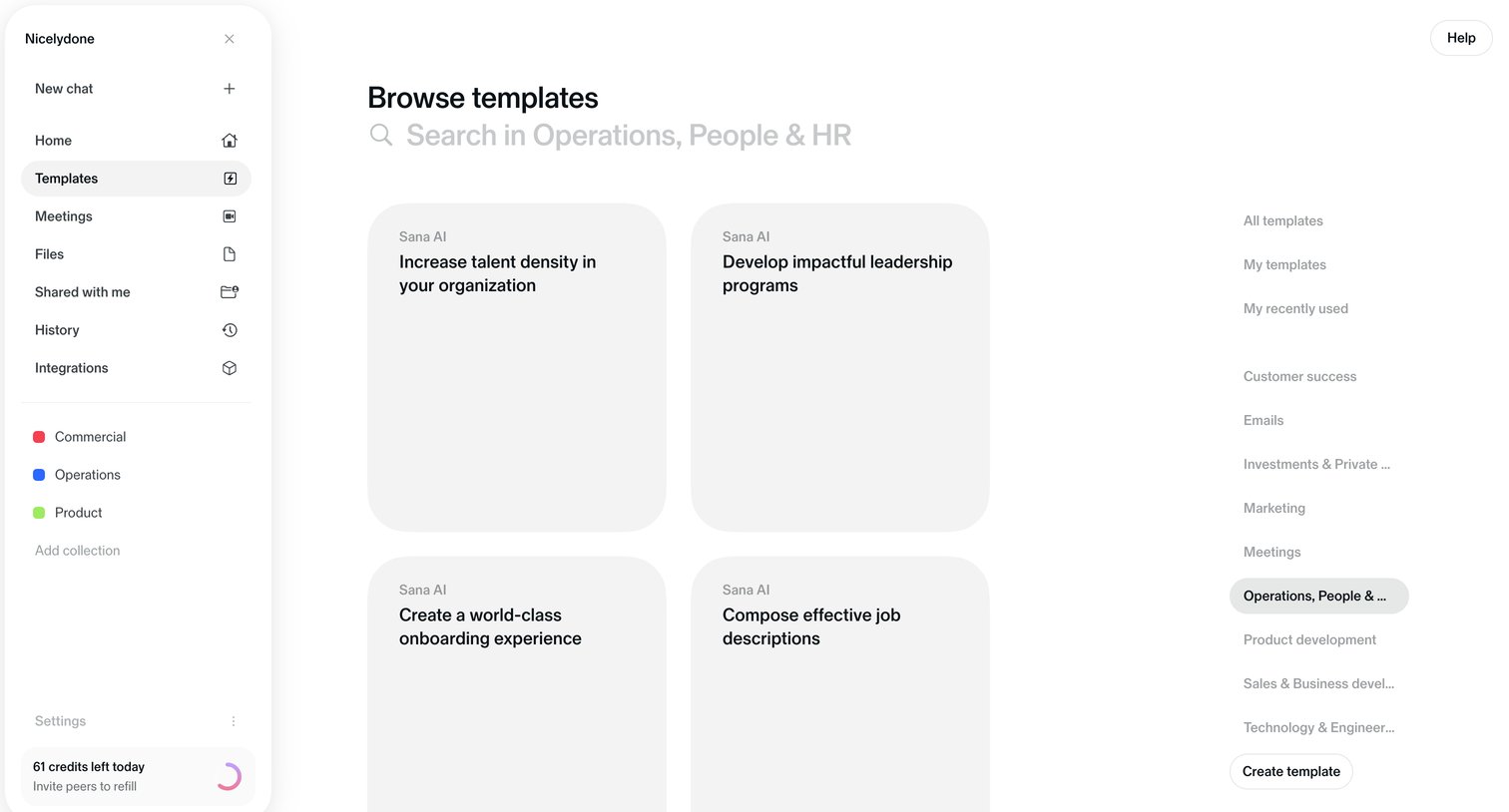
Browse screen design examples from SaaS apps. See how apps present collections for people to explore without a specific search. Browse layouts that group items, expose useful details, and provide routes…
Explore the examples
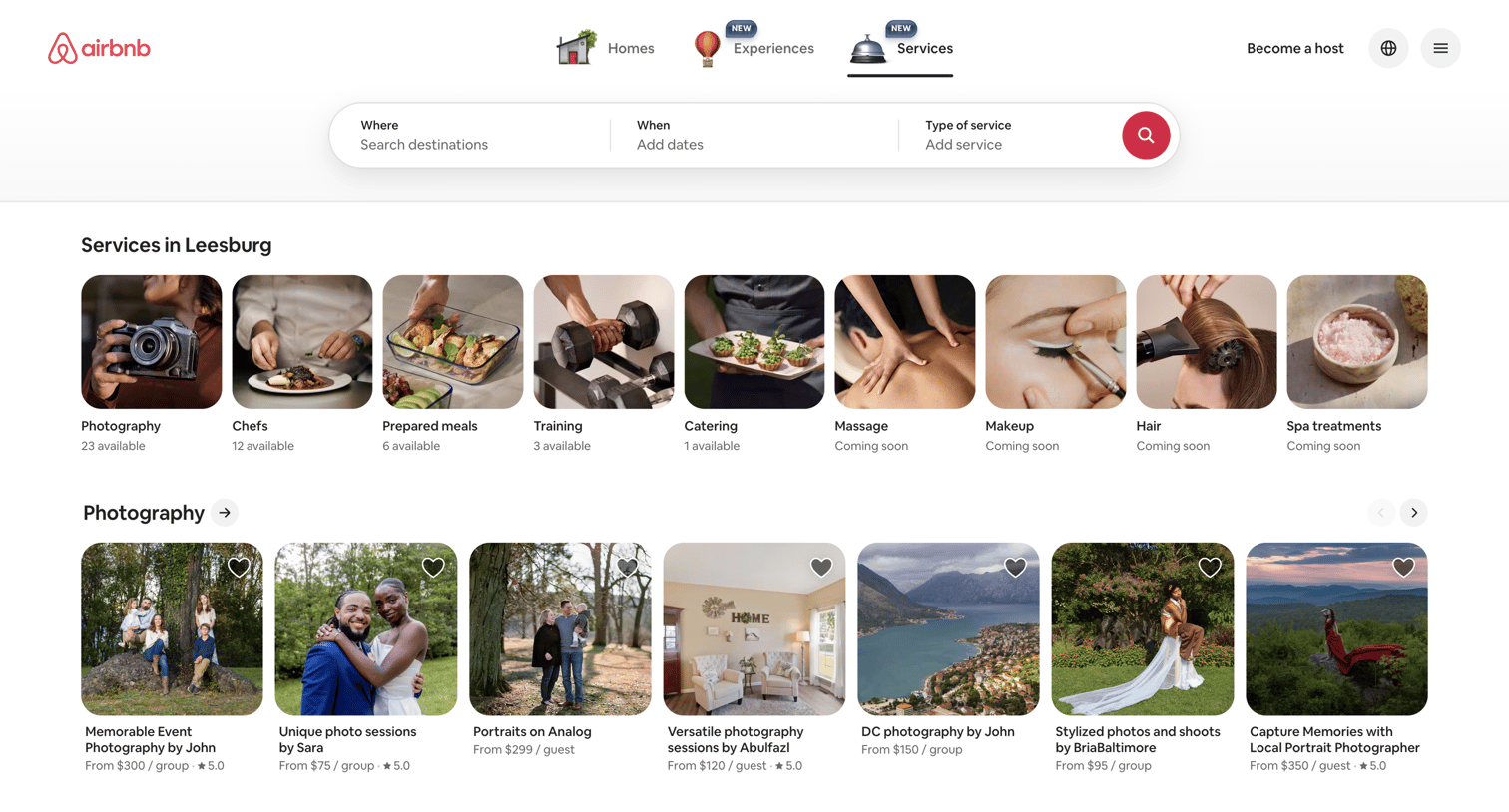

Search landing page where the user browses local services like photography and chefs via categorized horizontal carousels.
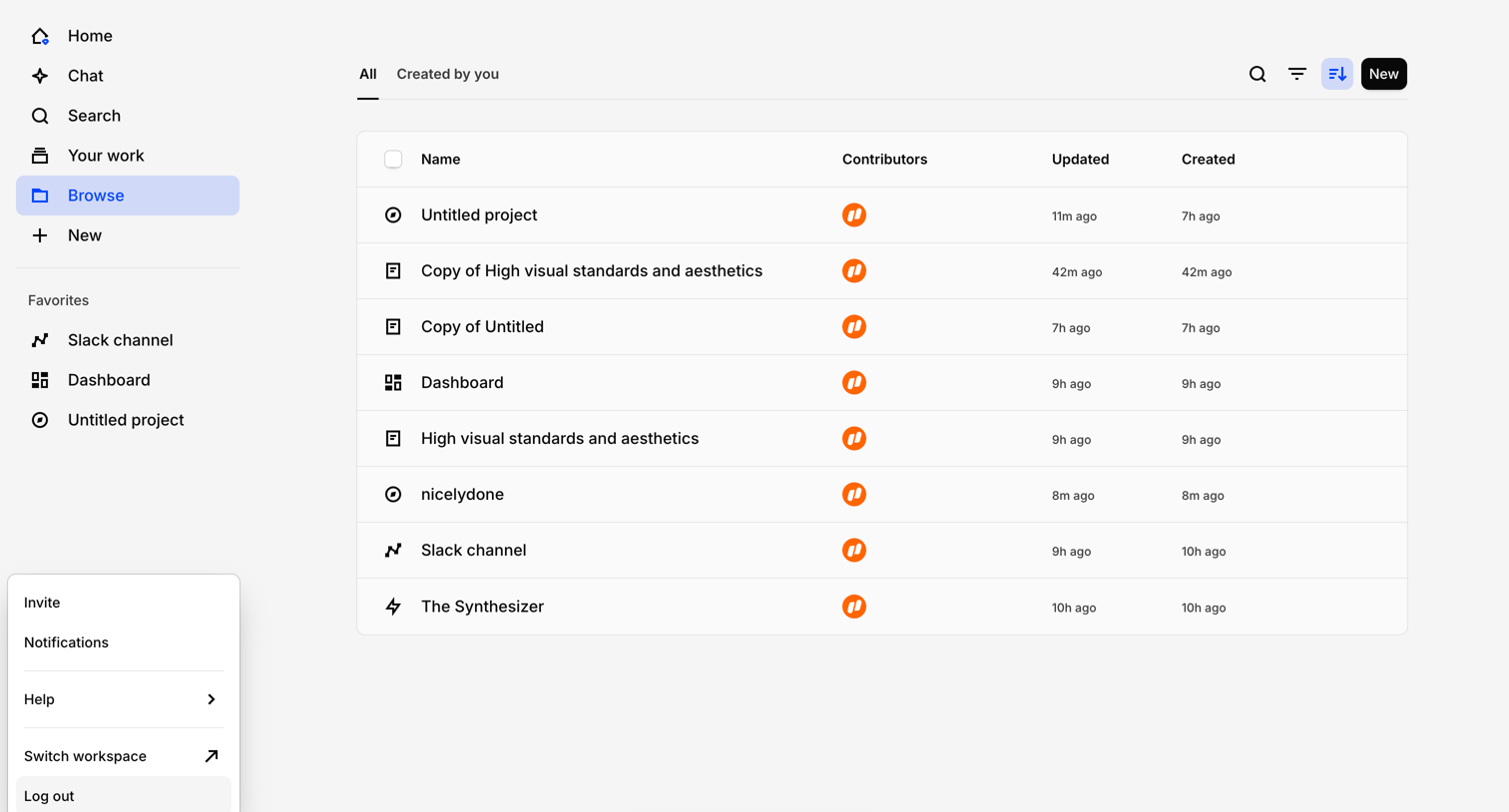

List view where the user browses their projects, files, and dashboards with a floating affordance to chat with their data.
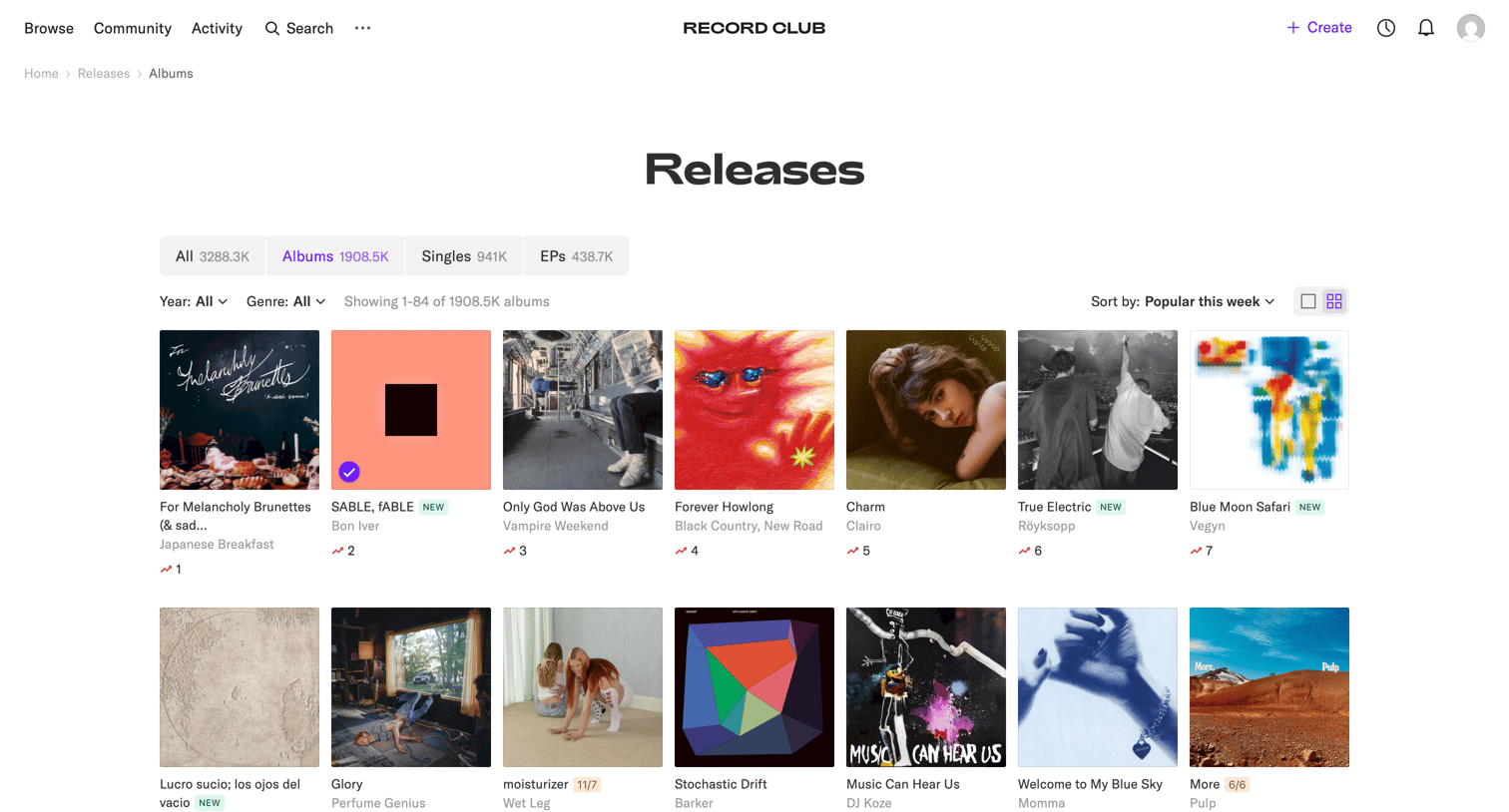

List view where the user browses and filters a grid of recent album releases by year and genre.
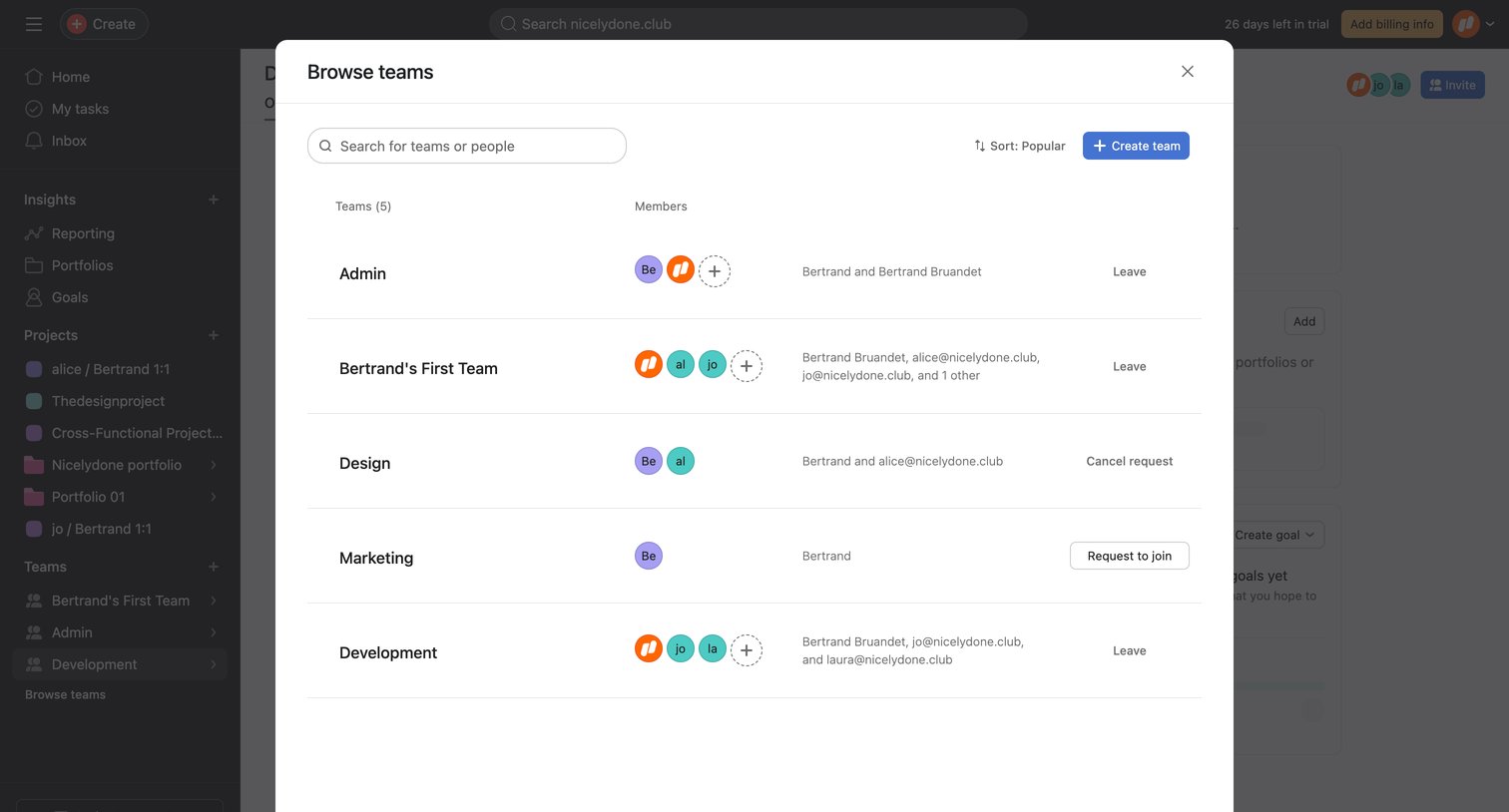

List view inside a modal where the user searches for and manages their membership across workspace teams.

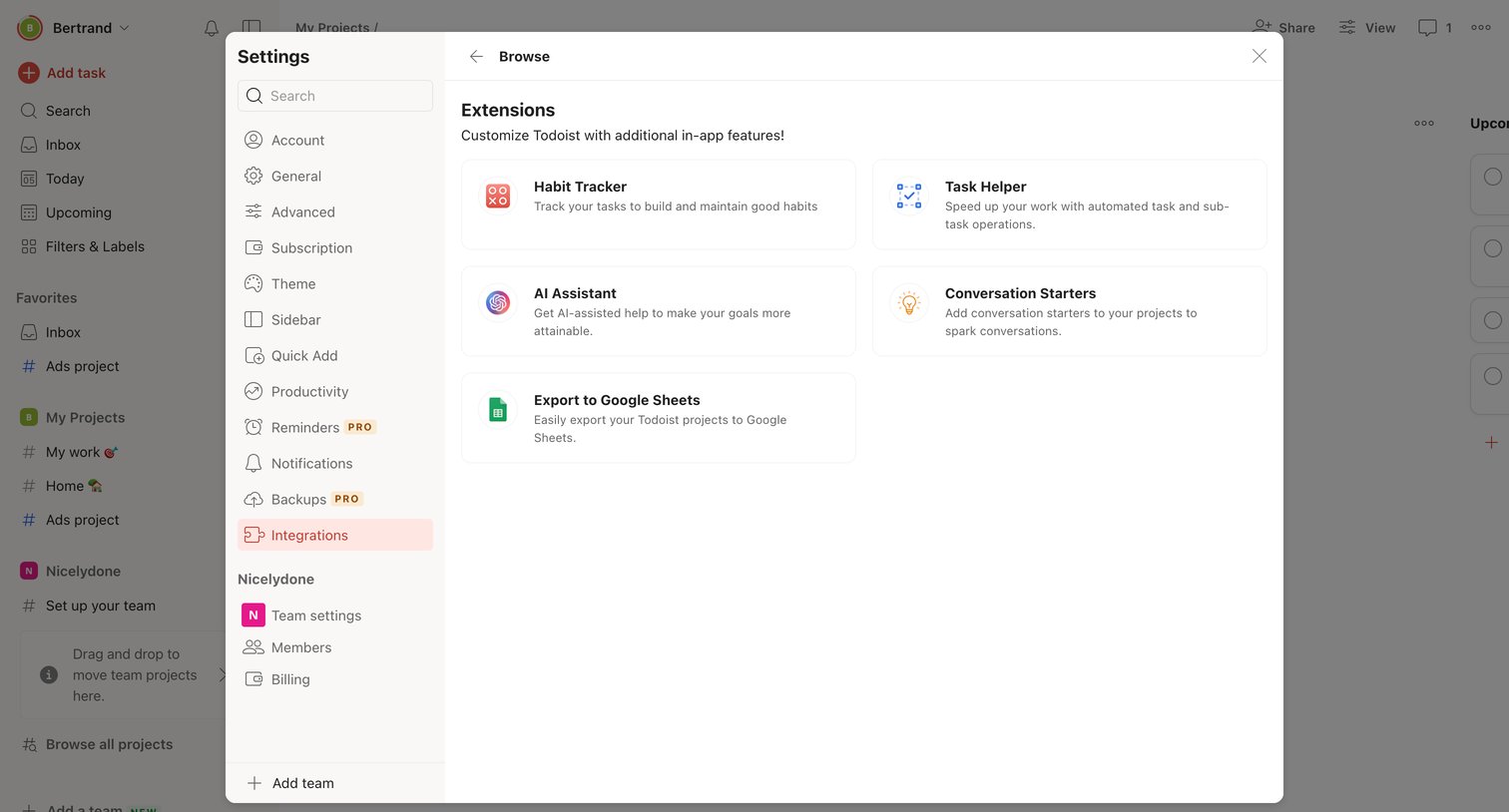

Settings modal where the user browses a directory of available extensions to customize their workspace.
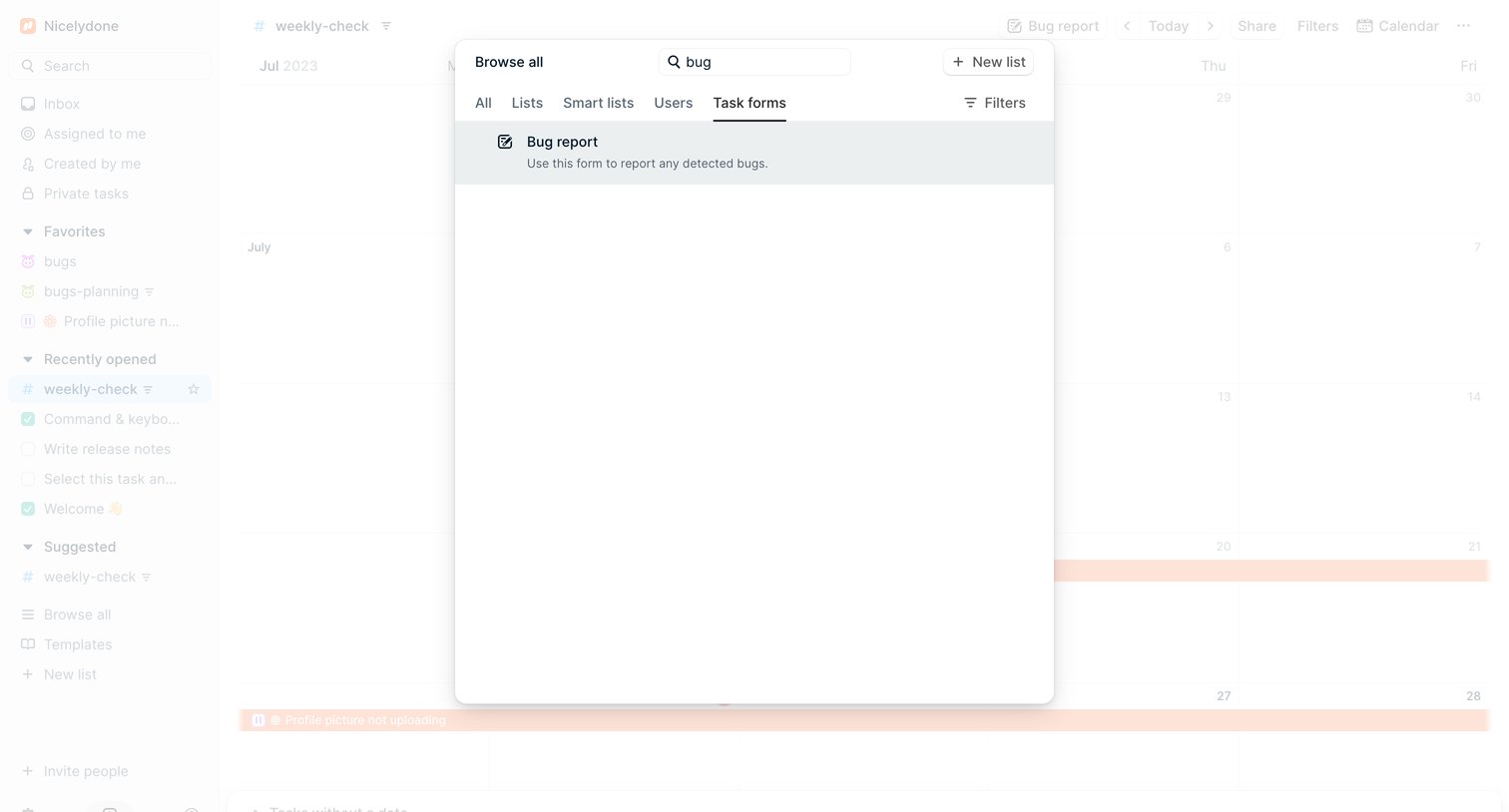

Search overlay where the user filters through lists, smart lists, users, and task forms to find specific items like a bug report.
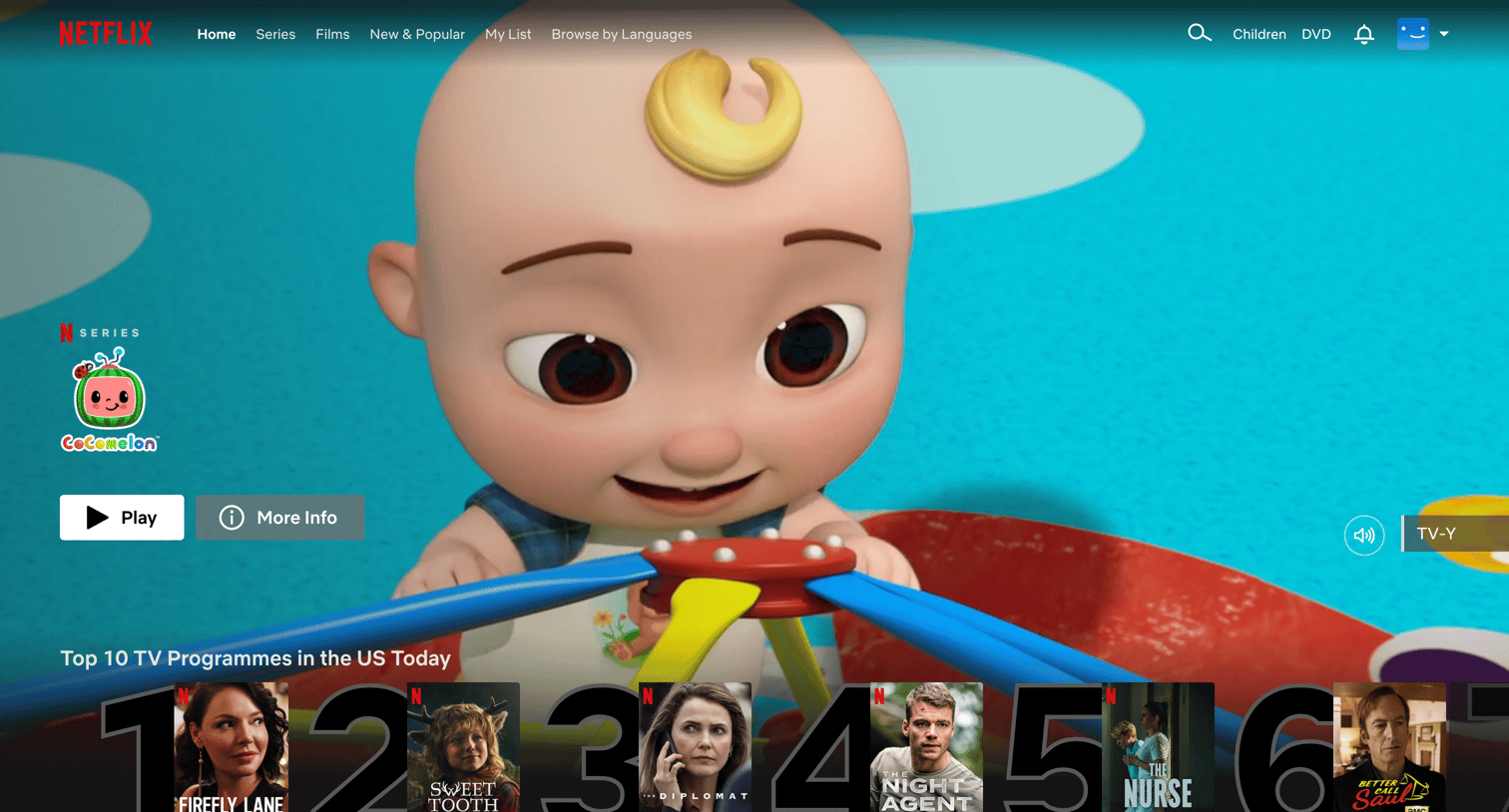

Home screen where the user browses categorized horizontal rows of movies and TV shows, featuring a large spotlight hero at the top.
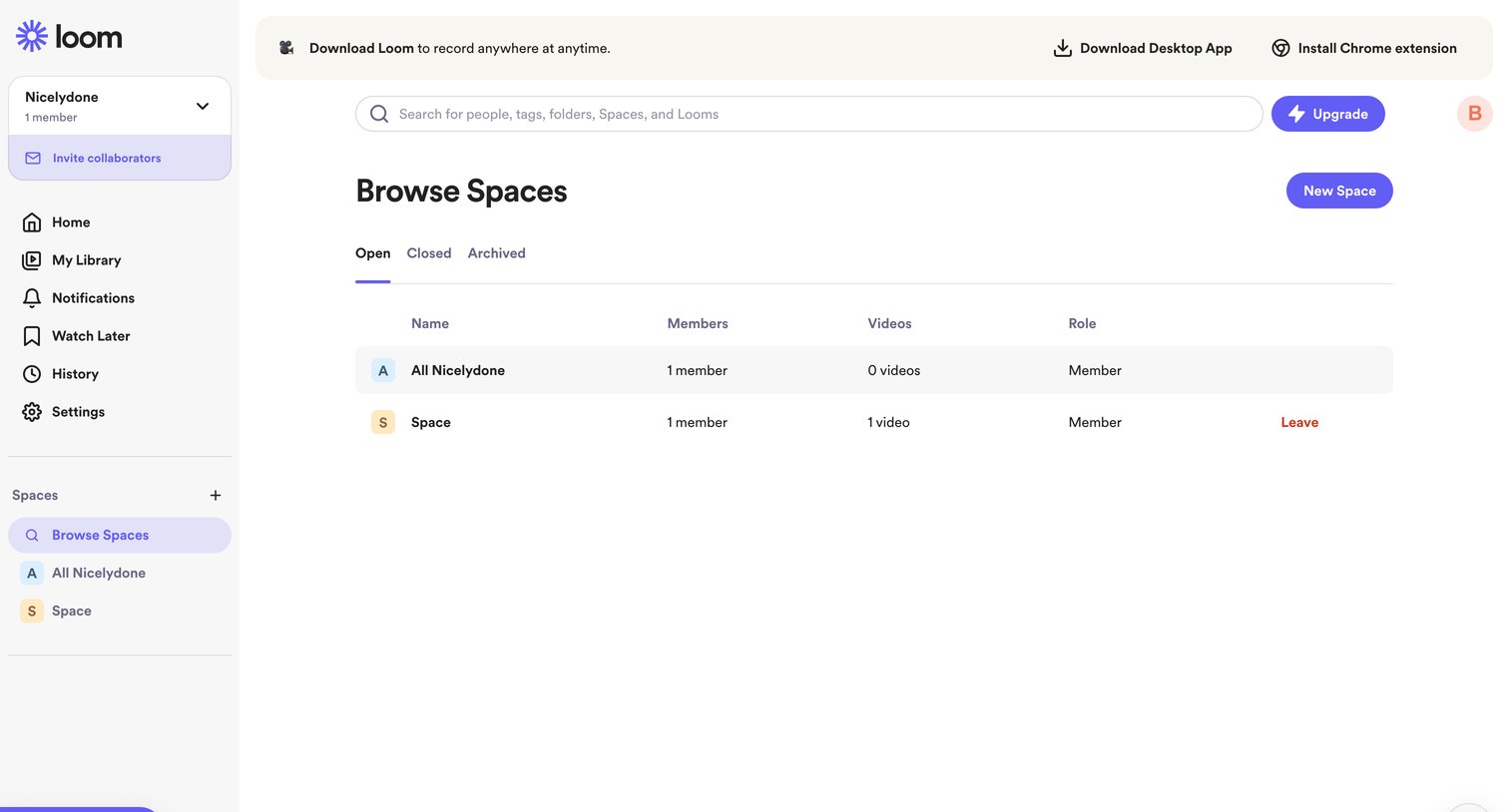

List view where the user browses open, closed, and archived spaces, viewing member and video counts for each.
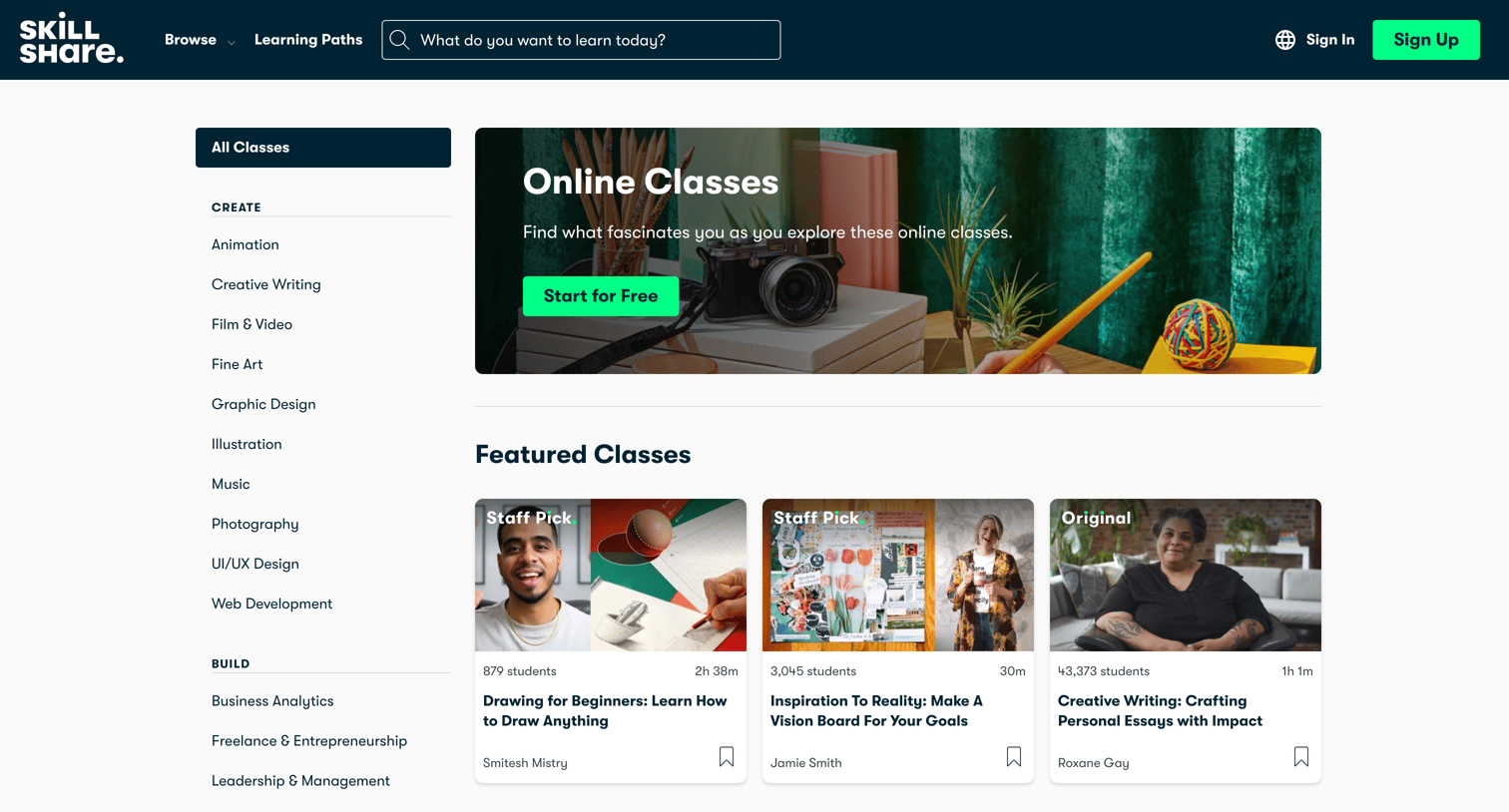

Marketing resources page where the user explores a catalog of online classes categorized by creative, build, and thrive topics, featuring staff picks and trending courses.


Explore the full SaaS screen library
Upgrade to unlock the full library.
Trusted by the best teams








About Browse
See how apps present collections for people to explore without a specific search. Browse layouts that group items, expose useful details, and provide routes into individual content.