Netflix design examples
Explore Netflix UI design examples. Unlimited films, TV programmes and more
Product screens
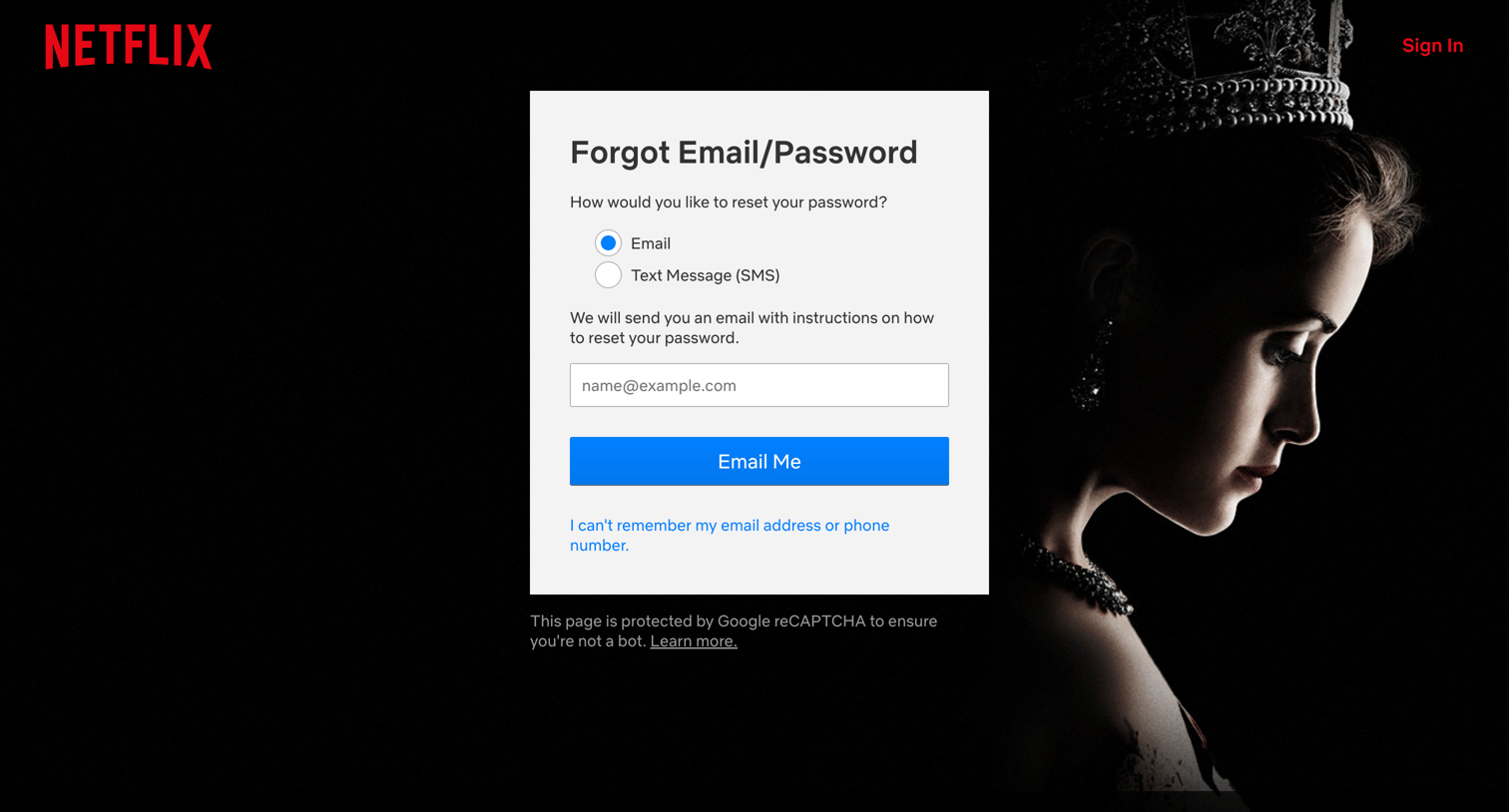

Password recovery screen where the user chooses to receive reset instructions via email or text message.
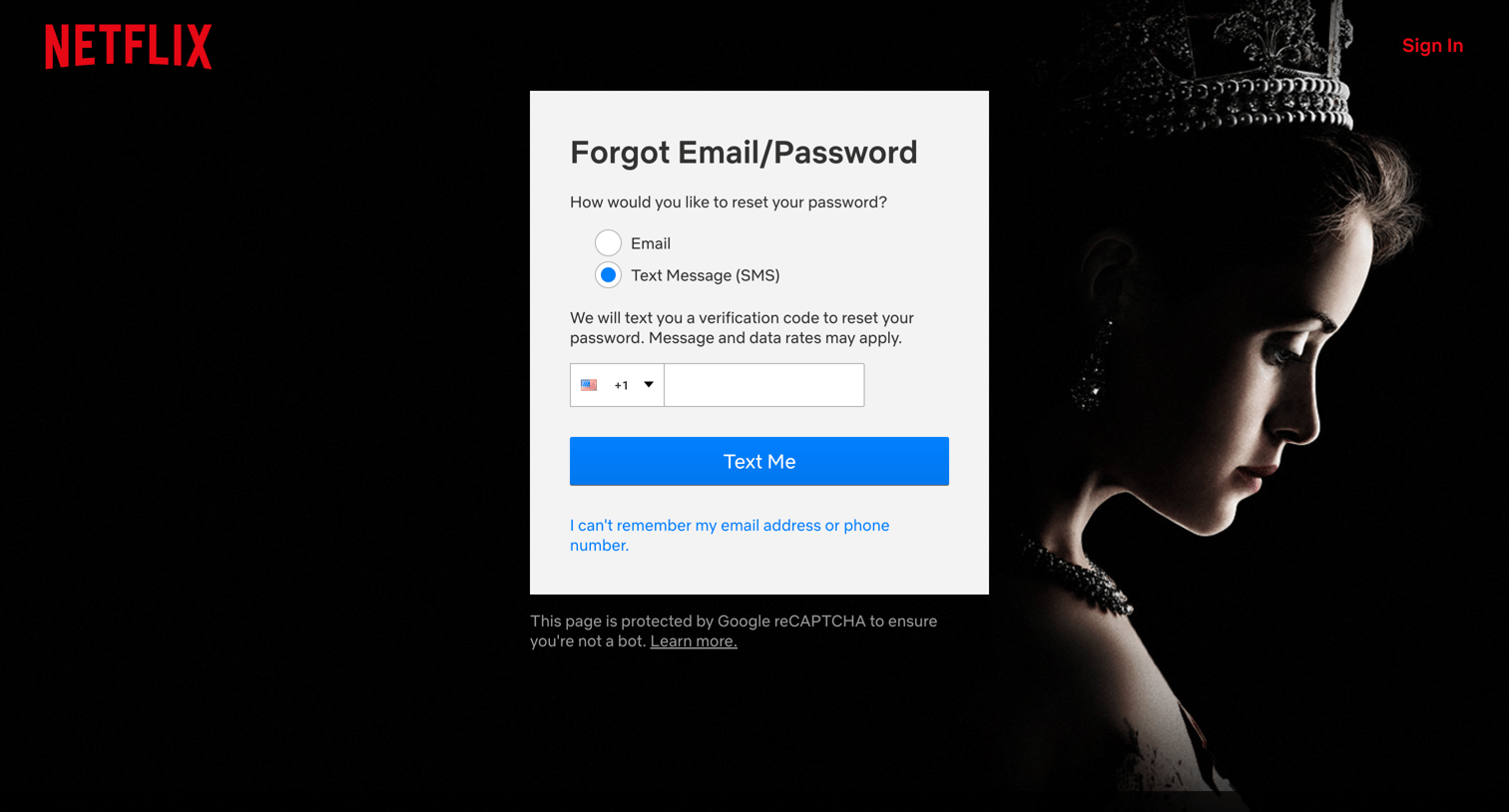
Password recovery screen where the user chooses to receive a verification code via email or text message.
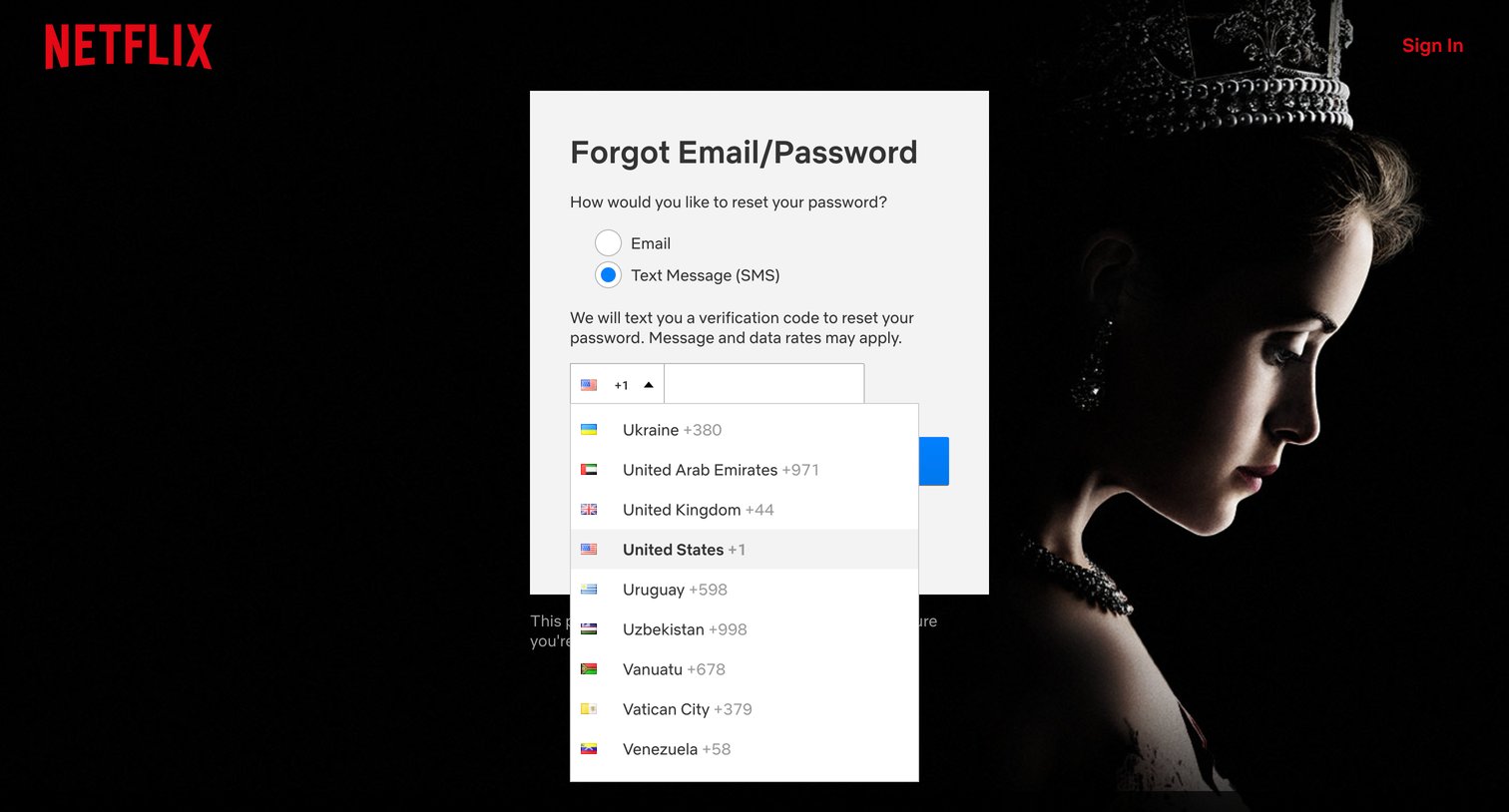
Password recovery screen where the user selects between email and SMS to receive a reset code, with a country code dropdown captured open.
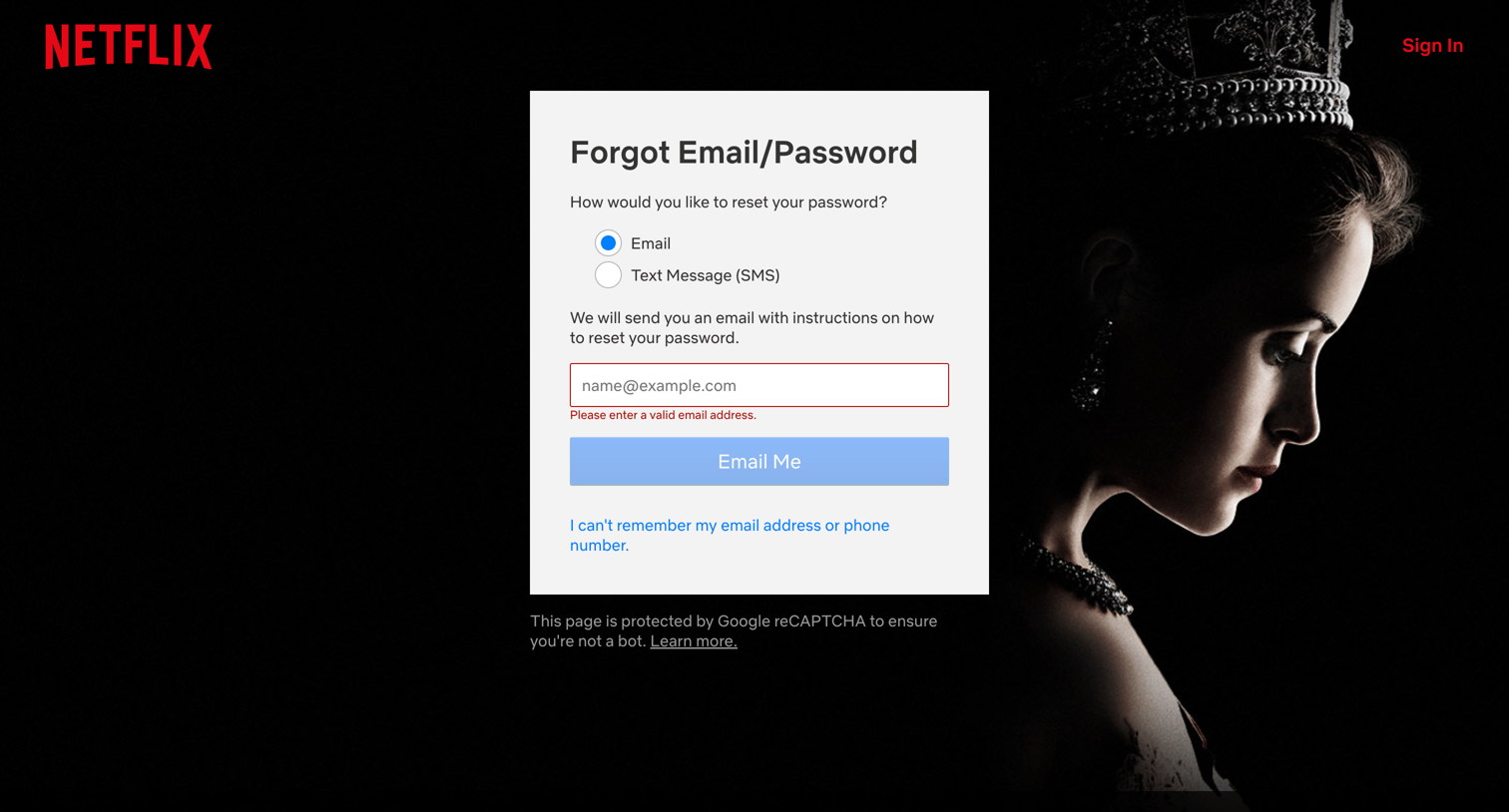
Password recovery page where the user chooses to receive reset instructions via email or text message, currently showing an invalid email error.
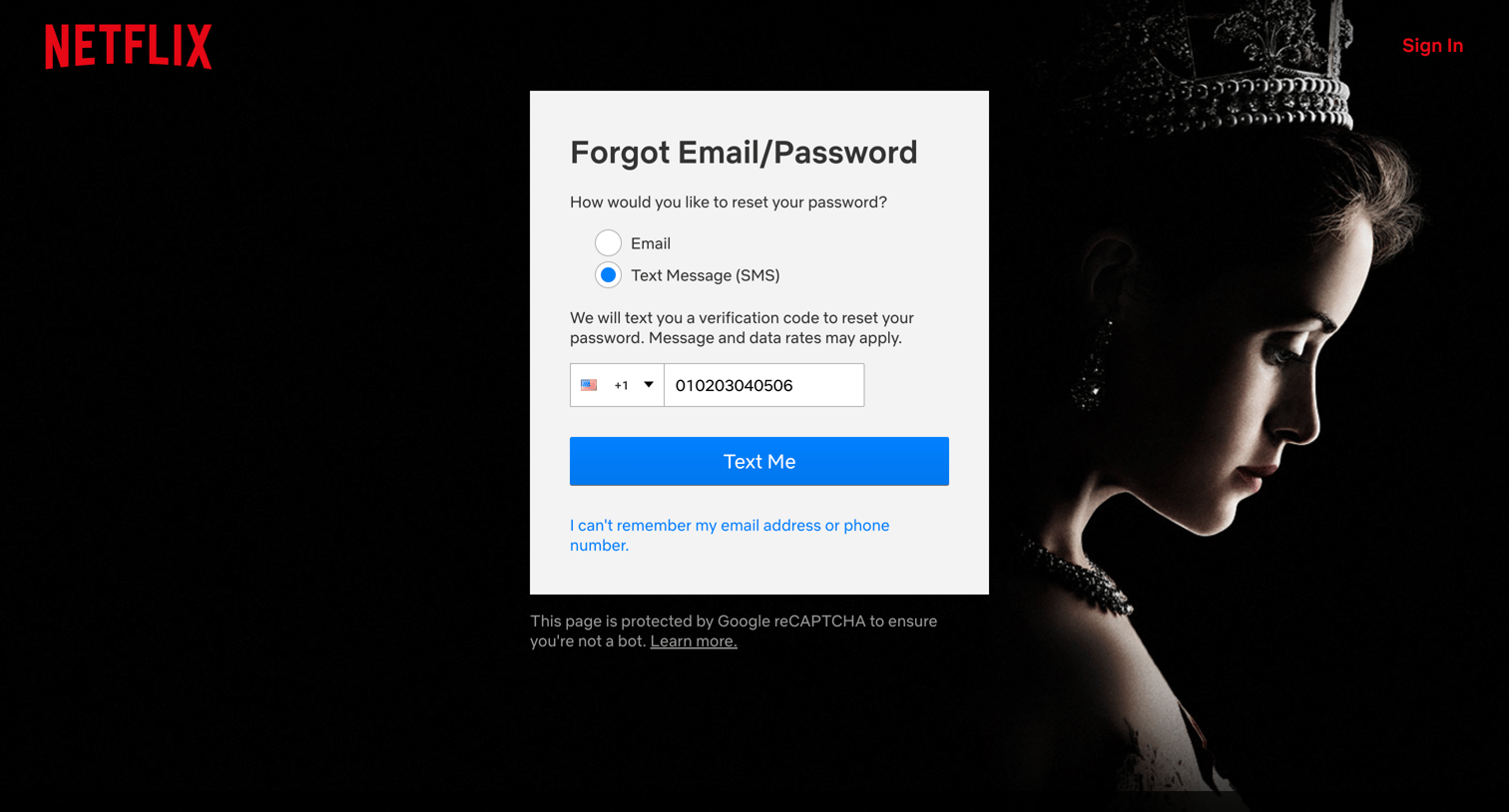
Password recovery screen where the user chooses to reset their password via text message and enters their phone number with a country code.
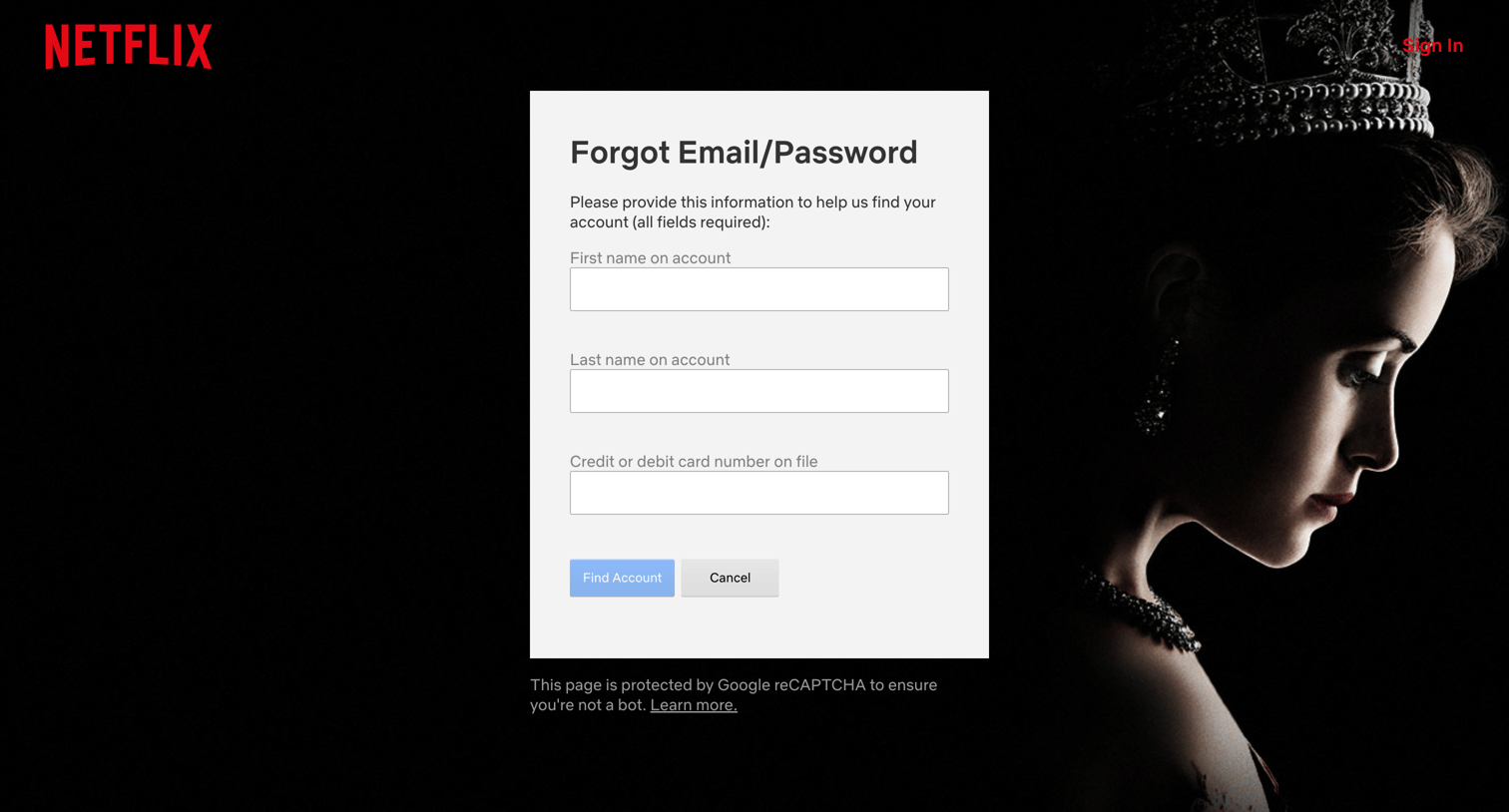
Password recovery screen where the user enters their first name, last name, and credit card number to find their account.
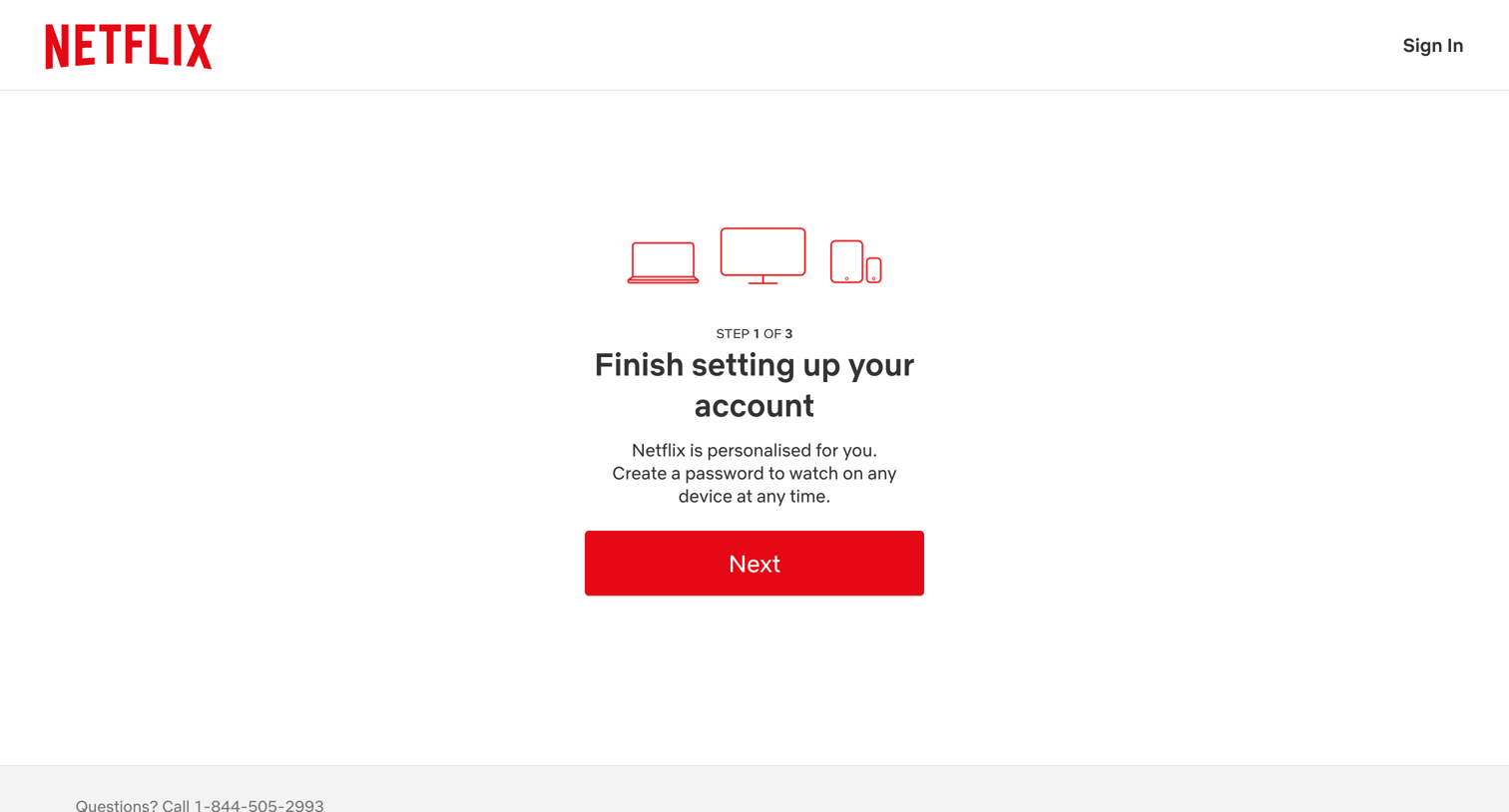
Signup screen where the user is prompted to finish setting up their account by creating a password as step 1 of 3.
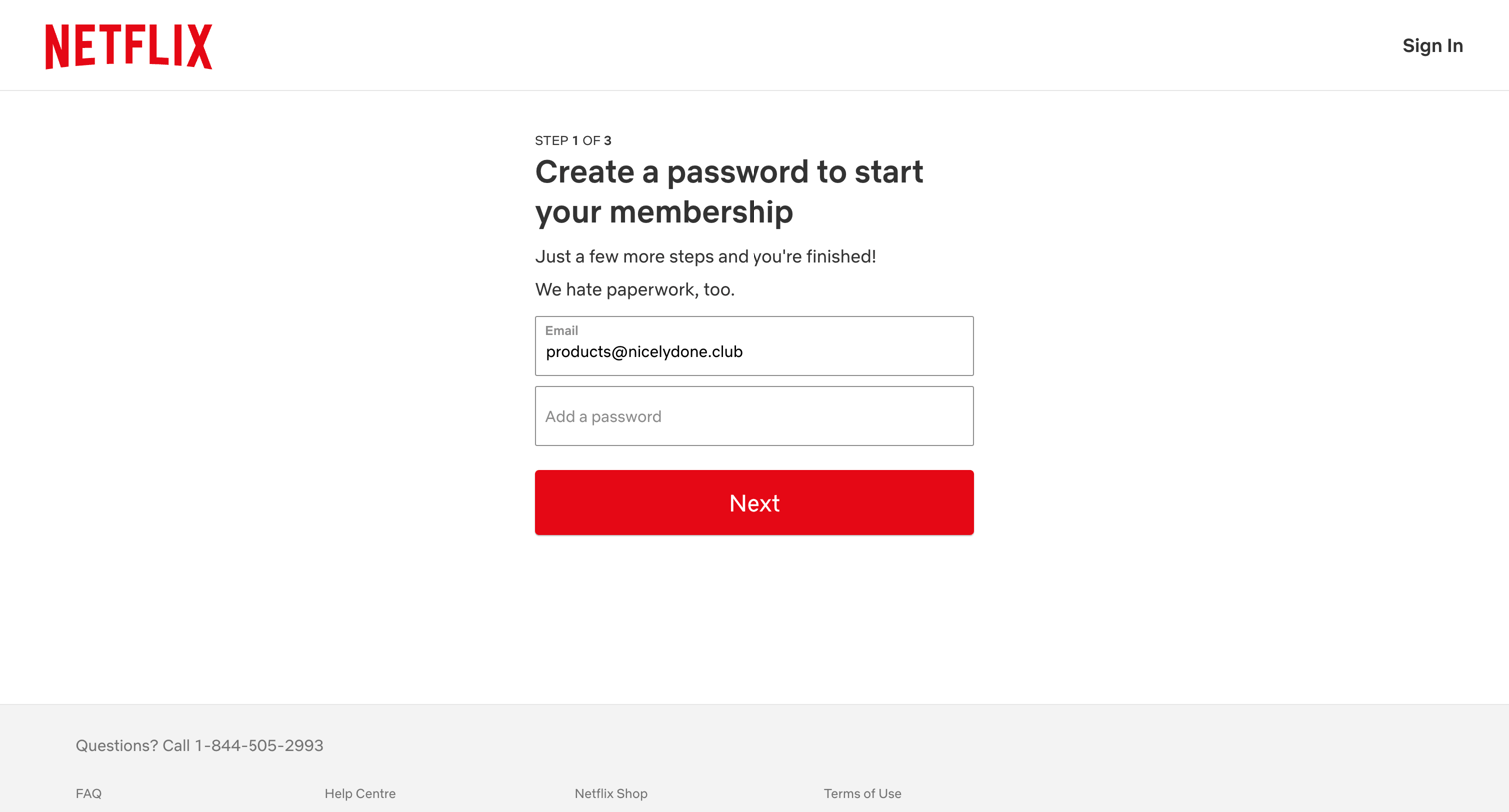
Signup step where the user creates a password for their email address to start a membership.
Browse the full SaaS app library
Explore real SaaS apps with their product screens, marketing screens, flows, and components.
Trusted by the best teams







