Activity Log screen examples
Activity Log screen design examples from SaaS apps. See how SaaS apps present a history of changes and actions. Explore layouts that connect each event with the person involved, the affected item, and the…
Explore the examples
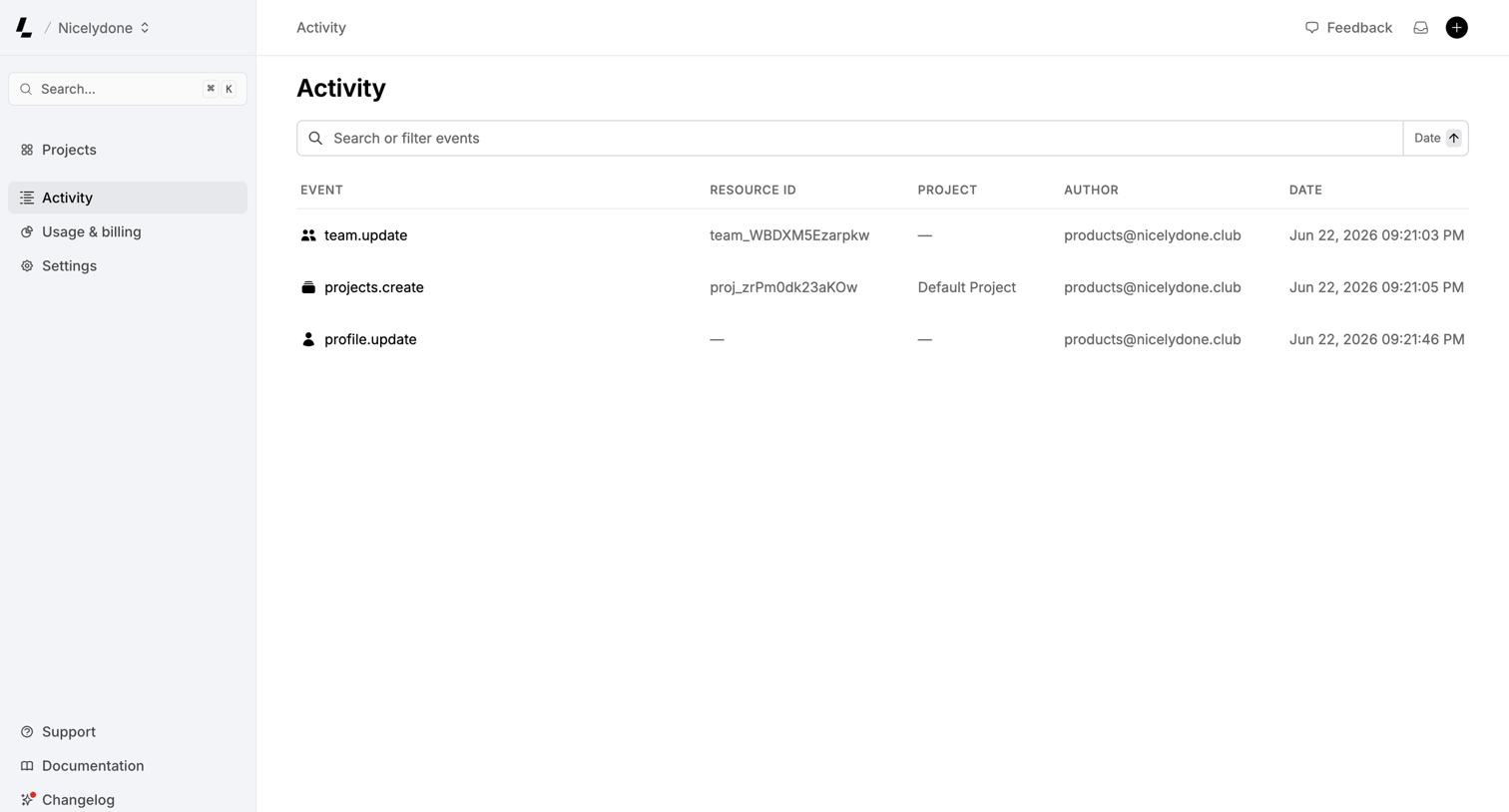

Activity page displaying a data table of system events like team updates and project creations, with a search bar and date sorting control.
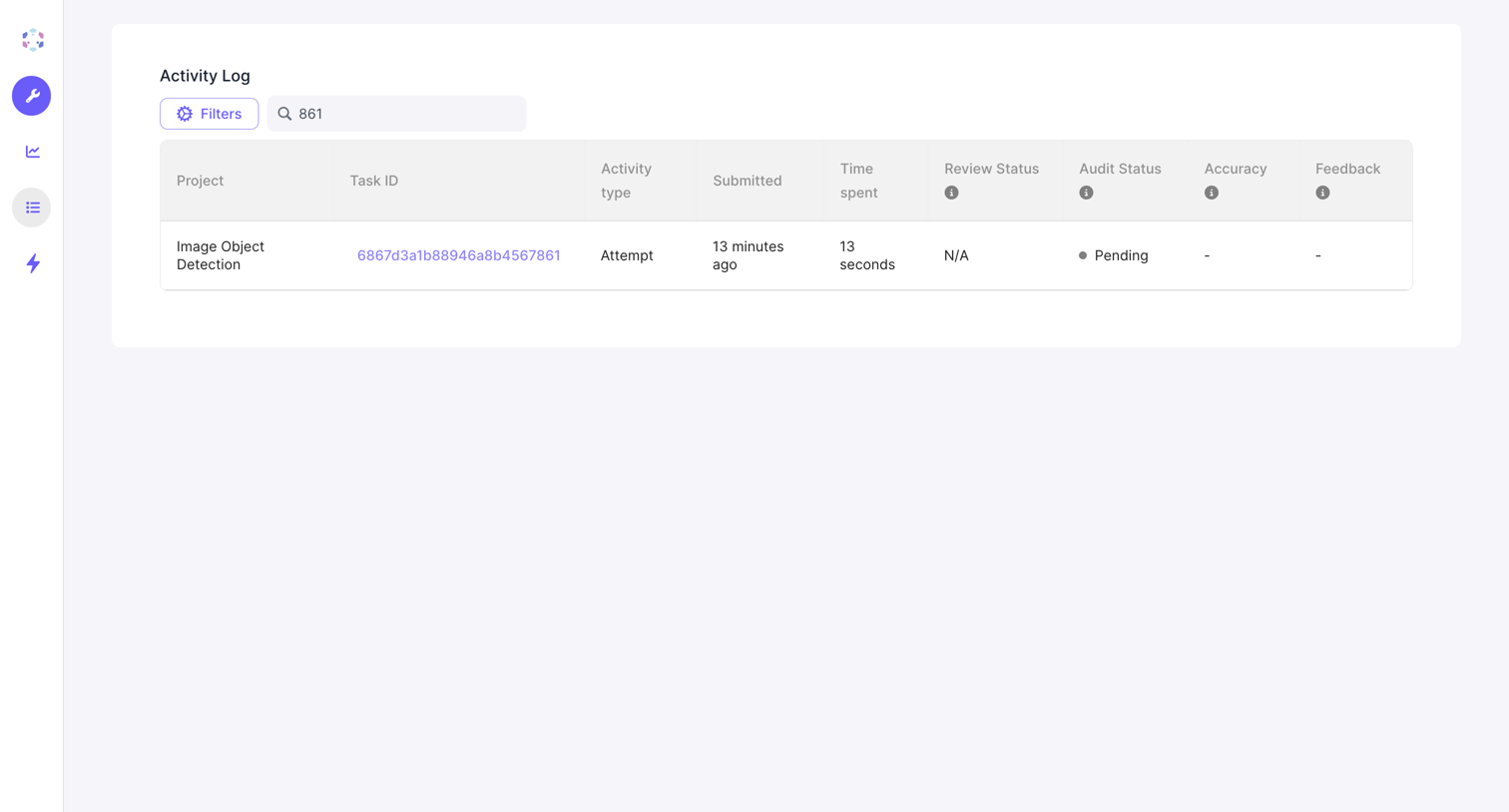

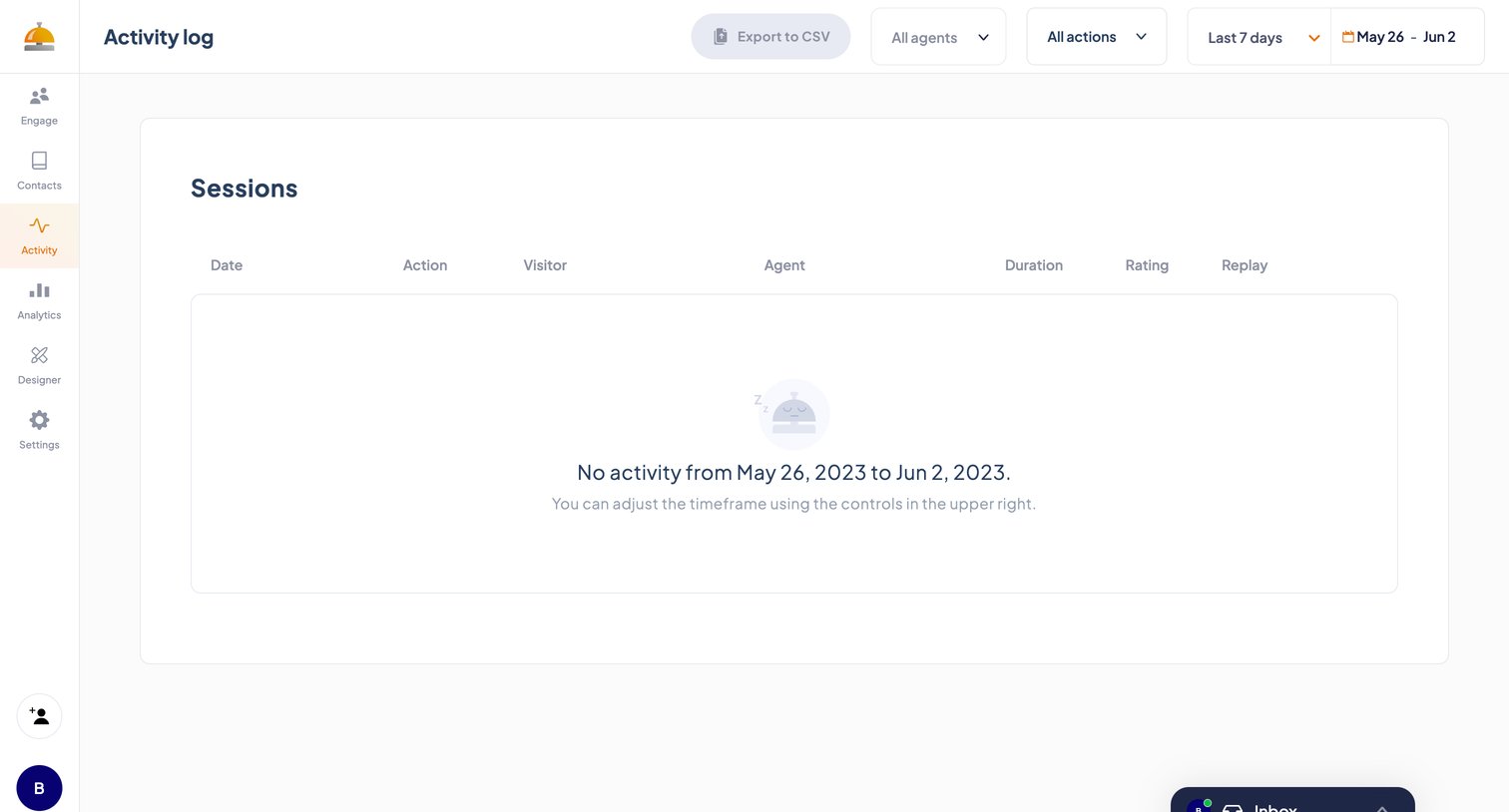

Activity log list view showing an empty state with no sessions recorded between the selected dates.
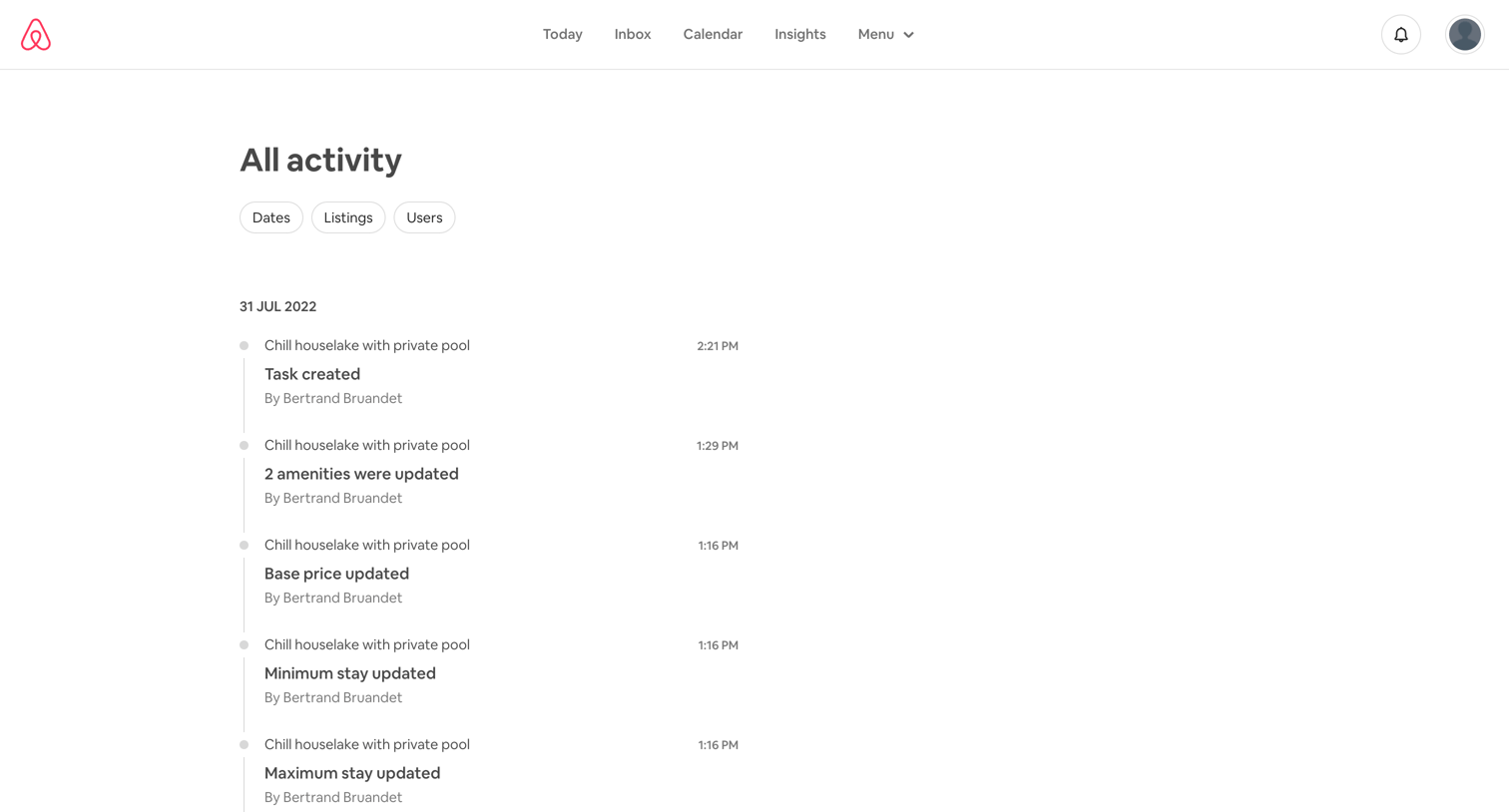

List view showing a chronological history of updates to a property listing, with filters for dates, listings, and users.
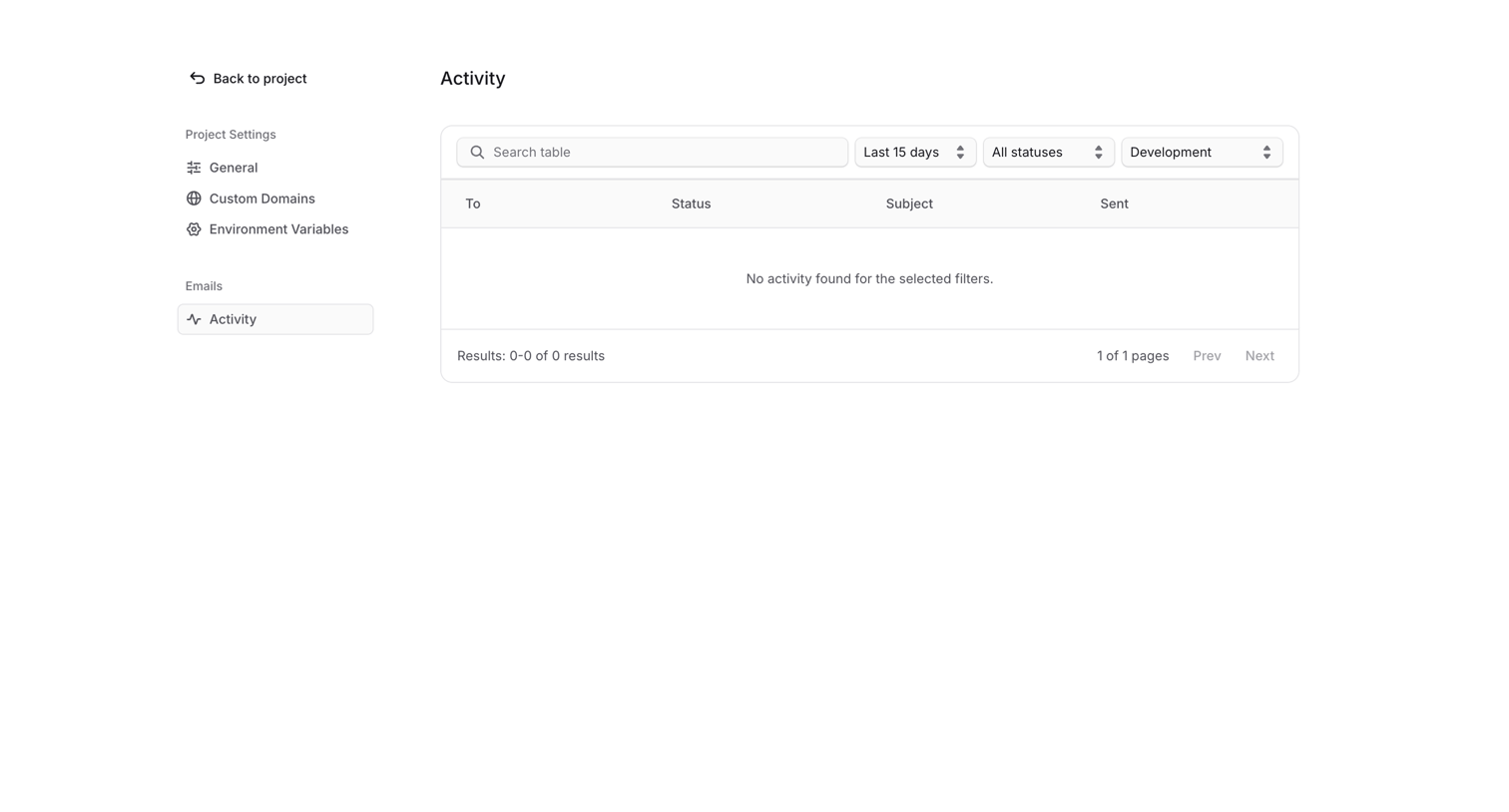

Settings page where the user views an activity log of sent emails, currently showing an empty state for the selected filters.
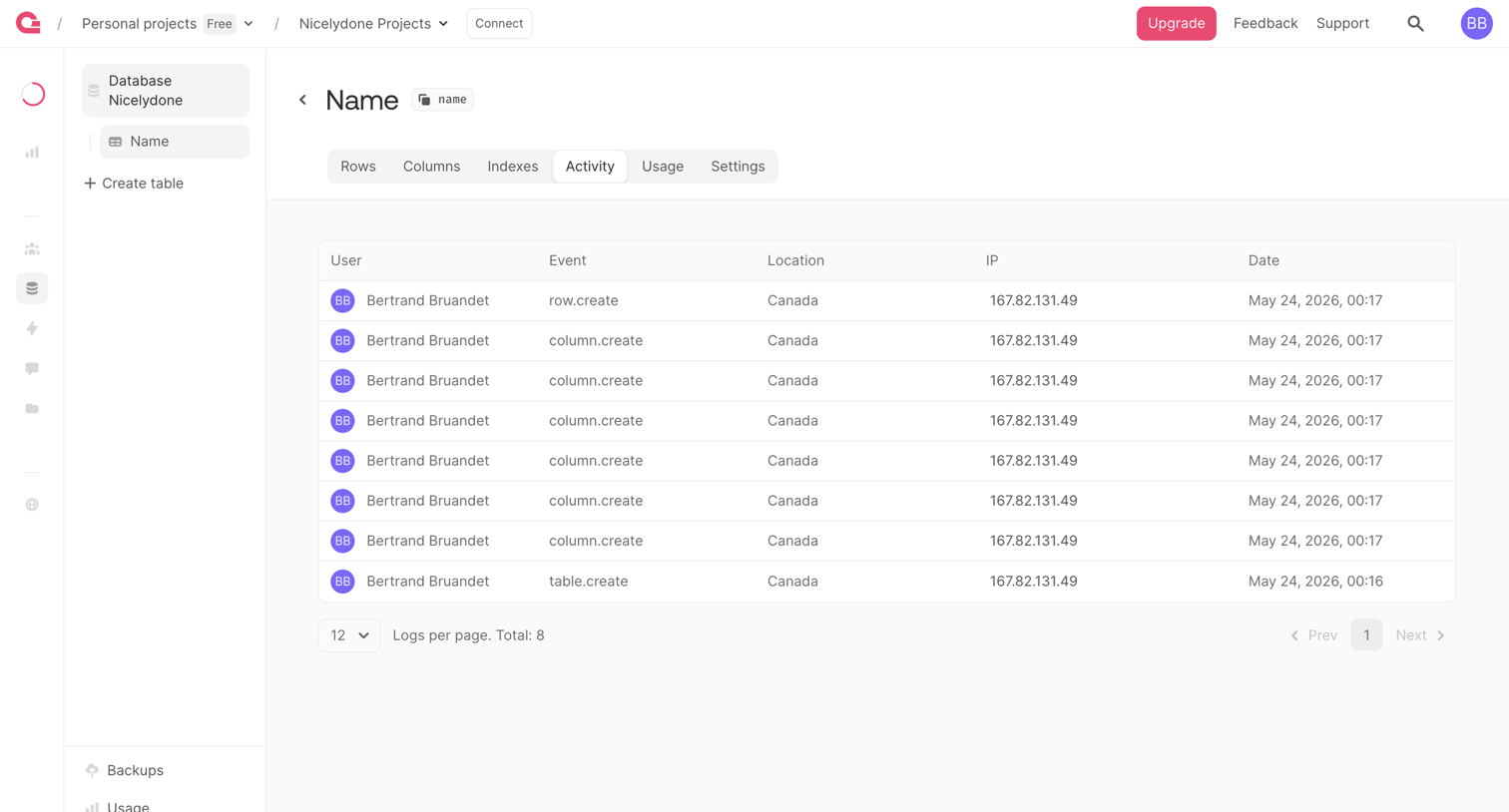

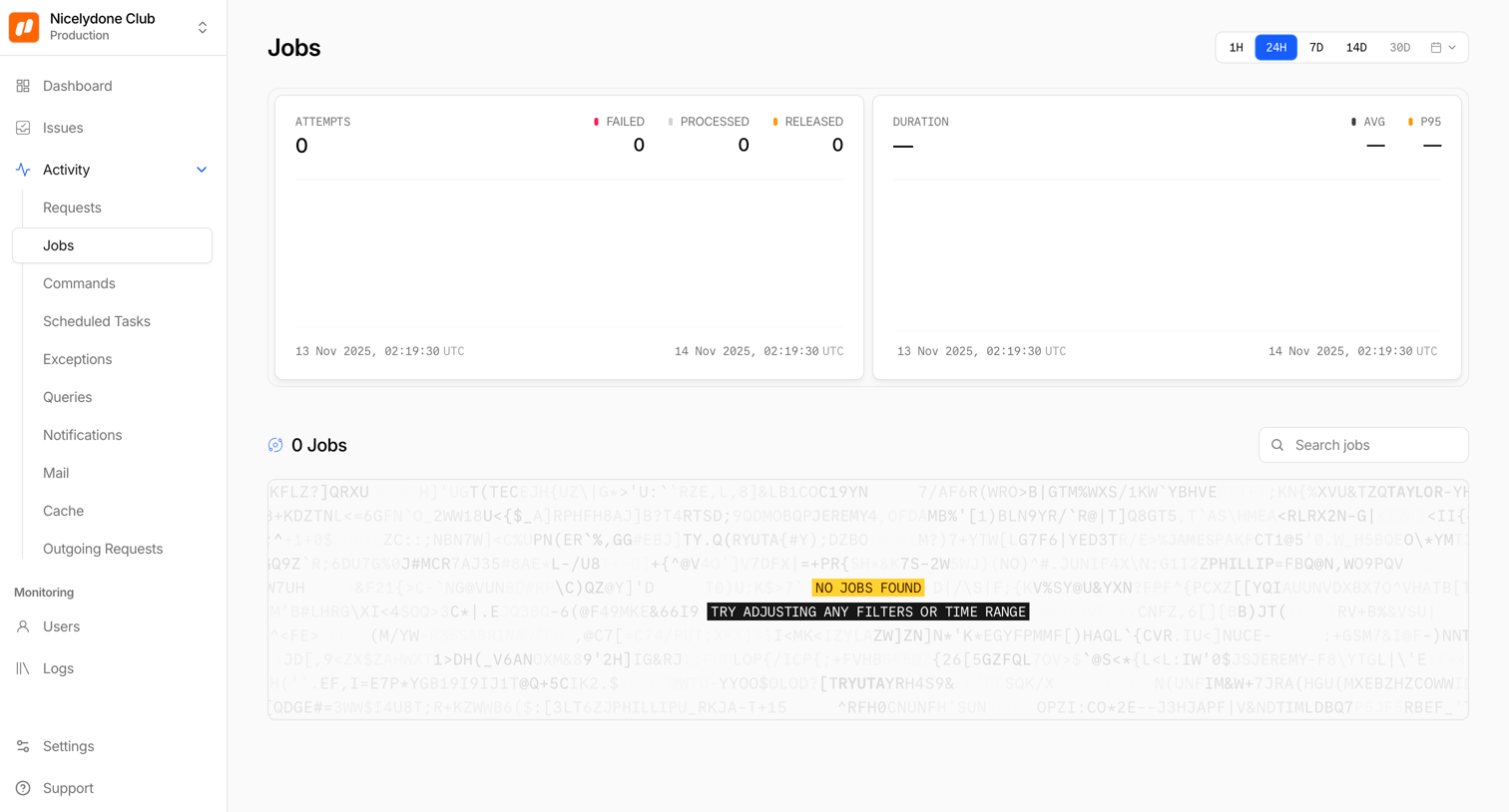

List view showing background job activity with an empty state indicating no jobs were found for the selected 24-hour time period.
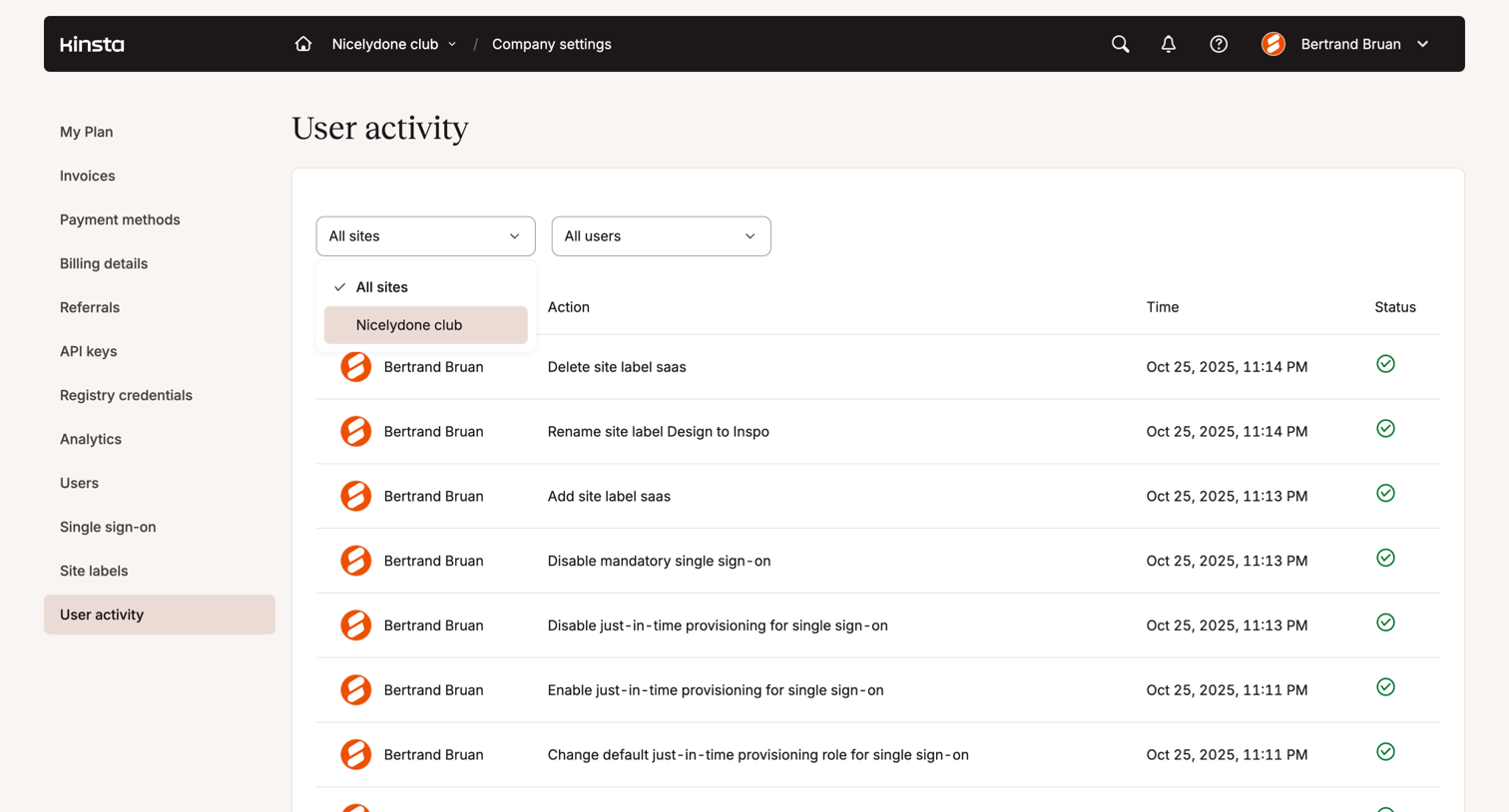

Settings page where the user reviews a paginated audit log of team actions, filterable by site and user.
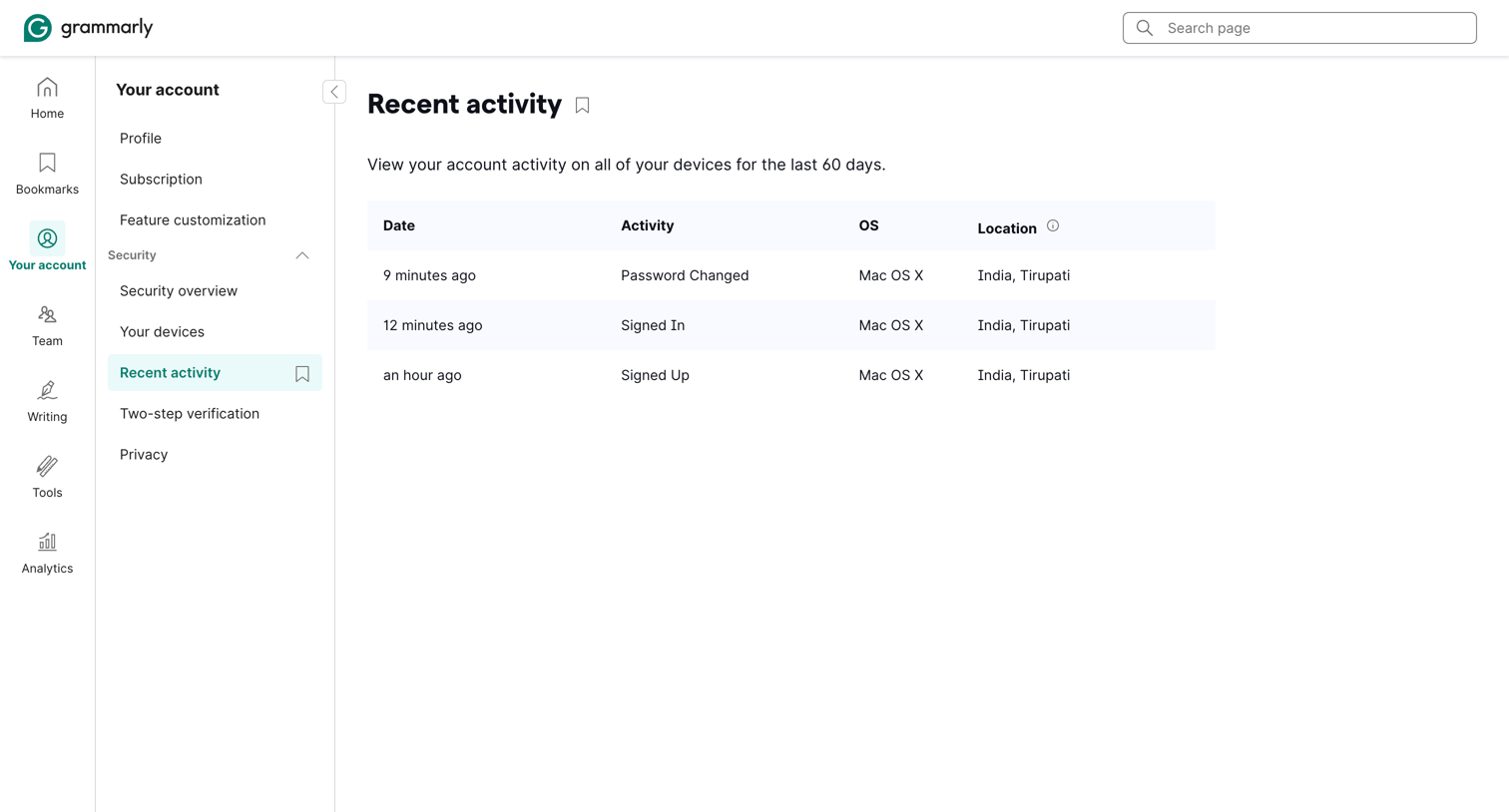

Settings page where the user views a log of recent account activity including date, action, OS, and location.
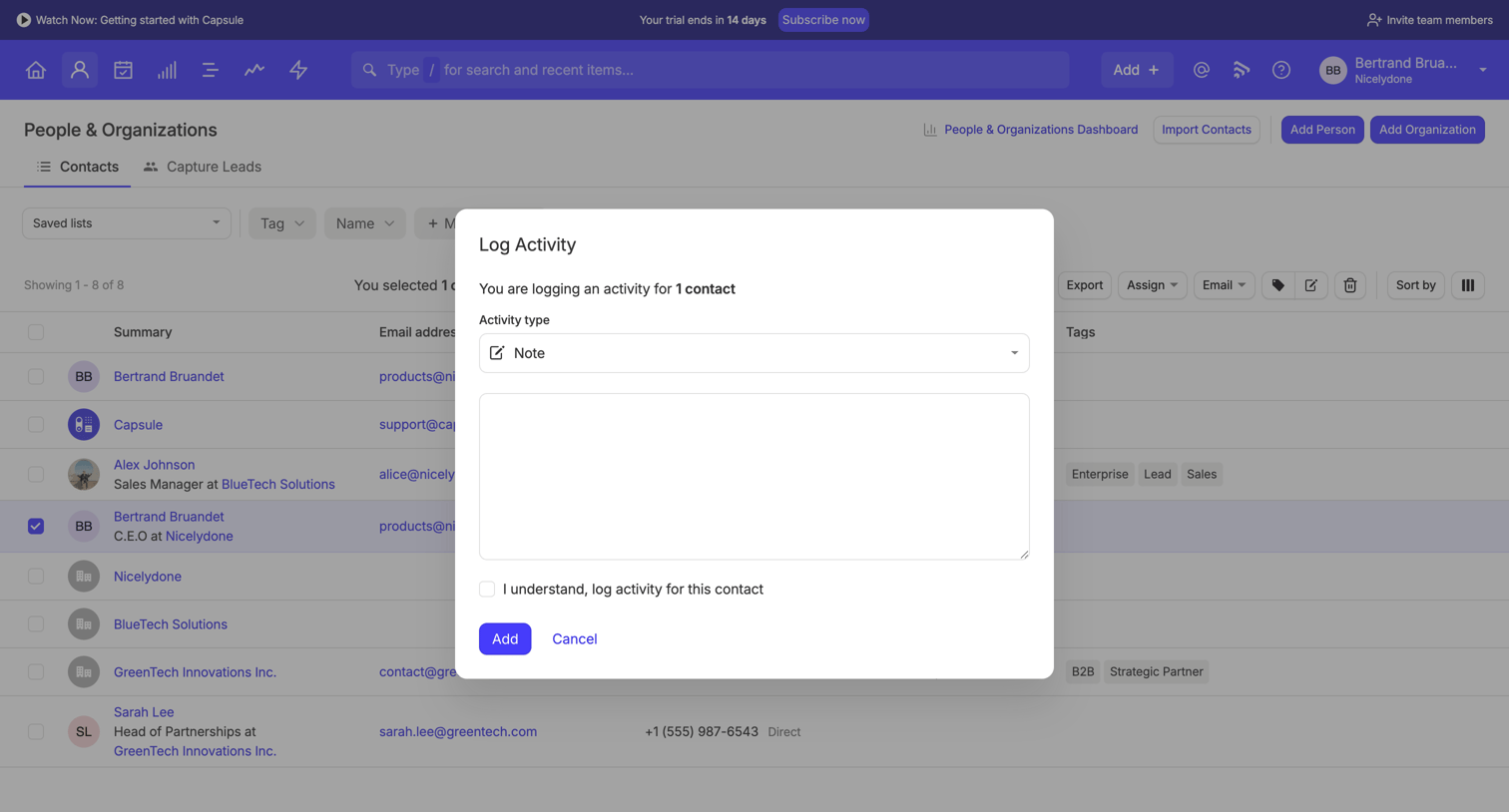

List view of contacts where the user has selected a row and opened a modal to log a new note activity for that person.
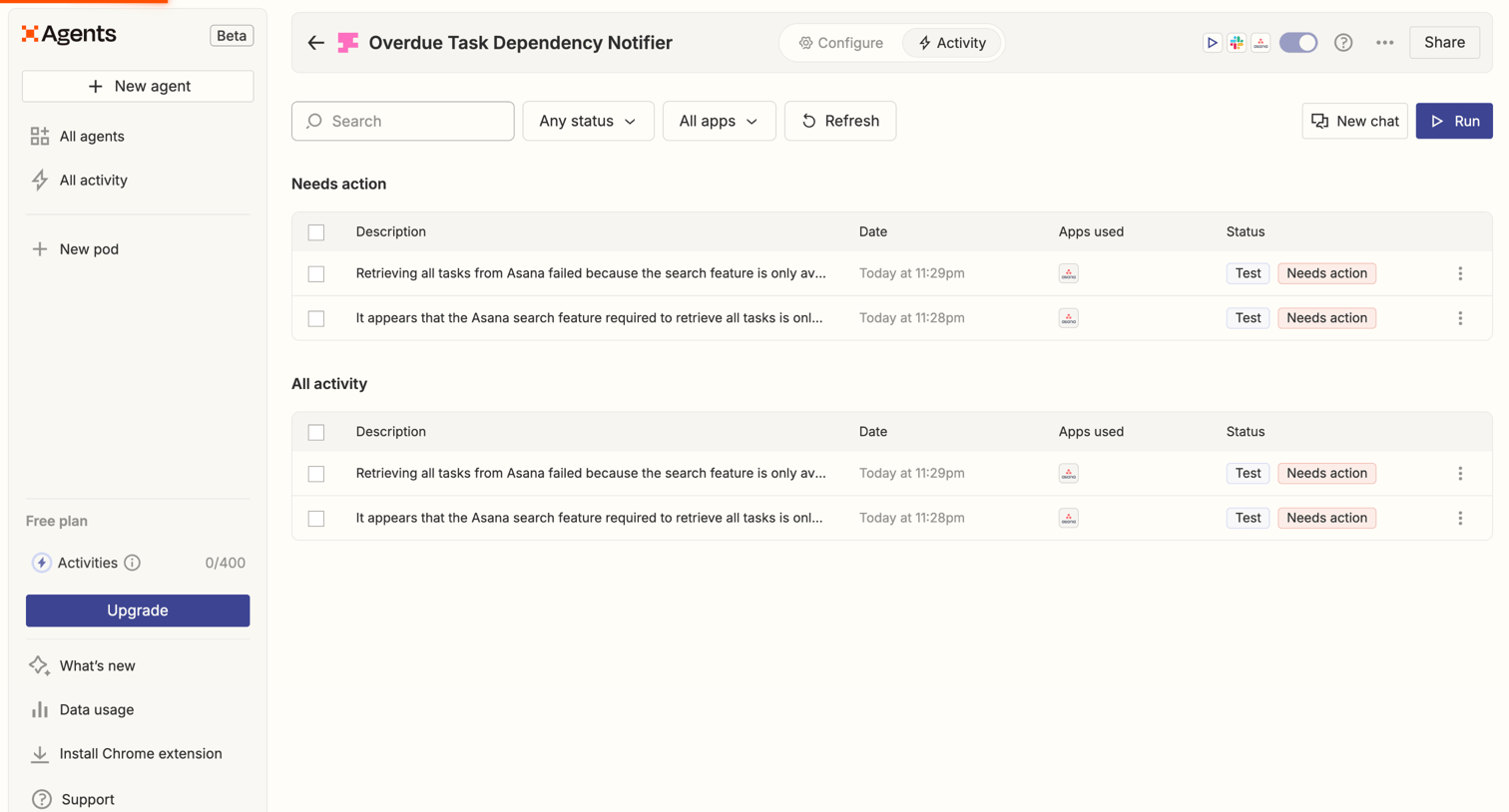

List view where the user monitors recent execution logs and tasks requiring action for a specific AI agent.
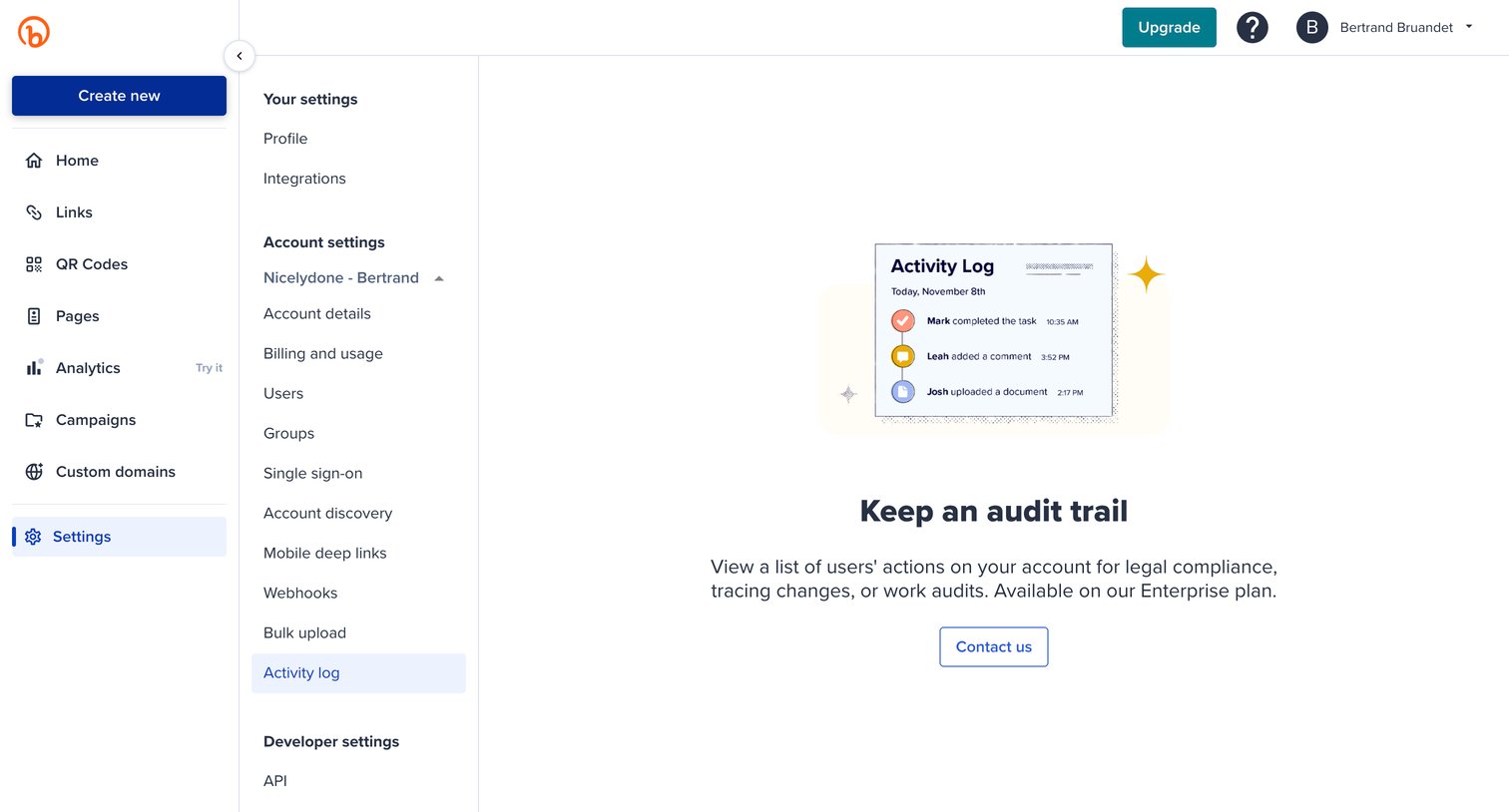

Settings page where the user is blocked from viewing the activity log and prompted to contact sales to upgrade to the Enterprise plan.
Explore the full SaaS screen library
Upgrade to unlock the full library.
Trusted by the best teams








About Activity Log
See how SaaS apps present a history of changes and actions. Explore layouts that connect each event with the person involved, the affected item, and the time it happened.