Skip to content

Widgets screen examples

Widgets screen design examples from SaaS apps. Browse examples from Dock, FeatureOS, Creatopy.

Explore the examples
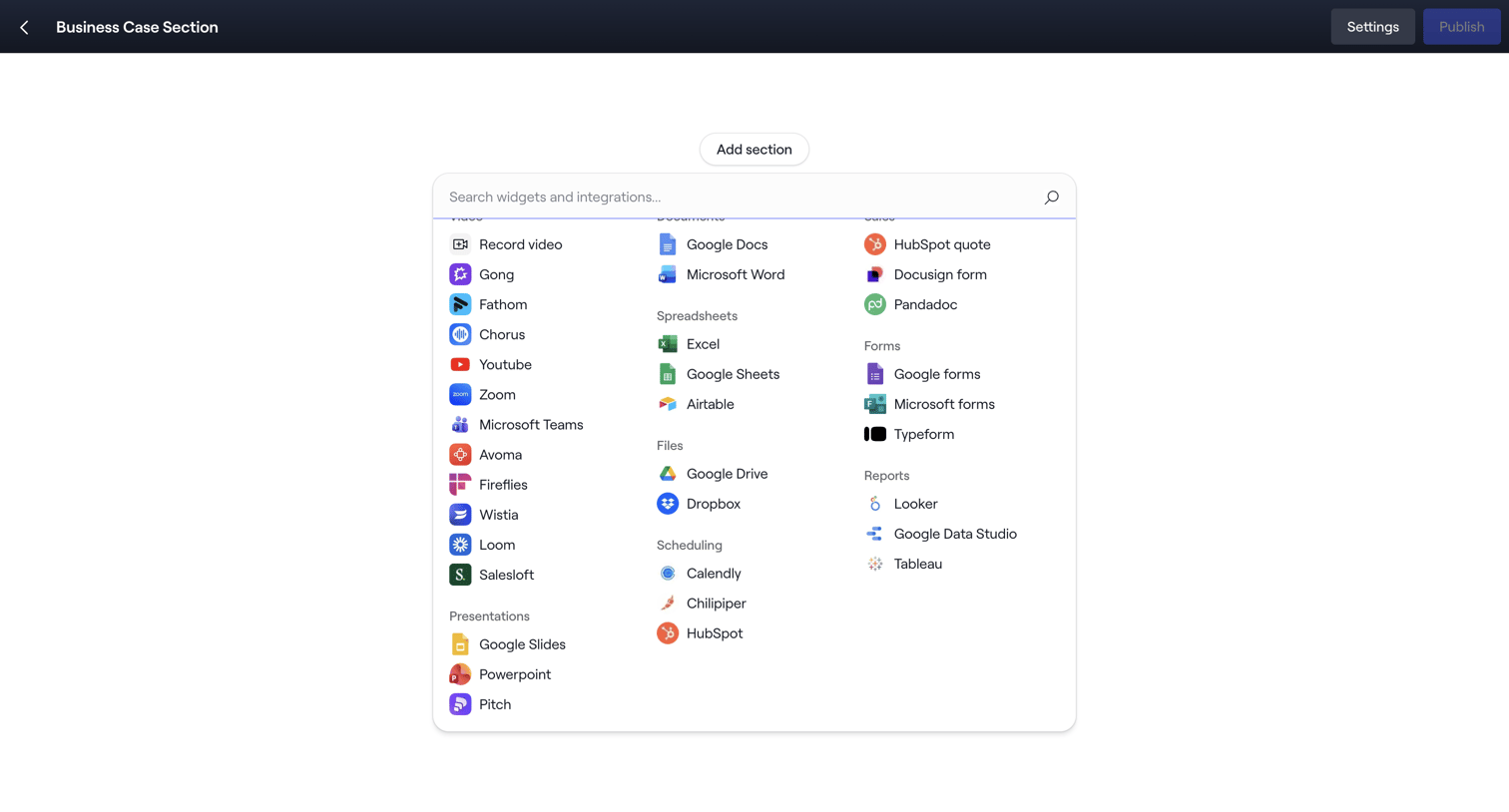
Dock - Editing: Business Case Section screen
Dock logo
Dock

Page builder where the user opens a searchable popover to browse and select third-party integrations or native widgets to add to their document.
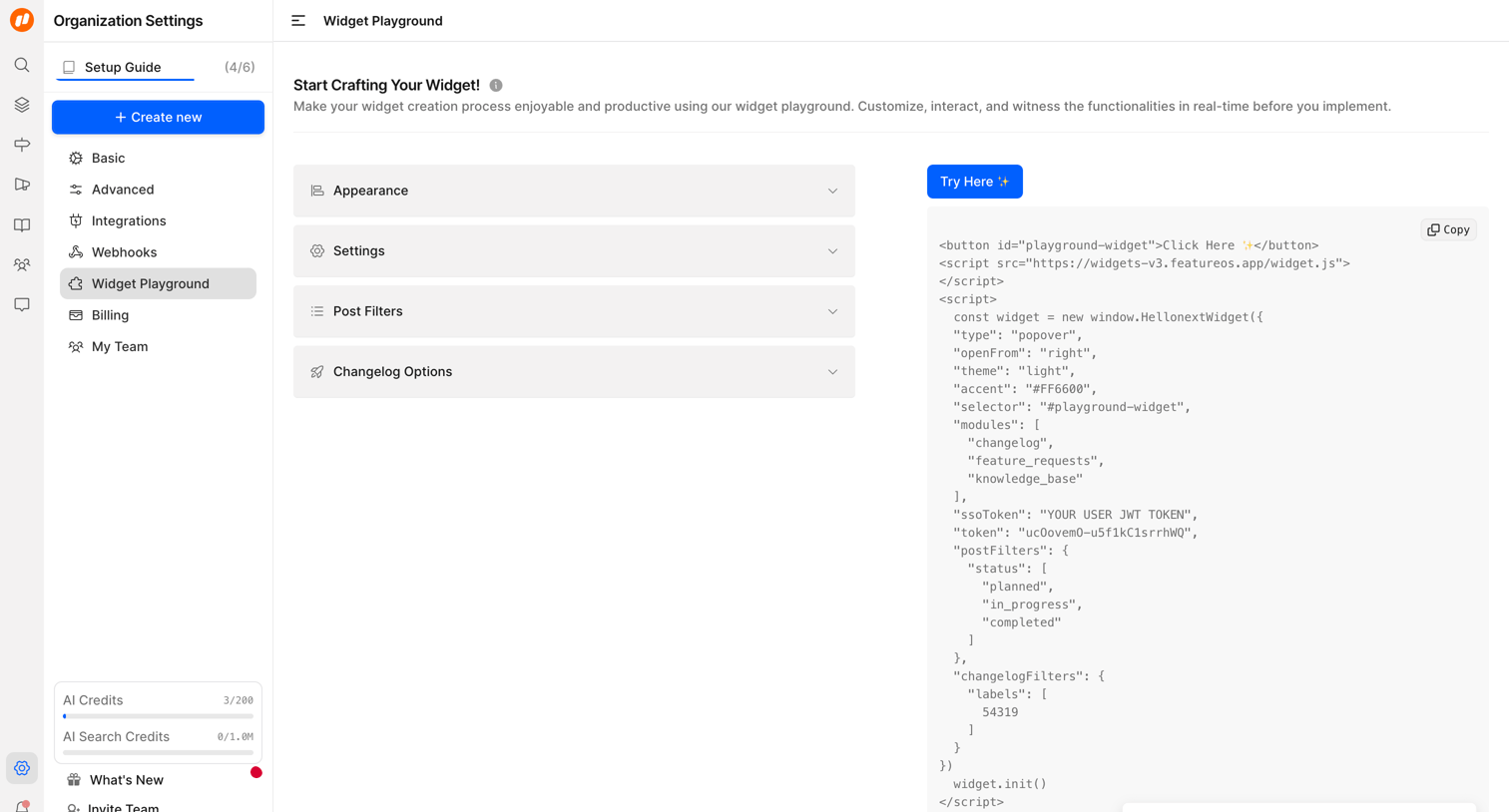

FeatureOS - Widget Playground | Nicelydone Club screen
FeatureOS logo
FeatureOS

Settings page where the user configures widget appearance and behavior via an accordion menu and copies the resulting embed code.
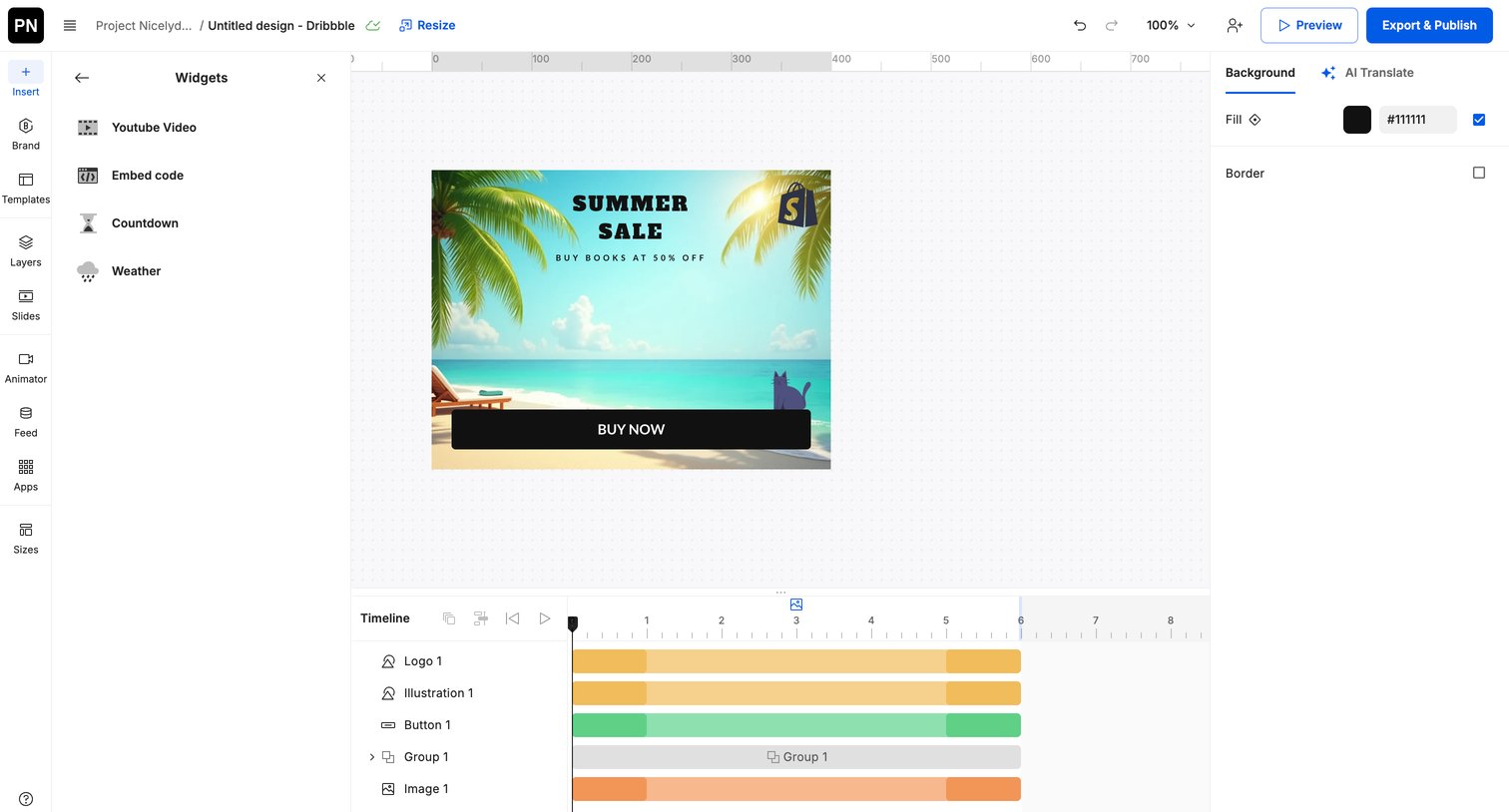

Creatopy - Creative Automation Platform screen
Creatopy logo
Creatopy

Design editor where the user creates an animated ad banner, featuring a central canvas, a left sidebar for widgets, a right inspector for background properties, and a bottom timeline for animation.
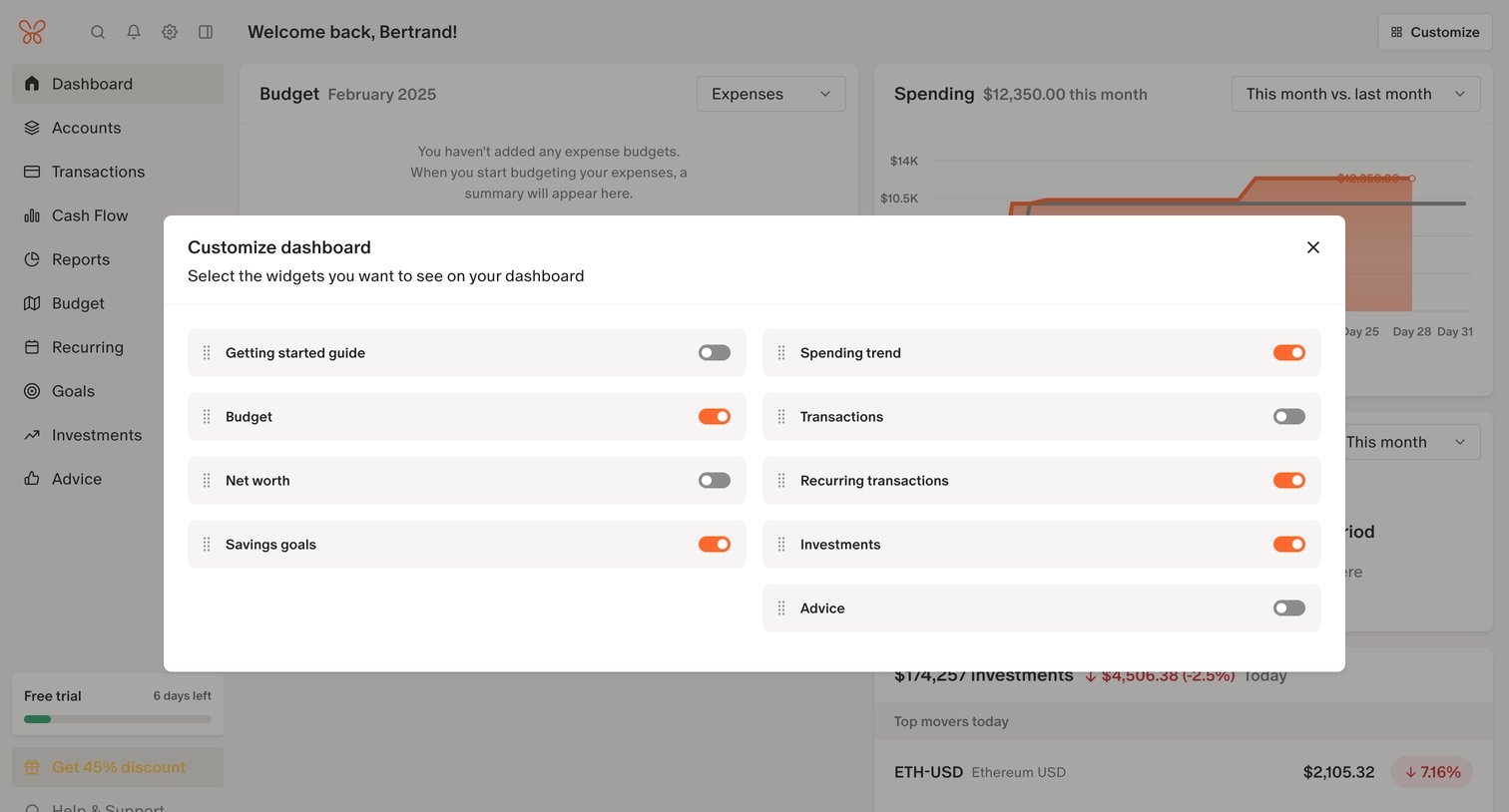
Monarch - Monarch | Dashboard screen
Monarch logo
Monarch

Dashboard where the user customizes visible widgets like spending trends, budget, and net worth via a modal with toggles.

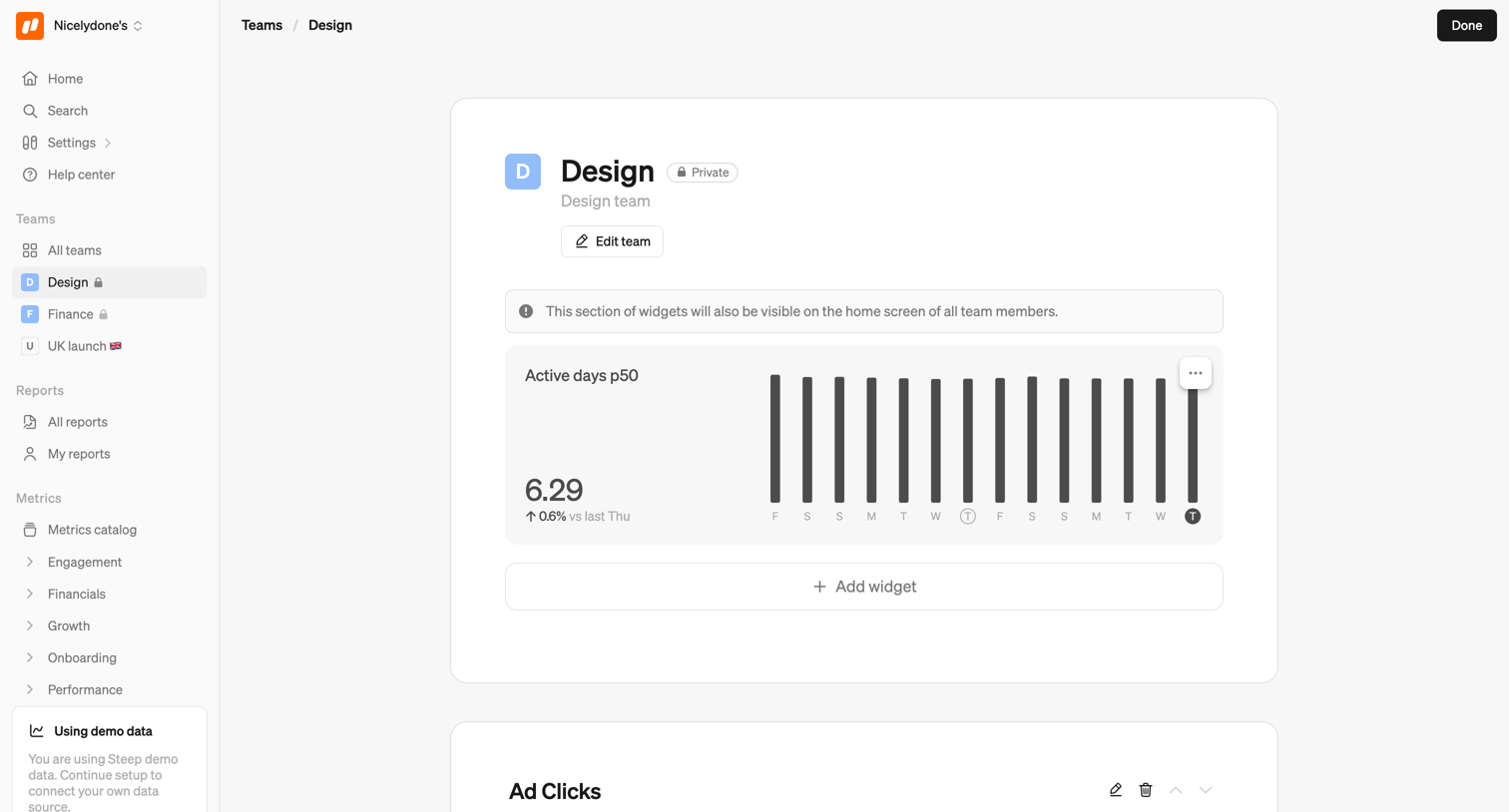
Steep - Design screen
Steep logo
Steep

Detail page for the Design team where the user can view and configure a dashboard of KPI widgets like active days and ad clicks.
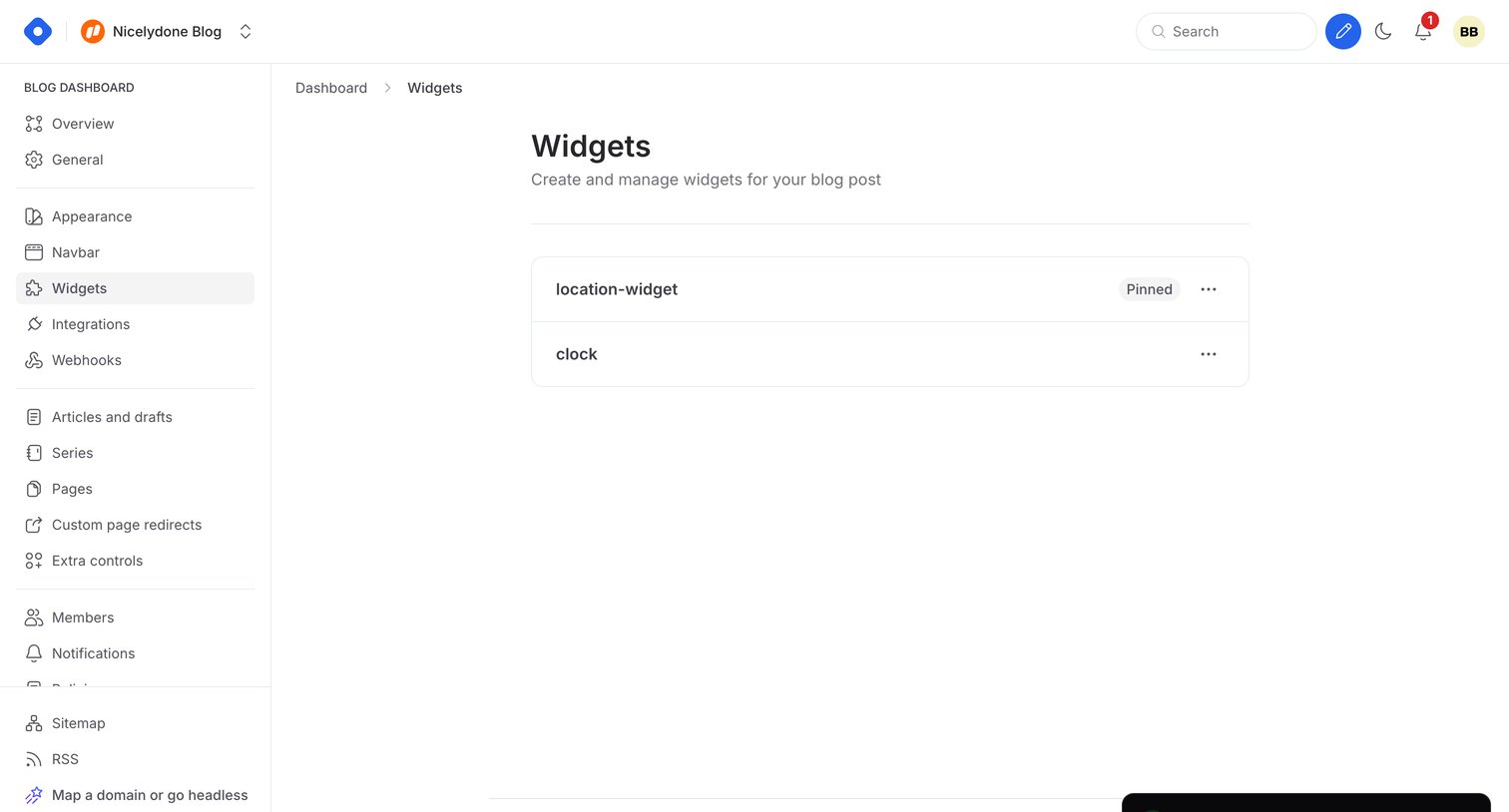

Hashnode - Dashboard - Widgets screen
Hashnode logo
Hashnode

Settings page where the user manages custom widgets for their blog post, displaying a list of existing widgets like location and clock.

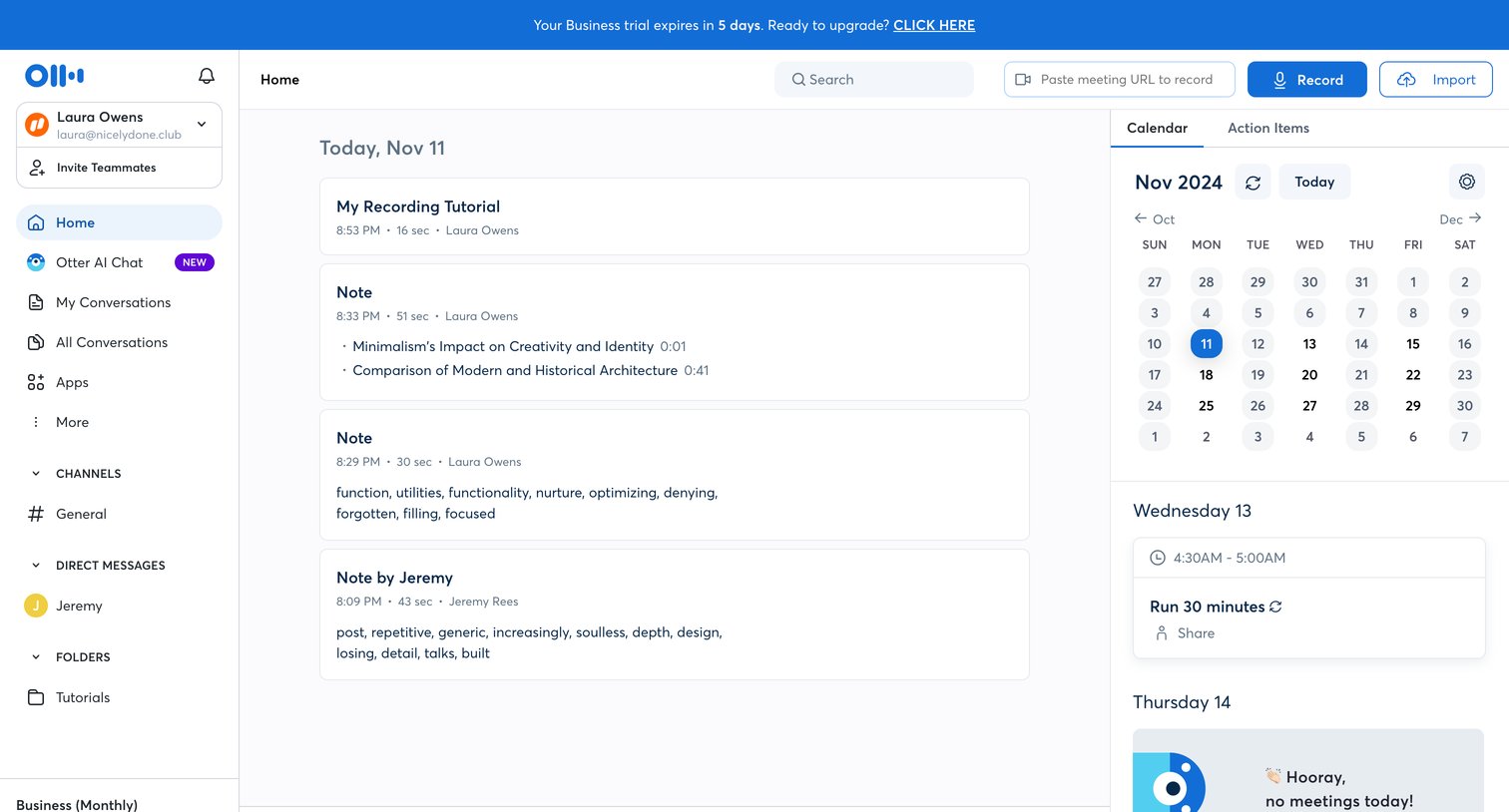
Otter - Otter Voice Meeting Notes - Otter.ai screen
Otter logo
Otter

Home page where the user can view recent audio notes, check upcoming calendar events, and quickly start a new recording or chat with the AI assistant.
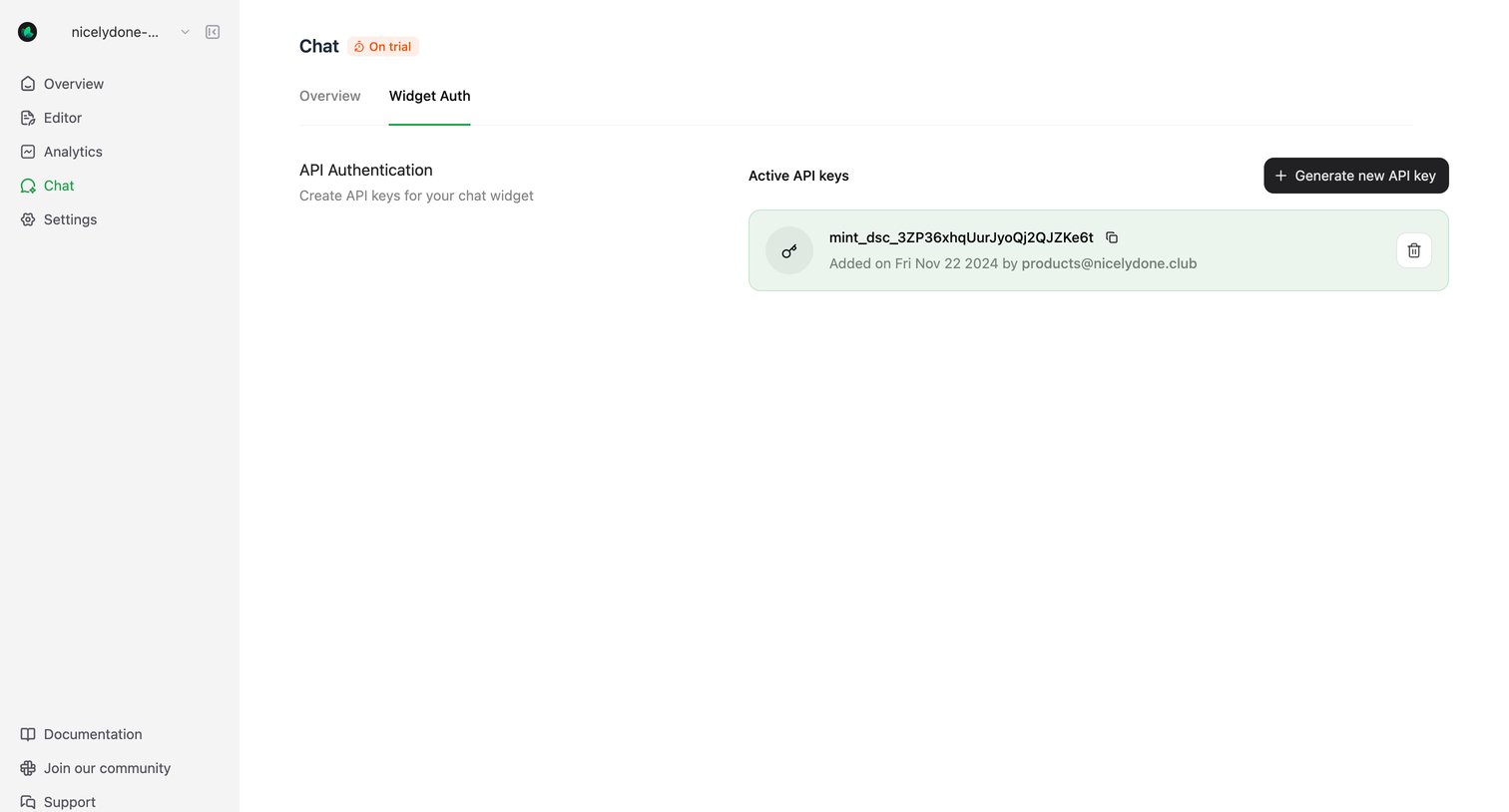

Mintlify - Widget Auth - Mintlify screen
Mintlify logo
Mintlify

Settings page where the user manages active API keys for their chat widget and can generate new ones.

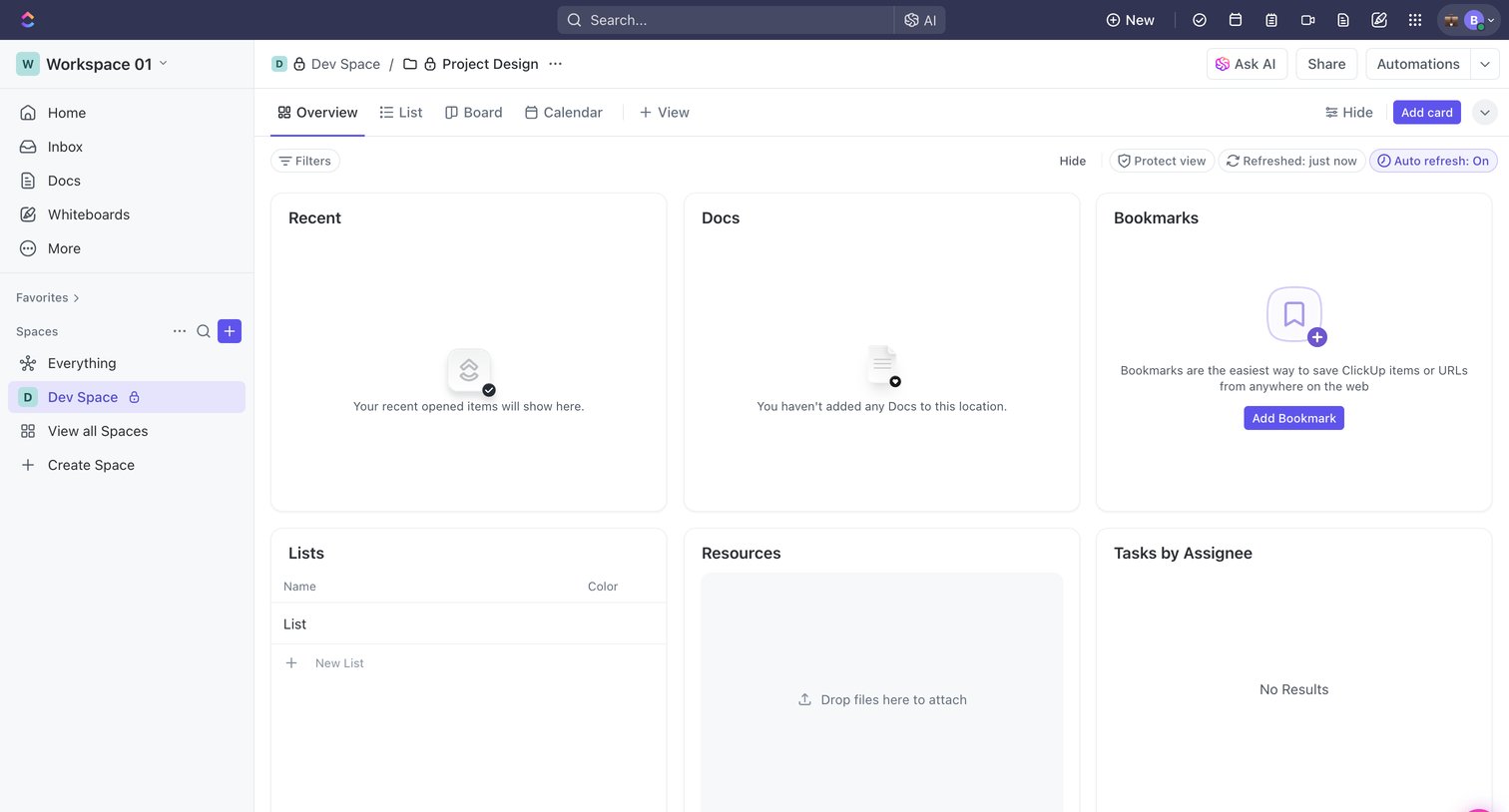
ClickUp - Project Design | Workspace 01 Overview screen
ClickUp logo
ClickUp

Dashboard overview for a development space showing empty widget cards for recent items, docs, bookmarks, lists, resources, and tasks, with tabs to switch to list or board views.

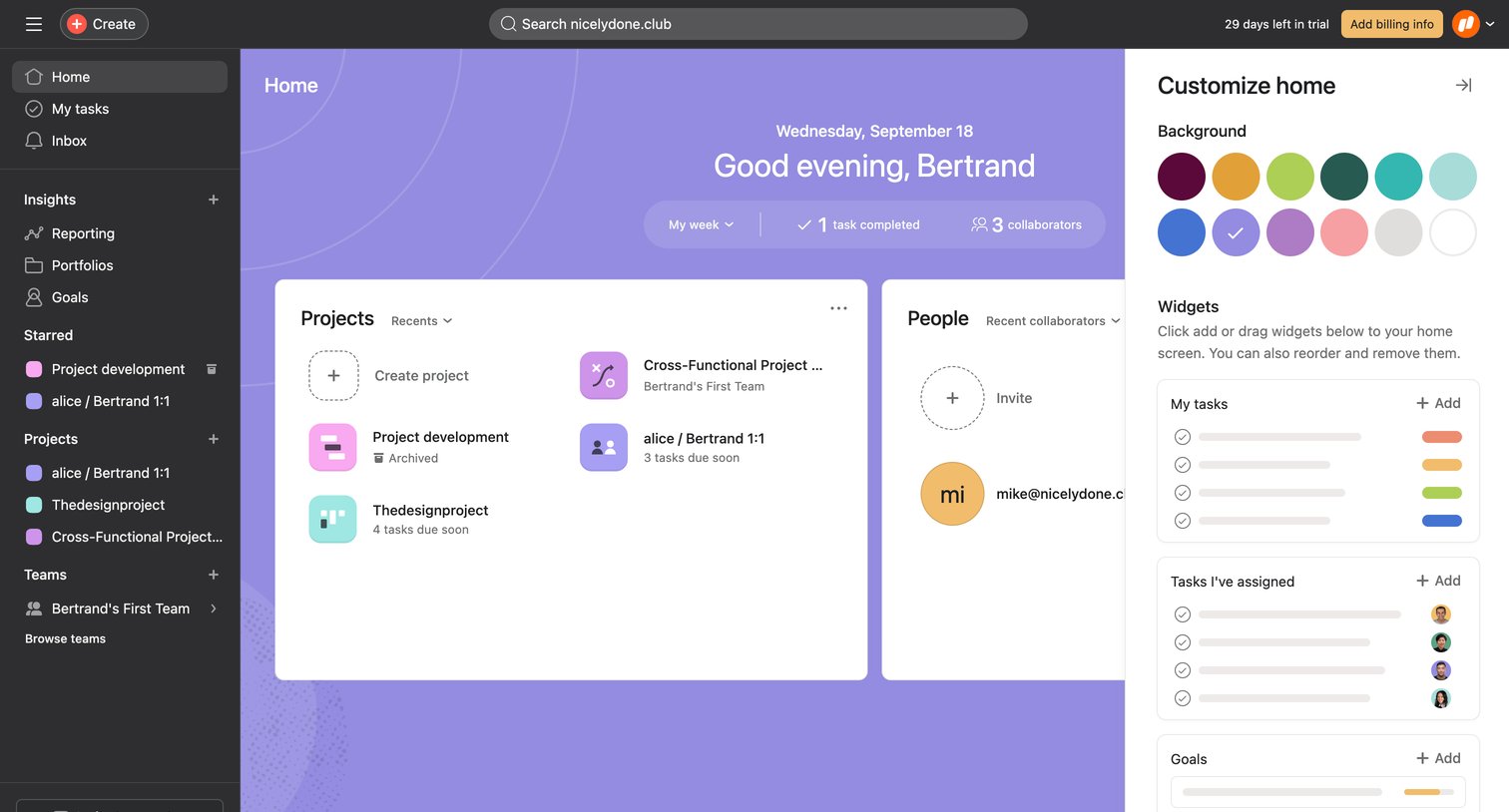
Asana - Home - Asana screen
Asana logo
Asana

Home screen where the user can view recent projects and collaborators, and customize the background color and widgets via a right-hand side panel.
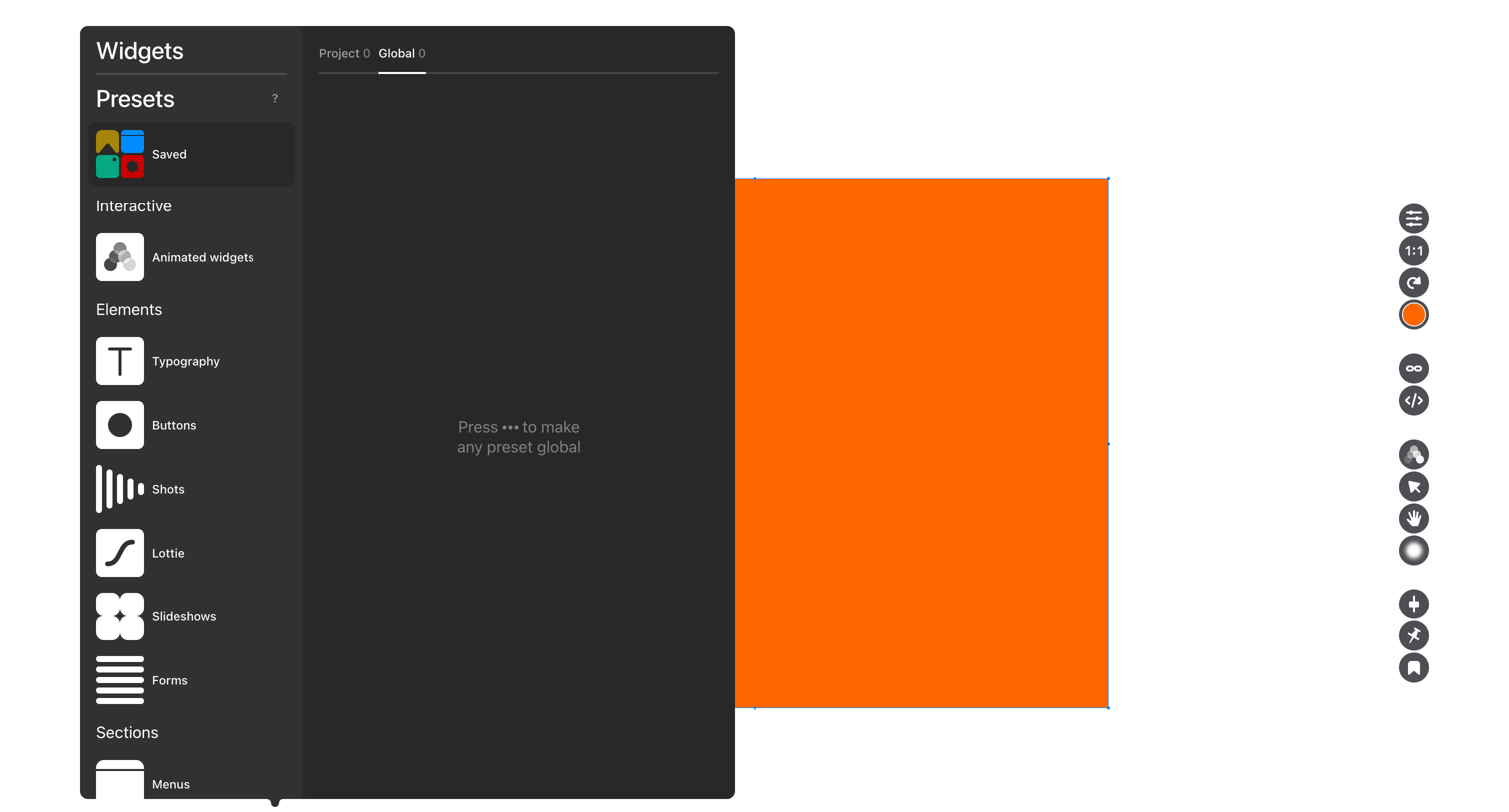

Readymag - Readymag • Project • Edit screen
Readymag logo
Readymag

Design editor canvas where the user has opened the widgets popover to browse interactive elements, typography, and presets while an orange shape is selected.
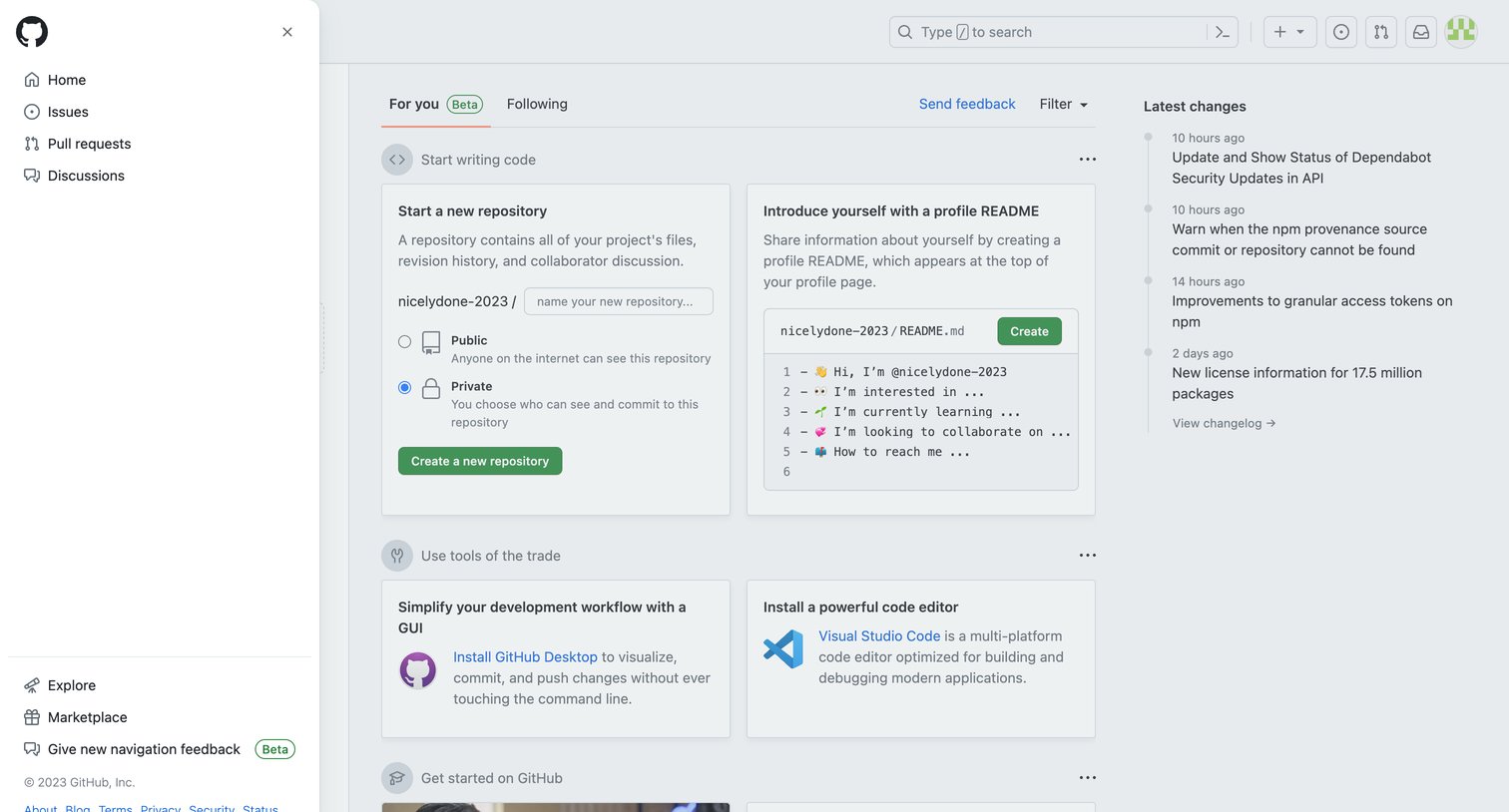
Github - GitHub screen
Github logo
Github

Home page where the user can start a new repository, create a profile README, or view the latest changelog updates.

Explore the full SaaS screen library

Upgrade to unlock the full library.

Trusted by the best teams