User management screen examples
User management screen design examples from SaaS apps. Browse examples from Polar, Latitude.sh, Inference.
Explore the examples
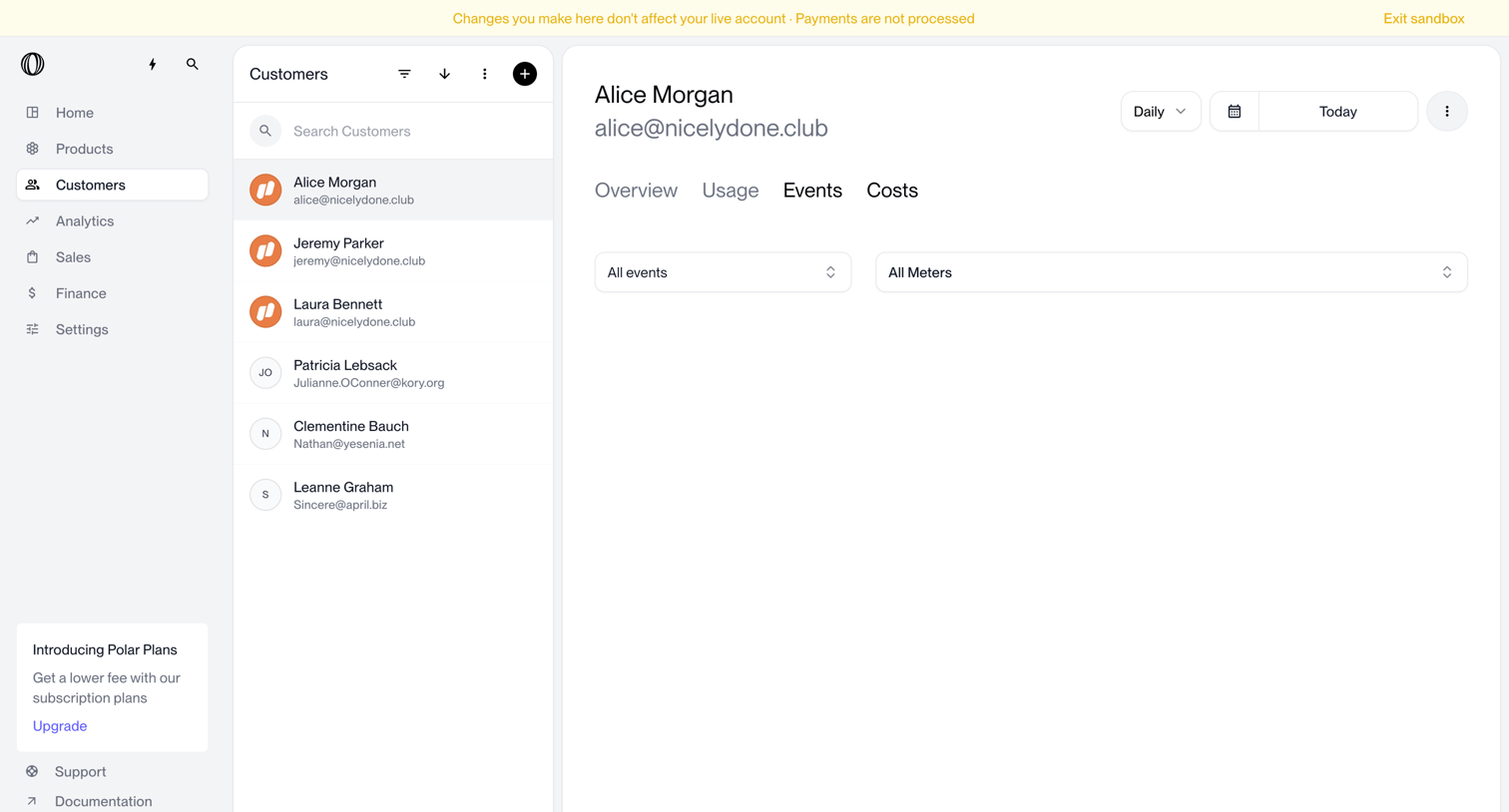

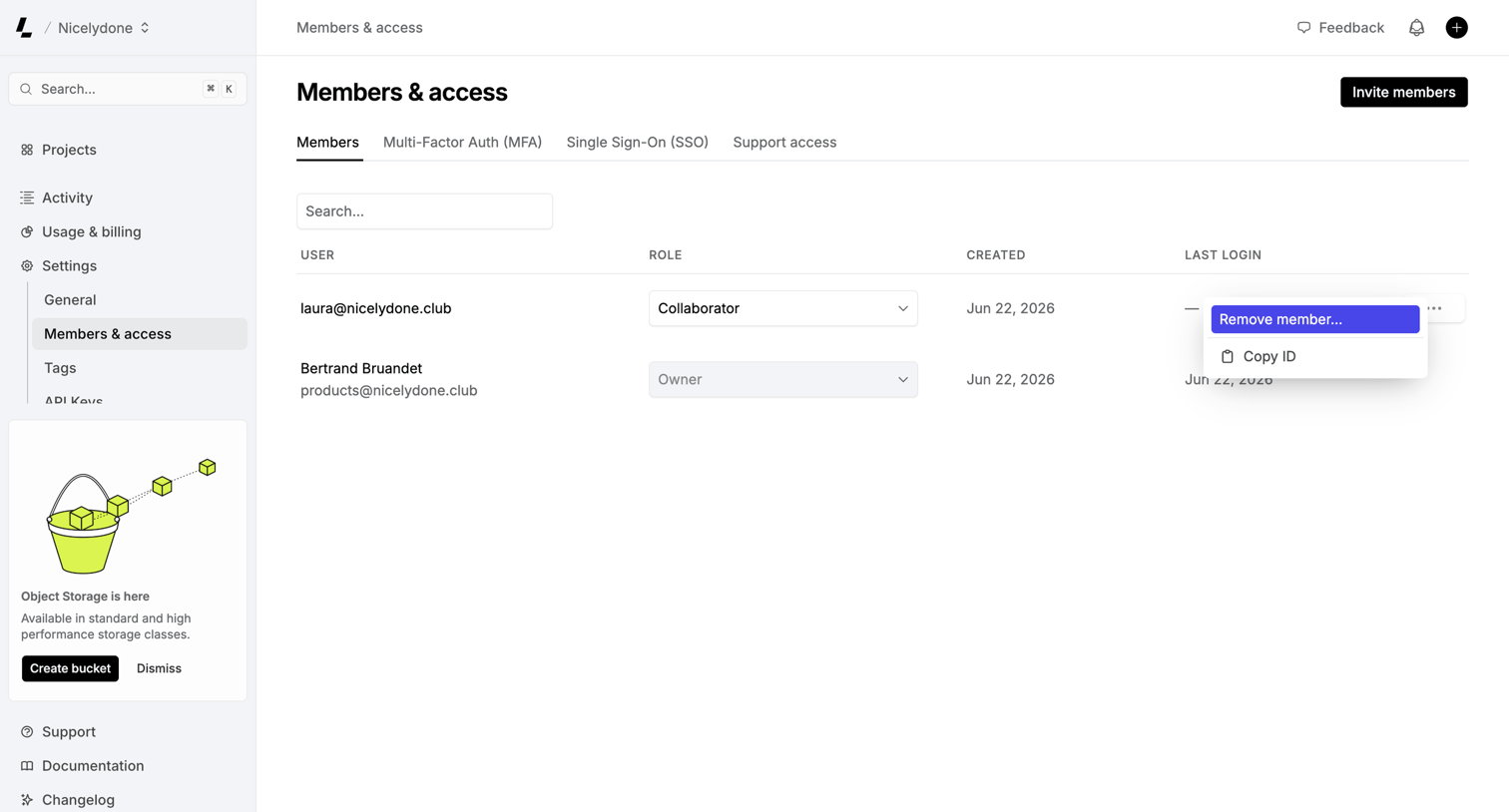

Settings page where the user manages workspace members, assigns roles like Collaborator or Owner, and can remove users via a row-level menu.
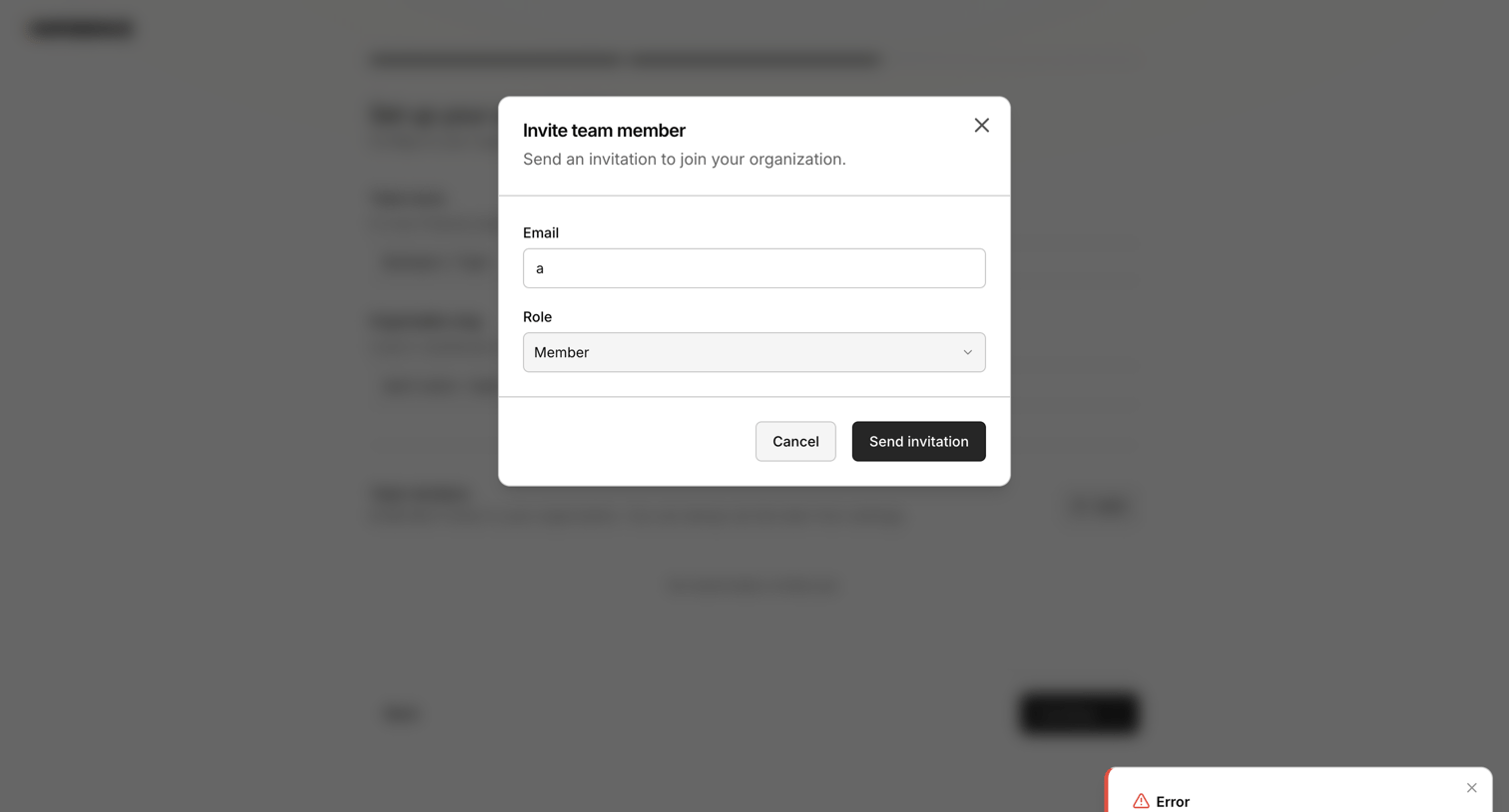

Onboarding step where the user attempts to invite a team member by email, triggering an invalid email error toast.
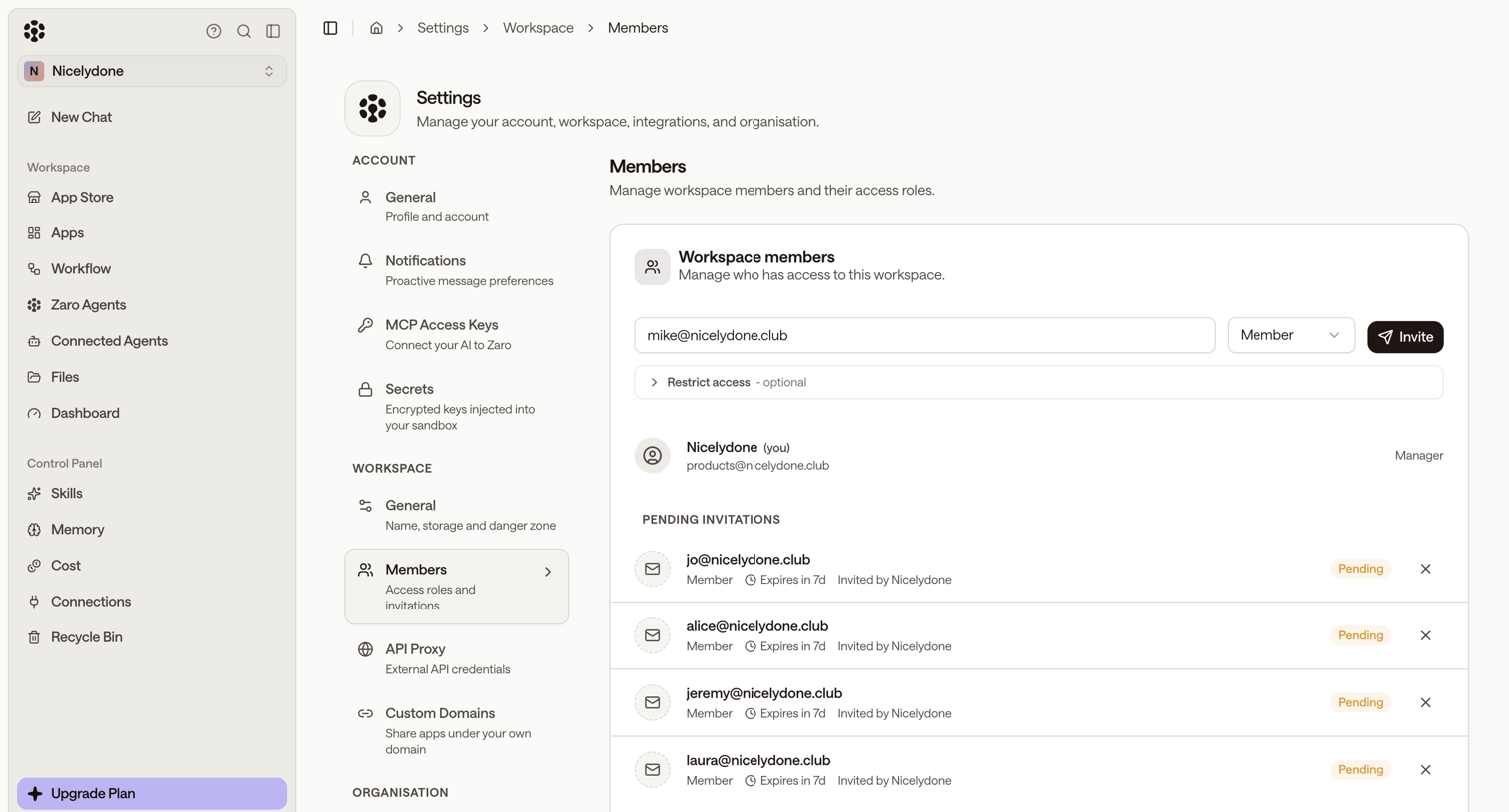

Settings page where the user can invite new members by email, assign roles, and manage pending invitations.
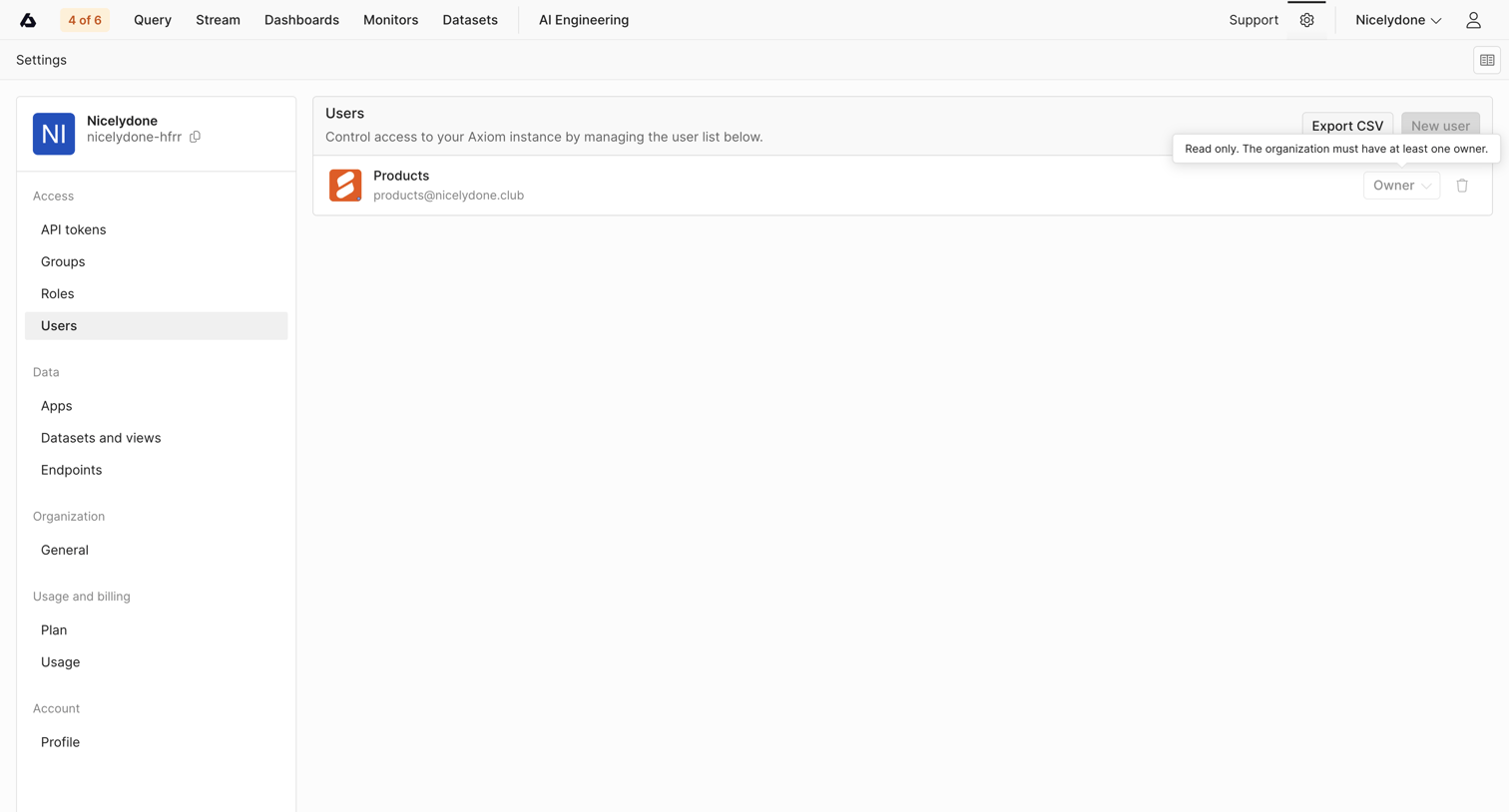

Settings page where the user manages the organization's user list, including their roles and access.
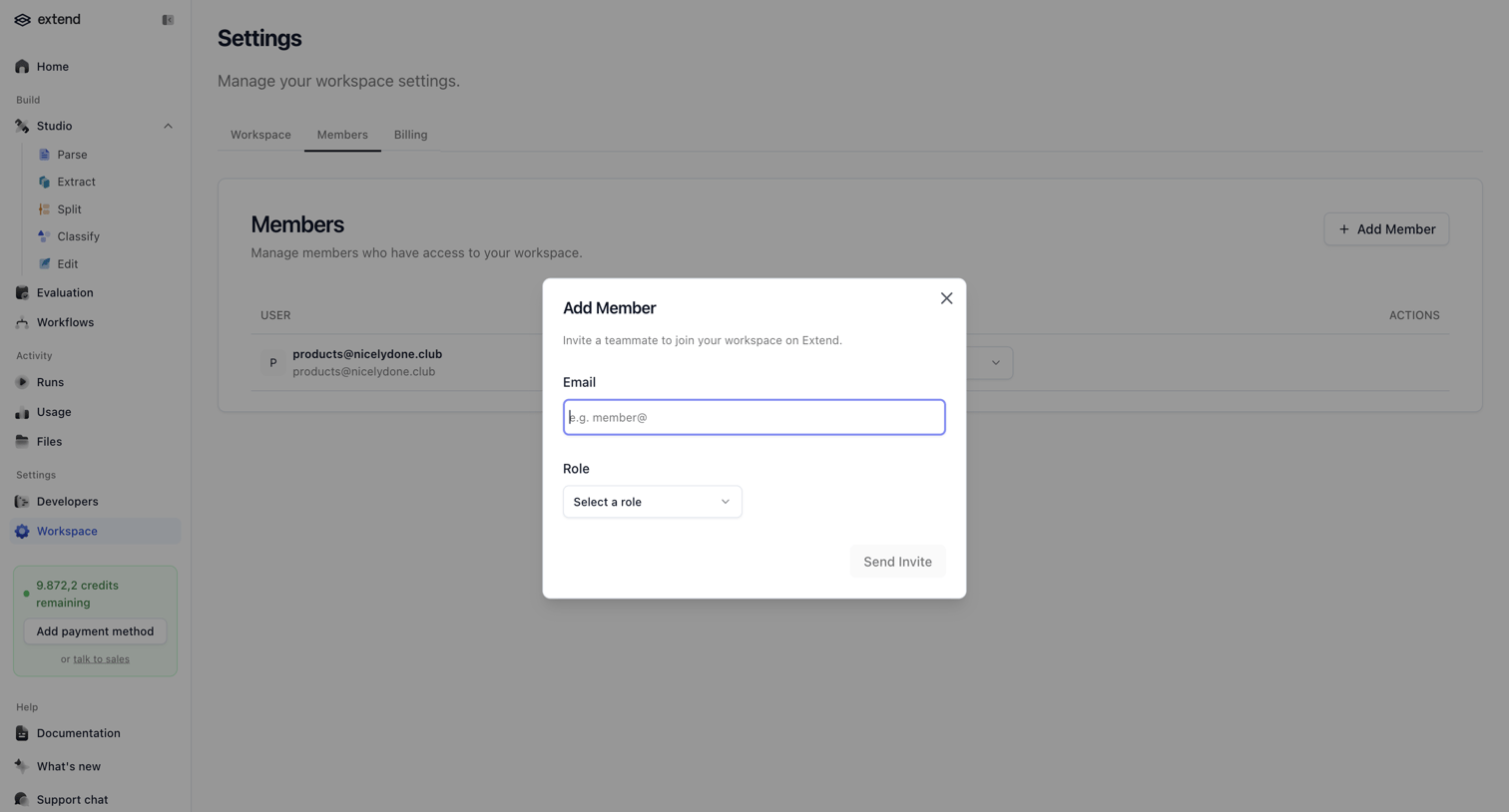

Settings page where the user invites a teammate to the workspace by email and assigns them a role via a modal.
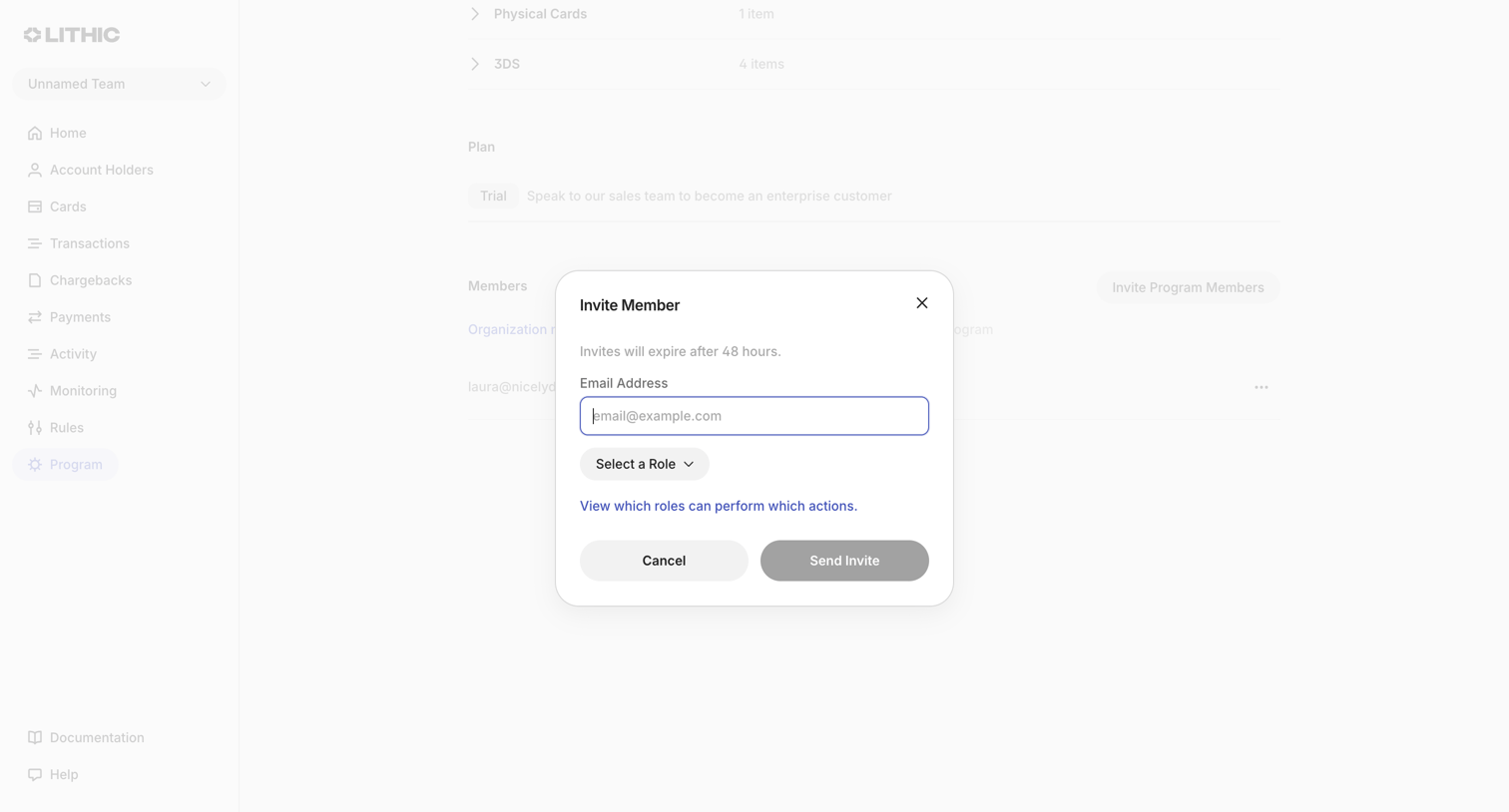

Settings page where the user invites a new program member by entering their email address and assigning a role.
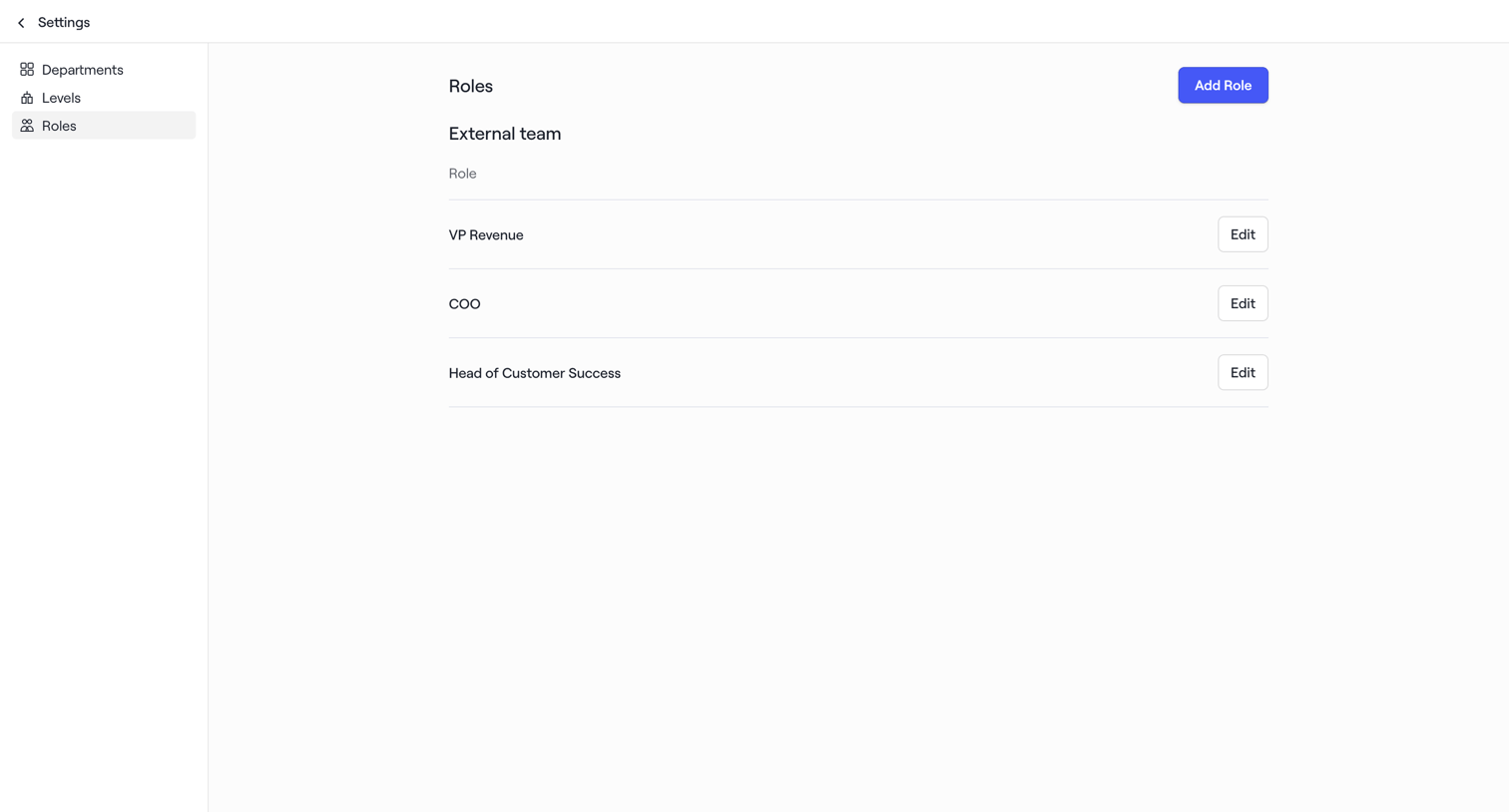

Settings page where the user manages roles for their external team, with options to add new roles or edit existing ones like VP Revenue and COO.
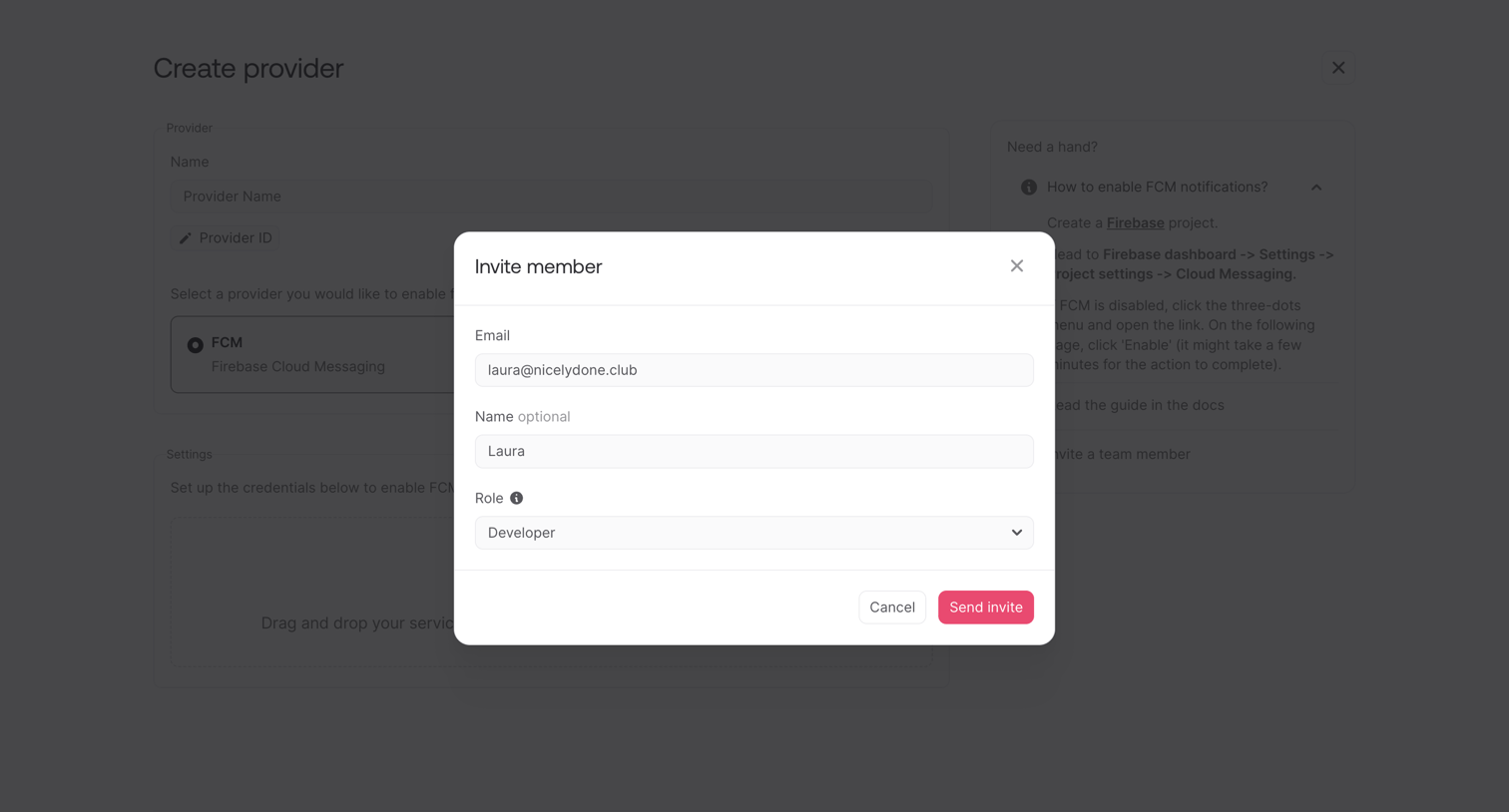

Modal where the user invites a new team member by entering their email, an optional name, and selecting a role.
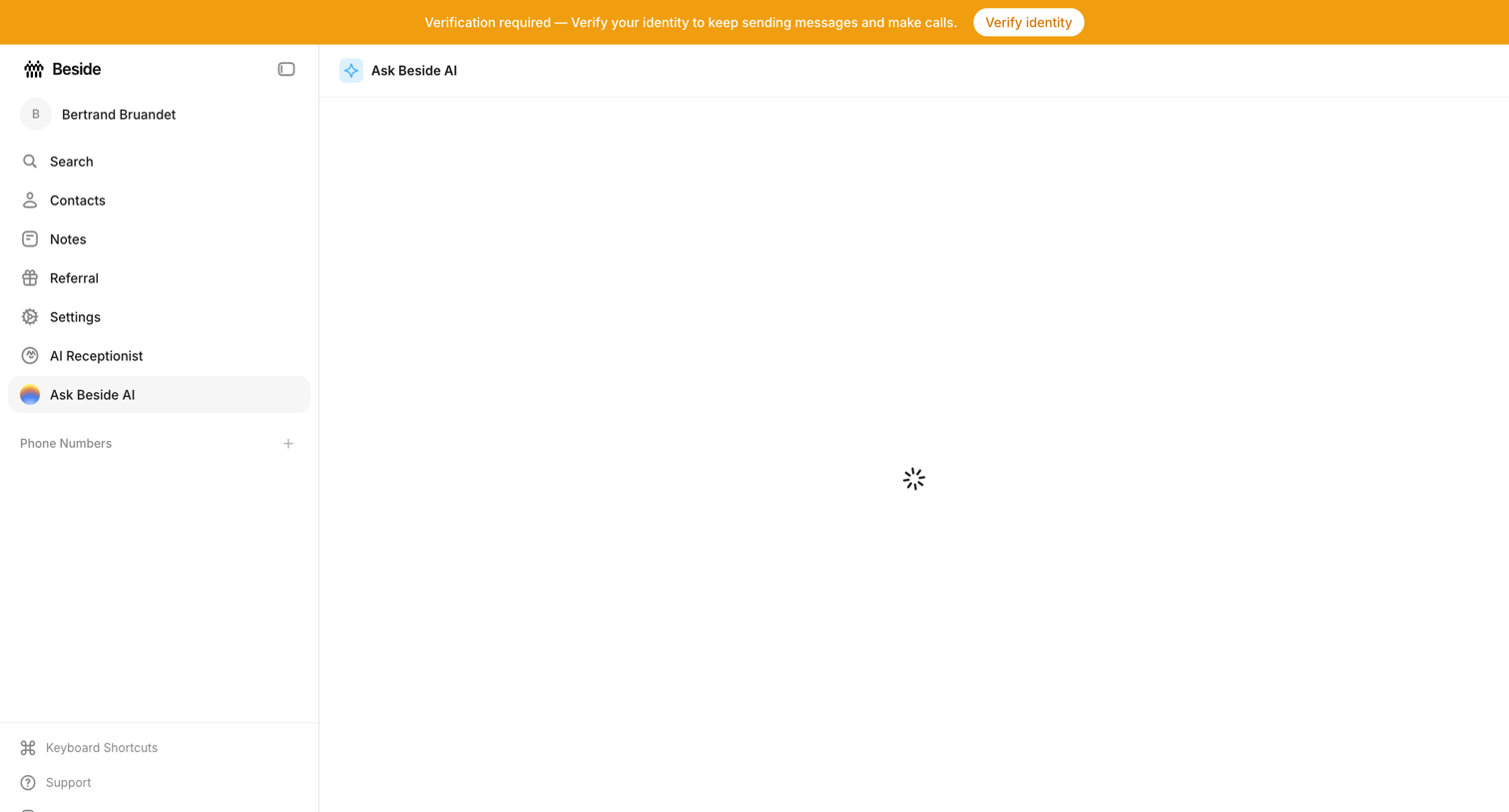

AI chat interface where the main conversation view is currently loading, accompanied by a prominent system banner requiring identity verification.
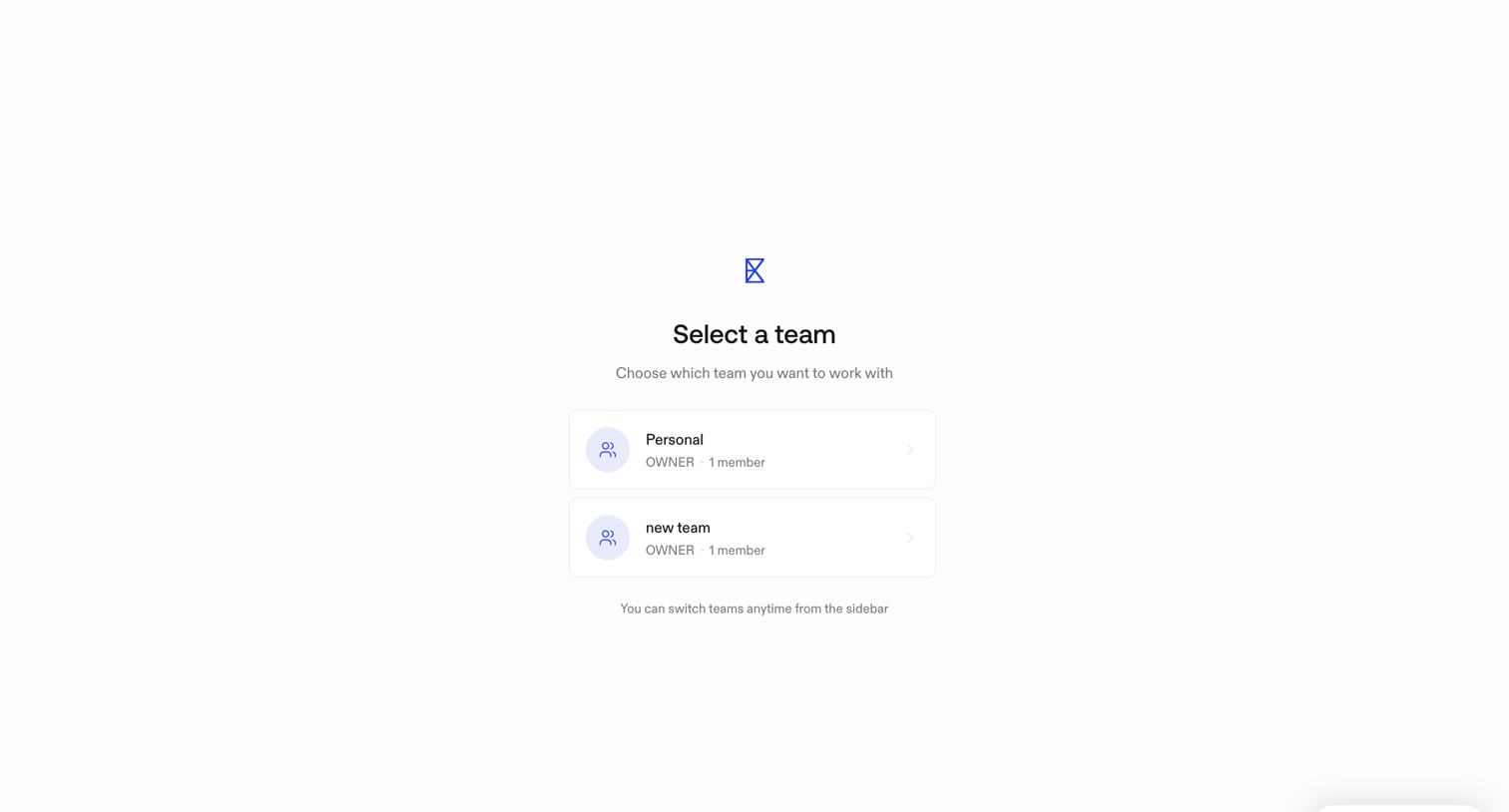

Onboarding step where the user selects which team workspace they want to access before entering the main application.
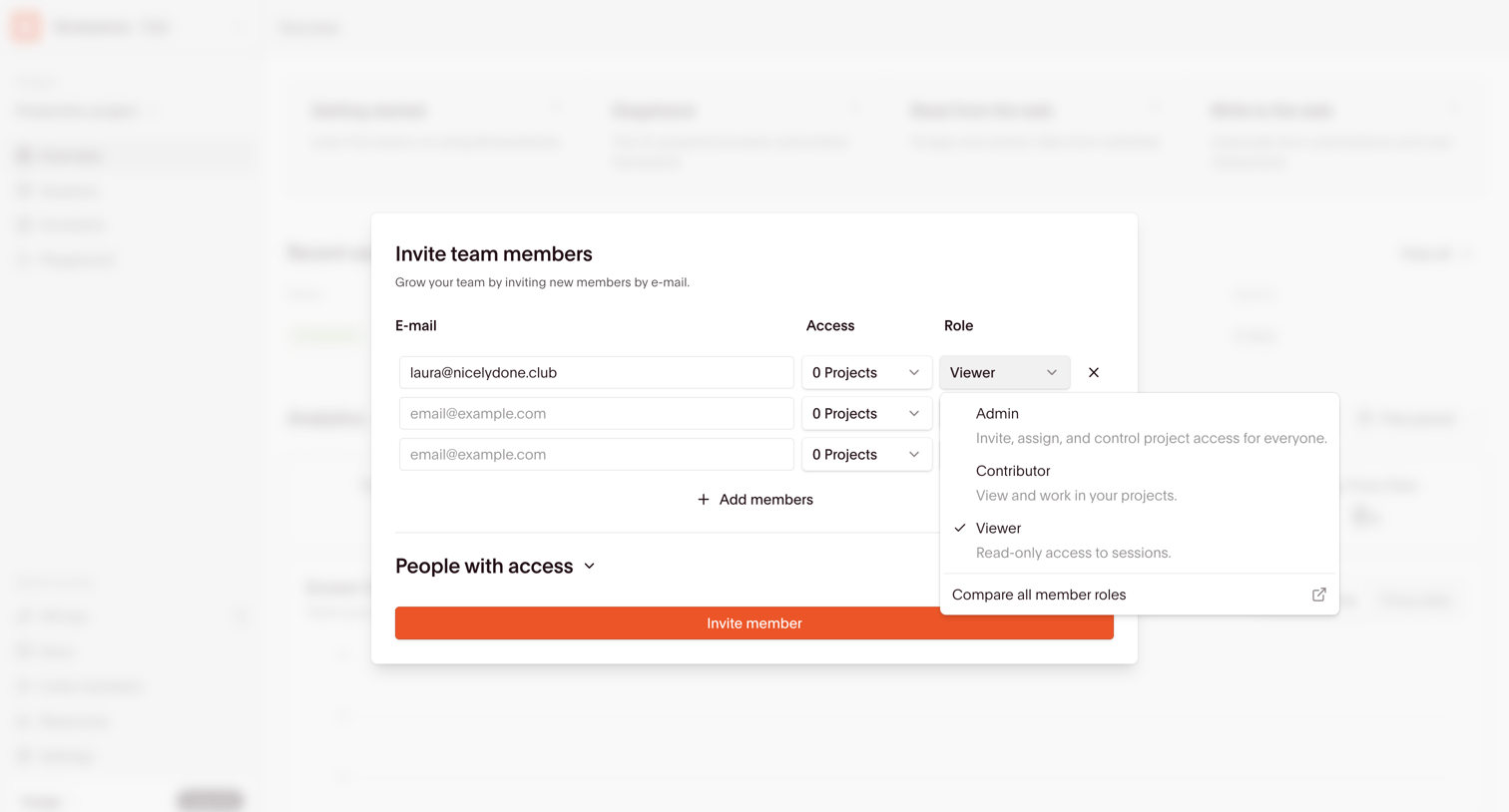

Dashboard overlay where the user invites new team members by email, assigning them specific project access and roles like Admin, Contributor, or Viewer.
Explore the full SaaS screen library
Upgrade to unlock the full library.
Trusted by the best teams







