User access control screen examples
User access control screen design examples from SaaS apps. Browse examples from Browserbase, Kinescope, Mixpanel.
Explore the examples
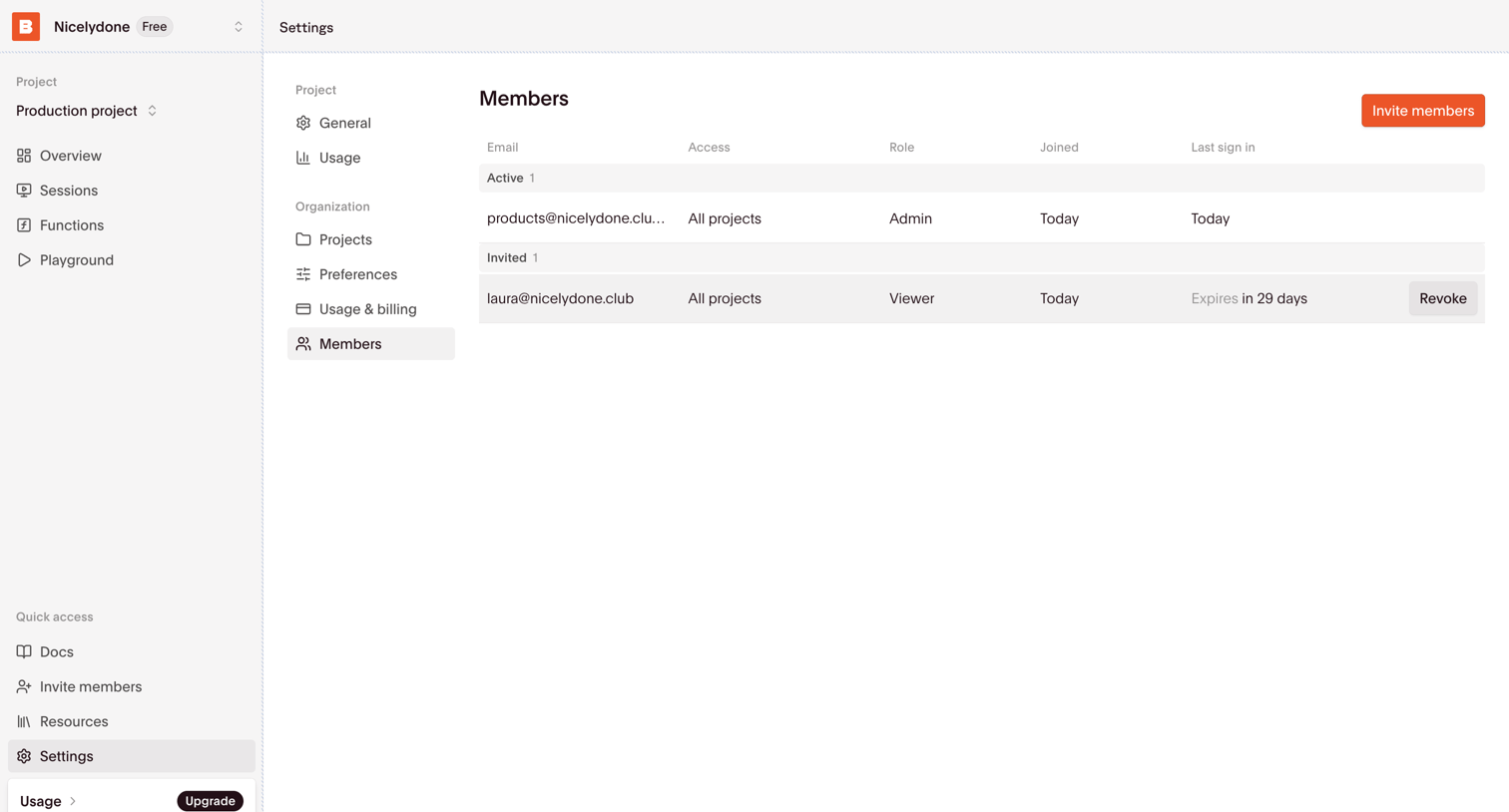

Settings page where the user manages active and invited team members, their roles, and project access.
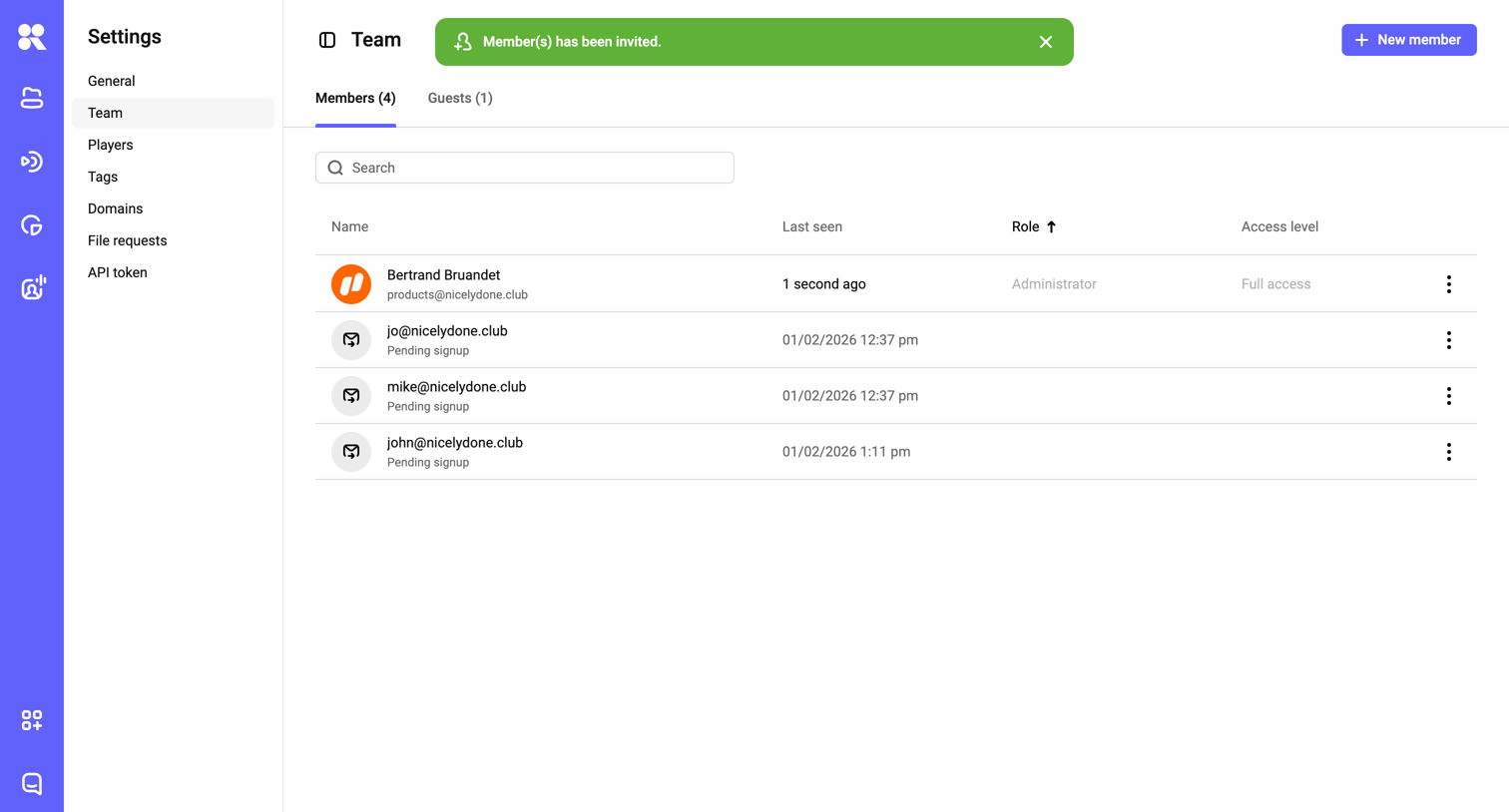

Settings page where the user manages workspace team members, views pending signups, and can invite new members.
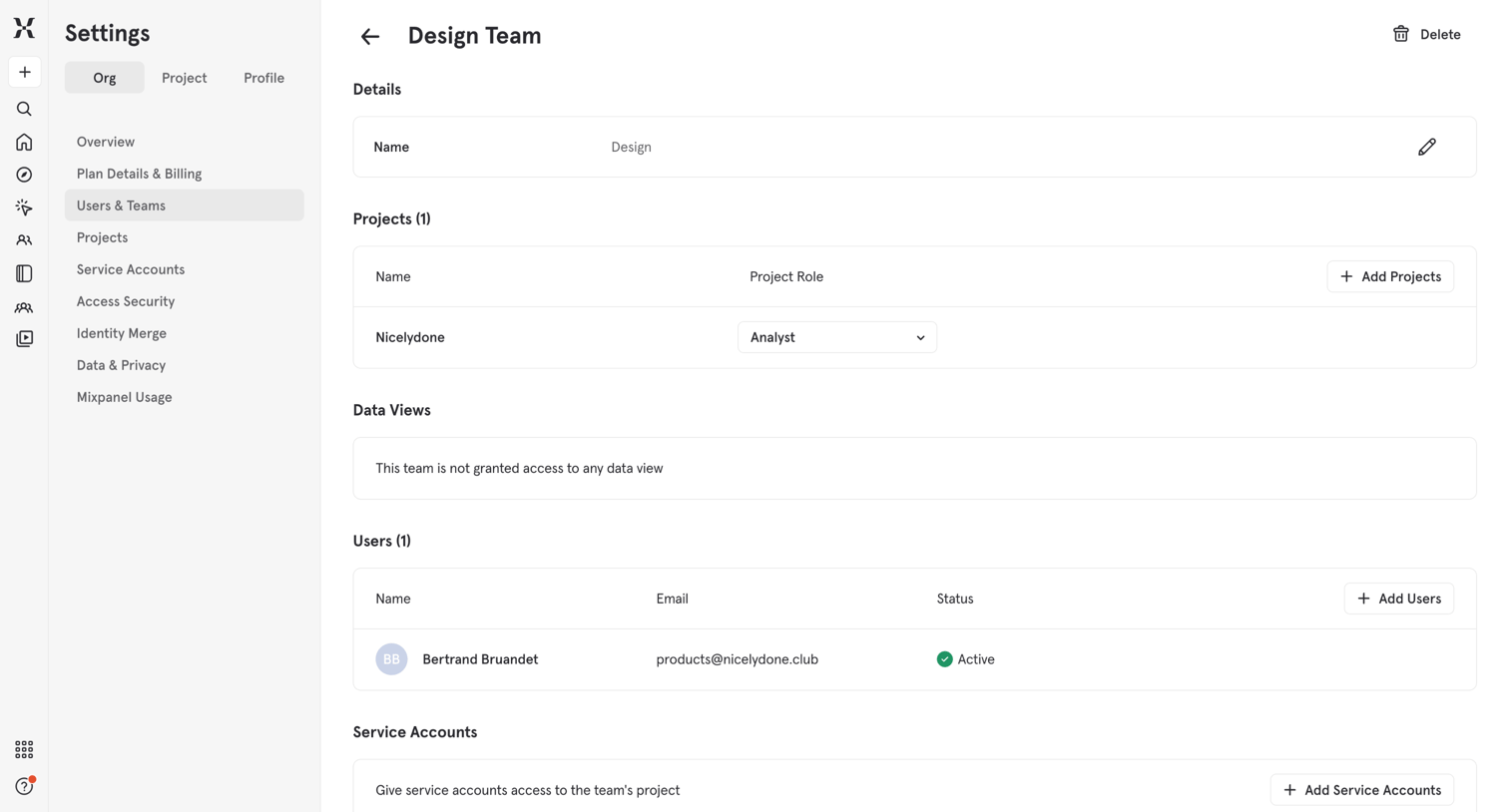

Settings page where an admin manages a specific team's details, project access, data views, users, and service accounts.
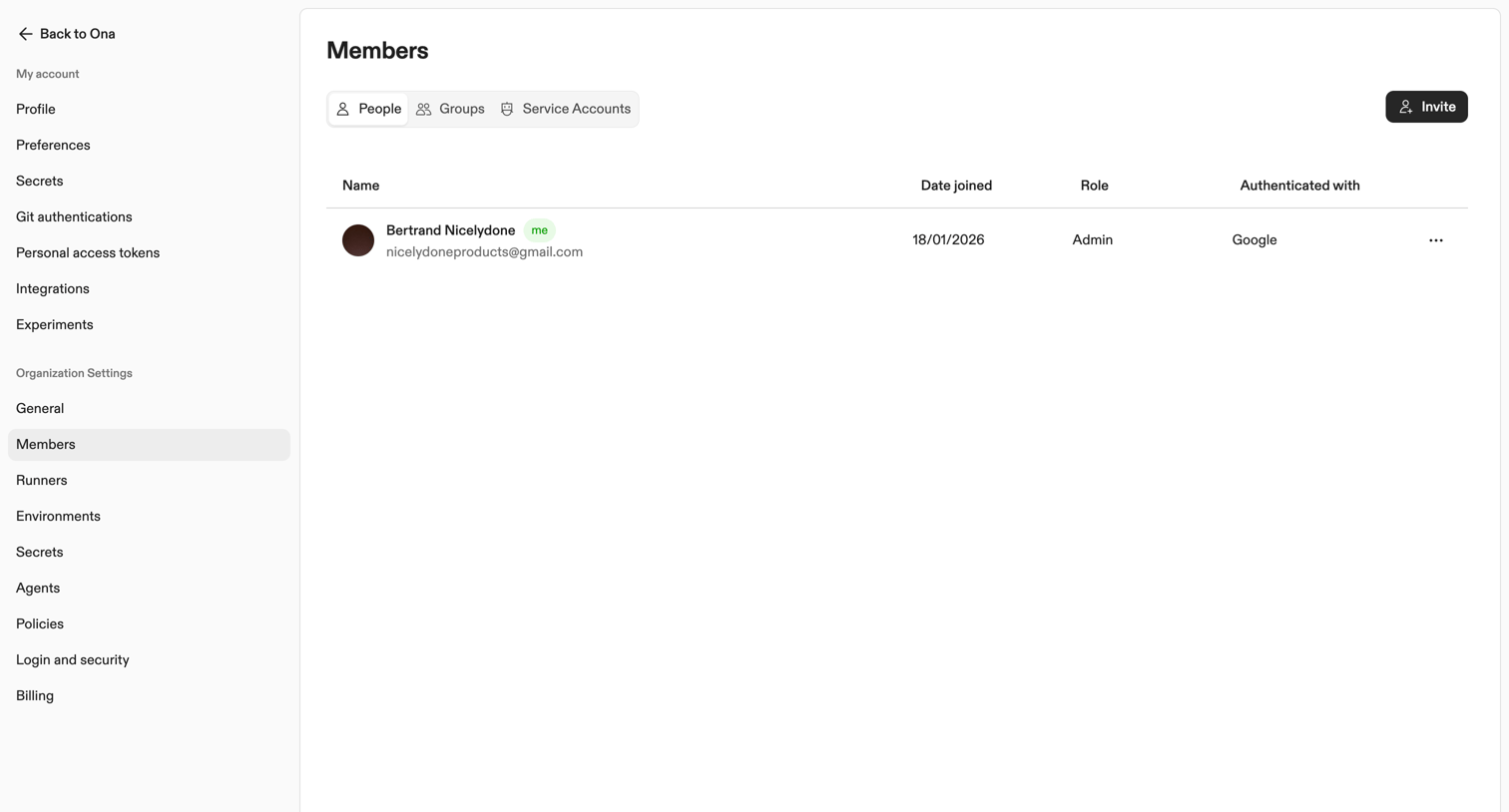

Settings page where the user manages organization members, groups, and service accounts via a segmented tab interface.
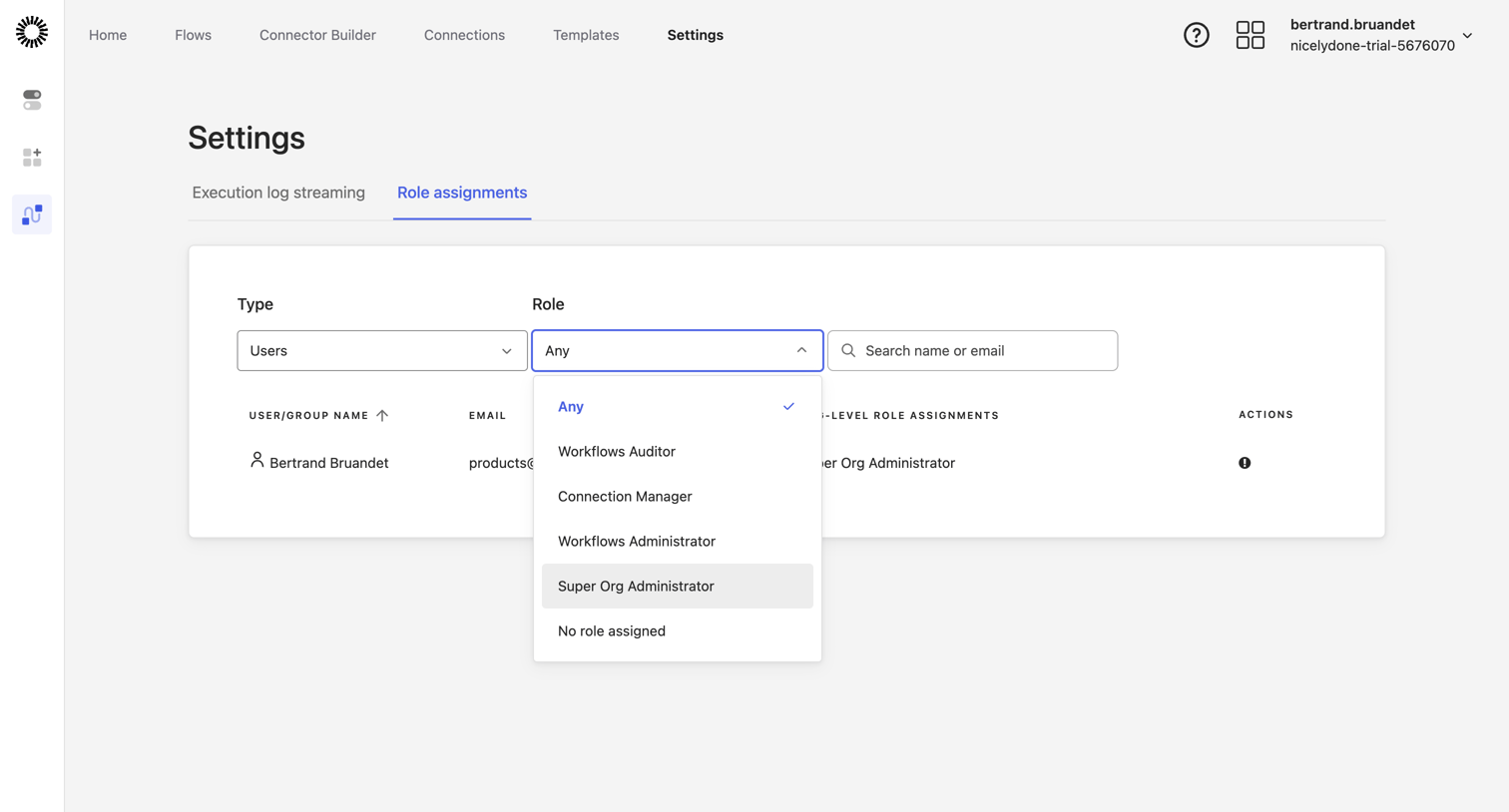

Settings page where an administrator manages role assignments for users, with active filters for user type and specific roles.
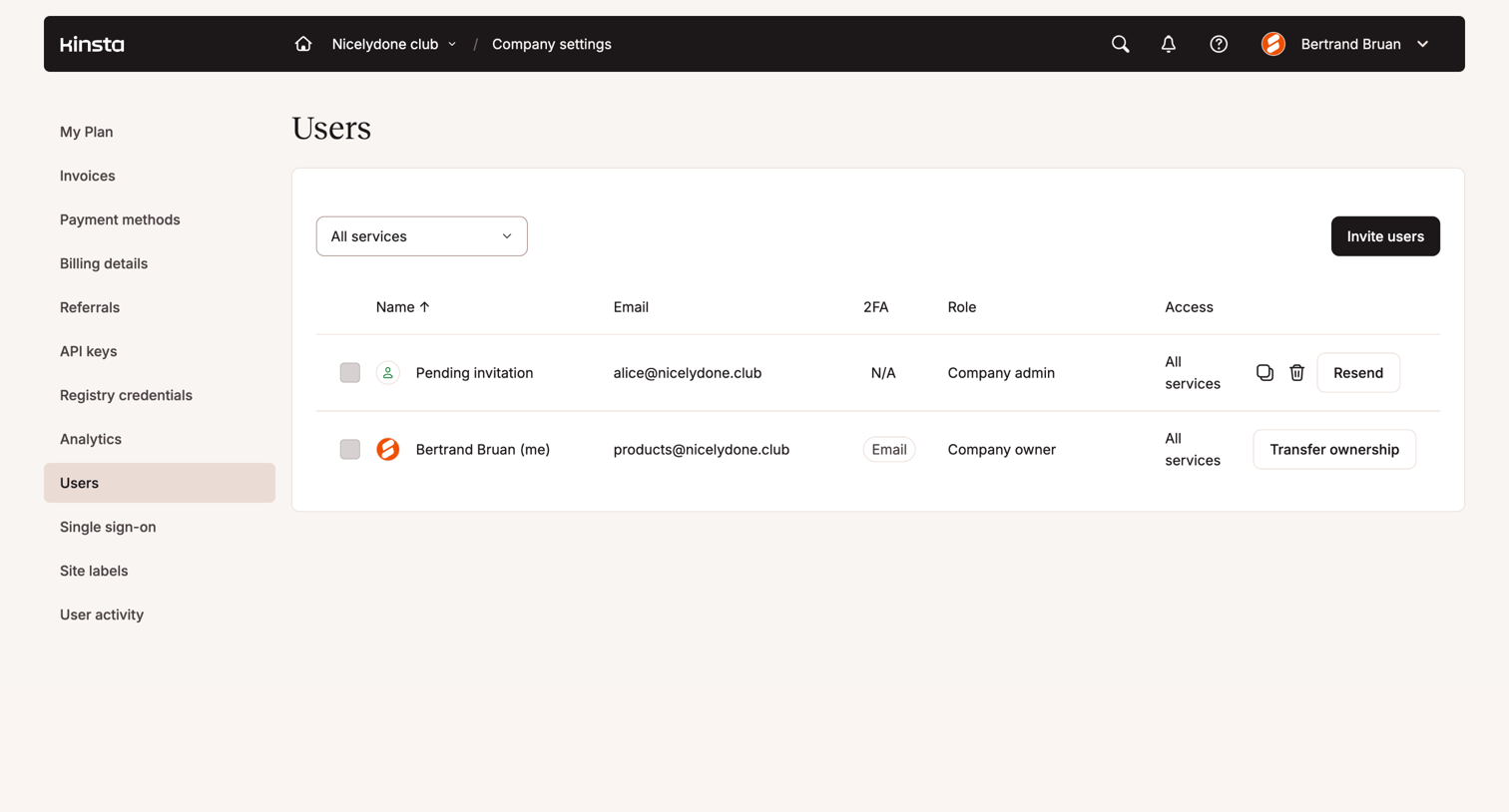

Settings page where the user manages company members, viewing roles, access levels, and pending invitations.
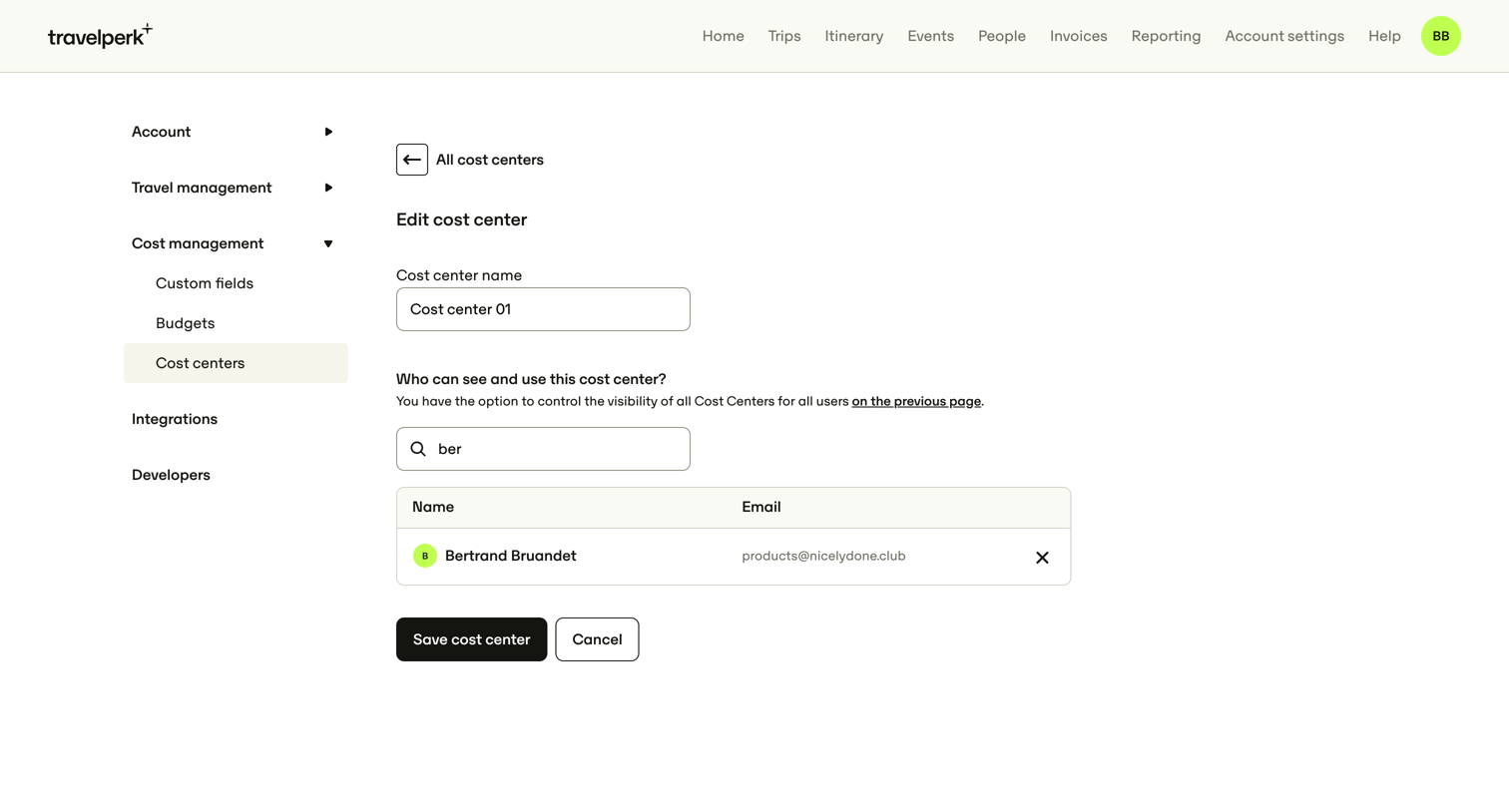

Settings page where the user edits a cost center's name and manages which users can see and use it.
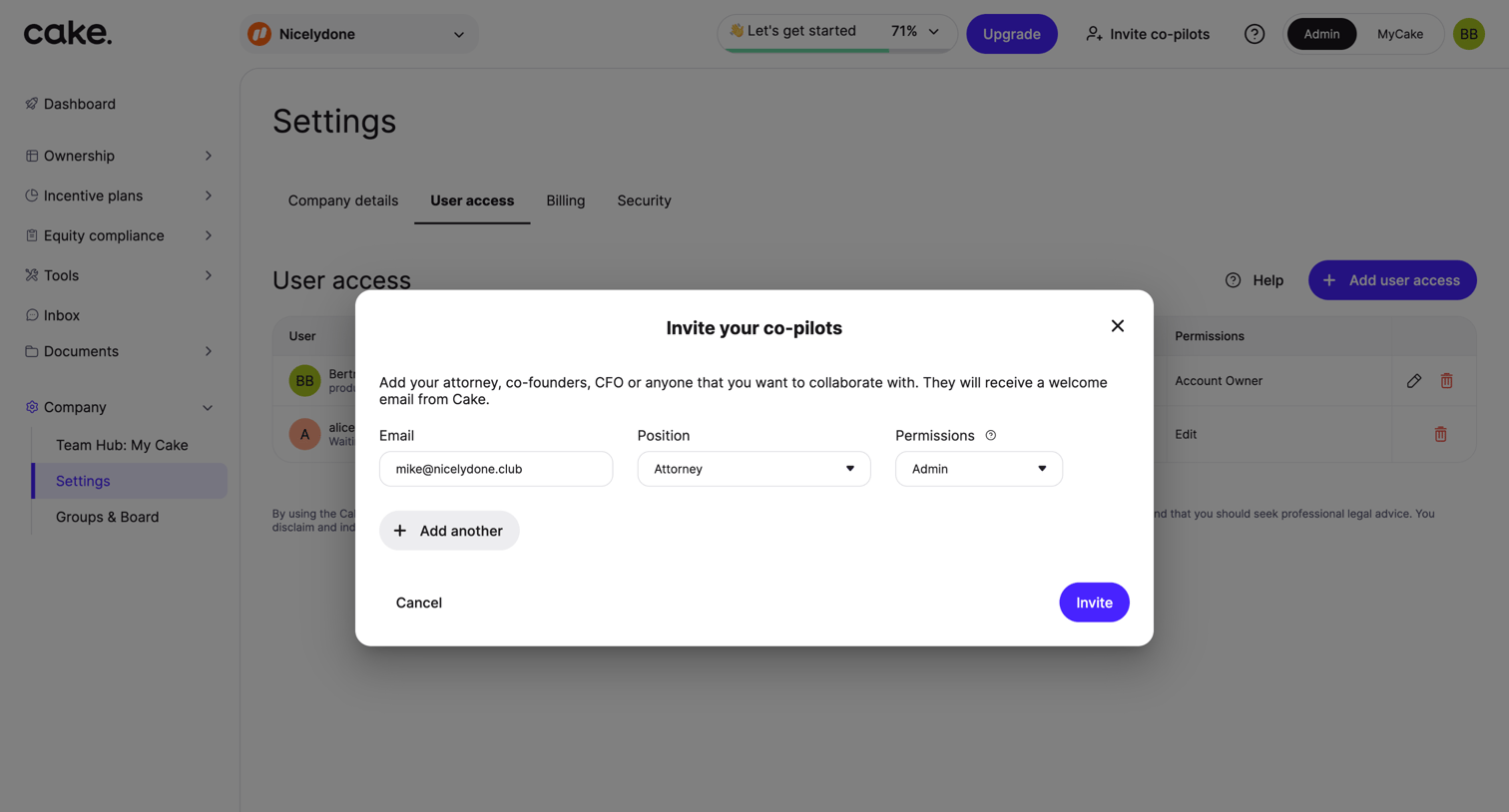

Settings page where the user invites a co-pilot by entering their email, position, and permissions via a modal.
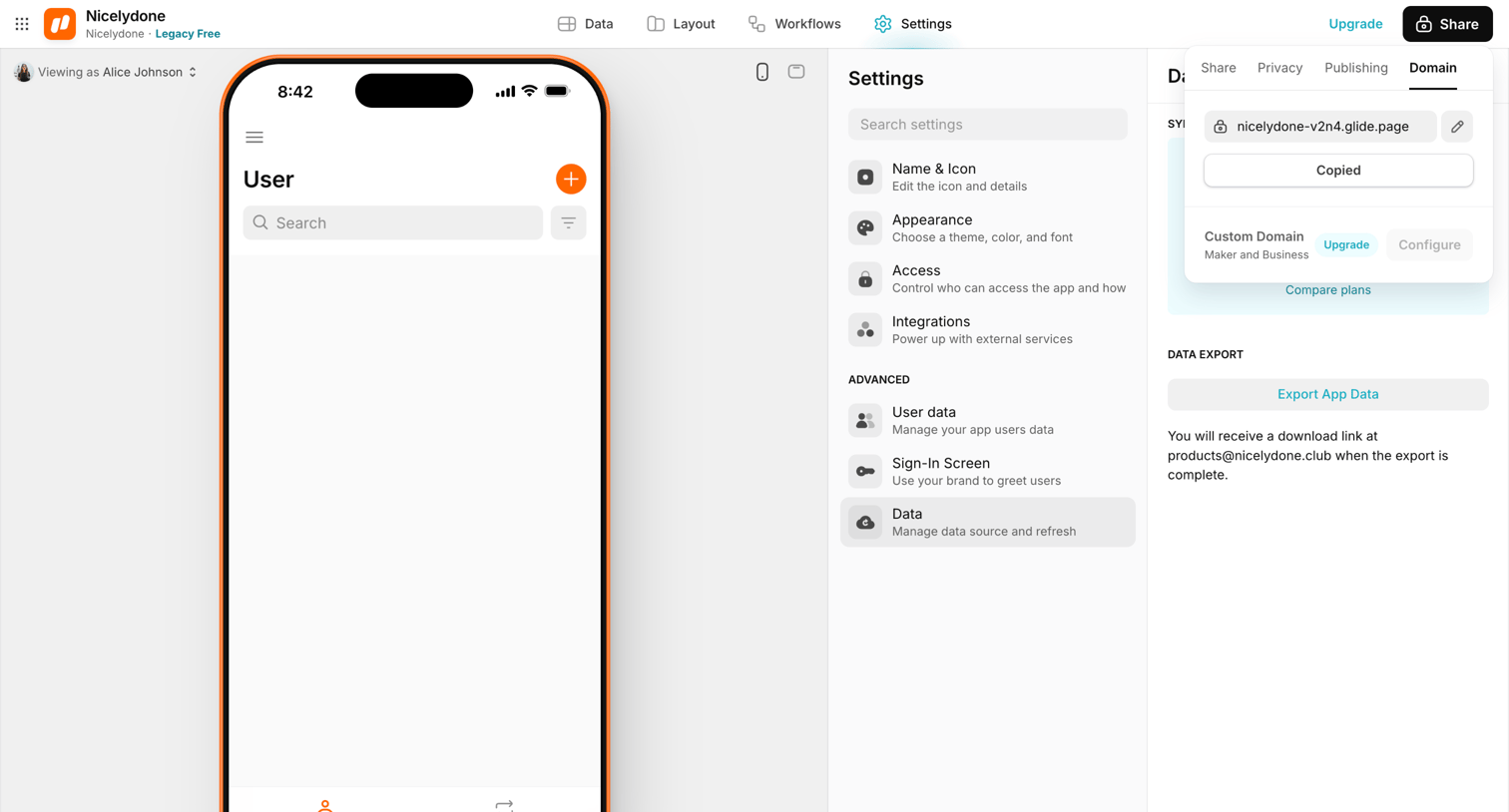

Settings page where the user manages app data export and configures custom domains via an open popover.
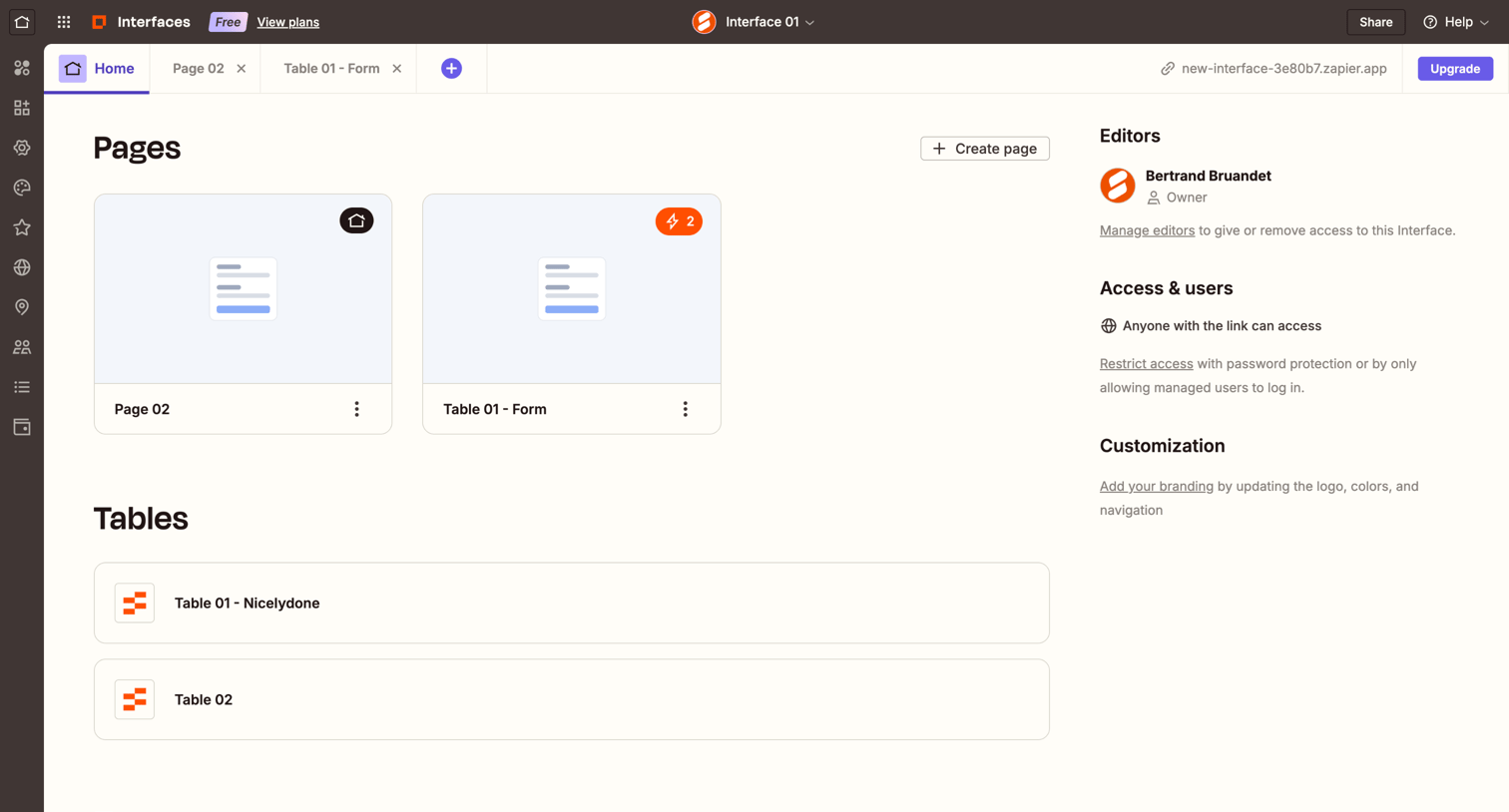

Dashboard for a no-code interface project displaying available pages, connected tables, and project settings like editors and access controls.
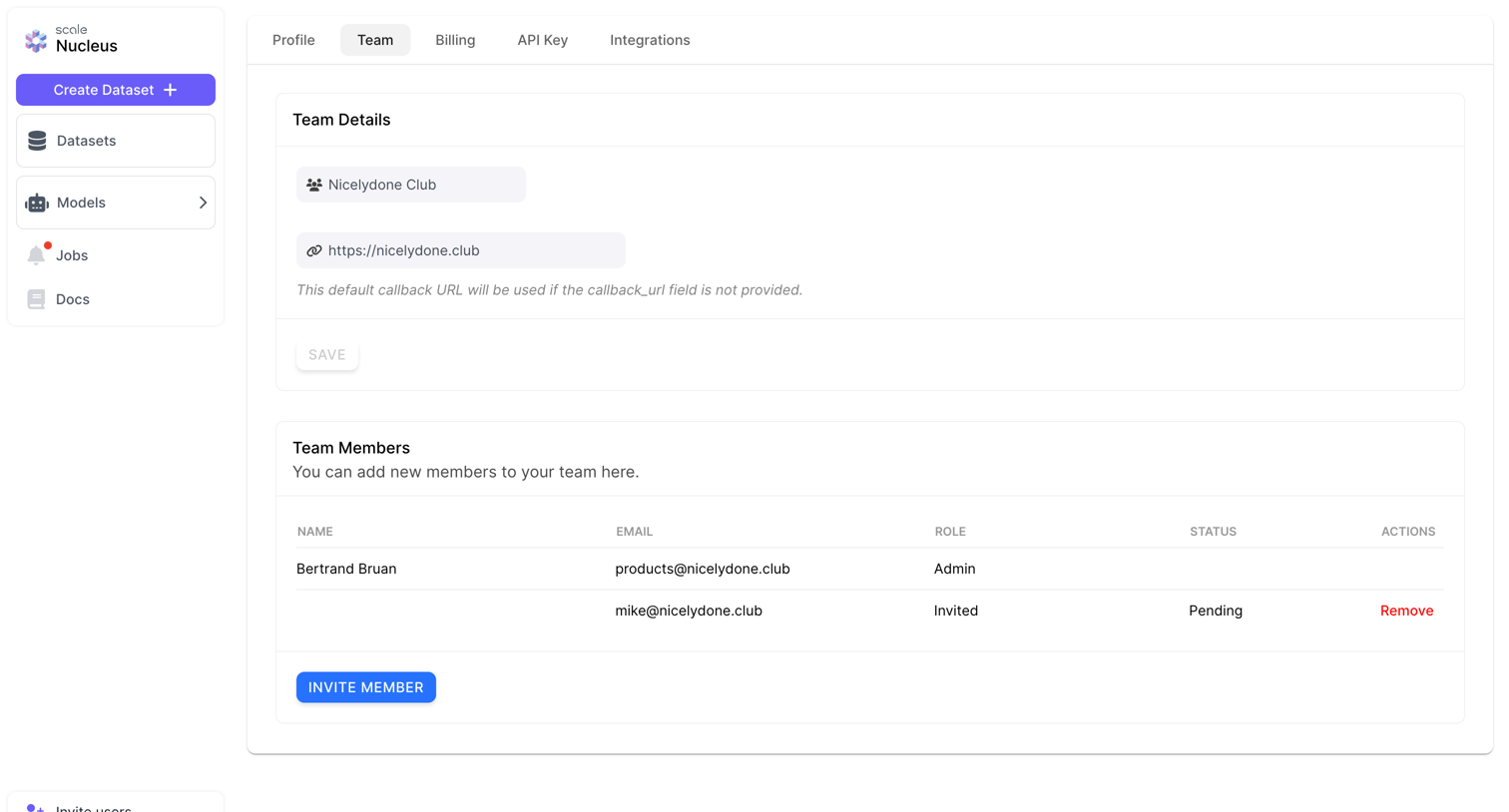

Settings page where the user manages team details and invites or removes team members.
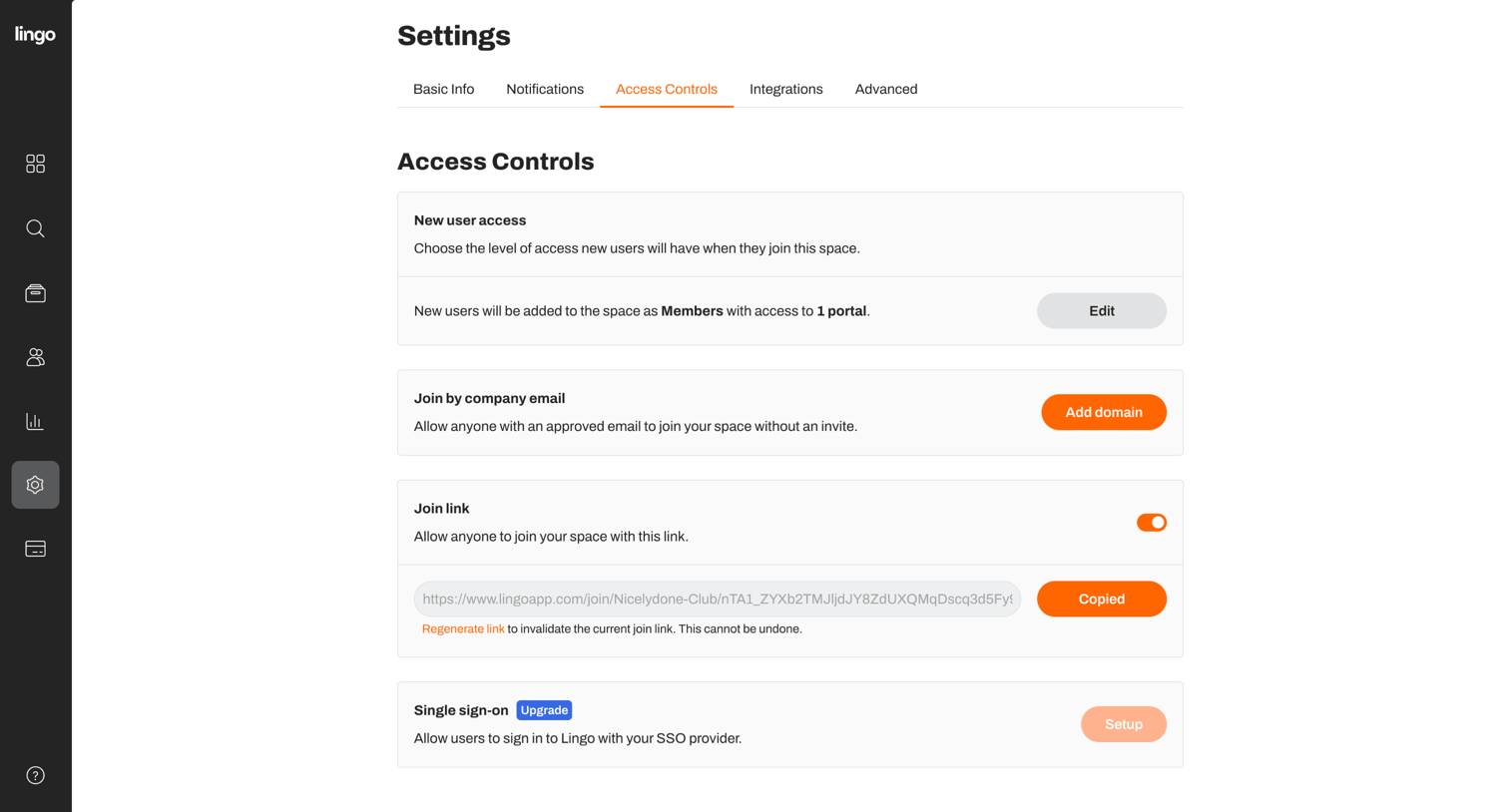

Settings page where the user configures workspace access controls including new user default permissions, approved email domains, join links, and single sign-on.
Explore the full SaaS screen library
Upgrade to unlock the full library.
Trusted by the best teams







