Time tracking screen examples
Time tracking screen design examples from SaaS apps. Browse examples from Aboard, Scale, Huly.
Explore the examples
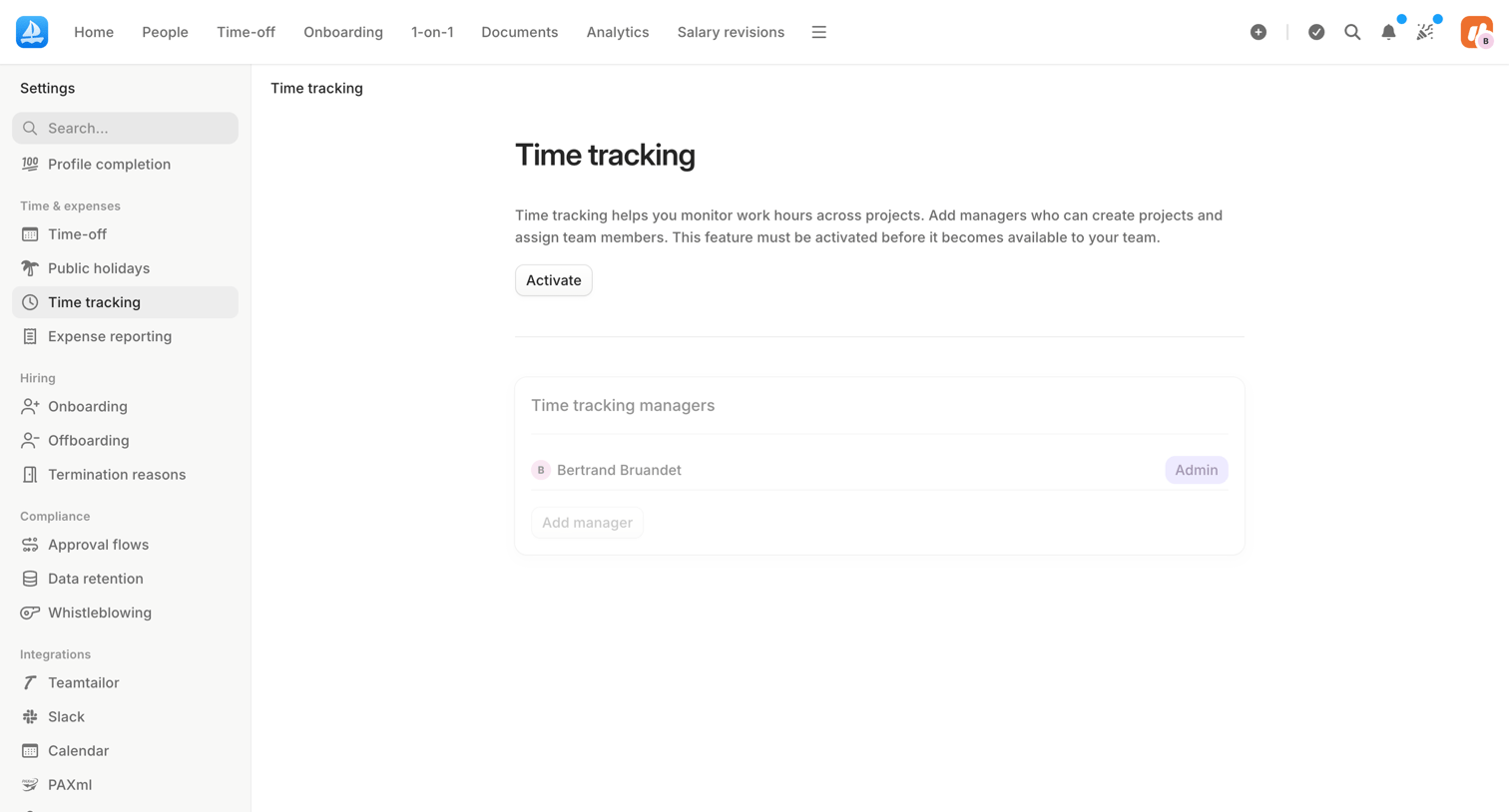

Settings page where the user can activate the time tracking feature and assign team members as managers.
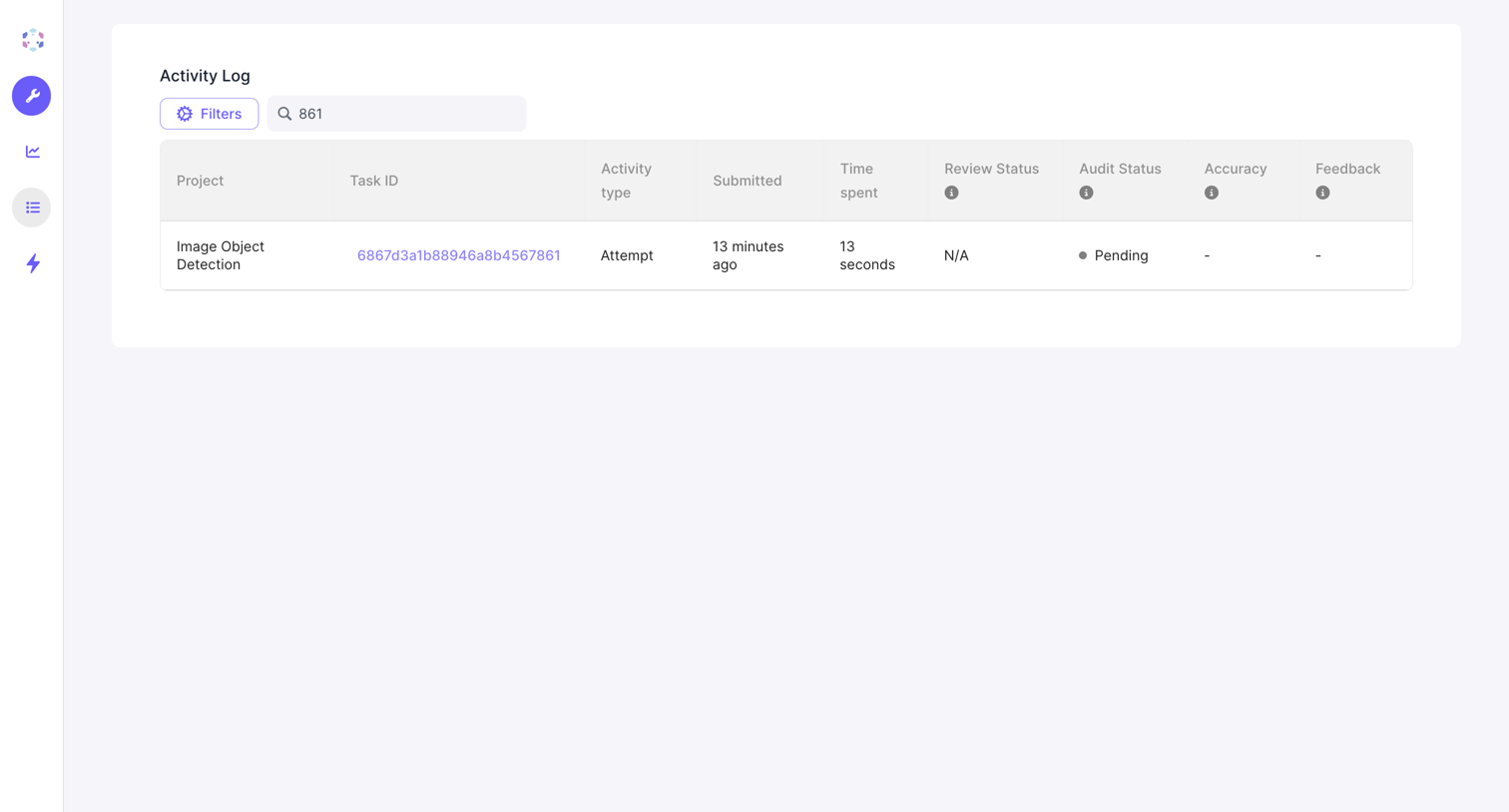

List view where the user monitors an activity log of submitted tasks, including review and audit statuses.
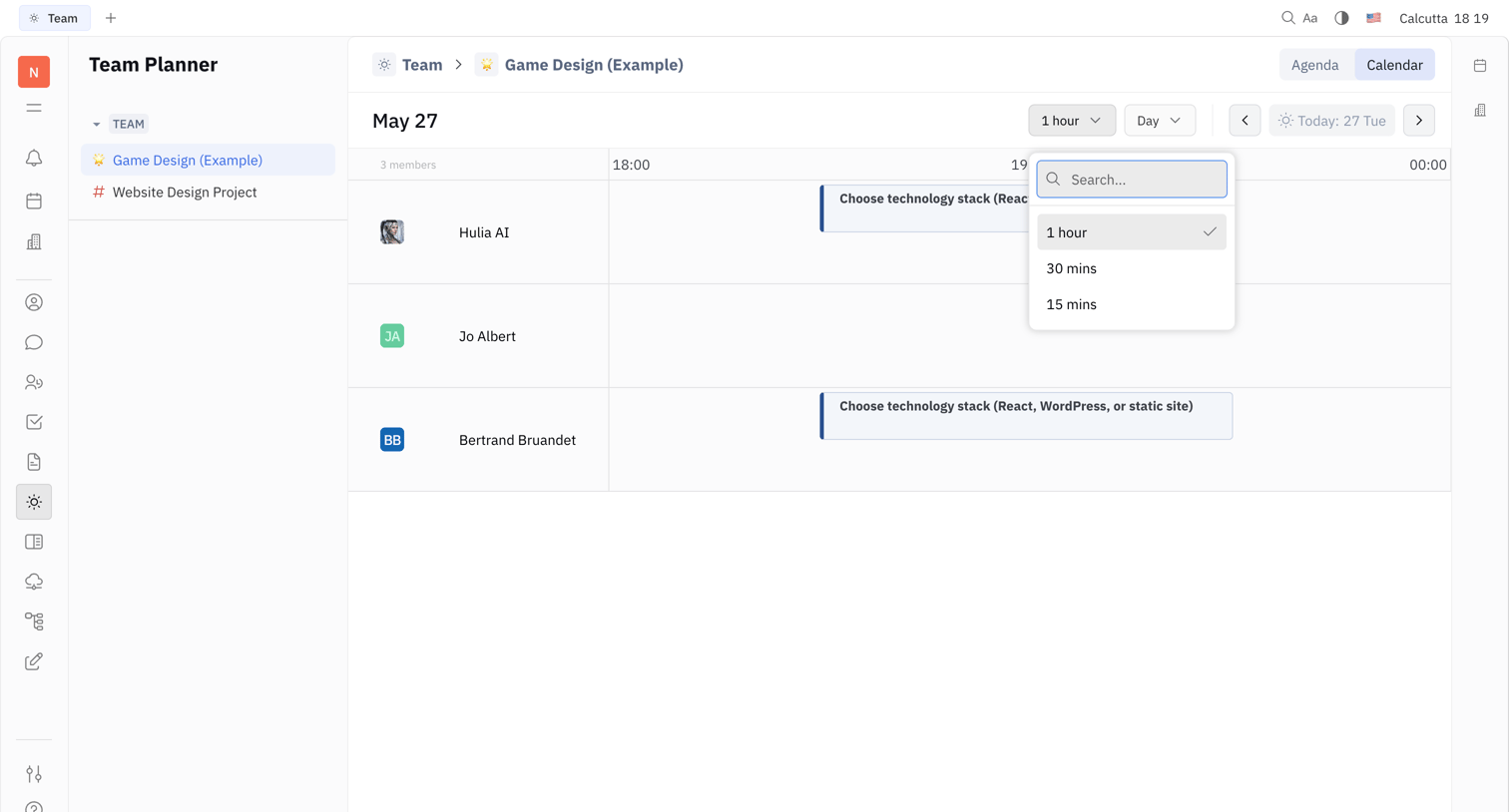

Calendar view where the user manages the team schedule and adjusts the time scale via an open combobox.
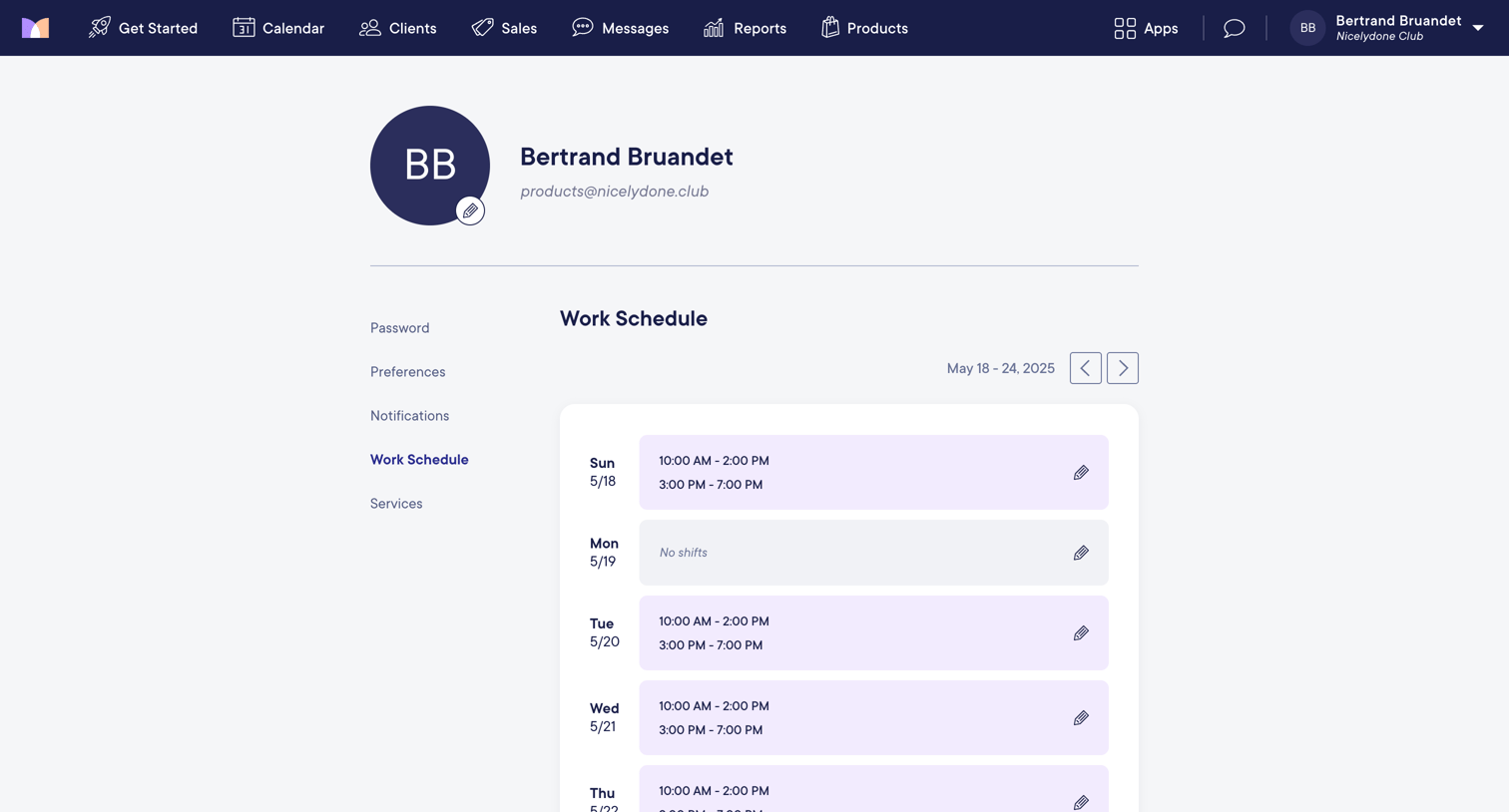

Settings page where the user views and edits their weekly work schedule and shift availability.
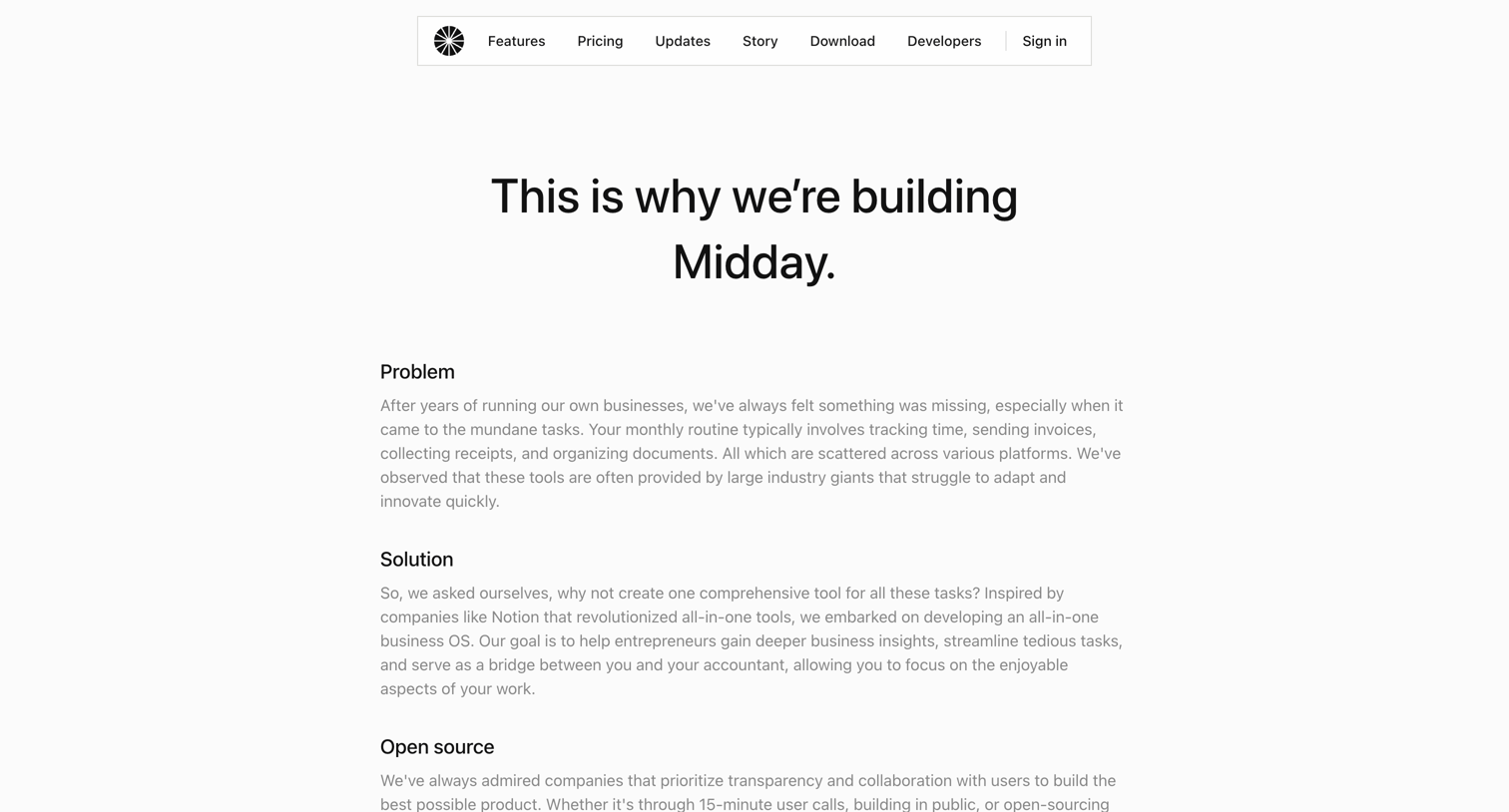

About page where the founders explain the problem of mundane business tasks, their all-in-one solution, and their commitment to open source, ending with a trial CTA.
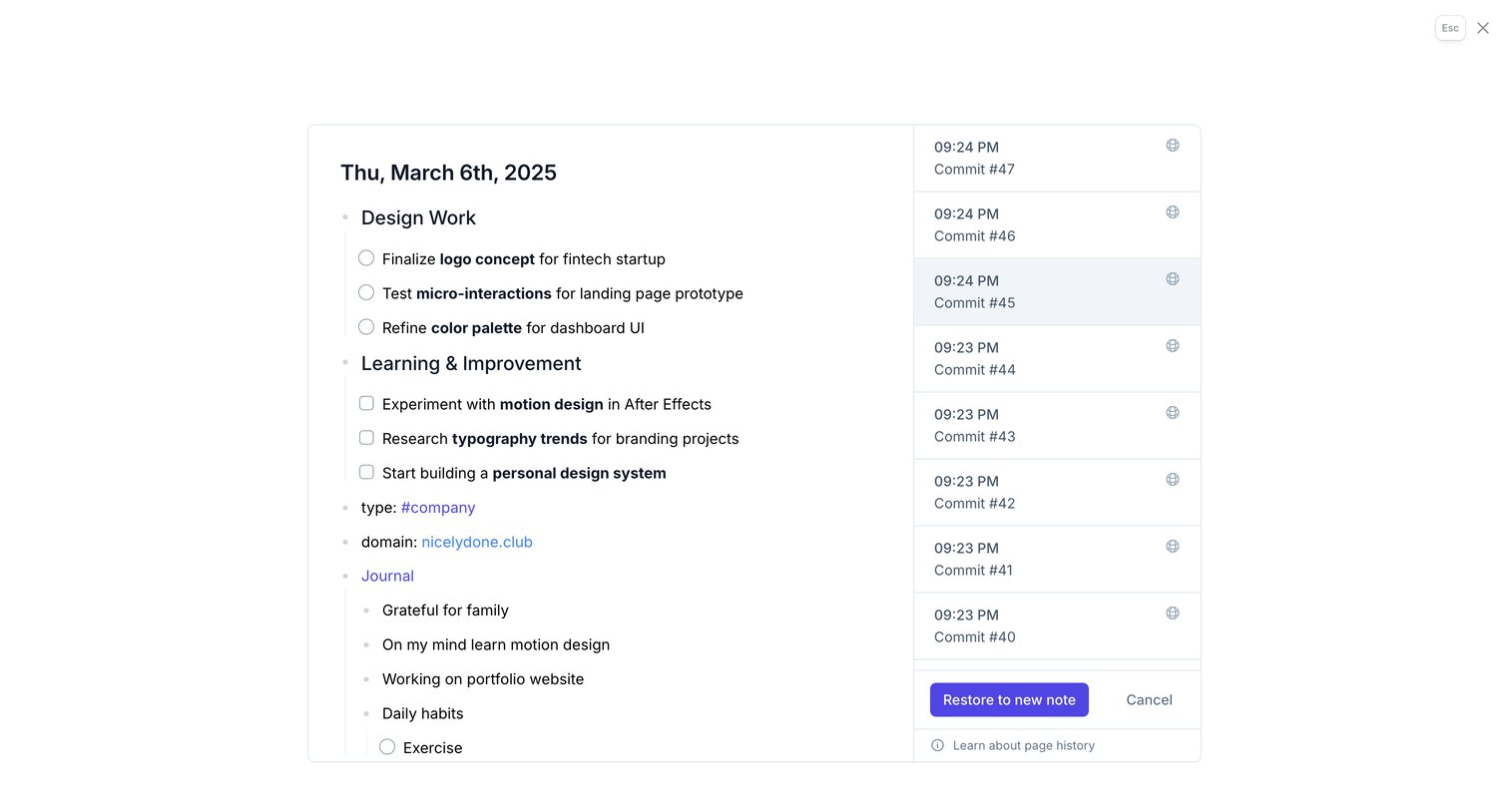

Detail page where the user reviews past commits of a daily note and can restore a selected version to a new note.
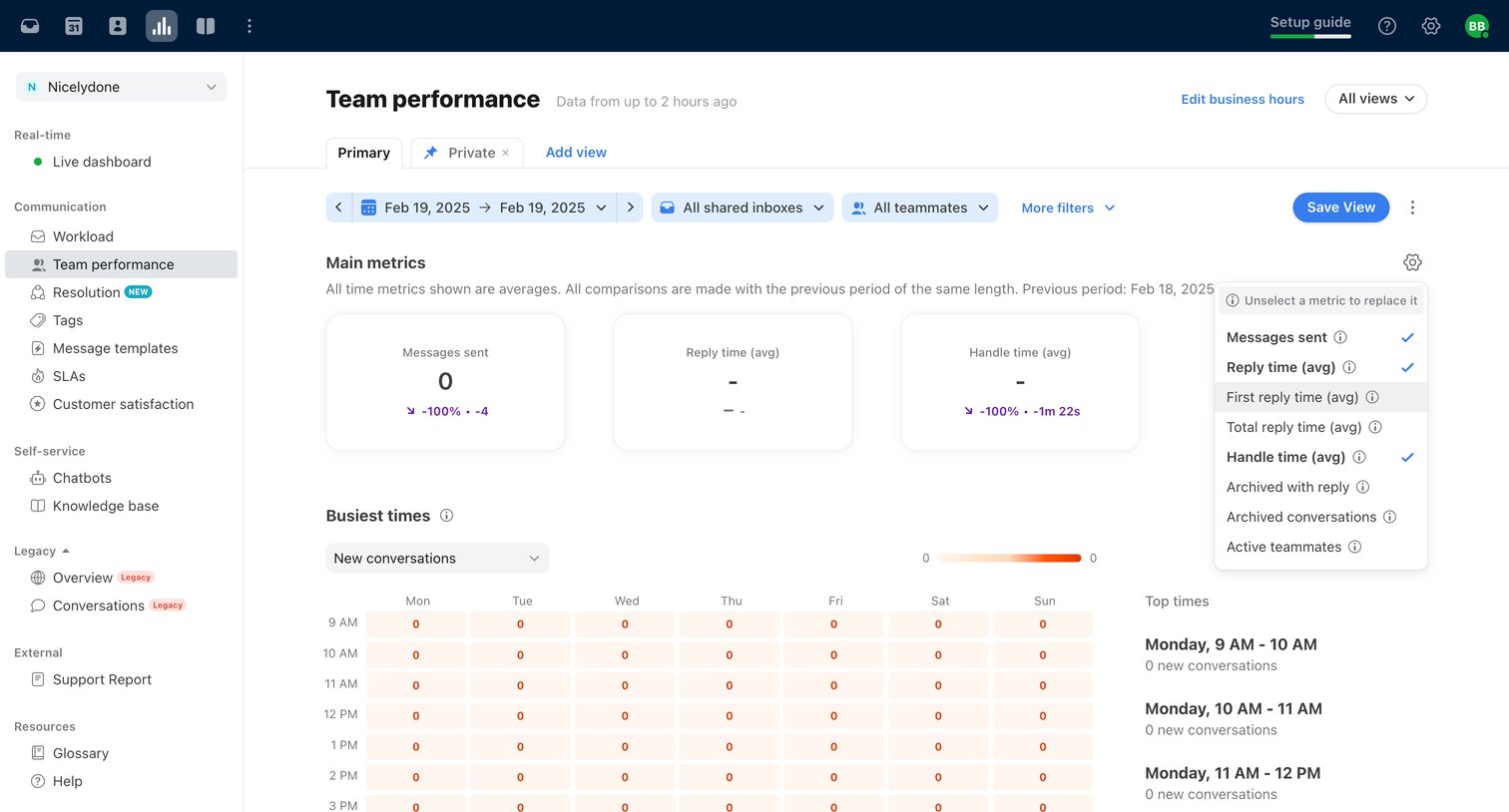

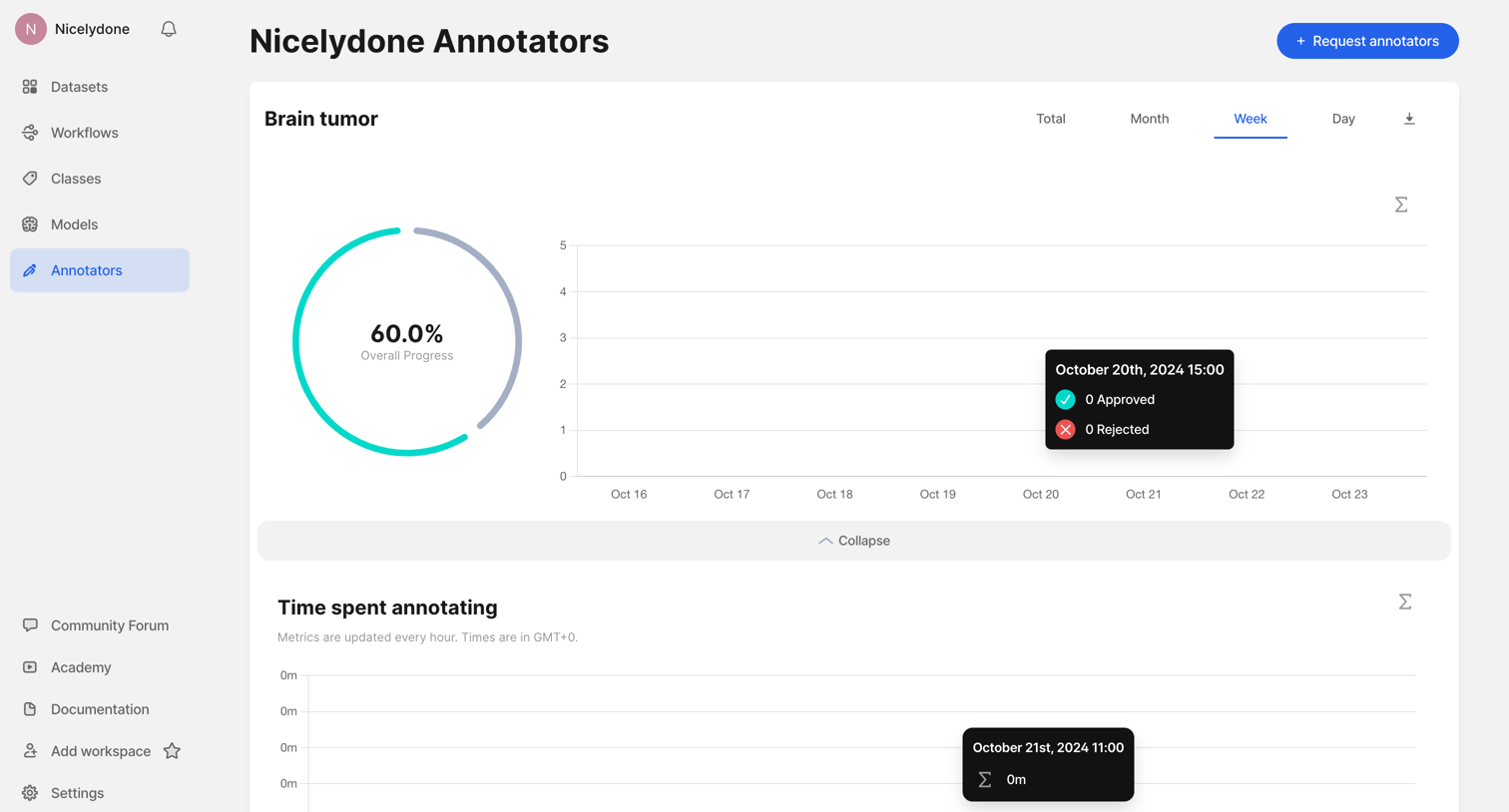
Analytics dashboard where the user views team performance metrics like reply time and handle time, filters by inbox and teammates, and customizes the displayed KPIs via a popover menu.
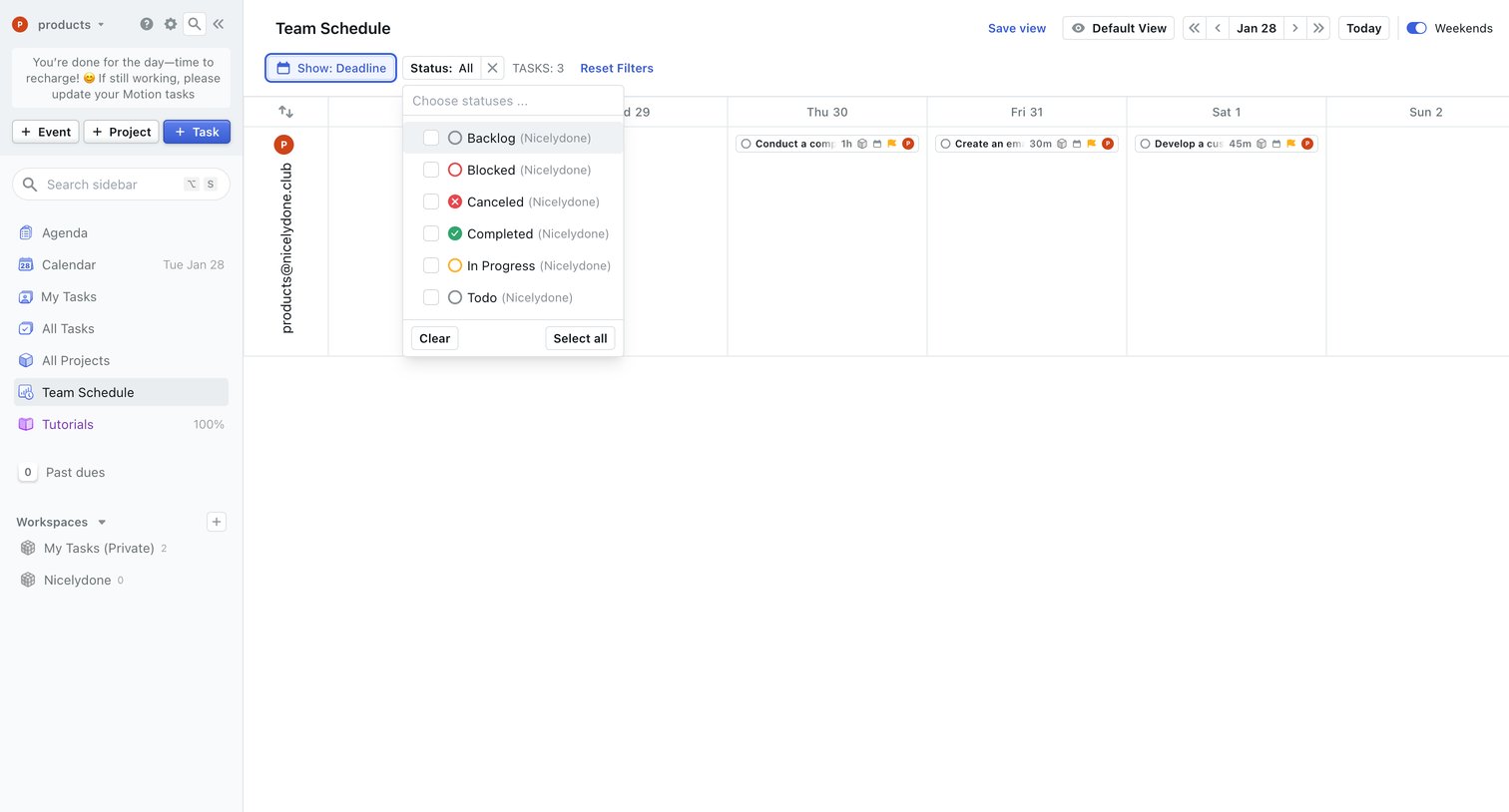

Calendar view where the user manages their team's schedule, currently filtering tasks by status across a multi-day timeline.
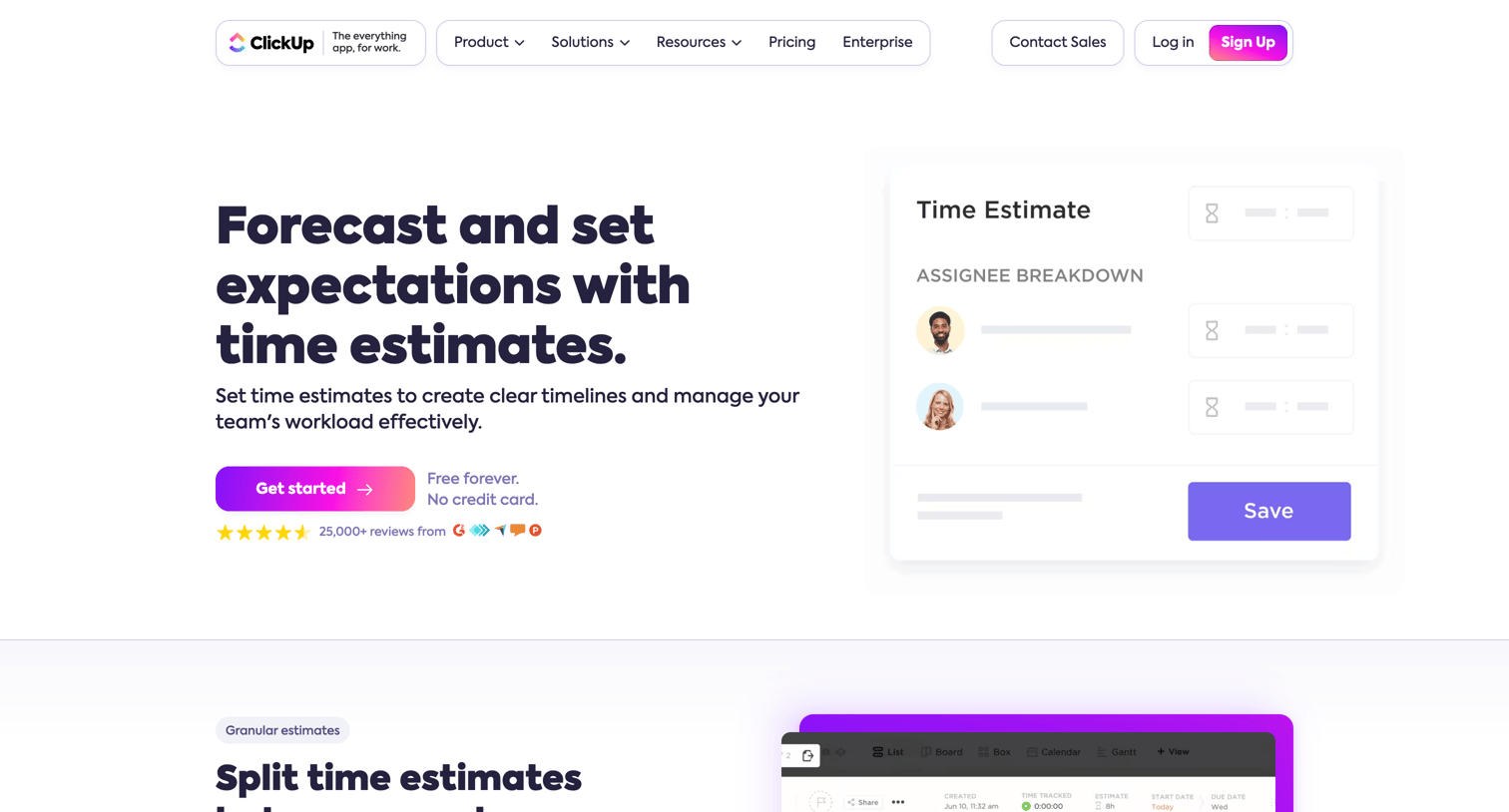

Feature page explaining how to forecast timelines, split estimates between team members, and track workload capacity using time estimates.

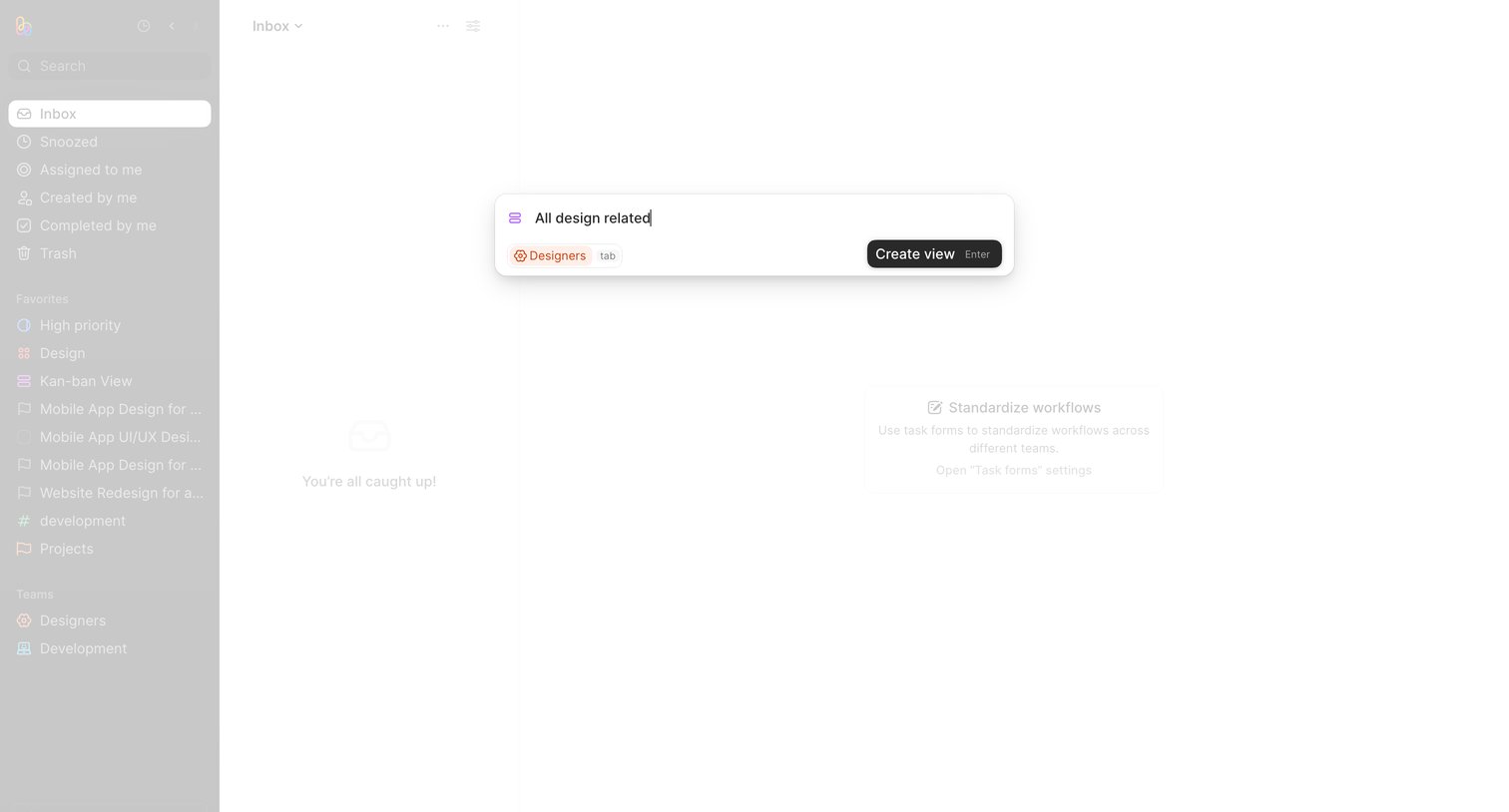

Task inbox where the user is creating a new view named 'All design related' via a centered modal over an empty state.
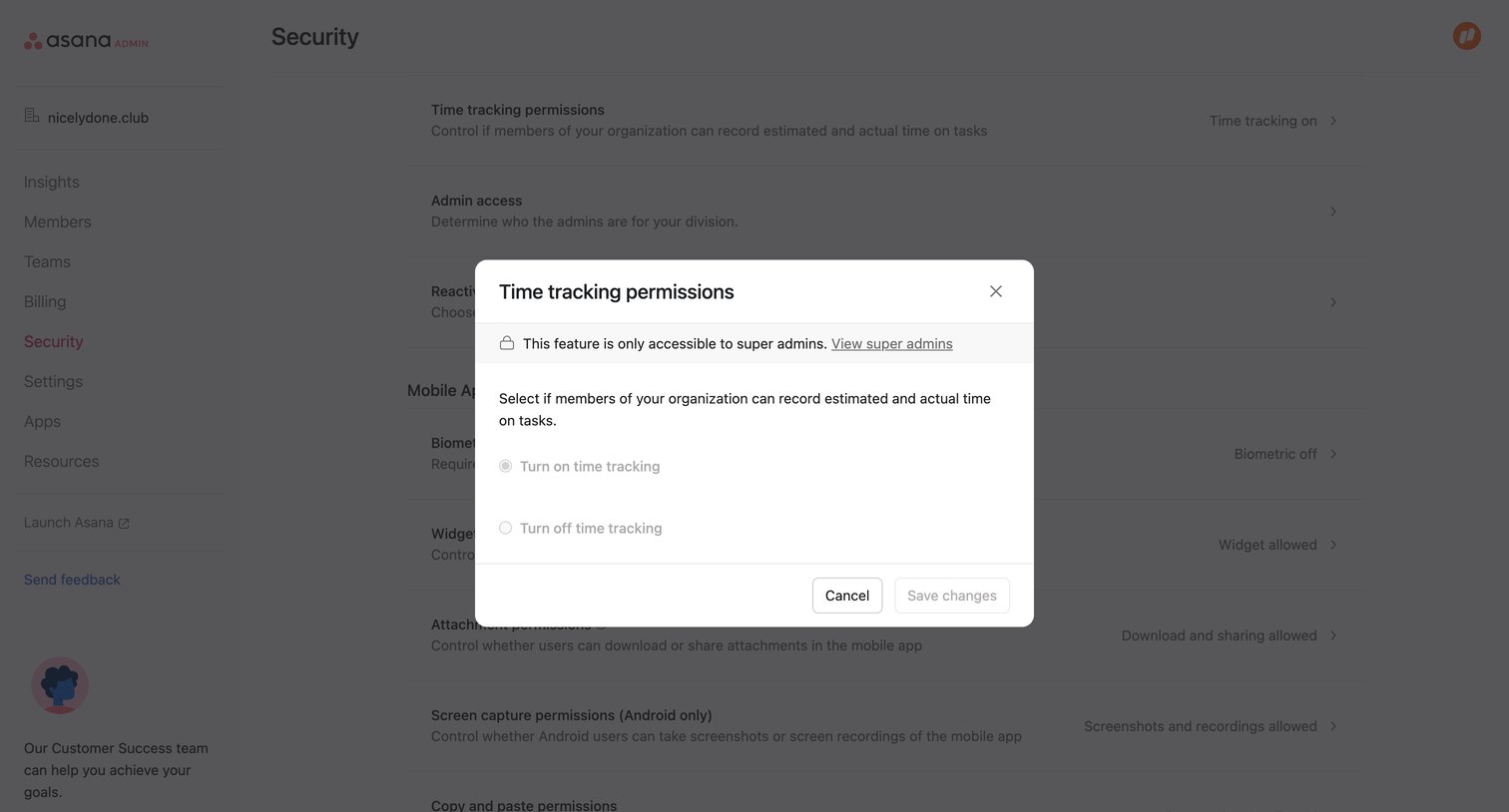

Admin security settings page with a modal open to configure time tracking permissions, showing a restriction notice for super admins.
Explore the full SaaS screen library
Upgrade to unlock the full library.
Trusted by the best teams







